Selecione / @ personagem, descreva a cena que você deseja gerar.
0/2000
9:16
1K
1
Modo Ilimitado do Banana Pro
Criações
Hub de Ideias
Como funciona
Todos
Recursos populares
Ver tudo
Desafio Criativo de Halloween
Ver tudo
História de Frutas com IA
Ver tudo
Vídeo de História com IA
Ver tudo
Vídeos Virais Hoje
Ver tudo
Vídeos de Produto com IA
Ver tudo
Personagem AI
Ver tudo
Tendências de Dança
Ver tudo
GPT Image 2
Ver tudo
Seedance 2.0
Ver tudo
Correspondência de Celebridade por IA
Ver tudo
Dicas de Poses para Casais
Ver tudo
Prompts de Poses de Garota AI Estética
Ver tudo
Sugestões de Pose de Garoto Elegante com IA
Ver tudo
Lista de geração
As criações são armazenadas por apenas 7 dias. Os recursos criados após o upgrade para um plano de assinatura serão armazenados permanentemente.
Desbloqueie seu potencial criativo e experimente a magia da IA de mídia hoje!
Filtro de Câmera Descartável para Edições de Fotos Retrô Realistas com Flash
Transforme suas fotos existentes em instantâneos de filme descartável convincentes com granulação, flash intenso, contraste desbotado e mudanças de cor nostálgicas. O Media.io ajuda você a criar um filtro de câmera descartável visual online para festas, casamentos, shows e registros do cotidiano — rápido, baseado no navegador e fácil de ajustar. Este fluxo de trabalho é especialmente útil para filtro de câmera descartável dos anos 90.
Digite sua ideia -> A IA cria o design. Grátis para experimentar.
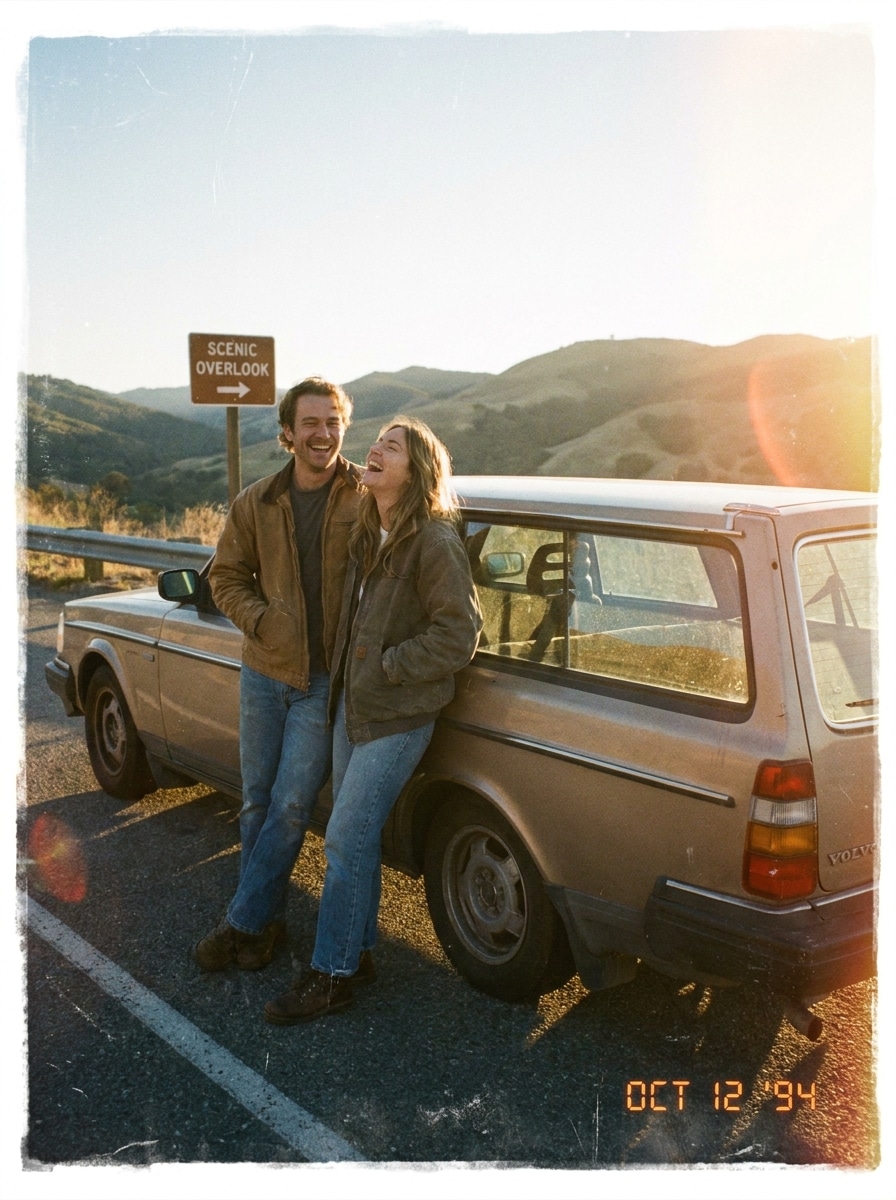
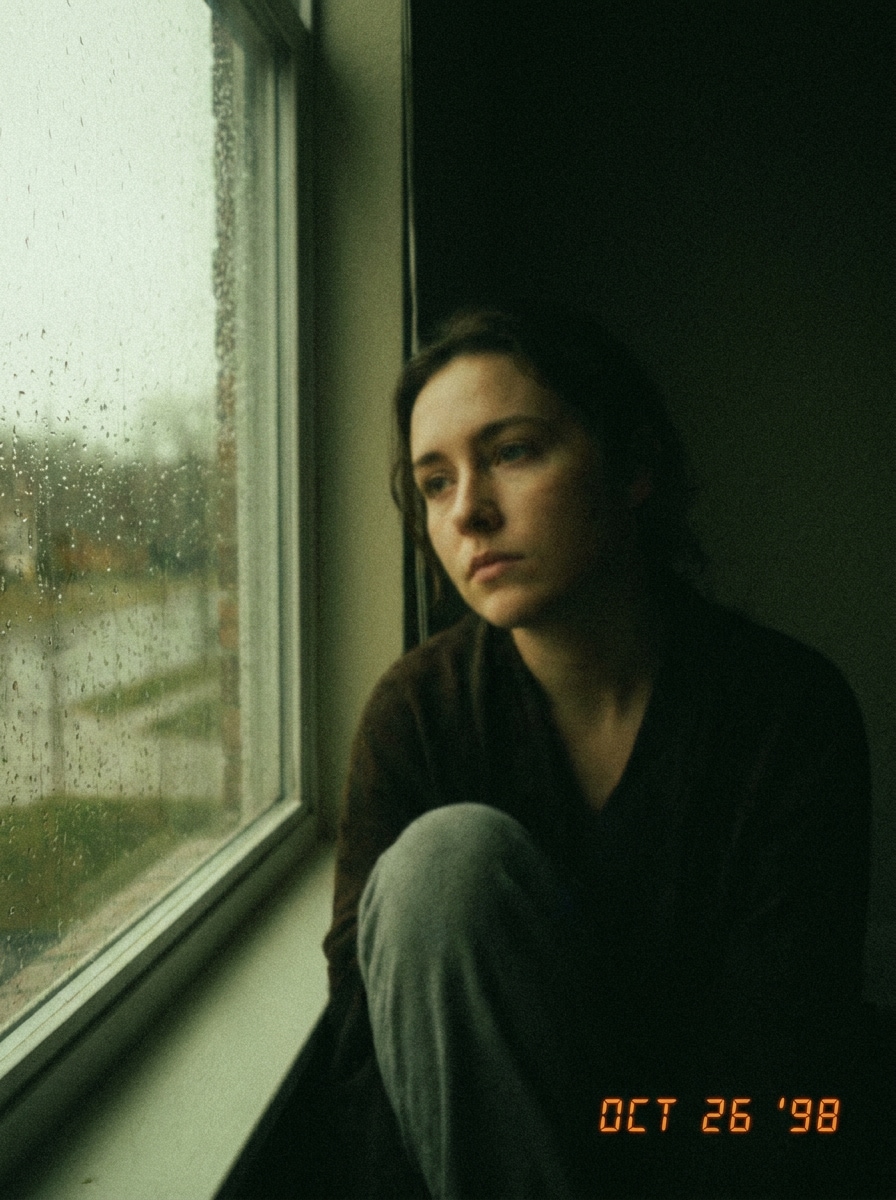
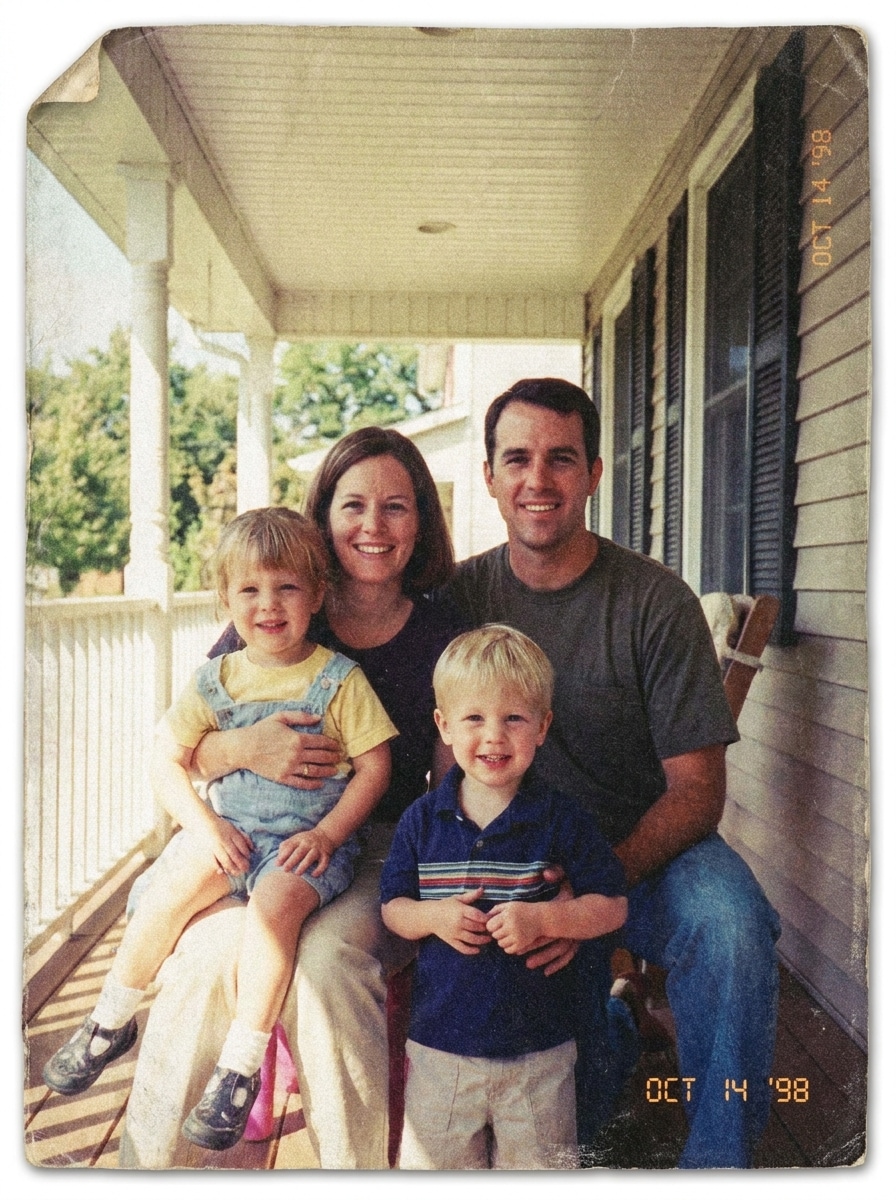
Revise estes exemplos de direções e personalize os detalhes do prompt para obter resultados mais fortes com este efeito de câmera descartável no Media.io. Também é uma opção prática para filtro de foto de câmera descartável.
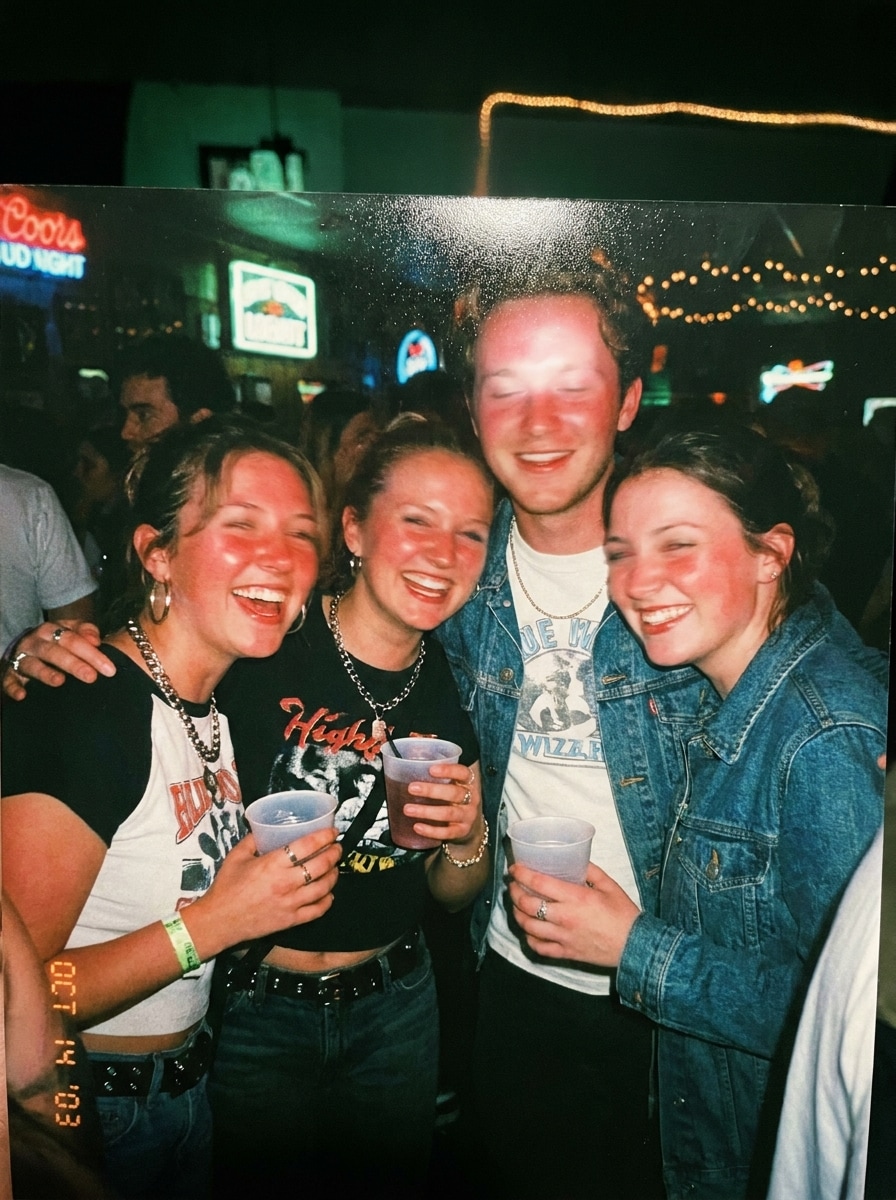
Flash Direto na Vida Noturna
Use a imagem enviada como tema e transforme-a em um autêntico instantâneo de festa com um forte estilo de câmera descartável com flash direto. Adicione flash frontal intenso, granulação pesada, luzes levemente estouradas, foco suave, leve desfoque de movimento, tons de pele quentes, sombras com tom esverdeado, pretos desbotados, enquadramento casual e uma energia autêntica de vida noturna do início dos anos 2000.
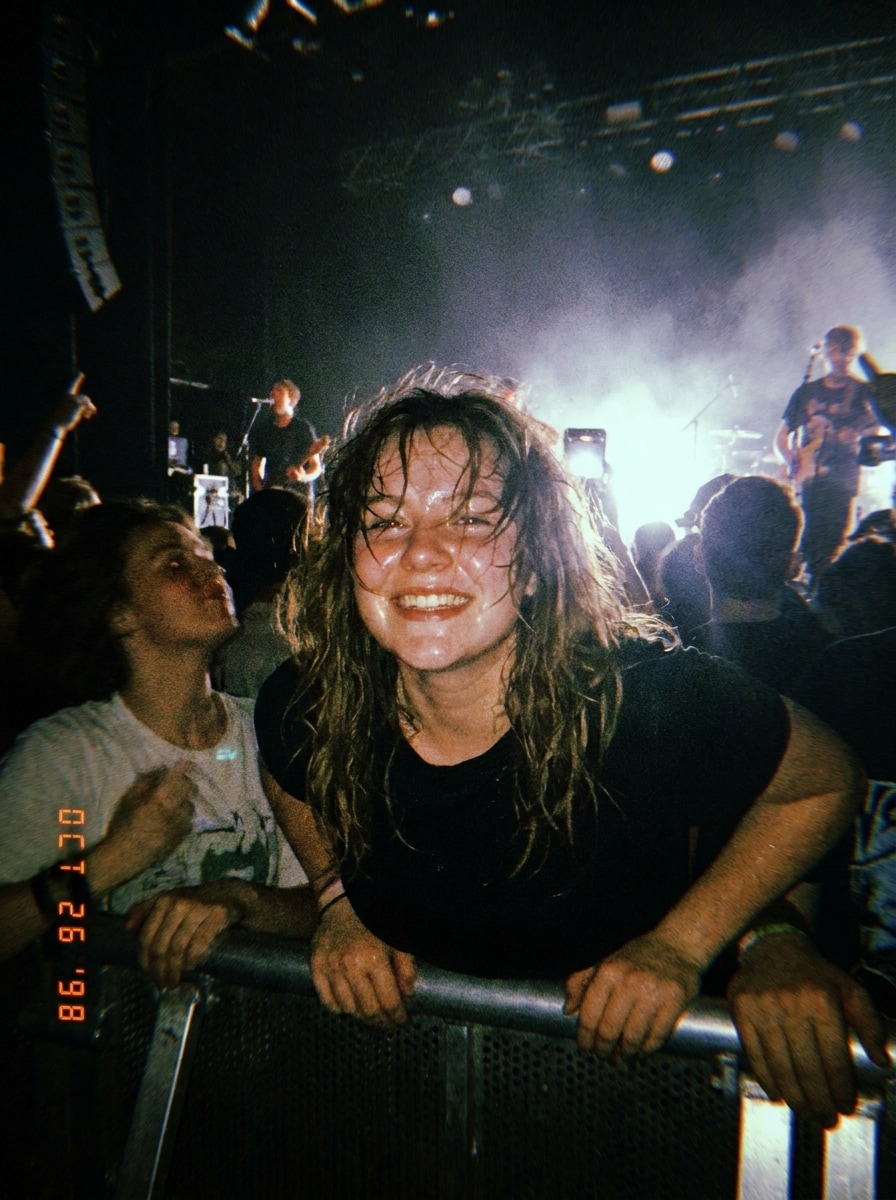
Instantâneo de Show
Use a imagem enviada como tema e reestilize-a como uma foto de show tirada com câmera descartável. Crie flash frontal intenso, granulação pesada, ruído de cor, ambiente de pouca luz, detalhes suaves, exposição imperfeita, fundo escuro e misterioso, enquadramento candid energético e uma sensação espontânea de música ao vivo com realismo convincente de câmera compacta.
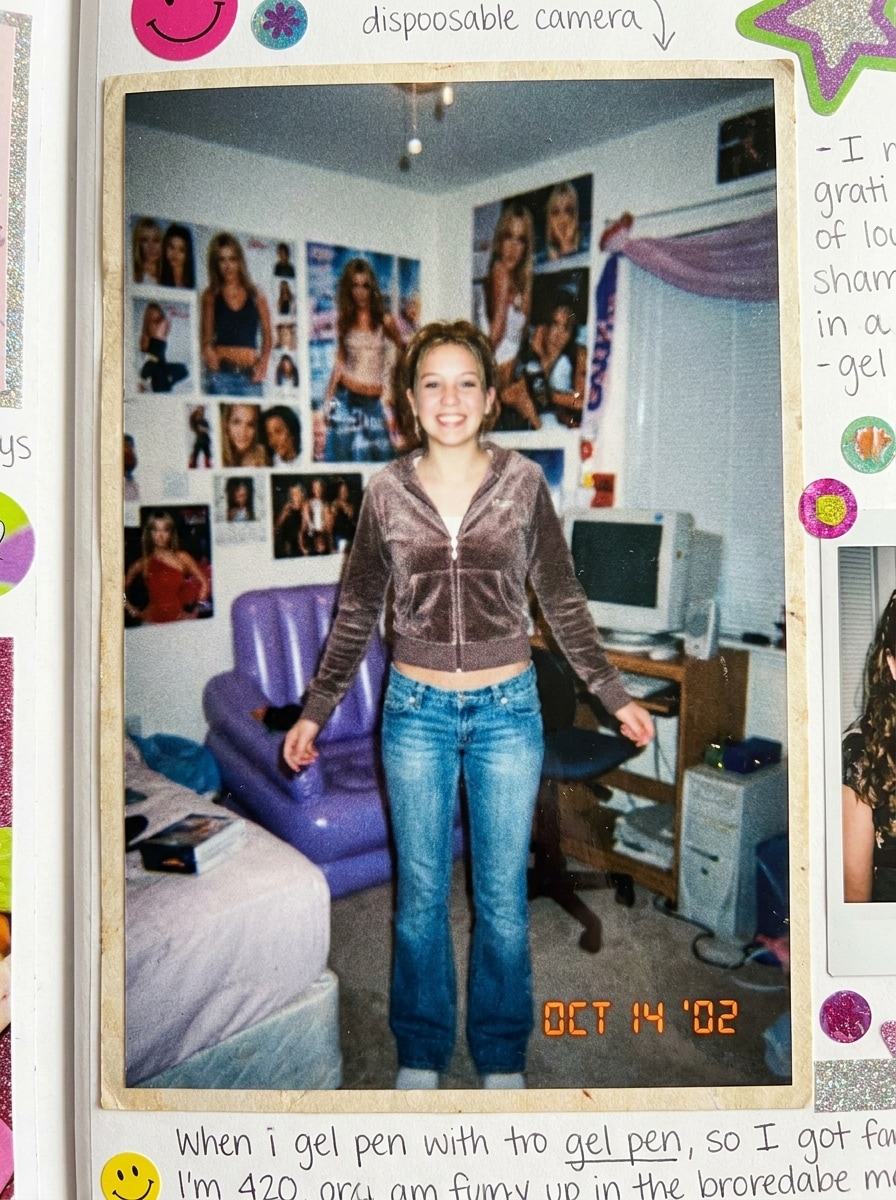
Retro com Carimbo de Data
Use a imagem enviada como tema e dê a ela uma transformação nostálgica de câmera descartável Y2K. Adicione granulação de filme realista, cores levemente desbotadas, contraste esmaecido, desfoque sutil, flash intenso, um carimbo de data laranja opcional em um canto, textura de impressão de loja de conveniência e o charme lúdico da era do scrapbook.
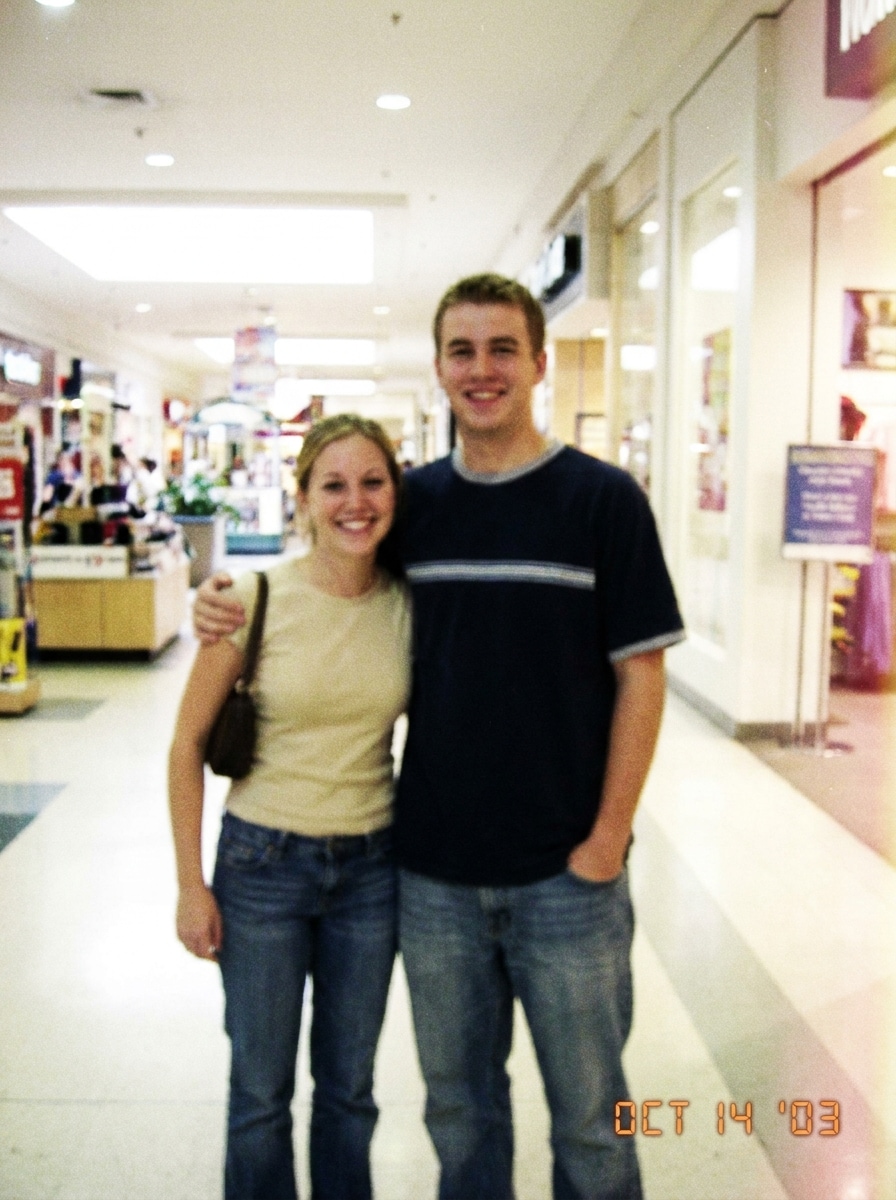
Impressão de Foto de Shopping
Use a imagem enviada como tema e faça-a parecer uma antiga impressão de foto de shopping dos anos 2000. Adicione foco suave, baixo alcance dinâmico, leve dominante de cor magenta-amarelo, granulação visível, suavidade de impressão em papel, luzes desbotadas, composição candid casual e um realismo levemente imperfeito de filme para consumidor.
Câmera de Mesa de Casamento
Use a imagem enviada como tema e transforme-a em uma romântica foto tirada com câmera de mesa em casamento. Aplique flash autêntico de câmera compacta, tons quentes, granulação fina, leve desfoque, balanço de branco imperfeito, brilho suave nas luzes, clima de recepção candid e a espontaneidade encantadora de fotos de filme capturadas pelos convidados.
Filme de Após a Festa
Use a imagem enviada como tema e crie um visual convincente de filme descartável de após a festa. Adicione brilho de flash, granulação visível, suavidade de movimento, cantos levemente escurecidos, luzes em off-white, fundo ambiente escuro, enquadramento imperfeito, atitude candid e bem-humorada e um clima de evento de madrugada que parece real em vez de polido.
Descartável ao Ar Livre com Luz do Dia
Use a imagem enviada como tema e reestilize-a como uma foto casual com câmera descartável à luz do dia. Adicione tons de céu levemente superexpostos, detalhes suaves, verdes suavizados, granulação leve, dominante de cor quente de filme, brilho natural de ambiente externo, composição simples de instantâneo e realismo candid descontraído.
Viagem de Carro com Câmera Compacta
Use a imagem enviada como tema e faça-a parecer uma nostálgica foto de viagem de carro tirada com câmera descartável. Adicione cores desbotadas pelo sol, granulação visível, suavidade sutil de lente, luzes quentes, enquadramento candid imperfeito, desbotamento leve de impressão e um clima espontâneo de instantâneo de viagem com textura convincente de filme para consumidor.
Filme Indie Subexposto
Use a imagem enviada como tema e aplique um discreto efeito de câmera descartável indie. Crie ambiente subexposto, tons suavizados, textura de granulação, desfoque suave, mudança de cor realista, contraste reduzido, enquadramento candid intimista e um clima editorial lo-fi que parece naturalmente imperfeito.
Desbotamento de Impressão de Farmácia
Use a imagem enviada como tema e converta-a em uma impressão desbotada de filme descartável de farmácia. Adicione contraste suavizado, leve envelhecimento amarelo-magenta, textura semelhante a impressão, granulação visível, baixa nitidez, luzes pálidas e o realismo nostálgico do antigo processamento de fotos em lojas de conveniência.
Por Que Usar o Media.io para um Efeito de Câmera Descartável
Envie Qualquer Foto e Reestilize Rapidamente
Trabalhos baseados em referência precisam de mais do que uma simples mudança de estilo. O Media.io ajuda a manter os principais detalhes de identidade reconhecíveis enquanto reformula o visual do filtro de câmera descartável, para que o resultado pareça pessoal em vez de genérico.
Encontre o Estilo Certo para Cada Versão
Para revisões criativas, o Media.io permite comparar múltiplas direções a partir do mesmo ponto de partida do efeito de câmera descartável, facilitando a escolha do clima certo sem atrasar o processo de tomada de decisão.
Gere Resultados Mais Nítidos em até 4K
Quando um visual de filtro de câmera descartável está destinado a uso real de publicação, o Media.io oferece saída mais nítida em até 4K, o que ajuda a manter a imagem clara em apresentações, planos de fundo e ativos reutilizados.
Edite no Navegador pelo Celular ou Desktop
As ideias nem sempre surgem na sua configuração principal. O Media.io permite criar e refinar um visual de filtro de câmera descartável vsco no navegador, para que a transição entre celular e desktop seja tranquila em vez de perturbadora.
Como Aplicar um Filtro de Câmera Descartável Online
Transforme suas palavras em visuais impressionantes em três etapas simples e continue refinando o resultado se quiser ir mais longe.
Etapa 1
Envie Sua Imagem de Referência
Comece com uma foto clara em JPG, PNG ou JPEG que você deseja reestilizar. Retratos de festas, registros candid de casamentos, fotos de shows, fotos de viagem e selfies funcionam bem quando o tema está visível e a imagem original tem uma iluminação decente.
Etapa 2
Descreva a Mudança e Configure as Opções
Diga ao Media.io o visual retrô exato que você deseja, como flash intenso, granulação, pretos desbotados, sombras com tom verde, desfoque suave ou um visual de filtro de câmera descartável kodak. Em seguida, escolha seu modelo e ajuste a proporção, resolução ou o número de variações de imagem.
Etapa 3
Gere, Baixe e Continue Melhorando
Crie suas versões editadas, compare os resultados e baixe a que parecer mais autêntica. Se necessário, refine o prompt, experimente outro modelo ou gere mais variações até que seu filtro de foto de câmera descartável pareça certo para publicar ou imprimir.
Desbloqueie o Potencial do Efeito de Câmera Descartável
Veja como criadores usam este filtro de câmera descartável para conteúdo, marketing e projetos pessoais e adapte cada ideia para se encaixar no objetivo.
Faça as Fotos de Festa Parecerem Mais Candid Instantaneamente
Transforme fotos digitais nítidas em memórias cheias de flash com granulação, desfoque e enquadramento imperfeito que se encaixam em publicações de vida noturna, álbuns de aniversário e carrosséis de reuniões. O Media.io facilita criar um filtro de câmera descartável kodak visual sem empilhar manualmente múltiplos efeitos de edição.
Crie Nostalgia de Câmera de Convidado em Casamentos
Reestilize retratos de recepção, momentos na pista de dança e instantâneos de mesa para que pareçam ter vindo de uma câmera descartável de convidado. O Media.io ajuda a criar aquele clima vintage de câmera compacta para scrapbooks, cartões de agradecimento e galerias de destaque com um tom emocional mais caloroso.
Crie Conteúdo Retrô Y2K e do Cotidiano
Dê a selfies, fotos de espelho, quadros de viagens de carro e fotos ao ar livre casuais um acabamento retrô convincente para moodboards e narrativas nas redes sociais. O Media.io é ideal quando você quer uma estética throwback semelhante a um aplicativo clássico de câmera de filme, mas com controle mais fácil baseado no navegador.
O Que os Usuários Dizem Sobre Este Filtro de Câmera Descartável
Ava M.
Criadora de Conteúdo de Lifestyle
"Parece um filme flash de verdade" Eu queria que minhas fotos de festa parecessem menos polidas e mais autênticas. O Media.io me deu aquele visual granulado com flash, pretos desbotados e desfoque suave de uma forma que realmente se assemelhava a fotos antigas de câmera descartável.
Jordan R.
Editor de Conteúdo para Casamentos
"Ótimo para registros candid de recepção" Usei em um lote de imagens de casamento para recriar o estilo de câmera de mesa de convidados. Os resultados ficaram quentes, imperfeitos e nostálgicos, e o fluxo de trabalho no navegador foi muito mais fácil do que enviar tudo por um aplicativo de celular.
Mia T.
Fotógrafa Estudante
"Edições de antes e depois fáceis" Testei fotos de shows e viagens de carro com diferentes prompts e obtive variações fortes rapidamente. É útil quando você quer um visual de filme descartável, mas ainda precisa de controle sobre o enquadramento, a resolução e a intensidade do efeito.
Leo S.
Gerente de Redes Sociais
"Útil no desktop e no celular" A maioria das ferramentas que encontrei era focada em aplicativos, mas eu precisava de algo que pudesse usar no meu laptop enquanto planejava publicações. O Media.io me permitiu fazer upload, ajustar e baixar edições retrô sem trocar de dispositivo.
Explore os efeitos de vídeo e imagem de IA mais quentes
Perguntas Frequentes sobre Filtro de Câmera Descartável
1. Como posso fazer uma foto parecer que foi tirada com uma câmera descartável?
Geralmente você pode obter um primeiro rascunho rapidamente no Media.io e depois melhorá-lo com edições curtas de prompt em vez de reconstruir todo o design do zero.
2. Quais configurações criam o filtro de câmera descartável mais realista?
O resultado mais convincente geralmente vem da combinação de granulação visível, flash intenso ou frontal, pretos levemente desbotados, desfoque suave, balanço de branco imperfeito e uma leve dominante de cor verde, amarela ou magenta. No Media.io, você pode guiar esse realismo pelo seu prompt, escolher um modelo adequado e ajustar proporção, resolução e número de variações para testar diferentes visuais.
3. Posso aplicar um efeito de câmera descartável a uma imagem existente online?
O Media.io é um editor de imagem para imagem baseado no navegador, então você pode fazer upload de um JPG, PNG ou JPEG existente e aplicar uma transformação no estilo de câmera descartável online. Isso o torna útil para transformar fotos digitais em edições retrô de festa, casamento, show ou com inspiração Y2K sem instalar nenhum software.
4. Existe um filtro de câmera descartável gratuito para fotos?
O Media.io oferece créditos gratuitos para que você possa experimentar uma edição de foto no estilo de câmera descartável antes de fazer upgrade. Usuários gratuitos podem ver marcas d'água, enquanto os planos pagos suportam downloads em alta resolução sem marca d'água e mais uso através da página de preços.
5. O filtro de câmera descartável manterá a qualidade da minha imagem suficientemente alta para publicar ou imprimir?
O Media.io suporta opções de saída em 1K, 2K e 4K, o que ajuda a manter sua foto editada nítida o suficiente para publicação nas redes sociais e muitos usos de impressão. Você também pode escolher proporções que se encaixem melhor em feeds, stories, cartões, capas ou layouts de scrapbook, preservando o estilo retrô. Usuários gratuitos podem ter marcas d'água.
6. Este efeito de câmera descartável funciona no iPhone, Android e desktop?
O Media.io funciona no navegador no iPhone, Android, Windows e Mac. Isso significa que você pode iniciar uma edição de filtro de câmera descartável no celular para compartilhamento rápido e refiná-la posteriormente no desktop quando quiser uma tela maior.
Além do Filtro de Câmera Descartável Online com Inteligência Artificial