Selecione / @ personagem, descreva a cena que você deseja gerar.
0/2000
9:16
1K
1
Modo Ilimitado do Banana Pro
Criações
Hub de Ideias
Como funciona
Todos
Recursos populares
Ver tudo
Desafio Criativo de Halloween
Ver tudo
História de Frutas com IA
Ver tudo
Vídeo de História com IA
Ver tudo
Vídeos Virais Hoje
Ver tudo
Vídeos de Produto com IA
Ver tudo
Personagem AI
Ver tudo
Tendências de Dança
Ver tudo
GPT Image 2
Ver tudo
Seedance 2.0
Ver tudo
Correspondência de Celebridade por IA
Ver tudo
Dicas de Poses para Casais
Ver tudo
Prompts de Poses de Garota AI Estética
Ver tudo
Sugestões de Pose de Garoto Elegante com IA
Ver tudo
Lista de geração
As criações são armazenadas por apenas 7 dias. Os recursos criados após o upgrade para um plano de assinatura serão armazenados permanentemente.
Desbloqueie seu potencial criativo e experimente a magia da IA de mídia hoje!
Crie um Mockup de Pôster Realista a Partir do Seu Próprio Design Rapidamente
Transforme sua arte em um mockup de pôster realista online com paredes emolduradas, mesas de estúdio, cenas urbanas e prévias em estilo galeria. Faça upload de um JPG ou PNG, descreva a cena que deseja e gere mockups de pôster refinados para gráficas, portfólios, listagens de ecommerce ou um teste rápido de mockup de pôster gratuito.
Digite sua ideia -> A IA cria o design. Grátis para experimentar.
Revise estes exemplos de diretrizes e, em seguida, personalize os detalhes para obter resultados mais precisos com este Mockup de Pôster do Media.io e crie um mockup de pôster que se encaixe na sua cena.
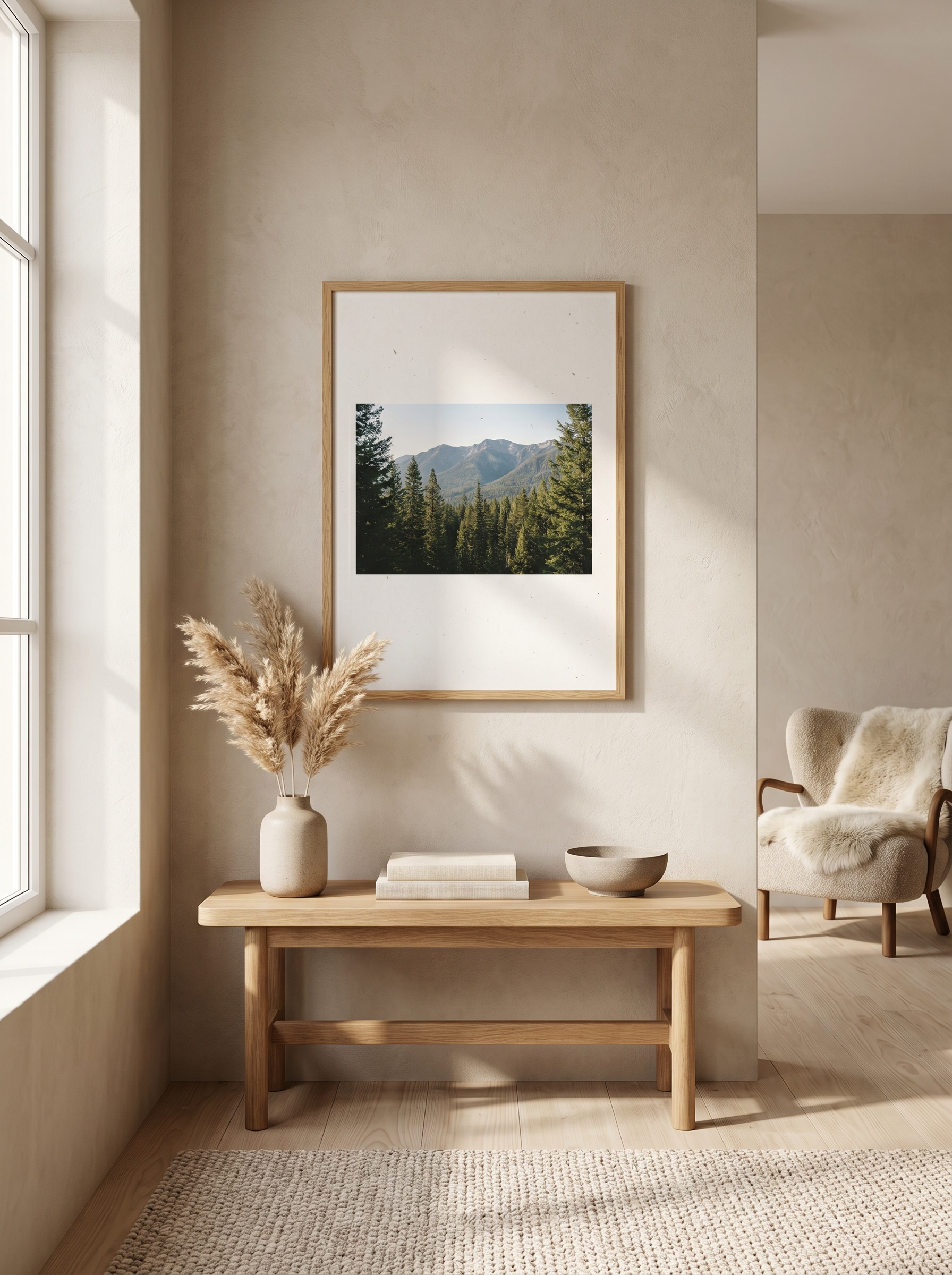
Sala de Estar Escandinava
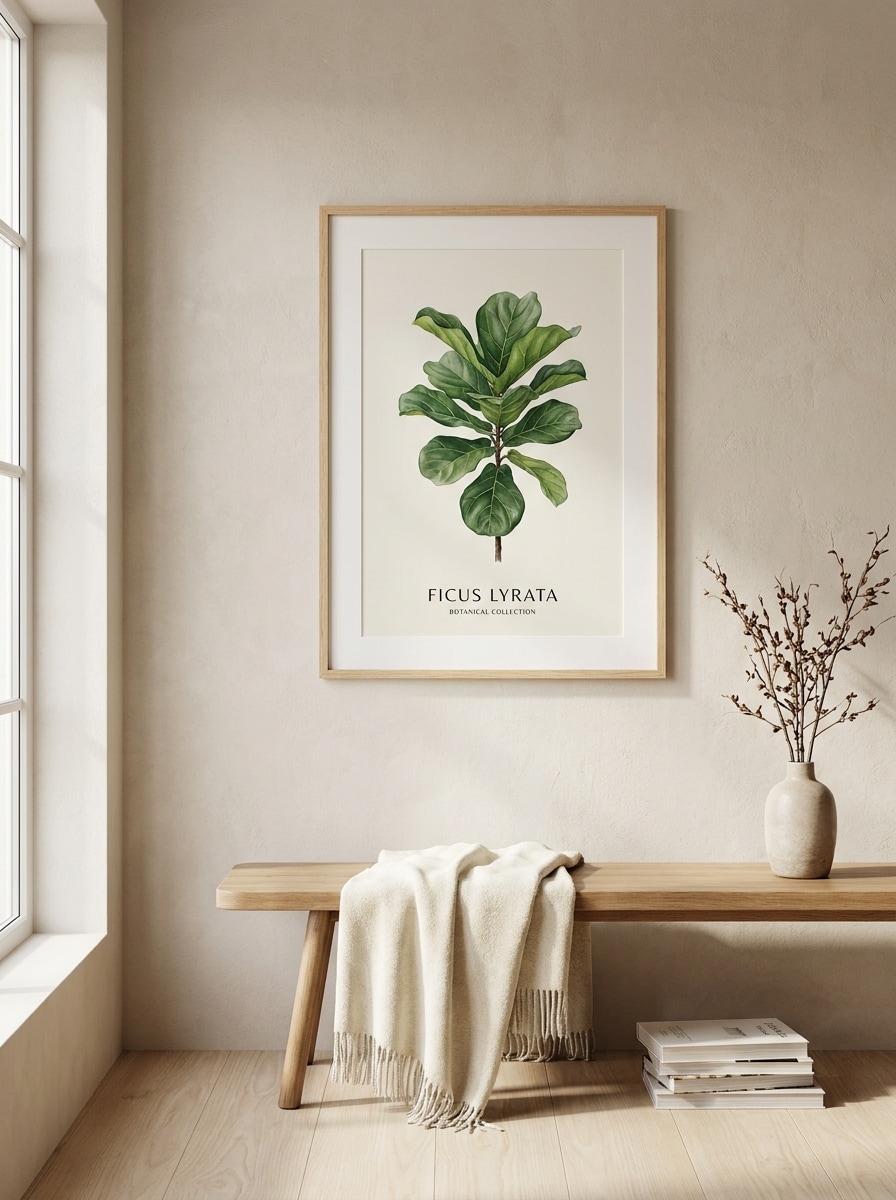
Use a imagem enviada como arte do pôster e transforme-a em uma impressão emoldurada realista exibida em uma sala de estar escandinava clara. Adicione uma moldura de madeira de carvalho, parede de reboco bege, luz suave do dia vinda de lado, decoração discreta, sombras sutis, paleta neutra e quente, estilo editorial de interiores e detalhes de fotografia de produto premium.
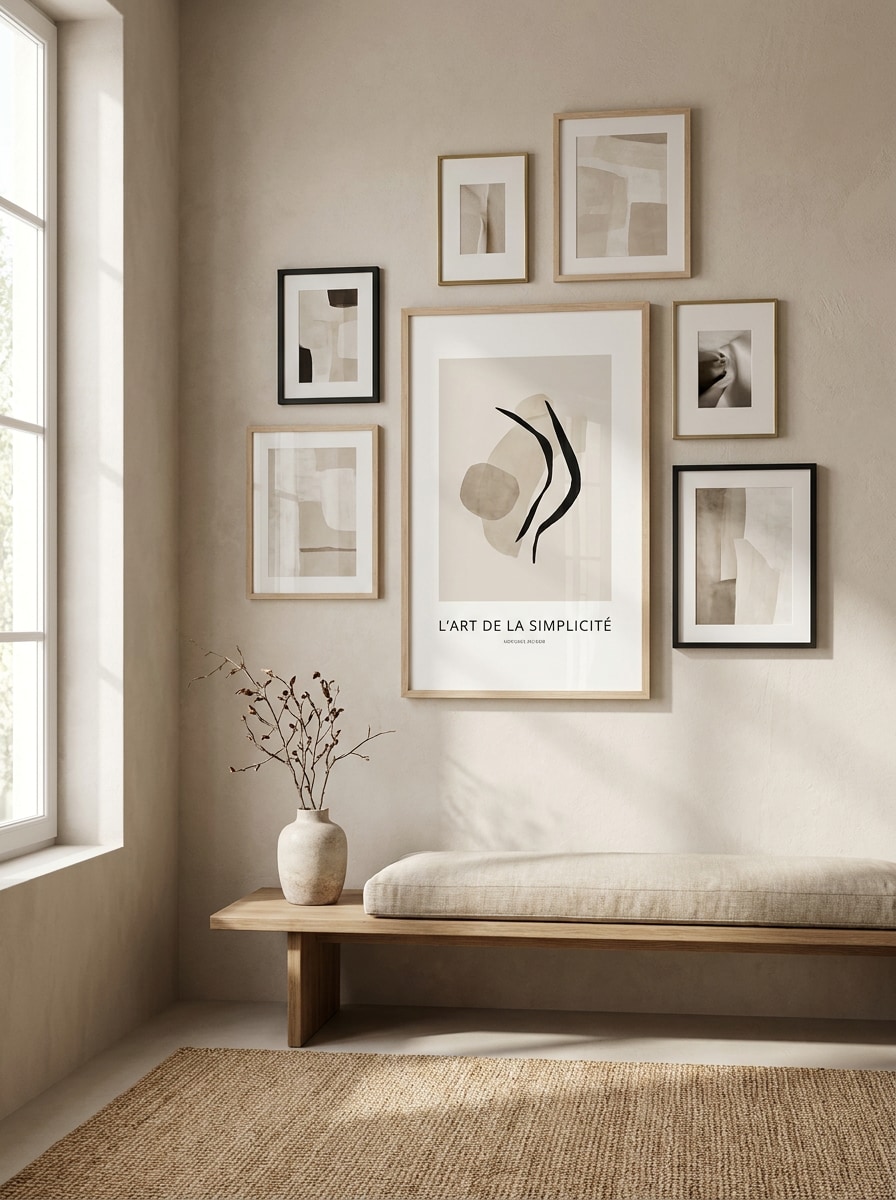
Parede de Galeria Neutra
Use a imagem enviada como design principal do pôster e coloque-a em um mockup de parede de galeria moderna. Mostre múltiplas molduras coordenadas, textura de parede em bege pedra suave, luz natural difusa, espaçamento elegante, clima de lifestyle tranquilo, estilo de decoração residencial refinado e profundidade realista para que a obra pareça pronta para apresentação em interiores.
Cena de Mesa de Designer
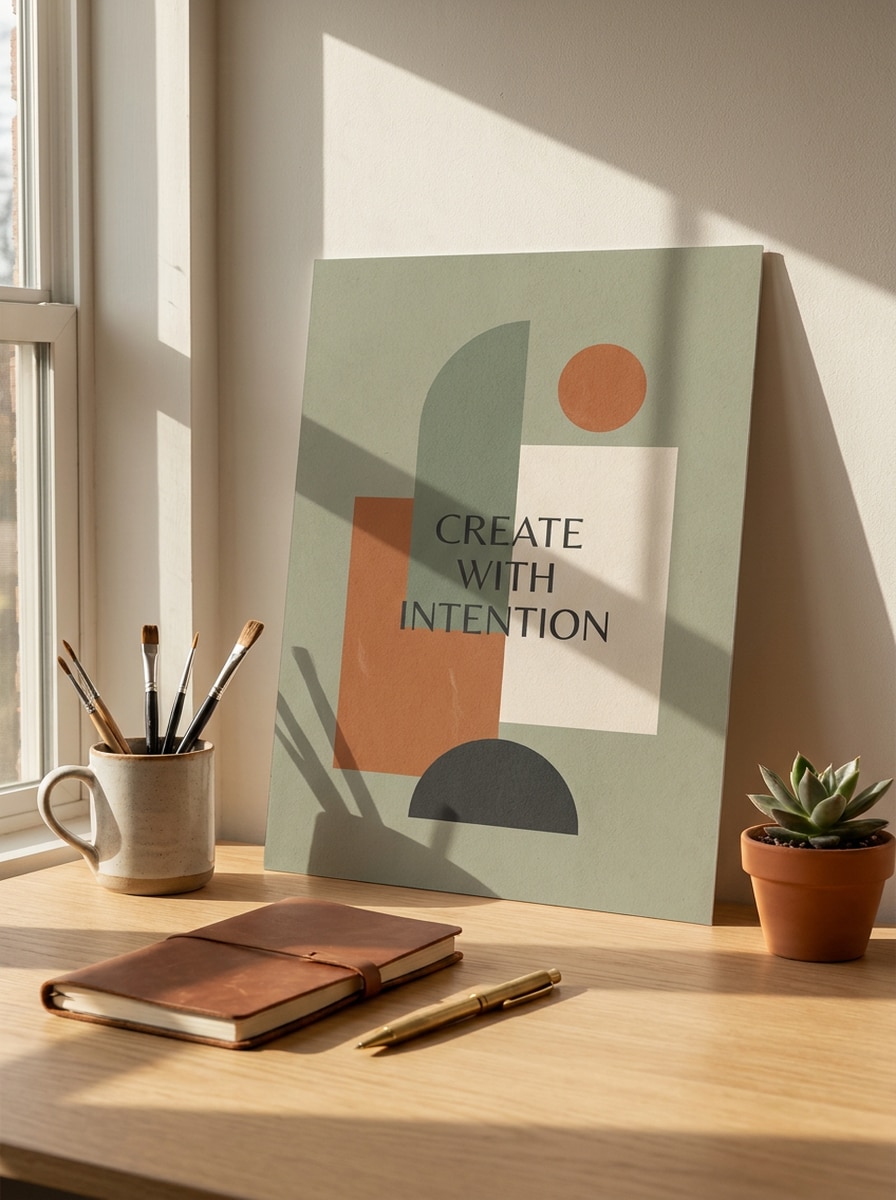
Use a imagem enviada como impressão do pôster e transforme-a em um mockup de mesa de estúdio criativo. Mostre o pôster apoiado perto de um espaço de trabalho moderno com livros, uma luminária e papelaria discreta, iluminação ambiente quente, textura de papel realista, composição limpa, sombras estilosas e uma atmosfera premium de estúdio de design.
Apresentação para Gráfica
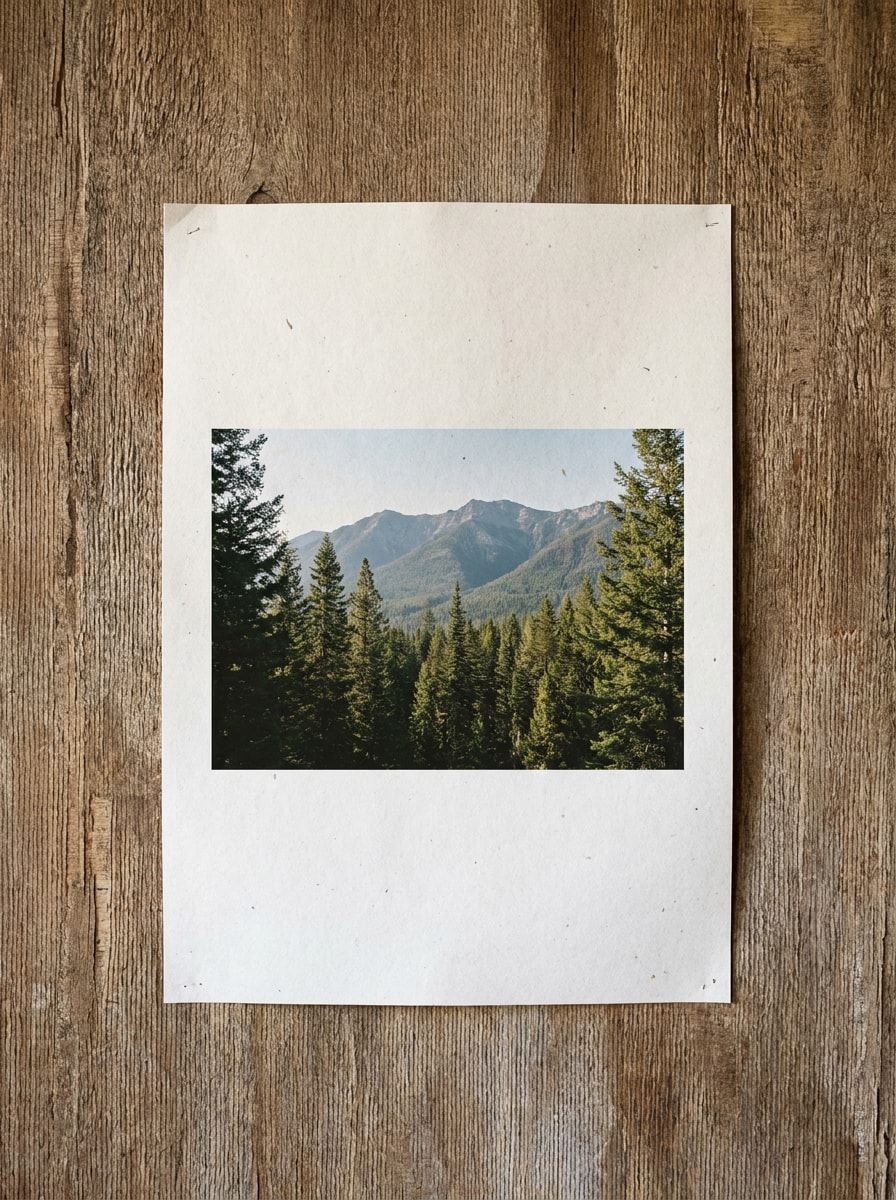
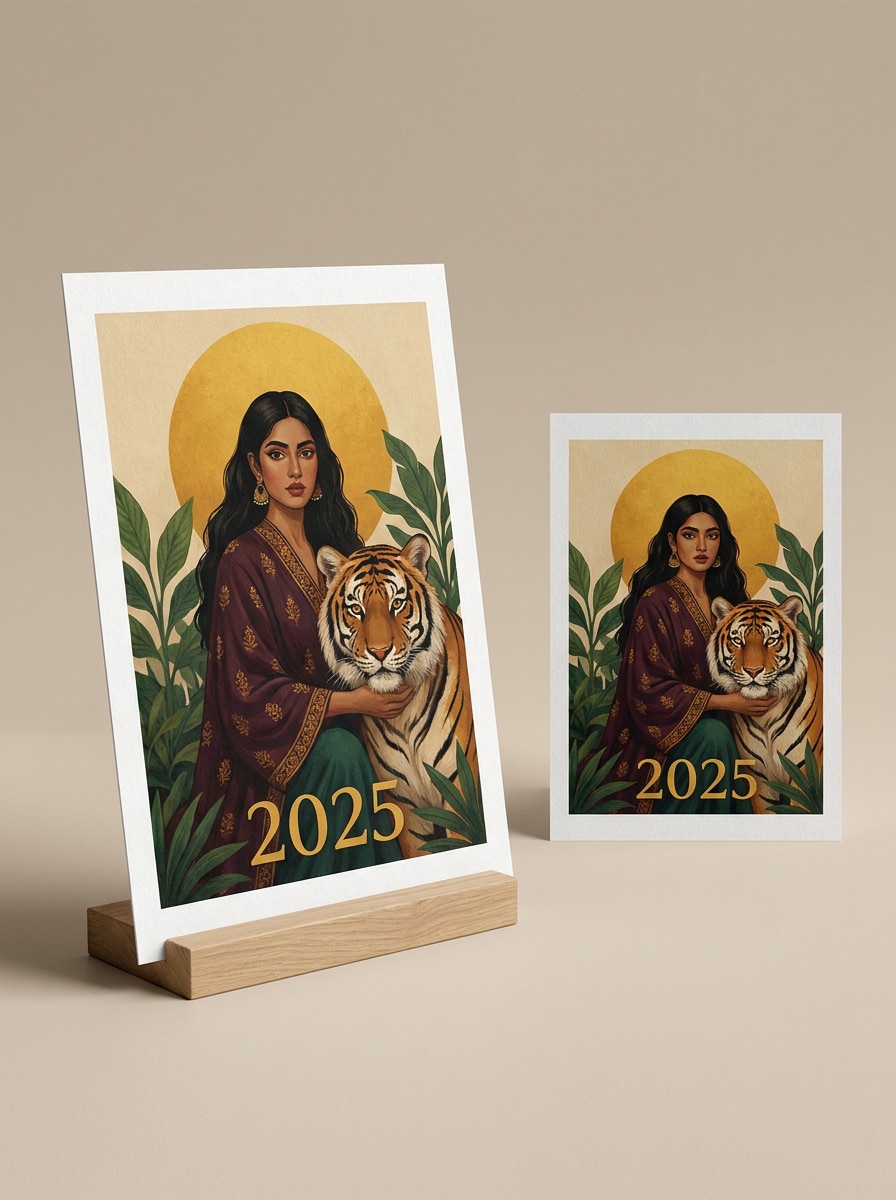
Use a imagem enviada como obra em destaque e transforme-a em um mockup de produto de impressão premium. Mostre um pôster na vertical e uma versão em exibição plana, borda branca nítida, textura de papel refinada, iluminação limpa para ecommerce, composição organizada, sombras suaves e uma apresentação comercial ideal para prévias de vitrine ou catálogo.
Parede de Pôster de Rua
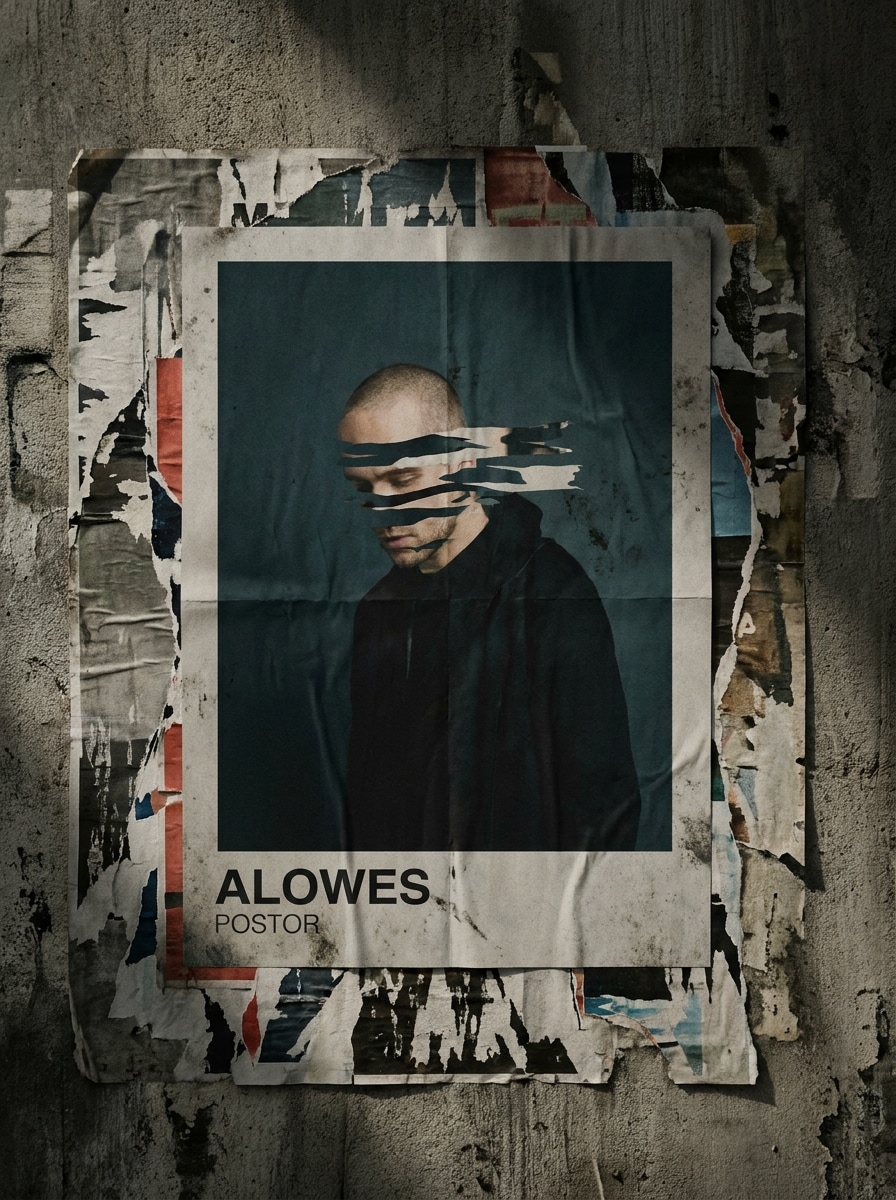
Use a imagem enviada como design do pôster e aplique-a a uma parede urbana com colagem estilo wheatpaste. Adicione camadas de pôsteres rasgados ao redor, textura de concreto bruto, dobras realistas, desgaste sutil, perspectiva de rua inclinada, luz do dia sombria e forte contraste visual, mantendo a arte enviada claramente reconhecível.
Pôster de Anúncio no Metrô
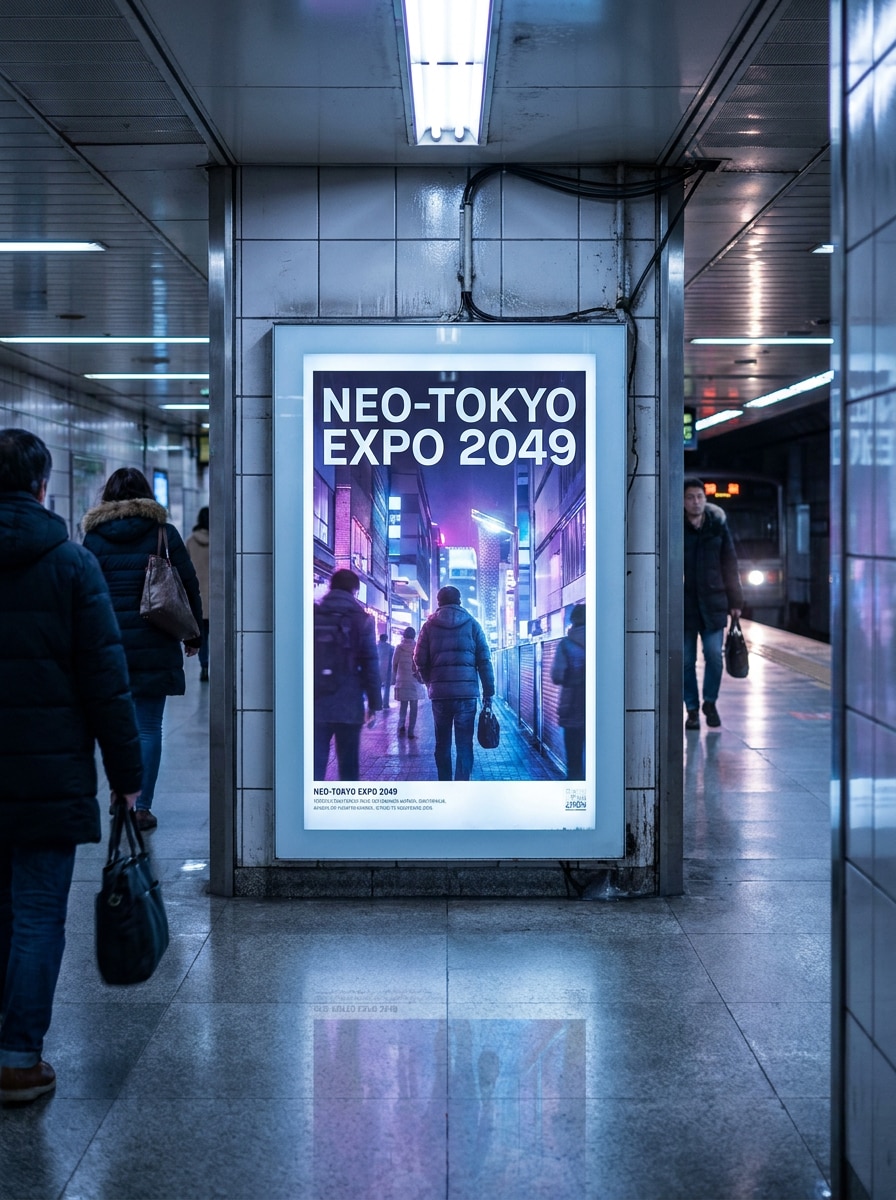
Use a imagem enviada como arte publicitária e coloque-a dentro de um display de pôster de metrô realista. Crie um painel com iluminação traseira, perspectiva cinematográfica da estação, reflexos polidos no piso, presença sutil de passageiros, iluminação urbana fria, visibilidade nítida da marca e um visual comercial limpo adequado para promoção de campanhas ou eventos.
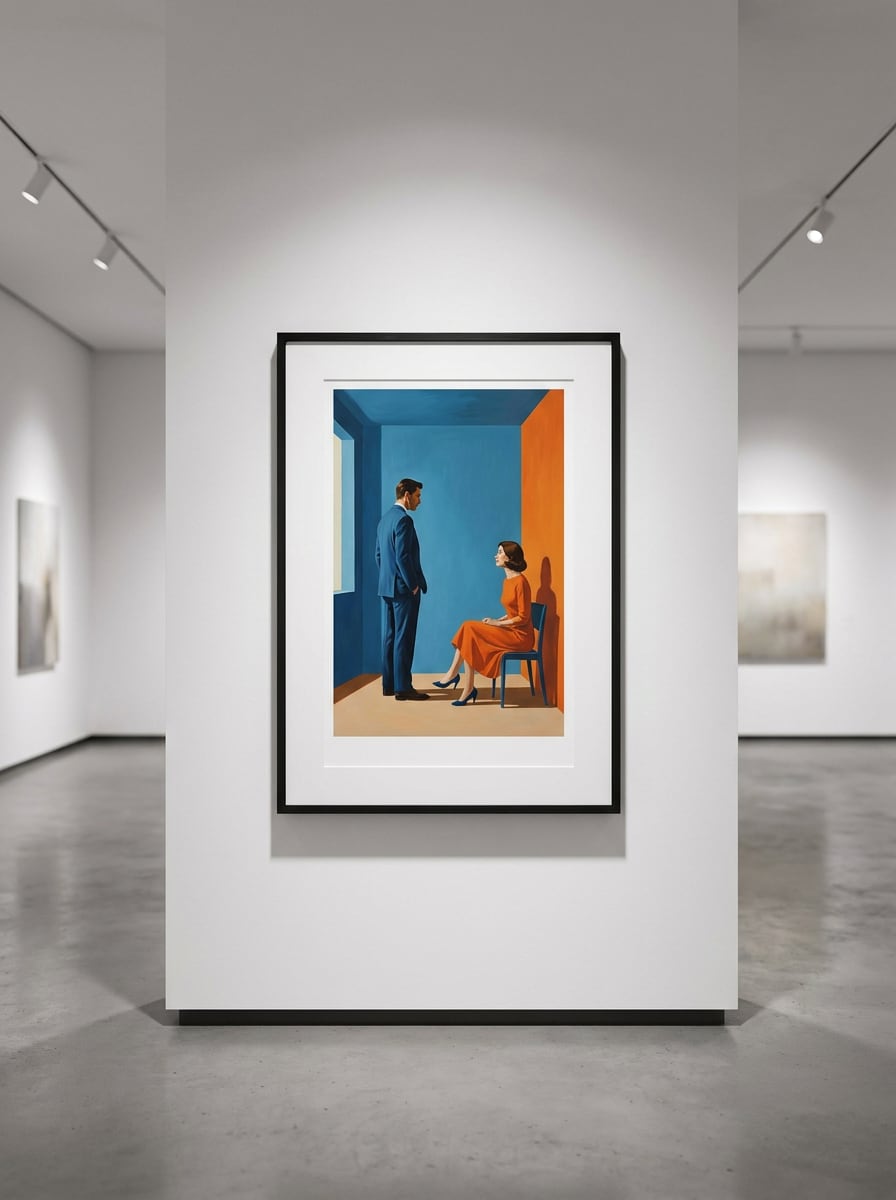
Exibição em Moldura de Museu
Use a imagem enviada como impressão em destaque e transforme-a em uma exibição de parede emoldurada de qualidade museológica. Adicione uma moldura refinada, paredes brancas de galeria, iluminação direcional de exposição, sombras elegantes, composição espaçosa, clima sofisticado e tranquilo, e uma apresentação realista de galeria de arte que faça a peça parecer colecionável e premium.
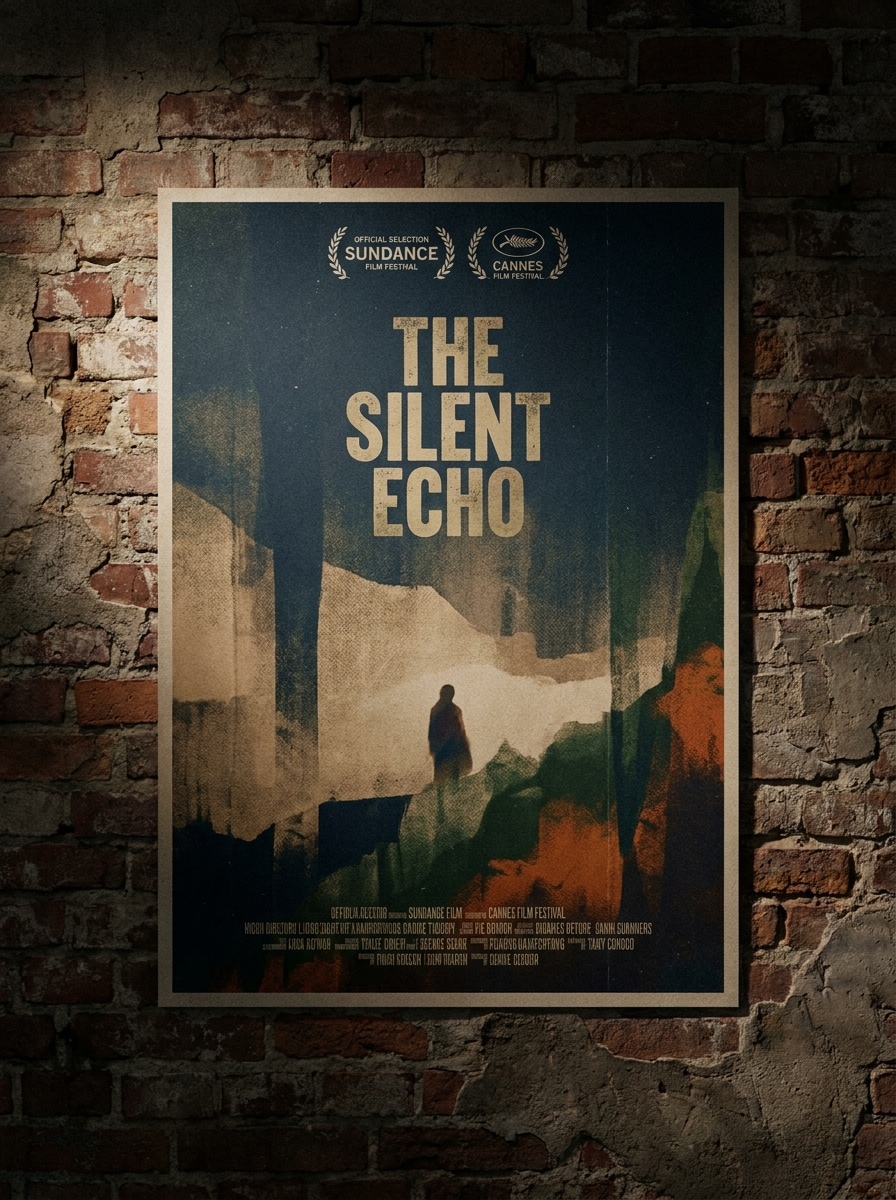
Cena de Pôster de Filme Indie
Use a imagem enviada como design principal e transforme-a em um mockup de pôster de filme indie em uma parede sombria. Adicione iluminação lateral dramática, granulação sutil, acabamento de impressão premium, sombras ricas, tons cinematográficos suaves e uma apresentação em estilo festival que pareça artística, atmosférica e pronta para promoção criativa.
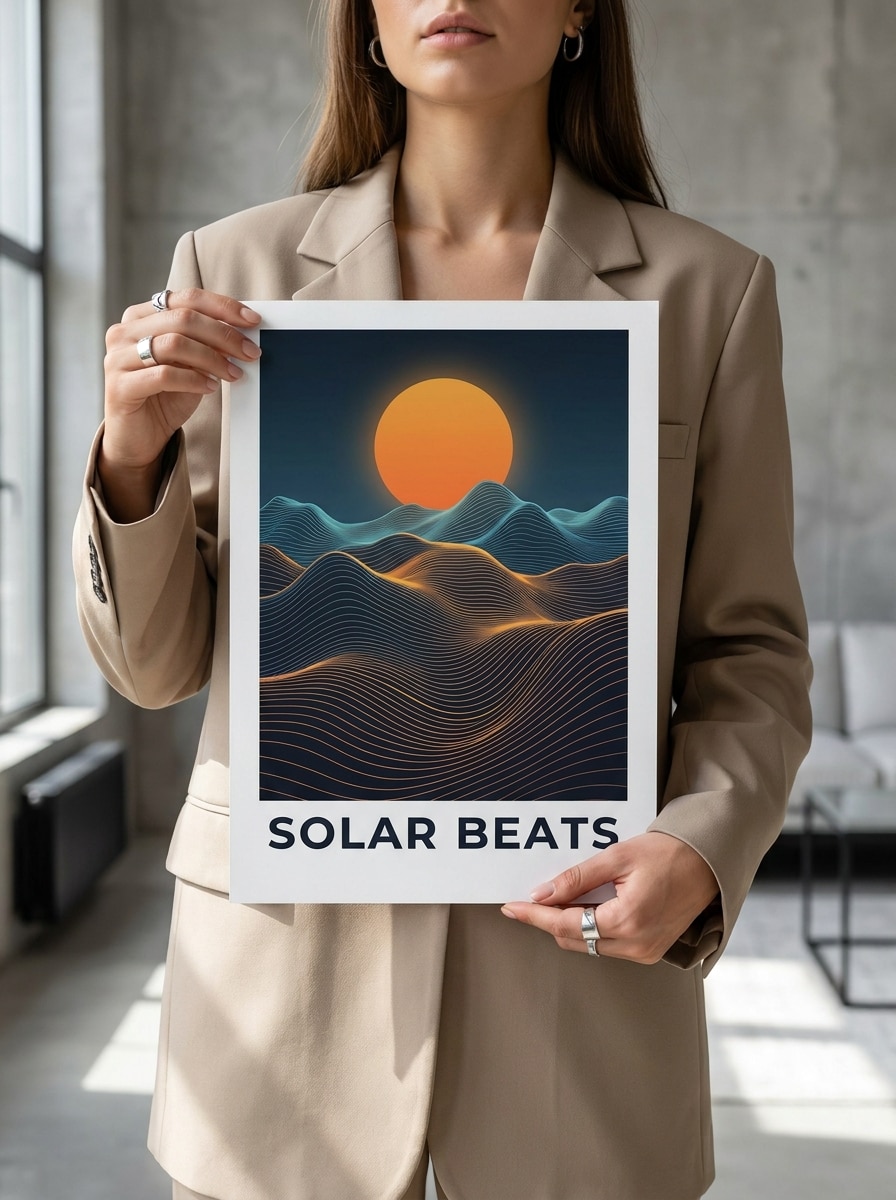
Pôster Segurado na Mão
Use a imagem enviada como impressão do pôster e coloque-a em uma cena de lifestyle onde alguém está segurando a obra. Mantenha as mãos naturais, iluminação suave e editorial, fundo simples, foco nítido no pôster, cores limpas e um clima moderno para que o design permaneça o protagonista visual.
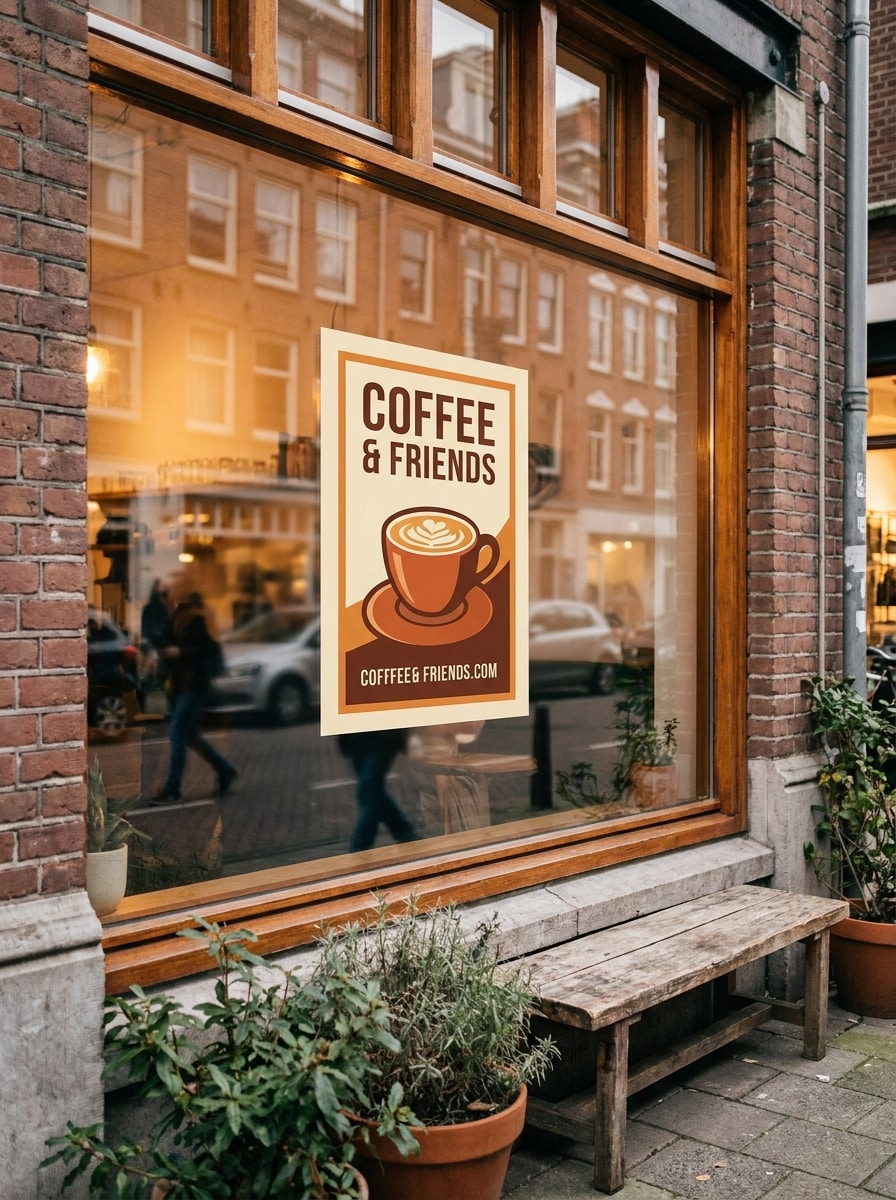
Pôster em Vitrine de Café
Use a imagem enviada como design do pôster e transforme-a em uma exibição elegante na vitrine de um café ou estabelecimento comercial. Adicione reflexos sutis de vidro, um ângulo autêntico ao nível da rua, tons urbanos quentes, detalhes realistas de fixação, luz ambiente suave e um visual de branding refinado adequado para eventos, menus ou campanhas locais.
Por Que Usar o Media.io para Criação de Mockup de Pôster
Transforme Arte Enviada em Cenas do Mundo Real
Se o assunto ainda precisa parecer com ele mesmo após a transformação, o Media.io ajuda a preservar os elementos visuais de identidade enquanto aprimora o estilo final do mockup de pôster, para que a imagem fique polida sem perder o que torna o original reconhecível.
Retrabalhe um Mesmo Assunto em Múltiplos Estilos
Para edições baseadas em upload, o Media.io mantém o assunto de referência visualmente consistente enquanto muda a direção final do mockup de pôster, o que torna os resultados personalizados mais fáceis de usar com confiança.
Visualize Vários Formatos de Pôster Sem Arquivos PSD
Em listagens de ecommerce, atualizações de portfólio ou aprovações de clientes, o Media.io ajuda você a criar visuais de mockup de pôster em diferentes layouts e contextos de publicação, para que você possa apresentar pôsteres, capas, cartões e ativos prontos para redes sociais sem depender de arquivos de mockup em camadas tradicionais.
Mantenha os Visuais Finais Nítidos para Projetos Reais
Alguns projetos precisam de mais do que uma boa prévia, e o Media.io ajuda a gerar um mockup de pôster mais limpo com saída de até 4K para que a imagem final permaneça nítida em papéis de parede, apresentações, mockups de pôsteres e outros fluxos de trabalho com pôsteres.
Como Criar um Mockup de Pôster Online
Transforme suas palavras em visuais impressionantes em três etapas simples e continue refinando o resultado se quiser ir mais longe.
Etapa 1
Faça Upload da Sua Imagem de Referência
Faça upload de um JPG, PNG ou JPEG nítido da sua arte, design de impressão, pôster de evento ou gráfico de produto. Uma imagem fonte limpa facilita transformar seu design plano em arte de parede realista, um mockup de pôster ou uma prévia polida de vitrine.
Etapa 2
Descreva a Alteração e Configure as Opções
Insira um prompt detalhado descrevendo a cena, a moldura, a iluminação, a textura da parede, o clima e a composição que deseja. Em seguida, escolha seu modelo e configure opções como proporção, resolução e o número de variações para seus mockups de pôster.
Etapa 3
Gere, Baixe e Continue Aprimorando
Gere várias versões, compare os resultados e baixe aquela que melhor se encaixa na sua marca ou apresentação. Se necessário, refine o prompt, experimente outro ambiente ou configuração de rua, ou crie mais versões para ecommerce, pitches e uso em redes sociais.
Veja como criadores usam este Mockup de Pôster do Media.io para conteúdo, marketing e projetos pessoais e adapte cada ideia para atender ao briefing.
Exiba Arte Plana em Espaços Internos Reais
Artistas, vendedores de impressões e marcas de decoração residencial podem transformar um simples arquivo de design em cenas de sala emolduradas que parecem prontas para uma vitrine. O Media.io torna prático criar uma prévia gratuita de mockup de pôster, testar ideias de estilo e apresentar trabalhos de forma mais convincente do que um simples upload plano.
Crie Visuais Melhores para Ecommerce e Portfólio
Em vez de depender de templates PSD estáticos, os criadores podem usar o Media.io para gerar cenas de mesa limpas, displays de galeria e fotos de produto em estilo varejo para listagens, decks de pitch e estudos de caso. Funciona especialmente bem quando você deseja visuais variados de mockup de pôster ou até mockups de pôster a partir de um único design de origem.
Apresente Campanhas, Eventos e Conceitos de Rua com Mais Rapidez
Equipes de marketing e criadores independentes podem inserir designs em anúncios de metrô, vitrines de café ou paredes com colagem para visualizar o impacto da campanha antes da produção. Se você pesquisou por um fluxo de trabalho de mockup de pôster gratuito, uma alternativa flexível a PSD ou até um estilo de mockup de cartaz, o Media.io oferece validação de conceito mais rápida.
O Que os Usuários Dizem Sobre Esta Ferramenta de Mockup de Pôster
Maya Chen
Vendedora de Impressões no Etsy
"Ótimo para prévias rápidas de produtos" Eu costumava gastar muito tempo procurando mockups de pôster que combinassem com a estética da minha loja. Com o Media.io, faço upload da minha impressão e obtenho cenas de sala realistas em minutos. É muito mais rápido para testar imagens de listagem.
Jonas Reed
Designer Gráfico Freelancer
"Alternativa útil aos templates PSD" Para apresentações a clientes, frequentemente preciso de mais de um cenário para o mesmo design. Esta ferramenta me ajuda a criar paredes emolduradas, cenas de mesa e versões em estilo urbano sem abrir arquivos de mockup complicados.
Elena Nowak
Gerente de Marketing Criativo
"Ajuda as campanhas a parecerem mais reais" Usamos para visualizar pôsteres de eventos em cenários de metrô e vitrine antes da produção. Os resultados pareceram polidos o suficiente para revisões internas, e as variações rápidas tornaram a seleção de conceitos muito mais fácil.
Chris Walker
Ilustrador
"Simples no desktop e no celular" Experimentei algumas ferramentas de mockup de pôster, mas esta pareceu a mais fácil quando eu só precisava de uma prévia emoldurada realista da minha própria arte. Gosto que posso testar ideias no celular e concluir os downloads no desktop depois.
Explore os efeitos de vídeo e imagem de IA mais quentes
1. Como posso transformar uma imagem em um mockup de pôster online?
Faça upload da sua arte em formato JPG, PNG ou JPEG no Media.io, depois descreva a cena que deseja, como uma parede emoldurada, configuração de mesa, display de galeria ou posicionamento em rua. O Media.io usa seu design enviado como referência, para que você possa gerar uma prévia realista de pôster online sem precisar de arquivos PSD.
2. Existe um gerador de mockup de pôster gratuito que eu possa usar?
O Media.io oferece créditos gratuitos para novos usuários e usuários ocasionais, para que você possa testar um fluxo de trabalho de mockup de pôster antes de fazer upgrade. O uso gratuito pode incluir marcas d'água, enquanto os planos pagos desbloqueiam downloads em alta resolução sem marca d'água e mais créditos na página de preços.
3. Posso criar um mockup de pôster emoldurado realista a partir do meu próprio design?
O Media.io foi desenvolvido para geração de imagens baseada em referência, para que você possa fazer upload do seu próprio design e transformá-lo em uma cena realista de pôster emoldurado. Isso torna o Media.io útil para prévias de arte de parede, imagens de produtos para ecommerce, apresentações de portfólio e aprovações de design de pôster onde sua arte original precisa permanecer reconhecível.
4. Quais tamanhos de pôster e proporções são suportados?
O Media.io suporta proporções flexíveis, incluindo Automático, 1:1, 9:16, 16:9, 4:3, 3:4, 3:2 e 2:3. Isso permite criar uma prévia de pôster de parede, um display de impressão vertical ou um conceito gratuito de mockup de pôster que se encaixa em layouts comuns de apresentação e publicação, tudo em um fluxo de trabalho baseado em navegador que funciona em diferentes dispositivos.
5. O meu mockup de pôster terá resolução suficiente para apresentação ou impressão?
O Media.io oferece opções de resolução de 1K, 2K e 4K, adequadas para decks de pitch, listagens de produtos, páginas de portfólio e apresentações voltadas para impressão. Se precisar de mais detalhes para revisões de clientes ou visuais de loja, escolher uma configuração de saída mais alta ajuda seu mockup de pôster a parecer mais nítido no resultado final. Usuários gratuitos podem ter marcas d'água.
6. Posso criar um mockup de pôster no celular ou apenas no desktop?
Você pode usar o Media.io tanto no celular quanto no desktop porque ele funciona no navegador. Seja verificando uma ideia rápida de mockup de pôster no celular ou criando uma cena mais detalhada em uma tela maior, o Media.io mantém o fluxo de trabalho acessível sem software adicional.