Selecione / @ personagem, descreva a cena que você deseja gerar.
0/2000
9:16
1K
1
Modo Ilimitado do Banana Pro
Criações
Hub de Ideias
Como funciona
Todos
Recursos populares
Ver tudo
Desafio Criativo de Halloween
Ver tudo
História de Frutas com IA
Ver tudo
Vídeo de História com IA
Ver tudo
Vídeos Virais Hoje
Ver tudo
Vídeos de Produto com IA
Ver tudo
Personagem AI
Ver tudo
Tendências de Dança
Ver tudo
GPT Image 2
Ver tudo
Seedance 2.0
Ver tudo
Correspondência de Celebridade por IA
Ver tudo
Dicas de Poses para Casais
Ver tudo
Prompts de Poses de Garota AI Estética
Ver tudo
Sugestões de Pose de Garoto Elegante com IA
Ver tudo
Lista de geração
As criações são armazenadas por apenas 7 dias. Os recursos criados após o upgrade para um plano de assinatura serão armazenados permanentemente.
Desbloqueie seu potencial criativo e experimente a magia da IA de mídia hoje!
Crie um Mockup de Livro Realista Online a Partir da Sua Arte de Capa
Transforme uma capa plana em um mockup de livro sofisticado em minutos. O Media.io ajuda você a gerar visuais de capa dura, brochura, lifestyle e e-commerce para branding de autor, listagens em lojas e promoções — ideal quando você precisa de um gerador de mockup de livro rápido sem o Photoshop.
Digite sua ideia -> A IA cria o design. Gratuito para experimentar.
Revise estes exemplos de direcionamentos e, em seguida, personalize os detalhes do prompt para obter resultados mais eficazes com este mockup de livro, seja para uma renderização de capa única, uma cena de mockup de livro ou uma apresentação no estilo de mockup de livreto.
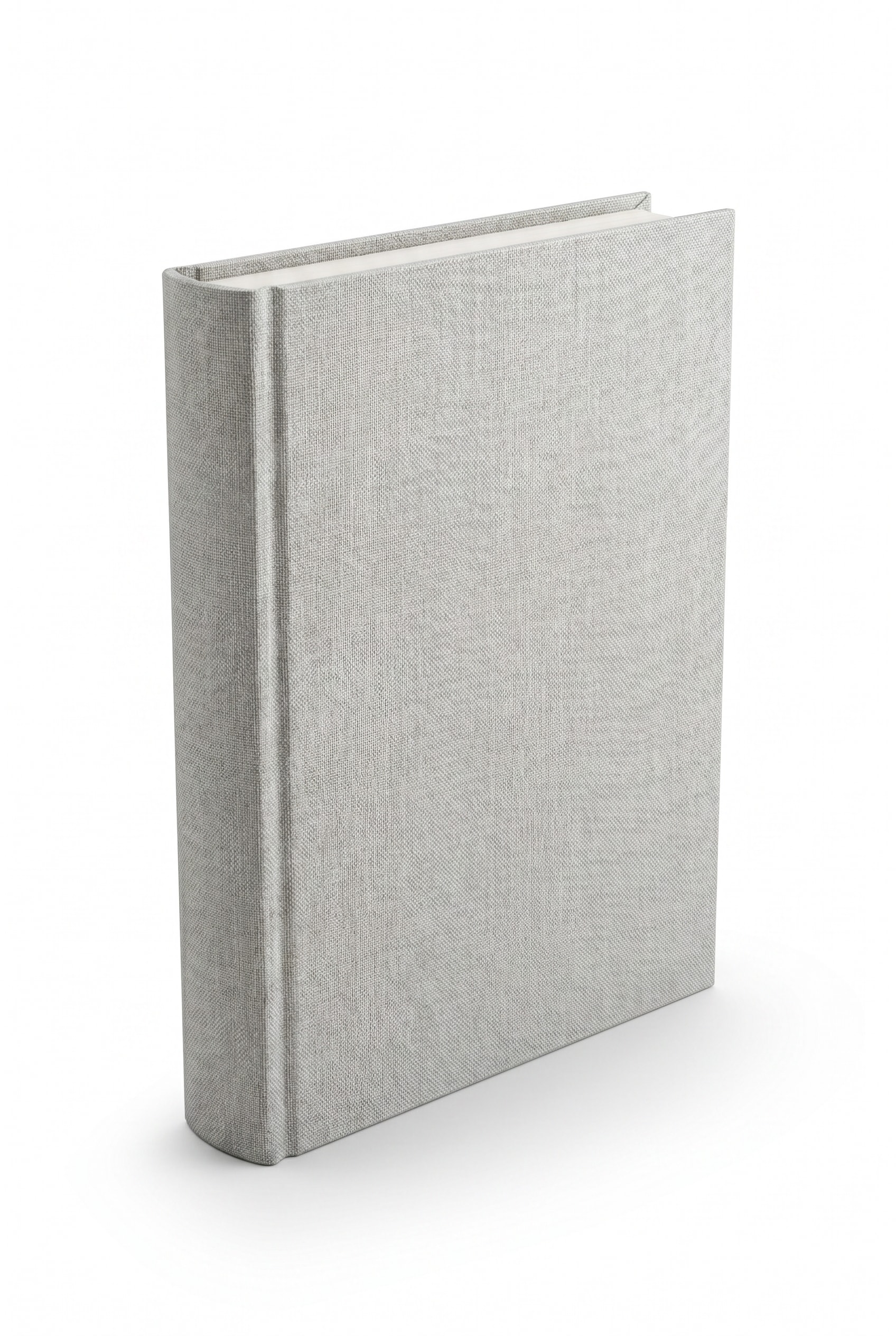
Capa Dura 3D em Pé
Use a imagem enviada como capa do livro e transforme-a em uma capa dura premium posicionada verticalmente em um leve ângulo de três quartos. Adicione espessura realista na lombada, bordas nítidas, textura fosca na capa, iluminação suave de estúdio, sombra discreta no chão, fundo branco limpo e qualidade afiada de renderização de produto comercial.
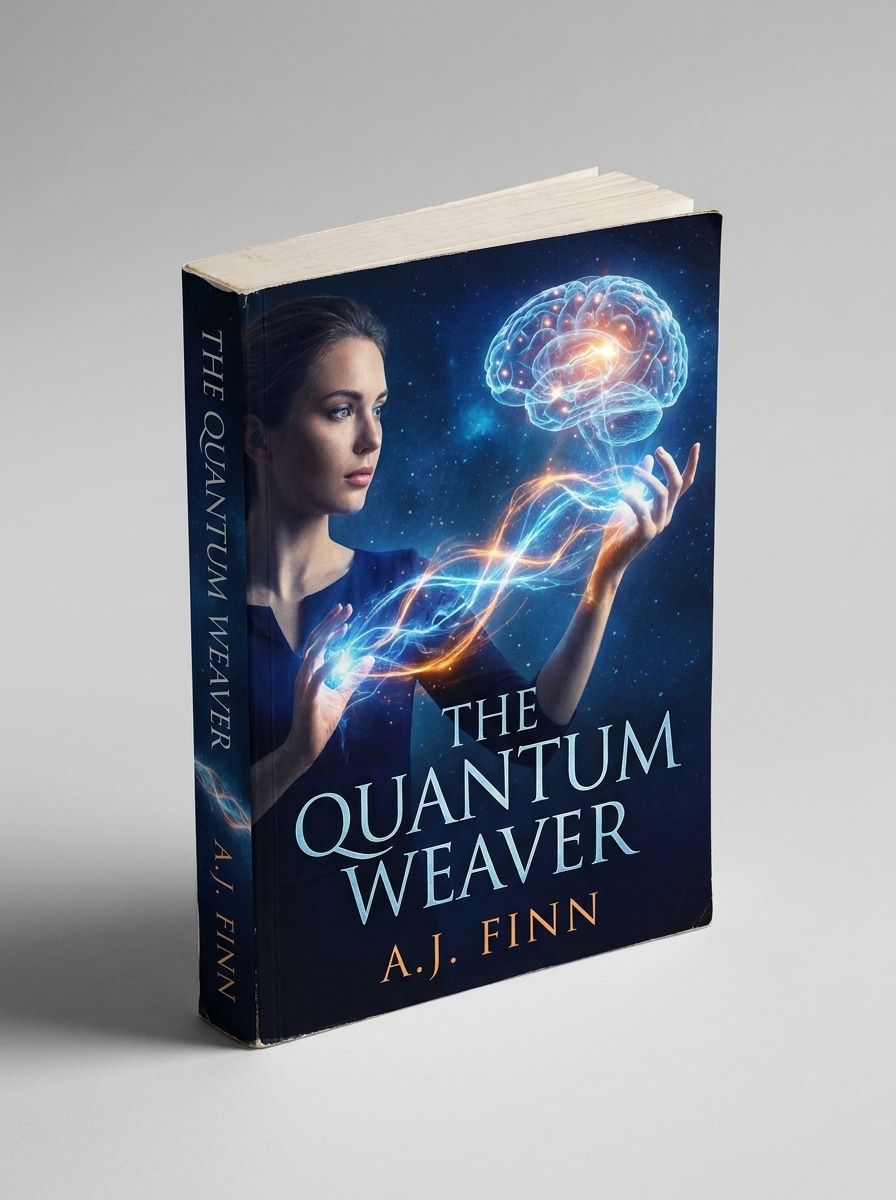
Mockup de Brochura em Ângulo Frontal
Use a imagem enviada como capa e converta-a em uma brochura realista exibida em uma vista frontal de três quartos. Mantenha a lombada visível, adicione sombra natural suave, papel com textura leve, fundo neutro de estúdio, destaques equilibrados e um visual limpo de fotografia de produto pronto para livraria.
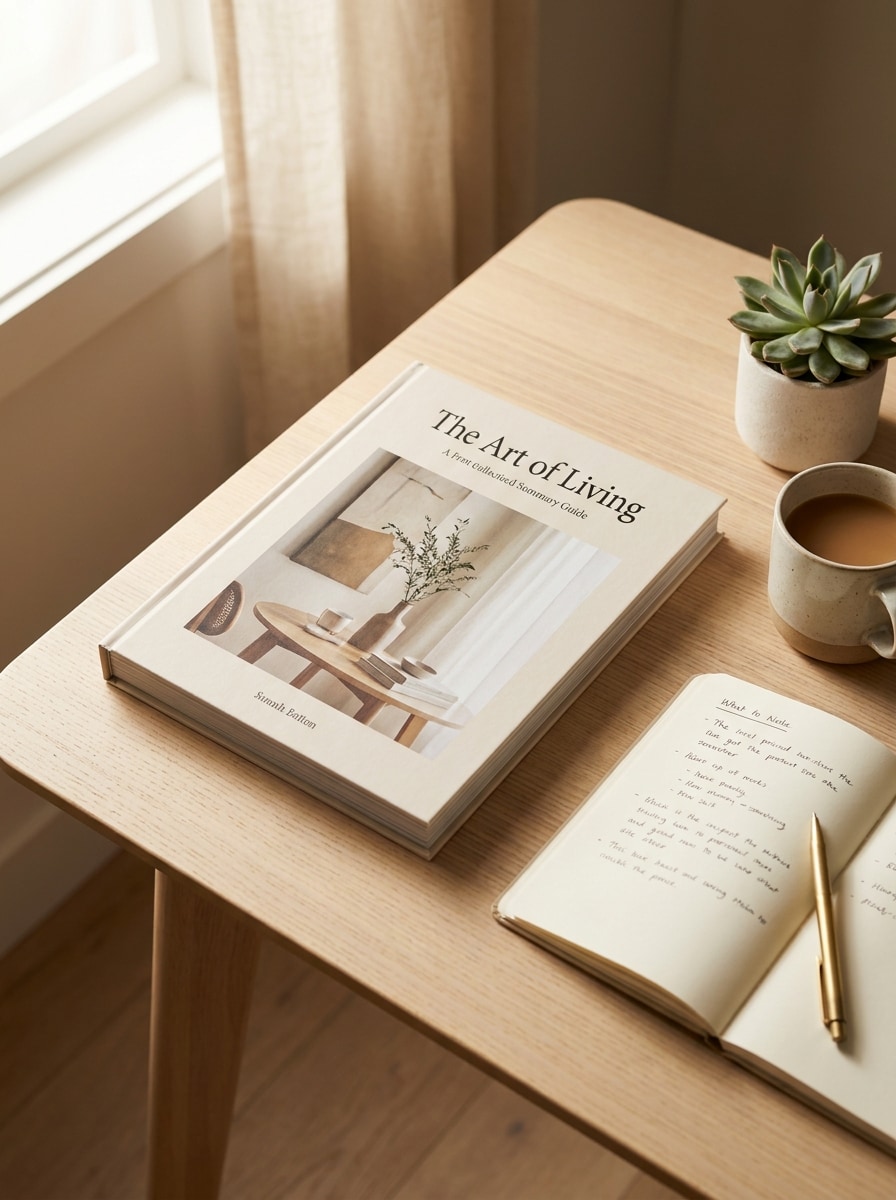
Cena de Mesa com Acessórios
Use a imagem enviada como capa do livro e posicione-o em uma elegante cena de mesa. Mostre o livro apoiado em um espaço de trabalho moderno com uma xícara de café, caderno, caneta e luz natural suave, utilizando tons neutros quentes, sombras realistas, composição organizada e qualidade de fotografia lifestyle editorial.
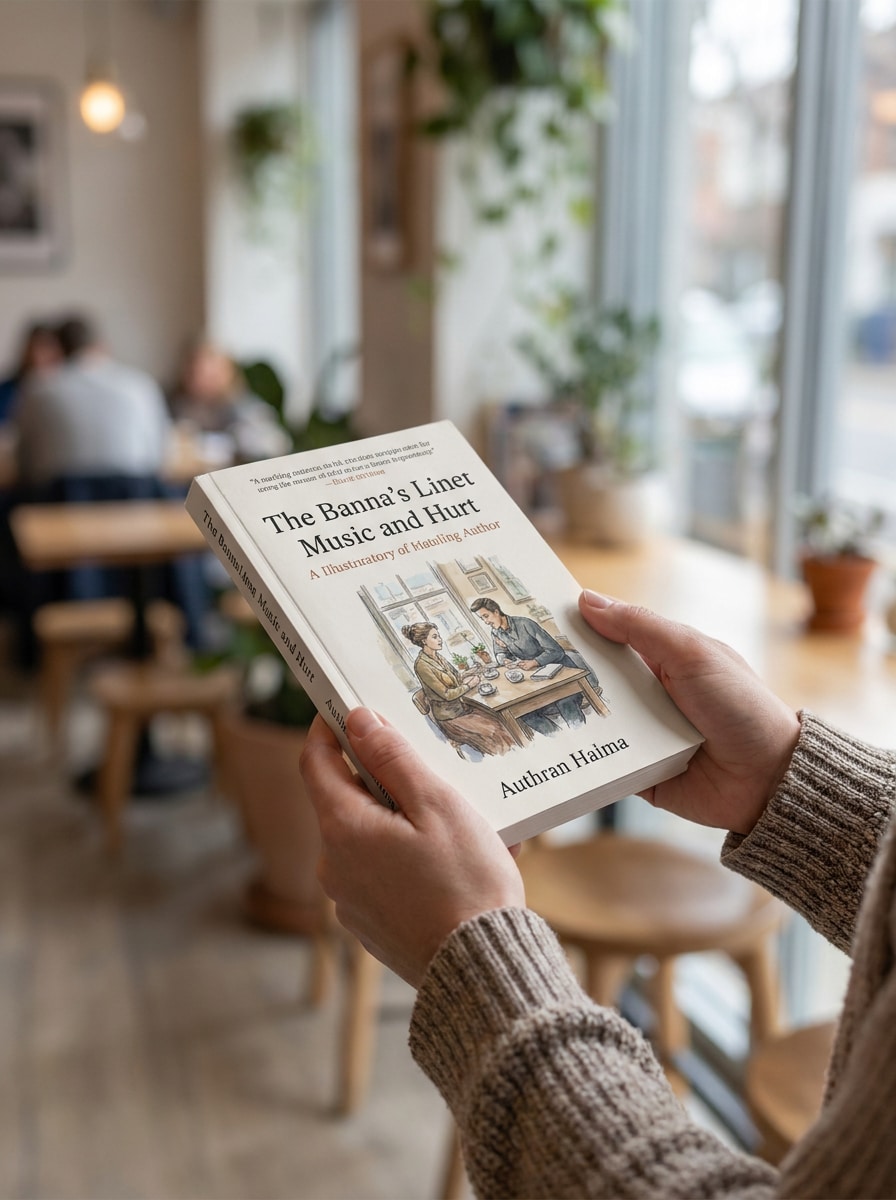
Mãos Segurando o Livro
Use a imagem enviada como capa e gere uma cena realista de alguém segurando o livro de forma natural. Mantenha a capa legível, adicione desfoque suave no fundo, tons de luz natural, posicionamento crível das mãos, detalhes delicados da pele, sombra sutil e uma composição amigável para redes sociais com realismo premium.
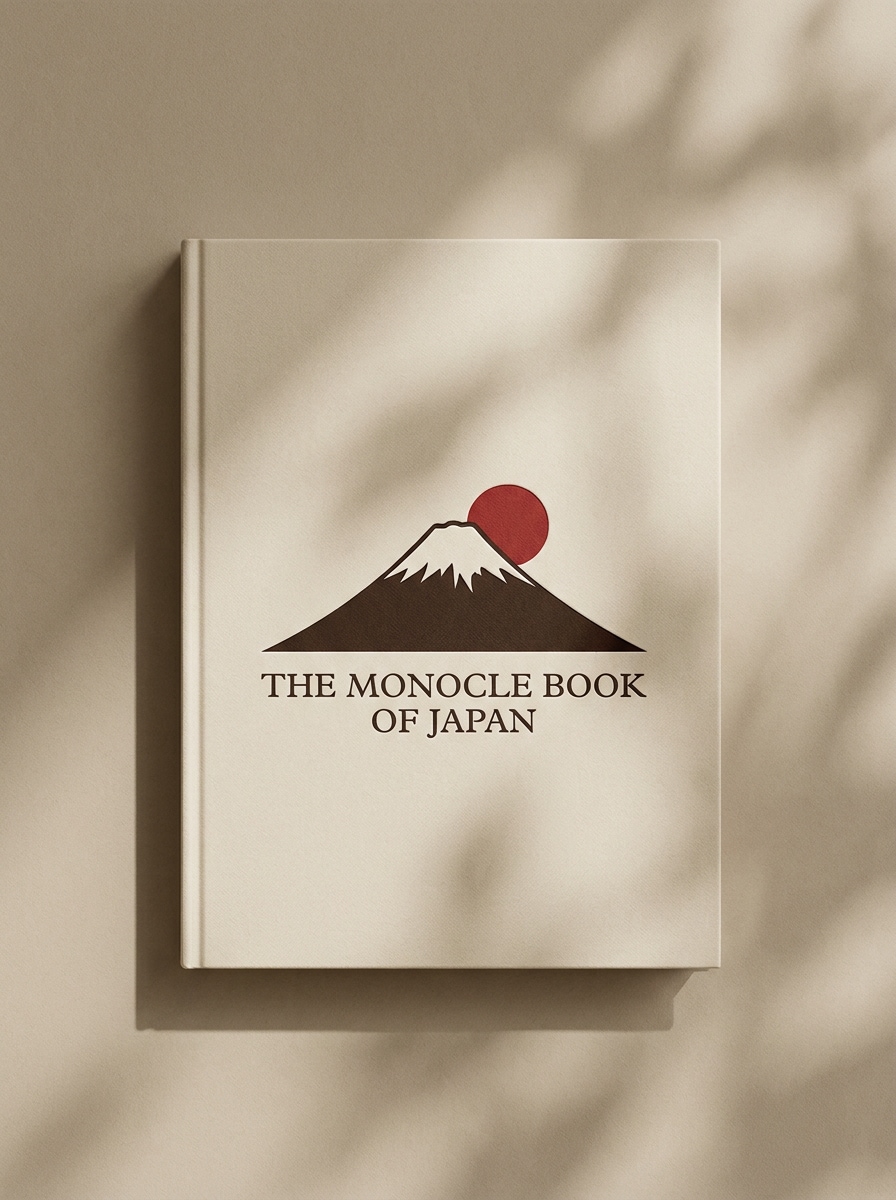
Editorial com Sombra Neutra
Use a imagem enviada como capa do livro e transforme-a em um mockup editorial minimalista sobre um fundo bege neutro. Adicione luz solar direcional suave, formas de sombra delicadas, textura fosca refinada, espaçamento elegante, atmosfera premium calma e uma apresentação editorial de alta qualidade para publicações.
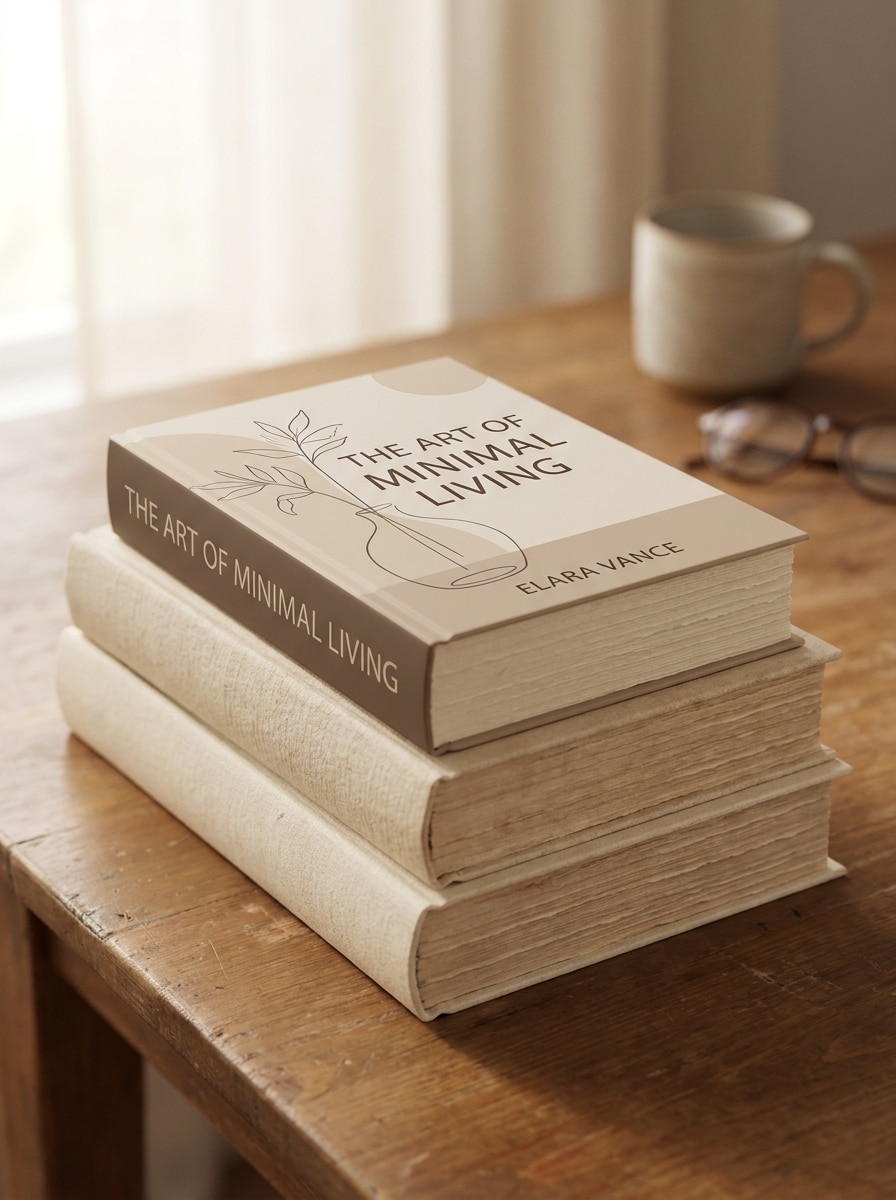
Composição de Livros Empilhados
Use a imagem enviada como a capa principal visível em uma composição de livros empilhados. Mostre vários livros dispostos ordenadamente com tons neutros quentes, iluminação ambiente suave, bordas de páginas realistas, sombras sutis, estilo lifestyle premium e uma composição refinada adequada para a promoção de autores.
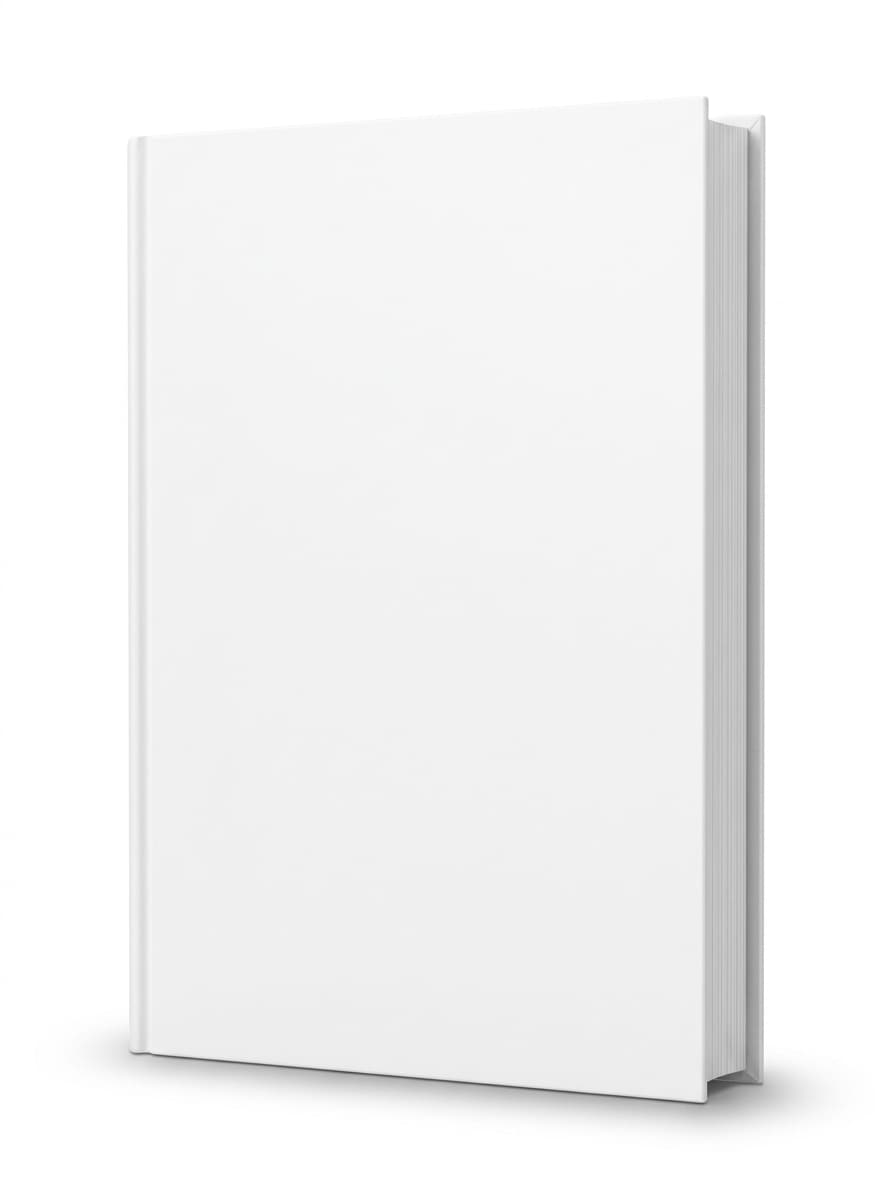
Mockup Isolado para E-commerce
Use a imagem enviada como capa do livro e crie um mockup isolado pronto para e-commerce. Mostre o livro de frente com leve perspectiva, silhueta nítida, fundo branco puro ou muito claro, sombra discreta no chão, bordas bem definidas e qualidade limpa de listagem de produto sem distrações.
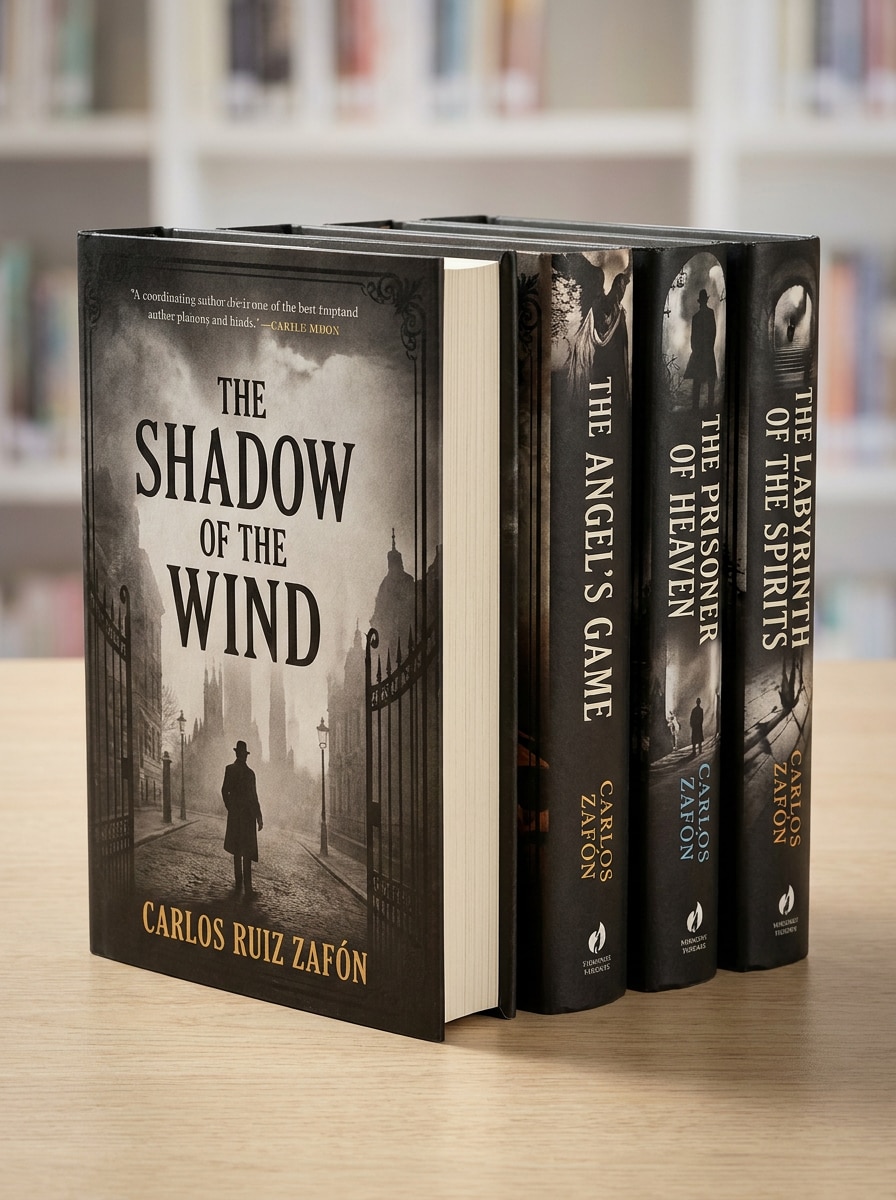
Exibição de Série com Múltiplos Livros
Use a imagem enviada como estilo de capa base e gere uma exibição coordenada de múltiplos livros. Apresente de três a cinco livros em uma organização de série bem ordenada com identidade visual consistente, profundidade 3D realista, iluminação de estúdio, sombras sutis e um visual promocional pronto para campanha de lançamento.
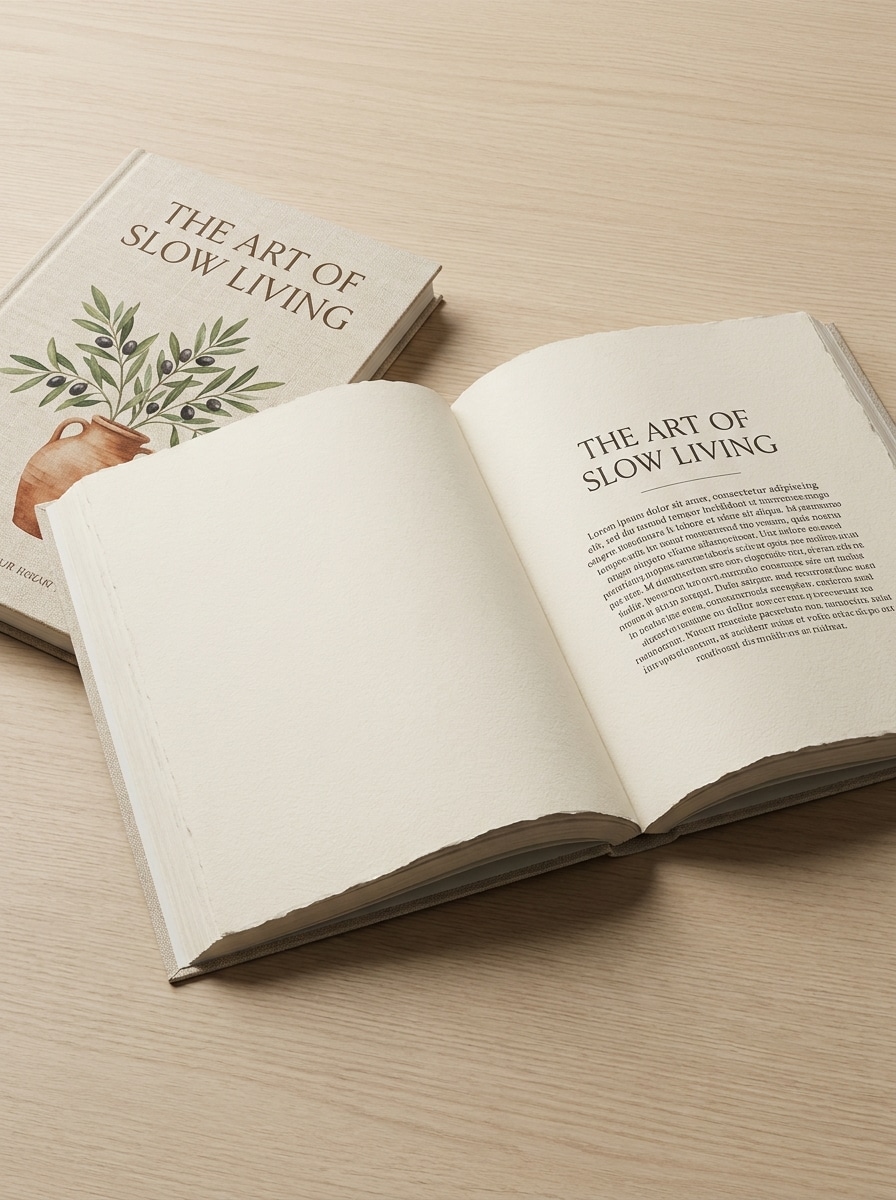
Prévia do Interior com Livro Aberto
Use a imagem enviada como capa frontal e transforme-a em um mockup de livro aberto com páginas internas visíveis. Mostre a curvatura natural das páginas, espessura realista do papel, iluminação suave de estúdio, composição limpa de cima para baixo ou em ângulo, sombras refinadas e uma prévia profissional para portfólios editoriais.
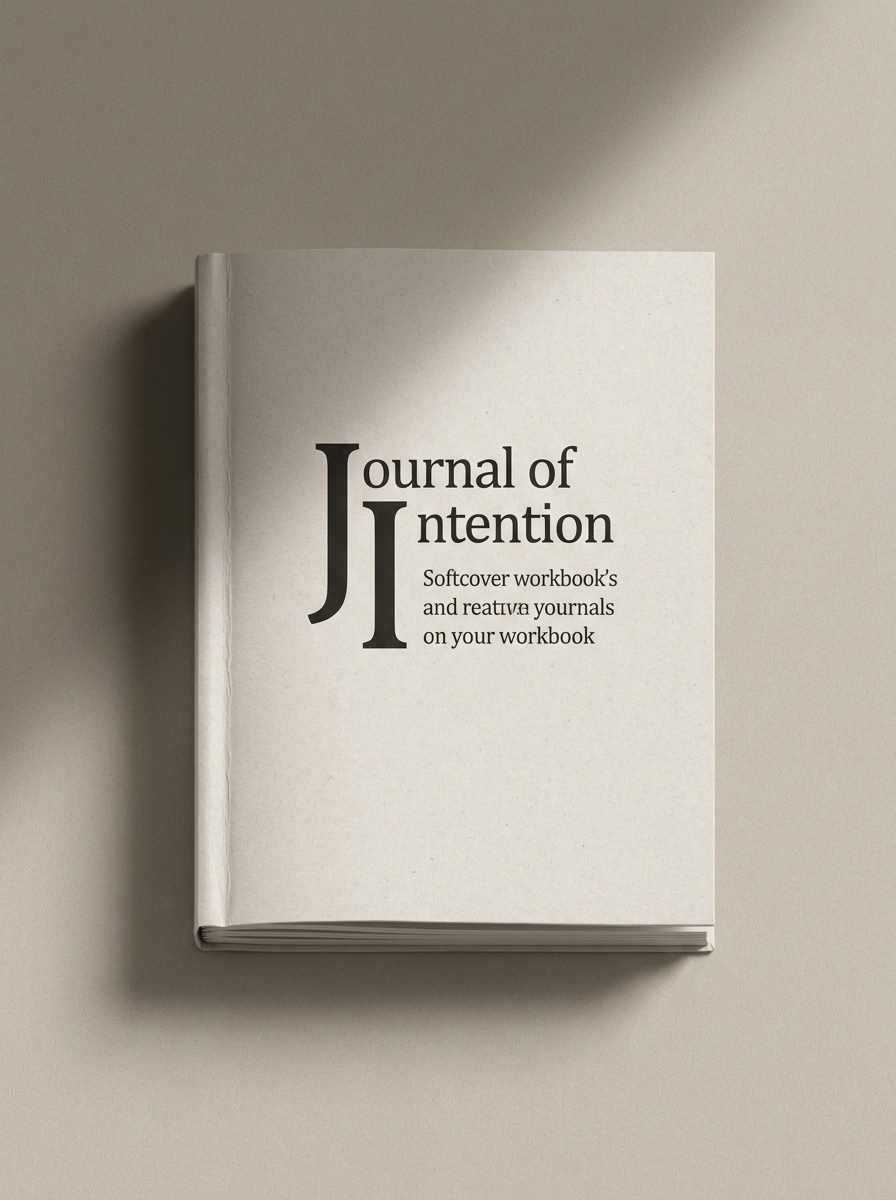
Mockup de Caderno com Capa Flexível
Use a imagem enviada como capa e transforme-a em um mockup de caderno ou apostila com capa flexível. Adicione uma superfície fosca tátil, cantos suavemente arredondados, fundo neutro quente, sombra suave, estilo moderno voltado para criadores e detalhes realistas nítidos que pareçam adequados para o Etsy, coaching ou venda de apostilas.
Por Que Usar o Media.io para Mockups de Capa de Livro
Preserve a Identidade Enquanto Muda o Visual
Para promoções de autores, páginas de lojas ou um mockup rápido de capa de livro, o Media.io permite que você envie um design plano e o transforme em visuais sofisticados de capa dura, brochura ou livro aberto — para que sua capa fique pronta para apresentação sem precisar construir cenas do zero.
Combine o Estilo Certo para Cada Versão
Uma única ideia geralmente precisa de mais de um visual. O Media.io ajuda a reinterpretar o mesmo mockup de livro em diferentes estilos para que cada versão possa se adequar melhor ao seu contexto de uso.
Adapte o Layout para Listagens, Anúncios e Posts de Lançamento
Um conceito visual raramente permanece em um único formato. O Media.io ajuda a adaptar a mesma ideia de mockup de livro para posts, capas, gráficos promocionais ou apresentações — para que cada versão pareça desenvolvida para o seu formato, em vez de apenas adaptada a ele.
Exporte Visuais Nítidos para Marketing Profissional
Para projetos que precisam de mais do que qualidade de rascunho, o Media.io ajuda a produzir um mockup de livro gratuito ou exportação final com saída de até 4K — para que os detalhes fiquem mais nítidos ao apresentar, recortar ou reutilizar o arquivo final.
Como Criar um Mockup de Livro em Minutos
Transforme suas palavras em visuais impressionantes em três etapas simples e continue refinando o resultado se quiser ir além.
Passo 1
Envie Sua Imagem de Referência
Comece enviando um JPG, PNG ou JPEG nítido do seu design de capa plana. Uma imagem fonte bem definida ajuda o Media.io a criar um cena de mockup de livro resultado mais realista com tipografia legível, bordas limpas e melhor alinhamento da lombada.
Passo 2
Descreva a Alteração e Defina as Opções
Insira um prompt para a cena que você deseja, como uma renderização de capa dura, layout de mesa, vista com o livro nas mãos ou foto de produto isolada. Em seguida, escolha seu modelo e ajuste a proporção, resolução e quantidade de imagens para atender às necessidades de loja, anúncio ou redes sociais.
Passo 3
Gere, Baixe e Continue Aprimorando
Gere várias variações, compare perspectivas e baixe a versão que melhor se encaixa na sua campanha. Você pode refinar o prompt para testar diferentes visuais, criar mockups de livro gratuitos mais elaborados ou montar um conjunto completo de visuais prontos para o lançamento.
Veja como criadores usam este Mockup de Livro para conteúdo, marketing e projetos pessoais — e adapte cada ideia conforme a sua necessidade.
Apresente Títulos Autopublicados Como Produtos Reais
Autores e editoras independentes podem transformar arquivos de capa plana em cenas realistas de capa dura, brochura ou livros empilhados, que fazem um novo lançamento parecer pronto para as prateleiras. O Media.io oferece a eles uma forma prática de criar gráficos de lançamento, visuais de pré-venda e imagens para lojas online sem fluxos de trabalho pesados no Photoshop.
Crie Criativos de E-commerce e Anúncios Melhores com Rapidez
Renderizações isoladas e limpas e fotos de produto em ângulo ajudam sua capa a se destacar em miniaturas de marketplaces, páginas de destino e campanhas pagas. O Media.io torna um fluxo de trabalho de mockup de livro gratuito útil para testar múltiplos ângulos de venda antes de definir os materiais promocionais finais, além de poder oferecer suporte a mockups de livro gratuitos para rascunhos iniciais de campanhas.
Construa uma Identidade Visual Coesa para Cursos, Cadernos e Séries
Coaches, educadores e criadores podem apresentar apostilas, cadernos e coleções com múltiplos títulos com um estilo visual uniforme. O Media.io torna um fluxo de trabalho gratuito de gerador de mockup de livro especialmente útil quando você precisa de gráficos consistentes para séries em sites, páginas de vendas, posts nas redes sociais ou até mesmo um mockup de livreto para materiais informativos.
O Que os Usuários Dizem Sobre Esta Ferramenta de Mockup de Livro
Lena Brooks
Autora Autopublicada
"Perfeito para gráficos de lançamento" Enviei minha capa plana e obtive uma imagem promocional realista de capa dura em minutos. Me ajudou a criar posts para redes sociais e visuais para a loja sem precisar usar softwares de design complicados.
Marcus Hill
Designer de Listagens na Amazon
"Resultados com aparência de produto profissional" As renderizações isoladas parecem refinadas e profissionais. Gosto de poder experimentar diferentes ângulos e tipos de cena rapidamente quando preciso de gráficos para listagens de livros de clientes.
Priya Shah
Criadora de Cursos
"Ótimo para apostilas e cadernos" Usei para apresentar uma apostila imprimível como um produto real com capa flexível. Os resultados ficaram ótimos na minha página de vendas e me pouparam de criar mockups manualmente do zero.
Daniel Ortiz
Designer de Marca Freelancer
"Útil para prévias rápidas para clientes" Esta é uma das formas mais rápidas que encontrei para transformar conceitos de capa em visuais promocionais convincentes. É especialmente útil quando os clientes querem ver múltiplas direções de mockup antes da aprovação final.
Explore os efeitos de vídeo e imagem de IA mais quentes
Perguntas Frequentes sobre o Gerador de Mockup de Livro
1. O que é um gerador de mockup de livro?
Um gerador de mockup de livro é uma ferramenta que transforma um design de capa plana em uma imagem de apresentação realista, como uma renderização de capa dura, ângulo de brochura, prévia de livro aberto ou cena lifestyle. Com o Media.io, você envia a imagem da sua capa e usa IA para criar visuais promocionais refinados online, sem precisar construí-los manualmente em templates PSD.
2. Como transformo uma capa de livro plana em um mockup de livro 3D?
Envie sua capa como JPG, PNG ou JPEG e descreva o resultado desejado, como uma capa dura em pé, foto de produto para e-commerce ou cena de mesa. O Media.io usa a imagem enviada como referência, permitindo que você transforme artes planas em uma apresentação realista em estilo 3D mantendo o design da capa reconhecível.
3. Posso criar um mockup de livro online gratuitamente?
O Media.io oferece créditos gratuitos para que você possa experimentar um fluxo de trabalho de mockup de livro gratuito online antes de fazer um upgrade. Usuários gratuitos podem ver marcas d'água, enquanto os planos pagos desbloqueiam downloads em alta resolução sem marca d'água. Você pode comparar as opções na página de preços para ver qual plano se encaixa melhor nas suas necessidades, seja para um teste de mockup de livro gratuito ou uso contínuo.
4. Posso criar mockups de capa dura e brochura com o mesmo design de capa?
O Media.io oferece suporte à geração de imagens baseada em referência, portanto você pode enviar um design de capa e criar múltiplas variações a partir dele, incluindo estilos de capa dura e brochura. Isso o torna útil para comparar formatos, testar ângulos de apresentação ou construir um conjunto completo de mockups de livro a partir de um único arquivo fonte.
5. Qual tamanho de imagem e formato de arquivo funcionam melhor para um mockup de capa de livro?
Para melhores resultados, envie uma imagem de capa clara e de alta qualidade nos formatos JPG, PNG ou JPEG. Uma arte fonte bem definida ajuda o título, a tipografia e os detalhes a ficarem mais nítidos quando o Media.io a transforma em um mockup — especialmente se você planeja gerar vistas de produto em close ou gráficos promocionais maiores.
6. O mockup do meu livro terá resolução suficiente para anúncios ou listagens em lojas?
O Media.io oferece opções de resolução de 1K, 2K e 4K, o que é útil quando você precisa de visuais mais nítidos para anúncios, listagens de e-commerce ou marketing de autor. Se você começar com um teste gratuito do gerador de mockup de livro, pode refinar a cena primeiro e depois exportar uma versão de maior qualidade para uso final.