As criações são armazenadas por apenas 7 dias. Os recursos criados após o upgrade para um plano de assinatura serão armazenados permanentemente.
Desbloqueie seu potencial criativo e experimente a magia da IA de mídia hoje!
Transforme Sua Foto em um Cartaz de Procurado com Estilos de IA
Faça upload de qualquer selfie, foto de pet ou retrato e transforme-o em um dramático cartaz de procurado em segundos. Crie designs do Velho Oeste, festa divertida, inspirado em jogos ou modernos com recursos de estilização de IA, depois baixe um cartaz de alta qualidade para compartilhar ou imprimir.
Digite sua ideia -> A IA cria para você. Grátis para testar.
Explore nossa coleção selecionada de gerador de cartaz de procurado estilos.
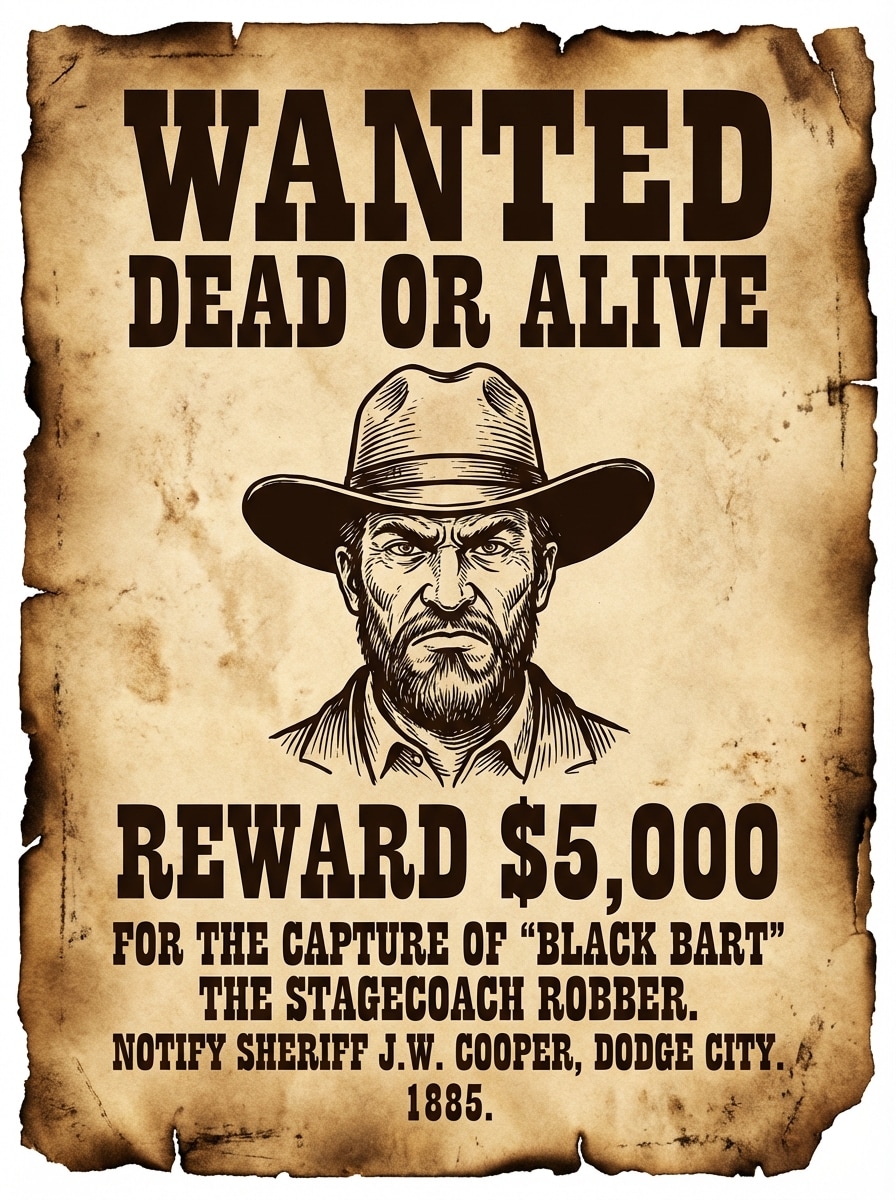
Velho Oeste Sépia
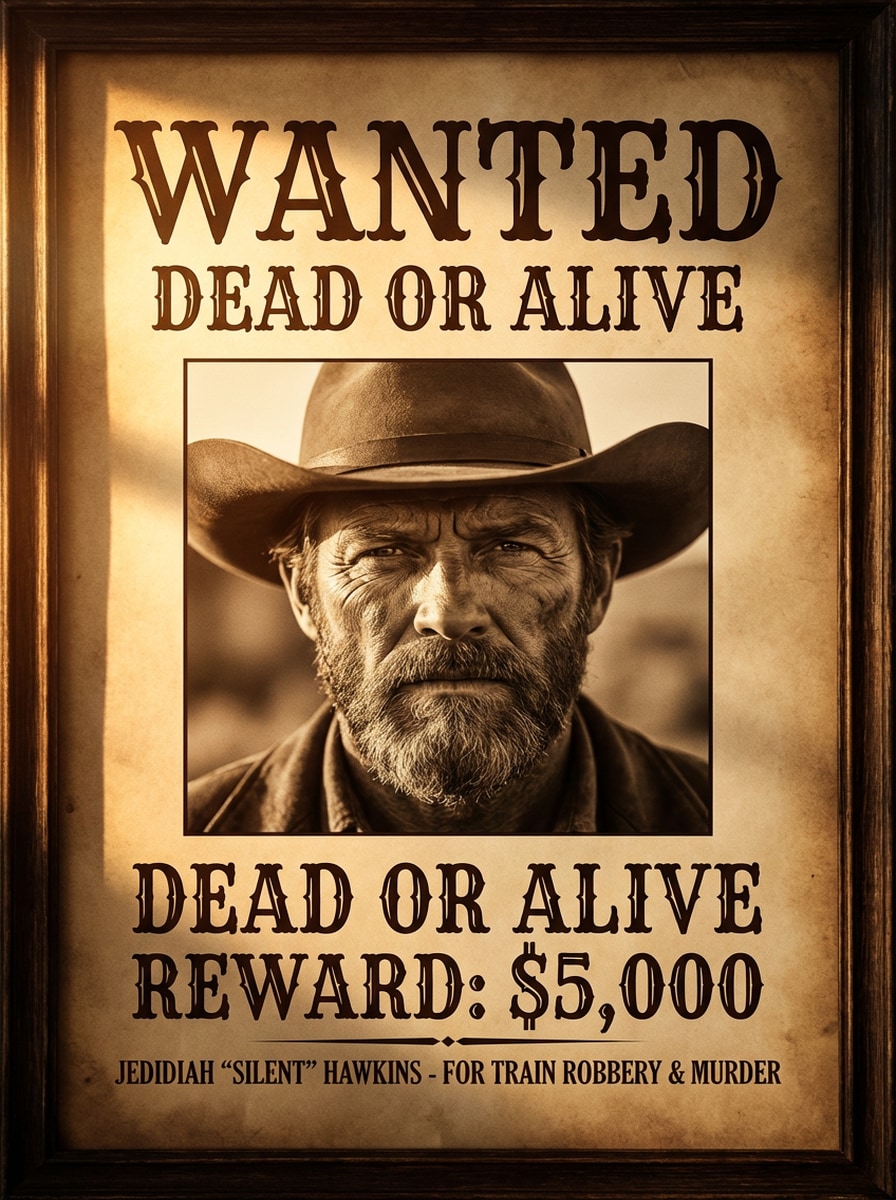
Use a imagem enviada como o assunto principal e transforme-a em um clássico cartaz de procurado do Velho Oeste, com retrato centralizado, manchete WANTED em serifa ocidental destacada, fundo em pergaminho sépia, textura de papel envelhecido, bordas queimadas, texto de recompensa estilo xerife, tons marrons quentes, contraste cinematográfico e composição autêntica de pôster dos anos 1800.
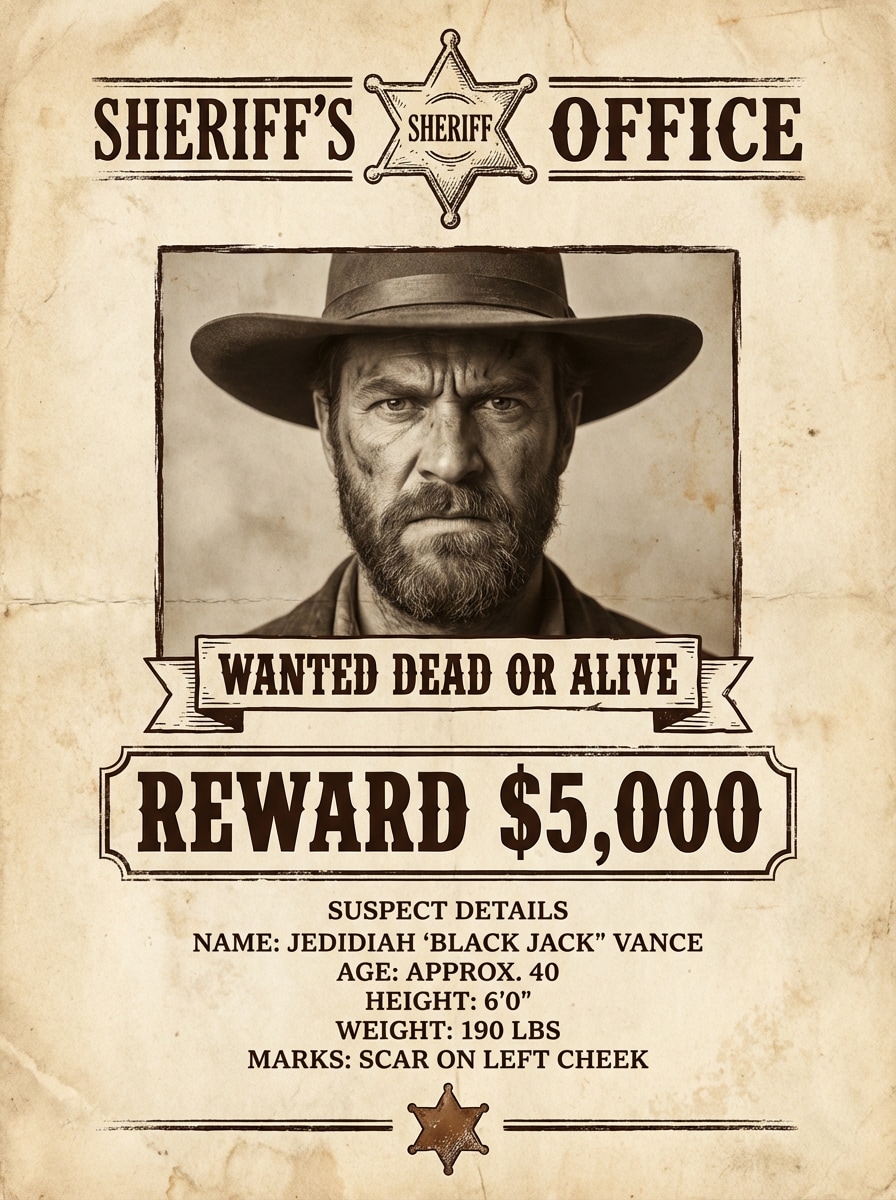
Boletim de Delegacia do Xerife
Use a foto enviada como retrato do suspeito e crie um aviso de procurado da delegacia com textura de papel antigo, tipografia em tinta marrom escura, headshot centralizado, seção de valor de recompensa, bloco de dados do suspeito, detalhes rústicos de distintivo, margens equilibradas e aparência realista de cartaz impresso que parece oficial e vintage.
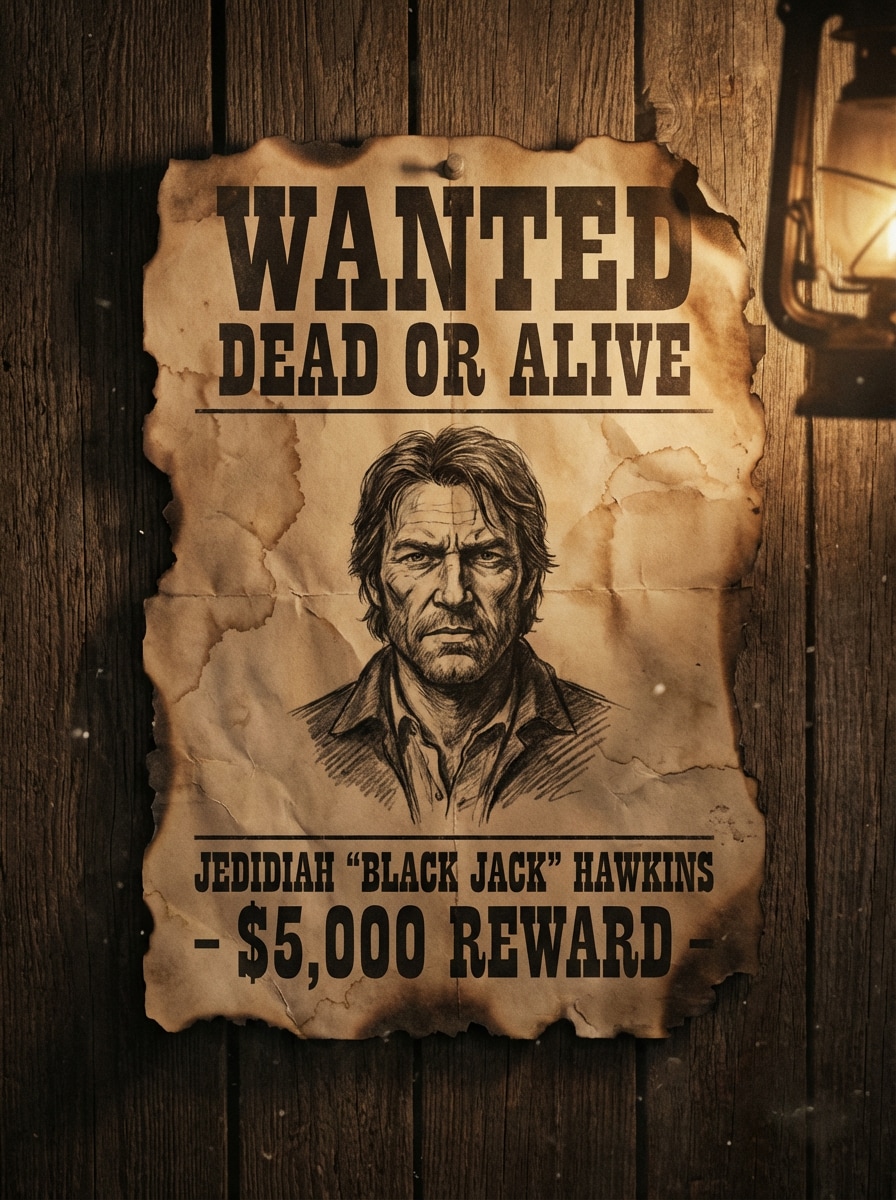
Cartaz de Saloon com Bordas Queimadas
Use a imagem enviada como retrato em destaque e transforme-a em um dramático cartaz de procurado na parede do saloon, com bordas rasgadas e queimadas, tons sépia empoeirados, textura envelhecida, tipografia ocidental forte, iluminação carregada, vinheta escura e atmosfera robusta de fronteira que parece antigo e cinematográfico.
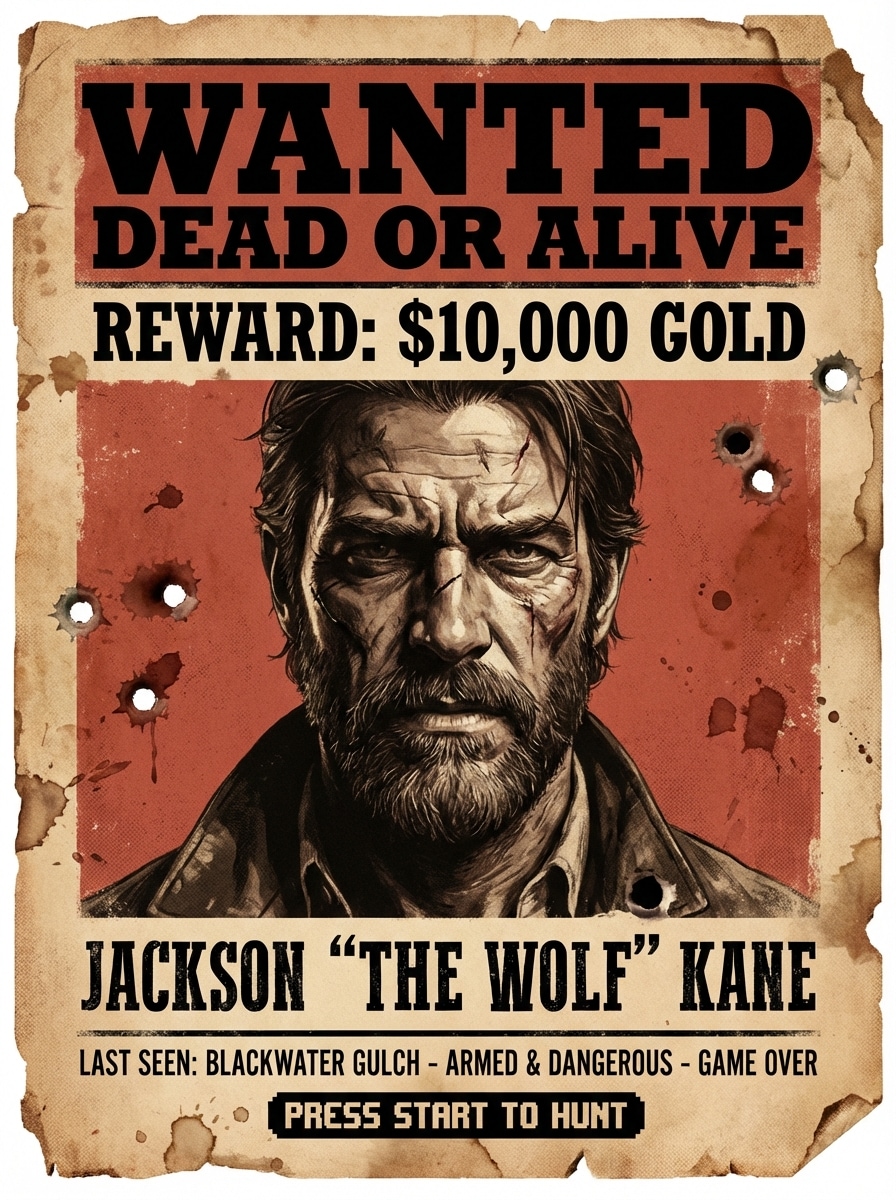
Inspirado em Red Dead
Use o retrato enviado como sujeito e transforme-o em um cartaz de procurado de ação na fronteira, com tons vermelhos empoeirados e sépia, papel ocidental envelhecido, manchete de recompensa destacada, detalhes faciais marcantes, sombras dramáticas, atmosfera de fora-da-lei cinematográfica e composição altamente compartilhável inspirada em jogos.
Retrato Cinematográfico de Fora-da-Lei
Use a selfie enviada como retrato principal e converta-a em um cartaz de procurado cinematográfico de fora-da-lei, com iluminação lateral dramática, fundo de pergaminho envelhecido, letras serifa ocidentais refinadas, detalhes faciais nítidos, paleta rica em sépia-marrom, enquadramento editorial premium e acabamento polido estilo pôster de filme.
Cartaz de Procurado Pet
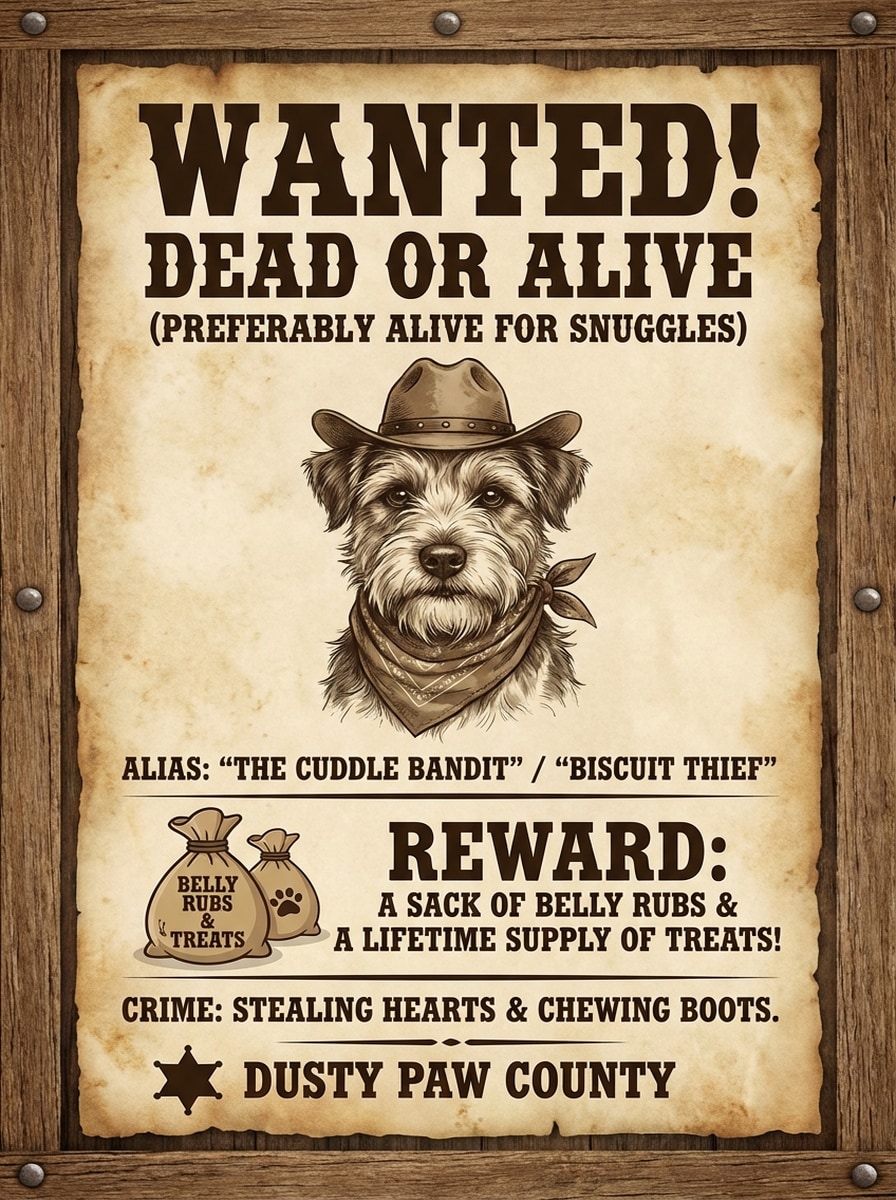
Use a foto do pet enviada como retrato central e crie um cartaz de procurado engraçado com textura de papel do Velho Oeste, cores sépia quentes, área de recompensa divertida, moldura antiga, manchete ocidental clara, atmosfera charmosa de fora-da-lei, iluminação rústica suave e layout fofo porém autêntico de pôster vintage.
Cartaz de Procurado Festa de Aniversário
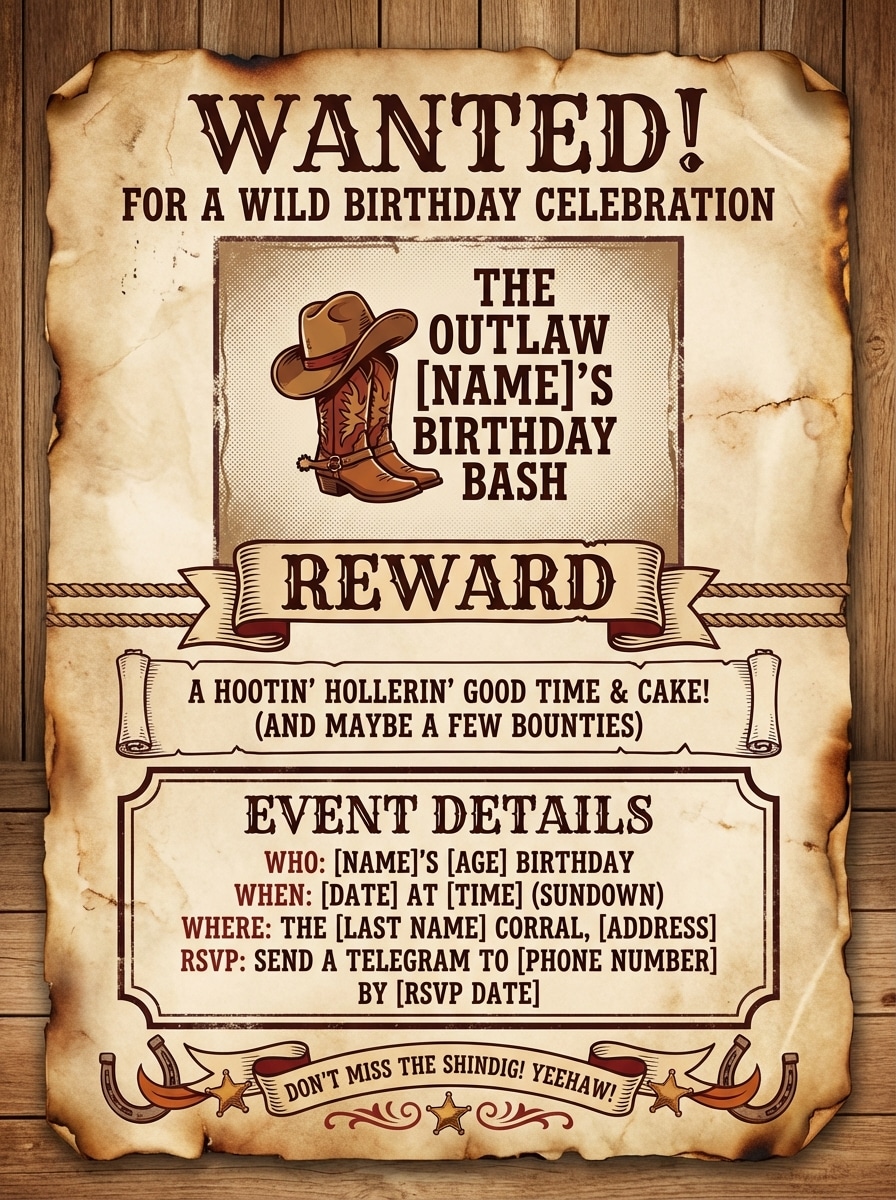
Use a imagem enviada como retrato principal e transforme-a em convite de cartaz de procurado de aniversário, com pergaminho do Velho Oeste, fontes ocidentais divertidas, áreas legíveis para recompensa e evento, tons rústicos quentes, composição centralizada, estilo festivo porém vintage e sensação de pôster pronto para impressão.
Cartaz de Amigo Engraçado
Use o retrato enviado como assunto e crie um cartaz de procurado engraçado com papel ocidental envelhecido, atmosfera exagerada de fora-da-lei, título WANTED destacado, seção de recompensa clara, tipografia marrom rústica, corte centralizado do rosto, enquadramento vertical amigável para redes sociais e estética humorística de pôster vintage.
Cartaz Moderno de Quadro de Crimes
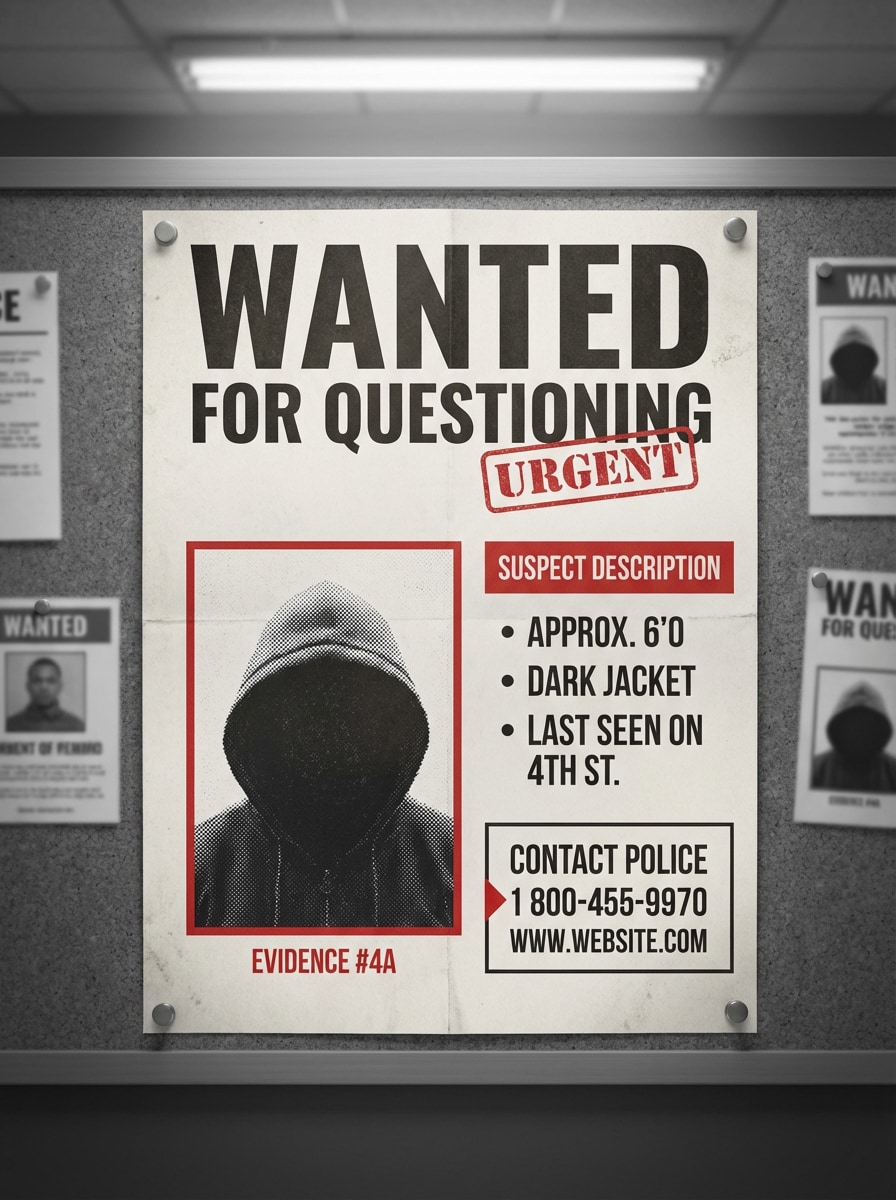
Use a imagem enviada como foto do suspeito em destaque e transforme-a em um cartaz de procurado moderno inspirado em quadro de avisos de polícia, com tons monocromáticos, destaques em vermelho, layout limpo, manchete destacada, enquadramento estilo evidência, tipografia contemporânea e acabamento realista de boletim impresso.
Cartaz Assustador de Halloween
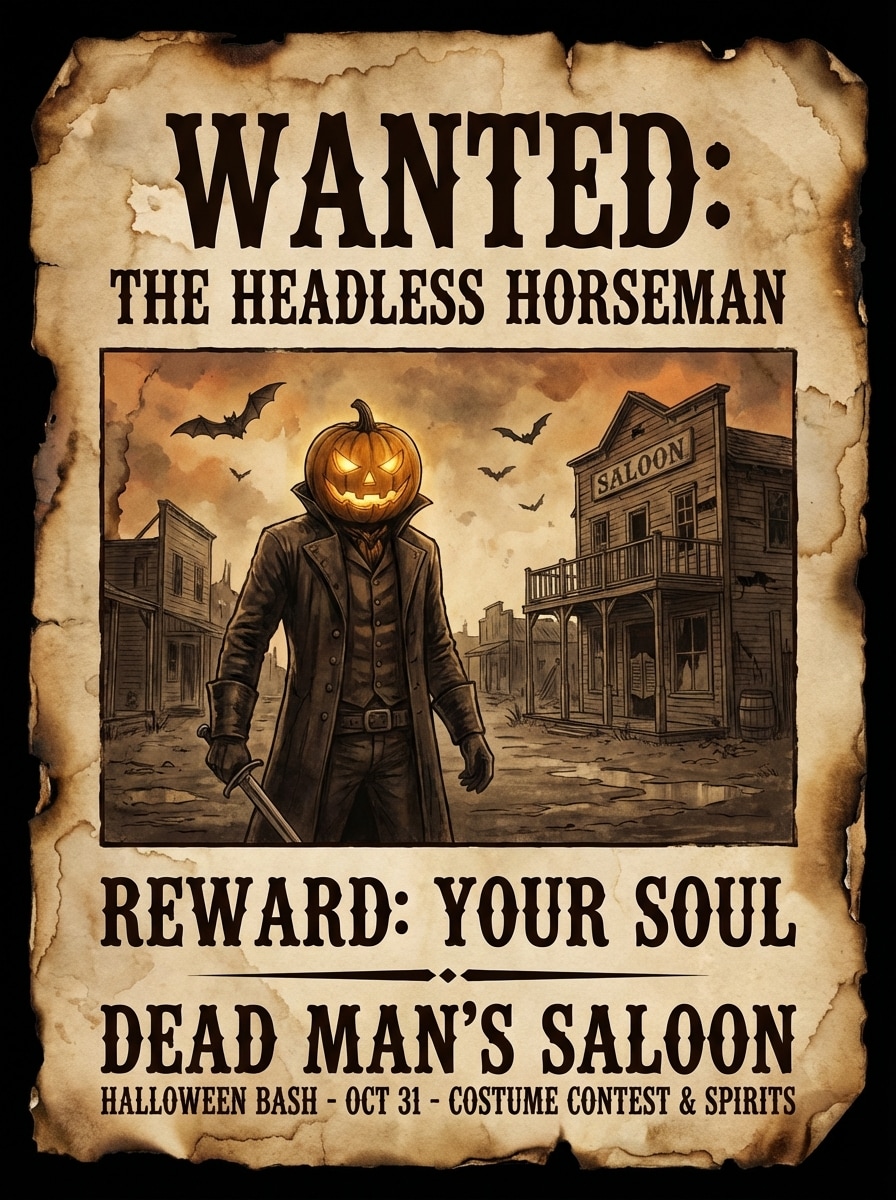
Use a imagem enviada como retrato e gere um cartaz de procurado assustador de Halloween com textura de pergaminho assombrado, tons sépia escuros e laranja apagado, tipografia ocidental arrepiante, atmosfera de cidade fantasma, bordas envelhecidas, enquadramento dramático central e aparência de pôster pronta para festa sazonal.
Por Que Usar Media.io para Gerador de Cartaz de Procurado com IA
Envie uma Foto e Restilize Instantaneamente
Transforme seu próprio retrato, selfie ou foto de pet em um cartaz de procurado a partir de foto usando geração de imagem para imagem com IA. Media.io suporta uploads JPG, PNG e JPEG para rápida transformação de estilo.
Escolha Saída Nítida até 4K
Crie cartazes em resolução 1K, 2K ou 4K para compartilhamento social, presentes, convites de festa ou impressão em casa. Exportação em alta resolução mantém seus velho oeste cartaz de procurado gerador resultados nítidos e legíveis.
Controle de Formato, Proporção e Variações
Escolha proporções como 1:1, 9:16, 16:9, 4:3 ou 3:4, dependendo se você precisa de um pôster para impressão, postagens de história ou gráficos de feed. Você também pode gerar de 1 a 4 variações em um lote.
Modelos Avançados de IA para Melhor Estilo
Media.io usa modelos avançados de imagem incluindo Nano Banana Pro e Nano Banana 2, além de opções especializadas como Media 2.0 para maior consistência de personagem e controle visual nos designs estilizados de cartaz.
Como Criar um Cartaz de Procurado a Partir da Sua Foto
1
2
3
1
Abra o Gerador de Cartaz de Procurado Media.io
Acesse media.io/ai e abra o Gerador de Cartaz de Procurado em IA -> Imagem para Imagem. Esta ferramenta online roda no seu navegador, então você pode criar um cartaz de procurado no Windows, Mac, iPhone, Android ou qualquer dispositivo com navegador.
2
Envie Sua Imagem e Descreva o Estilo
Faça upload de uma foto JPG, PNG ou JPEG, depois digite um prompt detalhado como: “Use meu retrato como assunto e transforme- o em cartaz de procurado sépia do Velho Oeste, com pergaminho envelhecido, bordas queimadas, tipografia ocidental destacada, texto de recompensa e iluminação cinematográfica de fora-da-lei.” Ajuste proporção, resolução ou configurações de lote se necessário.
3
Gere, Refine e Baixe
Clique em Gerar para criar seu cartaz de procurado com IA. Se precisar, refine o estilo e gere mais variações. Quando gostar do resultado, baixe a imagem final em alta resolução para posts sociais, convites, atividades em sala de aula ou impressão.
O Que Usuários Dizem Sobre Este Criador de Cartaz de Procurado
Carla M.
Organizadora de Eventos
"Perfeito para convites de festa" Enviei uma foto de aniversário e recebi um cartaz de procurado estilo ocidental divertido em minutos. O resultado ficou muito melhor que um modelo básico e foi fácil imprimir para as decorações da nossa festa.
Derek P.
Criador de Conteúdo
"Ótimo para posts sociais" As opções de estilo da IA fizeram grande diferença. Testei uma versão clássica sépia e outra inspirada em jogos, e ambas ficaram com aspecto profissional para Instagram e thumbnails de vídeo curto.
Nina R.
Dona de Pet
"Meu cartaz de pet ficou hilário" Usei a foto do meu cachorro e transformei em um cartaz de procurado engraçado. A textura vintage do papel e o retrato centralizado ficaram autênticos, e todos na minha família quiseram uma cópia.
Jordan T.
Professor
"Útil para projetos de sala de aula" Eu precisava de um gerador de cartaz de procurado a partir de foto para uma atividade em sala. O upload foi simples, e o resultado em alta resolução deixou os cartazes claros e fáceis de ler na impressão.
Explore os efeitos de vídeo e imagem de IA mais quentes
Perguntas Frequentes sobre o Gerador de Cartaz de Procurado
1. Como posso criar um cartaz de procurado a partir da minha própria foto?
Abra a ferramenta de IA imagem para imagem do Media.io, envie uma foto JPG, PNG ou JPEG e descreva o estilo do cartaz que deseja, como cartaz de procurado do Velho Oeste ou design de boletim policial moderno. Depois gere a imagem e baixe seu resultado.
2. Posso colocar minha própria foto em um cartaz de procurado?
Sim. Media.io aceita uploads de imagens de referência para geração imagem para imagem, então você pode usar seu retrato, selfie ou foto de pet como ponto inicial para a transformação de cartaz de procurado.
3. Posso criar um cartaz de procurado gratuitamente?
Sim. Usuários gratuitos têm 3 créditos por dia para experimentar o gerador de cartaz. Exportações gratuitas podem incluir marca d’água. Para mais créditos ou downloads em alta resolução sem marca d’água, você pode fazer upgrade aqui: https://www.media.io/br/pricing.html
4. Como criar um cartaz de procurado do Velho Oeste?
Envie sua imagem para o Media.io e use um prompt que especifique o visual vintage ocidental, como pergaminho sépia, textura de papel envelhecido, bordas queimadas, tipografia serifa forte e texto de recompensa. Isso ajuda a IA a criar um layout mais reconhecível do cartaz de procurado do Velho Oeste.
5. Qual tamanho ou formato posso usar para cartaz de procurado?
Media.io permite escolher entre diversas proporções, incluindo Auto, 1:1, 9:16, 16:9, 4:3, 3:4, 3:2 e 2:3. Você também pode selecionar resolução 1K, 2K ou 4K dependendo se precisa do cartaz para redes sociais ou impressão.
6. As fotos enviadas ficam privadas ao usar o criador de cartaz?
Media.io é baseado na web e inclui proteção de privacidade para uploads. As imagens enviadas são automaticamente excluídas dos servidores Media.io após 7 dias para ajudar a proteger seus dados e fotos pessoais.
Além do Gerador Online de Cartaz de Procurado com IA