Selecione / @ personagem, descreva a cena que você deseja gerar.
0/2000
9:16
1K
1
Modo Ilimitado do Banana Pro
Criações
Hub de Ideias
Como funciona
Todos
Recursos populares
Ver tudo
Desafio Criativo de Halloween
Ver tudo
História de Frutas com IA
Ver tudo
Vídeo de História com IA
Ver tudo
Vídeos Virais Hoje
Ver tudo
Vídeos de Produto com IA
Ver tudo
Personagem AI
Ver tudo
Tendências de Dança
Ver tudo
GPT Image 2
Ver tudo
Seedance 2.0
Ver tudo
Correspondência de Celebridade por IA
Ver tudo
Dicas de Poses para Casais
Ver tudo
Prompts de Poses de Garota AI Estética
Ver tudo
Sugestões de Pose de Garoto Elegante com IA
Ver tudo
Lista de geração
As criações são armazenadas por apenas 7 dias. Os recursos criados após o upgrade para um plano de assinatura serão armazenados permanentemente.
Desbloqueie seu potencial criativo e experimente a magia da IA de mídia hoje!
Crie um Mockup Realista de Cartão Postal a Partir de Qualquer Design Enviado
Transforme sua arte em um mockup de cartão postal polido com iluminação realista, textura de papel e cenas prontas para impressão. Envie um design, escolha um estilo e gere pré-visualizações frente e verso, fotos seguradas à mão ou layouts de estúdio rapidamente. Ideal para quem busca um fluxo de trabalho de mockup de cartão postal gratuito online ou quer experimentar um mockup de cartão postal gratuito antes de fazer upgrade.
Digite sua ideia -> A IA a cria. Grátis para experimentar.
Revise estes exemplos de direções e, em seguida, personalize os detalhes do prompt para obter resultados mais fortes com este Mockup de Cartão Postal no Media.io.
Flat Lay Minimalista
Use a imagem enviada como design do cartão postal e transforme-a em um mockup realista de flat lay minimalista sobre uma mesa bege quente. Centralize o cartão com margens limpas, sombras naturais suaves, granulação de papel sutil, luz diurna equilibrada, estilo editorial calmo e realismo de impressão nítido e detalhado.
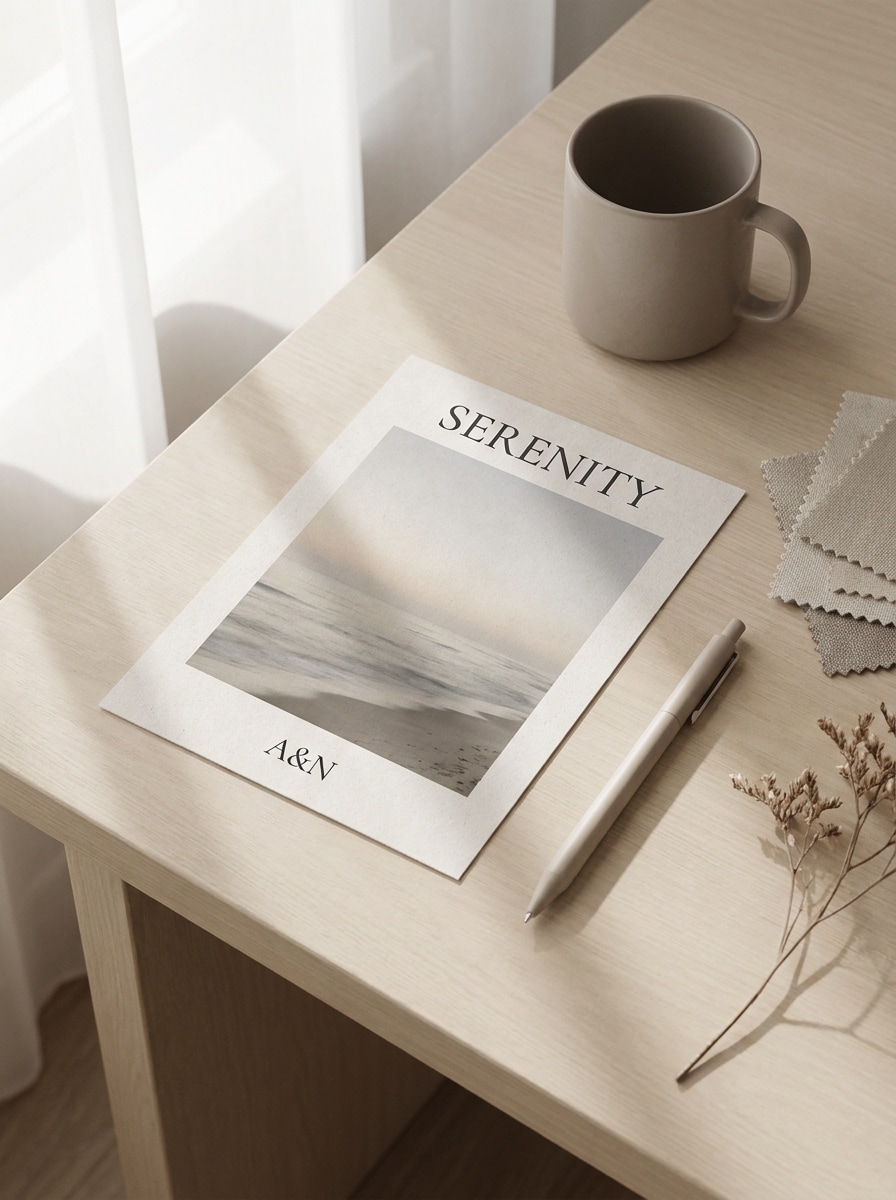
Cena de Mesa com Sombra Suave
Use a imagem enviada como arte do cartão postal e coloque-a em uma cena de mesa moderna com sombras suaves de janela. Adicione textura de papel sutil, composição organizada, arredores de papelaria neutros, iluminação editorial suave, tons de bege e cinza discretos e um acabamento de impressão premium realista.
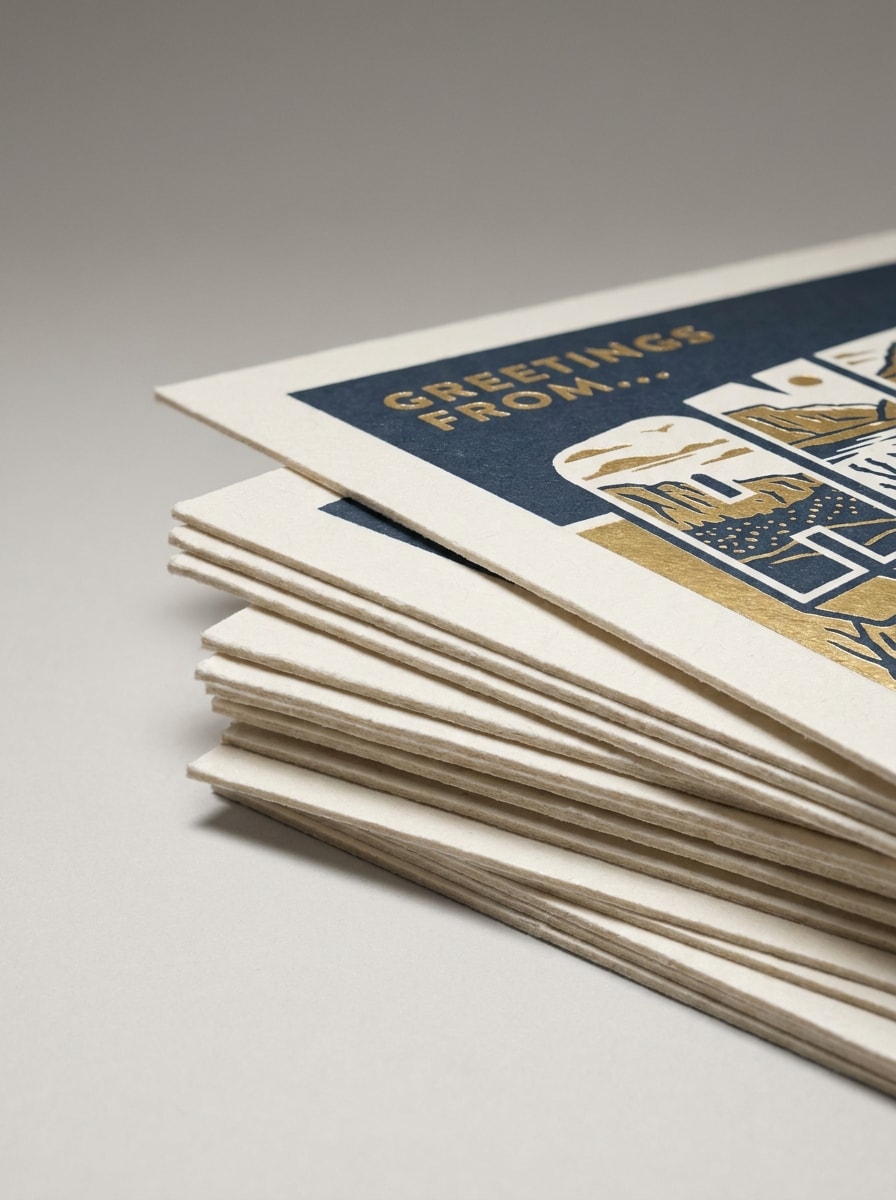
Cartões Postais Empilhados
Use a imagem enviada como cartão principal em destaque e transforme-a em um mockup de branding de cartão postal empilhado. Mostre vários cartões organizados em camadas com espessura de papel cartão visível, profundidade sutil, fundo de estúdio limpo, luz direcional suave, sombras realistas e uma apresentação profissional e refinada.
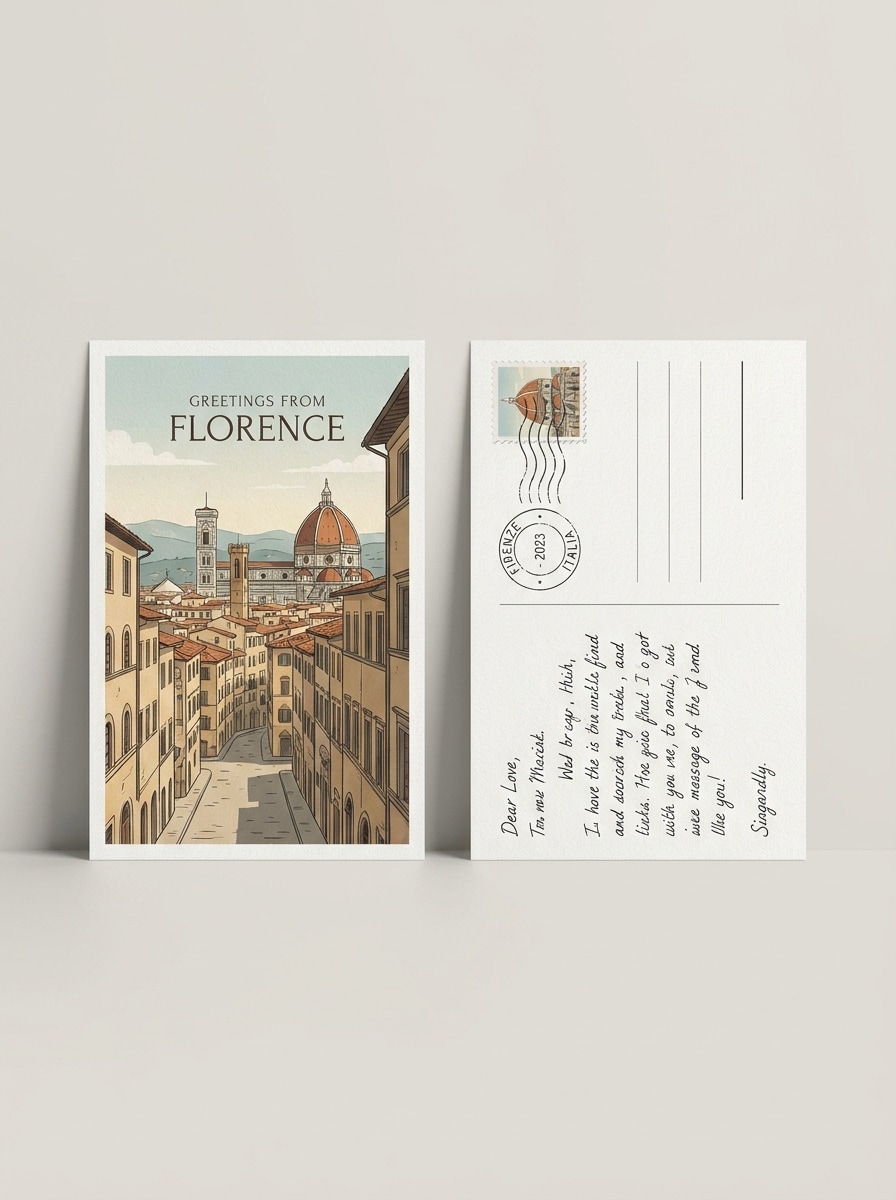
Conjunto Frente e Verso
Use o design enviado para criar um mockup realista de cartão postal mostrando as visualizações frente e verso lado a lado. Mantenha as proporções precisas, use um fundo neutro e limpo, espaçamento elegante, iluminação suave de estúdio, textura de papel visível e uma aparência de pré-visualização de impressão adequada para apresentações a clientes.
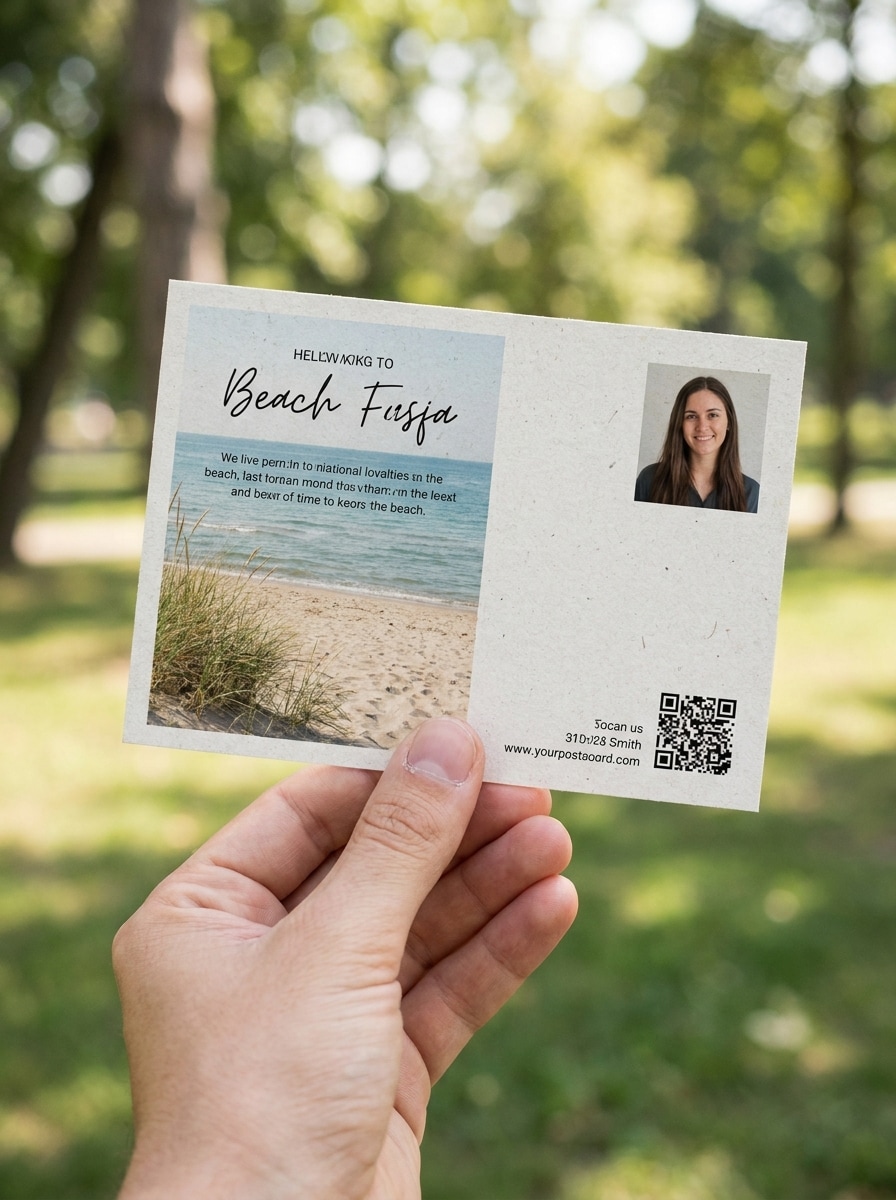
Cartão Postal Segurado à Mão
Use a imagem enviada como design do cartão postal e coloque-a em uma cena realista de lifestyle com o cartão segurado à mão. Mantenha o foco nítido no cartão, adicione tons de pele naturais, profundidade de campo rasa, luz diurna suave, clima casual autêntico e detalhes de impressão nítidos que tornam o design tangível.
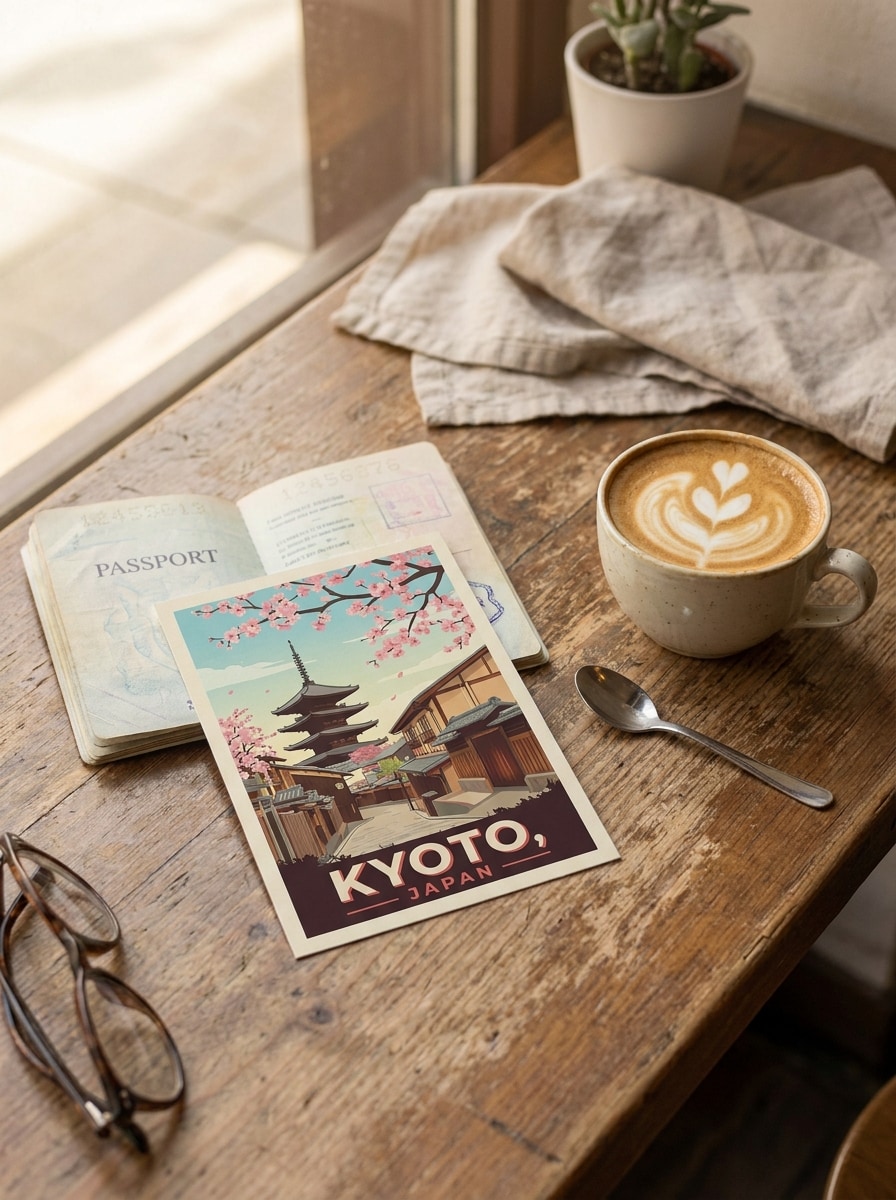
Cena de Café de Viagem
Use a arte enviada como design do cartão postal e transforme-a em um mockup de café com tema de viagem. Coloque o cartão em uma mesa com uma xícara de café e passaporte, luz diurna aconchegante, composição editorial convidativa, sombras suaves, textura de papel tátil e um clima nostálgico, porém refinado.
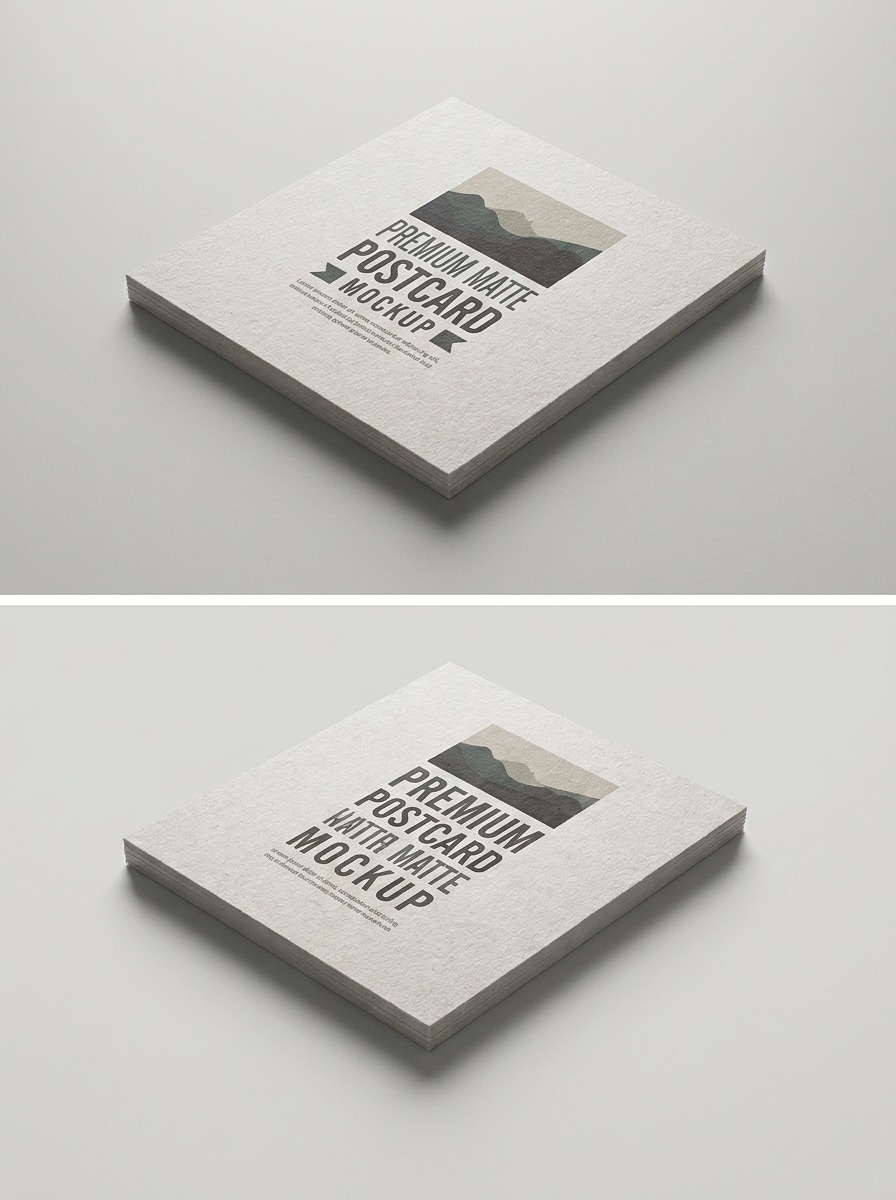
Acabamento de Impressão Matte
Use a imagem enviada como arte do cartão postal e renderize-a como um mockup de impressão com acabamento matte. Enfatize a textura precisa do papel, reflexos suaves sem brilho, fundo de estúdio limpo, espessura realista de papel cartão, detalhe em close-up e uma pré-visualização de produção premium com tons neutros e calmos.
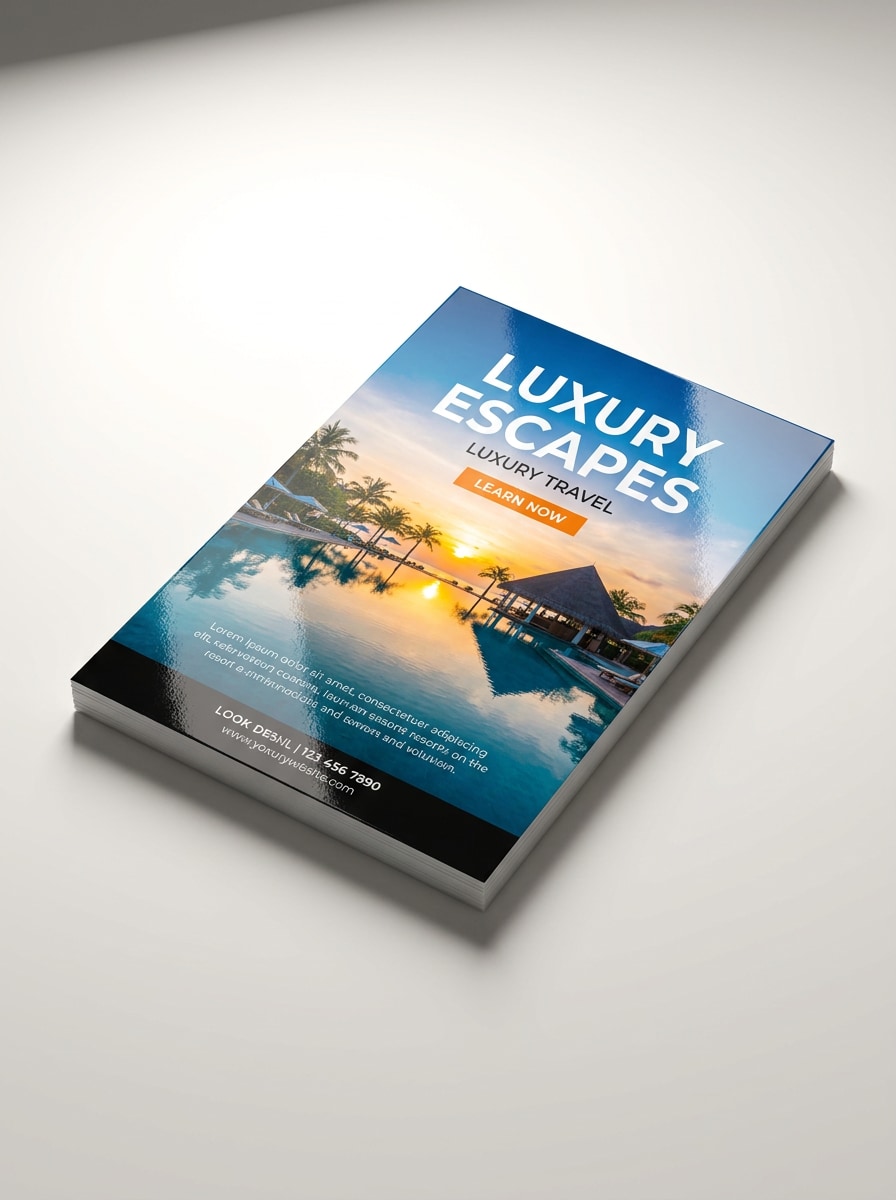
Cartão Promocional Brilhante
Use o design enviado e transforme-o em um mockup de cartão postal promocional brilhante. Adicione revestimento reflexivo realista, contraste mais nítido, iluminação limpa de produto, bordas visíveis do cartão, superfície premium suave e uma apresentação comercial marcante que ainda mantém a arte legível e refinada.
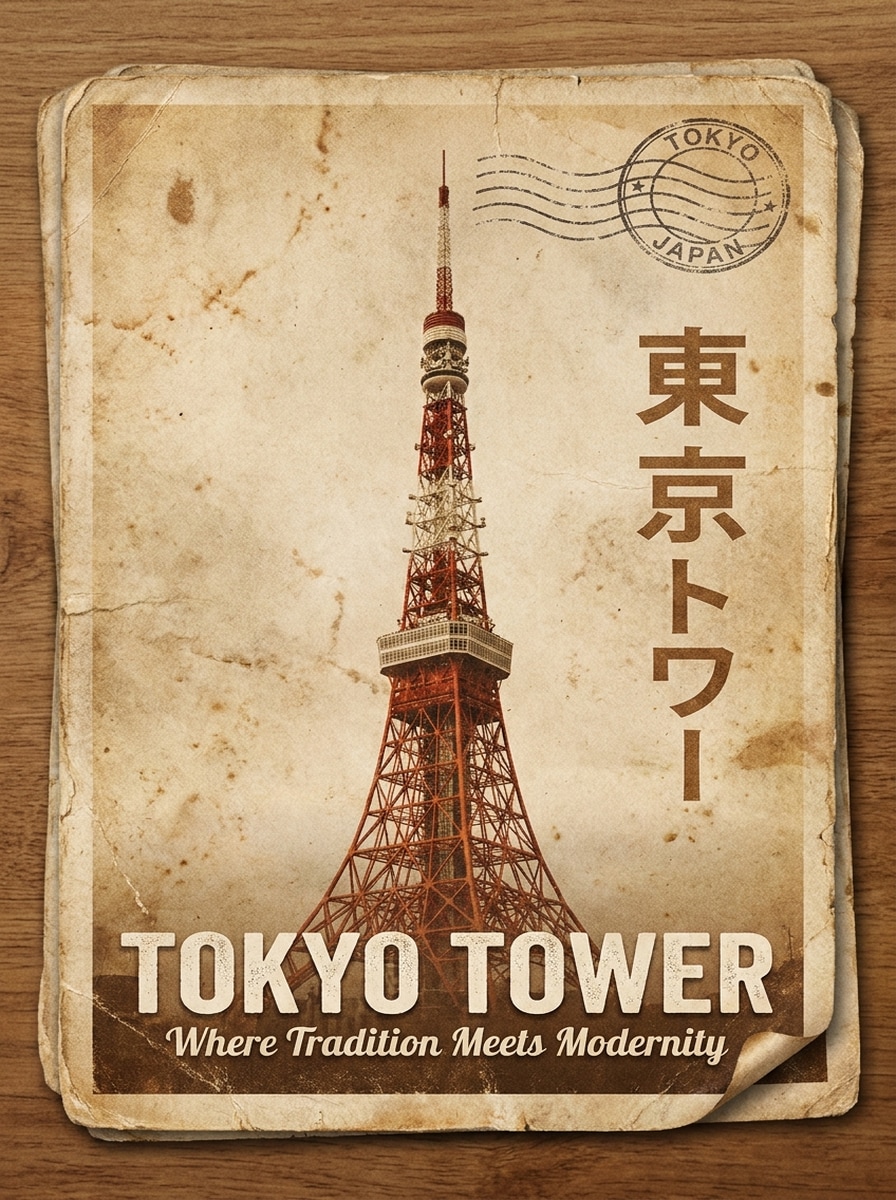
Cartão Postal de Viagem Vintage
Use a imagem enviada como arte principal e transforme-a em um mockup de cartão postal de viagem vintage. Adicione envelhecimento retro do papel, tons desbotados quentes, bordas levemente desgastadas, elementos sutis de carimbo postal, composição nostálgica e textura impressa realista, mantendo o design claramente visível.
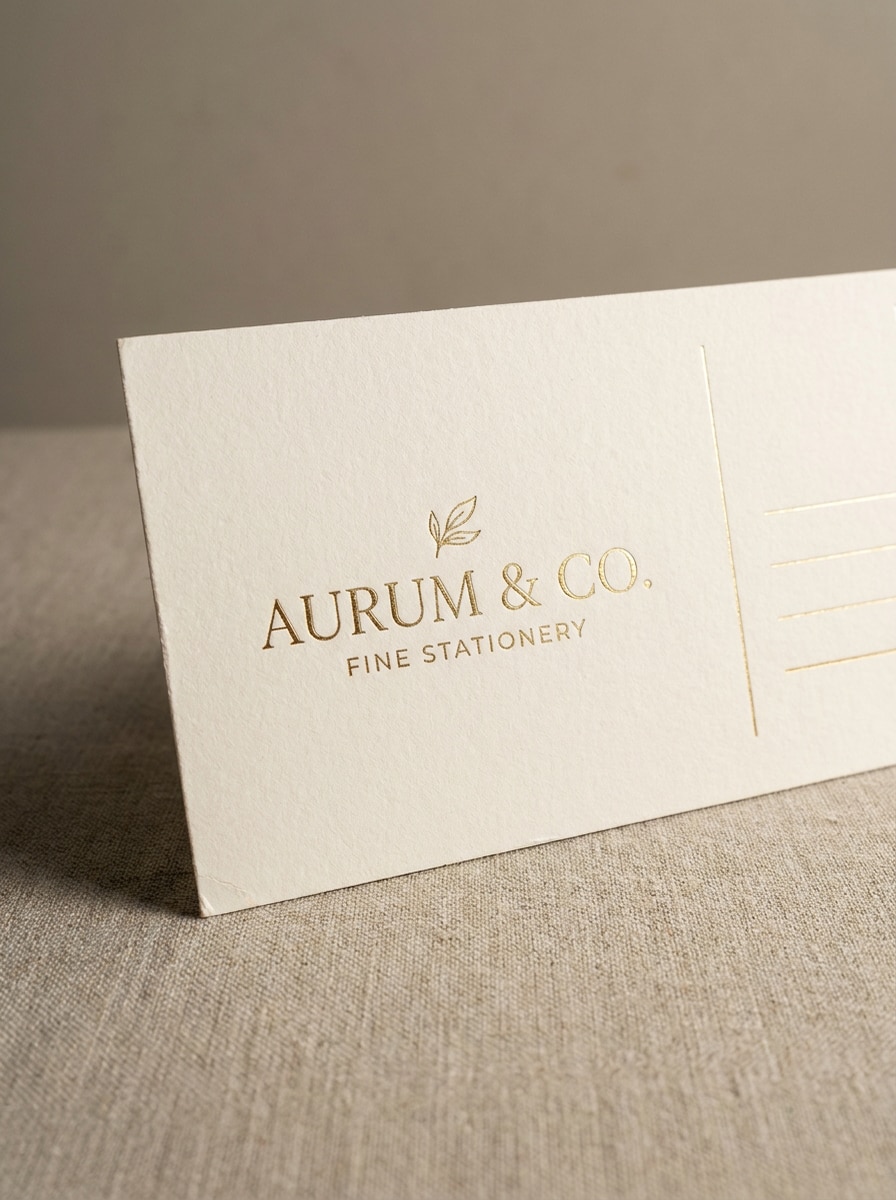
Cartão Premium com Carimbo de Folha
Use o design enviado como arte do cartão postal e transforme-o em um mockup premium com detalhes sutis de carimbo de folha. Mostre papel de luxo, detalhe em close-up, iluminação elegante de estúdio, sombras refinadas, clima de branding sofisticado e realces metálicos realistas sem ofuscar o design.
Por Que Usar o Media.io para Criar Mockup de Cartão Postal
Preserve a Identidade Enquanto Muda a Aparência
Para branding, conteúdo social ou visuais de apresentação, o Media.io ajuda a manter o assunto original reconhecível enquanto adapta o estilo geral do mockup de cartão postal, para que a imagem final permaneça alinhada ao briefing e ainda pareça refinada.
Transforme Qualquer Design em uma Pré-Visualização de Impressão Realista
Quando a direção de arte ainda está aberta, o Media.io permite testar múltiplos estilos em torno da mesma ideia de mockup de cartão postal, facilitando encontrar o estilo certo sem reconstruir do zero.
Adapte a Cena ao Seu Estilo de Apresentação
Em publicações sociais, apresentações e materiais promocionais, o Media.io ajuda a adaptar um mockup de cartão postal para diferentes posicionamentos, para que você possa reutilizar a ideia central com eficiência, mantendo cada versão pronta para apresentação.
Crie Imagens de Alta Resolução para Uso Real
Para revisões de clientes, peças de portfólio ou visuais de publicação, o Media.io entrega saída de mockup de cartão postal mais nítida em até 4K, ajudando seu design a permanecer claro e profissional em materiais reutilizados e telas maiores.
Como Fazer um Mockup Realista de Cartão Postal Online
Transforme suas palavras em visuais impressionantes em três etapas simples e continue refinando o resultado se quiser ir mais longe.
Etapa 1
Envie Sua Imagem de Referência
Envie um JPG, PNG ou JPEG nítido da sua arte de cartão postal, design de marca, layout de impressão ou rascunho visual. Uma imagem fonte limpa ajuda a ferramenta a preservar detalhes importantes ao transformá-la em uma cena de apresentação realista.
Etapa 2
Descreva a Mudança e Defina as Opções
Insira um prompt descrevendo o estilo de mockup que você deseja, como flat lay, segurado à mão, impressão brilhante ou exibição frente e verso. Em seguida, escolha o modelo e ajuste a proporção, resolução e o número de variações para corresponder ao seu fluxo de trabalho.
Etapa 3
Gere, Baixe e Continue Melhorando
Gere múltiplas versões de mockup, compare as cenas e baixe seu resultado favorito. Se necessário, refine o prompt, altere o layout ou crie mais variações até que a pré-visualização do cartão postal se adeque ao seu cliente, portfólio ou uso de marketing.
Desbloqueie o Potencial do Mockup de Cartão Postal Gratuito
Veja como criadores usam este Mockup de Cartão Postal para conteúdo, marketing e projetos pessoais e, em seguida, adapte cada ideia para se adequar ao briefing com o Media.io.
Apresente Conceitos de Clientes com Mais Realismo
Mostre arte de branding ou de campanha em cenas de mesa convincentes, visualizações de cartões empilhados ou pré-visualizações de impressão em close-up, em vez de arquivos planos. Um mockup de cartão postal refinado ajuda os clientes a entender escala, sensação do papel e qualidade de apresentação antes de ir para impressão.
Crie Fotos de Portfólio Sem Trabalho Complexo em PSD
Designers podem transformar layouts finalizados em visuais editoriais limpos para Behance, estudos de caso e publicações sociais. Isso é especialmente útil quando você quer um mockup de cartão postal personalizado rapidamente, em vez de pesquisar infinitamente por um template que quase serve.
Pré-Visualize Versões Frente, Verso e Lifestyle Rapidamente
Equipes de marketing e vendedores de impressão podem gerar múltiplas cenas a partir de um design enviado, incluindo configurações de café, visualizações seguradas à mão e layouts de dois lados. Isso torna as revisões mais rápidas e fornece mais materiais para páginas de produtos, listagens ou conteúdo promocional com um estilo de mockup consistente.
O Que os Usuários Dizem
Ava Coleman
Designer de Marca
"Maneira rápida de apresentar conceitos de cartão postal" Usei o Media.io para transformar um design plano em uma apresentação realista de cartão postal para um deck de cliente. As cenas empilhadas e frente-verso pareceram refinadas, e não precisei construir um mockup PSD complicado do zero.
Marcus Reed
Proprietário de Gráfica
"Útil para pré-visualizar ideias de impressão" Os estilos de mockup matte e brilhante facilitaram mostrar aos clientes como suas artes poderiam ficar como um cartão impresso acabado. É um fluxo de trabalho prático quando alguém quer revisar opções rapidamente antes de fazer um pedido.
Lina Park
Ilustradora Freelancer
"Funciona bem no tablet e no laptop" Costumo trabalhar entre dispositivos, então gosto de poder enviar um design e gerar visuais de cartão postal no navegador. As cenas seguradas à mão e de café deram às minhas peças de portfólio uma aparência mais profissional e pronta para o mercado.
Noah Bennett
Vendedor de E-commerce
"Alternativa útil às bibliotecas de templates estáticos" Em vez de vasculhar pacotes de templates, pude criar cenas baseadas na minha própria arte e ajustar o estilo de saída. Isso economizou tempo e me deu imagens mais personalizadas para listagens e gráficos promocionais.
Explore os efeitos de vídeo e imagem de IA mais quentes
Perguntas Frequentes sobre Mockup de Cartão Postal
1. O que é um gerador de mockup de cartão postal?
Um gerador de mockup de cartão postal é uma ferramenta que transforma seu design enviado em uma pré-visualização realista de cartão postal. Com o Media.io, você pode colocar sua arte em diferentes cenas e layouts, como configurações de mesa, visualizações seguradas à mão ou apresentações frente e verso, para que o design pareça mais próximo de uma peça impressa real.
2. Posso criar um mockup de cartão postal online gratuitamente?
O Media.io oferece créditos gratuitos, para que você possa experimentar um fluxo de trabalho de mockup de cartão postal gratuito online sem software de design avançado. O uso gratuito pode incluir marcas d'água, enquanto os planos pagos desbloqueiam downloads em alta resolução sem marca d'água. Você pode comparar as opções na página de preços.
3. Como transformo meu design em um mockup realista de cartão postal?
Envie sua arte de cartão postal como JPG, PNG ou JPEG e, em seguida, insira um prompt descrevendo a cena que deseja, como um flat lay minimalista de mesa, cartões empilhados ou uma pré-visualização de impressão brilhante. O Media.io usa sua imagem de referência para orientar o resultado, ajudando você a gerar uma apresentação de cartão postal mais realista a partir do seu próprio design.
4. Posso criar mockups de cartão postal frente e verso?
O Media.io pode gerar layouts que mostram as visualizações frente e verso em uma única apresentação, o que é útil para revisões de marca, provas de impressão e aprovações de clientes. Você também pode explorar diferentes proporções e variações de cena para que a pré-visualização de dois lados se adapte à sua saída pretendida.
5. Quais tipos de arquivo posso enviar para um mockup de cartão postal?
O Media.io suporta uploads de JPG, PNG e JPEG para este fluxo de trabalho. Para o resultado mais limpo, use uma imagem fonte nítida com arte legível e detalhes sólidos, para que a cena do mockup preserve a aparência do seu design original com mais precisão.
6. O download do meu mockup de cartão postal será em alta resolução?
O Media.io suporta opções de resolução incluindo 1K, 2K e 4K, o que é útil para visuais de portfólio, apresentações a clientes e materiais de marketing. Usuários gratuitos podem ter marcas d'água.