Selecione / @ personagem, descreva a cena que você deseja gerar.
0/2000
9:16
1K
1
Modo Ilimitado do Banana Pro
Criações
Hub de Ideias
Como funciona
Todos
Recursos populares
Ver tudo
Desafio Criativo de Halloween
Ver tudo
História de Frutas com IA
Ver tudo
Vídeo de História com IA
Ver tudo
Vídeos Virais Hoje
Ver tudo
Vídeos de Produto com IA
Ver tudo
Personagem AI
Ver tudo
Tendências de Dança
Ver tudo
GPT Image 2
Ver tudo
Seedance 2.0
Ver tudo
Correspondência de Celebridade por IA
Ver tudo
Dicas de Poses para Casais
Ver tudo
Prompts de Poses de Garota AI Estética
Ver tudo
Sugestões de Pose de Garoto Elegante com IA
Ver tudo
Lista de geração
As criações são armazenadas por apenas 7 dias. Os recursos criados após o upgrade para um plano de assinatura serão armazenados permanentemente.
Desbloqueie seu potencial criativo e experimente a magia da IA de mídia hoje!
Crie Cenas Realistas de Mockup de Papel a Partir do Seu Design Online
Transforme sua arte em um mockup de papel realista em minutos. Faça upload de um flyer, pôster, cardápio ou design de papelaria, e gere cenas de papel texturizado com dobras, sombras e uma apresentação pronta para impressão — sem necessidade de configuração em PSD. Ideal para visualizações rápidas, aprovações de clientes e até um teste gratuito de mockup de papel com créditos.
Digite sua ideia -> A IA cria o design. Grátis para experimentar.
Revise estes exemplos de direções e, em seguida, personalize os detalhes do prompt para obter resultados mais precisos com este Mockup de Papel e criar mockups de papel que correspondam ao seu conceito com mais fidelidade.
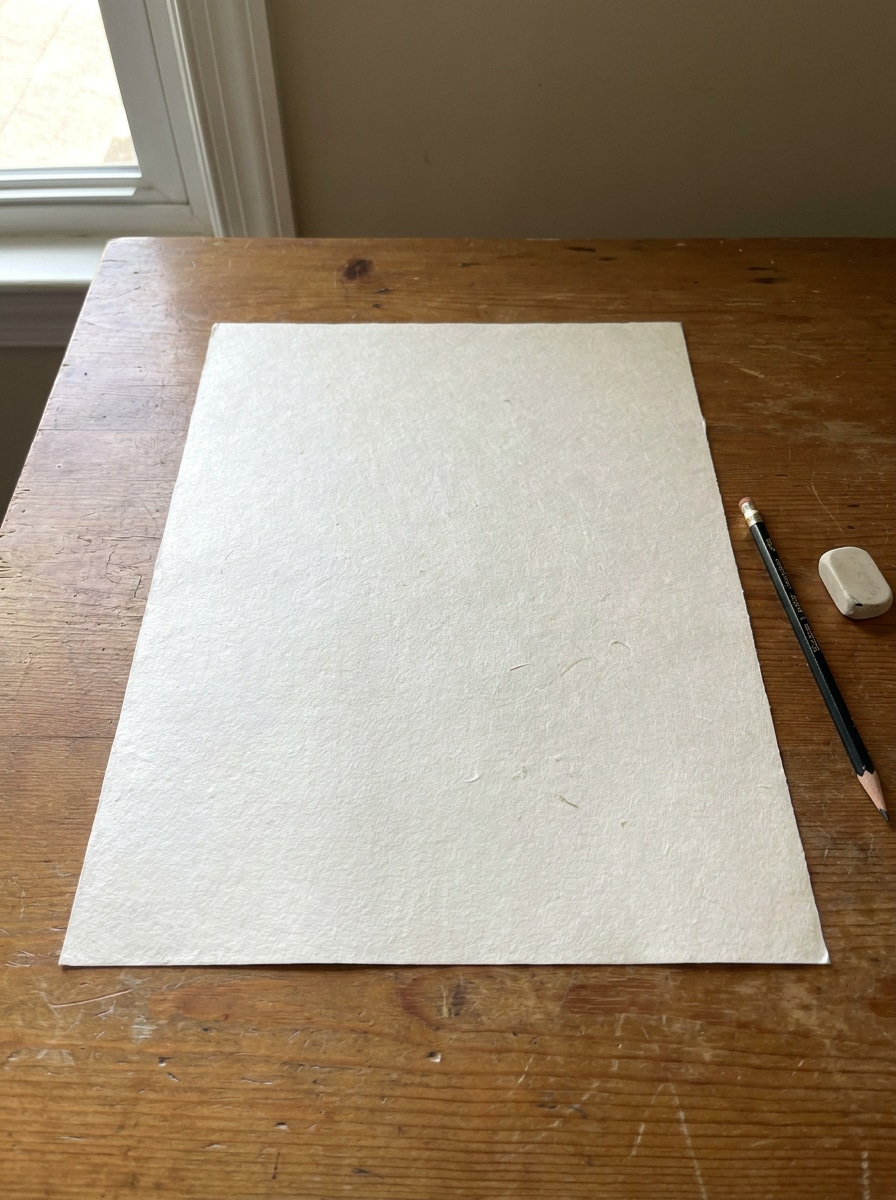
Mesa Minimalista com Vista Superior
Use a imagem enviada como o design impresso em uma única folha de papel branco colocada sobre uma mesa neutra e limpa, composição vista de cima, luz natural suave de janela, sombras delicadas, textura de papel fosco sutil, estilo editorial minimalista, bastante espaço negativo, apresentação comercial fotorrealista.
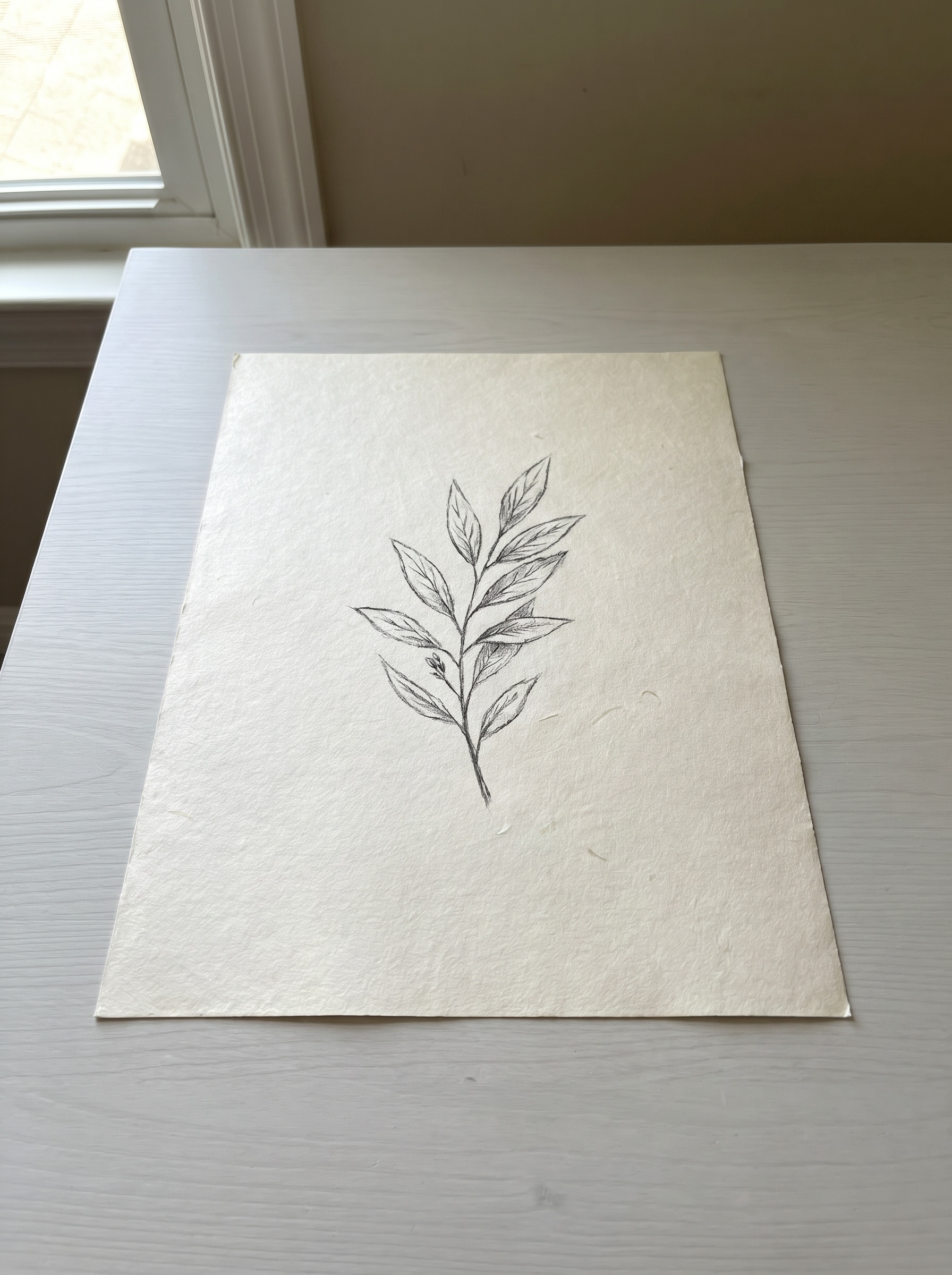
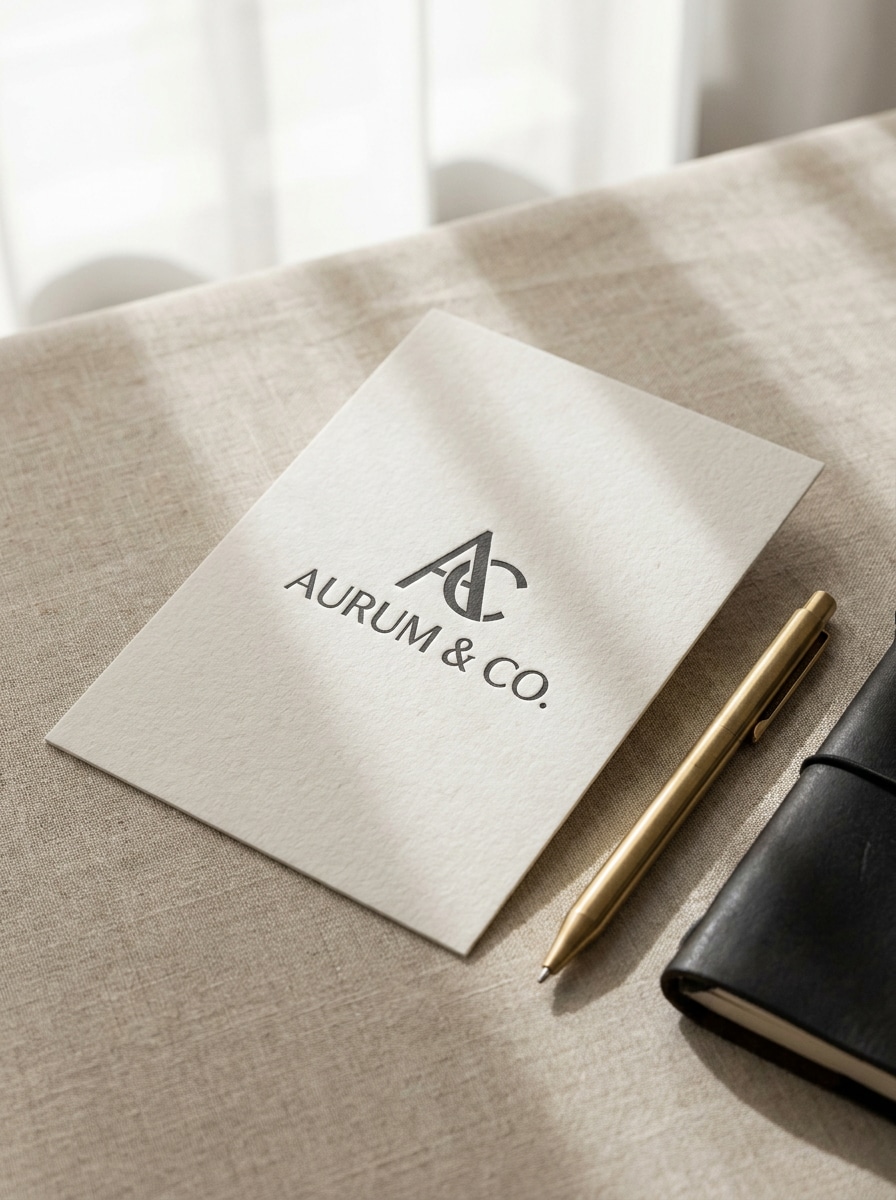
Papelaria Premium em Ângulo
Use a imagem enviada como arte principal em uma cena de papelaria premium em ângulo, papel texturizado realista, iluminação de estúdio difusa e suave, sombras refinadas, estilo de mesa luxuosa e limpa, leve visão em perspectiva, paleta neutra e elegante, acabamento impresso nítido para uma apresentação de marca sofisticada.
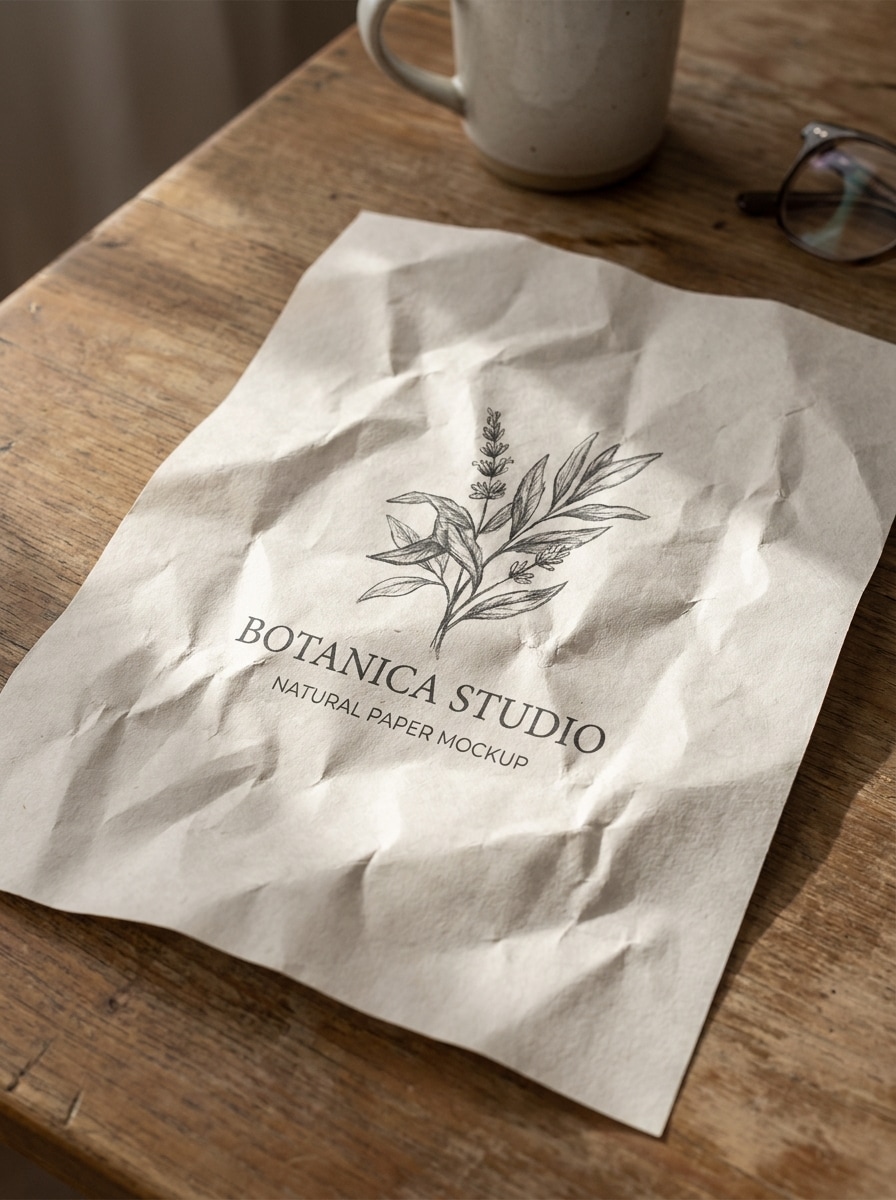
Papel Amassado
Use a imagem enviada como o design impresso em uma folha de papel amassado realista, rugas e tensões de dobras visíveis, iluminação natural sobre mesa, fibras de papel táteis, realces suaves e sombras nas vincos, sensação levemente imperfeita e artesanal, fotorrealista e detalhado para um visual de mockup de papel marcante.
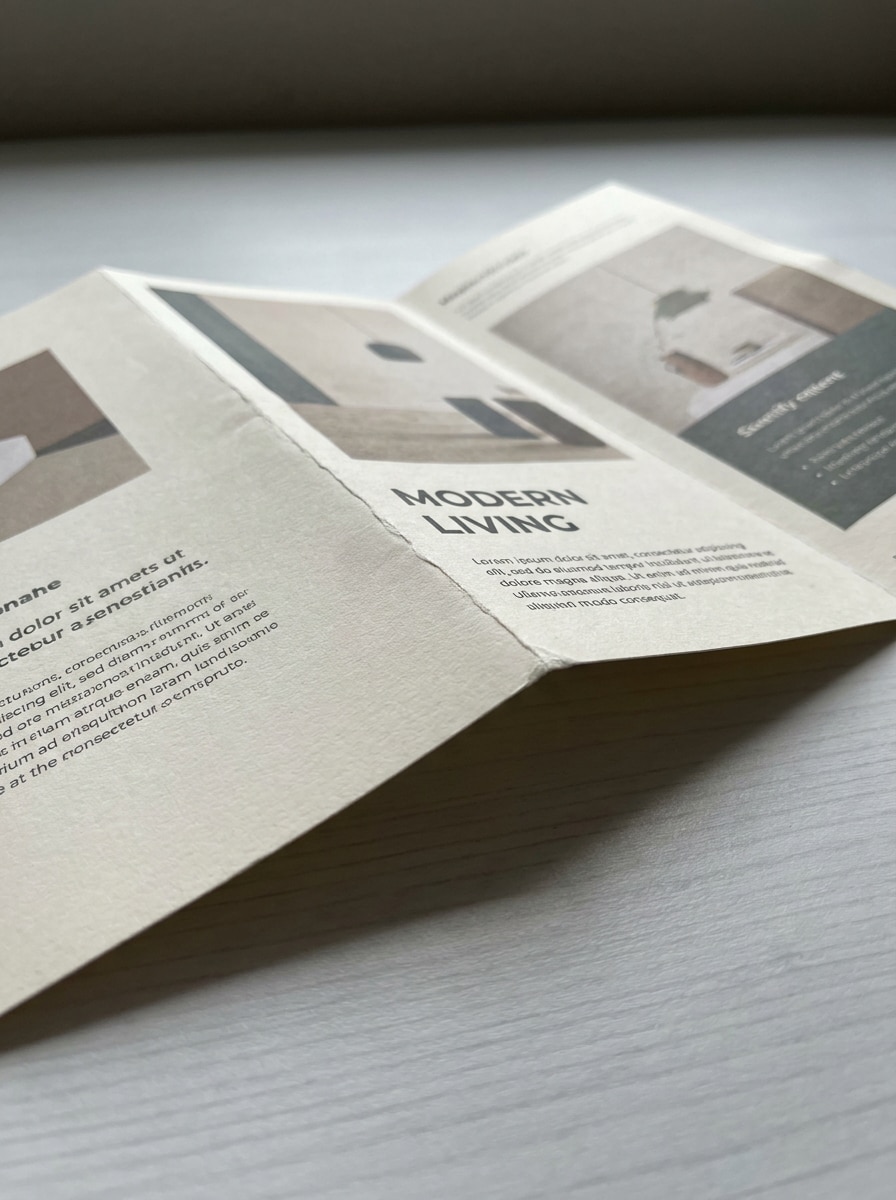
Folheto Dobrado
Use a imagem enviada como um flyer dobrado realista impresso em papel fosco, linhas de dobra precisas, composição levemente angulada, sombras suaves naturais sobre mesa, apresentação moderna e limpa, espessura do papel visível, tons neutros equilibrados, impressão nítida e legível, ideal para exibir layouts promocionais em uma cena profissional.
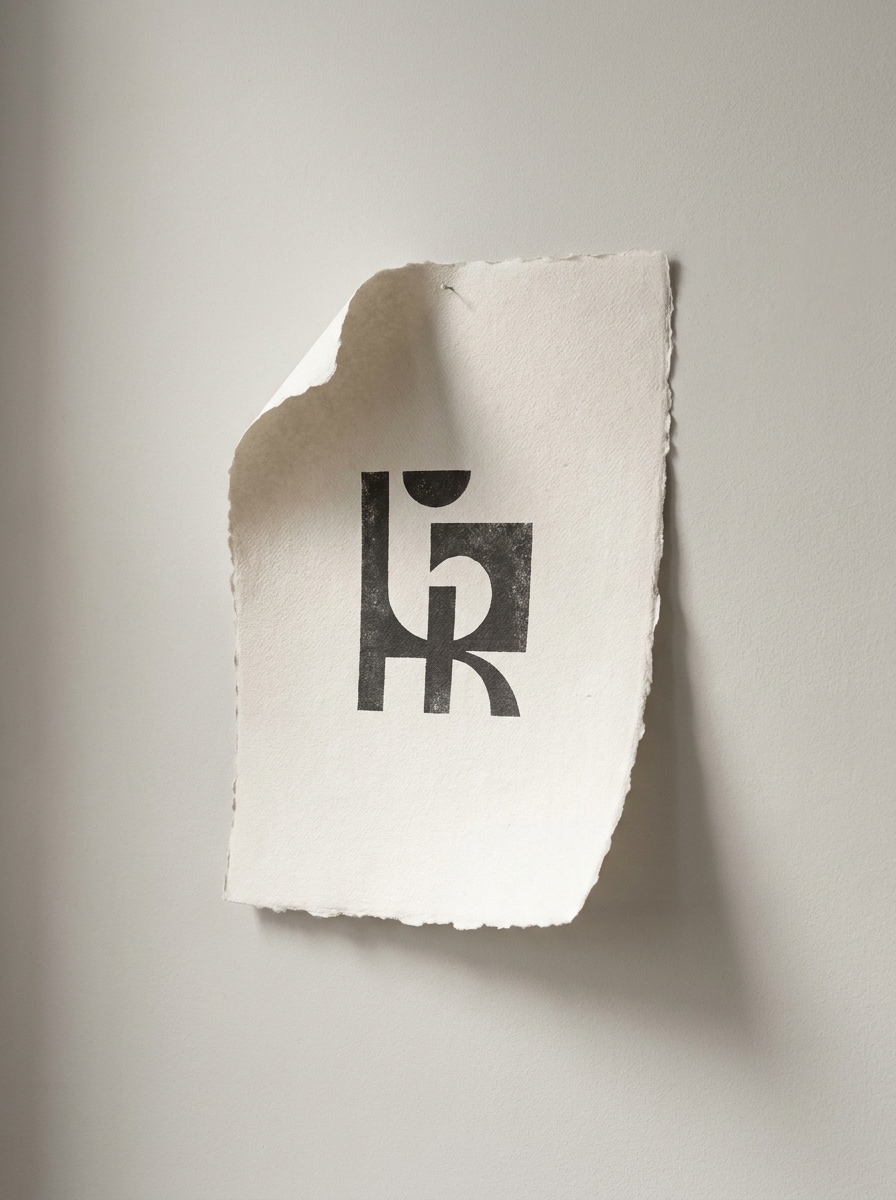
Editorial com Bordas Rasgadas
Use a imagem enviada como um pôster impresso em papel com bordas rasgadas, bordas desfiadas artesanais, sombras suaves de estúdio, fundo editorial neutro, textura de papel tátil, estilo artístico mas realista, luz lateral levemente dramática, equilíbrio de cores refinado e detalhes de impressão premium para uma apresentação de design marcante.
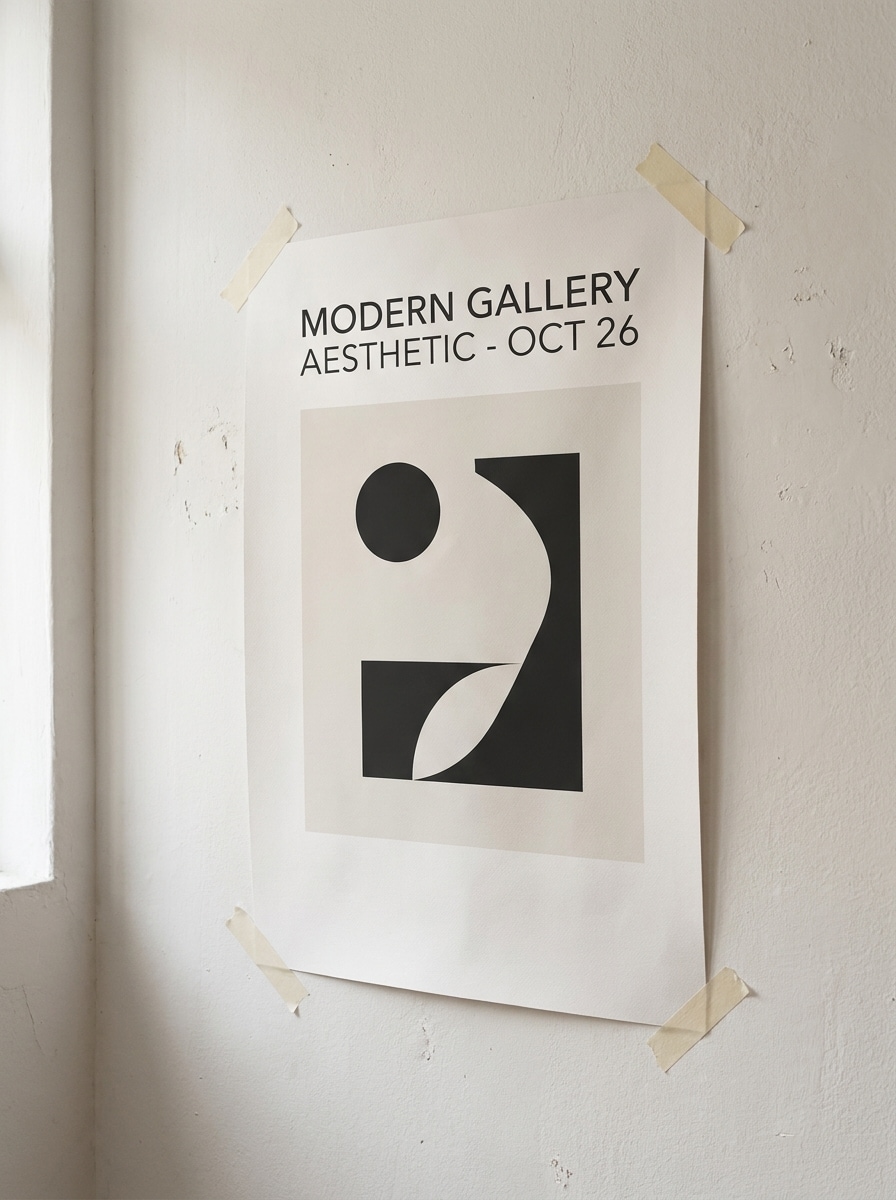
Mockup de Pôster Fixado na Parede
Use a imagem enviada como um pôster impresso fixado em uma parede com fita adesiva, fita nos cantos, curvatura realista do papel, luz ambiente suave do ambiente, textura sutil da parede, sombras delicadas, atmosfera de galeria moderna, composição limpa e detalhe de impressão altamente convincente para apresentações de interiores ou campanhas.
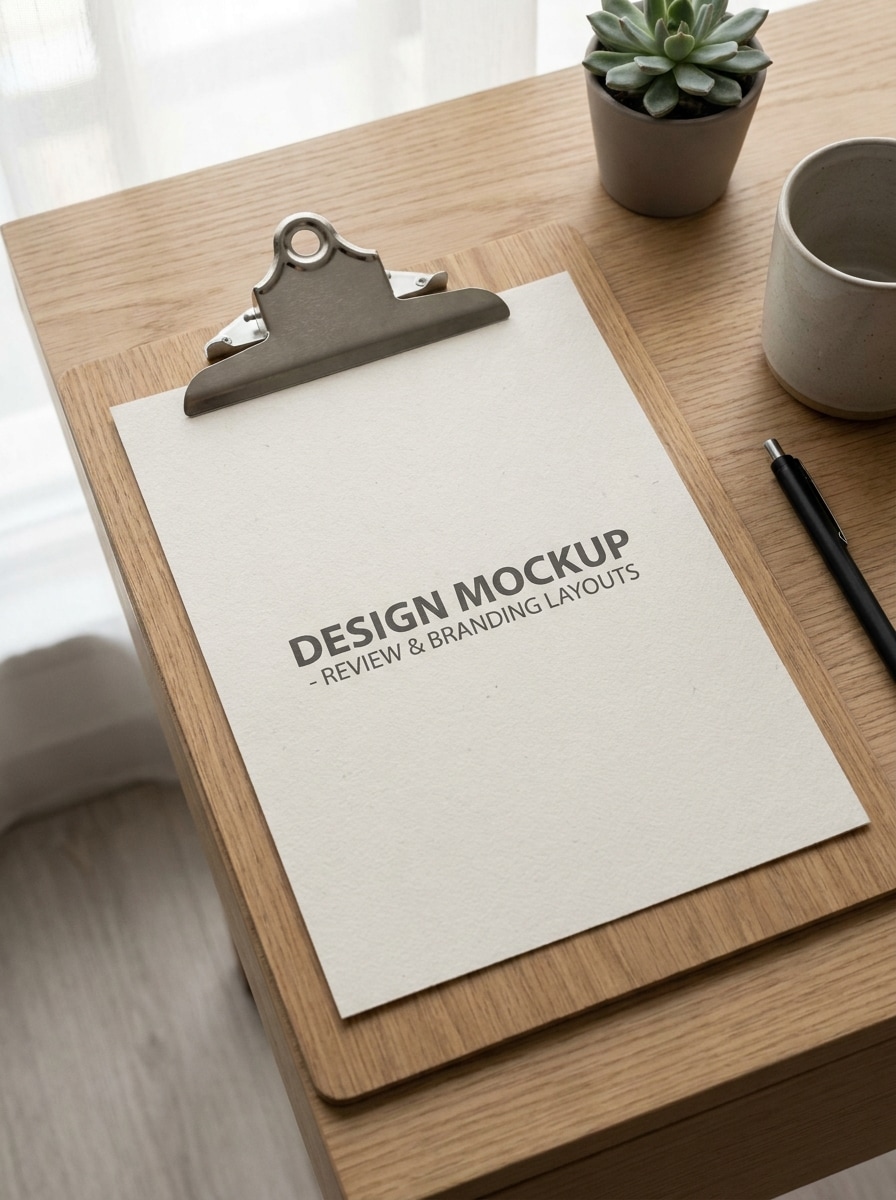
Apresentação em Prancheta
Use a imagem enviada como uma folha impressa presa a uma prancheta moderna, cena de escritório realista, luz suave do dia, bordas de papel nítidas, sombras sutis do clipe, adereços mínimos, paleta neutra profissional e composição limpa que faz o design parecer pronto para revisão ou apresentação.
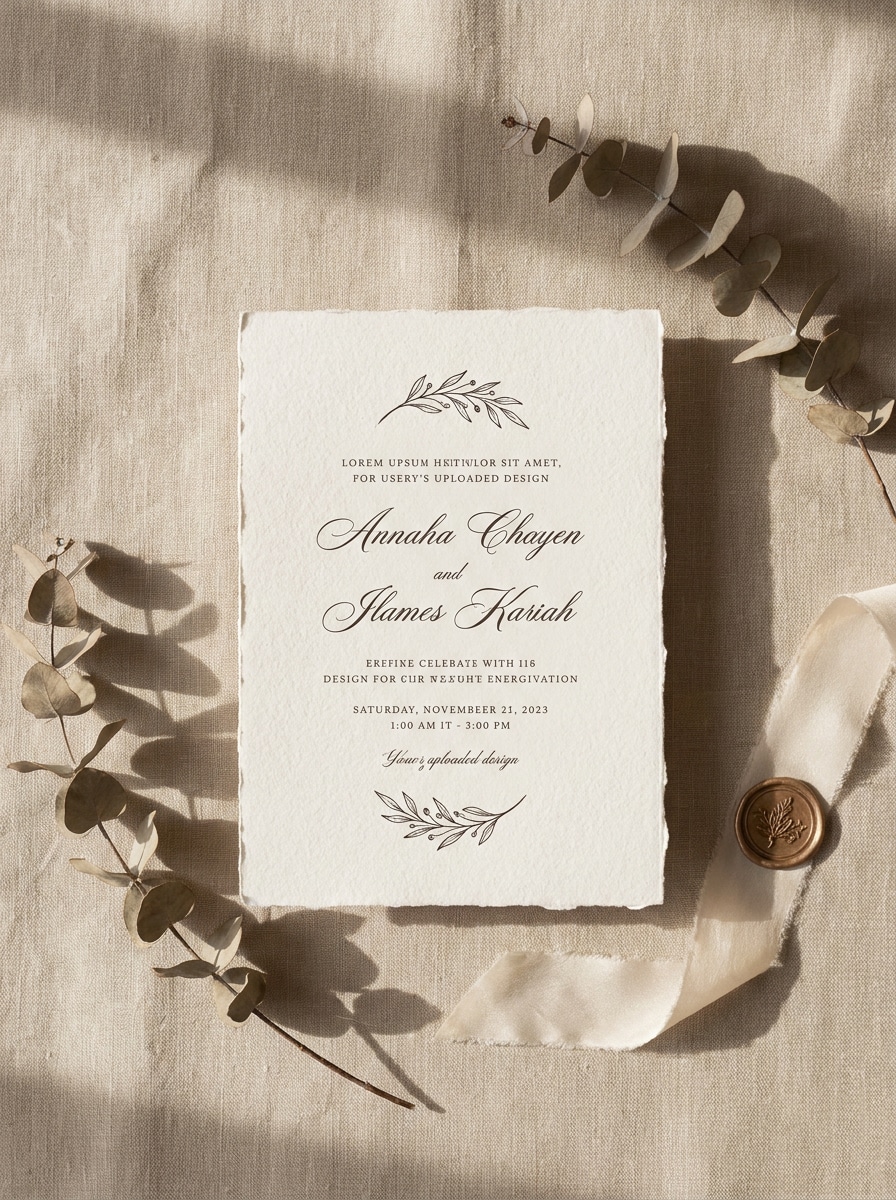
Cartão de Convite em Papel
Use a imagem enviada como um convite elegante impresso em cartão premium, composição aérea, iluminação suave e refinada, sombras delicadas, grão natural do papel, estilo minimalista inspirado em casamentos, paleta neutra e quente e detalhes de tipografia nítidos para uma revelação de impressão luxuosa e realista.
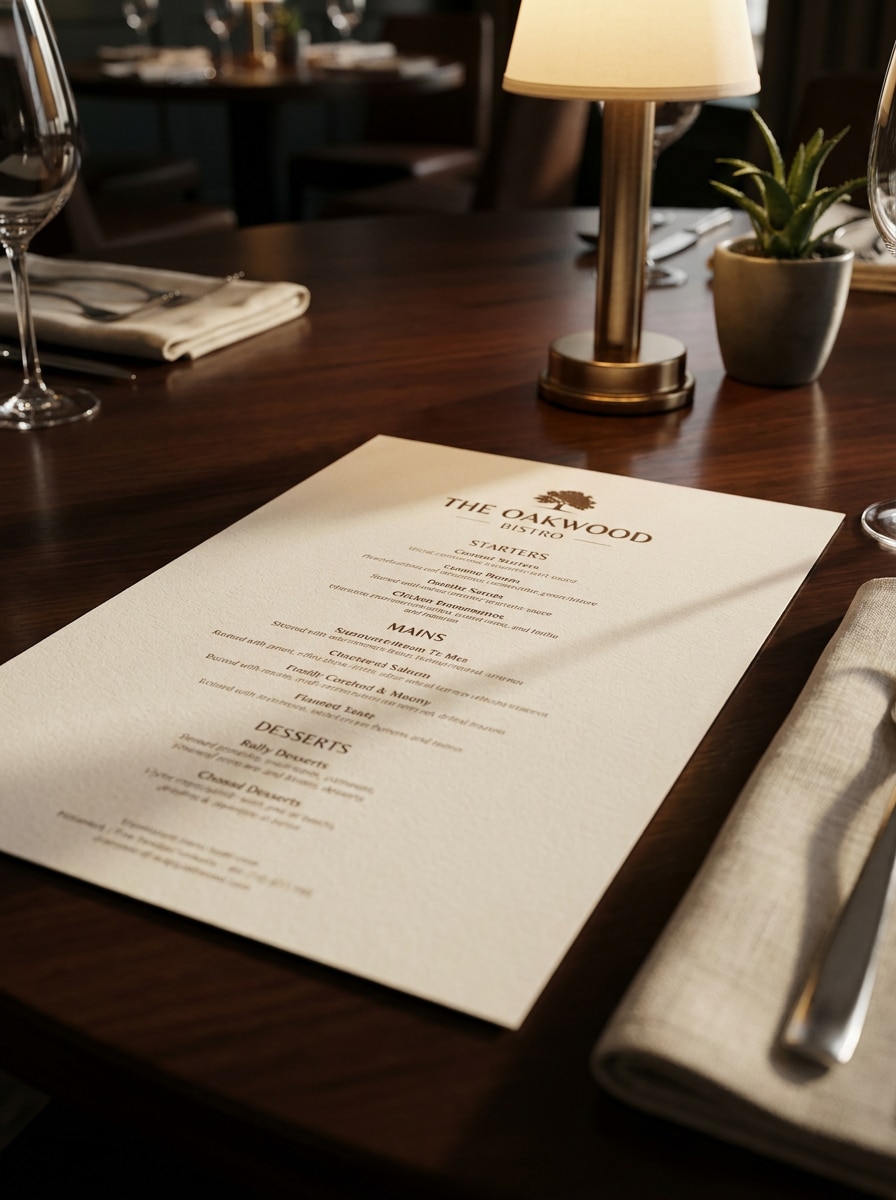
Cardápio de Restaurante em Papel
Use a imagem enviada como um cardápio de restaurante impresso em papel premium, colocado sobre uma mesa com iluminação ambiente quente, sombras sutis, papel realista, composição limpa, atmosfera de restaurante sofisticado, layout legível e nítido e textura natural que faz o design parecer uma prova de cardápio finalizado.
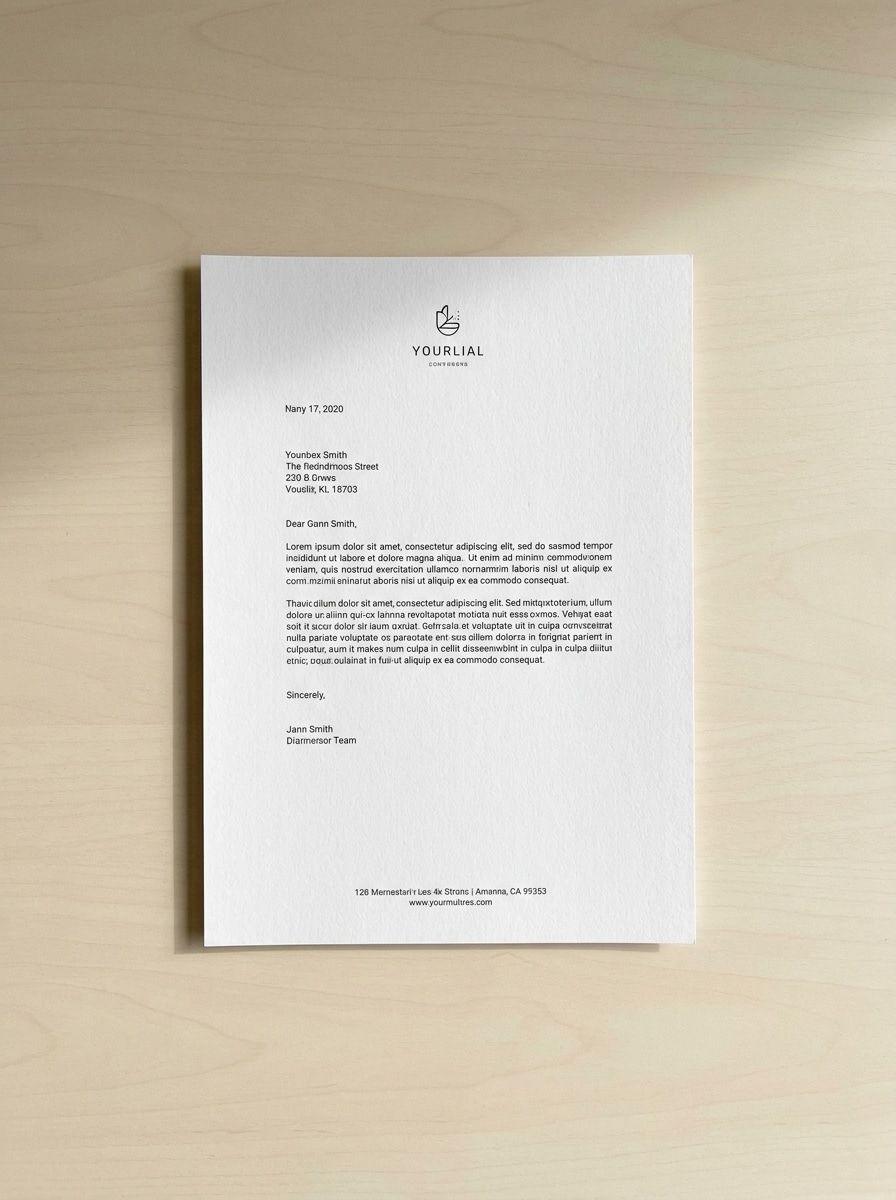
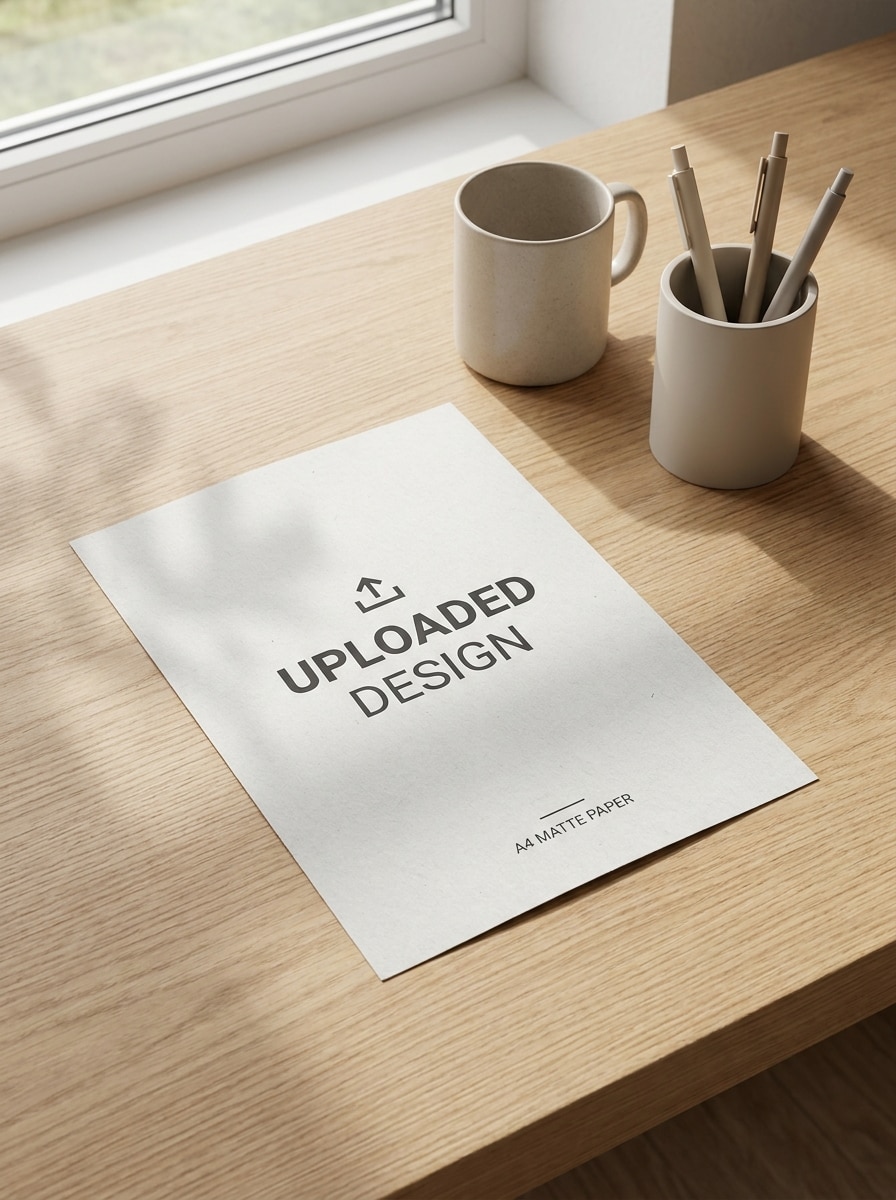
Mockup de Flyer A4
Use a imagem enviada como um flyer A4 impresso realista, leve ângulo em perspectiva sobre uma mesa limpa, acabamento em papel fosco, sombras naturais suaves, qualidade de impressão nítida, estilo moderno minimalista, tons neutros e espaço negativo suficiente para apresentar promoções, eventos ou um mockup de documento com clareza.
Por que Usar o Media.io para Mockups de Papel Realistas
Mantenha o Sujeito Reconhecível em Novos Estilos
O Media.io permite que você faça upload de um flyer, pôster, cardápio ou design de papelaria e transforme-o em uma apresentação convincente de mockup de papel com sombras, dobras e textura, fazendo o trabalho parecer mais próximo de uma peça impressa real.
Encontre o Estilo Certo para Cada Versão
Quando a direção de arte ainda está em aberto, o Media.io permite testar múltiplos visuais em torno da mesma ideia de mockup de papel, facilitando encontrar o estilo certo sem recomeçar do zero.
Adapte Diferentes Layouts para Impressão e Publicação
Se um conceito precisar atender a mais de uma necessidade de publicação, o Media.io ajuda a ajustar o resultado para diferentes layouts, tornando os assets finais mais adequados ao formato e prontos para uso.
Controle os Detalhes para Resultados Mais Precisos para Clientes
Para publicações, apresentações ou assets de campanha reutilizáveis, o Media.io gera visuais de mockup de papel mais nítidos em até 4K, ajudando a manter a imagem final clara em slides, fundos e criações reutilizadas.
Como Criar um Mockup de Papel a Partir do Seu Design
Transforme suas palavras em visuais impressionantes em três etapas simples e continue refinando o resultado se quiser ir além.
Passo 1
Faça Upload da Sua Imagem de Referência
Comece fazendo upload de um JPG, PNG ou JPEG nítido do seu flyer, pôster, convite, cardápio ou outro design. Uma imagem de origem clara e bem recortada ajuda a IA a inserir sua arte de forma limpa em uma cena de papel impresso realista.
Passo 2
Descreva a Mudança e Defina as Opções
Insira um prompt descrevendo o estilo de papel desejado, como dobrado, fixado com fita, amassado, vista de cima ou papelaria premium. Em seguida, escolha o modelo e ajuste a proporção, quantidade de imagens e resolução para atender às suas necessidades de apresentação.
Passo 3
Gere, Baixe e Continue Melhorando
Crie várias variações, compare as texturas de papel e a iluminação, e depois baixe seu resultado favorito. Se necessário, refine o prompt e gere novamente para obter um mockup de pôster mais limpo, uma prévia de convite ou outra apresentação de impressão com identidade visual.
Veja como criadores usam este Mockup de Papel para conteúdo, marketing e projetos pessoais, e adapte cada ideia ao briefing.
Apresente Conceitos de Branding e Editoriais com Mais Rapidez
Apresente logotipos, layouts, cardápios e artes de campanha em cenas impressas convincentes antes de qualquer envio para impressão. Isso torna as revisões de conceito mais concretas e permite que os clientes compreendam escala, textura e tom visual geral de relance.
Visualize Produtos Impressos Sem a Necessidade de um Estúdio Completo
Crie cenas polidas para flyers, convites, pôsteres e papelaria diretamente a partir do seu arquivo de origem. É uma maneira prática de testar diferentes visuais, criar imagens para portfólio ou produzir uma prévia rápida mockup de documento para aprovações internas.
Crie Visuais para Redes Sociais e Marketplaces com Aparência Finalizada
Use apresentações realistas em papel para listagens de produtos, apresentações de design e carrosséis de conteúdo. Uma imagem de mockup limpa ajuda a arte a parecer mais tátil e profissional, o que é especialmente útil ao promover templates, serviços de impressão ou assets criativos digitais para download.
O que os Usuários Dizem Sobre Esta Ferramenta de Mockup de Papel
Lena Morris
Designer de Marca
"Ótimo para criar visuais rápidos de apresentação para clientes" Eu o usei para transformar artes planas de flyers em cenas realistas de mesa e parede antes de uma revisão com o cliente. Economizou tempo na criação manual de vários mockups em PSD, e a textura do papel e as sombras ficaram surpreendentemente convincentes.
Adrian Cole
Criativo Freelancer
"Útil para prévias de convites e papelaria" Os resultados no estilo de convite me deram imagens de portfólio refinadas em minutos. Gosto que posso fazer upload do meu design, alterar o prompt e obter diferentes visuais de papel sem refazer tudo do zero.
Maya Chen
Especialista em Mídias Sociais
"Maneira fácil de criar cenas em papel no navegador" Eu precisava de prévias realistas de pôsteres e cardápios para conteúdo de campanha, e este fluxo de trabalho foi muito mais fácil do que procurar templates. Poder fazer tudo online tornou o processo rápido para edições e aprovações de última hora.
Jonas Reed
Proprietário de Gráfica
"Útil para mostrar aos clientes ideias de impressão finalizadas" Os clientes muitas vezes querem ver como um design ficaria como uma folha impressa, flyer dobrado ou pôster fixado na parede. Esta ferramenta nos ajuda a gerar prévias claras rapidamente, o que torna as conversas de venda mais fluidas.
Explore os efeitos de vídeo e imagem de IA mais quentes
Um mockup de papel é uma imagem de prévia realista que mostra seu design como se estivesse impresso em papel em uma cena real. Ele pode simular textura, dobras, sombras, ângulo e posicionamento, o que o torna útil para apresentar flyers, pôsteres, convites, cardápios e outros materiais impressos de forma mais convincente.
2. Como faço para criar um mockup de papel a partir do meu design?
Faça upload do seu design como JPG, PNG ou JPEG e descreva o tipo de cena em papel desejada, como uma composição plana, folha dobrada, pôster com fita ou configuração de papelaria premium. O Media.io usa um fluxo de trabalho de imagem para imagem para transformar sua fonte em um mockup de papel realista, e você pode refinar o resultado ajustando o prompt, a proporção ou a resolução.
3. Posso criar um mockup de papel gratuitamente?
O Media.io oferece créditos gratuitos para que você possa experimentar o fluxo de trabalho gratuito de mockup de papel antes de fazer upgrade. Usuários gratuitos podem ver marcas d'água, enquanto os planos pagos desbloqueiam downloads em alta resolução sem marca d'água e mais créditos. Você pode consultar as opções atuais na página de preços.
4. Preciso do Photoshop ou de um template PSD para usar um gerador de mockup de papel?
O Media.io foi desenvolvido para ajudá-lo a criar apresentações realistas em papel sem Photoshop, objetos inteligentes ou templates PSD para download. Você faz upload do seu design, insere um prompt, escolhe as configurações e gera variações diretamente no seu navegador.
5. Posso transformar um flyer, pôster ou convite em um mockup de papel realista?
O Media.io suporta criação de imagem para imagem a partir de designs enviados, então você pode transformar um flyer, pôster, convite, cardápio ou outro layout de papelaria em diferentes cenas de papel. Dependendo do seu prompt, isso pode incluir fotos de mesa limpa, folhas dobradas, impressões texturizadas e apresentações de pôster na parede.
6. Qual qualidade de imagem ou resolução devo usar para obter os melhores resultados de mockup de papel?
Para obter os melhores resultados, comece com uma imagem de origem clara e de alta qualidade para que os detalhes impressos permaneçam legíveis na cena final. O Media.io oferece opções de saída em 1K, 2K e 4K, que podem ajudar a preservar tipografia mais nítida, textura de papel mais clara e imagens de apresentação mais fortes e prontas para clientes. Usuários gratuitos podem ter marcas d'água.
Além do Mockup de Papel Online com Inteligência Artificial