Selecione / @ personagem, descreva a cena que você deseja gerar.
0/2000
9:16
1K
1
Modo Ilimitado do Banana Pro
Criações
Hub de Ideias
Como funciona
Todos
Recursos populares
Ver tudo
Desafio Criativo de Halloween
Ver tudo
História de Frutas com IA
Ver tudo
Vídeo de História com IA
Ver tudo
Vídeos Virais Hoje
Ver tudo
Vídeos de Produto com IA
Ver tudo
Personagem AI
Ver tudo
Tendências de Dança
Ver tudo
GPT Image 2
Ver tudo
Seedance 2.0
Ver tudo
Correspondência de Celebridade por IA
Ver tudo
Dicas de Poses para Casais
Ver tudo
Prompts de Poses de Garota AI Estética
Ver tudo
Sugestões de Pose de Garoto Elegante com IA
Ver tudo
Lista de geração
As criações são armazenadas por apenas 7 dias. Os recursos criados após o upgrade para um plano de assinatura serão armazenados permanentemente.
Desbloqueie seu potencial criativo e experimente a magia da IA de mídia hoje!
Crie um Mockup de Cartão de Saudação Grátis a Partir do Seu Próprio Design
Transforme a arte do seu cartão em cenas realistas de mockup dobrado, aberto ou com envelope online. O Media.io ajuda você a criar um mockup de cartão de saudação grátis com layouts flexíveis, iluminação refinada e exportações rápidas para portfólios, lojas e publicações nas redes sociais.
Digite sua ideia -> A IA cria o design. Grátis para experimentar.
Revise estes exemplos de direções e, em seguida, personalize os detalhes do prompt para obter resultados mais precisos com esta ferramenta gratuita de mockup de cartão de saudação no Media.io.
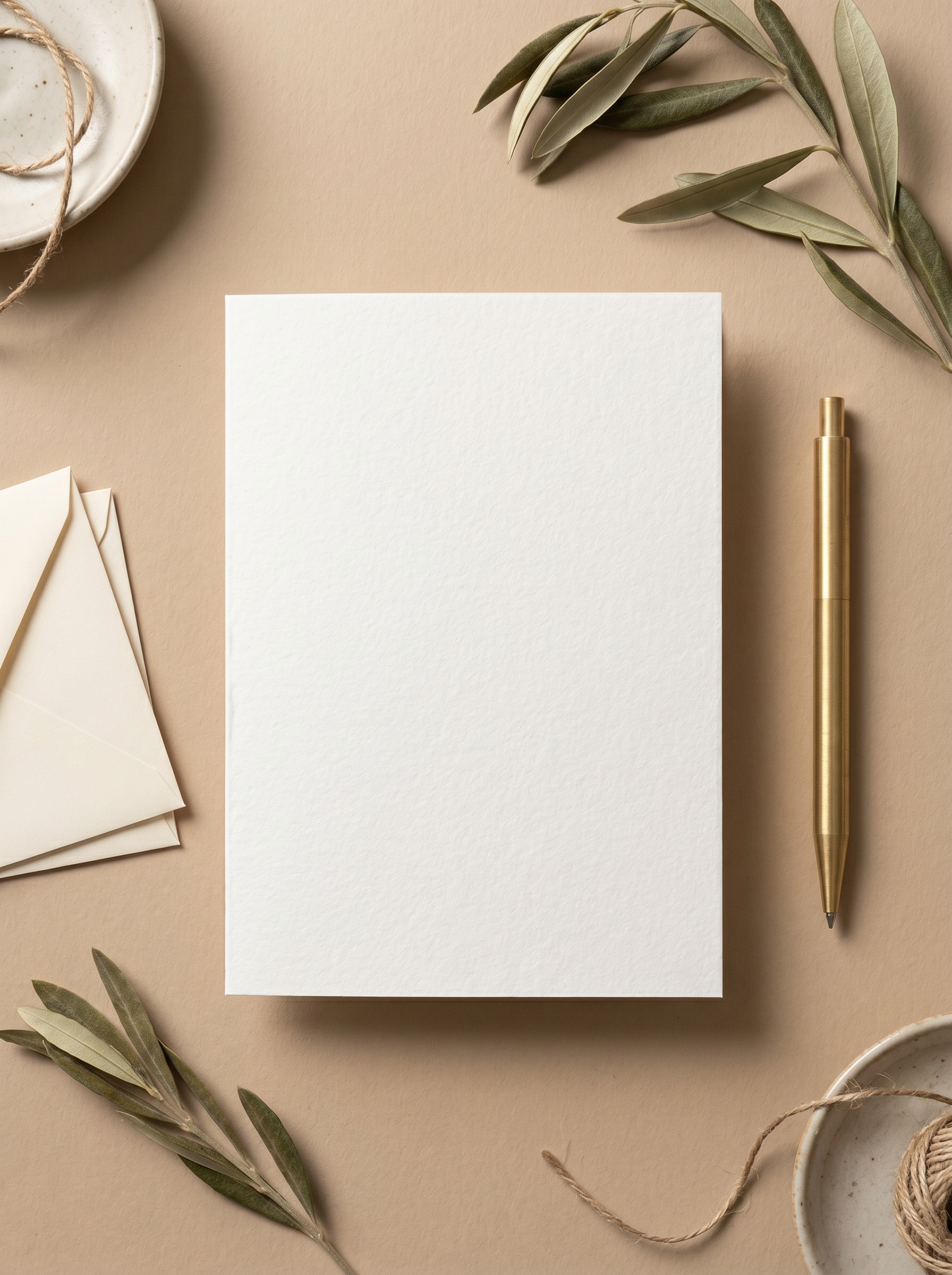
Flat Lay em Mesa Neutra
Use a imagem enviada como design do cartão de saudação e transforme-a em um mockup realista de flat lay visto de cima em uma mesa bege quente. Centralize um cartão dobrado com sombras naturais suaves, elementos decorativos de papelaria discretos, textura refinada de papel, tons neutros tranquilos e iluminação editorial limpa para uma apresentação minimalista premium.
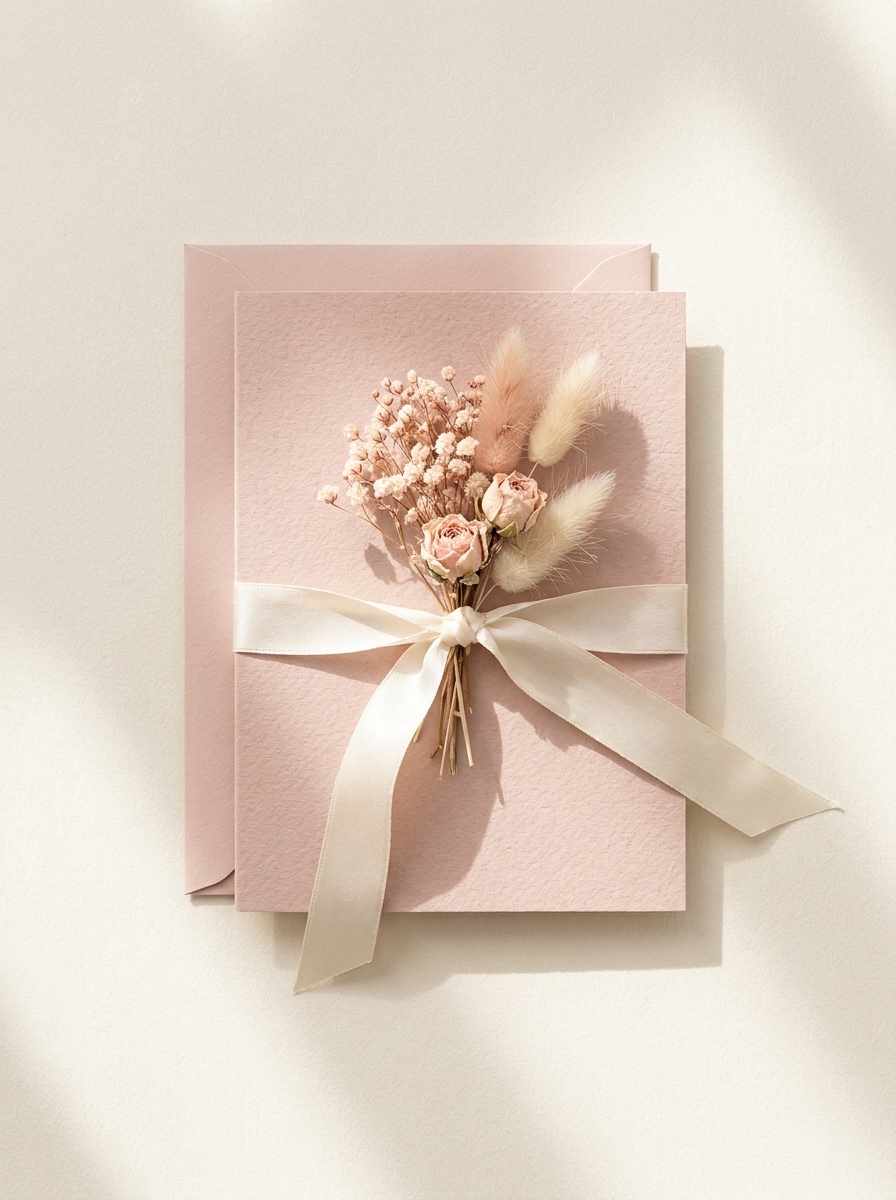
Conjunto de Envelope e Cartão
Use a imagem enviada como arte principal do cartão e coloque-a em uma cena de flat lay estilizada com envelope combinando, fita de seda e flores secas. Mantenha a composição em vista superior, com cores pastel, sombras delicadas, textura de papel realista e fotografia elegante de papelaria adequada para uma ferramenta gratuita de mockup de cartão de saudação vitrine.
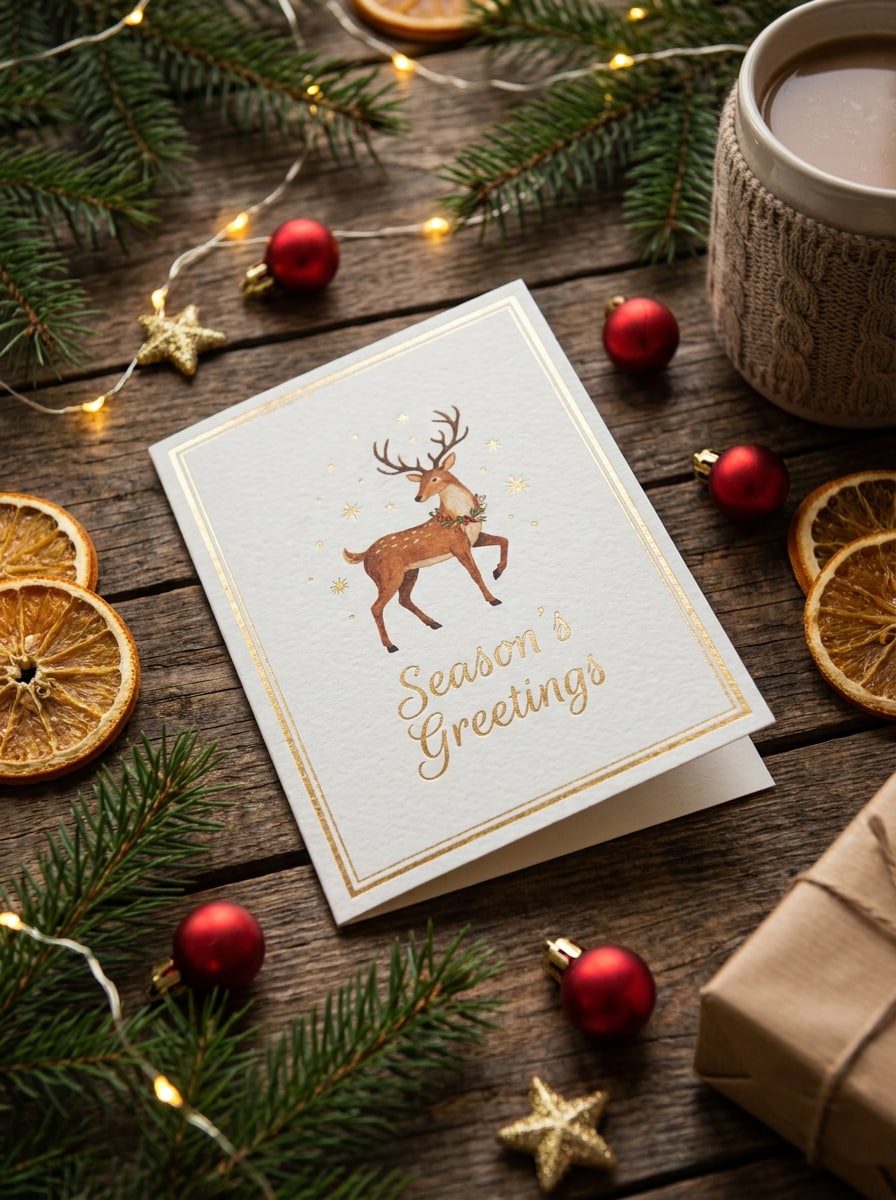
Cena de Cartão de Natal
Use a imagem enviada como design do cartão e transforme-a em um mockup festivo de Natal em uma mesa de madeira quente. Adicione galhos de pinheiro, pequenos enfeites, luzes bokeh aconchegantes, sombras sazonais suaves e detalhes realistas de cartolina, mantendo o cartão claro, elegante e pronto para pré-visualização de impressão ou visuais de presente.
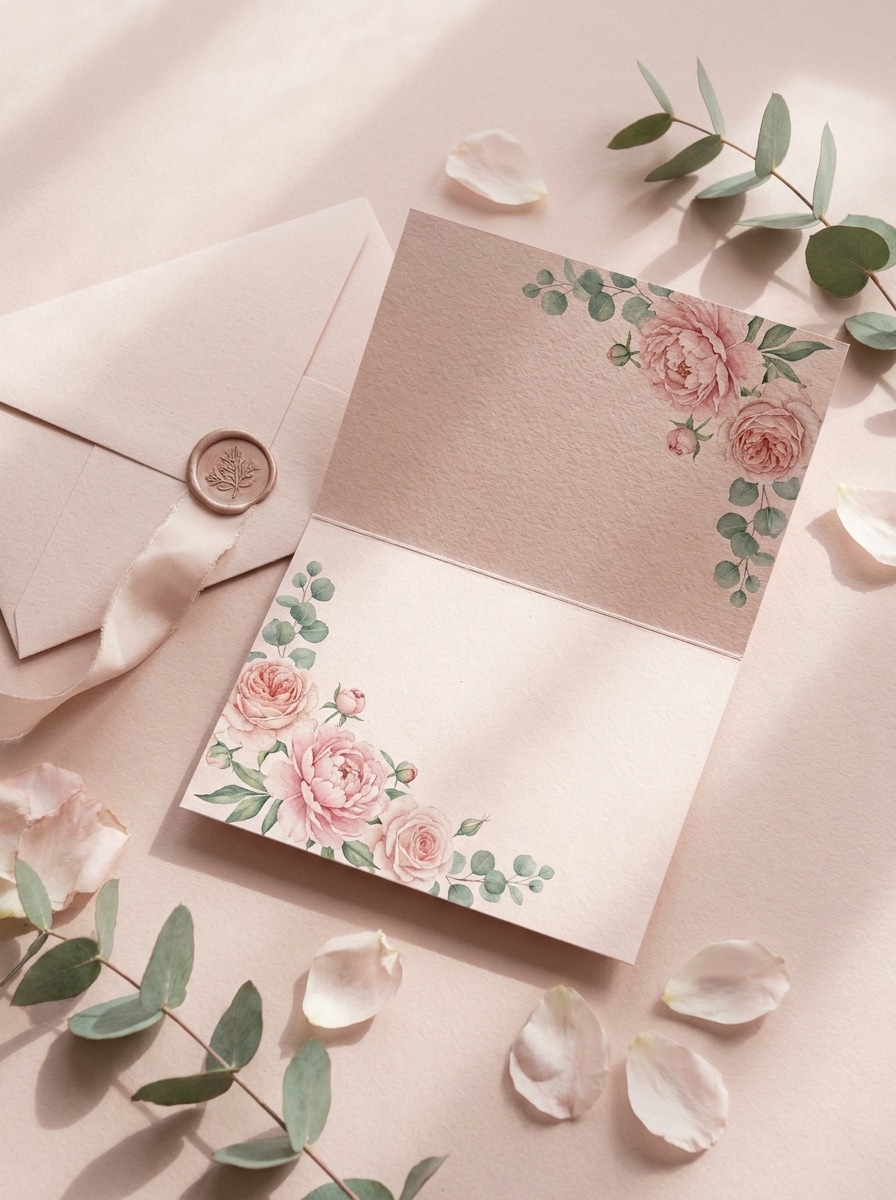
Composição Floral de Dia dos Namorados
Use a imagem enviada como arte principal do cartão e crie uma cena de mockup romântica com tons rosa-blush, detalhes florais e um envelope coordenado. Mostre luz direcional suave, sombras delicadas, cartolina fosca realista e uma composição editorial que transmita elegância, calor e alta capacidade de compartilhamento.
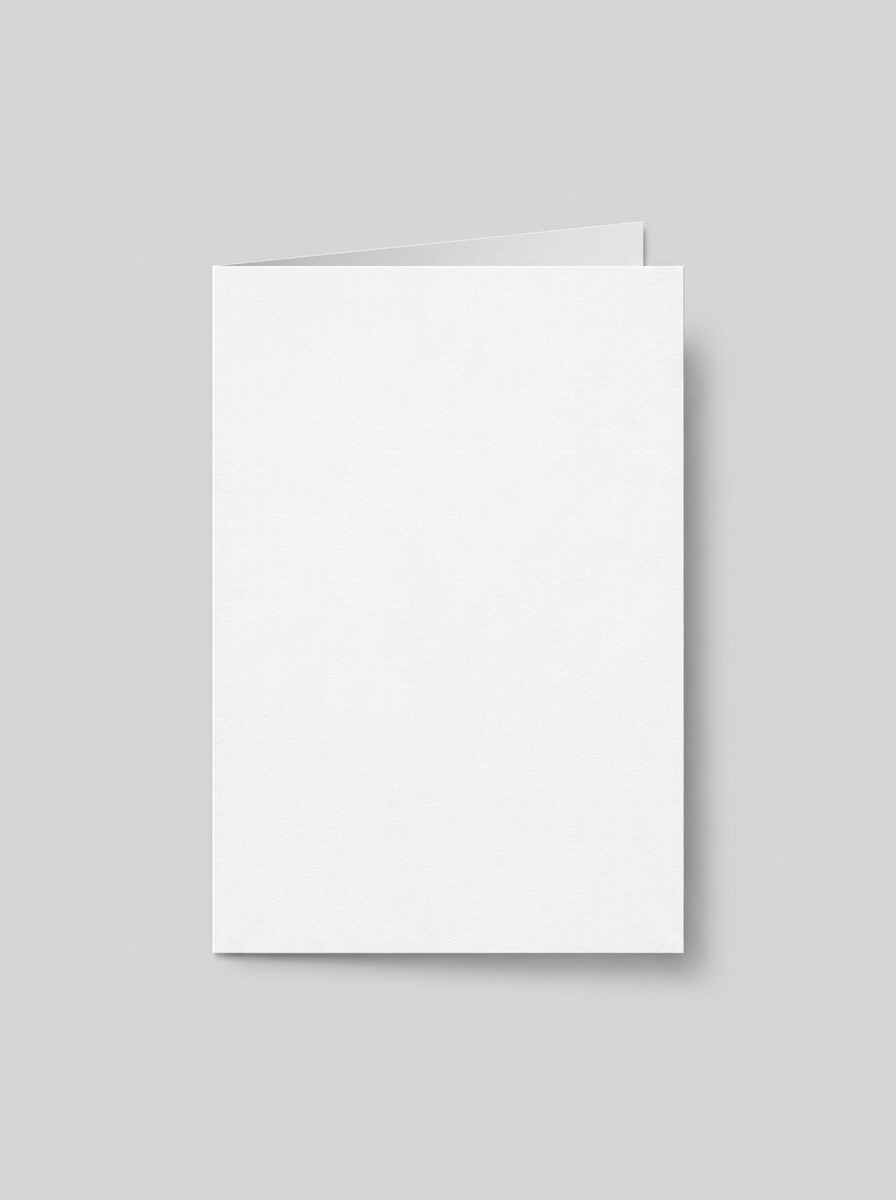
Vista Frontal do Cartão Dobrado
Use a imagem enviada como frente do cartão e converta-a em um mockup limpo de cartão dobrado visto de frente. Mantenha o fundo cinza suave, iluminação equilibrada e profissional, com bordas nítidas, sombras de contato sutis, textura de impressão realista e uma apresentação direta de produto pronta para e-commerce.
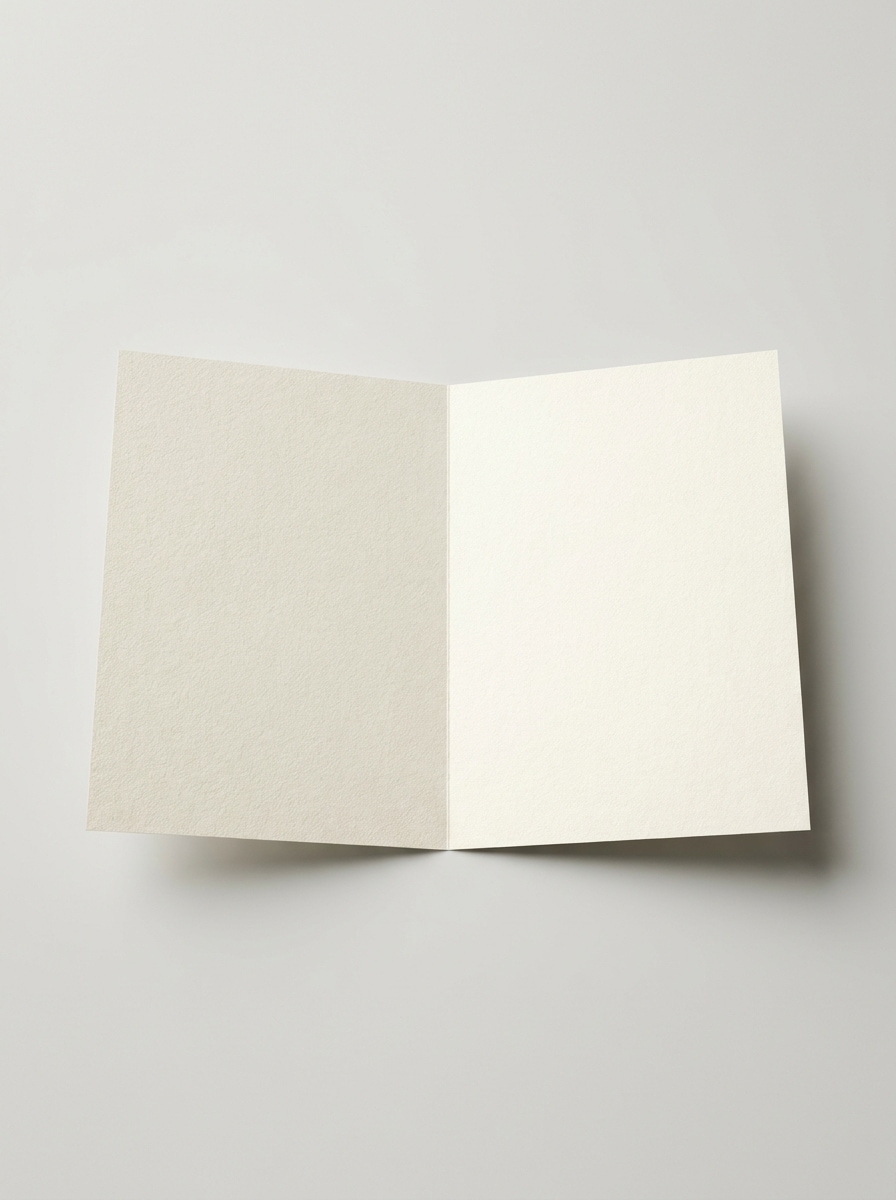
Abertura Interna do Cartão Aberto
Use a imagem enviada como design do cartão de saudação e apresente-a como um mockup de cartão aberto mostrando a parte interna. Enfatize a textura premium do papel, fundo neutro limpo, iluminação equilibrada, detalhe visível da dobra e um layout realista de pré-visualização de impressão que ajuda os usuários a inspecionar a arte interna e o posicionamento da mensagem.
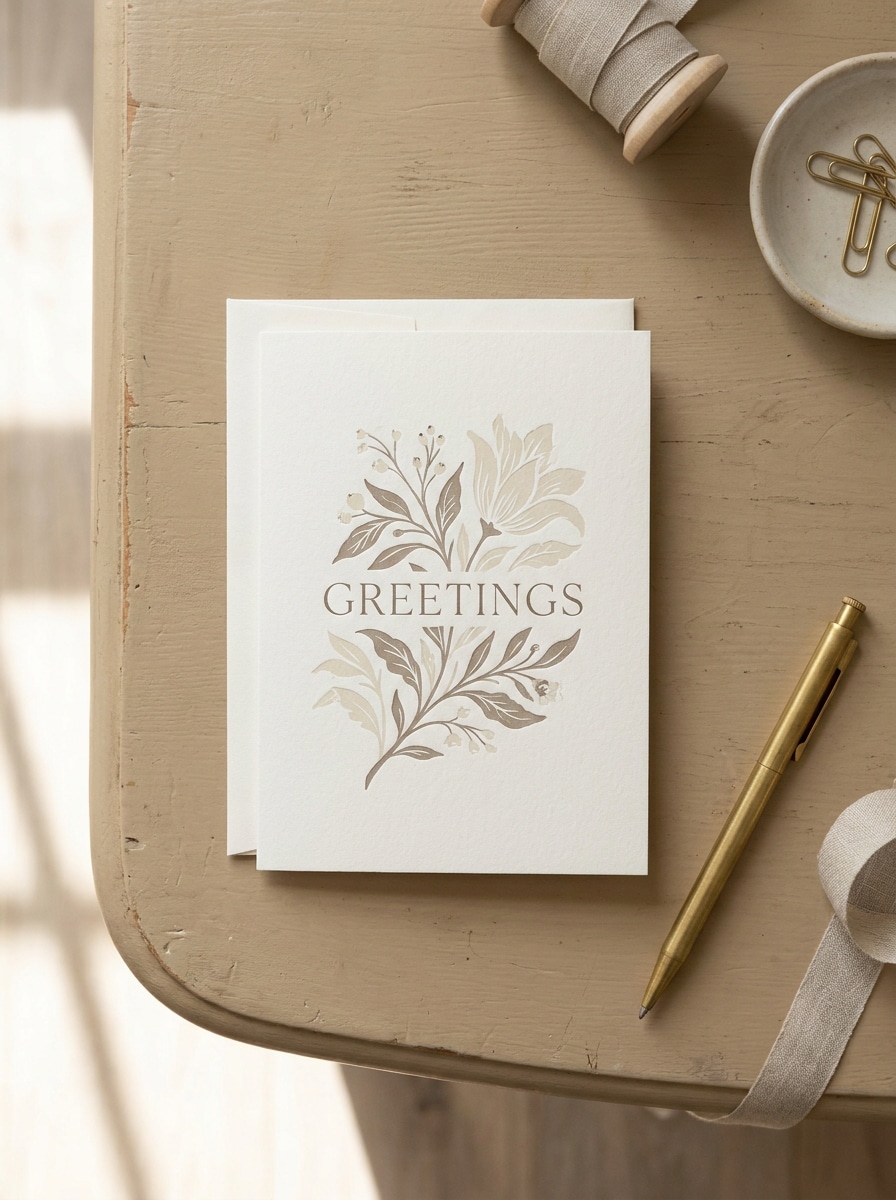
Visual de Papelaria de Luxo
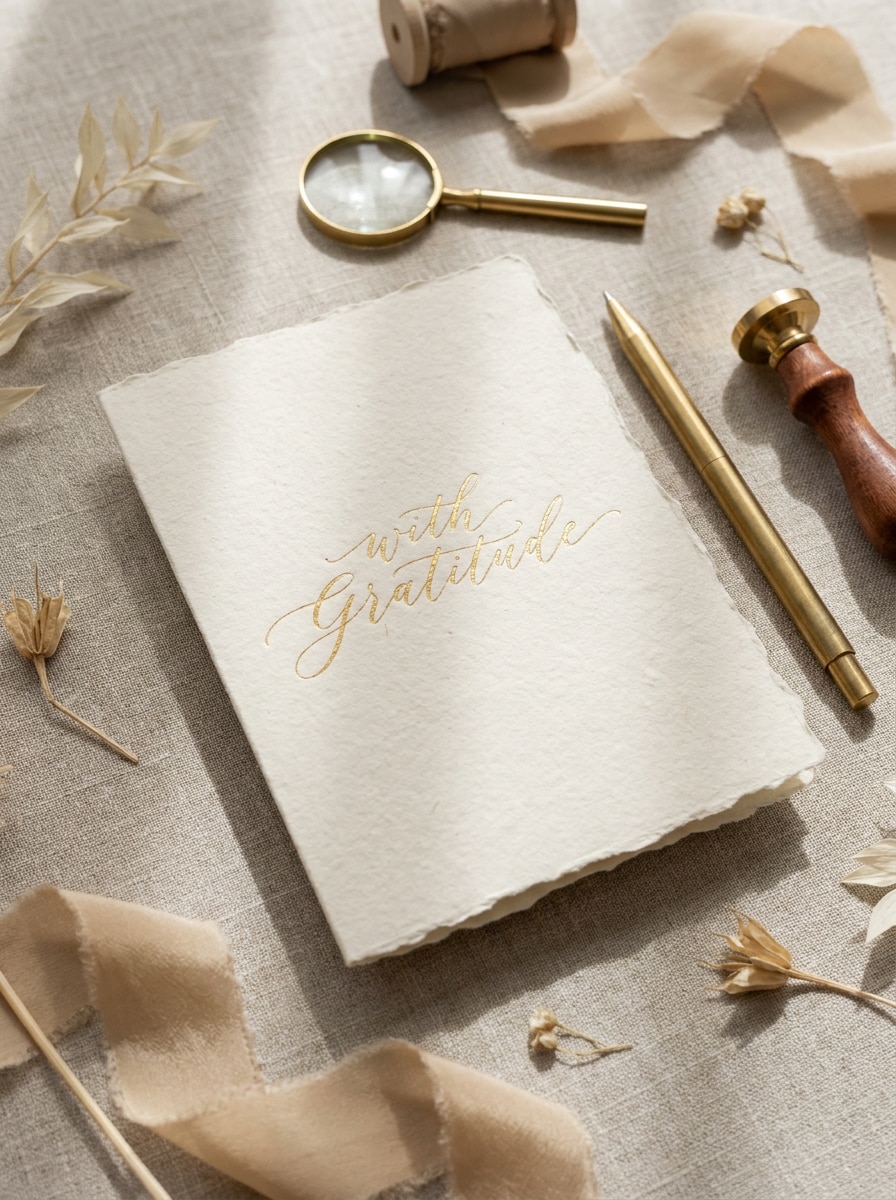
Use a imagem enviada como design principal e transforme-a em um mockup premium de papelaria com detalhes de papel com bordas irregulares, acessórios dourados e uma paleta neutra refinada. Adicione sombras realistas, detalhes táteis de papel, composição elegante e iluminação editorial sofisticada para apresentações de casamentos, boutiques ou marcas de luxo.
Textura de Papel Artesanal
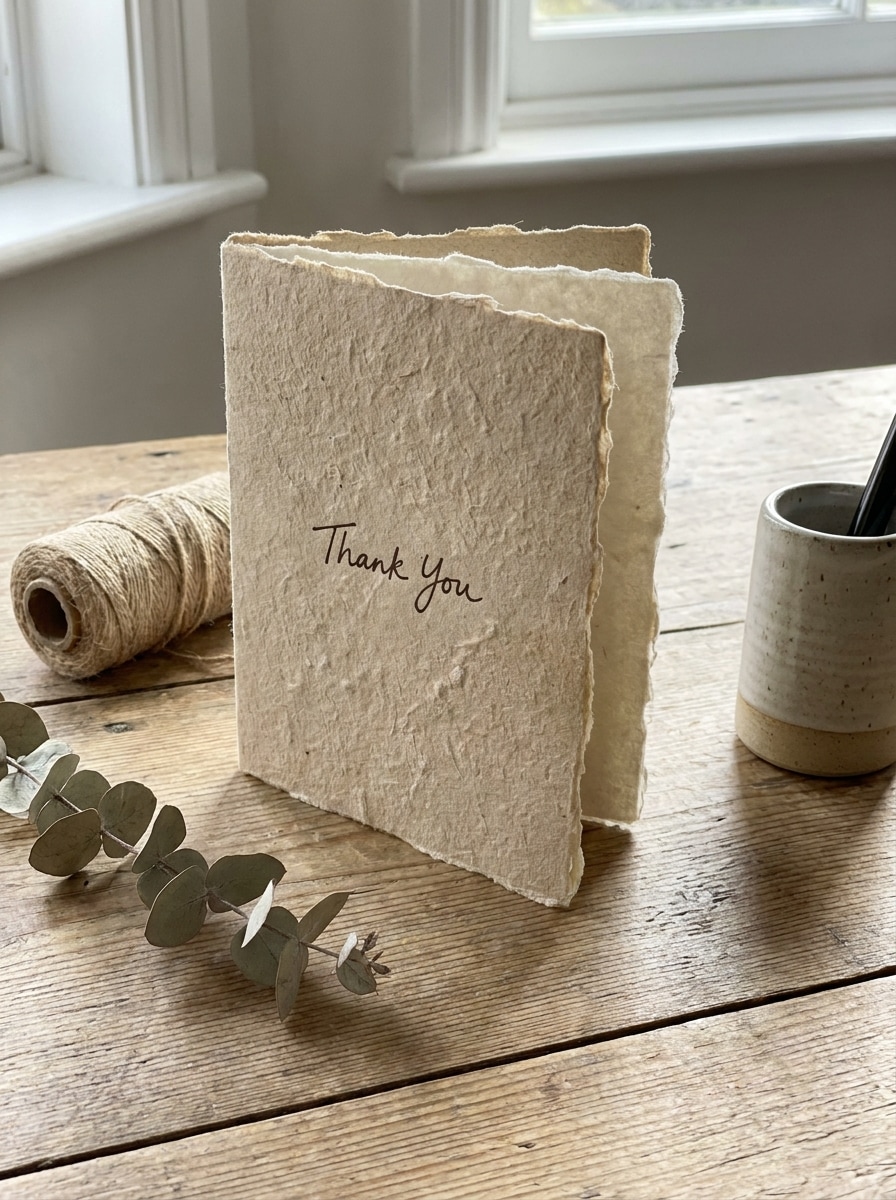
Use a imagem enviada como arte do cartão e reestilize-a em um mockup artesanal com textura de papel feito à mão, detalhes sutis de fibra e luz natural quente. Mantenha a cena minimalista, porém tátil, com tons terrosos suaves, sombras delicadas e um clima de papelaria artesanal que pareça autêntico e premium.
Revelação de Mockup Antes e Depois
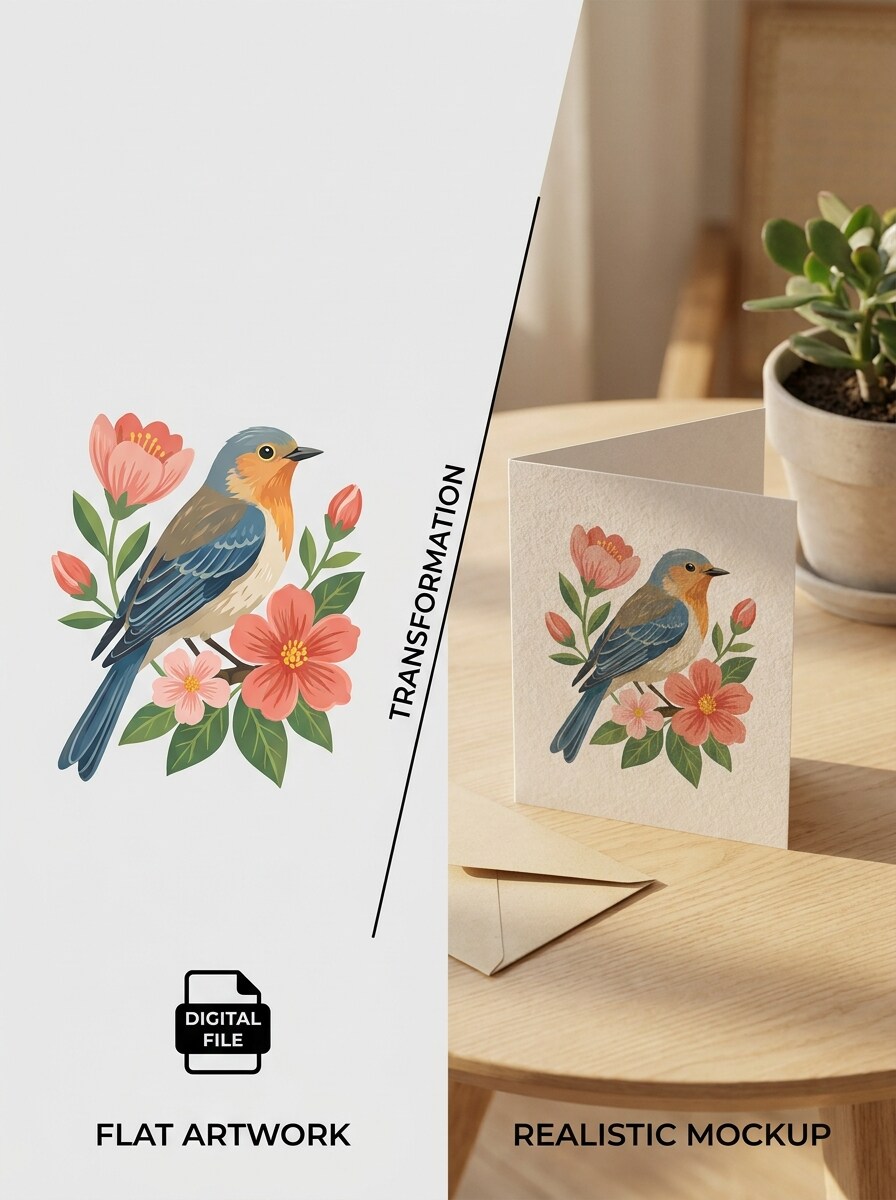
Use a imagem enviada como arte original do cartão e crie uma cena de transformação pronta para redes sociais que compare visualmente o design plano com o resultado realista do mockup impresso. Use uma composição dividida e limpa, alto contraste, iluminação refinada, detalhes nítidos de papel e uma apresentação dinâmica ideal para portfólio ou compartilhamento nas redes sociais.
Conjunto de Mockups em Múltiplos Ângulos
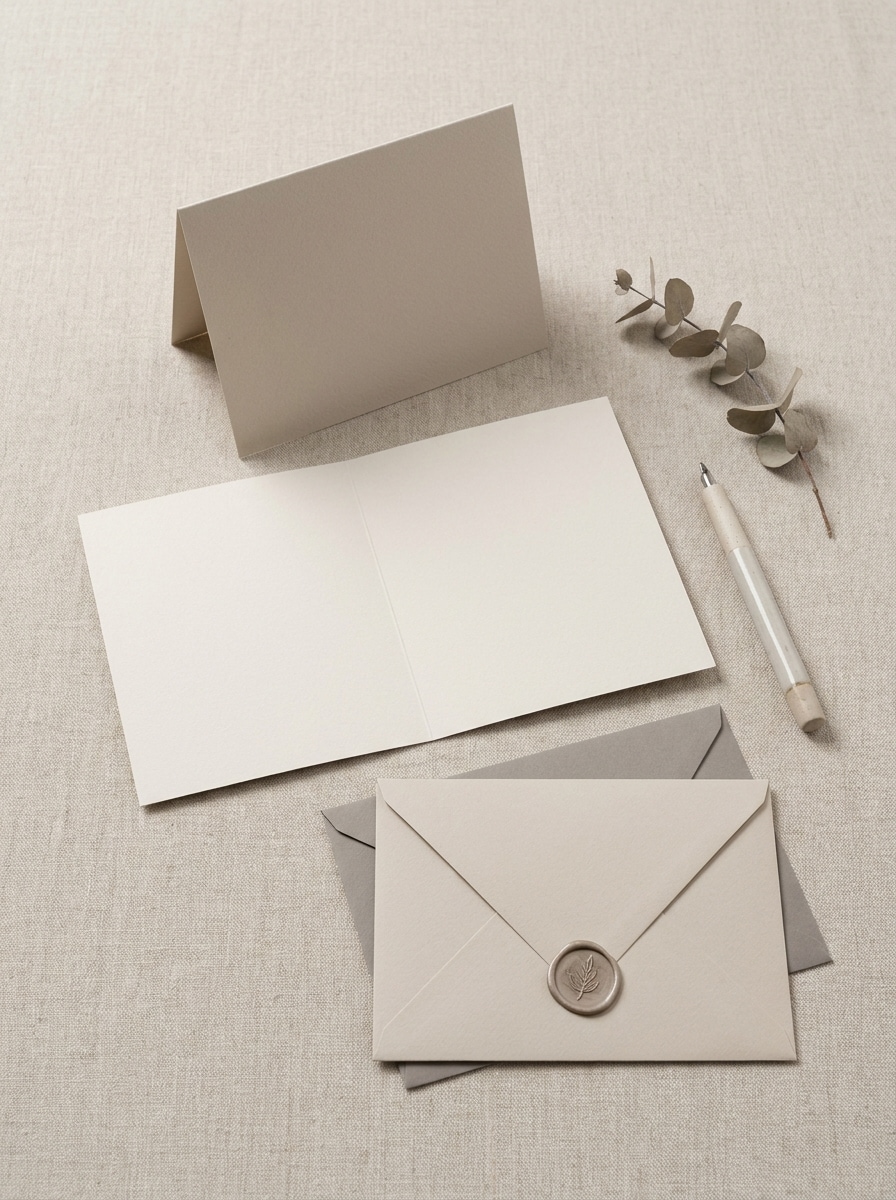
Use a imagem enviada como design do cartão e gere um conjunto coordenado de mockups que inclua vistas dobrada, aberta e com envelope. Mantenha o estilo consistente entre os ângulos, com sombras realistas, textura premium de papel, iluminação equilibrada e um layout polido semelhante a catálogo para lojas, apresentações ou revisões de clientes.
Por Que Usar o Media.io para Mockups de Cartão de Saudação
Personalize os Resultados com Base em uma Imagem de Referência
Em vez de recriar cada cena em software de design, o Media.io permite transformar uma única arte enviada em pré-visualizações de cartão dobrado, aberturas internas ou conjuntos com envelope, para que clientes e compradores possam ver rapidamente como a peça final poderá aparecer.
Transforme Seu Próprio Design de Cartão em uma Cena Realista
Uma única ideia frequentemente precisa de mais de um visual. O Media.io ajuda a reinterpretar o mesmo mockup de cartão de saudação em diferentes estilos para que cada versão possa combinar melhor com o contexto de uso pretendido.
Adapte Mockups para Lojas, Portfólios e Publicações nas Redes Sociais
Uma ideia visual raramente se encaixa em apenas um layout. O Media.io ajuda a adaptar o mesmo conceito de mockup de cartão de saudação para publicações, capas, mockups ou apresentações, para que cada versão pareça feita para o seu formato em vez de forçada a se encaixar.
Gere Resultados com Qualidade de até 4K
Para trabalhos que precisam estar prontos para apresentação, o Media.io ajuda a criar um mockup de cartão de saudação grátis com saída de até 4K, para que os detalhes da arte permaneçam mais nítidos ao apresentar, recortar ou reutilizar a imagem final.
Como Criar um Mockup de Cartão de Saudação Online
Transforme suas palavras em visuais impressionantes em três etapas simples e continue refinando o resultado se quiser ir além.
Etapa 1
Envie Sua Imagem de Referência
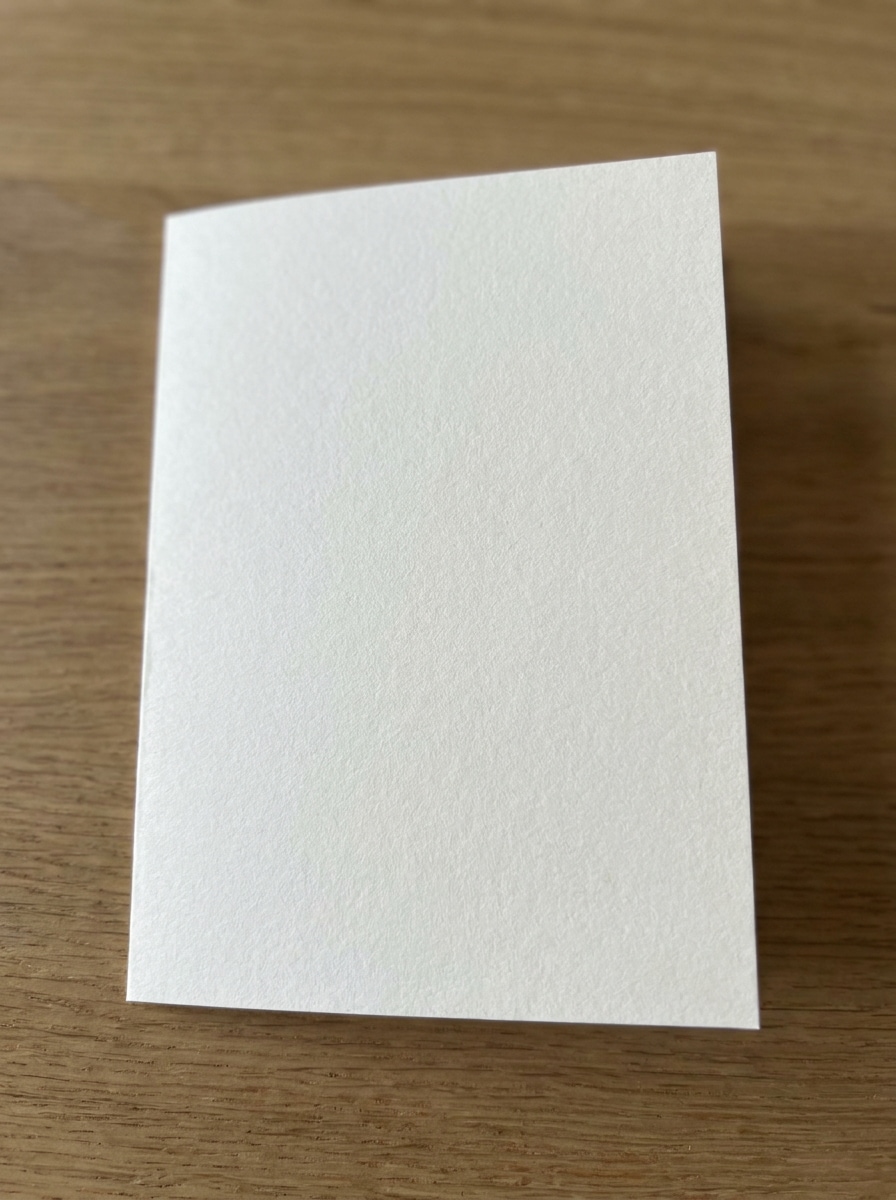
Envie um JPG, PNG ou JPEG nítido do seu design de cartão de saudação, arte de impressão ou capa do cartão. Uma imagem de origem bem recortada com detalhes legíveis oferece ao Media.io uma base mais sólida para resultados realistas de mockup dobrado, aberto ou com envelope.
Etapa 2
Descreva a Alteração e Defina as Opções
Insira um prompt detalhado descrevendo a cena do mockup, como um flat lay, mockup de cartão de saudação dobrado ou conjunto com envelope. Em seguida, escolha seu modelo de IA e ajuste a proporção, resolução e quantidade de imagens para corresponder à sua apresentação ou layout da loja.
Etapa 3
Gere, Baixe e Continue Aprimorando
Crie várias variações, compare iluminação e composição e baixe a versão que mais gostar. Você pode continuar refinando o prompt para um mockup de cartão de saudação grátis, gerar novas cenas ou adaptar o resultado para publicações nas redes sociais e pré-visualizações de produtos.
Descubra o Potencial do Mockup de Cartão de Saudação Gratuito
Veja como criadores utilizam este fluxo de trabalho de mockup de cartão de saudação gratuito no Media.io para conteúdo, marketing e projetos pessoais e adapte cada ideia para atender ao briefing.
Pré-visualize Designs de Impressão Antes da Entrega ao Cliente
Mostre aos clientes como a arte finalizada ficará como um cartão físico, em vez de enviar apenas um arquivo plano. O Media.io ajuda freelancers, estúdios e marcas de papelaria a transformar designs em cenas realistas que apresentam conceitos de forma mais profissional e agilizam as decisões de aprovação.
Crie Melhores Imagens de Produto para Lojas Online
Transforme um único design enviado em visuais polidos para lojas em marketplaces, sites de marca ou campanhas sazonais. O Media.io ajuda a criar cenas realistas de cartões que facilitam a comercialização de produtos artesanais, de Natal, de casamento ou convites, sem precisar organizar um ensaio fotográfico completo.
Crie Conteúdo Compartilhável para Portfólio e Redes Sociais
Use apresentações estilizadas de cartões para compartilhar lançamentos, transformações de antes e depois ou coleções de papelaria nas redes sociais. O Media.io é especialmente útil se você quiser um mockup de cartão de saudação grátis que pareça mais premium em reels, carrosséis e estudos de caso.
O Que os Usuários Dizem
Ava Bennett
Vendedora de Papelaria no Etsy
"Ótimo para visuais rápidos de loja" Enviei meu design de cartão e obtive mockups no estilo produto em minutos. As cenas com cartão dobrado e envelope ajudaram minhas listagens a ficarem muito mais polidas sem precisar de um pacote de mockup separado.
Marcus Lee
Designer Gráfico Freelancer
"Útil para apresentações a clientes" Em vez de mostrar aos clientes um PDF plano, posso transformar a arte deles em uma cena convincente de cartão de saudação. Isso facilita as aprovações porque eles conseguem imaginar imediatamente o resultado impresso.
Sophie Turner
Criadora de Conteúdo para Redes Sociais
"Mockups fáceis pelo celular" Testei no meu tablet e gostei de como o fluxo de trabalho era simples. As cenas ficaram limpas, os prompts foram fáceis de ajustar e o estilo de antes e depois funcionou muito bem para conteúdo de formato curto.
Daniel Ortiz
Coordenador de Estúdio de Impressão
"Variedade útil a partir de um único envio" Usamos um design e geramos múltiplas visualizações do cartão para revisão interna. Poder comparar layouts abertos, dobrados e estilizados economizou tempo e tornou nosso processo de mockup muito mais flexível.
Explore os efeitos de vídeo e imagem de IA mais quentes
Perguntas Frequentes sobre Mockup de Cartão de Saudação
1. Este gerador de mockup de cartão de saudação é gratuito?
O Media.io oferece créditos gratuitos, para que você possa experimentar o fluxo de trabalho de mockup de cartão de saudação sem pagar antecipadamente. Se precisar de mais gerações, downloads em alta resolução sem marca d'água ou uso mais amplo, você pode consultar as opções de plano na página de preços.
2. Posso transformar meu próprio design de cartão em um mockup realista online?
O Media.io suporta criação de imagem para imagem, para que você possa enviar sua própria arte de cartão em formato JPG, PNG ou JPEG e transformá-la em uma cena de mockup realista online.
3. Quais estilos de mockup de cartão de saudação posso criar, como cartões dobrados ou abertos?
Sim. O Media.io pode criar múltiplos estilos de apresentação a partir do seu design enviado, incluindo vistas frontais dobradas, aberturas internas, cenas de cartão com envelope e outros layouts estilizados de papelaria.
4. Posso criar um mockup de cartão de saudação pelo celular ou tablet?
O Media.io funciona no navegador, para que você possa usá-lo em celulares, tablets, laptops e desktops. Isso o torna conveniente se você quiser criar ou revisar um mockup de cartão de saudação quando estiver longe da sua configuração principal de design.
5. Quais tipos de arquivo posso enviar e baixar para mockups de cartão?
Para envios, o Media.io suporta arquivos JPG, PNG e JPEG. Esses formatos funcionam bem para importar artes de cartão existentes como imagem de origem para a geração de mockup.
6. Qual é a qualidade de exportação para impressão ou compartilhamento?
O Media.io pode gerar visuais de mockup de cartão de saudação em alta qualidade para compartilhamento, apresentação ou edição posterior. Usuários gratuitos podem criar um mockup de cartão de saudação grátis com os créditos disponíveis, embora os resultados exportados possam incluir marcas d'água.
Além do Mockup de Cartão de Saudação Online Gratuito com IA