Selecione / @ personagem, descreva a cena que você deseja gerar.
0/2000
9:16
1K
1
Modo Ilimitado do Banana Pro
Criações
Hub de Ideias
Como funciona
Todos
Recursos populares
Ver tudo
História de Frutas com IA
Ver tudo
Vídeo de História com IA
Ver tudo
Vídeos Virais Hoje
Ver tudo
Vídeos de Produto com IA
Ver tudo
Personagem AI
Ver tudo
Tendências de Dança
Ver tudo
GPT Image 2
Ver tudo
Seedance 2.0
Ver tudo
Correspondência de Celebridade por IA
Ver tudo
Dicas de Poses para Casais
Ver tudo
Prompts de Poses de Garota AI Estética
Ver tudo
Sugestões de Pose de Garoto Elegante com IA
Ver tudo
Lista de geração
As criações são armazenadas por apenas 7 dias. Os recursos criados após o upgrade para um plano de assinatura serão armazenados permanentemente.
Desbloqueie seu potencial criativo e experimente a magia da IA de mídia hoje!
Crie um Mockup Realista de Cartão Presente a Partir do Seu Design Rapidamente
Transforme um design de cartão plano em um mockup de cartão presente polido em segundos. Faça upload da sua arte, escolha uma cena e gere apresentações fotorrealistas em plástico, papel ou digital com iluminação realista, sombras e estilo pronto para varejo para promoções, e-commerce e pré-visualizações para clientes.
Digite sua ideia -> A IA cria o design. Grátis para experimentar.
Revise estes exemplos de direcionamentos e personalize os detalhes do prompt para obter resultados mais precisos com este Mockup de Cartão Presente.
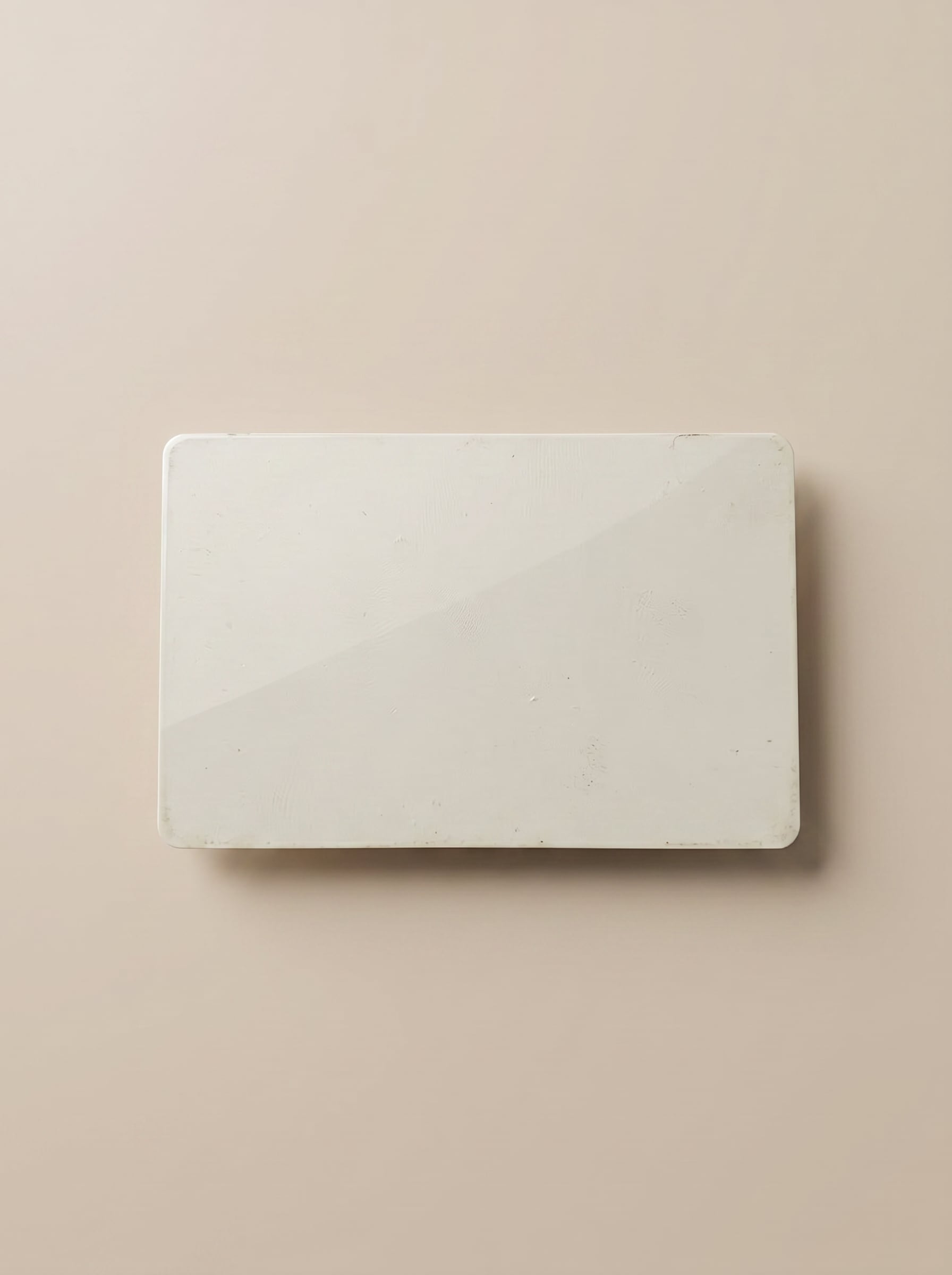
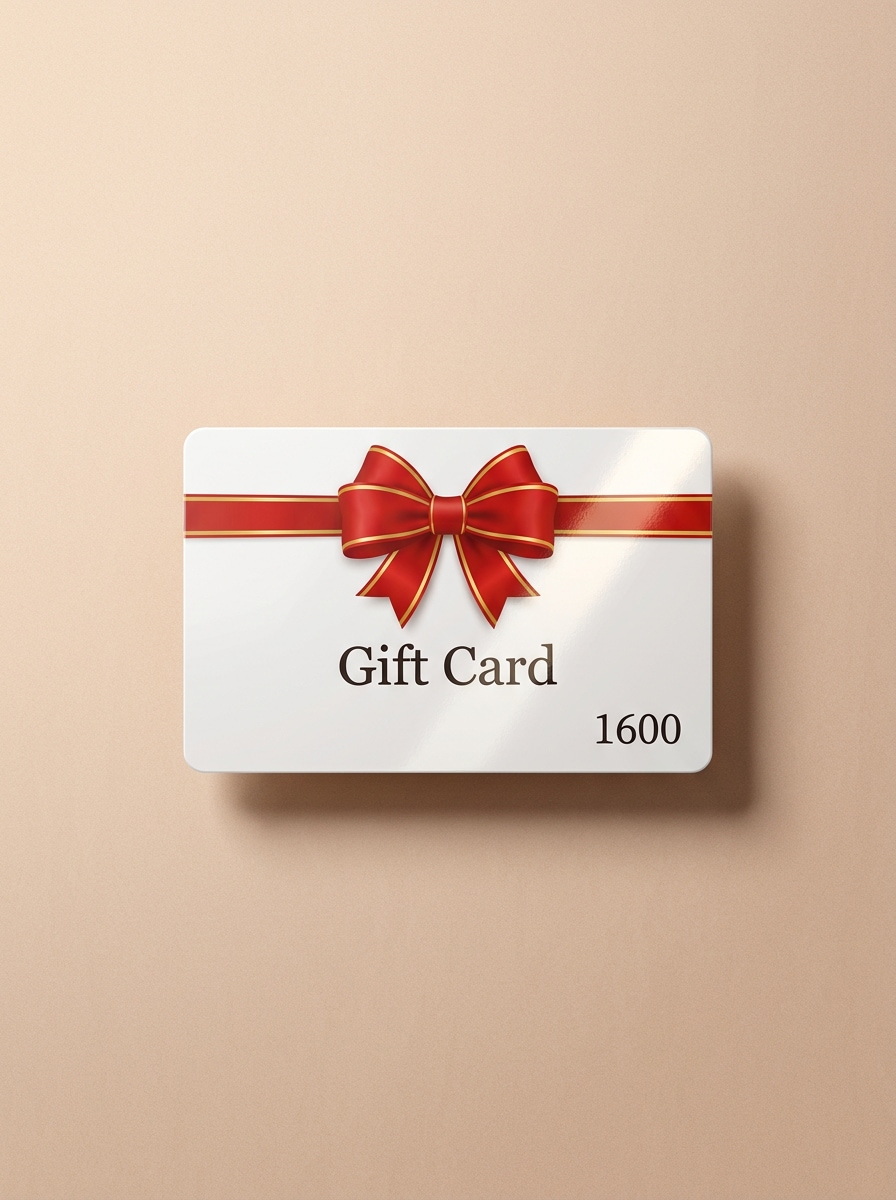
Cartão Presente de Plástico em Superfície Neutra
Use a imagem enviada como arte do cartão presente e transforme-a em um mockup de cartão presente de plástico premium, centralizado em uma superfície bege suave com reflexos sutis de estúdio, textura de plástico lisa, bordas limpas, sombra natural delicada, estilo minimalista de luxo, composição equilibrada e qualidade de fotografia de produto comercial nítida.
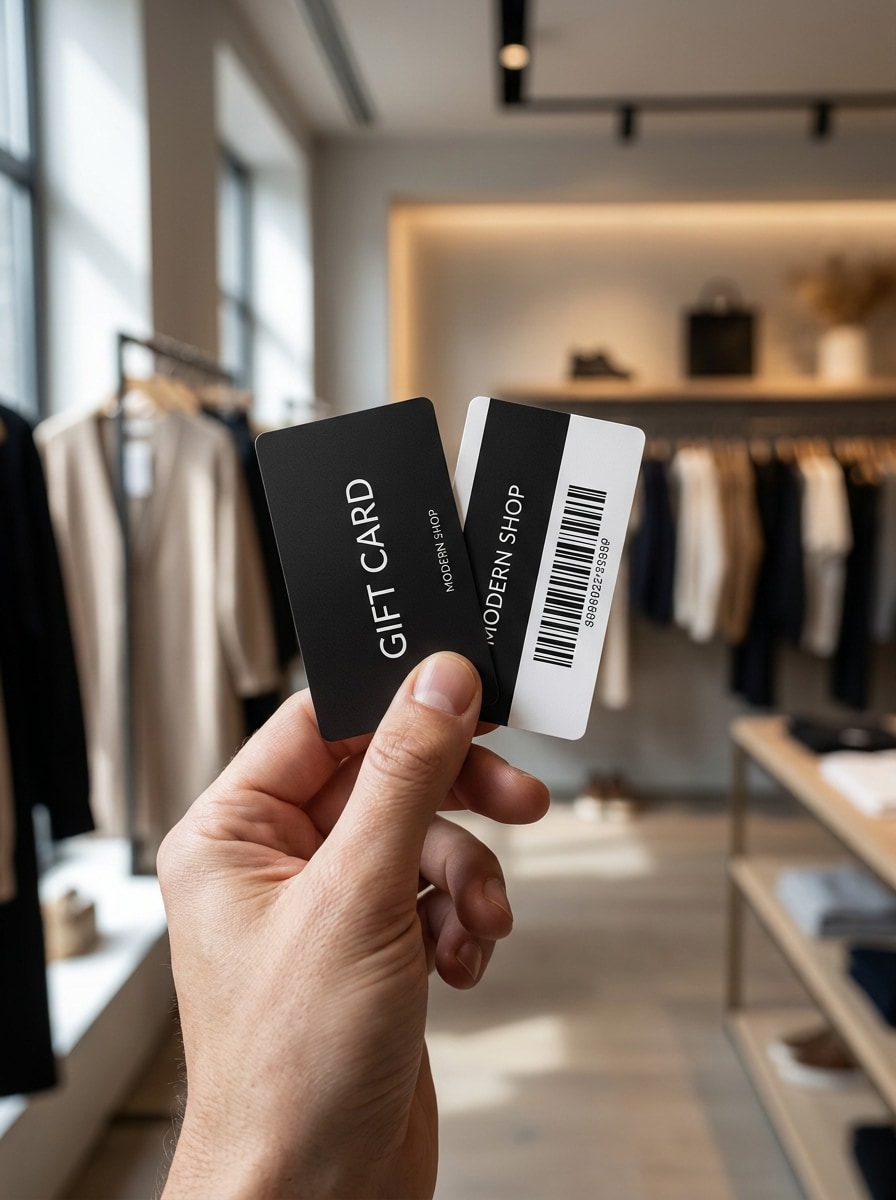
Mão Segurando Cartão Presente
Use a imagem enviada como face do cartão e coloque-a em uma cena de estilo de vida realista onde uma mão segura o cartão presente em direção à câmera, com luz natural do dia, profundidade de campo rasa, textura de pele autêntica, desfoque suave de fundo, clima moderno de varejo e foco nítido no design impresso.
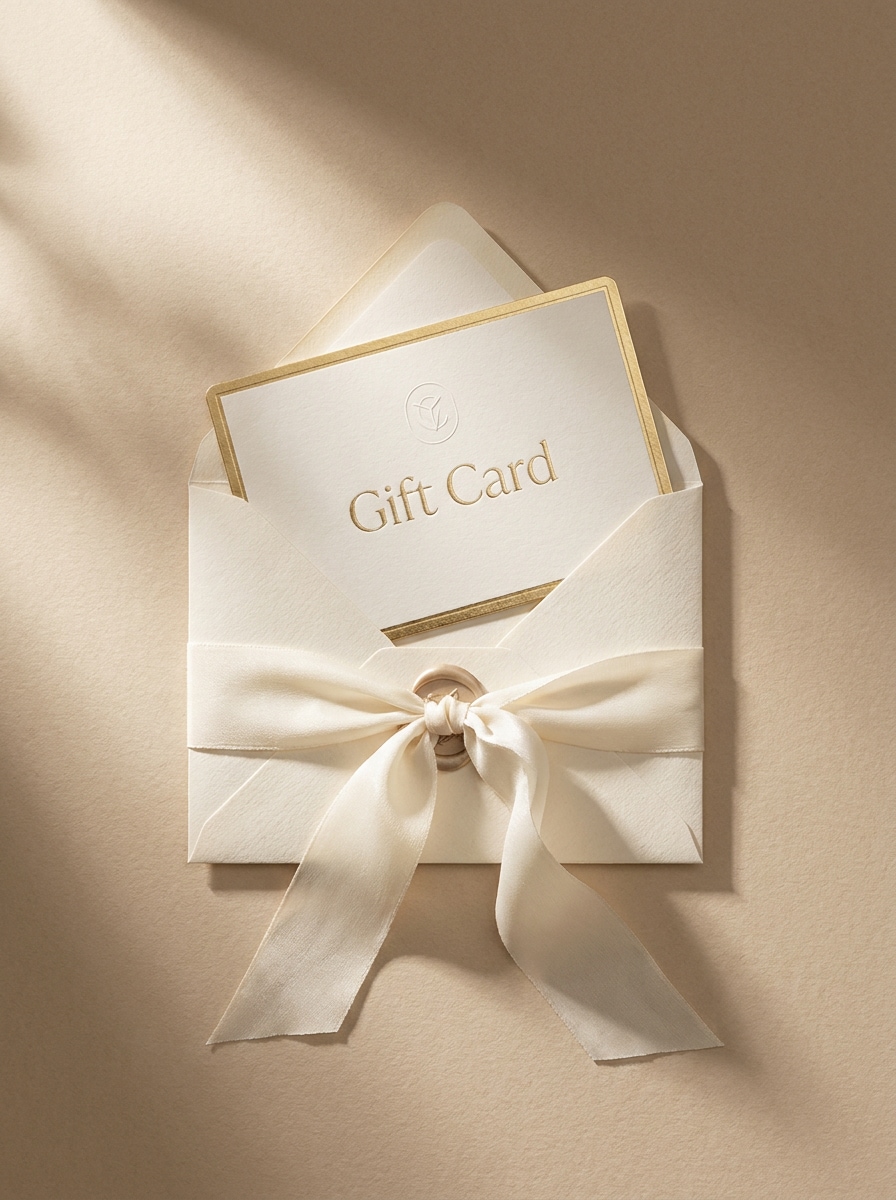
Cartão Presente com Envelope e Fita
Use a imagem enviada como arte principal do cartão e apresente-a em uma cena de presente elegante, parcialmente inserida em um envelope com uma fita de seda, composição de cima para baixo, sombras suaves, paleta bege cremoso e marfim, texturas refinadas de papelaria e estilo fotorrealista luxuoso para um mockup de certificado de presente.
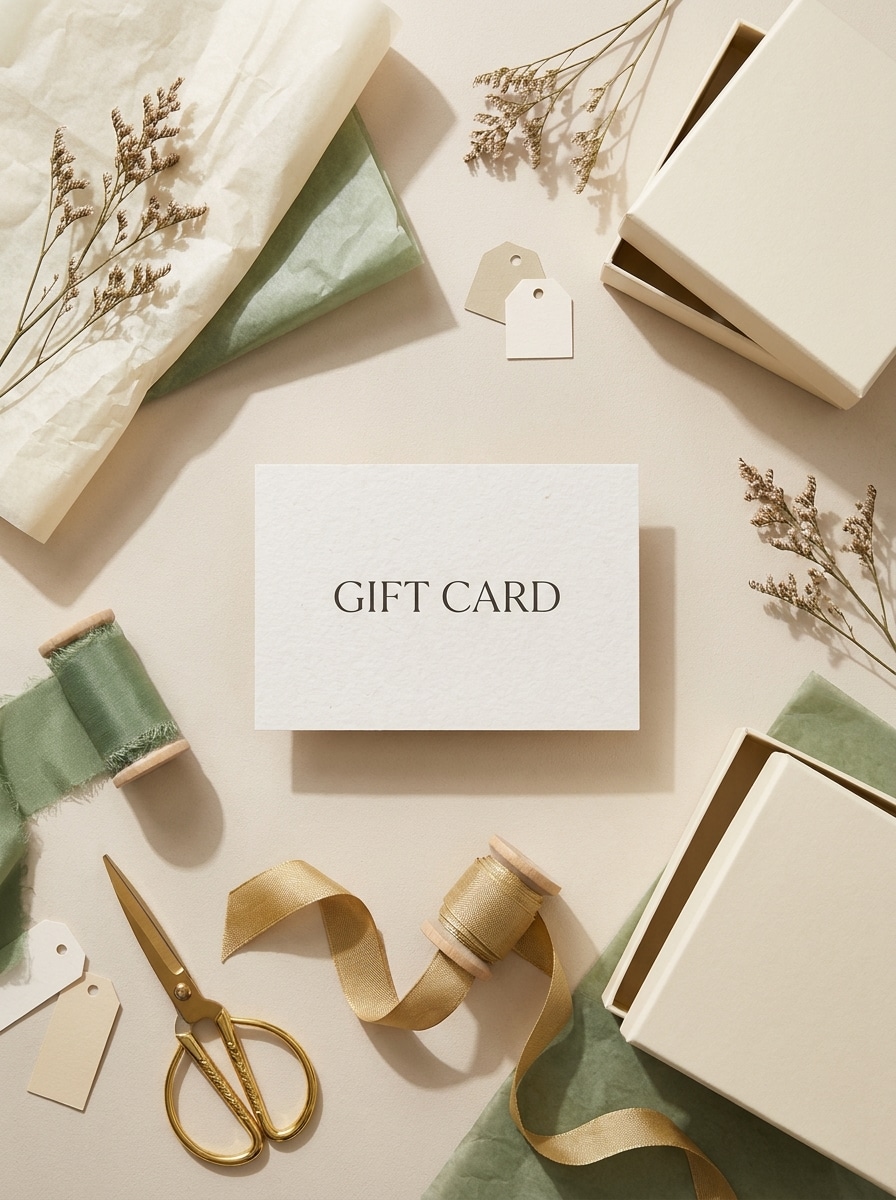
Flat Lay de Kit de Presente
Use a imagem enviada como cartão destaque e crie uma cena flat lay polida com papel de embrulho, fita, papel de seda e uma caixa de presente pequena, organizada em uma composição editorial equilibrada com luz suave do dia, materiais realistas, cores elegantes neutras de temporada e detalhes premium de fotografia para e-commerce.
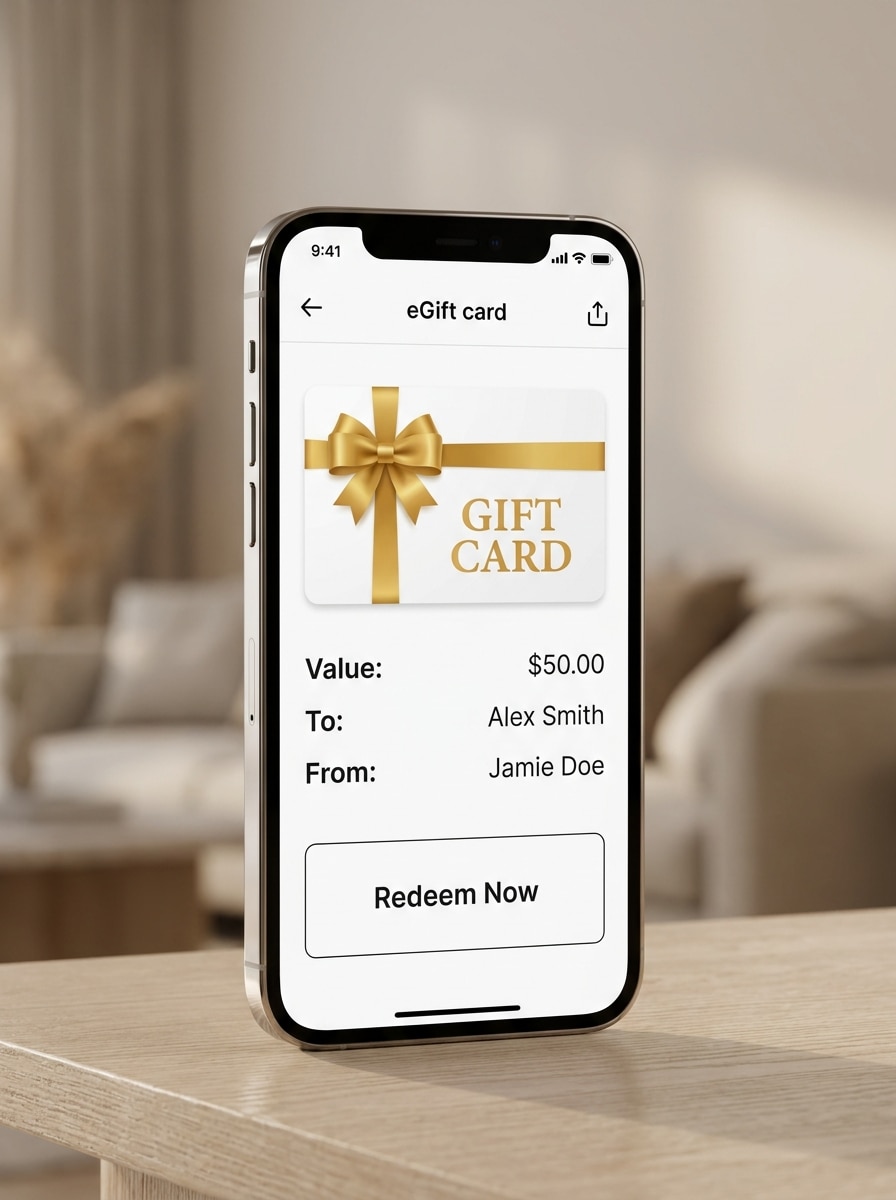
Tela de eGift Card Mobile
Use a imagem enviada como design do cartão e exiba-a dentro de uma interface sofisticada de smartphone como um mockup de cartão presente digital moderno, com enquadramento limpo de UI de aplicativo, luz ambiente suave, reflexos sutis de tela, estilo minimalista de e-commerce, legibilidade nítida e uma pré-visualização de produto polida e de alta conversão.
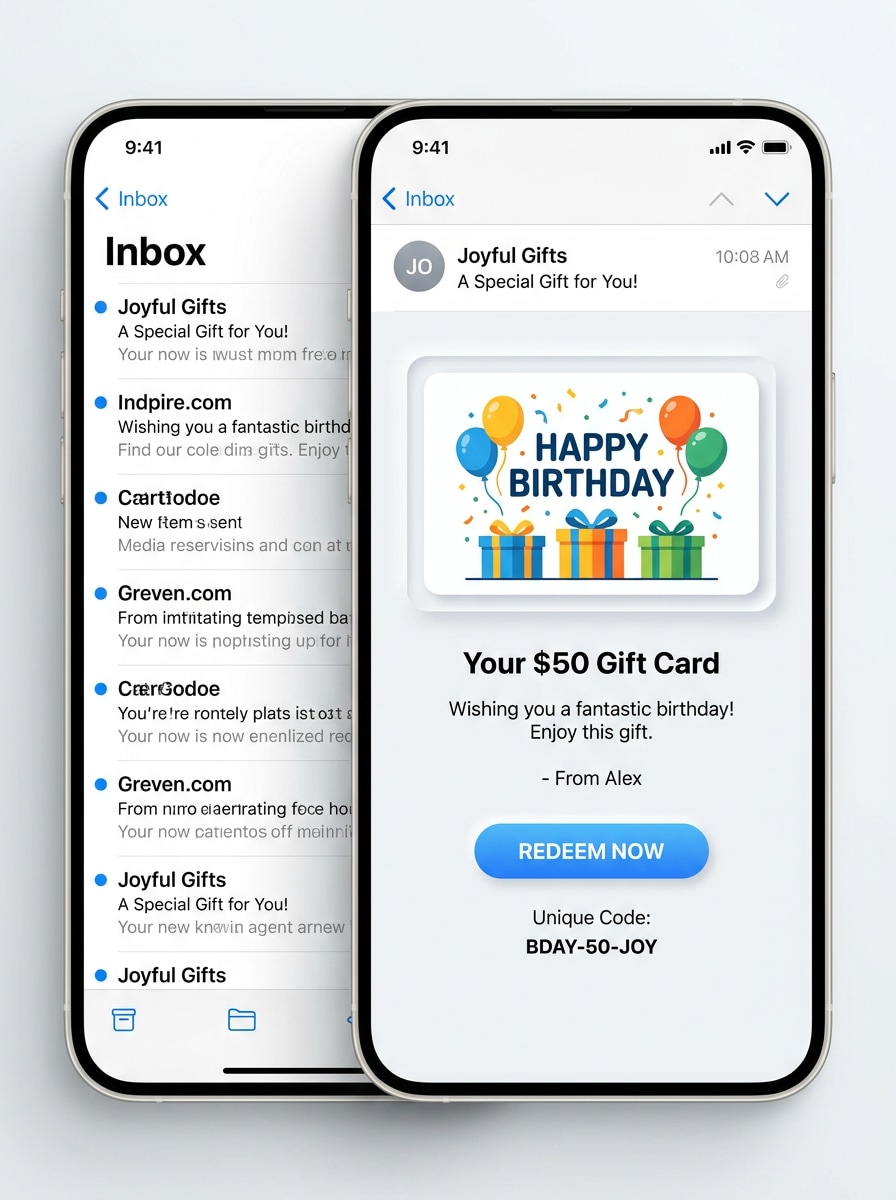
Pré-visualização de Entrega por E-mail
Use a imagem enviada como arte do cartão e transforme-a em uma apresentação de eGift entregue por e-mail dentro de uma caixa de entrada limpa e layout de mensagem aberta, com estilo moderno de e-commerce, interface branca e brilhante, espaçamento organizado, sombras sutis e uma identidade de marca digital confiável para pré-visualizações promocionais.
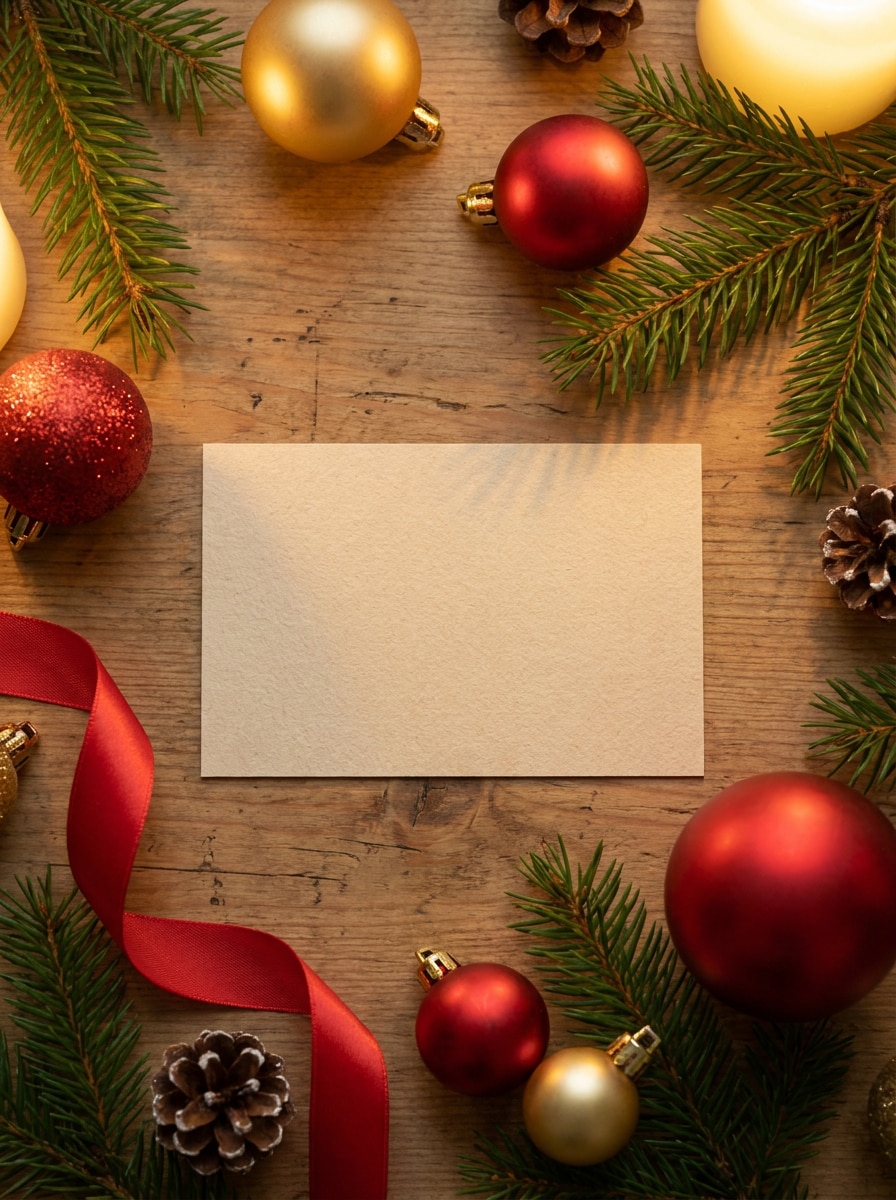
Mockup de Cartão Presente de Natal
Use a imagem enviada como design principal do cartão e coloque-a em uma cena festiva de Natal com galhos de pinheiro, enfeites, bokeh dourado suave, iluminação quente e estilo refinado de varejo, criando uma foto de produto sazonal realista com texturas premium e um clima acolhedor e comemorativo.
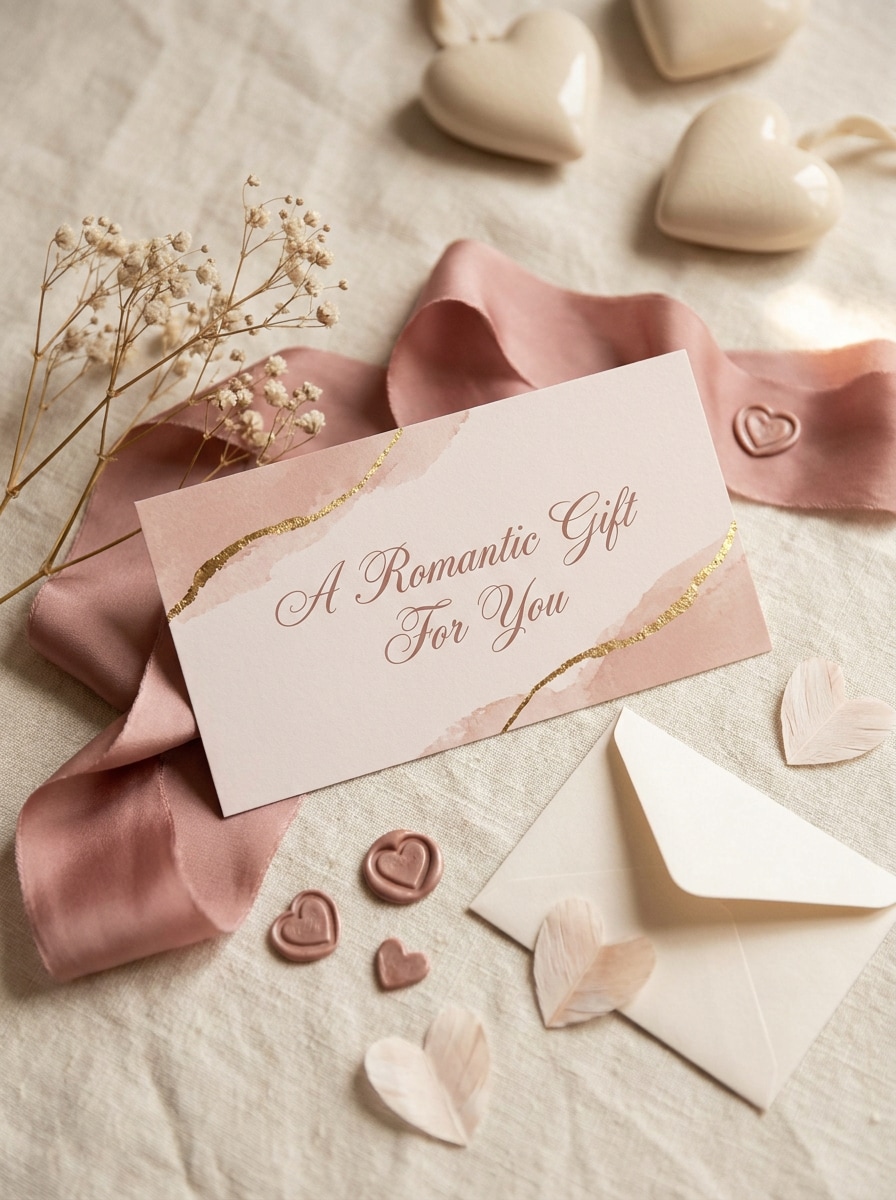
Cena de Certificado de Presente para o Dia dos Namorados
Use a imagem enviada como arte do cartão e transforme-a em uma exibição sazonal romântica com tons rosa suave, adereços refinados de envelope, fita delicada, acentos sutis de coração, luz difusa e estilo premium elegante adequado a uma encantadora apresentação promocional de presente.
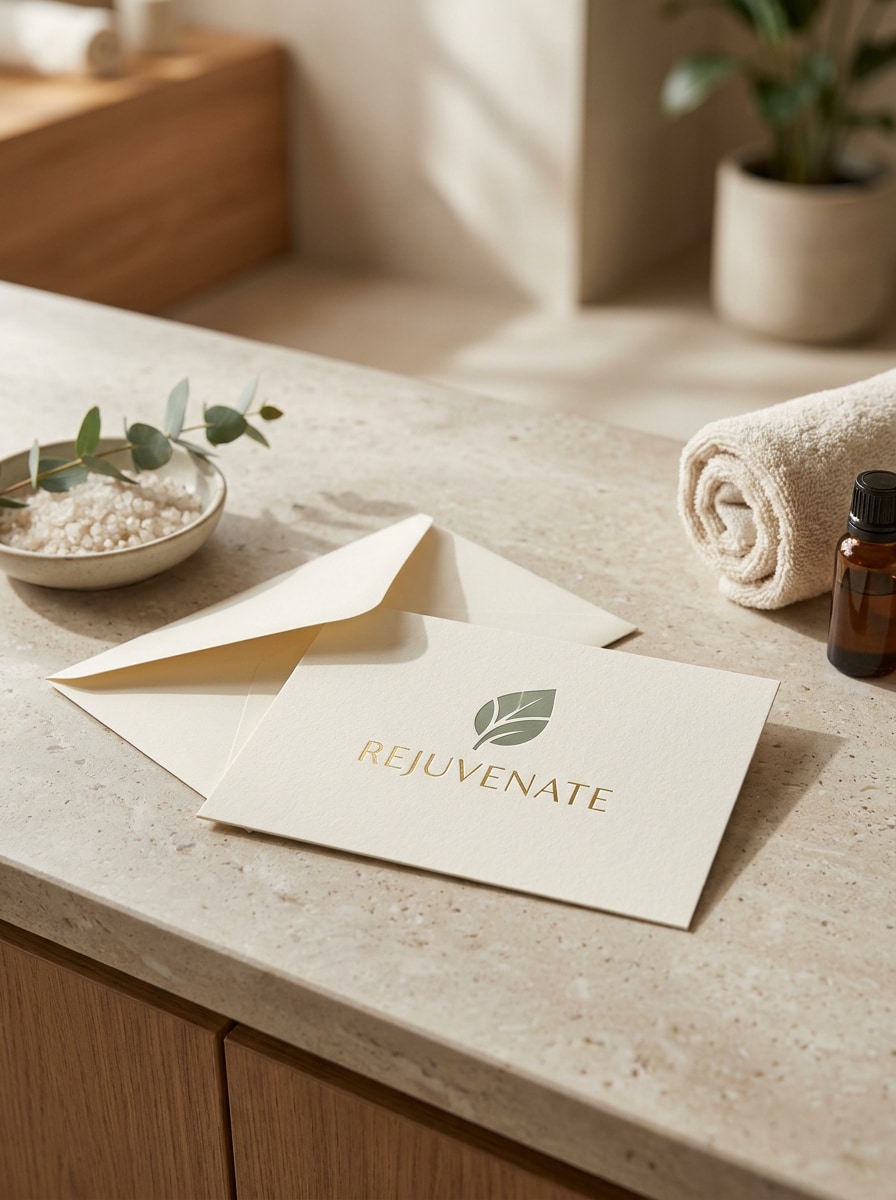
Exibição de Cartão Presente para Salão ou Spa
Use a imagem enviada como cartão destaque e coloque-a em uma cena tranquila de exibição em salão ou spa com texturas de pedra ou madeira, iluminação natural suave, estilo de balcão, clima premium de bem-estar, composição limpa e fotografia de produto realista que parece polida e pronta para a marca.
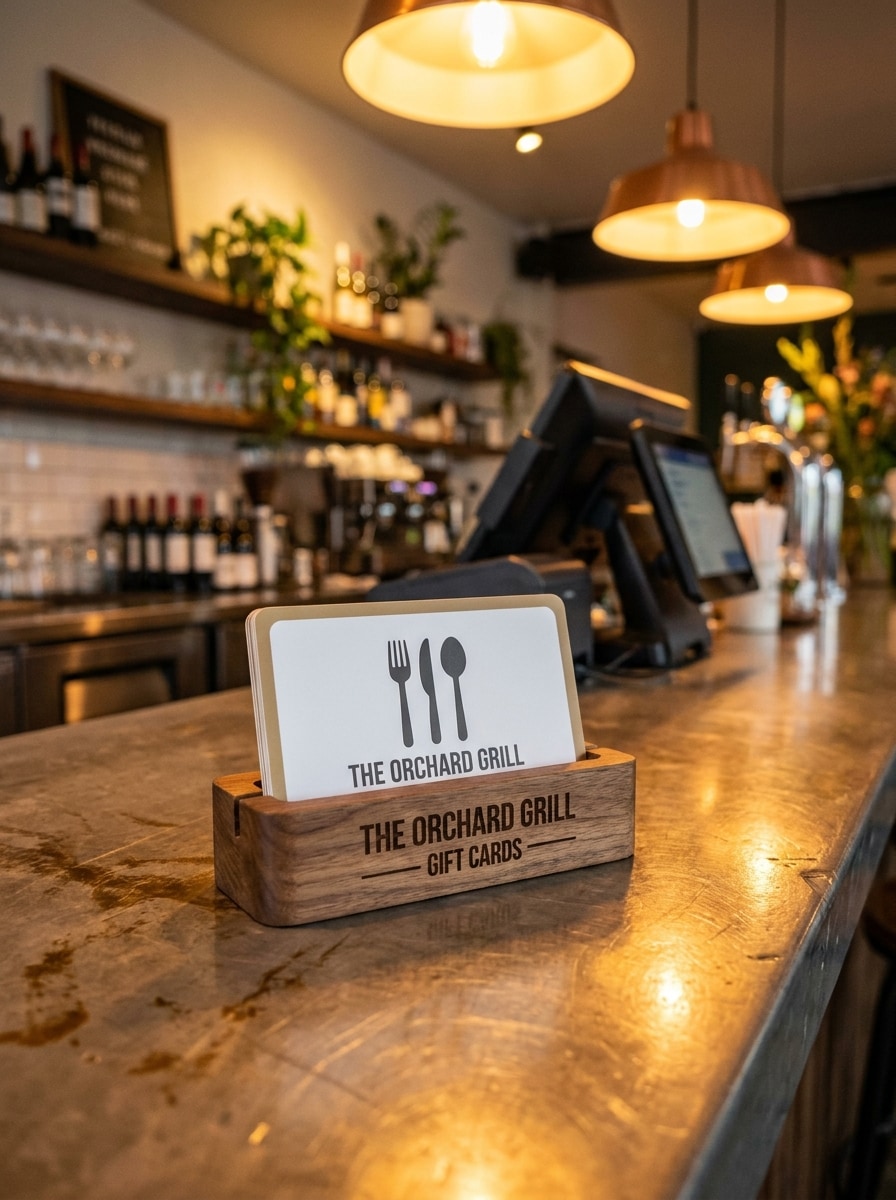
Expositor de Cartão Presente no Balcão de Restaurante
Use a imagem enviada como design do cartão e transforme-a em um expositor realista de ponto de venda de restaurante, colocado em um suporte de marca perto de um balcão de caixa com iluminação quente de hospitalidade, desfoque de fundo elegante, materiais premium e uma atmosfera convincente de promoção no varejo.
Por Que Usar o Media.io para Pré-visualizações de Design de Mockup de Cartão Presente
Preserve a Identidade Enquanto Muda o Visual
O Media.io permite que você faça upload de um design de cartão finalizado e o transforme em apresentações polidas de plástico, papel ou balcão, para que profissionais de marketing e pequenas empresas possam exibir um mockup de design de cartão presente realista antes de imprimir, lançar ou compartilhar promoções.
Mantenha Sua Marca Reconhecível em Cada Variação
Quando a direção de arte ainda está em aberto, o Media.io permite que você teste múltiplos visuais em torno da mesma ideia de mockup de cartão presente, facilitando a busca pelo estilo certo sem reconstruir do zero.
Adapte Mockups para Layouts de Impressão, E-commerce e Redes Sociais
Seja para uma imagem de marketplace, slide de apresentação ou criativo de campanha, o Media.io suporta proporções de tela flexíveis e layouts prontos para publicação, ajudando você a adaptar um design em um mockup de cartão presente em branco, pré-visualização de estilo de vida ou vitrine digital com menos retrabalho.
Controle os Detalhes para Ativos Mais Nítidos para Clientes e Lojas
Quando um mockup de cartão presente está destinado para uso real de publicação, o Media.io oferece saída mais nítida de até 4K, o que ajuda a imagem a permanecer clara em apresentações, fundos e ativos reutilizados.
Como Criar um Mockup de Cartão Presente Online
Transforme suas palavras em visuais impressionantes em três etapas simples e continue refinando o resultado se quiser ir mais longe.
Passo 1
Faça Upload da Sua Imagem de Referência
Comece fazendo upload de um JPG, PNG ou JPEG claro da arte do seu cartão presente, design de voucher ou layout com marca. Uma imagem de origem limpa e frontal ajuda a IA a posicionar seu design com mais precisão em cenas realistas de varejo, impressão ou digital.
Passo 2
Descreva a Alteração e Configure as Opções
Insira um prompt que explique o estilo de mockup que você deseja, como cartão de plástico, apresentação em envelope, expositor de caixa ou pré-visualização de eGift mobile. Em seguida, escolha seu modelo e ajuste a proporção, resolução e quantidade de imagens para corresponder ao uso final.
Passo 3
Gere, Baixe e Continue Melhorando
Gere várias variações, compare a iluminação e a composição e baixe a versão que melhor se adequa à sua campanha ou revisão com o cliente. Se necessário, refine o prompt e crie novos resultados até que a cena pareça polida e alinhada à marca.
Desbloqueie o Potencial do Mockup de Cartão Presente
Veja como os criadores usam este Mockup de Cartão Presente para conteúdo, marketing e projetos pessoais e adapte cada ideia para atender ao briefing.
Pré-visualize Expositores de Loja e Balcão Antes de Imprimir
Mostre como um cartão ficará em um ambiente de varejo real antes de investir na produção. Isso é útil para restaurantes, salões, spas e lojas locais que desejam visuais polidos para aprovações internas, apresentações de lançamento ou sinalização promocional.
Crie Visuais Melhores para E-commerce e Campanhas Sazonais
Transforme um design em múltiplas cenas para ofertas de Natal, promoções do Dia dos Namorados ou banners web com marca. Uma apresentação realista do produto ajuda lojas online, equipes de marketing e freelancers a apresentar ofertas de cartões digitais ou físicos com mais confiança.
Apresente Conceitos aos Clientes com Apresentações de Marca Realistas
Designers e agências podem transformar layouts planos em mockups persuasivos que parecem finalizados e prontos para o mercado. Isso facilita a apresentação de conceitos premium, a comparação de direções e a venda de um mockup de voucher de presente ou conceito de eGift sem construir cada cena manualmente.
O Que os Usuários Dizem Sobre o Media.io
Avery Collins
Designer de Marca
"Pré-visualizações realistas e rápidas" Fiz upload de um design plano e obtive uma cena de cartão no estilo varejo convincente em minutos. A iluminação e as sombras ficaram polidas o suficiente para uma apresentação ao cliente.
Nina Patel
Gerente de Marketing de E-commerce
"Ótimo para variações de campanha" Usamos para criar visuais de cartões sazonais para diferentes promoções sem reconstruir tudo do zero. Deixou nossos ativos de Natal com uma aparência muito mais premium.
Jordan Reyes
Criativo Freelancer
"Fácil de usar no celular e no desktop" Gosto que posso fazer upload de arte, ajustar o prompt e gerar novos mockups pelo navegador. É conveniente quando preciso de aprovações rápidas enquanto trabalho remotamente.
Melissa Grant
Proprietária de Spa
"Útil para promoções de negócios locais" Criamos visuais elegantes de cartão presente para nossos pacotes de spa e publicações nas redes sociais. Os resultados ficaram limpos, sofisticados e muito mais profissionais do que uma arte plana simples.
Explore os efeitos de vídeo e imagem de IA mais quentes
Perguntas Frequentes sobre Mockup de Cartão Presente
1. O que é um mockup de cartão presente?
Um mockup de cartão presente é uma pré-visualização visual que mostra o design do seu cartão em um ambiente realista antes de imprimi-lo ou publicá-lo online. Ele pode apresentar a arte como um cartão de plástico, certificado de papel, expositor de balcão ou visualização de eGift digital, para que você possa revisar a marca, o layout e a apresentação com mais clareza.
2. Como posso transformar meu design em um mockup de cartão presente realista?
Faça upload do seu design existente no formato JPG, PNG ou JPEG e descreva a cena que deseja, como um cartão segurado na mão, apresentação em envelope ou pré-visualização digital em um telefone. O Media.io usa sua imagem de referência para guiar o resultado, e você pode ajustar o modelo, proporção de tela, resolução e número de saídas antes de gerar.
3. Posso criar um mockup de certificado de presente gratuitamente?
Sim, usuários gratuitos podem experimentar o Media.io com créditos gratuitos. Lembre-se de que exportações gratuitas podem incluir marcas d'água, enquanto planos pagos oferecem downloads em alta resolução sem marca d'água. Você pode comparar as opções na página de preços. Usuários gratuitos podem usar créditos gratuitos. Para mais uso, os usuários podem assinar um plano na página de preços. Faça upgrade para um plano pago na página de preços para obter mais créditos e downloads em alta resolução sem marca d'água.
4. Posso criar mockups de cartões presente tanto em plástico quanto digitais?
O Media.io suporta criação de imagem para imagem a partir do seu design enviado, para que você possa gerar cenas no estilo físico, como cartões de plástico ou certificados de papel, além de apresentações digitais para entrega por e-mail e smartphone. Isso o torna útil tanto para promoções em loja quanto para campanhas de eGift online.
5. Qual tamanho ou resolução de imagem funciona melhor para um mockup de cartão presente?
Uma imagem de origem clara e de alta qualidade funciona melhor porque o design enviado orienta o resultado final. Se você precisar de detalhes mais nítidos para apresentações ou ativos de marketing, o Media.io oferece opções de saída em 1K, 2K e 4K, para que você possa escolher o nível adequado para uso na web, revisão com clientes ou visuais promocionais mais polidos. Usuários gratuitos podem ter marcas d'água.
6. O design do meu cartão presente enviado ficará privado?
O Media.io exclui automaticamente as imagens enviadas de seus servidores após 7 dias para ajudar a proteger a privacidade dos usuários. Isso oferece um fluxo de trabalho mais seguro quando você está testando cartões presente com marca, visuais de campanhas internas ou artes aprovadas por clientes.