Selecione / @ personagem, descreva a cena que você deseja gerar.
0/2000
9:16
1K
1
Modo Ilimitado do Banana Pro
Criações
Hub de Ideias
Como funciona
Todos
Recursos populares
Ver tudo
Desafio Criativo de Halloween
Ver tudo
História de Frutas com IA
Ver tudo
Vídeo de História com IA
Ver tudo
Vídeos Virais Hoje
Ver tudo
Vídeos de Produto com IA
Ver tudo
Personagem AI
Ver tudo
Tendências de Dança
Ver tudo
GPT Image 2
Ver tudo
Seedance 2.0
Ver tudo
Correspondência de Celebridade por IA
Ver tudo
Dicas de Poses para Casais
Ver tudo
Prompts de Poses de Garota AI Estética
Ver tudo
Sugestões de Pose de Garoto Elegante com IA
Ver tudo
Lista de geração
As criações são armazenadas por apenas 7 dias. Os recursos criados após o upgrade para um plano de assinatura serão armazenados permanentemente.
Desbloqueie seu potencial criativo e experimente a magia da IA de mídia hoje!
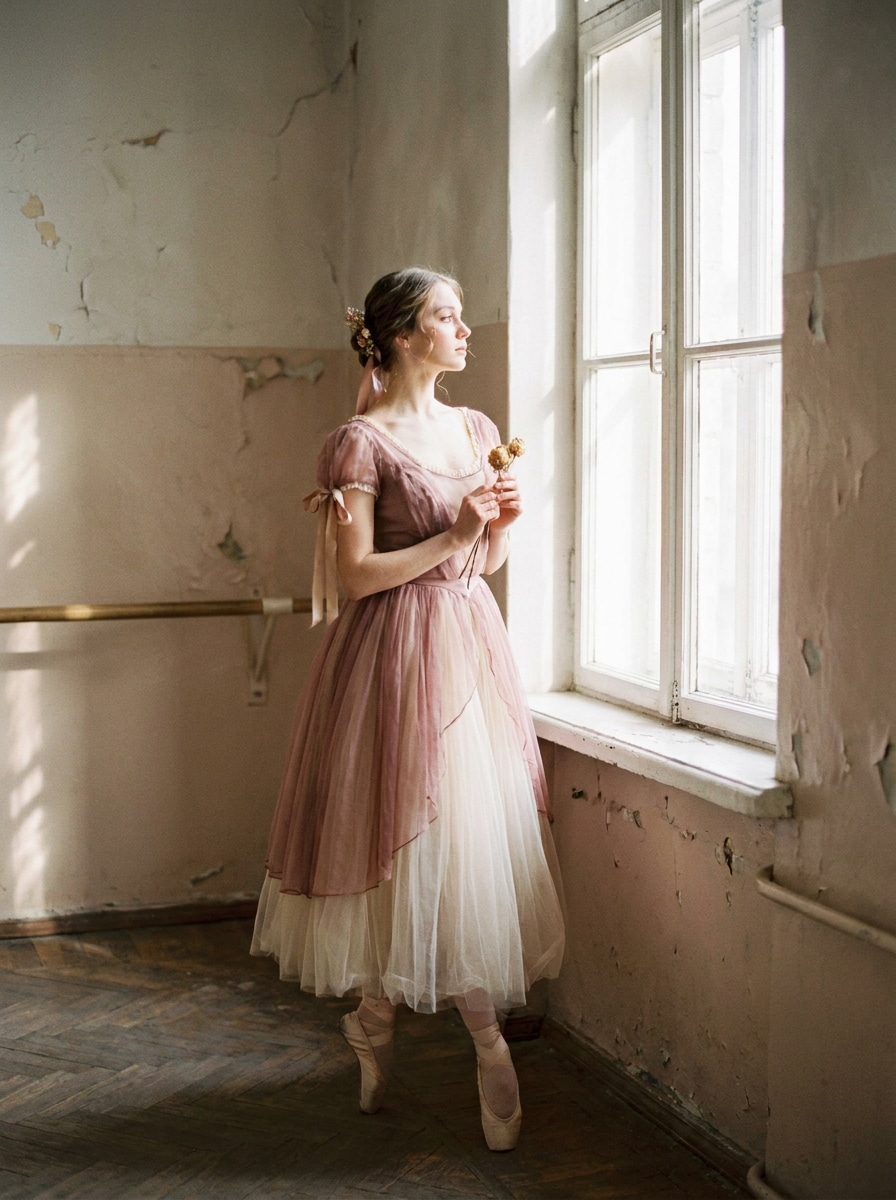
Aplique um Filtro Balletcore para Transformações de Fotos Sonhadoras e Elegantes
Transforme retratos e fotos de moda em edições suaves e românticas inspiradas no balletcore online. O Media.io ajuda você a criar um filtro balletcore com tons pastéis, brilho etéreo e estilo gracioso em segundos — ideal para um filtro de bailarina, um refinado filtro estético de balé, ou um sofisticado filtro de foto de bailarina.
Digite sua ideia -> A IA a transforma em design. Grátis para experimentar.
Revise esses exemplos de direções e personalize os detalhes do prompt para obter resultados mais precisos com este Filtro Balletcore.
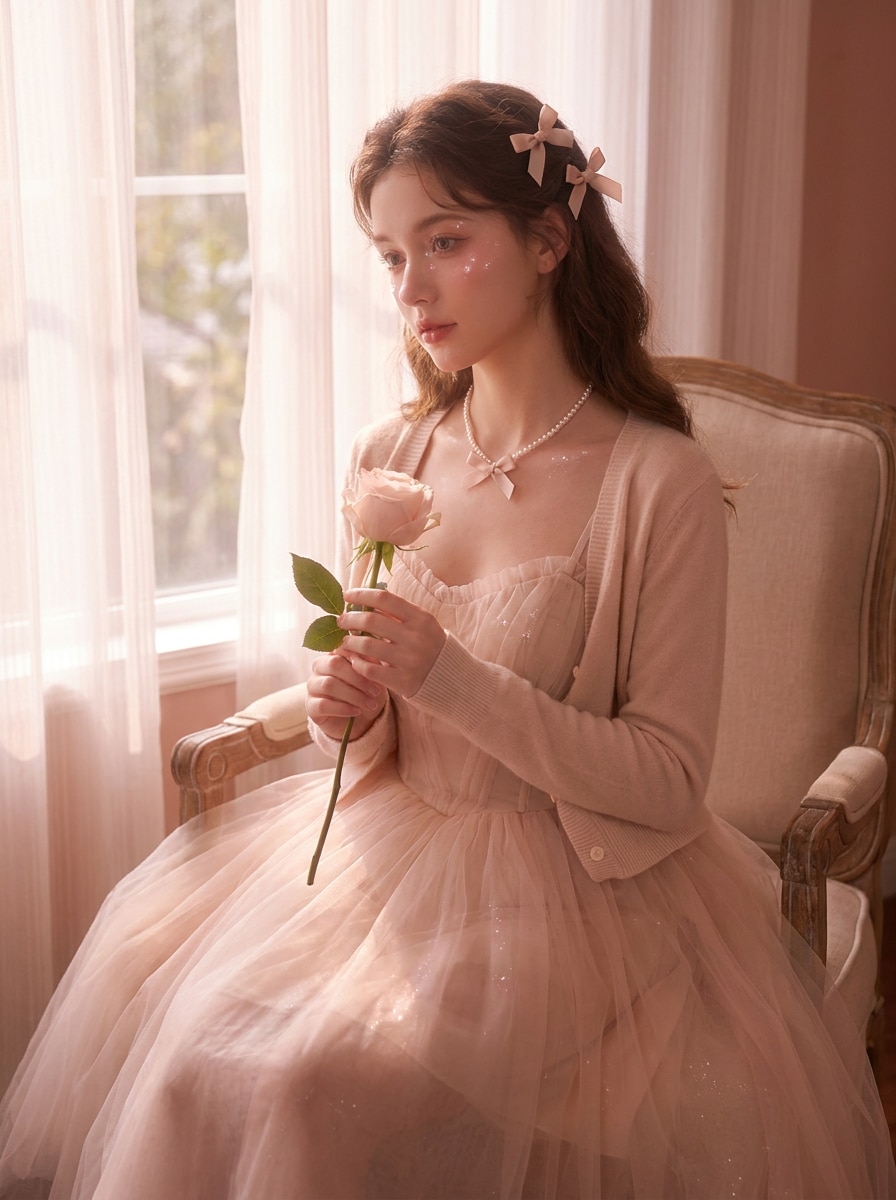
Retrato Pastel Etéreo
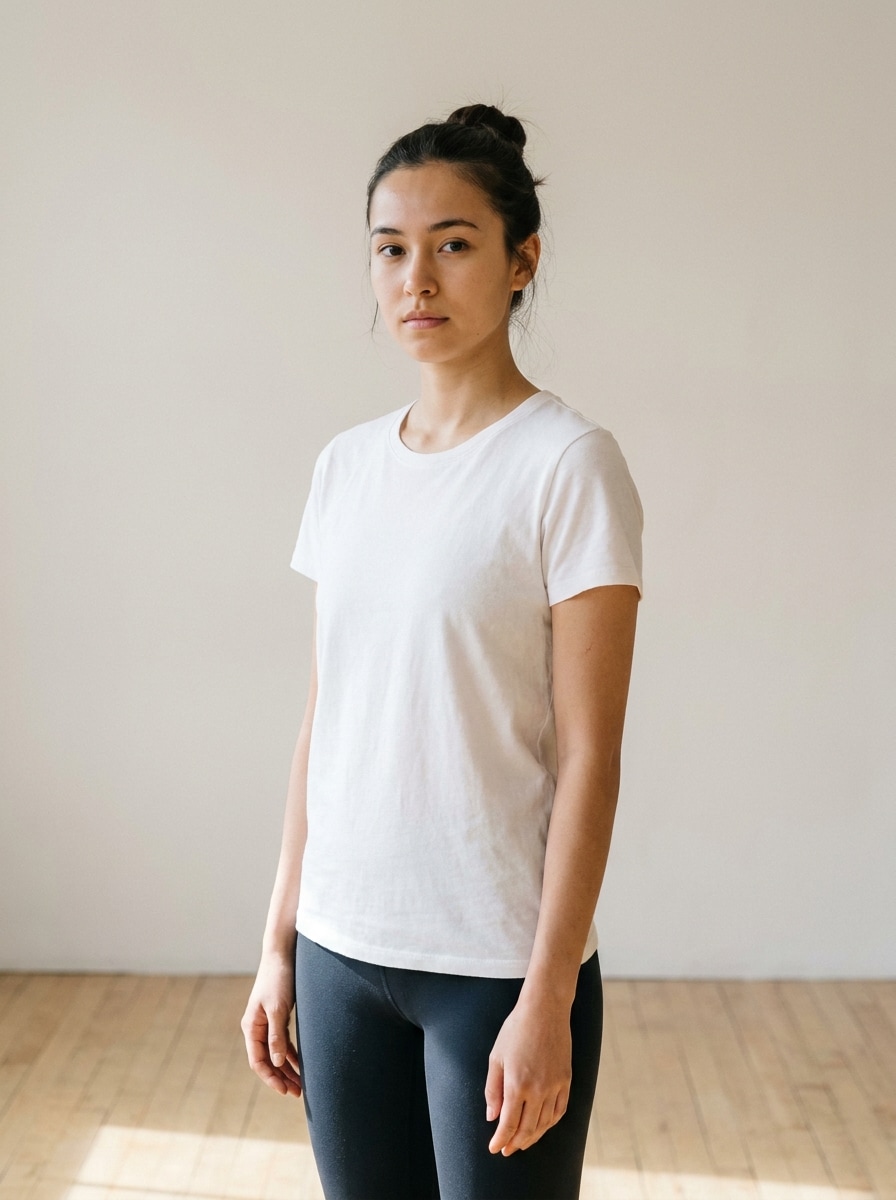
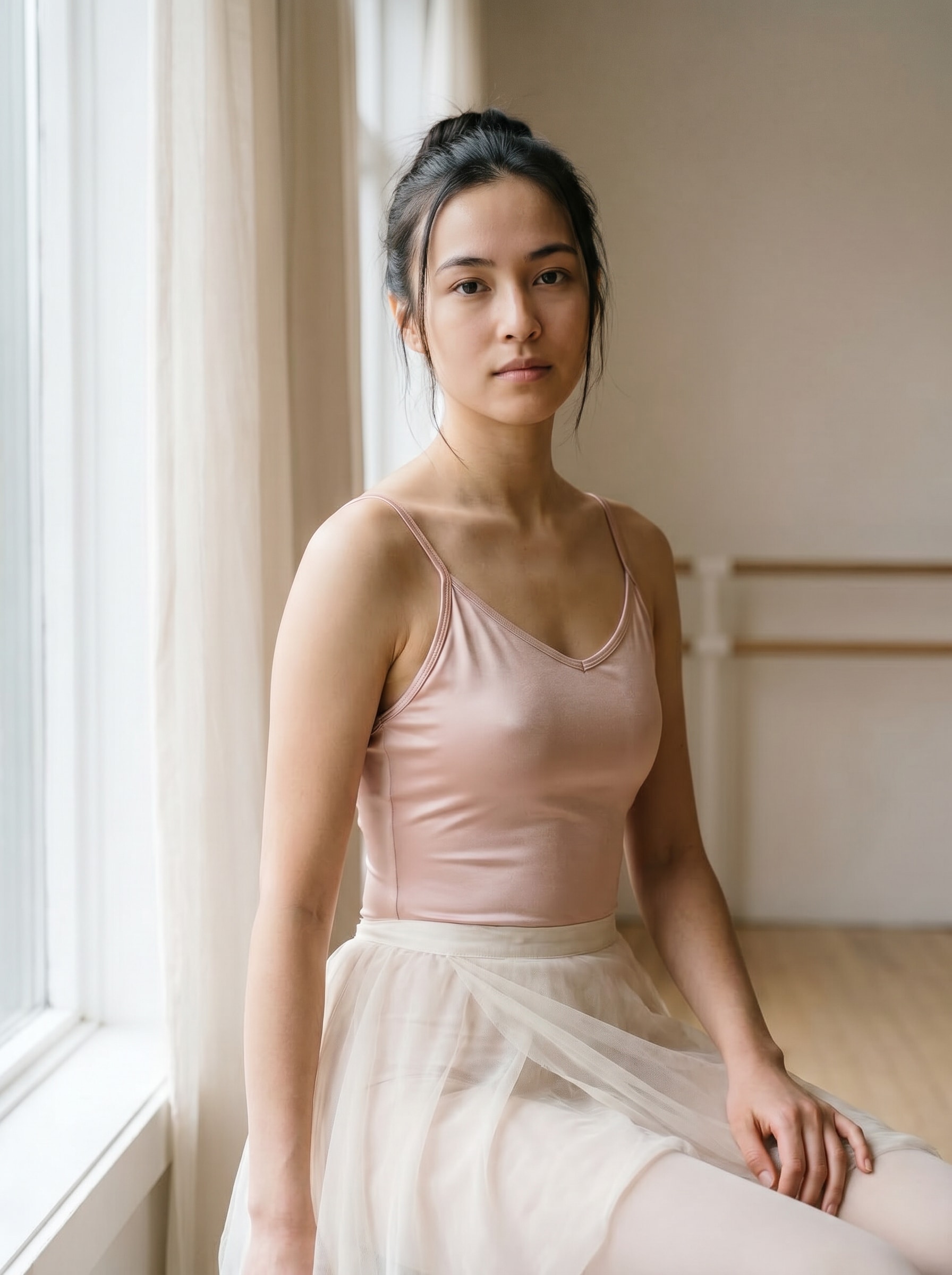
Use a imagem enviada como sujeito e transforme-a em um retrato editorial balletcore suave com tons rosa blush e marfim, luz de janela difusa, realces sedosos, refinamento delicado da pele, baixo contraste, brilho sonhador, enquadramento elegante, clima feminino delicado e preservação natural do rosto.
Brilho de Bailarina no Estúdio
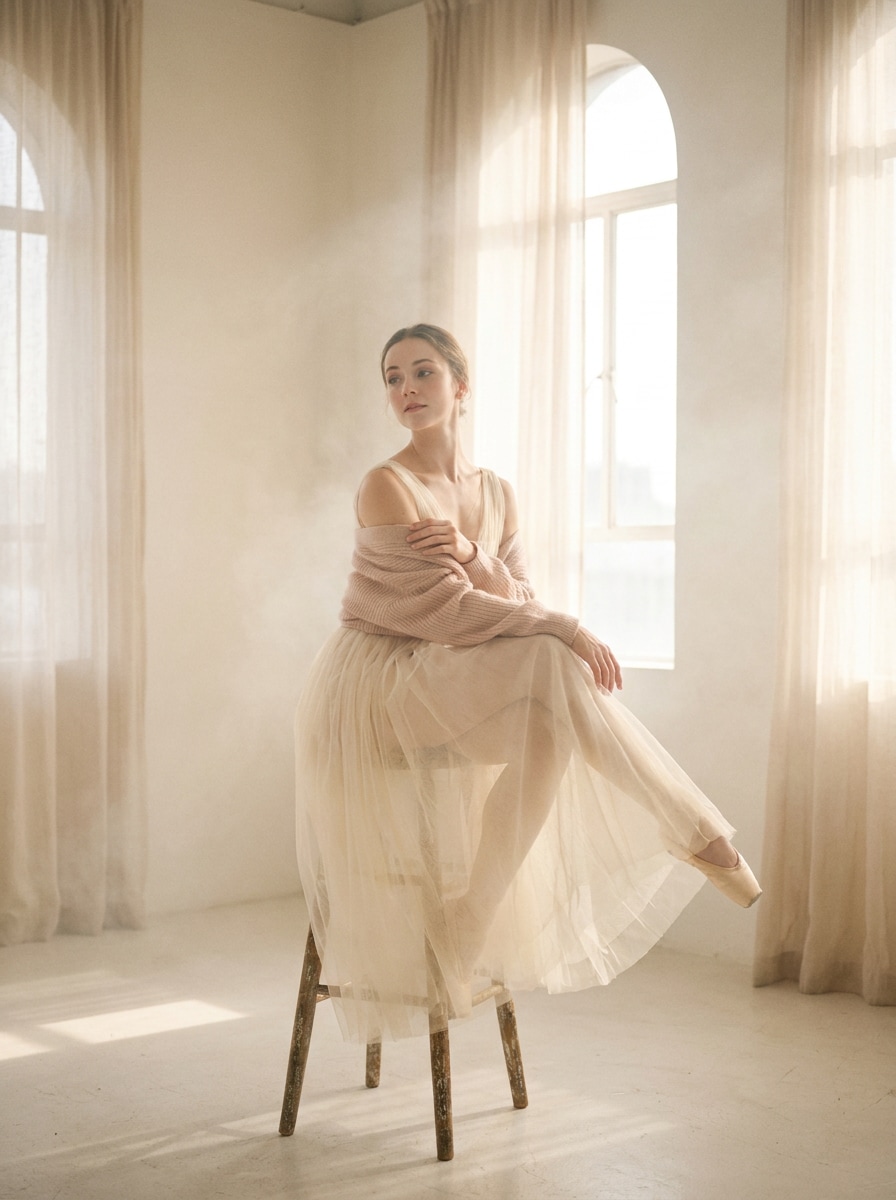
Use a foto enviada como sujeito e reestilize-a em um gracioso retrato de estúdio de balé com brancos cremosos, tons rosados, névoa luminosa suave, fundo limpo, ênfase em postura elegante, realces sutis no tecido, iluminação editorial etérea e um clima calmo e sereno de bailarina.
Romance de Balé em Filme
Use a imagem enviada como base e aplique um efeito balletcore vintage com realces desbotados, grão de filme suave, tons rosa empoeirado e creme, transição suave de sombras, leve bloom, suavidade nostálgica, clima editorial romântico e identidade facial preservada para um acabamento atemporal e sonhador.
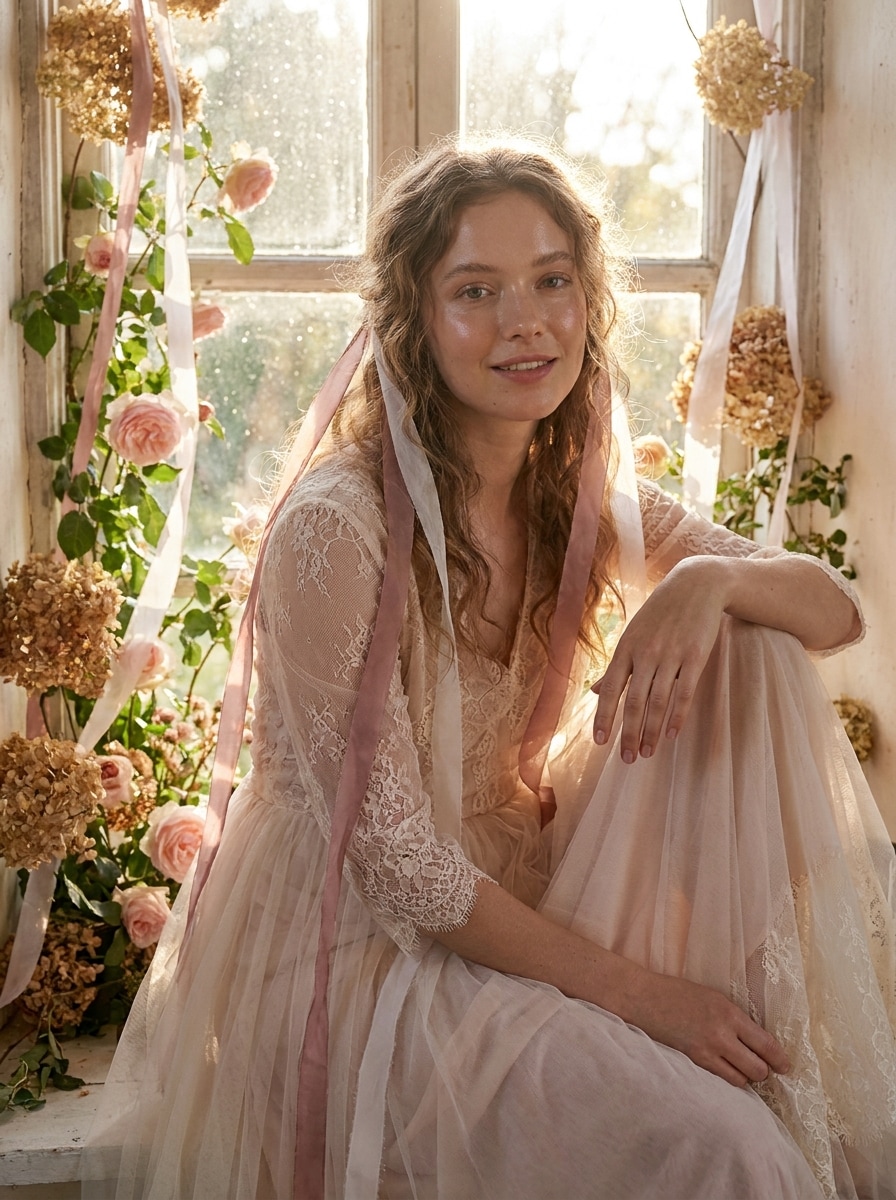
Suavidade de Balé Campestre
Use a foto enviada como sujeito e transforme-a em um retrato balletcore de inspiração campestre com tons rosa pálido, brancos etéreos, detalhes em fita, retroiluminação suave, textura natural da pele, delicadeza floral caprichosa, clima romântico e estilo leve e gracioso que ainda mantém a pessoa reconhecível.
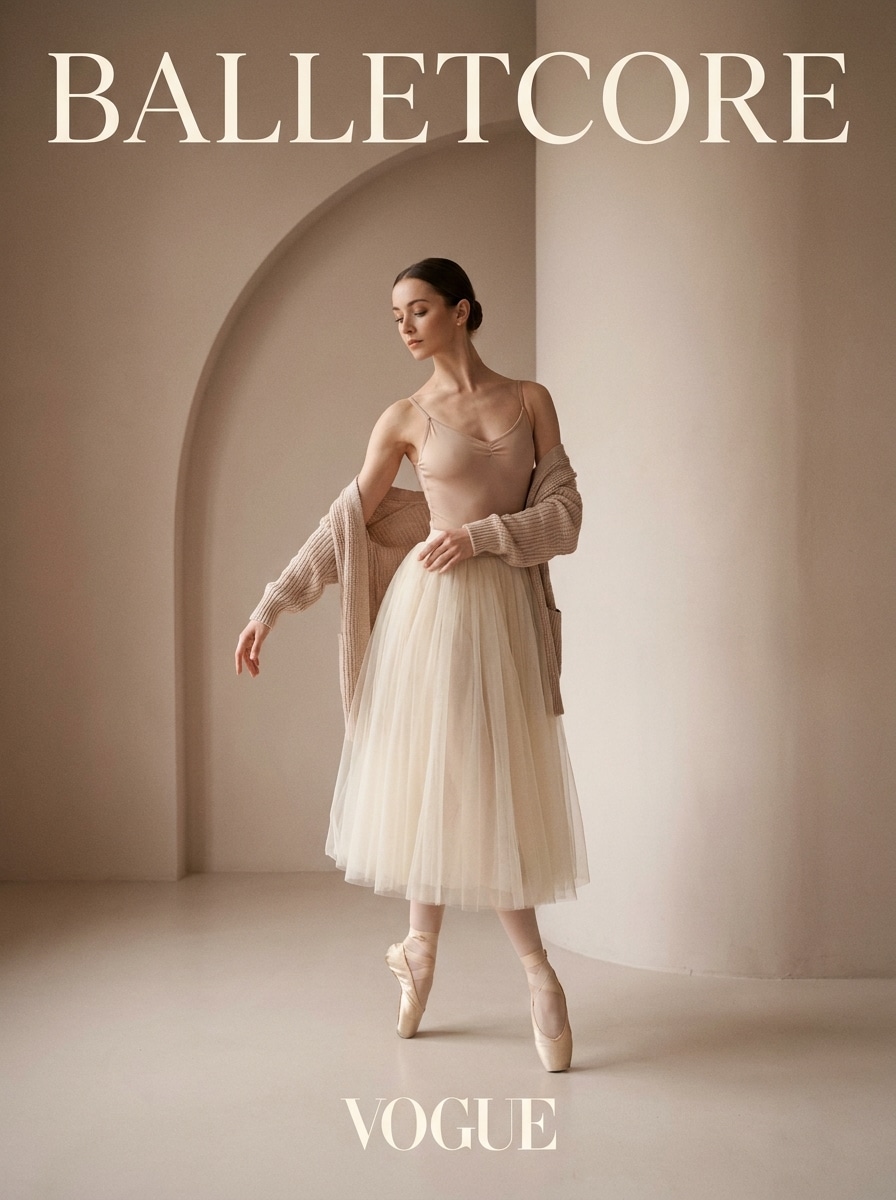
Minimalismo de Balé na Passarela
Use a imagem enviada como sujeito e converta-a em um editorial de moda balletcore moderno com tons de rosa neutro, creme e bege, composição elegante, sombras direcionais suaves, postura elegante, estilo minimalista, polimento de revista premium e um clima luxuoso limpo com identidade preservada.
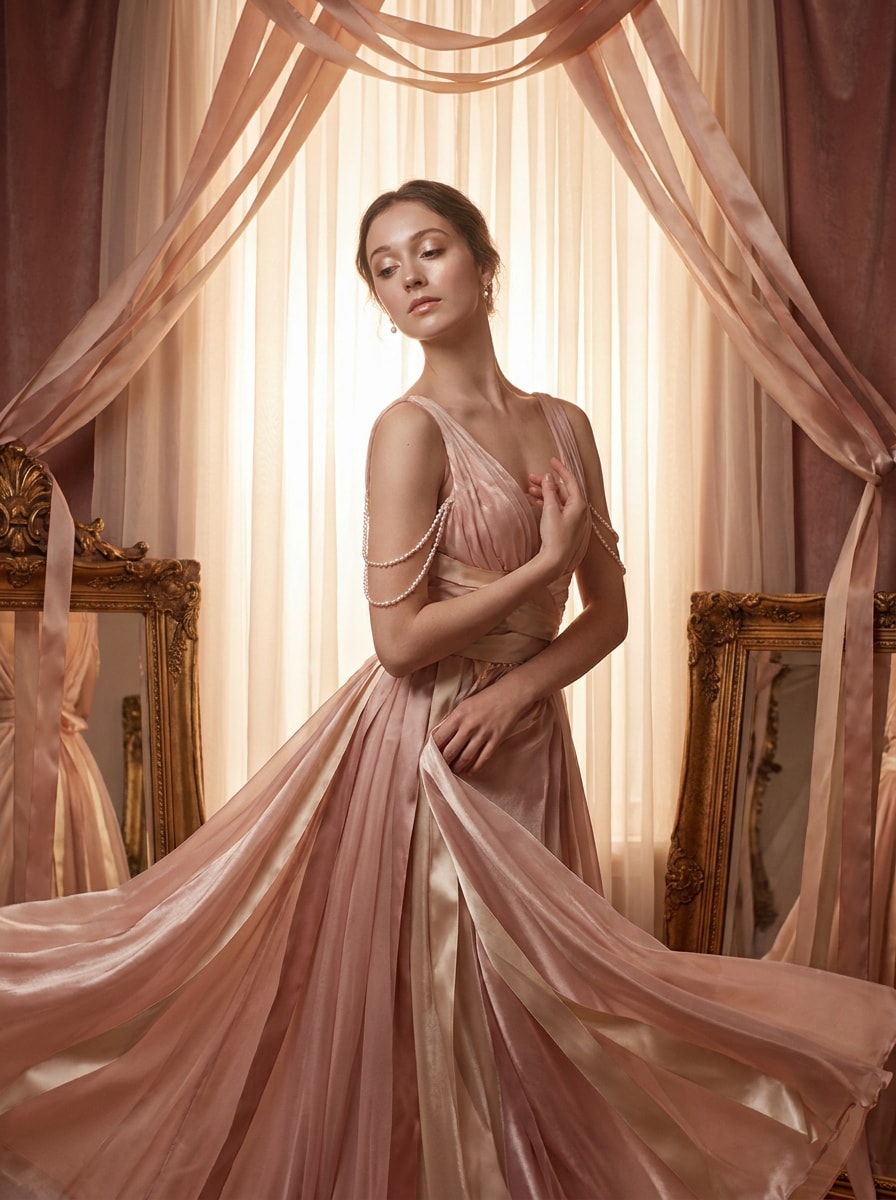
Editorial de Fita de Cetim
Use a foto enviada como sujeito e adicione uma estética balletcore de fita de cetim com realces rosa blush e champanhe, brilho perolado, textura suave luxuosa, contraste equilibrado, enquadramento editorial elegante, clima feminino delicado e detalhes de estilo sutis que parecem sofisticados sem exagero.
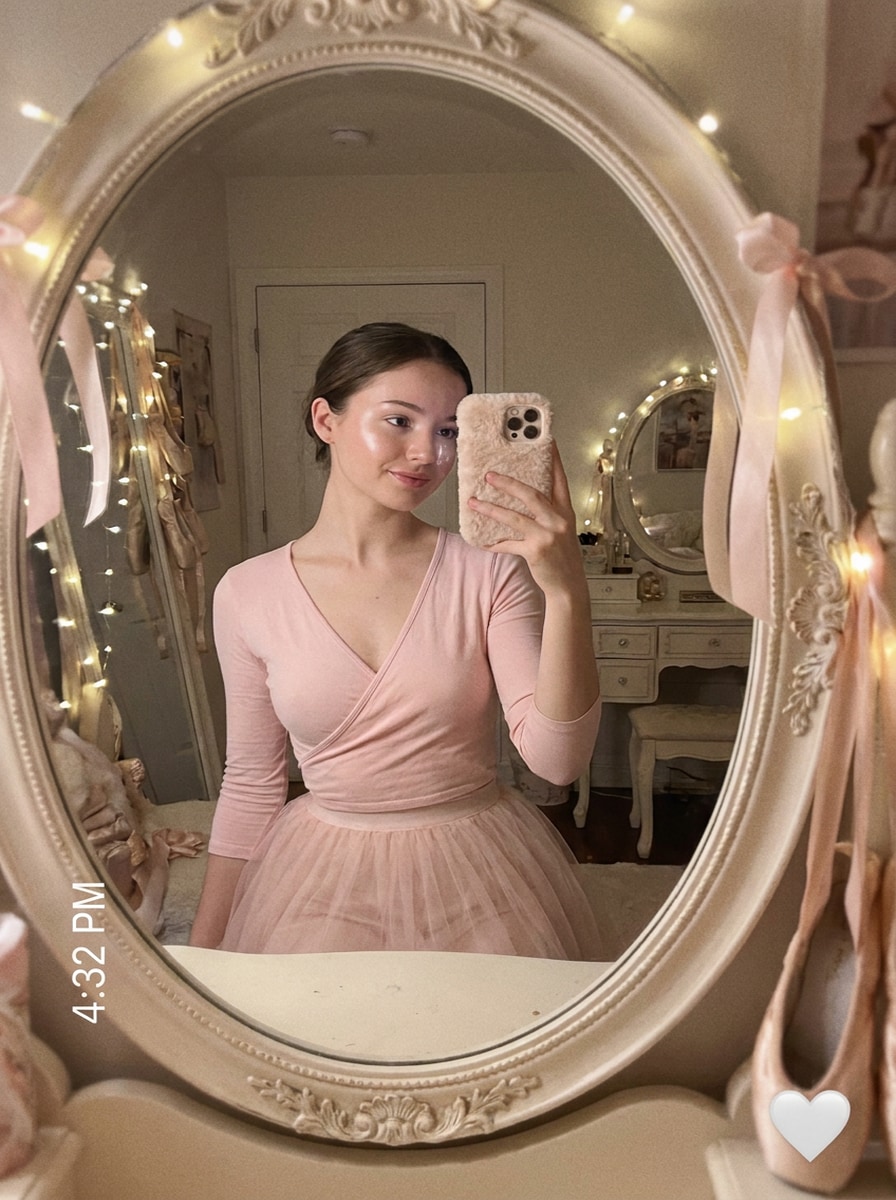
Selfie de Espelho com Foco Suave
Use a selfie enviada como sujeito e transforme-a em uma foto balletcore de espelho sonhadora com gradação em rosa pastel, brilho suave luminoso, realces luminosos, composição reflexiva limpa, refinamento delicado da pele, atmosfera romântica e estilo pronto para redes sociais mantendo as feições reconhecíveis.
Blend Coquette Ballet
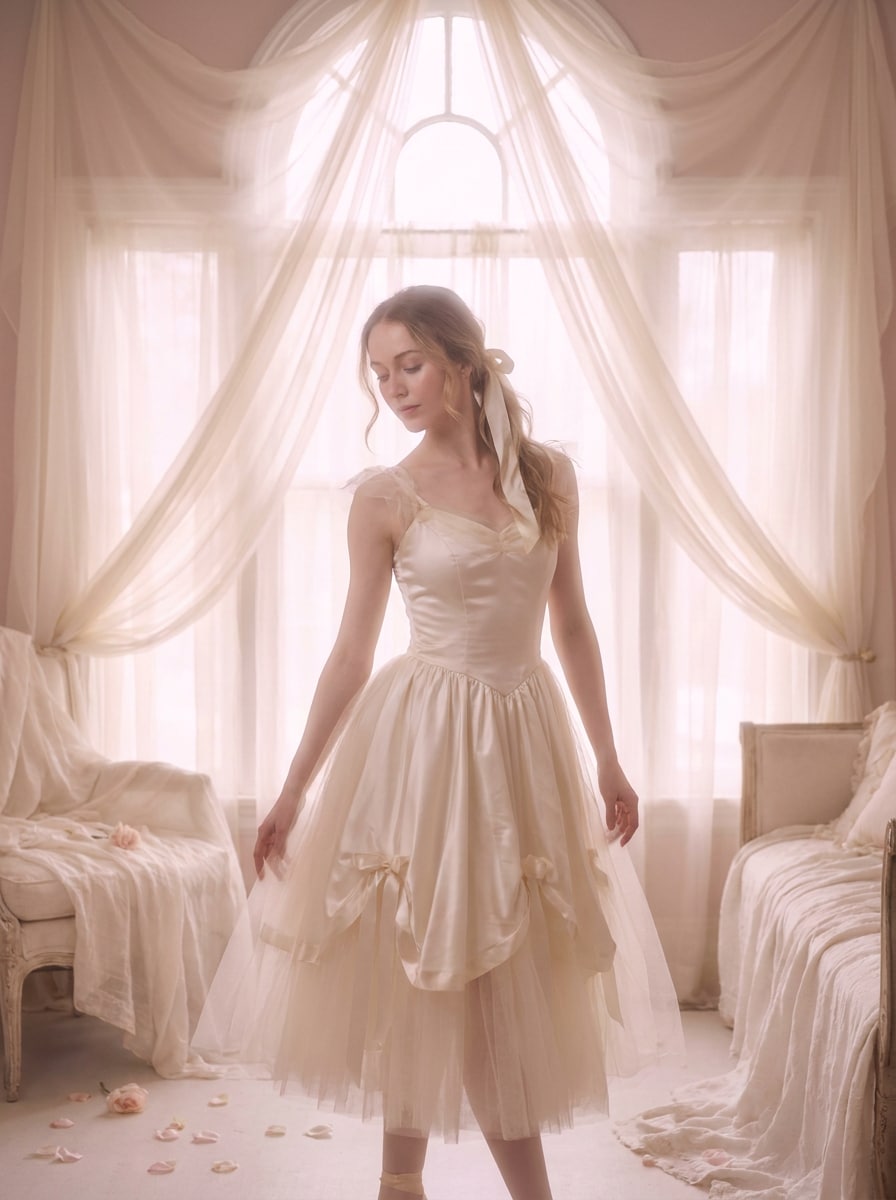
Use a imagem enviada como sujeito e misture o estilo coquette e balletcore com tons pastéis rosados, acentos inspirados em laços, realces perolados, pele luminosa, luz romântica suave, elegância lúdica, composição de retrato sofisticada e um acabamento fashion delicado que ainda preserva a identidade.
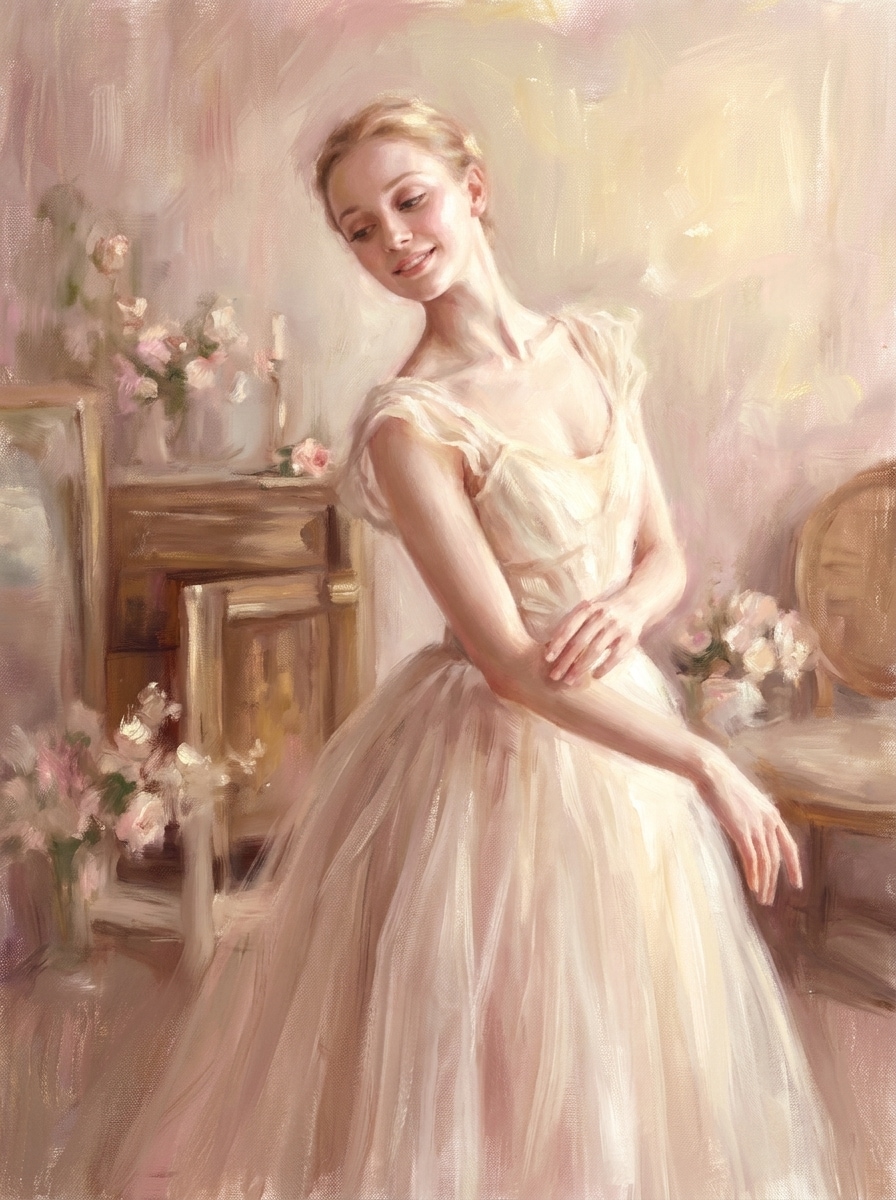
Retrato de Balé Pictórico
Use a imagem enviada como sujeito e converta-a em um retrato balletcore pictórico com textura suave de pincelada, paleta rosa pastel e marfim, pele luminosa, enquadramento gracioso, leve sensação de tela, iluminação romântica de belas artes e preservação delicada de detalhes para um visual editorial artístico.
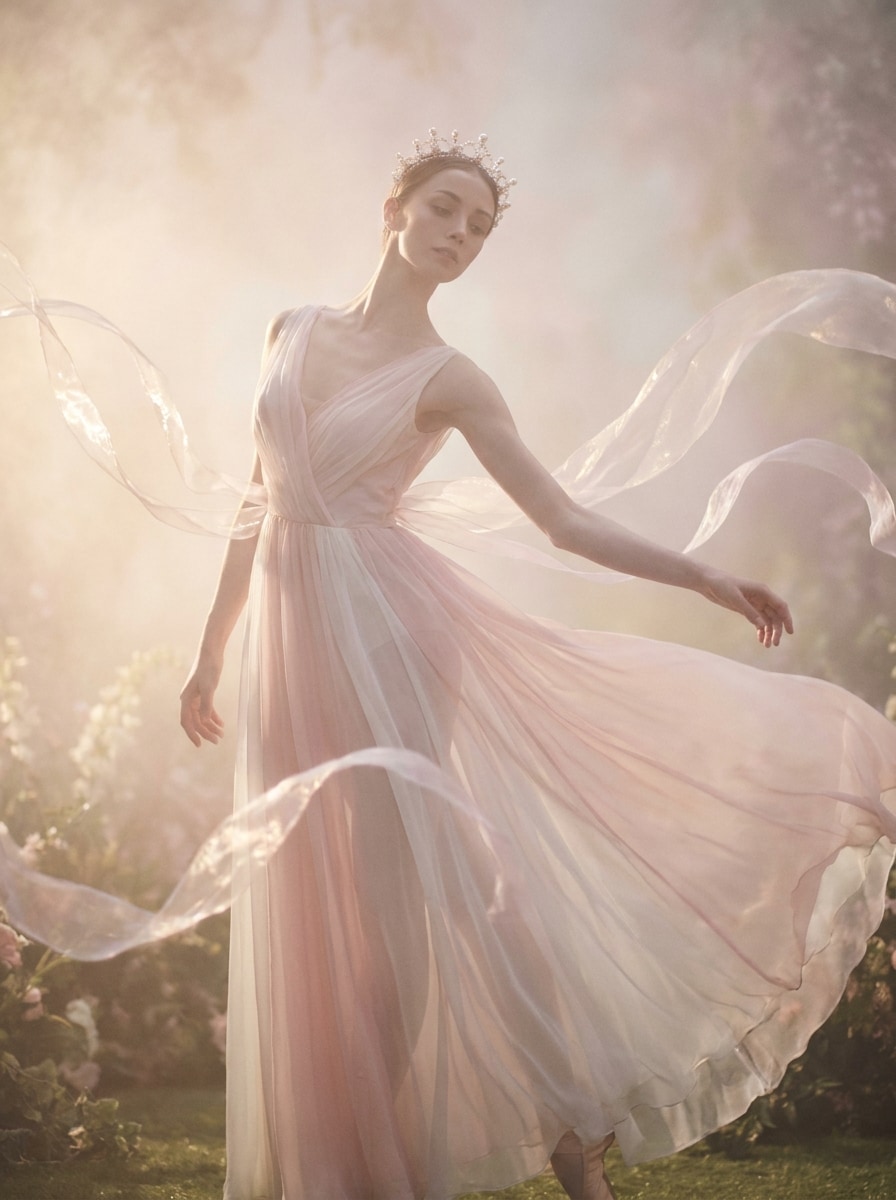
Fantasia de Balé Feérico
Use a foto enviada como sujeito e crie uma transformação balletcore de fantasia com suavidade semelhante a chiffon, névoa brilhante, tons rosa pálido e branco, realces etéreos, ênfase em silhueta elegante, atmosfera editorial de conto de fadas, delicadeza mágica e feições faciais reconhecíveis para um efeito de fantasia refinado.
Por Que Usar o Media.io para Edições de Fotos Balletcore
Mantenha Seu Sujeito Reconhecível Enquanto Muda o Clima
Trabalhos baseados em referências precisam mais do que uma simples mudança de estilo. O Media.io ajuda a manter os detalhes de identidade reconhecíveis enquanto retrabalha o visual do filtro balletcore, para que o resultado pareça pessoal em vez de genérico.
Crie Estéticas de Balé como Predefinições Sem Edição Manual
Uma única ideia frequentemente precisa de mais de um visual. O Media.io ajuda a reinterpretar o mesmo visual do filtro balletcore em diferentes estilos para que cada versão possa corresponder melhor ao briefing do projeto.
Crie Imagens de Alta Resolução para Uso Real
Quando um visual de filtro balletcore está destinado ao uso real em publicações, o Media.io oferece uma saída mais nítida de até 4K, o que ajuda a manter a imagem clara em apresentações, planos de fundo e recursos reutilizados.
Edite em Qualquer Lugar com um Fluxo de Trabalho Rápido no Navegador
Alguns conceitos visuais de filtro balletcore são esboçados em movimento e finalizados posteriormente na mesa. O Media.io mantém esse processo online, para que você possa retornar ao mesmo fluxo de trabalho sem instalações ou configurações extras.
Como Aplicar um Filtro de Bailarina Online
Transforme suas palavras em visuais impressionantes em três etapas simples e continue refinando o resultado se quiser ir mais longe.
Etapa 1
Envie Sua Imagem de Referência
Comece com um retrato, selfie ou foto de moda nítida no formato JPG, PNG ou JPEG. Imagens com detalhes faciais visíveis, iluminação limpa e composição simples geralmente produzem as transformações mais elegantes inspiradas no balé.
Etapa 2
Descreva a Mudança e Configure as Opções
Insira o visual desejado, como tons pastéis suaves, brilho acetinado, luz de estúdio sonhadora ou romance vintage. Em seguida, escolha seu modelo preferido e ajuste a proporção, qualidade da imagem, resolução ou número de variações.
Etapa 3
Gere, Baixe e Continue Aprimorando
Crie suas versões balletcore, compare os resultados e baixe a que melhor se adapta ao seu estilo. Se necessário, refine o prompt, teste outro clima ou gere mais variações até que a imagem pareça perfeita.
Veja como os criadores usam este Filtro Balletcore para conteúdo, marketing e projetos pessoais e adapte cada ideia ao briefing.
Eleve Retratos para Posts Sociais Suaves e Românticos
Transforme selfies e retratos do dia a dia em imagens etéreas e sofisticadas com tons blush, brilho e estilo gracioso. Funciona bem para criadores que constroem um feed sonhador, um moodboard de moda ou uma marca pessoal delicada sem retoques manuais intensos.
Reestilize Fotos de Moda em Visuais Editoriais de Balé
Dê às fotos simples de roupas um acabamento mais refinado e com cara de revista adicionando gradação pastel, indicações de textura de cetim e luz elegante. É uma maneira prática de transformar imagens casuais de guarda-roupa em uma história visual mais limpa inspirada no balé.
Crie Capas de Moodboard e Recursos Visuais Estéticos
Use a transformação para capas do Pinterest, gráficos de lookbook, visuais de perfil ou arte de campanha de marca. A paleta suave e a atmosfera refinada ajudam suas imagens a parecerem coesas, femininas e visualmente memoráveis em diferentes formatos.
O Que os Usuários Dizem Sobre Este Efeito Balletcore
Elena P.
Criadora de Lifestyle
"Resultados sonhadores sem edição complicada" Eu queria que minhas selfies parecessem suaves e românticas sem aprender a usar o Lightroom. Isso me deu aquele visual pastel de balé em algumas tentativas, e as imagens finais ainda pareciam ser eu.
Maya R.
Designer de Conteúdo de Moda
"Ótimo para moodboards e rascunhos de campanha" O brilho suave, os tons blush e o estilo elegante funcionaram muito bem para visuais de conceito rápidos. Também gostei de poder ajustar a proporção para layouts verticais e de capa.
Sophie L.
Criadora Estudante
"Fácil de usar no celular e muito estético" Usei no meu celular para transformar uma selfie básica de espelho em uma foto muito mais bonita inspirada no balé. Foi rápido, simples e muito mais fácil do que usar vários aplicativos de edição.
Nina C.
Proprietária de Marca Boutique
"Útil para imagens de marca suaves" Testamos em retratos adjacentes a produtos para nosso conteúdo social e obtivemos um estilo editorial delicado que combinava com nossa marca. É uma boa opção quando você precisa de uma atualização estética rápida.
Explore os efeitos de vídeo e imagem de IA mais quentes
Um filtro balletcore para fotos é um estilo de edição que dá a uma imagem um visual suave, romântico e inspirado no balé. No Media.io, você pode enviar uma foto de referência e usar IA para transformá-la com tons pastéis, luz etérea, brilho delicado e estilo elegante, tornando-o uma alternativa prática de predefinição para retratos e imagens de moda.
2. Como transformo uma foto em estilo balletcore online?
Envie sua imagem para o Media.io, insira um prompt descrevendo o visual desejado e escolha seu modelo e configurações de saída preferidos. A IA então gera uma versão estilizada da sua foto, para que você possa criar uma edição inspirada no balé online sem retoques manuais ou software de edição para desktop.
3. Existe um filtro balletcore gratuito que posso experimentar?
O Media.io oferece créditos gratuitos para que você possa experimentar o efeito antes de fazer upgrade. Se precisar de mais uso, pode verificar a página de preços para os planos disponíveis. As exportações gratuitas podem incluir marca d'água, enquanto os planos pagos suportam downloads de alta resolução sem marca d'água. Usuários gratuitos podem usar créditos gratuitos. Para mais uso, os usuários podem assinar um plano na página de preços. Faça upgrade para um plano pago na página de preços para obter mais créditos e downloads de alta resolução sem marca d'água.
4. Quais fotos funcionam melhor com um filtro balletcore de IA?
Retratos claros, selfies e fotos de moda geralmente funcionam melhor, especialmente quando o sujeito está bem iluminado e é fácil de ver. Imagens com fundos simples, exposição equilibrada e detalhes faciais visíveis fornecem ao Media.io informações de referência mais sólidas para uma transformação mais refinada e reconhecível.
5. Posso aplicar um efeito balletcore no iPhone ou Android?
O Media.io é baseado na web, portanto você pode usá-lo no iPhone, Android, tablets ou dispositivos desktop, desde que tenha um navegador. Isso facilita a criação de uma edição suave inspirada no balé no celular sem instalar um aplicativo separado. O Media.io é uma ferramenta baseada na web que funciona em qualquer dispositivo com um navegador (Windows, Mac, iOS, Android).
6. A imagem editada manterá alta resolução após a transformação balletcore?
O Media.io suporta opções de saída em 1K, 2K e 4K para geração de imagem para imagem. Isso significa que você pode criar uma edição estilizada e sonhadora e ainda manter um resultado de alta resolução para posts sociais, capas, moodboards ou outros usos visuais sofisticados. Usuários gratuitos podem ter marcas d'água.
Além do Filtro Balletcore Online Impulsionado por IA