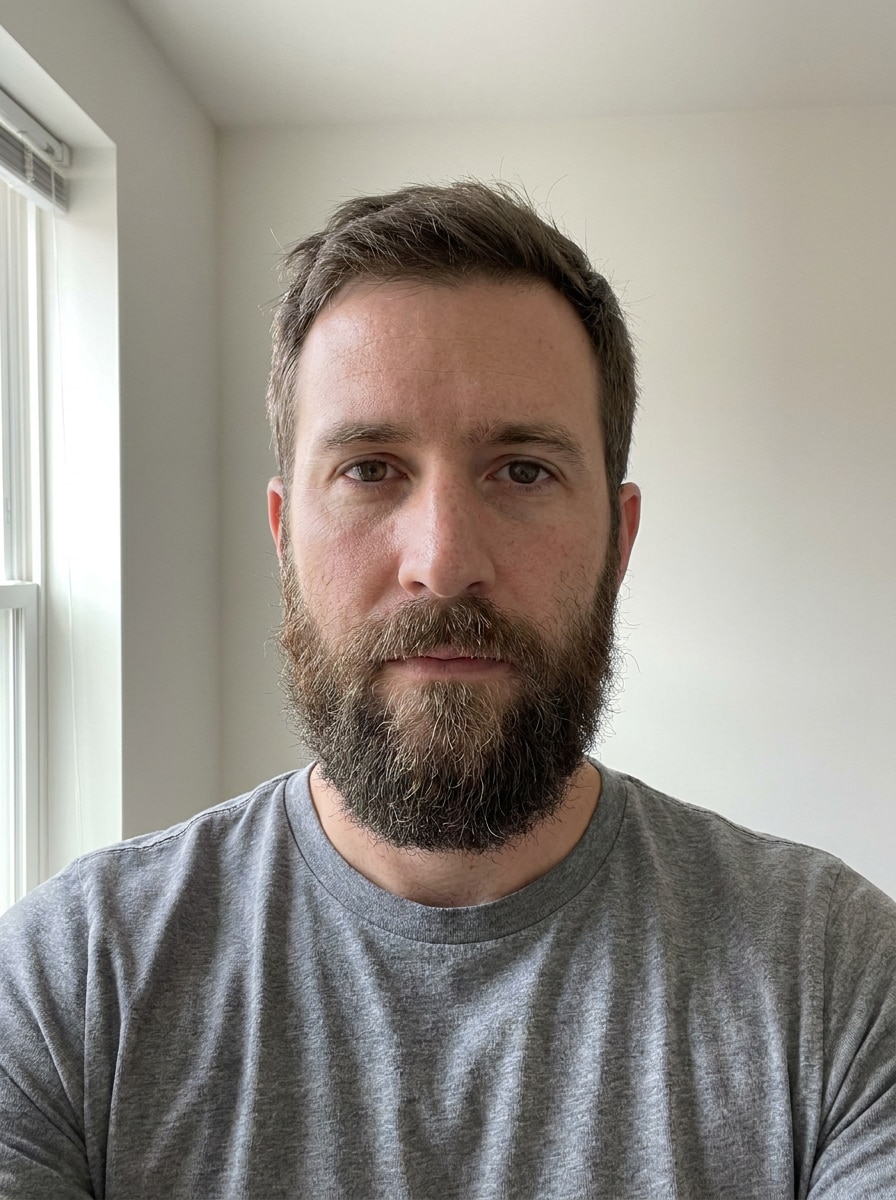
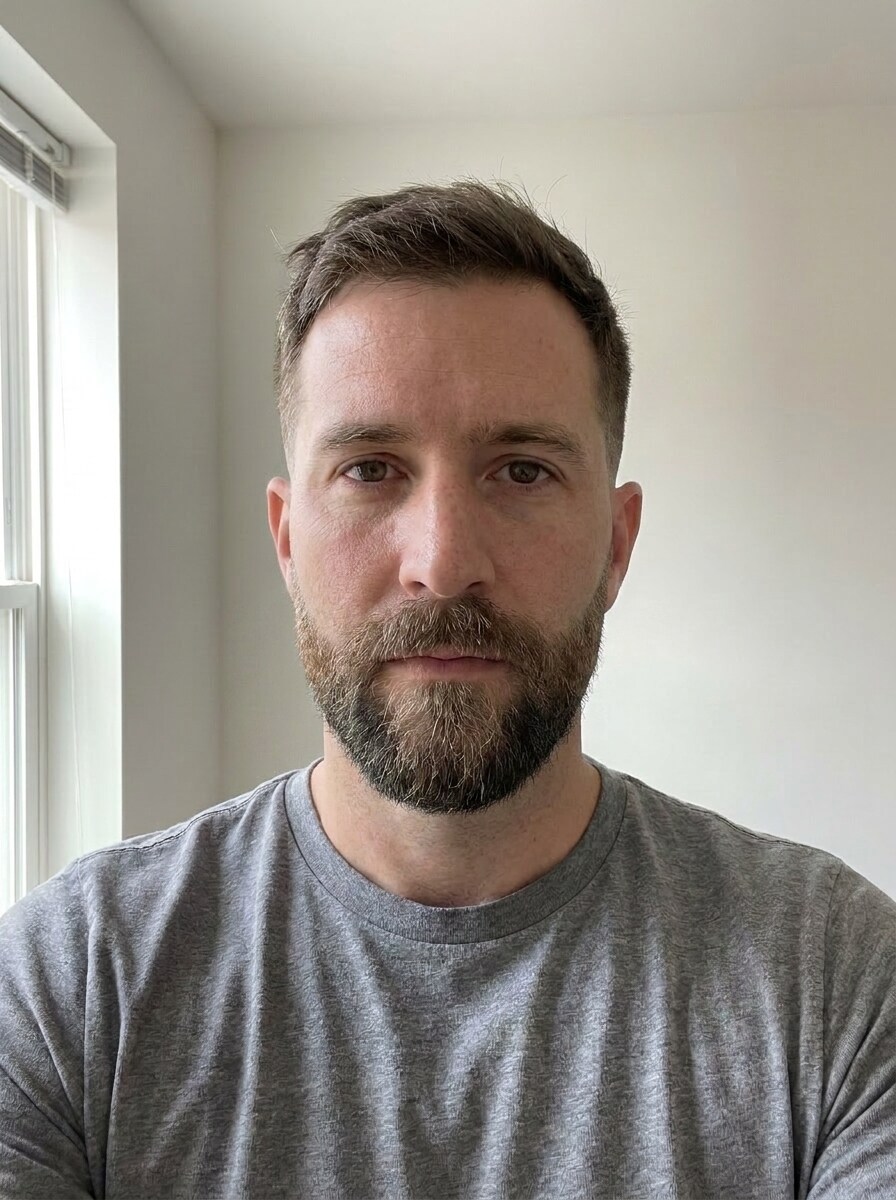
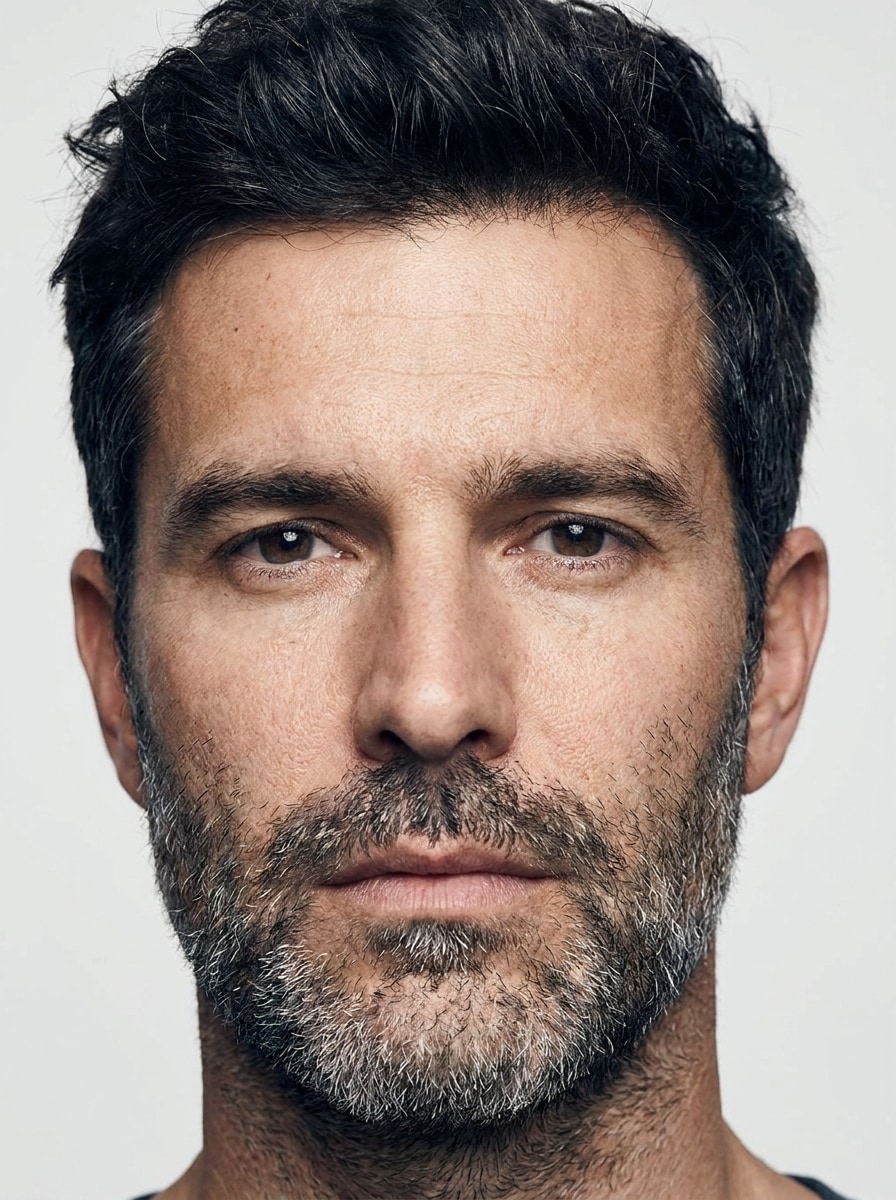
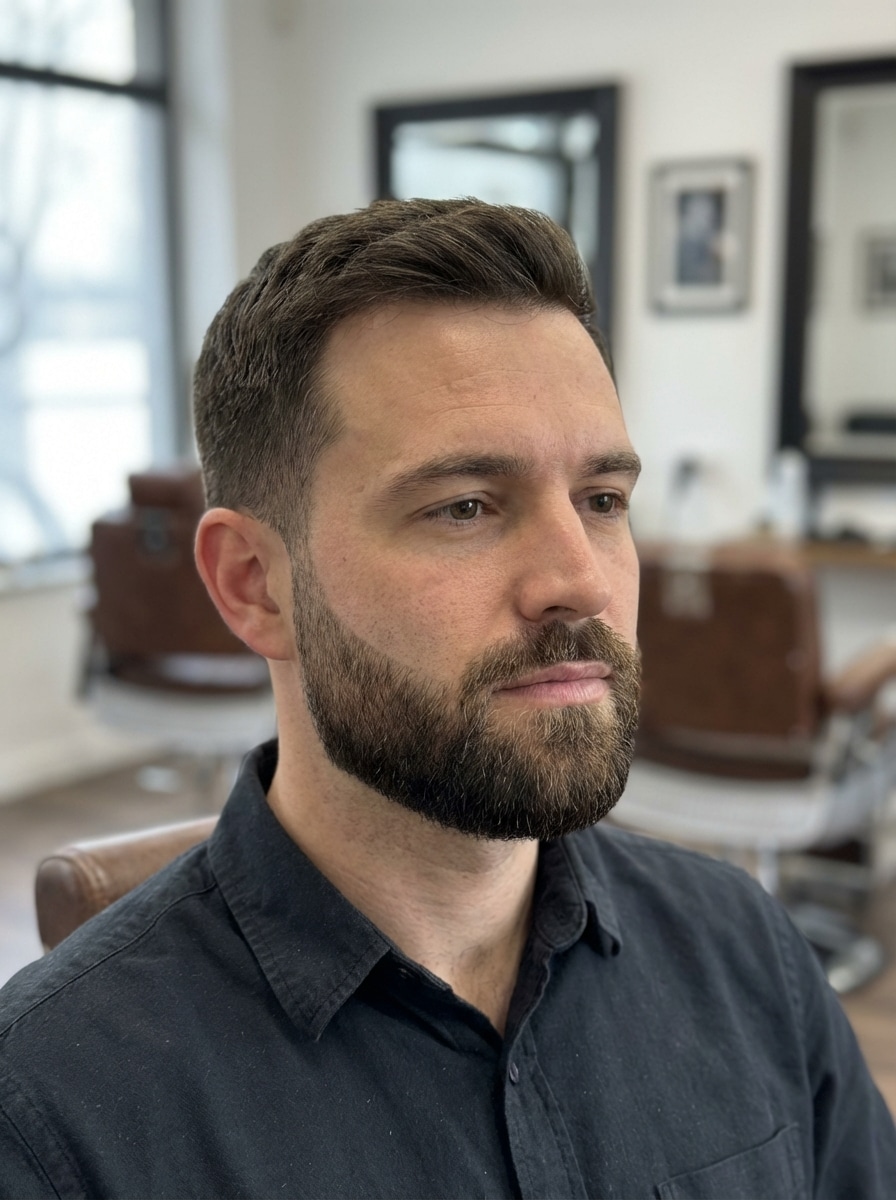
Selecione / @ personagem, descreva a cena que você deseja gerar.
0/2000
9:16
1K
1
Modo Ilimitado do Banana Pro
Criações
Hub de Ideias
Como funciona
Todos
Recursos populares
Ver tudo
Desafio Criativo de Halloween
Ver tudo
História de Frutas com IA
Ver tudo
Vídeo de História com IA
Ver tudo
Vídeos Virais Hoje
Ver tudo
Vídeos de Produto com IA
Ver tudo
Personagem AI
Ver tudo
Tendências de Dança
Ver tudo
GPT Image 2
Ver tudo
Seedance 2.0
Ver tudo
Correspondência de Celebridade por IA
Ver tudo
Dicas de Poses para Casais
Ver tudo
Prompts de Poses de Garota AI Estética
Ver tudo
Sugestões de Pose de Garoto Elegante com IA
Ver tudo
Lista de geração
As criações são armazenadas por apenas 7 dias. Os recursos criados após o upgrade para um plano de assinatura serão armazenados permanentemente.
Desbloqueie seu potencial criativo e experimente a magia da IA de mídia hoje!
Localizador de Estilo de Barba que Mostra Looks Realistas na Sua Foto
Use este localizador de estilo de barba para visualizar looks de barba por fazer, cavanhaque, barba quadrada e barba cheia na sua própria selfie. O Media.io ajuda você a ver qual barba combina com meu rosto, comparar estilos rapidamente e encontrar uma barba flattering para o formato do seu rosto sem precisar baixar um aplicativo. Também é uma opção prática para encontrar o melhor estilo de barba para o meu rosto.
Digite sua ideia -> A IA cria. Grátis para experimentar.
Revise esses exemplos de instruções e personalize os detalhes do prompt para obter resultados mais precisos com este Localizador de Estilo de Barba no Media.io.
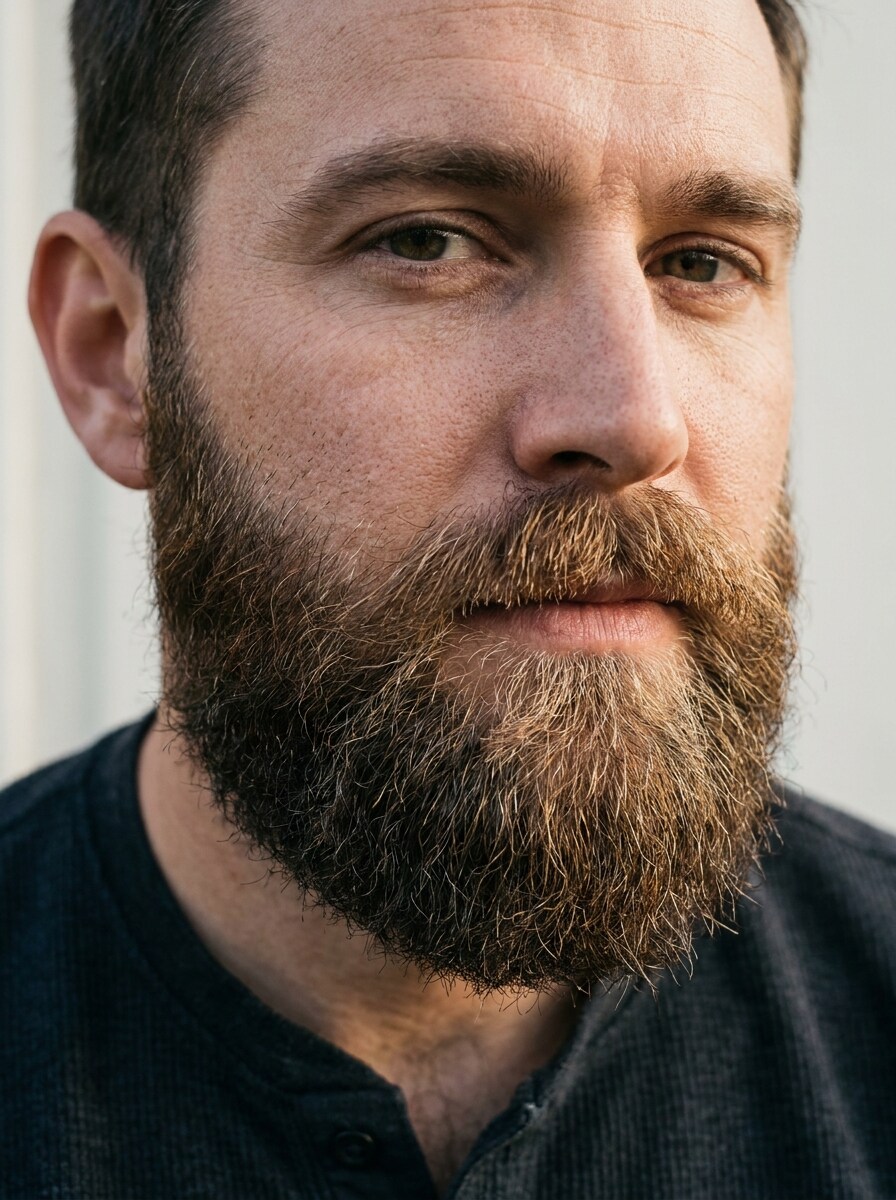
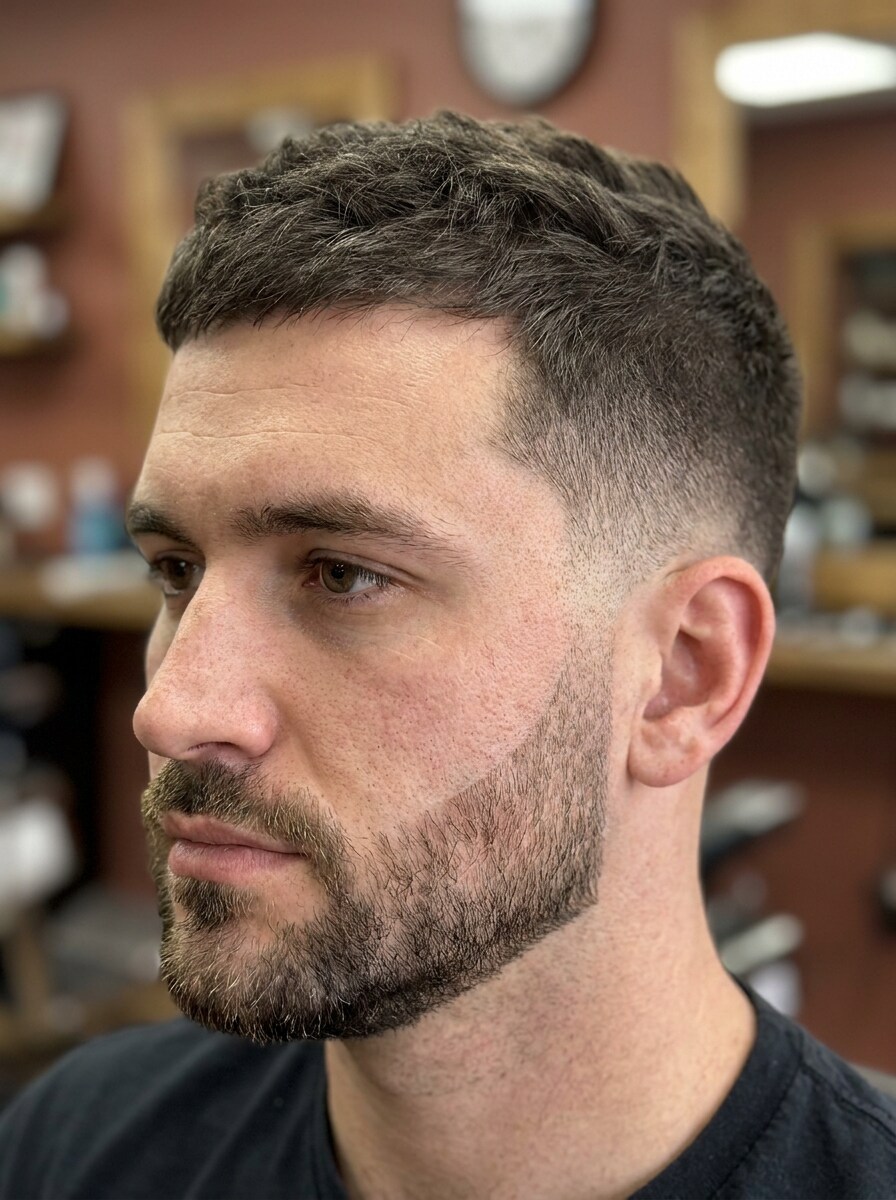
Barba por Fazer Pesada Natural
Use a imagem enviada como referência e transforme-a com uma barba por fazer pesada e natural realista. Mantenha o mesmo rosto, penteado, textura da pele e expressão, com densidade de barba suave e uniforme ao longo da mandíbula, queixo e lábio superior, direção natural dos pelos, contraste equilibrado, acabamento limpo e iluminação fiel à realidade.
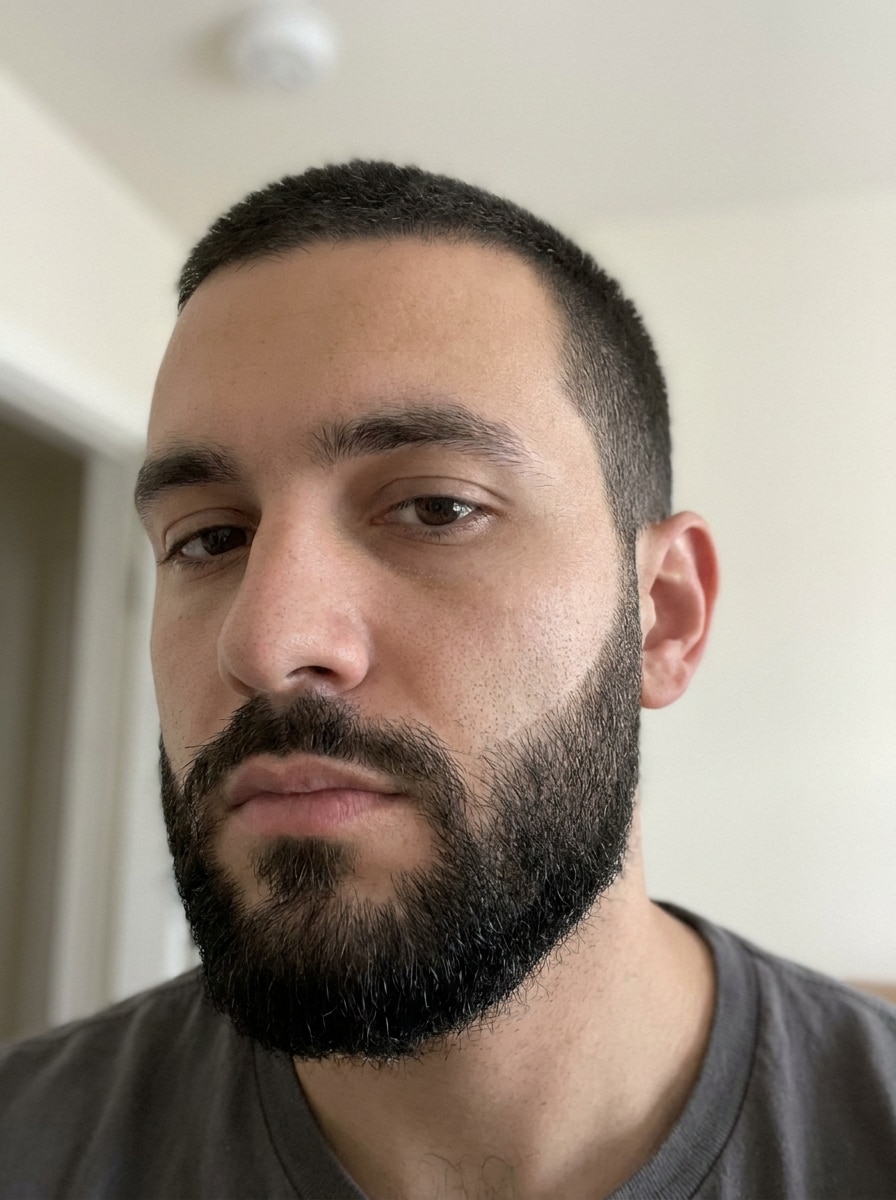
Cavanhaque Clássico
Use a selfie enviada como referência e aplique um cavanhaque clássico com bigode conectado e barba no queixo bem definida. Preserve o formato original do rosto, iluminação e detalhes da pele, adicionando bordas nítidas, densidade de pelos realista, um acabamento refinado de barbearia e mistura tonal natural ao redor da boca e do queixo.
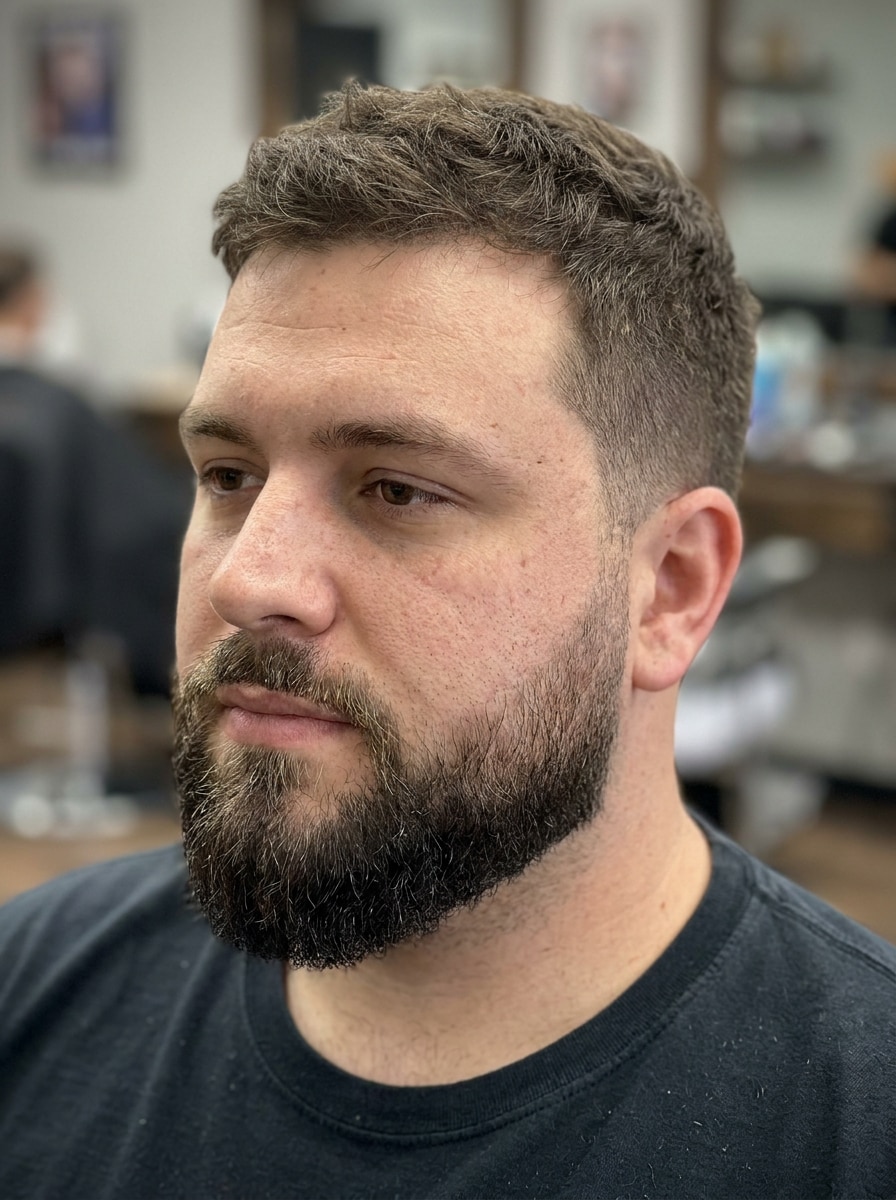
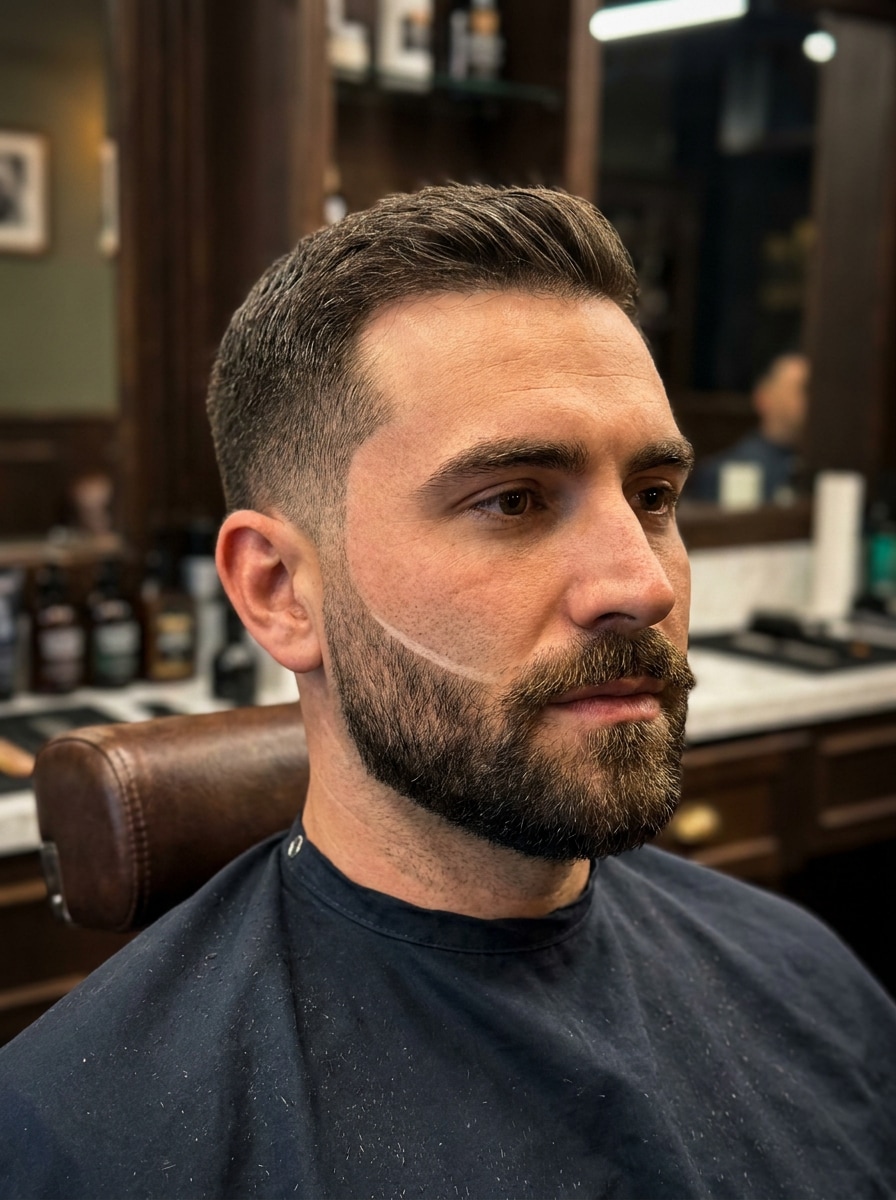
Barba Curta Quadrada
Use o retrato enviado como referência e transforme-o com uma barba curta quadrada. Mantenha o rosto reconhecível enquanto adiciona linhas nítidas nas bochechas, cobertura aparada da mandíbula, volume controlado da barba, textura realista, mistura suave perto das costeletas e estrutura masculina limpa com iluminação natural e detalhes de pele preservados.
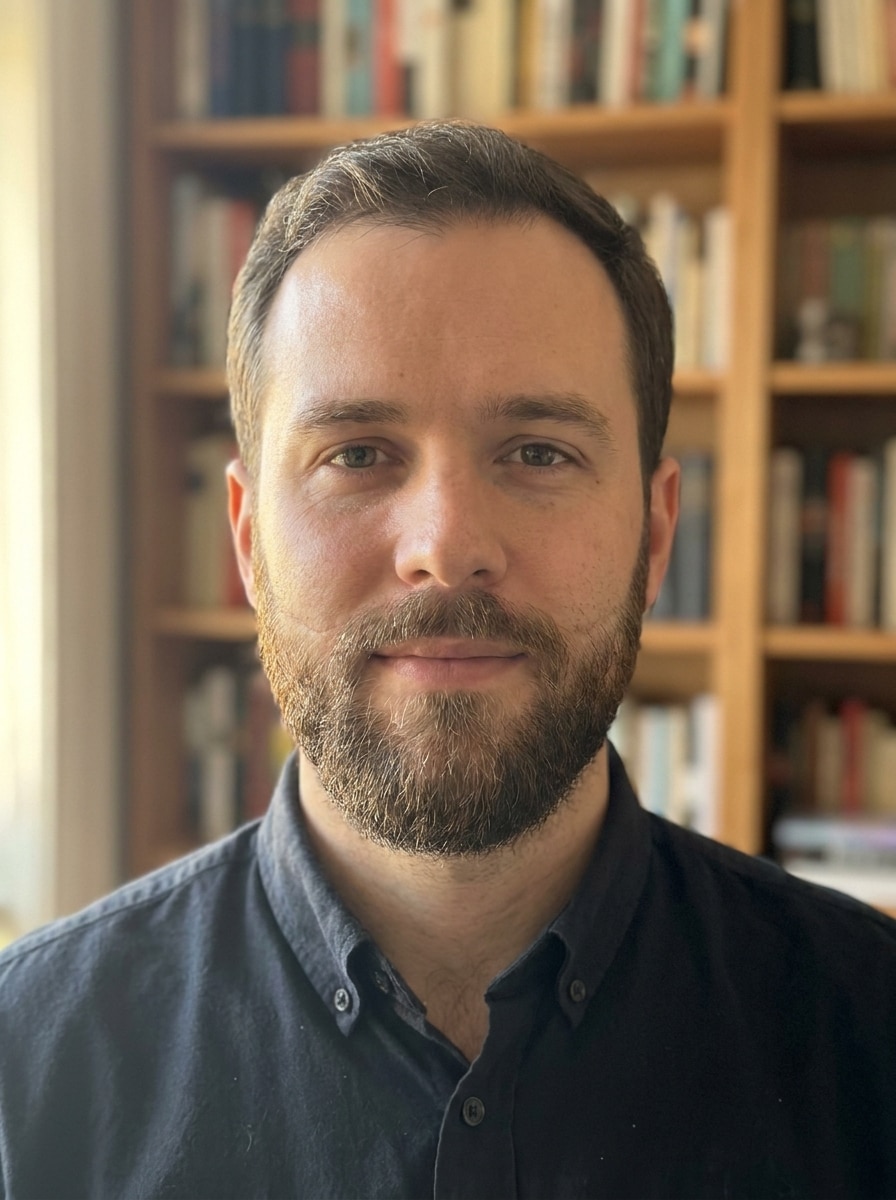
Barba Cheia
Use o rosto enviado como referência e gere uma barba cheia realista com volume equilibrado nas bochechas, mandíbula, queixo e bigode. Mantenha a mesma identidade, penteado e iluminação, adicionando textura detalhada dos fios, direção natural de crescimento, transições suaves nas bordas e um acabamento confiante e bem cuidado.
Barba para Rosto Redondo
Use a selfie enviada como referência e aplique um estilo de barba flattering para rosto redondo. Adicione mais comprimento no queixo, mantenha os lados mais curtos e molde a barba para criar uma silhueta mais alongada, definição de mandíbula mais nítida, textura realista, densidade natural e consistência de iluminação perfeita.
Barba para Rosto Oval
Use a foto enviada como referência e crie um estilo de barba que combine com um rosto oval. Mantenha as proporções equilibradas com linhas limpas nas bochechas, volume moderado, estrutura definida no queixo, fios de barba realistas e um acabamento natural e profissional que valoriza o rosto sem sobrecarregá-lo.
Barba que Realça a Mandíbula
Use a imagem enviada como referência e adicione uma barba projetada para definir a mandíbula. Molde linhas precisas nas bochechas, cobertura mais cheia ao longo da mandíbula e queixo e densidade controlada nas laterais, preservando a identidade facial, textura natural da pele, crescimento realista dos pelos e profundidade flattering com iluminação limpa.
Barba com Degradê
Use o retrato enviado como referência e gere uma barba com degradê misturada suavemente nas costeletas e no corte de cabelo. Mantenha as bordas nítidas, a densidade da barba realista e as transições sutis, preservando o rosto original, a textura da pele, o fundo e a iluminação para um visual moderno inspirado em barbearia.
Barba Designer
Use a selfie enviada como referência e transforme-a com uma barba designer nítida. Adicione contornos precisos, linhas nítidas nas bochechas, modelagem limpa do bigode e densidade uniforme da barba, mantendo o rosto original reconhecível, a iluminação natural e a textura da pele realista para uma aparência premium e bem cuidada.
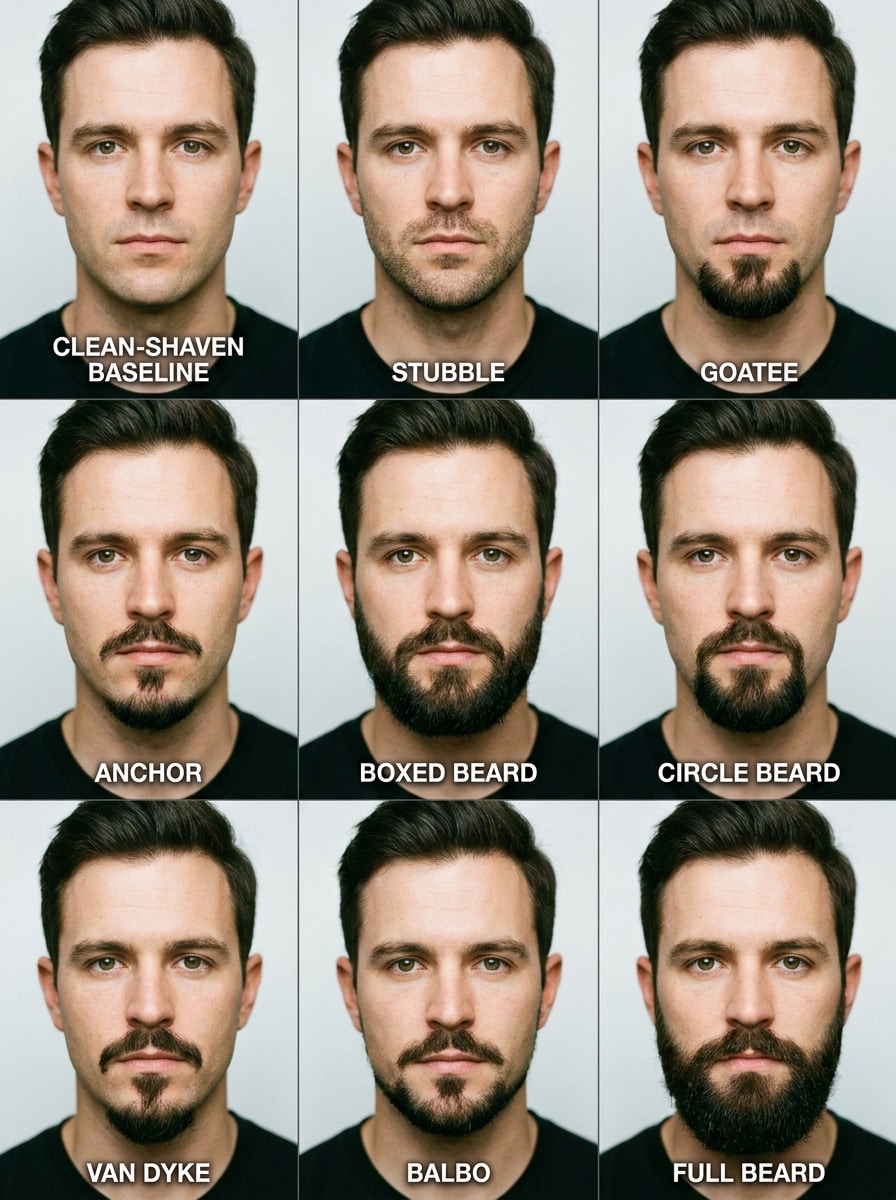
Grade de Comparação com 9 Estilos
Use a selfie enviada como referência e crie uma grade de comparação 3x3 mostrando nove variações realistas de barba. Inclua barba por fazer, cavanhaque, âncora, barba quadrada, barba circular, Van Dyke, Balbo, barba cheia e sem barba, mantendo o mesmo rosto, ângulo, iluminação e layout com legendas para facilitar a decisão.
Por que Usar o Media.io para um Experimento Virtual de Barba
Personalize os Resultados com Base em uma Referência Real
Se você está perguntando qual barba combina com meu rosto, o Media.io permite que você envie uma selfie real e visualize mudanças de pelos faciais nas suas próprias características, para que você possa ver qual barba vai combinar com meu rosto antes de tomar uma decisão real de cuidados pessoais.
Recrie um Mesmo Rosto em Vários Estilos
Para visuais que você deseja reutilizar em apresentações, mockups de conteúdo ou materiais de marca, o Media.io pode gerar uma imagem do localizador de estilo de barba mais nítida em até 4K, garantindo que cada prévia de barba fique clara e polida.
Crie Imagens em Alta Resolução para Uso Real
Se o visual final do localizador de estilo de barba for reutilizado além de uma pequena prévia, o Media.io ajuda a entregar resultados mais nítidos em até 4K para que a imagem seja mais confiável em trabalhos práticos de design e apresentação.
Experimente ideias de barba em qualquer lugar sem instalar um aplicativo
Alguns conceitos visuais do localizador de estilo de barba são criados em movimento e finalizados depois em um computador. O Media.io mantém esse processo online, para que você possa retomar o mesmo fluxo de trabalho sem instalações ou configurações extras.
Como Usar Este Localizador de Estilo de Barba com IA
Transforme suas palavras em visuais impressionantes em três etapas simples e continue refinando o resultado se quiser ir mais longe.
Etapa 1
Envie Sua Imagem de Referência
Comece com uma selfie ou retrato claro onde seu rosto seja fácil de ver. Uma imagem frontal com boa iluminação ajuda o localizador de estilo de barba com IA a posicionar barba por fazer, cavanhaque ou formatos de barba mais cheia com mais precisão nas suas características.
Etapa 2
Descreva a Mudança e Defina as Opções
Digite o visual de barba que você deseja testar, como uma barba curta quadrada, barba que realça a mandíbula ou um estilo para um formato de rosto específico. Em seguida, escolha seu modelo e ajuste a proporção, qualidade ou quantidade de imagens se quiser múltiplas variações.
Etapa 3
Gere, Baixe e Continue Melhorando
Crie a prévia, compare os resultados e baixe os looks de barba que mais gostar. Se ainda estiver decidindo qual estilo de barba combina com meu rosto, edite o prompt, experimente outro formato de barba ou gere mais versões até encontrar a ideal.
Descubra o Potencial da Barba para o Formato do Seu Rosto
Veja como criadores usam este Localizador de Estilo de Barba para conteúdo, marketing e projetos pessoais, e adapte cada ideia para atender ao seu objetivo.
Visualize um novo look antes de ir ao barbeiro
Teste barba por fazer, cavanhaque ou um corte mais cheio na sua selfie antes de se comprometer na cadeira. O Media.io oferece uma forma prática de responder perguntas como barba para o formato do seu rosto, melhor barba para o formato do meu rosto e melhor formato de barba para o meu rosto com uma prévia visual em vez de adivinhação.
Compare estilos adequados ao formato do rosto lado a lado
Se você está perguntando que tipo de barba combina com meu rosto, que tipo de barba combina com o meu rosto ou qual estilo de barba combina com meu rosto, gere várias variações no Media.io e analise como cada uma altera o comprimento do queixo, a largura das bochechas e a definição da mandíbula.
Crie conteúdo realista para decisões de cuidados pessoais e compartilhamentos nas redes sociais
Use uma prévia no rosto para criar posts de antes e depois, vídeos de revelação ou murais de estilo pessoal. Um analisador visual de barba ou recomendador de estilo de barba no Media.io costuma ser mais útil do que gráficos genéricos quando você quer ver qual estilo de barba combina com meu rosto.
O Que os Usuários Dizem
Marcus T.
Criador de Conteúdo
"Muito melhor do que um questionário de barba" Queria saber qual a melhor barba para o meu rosto e isso me deu prévias de imagens reais em vez de conselhos genéricos. Ver vários estilos na minha própria selfie tornou a escolha muito mais fácil.
Ethan R.
Cliente de Barbearia
"A comparação lado a lado ajudou muito" Testei barba por fazer pesada, cavanhaque e barba quadrada antes do meu agendamento. Os resultados pareceram surpreendentemente naturais, especialmente na região da mandíbula e do bigode.
Daniel C.
Designer de Marketing
"Fácil de usar no computador e no celular" Abri no meu navegador, enviei uma selfie e obtive várias variações de barba rapidamente. Pareceu simples e foi útil para decidir qual estilo ficava mais equilibrado.
Noah P.
Blogueiro de Estilo
"Útil para testar o formato do rosto" Estava procurando especificamente a melhor barba para o formato do seu rosto, e as prévias deixaram as diferenças claras. As opções de realce da mandíbula e barba curta quadrada foram especialmente convincentes.
Explore os efeitos de vídeo e imagem de IA mais quentes
Perguntas Frequentes sobre o Localizador de Estilo de Barba
1. Como funciona um localizador de estilo de barba com IA?
Um localizador de estilo de barba com IA usa sua selfie enviada como imagem de referência e aplica o visual de barba descrito no seu prompt. No Media.io, você pode enviar uma foto JPG, PNG ou JPEG, escolher um modelo de imagem para imagem e gerar variações realistas de barba que mantêm seu rosto reconhecível enquanto alteram o estilo, formato e densidade dos pelos faciais.
2. Posso experimentar estilos de barba na minha própria foto gratuitamente?
Sim, usuários gratuitos podem experimentar estilos de barba com créditos gratuitos no Media.io. Se precisar de mais gerações ou quiser downloads em alta resolução sem marca d'água, você pode verificar a página de preços para as opções de plano disponíveis.
3. Qual estilo de barba combina melhor com o formato do meu rosto?
A melhor escolha depende de quanto comprimento, largura e definição de mandíbula você deseja enfatizar no seu retrato. O Media.io ajuda você a testar diferentes looks no seu próprio rosto, portanto, se você está se perguntando qual a melhor barba para o meu rosto, melhor barba para o formato do seu rosto ou qual estilo de barba combina com meu rosto, você pode comparar resultados realistas em vez de depender apenas de gráficos de barba.
4. Quão realista é o resultado de um experimento virtual de barba?
Os resultados podem parecer muito realistas porque o Media.io usa sua selfie original como referência e preserva as características faciais principais enquanto edita os pelos faciais. O realismo melhora quando você envia uma foto clara com boa iluminação, pois a textura da barba, as linhas das bordas e o sombreamento podem combinar com o rosto de forma mais natural.
5. Posso gerar vários estilos de barba ao mesmo tempo?
O Media.io suporta geração em lote, para que você possa criar mais de uma variação em uma sessão e comparar diferentes looks de barba mais rapidamente. Isso é especialmente útil se você quiser revisar opções de barba por fazer, cavanhaque, quadrada ou cheia lado a lado antes de escolher um estilo final.
6. O simulador de barba funciona no celular e no computador?
O Media.io é baseado na web, então o simulador de barba funciona em qualquer dispositivo com um navegador, incluindo telefones, tablets, laptops e computadores desktop. Você não precisa instalar um aplicativo separado para enviar uma selfie e testar estilos de barba.
Além do Localizador de Estilos de Barba Online com IA