Selecione / @ personagem, descreva a cena que você deseja gerar.
0/2000
9:16
1K
1
Modo Ilimitado do Banana Pro
Criações
Hub de Ideias
Como funciona
Todos
Recursos populares
Ver tudo
História de Frutas com IA
Ver tudo
Vídeo de História com IA
Ver tudo
Vídeos Virais Hoje
Ver tudo
Vídeos de Produto com IA
Ver tudo
Personagem AI
Ver tudo
Tendências de Dança
Ver tudo
GPT Image 2
Ver tudo
Seedance 2.0
Ver tudo
Correspondência de Celebridade por IA
Ver tudo
Dicas de Poses para Casais
Ver tudo
Prompts de Poses de Garota AI Estética
Ver tudo
Sugestões de Pose de Garoto Elegante com IA
Ver tudo
Lista de geração
As criações são armazenadas por apenas 7 dias. Os recursos criados após o upgrade para um plano de assinatura serão armazenados permanentemente.
Desbloqueie seu potencial criativo e experimente a magia da IA de mídia hoje!
Crie retratos cromo marcantes com um filtro de metal líquido de IA
Transforme selfies, retratos e fotos de objetos em obras de arte metálicas e reflexivas com o filtro de metal líquido de IA estilizado. Use o Media.io para criar um efeito de cromo líquido, um visual elegante de filtro de prata líquida ou um restyle editorial futurista enquanto mantém seu sujeito claro, dramático e pronto para as redes sociais. Este fluxo de trabalho é especialmente útil para filtro cyber metal.
Digite sua ideia -> A IA cria. Experimente grátis.
Revise estas orientações de exemplo e depois personalize os detalhes da prompt para obter resultados mais fortes com o filtro de metal líquido do Media.io e efeito de foto de metal líquido estilos. Este método funciona bem para filtro retrato metálico.
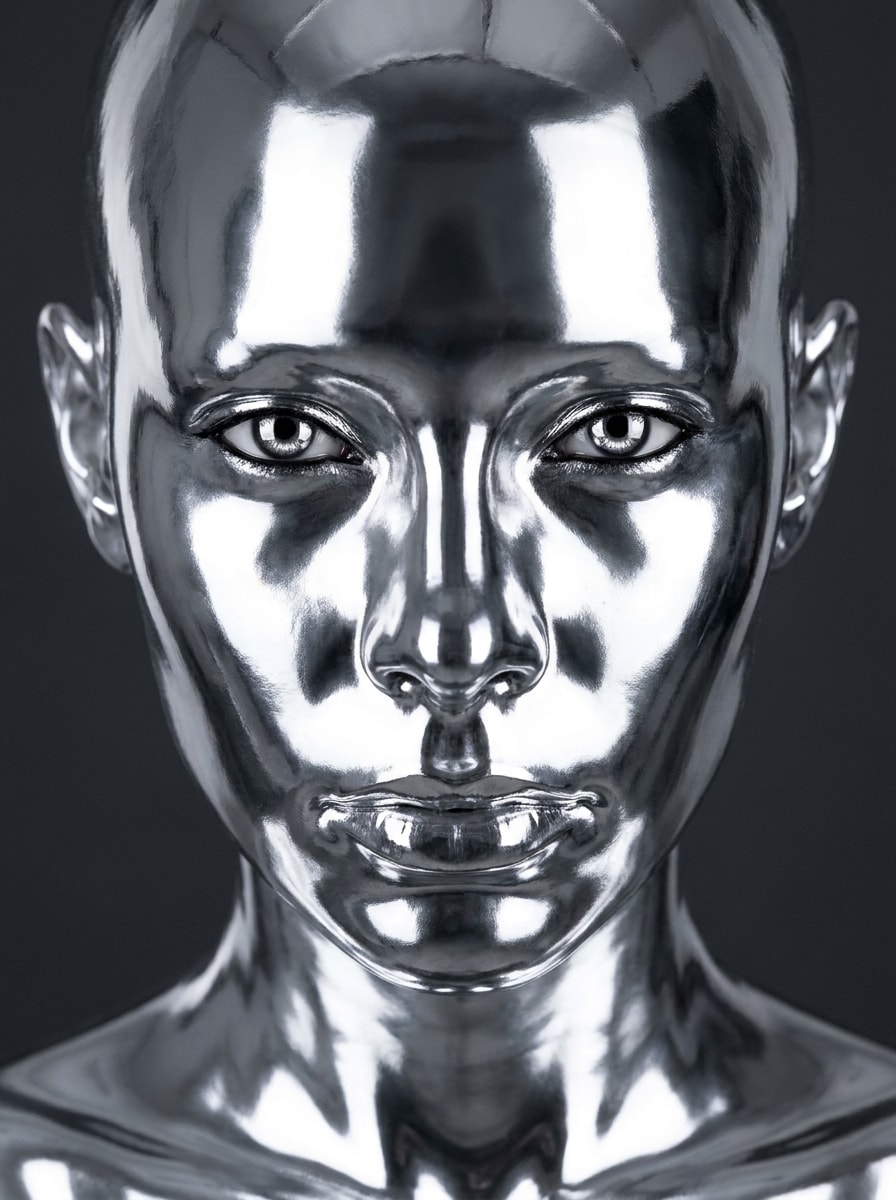
Retrato Cromo Líquido
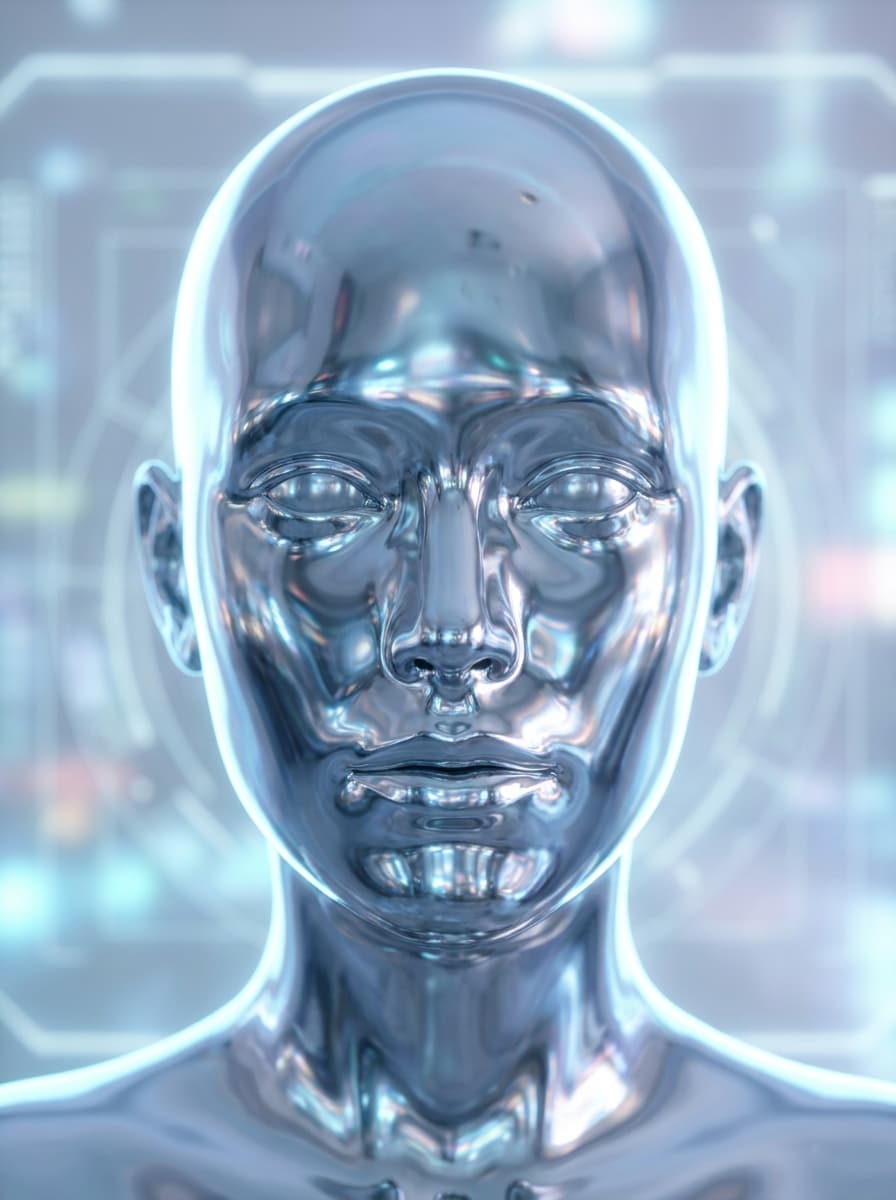
Use a imagem enviada como sujeito e transforme-a em um retrato futurista de cromo líquido com pele prateada espelhada, textura de metal derretido suave, preservação nítida dos detalhes faciais, iluminação de estúdio de alto contraste, reflexos brilhantes nas bochechas e testa, fundo carvão profundo e um clima fashion premium editorial.
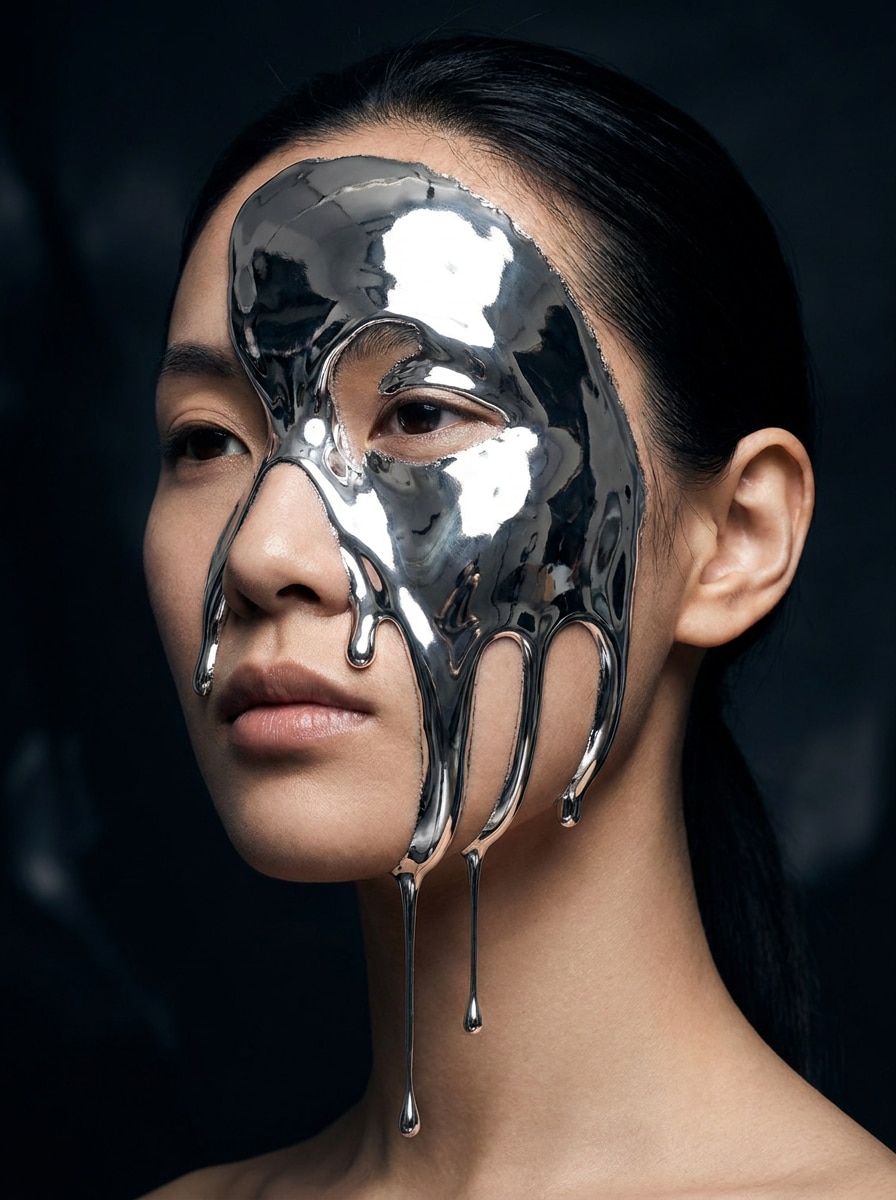
Rosto de Prata Derretida
Use o retrato enviado como base e adicione uma dramática derretida de prata líquida pelo rosto, com elegantes gotas de metal, destaques cromados reflexivos, brilho esculpido das maçãs do rosto, estilo surreal de beleza, contraste escuro e mood, e contornos realistas da pele ainda visíveis sob a transformação metálica.
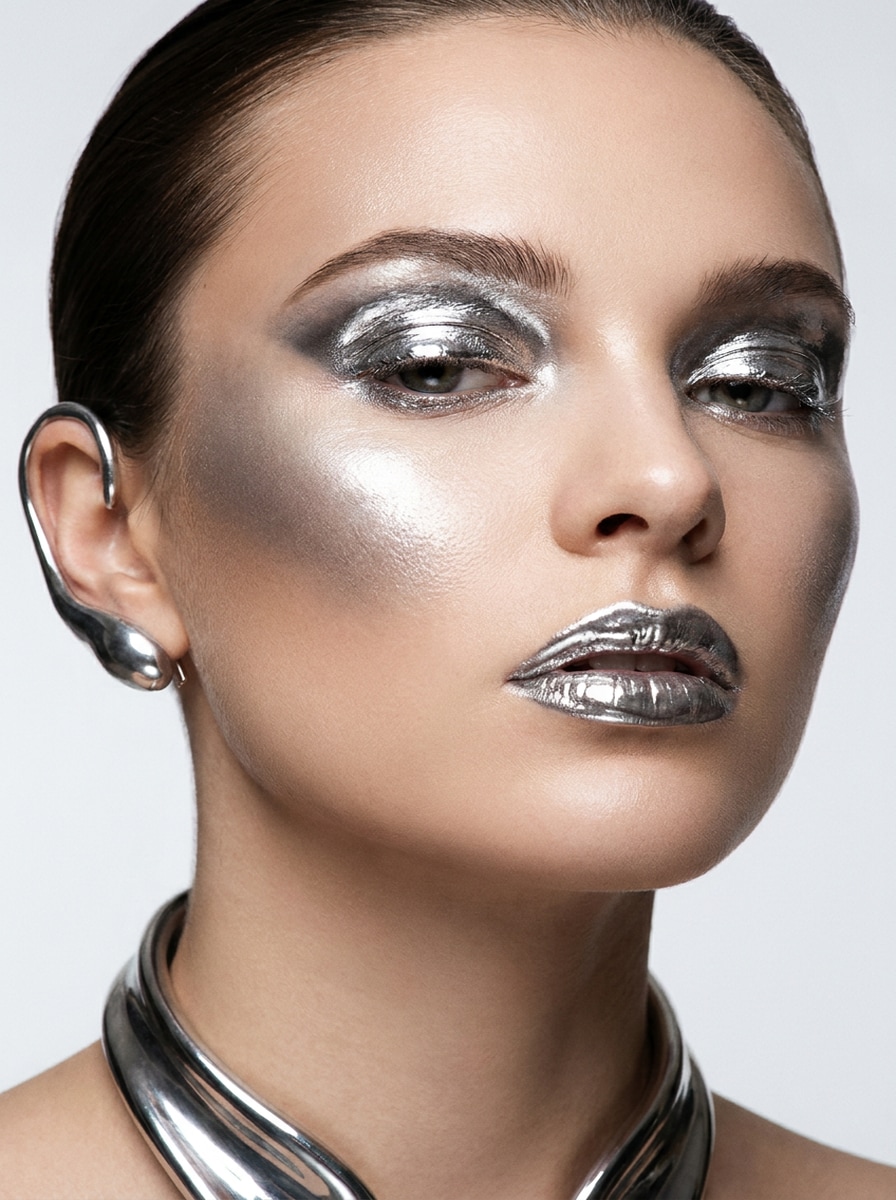
Editorial Maquiagem Metálica
Use a selfie enviada como sujeito e estilize-a em um editorial de beleza de luxo com maquiagem de metal líquido, pálpebras prateadas cromadas, maçãs do rosto reflexivas, lábios metálicos brilhantes, textura limpa de pele, luz de estúdio polida, composição refinada e atmosfera elegante de capa de revista.
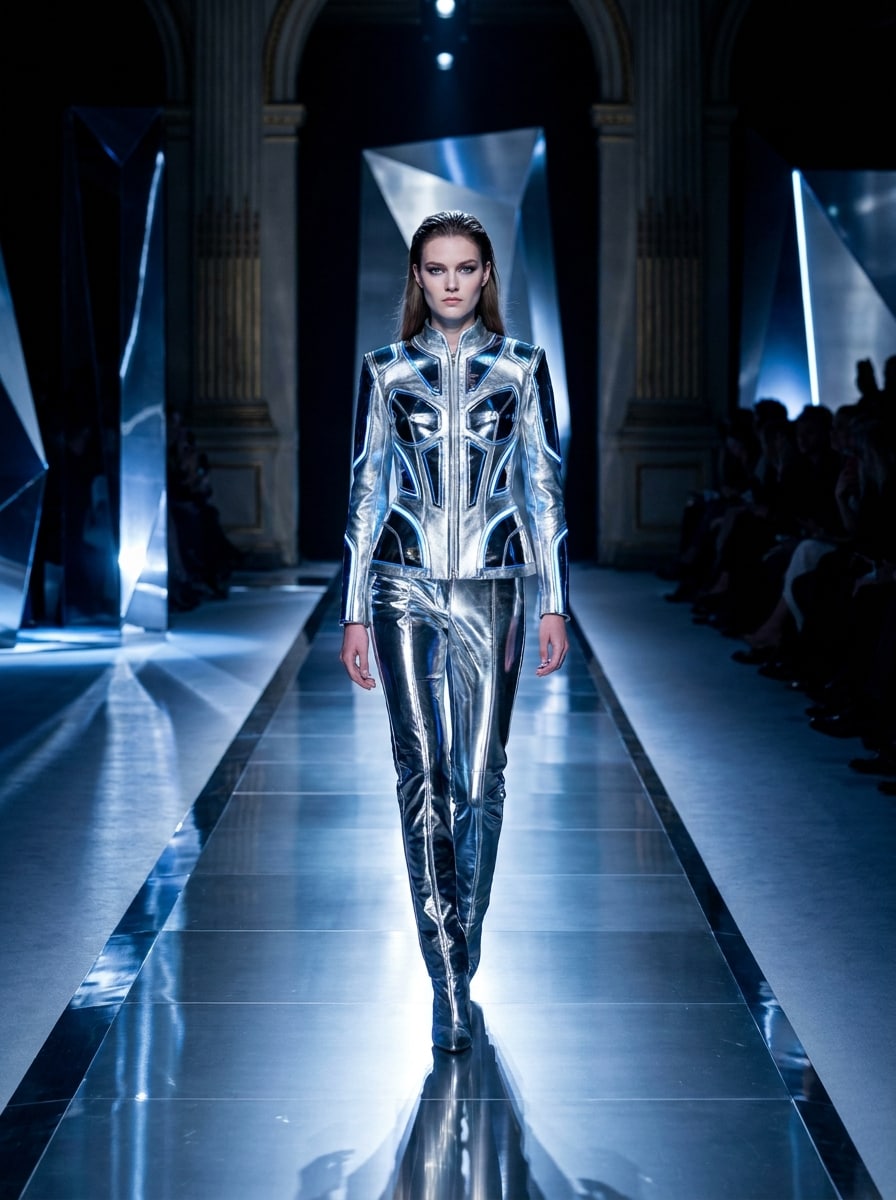
Brilho Cromo de Passarela
Use a imagem enviada como sujeito e dê a ela um restyle de passarela futurista com superfícies cromadas polidas, sotaques prateados brilhantes, energia fashion elegante, iluminação lateral cinematográfica, fundo escuro de luxo, contornos marcantes e um clima ousado de catwalk com sensação moderna, brilhante e de alto padrão.
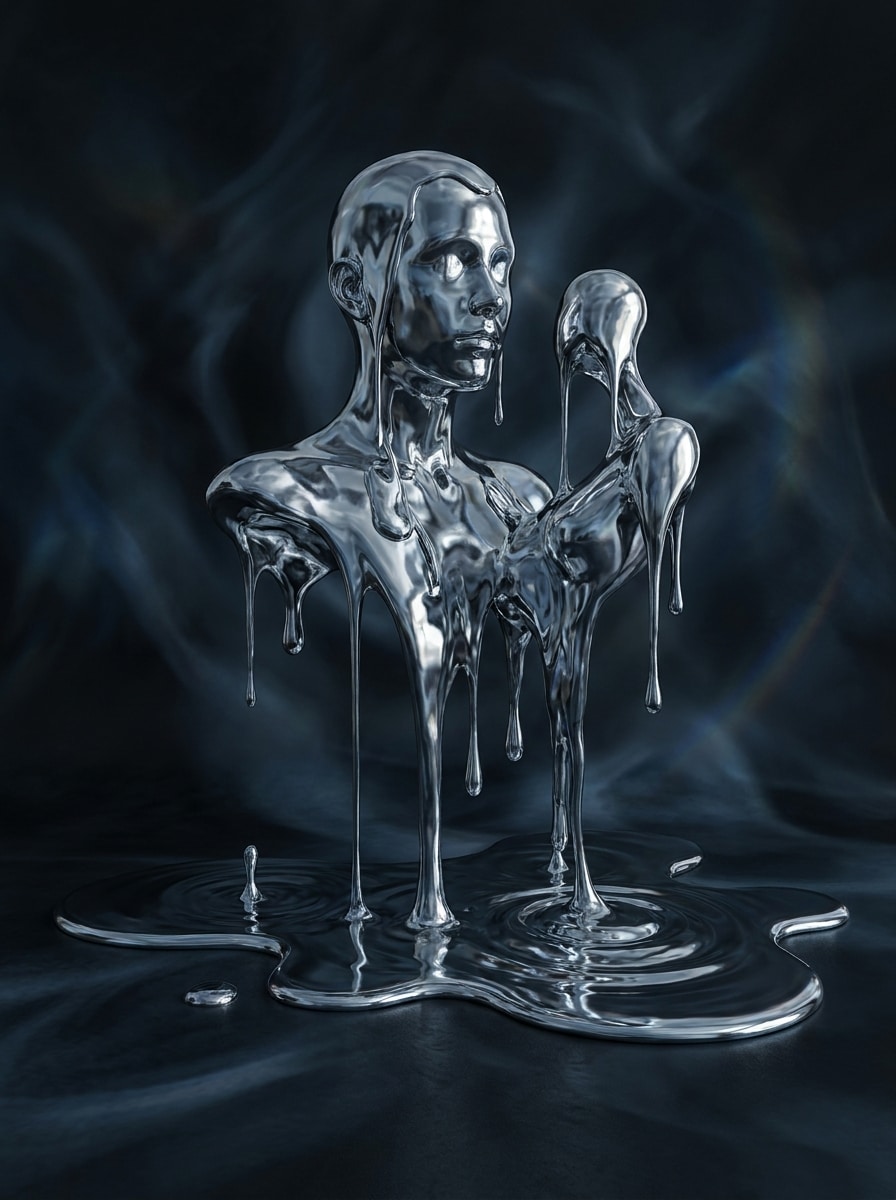
Surrealismo Gota de Mercúrio
Use a imagem enviada como base e transforme em arte surreal inspirada em mercúrio, com gotas de metal fluindo, textura escura de cromo reflexivo, composição onírica, paleta fria de prata, sombras dramáticas e uma sensação misteriosa de galeria, preservando a silhueta original e principais características.
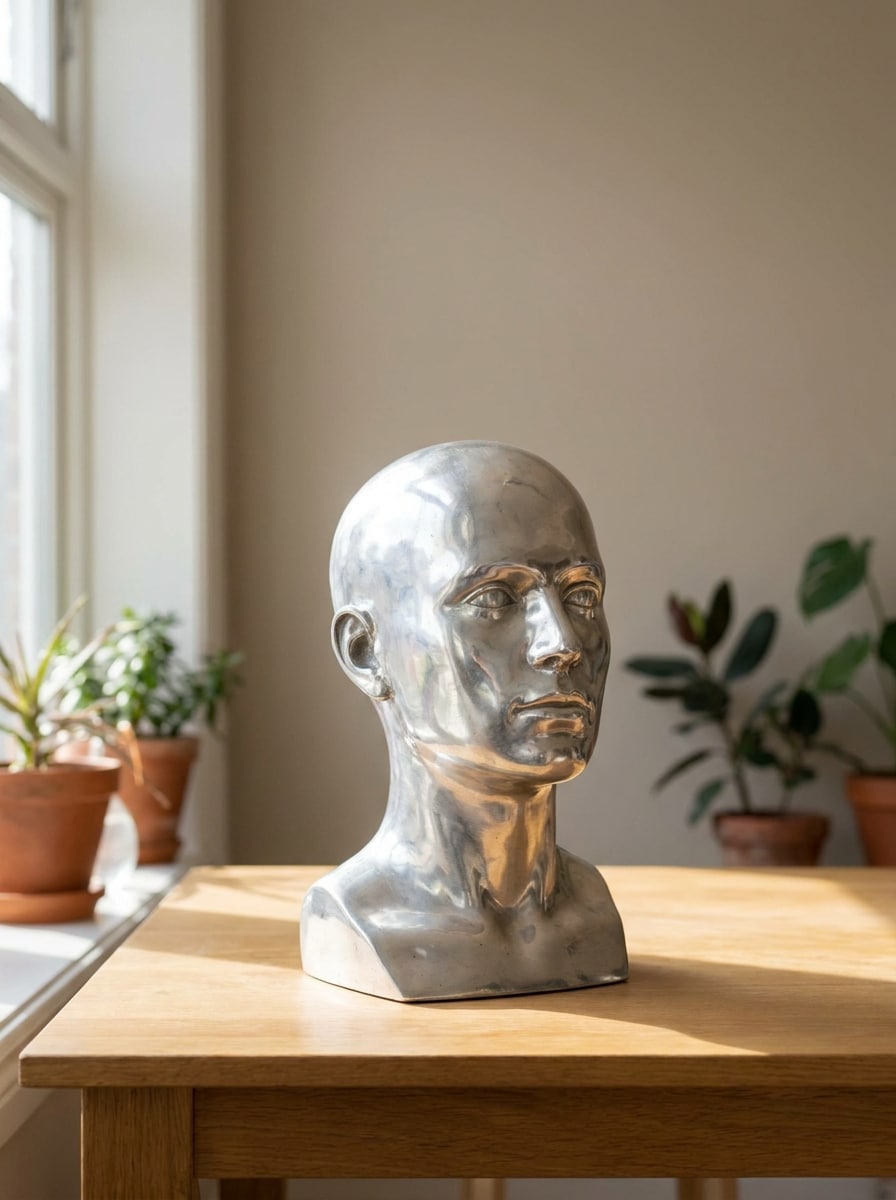
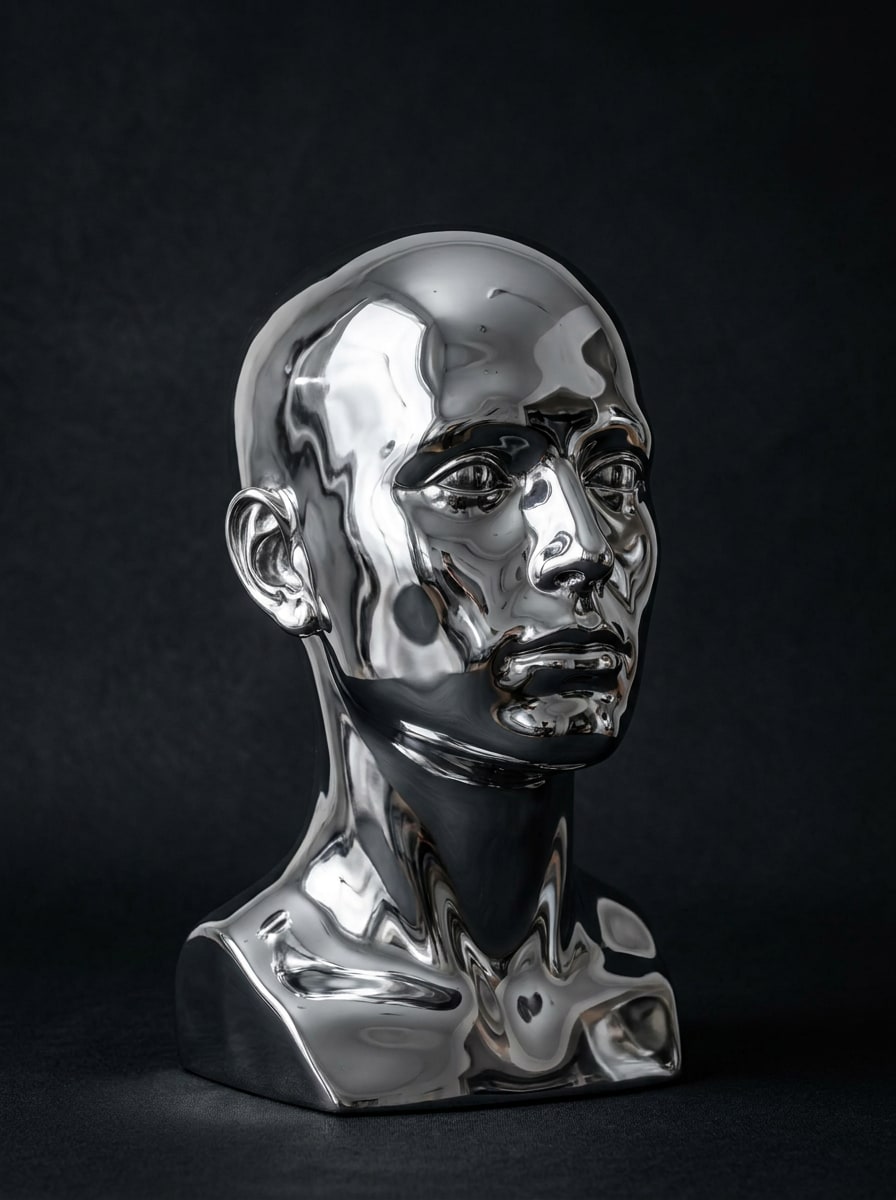
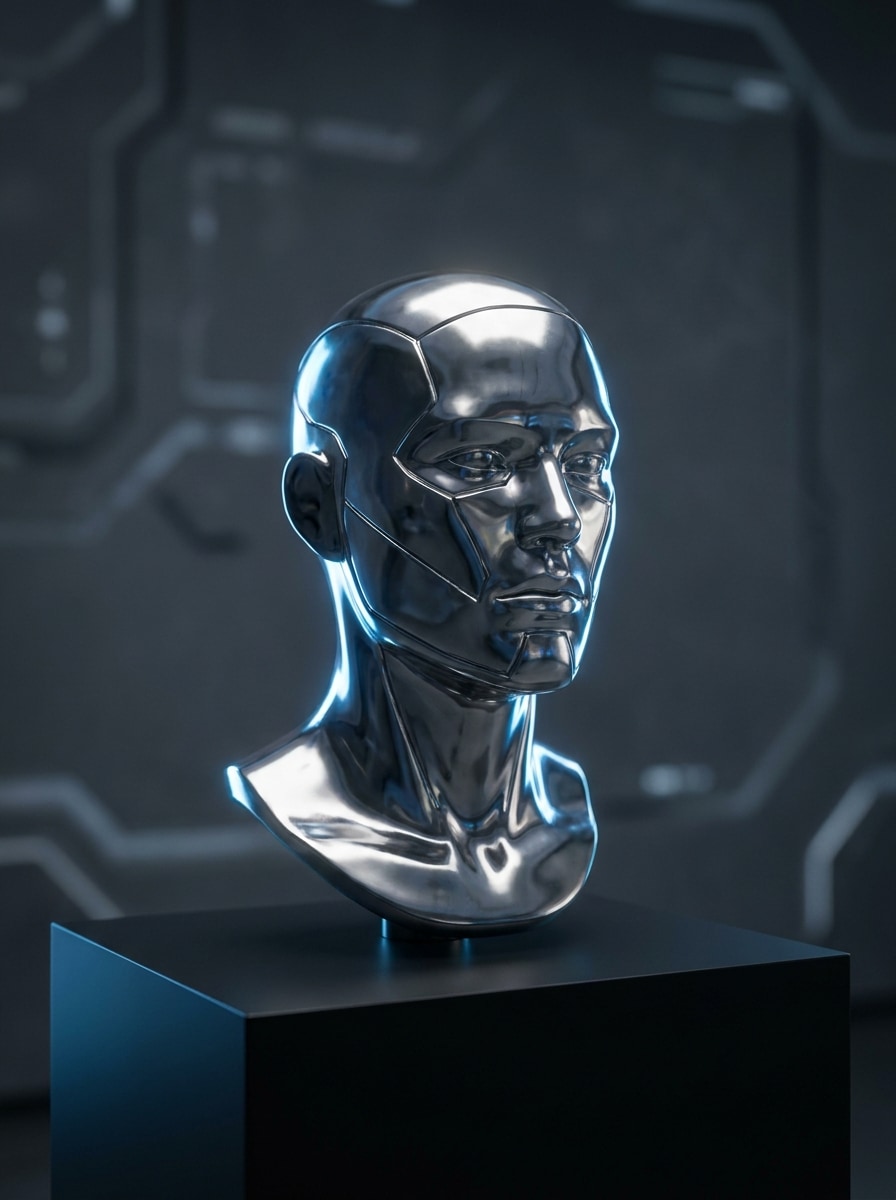
Estátua Cyber Metal
Use o retrato enviado como sujeito e transforme-o em uma estátua futurista prateada com pele de metal polido, contornos faciais esculturais, estilo museu-cyber, reflexos nítidos, luz de recorte dramática e ambiente escuro minimalista que destaca a forma, brilho e elegância.
Restyle de Objeto Chrome
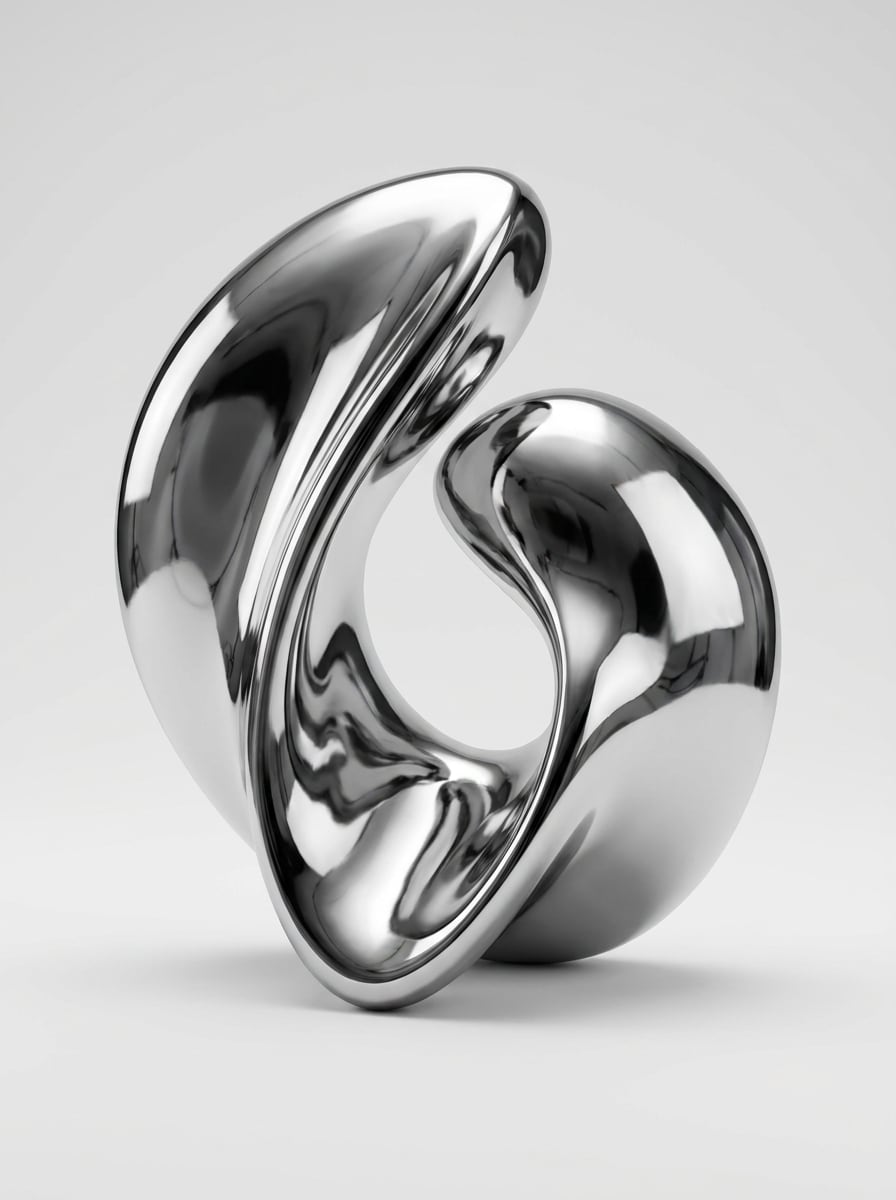
Use a foto do objeto enviada como referência e estilize com um acabamento cromado líquido contínuo, reflexos de espelho suaves, destaques limpos de iluminação de produto, apresentação de luxo, sombra sutil para base e fundo minimalista para que o material metálico fique claro e profissional.
Escultura de Metal Derretido
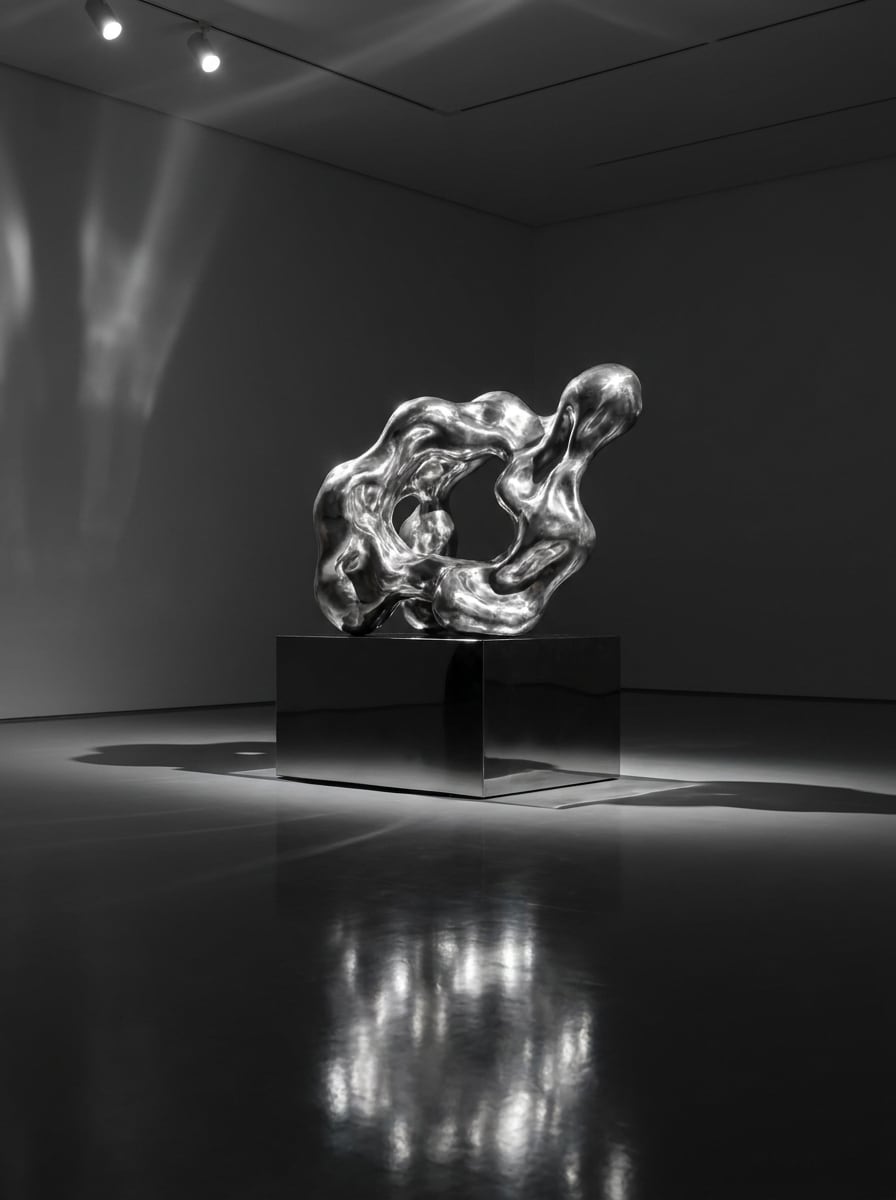
Use a imagem do objeto ou estátua enviada como fonte e transforme em arte de escultura de metal derretido com textura prateada fluindo, reflexos brilhantes como espelho, iluminação direcionada dramática, atmosfera de galeria escura e profundidade material rica para um acabamento metálico surreal e realista.
Filtro Avatar Chrome
Use o retrato enviado como base e crie um avatar cromo elegante com pele metálica reflexiva, superfícies limpas e polidas, brilho cinematográfico, enquadramento social-friendly, tons de prata frios e preservação da identidade facial para um resultado futurista, reconhecível e pronto para perfil.
Personagem Fantasia de Metal Líquido
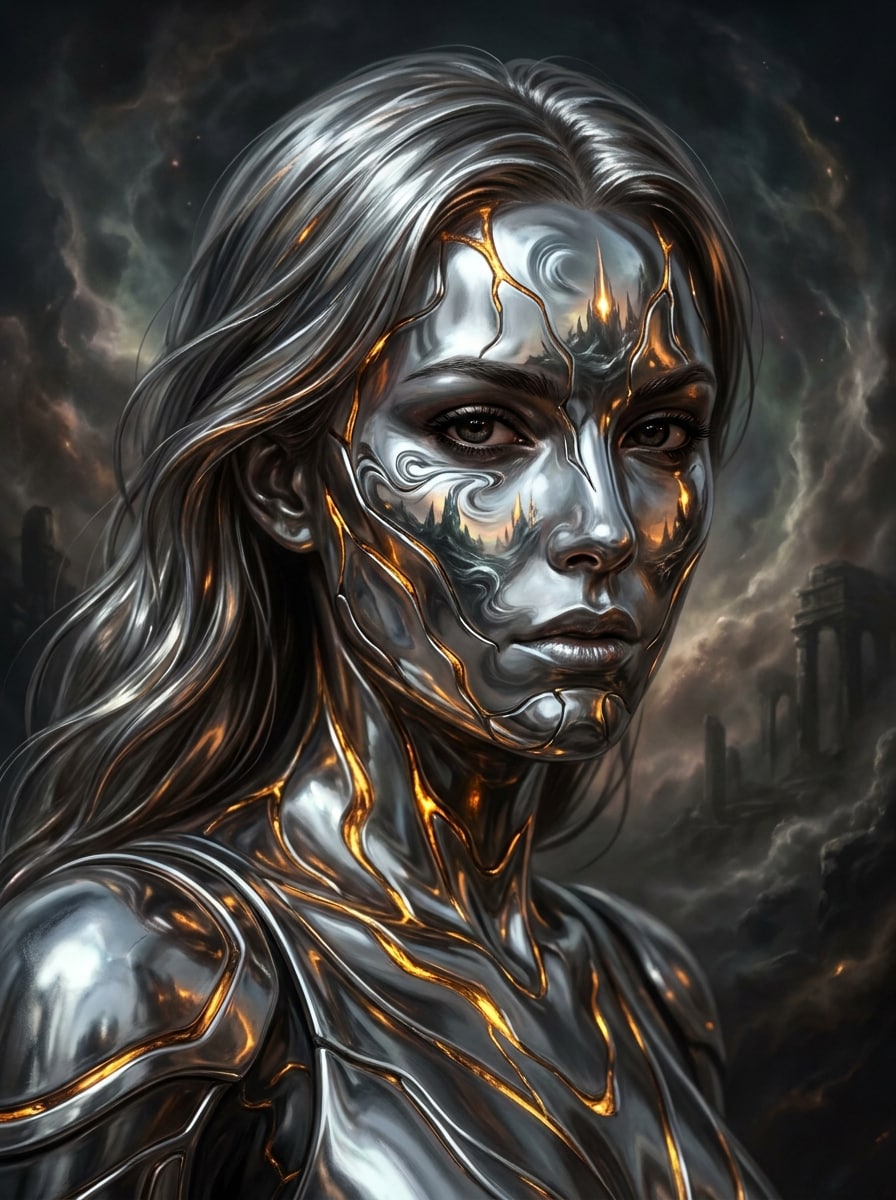
Use o retrato enviado como sujeito e estilize-o em um personagem de fantasia de metal líquido com pele semelhante a armadura prata, destaques derretidos, reflexos etéreos de cromo, contraste cinematográfico, fundo escuro atmosférico e detalhes faciais preservados para uma transformação inspirada em concept-art dramática.
Por que usar o Media.io para transformações de fotos de metal líquido
Mantenha o Sujeito Reconhecível em Novos Estilos
Quando o resultado precisa manter vínculo com o sujeito original, o Media.io ajuda a preservar as características reconhecíveis enquanto adapta o visual geral do filtro de metal líquido para uso social, branding ou mockup.
Reestilize Um Sujeito em Múltiplos Estilos
Ao publicar uma imagem metálica para slides, capas ou ativos de campanha reutilizados, é necessário clareza além de estilo. O Media.io oferece uma saída mais nítida até 4K, ajudando seus visuais de metal líquido a permanecerem claros e dramáticos em apresentações, fundos e conteúdo social.
Gere Saída Mais Limpa Até 4K
Quando um visual de filtro de metal líquido é direcionado para uso real em publicação, o Media.io lhe dá uma saída nítida até 4K, mantendo a imagem clara em apresentações, fundos e ativos reutilizados.
Crie Edições Metálicas Fácil em Qualquer Dispositivo
Criadores frequentemente alternam entre celular e computador ao montar conceitos e publicar conteúdo. O Media.io mantém a criação de imagens de metal líquido no navegador, para que você possa fazer edições de cromo ou prata reflexiva onde estiver sem interromper seu fluxo de trabalho.
Como Aplicar Efeito Chrome Líquido Online
Transforme suas palavras em visuais impressionantes em três passos simples, depois continue refinando o resultado se quiser ir além.
Passo 1
Envie Sua Imagem de Referência
Comece com um selfie claro, retrato, foto fashion ou foto de objeto em formato JPG, PNG ou JPEG. Imagens com boa iluminação, contornos visíveis e fundo simples normalmente proporcionam à transformação metálica detalhes reflexivos mais limpos.
Passo 2
Descreva a Mudança e Defina as Opções
Digite o estilo metálico desejado, como cromo espelhado, prata derretida, gota de mercúrio ou brilho editorial futurista. Então escolha seu modelo e ajuste razão de aspecto, resolução e quantidade de imagens para posts, avatares ou mockups criativos.
Passo 3
Gere, Baixe e Continue Melhorando
Crie seu resultado, compare variações e baixe a versão que melhor combina com seu visual. Se necessário, refine a prompt, gere um novo acabamento ou continue editando para reflexos mais nítidos, contraste mais forte ou fundo mais limpo.
Veja como criadores usam este filtro de metal líquido de IA para conteúdo, marketing e projetos pessoais, depois adapte cada ideia para se encaixar no briefing.
Transforme Selfies em Retratos Cromo Editorial
Transforme retratos do dia a dia em visuais de beleza dramáticos com pele reflexiva, destaques polidos e contraste futurista. O Media.io ajuda a criar um estilo de retrato metálico ideal para fotos de perfil atrativas, arte de capa ou conteúdo trendy sem precisar montar o visual manualmente em softwares avançados de edição.
Crie Visuais Fashion e Música de Alto Impacto
Use estilo metálico em posters promocionais, capas de singles, miniaturas de vídeo, e gráficos de campanhas com mood. Com o Media.io, um efeito gloss cromo líquido ou acabamento cyber pode dar aos artistas, stylists e marcas uma identidade visual mais forte rapidamente.
Transforme Objetos e Estátuas em Arte Surreal
Aplique texturas prata reflexivas em produtos, props, bustos ou elementos de design para obter um resultado de concept-art ou galeria. O Media.io facilita a geração de um visual de filtro prata líquido para moodboards, branding experimental e visuais sociais que precisam de um tratamento material futurista e polido.
O que Usuários Dizem Sobre Este Filtro Metálico
Maya Chen
Criadora de Conteúdo de Beleza
"Ótimo para edições de beleza cromo" Usei em um retrato close-up e consegui um visual prata gloss que parecia uma sessão editorial. O rosto permaneceu reconhecível e pude testar vários estilos metálicos sem perder tempo retocando manualmente.
Jordan Ellis
Designer de Música Indie
"Útil para capas e arte promo" O acabamento reflexivo ficou forte em retratos e estátuas. Gostei de poder alterar rapidamente as proporções para arte de capa e posts sociais, e os resultados ficaram muito mais polidos do que apps de filtro básicos.
Sofia Ramirez
Gestora de Mídias Sociais
"Resultados rápidos no celular e computador" Testamos um visual de campanha estilo chrome direto no navegador e obtivemos opções utilizáveis rapidamente. Foi fácil enviar, ajustar a prompt e baixar uma versão adequada para reels, stories e arte de perfil.
Noah Patel
Artista Digital
"Texturas metálicas surreais fortes" Os visuais de mercúrio e prata derretida saíram especialmente bem. Usei um retrato como base e gerei várias variações para trabalho de conceito, cada uma mantendo a estrutura enquanto alterava o material de forma interessante.
Explore os efeitos de vídeo e imagem de IA mais quentes
Perguntas Frequentes Sobre o Filtro de Metal Líquido de IA
1. O que é um filtro de metal líquido de IA?
Um filtro de metal líquido de IA é um efeito de imagem que transforma uma foto com texturas metálicas reflexivas de cromo, prata derretida ou mercúrio. No Media.io, você envia uma imagem de referência e usa a IA para reestilizar em arte futurista inspirada em metal, mantendo o sujeito original como base visual.
2. Como transformar uma foto em efeito de cromo líquido online?
Envie uma foto JPG, PNG ou JPEG clara no Media.io, depois descreva o visual desejado, como retrato cromo espelhado, acabamento prata derretida ou brilho metálico futurista. Depois, escolha modelo e configurações, gere o resultado e baixe a versão que melhor atende sua meta criativa.
3. Posso usar o filtro de metal líquido de IA gratuitamente?
O Media.io oferece créditos gratuitos para começar com esse efeito. Se precisar de mais gerações ou baixar versões em alta resolução sem marca d’água, consulte a página de preços para planos disponíveis.
4. O filtro mantém meu rosto e detalhes originais reconhecíveis?
Sim, especialmente ao enviar um retrato claro com boa iluminação e contornos faciais visíveis. O Media.io usa sua imagem de referência para guiar a transformação, assim identidade, pose e detalhes principais permanecem reconhecíveis enquanto o estilo de superfície muda para cromo ou metal derretido.
5. Que tipos de imagens funcionam melhor para o efeito de foto metal líquido?
Retratos claros, selfies, fotos fashion, estátuas e fotos de objetos bem iluminadas normalmente funcionam melhor. Imagens com boa separação de sujeito, iluminação equilibrada e bordas visíveis fornecem ao Media.io melhores pistas de material, ajudando superfícies prata reflexiva e cromo a ficarem mais limpas e convincentes.
6. Posso criar uma imagem de chrome IA em alta resolução para Instagram ou TikTok?
O Media.io suporta opções de resolução 1K, 2K e 4K, além de razões de aspecto como 1:1 e 9:16, assim você pode preparar imagens metálicas para feeds, stories, capas e conteúdo de vídeo. Permite exportações sociais sem precisar recriar o design em outro lugar. Usuários gratuitos podem ver marcas d’água.