As criações são armazenadas por apenas 7 dias. Os recursos criados após o upgrade para um plano de assinatura serão armazenados permanentemente.
Desbloqueie seu potencial criativo e experimente a magia da IA de mídia hoje!
Filtro Bauhaus para Transformar Fotos em Arte Moderna e Ousada
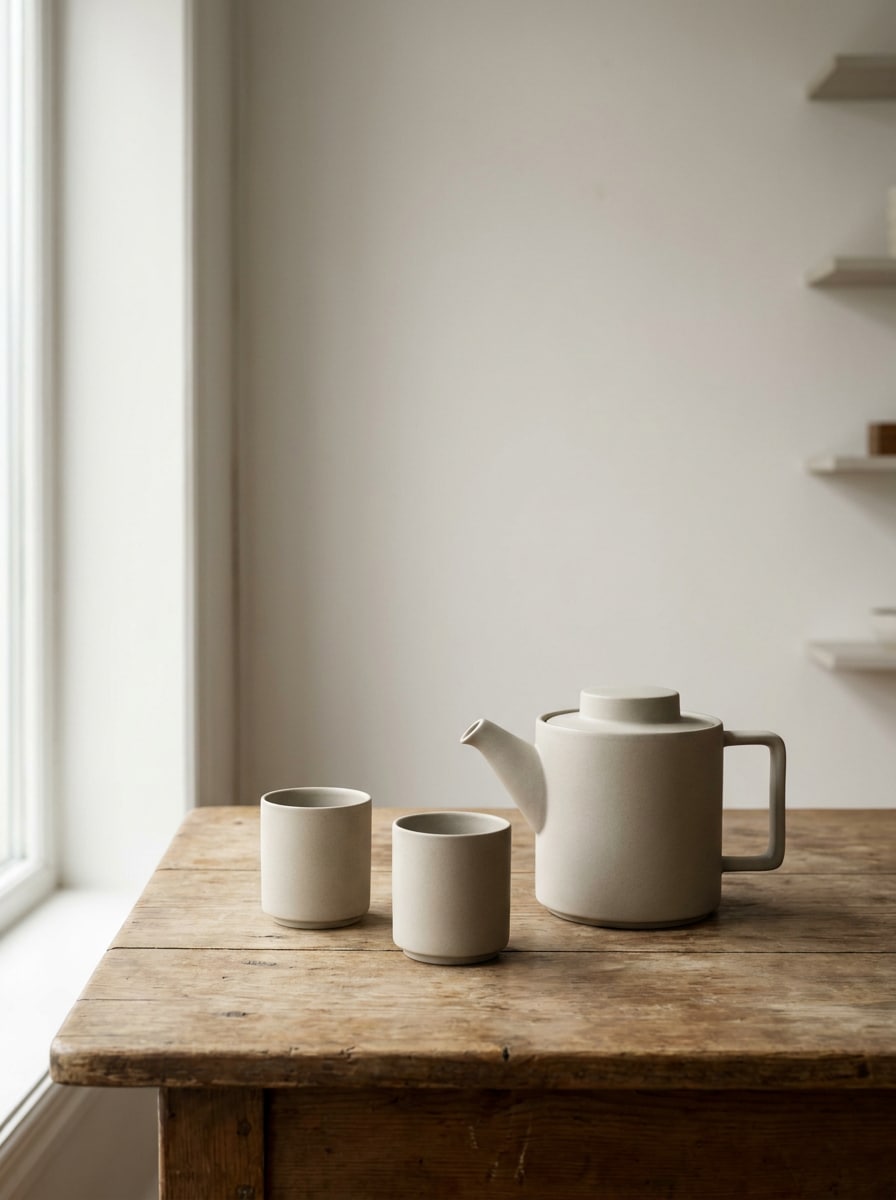
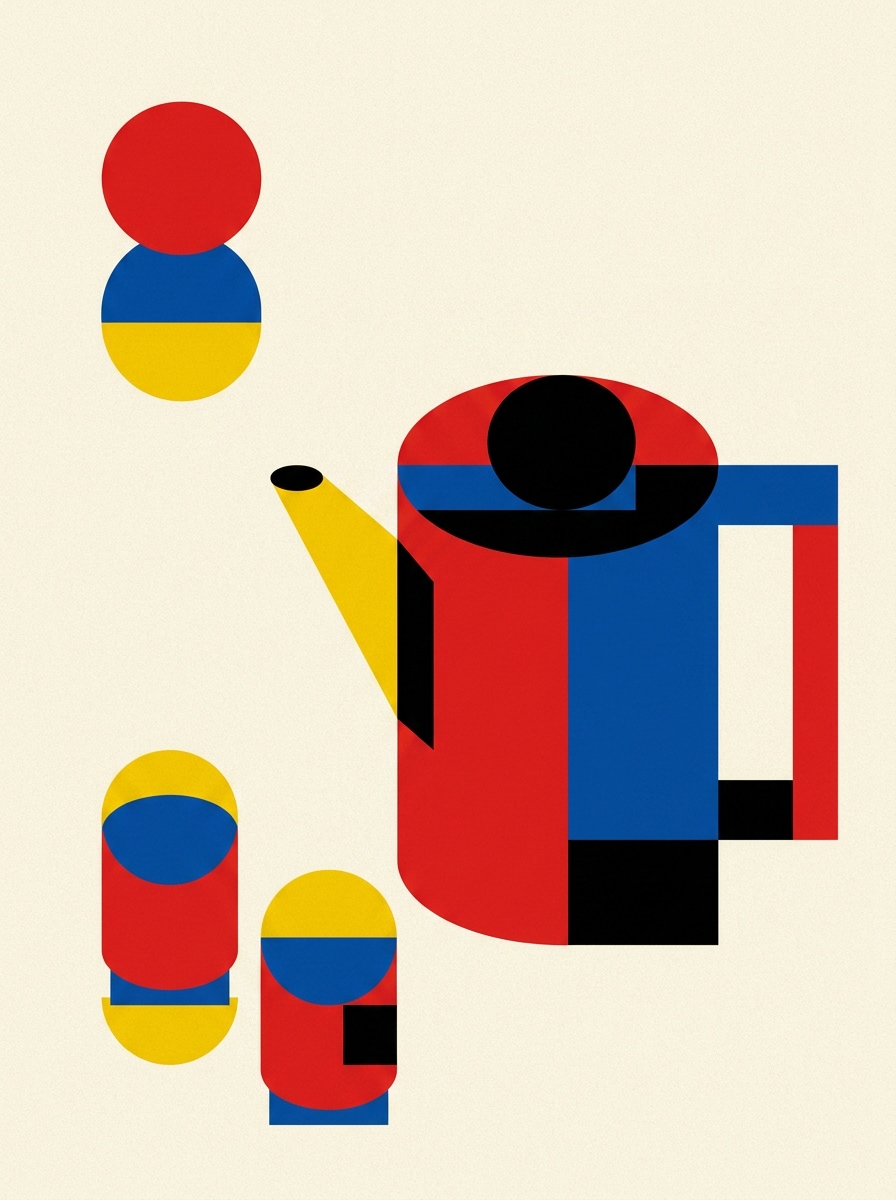
Transforme retratos, produtos e fotos de ambientes em obras de arte modernistas geométricas com um filtro Bauhaus. Use o Media.io para criar formas limpas, cores primárias, layouts prontos para pôster e um estilo bauhaus em fotos com um fluxo rápido de envio e edição.
Digite sua ideia -> A IA cria para você. Gratuito para testar.
Veja estes exemplos de prompts e depois personalize os detalhes para obter resultados ainda melhores com o Filtro Bauhaus.
Pôster Geométrico de Retrato
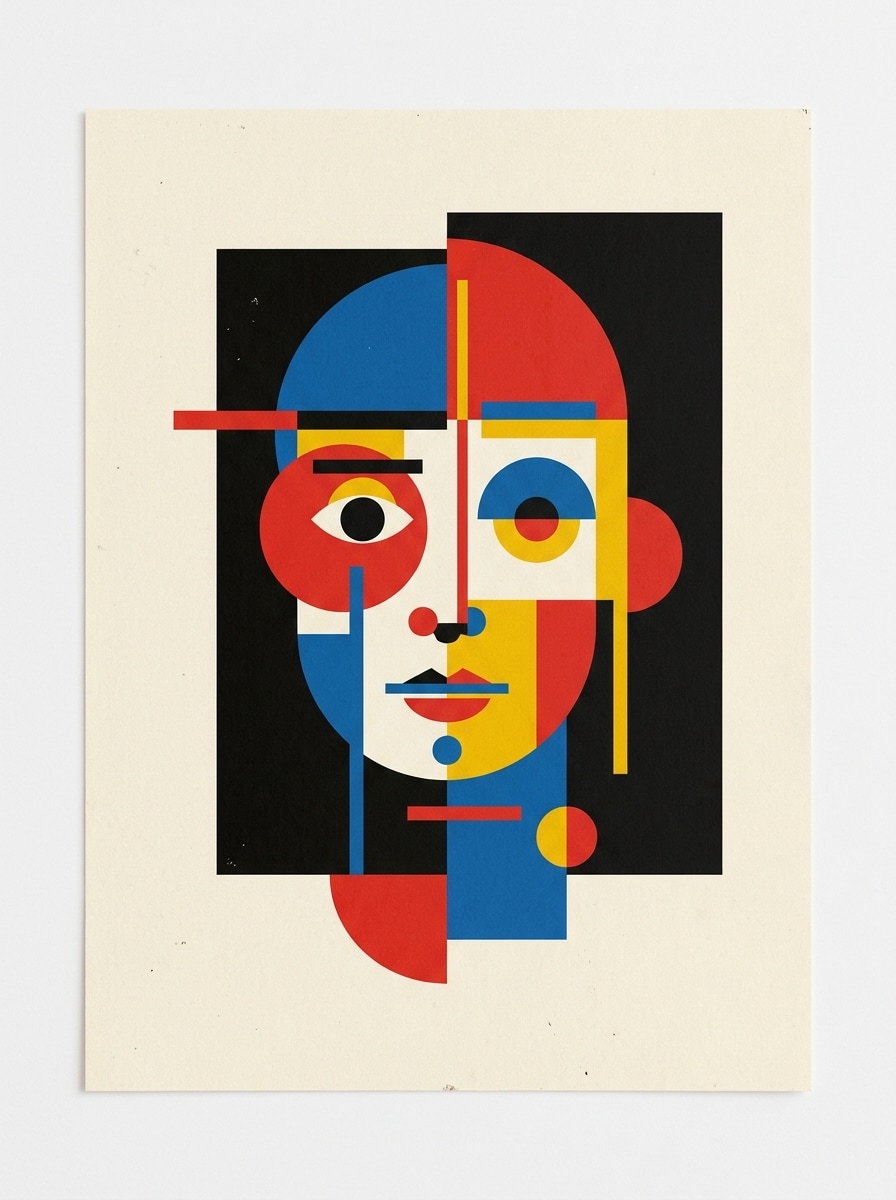
Use o retrato enviado como tema principal e transforme-o em um pôster geométrico estilo Bauhaus, com planos faciais simplificados, círculos e retângulos, composição assimétrica, fundo de papel creme, paleta com vermelho, azul, amarelo e preto, bordas nítidas, espaço negativo equilibrado, clima editorial de pôster e alta qualidade de impressão.
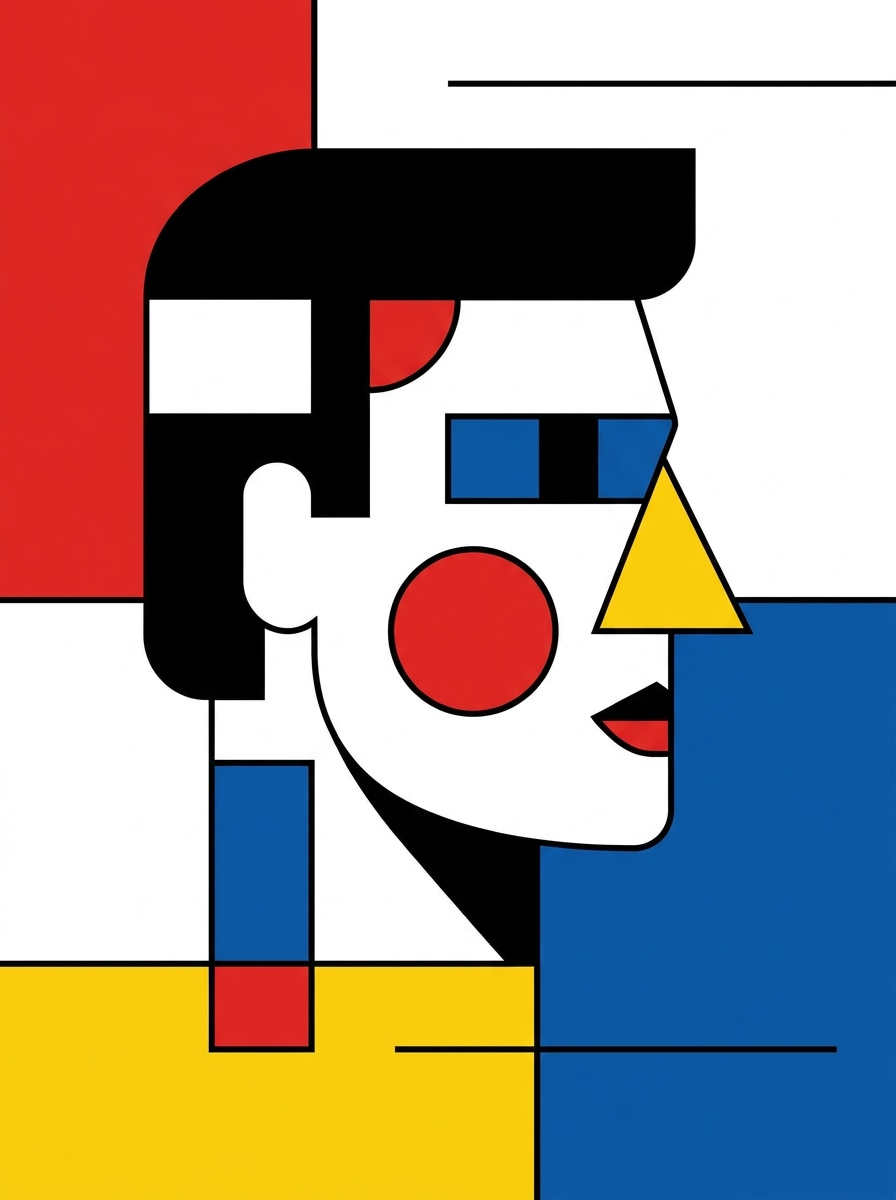
Arte de Rosto Inspirada em Kandinsky
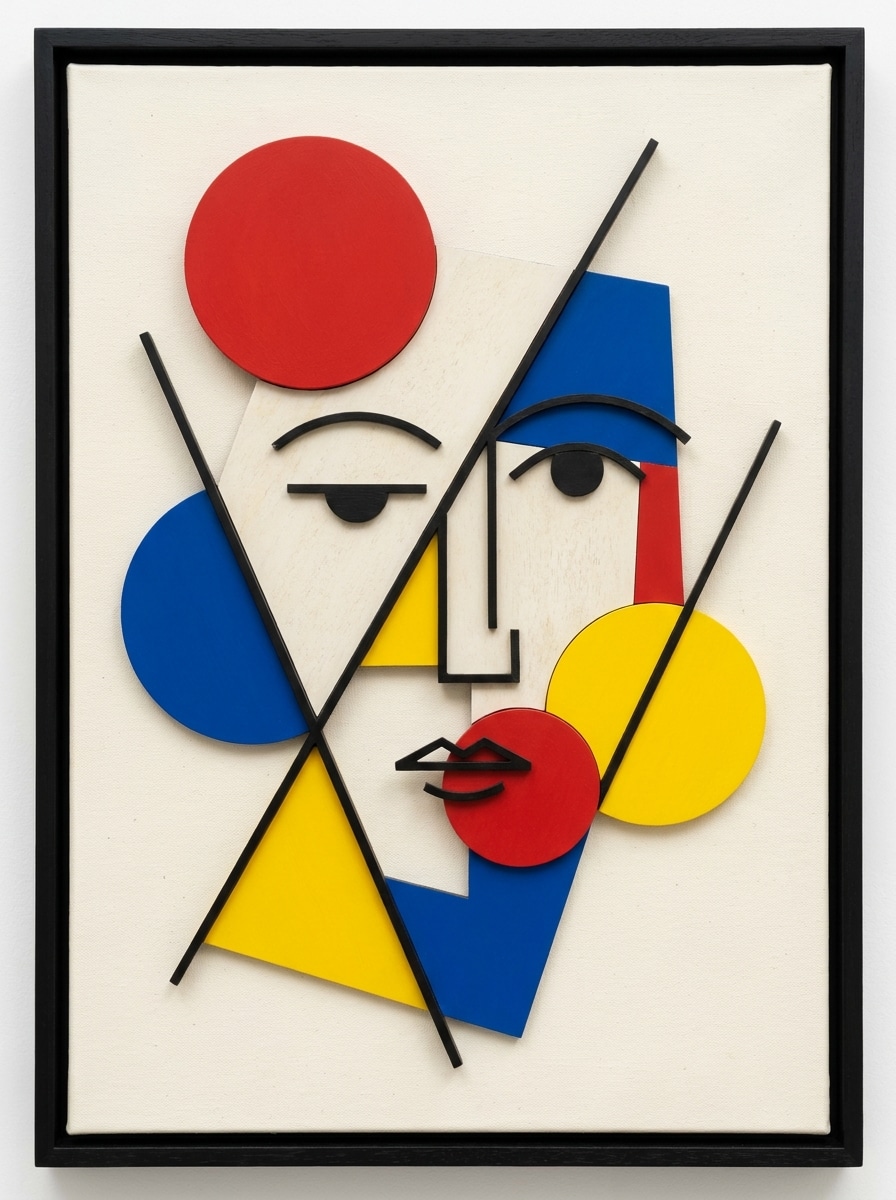
Use a selfie enviada como base e transforme-a em uma arte Bauhaus abstrata inspirada na pintura modernista inicial, com círculos expressivos, linhas diagonais, blocos de cor, estrutura facial reduzida à geometria, fundo texturizado off-white, paleta de cores primárias com detalhes em preto, clima de galeria lúdico e acabamento artístico refinado.
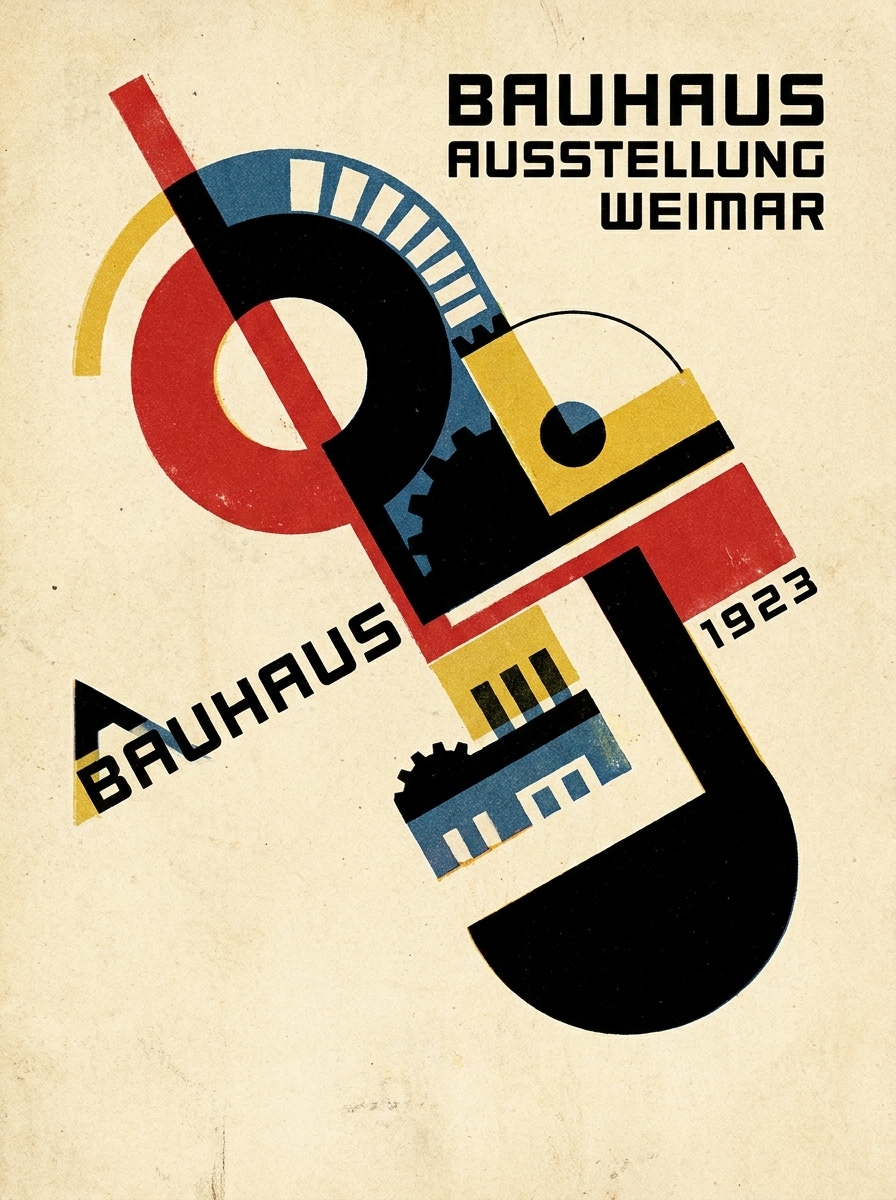
Impressão Bauhaus Vintage
Use a imagem enviada e aplique um filtro vintage de pôster Bauhaus com textura suavizada de papel creme, sobreposições geométricas, equilíbrio assimétrico forte, detalhes em vermelho, azul, amarelo e preto, granulação sutil, formas simplificadas, mood clássico modernista e moldura limpa que transmite colecionismo e pronto para pôster.
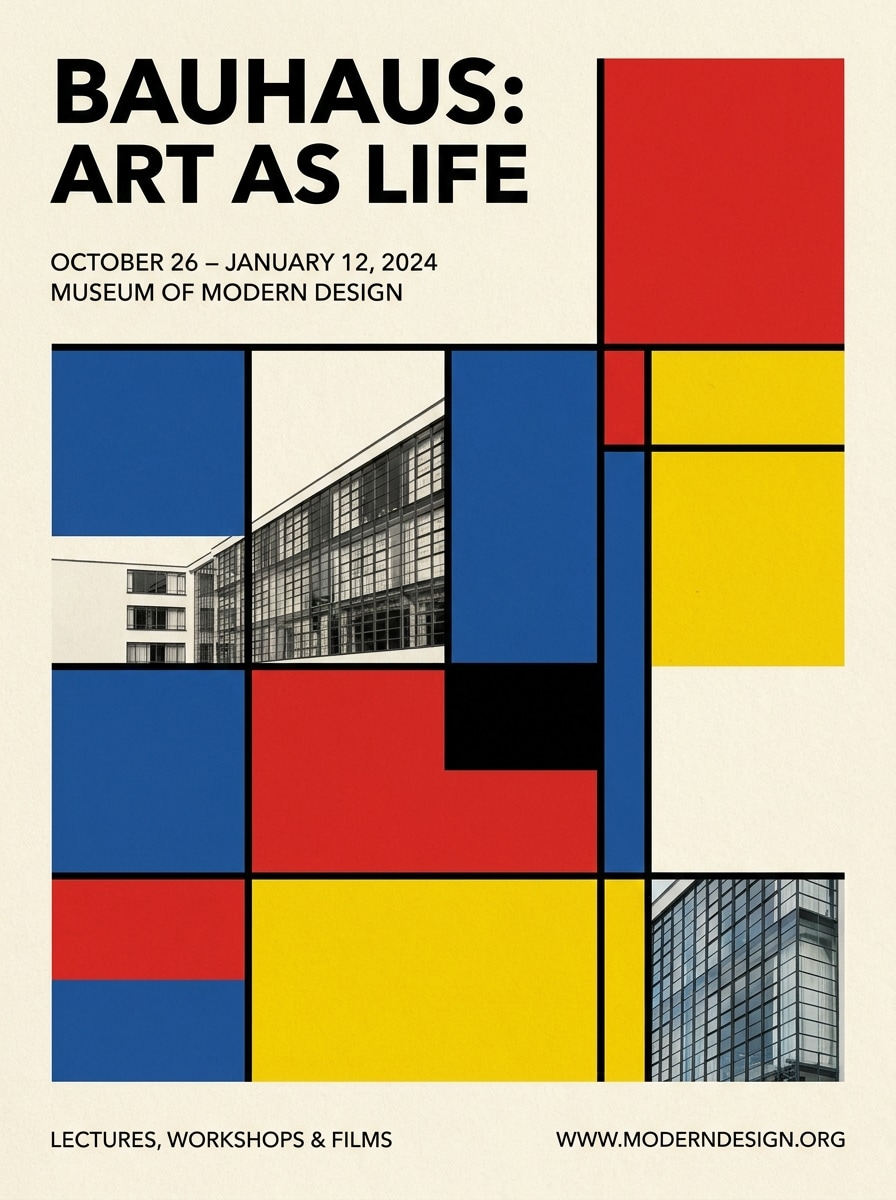
Pôster Tipográfico de Exposição
Use a foto enviada como imagem principal e transforme em um pôster de exposição Bauhaus com grade forte, abstração geométrica, espaço negativo limpo reservado para textos minimalistas em fonte sem serifa, textura de papel creme, blocos de cor ousados, alinhamento preciso e atmosfera de pôster curatorial de museu.
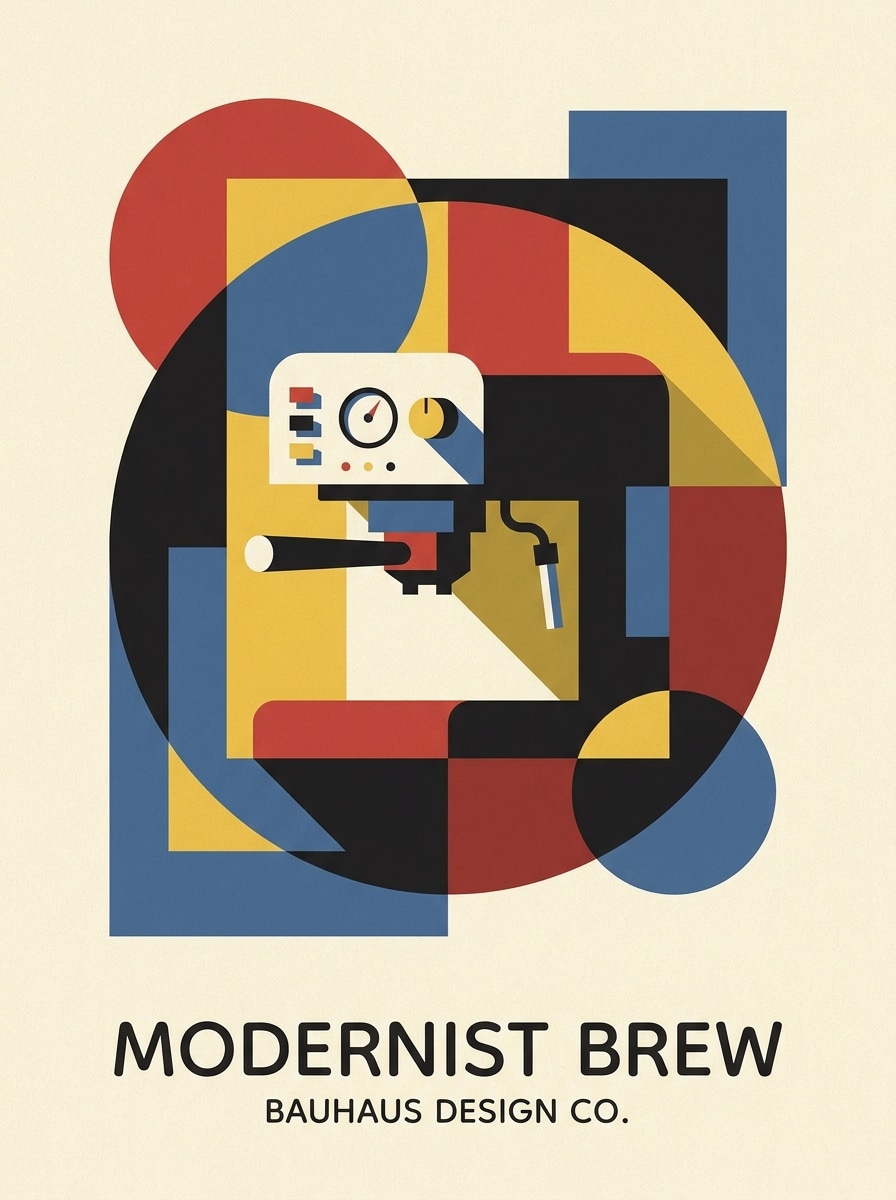
Foto de Produto Modernista
Use a foto de produto enviada e transforme-a em uma composição inspirada pela Bauhaus com formas simplificadas, enquadramento geométrico, sombras controladas, detalhes em cores primárias, fundo creme, visual minimalista modernista de pôster, equilíbrio comercial limpo e detalhes premium, ideal para branding ou redes sociais.
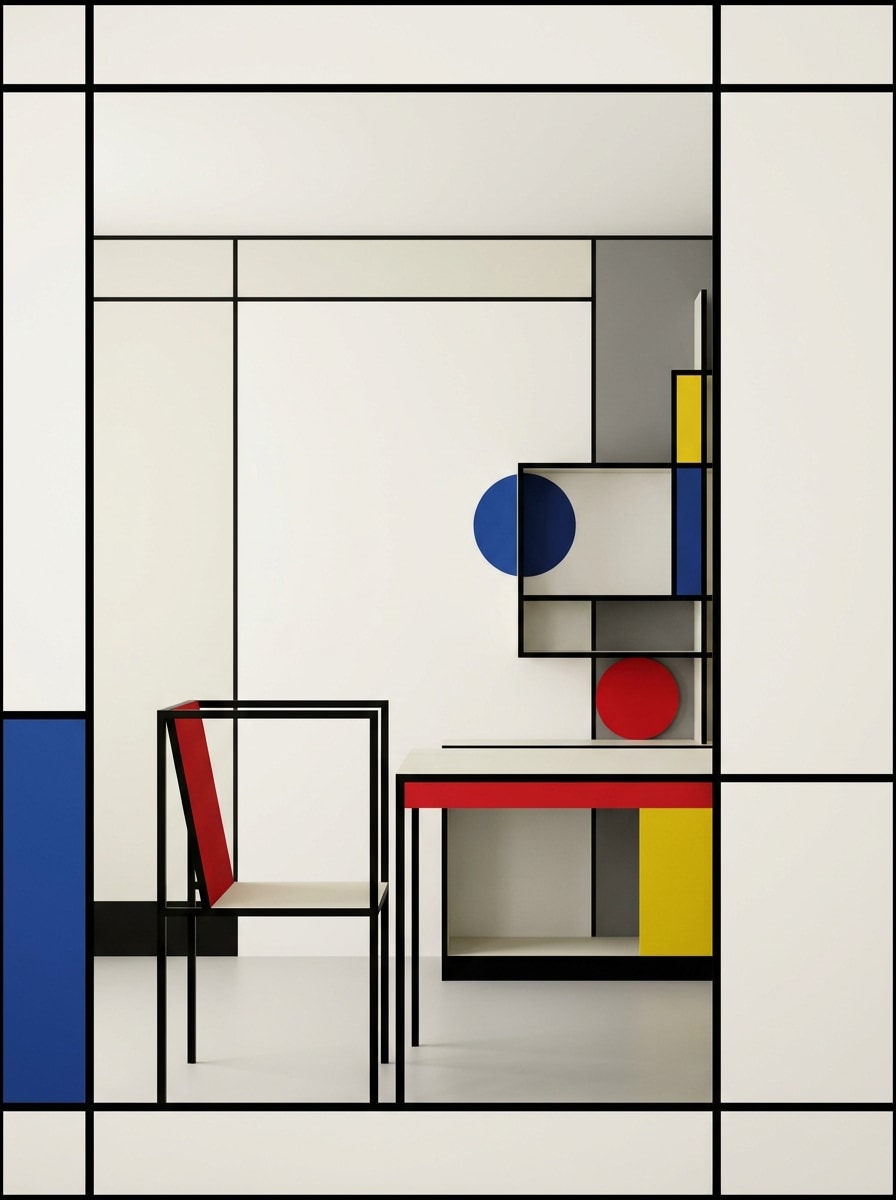
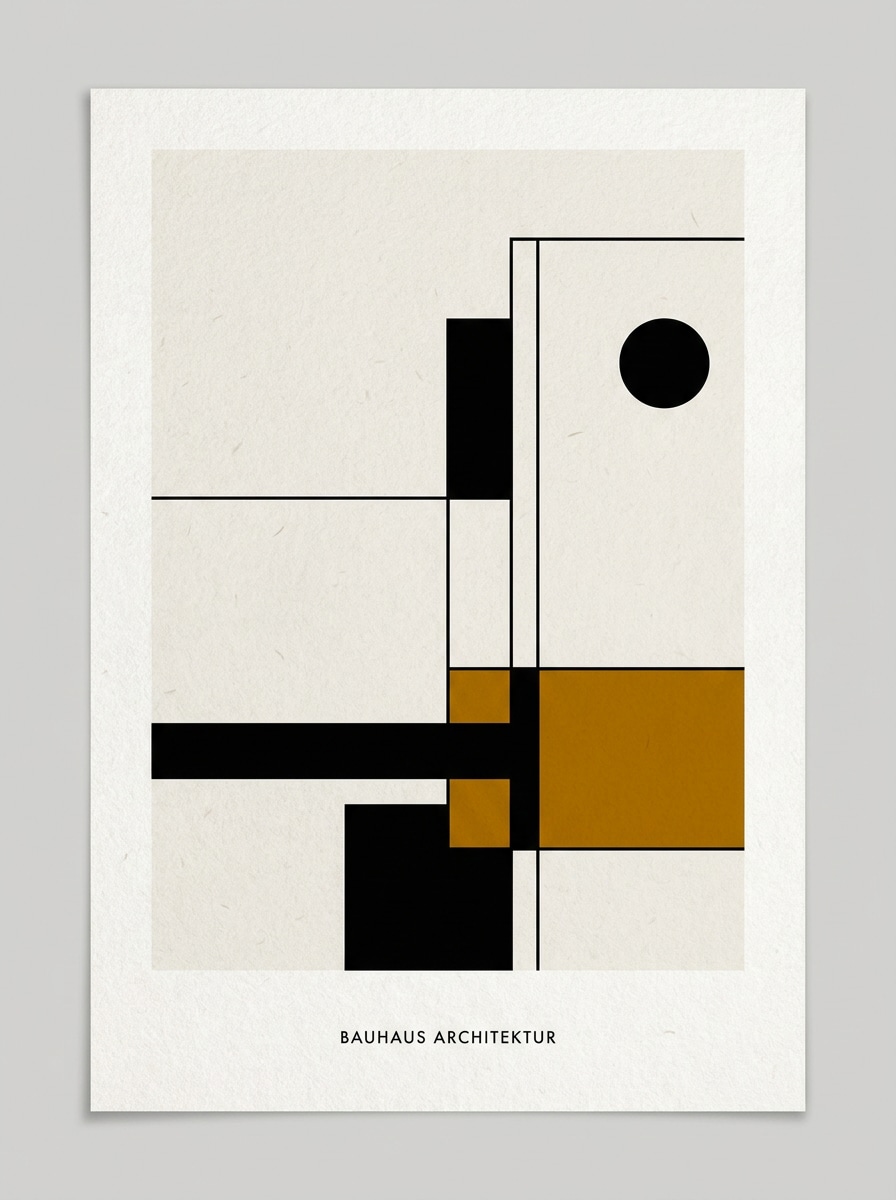
Cena Arquitetônica Bauhaus
Use a imagem de ambiente ou interior enviada e estilize como arte arquitetônica Bauhaus com estrutura linear forte, superfícies simplificadas, enquadramento geométrico, detalhes de cor primária seletivos, espaço negativo equilibrado, controle suave de luz e sombra, e um clima modernista limpo que prioriza a forma ao invés da decoração.
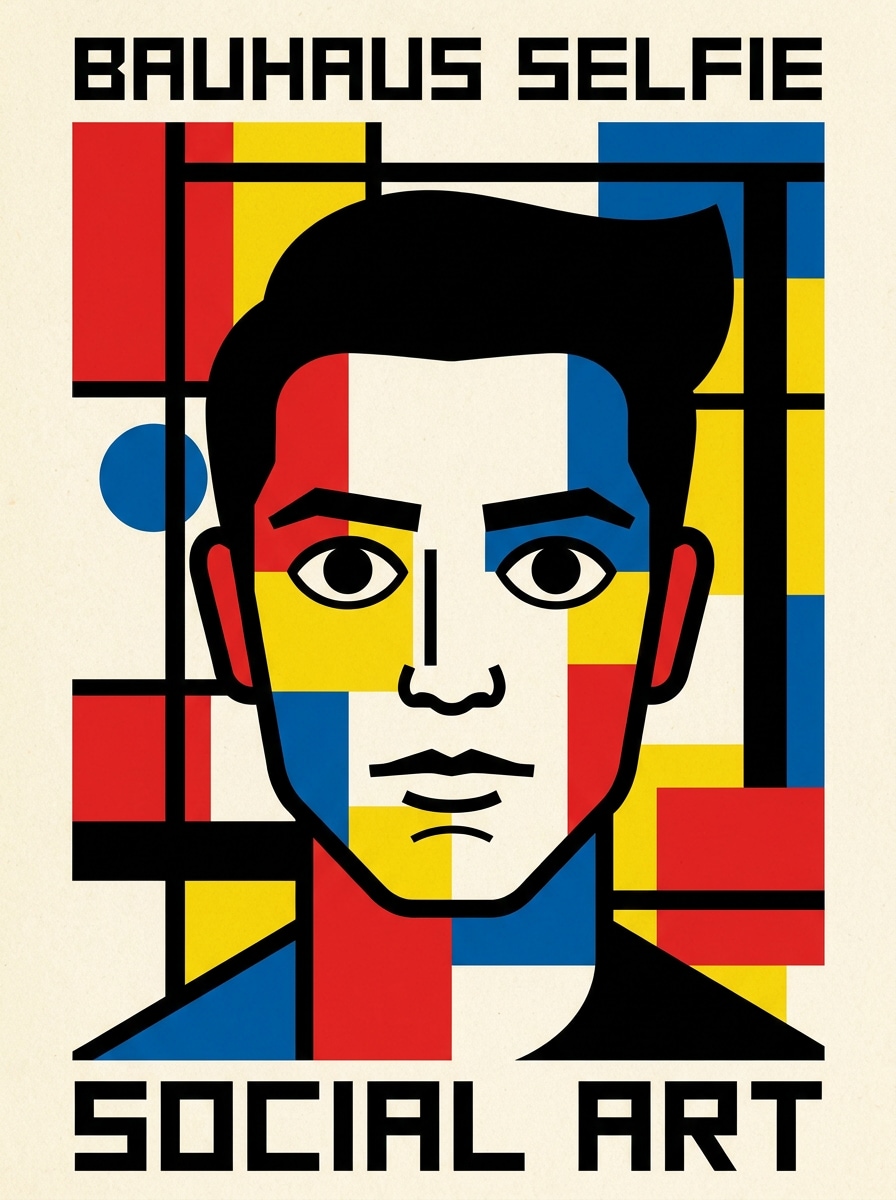
Filtro de Selfie Abstrata
Use a selfie enviada e aplique um ousado filtro AI Bauhaus que simplifica características faciais em círculos, linhas e planos de cor, adiciona alto contraste, contornos limpos, textura de papel creme, cores primárias com destaques em preto e um estilo de arte social marcante com acabamento gráfico nítido.
Modernismo em Foto de Perfil
Use o retrato enviado para criar uma imagem de perfil quadrada no estilo Bauhaus com geometria equilibrada, fundo mínimo, blocos de cor vibrantes, formas faciais simplificadas, traços limpos, composição modernista, atmosfera confiante e clareza polida, perfeito para avatares, perfis nas redes sociais ou portfólios de design.
Bauhaus Minimalista Monocromático
Use a imagem enviada e converta em um design Bauhaus minimalista com tons de preto e off-white, um tom de destaque sutil, espaço negativo amplo, formas geométricas simplificadas, textura de papel limpa, composição de qualidade para galeria e mood editorial refinado, moderno, calmo e altamente curado.
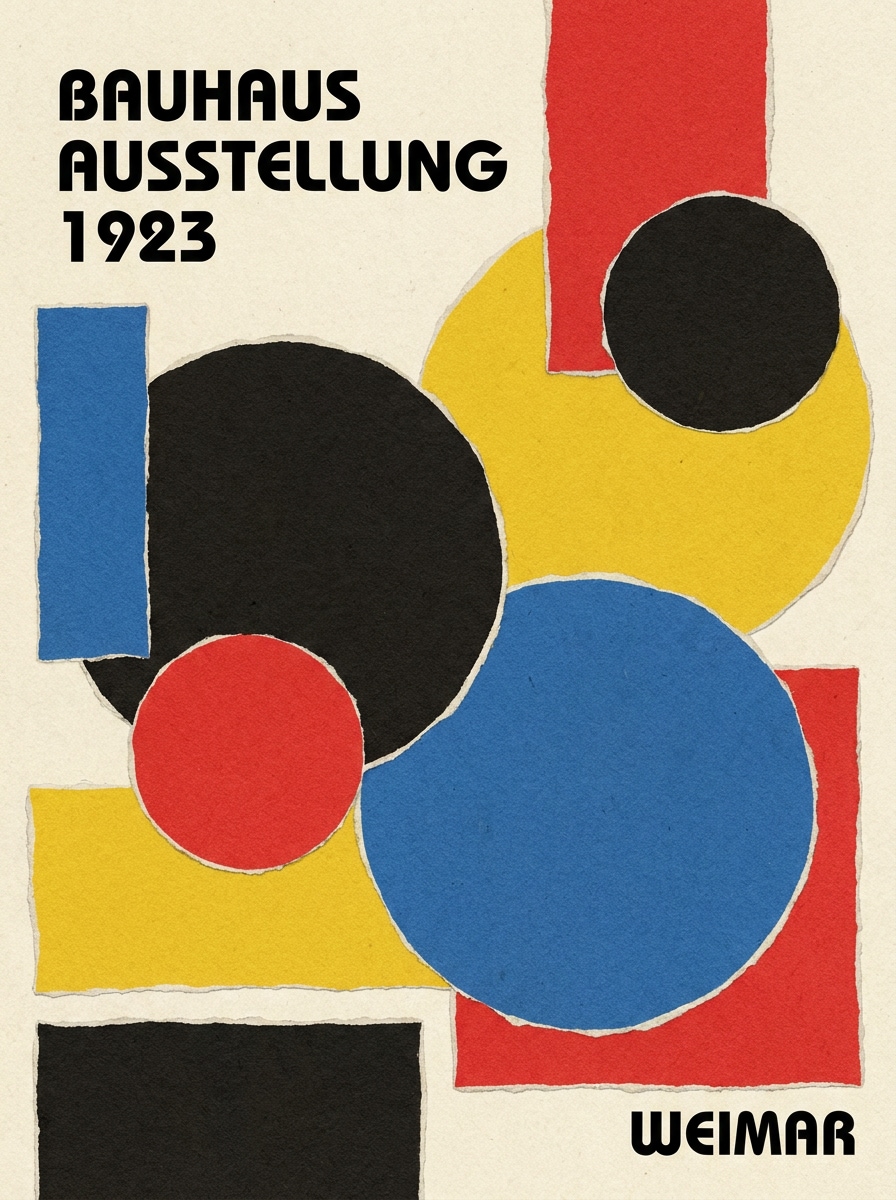
Colagem Bauhaus com Cor em Blocos
Use a imagem enviada e transforme em uma colagem com filtro de pôster Bauhaus com geometria recortada, camadas de círculos e retângulos, posições assimétricas, textura de papel, blocos de cor vermelho, azul, amarelo e preto, contraste acentuado, ritmo modernista lúdico e detalhes de alta qualidade para impressão ou redes sociais.
Por que Usar Media.io para Transformações de Imagens no Estilo Bauhaus
Transforme Fotos em Arte Moderna Reconhecível
Para retratos, selfies ou fotos de produtos, o Media.io permite que você envie uma imagem de referência e guie a transformação para uma arte geométrica Bauhaus—assim, o resultado final permanece ligado ao tema original e não se torna uma arte abstrata genérica.
Transforme um Tema em Diversos Estilos
Quando o resultado precisa se manter fiel ao tema original, o Media.io ajuda a preservar atributos reconhecíveis enquanto adapta o visual geral do filtro Bauhaus para uso em redes sociais, branding ou mockups.
Crie Resultados Mais Nítidos com Opções até 4K
Alguns resultados precisam ir além de uma boa aparência na visualização. O Media.io gera visuais Bauhaus mais limpos com saídas de até 4K, garantindo que a imagem final tenha ótima qualidade em papéis de parede, apresentações e protótipos.
Continue o Fluxo de Trabalho em Todos os Dispositivos
Seja explorando filtros Bauhaus no notebook ou conferindo rascunhos no celular, o Media.io mantém tudo no navegador para que você retome o trabalho facilmente de qualquer dispositivo.
Como Aplicar o Filtro Bauhaus Online
Transforme suas palavras em visuais incríveis em três etapas simples e continue aprimorando o resultado se quiser ir além.
Passo 1
Envie Sua Imagem de Referência
Comece com um retrato, selfie, foto de produto ou ambiente nítido em JPG, PNG ou JPEG. Imagens com formas visíveis, boa iluminação e tema limpo resultam em transformações geométricas modernistas mais fortes.
Passo 2
Descreva a Mudança e Ajuste as Opções
Preencha um prompt descrevendo o estilo Bauhaus desejado, como abstração geométrica, textura de papel creme, cores primárias, composição em grade ou layout de pôster. Em seguida, escolha o modelo e ajuste proporção, qualidade e quantidade de imagens, se necessário.
Passo 3
Gere, Baixe e Continue Aprimorando
Crie várias variações, compare como cada versão lida com forma, cor e composição, depois baixe seu resultado favorito. Você pode continuar refinando o prompt para ter uma aparência mais limpa de pôster, abstração mais forte ou layout ideal para redes sociais ou impressão.
Veja como criadores usam o Filtro Bauhaus para conteúdo, marketing e projetos pessoais, depois adapte cada ideia conforme seu objetivo.
Transforme Retratos em Pôsteres de Galeria
Transforme um retrato simples ou selfie em uma composição modernista marcante com formas geométricas no rosto, blocos de cor intensos e espaço negativo limpo. Isso é perfeito para criadores que querem arte de perfil, visuais editoriais ou posts sociais memoráveis com um toque de escola de design distinta.
Crie Arte Pronta para Impressão com Fotos do Dia a Dia
Use uma imagem pessoal como base de pôster, quadro de parede ou visual de evento com layout gráfico forte. Um bom colagem com filtro de pôster Bauhaus resultado pode fazer uma foto casual parecer curada, colecionável e muito mais polida para apresentações criativas ou comerciais.
Reestilize Produtos e Ambientes para Branding
Aplique abstração geométrica em fotos de produtos ou ambientes quando precisar de visuais mais marcantes para campanhas, moodboards ou ativos modernos de redes sociais. Esta abordagem é ótima para marcas de design que buscam um visual intelectual e limpo sem precisar de um novo ensaio fotográfico.
O Que Dizem os Usuários
Ava Collins
Designer de Pôster
"Ótimo para conceitos de pôster modernistas"Enviei um retrato simples e recebi um resultado Bauhaus nítido que parecia realmente pronto para pôster. A estrutura geométrica e o visual de papel creme ficaram muito melhores do que filtros genéricos que já testei.
Marcus Reed
Criador de Conteúdo Social
"Transformações rápidas de antes e depois"O fluxo de trabalho é simples: enviar, descrever o estilo e gerar. Usei para uma imagem de perfil e miniatura de conteúdo curto, e o visual modernista ficou bem evidente em ambos.
Nina Petrov
Consultora Visual de Marca
"Útil para produtos e mockups de campanhas"Testei fotos de produto com prompts inspirados na Bauhaus e consegui imagens gráficas e limpas, perfeitas para decks de conceito. A flexibilidade do layout facilitou a adaptação dos resultados a diferentes formatos.
Daniel Kim
Estudante de Arte
"Fácil de explorar abstração geométrica"Queria experimentar um estilo Bauhaus com uma foto minha, sem passar horas em softwares de design. O Media.io gerou várias variações rapidamente e prompts mais detalhados geraram resultados surpreendentemente polidos.
Explore os efeitos de vídeo e imagem de IA mais quentes
Um filtro Bauhaus para fotos transforma a imagem enviada em uma obra inspirada nos princípios do design Bauhaus, como formas geométricas, cores primárias, equilíbrio assimétrico, layouts mínimos e composição semelhante a pôster. No Media.io você pode usar uma imagem de referência para criar um resultado modernista estilizado, mantendo o tema reconhecível.
2. Como transformar uma foto em arte no estilo Bauhaus?
Envie uma imagem clara JPG, PNG ou JPEG para o Media.io, depois descreva o estilo desejado com sugestões como abstração geométrica, textura de papel creme, cores primárias ou layout de pôster de exposição. Com isso, escolha o modelo e configurações, gere variações e refine o prompt até a composição atingir o visual modernista desejado.
3. Posso usar o filtro Bauhaus gratuitamente?
Usuários gratuitos podem testar o efeito com créditos disponíveis no Media.io. Para gerar mais imagens ou acessar opções de saída avançadas, confira os planos na página de preços. Downloads gratuitos podem conter marca d'água, enquanto planos pagos suportam exportação em alta resolução sem marca d'água. Usuários gratuitos podem usar créditos grátis; para mais uso, basta assinar um plano na página de preços. Faça upgrade para um plano pago para mais créditos e downloads sem marca d'água em alta resolução.
4. O filtro Bauhaus funciona melhor em retratos ou objetos?
Funciona bem para ambos. Retratos geralmente geram transformações mais marcantes, pois traços faciais ficam interessantes em círculos, linhas e planos de cor; mas objetos, fotos de produtos e interiores também têm ótimo resultado quando apresentam estrutura clara, silhuetas fortes e iluminação simples. O Media.io é especialmente útil para transformar qualquer tipo de tema em uma composição limpa de foto no estilo Bauhaus.
5. Posso criar um pôster Bauhaus em alta resolução a partir da minha imagem?
O Media.io oferece opções de resolução como 1K, 2K e 4K—útil para resultados mais nítidos em pôsteres, capas ou painéis de apresentação. Também é possível ajustar proporções para impressões verticais, posts quadrados ou layouts mais amplos, antes de baixar a imagem final. Usuários gratuitos terão marca d’água.
6. O filtro Bauhaus está disponível no celular e desktop?
O Media.io é baseado na web, então pode ser usado no navegador do desktop ou do celular, sem precisar instalar nenhum software. Isso torna fácil criar um filtro AI Bauhaus resultado tanto a partir do notebook quanto testando ideias rapidamente pelo telefone ou tablet. O Media.io é uma ferramenta web que funciona em qualquer dispositivo com navegador (Windows, Mac, iOS, Android).