As criações são armazenadas por apenas 7 dias. Os recursos criados após o upgrade para um plano de assinatura serão armazenados permanentemente.
Desbloqueie seu potencial criativo e experimente a magia da IA de mídia hoje!
Filtro de Lavagem de Tinta AI para Transformações Elegantes de Fotos em Pinturas
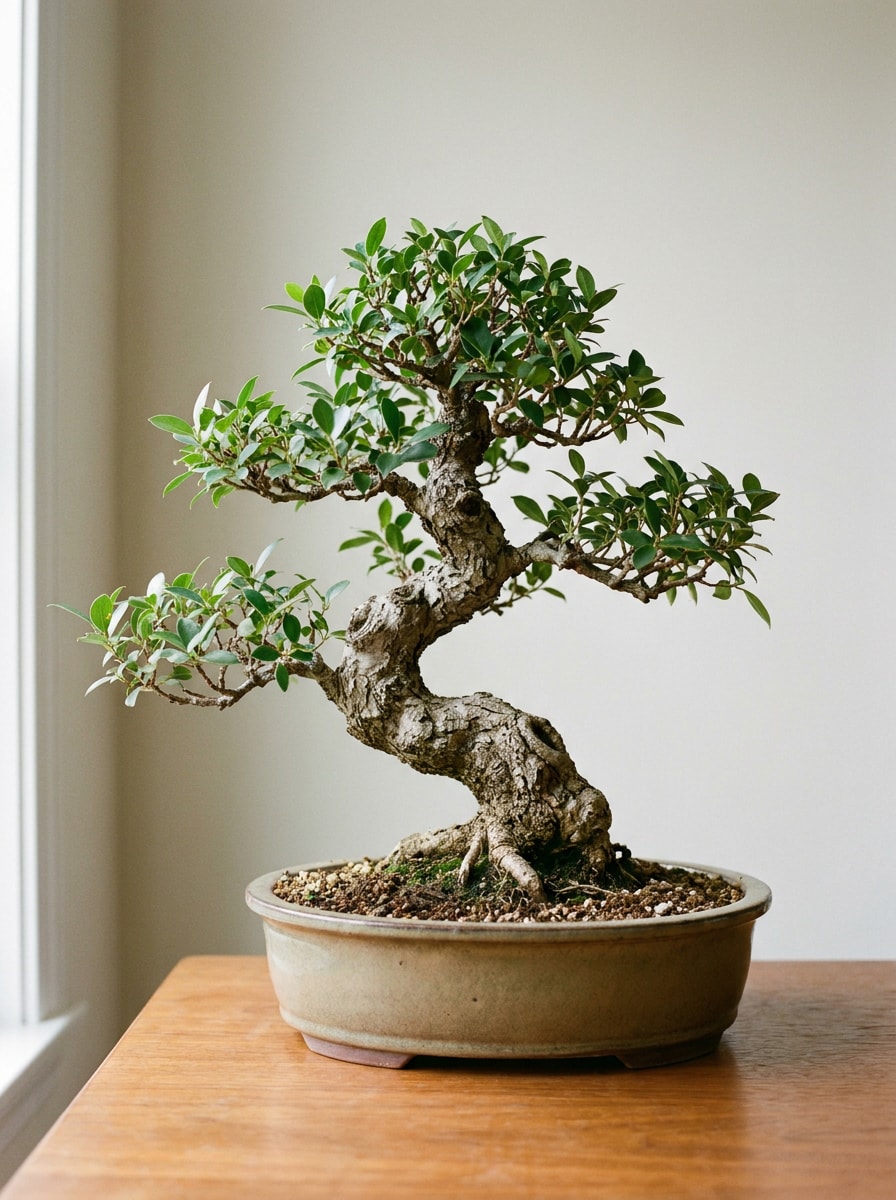
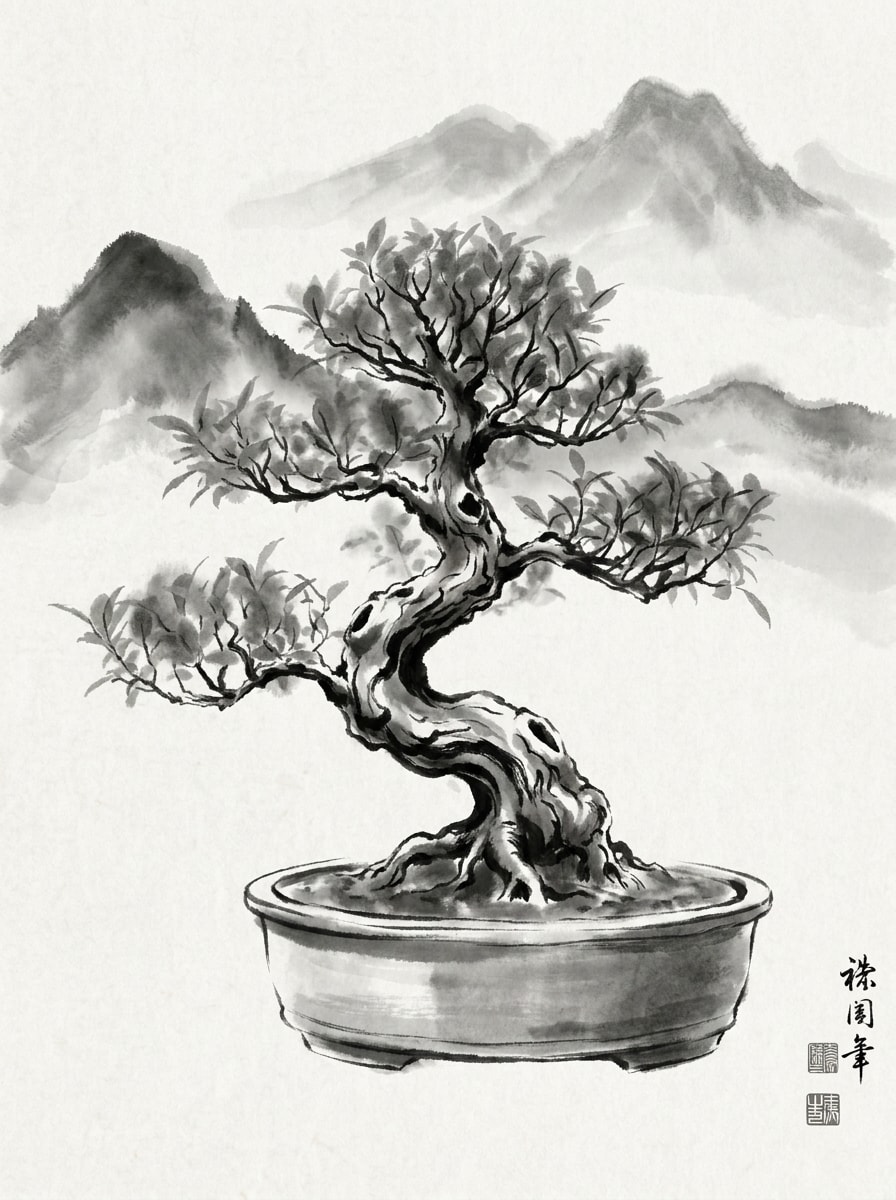
Transforme retratos, paisagens e fotos de viagem em obras refinadas no estilo tinta com estaFiltro de Lavagem de Tinta AI. Faça upload de uma foto, aplique um filtro suave depintura chinesa com tintaou lavagem monocromática moderna e crie visuais dignos de galeria preservando os detalhes do sujeito em apenas alguns cliques.
Veja estas direções exemplares e adapte os detalhes do prompt para obter melhores resultados com este Filtro de Lavagem de Tinta.
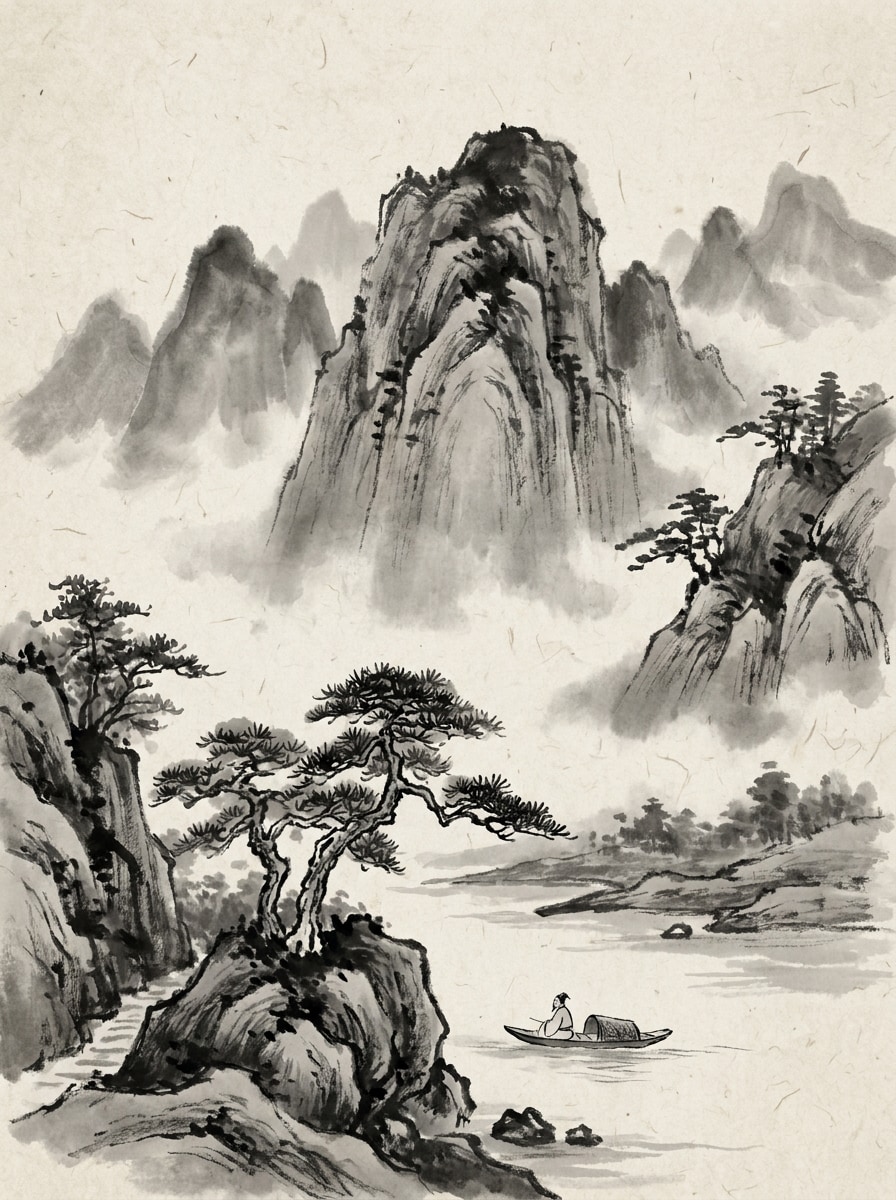
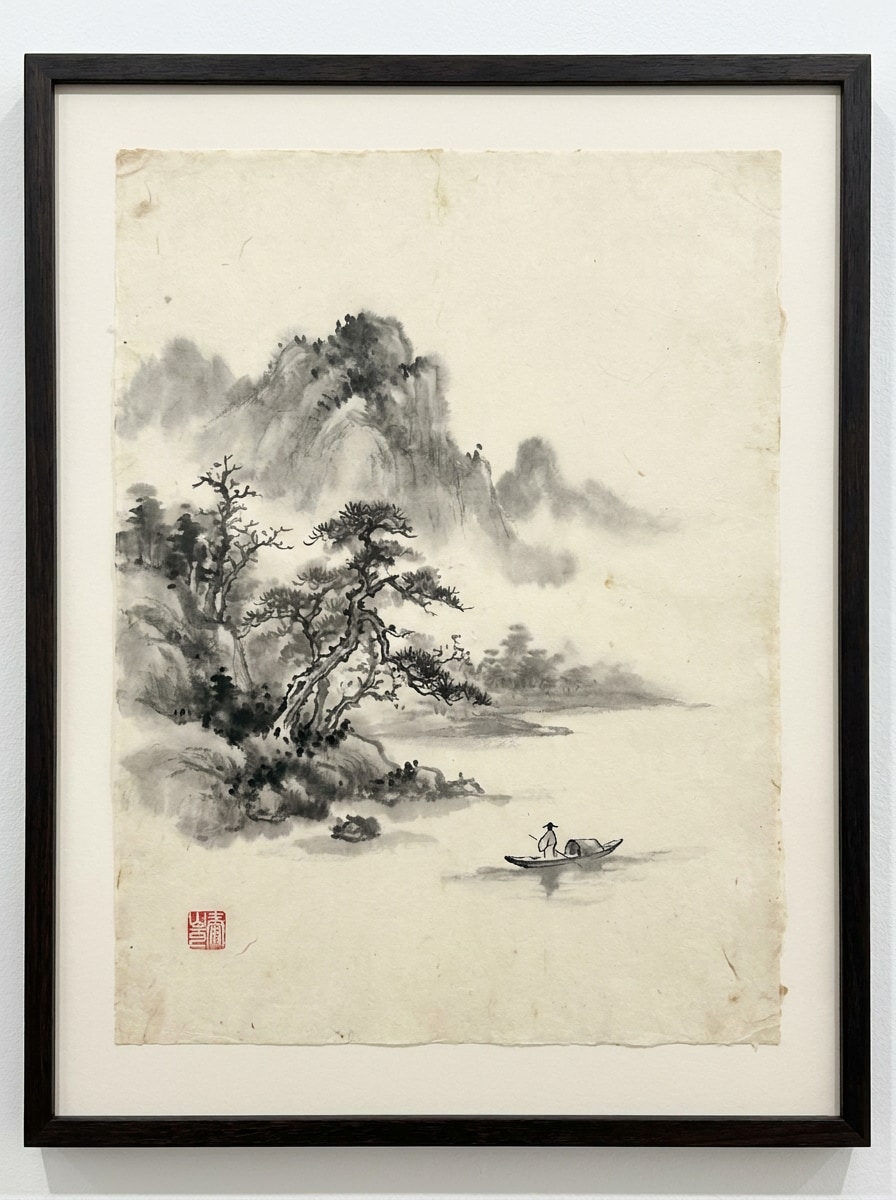
Montanha Nebulosa Sumi-e
Use a imagem de paisagem enviada como assunto e transforme-a em uma cena tradicional de lavagem de tinta chinesa com montanhas nebulosas em camadas, pinceladas pretas fluidas, difusão cinza suave, papel de arroz texturizado, espaços negativos amplos, atmosfera poética calma e detalhes monocromáticos elegantes com profundidade natural.
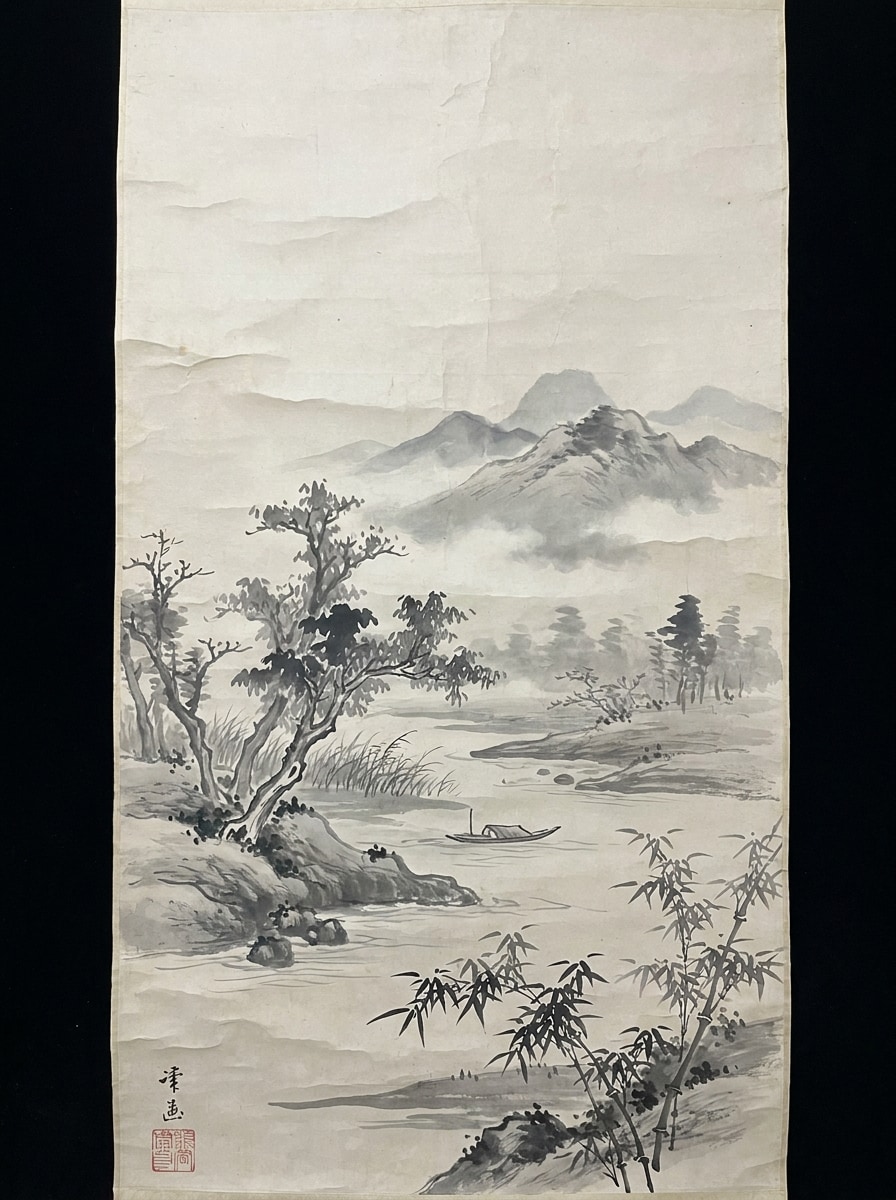
Rolo Rio e Bambu
Use a foto de natureza enviada como base e transforme-a em um rolo clássico de tinta com bambus finos, névoa de rio suave, água pintada com pincel, textura de papel tipo pergaminho, camadas tonais delicadas, paleta monocromática contida e atmosfera serena e meditativa.
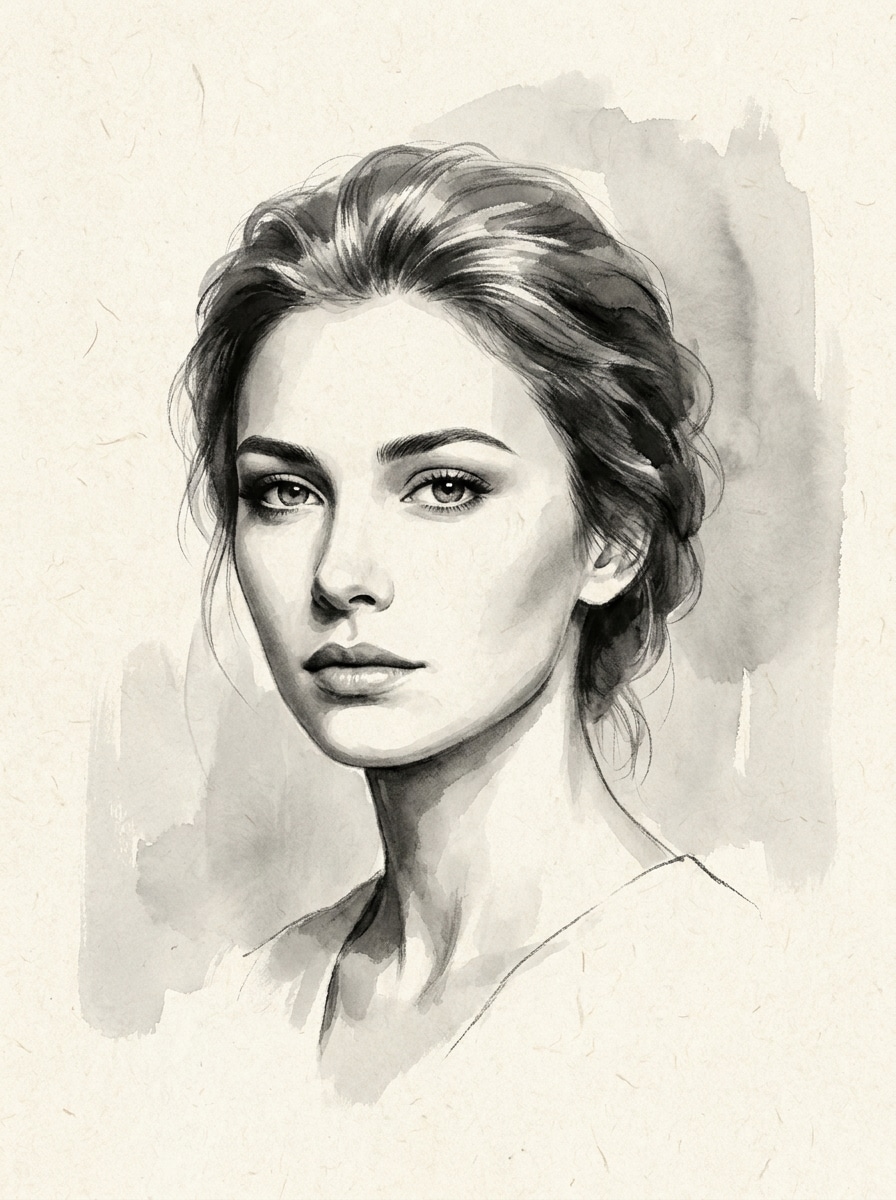
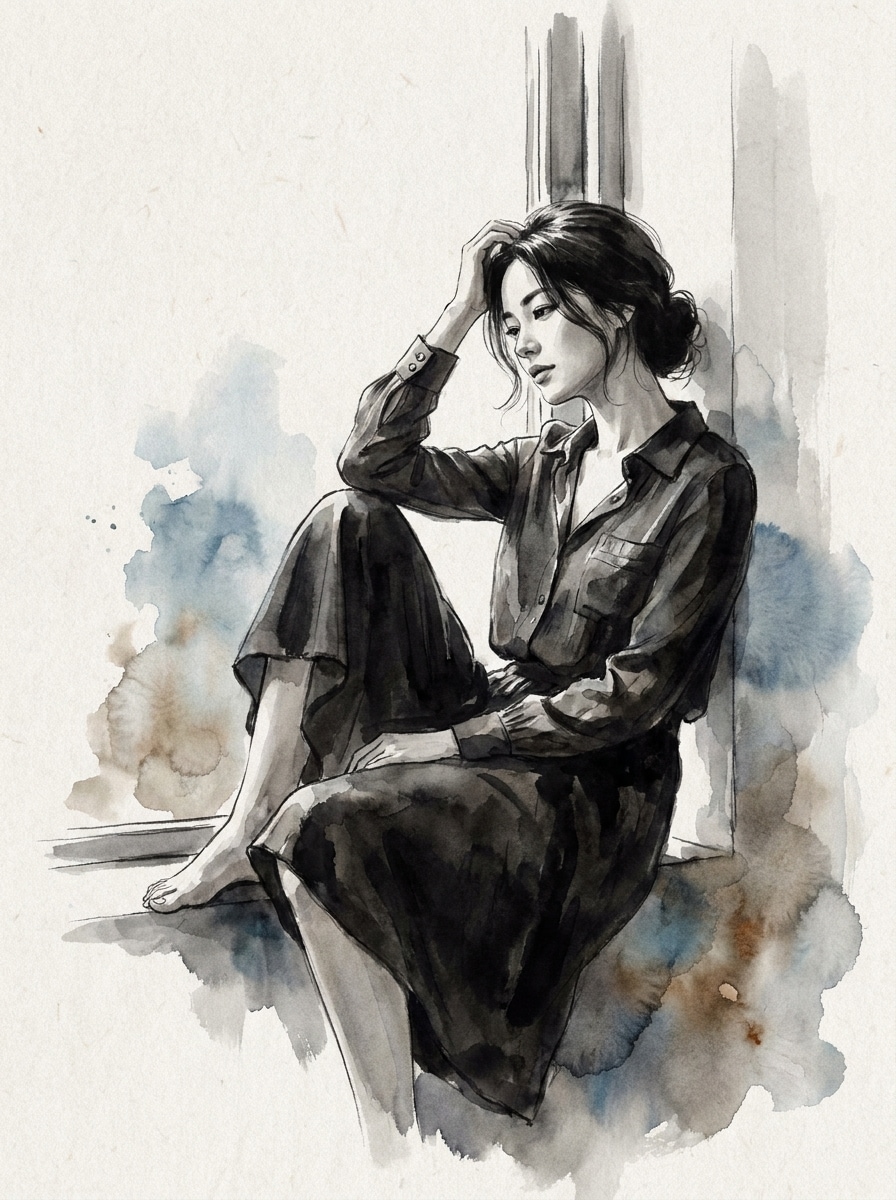
Retrato Monocromático Elegante
Use o retrato enviado como assunto e converta-o em uma obra refinada no estilofiltro de retrato com tinta pretapreservando a semelhança facial, sombreamento com lavagem em cinza suave, bordas de pincel esfumadas, fundo minimalista, textura fina de papel e mood editorial elegante.
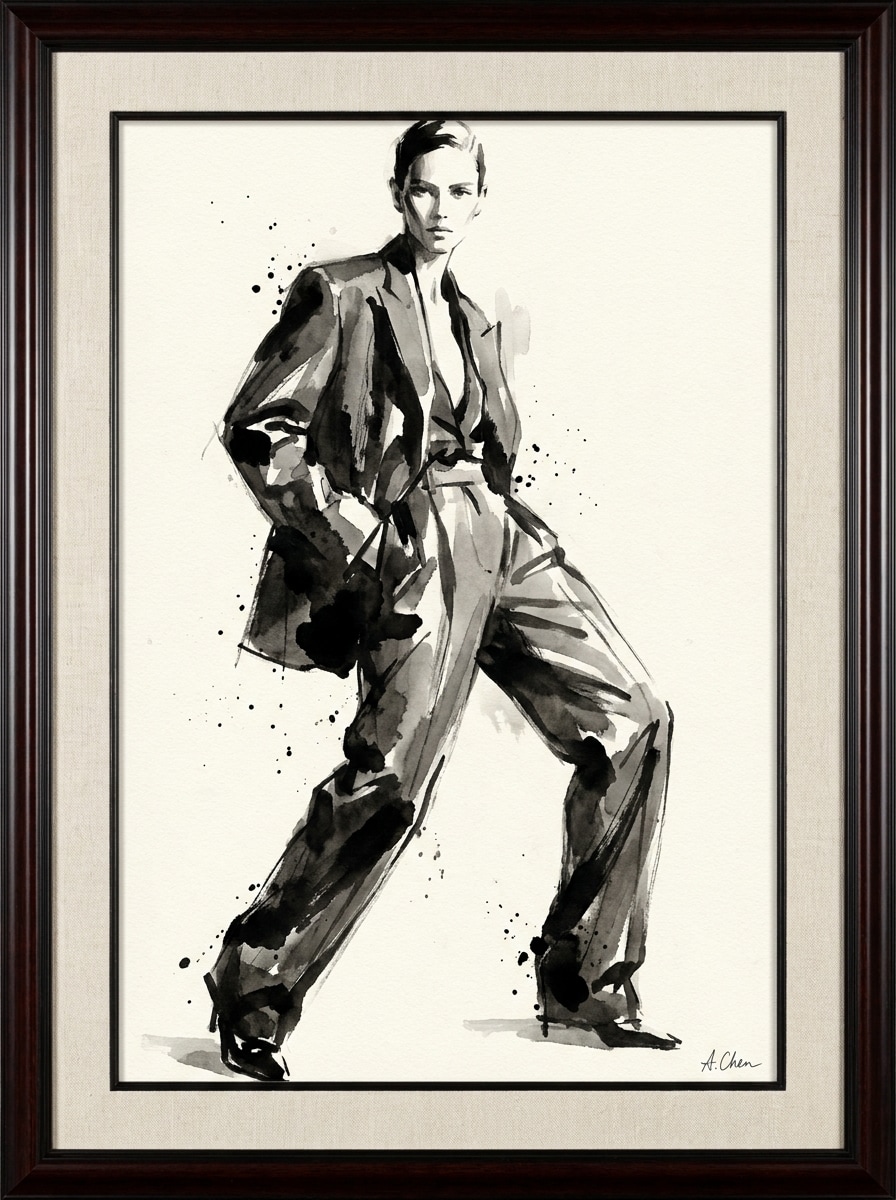
Ink Fashion Editorial
Use a foto de moda enviada como referência e converta-a em uma imagem editorial moderna de lavagem de tinta com preservação de silhueta nítida, sombreamento cinza-carvão, texturas expressivas de pincel, grão de papel premium, estilo monocromático de alto contraste e acabamento artístico elegante tipo revista.
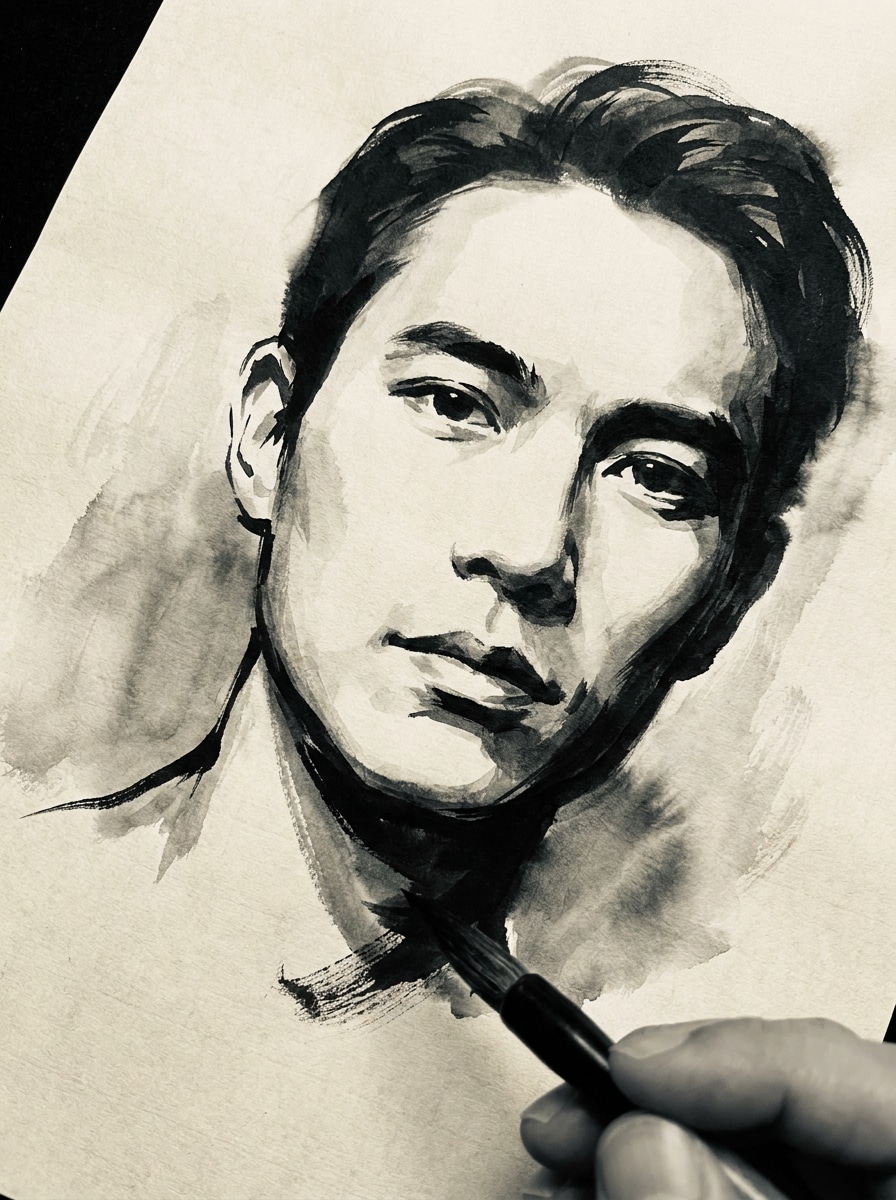
Selfie em Sumi-e
Use a selfie enviada como assunto e transforme-a em uma dramática obra sumi-e com pinceladas ousadas, desvanecimento de tinta suave nas bordas, preservação do formato do rosto, contraste tonal monocromático, textura sutil de papel e impacto visual cinematográfico de antes e depois.
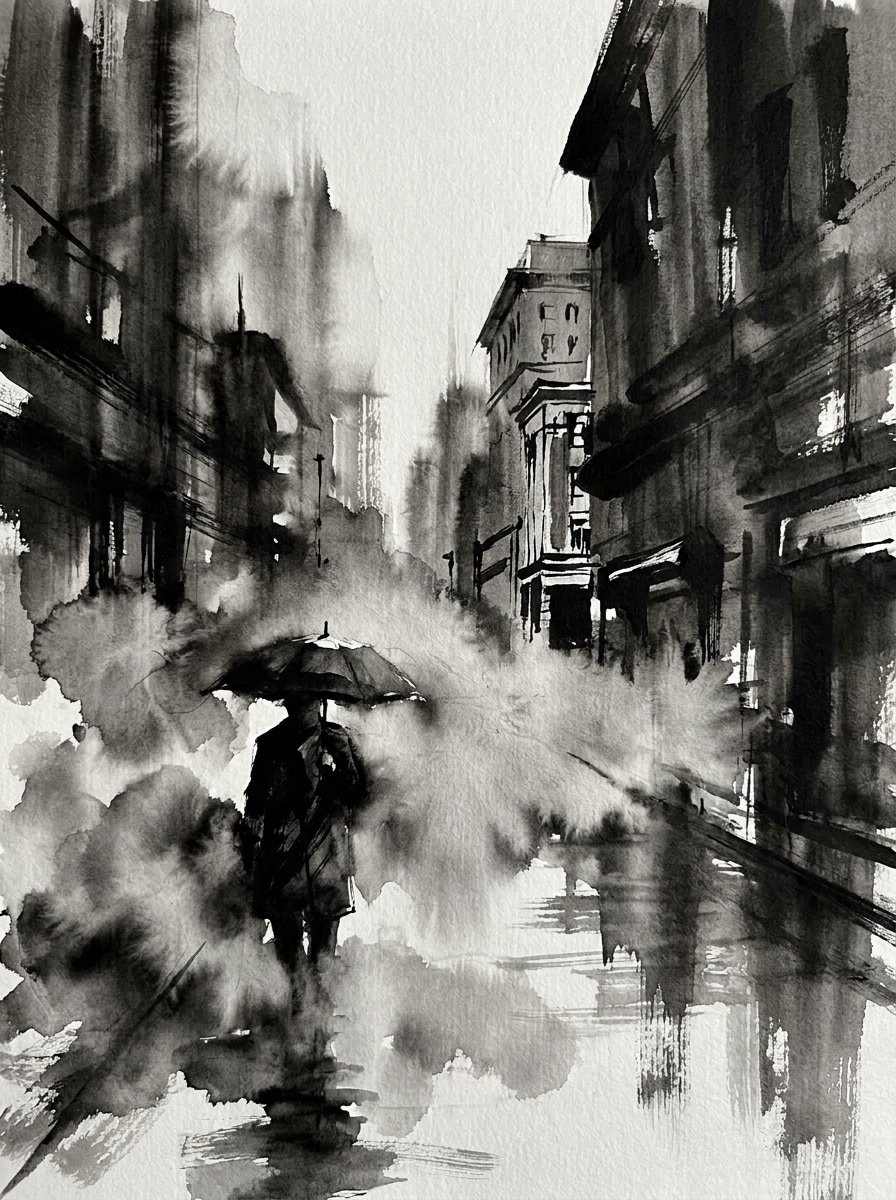
Drama de Tinta em Foto de Rua
Use a cena de rua enviada como base e aplique umefeito de pintura com tinta nas fotoscom sombras marcantes, névoa de tinta semelhante a neblina, texturas dinâmicas de pincel, detalhes arquitetônicos seletivos, contraste rico de preto e cinza, acabamento texturizado de papel e atmosfera urbana cinematográfica.
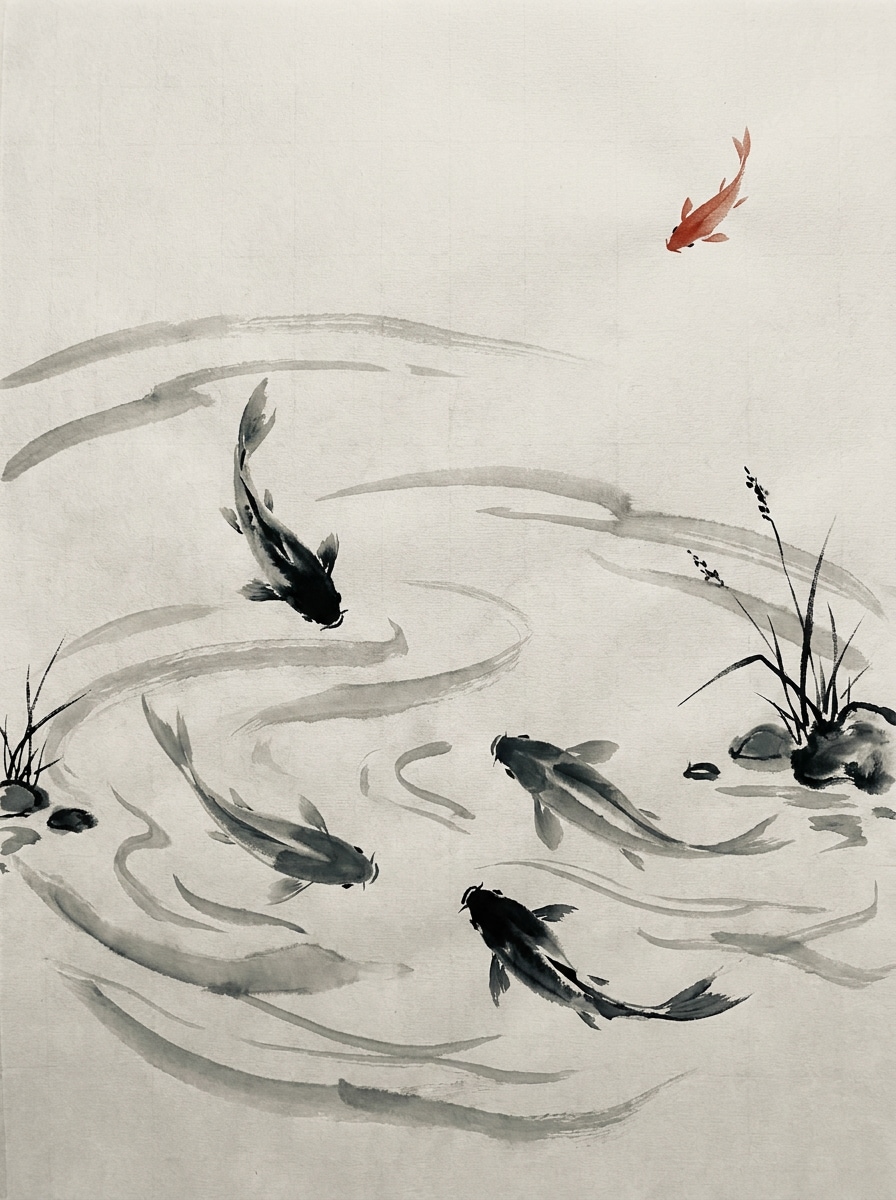
Pintura de Tinta de Lago de Carpas
Use a imagem de peixe ou lago enviada como referência e converta-a em uma composição graciosa de lavagem de tinta com pinceladas fluídas de água, ondulações suaves, sombreamento monocromático elegante, pincelagem tradicional refinada, espaçamento arejado e toque vermelho sutil para sensação clássica de arte.
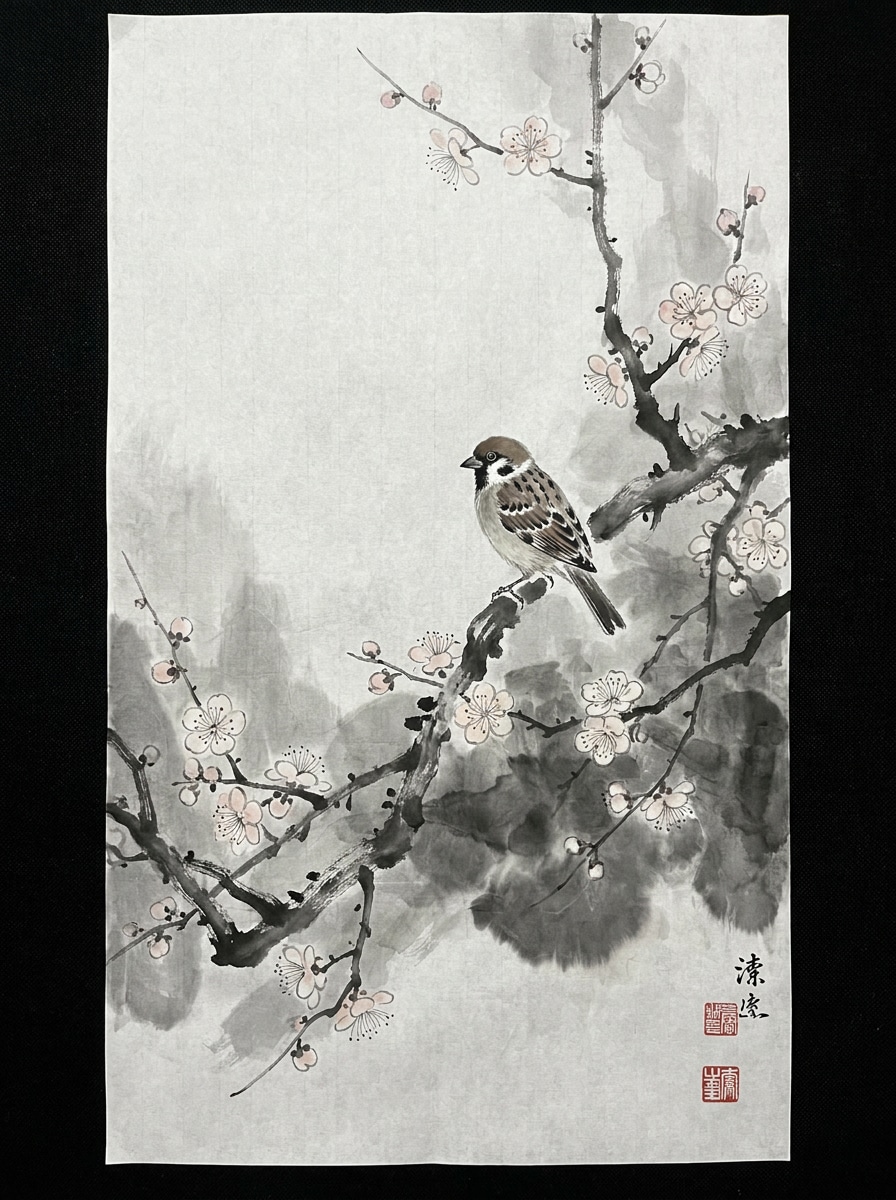
Lavagem de Pássaro e Flores
Use a foto de pássaro enviada como assunto e transforme-a em uma delicada obra de lavagem de tinta com galhos floridos, espaço negativo arejado, detalhes finos de pincel, tons de cinza equilibrados, textura de papel de arroz e composição poética calma inspirada na pintura tradicional do leste asiático.
Estilo de Selo Vermelho
Use a imagem enviada como base e aplique umfiltro de lavagem de tinta nas fotoscom estética principalmente preto e branco, bordas de pincel esfumadas, composição tipo museu, fundo texturizado de papel, difusão suave de tinta e um toque de selo vermelho sutil para autenticidade.
Ink Bloom Colorido Minimalista
Use a foto enviada como referência e transforme-a em uma imagem moderna de lavagem de tinta com tons dominantes de tinta preta, explosão de cor aquarela muito leve, granulação suave de papel, composição elegante, transições tonais suaves e estética limpa de galeria contemporânea.
Por Que Usar Media.io para Transformações de Lavagem de Tinta em Fotos
Mantenha Faces e Assuntos Reconhecíveis Visualmente
Para retratos, pets ou fotos de viagem, o Media.io usa a imagem de referência enviada para guiar a transformação, ajudando a preservar traços faciais, pose e identidade do assunto enquanto entrega umfiltro de lavagem de tinta nas fotosresultado sofisticado.
Alterne Entre Estéticas de Tinta Tradicional e Moderna
Diferentes resultados pedem diferentes estéticas. Media.io ajuda você a explorar tratamentos variados do conceito visual do Filtro de Lavagem de Tinta para que o visual final alcance o tom certo mais rápido.
Crie Imagens de Alta Resolução para Uso Real
Se o visual final do Filtro de Lavagem de Tinta será reutilizado além de uma prévia pequena, Media.io ajuda a gerar resultados mais nítidos até 4K para que a imagem seja confiável em trabalhos de design e apresentação.
Crie Arte com Tinta Rapidamente em um Fluxo Simples no Navegador
Quando uma ideia visual de Filtro de Lavagem de Tinta começa longe do seu ambiente principal, Media.io permite criar e refinar direto no navegador para que a mudança entre celular e desktop seja fluida e não disruptiva.
Como Aplicar um Filtro de Lavagem de Tinta AI Online
Transforme suas palavras em visuais incríveis em três passos simples, depois refine o resultado se quiser ir além.
Etapa 1
Faça Upload da Sua Imagem de Referência
Comece com retrato nítido, paisagem, foto de pet ou cena de rua em formato JPG, PNG ou JPEG. Imagens com detalhes visíveis do assunto, iluminação limpa e composição forte geralmente produzem a transformação de tinta mais convincente.
Etapa 2
Descreva a Mudança e Configure as Opções
Informe o visual desejado, como retrato sumi-e suave, cena minimalista em papel de arroz ou lavagem monocromática ousada. Depois, escolha o modelo e ajuste proporção, qualidade da imagem e número de variações conforme seu projeto.
Etapa 3
Gere, Baixe e Continue Melhorando
Crie seu resultado, compare versões diferentes e baixe a que preferir. Se necessário, refine o prompt, teste outra composição ou gere mais variações até que a arte de tinta pareça equilibrada e expressiva.
Liberte o Potencial do Filtro de Retrato com Tinta Preta
Veja como criadores usam este Filtro de Lavagem de Tinta para conteúdo, marketing e projetos pessoais e adapte cada ideia conforme o objetivo.
Transforme Retratos em Arte com Pincel para Galeria
Transforme selfies, retratos de família ou fotos de perfil de criadores em obras monocromáticas elegantes com aparência artesanal. Ideal para imagens de perfil, impressos de parede, arte de convite ou umfiltro de retrato com tinta pretavisual refinado com mais personalidade do que uma edição convencional.
Dê Fotos de Viagem e Natureza um Toque Poético
Vistas de montanhas, rios, templos, jardins e cenas urbanas ficam belíssimas com difusão suave de tinta e espaço negativo. Uma transformação no estilo tinta pode tornar fotos comuns de viagem mais calmas, atmosféricas e memoráveis para compartilhar nas redes ou imprimir.
Crie Visuais Marcantes para Cartazes e Capas
Designers e pequenas marcas podem usar uma edição inspirada em tinta para criar capas atraentes, gráficos de eventos, cartões ou assets de campanhas artísticas. O efeito acrescenta profundidade cultural, textura de pincel e sensação editorial premium sem exigir habilidades manuais de pintura.
O Que Usuários Dizem Sobre Este Efeito de Lavagem de Tinta
Maya Chen
Criadora de Estilo de Vida
"Meus retratos ficaram artísticos sem perder identidade."Enviei uma foto simples de rosto e recebi um retrato no estilo tinta suave que ainda parecia comigo. A textura do pincel era elegante, não bagunçada, e pude testar várias versões rapidamente.
Daniel Foster
Fotógrafo de Viagens
"Ótimo para fotos de paisagem e edições atmosféricas."Usei em fotos de montanhas e templos de uma viagem e os resultados tinham uma profundidade nebulosa belíssima. Deu às minhas imagens sensação de pintura clássica mantendo estrutura suficiente da foto original.
Aiko Ramirez
Designer de Cartazes
"Útil para capas e arte de eventos."Os formatos flexíveis me ajudaram a adaptar uma imagem para posts nas redes e cartaz impresso. Gostei que a saída final era suficientemente polida para moodboards e concept boards do cliente.
Jordan Lee
Criador de Conteúdo Mobile
"Fácil de usar no navegador do celular."Testei edição de selfie com tinta no celular e o fluxo foi simples. Pareceu muito mais especializado do que um app genérico de arte AI, pois o sujeito permaneceu reconhecível após a transformação.
Explore os efeitos de vídeo e imagem de IA mais quentes
Perguntas Frequentes do Filtro de Lavagem de Tinta AI
1. O que é um filtro de lavagem de tinta AI?
Um filtro de lavagem de tinta AI é um efeito imagem para imagem que transforma uma foto enviada em arte inspirada pela pintura tradicional com tinta. No Media.io, usa sua imagem de referência para criar estilos como sumi-e, lavagem monocromática ou umefeito de pintura com tinta nas fotosenquanto mantém detalhes importantes do assunto visíveis.
2. Como transformar uma foto em pintura de lavagem de tinta online?
Faça upload de uma foto JPG, PNG ou JPEG no Media.io, descreva o estilo de tinta desejado, depois escolha o modelo e configurações da imagem. Após a geração, compare variações, baixe o resultado e refine o prompt se quiser lavagem mais leve, textura de pincel mais forte ou composição mais minimalista.
3. Este filtro de lavagem de tinta AI é gratuito?
Usuários gratuitos podem testar a ferramenta com créditos grátis. Se precisar de mais gerações ou opções de saída premium, pode fazer upgrade pela página de preços. Downloads gratuitos podem ter marca d’água, enquanto planos pagos oferecem exportações de alta resolução sem marca d’água. Usuários gratuitos podem utilizar créditos grátis. Para mais uso, é possível assinar um plano na página de preços. Faça upgrade para um plano pago para mais créditos e downloads de alta resolução sem marca d’água.
4. Posso aplicar o efeito de lavagem de tinta em iPhone, Android ou desktop?
Media.io é uma ferramenta baseada na web, então você pode usar o efeito de lavagem de tinta AI em qualquer dispositivo com navegador, incluindo iPhone, celulares Android, PCs com Windows e Macs. Isso facilita iniciar uma edição no celular ou aprimorar uma composição depois no desktop. Media.io é uma ferramenta web compatível com qualquer dispositivo com navegador (Windows, Mac, iOS, Android).
5. A IA mantém meu rosto ou assunto reconhecível após a edição?
Você pode personalizar o resultado do Filtro de Lavagem de Tinta AI ajustando tema, paleta de cores, layout, estilo de ilustração e espaço vazio diretamente no prompt.
6. Quais formatos e tipos de foto funcionam melhor para o gerador de estilo lavagem de tinta?
Media.io suporta uploads JPG, PNG e JPEG. Retratos claros, fotos de paisagem, cenas de viagem, animais e fotos de moda funcionam especialmente bem, pois formas visíveis, iluminação equilibrada e composição limpa dão à IA estrutura sólida para reinterpretar no estilo de pintura de tinta.