As criações são armazenadas por apenas 7 dias. Os recursos criados após o upgrade para um plano de assinatura serão armazenados permanentemente.
Desbloqueie seu potencial criativo e experimente a magia da IA de mídia hoje!
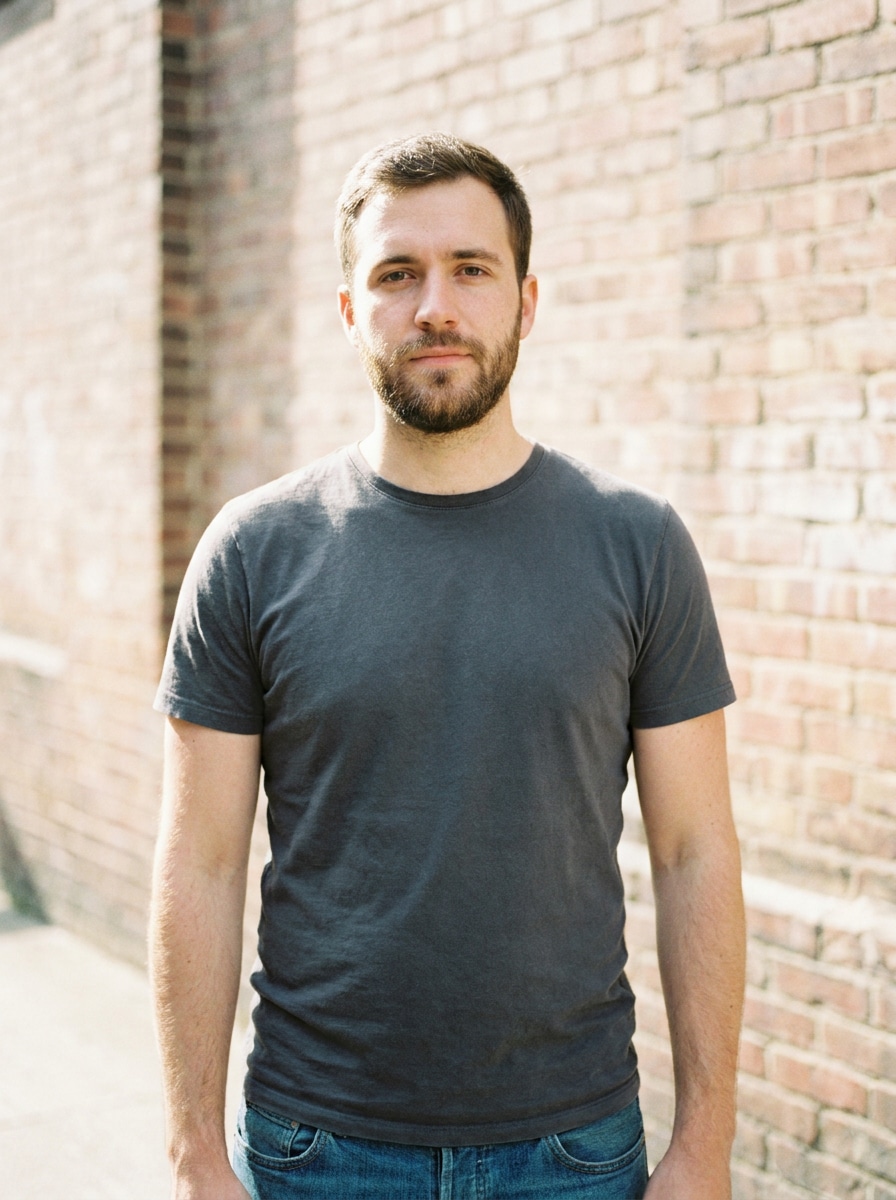
Filtro AI de Motociclista para Transformações Realistas com Jaqueta de Couro
Transforme uma selfie em um ousado retrato de estilo motociclista com jaquetas realistas, motos e cenários cinematográficos de estrada. Estefiltro AI de motociclistaajuda você a criar rapidamente visuais dramáticos de antes e depois, seja para umfiltro de foto de jaqueta de motociclista, edição de piloto com clima intenso ou uma transformação profissional pronta para redes sociais.
Digite sua ideia -> AI cria para você. Experimente grátis.
Veja estas instruções de exemplo e personalize os detalhes do prompt para obter resultados melhores com este Filtro de Motociclista.
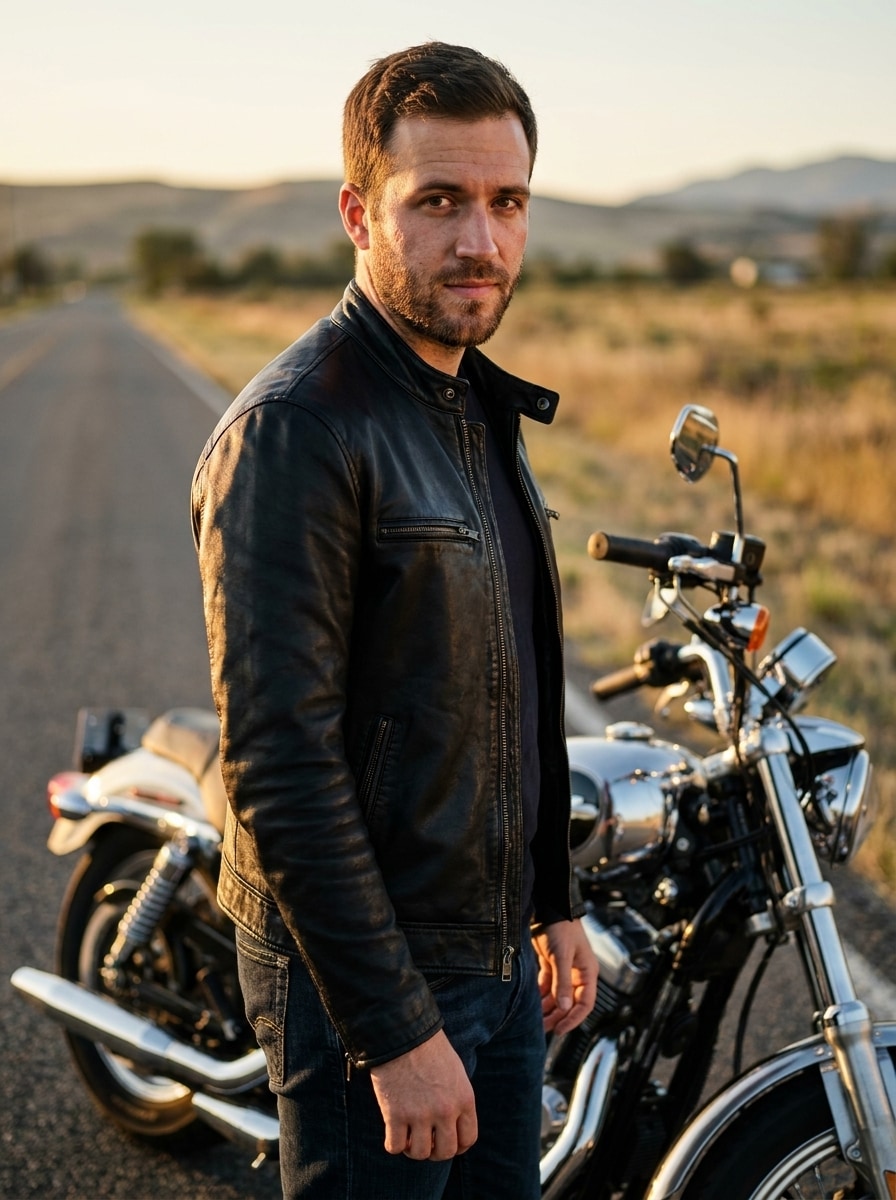
Motociclista da Estrada com Jaqueta de Couro
Use a imagem enviada como base e transforme-a em um retrato fotorealista de motociclista ao lado de uma motocicleta clássica em uma estrada vazia. Adicione uma jaqueta de couro preta ajustada, jeans escuro, reflexos sutis de cromado, luz natural dourada, contraste cinematográfico, detalhes nítidos de pele e um clima editorial confiante, mantendo o rosto reconhecível.
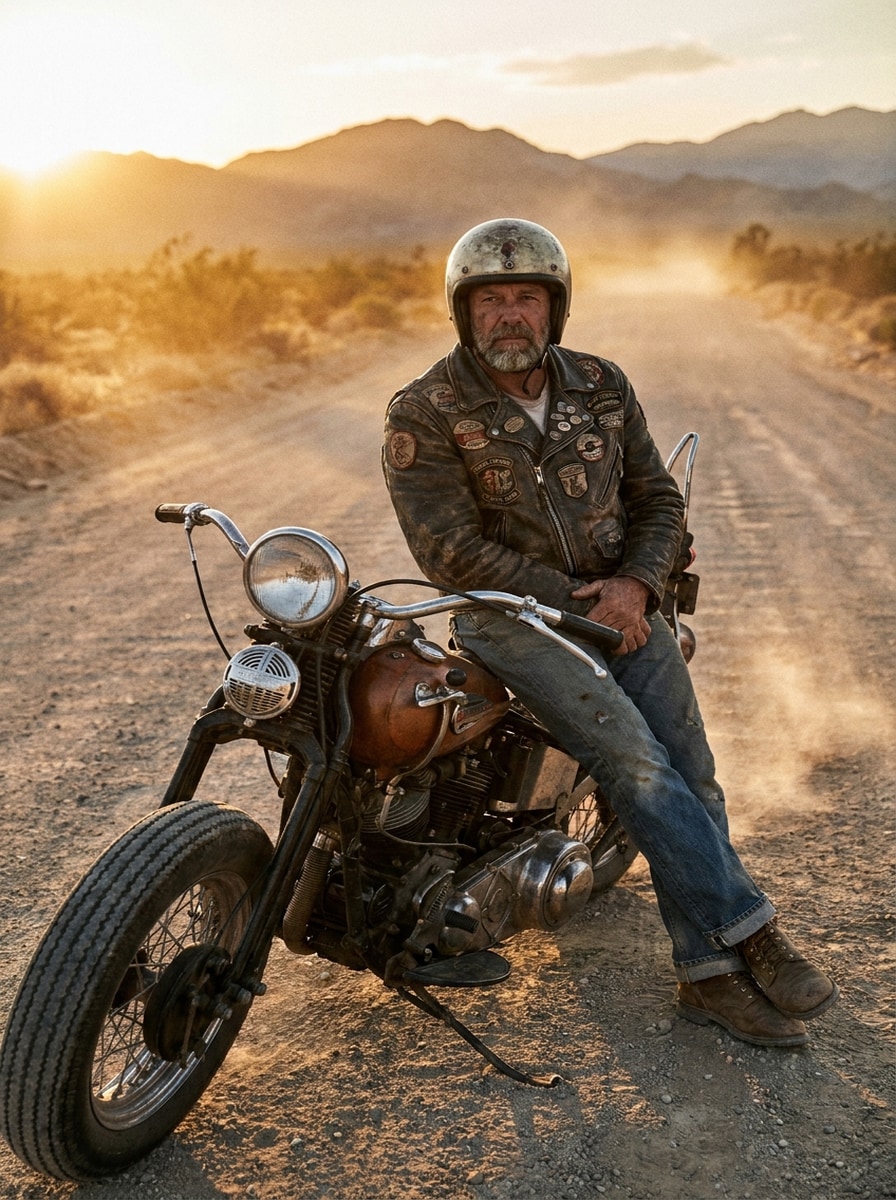
Motociclista Vintage Americana
Use a imagem enviada como base e transforme-a em um retrato de piloto vintage no estilo americano em uma rodovia aberta. Adicione uma jaqueta de couro envelhecida, estilo clássico de motocicleta, jeans desbotado, atmosfera de estrada empoeirada, tons quentes de pôr do sol, textura de filme e um clima robusto porém sofisticado, com preservação realista do rosto.
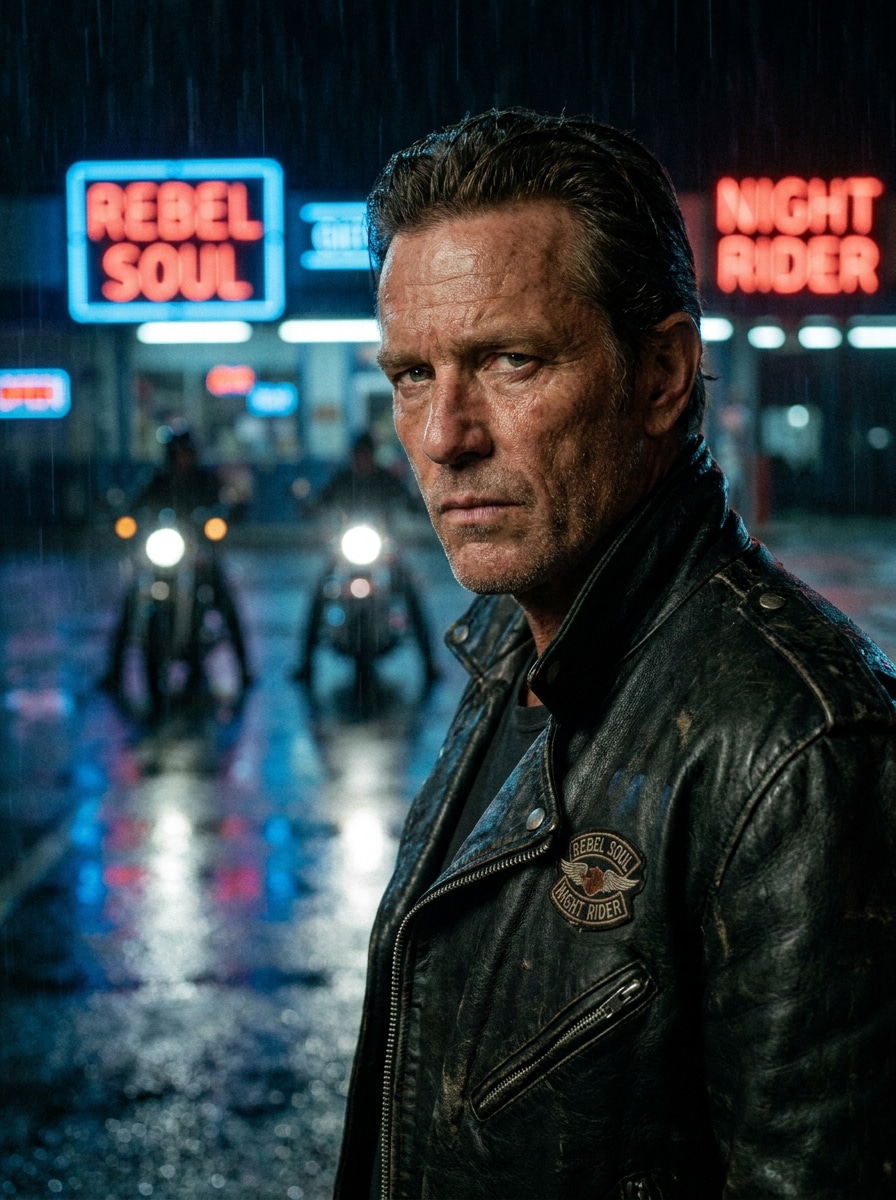
Motociclista Noturno Estiloso
Use a imagem enviada como base e crie uma transformação cinematográfica de motociclista noturno com jaqueta preta elegante, faróis de motocicleta ao fundo, reflexos de rua molhada, detalhes em neon azul e vermelho, profundidade de campo rasa, texturas de alta definição e um retrato rebeldemente sofisticado.
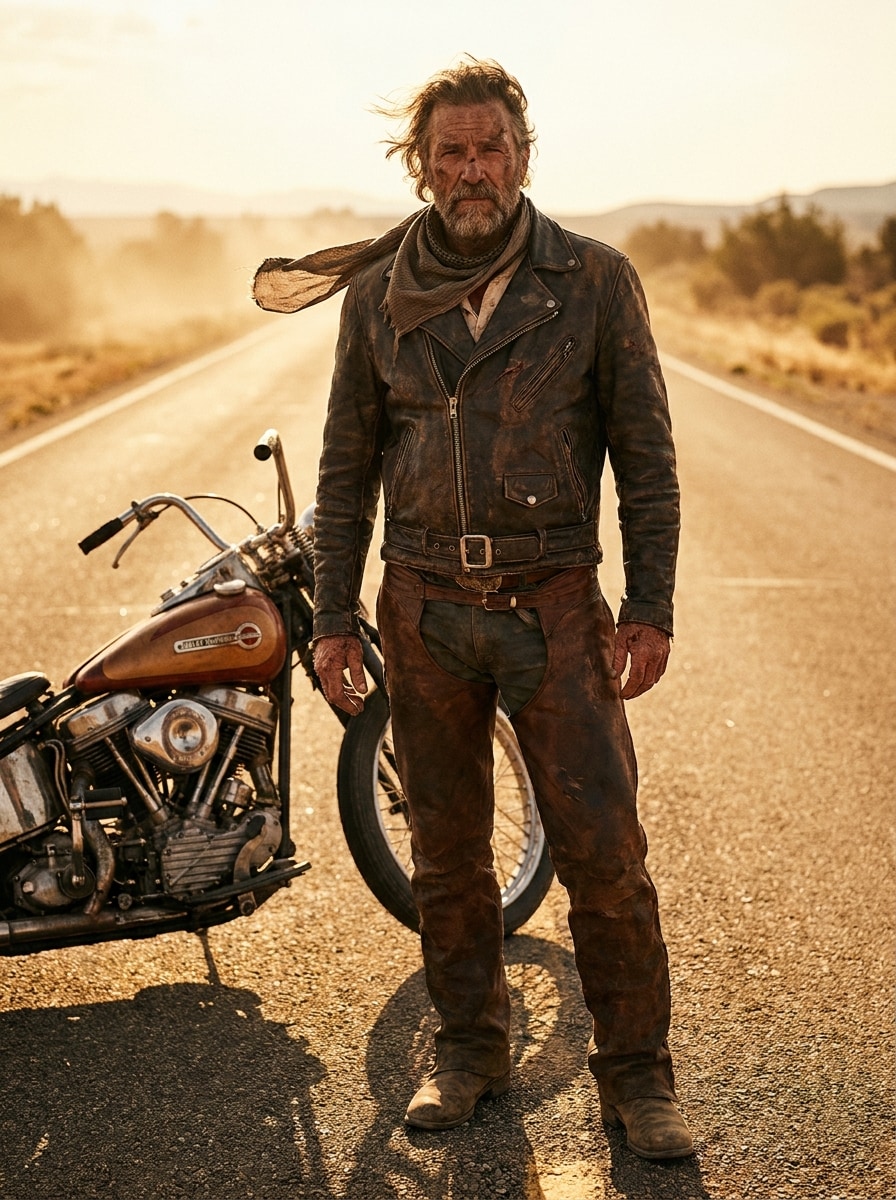
Guerreiro da Estrada do Deserto
Use a imagem enviada como base e transforme-a em um retrato de motociclista robusto no deserto em uma rodovia iluminada pelo sol. Adicione roupas de couro envelhecido, botas empoeiradas, uma motocicleta próxima, luz âmbar quente, atmosfera ventosa, tons terrosos, composição ousada e detalhes faciais realistas para um visual poderoso de guerreiro da estrada.
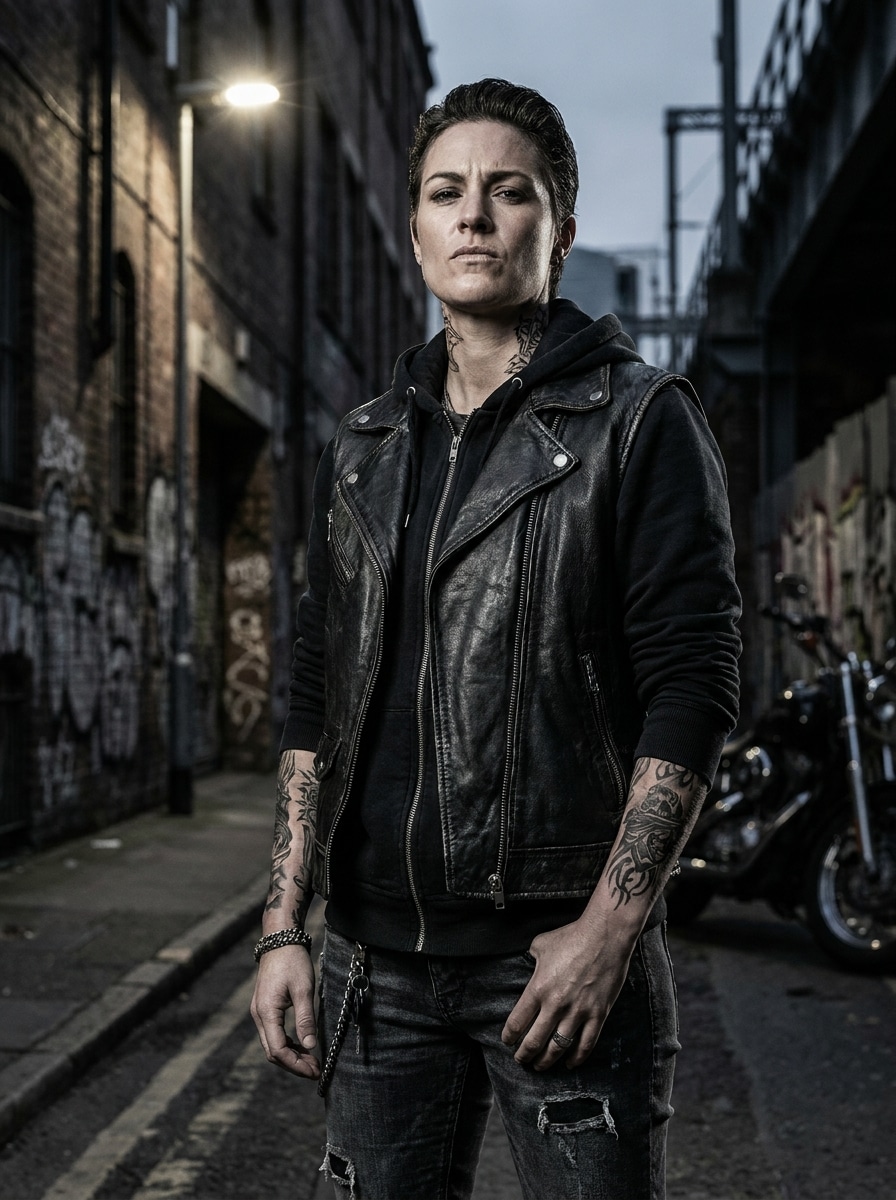
Motociclista Urbano Tatuado
Use a imagem enviada como base e crie um retrato urbano ousado de motociclista com tatuagens temporárias realistas, colete ou jaqueta de couro, fundo de rua urbana, contraste forte, paleta de aço e preto, texturas marcantes, iluminação lateral dramática e atitude pronta para redes sociais, mantendo a identidade do rosto.
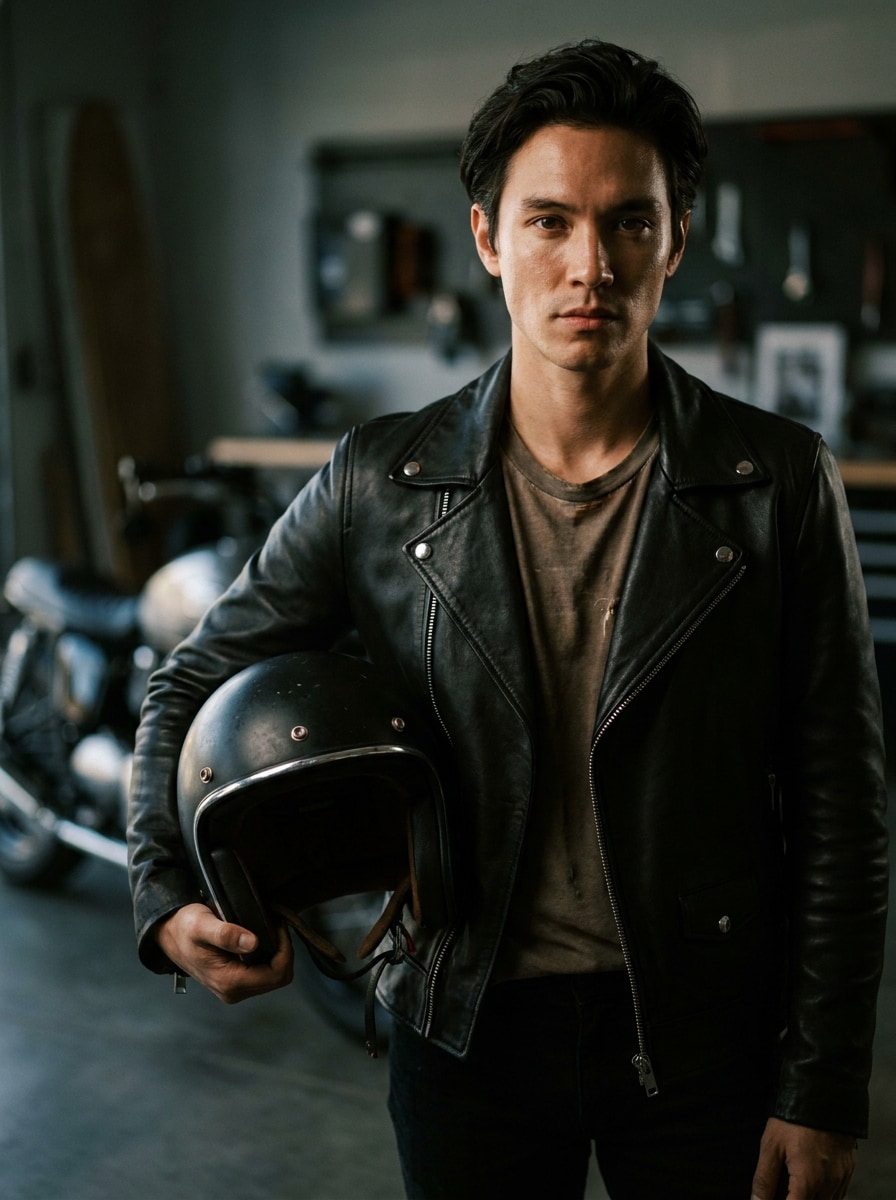
Retrato com Revelação do Capacete
Use a imagem enviada como base e produza um retrato premium de motociclista segurando um capacete. Adicione jaqueta de couro sob medida, fundo desfocado suave, iluminação dramática de retrato, detalhes sutis de cromado, preto intenso, textura de pele realista e expressão calma e confiante para um visual moderno de editorial de motociclista.
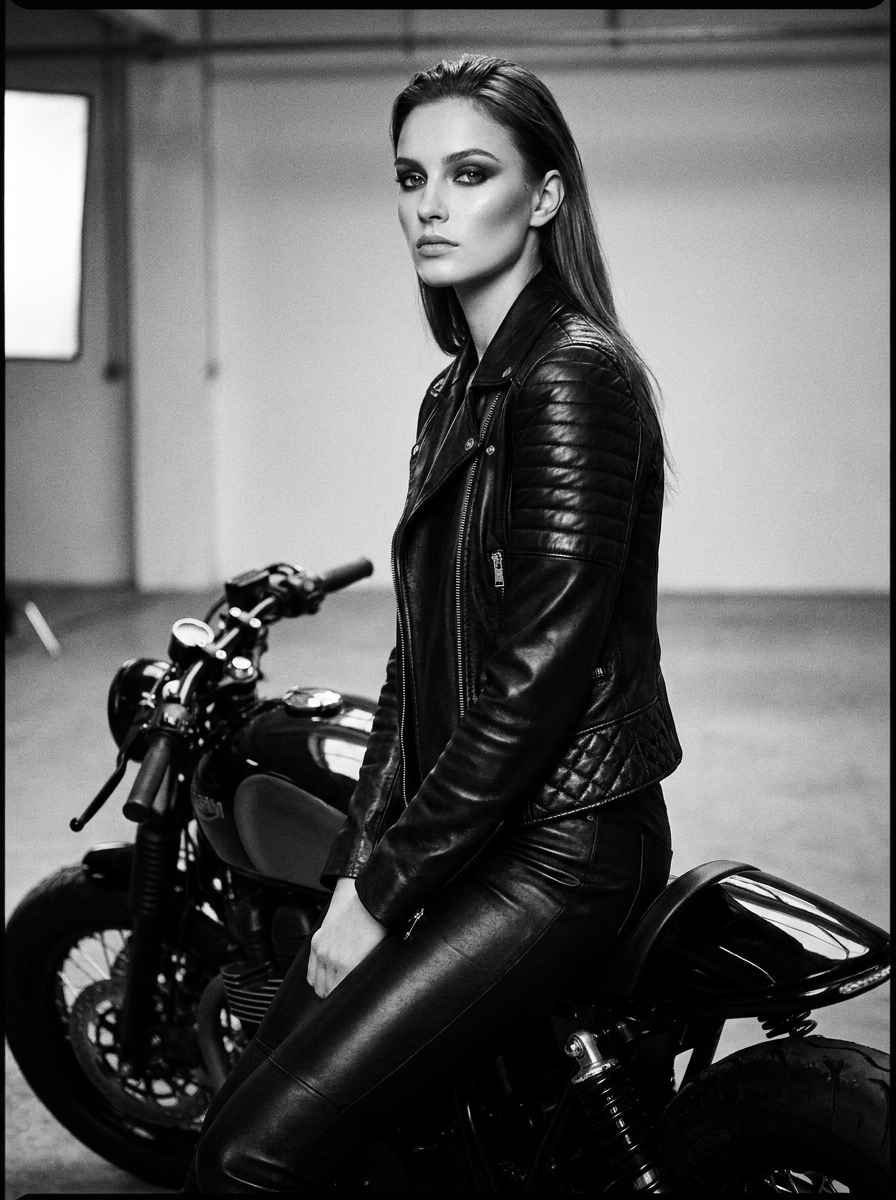
Editorial de Motociclista Feminina
Use a imagem enviada como base e transforme-a em um retrato de motociclista com inspiração fashion. Adicione roupa de couro ajustada, estilo refinado de motocicleta, maquiagem polida se adequado, pose limpa, iluminação de qualidade de revista, texturas de preto brilhante, paleta monocromática sofisticada e preservação facial realista com energia confiante.
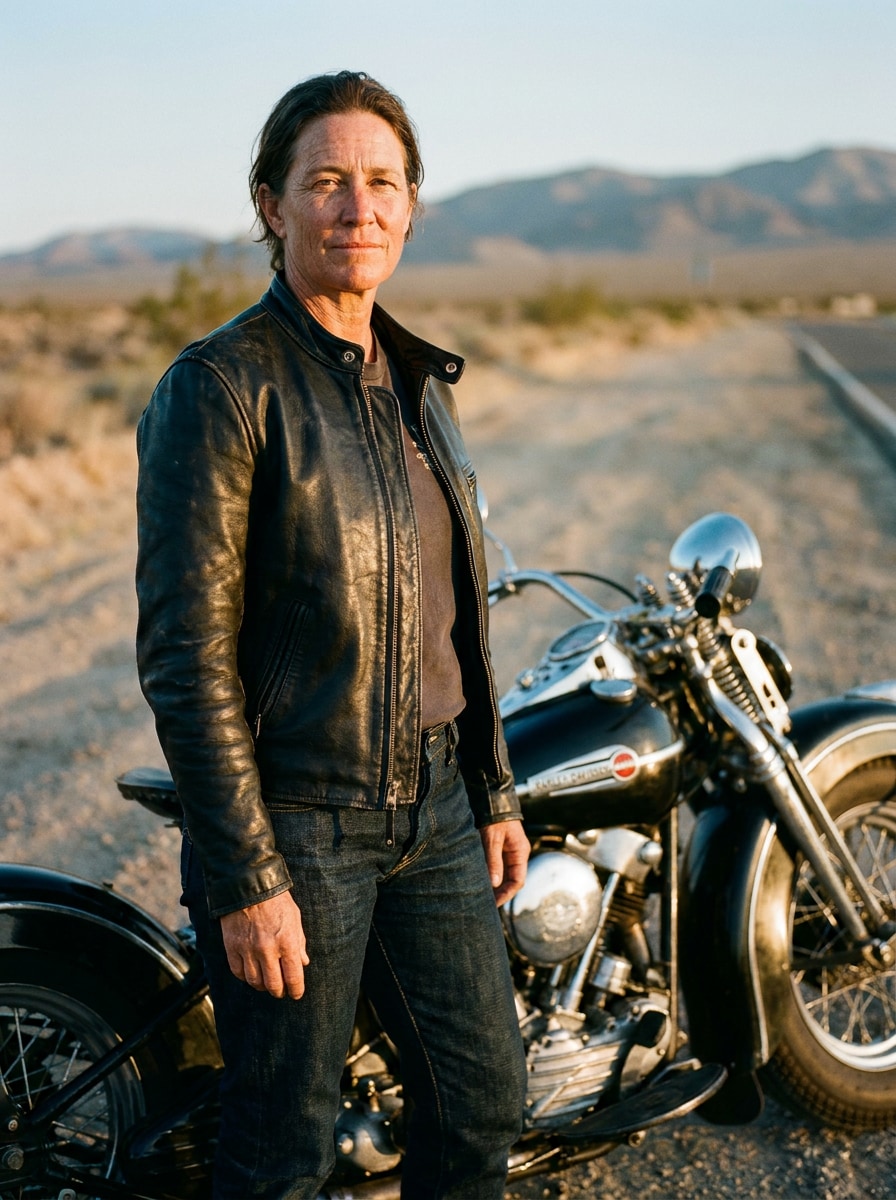
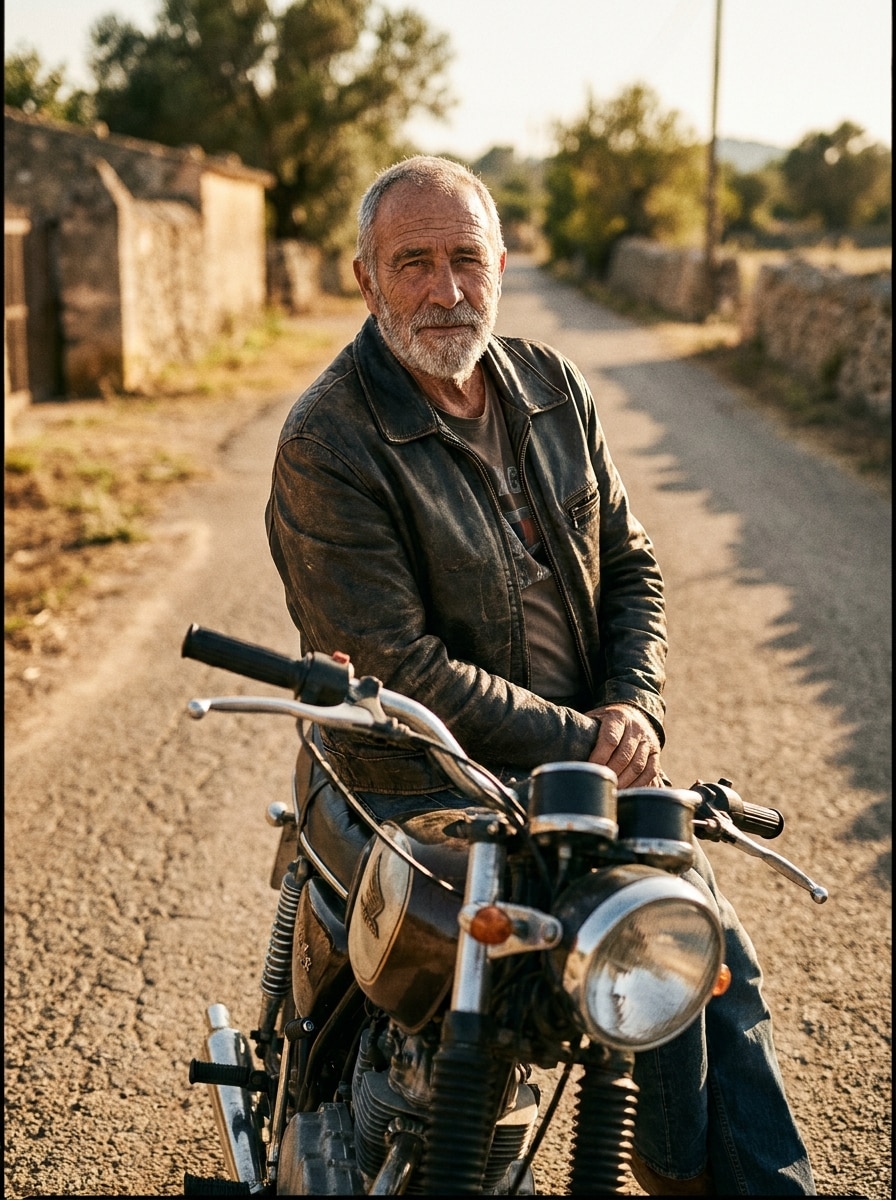
Motociclista Vintage Distinto
Use a imagem enviada como base e crie um retrato clássico e maduro de motociclista com jaqueta de couro atemporal, cenário retro de motocicleta, confiança discreta, tons cinematográficos quentes, fundo texturizado de estrada, estilo apropriado para idade e iluminação de retrato nítida que mantém o rosto autêntico e reconhecível.
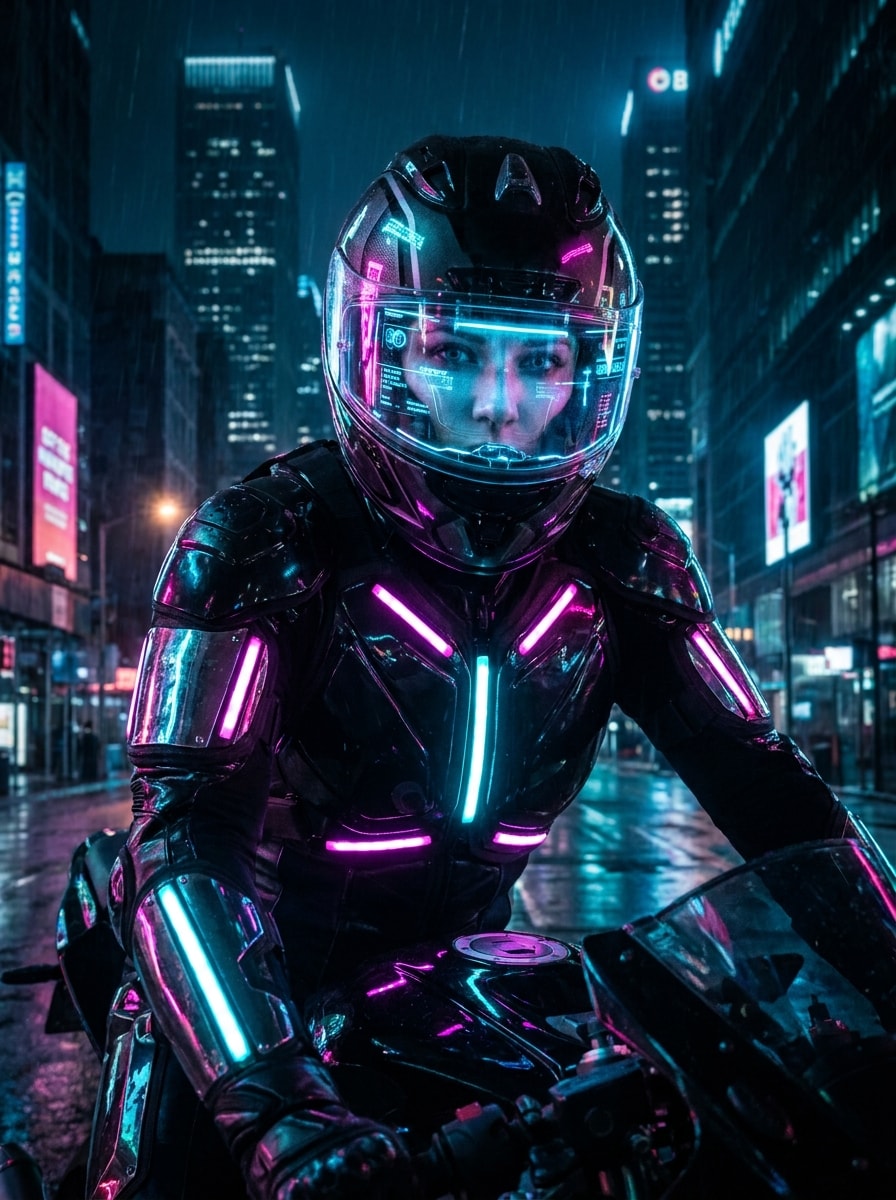
Motociclista Cyberpunk
Use a imagem enviada como base e transforme-a em um retrato futurista de motociclista com roupa iluminada por neon, materiais brilhantes, detalhes luminosos, capacete tecnológico, fundo urbano sombrio, realces vívidos em magenta e ciano, atmosfera cinematográfica e preservação realista do rosto com realismo digital preciso.
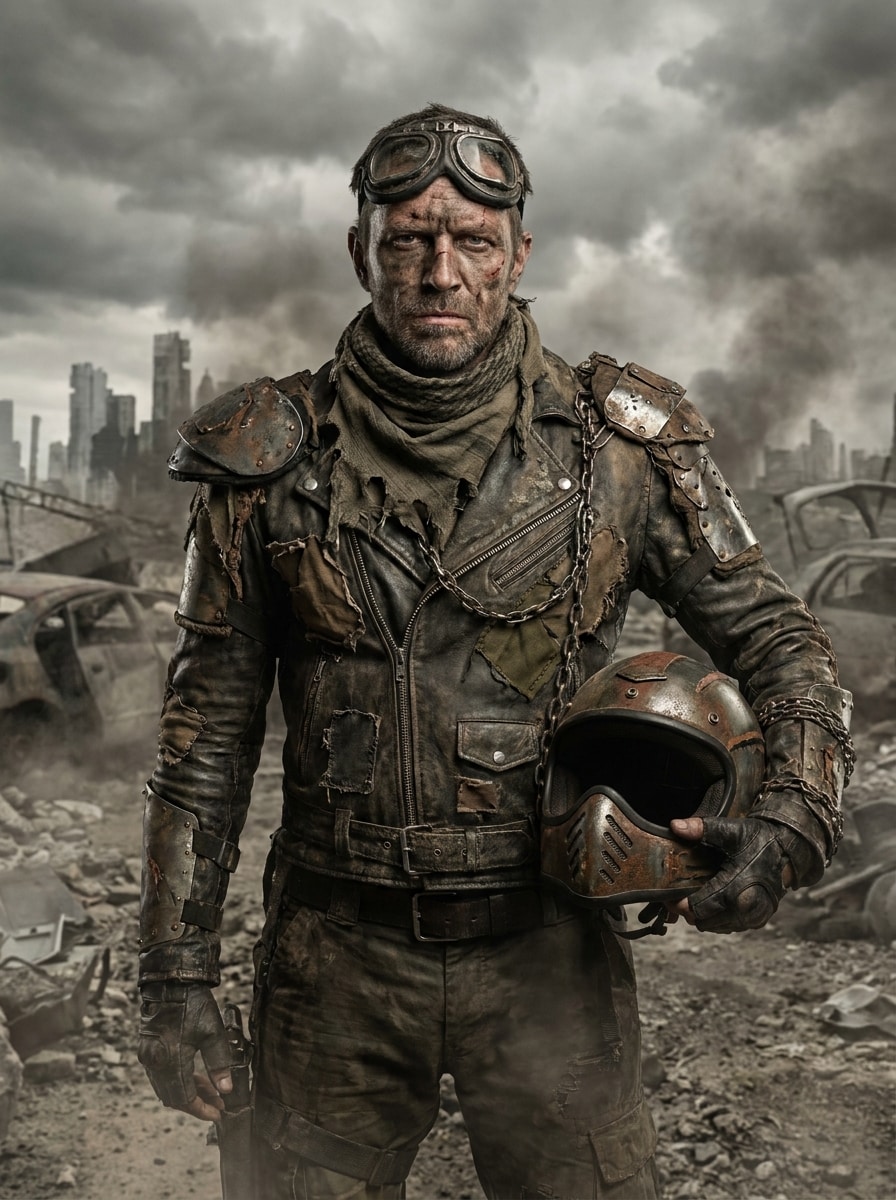
Motociclista Pós-Apocalíptico
Use a imagem enviada como base e transforme-a em um retrato sobrevivente de motociclista pós-apocalíptico. Adicione armadura de couro robusta, texturas envelhecidas, ar empoeirado, iluminação dramática nublada, tons marrons e carvão, enquadramento cinematográfico forte e detalhes realistas do rosto para um visual ousado e rebelde.
Por que usar o Media.io para transformações de retrato de motociclista
Crie variações prontas para redes sociais sem reenviar novas fotos
O Media.io facilita gerar múltiplas edições de motociclista a partir de um único upload, permitindo comparar fotos com capacete, looks com jaqueta de couro e cenários de estrada dramáticos rapidamente, e escolher a melhor versão para Reels, imagens de perfil ou posts reveladores compartilháveis.
Mantenha seu rosto reconhecível em todos os estilos de motociclista
Quando o estilo faz parte das escolhas, o Media.io permite comparar várias direções usando a mesma base visual do filtro de motociclista, tornando a seleção criativa mais eficiente.
Gere visual limpo com resolução até 4K
Se o visual final do filtro de motociclista for usado além de uma prévia pequena, o Media.io proporciona resultados mais nítidos até 4K, mantendo a imagem confiável para trabalhos de design e apresentações.
Use em diferentes dispositivos sem instalar nada extra
Seja explorando efeitos de filtro de motociclista no laptop ou revisando rascunhos pelo celular, o Media.io mantém tudo pelo navegador, facilitando continuar o mesmo fluxo de trabalho em vários dispositivos.
Como usar o Filtro AI de Motociclista
Transforme suas palavras em visuais incríveis em três passos simples e continue aprimorando se quiser avançar ainda mais.
Passo 1
Envie sua imagem de referência
Comece com uma selfie clara ou retrato em JPG, PNG ou JPEG. Uma foto frontal com boa iluminação e traços faciais visíveis dá uma base forte ao AI para roupas realistas de couro, estilo de motocicleta e transformações de motociclista reconhecíveis.
Passo 2
Descreva a alteração e configure as opções
Informe o visual de motociclista desejado, como piloto clássico de estrada, rebelde vintage ou cena noturna cinematográfica. Depois escolha o modelo e ajuste proporção de aspecto, resolução ou número de variações para definir o estilo final.
Passo 3
Gere, baixe e continue aprimorando
Crie sua imagem, compare as versões de motociclista e baixe o resultado favorito. Se necessário, refine o prompt, altere o clima ou detalhes do figurino e gere novamente até o retrato ficar perfeito para postagem ou uso em design.
Libere o Potencial do Filtro de Foto de Jaqueta de Motociclista
Veja como criadores usam o Filtro de Motociclista para conteúdo, marketing e projetos pessoais; adapte cada ideia conforme sua necessidade.
Crie posts virais de revelação antes e depois
Transforme uma selfie em uma dramática transformação de motociclista para TikTok, Reels ou Shorts. Uma edição realista com jaqueta de couro e traços faciais preservados torna a revelação mais convincente, atrativa e fácil de compartilhar como tendência visual baseada em personalidade.
Construa um visual de personagem mais forte para perfis
Se você quer uma imagem mais intensa e cinematográfica para avatar, capa ou marca pessoal, esta ferramenta permite criar retratos polidos com motos, capacetes e iluminação dramática, saindo do padrão dos filtros genéricos e edições caricatas.
Simule conceitos editoriais e de pôster rapidamente
Designers e criadores exploram facilmente estéticas ousadas de motociclista para capas, pôsteres e campanhas visuais. É uma forma prática de testar conceitos de filtro de jaqueta de motociclista antes de investir em um ensaio completo.
O que dizem os usuários
Jordan M.
Criador de Conteúdo Curto
"Ótimo para vídeos de revelação"Usei para um vídeo 'como seria meu visual de motociclista', e ficou surpreendentemente realista. O rosto permaneceu reconhecível, e os detalhes da jaqueta de couro deixaram a transformação muito mais cinematográfica que um filtro social comum.
Avery L.
Blogueira de Estilo de Vida
"Estiloso e fácil de controlar"Gostei de poder testar visual de estrada vintage, edição de piloto noturno e um retrato editorial limpo usando o mesmo upload. Economizou tempo, e os diferentes moods de motociclista ficaram polidos, prontos para posts e gráficos de blog.
Casey R.
Designer Digital
"Útil para simular conceitos"Testei ideias para pôsteres com tema de motociclista sem precisar de ensaio fotográfico. Poder mudar o enquadramento e gerar vários retratos rapidamente tornou muito prático para explorar ideias no início do projeto.
Morgan T.
Criador de Conteúdo Mobile
"Funciona bem no celular"Fiz meu retrato de motociclista pelo celular durante o trajeto. O fluxo de trabalho foi simples, e a imagem final tinha estética forte de moto sem mudar completamente meu rosto.
Explore os efeitos de vídeo e imagem de IA mais quentes
Perguntas Frequentes sobre o Filtro AI de Motociclista
1. O que é um filtro AI de motociclista?
Um filtro AI de motociclista é um efeito de imagem que transforma sua foto enviada em um retrato com estilo motociclista. Com o Media.io, você pode usar uma selfie como referência para criar visuais com jaquetas de couro, motos, iluminação cinematográfica e estilos variados, mantendo vínculo visual com sua imagem original.
2. Como usar um filtro AI de motociclista na minha foto?
Envie um retrato nítido em JPG, PNG ou JPEG e descreva o estilo desejado, como piloto clássico, look editorial com couro ou cena noturna dramática. O Media.io permite escolher modelo, configurar opções como proporção ou resolução e gerar várias variações usando a mesma imagem de referência.
3. Posso testar o filtro AI de motociclista grátis?
O Media.io oferece créditos gratuitos para você experimentar antes de fazer upgrade. Se precisar de mais gerações ou desejar downloads em alta resolução sem marca d'água, compare os planos na página de preços. Usuários gratuitos podem usar créditos grátis. Para mais uso, é possível assinar um plano. Faça upgrade na página de preços para mais créditos e downloads em alta resolução sem marca d'água.
4. Que tipo de selfie funciona melhor para retrato AI de motociclista?
Uma selfie nítida e bem iluminada com o rosto claramente visível geralmente funciona melhor. Enquadramento limpo, iluminação equilibrada e pouco desfoque ajudam o Media.io a criar uma transformação mais forte para um retrato realista de motociclista, seja um estilo robusto de estrada ou um visual mais polido.filtro de motociclistavisual.
5. O filtro de motociclista mantém meu rosto reconhecível?
Ele foi criado para usar sua foto enviada como referência visual, permitindo que o resultado fique mais próximo da sua identidade que um gerador apenas de texto. O Media.io suporta transformações baseadas em referência, especialmente útil se você quer umfiltro de retrato de motociclistaque ainda se pareça com você.
6. Quanto tempo demora para gerar uma imagem AI de motociclista?
O tempo de geração costuma ser rápido, mas pode variar conforme o modelo e as configurações escolhidas. Na maioria dos casos, o Media.io foi criado para um fluxo prático, então você pode enviar uma selfie, gerar algumas variações de motociclista e revisar o resultado sem um processo longo de edição.