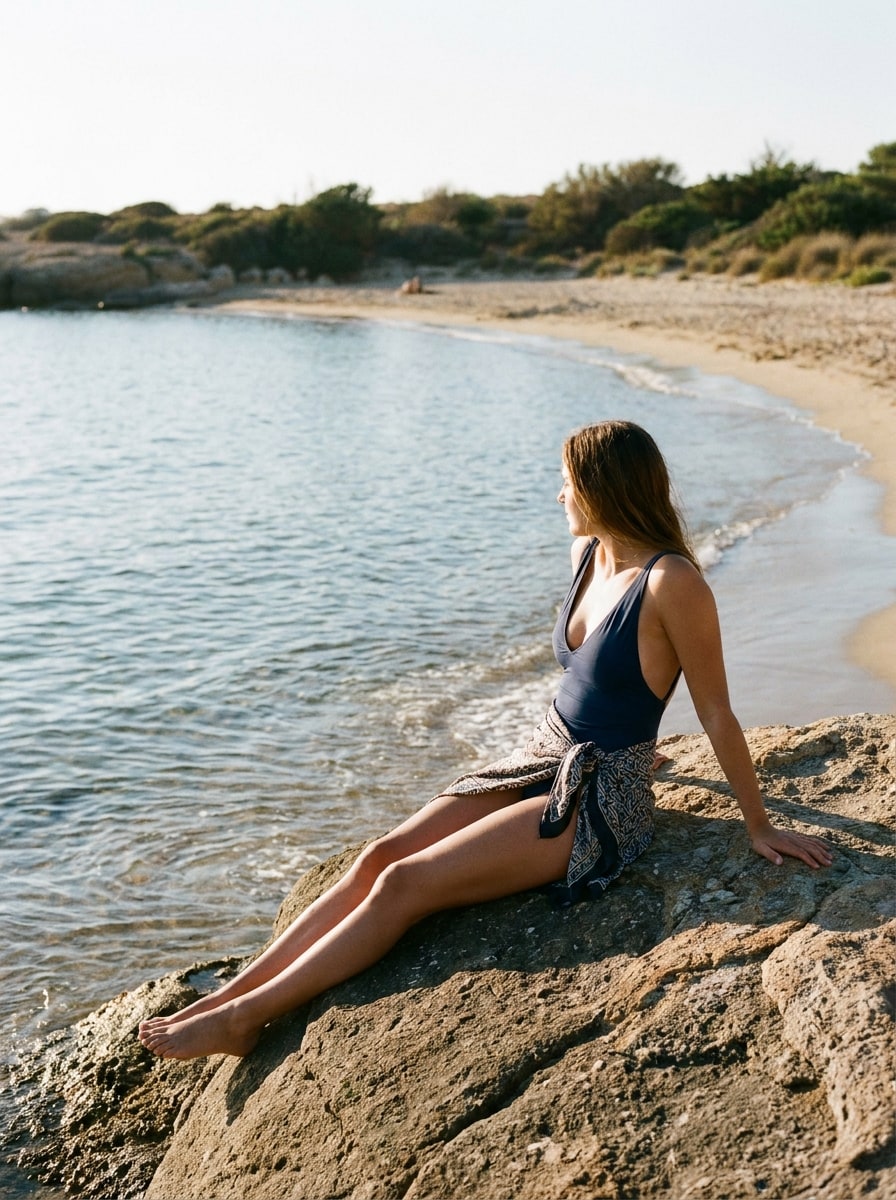
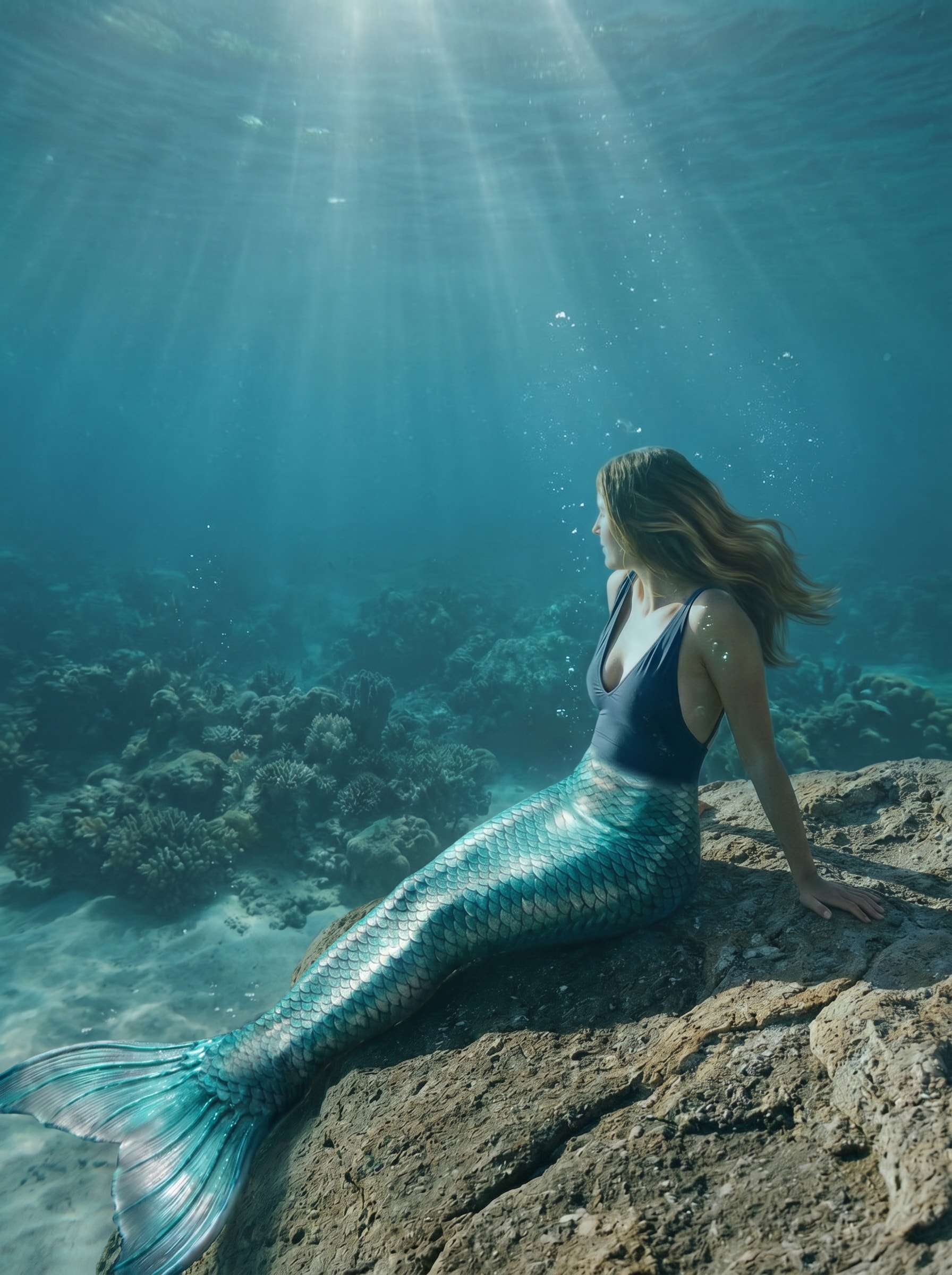
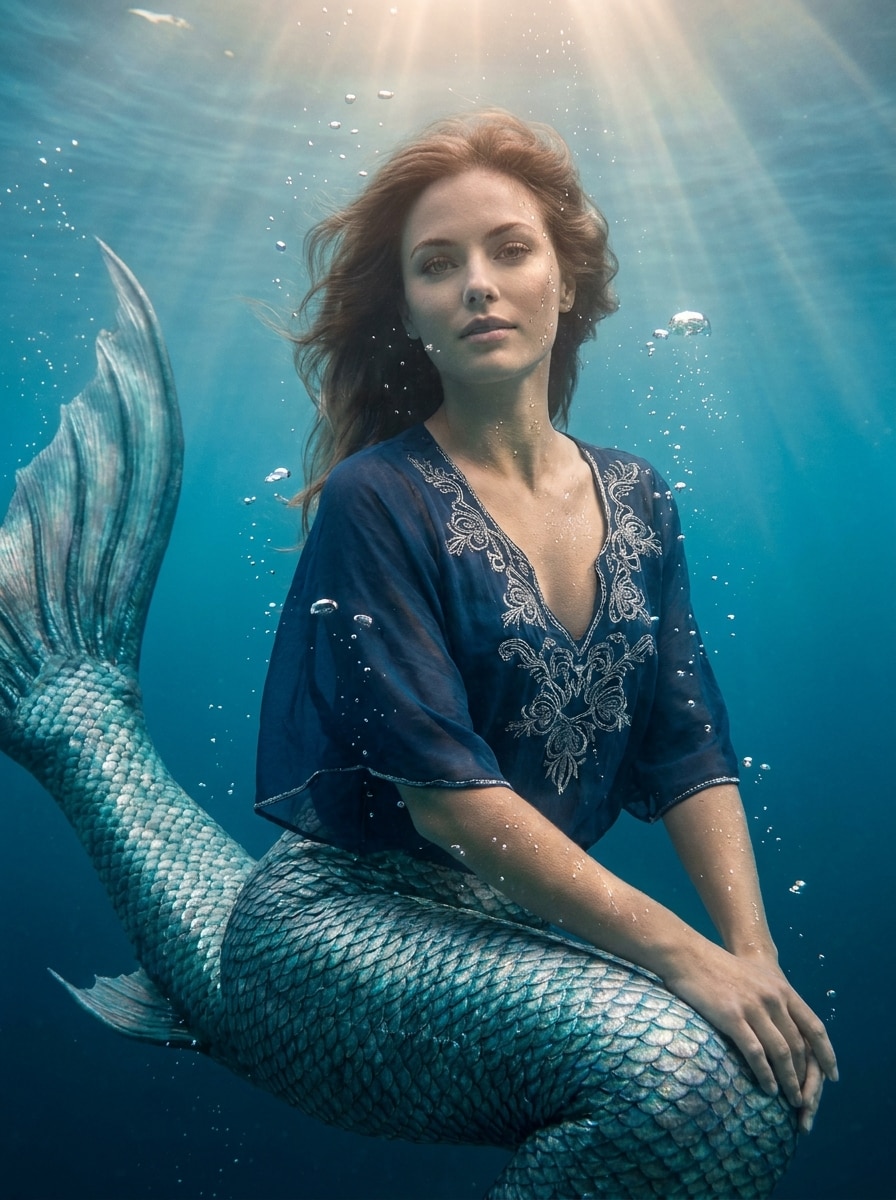
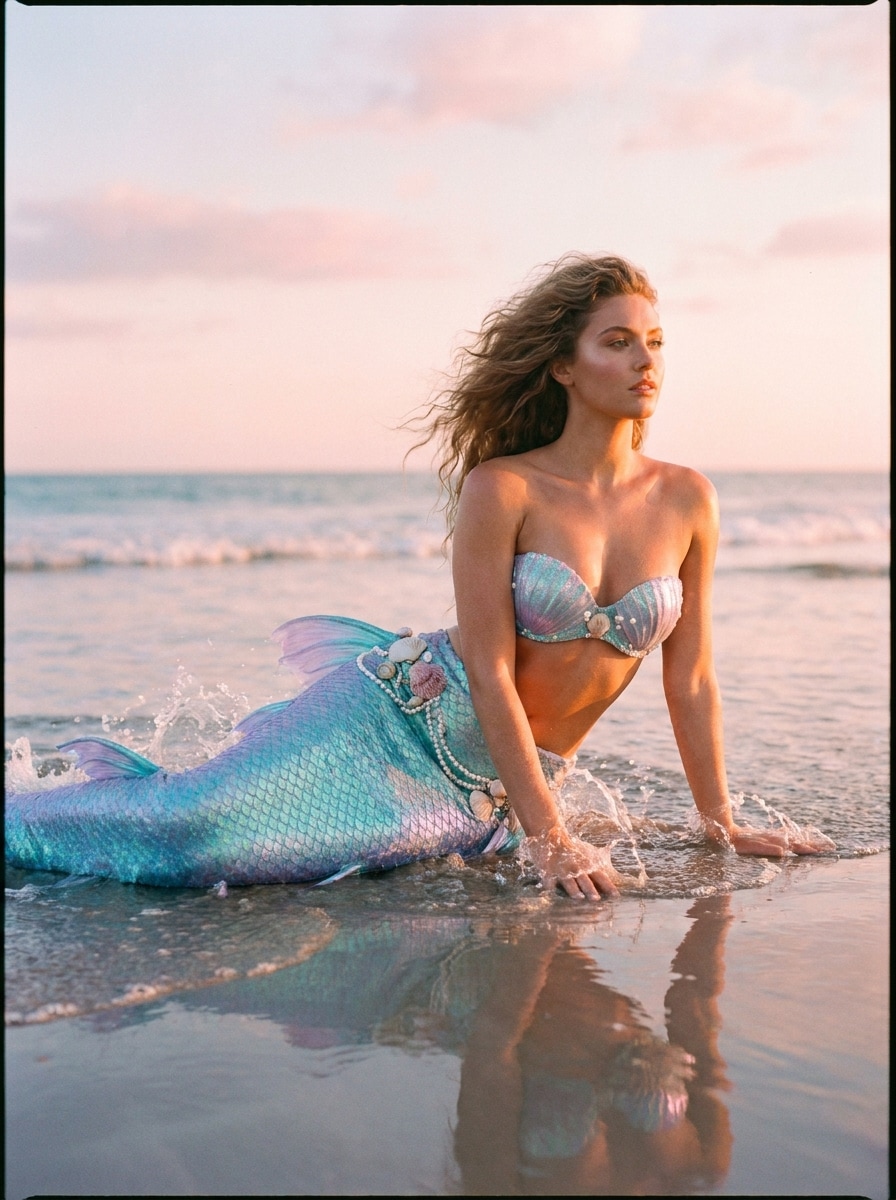
As criações são armazenadas por apenas 7 dias. Os recursos criados após o upgrade para um plano de assinatura serão armazenados permanentemente.
Desbloqueie seu potencial criativo e experimente a magia da IA de mídia hoje!
Adicionar Cauda de Sereia à Foto com Edições de Fantasia Realistas por IA
Use o Media.io para adicionar cauda de sereia à foto em minutos. Este editor de fotos de sereia baseado em navegador ajuda você a transformar foto em sereia com mistura realista de cauda, iluminação oceânica e estilo de fantasia refinado para selfies, retratos e fotos em grupo.
Digite sua ideia -> A IA cria. Grátis para experimentar.
Revise estes exemplos de instruções e personalize os detalhes do prompt para obter resultados mais precisos com esta ferramenta de Adicionar Cauda de Sereia à Foto, incluindo ideias que você pode refinar com um filtro de cauda de sereia com IA estilo.
Sereia Oceânica Fotorrealista
Use a imagem enviada como sujeito e transforme a parte inferior do corpo em uma cauda de sereia realista e brilhante com escamas em camadas nas cores verde-azulado e prata, anatomia natural, reflexos de pele molhada, cabelo fluindo suavemente, raios de luz subaquática suaves, bolhas sutis e gradação de cor cinemática em azul-esverdeado, preservando o rosto e a pose.
Edição de Praia para Sereia
Use a foto de praia enviada como base e substitua as pernas por uma elegante cauda de sereia iridescente em tons turquesa e lavanda, adicione respingos d'água sutis, detalhes de conchas, brilho de pele iluminada pelo sol, suave brisa do oceano no cabelo e iluminação realista que combine com a cena original à beira-mar.
Glamour de Cauda com Glitter
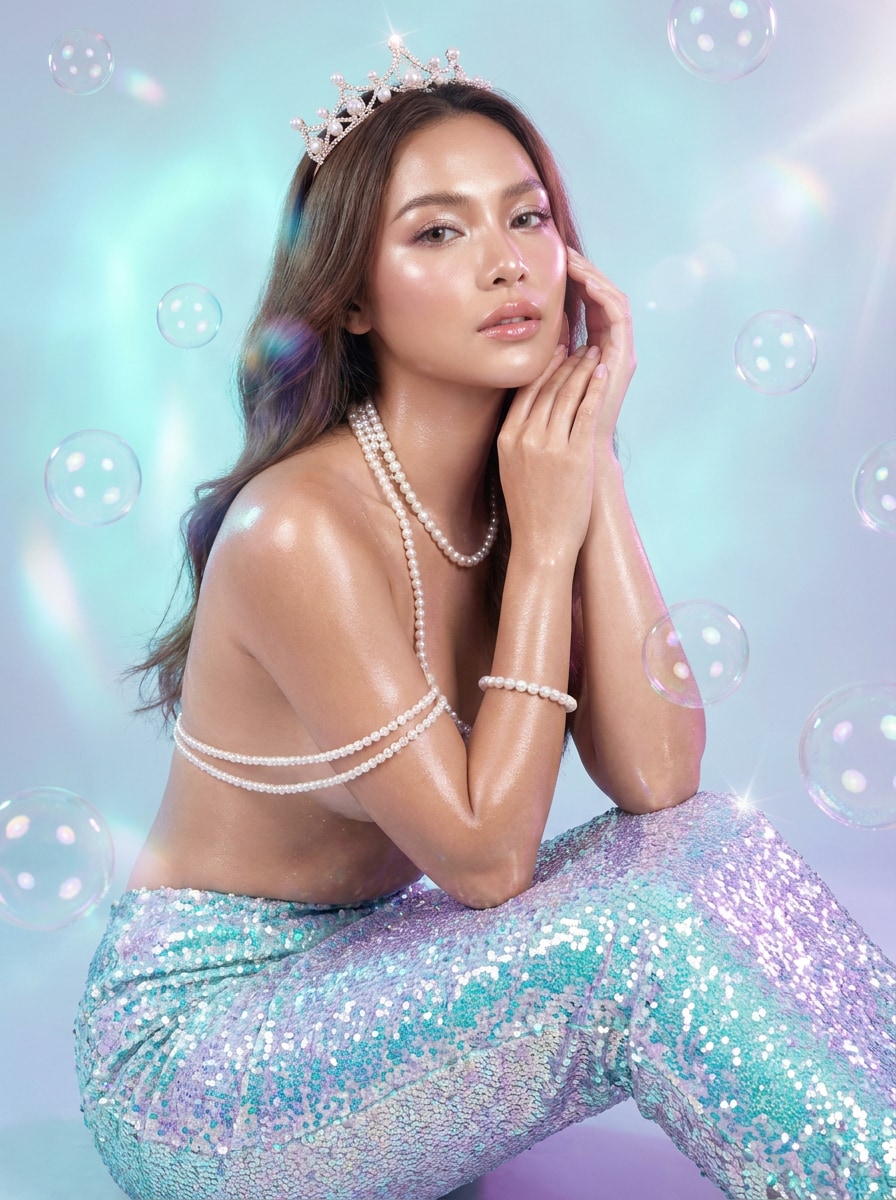
Use o retrato enviado como sujeito e crie uma transformação glamorosa de sereia com uma cauda de glitter cintilante, acabamento de pele brilhante, acessórios de pérola, iluminação cintilante em aqua e lilás, bolhas flutuantes, retoque de beleza refinado e um visual de fantasia polido e pronto para as redes sociais que mantenha a identidade facial reconhecível.
Retrato de Sereia Princesa
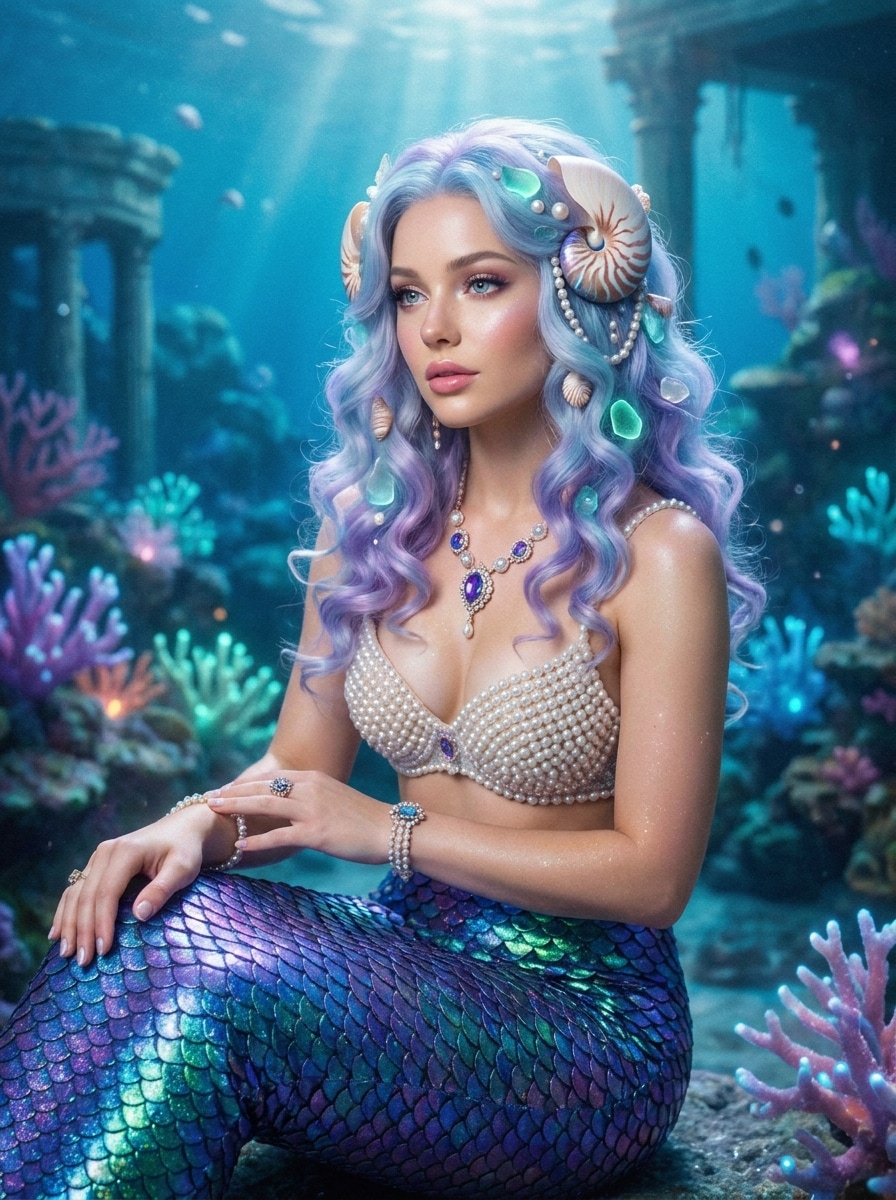
Use a selfie ou retrato enviado como referência e transforme-o em uma imagem de sereia estilo princesa com uma cauda em tons joias, cachos suaves, acessórios de conchas e pérolas, pele luminosa, brilho subaquático onírico, postura elegante e um clima de fantasia real, mantendo as características faciais da pessoa.
Sereia Cinemática do Mar Profundo
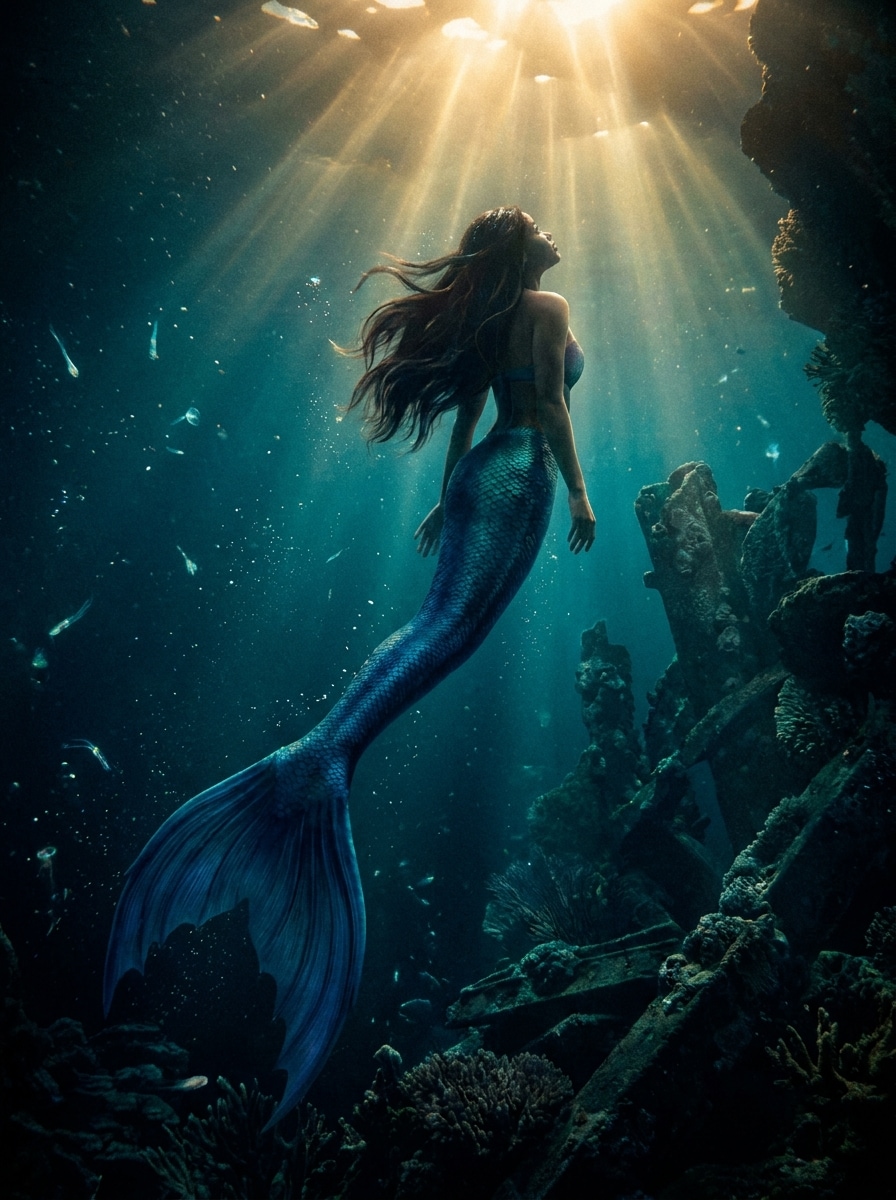
Use a imagem enviada como sujeito principal e transforme-a em uma cena cinemática de sereia subaquática com uma dramática cauda azul-profundo, cabelo flutuante, partículas suspensas, feixes de luz com forte contraste, sombras ricas, textura realista de escamas e gradação verde-azulada estilo cinema para um efeito de fantasia imersivo.
Sereia da Lagoa Ensolarada
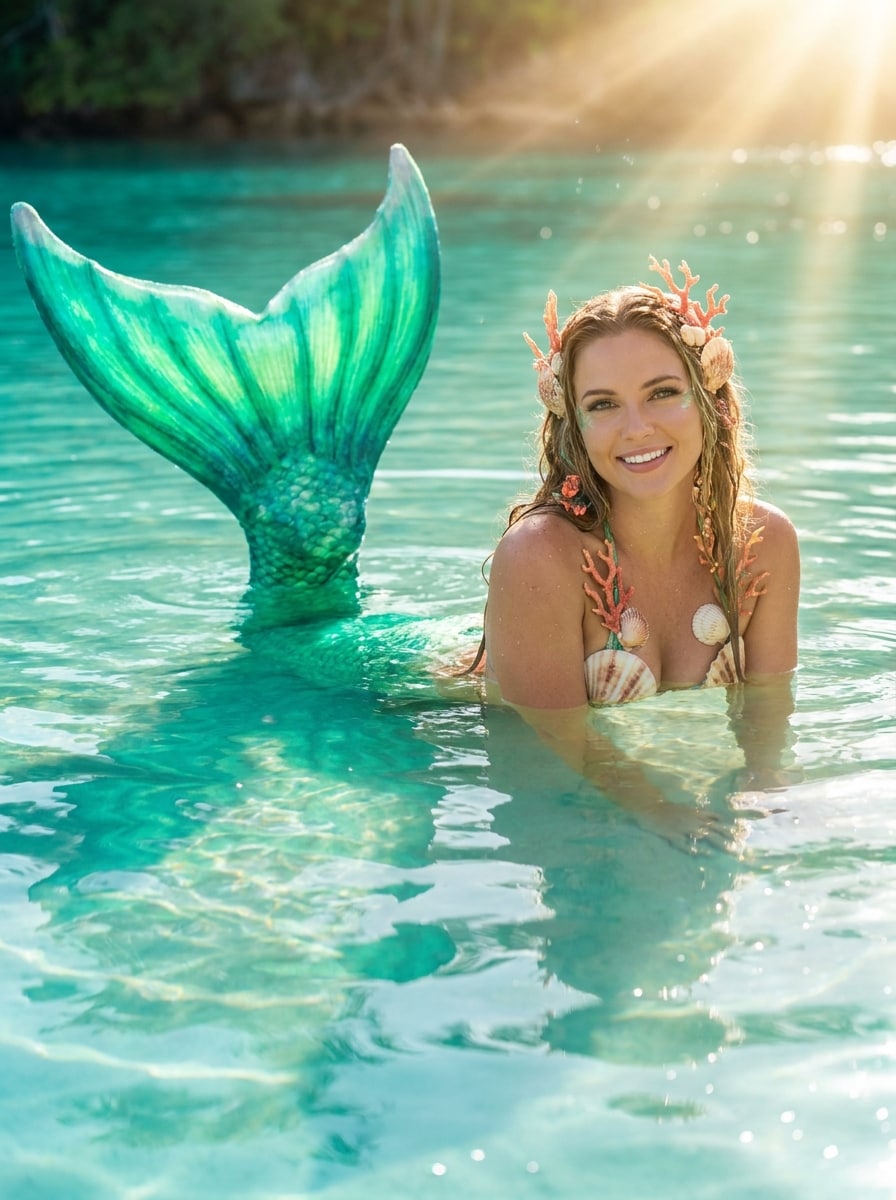
Use a foto enviada como sujeito e transforme-a em um retrato de sereia em lagoa tropical brilhante com uma cauda esmeralda luminosa, reflexos aqua cristalinos, detalhes de coral, raios de sol quentes, clima de férias fresco, textura de água cintilante e iluminação ambiental realista que se mistura naturalmente com a pose.
Sereia Fada Pastel
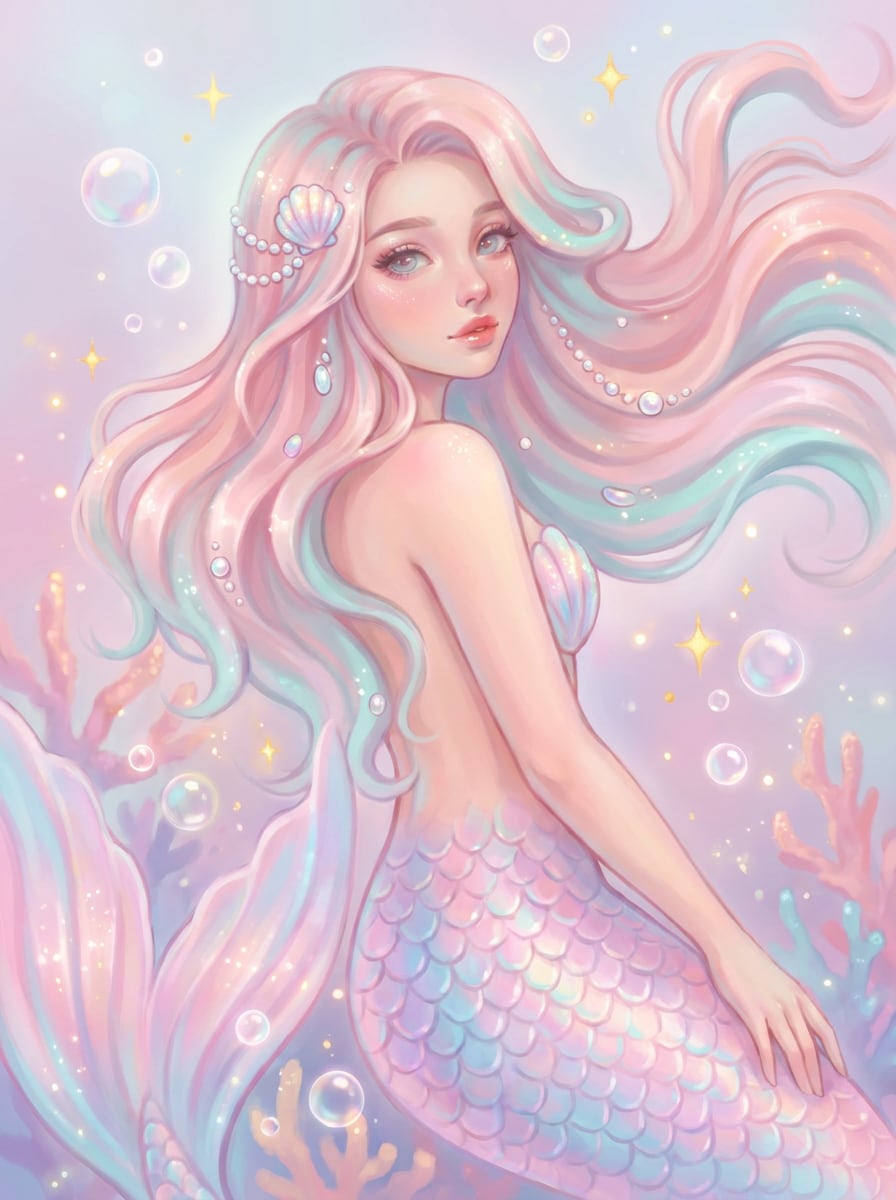
Use a imagem enviada como base e crie uma edição de sereia pastel fofa com uma cauda rosa suave e aqua, brilhos delicados, brilho onírico, detalhes de cabelo fluindo, estilo de fantasia caprichoso, bolhas de luz e um clima doce e arejado que ainda mantém o sujeito com aparência natural e reconhecível.
Fantasia de Sereia para Crianças
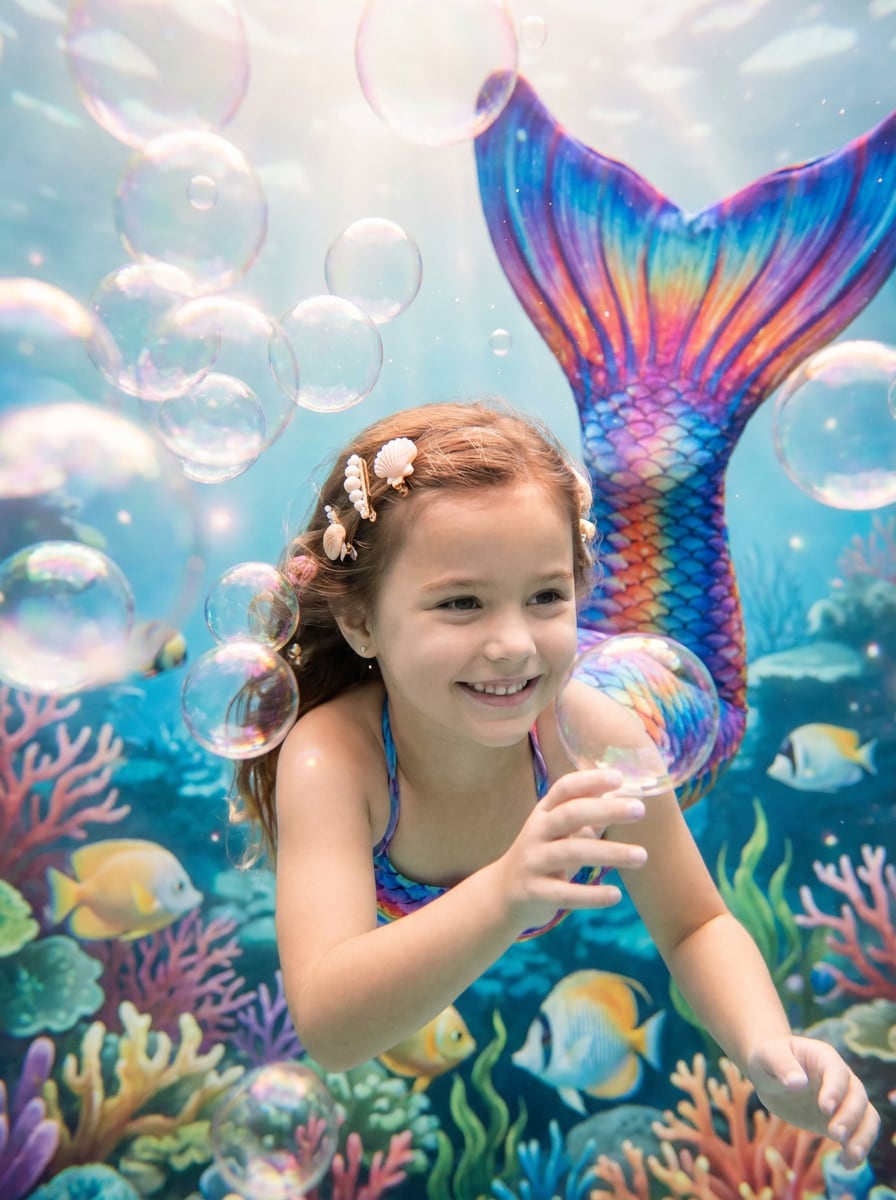
Use a foto da criança enviada como referência e adicione uma cauda de sereia colorida e divertida com escamas vibrantes, bolhas amigáveis, decorações de concha, brilho mágico suave, estilo alegre de fundo do mar e detalhes de fantasia limpos e adequados para a família, preservando o rosto da criança e a expressão alegre original.
Edição de Sereia para Melhores Amigas
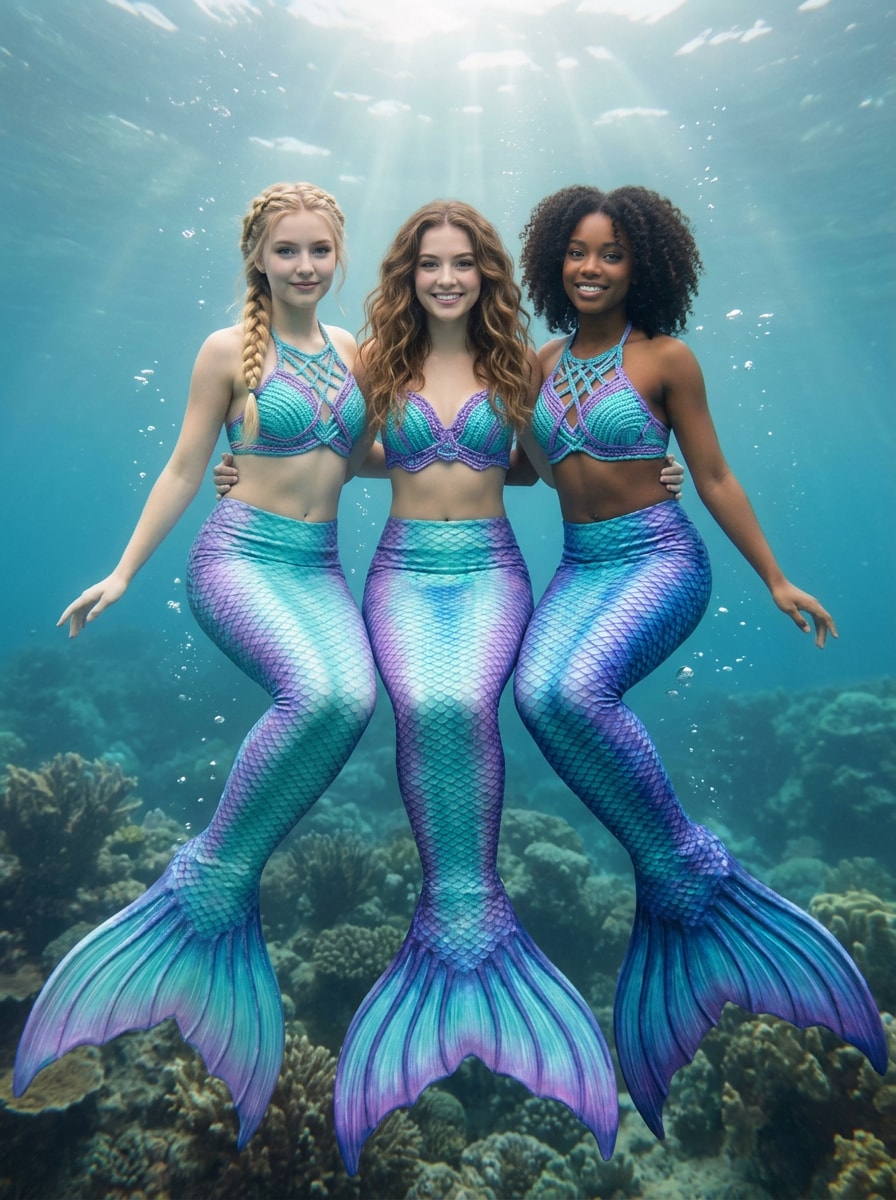
Use a foto de grupo enviada como referência e transforme cada pessoa em um visual de sereia coordenado com caudas combinando mas variadas, tons coesos de aqua e violeta, iluminação subaquática consistente, bolhas sutis, estilo de fantasia refinado e rostos preservados para que cada sujeito permaneça fácil de reconhecer.
Tema de Festa de Aniversário com Sereias
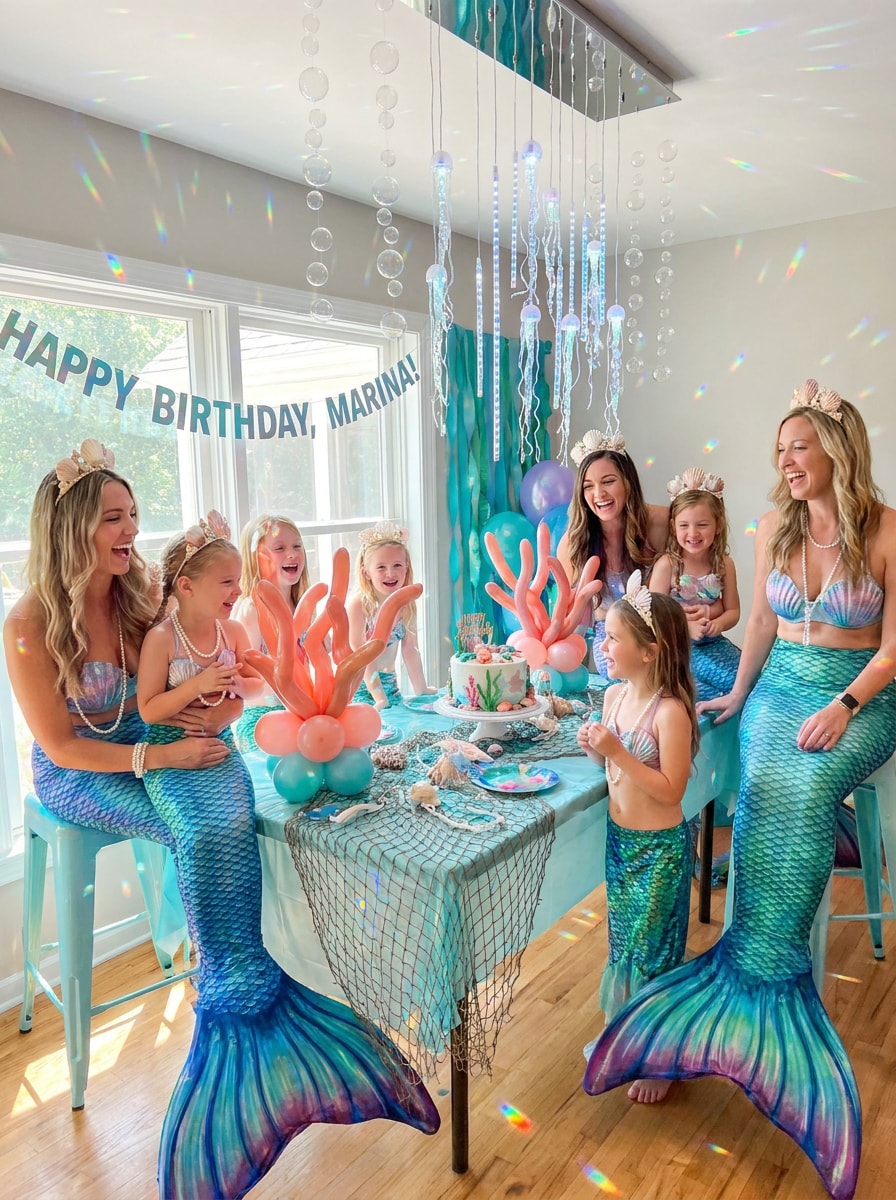
Use a foto da festa enviada como base e transforme-a em uma fantasia festiva de sereia com caudas elegantes, acessórios de conchas, efeitos de brilho oceânico, decorações coordenadas de fundo do mar, iluminação celebrativa vibrante e mistura realista que mantém as pessoas, expressões e o clima da festa intactos.
Por que Usar o Media.io para Adicionar Caudas de Sereia de Forma Realista
Transformações de Sereia Reconhecíveis a partir da Sua Própria Foto
Para postagens em redes sociais, conceitos de marca ou maquetes visuais que ainda precisam parecer com a pessoa original, o Media.io ajuda a preservar características reconhecíveis enquanto adapta o estilo geral de adicionar cauda de sereia à foto em um resultado de fantasia refinado.
Encontre o Estilo Certo para Cada Versão
Quando a direção artística ainda está em aberto, o Media.io permite testar múltiplos visuais em torno da mesma ideia de adicionar cauda de sereia à foto, tornando mais fácil encontrar o estilo certo sem recomeçar do zero.
Mantenha os Visuais Finais Nítidos para Projetos Reais
Quando uma adição de cauda de sereia à foto está destinada a uso real de publicação, o Media.io oferece saída mais nítida de até 4K, o que ajuda a manter a imagem clara em apresentações, fundos e recursos reutilizados.
Edição Rápida no Navegador Sem Composição Manual
Alguns conceitos de adição de cauda de sereia à foto são rascunhados em movimento e finalizados mais tarde em uma mesa. O Media.io mantém esse processo online, para que você possa retornar ao mesmo fluxo de trabalho sem instalações ou configurações extras.
Como Transformar Sua Foto em uma Sereia
Transforme suas palavras em visuais impressionantes em três etapas simples e continue refinando o resultado se quiser ir mais longe.
Etapa 1
Envie Sua Imagem de Referência
Comece com uma selfie clara, retrato, foto de praia ou foto em grupo no formato JPG, PNG ou JPEG. Fotos de corpo inteiro ou sentado geralmente dão à IA mais espaço para posicionar e misturar a cauda de forma natural.
Etapa 2
Descreva a Mudança e Defina as Opções
Diga à ferramenta o estilo de sereia que você deseja, como escamas oceânicas realistas, glamour de fantasia pastel ou iluminação de lagoa tropical. Em seguida, escolha seu modelo e ajuste a proporção, resolução e quantidade de imagens para o visual final.
Etapa 3
Gere, Baixe e Continue Melhorando
Crie várias versões, compare como a cauda se mistura com a pose e a iluminação e baixe seu resultado favorito. Você pode continuar refinando o prompt, gerar novas variações ou continuar editando para um acabamento de fantasia ainda mais impressionante.
Desbloqueie o Potencial do Editor de Fotos de Sereia
Veja como criadores usam esta ferramenta de Adicionar Cauda de Sereia à Foto para conteúdo, marketing e projetos pessoais, e adapte cada ideia para atender ao objetivo.
Crie Perfis nas Redes Sociais que Chamam Atenção
Transforme um retrato do dia a dia em um avatar de fantasia refinado para TikTok, Instagram ou aplicativos de mensagens. Com o Media.io, um visual subaquático realista, escamas cintilantes e iluminação favorável podem tornar sua imagem de perfil criativa sem perder suas características reconhecíveis.
Aprimore Fotos de Praia, Férias e Cosplay
Retratos à beira-mar e fotos de fantasias são perfeitos para uma transformação crível inspirada no oceano. Use o Media.io como editor de fotos de sereia para adicionar uma cauda que combine com a cena e, em seguida, melhore o clima com cores de lagoa, brilhos ou efeitos cinemáticos de água para um resultado mais imersivo.
Torne Fotos de Grupo e de Festas Mais Mágicas
Fotos de aniversário, retratos de melhores amigas e imagens de eventos temáticos podem receber um toque coordenado de fundo do mar. Isso é especialmente útil se você quiser transformar fotos em arte de sereia para convites, murais de memórias ou postagens divertidas e compartilháveis com um estilo de fantasia consistente.
O que os Usuários Dizem sobre Suas Edições de Sereia
Chloe R.
Criadora de Estilo de Vida
"Muito mais realista do que aplicativos de adesivos" Eu queria algo melhor do que um simples aplicativo de adesivo de sereia, e este realmente misturou a cauda com minha pose e iluminação. O resultado ficou refinado o suficiente para o Instagram.
Maya T.
Organizadora de Festas
"Ótimo para fotos de aniversário temáticas" Usamos em uma foto de aniversário e o efeito de fundo do mar ficou lindo. Manteve todos reconhecíveis e fez a foto inteira parecer coordenada em vez de muito editada.
Jordan P.
Hobbyista de Cosplay
"Fluxo de trabalho fácil no navegador" Gostei de poder usar no meu laptop sem instalar nada. Enviar, criar prompt, gerar e ajustar — foi rápido, e os detalhes de fantasia ficaram surpreendentemente convincentes.
Elena S.
Mãe
"Resultados divertidos e adequados para a família" Fiz um retrato de sereia a partir da foto da minha filha e ficou vibrante, mágico e fofo. O rosto ficou nítido e a imagem final ficou boa o suficiente para imprimir.
Explore os efeitos de vídeo e imagem de IA mais quentes
Perguntas Frequentes sobre Transformar Foto em Sereia
1. Como posso adicionar uma cauda de sereia a uma foto online?
Envie uma imagem clara em JPG, PNG ou JPEG para o Media.io e descreva o visual de sereia que deseja, como uma cauda realista, iluminação subaquática ou estilo de fantasia tropical. O Media.io usa sua foto de referência para gerar uma versão transformada que mantém o sujeito reconhecível enquanto adiciona o novo efeito.
2. O que é um filtro de sereia com IA?
Um filtro de sereia com IA é um efeito de transformação de foto que usa inteligência artificial para reestilizar uma imagem real em um retrato ou cena temática de sereia. Em vez de colocar um adesivo plano sobre a imagem, o Media.io pode reinterpretar a foto enviada com uma cauda, estilo de fantasia e iluminação que parecem mais naturalmente misturados.
3. Posso transformar uma selfie ou foto de corpo inteiro em uma sereia realista?
O Media.io funciona com selfies e fotos de corpo inteiro, embora imagens com uma pose visível geralmente forneçam à IA mais contexto para moldar uma cauda convincente. Para um resultado mais realista, use uma foto clara com boa iluminação e descreva detalhes como cor das escamas, clima e atmosfera subaquática.
4. O efeito de sereia funciona em fotos de grupo?
Sim, fotos de grupo podem funcionar bem, especialmente quando rostos e posições do corpo estão claramente visíveis. O Media.io suporta transformação baseada em referência, para que você possa criar variações de sereia coordenadas para várias pessoas, mantendo a iluminação e a identidade facial mais consistentes na imagem final.
5. Existe uma forma gratuita de adicionar uma cauda de sereia a uma foto?
O Media.io oferece créditos gratuitos para que você possa experimentar uma transformação de sereia antes de fazer upgrade. Se precisar de mais gerações ou downloads sem marca d'água, pode verificar a página de preços para os planos disponíveis.
6. Posso baixar a foto de sereia editada em alta resolução?
O Media.io suporta opções de saída em 1K, 2K e 4K, para que você possa escolher uma resolução adequada para compartilhamento em redes sociais, imagens de perfil ou impressão. Usuários gratuitos podem ter marcas d'água.
Além de Adicionar Cauda de Sereia à Foto com IA Online