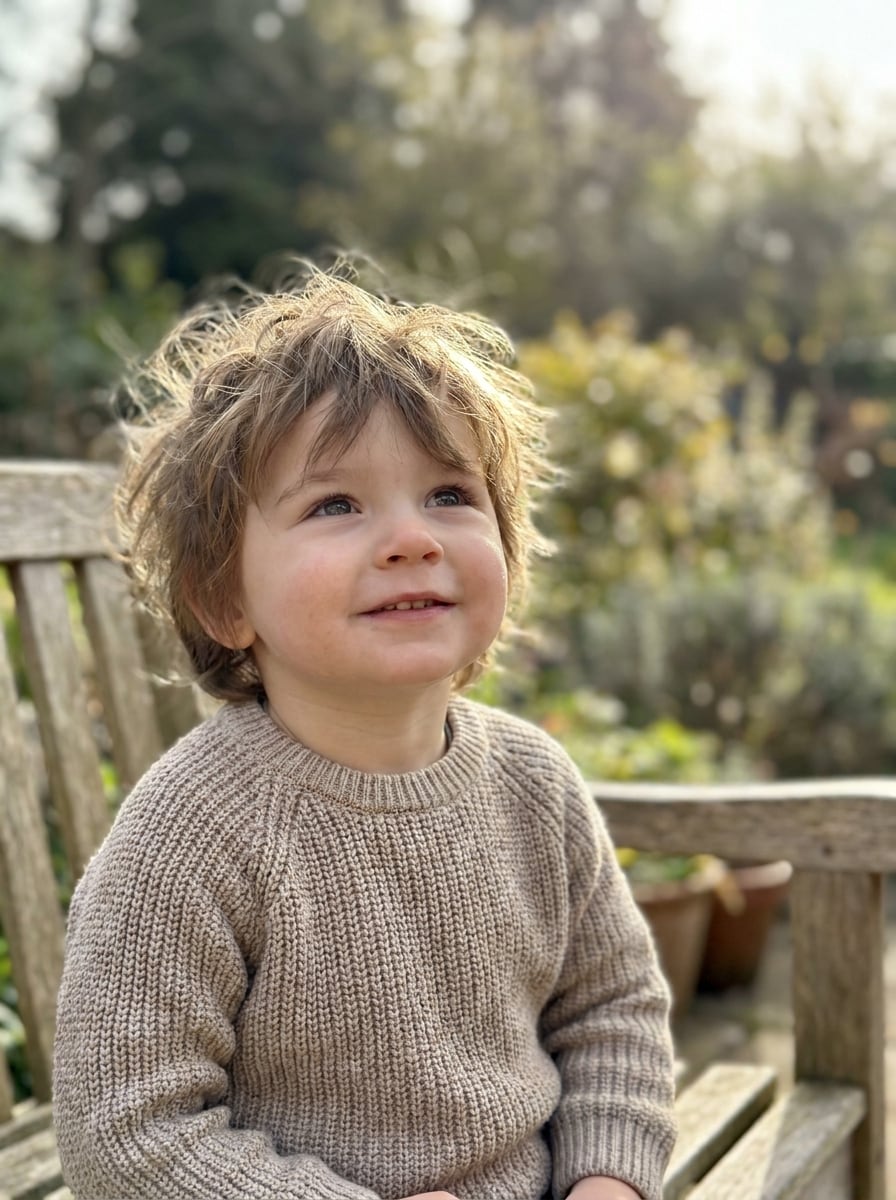
As criações são armazenadas por apenas 7 dias. Os recursos criados após o upgrade para um plano de assinatura serão armazenados permanentemente.
Desbloqueie seu potencial criativo e experimente a magia da IA de mídia hoje!
Adicione Bolhas a Fotos com IA para Edições Divertidas e Limpas
Use o Media.io para adicionar bolhas a fotos em cenas, retratos e memes em minutos. Faça upload da sua imagem, descreva bolhas de sabão, efeitos subaquáticos ou balões de quadrinhos, e gere resultados refinados com este editor de fotos com bolhas por IA no computador ou iPhone.
Digite sua ideia -> A IA a cria. Grátis para experimentar.
Veja esses exemplos de direções, depois personalize os detalhes do prompt para obter resultados mais fortes com o fluxo de trabalho de adicionar bolhas a fotos do Media.io.
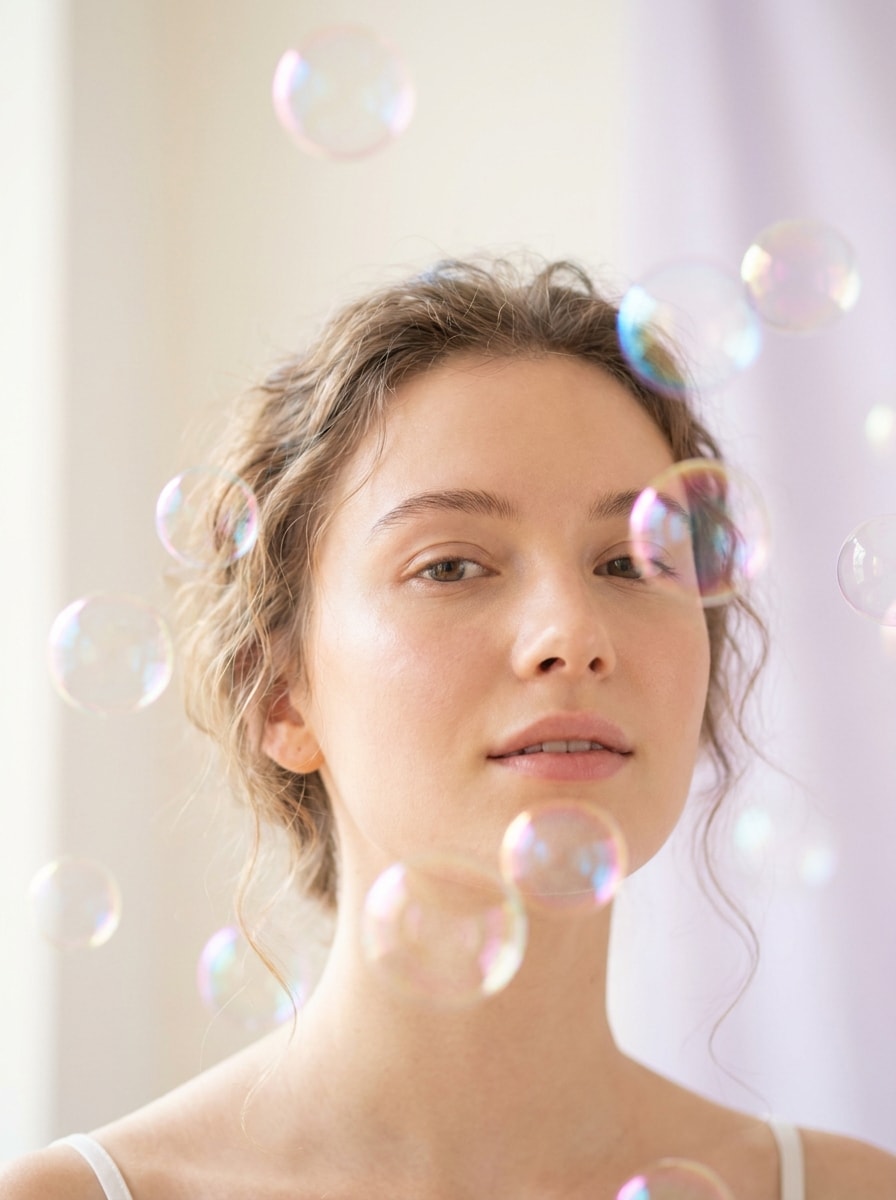
Retrato Onírico com Bolhas de Sabão
Use a imagem enviada como sujeito e transforme-a em um retrato onírico com bolhas de sabão translúcidas e suaves flutuando ao redor do rosto e dos ombros, reflexos em arco-íris pastel, brilho suave, profundidade de campo rasa, bokeh cremoso, tons de pele naturais, composição leve e um acabamento polido de alto realismo.
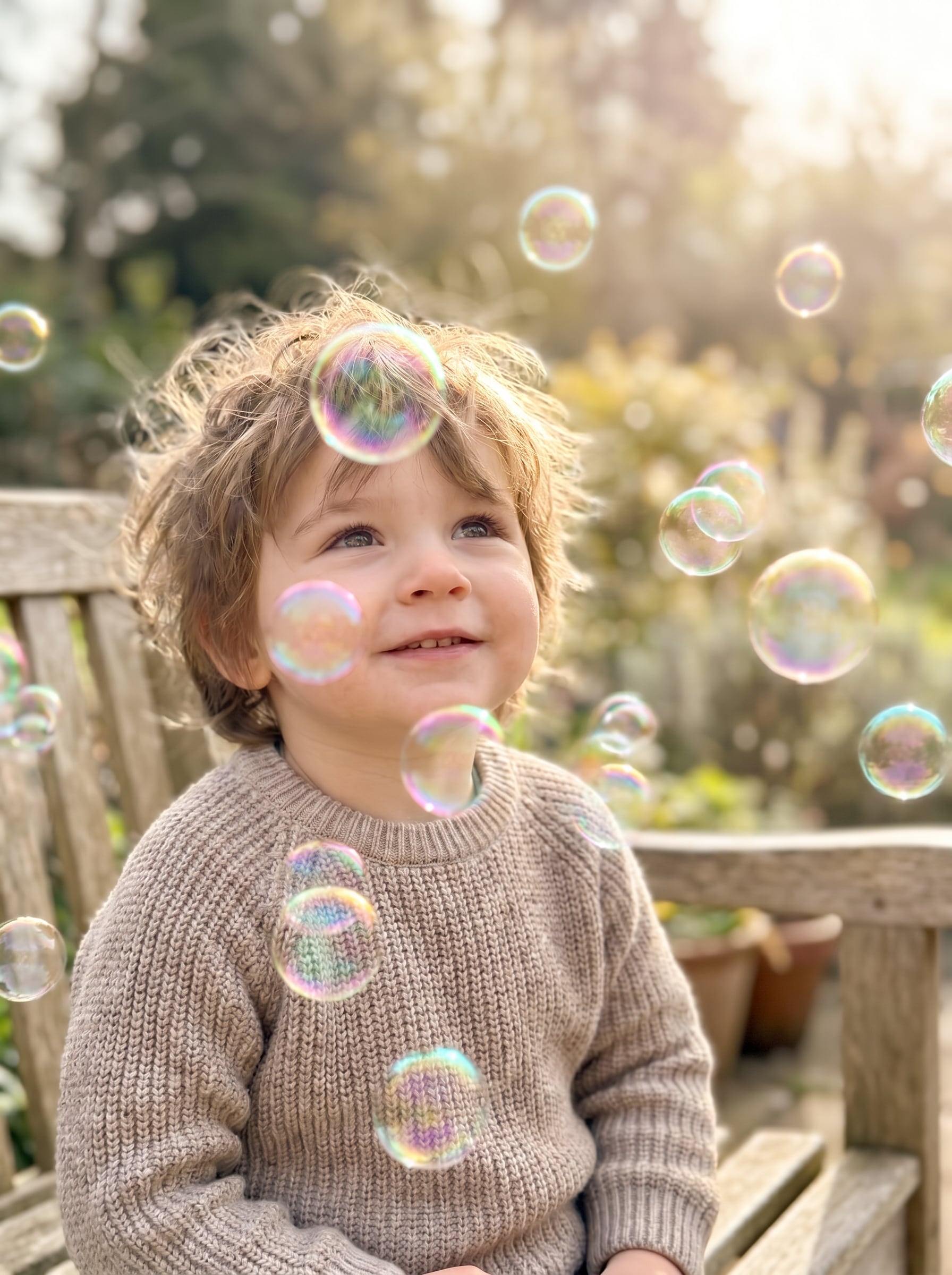
Bolhas ao Sol ao Ar Livre
Use a foto ao ar livre enviada e adicione bolhas de sabão iluminadas pelo sol derivando pela cena, reflexos realistas, destaques sutis de arco-íris, perspectiva natural, espaçamento animado, iluminação quente da tarde, clima divertido para a família, texturas nítidas e um acabamento limpo de alta resolução que se mistura naturalmente com o ambiente.
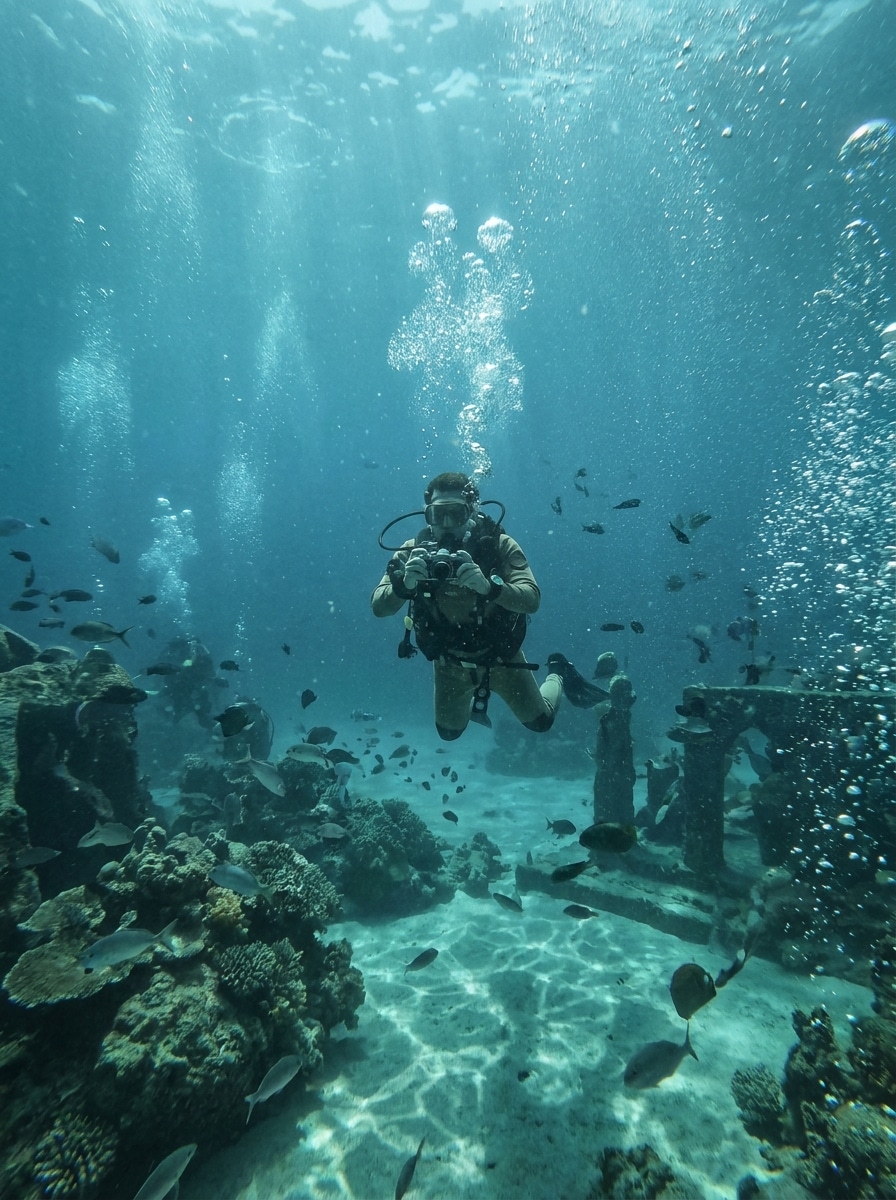
Efeito de Bolhas Subaquáticas
Use a imagem enviada como base e transforme a cena com bolhas subaquáticas ascendentes, profundidade de partículas em camadas, tonalidade azul-esverdeada sutil, iluminação cáustica suave, refração realista, clima aquático imersivo, clareza do sujeito preservada e mistura atmosférica suave para uma ilusão subaquática cinematográfica.
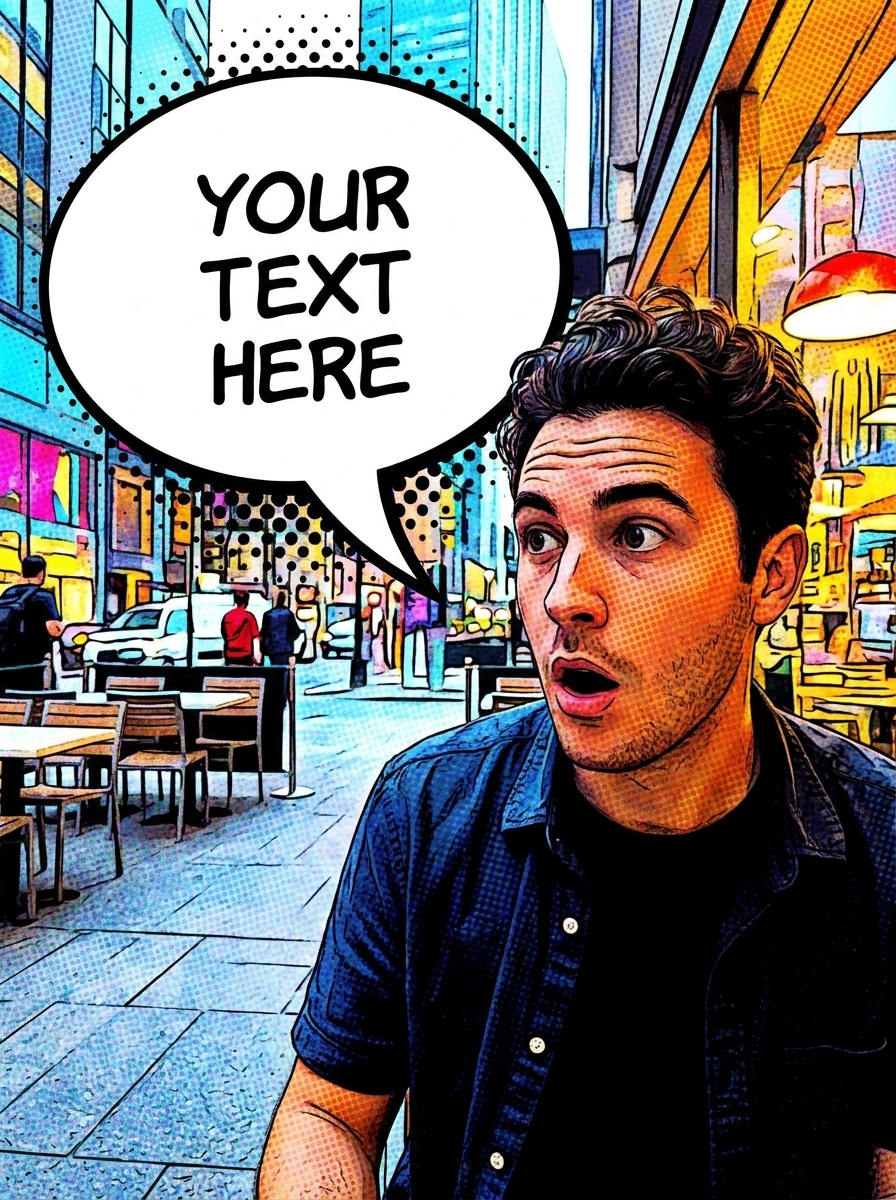
Balão de Fala em Quadrinhos
Use a foto enviada e adicione um balão de fala em estilo de quadrinhos em negrito próximo ao sujeito, preenchimento branco, contorno preto nítido, posicionamento limpo da cauda, espaço negativo equilibrado para texto, acabamento brilhante de alto contraste, composição legível e amigável para dispositivos móveis e um clima editorial divertido de quadrinhos sem cobrir o rosto principal.
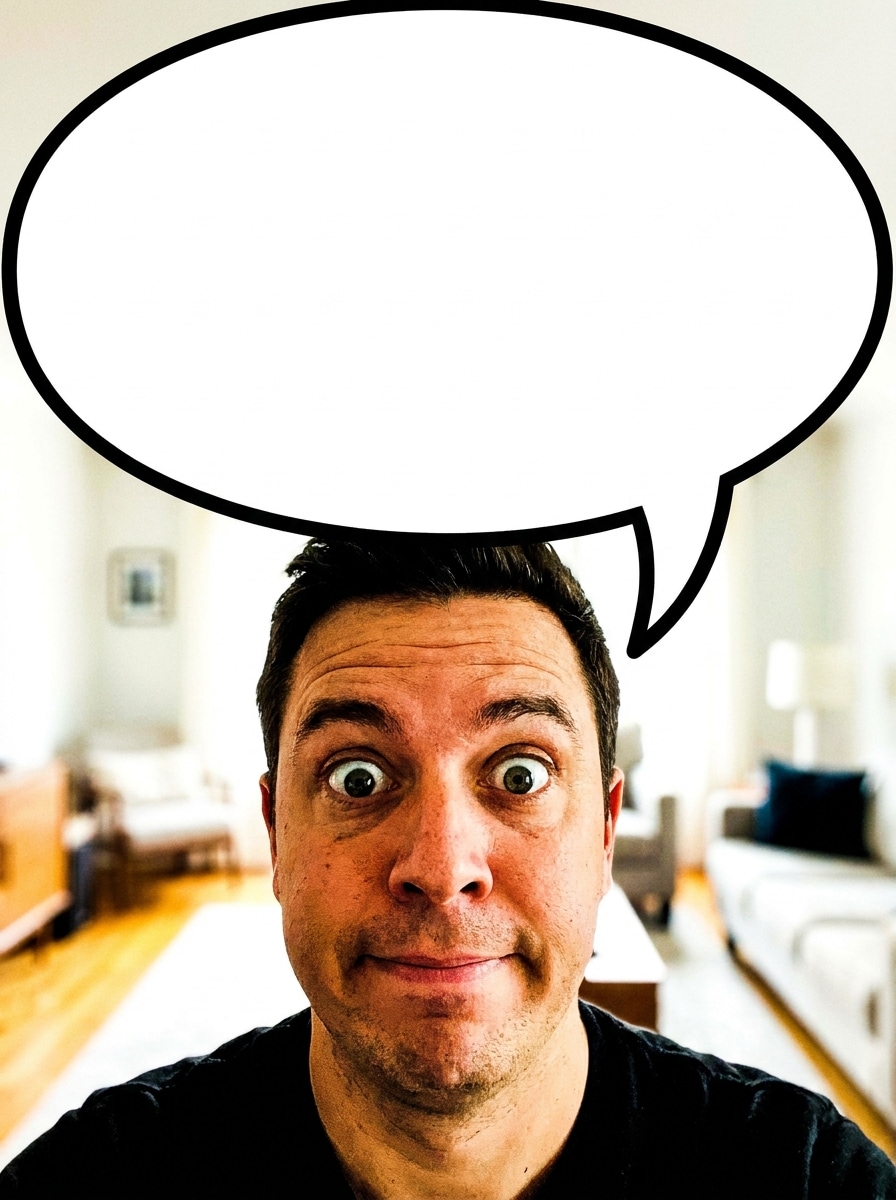
Balão de Reação para Meme
Use a imagem enviada como sujeito e transforme-a em uma edição engraçada de meme com um balão de fala de reação gigante, contorno forte, interior branco em negrito, espaço de texto vazio claro, contraste marcante, legibilidade para dispositivos móveis em primeiro lugar, posicionamento expressivo e um layout limpo e pronto para redes sociais para compartilhamento rápido.
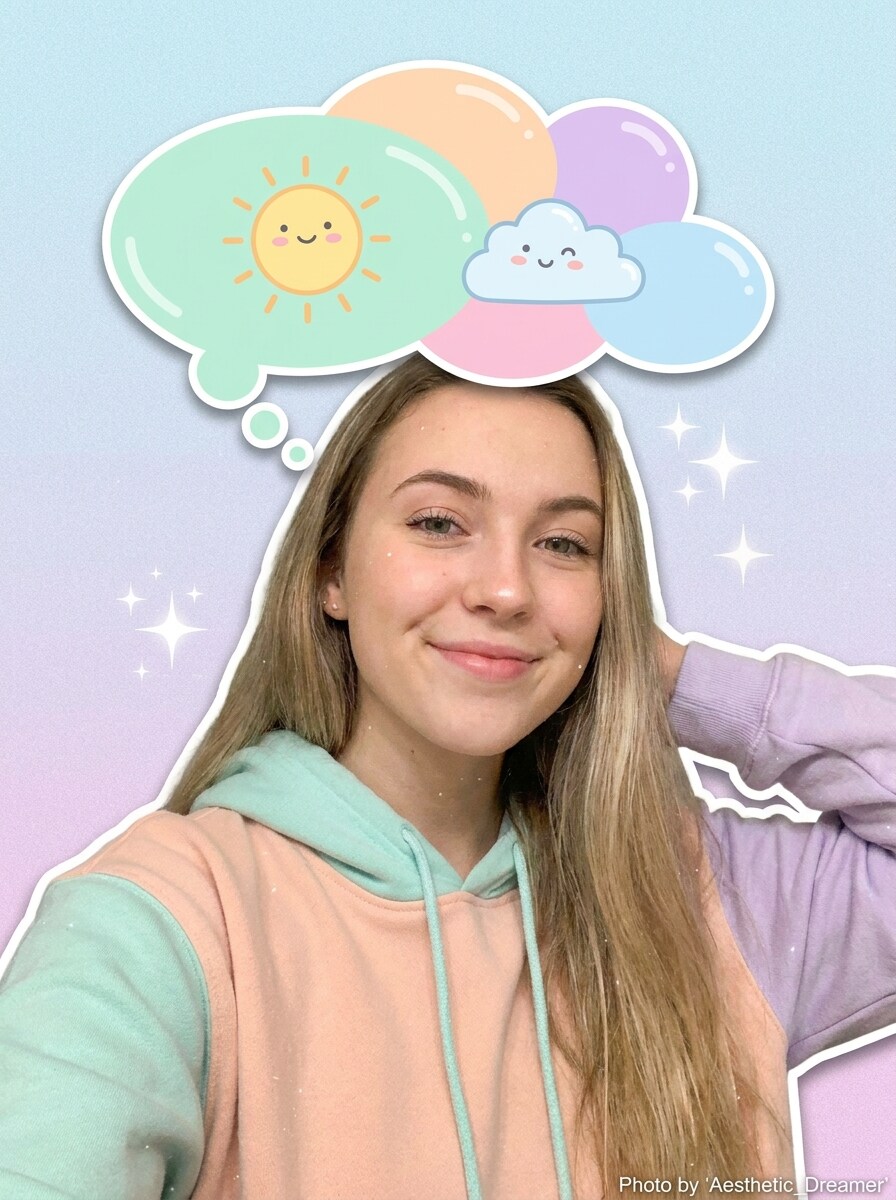
Adesivo de Balão de Pensamento
Use a selfie enviada e adicione um adesivo fofo de balão de pensamento acima do sujeito, círculos de cartoon arredondados, paleta pastel suave, sombra leve, textura lisa e brilhante, clima divertido voltado para o público jovem, composição sem desordem e espaço limpo suficiente para uma curta legenda de pensamento ou piada.
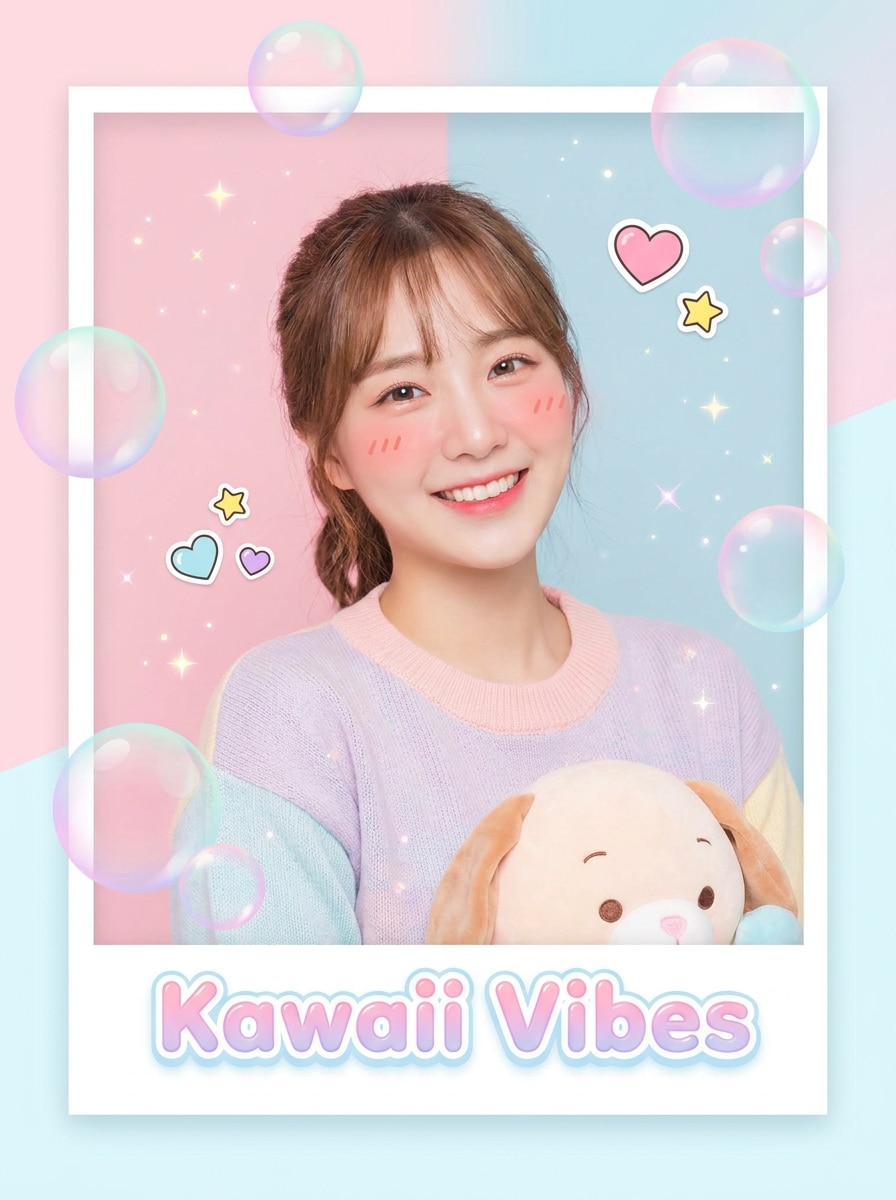
Sobreposição de Bolhas Kawaii
Use a imagem enviada e aprimore-a com bolhas de estilo kawaii em tons pastel, pequenos brilhos, destaques em tons rosados, brilho luminoso suave, acentos lisos semelhantes a adesivos, enquadramento moderno e limpo, clima alegre e brilhante e uma estética polida para redes sociais de beleza que mantém o sujeito original claramente reconhecível.
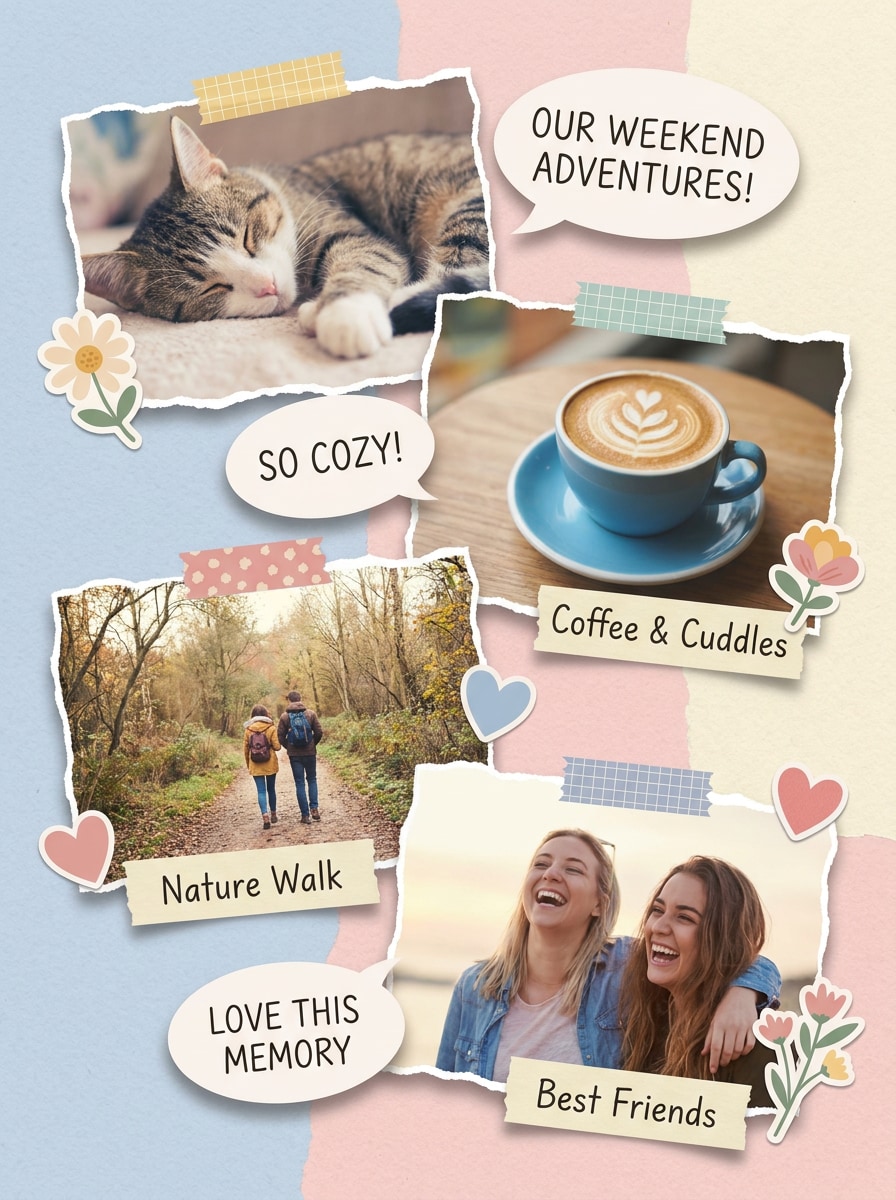
Legenda de Bolha para Scrapbook
Use a foto enviada e redesenhe-a com balões de fala inspirados em scrapbook, áreas de legenda escritas à mão, elementos de adesivos em camadas, texturas de papel pastel, posicionamento de colagem equilibrado, clima aconchegante e artesanal, profundidade de sombra suave e um layout estilo Pinterest que parece divertido, mas ainda organizado e legível.
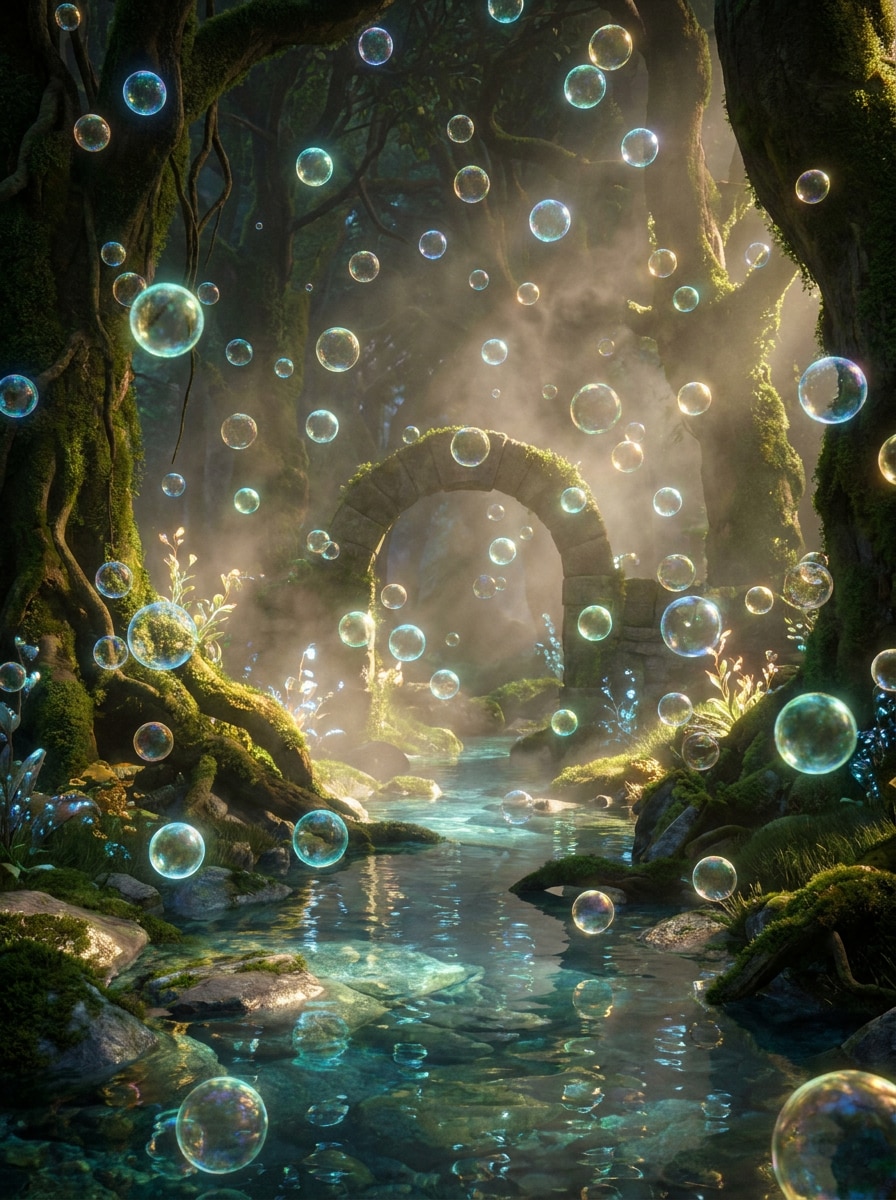
Bolhas Mágicas Flutuantes
Use a imagem enviada como cena e adicione bolhas mágicas flutuantes com iluminação cinematográfica, brilho etéreo, profundidade em camadas, reflexos de cores elegantes, neblina suave, atmosfera de inspiração fantástica, integração realista com o sujeito e um acabamento polido premium que parece encantador em vez de caricato.
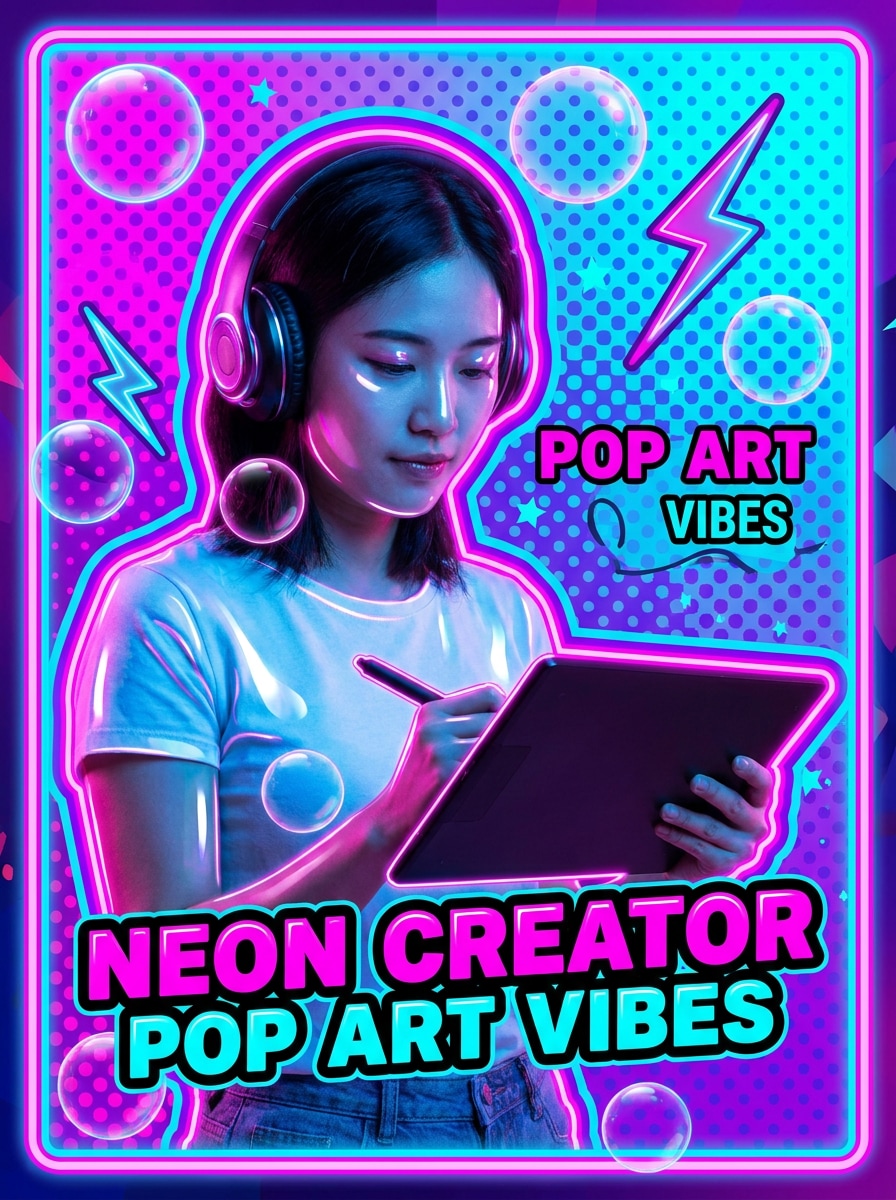
Arte Pop de Bolhas Neon
Use a foto enviada e transforme-a com elementos de bolhas neon, contornos vibrantes, superfícies brilhantes, contraste de arte pop marcante, paleta saturada de rosa e azul, vibração energética de criador, composição gráfica em negrito e um acabamento nítido e amigável para miniaturas projetado para conteúdo social de formato curto.
Por que Usar o Media.io para Criar um efeito de foto com bolhas
Faça Upload de uma Foto Real e Mantenha o Sujeito Reconhecível
Para retratos, arte de personagens ou visuais de marca que ainda precisam parecer reconhecíveis, o Media.io ajuda a preservar as principais identidades visuais enquanto refina o visual final de adicionar bolhas a fotos, para que a edição pareça polida em vez de exagerada.
Explore Diferentes Estilos Sem Perder a Direção
Quando o estilo faz parte da tomada de decisão, o Media.io ajuda você a comparar múltiplas direções a partir da mesma base de adicionar bolhas a fotos, o que torna a seleção criativa mais eficiente.
Obtenha Detalhes Mais Nítidos com Controles de Resolução e Modelo
Quando uma foto com bolhas está prestes a ser publicada de verdade, o Media.io oferece saída mais nítida de até 4K, o que ajuda a imagem a permanecer clara em apresentações, fundos e ativos reutilizados.
Crie no Navegador em Qualquer Dispositivo
Alguns conceitos de fotos com bolhas são rascunhados em movimento e finalizados mais tarde em uma mesa. O Media.io mantém esse processo online, para que você possa retornar ao mesmo fluxo de trabalho sem instalações ou configurações extras.
Como Adicionar Bolhas a uma Foto no Media.io
Transforme suas palavras em visuais impressionantes em três etapas simples, e continue refinando o resultado se quiser ir mais longe.
Passo 1
Faça Upload da Sua Imagem de Referência
Comece com um retrato claro, selfie, foto ao ar livre, base de meme ou imagem de produto. Faça upload do seu arquivo JPG, PNG ou JPEG para que a ferramenta possa usar o sujeito e a cena originais como base para a edição com bolhas.
Passo 2
Descreva a Alteração e Configure as Opções
Digite o que você deseja adicionar, como bolhas de sabão realistas, bolhas subaquáticas, um balão de pensamento ou um balão de quadrinhos. Em seguida, escolha seu modelo preferido e ajuste a proporção, resolução e contagem de imagens para corresponder ao uso final.
Passo 3
Gere, Baixe e Continue Melhorando
Gere várias versões, compare o posicionamento e a mistura das bolhas e baixe o resultado que mais gostar. Se necessário, refine o prompt, experimente um estilo diferente ou crie novas variações até que a edição se encaixe na sua postagem, meme ou design.
Desbloqueie o Potencial do Efeito de Foto com Bolhas
Veja como os criadores usam o Media.io para adicionar bolhas a fotos para conteúdo, marketing e projetos pessoais, e adapte cada ideia ao seu briefing.
Torne os Retratos Mais Leves e Oníricos
Adicione sobreposições translúcidas flutuantes a selfies, fotos de crianças ou retratos de estilo de vida para um acabamento suave e mágico. O Media.io facilita a criação desse visual decorativo polido sem edição complexa baseada em camadas, e um estilo de filtro de bolhas de sabão pode ajudar a imagem a parecer leve e onírica.
Transforme Fotos do Dia a Dia em Memes ou Posts em Quadrinhos
Use balões de fala ou de pensamento para criar imagens de reação, conversas fictícias e conteúdo social humorístico. O Media.io oferece aos criadores uma maneira rápida de produzir edições legíveis que parecem mais limpas do que o posicionamento manual de adesivos.
Crie Gráficos Sociais com Visual Pronto para Dispositivos Móveis
Crie layouts de scrapbook, balões de legenda ou sobreposições de arte pop brilhantes para stories, miniaturas e promoções. Este fluxo de trabalho é útil quando você deseja algo rápido efeito de foto com bolhas que pareça moderno, visual e fácil de compartilhar.
O que os Usuários Dizem Sobre as Edições com Bolhas do Media.io
Jasmine P.
Criadora de Estilo de Vida
"Ótimo para sobreposições oníricas em retratos" Eu queria bolhas flutuantes suaves ao redor da minha selfie, e o Media.io tornou isso fácil. Os resultados pareciam naturais em vez de colados, e eu pude gerar algumas versões antes de baixar a minha favorita.
Marco T.
Gerente de Página de Memes
"Edições rápidas de balões de fala para postagens sociais" Eu uso para transformar fotos de reação em memes estilo quadrinhos. O posicionamento do balão fica mais limpo do que na maioria dos editores rápidos, e o fluxo de trabalho no celular é simples o suficiente para usar entre postagens.
Elena R.
Designer de Pequenas Empresas
"Útil para gráficos de campanha divertidos" Testamos sobreposições de bolhas para uma promoção infantil e um pôster sazonal. Poder fazer upload da nossa própria imagem e orientar o estilo economizou tempo, e a exportação final ficou nítida para publicação.
Noah C.
Criador Estudante
"Fácil de usar no celular e no laptop" Experimentei primeiro no meu iPhone e depois refinei a mesma ideia no meu laptop. Foi simples mudar de bolhas de sabão fofas para um balão de pensamento engraçado sem precisar recomeçar.
Explore os efeitos de vídeo e imagem de IA mais quentes
Perguntas Frequentes sobre Adicionar Bolhas a Fotos
1. Como posso adicionar bolhas a uma foto online de graça?
Você pode fazer upload da sua imagem no Media.io, descrever o estilo de bolha que deseja e gerar a edição usando os créditos gratuitos disponíveis. Usuários gratuitos podem ver marcas d'água, enquanto os planos pagos oferecem mais créditos e downloads de alta resolução sem marca d'água na página de preços.
2. Posso adicionar balões de fala e texto a uma foto com IA?
O Media.io suporta edição de imagem para imagem, para que você possa fazer upload de uma foto e solicitar a adição de balões de fala em quadrinhos, balões de pensamento ou sobreposições decorativas. É uma escolha prática se você deseja um editor de fotos com bolhas por IA para layouts estilo meme, legendas ou visuais narrativos divertidos.
3. Como adiciono uma bolha a uma foto no meu iPhone?
Abra o Media.io no navegador do seu iPhone, faça upload de uma imagem clara e insira um prompt descrevendo as bolhas que deseja, como bolhas de sabão, bolhas subaquáticas ou um balão de quadrinhos. Em seguida, escolha as configurações de imagem, gere o resultado e baixe a versão que se encaixa na sua postagem.
4. Que tipos de bolhas posso adicionar a uma imagem?
Você pode criar vários estilos em um único fluxo de trabalho, incluindo bolhas de sabão realistas, efeitos de bolhas subaquáticas, balões de fala, balões de pensamento, balões de legenda para scrapbook e sobreposições gráficas brilhantes. Essa flexibilidade torna o Media.io útil tanto para edições oníricas de retratos quanto para gráficos sociais estilo quadrinhos.
5. A foto editada manterá alta qualidade após a adição de bolhas?
O Media.io oferece opções de resolução de 1K a 4K, para que sua imagem final permaneça nítida após a adição de sobreposições ou balões. Você também pode ajustar a proporção para diferentes layouts, o que ajuda a manter as composições mais limpas para stories, postagens, capas ou ativos prontos para impressão. Usuários gratuitos podem ter marcas d'água.
6. Quanto tempo leva para gerar uma edição de foto com bolhas?
A maioria das edições no Media.io leva apenas um curto tempo após você fazer upload da foto e enviar o prompt, embora o tempo possa variar de acordo com a escolha do modelo, resolução e o número de imagens geradas. Muitos usuários começam com algumas variações e depois refinam o melhor resultado.
Além de Adicionar Bolhas a Fotos Online com Tecnologia de IA