Clique ou arraste para enviar, ou escolha de Meu HistóricoClique para carregarMeu Histórico
Sem ideias? Gere uma imagem primeiro >
Faça upload de imagens jpg, jpeg ou png de até 50 MB, com largura/altura mínima de 300 px.
Add a Heart Cheeks Filter Without Covering Your Smile
A selfie can feel sweeter with two small hearts - unless the stickers end up over your eyes or cover the smile you wanted to keep. A heart cheeks filter is about deliberate placement: one tiny heart on each upper cheek, matching color and size, with your real expression still doing the work. Upload your photo and try a playful, subtle or retro version.
Choose upper cheeks just below the outer corners of the eyes; keep the center of your face unobstructed.
Heart Cheeks Photo Filter Prompts for Cute Selfie Stickers
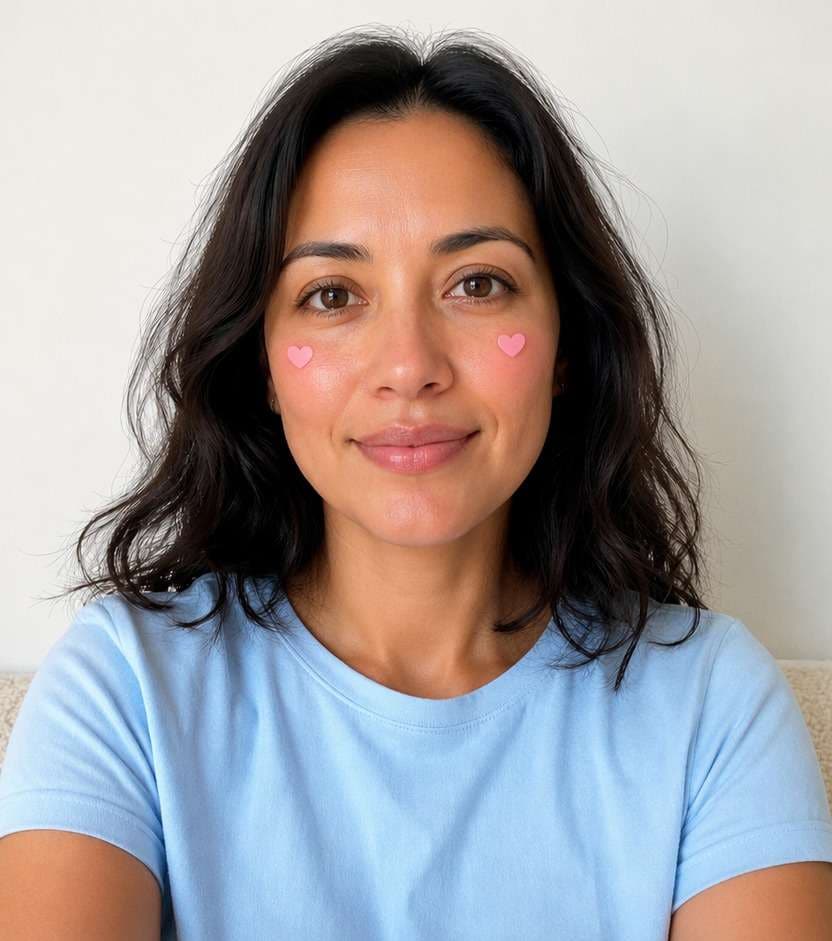
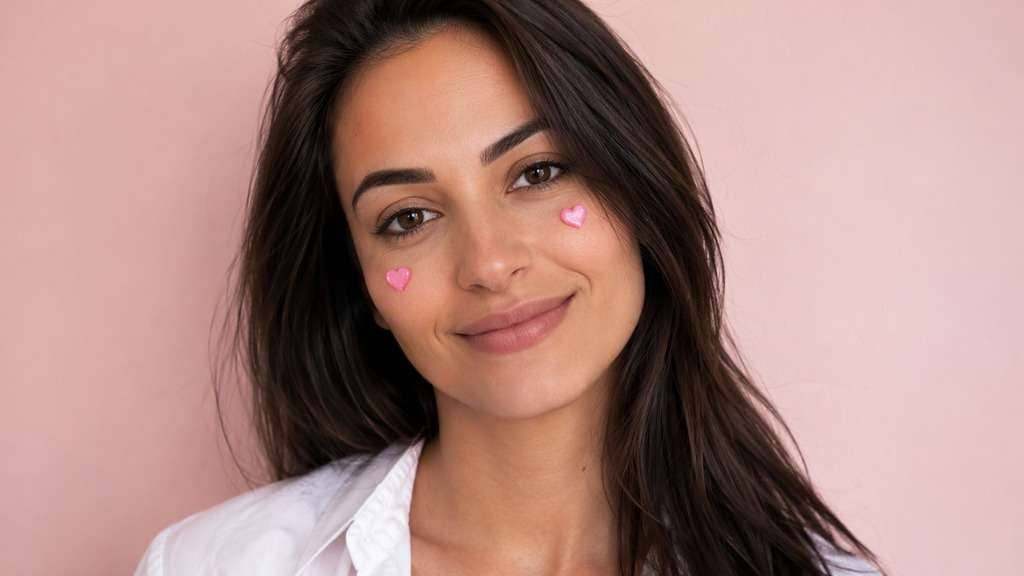
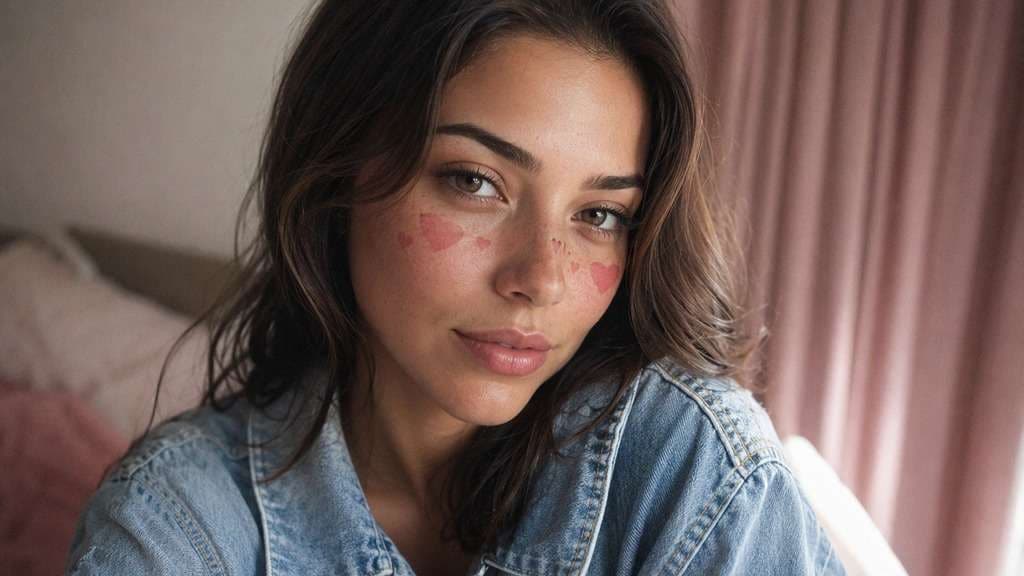
These are visible heart stickers, not natural freckles. Decide whether your hearts should look like flat pink decals, soft blush marks or tiny glitter accents and keep their position consistent across both cheeks.
Tiny Bubblegum Hearts
Edit my uploaded reference photo: Add two small glossy bubblegum heart stickers high on cheeks. Keep the same person, real facial identity and expression except where this named face effect intentionally changes proportions, and preserve original hair, clothing, perspective, room or outdoor setting. Do not add captions, logos, extra people or unrelated props.
Blush Heart Marks
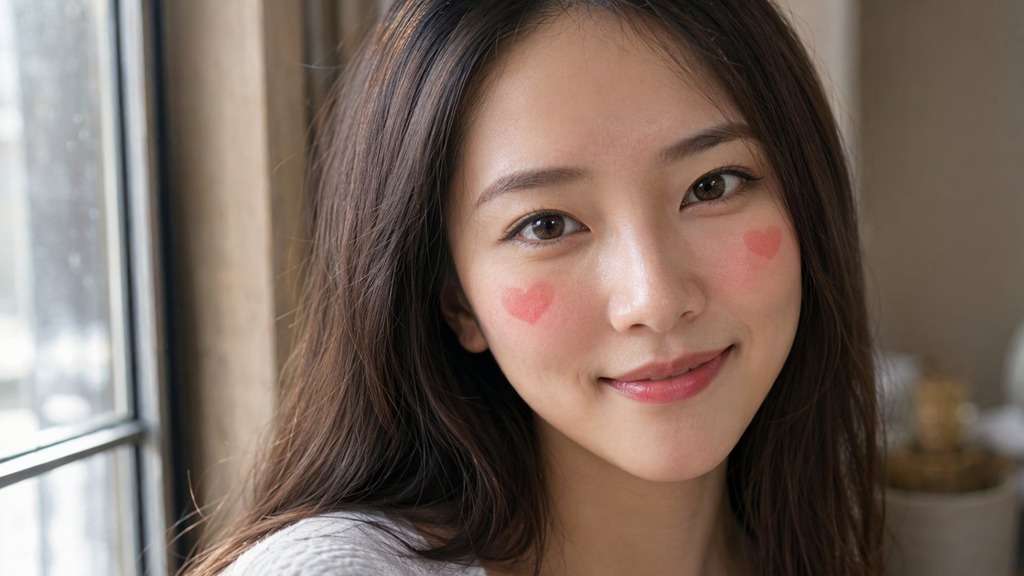
Edit my uploaded reference photo: Form two subtle heart-shaped rosy blush marks with feathered edges. Keep the same person, real facial identity and expression except where this named face effect intentionally changes proportions, and preserve original hair, clothing, perspective, room or outdoor setting. Do not add captions, logos, extra people or unrelated props.
Red Mini Heart Stickers
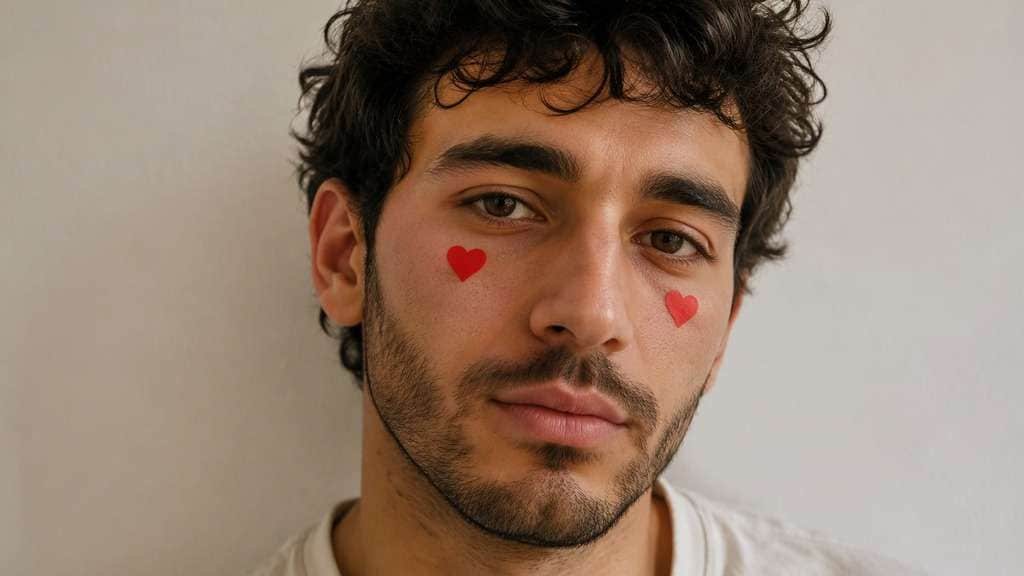
Edit my uploaded reference photo: Add symmetrical small vivid red heart decals under eyes. Keep the same person, real facial identity and expression except where this named face effect intentionally changes proportions, and preserve original hair, clothing, perspective, room or outdoor setting. Do not add captions, logos, extra people or unrelated props.
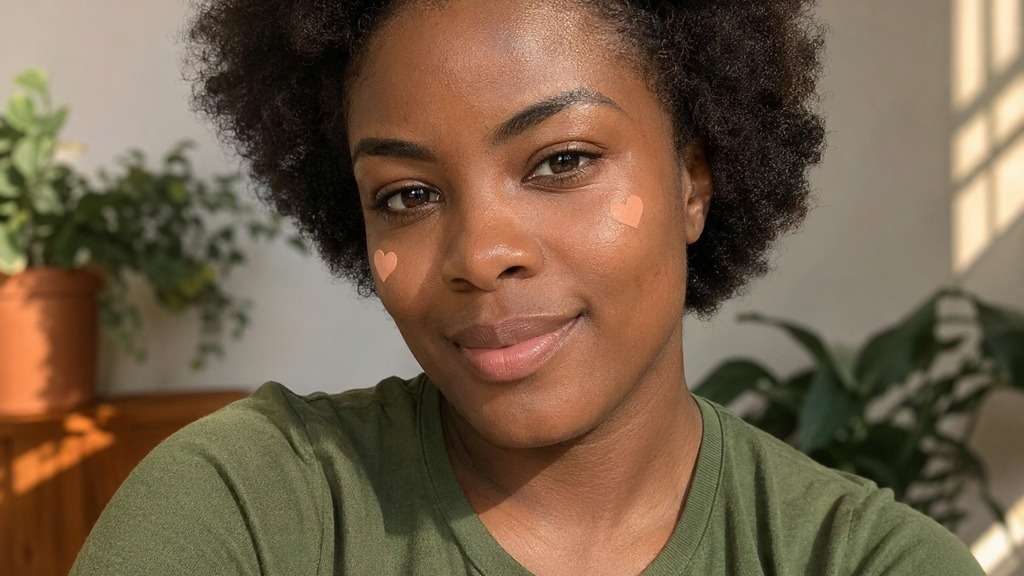
Soft Peach Heart Pair
Edit my uploaded reference photo: Add small peach hearts with muted color, natural complexion. Keep the same person, real facial identity and expression except where this named face effect intentionally changes proportions, and preserve original hair, clothing, perspective, room or outdoor setting. Do not add captions, logos, extra people or unrelated props.
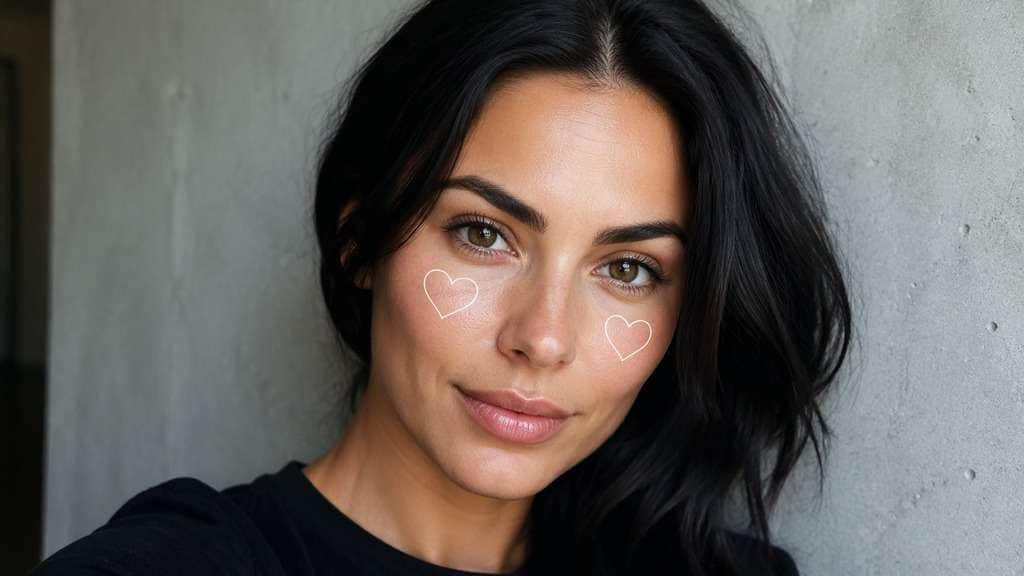
White Outline Hearts
Edit my uploaded reference photo: Draw two thin white heart outlines on upper cheeks, clean graphic. Keep the same person, real facial identity and expression except where this named face effect intentionally changes proportions, and preserve original hair, clothing, perspective, room or outdoor setting. Do not add captions, logos, extra people or unrelated props.
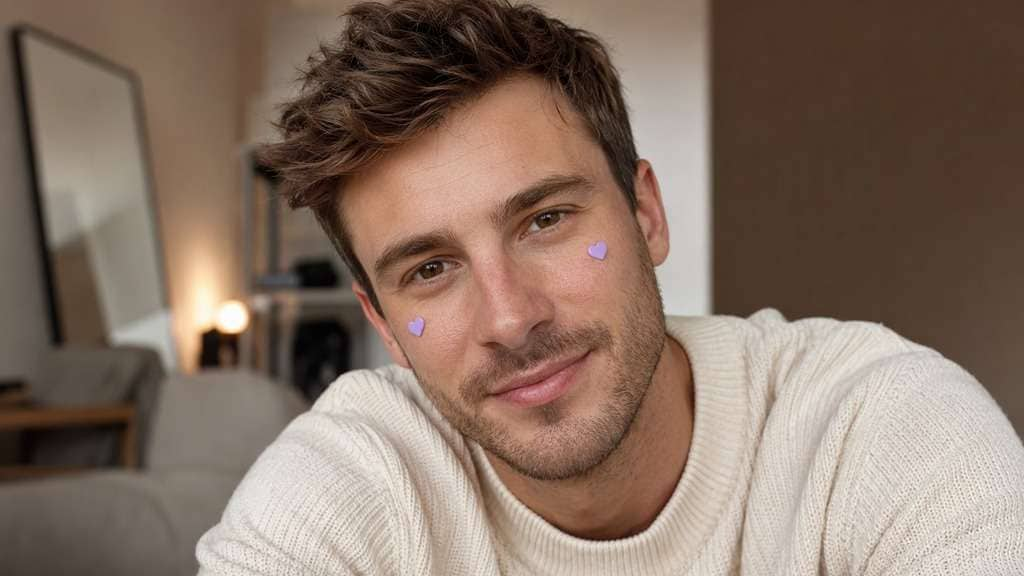
Lavender Hearts
Edit my uploaded reference photo: Add tiny lilac cheek-heart stickers with no other face edits. Keep the same person, real facial identity and expression except where this named face effect intentionally changes proportions, and preserve original hair, clothing, perspective, room or outdoor setting. Do not add captions, logos, extra people or unrelated props.
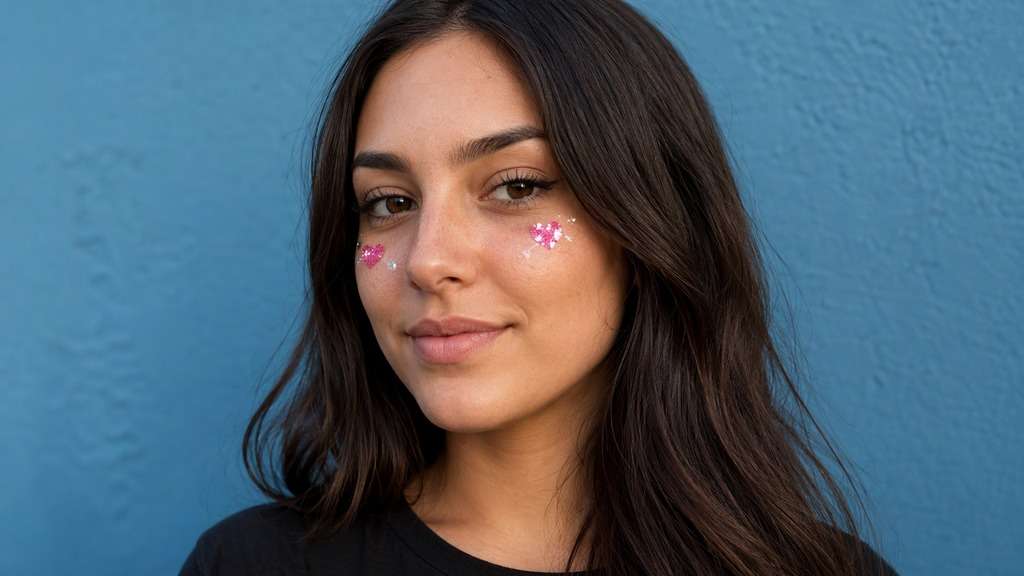
Glitter Heart Accents
Edit my uploaded reference photo: Place two small glittering pink hearts with restrained sparkly edges. Keep the same person, real facial identity and expression except where this named face effect intentionally changes proportions, and preserve original hair, clothing, perspective, room or outdoor setting. Do not add captions, logos, extra people or unrelated props.
Retro Sticker Selfie
Edit my uploaded reference photo: Apply slightly glossy soft pink cheek hearts and gentle retro camera softness. Keep the same person, real facial identity and expression except where this named face effect intentionally changes proportions, and preserve original hair, clothing, perspective, room or outdoor setting. Do not add captions, logos, extra people or unrelated props.
Matching Friend Hearts
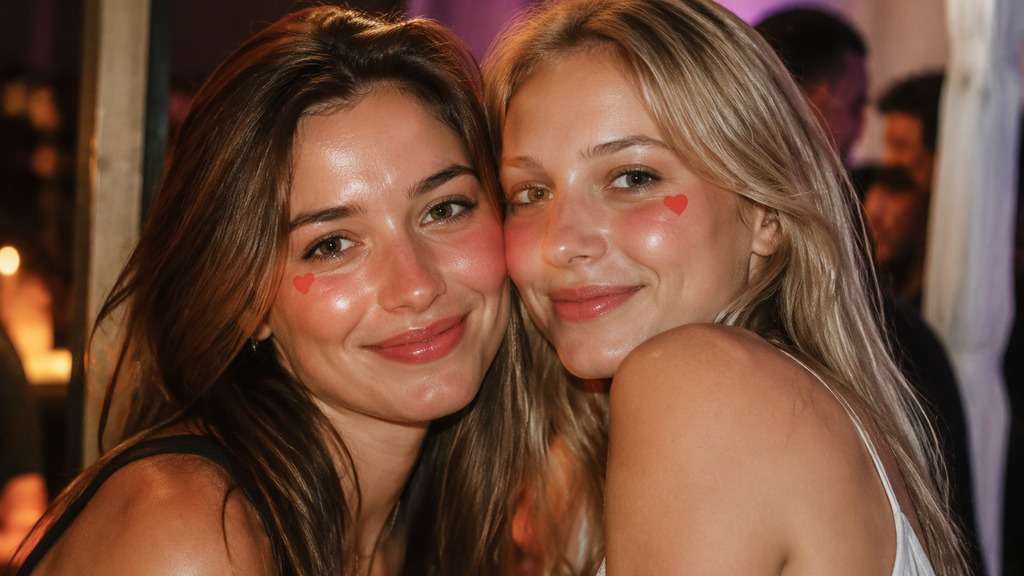
Edit my uploaded reference photo: Place a small identical heart on visible upper cheek of each person. Keep the same person, real facial identity and expression except where this named face effect intentionally changes proportions, and preserve original hair, clothing, perspective, room or outdoor setting. Do not add captions, logos, extra people or unrelated props.
Subtle Rose Heart Pair
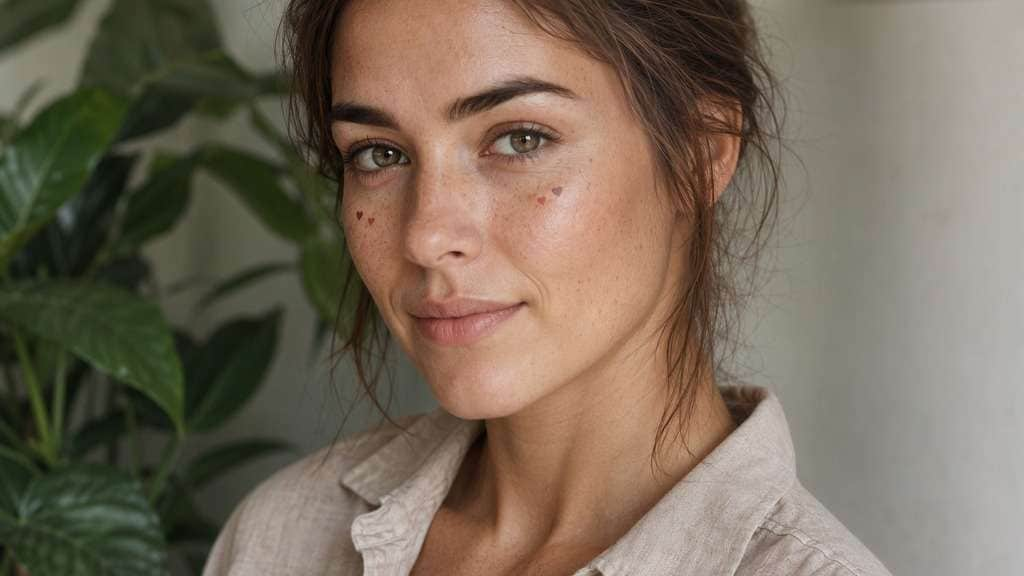
Edit my uploaded reference photo: Add two muted dusty-rose hearts barely larger than a freckle cluster. Keep the same person, real facial identity and expression except where this named face effect intentionally changes proportions, and preserve original hair, clothing, perspective, room or outdoor setting. Do not add captions, logos, extra people or unrelated props.
Make Heart Stickers Feel Intentional on Your Face
Place Hearts on the Upper Cheeks
Small graphics work best a little below the outer eyes, with room to smile. Position them too close to the nose and they can read as freckles; too far out and they look detached from the face.
Choose Blush Marks or Sticker Edges
A clean outlined heart reads like a social-media sticker. A softly diffused heart blends with cheek makeup. Specify which effect you want rather than mixing hard outlines and blurred color.
Match Both Sides Without Perfect Cloning
Hearts should feel balanced but follow each cheek's angle. On a three-quarter portrait, the farther heart can be slightly smaller while still belonging to the same face.
Keep the Rest of the Face Clean
The charm of a heart cheeks look is simplicity. Skip extra animated sparkles and makeup changes if your original eye look or expression already has enough character.
How to Add a Heart Cheeks Filter to Your Photo
Pick a photo with clearly visible upper cheeks. These small accents should be designed around the face, not pasted in an arbitrary screen position.
Step 1
Upload a Clear Face Photo
Open Media.io AI Face Editor and upload a selfie where both cheeks are visible. A three-quarter angle also works when the nearer cheek is clear.
Step 2
Prompt the Heart Sticker Placement
Describe two small matching hearts on the upper cheeks, including shape, color and whether they are stickers or blush. Ask to keep eyes and lips unchanged.
Step 3
Generate and Check Each Cheek
Click Generate, inspect heart symmetry and the visibility of your smile, then adjust size or position if stickers overlap facial details.
A pink heart face filter is a playful accent for close-up images, not a replacement for the portrait itself.
Valentine Selfie with Friends
Two soft pink hearts can give a close-up portrait a seasonal cue without adding a giant border. Match sticker size across friends but let each original smile stay different.
Cute Video Cover or Profile Photo
Flat fuchsia heart decals remain readable after a small circular crop. Keep the hearts close enough to the face that both survive the avatar cut. Test the avatar crop because stickers near the edges of a face can disappear when the platform makes a round thumbnail.
2016-Style Sticker Throwback
Try slightly glossy pastel pink stickers, warm camera softness and casual bedroom light. Keep the finish simple so the result recalls the fun of old social lenses. Keep the decals small and avoid adding floating confetti that would compete with the recognizably old-style camera look.
Heart Cheeks Filter Preview Checklist
Cheek Position
Photo preview checklist
"Are the hearts below the eyes?" Keep the stickers away from lashes and the bridge of the nose.
Size
Photo preview checklist
"Can you see the smile around them?" Shrink hearts if they dominate the face.
Consistency
Photo preview checklist
"Do the two hearts belong to one style?" Match outline and shade but account for face angle.
Original Makeup
Photo preview checklist
"Is the original makeup still present?" Avoid unwanted eyeliner or lipstick changes from the edit.
1. Where should a heart cheeks filter place the hearts?
Usually on the upper cheeks, just below and toward the outside of the eyes. Match the placement to the face angle rather than using fixed screen coordinates.
2. Can I add pink heart stickers to an existing selfie?
Yes, describe their color, size and location in a prompt after uploading your photo. You do not need to take another picture.
3. What is the difference between heart cheeks and heart freckles?
Heart cheeks normally uses a few visible sticker-like hearts. Heart freckles uses many much smaller heart marks scattered across the nose and cheeks.
4. Can I make the hearts look like blush makeup instead?
Ask for soft-edged heart-shaped blush with low opacity rather than sharp sticker borders. Keep skin texture visible so the effect does not look painted on.
5. Will the editor keep my smile and makeup?
Request that original eyes, mouth, expression and makeup remain unchanged. Review the result, since generated edits can sometimes affect nearby features.
6. Do heart cheek stickers work on side-angle photos?
They can, but one cheek may be partly hidden. Ask for perspective-correct placement and avoid forcing a second heart onto an invisible part of the face.