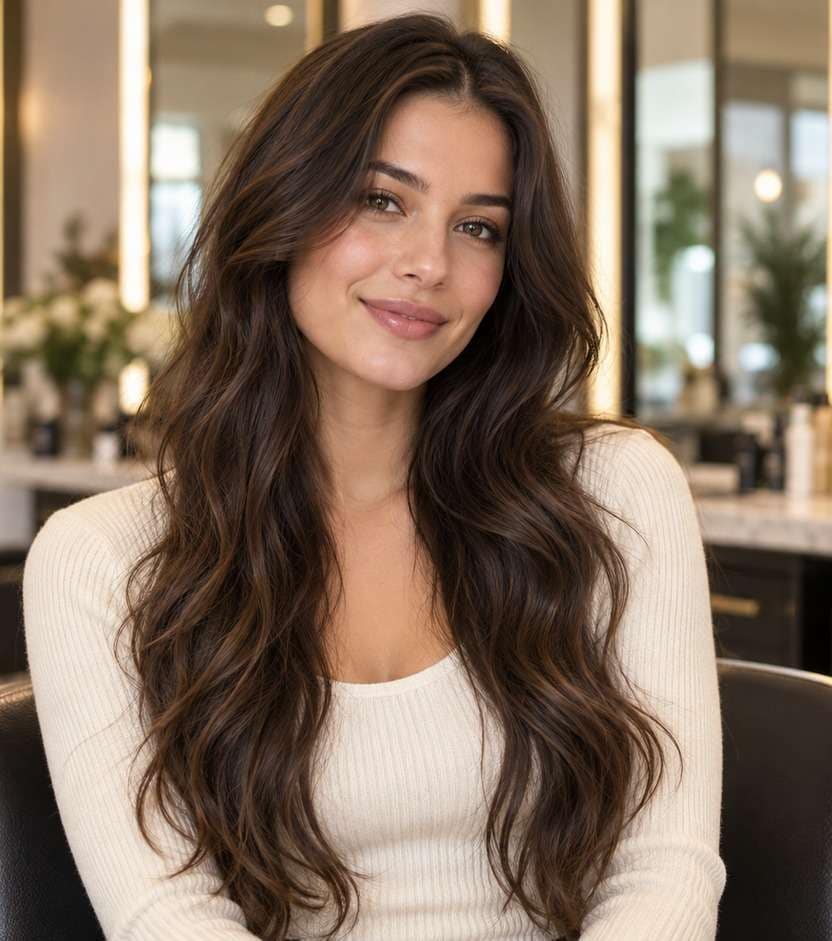
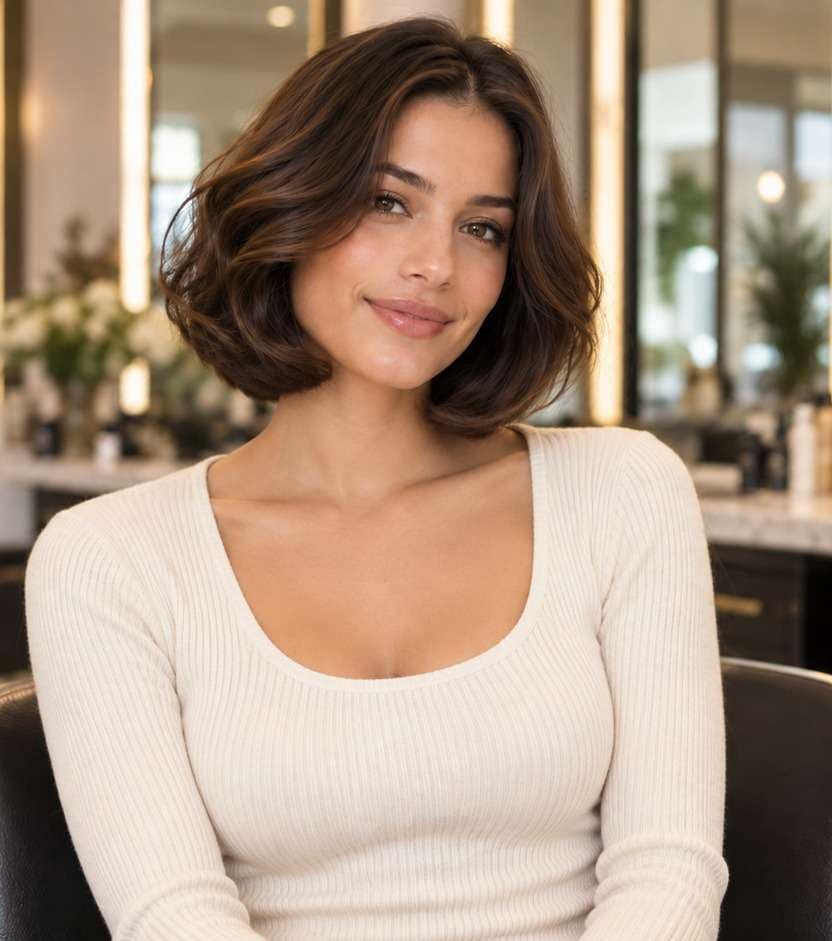
Clique ou arraste para enviar, ou escolha de Meu HistóricoClique para carregarMeu Histórico
Sem ideias? Gere uma imagem primeiro >
Faça upload de imagens jpg, jpeg ou png de até 50 MB, com largura/altura mínima de 300 px.
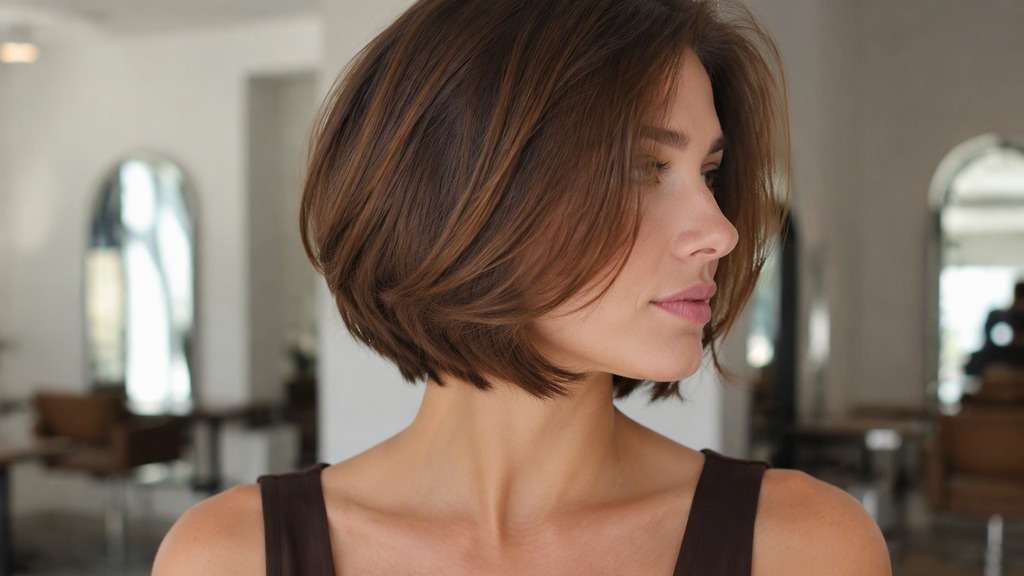
Explore a Curly Bob That Respects Your Texture
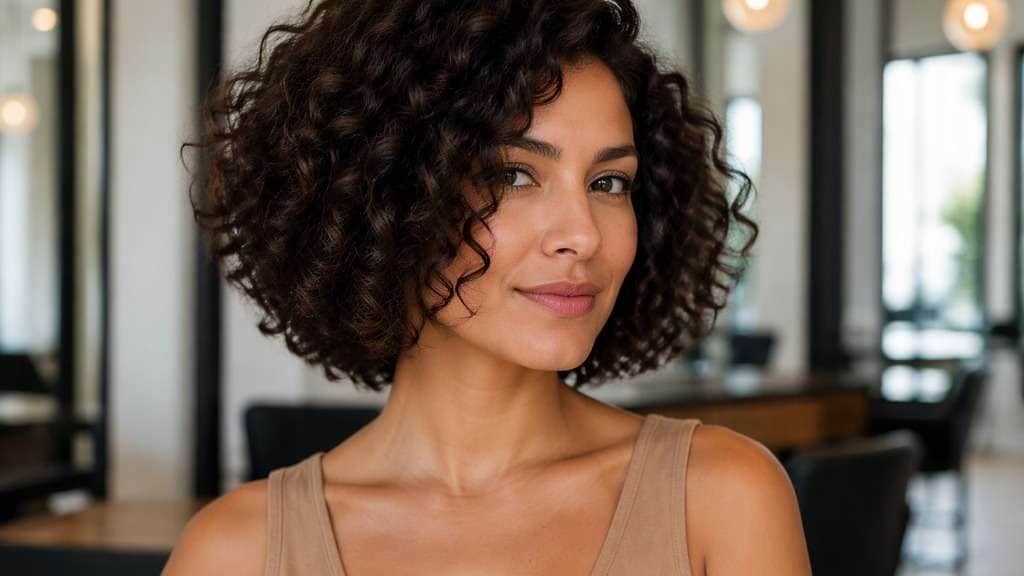
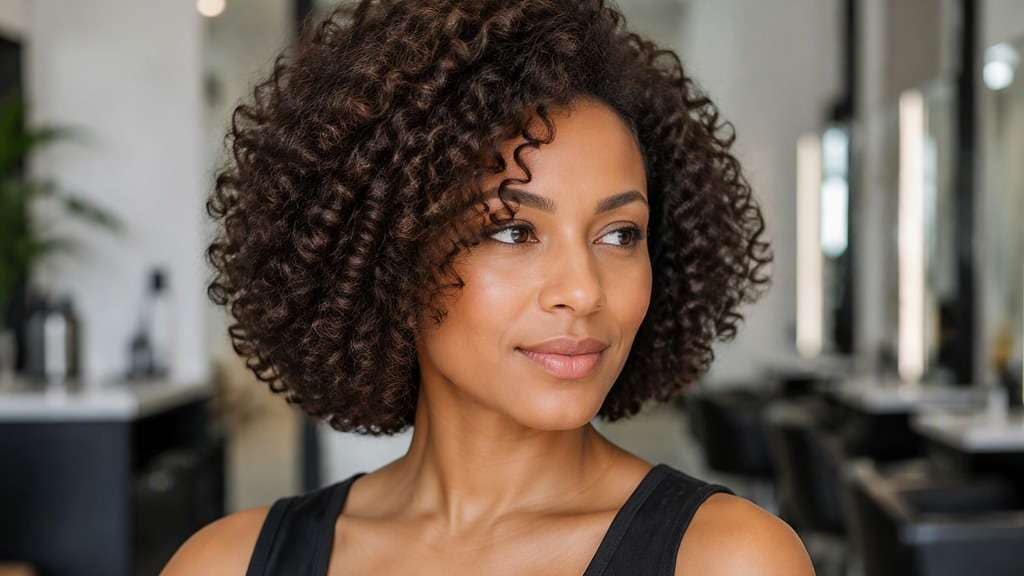
On curls, a bob is a shape—not just a ruler measurement. Spring-up, density and the way curls cluster can shift the outline when hair dries. A curly bob filter helps you preview a balanced short cut on your own portrait, comparing a rounded halo, face-framing pieces and different lengths without pretending your curls will behave like straight strands.
Use your natural curls in the source photo, preferably with a visible neck.
Keep your curl pattern recognizable where possible. These variations emphasize dry length, volume distribution and fringe placement rather than replacing every texture with a generic ringlet.
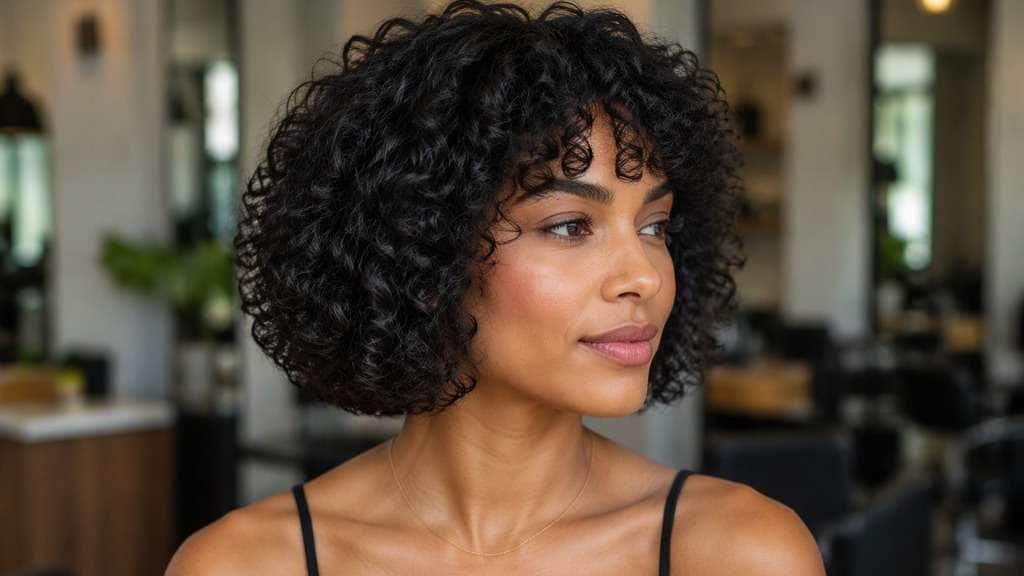
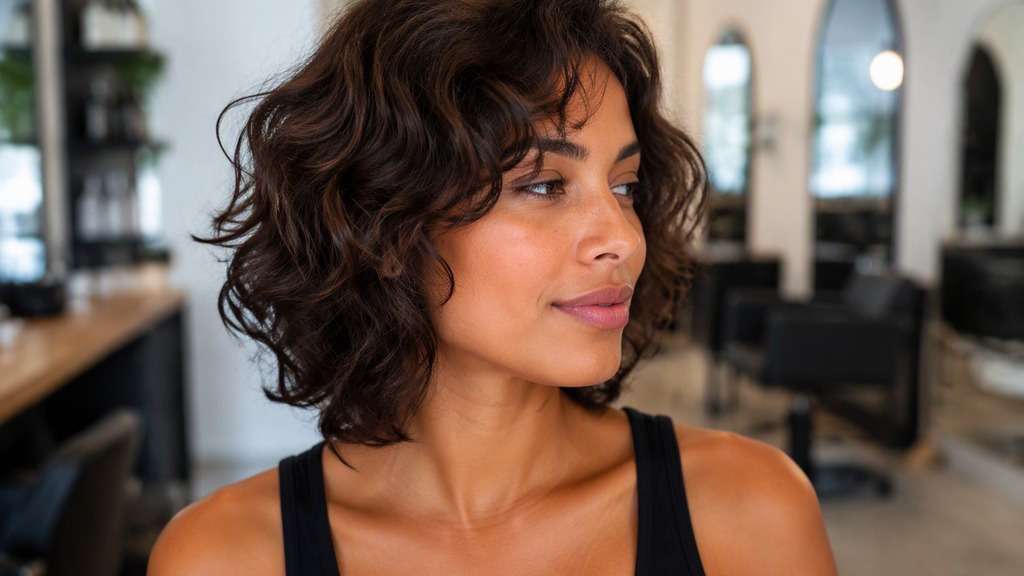
Jaw-Level Curly Bob
In my uploaded portrait, change only the hair to this specific cut: Defined natural curls with balanced dry outline near jaw and realistic shrinkage. Preserve the recognizable facial features, expression, skin tone, existing hair color, clothing, camera perspective and background of the uploaded photo. Avoid an airbrushed wig look; show believable roots, natural strand separation and enough of the neckline to judge length. Keep realistic natural curl variability and dry-length shrinkage, not straightened ends.
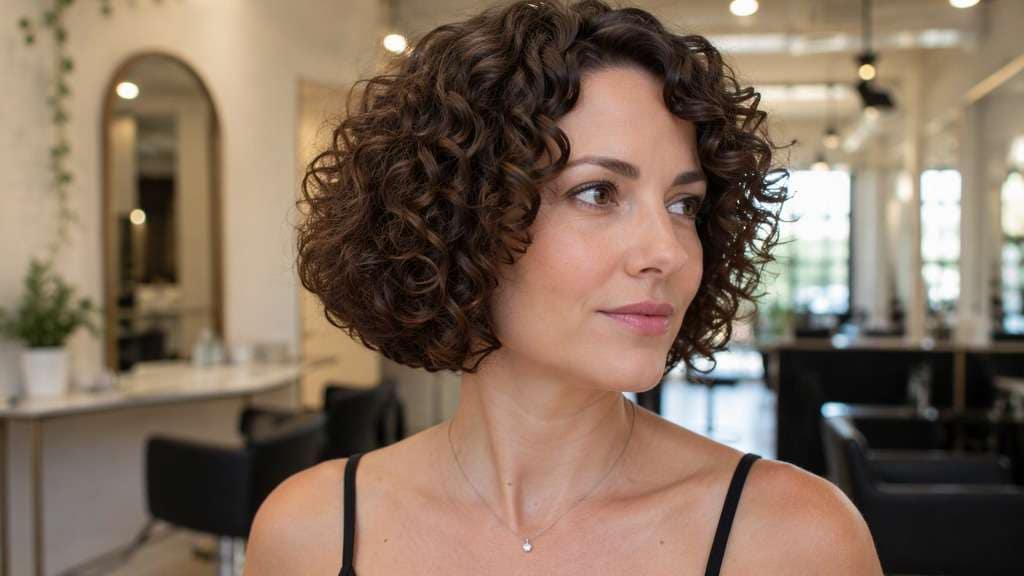
Rounded Curly Halo Bob
Use the person in my reference image and preview this haircut: Full round curl silhouette at cheek-to-neck level, soft crown height and natural density. Use the uploaded photo as the reference; keep the original facial features, hair shade, skin tone, outfit, posture and room lighting recognizable. Keep the result photorealistic and cut-specific, with natural flyaways and a hairline that blends with the original photo. Keep realistic natural curl variability and dry-length shrinkage, not straightened ends.
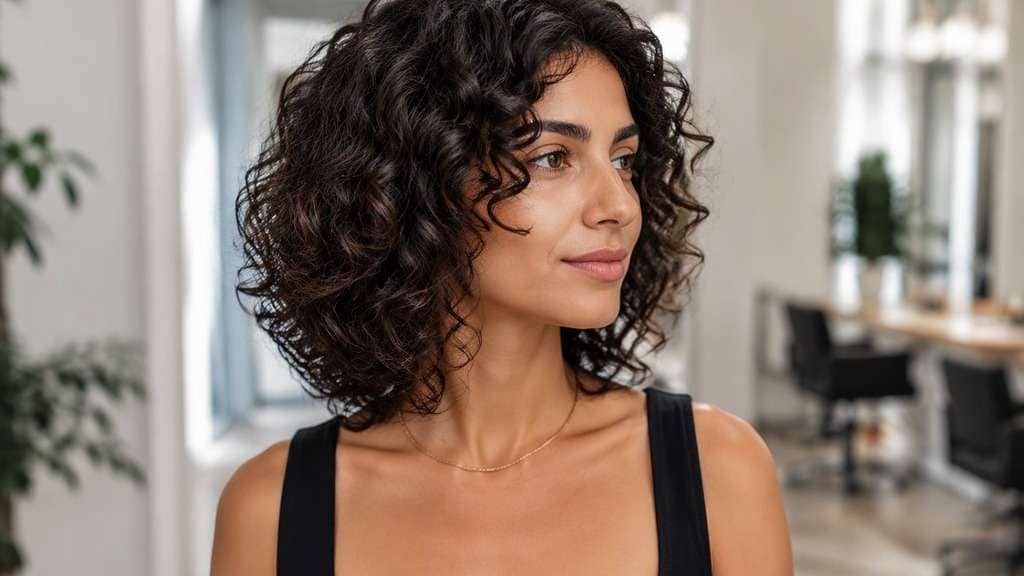
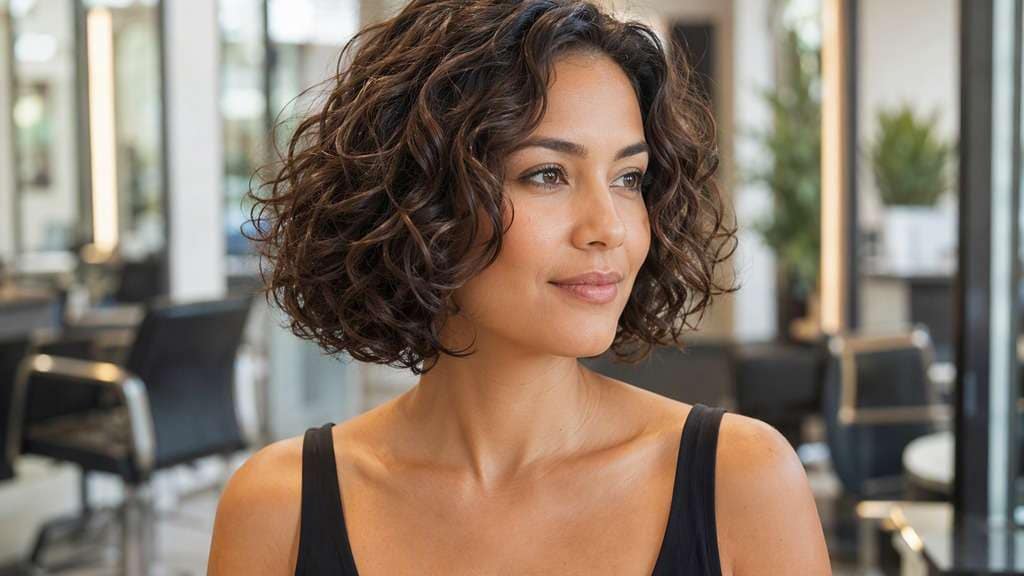
Layered Curly Bob
Edit my original photo to show the following hairstyle, without replacing the person: Subtle internal curl layers breaking excess lower bulk while keeping jaw-to-neck bob contour. Edit the hairstyle only on my supplied portrait. Keep my identity cues, face proportions, expression, clothes, original hair color and setting consistent. Show the actual perimeter clearly against the jaw, neck or shoulders, without exaggerated artificial density or altered facial geometry. Keep realistic natural curl variability and dry-length shrinkage, not straightened ends.
Curly Bob with Fringe
Keep the source portrait as the base and create this precise hairstyle: Short natural curl clusters above brows coupled with rounded jaw-length curly bob. Start from my own image and retain the same person, original face, makeup, attire, lighting, camera angle and background where possible. Leave the original camera framing in place, show believable hair strands and avoid changing makeup, outfit or facial structure. Keep realistic natural curl variability and dry-length shrinkage, not straightened ends.
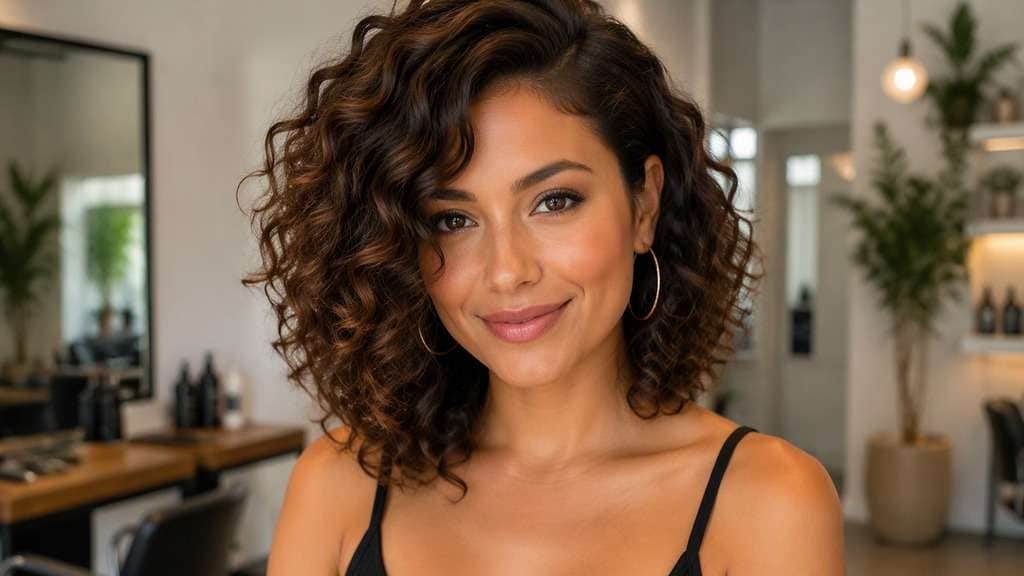
Side-Parted Curly Bob
Using my uploaded selfie, show what I would look like with: Authentic natural curls with deeper side division and airy volume around opposite cheek. Work from my provided selfie without altering the person, their skin tone, expression, shirt, setting or source lighting. Maintain the visual balance of the original portrait; avoid harsh compositing edges, extra hairpieces and unnaturally uniform strands. Keep realistic natural curl variability and dry-length shrinkage, not straightened ends.
Long Curly Bob
In my uploaded portrait, change only the hair to this specific cut: Springy curls reaching collarbone in dry state with no straightened ends. Preserve the recognizable facial features, expression, skin tone, existing hair color, clothing, camera perspective and background of the uploaded photo. Avoid an airbrushed wig look; show believable roots, natural strand separation and enough of the neckline to judge length. Keep realistic natural curl variability and dry-length shrinkage, not straightened ends.
Fine-Curl Bob
Use the person in my reference image and preview this haircut: Loose fine curls with modest natural density, soft layered shape and neck-level length. Use the uploaded photo as the reference; keep the original facial features, hair shade, skin tone, outfit, posture and room lighting recognizable. Keep the result photorealistic and cut-specific, with natural flyaways and a hairline that blends with the original photo. Keep realistic natural curl variability and dry-length shrinkage, not straightened ends.
Coily Short Bob
Edit my original photo to show the following hairstyle, without replacing the person: Tight coils cut into balanced dry neck-level bob-like silhouette, realistic edges. Edit the hairstyle only on my supplied portrait. Keep my identity cues, face proportions, expression, clothes, original hair color and setting consistent. Show the actual perimeter clearly against the jaw, neck or shoulders, without exaggerated artificial density or altered facial geometry. Keep realistic natural curl variability and dry-length shrinkage, not straightened ends.
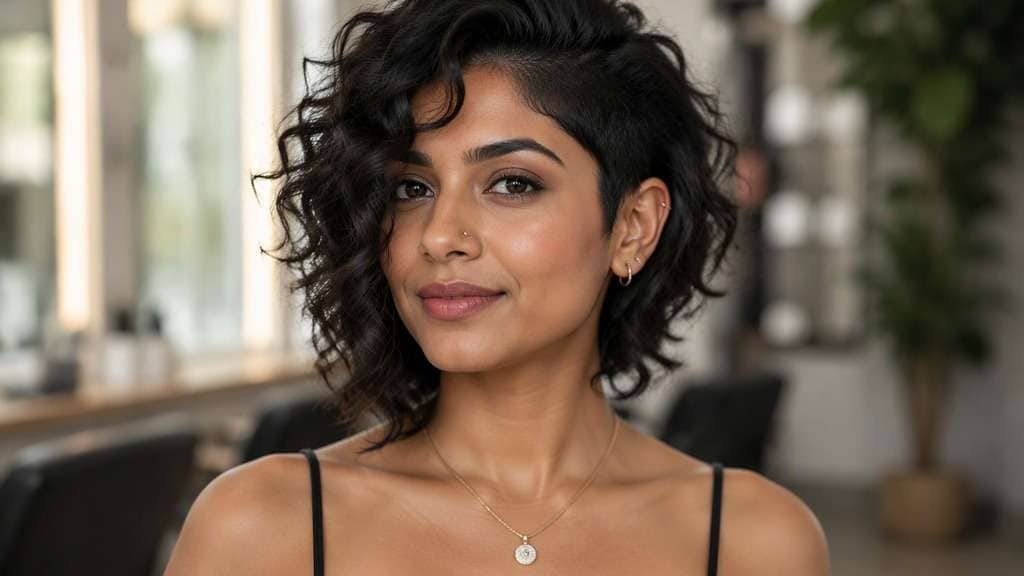
Asymmetric Curly Bob
Keep the source portrait as the base and create this precise hairstyle: Subtle shorter one side and slightly longer face framing opposite with natural curls. Start from my own image and retain the same person, original face, makeup, attire, lighting, camera angle and background where possible. Leave the original camera framing in place, show believable hair strands and avoid changing makeup, outfit or facial structure. Keep realistic natural curl variability and dry-length shrinkage, not straightened ends.
Curly Bob Without Fringe
Using my uploaded selfie, show what I would look like with: Open forehead, gently rounded natural curl bob and clear neckline. Work from my provided selfie without altering the person, their skin tone, expression, shirt, setting or source lighting. Maintain the visual balance of the original portrait; avoid harsh compositing edges, extra hairpieces and unnaturally uniform strands. Keep realistic natural curl variability and dry-length shrinkage, not straightened ends.
Test the Shape, Not Just the Length
Account for Dry Shrinkage
Curls can spring up noticeably between wet and dry states. A curly bob haircut try on should specify where the ends appear when dry, not just the imagined stretched length.
Find the Right Side-to-Top Balance
Some curly bobs have a round halo; others keep volume lower around the jaw. Compare the overall outline rather than choosing by facial shape labels alone.
Keep Your Existing Curl Character
The most helpful preview preserves believable curl grouping and natural variation. A curly bob photo edit with identical perfect spirals is not a reliable reference for real hair.
Decide Whether to Add Fringe
A curly fringe creates another layer of shrinkage near the forehead. Check a few sparse or fuller options before committing to shorter front curls.
How to Use the Curly Bob Filter on Your Photo
For a useful curl geometry, shrinkage and dry length preview, start with a well-lit reference image and change one hairstyle detail at a time.
Step 1
Upload Your Photo
Upload a clear photo showing your face and hairline. Use your natural curls in the source photo, preferably with a visible neck. Natural lighting helps the new haircut align with the source photo.
Step 2
Choose a Haircut Filter or Enter a Prompt
Choose a haircut preset if available, or write a custom prompt such as "naturally curly jaw-to-neck bob with rounded dry silhouette and authentic texture". Include the intended hair length, fringe and texture, and ask to keep the face and outfit.
Step 3
Click Generate
Click Generate to create your hairstyle preview. Compare the result with your original portrait, then refine one detail at a time. Download the image you want to keep as a style reference.
The strongest results show a preferred shape that a curl-aware stylist can interpret for your actual pattern.
Before a First Curly-Hair Chop
Compare jaw-level dry curl length with a slightly longer neck-level outline. This makes the final proportion clearer than a stretched-hair measurement.
Choosing Between Round and Layered Shapes
If your curls grow wide at the sides, test more lift near the crown against a fuller lower shape to identify your preference.
Preparing a Curl-Specific Salon Reference
Save two previews with the same curl character and different layer placements. Ask about dry cutting, shrinkage and how the nape will sit after washing.
What Media.io Users Say About Bob Hairstyle Previews
Alyssa M.
Salon Client
"Much more useful than a social filter" I wanted to know if a bob would actually suit my face, not just get a funny effect. Media.io gave me previews that looked polished and realistic enough to show my stylist.
Jenna R.
Beauty Content Creator
"Easy to compare several bob styles" I tested blunt, wavy, and curtain-bang versions from one selfie. The ability to generate multiple looks made this feel more like a real makeover tool than a random app filter.
Priya S.
Frequent Mobile User
"Worked well on my phone" I used it in my mobile browser without downloading anything. The results were quick, and the hairstyle blending looked surprisingly natural around my jawline and forehead.
Monica T.
Hair Stylist Assistant
"Helpful for consultation prep" Clients often ask to try a bob hairstyle before cutting. This made it easier to show different lengths and bangs visually, which helped narrow down the best direction faster.
1. Can a curly bob work with naturally tight curls?
Yes, bob-like silhouettes can be adapted to many curl types. The cutting strategy and dry outline differ across textures, so work from your own natural curl reference.
2. Why does the AI sometimes make curls too uniform?
Image models may favor repeated spiral patterns. Ask for a mix of realistic curl sizes, frizz at natural levels and a preserved hairline.
3. How short should I request a curly bob?
Specify the desired dry outline, such as jaw level or mid-neck, and explain that curls should keep their natural shrinkage.
4. Is a curly bob the same as a rounded afro?
They can overlap visually, but a bob usually aims for a particular lower perimeter and length distribution. Describe the target shape instead of relying on labels.
5. Can I preview curly bangs with a bob?
Yes. Ask for shorter curl clusters above the brows and keep them realistic rather than perfectly straight fringe.
6. Can the filter predict shrinkage exactly?
No. It produces a visual possibility, not a measurement. A curl-trained stylist can assess individual spring and cutting technique.