Click or drag to upload, or choose from My HistoryClick To UploadMy History
No ideas? Generate an image first >
Upload jpg, jpeg, png images up to 50 MB, with a minimum width/height of 300 px.
Make a Funny Big Head Filter Photo
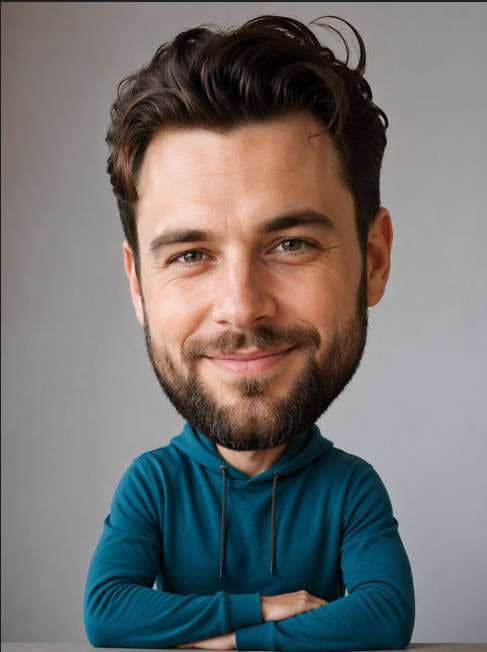
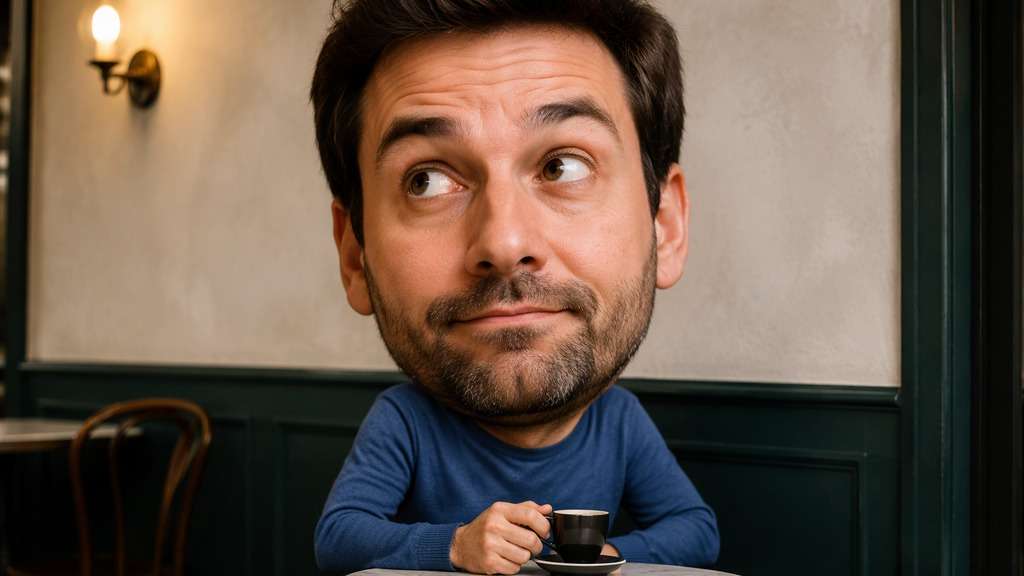
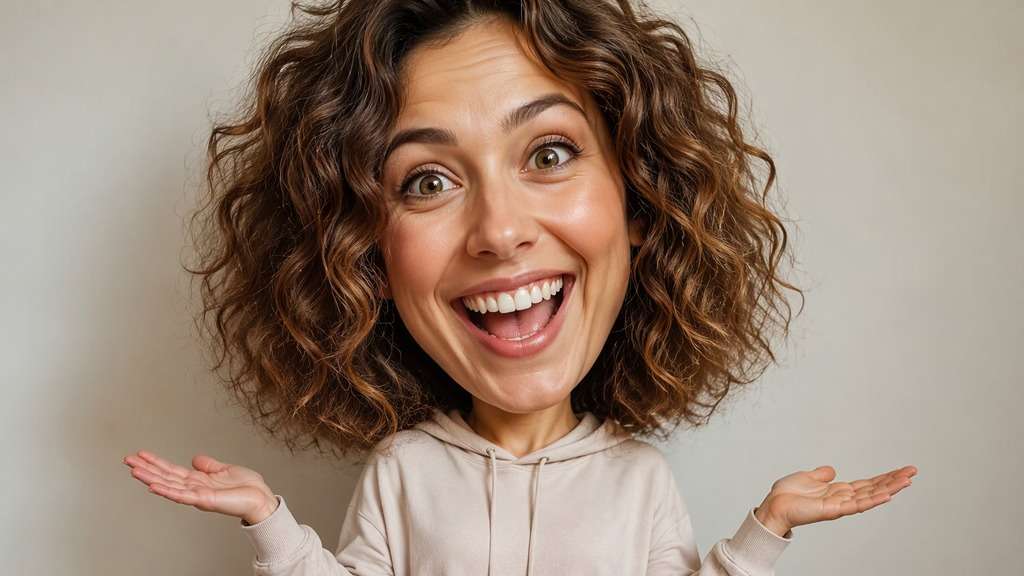
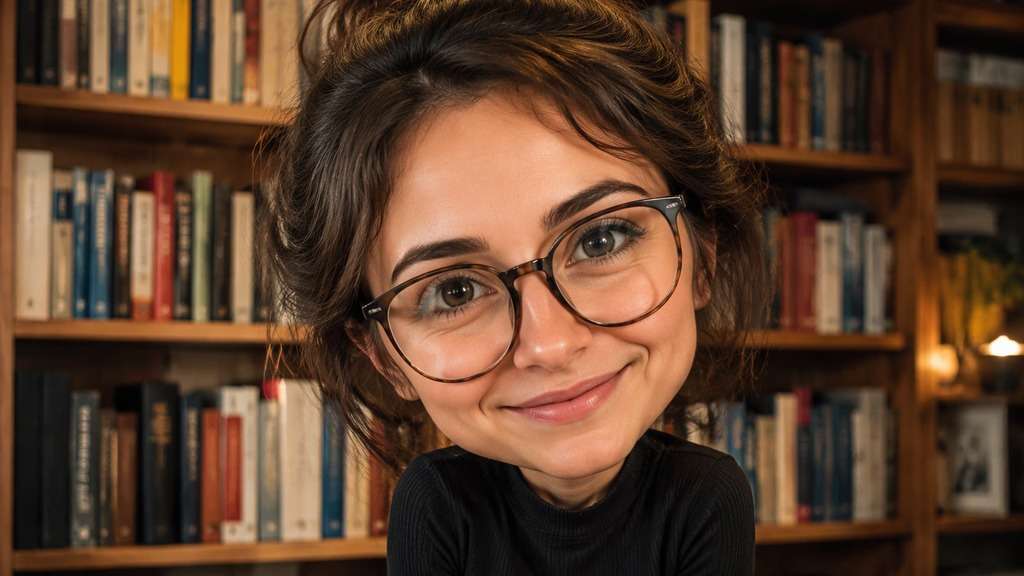
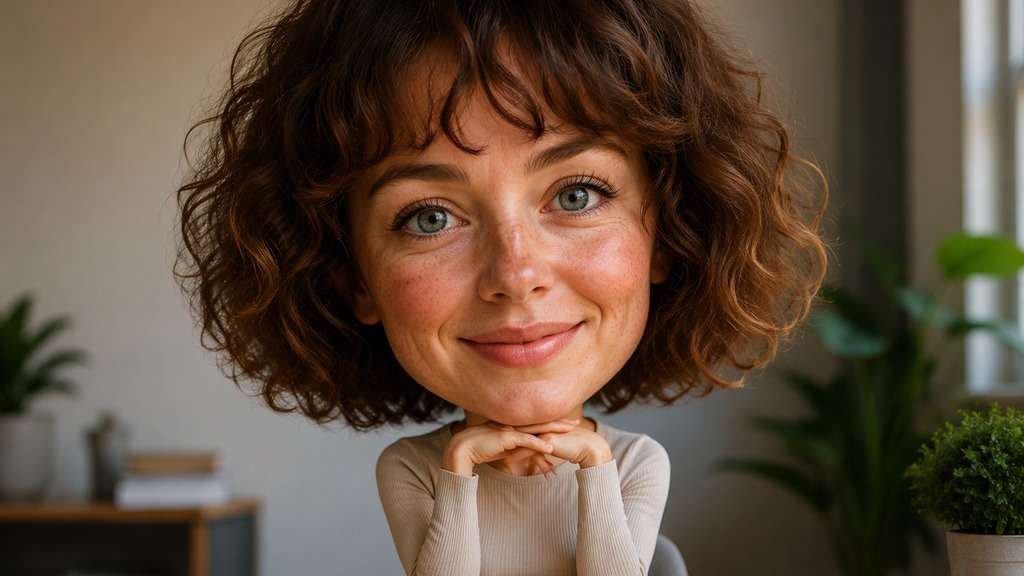
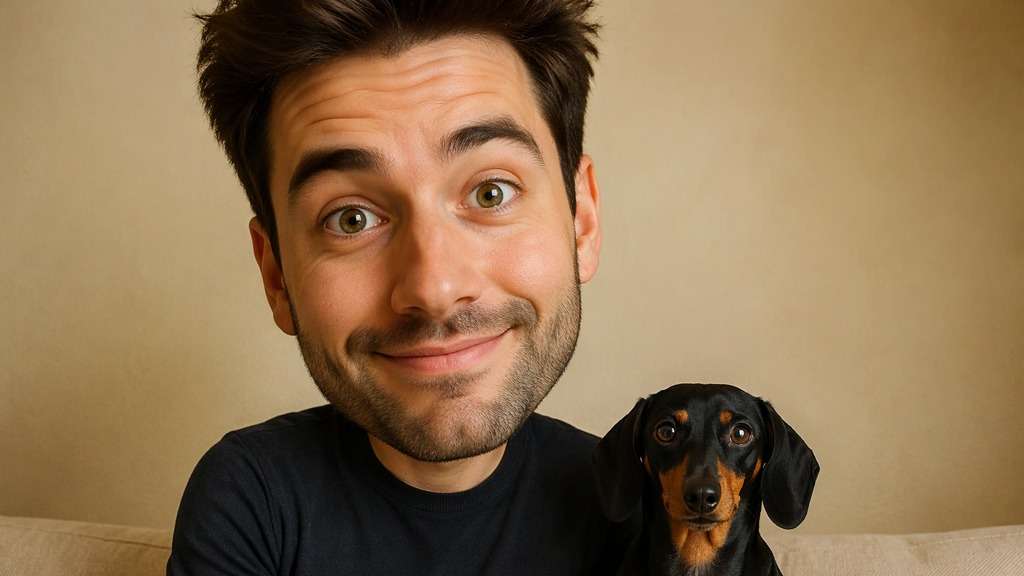
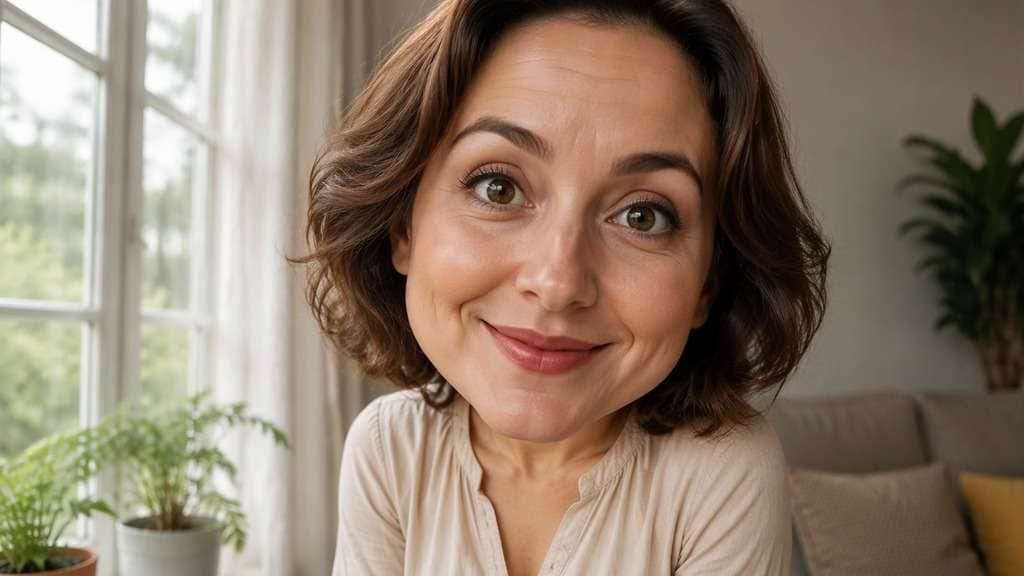
That group photo is almost perfect for a joke, except everyone looks too normal. With a big head filter, you can exaggerate one person's head compared with their shoulders, or create a playful bobblehead-style selfie. The trick is deciding whether the head should look gently enlarged or hilariously out of scale.
Describe head-to-shoulder proportion; enlarging only the eyes creates a different filter.
Big Head Filter Prompts for Bobbleheads and Reaction Memes
Head size is the joke here. Keep the body and surroundings recognizable so a larger head clearly reads as an intentional edit.
Subtle Bobblehead Portrait
Edit my uploaded reference photo: Enlarge the whole head relative to shoulders, preserve the natural expression and neckline, and keep the indoor wall straight. Work from the uploaded photograph. Keep the original facial expression, clothing and scene while intentionally exaggerating the whole head relative to the shoulders; return one coherent image.
Oversized Head Meme
Edit my uploaded reference photo: Make the head comically enormous above a normal hoodie and torso; keep the smile and arms recognizable for a reaction post. Work from the uploaded photograph. Keep the original facial expression, clothing and scene while intentionally exaggerating the whole head relative to the shoulders; return one coherent image.
Sports Fan Bobblehead
Edit my uploaded reference photo: Turn the fan in a stadium selfie into a playful oversize-headed bobblehead portrait, retaining the jersey colors and seat rows. Work from the uploaded photograph. Keep the original facial expression, clothing and scene while intentionally exaggerating the whole head relative to the shoulders; return one coherent image.
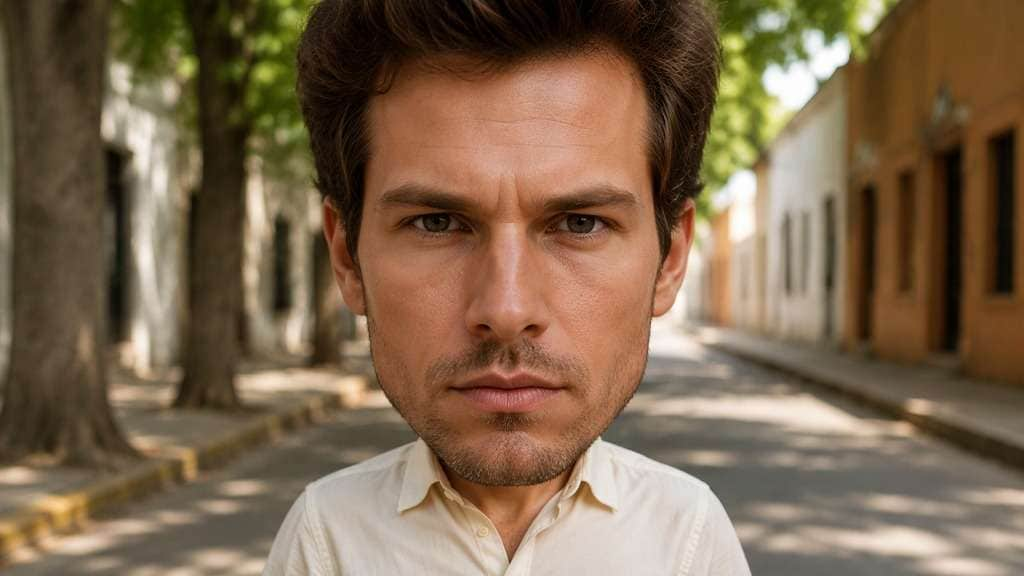
Serious Face, Giant Head
Edit my uploaded reference photo: Keep a very serious gaze while enlarging the head greatly; use the contrast between expression and proportions as the humor. Work from the uploaded photograph. Keep the original facial expression, clothing and scene while intentionally exaggerating the whole head relative to the shoulders; return one coherent image.
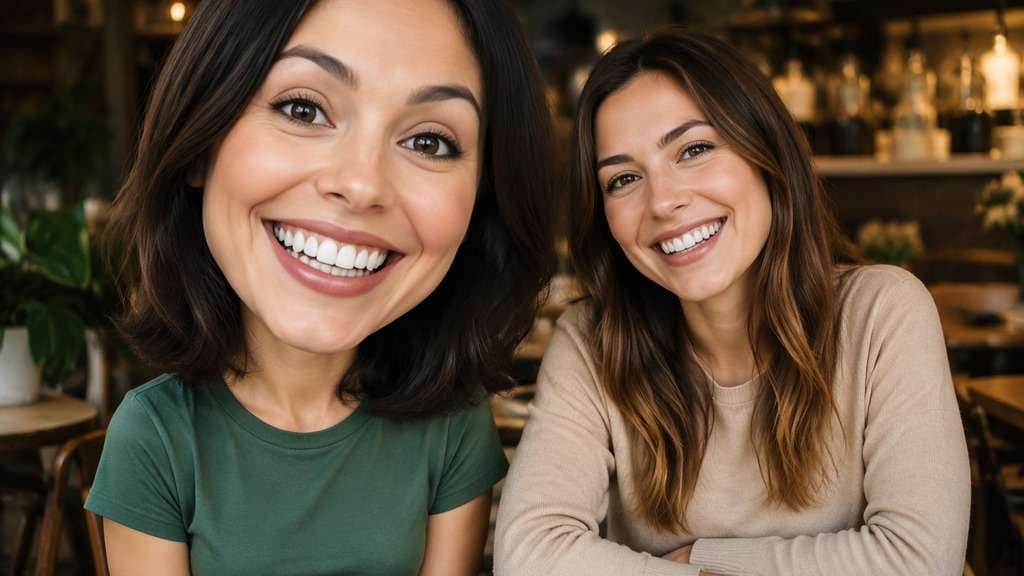
Two-Friend Big Head
Edit my uploaded reference photo: Enlarge only the person on the left in a consented two-adult photo, leaving the second friend and the cafe table unchanged. Work from the uploaded photograph. Keep the original facial expression, clothing and scene while intentionally exaggerating the whole head relative to the shoulders; return one coherent image.
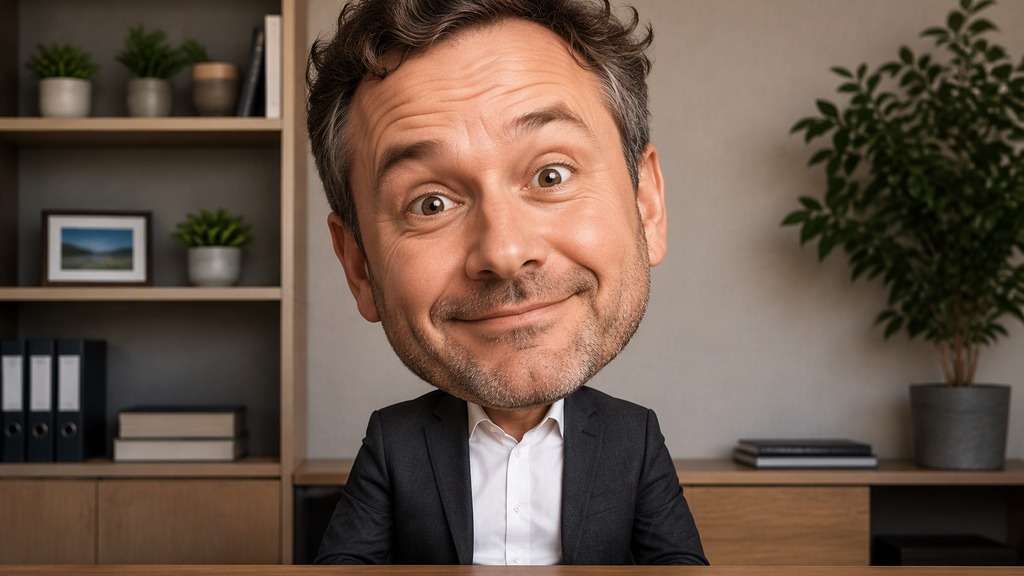
Office Reaction Portrait
Edit my uploaded reference photo: Create an exaggerated big head above a normal blazer and shirt in a home office, preserving straight desk and shelf lines. Work from the uploaded photograph. Keep the original facial expression, clothing and scene while intentionally exaggerating the whole head relative to the shoulders; return one coherent image.
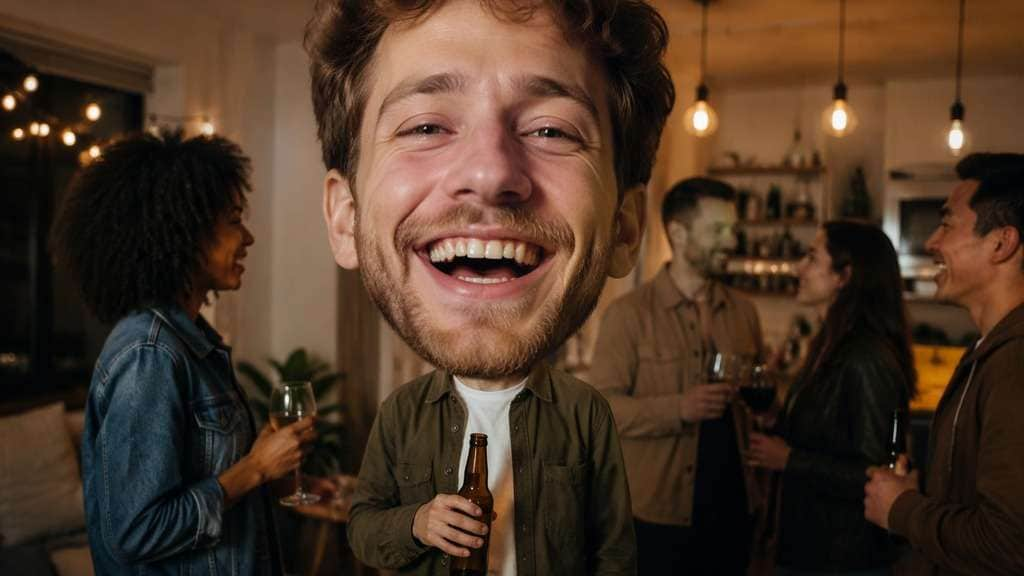
Birthday Party Goof
Edit my uploaded reference photo: Make one party guest's head oversized while preserving the original party lights and clothing details, with no added words. Work from the uploaded photograph. Keep the original facial expression, clothing and scene while intentionally exaggerating the whole head relative to the shoulders; return one coherent image.
Wide Angle Cartoon Head
Edit my uploaded reference photo: Give the portrait a toy-like enlarged cranium, maintaining facial landmarks and avoiding a stretched neck or tiny missing chin. Work from the uploaded photograph. Keep the original facial expression, clothing and scene while intentionally exaggerating the whole head relative to the shoulders; return one coherent image.
Pet Owner Comedy Pair
Edit my uploaded reference photo: Enlarge the adult owner's head in the pet portrait while keeping the dog at original scale and both gazes readable. Work from the uploaded photograph. Keep the original facial expression, clothing and scene while intentionally exaggerating the whole head relative to the shoulders; return one coherent image.
Tiny Shoulders Giant Head
Edit my uploaded reference photo: Reduce apparent shoulder width only slightly as the head becomes larger, keeping proportions intentionally comic and the background intact. Work from the uploaded photograph. Keep the original facial expression, clothing and scene while intentionally exaggerating the whole head relative to the shoulders; return one coherent image.
Control the Joke, Not the Entire Photograph
Enlarge the Head, Not Just Facial Features
Big-head and big-eye edits are not interchangeable. Describe the whole skull and facial area growing relative to the neck and shoulders, while allowing facial features to remain proportionate to the enlarged head.
Keep the Neck Connection Believable
An oversized head should still attach cleanly to the body. Check collar edges, the jaw-to-neck transition and hair borders; those details often determine whether a goofy selfie reads as intentional comedy.
Pick Mild or Wild Proportions
For an avatar, a modest bobblehead effect can be enough. Meme images benefit from stronger scale differences. Write which one you want rather than using vague directions that could warp the entire face.
Protect Other People in Group Shots
If friends are in the image, specify exactly whose head should change. Otherwise a model may distort every person or alter the background, making the joke difficult to read and harder to share.
How to Make a Big Head Filter Photo Online
Choose a portrait that shows the upper chest or shoulders; tight face crops make oversized-head scale difficult to judge.
Step 1
Upload a Head-and-Shoulders Photo
Upload a clear image in Media.io AI Face Editor with the neck, collar and head visible.
Step 2
Describe the Oversized Head Effect
Enter a big head prompt that keeps the torso normal-sized and specifies gentle bobblehead or dramatic meme proportions.
Step 3
Generate and Check the Neckline
Click Generate and inspect hair edges, collar and background lines before sharing your enlarged-head image.
A big head works best when it deliberately exaggerates the subject without confusing the scene.
Create a Reaction Image for Friends
A normal face with an oversized head can make a familiar expression funnier. Use a well-lit head-and-shoulders shot, preserve the original expression, and choose a size exaggerated enough to read in a small chat preview.
Make a Bobblehead-Style Profile
A playful avatar can use a slightly enlarged head without extreme face deformation. Ask for a balanced neck connection and clean hair outline, then test the image in a square crop rather than judging only the full-size file.
Edit a Group Shot With One Clear Joke
Instead of transforming the whole party, enlarge one consenting adult's head while the others remain at normal scale. Leave the table, balloons and outfits unchanged so viewers immediately understand which person is the visual punchline.
Big Head Filter Photo Preview Checklist
Skull Scale
Photo preview checklist
"Check skull scale before export" Compare head width with the source shoulders.
Neck Join
Photo preview checklist
"Check neck join before export" Hairline and collar should form one continuous edge.
Background
Photo preview checklist
"Check background before export" Straight wall lines should stay straight.
Other Faces
Photo preview checklist
"Check other faces before export" Only the intended person should be altered in a group photo.
1. How does a big head filter differ from a wide face filter?
A big head effect increases the head relative to the body. A wide face effect changes facial width or cheek proportions inside the head, so the silhouette and joke are different.
2. Should I upload a close-up or a half-body photo?
Head-and-shoulders shots are usually easier because the neck and torso provide a visible scale reference. An extreme close-up can make the change difficult to notice.
3. Can I keep my face recognizable while enlarging the head?
Prompt for the same eyes, mouth, expression and hairstyle. The result is an artistic edit, so inspect whether identity and borders remain convincing before use.
4. Can I apply the big head effect to just one friend?
Describe the target person by position or clothing and leave the others unchanged. Use photos you have permission to edit and check every face after generation.
5. Is it a live big head Snapchat filter?
No. This is a still-photo AI edit based on an uploaded picture, not a real-time Snapchat Lens or video camera effect.
6. Why might the neck or hair look distorted?
Head scaling changes nearby edges. A clear collar, unobstructed hair and simple background help; ask to preserve the neck connection and redraw only the intended head size if necessary.