Karaoke & Sing-Along Tracks
Remove lead vocals from songs and create instrumental versions for karaoke sessions, parties, or sing-along practice.















Remove vocals from songs online with Media.io's AI Vocal Remover. Instantly create karaoke tracks, separate vocals and instrumentals, extract acapella, and isolate background music with AI. Perfect for singers, DJs, music producers, remixers, dancers, and anyone looking for a fast vocal removal online free workflow.
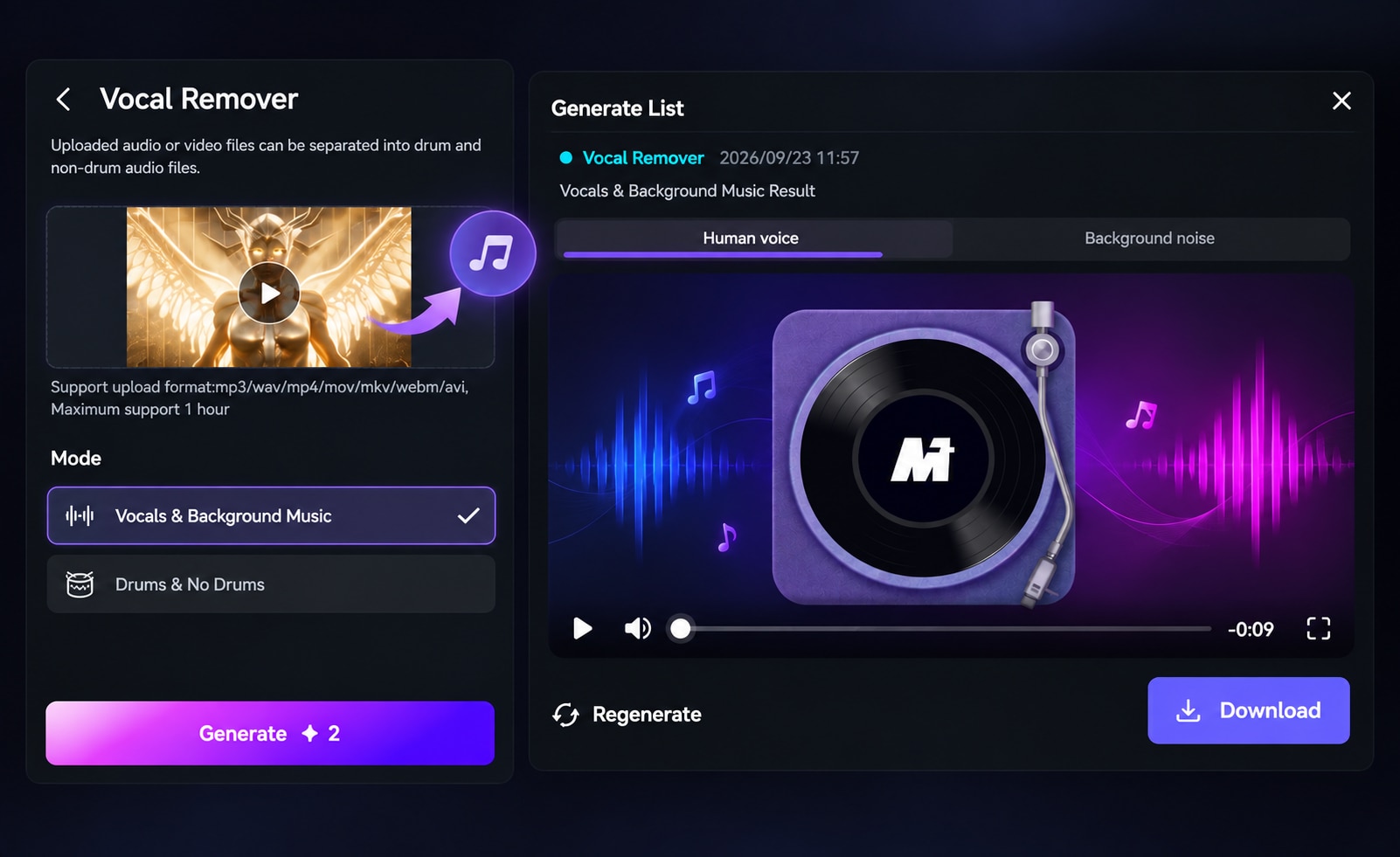
Listen to the original track and switch between separated outputs to compare how vocals, drums and background music are isolated. Using the same sample makes it easier to hear separation quality before processing your own song.

Free credits on signup/login.
Use Media.io to remove vocals from songs online, isolate vocal and instrumental tracks, and create reusable backing audio with AI. Each feature below focuses on a different part of the vocal separation workflow.
Media.io uses AI to separate the lead vocal from a mixed song and generate a cleaner instrumental output online. Upload your track, let the model analyze vocal and backing layers, and get separated audio without manually adjusting frequencies or editing in a DAW.
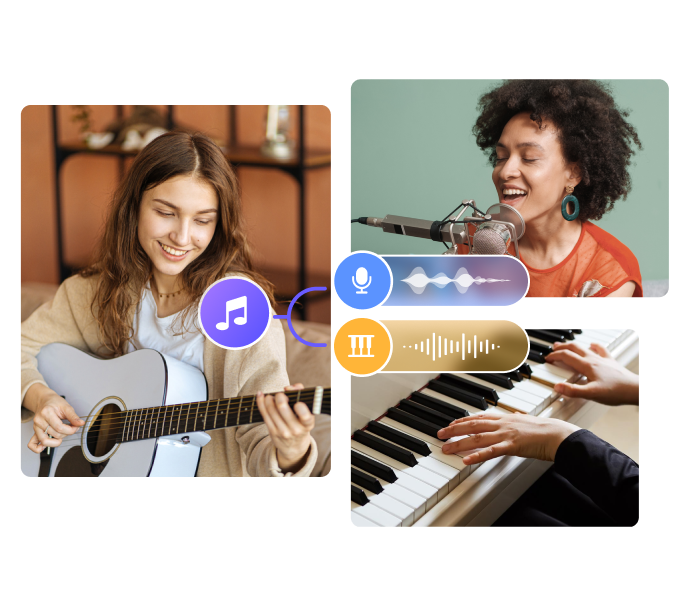
Isolate vocals and instrumental elements from the same track for more flexible music editing. Media.io creates separate outputs that can be previewed and reused for remixing, sampling, mashups, karaoke, or other audio projects.
Separate vocals and music directly in your browser without installing desktop software or learning advanced audio tools. Upload a supported track, process it with AI, and access the separated result through a simple online workflow. Free credits are available for users who want to test the vocal remover first.

Remove the main vocal layer and keep the instrumental part of a song as a reusable backing track. Preview the separated instrumental before download, then use it for rehearsal, karaoke, remixing, teaching, or other creative workflows.

AI vocal separation is useful whenever you need vocals and backing music as separate tracks. Explore common use cases for karaoke, music practice, remixing, and content creation.
Remove lead vocals from songs and create instrumental versions for karaoke sessions, parties, or sing-along practice.
Practice vocals or instruments with a cleaner backing track instead of the full original mix, making rehearsal audio easier to follow.
Extract vocals or instrumentals for remixes, mashups, sampling, DJ edits, and quick music-production experiments.
Use separated vocals or background music in reels, shorts, tutorials, edits, and other creative video projects.
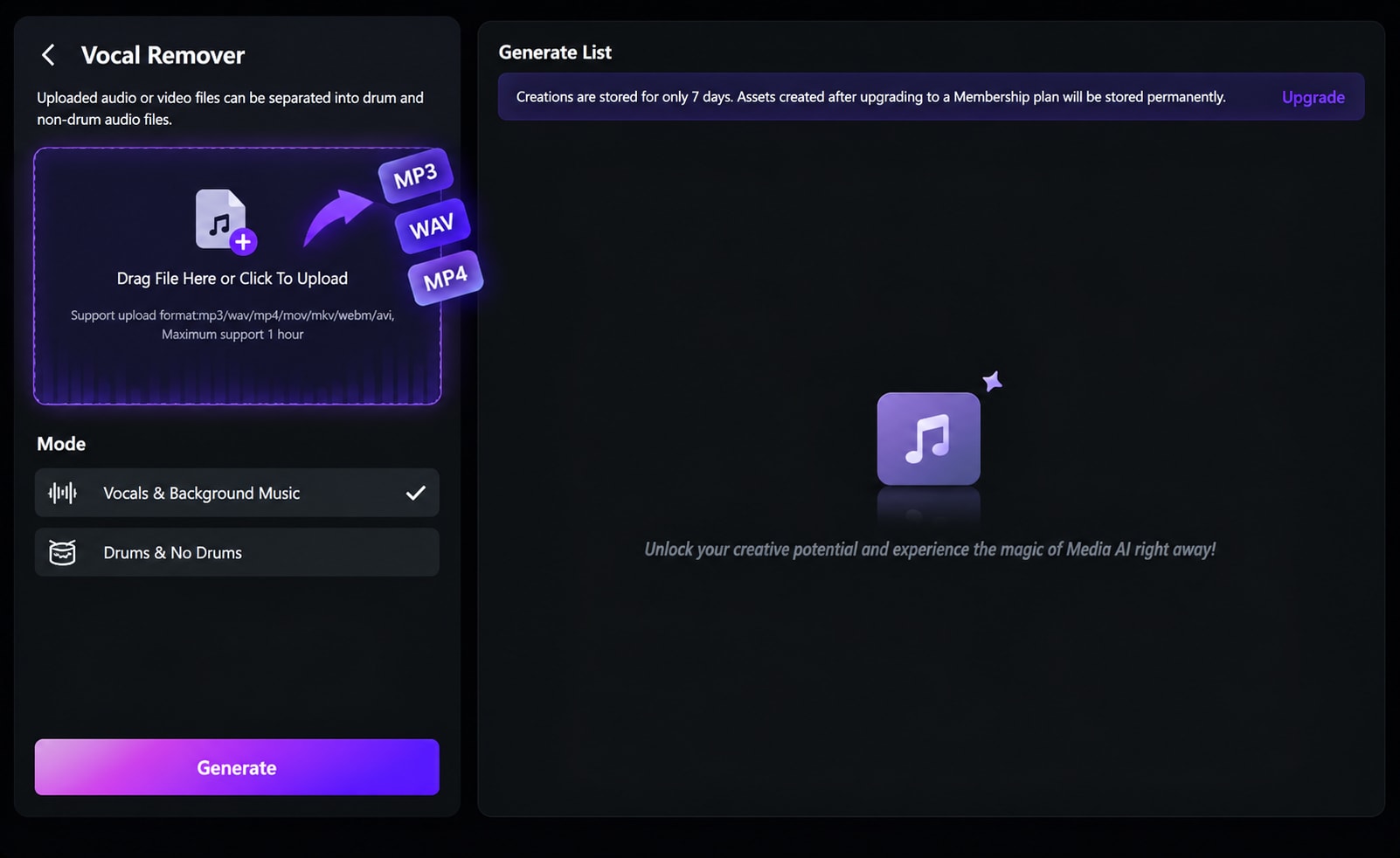
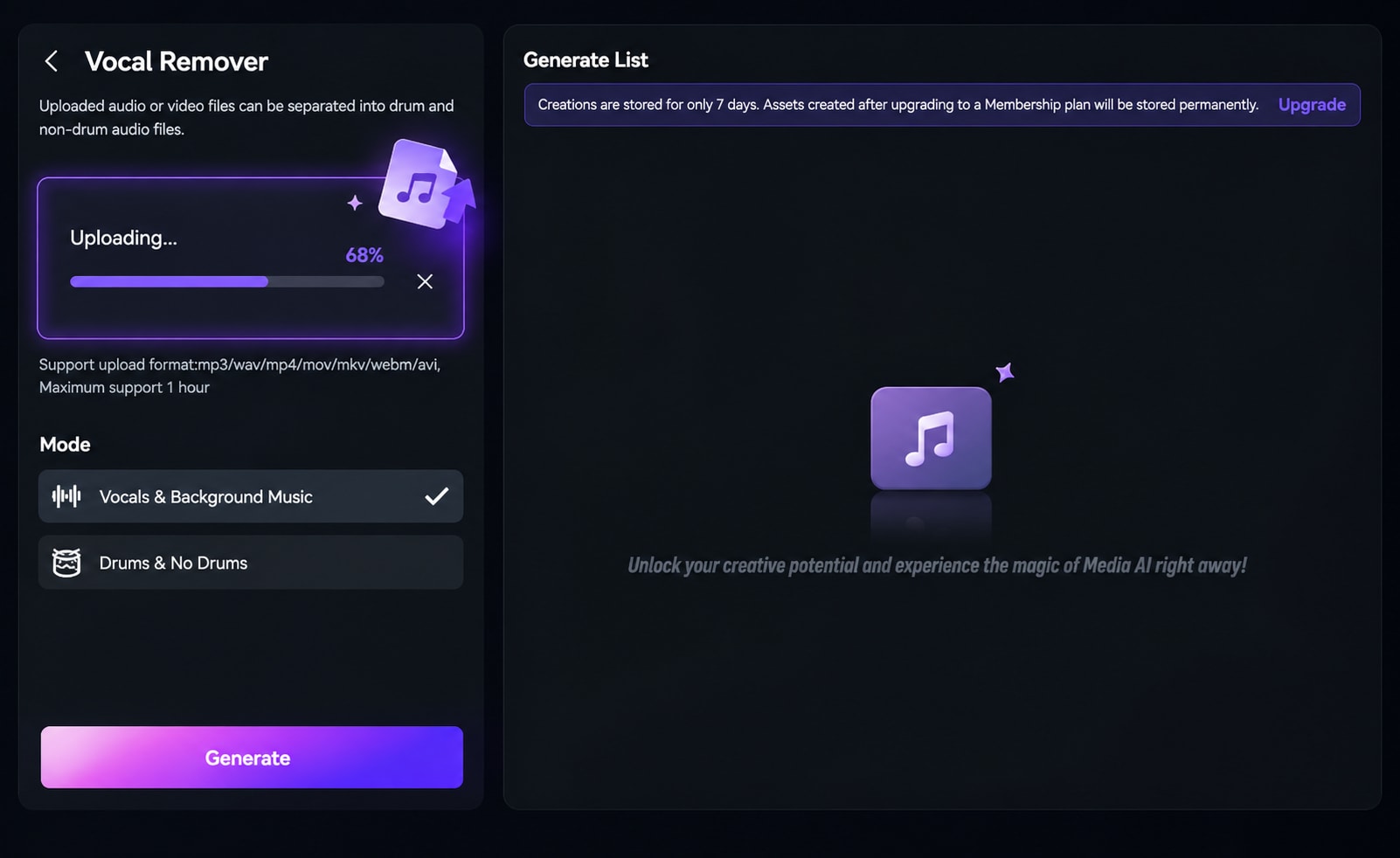
Upload the song or music file you want to process. This can be a pop song, live recording, demo, rehearsal track, or any audio where you want to separate vocals and instrumentals.
Media.io automatically analyzes the track and separates the vocal stem from the instrumental stem, giving you cleaner outputs for karaoke, remixing, or music practice.
Click Generate to remove vocals or extract acapella. Preview the result and download the instrumental or vocal track for karaoke, production, teaching, or content creation.
Built for real music workflows — and backed by real user feedback.
Media.io is a trusted online creative platform used by millions worldwide. Our Online AI Vocal Remover is built for high-quality vocal separation, instrumental extraction, and acapella creation with fast, practical output.
Unlike complicated music production tools, Media.io is designed for practical tasks such as making karaoke tracks, preparing singing practice audio, extracting background music, and creating stems for remixes and short-form content.
The audio extractor also outputs high-quality BGM or vocals. AI separation is designed to preserve as much vocal and instrumental detail as possible. Results can vary depending on the original mix, compression, reverb, and how strongly vocals overlap with instruments.
Media.io keeps improving its AI tools based on user feedback. Updates focus on cleaner vocal separation, better instrumental quality, and faster online workflows for karaoke, remixing, and music learning.
Social proof that reinforces speed, convenience, and creative flexibility.

An AI vocal remover is a tool that uses artificial intelligence to separate vocals from instrumentals in a song. It helps users create karaoke tracks, extract acapella, or isolate background music more easily.

Yes. Media.io offers a free online vocal remover with free credits for new users, so you can test vocal separation and instrumental extraction directly in your browser.
Yes. Media.io can separate a song into vocal and instrumental outputs, which is useful for karaoke, remixing, sampling, and music learning.
Media.io AI Vocal Remover supports popular audio and video formats, including MP3, WAV, MP4, MOV, MKV, WEBM, and AVI.
Commercial use depends on your subscription plan and the rights associated with the source audio. Media.io clearly shows download and usage information before export.
 4.7 (162,357 Votes)


