Design Sword Concepts with AI for Fantasy, Anime, and Realistic Styles
Create custom sword visuals from a text prompt in seconds with Media.io. This browser-based design sword tool helps you explore fantasy weapons, katana ideas, concept sheets, and polished renders fast—whether you want a quick sword builder workflow or a flexible AI sword generator for art direction.
Review these example directions, then tailor the prompt details to get stronger results with this Design Sword.
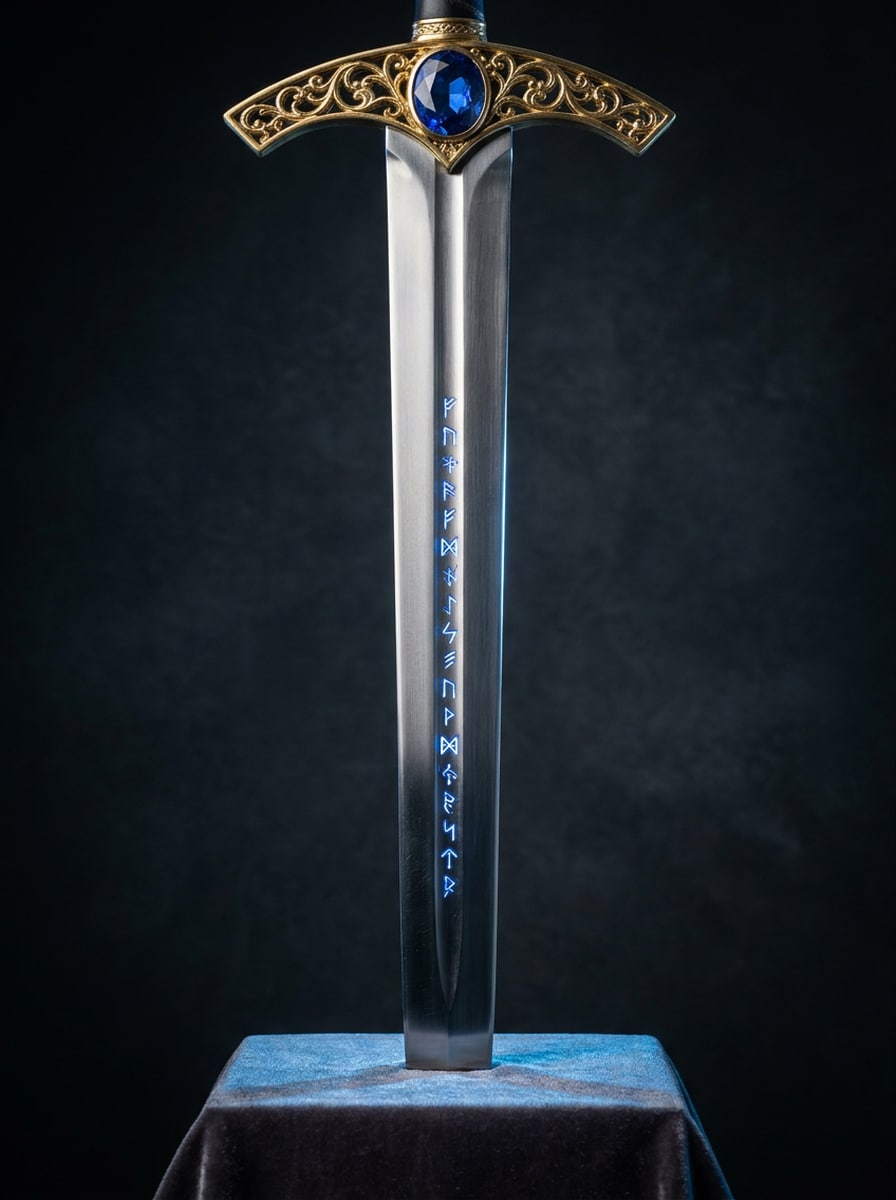
Legendary RPG Sword
A legendary fantasy sword for a heroic champion, centered composition, long polished steel blade with subtle fuller, ornate gold crossguard, sapphire gemstone pommel, glowing blue runes, rich metallic textures, dramatic rim lighting, dark studio background, epic mood, ultra-detailed concept art, sharp focus, premium fantasy illustration
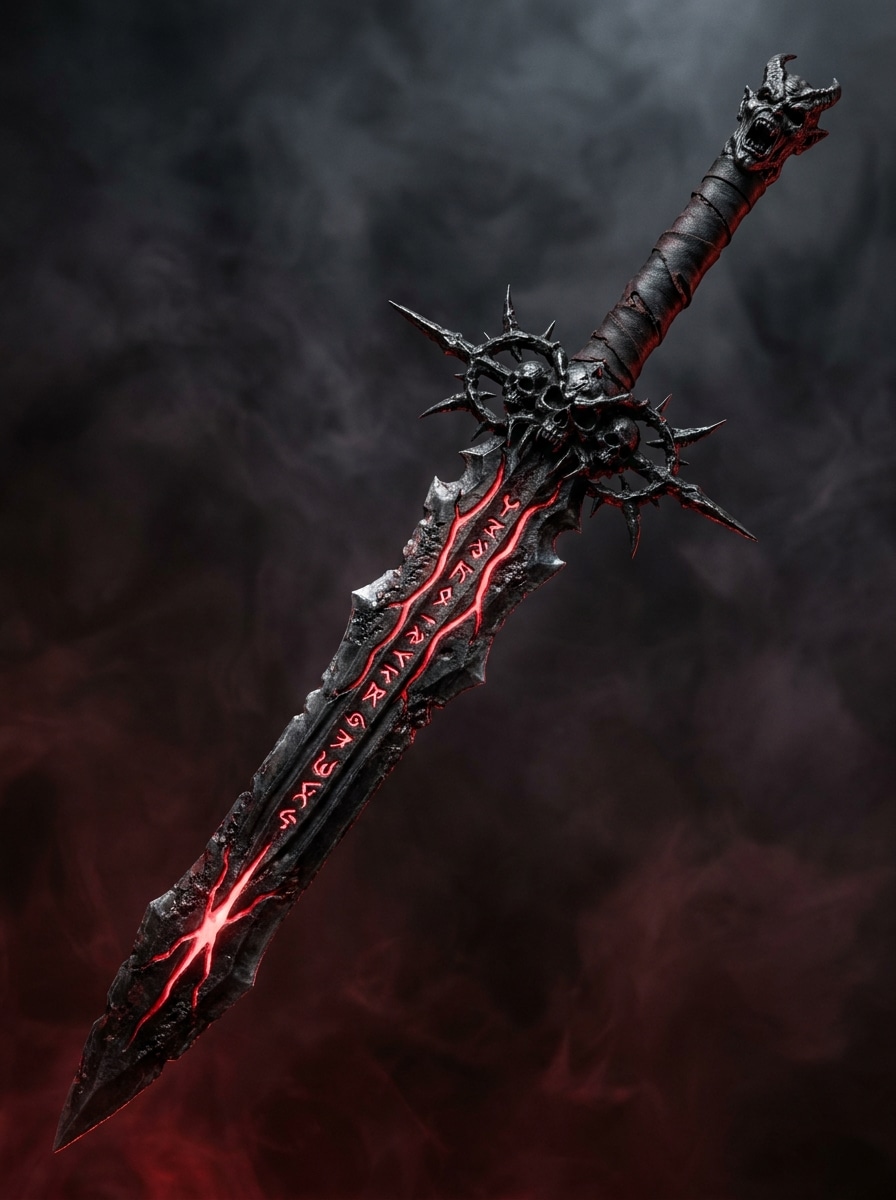
Dark Fantasy Cursed Blade
A cursed dark fantasy sword with a jagged silhouette, blackened steel blade split by glowing crimson cracks, demonic engravings along the fuller, spiked guard, smoky shadow atmosphere, cinematic red and charcoal palette, ominous mood, high contrast lighting, hyper-detailed weapon concept art, centered hero render
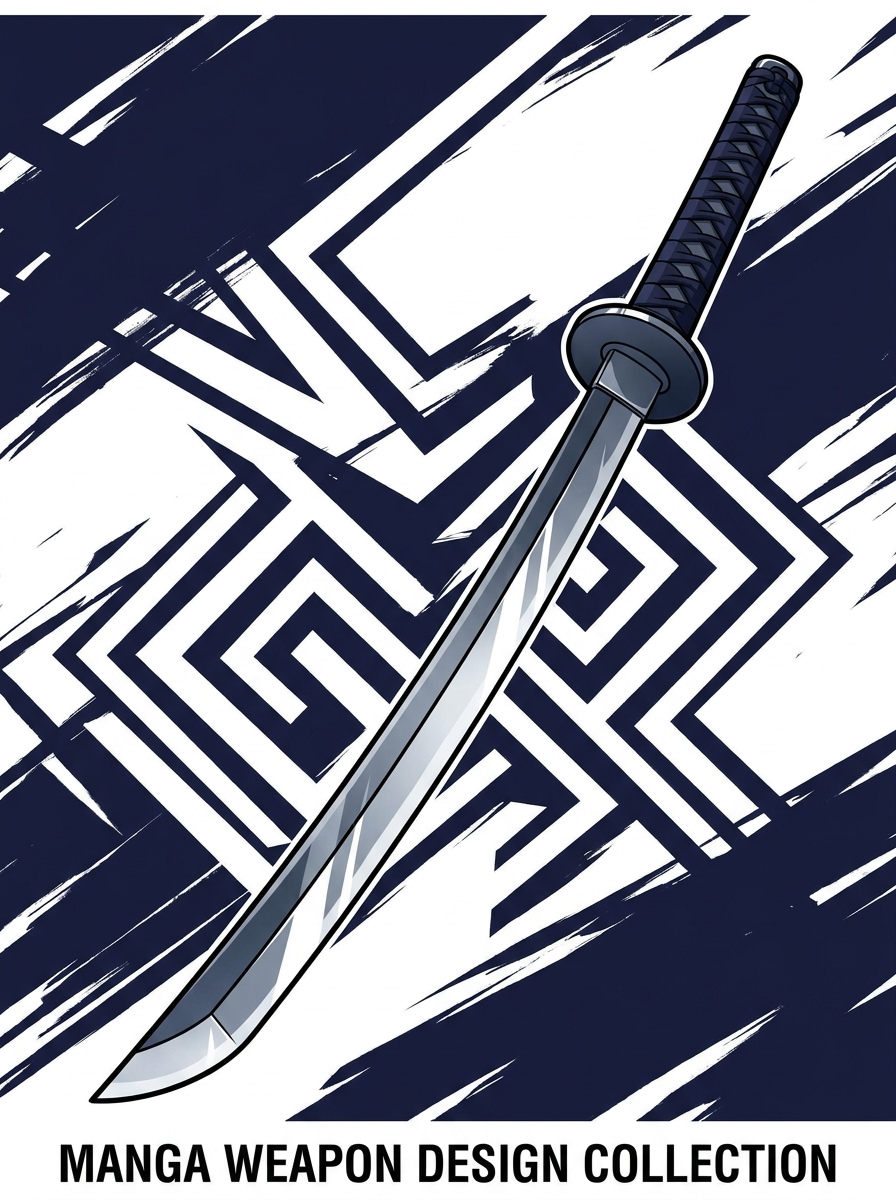
Anime Katana
A sleek anime katana design with an elegant curved blade, refined wrapped handle, minimalist tsuba guard, glossy steel reflections, cel-shaded rendering, crisp linework, white and deep navy background accents, balanced poster-style composition, clean high-contrast lighting, stylish manga-inspired weapon illustration, polished premium finish
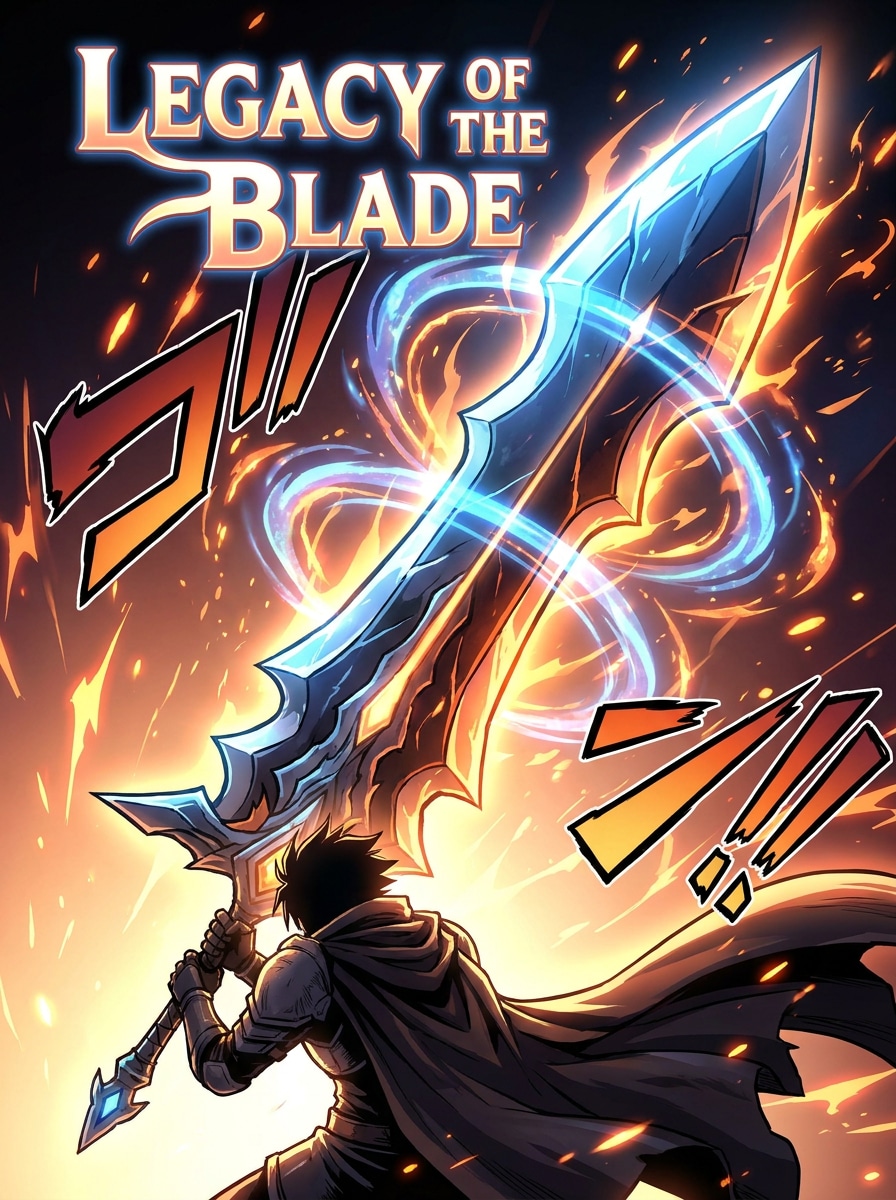
Shonen Power Sword
An oversized anime power sword with an exaggerated heroic silhouette, glowing energy edge, layered magical aura, bold graphic shape language, vibrant blue and orange palette, dynamic sparks, manga-style shading, intense lighting, high-impact poster composition, fantasy action mood, ultra-detailed illustration for a dramatic hero weapon reveal
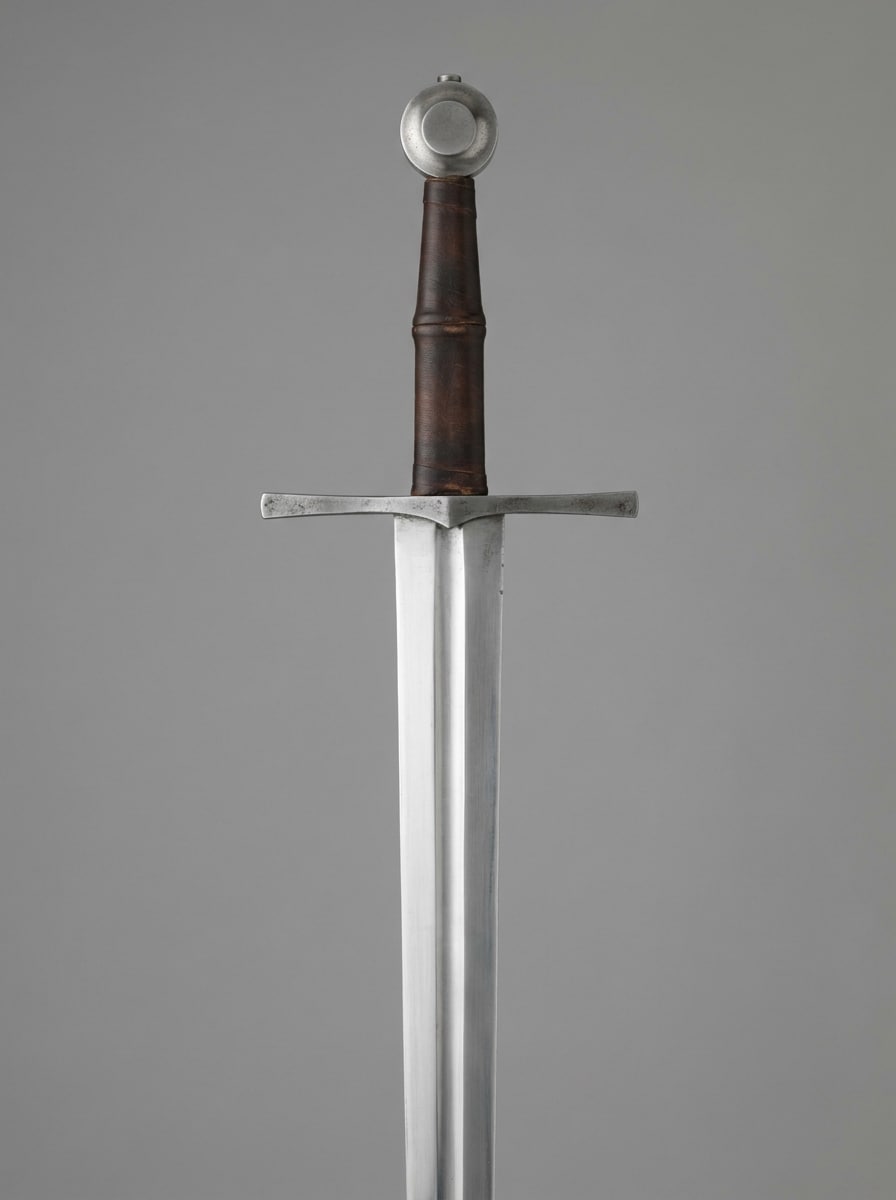
Realistic Longsword Concept
A realistic medieval longsword with historically inspired proportions, straight polished steel blade with fuller, leather-wrapped grip, simple crossguard, restrained pommel, neutral gray studio background, soft diffused lighting, photoreal metal texture, product-render precision, clean centered composition, sharp focus, museum-quality realism
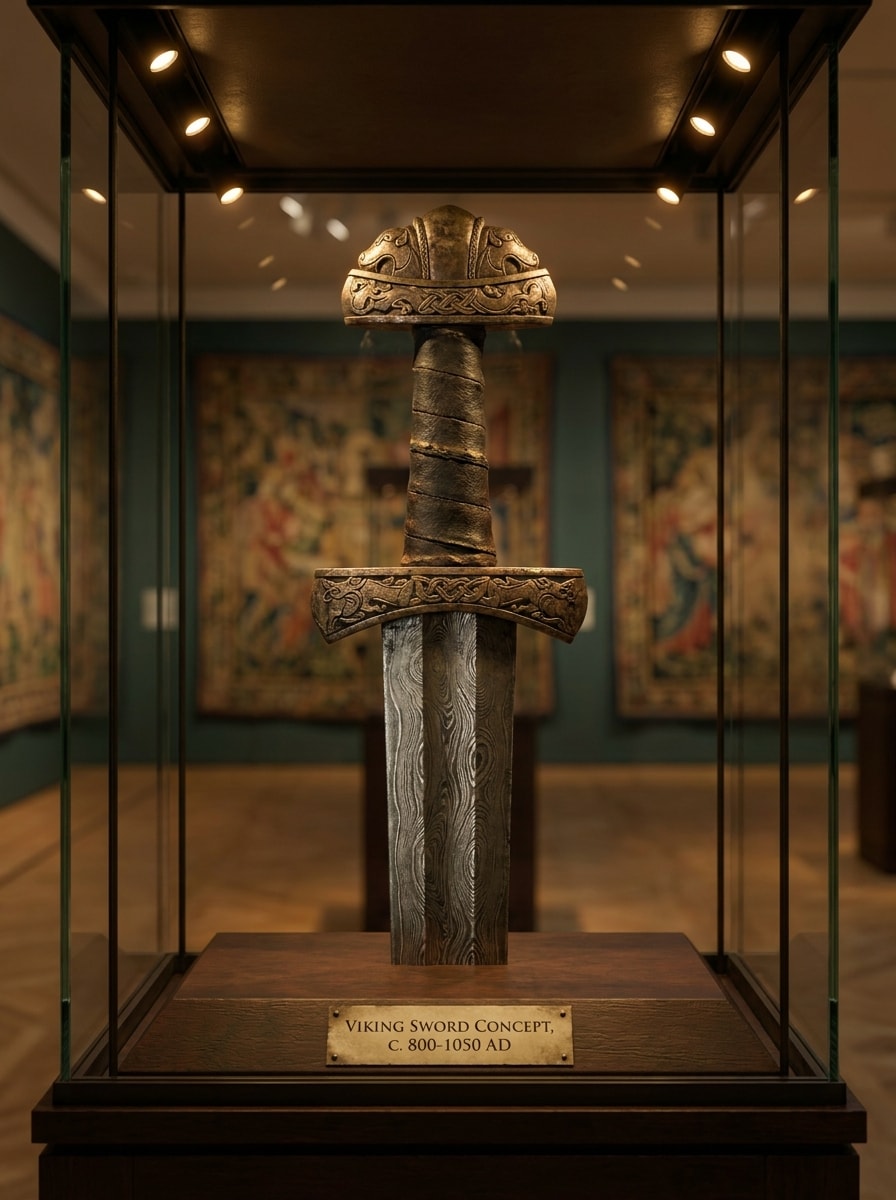
Museum-style Viking Sword
A Viking sword concept with a pattern-welded blade, carved hilt details, aged metal surfaces, weathered leather grip, heritage display styling, warm museum lighting, muted bronze and steel tones, historically inspired craftsmanship, subtle shadows, realistic render quality, centered showcase composition, elegant archival presentation
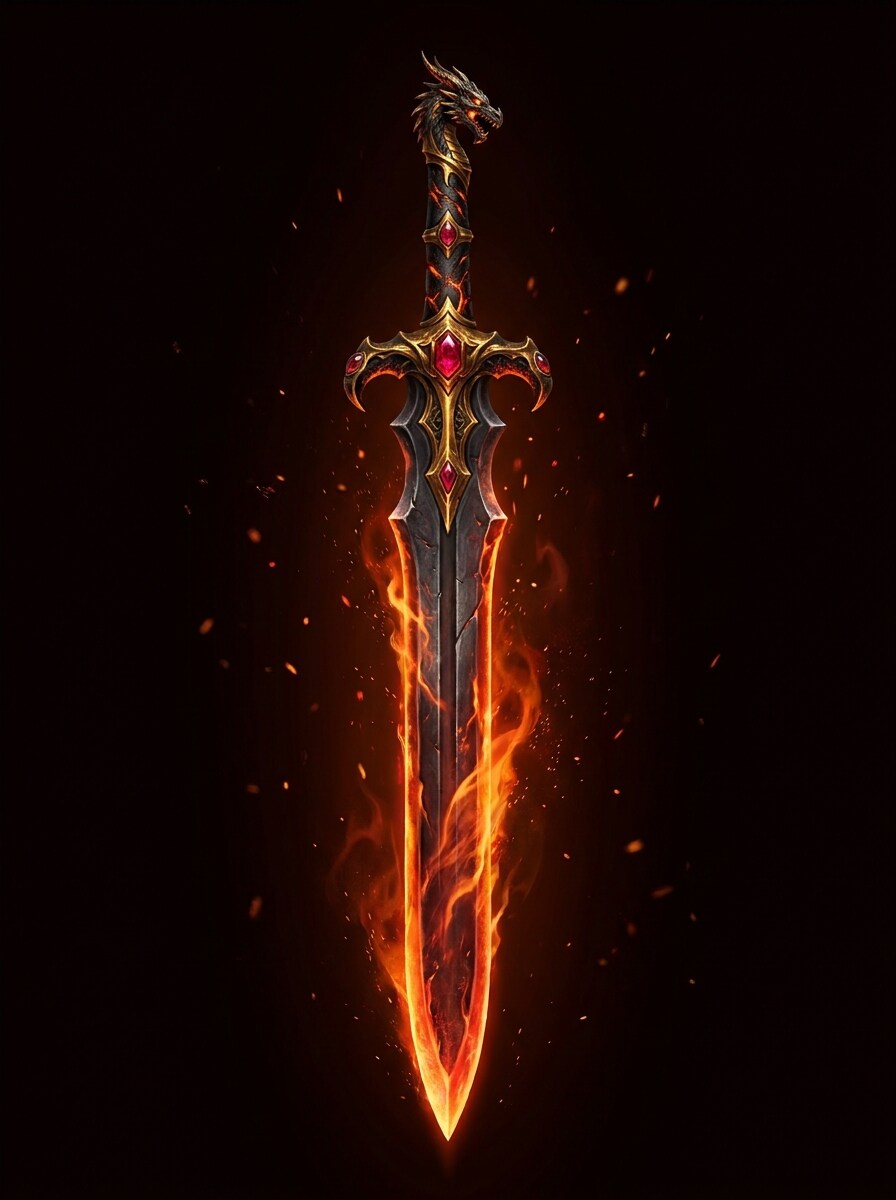
Fire Sword
A fantasy fire sword with a molten glowing edge, ember particles drifting through the air, gold hilt with heat-scorched accents, deep black background, cinematic orange and crimson lighting, high-detail metal and flame textures, epic magical atmosphere, centered composition, sharp focus, premium concept art for a legendary elemental weapon
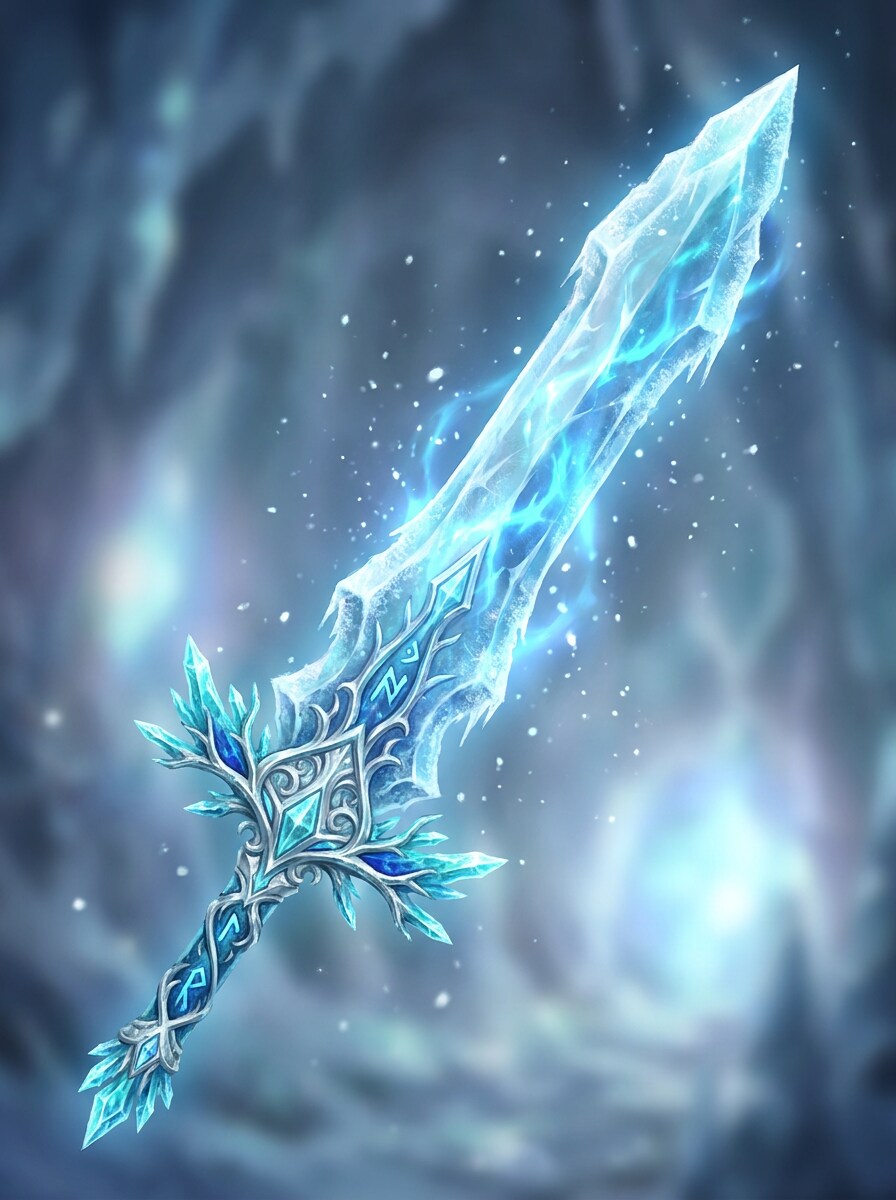
Ice Crystal Blade
An ice crystal sword with a translucent blade, frosted surfaces, intricate fantasy hilt, cold blue magical glow, floating snow particles, luminous highlights, polished digital painting style, clean centered composition, silver and icy cyan palette, serene but powerful mood, ultra-detailed fantasy weapon concept art with crisp textures
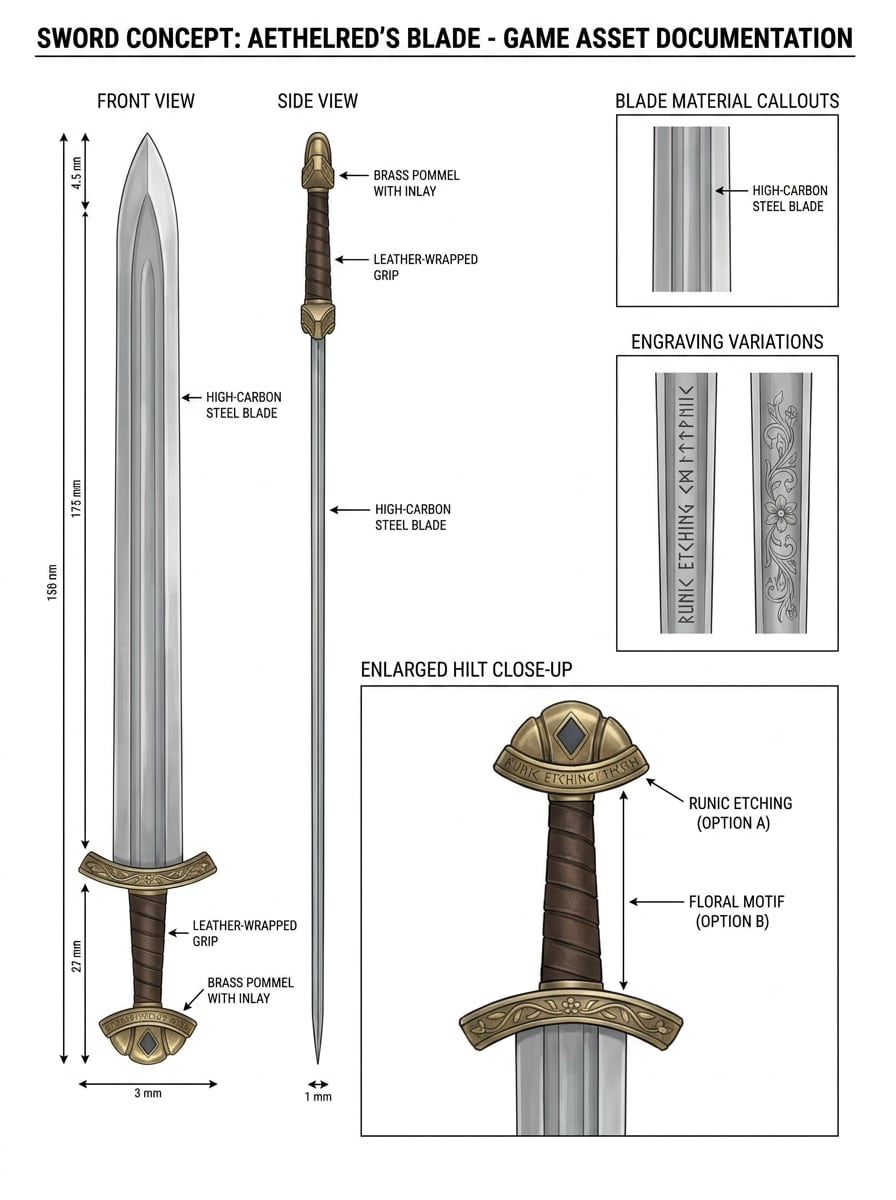
Weapon Design Sheet
A professional sword concept sheet showing front view, side view, enlarged hilt close-up, blade material callouts, engraving variations, clean white presentation layout, game art documentation style, precise labels, neutral lighting, balanced spacing, polished production-ready design board, highly detailed and easy to review
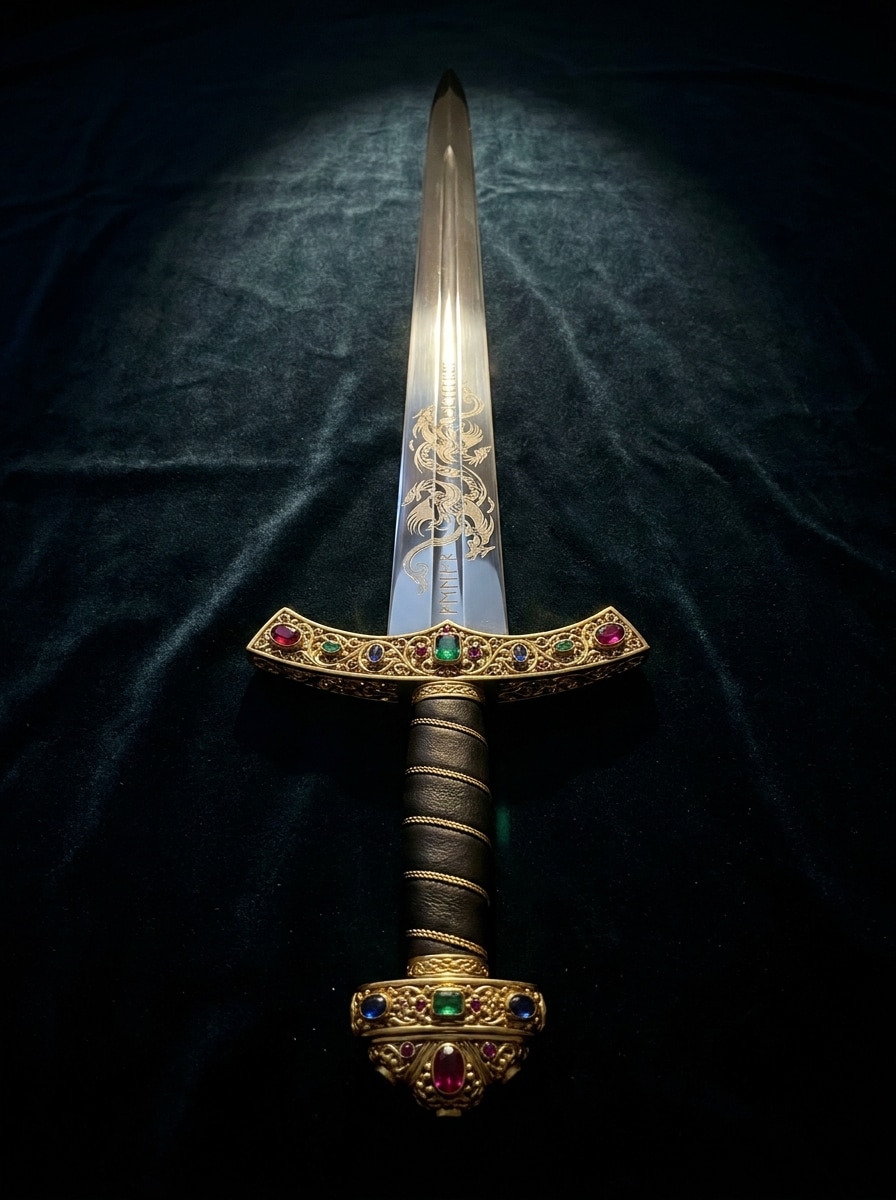
Luxury Engraved Sword
An ornate luxury sword with engraved blade details, gold filigree crossguard, jewel accents, mirror-polished steel, velvet-dark backdrop, dramatic shadow and spotlight contrast, regal mood, premium craftsmanship, centered product showcase composition, ultra-detailed render with rich metallic textures and elegant high-end fantasy styling
Why Use Media.io to Create Sword Concept Art
Turn Short Ideas Into Finished Visuals
For early-stage ideation, Media.io helps shape short text into polished design sword so the jump from rough thought to workable visual feels faster and less manual.
Use Style Presets Without Needing Concept Art Experience
When style is part of the decision-making, Media.io helps you compare multiple directions from the same design sword base, which makes creative selection more efficient.
Generate Cleaner Output Up to 4K
If the final design sword will be reused beyond a small preview, Media.io helps deliver sharper results up to 4K so the image stays more reliable in practical design and presentation work.
Work Across Devices Without Extra Installs
Whether you are exploring design sword on a laptop or checking drafts from your phone, Media.io keeps everything browser-based so you can pick up the same workflow across devices more easily.
How to Design a Sword with Media.io
1
2
3
1
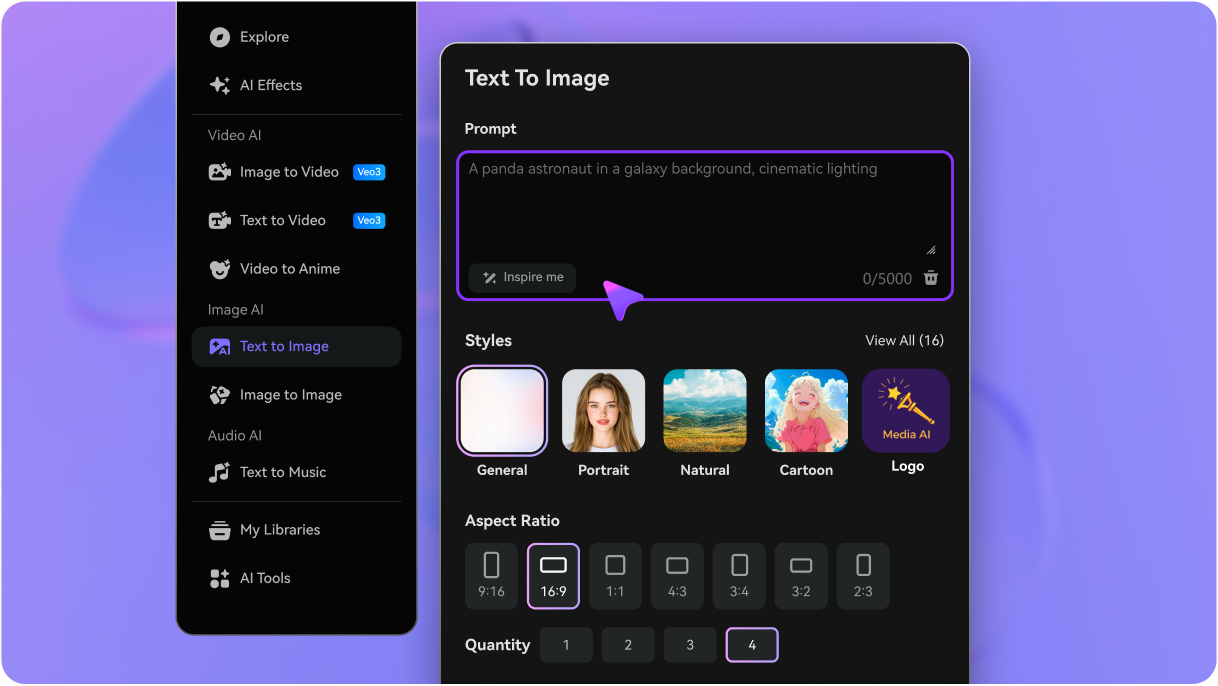
Open Media.io Text to Image
Go to AI Text to Image Generator and open the Text to Image tool under AI -> Image Generator. This online tool runs in your browser, so you can start creating sword concepts on desktop, tablet, or phone without installing design software.
2
Enter a Prompt
Type a detailed prompt, such as "legendary fantasy longsword with glowing blue runes, ornate gold guard, dark studio background, ultra-detailed concept art," then choose your preferred style, aspect ratio, and quality settings to match your creative goal.
3
Generate, Refine & Download
Click Generate to create your sword image. If needed, refine the prompt to adjust blade shape, hilt detail, engraving, or lighting, then download the high-resolution result for mood boards, art references, or personal projects.
See how creators use this Design Sword for content, marketing, and personal projects, then adapt each idea to fit the brief.
Build weapon concepts for games and fantasy worlds
Create fast visual directions for heroes, villains, factions, or loot systems without sketching every version manually. Media.io helps concept artists and indie teams test blade profiles, magical effects, and decorative details before moving into deeper production.
Generate polished art for social content and fan projects
From dramatic posters to anime-inspired weapon reveals, you can produce eye-catching sword visuals for videos, thumbnails, forums, or collectibles. It also works well as a lightweight sword creator when you want stylish outputs without a full illustration workflow.
Prototype variants for lore, branding, or themed collections
Use one core idea to explore elite royal weapons, cursed relics, elemental blades, or futuristic katanas. This is especially useful if you want concept-board variety beyond a traditional product-style sword builder, or if you're experimenting with anime references like the creator of sword art online fandom aesthetic.
What Users Say
Ethan V.
Indie Game Developer
"Fast weapon ideation" I used Media.io to explore several weapon directions for an RPG prototype. It was much faster than sketching every option from scratch, and the concept sheets helped me communicate style choices clearly to my team.
Mia R.
Fantasy Illustrator
"Great for dramatic blade designs" The lighting and material detail are surprisingly strong. I could generate glowing runes, engraved steel, and elemental effects in one workflow, then refine the prompt until the sword matched the worldbuilding I had in mind.
Jordan K.
Content Creator
"Easy in the browser" I wanted a simple way to make anime-style sword art for posts and thumbnails. Media.io felt straightforward, worked on my laptop without installs, and gave me several usable images within minutes.
Lena T.
Tabletop RPG Designer
"Helpful for worldbuilding" I used it to create signature weapons for different factions in a campaign setting. Changing the prompt let me quickly test noble, cursed, and historical looks, which made my setting notes feel much more visual and complete.
1. What is the best AI tool to design a sword from text?
Start with a text prompt that defines the design sword theme, palette, composition, and text-safe blank space, then generate and refine the best variation.
2. Can I generate a sword design for free?
Media.io offers free credits, so you can try generating sword concepts before upgrading. Free users may see watermarks, while paid plans support watermark-free high-resolution downloads. You can compare options on the pricing page. Free users can use free credits. For more usage, users can subscribe to a plan on the pricing page. Upgrade to a paid plan on the pricing page for more credits and watermark-free high-resolution downloads.
3. How do I write a good prompt for a fantasy sword image?
Start with the sword type, then add materials, decorative details, mood, lighting, and style. For example: "legendary fantasy longsword, polished steel blade, gold crossguard, blue glowing runes, gemstone pommel, dark cinematic background, ultra-detailed concept art." The more specific your prompt is, the easier it is for Media.io to create a strong result with your preferred AI sword generator style.
4. Can I create different sword types like katana, longsword, or rapier?
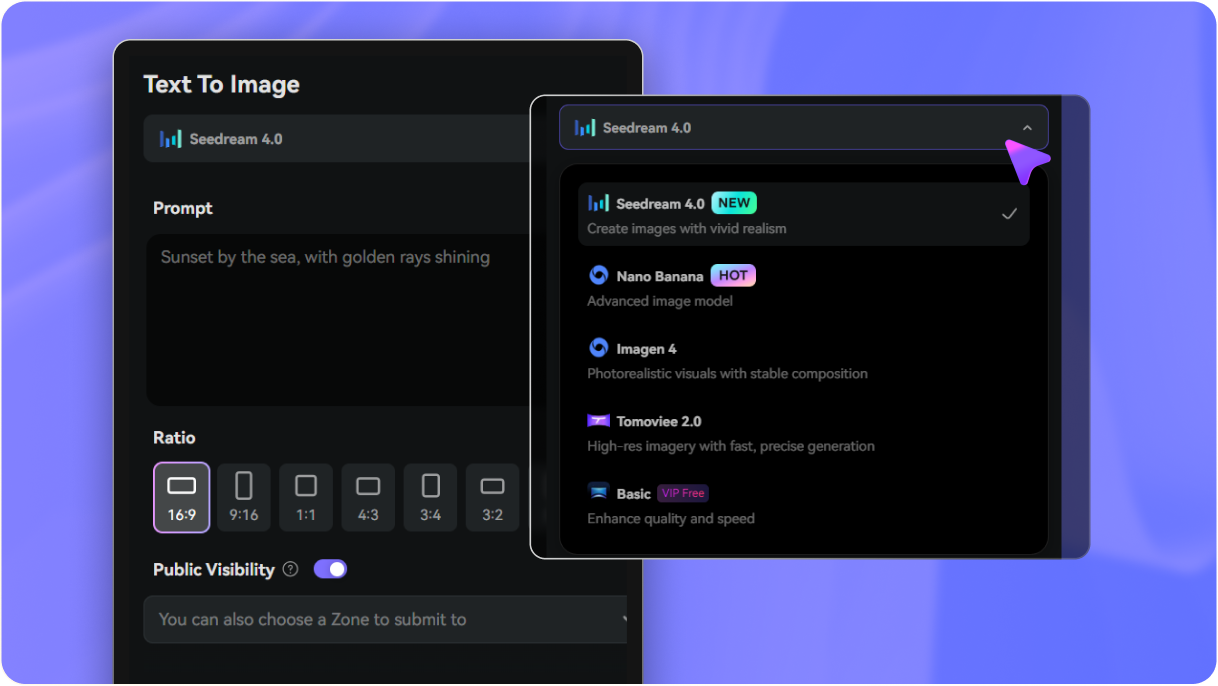
Media.io works well for different weapon types, including katana, longsword, rapier, greatsword, and magical blade concepts. You can change the prompt to control curvature, guard style, blade width, engraving, or overall era, which makes it useful as a flexible text-based sword concept workflow. Nano Banana 2 is tuned for faster generation and quicker iteration.
5. How realistic are the AI-generated sword images?
Media.io can create both stylized and realistic sword images, depending on the model and prompt you use. If you want realism, describe the blade proportions, steel texture, leather grip, neutral background, and studio lighting clearly.
6. Can I use a sword design generator on mobile or in a browser?
Media.io is web-based, so you can use it in a browser on desktop or mobile devices. That makes it practical when you want to generate weapon ideas on the go, review drafts with a team, or test prompts without installing a separate app. Media.io is a web-based tool that works on any device with a browser (Windows, Mac, iOS, Android).