Mad Scientist Filter for Wild, Shareable AI Portrait Transformations
Turn a selfie into a dramatic scientist makeover with fast AI image editing. This mad scientist filter helps you create funny, realistic, cartoon, or spooky lab portraits while keeping your face recognizable for social posts, Halloween edits, and character-style transformations.
Review these example directions, then tailor the prompt details to get stronger results with this Mad Scientist Filter, whether you want a bold lab coat scientist filter look or a prompt that helps turn photo into scientist art.
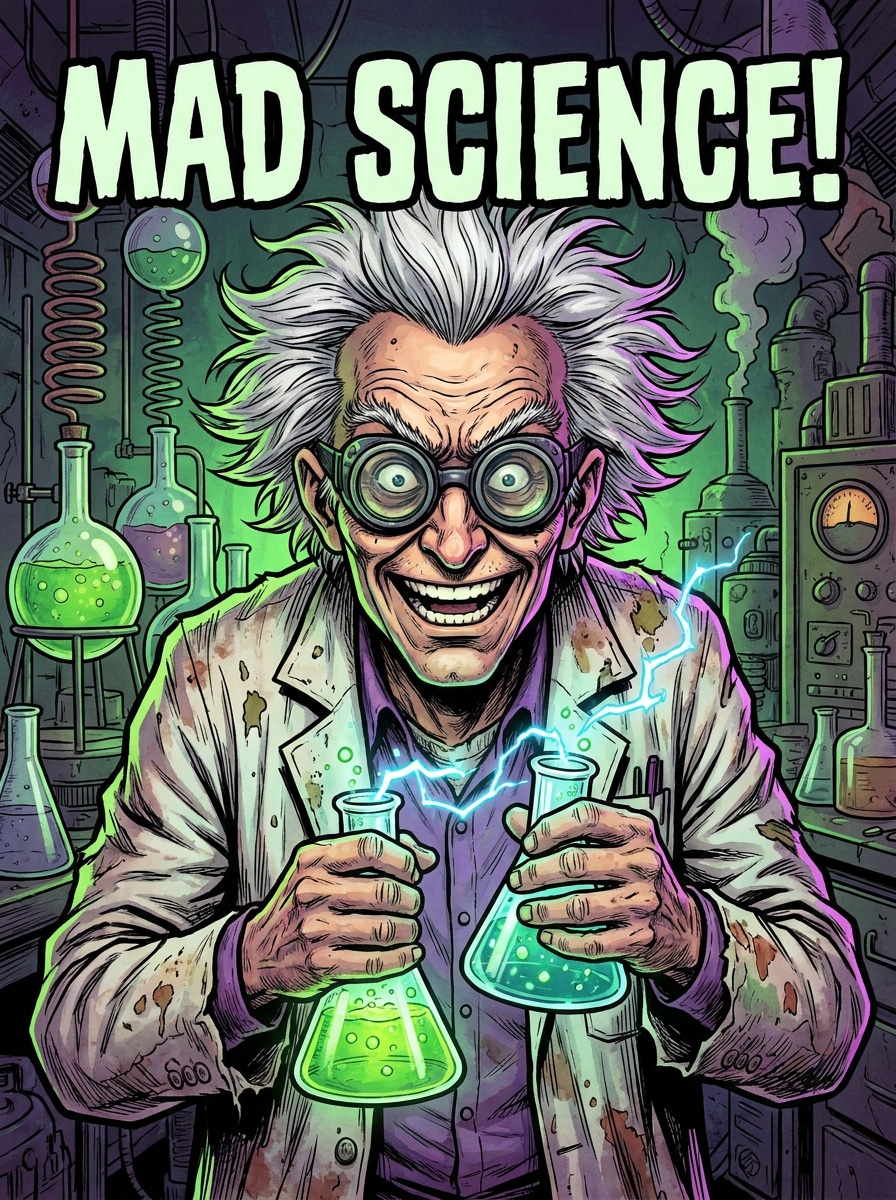
Comic Lab Chaos
Use the uploaded image as the subject and transform it into a bold comic-book mad scientist portrait. Add wild white hair, raised eyebrows, round goggles, a rumpled lab coat, glowing green chemicals, sparks, and a messy laboratory background with energetic lighting, vivid colors, and playful chaos.
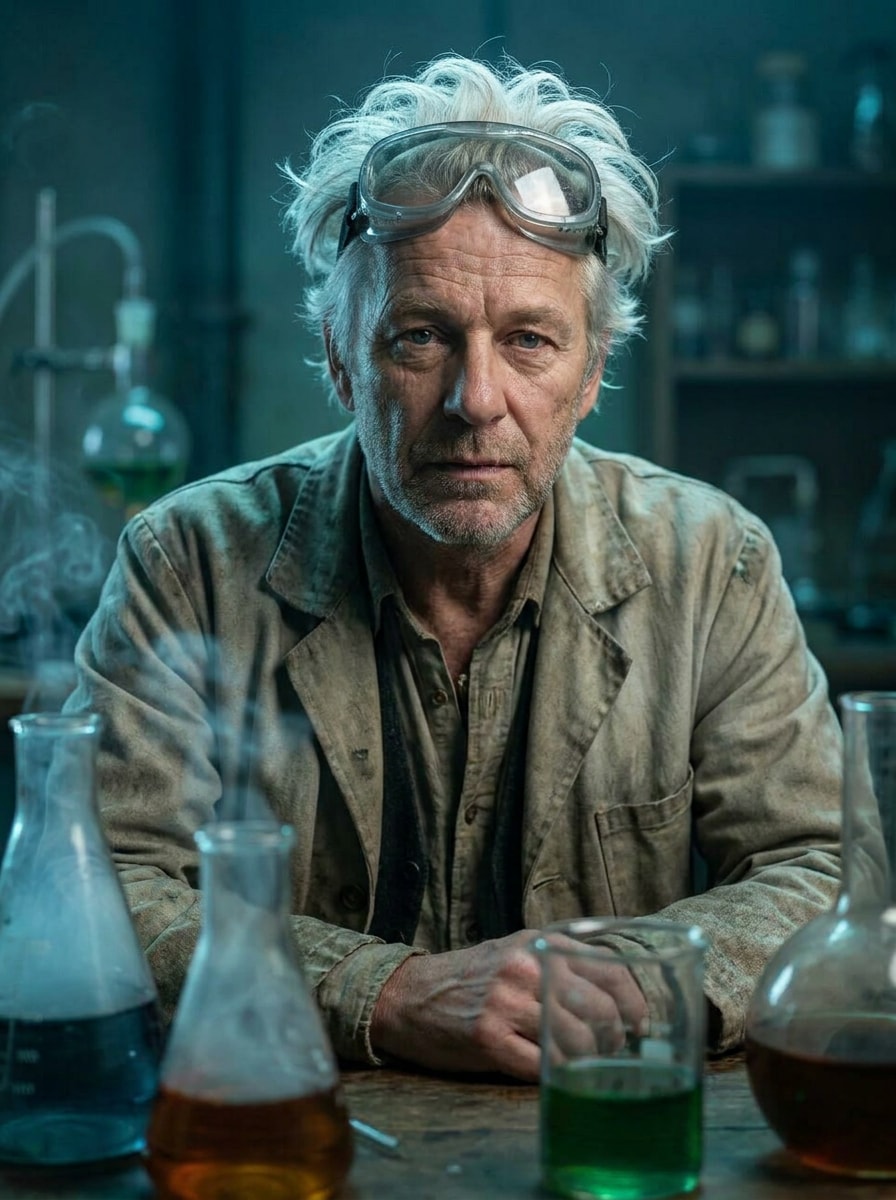
Realistic Genius Gone Wild
Use the uploaded portrait as the base and create a cinematic scientist portrait that still looks like the person. Add unruly white hair, subtle age lines, reflective goggles, a textured lab coat, moody blue-green lab lighting, glass beakers, smoke, and realistic facial detail for a polished transformation.
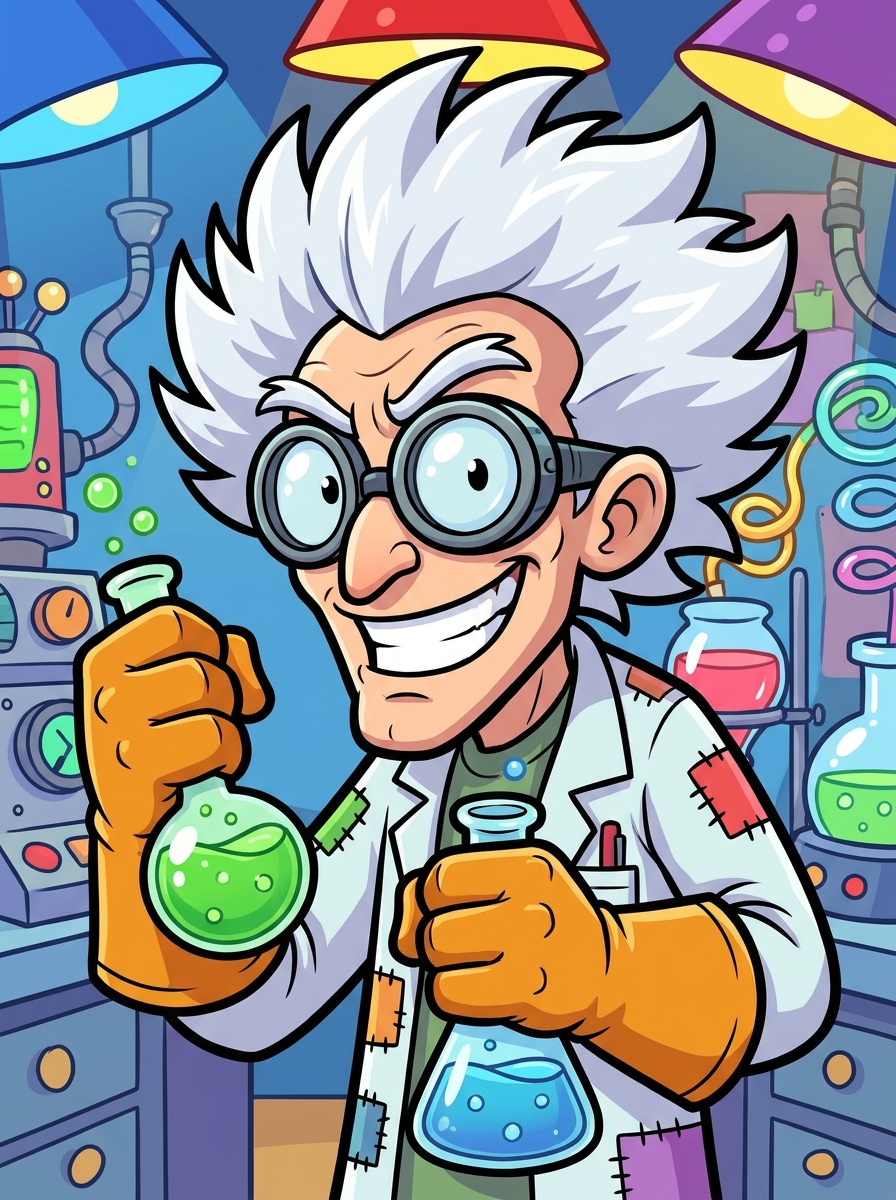
Saturday Morning Cartoon Scientist
Use the uploaded photo as the character reference and turn it into a funny animated scientist. Add oversized goggles, spiky white hair, a giant grin, oversized gloves, bubbling flasks, bright outlines, and a colorful cartoon lab with cheerful lighting and exaggerated expressions.
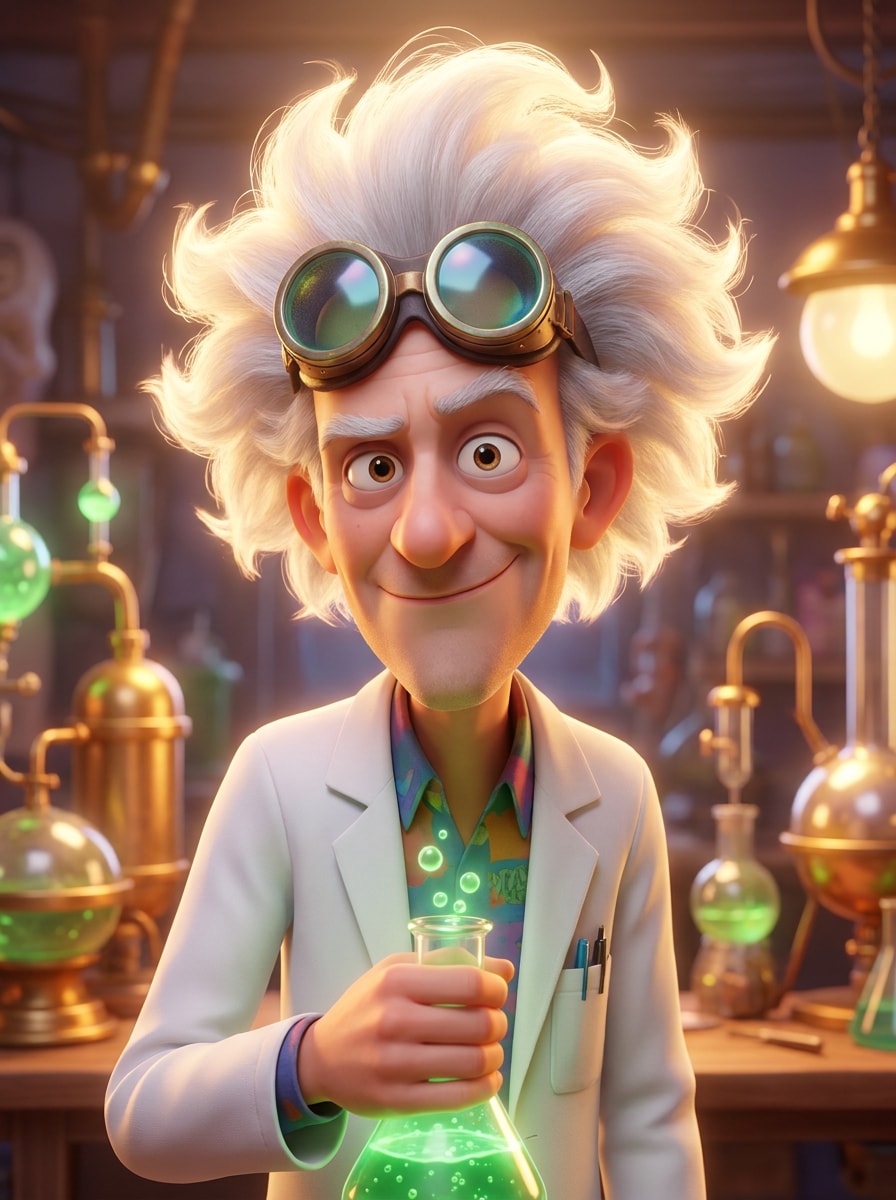
3D Animated Lab Inventor
Use the uploaded image as the subject and restyle it into a polished 3D animated inventor portrait. Add fluffy electrified hair, glossy goggles, a neat lab coat, glowing inventions, soft cinematic lighting, smooth materials, and a clean family-animation look with depth and charm.
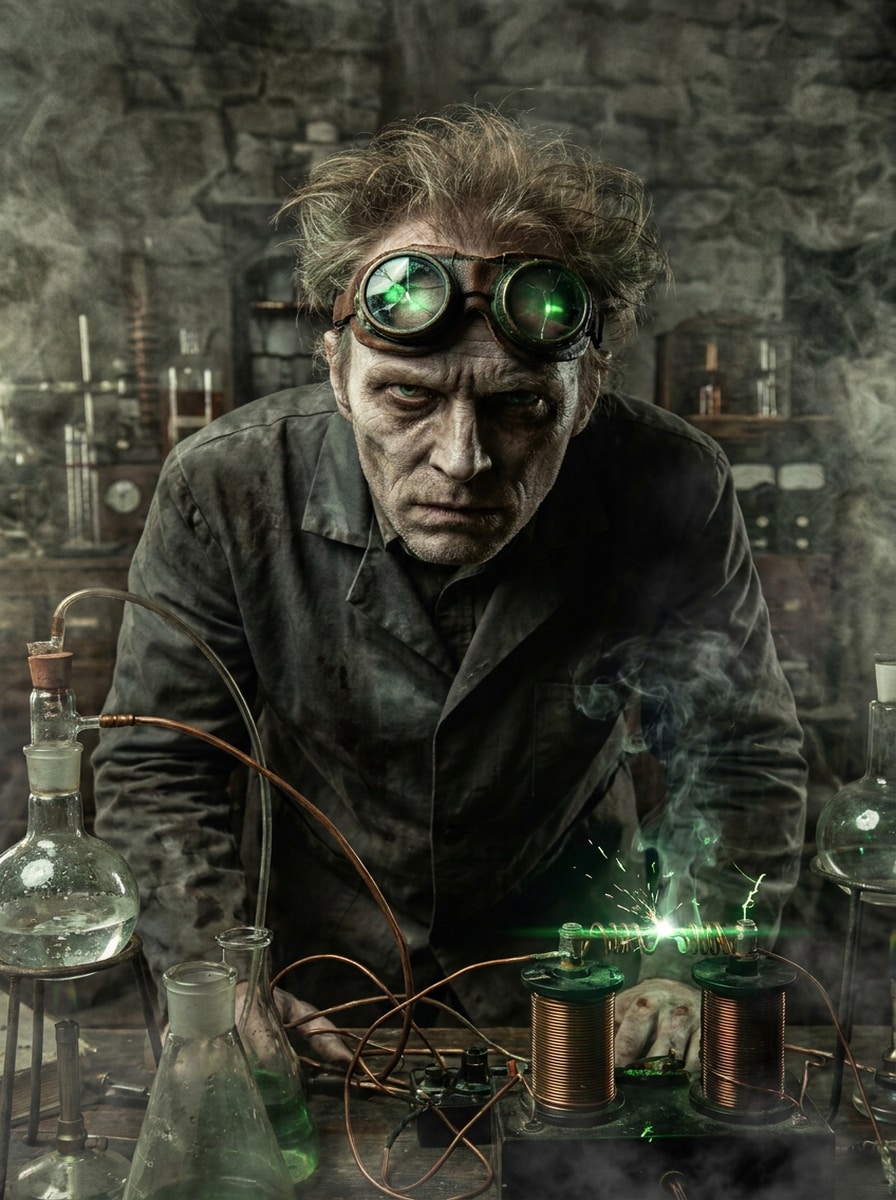
Horror Lab Experiment
Use the uploaded portrait as the foundation and create a dark, eerie scientist character while preserving identity. Add cracked goggles, pale tones, sharp shadows, electric coils, cinematic fog, eerie green highlights, and a shadowy lab background for a suspenseful Halloween-ready look.
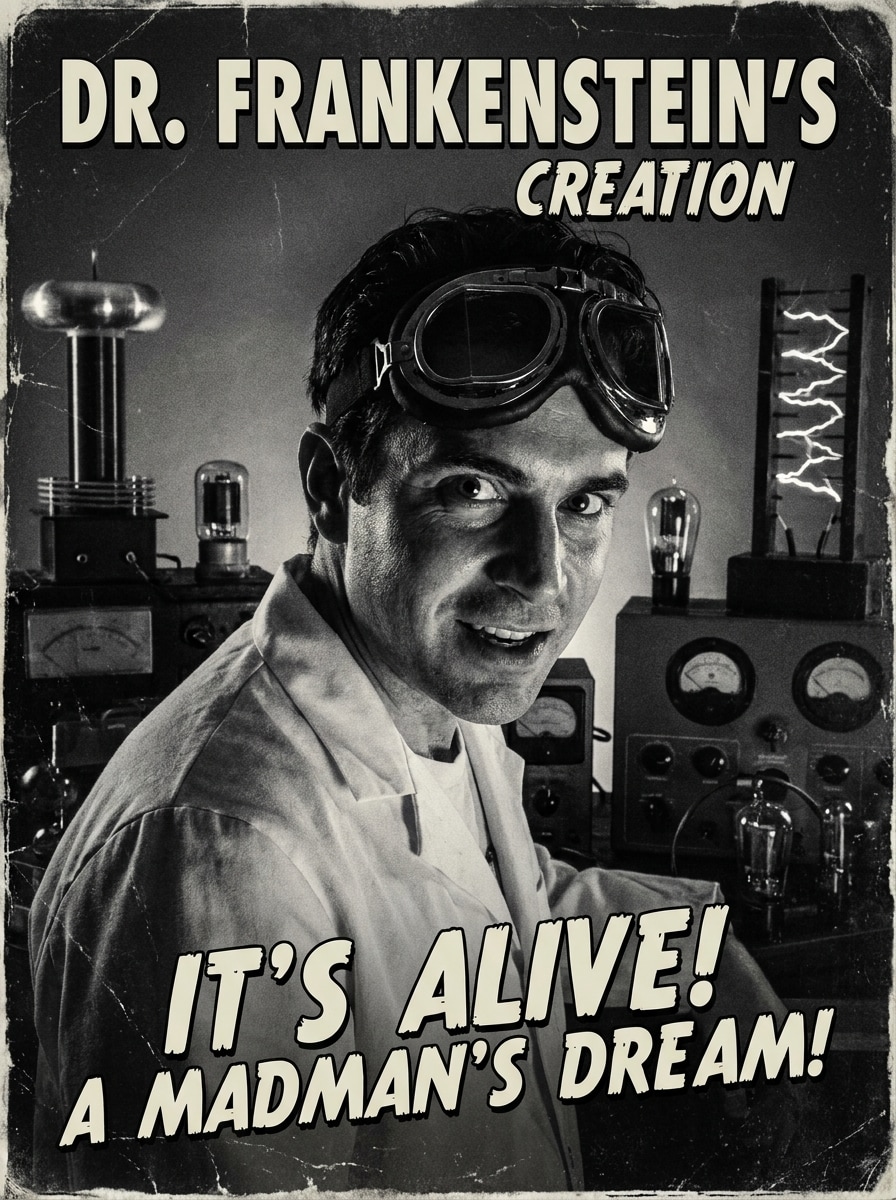
Retro B-Movie Scientist
Use the uploaded image as the person reference and turn it into a vintage sci-fi scientist portrait. Add old-fashioned goggles, analog lab machines, grayscale film grain, strong side lighting, and classic retro-poster energy with dramatic composition and nostalgic 1950s mood.
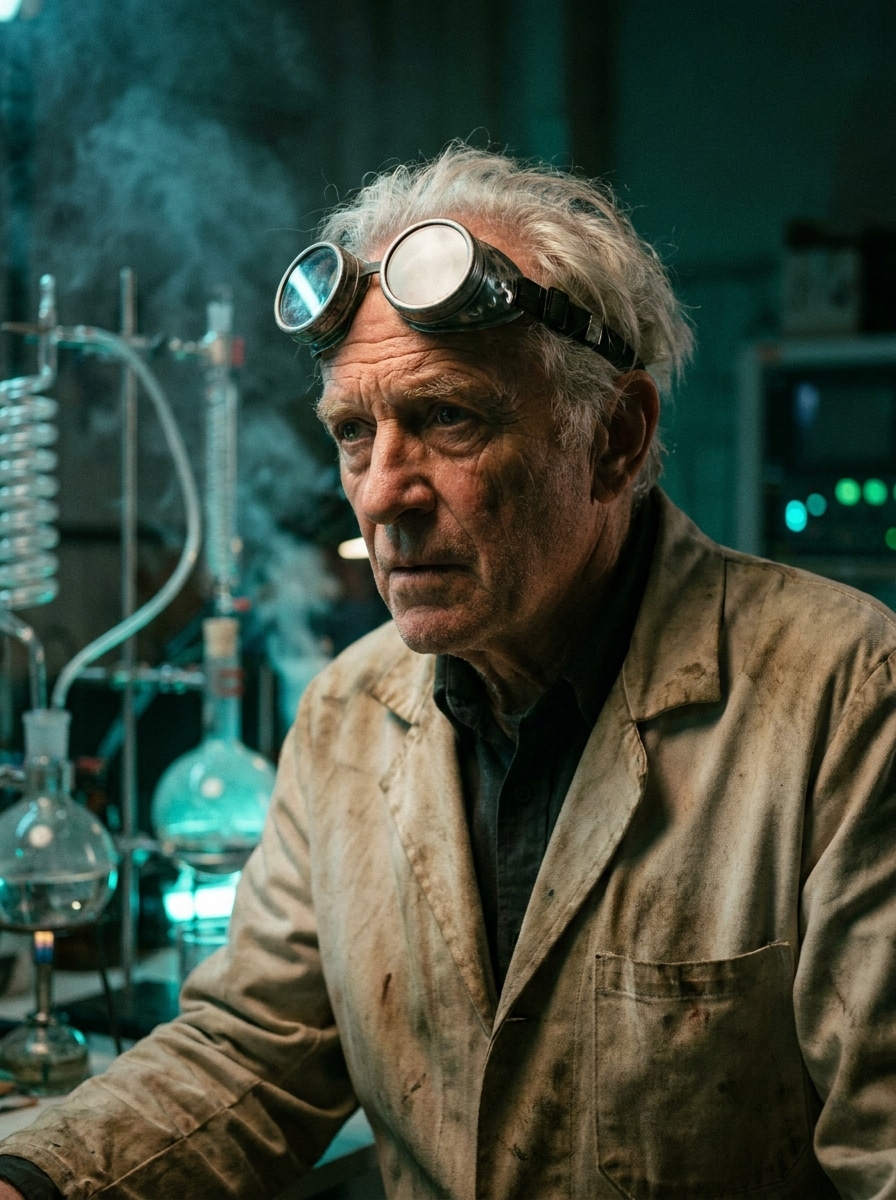
Steampunk Alchemist Scientist
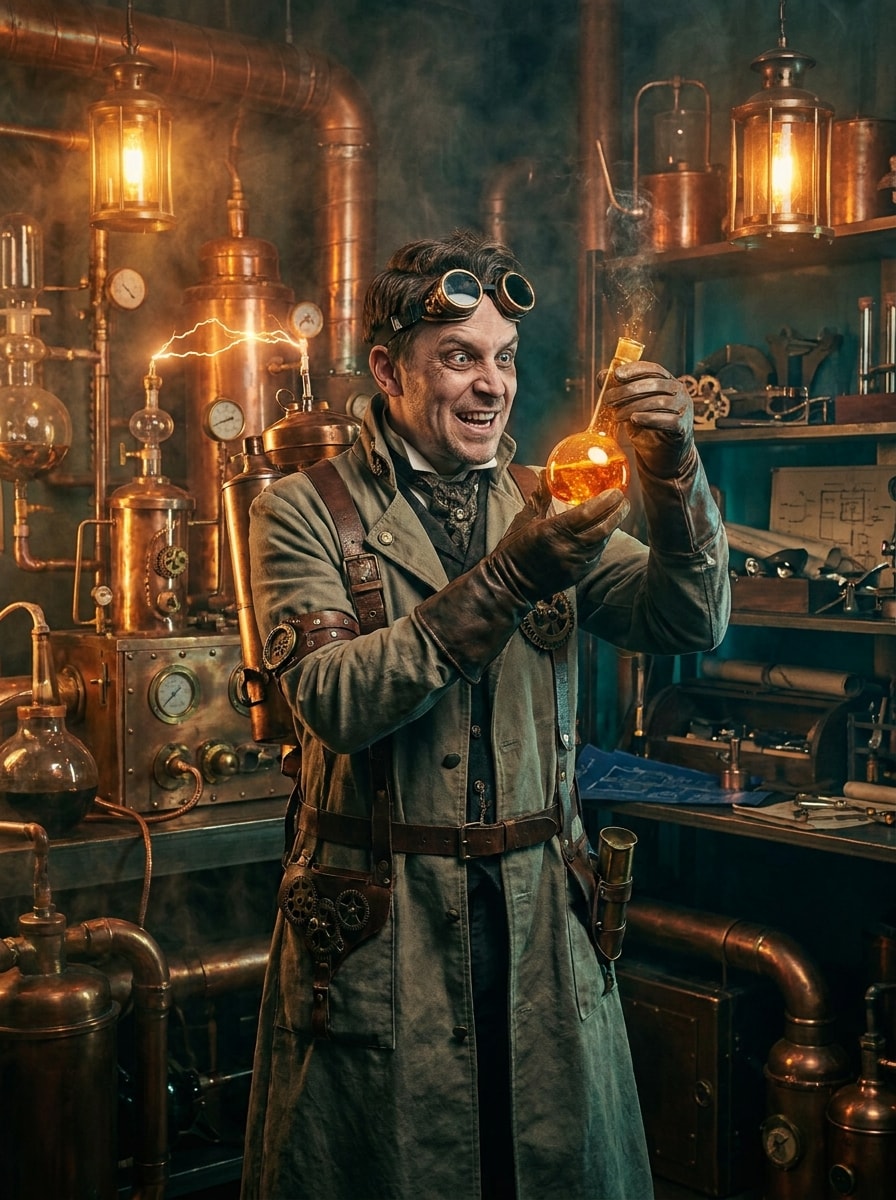
Use the uploaded portrait as the subject and transform it into a steampunk scientist with brass goggles, leather straps, a Victorian-inspired lab coat, glowing vials, copper machinery, warm amber lighting, drifting smoke, and detailed fantasy-inventor textures.
Fantasy Potion Master
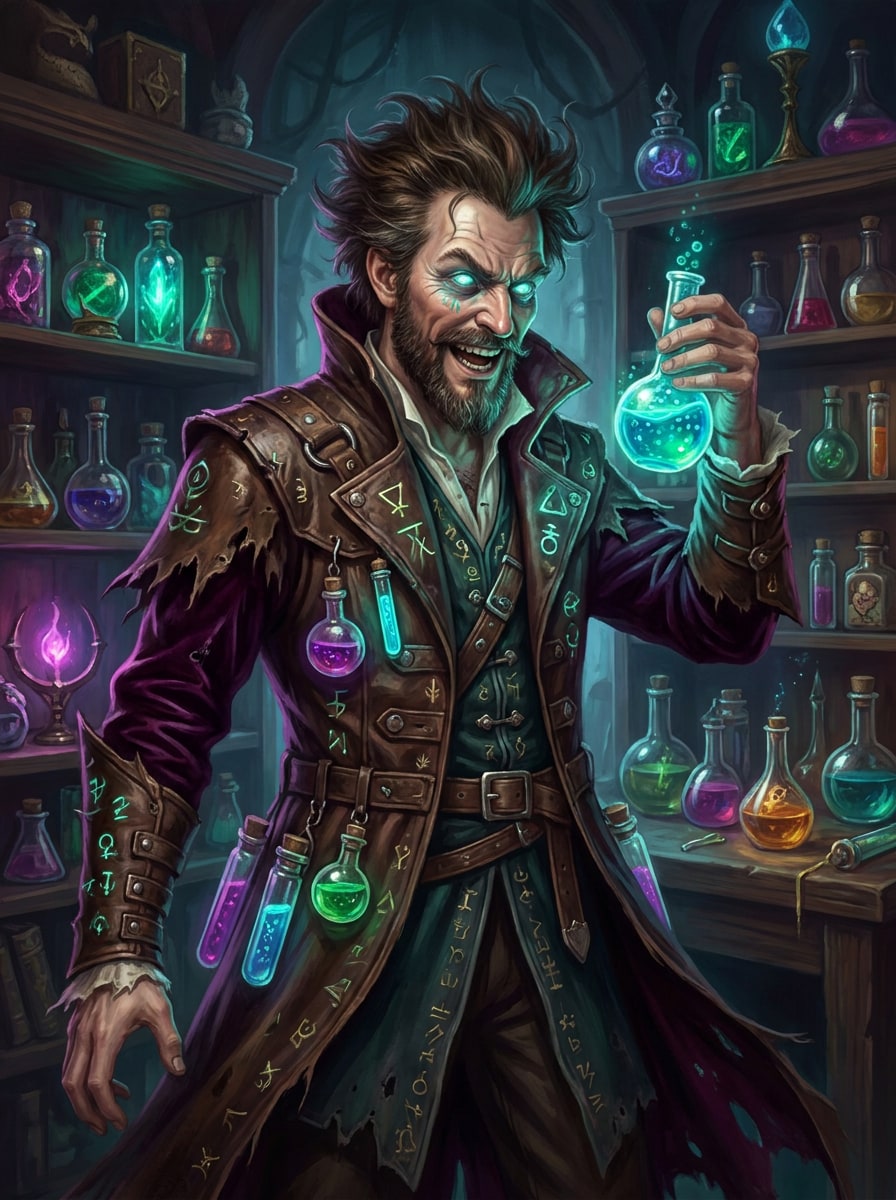
Use the uploaded photo as the character base and create a magical scientist makeover. Add luminous potion bottles, blue-green elixirs, enchanted shelves, dramatic coat details, glowing eyes, and rich fantasy lighting while keeping the face recognizable and the portrait visually immersive.
Over-the-Top Viral Scientist
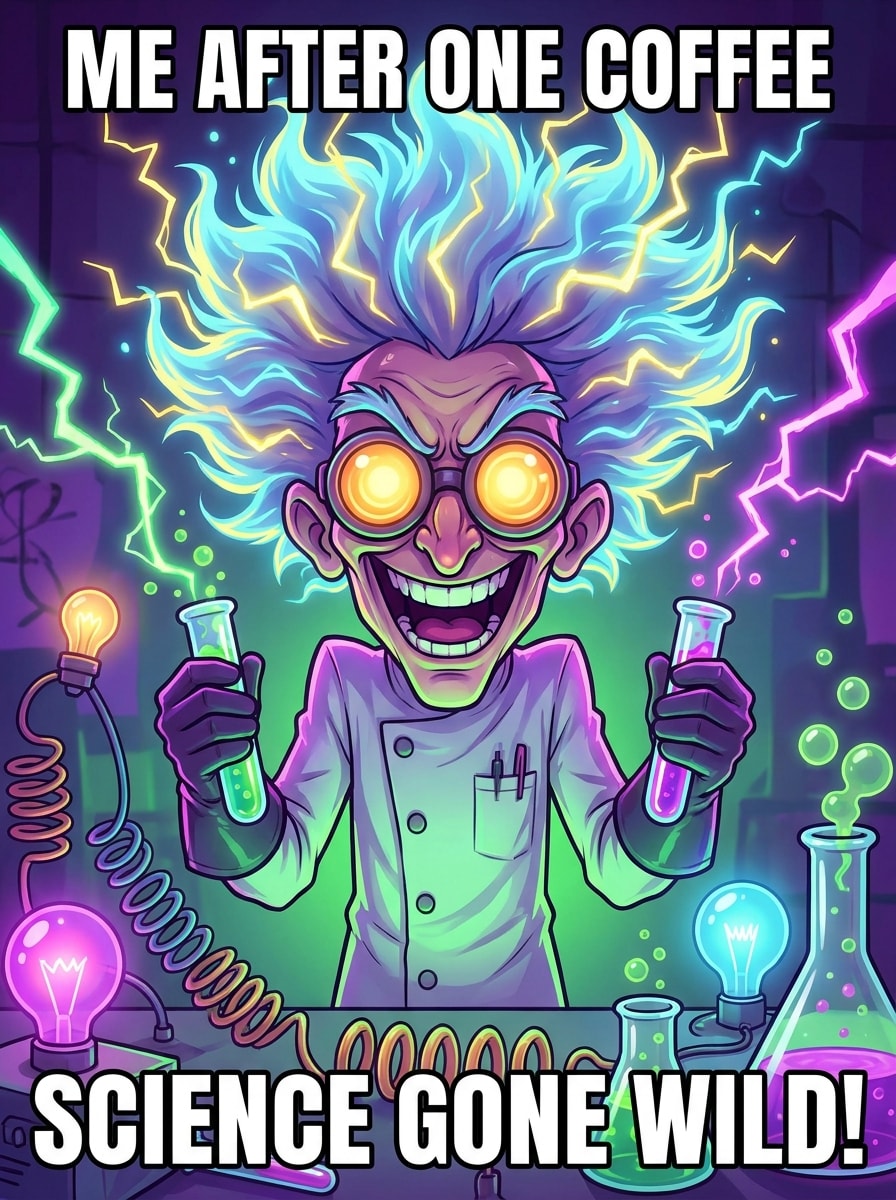
Use the uploaded selfie as the subject and create a ridiculous, meme-ready scientist transformation. Add huge electrified hair, oversized goggles, smoking test tubes, neon lightning, a wild grin, chaotic props, and bright social-friendly contrast for an instantly shareable comedic result.
Simple Face Filter Scientist
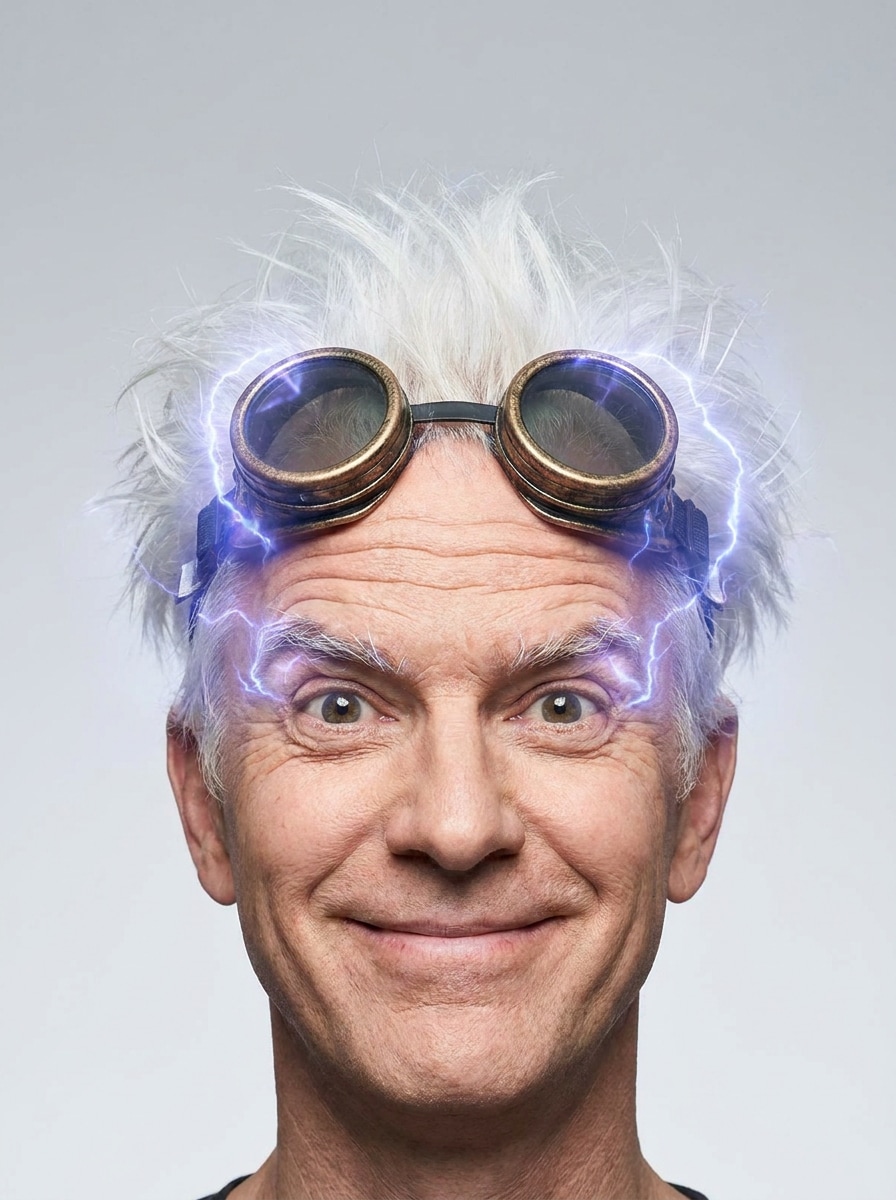
Use the uploaded selfie as the reference and apply a clean filter-style scientist edit. Add spiky white hair, circular goggles, lifted brows, light forehead lines, a subtle electric glow, and a tidy background for a quick, recognizable social media transformation.
Why Use Media.io for Mad Scientist Portrait Edits
Preserve Identity While Changing the Look
For selfie makeovers and themed profile pictures, Media.io lets you upload a real portrait and restyle it into a wild scientist look while keeping key facial features intact, so the final image feels playful, dramatic, and still clearly you.
Switch Between Realistic, Cartoon, and Horror Lab Styles
When style is part of the decision-making, Media.io helps you compare multiple directions from the same mad scientist filter visual base, which makes creative selection more efficient.
Keep Final Visuals Sharp for Real Projects
Some images need to work beyond a quick preview, and Media.io helps you create cleaner mad scientist visuals with output up to 4K, so wallpapers, presentation decks, and mockups keep their impact.
Create Detailed Results Fast in a Browser Workflow
Moving from phone to laptop or back again stays simple with Media.io, which lets you build, refine, and download scientist-themed images in the browser so your editing flow keeps going across screens.
How to Use the AI scientist filter on Media.io
Turn your words into stunning visuals in three simple steps, then continue refining the result if you want to take it further.
Step 1
Upload Your Reference Image
Start with a clear selfie, portrait, or character photo in JPG, PNG, or JPEG format. A front-facing image with visible facial details gives the tool a stronger base for a funny, spooky, or cinematic scientist makeover.
Step 2
Describe the Change and Set Options
Enter a detailed prompt describing the lab look you want, such as wild hair, goggles, glowing potions, comic energy, or a lab coat scientist filter style. Then choose the model and adjust aspect ratio, resolution, or the number of image variations.
Step 3
Generate, Download, and Keep Improving
Create your transformed portraits, compare the results, and download your favorite version. If you want a stronger expression, cleaner background, or a different visual mood, refine the prompt and generate more variations until it feels right.
See how creators use this Mad Scientist Filter for content, marketing, and personal projects, then adapt each idea to fit the brief.
Build Scroll-Stopping Social Posts
Create exaggerated lab-character portraits for TikTok, Reels, and profile updates that still resemble the original person. It is a simple way to turn photo into scientist content for before-and-after reveals, reaction memes, and themed selfies that feel more polished and shareable.
Design Halloween and Costume-Inspo Portraits
Generate spooky or playful scientist looks for party invites, costume planning boards, and seasonal graphics. You can test a lab coat scientist filter style, horror lighting, retro lab props, or steampunk details before committing to a full outfit or shoot.
Create Character Avatars for Fun Projects
Use the effect for gaming profiles, YouTube thumbnails, class presentations, or comic-style personal branding. A recognizable face paired with dramatic science-lab styling helps the portrait feel custom instead of looking like a generic stock character, especially if you want a scientist portrait filter result.
What Users Say
Alyssa M.
Content Creator
"Funny results that still looked like me" I wanted a wild scientist look for a Reel, and the transformation was instantly recognizable. The hair, goggles, and lab vibe were dramatic, but my face still looked like me.
Brandon T.
Halloween DIY Blogger
"Great for costume previews" I used it to test different spooky portrait concepts before a Halloween shoot. The realistic and horror styles helped me decide on makeup, props, and the overall mood.
Nina S.
Student Designer
"Easy browser workflow" I did not need any editing software. I uploaded a selfie, described the effect I wanted, and got several fun scientist versions that worked well for a poster and social post.
Eric L.
Meme Page Admin
"Perfect for over-the-top character edits" The exaggerated styles are great for meme content. I liked that I could go from a subtle face filter look to a full chaotic lab scene without starting over from scratch.
1. What is a mad scientist filter and how does it work?
A mad scientist filter is an image-to-image effect that transforms your uploaded portrait into a scientist-themed character with details like wild hair, goggles, lab coats, dramatic lighting, and lab props. On Media.io, you upload a JPG, PNG, or JPEG image, add a prompt describing the style you want, and the AI generates a themed version based on your reference photo.
2. Can I turn a selfie into a mad scientist photo online for free?
Yes, you can try creating a mad scientist photo online with Media.io using free credits. Free users may see watermarks, while paid subscribers can download watermark-free high-resolution images. For more usage details or plan options, visit the pricing page.
3. How do I use an AI mad scientist filter on Media.io?
Upload a clear selfie or portrait, then type a prompt describing the look you want, such as realistic, spooky, retro, or cartoon. After that, choose your preferred model, set the aspect ratio or resolution if needed, and generate variations. This workflow works well if you want a scientist portrait filter result or need to turn photo into scientist artwork with a more dramatic lab character style.
4. Will the filter keep my face recognizable after the transformation?
It can, especially when you start with a clear reference image and use a prompt that focuses on styling rather than fully replacing facial structure. Media.io supports reference-based image transformation, so the generated result is designed to follow your uploaded portrait while changing the costume, mood, props, and scene.
5. Can I make a realistic mad scientist image or a cartoon scientist style?
Media.io supports a wide range of visual directions, so you can create a realistic cinematic portrait, a colorful cartoon version, a spooky horror lab scene, or a playful 3D character look. That flexibility makes it useful whether you want a polished AI scientist filter result or a more exaggerated social-media edit.
6. What image quality or resolution will my mad scientist photo have?
Media.io offers 1K, 2K, and 4K resolution options, so you can choose the output quality that fits your project. You can also adjust aspect ratios such as 1:1, 9:16, 16:9, 4:3, and 3:4, which is helpful for profile pictures, posters, vertical videos, and other themed visuals. Free users may have watermarks.