
01
Free Image FX AI Generation
Turn a short description into portraits, posters, thumbnails, avatars, product visuals, wallpapers, and campaign concepts directly in your browser.
 ToMoviee Lite
Looking for image fx ai free, an image fx ai generator, or a simple image fx google alternative? Media.io helps you generate images from text, edit uploaded photos with natural-language prompts, and create trend-ready visuals online—without downloading an Image FX app or switching between multiple tools.
Users searching Image FX AI usually want fast text-to-image generation, Google-style prompt controls, simple login access, and downloadable results. Media.io answers that intent with a browser-based workflow for image generation, photo editing, and reusable prompt templates.
Media.io is built for creators who want the core value behind Image FX AI: fast prompting, flexible visual styles, online access, and a direct path from an idea or uploaded photo to a polished downloadable image.
Turn a short description into portraits, posters, thumbnails, avatars, product visuals, wallpapers, and campaign concepts directly in your browser.
Upload a photo and describe the changes you want. Replace backgrounds, adjust lighting, restyle outfits, add objects, or rebuild the scene without advanced design software.
Use detailed prompts for subject, camera angle, lighting, background, material, mood, and composition to create more precise, visually consistent results.
Instead of searching for an Image FX app or unofficial download, use Media.io online from desktop, iPhone, Android, or tablet.
Open Media.io in your browser. Choose AI Image Generator for text-to-image, Image to Image for photo editing, or Image to Video for animation.
Describe the subject, visual style, background, lighting, pose, camera angle, mood, aspect ratio, and final use. Upload a reference photo when identity or composition matters.
Preview the output, refine the prompt, and download your image. You can also continue into Image FX AI video-style creation by animating the result with Media.io Image to Video.
Use Media.io when your Image FX AI search is really about creating social visuals, editing photos, producing marketing assets, or exploring prompt-driven image concepts in one online workspace.
Create profile photos, fashion edits, travel scenes, festival images, cinematic posters, thumbnails, and trend-ready social content from simple prompts.
Try This Flow ›Edit an existing photo with plain-language instructions: change the background, add props, improve lighting, restyle clothing, or create a new visual mood.
Edit With AI ›Build product mockups, ad concepts, campaign images, blog illustrations, and promotional drafts before spending time on full production.
Explore Prompts ›Generate a concept image, refine it with prompts, and reuse the visual across social posts, ads, presentations, thumbnails, or creative campaigns.
Explore AI Video ›Try these ready-to-use Image FX AI prompt examples for portraits, couples, birthdays, travel scenes, and cinematic visuals. Copy a prompt, customize the subject, and create a similar image with Media.io.
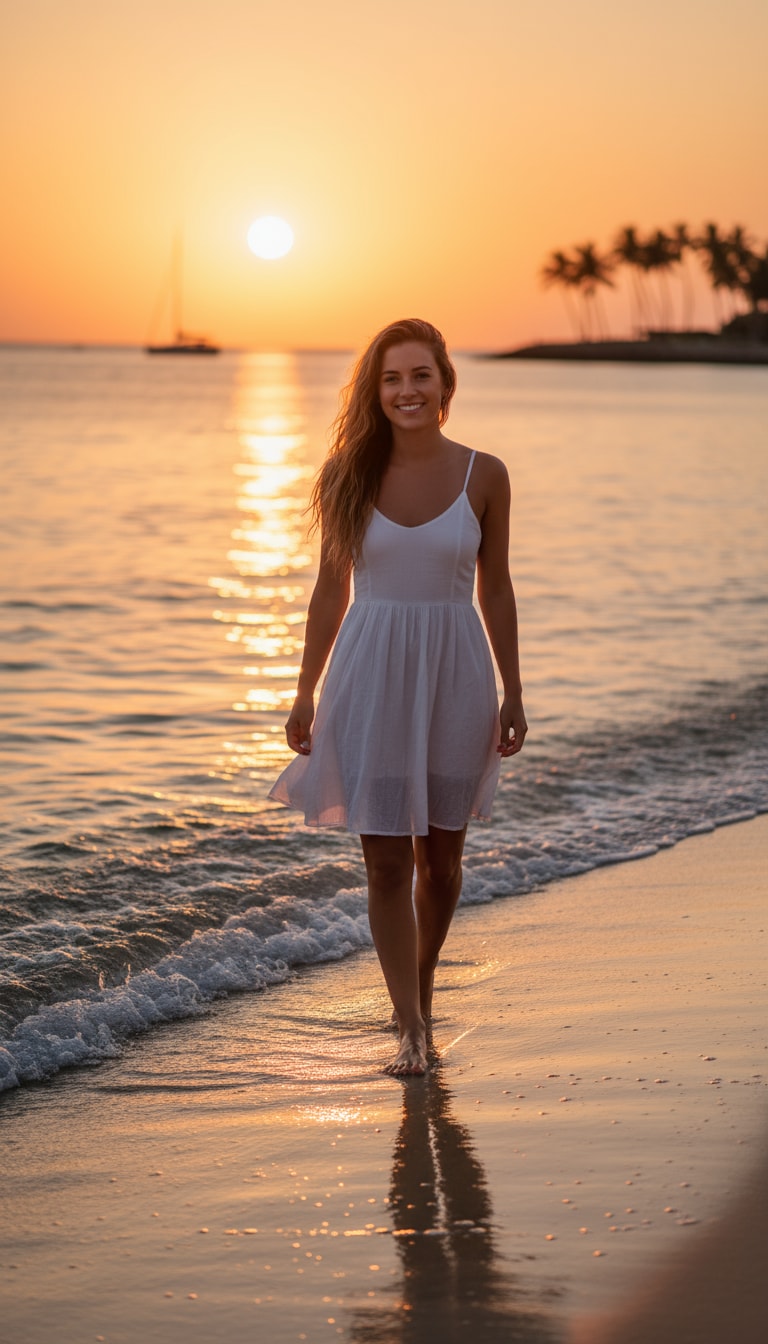
A beach girl walking barefoot along the shoreline during golden hour. Her hair dances in the sea breeze, and the sunlight kisses her skin with a warm, cinematic glow. Gentle waves reflect orange and pink hues as she smiles naturally toward the lens.
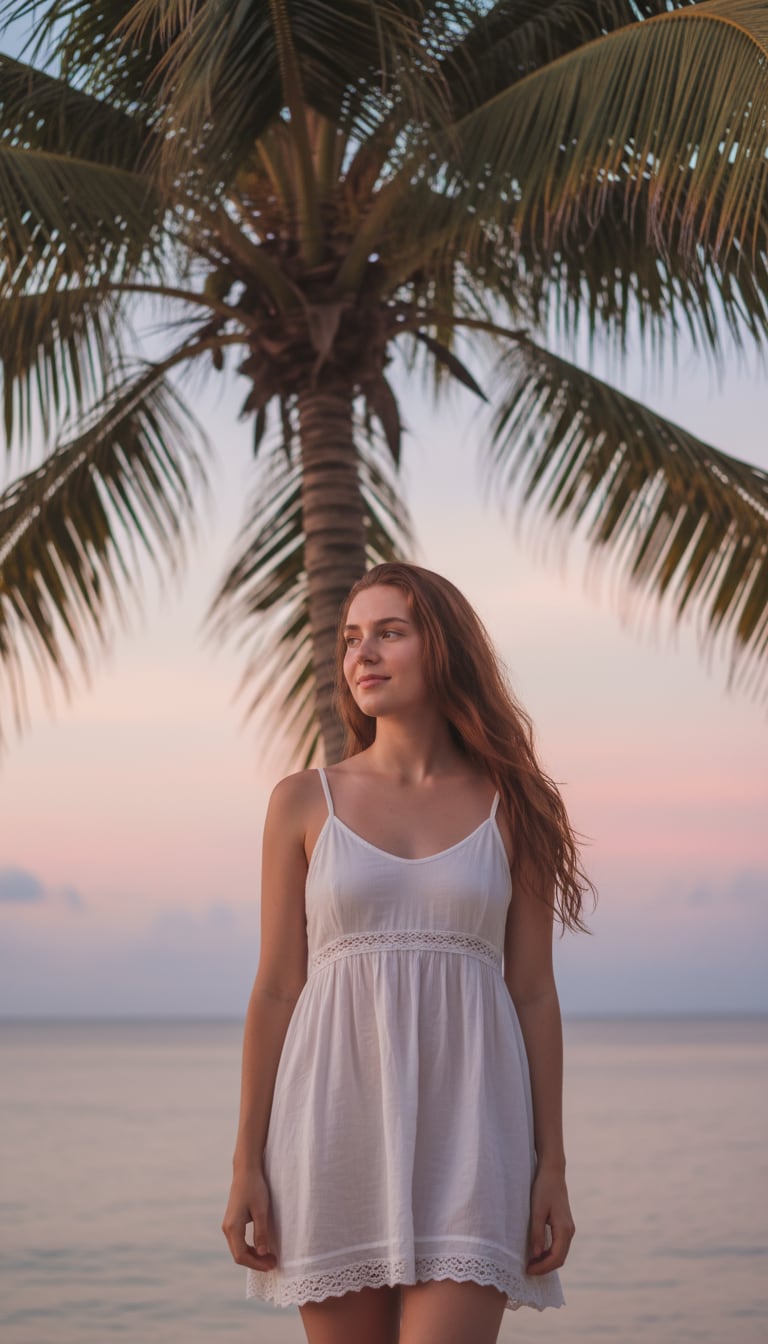
A girl in a white sundress stands near a palm tree, soft shadows falling across her face. The horizon glows with pastel skies, and her gentle expression feels calm and alive, like a dreamy vlog moment.
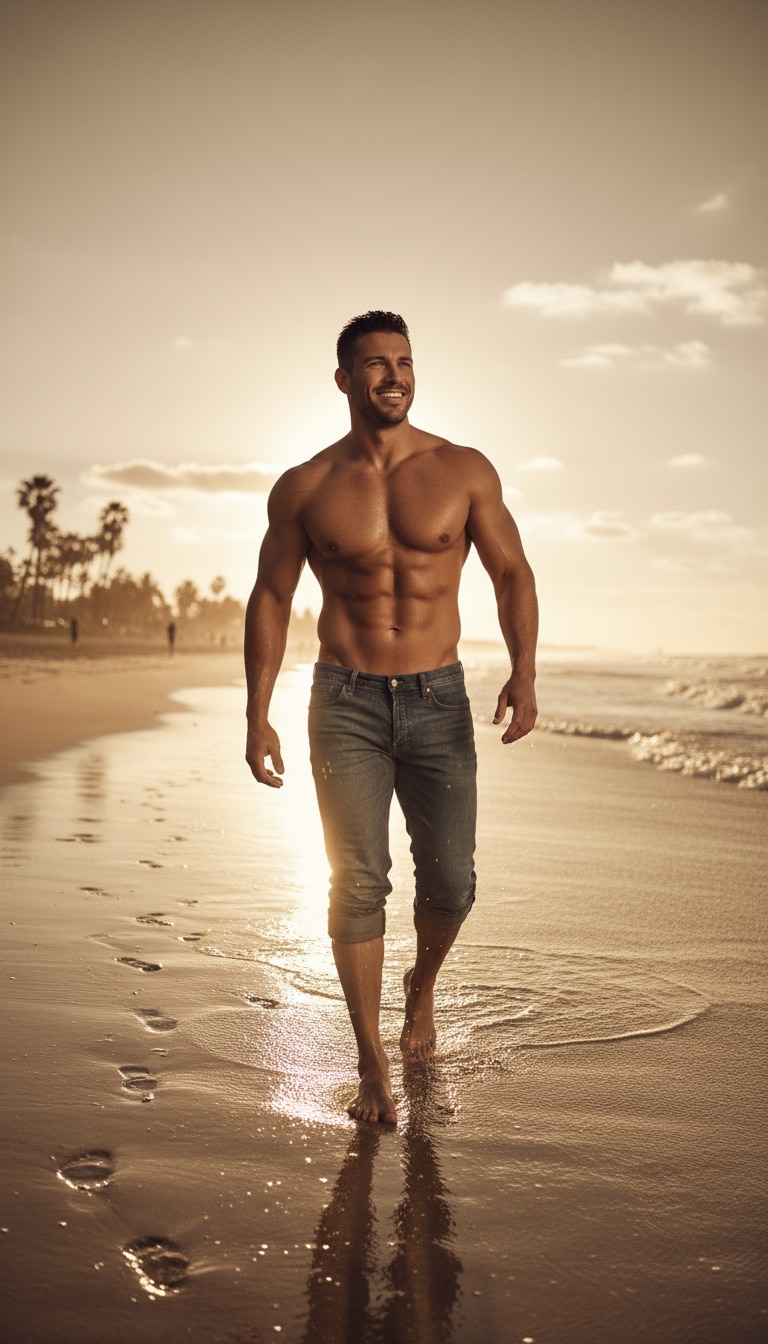
A man walks shirtless by the tide, jeans rolled up, sunlight reflecting on wet sand. His confident expression and cinematic lighting create a lifestyle-magazine energy.
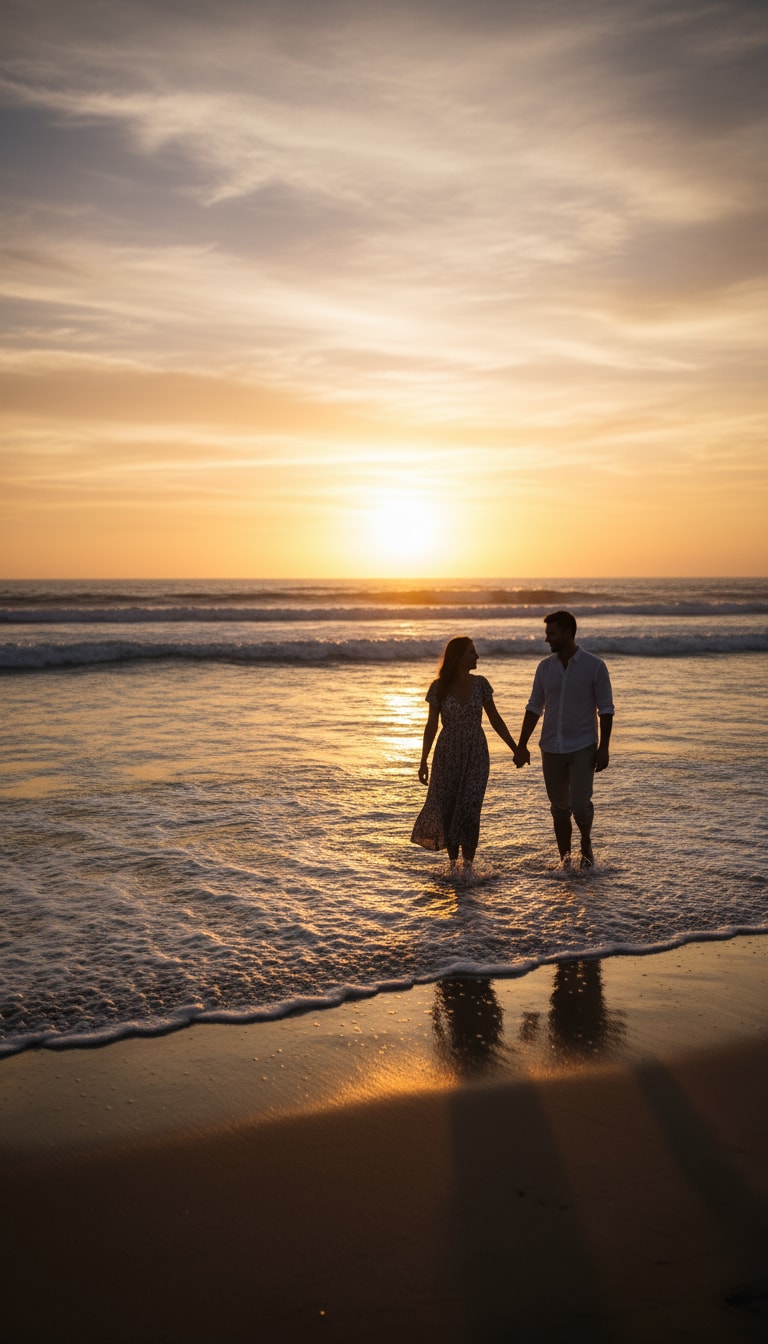
A couple walking hand in hand along the shoreline, waves touching their feet. The sunset paints their silhouettes in soft gold.
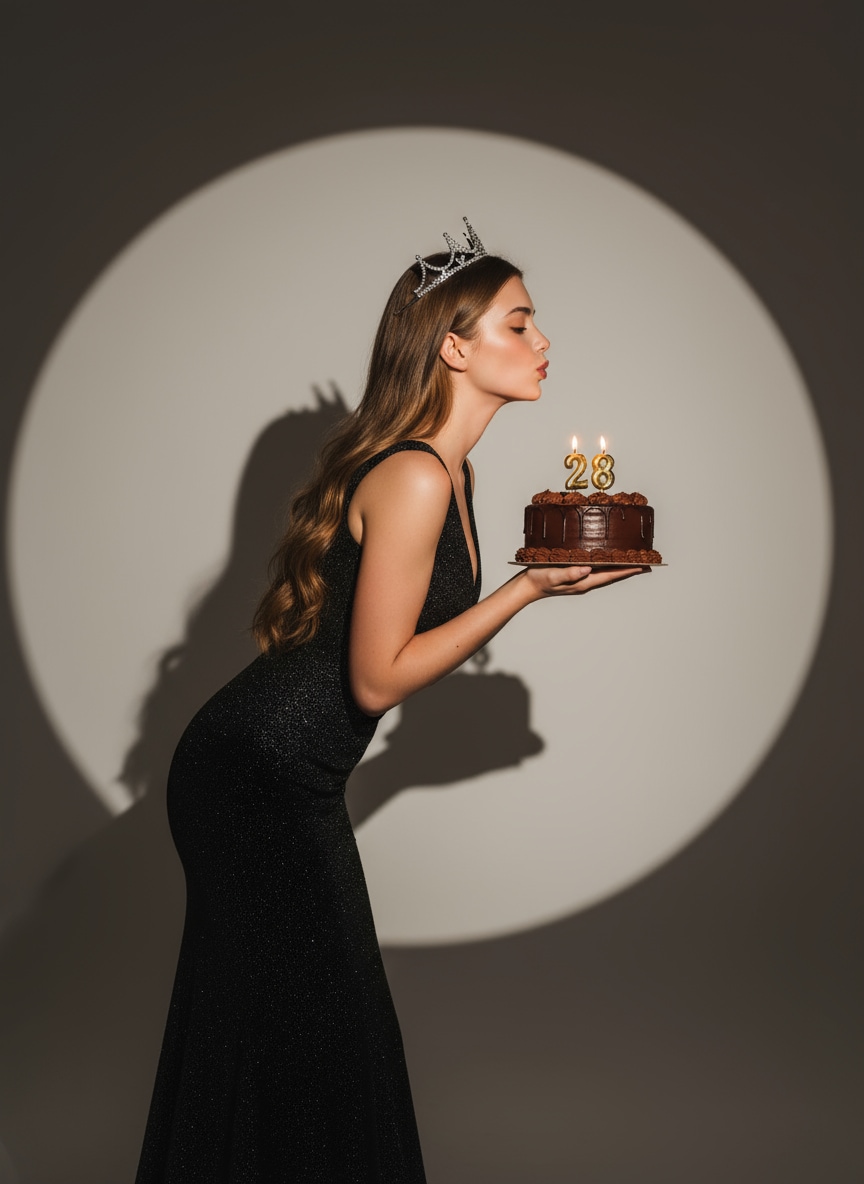
Create a glamorous Gemini AI birthday portrait — elegant woman holding a chocolate cake under a warm spotlight, wearing a glittering black gown and silver crown. A cinematic, modern Google AI image vibe.
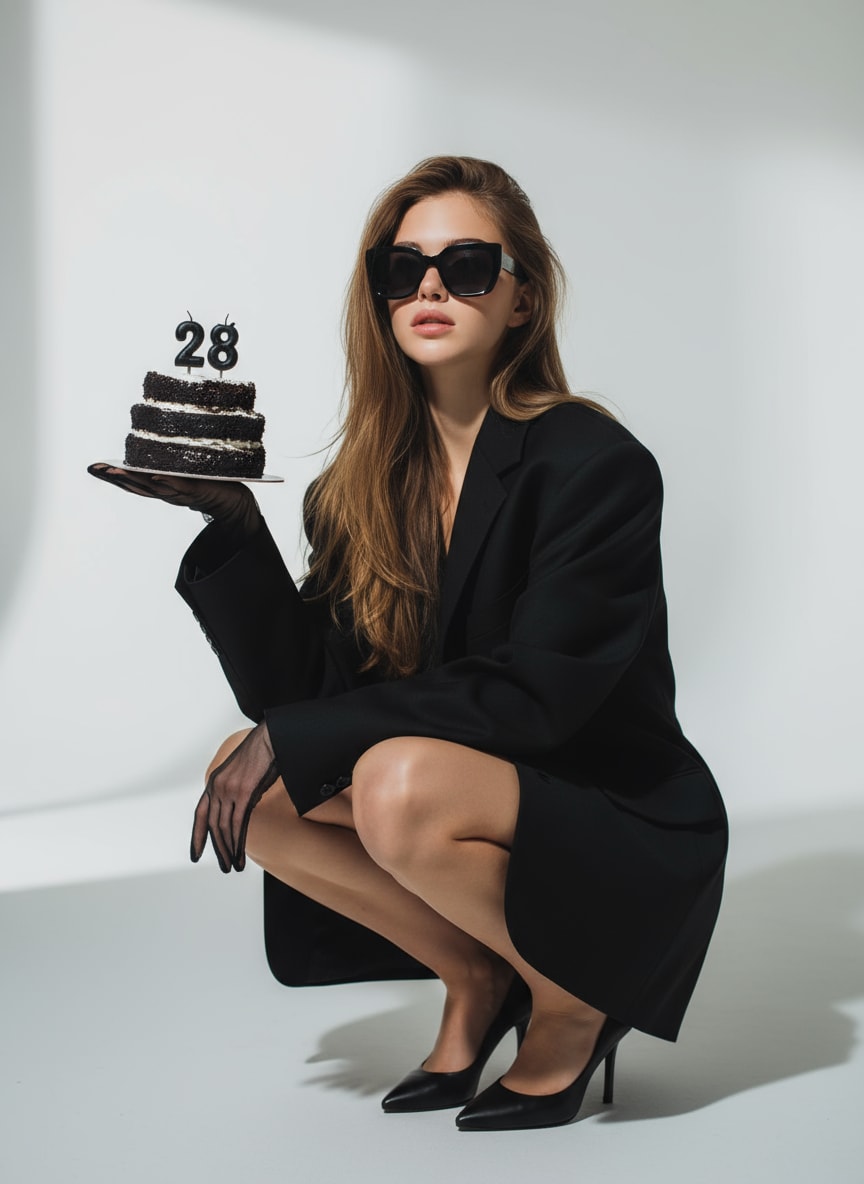
A stylish AI image prompt for birthday — woman in black oversized blazer and sunglasses, holding a cake with lit “28” candles. Dramatic lighting and minimal studio background.
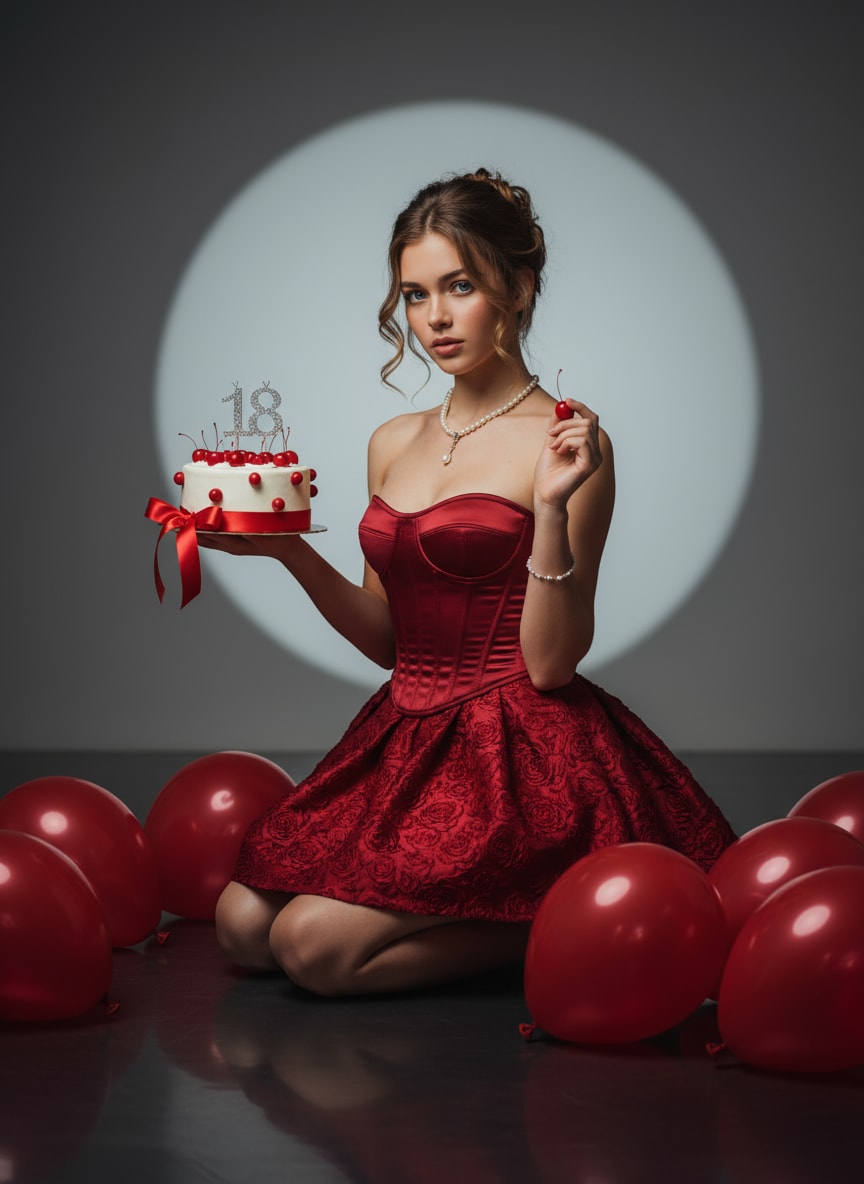
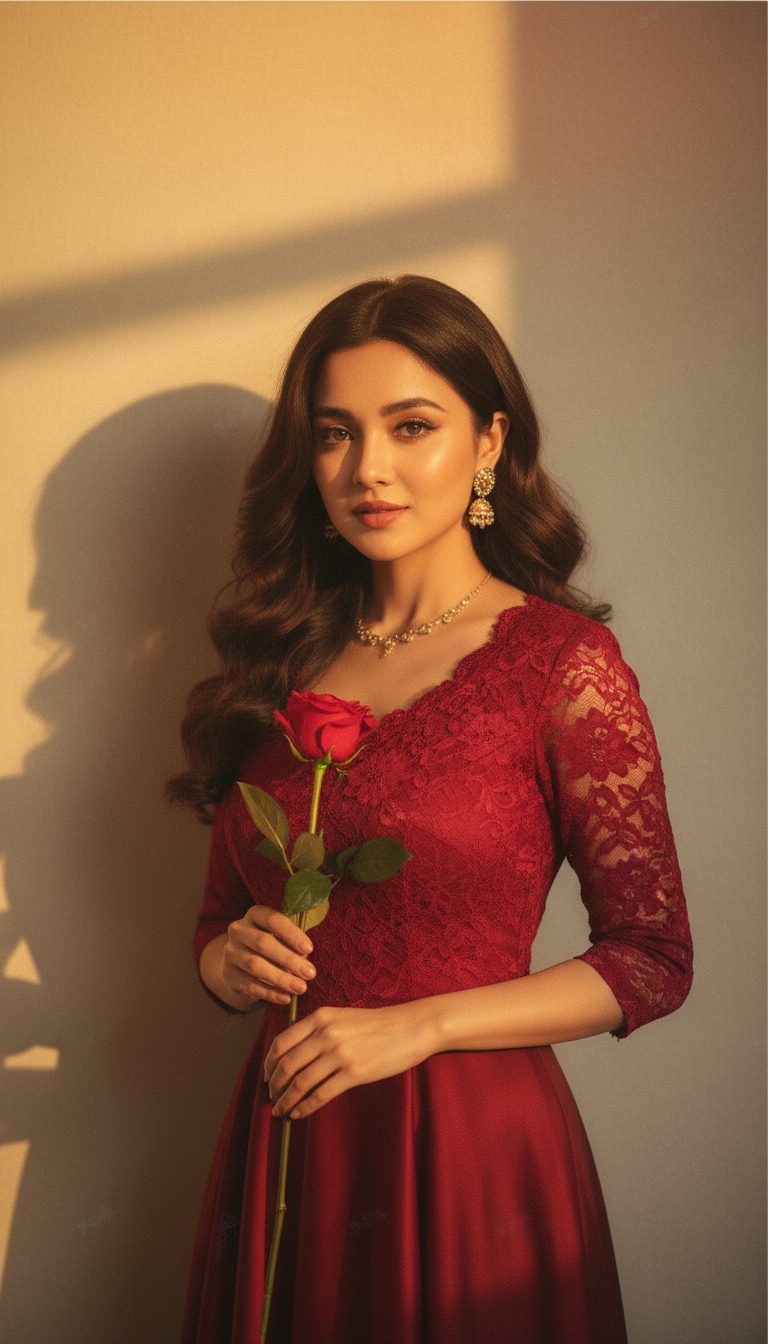
A stunning AI birthday girl prompt — red satin corset, pearl jewelry, spotlight glow, and cherry-accented cake. Ideal for elegant Google AI image scenes.
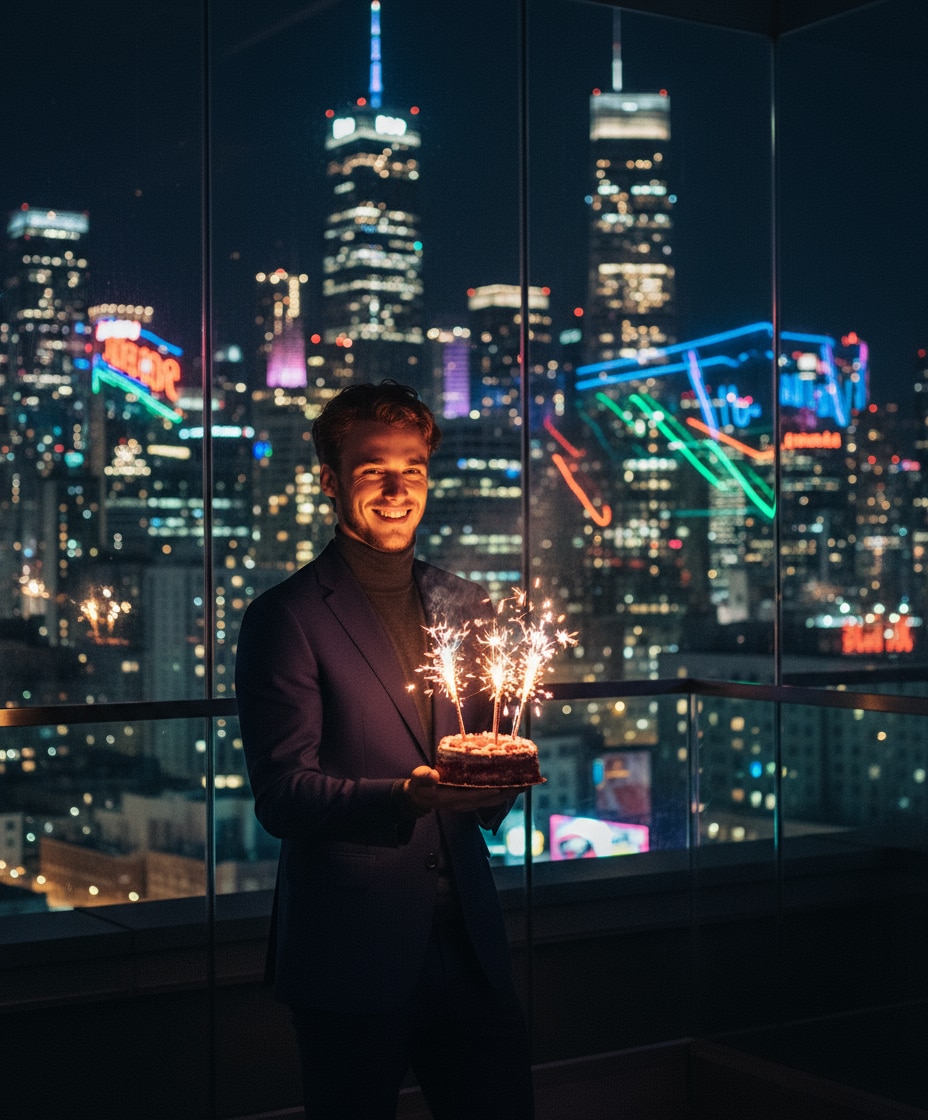
A cinematic night backdrop, cake with sparklers, and neon city reflections — a stylish Gemini AI birthday photo prompt for creative prompt copy paste ideas.
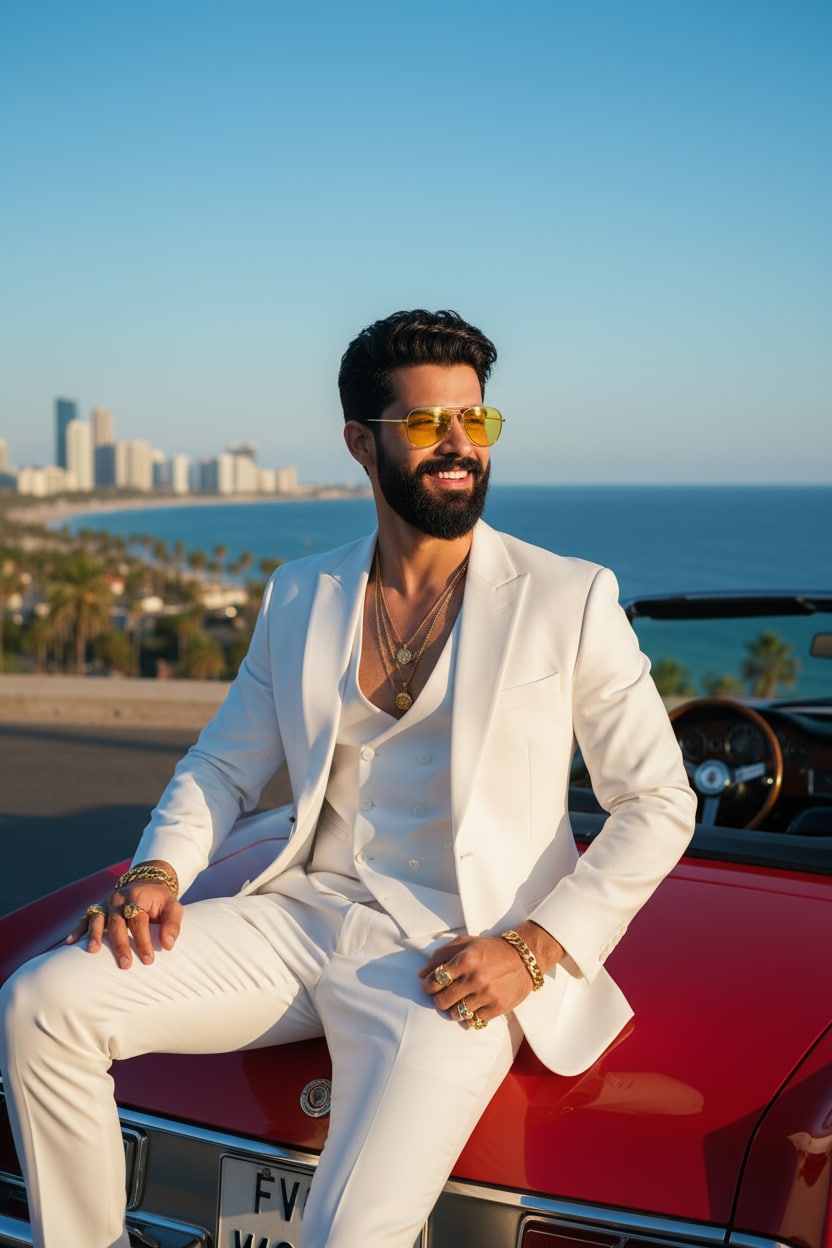
A photorealistic portrait of the person from the uploaded image. A dashing man wearing yellow-tinted sunglasses and a stylish white three-piece suit, seated on a red convertible by the ocean under clear sunny weather.
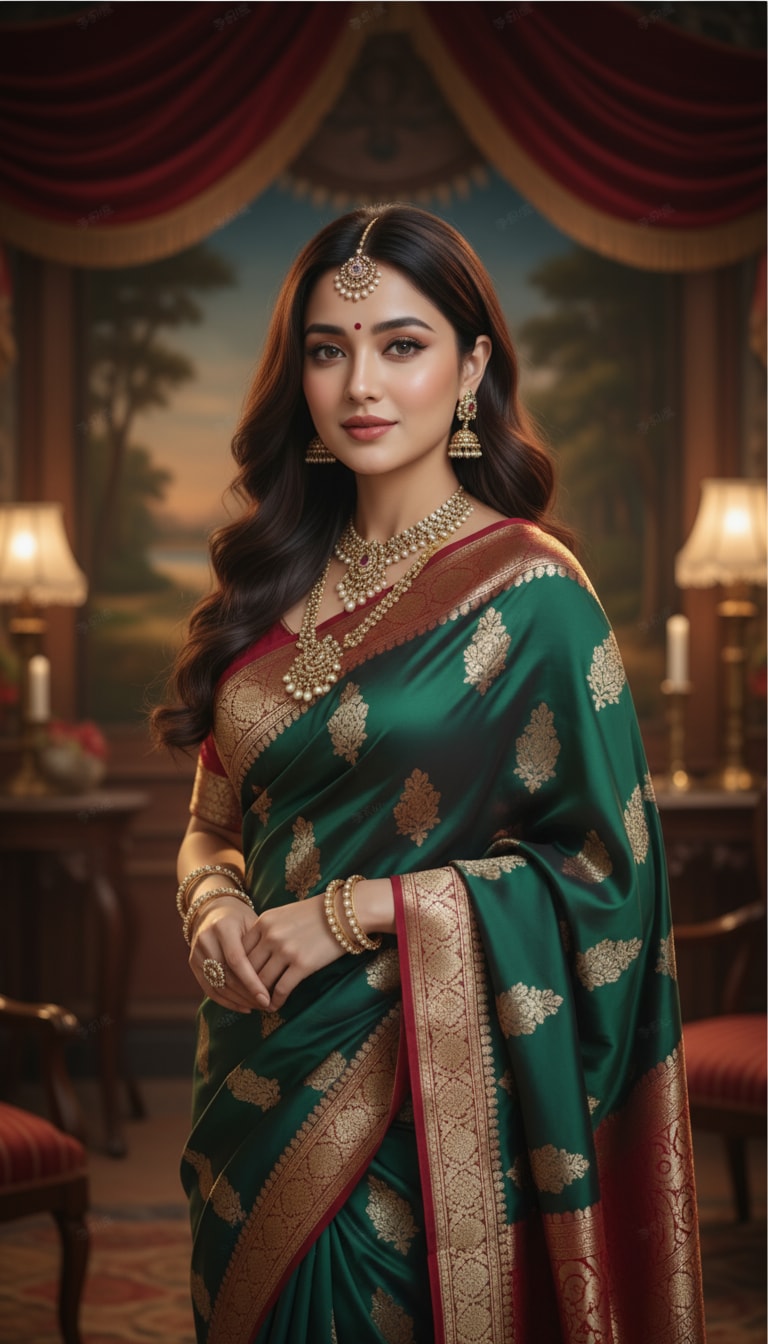
A beautiful girl wearing a flowing silk saree, traditional Indian jewelry, and soft makeup, standing in a vintage Bollywood studio setting with cinematic lighting and realistic textures.
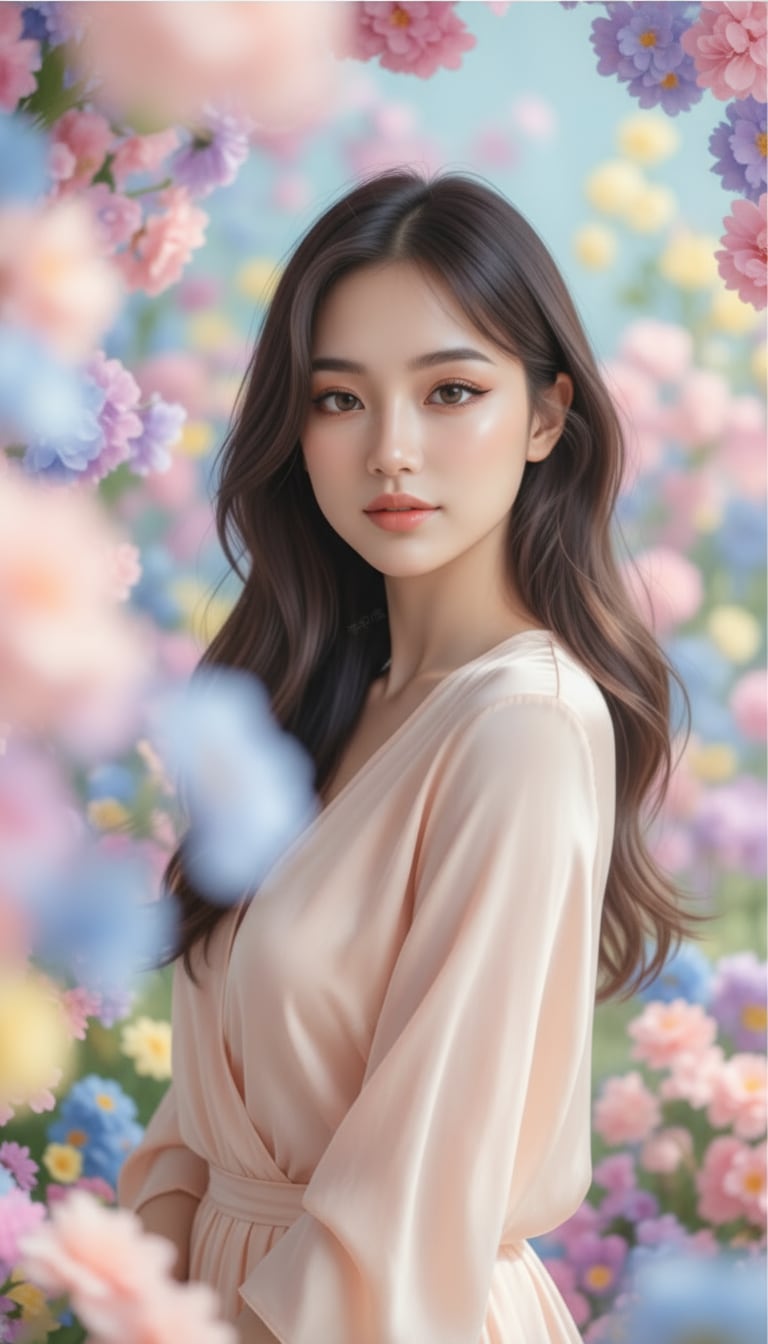
A dreamy aesthetic portrait of a girl with pastel tones, soft glowing skin, gentle lighting, blooming flowers, cinematic bokeh, and an elegant Pinterest-inspired Instagram style.
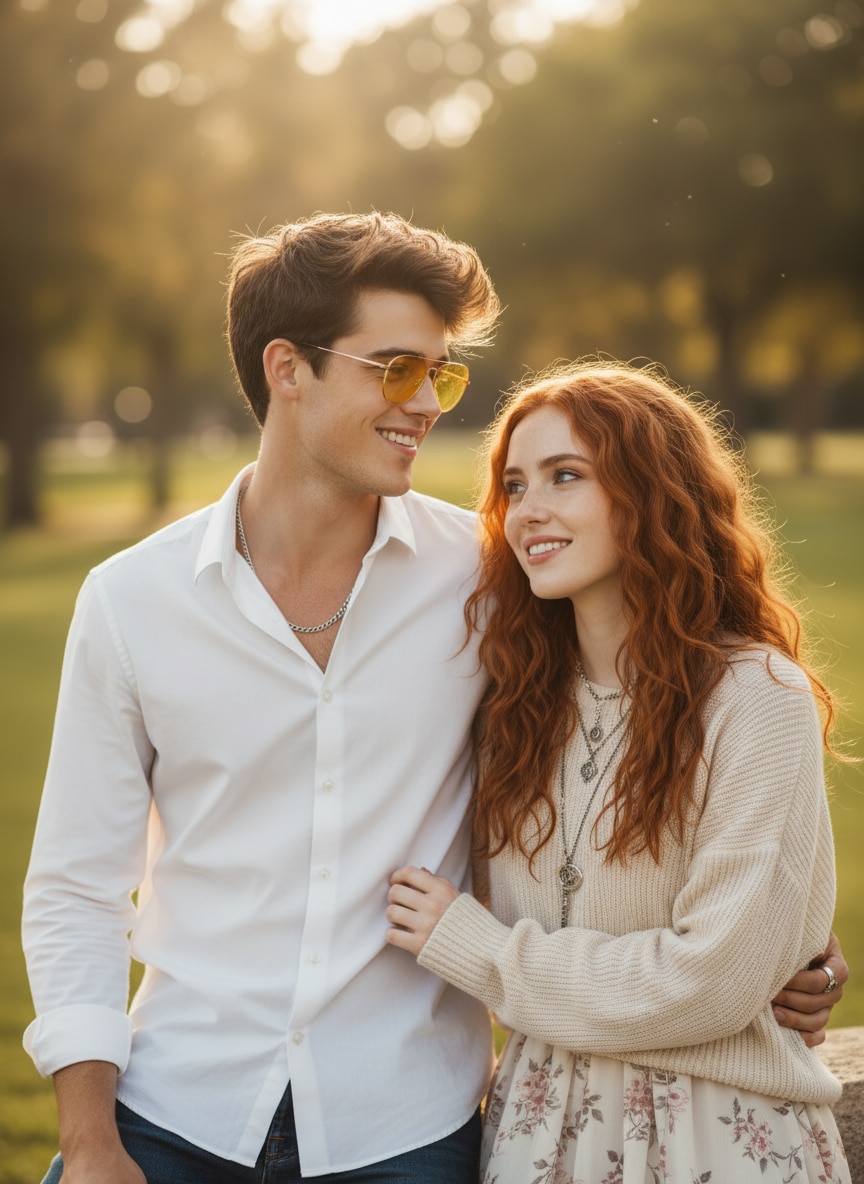
Combine image 1 and image 2 into a natural couple portrait. Preserve both faces exactly, place them close together with relaxed smiles, soft daylight, subtle backlight, and realistic skin texture.
Image FX AI searches commonly combine image generation, Google Labs access, login, app, and download intent. Media.io brings those creative needs into one browser-based image creation and editing workflow.
| Decision Point | Typical Image FX AI Intent | Media.io |
|---|---|---|
| Main use | Generate or edit AI images with prompt-based text prompts and image references. | Create AI images, edit images with prompts, and continue into Media.io's broader image and video workflows. |
| Best for | Users who want Google AI image results, realistic images, prompt edits, and experimental creative output. | Creators, marketers, students, store owners, bloggers, and social users who want a simple online production path. |
| Prompt control | Results depend on prompt detail, subject clarity, model availability, and whether the user starts from text or an image. | Guided workflow for subject, reference image, background, lighting, style, platform size, and viral prompt direction. |
| Creative styles | Common searches include AI image, Gemini image editor, Google AI image, and Gemini AI image generator prompt free. | Supports portraits, retro edits, couple photos, product ads, thumbnails, cinematic posters, and trend-based AI prompt pages. |
| Workflow clarity | Some users search across Gemini, ChatGPT, photo editor download, prompt pages, and model tools separately. | One direct path: choose a tool, copy a prompt, generate, refine, download, and explore more Media.io AI prompt playbook pages. |
You want realistic AI photos, prompt-based image edits, and creative outputs based on text instructions or uploaded references.
You want AI image generation inside a simple online workflow, plus trending prompt pages and related AI image/video tools.

“Viral prompts made easy.” I use Media.io to test AI image prompts before posting trend-style portraits on Instagram.

“Fast product visuals.” Media.io helps me create AI product image drafts and campaign concepts without hiring a designer for every test.

“Clean image edits.” I like using the Gemini image editor workflow for background changes, style tests, and polished creator thumbnails.
Image FX AI usually refers to Google ImageFX, an experimental image-generation tool from Google Labs that creates images from text prompts. Users may also search Image FX Labs, Image FX Google, or Flow Image FX. Media.io offers a separate browser-based alternative for text-to-image and prompt-based photo editing.
Media.io provides free credits or trial access for eligible new users, so you can test prompts and preview results before choosing a paid plan. Credit usage can vary by model, resolution, and whether you create an image or video.
Image FX AI focuses on generating still images from text prompts, while Flow AI is generally associated with broader creative workflows that may include cinematic or video generation. Media.io focuses this page on image generation and image editing, with separate video tools available elsewhere on the platform.
No app is required for the Media.io workflow. It runs in a modern browser on desktop and mobile devices, so you can create, edit, and download images without installing heavy software or using unofficial files.
Yes. ImageFX is a Google Labs product. Searches such as Image FX Google and Image FX Labs usually refer to that service. Media.io is a separate platform and is not presented as the official Google ImageFX or Flow service.
You do not use an Image FX login on Media.io. Media.io has its own account system, which may be required to receive credits, save projects, access selected models, or download generated results.
Generate your content, review the preview, and use the available download or export option. Before publishing, check the chosen model's plan limits, watermark rules, output resolution, and commercial-use terms.
Specify the subject, action, setting, lighting, camera angle, color palette, mood, level of realism, and aspect ratio. For edits, state what must remain unchanged, such as face identity, logo placement, product shape, or background composition.
 4.7 (162,357 Votes)


