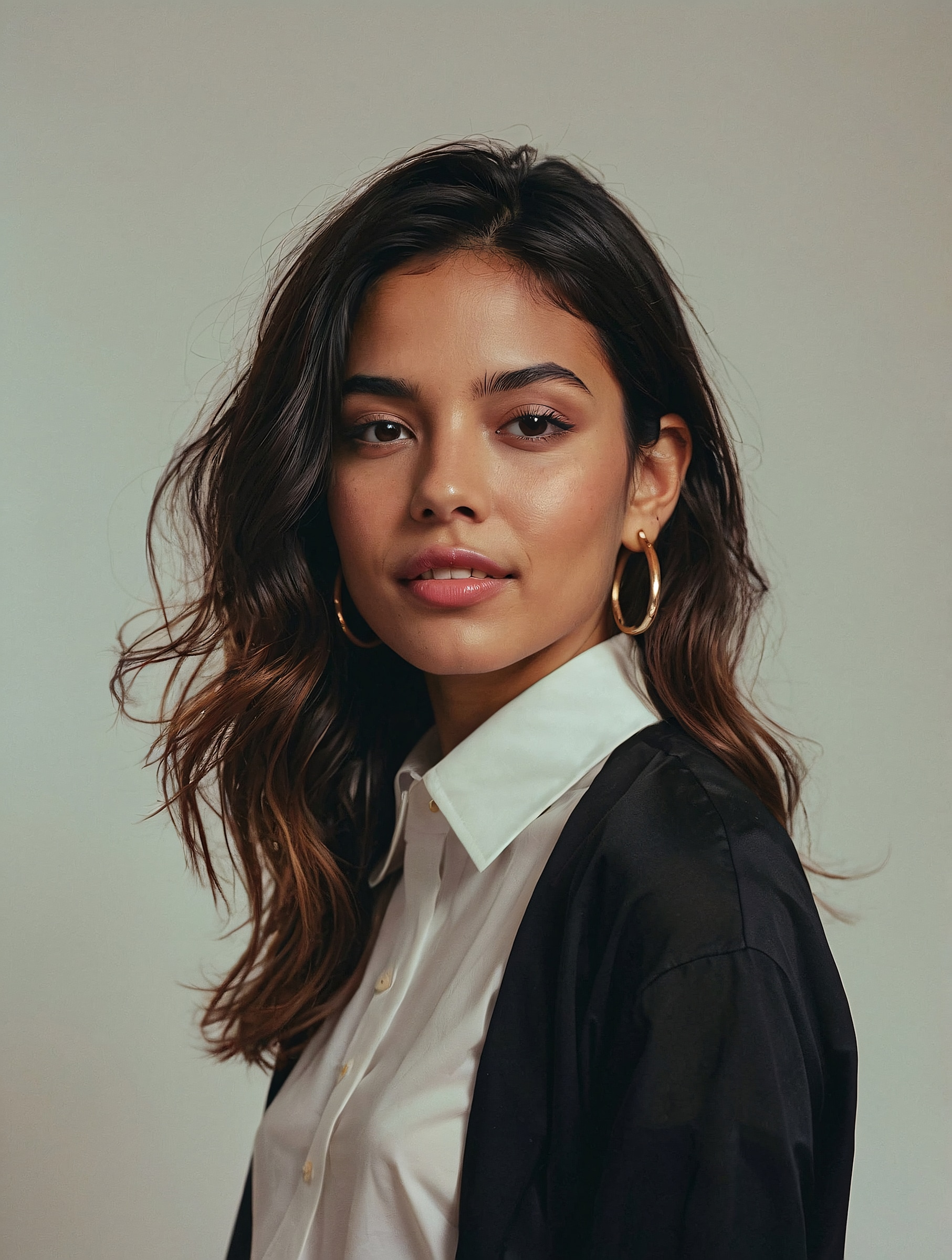
Create viral childhood-and-current AI photos with ready-to-use Gemini AI childhood photo prompts. Upload your portrait, choose a nostalgic prompt, and use Media.io to generate realistic Polaroid-style, cinematic, and emotional childhood memory photos for TikTok, Instagram, birthdays, and personal storytelling.
Upload your photo and recreate a viral childhood memory with Gemini-style prompts in seconds.
Before
AI Childhood Photo
Before
Prompt Edit
20 Gemini AI Childhood Photo Prompts for Viral AI Editing
Classic Face-to-Face Nostalgia
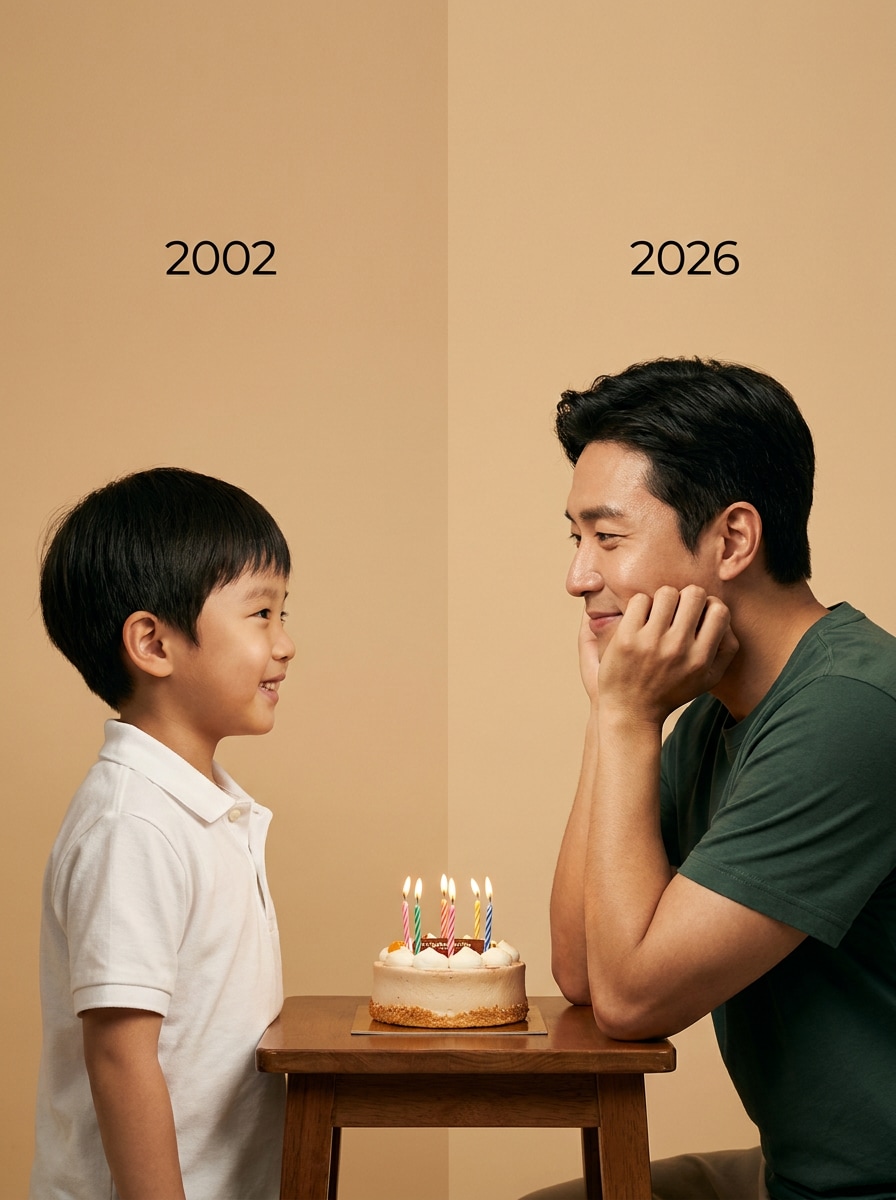
Using the uploaded childhood photo and present-day photo, create a realistic emotional portrait. On the left: a childhood version of me smiling innocently and looking to the right, with 2002 written above. On the right: present me resting chin on hands and smiling softly while looking at the child, with 2026 written above. In the middle: a small birthday cake on a simple table. Use a plain soft studio background, warm cinematic lighting, realistic skin texture, emotional eye contact, professional photography style, keep my original facial features unchanged, photo size 4:5.
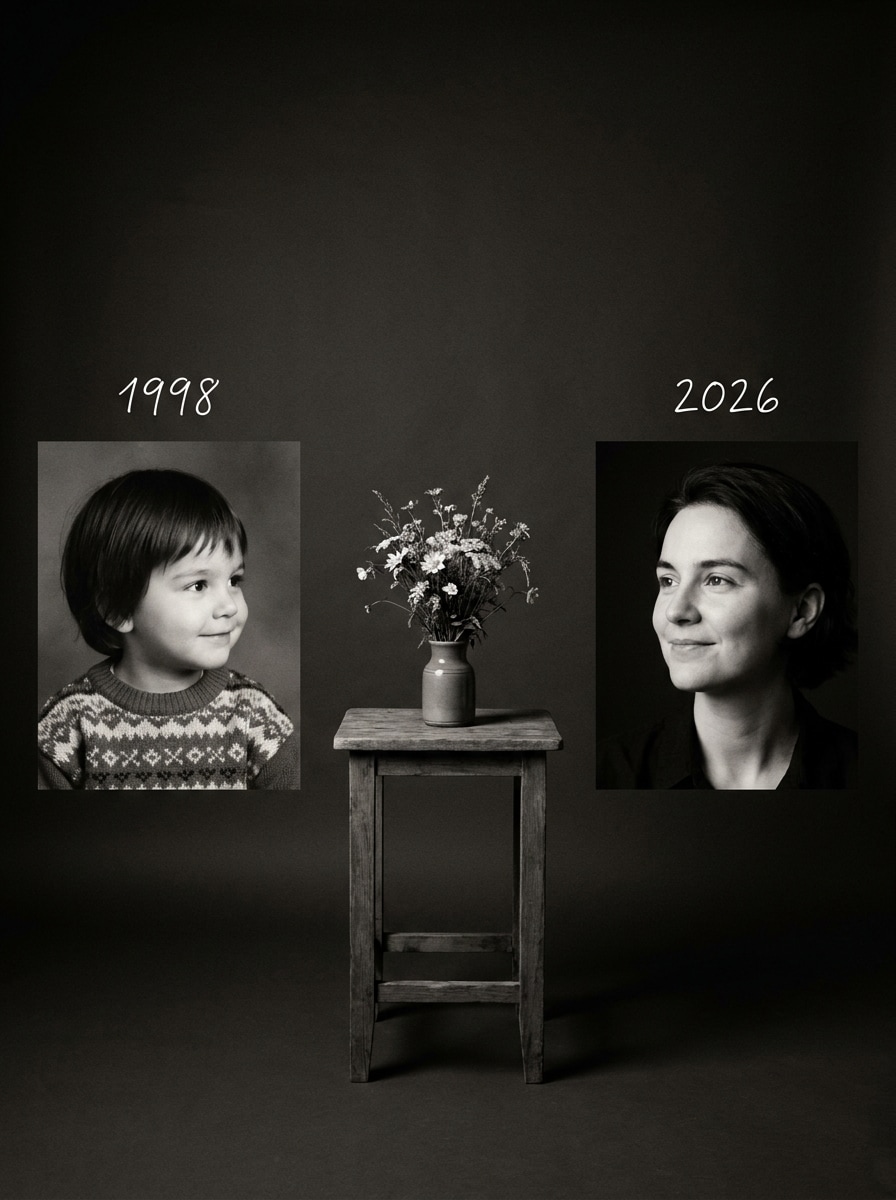
Black & White Memory Contrast
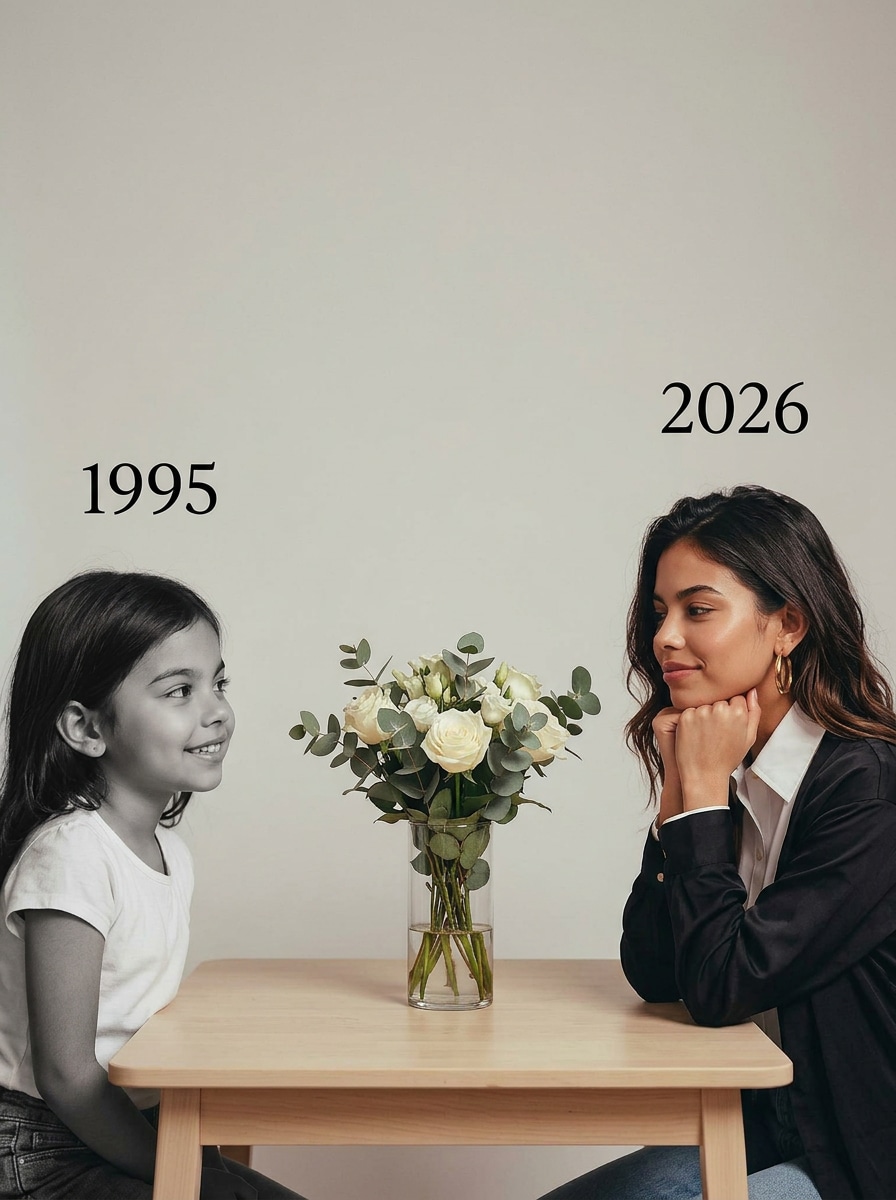
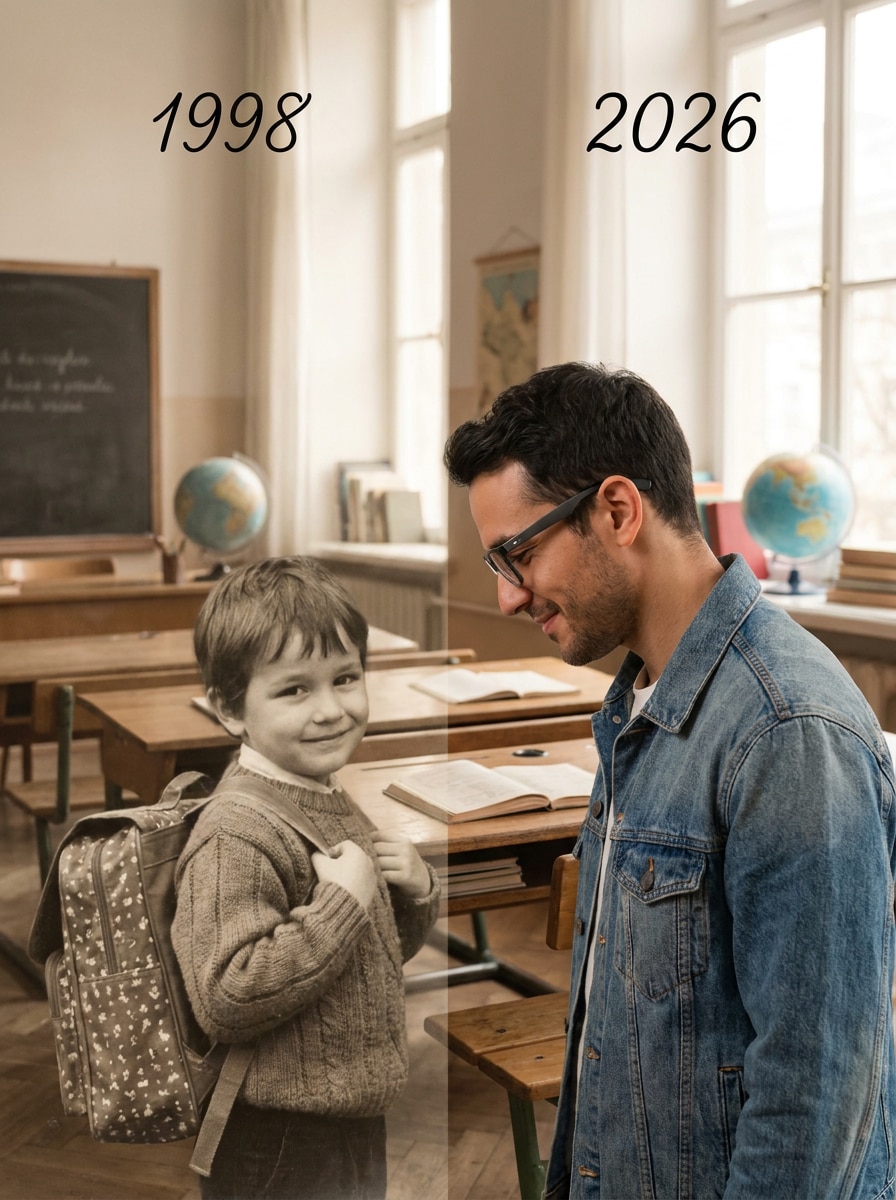
Using the uploaded images, create a soft emotional black-and-white art photo. On the left: my childhood version in black and white, looking right with a gentle smile, with 1998 written above. On the right: my adult version in real color, looking left with a calm smile, with 2026 written above. In the middle: a simple flower bouquet on a small table. Use minimal studio background, soft cinematic light, warm emotional mood, professional realistic photography, keep facial features consistent, photo size 4:5.
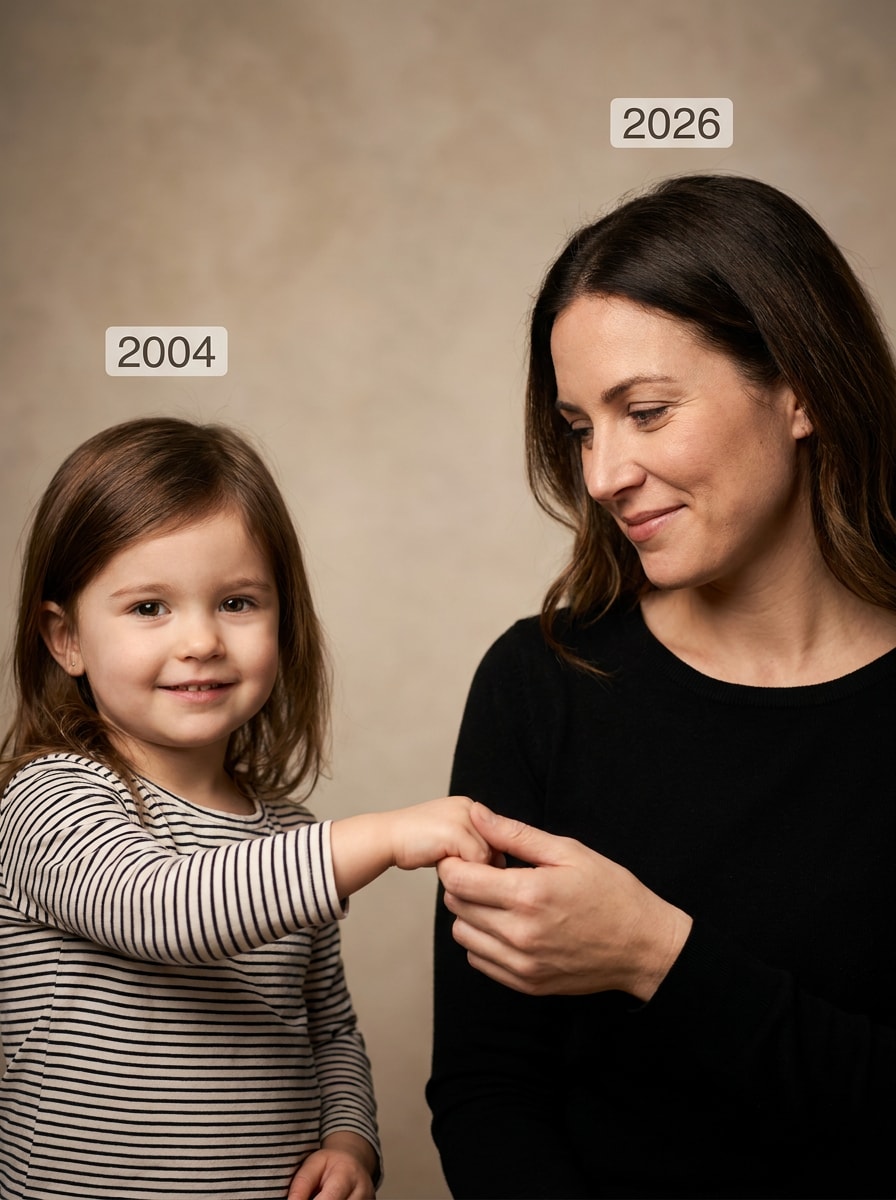
Holding Hands Across Time
Create an ultra realistic AI childhood photo using the uploaded child and adult photos. On the left: my child version gently reaching one hand forward with an innocent smile. On the right: my present version holding the child's hand and looking at the child with warmth. Add subtle year labels above each version, 2004 and 2026. Use a clean studio background, soft warm lighting, cinematic depth of field, emotional storytelling, realistic skin texture, keep my original features unchanged, vertical 4:5.
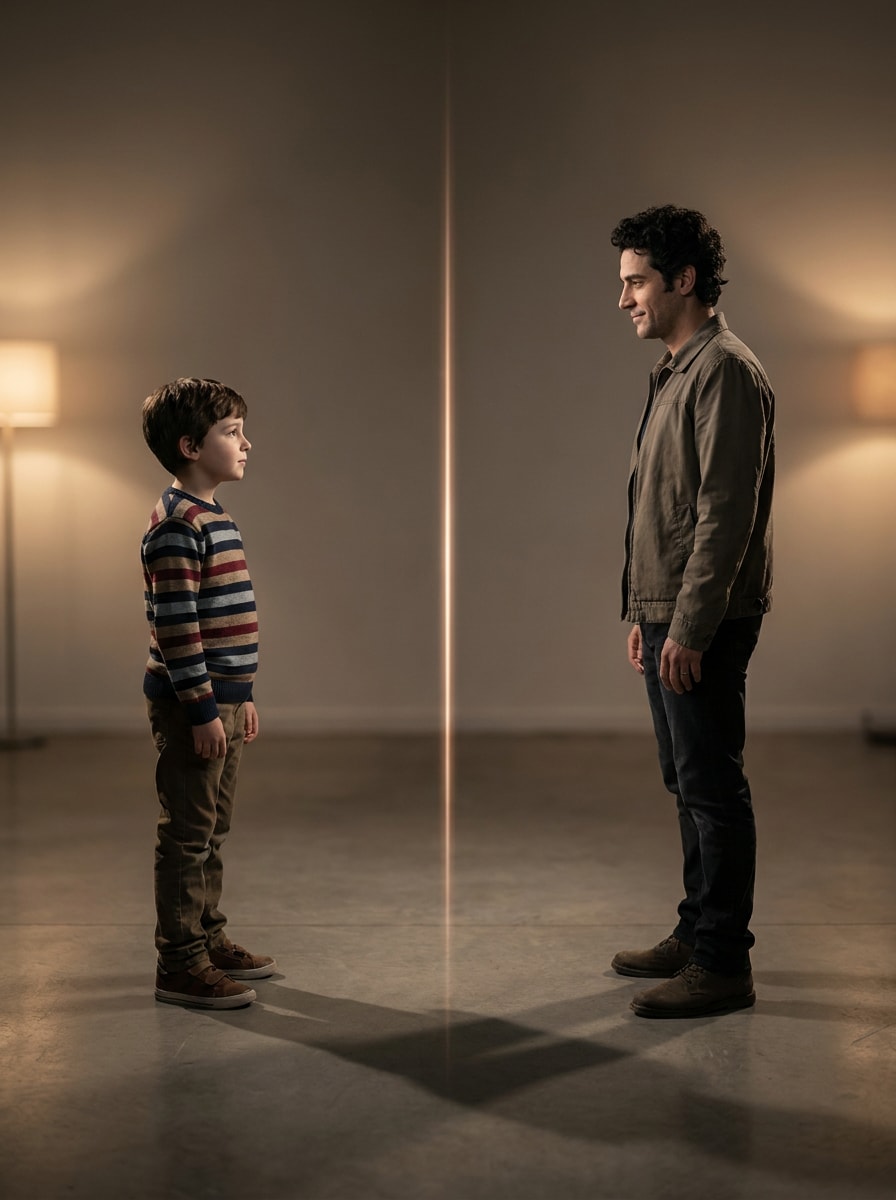
Mirror Reflection Concept
Using my childhood photo and current photo, create a symbolic mirror-style childhood photo edit. Place the child version on the left, standing softly and looking toward the right. Place the adult version on the right as if reflected across time, looking back at the child. Add a subtle glow between them, minimal studio background, soft shadow, cinematic warm lighting, emotional realistic photography, keep face identity accurate, 4:5 portrait format.
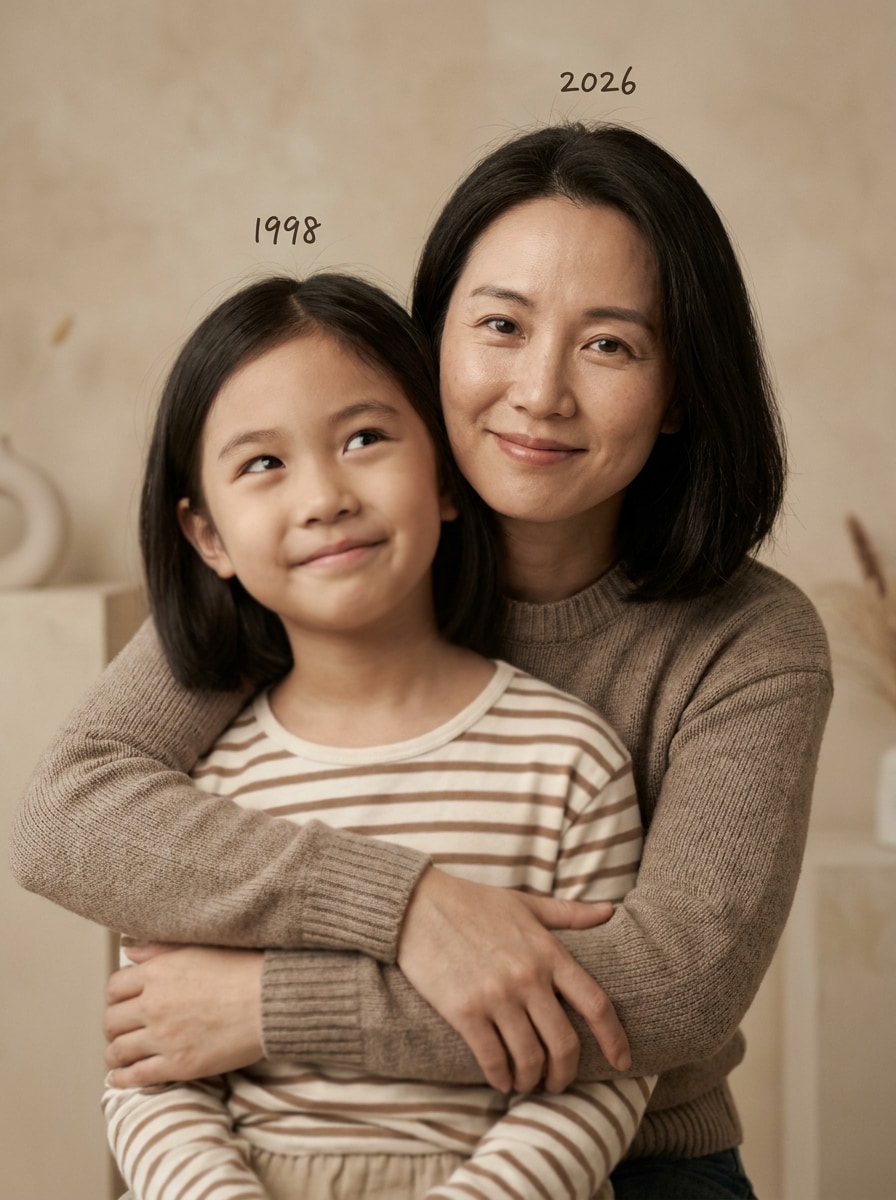
Hug Your Younger Self
Create a realistic emotional photo where my present self gently hugs my younger self from behind. The child version smiles shyly and looks slightly upward, while the adult version smiles warmly with calm eyes. Add small year text above each person, childhood year and 2026. Use warm studio tones, soft cinematic lighting, shallow depth of field, natural skin texture, professional photoshoot style, keep my original facial features unchanged, vertical 4:5.
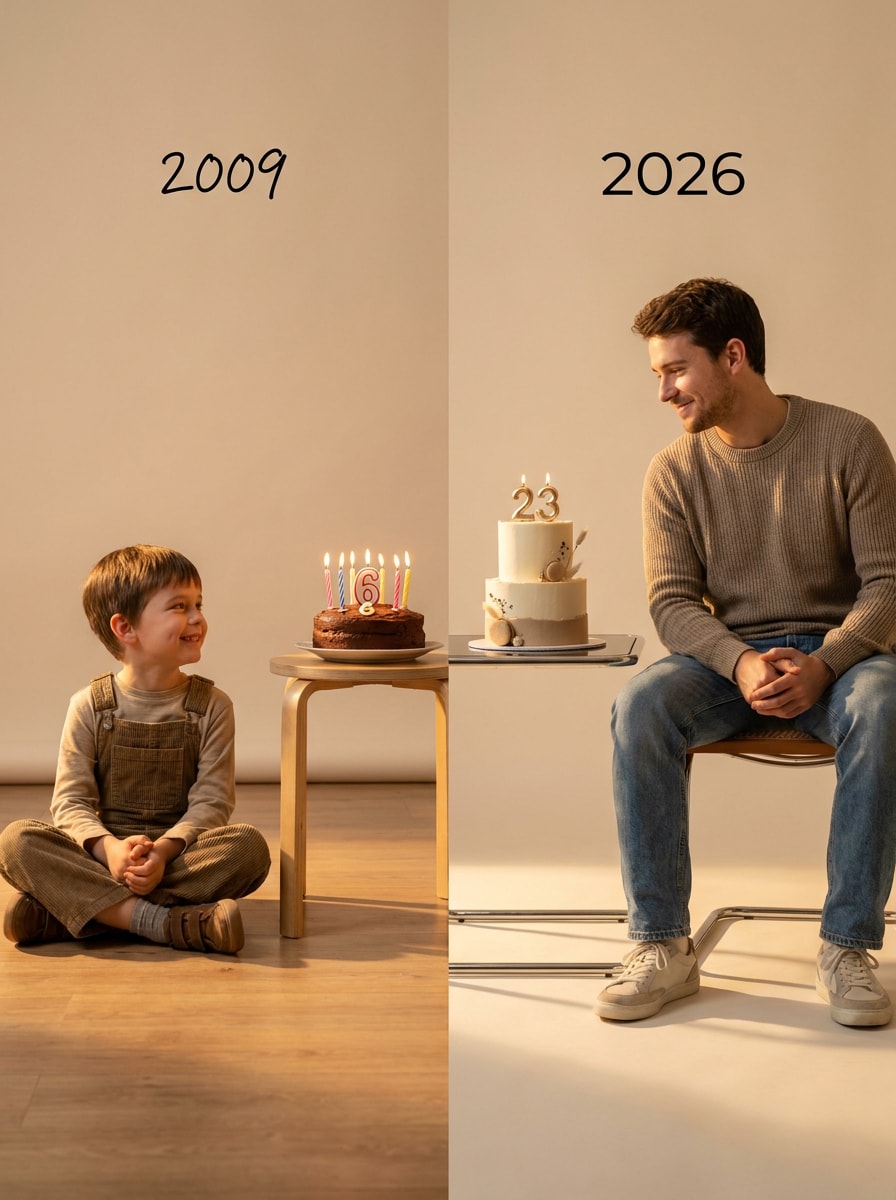
Birthday Growth Timeline
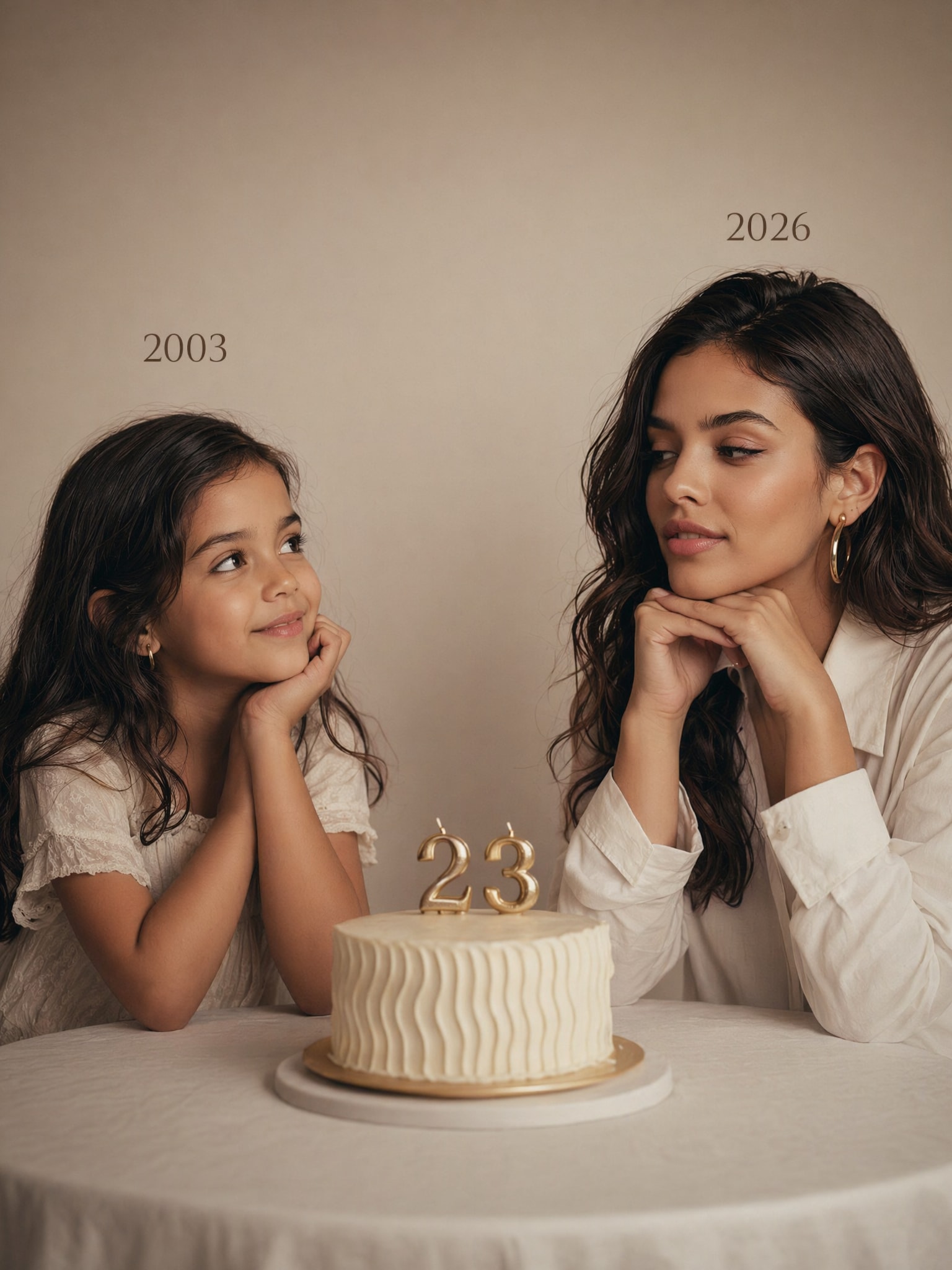
Create an emotional birthday growth timeline from the uploaded photos. On the left: my child version sitting near a small birthday cake, age 6 style, with the childhood year written above. On the right: my adult version sitting with a modern birthday cake, age 23 style, with 2026 written above. Both versions look at each other warmly. Use a soft plain studio background, warm cinematic light, realistic photography, minimal composition, keep my identity unchanged, 4:5.
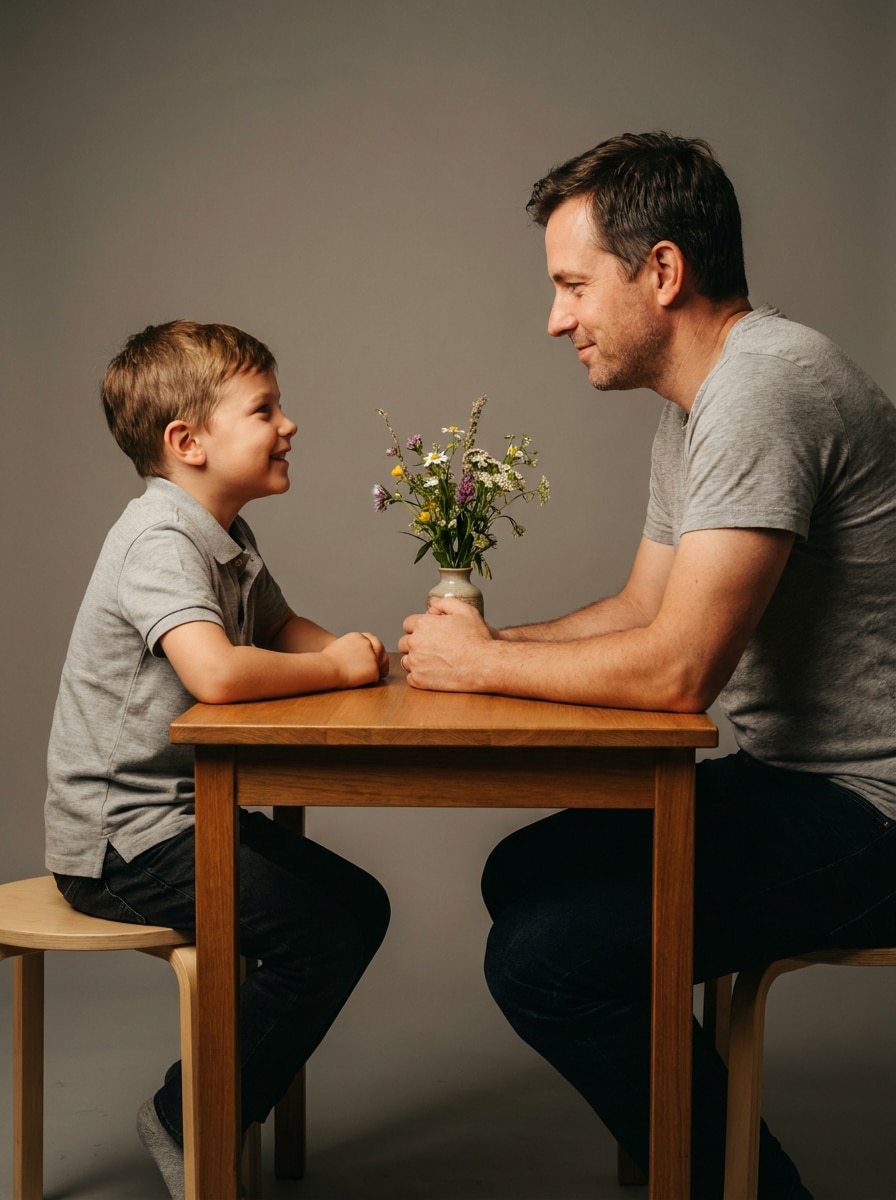
Sitting Across Table Conversation
Using the uploaded child and adult images, create a realistic scene where my younger self sits on the left side of a small table and my present self sits on the right side. They are looking at each other like they are having a quiet conversation across time. Add a simple cake or flower vase in the center. Use clean studio background, soft cinematic lighting, warm emotional color grade, realistic expressions, keep original features unchanged, 4:5.
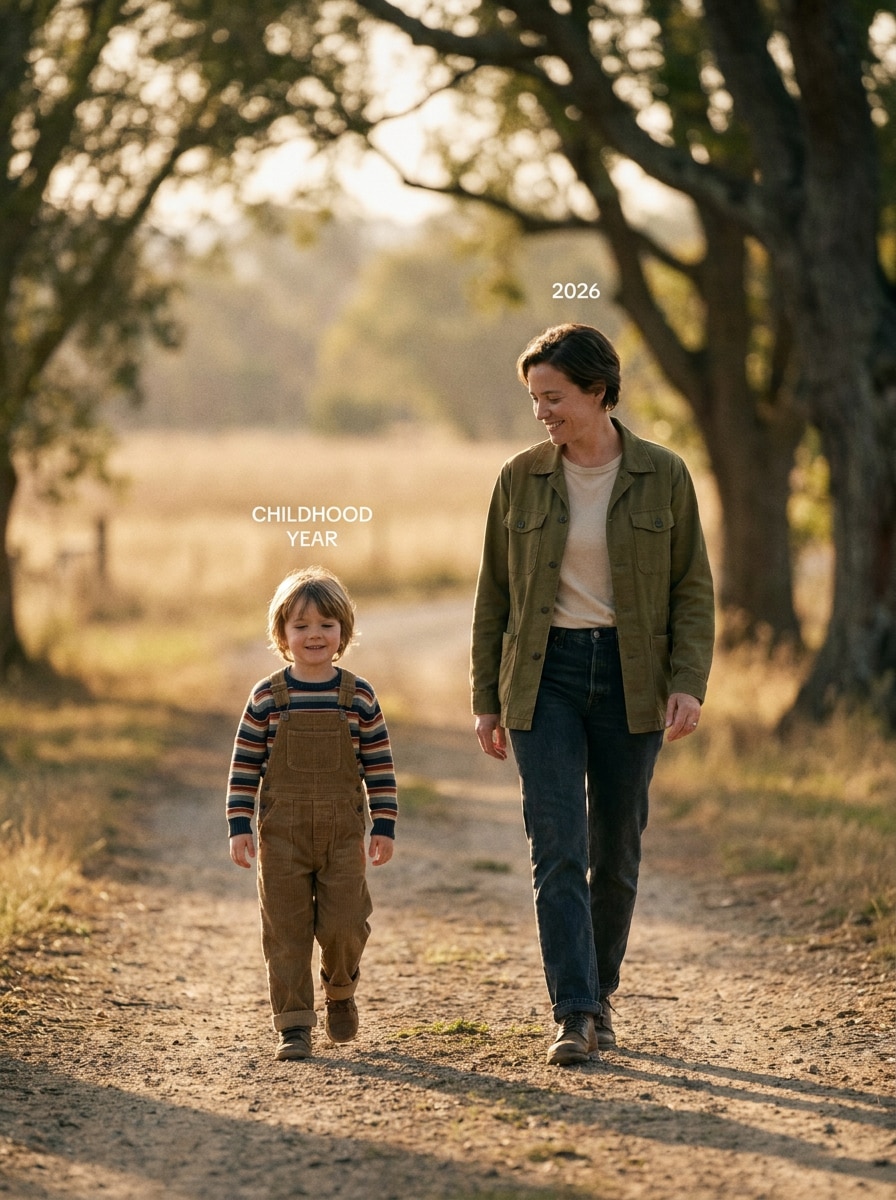
Walking Together Timeline
Create a cinematic AI photo where my child version walks on the left and my adult version walks beside them on the right, as if traveling together through time. Both look happy and peaceful. Add subtle year labels above them, childhood year and 2026. Use soft sunlight, clean dreamy background, cinematic depth, natural shadows, emotional journey mood, realistic skin and clothing details, keep my original face features, vertical 4:5.
Childhood Dreams Scene
Using my childhood and current photos, create a soft emotional AI image. On the left: my child version looking up with curiosity and a bright innocent expression. On the right: my adult version looking down gently with a calm proud smile. Add dreamy soft light between them, pastel warm tones, minimal studio background, emotional storytelling, realistic photoshoot quality, keep facial structure and identity unchanged, 4:5.
Then vs Now Portrait Split
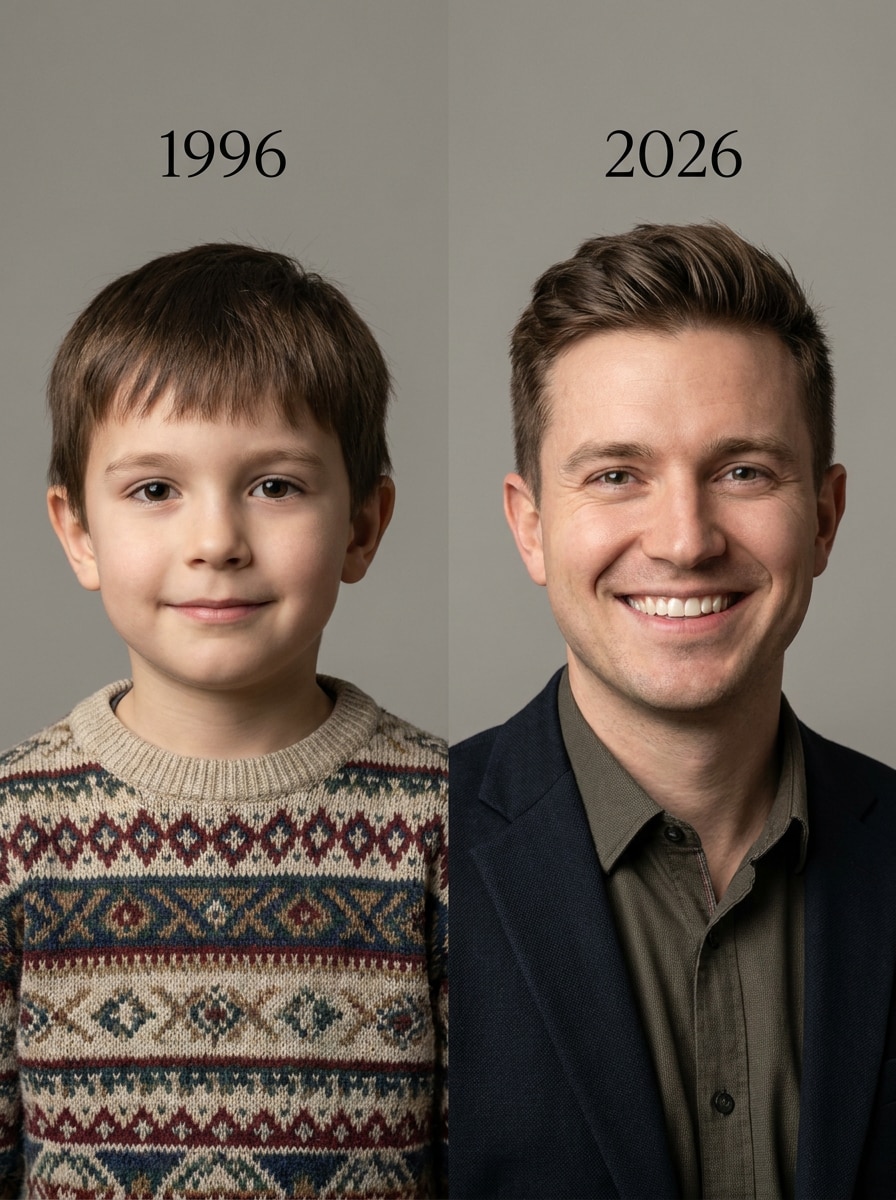
Create a realistic then-vs-now AI portrait using the uploaded photos. The left half of the image shows my childhood version with the year written above. The right half shows my present-day version with 2026 written above. Align both faces naturally while keeping the original features accurate. Use soft studio lighting, clean background, subtle emotional expression, ultra realistic blending, high detail, professional portrait style, 4:5 format.
School Days Memory
Create a nostalgic AI childhood photo edit. On the left: my child version holding a school bag and smiling gently, with the childhood year written above. On the right: my present self in a modern outfit, looking at the child with a proud smile, with 2026 above. Use a soft classroom-inspired background, warm nostalgic tones, cinematic light, realistic skin texture, emotional storytelling photography, keep identity unchanged, vertical 4:5.
Parent & Child Role Reversal
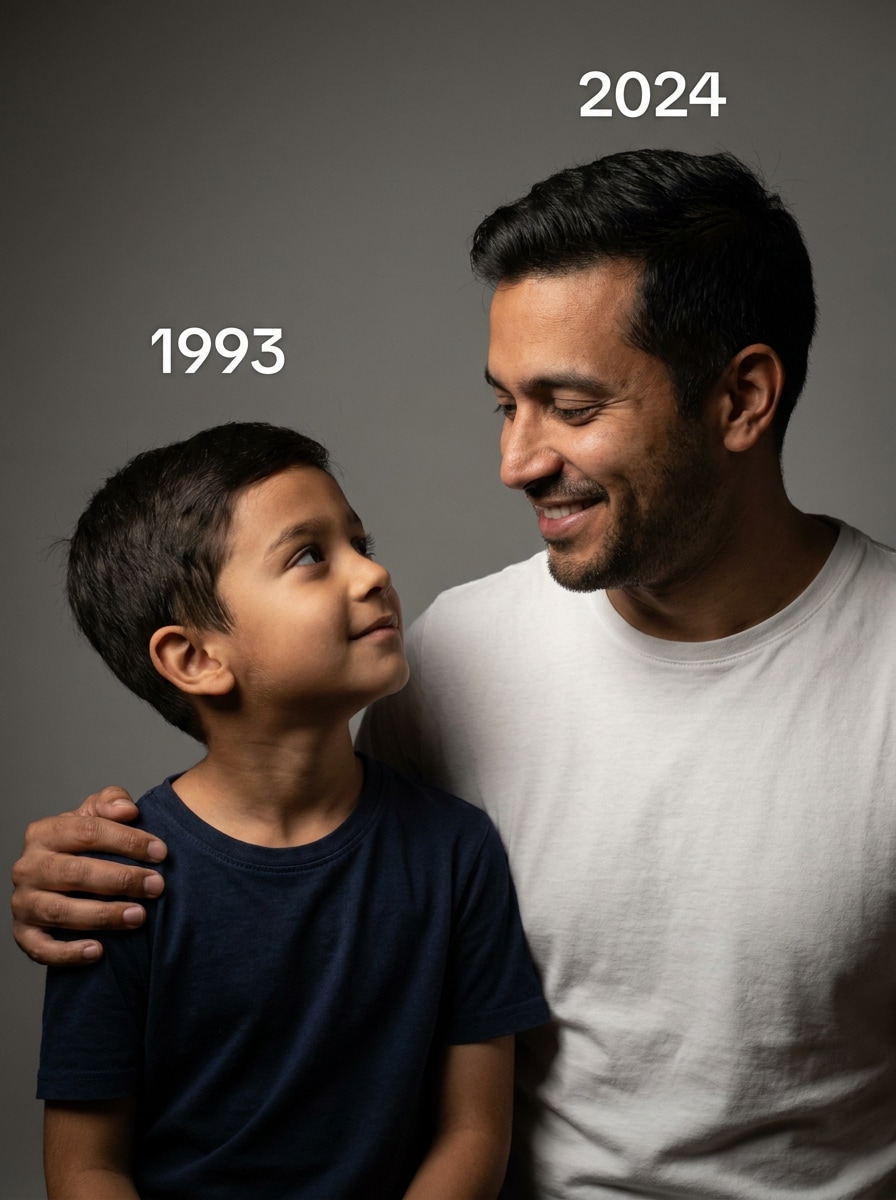
Using the uploaded photos, create a touching portrait where my child version looks at my adult version with admiration, and my adult version looks back with care and warmth, almost like protecting my younger self. Add subtle years above both sides. Use a plain studio background, soft cinematic lighting, natural expressions, emotional bond, realistic photoshoot style, keep my original facial features unchanged, 4:5.
Shadow Growth Effect
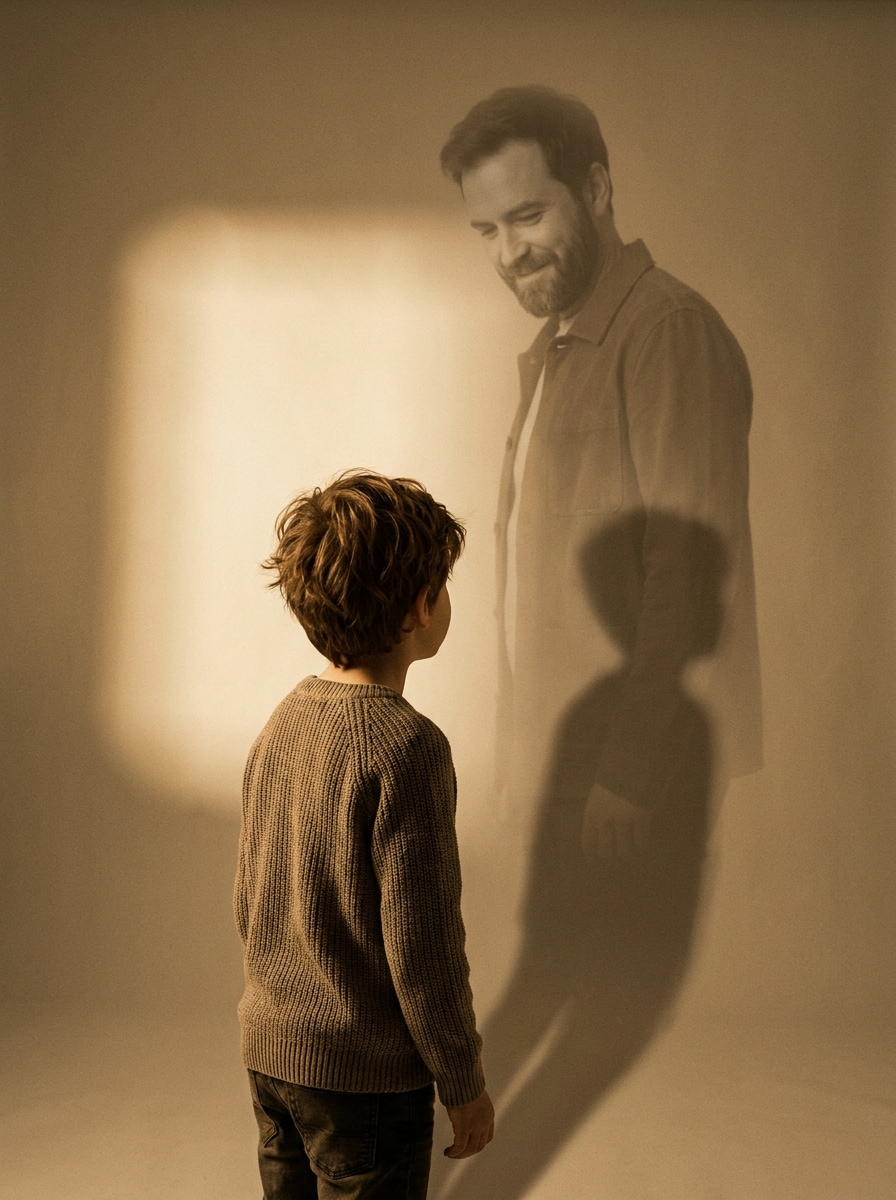
Create an artistic AI childhood photo where my child version stands in the foreground and casts a soft shadow that transforms into my adult version. The adult version appears gently in the shadow or light behind the child, symbolizing growth over time. Use minimal studio background, warm cinematic lighting, soft shadows, emotional symbolic mood, realistic face details, keep my identity accurate, vertical 4:5.
Polaroid Memory Layout
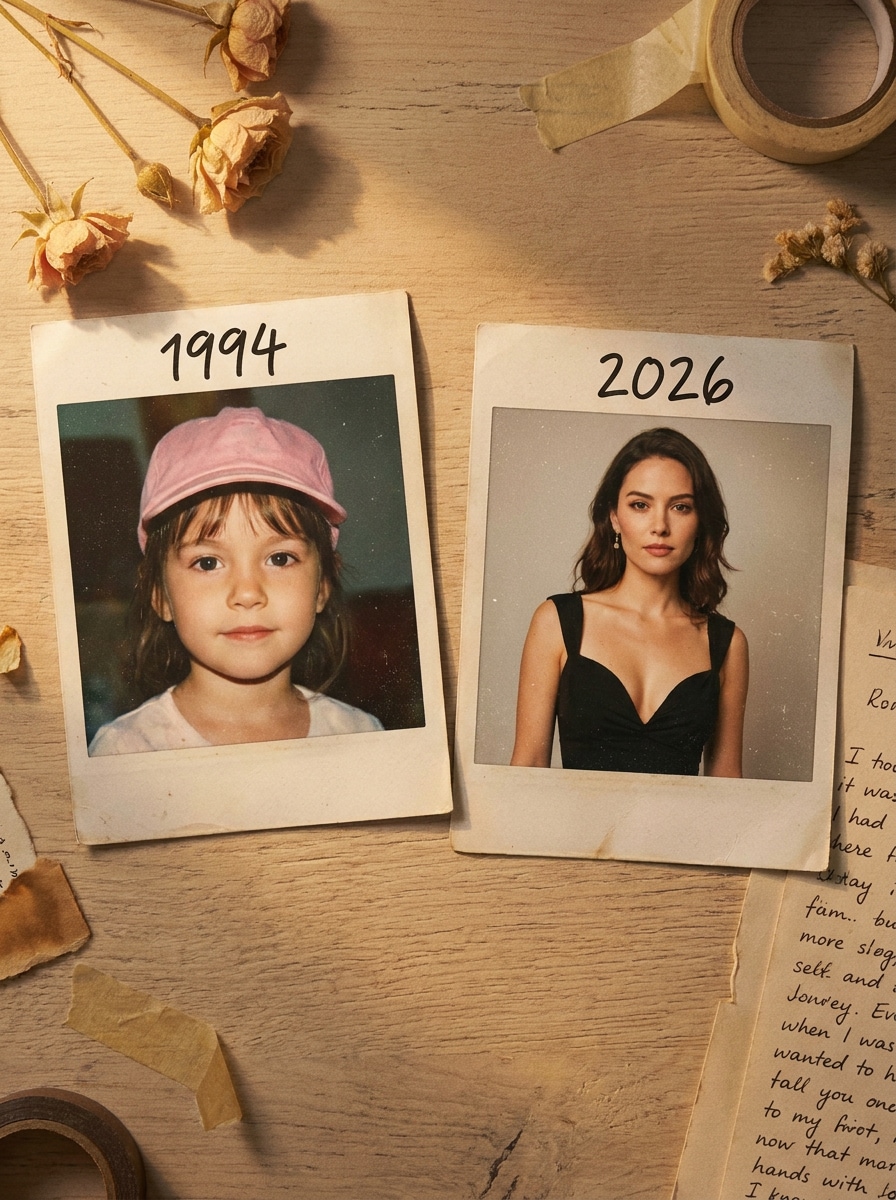
Create a realistic polaroid-style memory layout using the uploaded childhood and present-day photos. Place the childhood photo as a polaroid on the left with the year handwritten above, and the adult photo as a polaroid on the right with 2026 above. Add a soft table surface, warm light, subtle shadows, nostalgic film grain, emotional scrapbook feel, clean composition, keep facial features unchanged, 4:5.
Looking Through Time Window
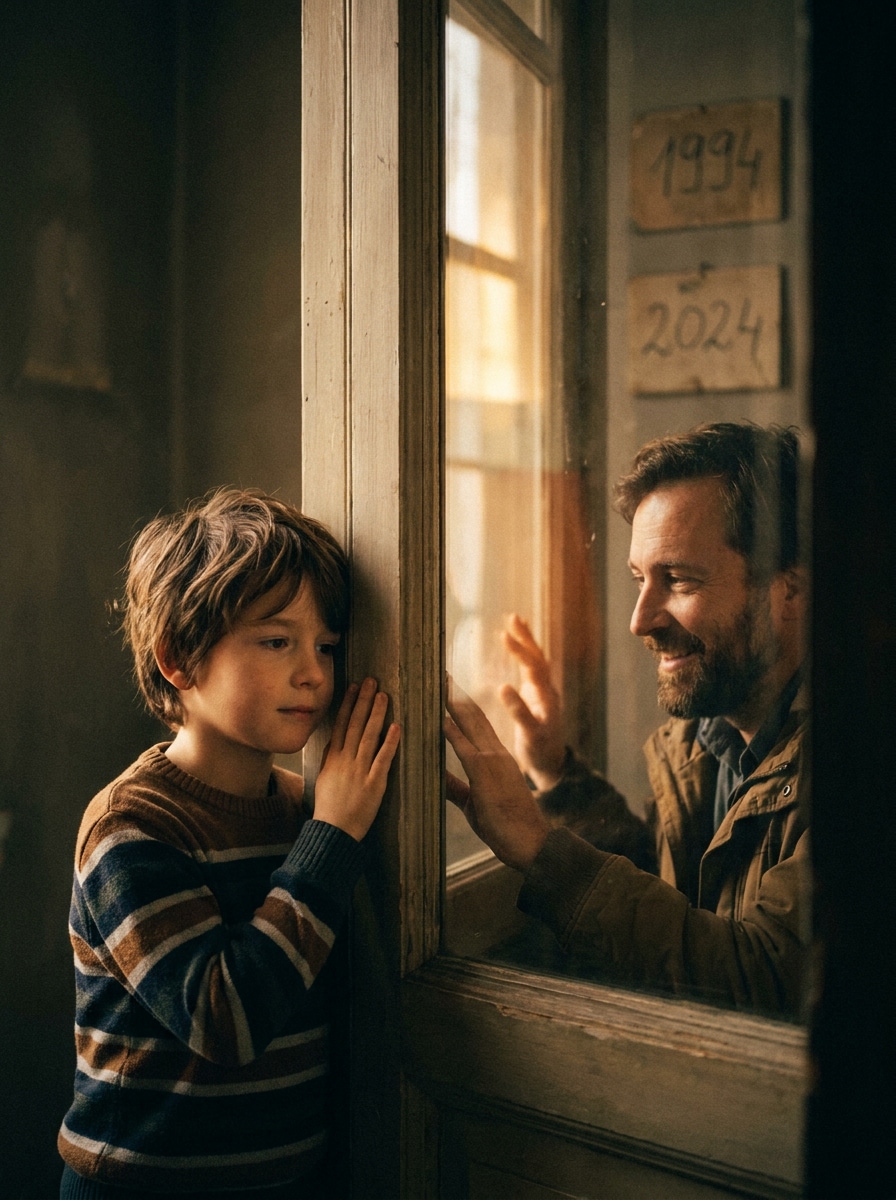
Create a cinematic childhood photo edit where my child version appears on one side of a softly glowing window and my present-day version appears on the other side. Both versions look at each other through the glass with gentle emotion. Add year labels subtly in the background. Use soft reflections, cinematic lighting, clean studio mood, emotional storytelling, ultra realistic photo quality, keep my identity unchanged, 4:5.
Sitting on Same Chair Timeline
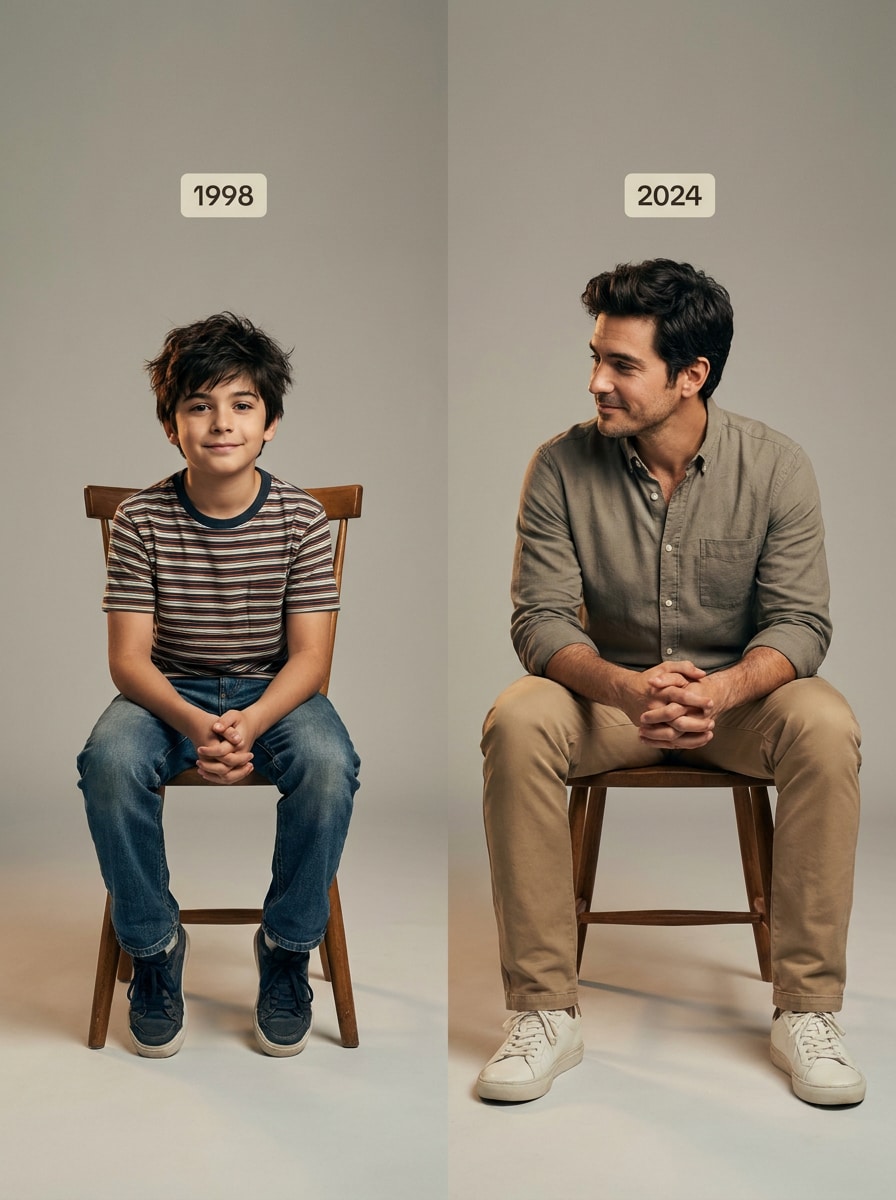
Using the uploaded childhood and present photos, create a realistic timeline portrait. On the left: my child version sitting on a simple chair in a relaxed pose. On the right: my adult version sitting on the same style chair in a similar pose, looking toward the child. Add small year labels above both. Use identical framing, clean soft background, warm cinematic lighting, natural facial expressions, realistic photoshoot style, keep my features unchanged, 4:5.
Childhood Toy Connection
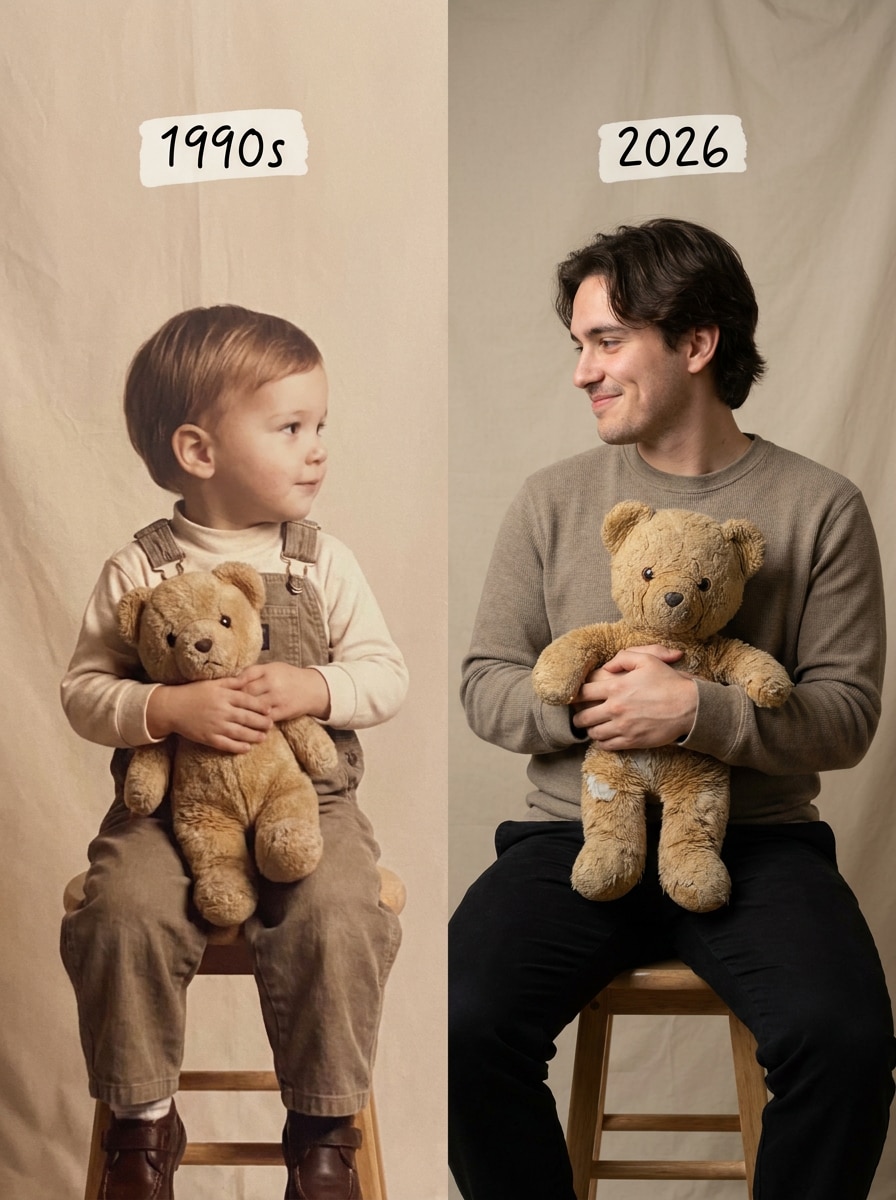
Create an emotional AI childhood photo where my child version holds a favorite toy on the left, and my present-day version holds the same toy on the right. Both look at each other with a gentle smile. Add childhood year above the child and 2026 above the adult. Use soft warm lighting, minimal studio background, nostalgic atmosphere, realistic skin and clothing detail, keep original facial features unchanged, vertical 4:5.
Minimal Studio Eye Contact
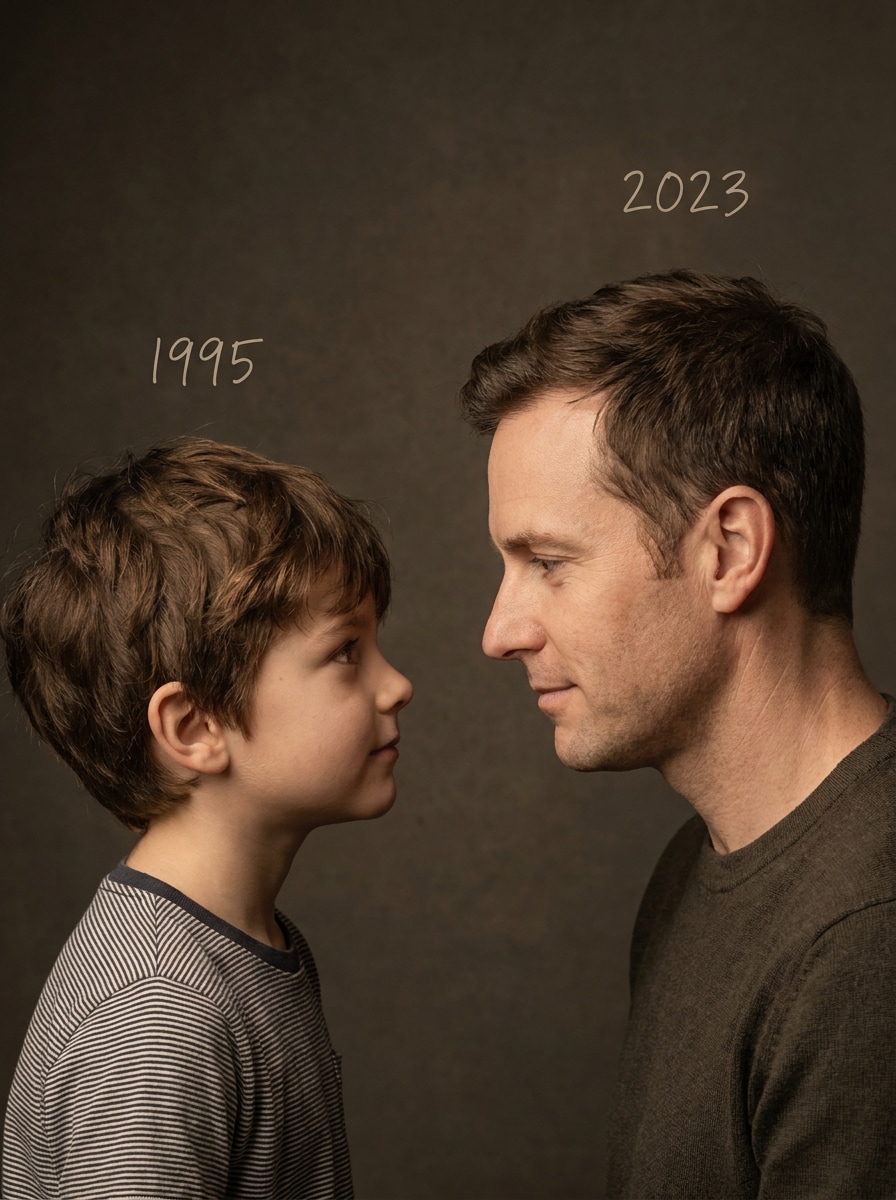
Create a clean emotional studio portrait using my uploaded childhood and adult photos. Place the child version on the left and the adult version on the right. No props, no busy background, only strong eye contact between the two versions. Add subtle years above each person. Use soft studio lighting, warm cinematic tone, minimal composition, realistic photography, natural expressions, keep my original facial features unchanged, 4:5.
Growth Path Visual
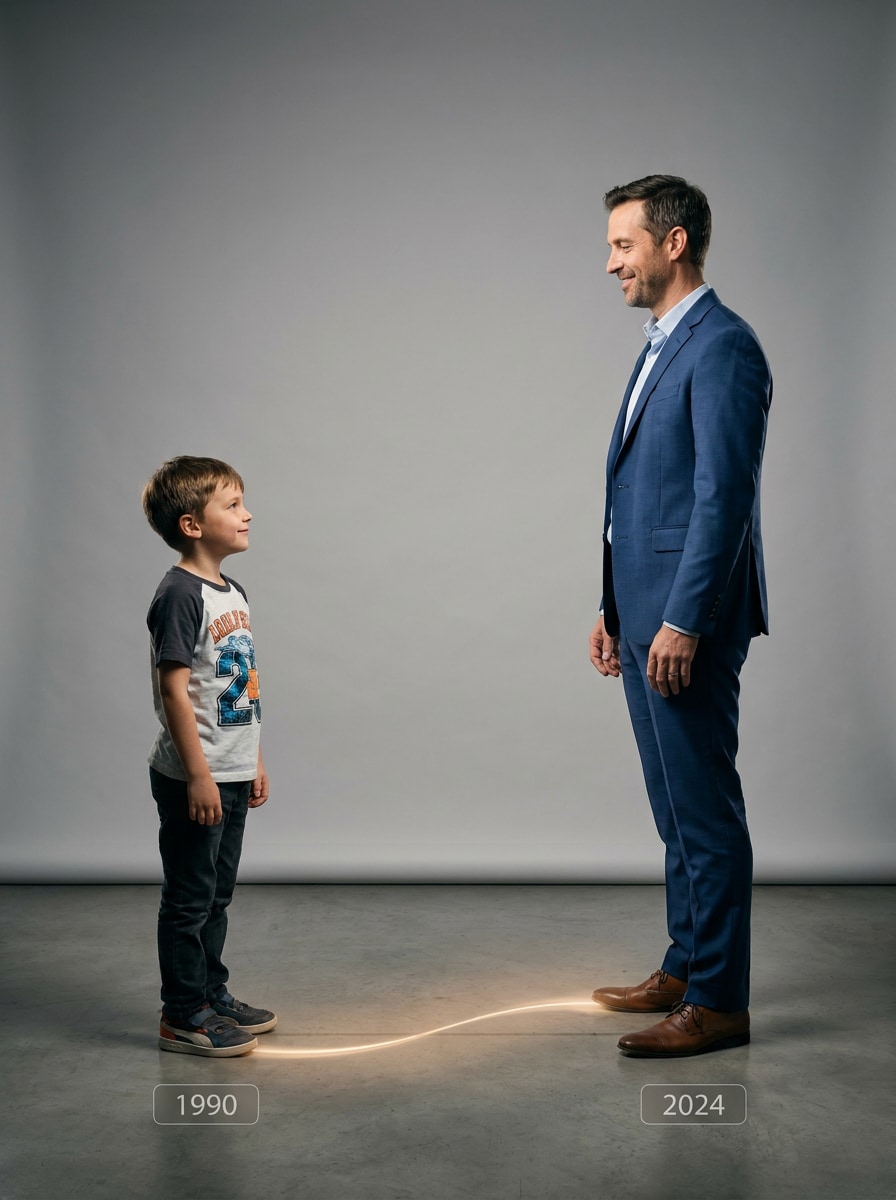
Create a symbolic growth path photo using the uploaded images. My child version stands on the far left, and my adult version stands on the far right. Add a subtle path, floor line, or soft light trail connecting them. Both versions look toward each other with emotional warmth. Use clean studio background, cinematic lighting, realistic photo detail, subtle year labels, keep identity consistent, vertical 4:5.
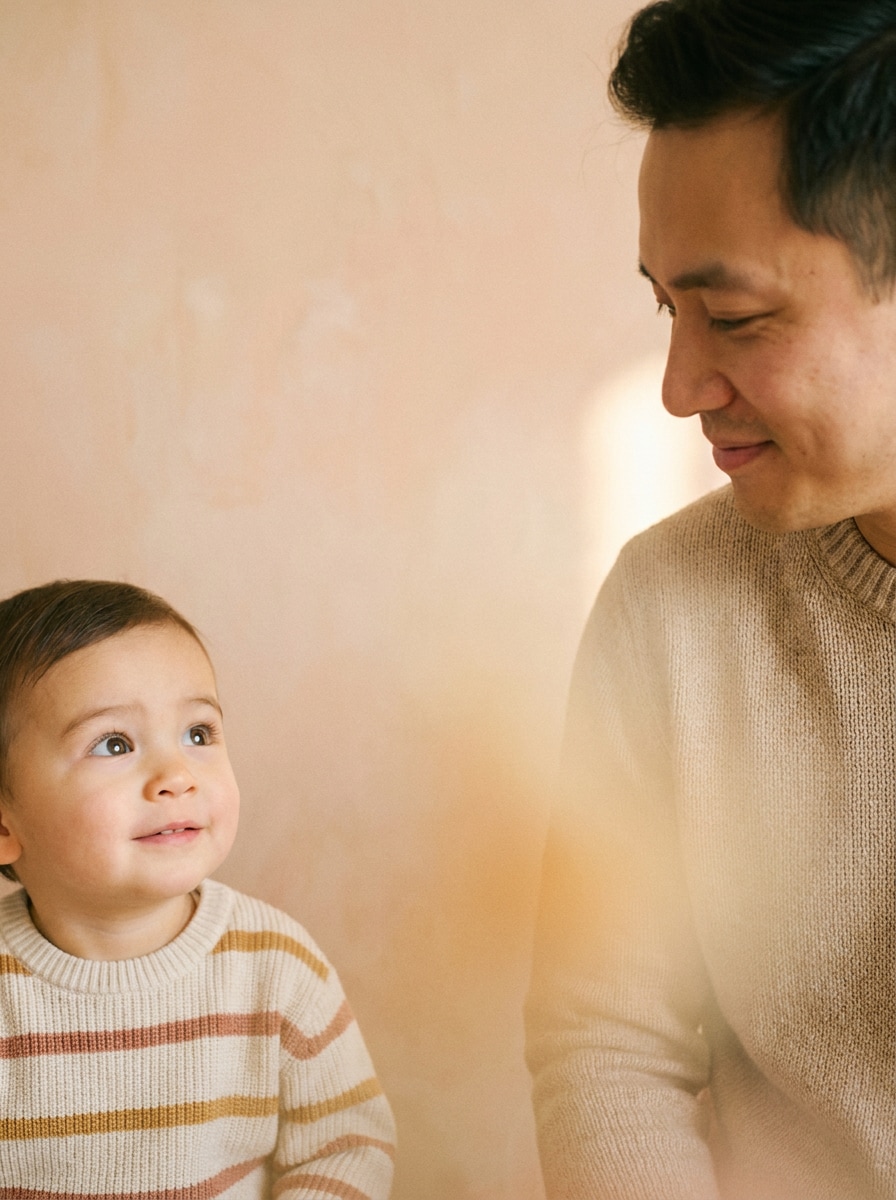
Cinematic Emotional Close-Up
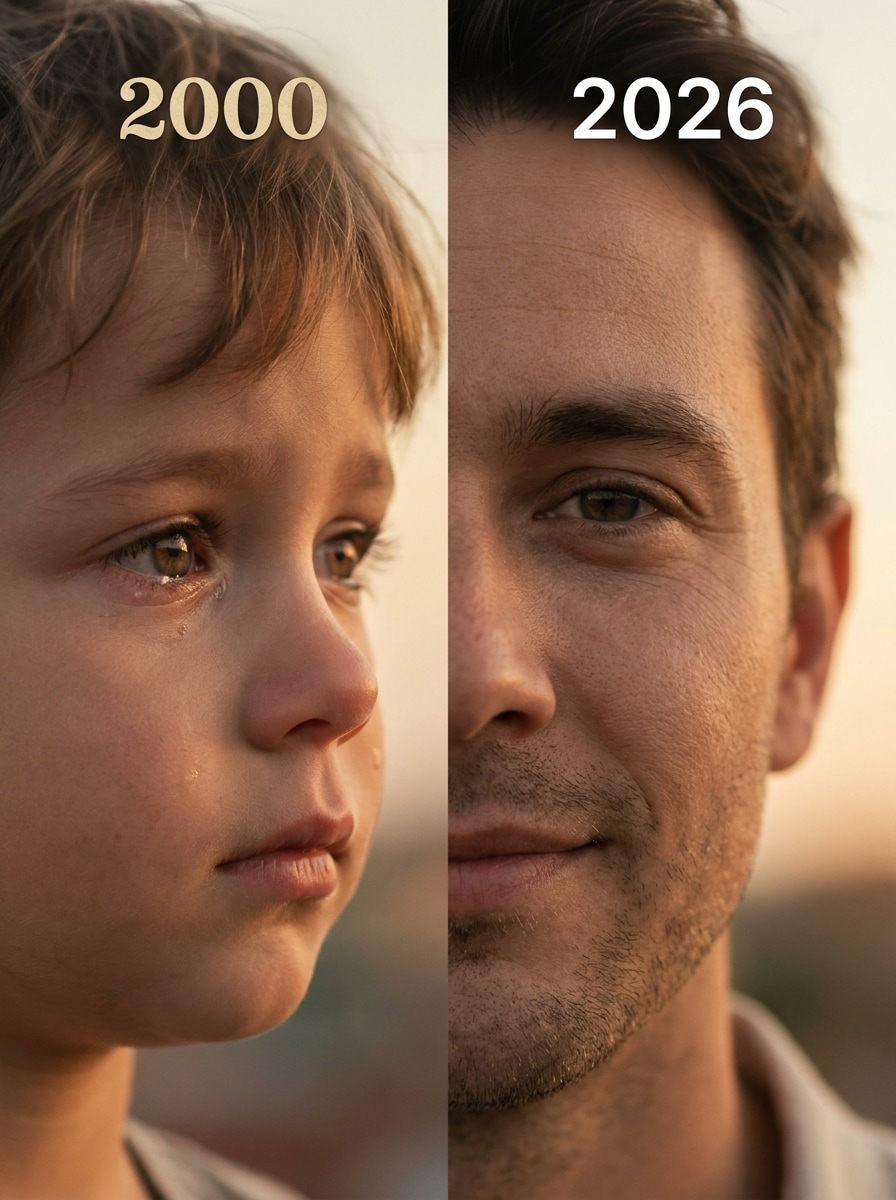
Using my childhood and present-day photos, create a cinematic close-up portrait. On the left: close-up of my child face looking right with an innocent emotional expression. On the right: close-up of my adult face looking left with a calm smile. Add 2000 above the child and 2026 above the adult. Use soft focus, cinematic warm lighting, realistic skin detail, emotional storytelling, professional photoshoot quality, keep facial features unchanged, 4:5.
Why Use Media.io for Gemini AI Childhood Photo Editing?
Built for Viral Gemini Childhood Trends
Media.io helps you turn Gemini AI childhood photo prompts into realistic images that match today’s TikTok, Instagram, and Google Images nostalgia trends.
Use it for Polaroid-style edits, childhood hugs, younger-self portraits, birthday memories, and emotional short-form content.
Realistic Childhood & Current Photo Fusion
A strong childhood photo and current photo prompt should preserve facial identity while creating a natural emotional scene.
Media.io helps blend portrait details, lighting, pose, and expression so your AI childhood memory looks personal instead of generic.
Multiple Retro & Cinematic Styles
Choose from vintage Polaroid, Kodak film, warm family album, black-and-white analog, golden hour cinematic, or dreamy soft-focus photography.
Each Gemini childhood photo prompt can be customized for mood, background, lighting, props, and social-media format.
Fast Prompt Workflow for Beginners
No design or editing experience is needed. Upload your portrait, paste a Gemini childhood photo prompt, and generate a polished AI image online.
The results are ready for Instagram posts, TikTok edits, YouTube Shorts covers, story highlights, and memory albums.
How to Create a Gemini AI Childhood Photo
01
Step 1 – Upload Your Current Photo
Choose a clear selfie or portrait as your base image.
For better Gemini AI childhood photo results, use a photo with visible facial details, balanced lighting, and minimal obstruction.
02
Step 2 – Paste a Gemini Childhood Photo Prompt
Select one Gemini childhood photo prompt from this page and paste it into Media.io.
You can adjust the scene, age, background, Polaroid look, film tone, birthday props, hug pose, or cinematic lighting.
03
Step 3 – Generate and Share
Generate your AI childhood photo, preview the result, and refine the prompt if needed.
Download the final image for TikTok, Instagram, YouTube Shorts, birthday posts, memory albums, or creative storytelling.
Core Use Cases of Gemini AI Childhood Photo Prompts
TikTok Viral Childhood Trends
Create emotional childhood-and-current AI photos with hugs, Polaroid frames, film grain, and cinematic lighting for viral short-form content.
Instagram Nostalgia Posts
Turn your selfie into retro family-album visuals, birthday memory edits, or dreamy younger-self portraits designed for feeds, stories, and carousels.
Emotional AI Memory Recreation
Use Gemini AI photo childhood photo prompts to visualize growth, healing, family memories, and personal storytelling in one realistic image.
What Users Say About Gemini AI Childhood Photo Prompts
Emma Carter
Lifestyle Creator
“Perfect for nostalgic edits” I created a childhood-and-current AI photo in less than a minute. The cinematic lighting and emotional details looked incredibly real.
Jason Lee
TikTok Content Creator
“Viral trend made easy” These Gemini AI childhood photo prompts helped my TikTok post reach thousands of views. The Polaroid style is amazing.
Sophia Miller
Digital Artist
“Realistic childhood memories” I tested multiple AI image tools, but Media.io generated the most natural childhood and current photo fusion with emotional realism.
Frequently Asked Questions about Gemini AI Childhood Photo Prompts
1. What is a Gemini AI childhood photo prompt?
A Gemini AI childhood photo prompt is a text instruction used to generate nostalgic AI images featuring your childhood self and current self together. It usually describes the scene, pose, background, film style, lighting, emotional mood, and realistic identity details.
2. How do I create a childhood photo with my current photo?
Upload your current portrait to Media.io, choose a prompt for childhood photo with current photo from this page, paste it into the AI image workflow, and generate the result. Add details such as “vintage polaroid frame,” “soft cinematic lighting,” “realistic skin texture,” and “nostalgic atmosphere” for a more viral Gemini-style look.
3. Which Gemini childhood photo prompt style is trending?
Vintage Polaroid, cinematic nostalgia, warm Kodak film tones, black-and-white analog portraits, cozy family album scenes, and emotional younger-self hugging prompts are among the most popular Gemini AI childhood photo prompt styles for TikTok and Instagram.
4. Can I customize a Gemini childhood photo prompt?
Yes. You can customize the age, background, pose, outfit, props, lighting, camera style, color tone, and emotional interaction. For example, you can turn a simple Gemini childhood photo prompt into a birthday scene, rainy window portrait, family album moment, park memory, or viral Polaroid trend image.
5. How can I make Gemini AI childhood photos look more realistic?
Use a clear portrait and a detailed prompt. Include phrases such as “ultra realistic,” “realistic skin texture,” “soft cinematic lighting,” “shallow depth of field,” “subtle film grain,” “natural emotional expression,” and “highly detailed photography.” These details help Media.io create a more believable childhood and current photo fusion.