








AI特效
AI快速美妆
切换
上传图片
点击或拖拽上传,或选择 历史记录
没灵感?先生成一张图片试试 >
支持上传格式:jpg、png、jpeg。
示例视频

AI Fast Makeup Effect – Turn Your Photo into a Viral Makeup Video

Turn one selfie or portrait into a smooth AI Fast Makeup Effect video with instant glam transitions, glowing skin, glossy lips, and trend-ready beauty filter motion. Whether you need an AI Instant Makeup Guide, a viral AI Beauty Filter Effect, or a quick TikTok-style makeup transformation, Media.io helps you create it in minutes.

With Media.io's AI Fast Makeup Effect, you can create polished image-to-video makeup edits online - no makeup skills, filming setup, or professional editing required.

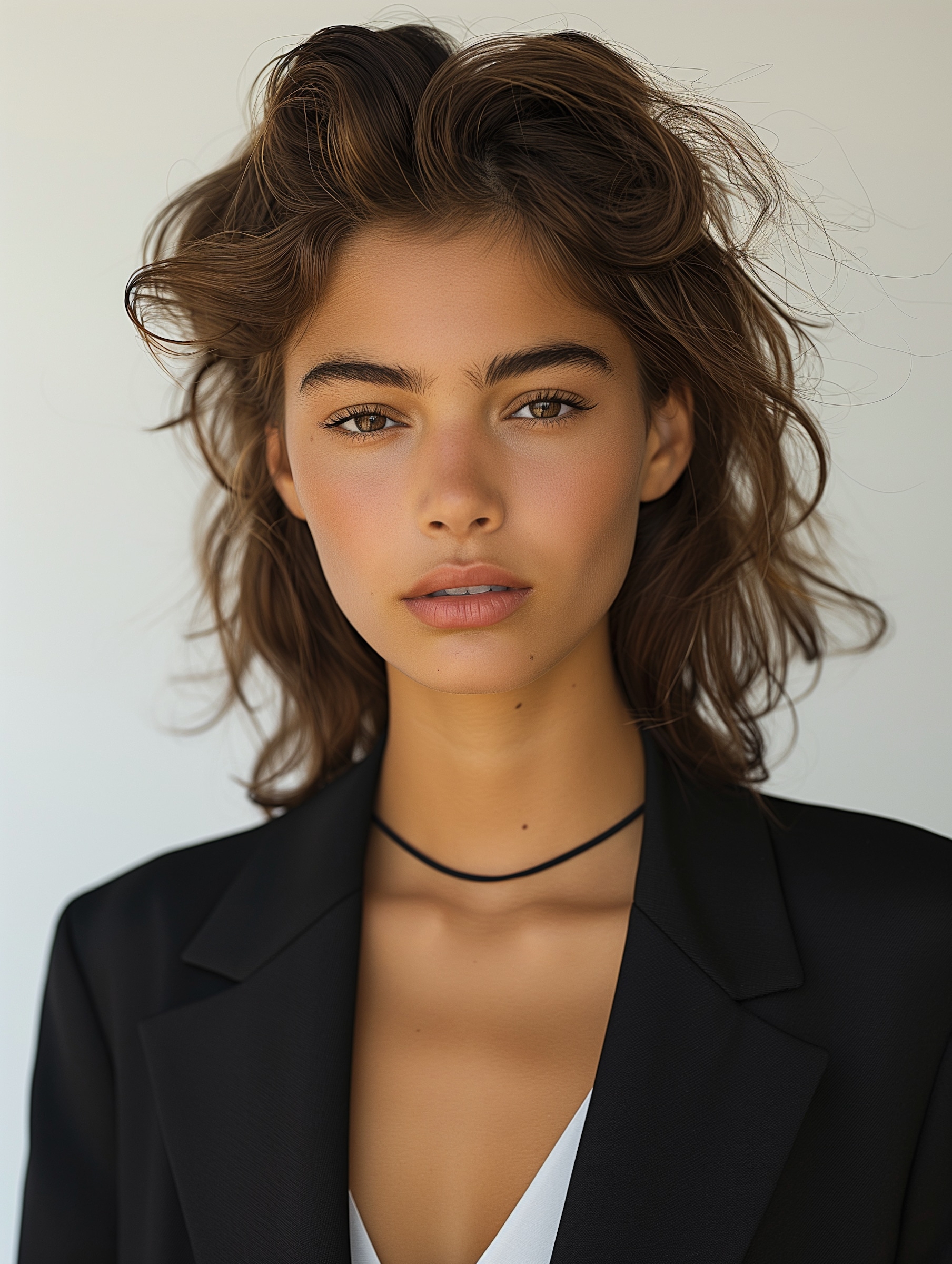
AI Fast Makeup Effect input selfie

Why Choose Media.io AI Fast Makeup Effect?

AI Instant Makeup Guide for Beginners

Scenario: You want a makeup glow-up without learning complex editing.
Upload a portrait and let Media.io create an AI Fast Makeup Effect tutorial style video with smooth glam motion, skin glow, and beauty filter transitions.

TikTok-Ready AI Makeup Trend Filter

Scenario: You need a fast beauty video for social trends.
Create a viral AI Makeup Trend Filter look with quick before-and-after pacing, glossy lips, soft blush, contour glow, and short-form video energy.

Natural Facial Preservation

Scenario: You want beauty enhancement without losing identity.
Media.io keeps facial features recognizable while adding realistic makeup details, smooth lighting, soft skin texture, and polished AI beauty filter effects.

One-Click Image-to-Video Workflow

Scenario: You want to post while the beauty trend is hot.
Turn one photo into a vertical AI Quick Makeup Effect video for TikTok, Instagram Reels, YouTube Shorts, or beauty campaign content.

How to Create an AI Fast Makeup Effect Video in 3 Steps

01

Step 1: Upload Your Selfie or Portrait

Choose a clear face photo, beauty selfie, or fashion portrait. Balanced lighting and visible facial details work best for a natural AI Fast Makeup Effect result.

02

Step 2: Apply the AI Beauty Filter Effect

Select the AI Fast Makeup Effect. The AI adds glowing skin, blush, lip color, eyeliner, contour light, and a fast makeup transition automatically.

03

Step 3: Generate, Download, and Share

Preview your AI makeup video, download it in high quality, and share your AI Fast Makeup Effect TikTok style clip on TikTok, Instagram, or YouTube Shorts.

What Users Say About AI Fast Makeup Effect

user
Sophia M.

Beauty Creator

star star star star star

“Perfect TikTok beauty trend.” The AI Fast Makeup Effect made my video look professionally edited. The makeup transition felt smooth, natural, and ready for Reels.

user
Emily R.

Lifestyle Influencer

star star star star star

“Super easy beauty videos.” I created a viral-style AI makeup reel in minutes without filming, editing timelines, or learning complicated mobile apps.

user
Ava L.

Makeup Beginner

star star star star star

“Looks surprisingly realistic.” The AI beauty filter effect enhanced my face naturally while keeping my features recognizable and soft.

Core Scenarios for AI Fast Makeup Effect Videos

Everyday Selfie Glow-Up

Transform casual portraits into polished AI Beauty Filter Effect videos with glowing skin, clean makeup, glossy lips, and soft cinematic movement.

Beauty Influencer Content

Create professional-looking AI Fast Makeup Effect TikTok videos for tutorials, product inspiration, before-and-after posts, and short-form beauty trends.

Aesthetic Profile Videos

Generate stylish AI Quick Makeup Effect clips for profile banners, story covers, social avatars, and personal branding edits.

Frequently Asked Questions About AI Fast Makeup Effect

1. What is AI Fast Makeup Effect?

AI Fast Makeup Effect is an AI-powered image-to-video beauty transformation that turns a portrait into a short makeup video with skin glow, lip color, blush, eyeliner, contour lighting, and smooth transition motion.

2. Can I use AI Fast Makeup Effect online for free?

Yes. Media.io lets you create an AI Fast Makeup Effect free online with signup credits. Upload a selfie, apply the AI beauty effect, and export a share-ready makeup transformation video.

3. Is this similar to TikTok AI makeup filters?

Yes. Media.io supports AI Fast Makeup Effect TikTok style videos, including quick beauty transitions, glowing skin, soft glam looks, glossy lips, and trend-ready short-form pacing.

4. Do I need makeup skills to use this AI Instant Makeup Guide?

No. The AI Instant Makeup Guide workflow is beginner-friendly. The AI automatically applies beauty enhancement, makeup styling, and video transition motion, so you do not need cosmetics experience or editing skills.

5. What photos work best for AI Beauty Filter Effect videos?

Clear front-facing portraits, selfies, and beauty photos with visible facial details work best. Good lighting helps the AI create a cleaner AI Beauty Filter Effect with natural makeup details and smooth image-to-video movement.





