
Product Review Video Maker -
Paste a Product Link, Build Review-Style Ads
Use Media.io URL to Ads as a product review video maker for ecommerce listings, affiliate offers, and paid product proof. Paste a product URL or upload images; the workflow extracts product details and selling points, then helps shape review-style scripts, avatar or no-avatar presentation, native ad styles, and review-friendly video drafts without filming every product yourself.















Turn one product page into proof angles buyers can evaluate.
Review intent is skeptical: shoppers want to understand what the product claims, how it looks in use, who it fits, and what the tradeoffs might be. This product review video generator helps turn product-source details into review videos, comparison clips, testimonial-style proof, avatar explainers, and retargeting ads while the fixed carousel below keeps the original Media.io sample assets intact.

Portable Blender
shopify.com/products/blender

Red Shoulder Bag
shopify.com/products/red-shoulder-bag

Legend Premium Beer
temu.com/products/legend-energy-drink

World Cup Potato Chips
tiktokshop.com/products/world-cup-potato-chips

Glow Serum
tiktokshop.com/products/serum

Matcha Latte App
appstore.com/app/matcha-latte

Luxury Chronograph Watch
ebay.com/itm/luxury-chronograph-watch
Review-style ads fail when the product proof feels borrowed.
A review video has to sound informed, specific, and fair. Product pages already hold the raw context, but teams still need a credible review angle, a presenter format, a buyer-fit narrative, and claim restraint before the script becomes an ad.
PROOF ANGLE
Feature bullets do not become a review until the script explains what matters, who it fits, and why the detail is worth believing.
SAMPLE ACCESS
Affiliates, agencies, and sellers often need review drafts before samples, creators, or shipment schedules line up.
TEMPLATE TONE
Generic review layouts can make every item sound identical: same opener, same verdict, same beauty-shot rhythm.
CLAIM RESTRAINT
Review language loses trust when it drifts into unsupported best-ever claims, guaranteed results, or exaggerated comparisons.
From product URL to review hook, avatar presenter, and ad-ready script.
Built for ecommerce proof without a shoot day.
Media.io's URL to Ads workflow starts with product context: gallery images, feature bullets, usage notes, offer copy, buyer-fit cues, and sellable benefits. From there, it helps shape review angles, presenter choices, vertical settings, scripts, and policy-aware wording for affiliate posts, paid ads, product pages, and social commerce.
Build the review from the product source, not a blank prompt.
Paste a URL or upload product images so the workflow can extract title, description, gallery assets, variants, offer cues, feature details, use-case hints, and sellable benefits before the review script is written.
✓Extract product names, descriptions, gallery images, offer cues, and sellable benefits
✓Turn product facts into first-impression hooks, proof beats, fit questions, and buyer objections
✓Brief an ai product review video with source context instead of rebuilding the basics

Create review angles for affiliates, paid ads, and storefront proof.
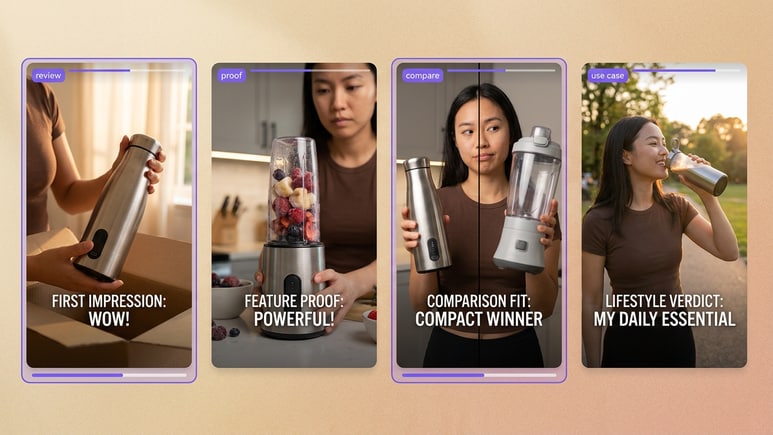
A review style ad generator should help one product show more than one verdict path: first impression, feature proof, comparison fit, problem-solution, tutorial, lifestyle use, or offer reminder. Build variants that change the buyer question instead of only changing the layout.
✓Create product review ads, comparison clips, testimonial-style proof, tutorials, and retargeting reminders
✓Adapt pacing for TikTok/Reels-style ads, product-page videos, creator storefronts, and paid tests
✓Use review angles when buyers need evidence, context, and a clear next action
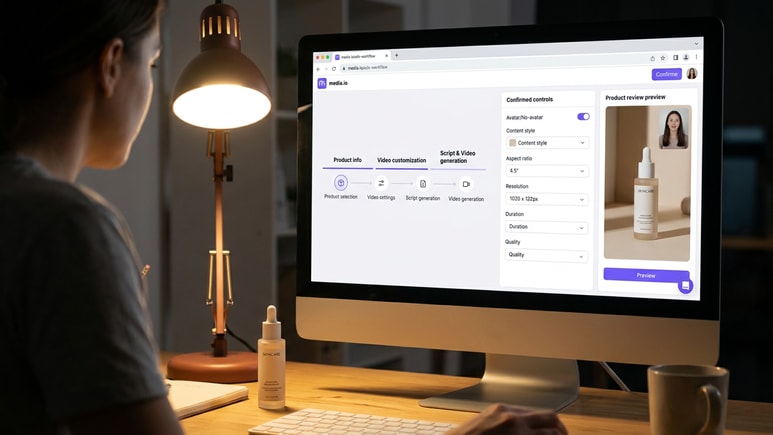
Choose who presents the review before the script is rendered.
Use Media.io for an avatar product review video when the product needs a presenter, or choose no-avatar mode when product shots should carry the proof. Select the style, aspect ratio, resolution, duration, and quality before generating the script and video.
✓Move through product selection, video settings, script generation, and video generation in order
✓Control avatar/no-avatar mode, review style, ratio, resolution, duration, and output quality
✓Review the generated script before rendering, editing, or regenerating the final product review ad
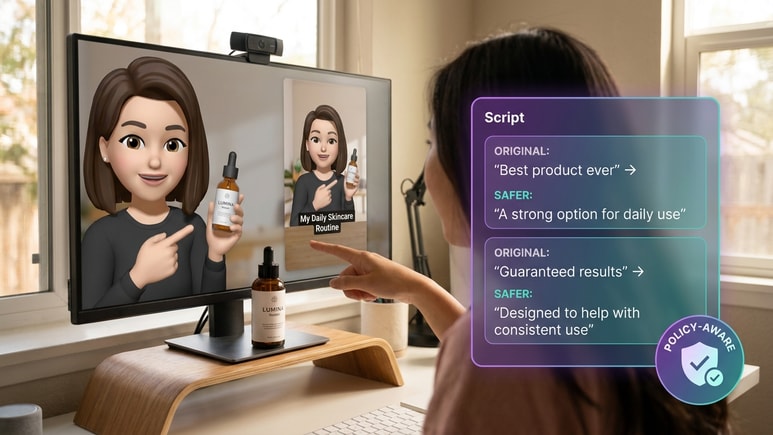
Make persuasive review copy sound specific, not overclaimed.
Review scripts can slide into "best ever", "guaranteed", or unsupported comparison language. Media.io helps flag risky wording early so product review ads keep a useful, review-friendly script before the video is rendered.
✓Screen for absolute wording, exaggerated claims, and unsupported product promises
✓Suggest safer alternatives that keep the review angle clear without making guarantees
✓Keep product facts, presenter tone, offer language, and CTA consistent across variants
How URL to Ads builds a product review video from product context.
The public flow follows the same creation order: pull product facts and selling points, set the review presentation, then generate a script and render the video for review, sharing, publishing, or further edits.
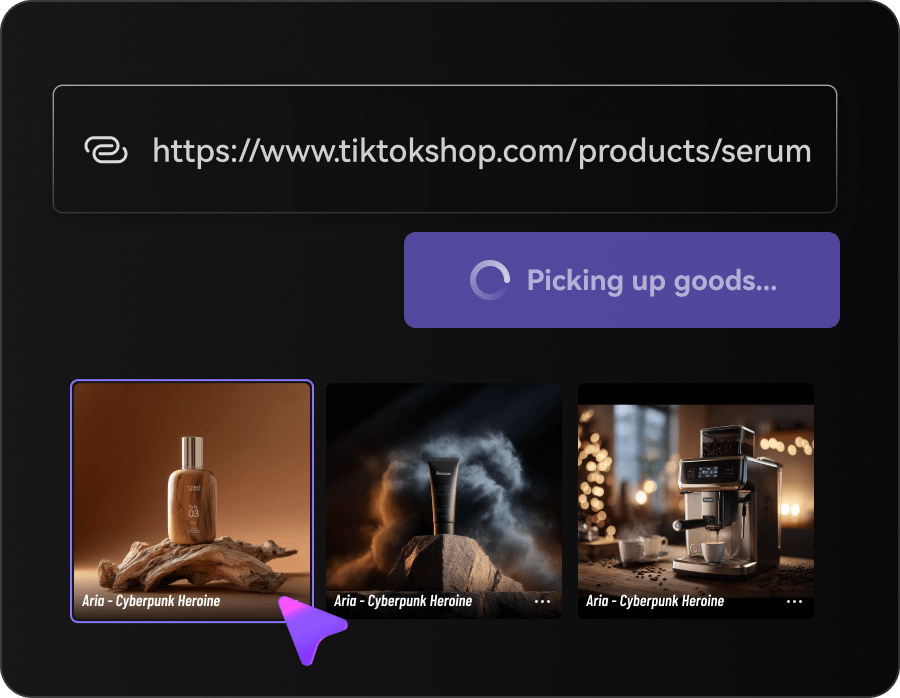
Fetch product information and selling points
Paste a product URL, upload product images, or reuse a saved product. Media.io extracts the product name, title, description, gallery, offer cues, feature details, use-case hints, and sellable benefits before script generation.
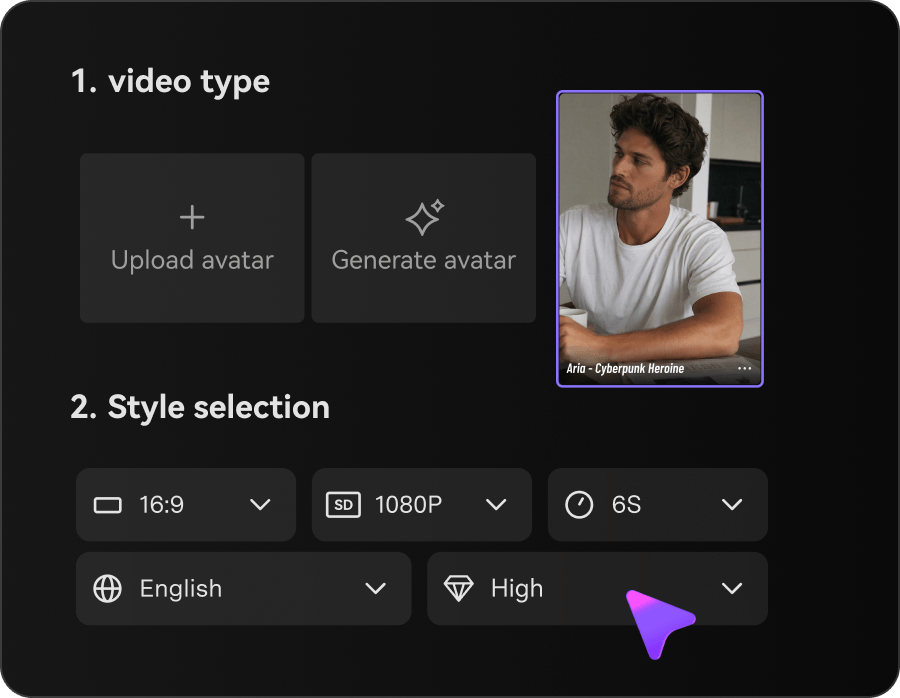
Customize avatar, style, and video settings
Choose no-avatar mode or an AI/avatar role from the library, upload, or generation options. Then select the review style, aspect ratio, resolution, duration, and quality for the product review video ad.
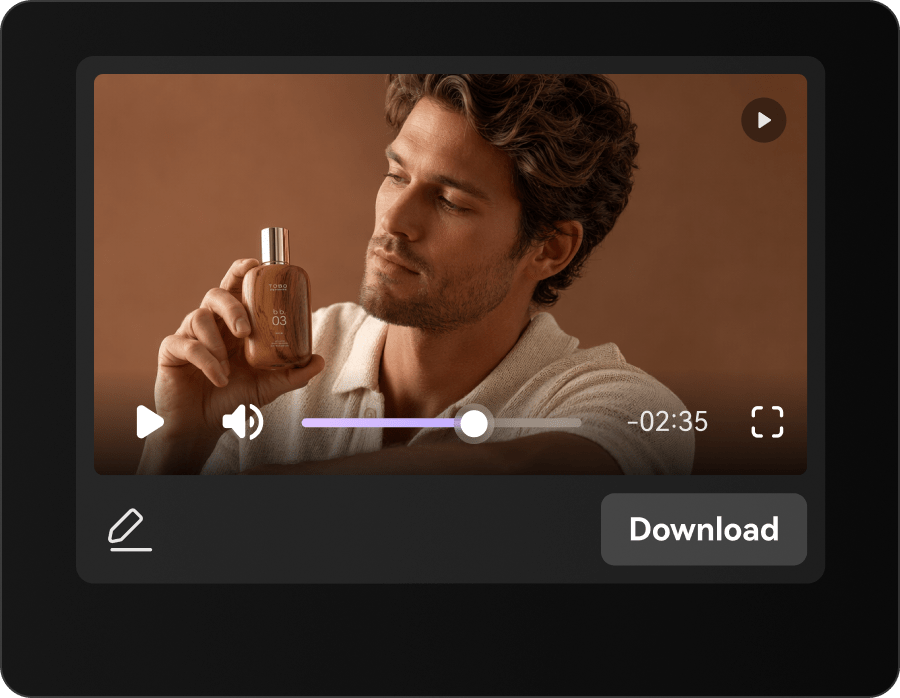
Generate the script, then the video
Click Generate Script to create the review storyboard from product info and settings. Review or edit the script, then Generate Video and use result actions such as download, share, publish, edit, regenerate, enhance, or erase.
Who needs review-style product videos without another filming queue?
URL to Ads fits sellers and creators who already have product pages, images, specs, offer notes, or affiliate links, and need product review video for affiliate marketing, paid social tests, storefront proof, or buyer-fit explainers without rebuilding each brief.
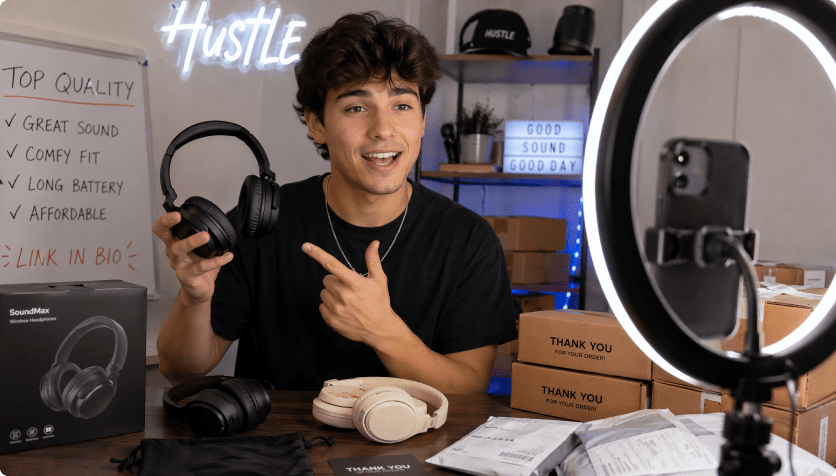
DTC product marketers
Turn new launches, bundles, and benefit claims into review-style drafts before booking a creator or building a shoot list.

Marketplace sellers
Turn listings from Amazon, eBay, Etsy, Temu, TikTok Shop, Mercado Libre, or SHEIN into review-oriented video drafts for external traffic.
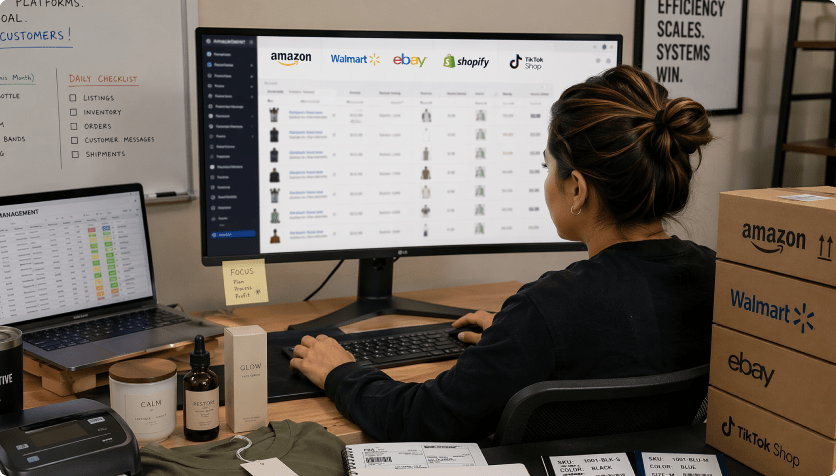
Dropshipping test stores
Check whether the proof angle, buyer-fit story, or comparison hook makes a product understandable before scaling ad creative.
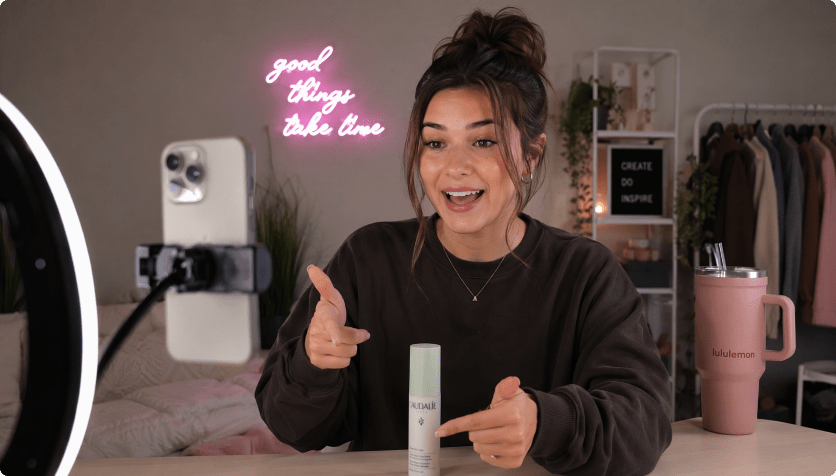
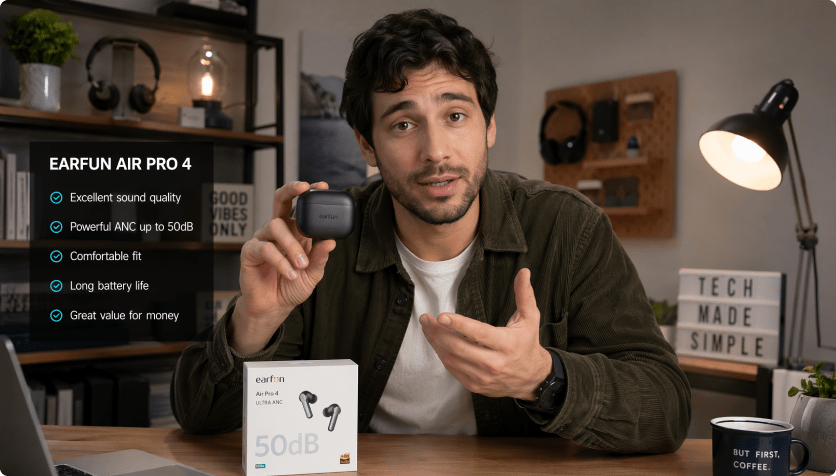

Review ad templates vs. URL-first review video generation
Template-first review video makers

- Start with a review layout before the product page has been interpreted
- Copy specs, benefit bullets, offer details, and talking points into template fields by hand
- Use the same review script even when buyer fit, objection, or proof angle differs
- Choose a presenter after the review tone and product context are already mismatched
- Check risky best-ever, guaranteed, or unsupported comparison wording after export
- Refresh review ads by duplicating timelines and rewriting verdict lines manually
AI URL to Ads for Product Reviews
- Start with a product URL or uploaded product images
- Extract product names, descriptions, gallery assets, benefits, and offer cues
- Turn product facts into review hooks, proof beats, fit questions, and buyer objections
- Set avatar, style, ratio, duration, resolution, and quality before rendering
- Review and edit the generated review script while changes are easy
- Render, download, share, publish, edit, regenerate, enhance, or erase results
What teams want from AI product review video generation.
The request is specific: review angles that feel informed, faster affiliate and ad scripts, credible product proof, and fewer videos that sound like template testimonials.


A review ad has to sound like someone actually understood the product. Starting from the listing helps us turn benefit claims into a sequence buyers can judge instead of another generic promo.

We rarely need one perfect product review. We need several proof angles quickly: first impression, comparison, use case, and objection handling. The URL gives the draft a better starting point.

For products with specs and variants, the review script needs to stay close to the listing. A URL-based draft helps keep claims, feature names, and offer details aligned across ad versions.

Creator review footage works better when the proof order is already mapped. I want drafts that say what to show, which claim to soften, and where a presenter should add context.

I do not want fake enthusiasm or borrowed testimonials. I want a review-style video that explains the product clearly, keeps the promises reasonable, and gives shoppers enough context to click.

A product link should give me the first review structure: hook, product facts, proof angle, limitation, and next action. Then I can add personal commentary where the channel needs it.
Product Review Video Maker FAQs
What is a product review video maker?
A product review video maker helps sellers, marketers, and creators turn product information into short videos that evaluate what the product does, who it fits, which benefits matter, and what the buyer should do next. Media.io's URL to Ads workflow starts from a product URL or uploaded images, extracts product details and selling points, lets you customize the video setup, generates a script, then renders a review-style ad draft without starting from a blank editor.
How does URL to Ads create product review videos from URLs?
Paste a product URL or upload product images. The workflow reads visible product details, gallery assets, offer cues, feature bullets, use-case hints, and selling points, then uses your avatar, style, and video settings to generate a script and video. In short, it turns the product source into a product review video ad instead of asking you to describe every proof beat manually.
Can I use it for product review video for affiliate marketing?
Yes. Use it to draft affiliate-style review videos from product links, including first impressions, feature proof, comparison fit, problem-solution angles, and short verdict clips. Add your own experience, disclosure language, or live footage when your channel, affiliate program, or local rules require it.
How is this different from review ad templates?
Review ad templates usually start with a fixed layout, placeholder scenes, or manual text fields. URL to Ads starts with the product source, then moves through product extraction, video customization, script generation, and video generation so the draft is tied to the actual product details, benefits, use cases, presenter choice, and claim limits.
Can I create an avatar product review video?
Yes. Choose no-avatar mode when the product should carry the proof, or select an AI/avatar role from the library, upload, or generation options when a presenter helps explain the review. You can also set the style, aspect ratio, resolution, duration, and quality before rendering.
What kinds of product review ads can it make?
It can support first-impression reviews, feature proof clips, comparison fit videos, testimonial-style explainers, tutorials, lifestyle use cases, problem-solution ads, and retargeting reminders. As a product review ad generator, the goal is to help one product answer several buyer questions without rebuilding each script from scratch.
Do I need video editing skills?
No. The workflow is designed for sellers, marketers, affiliates, and creators who need ad drafts without managing a professional editing timeline. You still control the product source, avatar/no-avatar choice, style, aspect ratio, resolution, duration, quality, and script review, while the guided flow handles the heavy assembly work.
Can I edit the AI-written product review script before rendering?
Yes. You can review the AI-written storyboard and script before the final render. Edit weak lines, regenerate sections, change the language, or remove phrases that sound too aggressive for your product category. Language options include English, Korean, Spanish, German, Chinese, Portuguese, French, and Japanese.
Does review-friendly copy guarantee ad approval?
No tool can guarantee ad approval on any platform. Media.io's policy-aware script review is designed to reduce common risks by flagging exaggerated claims, absolute wording, sensitive phrasing, and unsupported product promises before rendering, so your product review video drafts start from cleaner copy.

Ready to turn a product URL into a review-style video ad?
 4.7 (162,357 Votes)