
Amazon Product Video Maker -
Turn Product URLs Into Listing-Aware Video Ads
Use Media.io URL to Ads as an amazon product video maker for Amazon listings, product detail pages, review angles, and Sponsored Brands-style creative drafts. Paste a product URL or upload images; the workflow extracts product details and selling points, then helps create scripts, avatar or no-avatar scenes, product proof, and review-friendly video ads without rebuilding every SKU from a blank editor.















Amazon shoppers meet the video before they read every bullet.
An amazon product video has to make listing context visible fast: what the item is, which benefit matters, why the proof is believable, and where the shopper should go next. Media.io helps turn product-source details into listing explainers, product review clips, comparison angles, and amazon product video ads while the fixed carousel below keeps the original Media.io sample assets intact.

Portable Blender
shopify.com/products/blender

Red Shoulder Bag
shopify.com/products/red-shoulder-bag

Legend Premium Beer
temu.com/products/legend-energy-drink

World Cup Potato Chips
tiktokshop.com/products/world-cup-potato-chips

Glow Serum
tiktokshop.com/products/serum

Matcha Latte App
appstore.com/app/matcha-latte

Luxury Chronograph Watch
ebay.com/itm/luxury-chronograph-watch
Amazon product videos get stuck between listing facts and ad review.
Product pages already hold the source material: title, images, feature bullets, variations, ratings context, offer details, and buyer objections. The hard part is turning those details into a focused video script, the right placement angle, and wording that stays useful without overclaiming.
PDP CONTEXT
Listing bullets and images need to become a watchable order: problem, product, proof, buyer fit, and next step.
PLACEMENT FIT
A listing video, product review clip, and Sponsored Brands-style ad do not need the same pacing or opening frame.
ASSET GAPS
Many sellers have product photos and listing copy, but not a filmed sequence for every new ASIN, bundle, or refresh.
POLICY RISK
Absolute claims, unsupported comparisons, and aggressive review language can create avoidable approval and trust problems.
From Amazon listing source to product video draft.
Built for PDP proof, review clips, and Sponsored Brands-style creative.
Media.io's URL to Ads workflow starts with product context: listing images, feature bullets, variant notes, use cases, offer cues, and sellable benefits. From there, it helps shape Amazon product video angles, presenter choices, aspect ratios, scripts, and policy-aware wording for product detail pages, social traffic, and ad creative preparation.
Read the product page before writing the video.
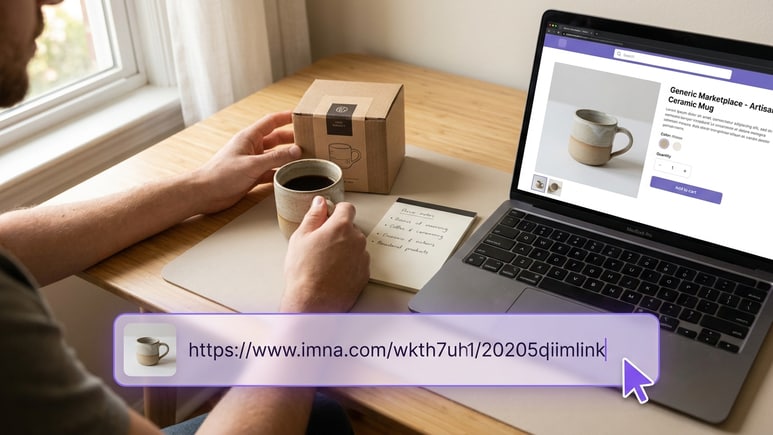
A useful Amazon product video starts with the real listing, not a generic prompt. Paste a URL or upload product images so the workflow can extract titles, descriptions, gallery assets, feature bullets, use-case cues, offer context, and sellable benefits before the first scene is written.
✓Extract product names, descriptions, gallery images, offer cues, and sellable benefits
✓Map listing details to product hooks, proof scenes, buyer questions, and CTA language
✓Use source context when you need to create amazon product video drafts quickly
Create videos for Amazon products across shopper moments.
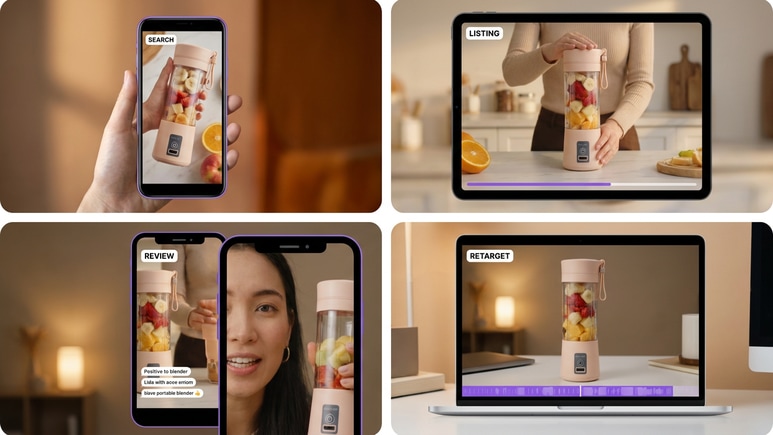
Use one product source to draft search hooks, listing explainers, product review clips, comparison proof, lifestyle uses, and retargeting reminders. This helps teams make videos for amazon products without forcing every ASIN into one static template.
✓Create listing explainers, product review videos, comparison clips, tutorial cuts, and social traffic ads
✓Draft different openings for shoppers at search, product-detail, consideration, and retargeting moments
✓Use amazon product review videos when buyers need proof, context, and a clear next action
Set format, presenter, and quality before the script renders.
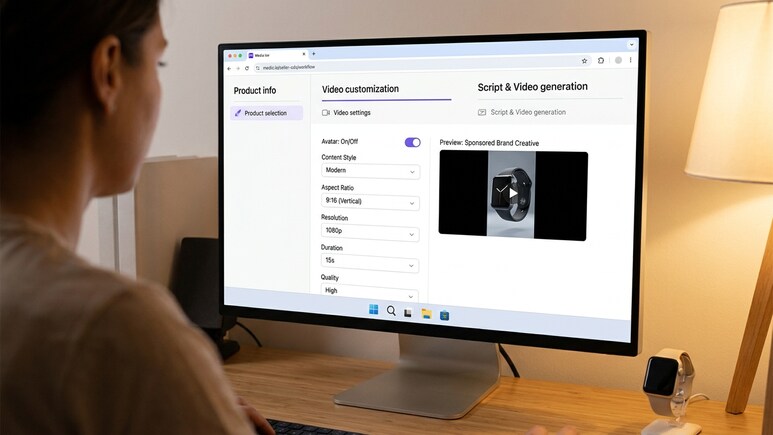
Choose no-avatar mode when product shots should carry the proof, or select an AI/avatar role when a presenter helps explain fit and benefits. Then set content style, aspect ratio, resolution, duration, and quality before generating the script and video.
✓Move through product selection, video settings, script generation, and video generation in order
✓Control avatar/no-avatar mode, style, ratio, resolution, duration, and output quality
✓Review the generated script before rendering, editing, or regenerating the final product video
Clean up claims before they reach review.
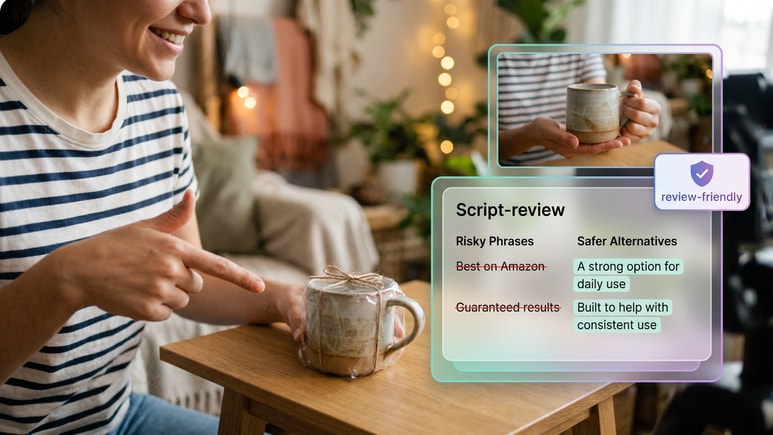
Amazon creative and product videos are reviewed against policies and marketplace expectations. Media.io helps flag absolute wording, unsupported comparisons, exaggerated claims, and risky phrasing early so scripts stay clear, specific, and review-friendly.
✓Screen for superlatives, unsupported comparisons, sensitive wording, and absolute product promises
✓Suggest safer alternatives that keep the product value clear without making guarantees
✓Prepare amazon sponsored brand video ads creative drafts with policy-aware script language
How URL to Ads turns an Amazon product source into video.
The public flow follows the same creation order: pull product facts and selling points, set the Amazon product video format, then generate a script and render the video for review, sharing, publishing, or further edits.
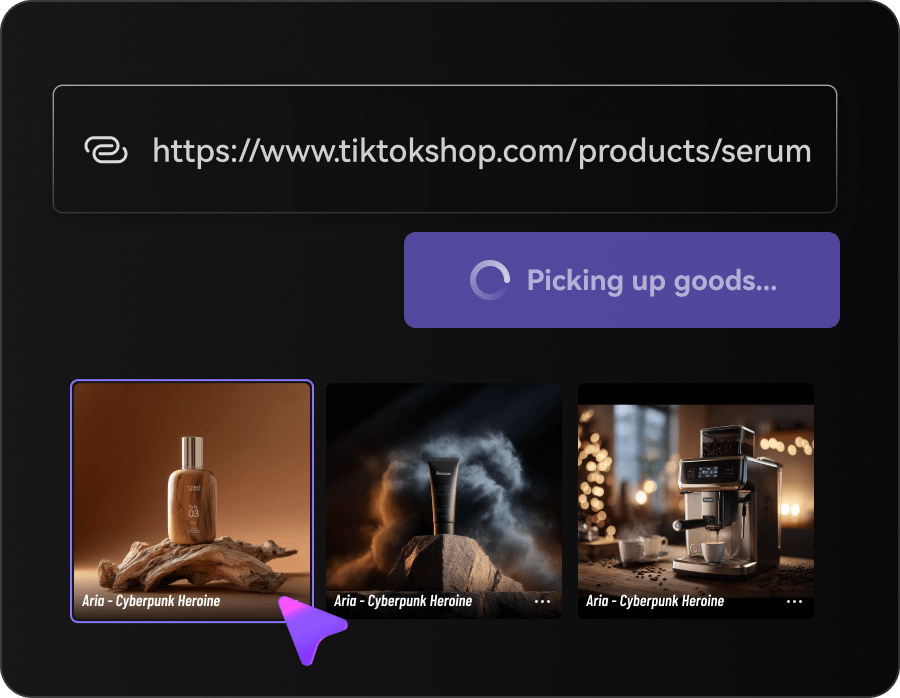
Fetch product information and selling points
Paste a product URL, upload product images, or reuse a saved product. Media.io extracts the product name, title, description, gallery, offer cues, feature details, use-case hints, and sellable benefits before script generation.
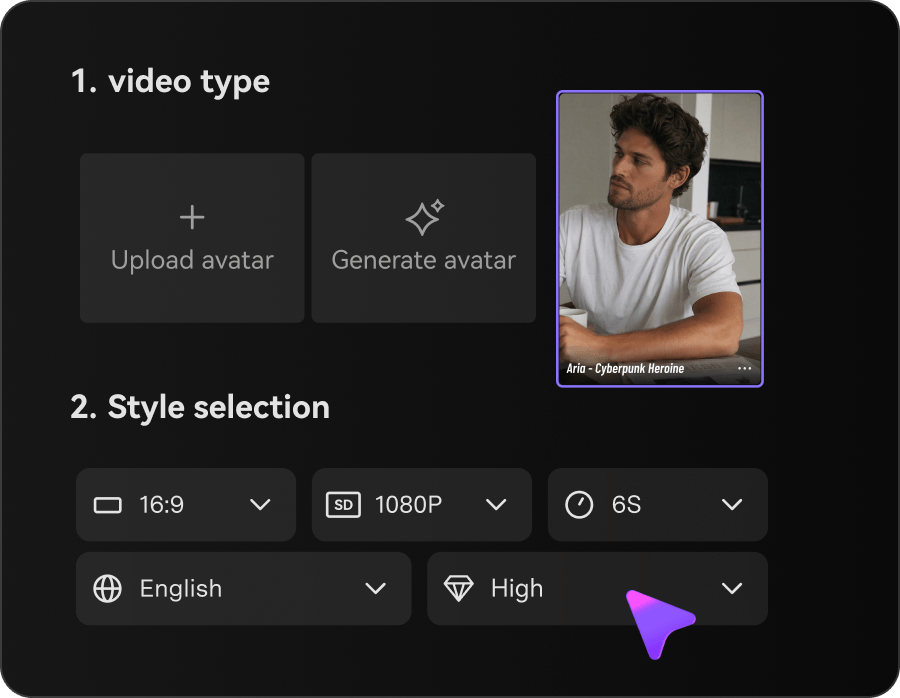
Customize avatar, style, and video settings
Choose no-avatar mode or an AI/avatar role from the library, upload, or generation options. Then select the style, aspect ratio, resolution, duration, and quality for the Amazon product video draft.
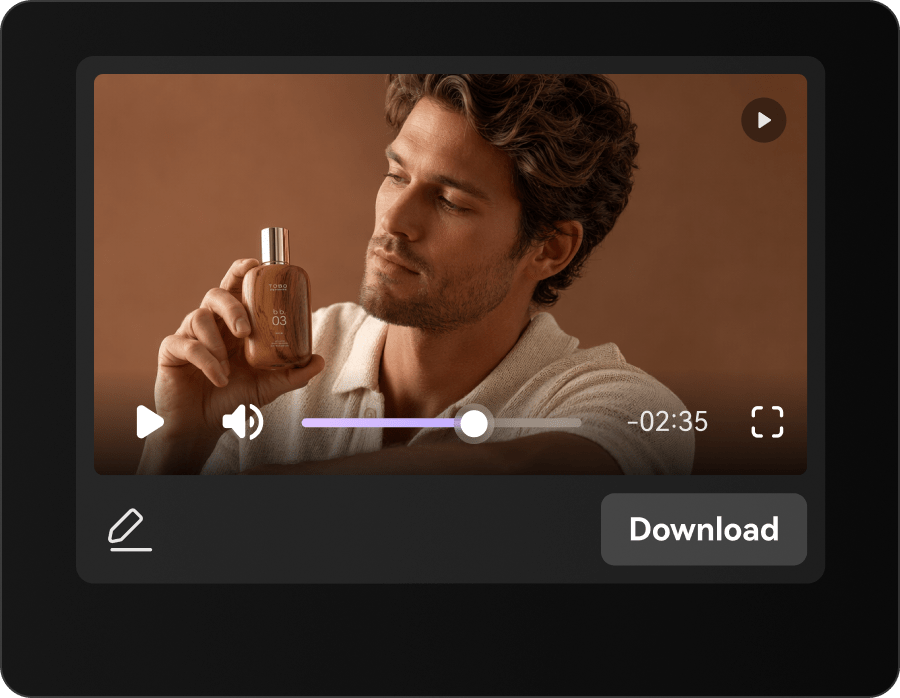
Generate the script, then the video
Click Generate Script to create the storyboard from product info and settings. Review or edit the script, then Generate Video and use result actions such as download, share, publish, edit, regenerate, enhance, or erase.
Built for Amazon sellers, brands, and agencies that already have the listing.
URL to Ads fits teams with Amazon product pages, marketplace photos, feature bullets, review themes, or ad briefs, and need a faster path from listing source to product video draft.
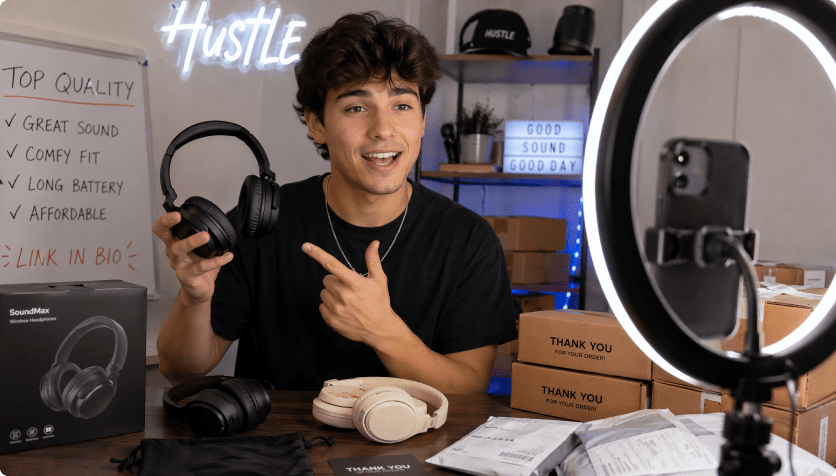
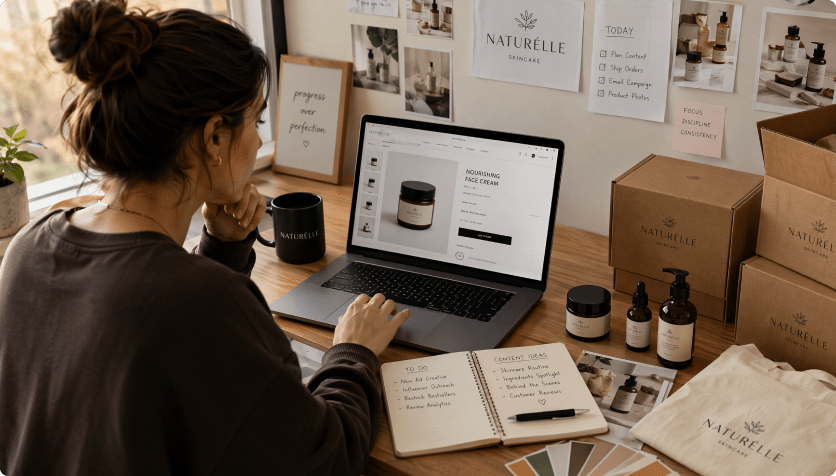
Amazon brand owners
Turn product detail pages, bundles, and launch updates into video drafts before booking creators or editing timelines.
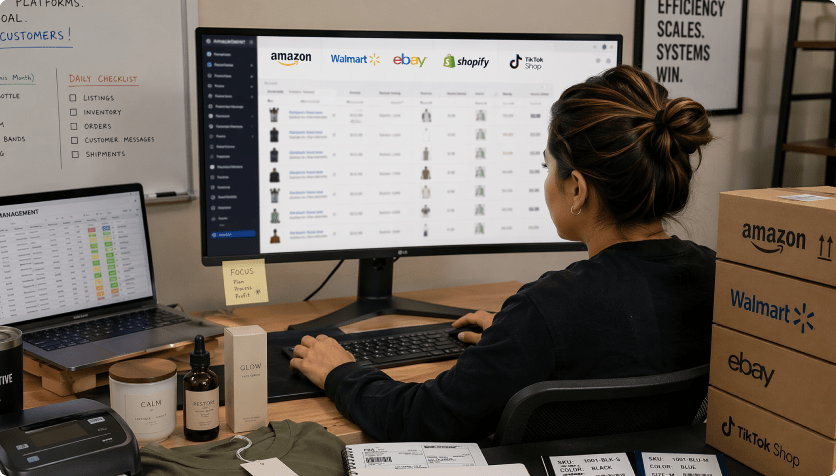
Marketplace sellers
Draft listing explainers, buyer-fit videos, and review-style proof for ASINs that already have strong product photos and copy.
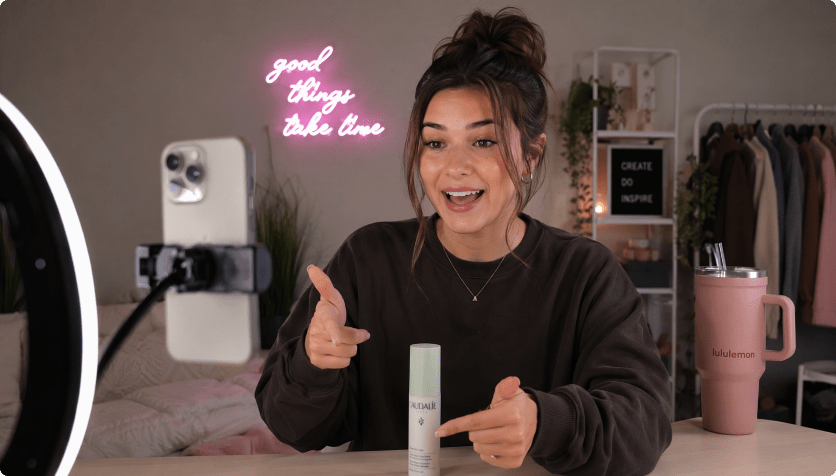
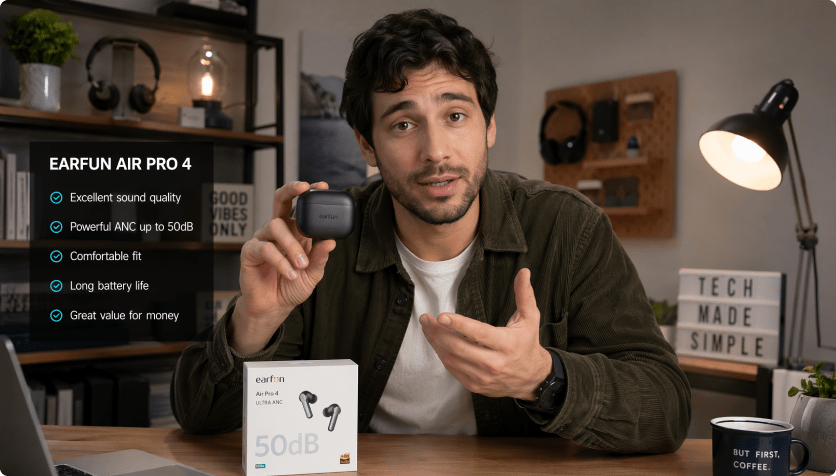
Sponsored ads teams
Prepare product-led video angles for search, product-detail traffic, brand discovery, and retargeting tests without starting from blank creative.

Amazon video templates vs. URL-first product video generation
Template-first Amazon video makers

- Start with a template size before the product detail page has been interpreted
- Copy listing bullets, variant notes, proof points, and offer language into fields by hand
- Use the same opening whether the video is for listing support, review proof, or ad creative
- Leave aspect ratio, duration, and presenter choices disconnected from the shopper moment
- Check risky superlatives and unsupported comparisons after the video is already exported
- Refresh ASIN videos by duplicating timelines and rewriting scripts manually
AI URL to Ads for Amazon Product Videos
- Start with a product URL or uploaded product images
- Extract product names, descriptions, gallery assets, benefits, and offer cues
- Turn listing details into product hooks, proof scenes, review angles, and buyer objections
- Set avatar, style, ratio, duration, resolution, and quality before rendering
- Review and edit the generated script while changes are easy
- Render, download, share, publish, edit, regenerate, enhance, or erase results
What Amazon teams want from AI product video generation.
The request is specific: faster listing-aware scripts, clearer proof order, ad-ready product angles, and fewer videos that look polished but ignore the actual PDP.


The listing has the facts, but a video needs a shopper path. I want the first draft to organize feature proof, buyer fit, and claim wording before we send anything into production.

For Amazon product videos, the opening frame matters because shoppers are already comparing options. Starting from the product URL helps us test angles without rewriting every ASIN brief.

Some listings need more than images to explain fit and use case. A URL-based video draft helps me turn bullet points into a clearer sequence before I spend on editing.

Amazon video creative has to stay close to the product page and still feel watchable. I need drafts that map what to show, what to say, and which claims to soften.

I do not need a full studio shoot for every marketplace refresh. I need quick product-led video drafts that explain the item clearly and keep the promises grounded.

A product link should give me the first structure: listing hook, proof point, review angle, caveat, and next action. Then I can add my own commentary where the channel needs it.
Amazon Product Video Maker FAQs
What is an Amazon product video maker?
An Amazon product video maker helps sellers, brands, agencies, and creators turn product information into short videos for listing support, review proof, product education, and ad creative preparation. Media.io's URL to Ads workflow starts from a product URL or uploaded images, extracts product details and selling points, lets you customize the video setup, generates a script, then renders a product video draft without starting from a blank editor.
How does URL to Ads create Amazon product videos from URLs?
Paste a product URL or upload product images. The workflow reads visible product details, gallery assets, offer cues, feature bullets, use-case hints, and selling points, then uses your avatar, style, and video settings to generate a script and video. The goal is to turn product source material into a listing-aware Amazon product video draft.
Can I create Amazon product video ads for Sponsored Brands?
You can use Media.io to prepare product-led video drafts and script angles for Sponsored Brands-style creative. Amazon Sponsored Brands supports video creatives in prominent shopping placements, but final campaign setup, eligibility, specs, and review happen inside Amazon Ads. Always check current Amazon Ads requirements before upload.
What does amazon sponsored brand video ads mean?
Many teams search for amazon sponsored brand video ads when they mean Sponsored Brands video creative for Amazon Ads. Media.io can help draft product-focused videos and policy-aware scripts, but it does not replace Amazon Ads campaign setup, targeting, bidding, or final creative review.
Can it make Amazon product review videos?
Yes. Use it for Amazon product review videos when buyers need proof, context, comparison fit, or a quick explanation of who the product is for. You can create first-impression clips, feature proof videos, comparison angles, tutorial cuts, and testimonial-style drafts from product-source details.
How is this different from template-based Amazon video makers?
Template-based editors usually start with a layout, placeholder clips, or manual text fields. URL to Ads starts with the product source, then moves through product extraction, video customization, script generation, and video generation so the draft is tied to the actual listing details, use cases, benefits, and claim limits.
Do I need video editing skills?
No. The workflow is designed for sellers, marketers, agencies, and creators who need ad drafts without managing a professional editing timeline. You still control the product source, avatar/no-avatar choice, style, aspect ratio, resolution, duration, quality, and script review, while the guided flow handles the heavy assembly work.
Can I edit the AI-written Amazon product video script before rendering?
Yes. You can review the AI-written storyboard and script before the final render. Edit weak lines, regenerate sections, change the language, or remove phrases that sound too aggressive for your product category. Language options include English, Korean, Spanish, German, Chinese, Portuguese, French, and Japanese.
Does review-friendly copy guarantee Amazon ad approval?
No tool can guarantee Amazon ad approval or marketplace acceptance. Media.io's policy-aware script review is designed to reduce common risks by flagging exaggerated claims, absolute wording, sensitive phrasing, and unsupported product promises before rendering, so your Amazon product video drafts start from cleaner copy.

Ready to turn an Amazon product URL into a video draft?
 4.7 (162,357 Votes)