
Highlight What Changed
Group new features, improvements, fixes, and known issues into a clear version update.
 Seedance 2.5
Turn software release notes into clear product update videos with AI. Highlight new features, improvements, bug fixes, and version changes for users and stakeholders.
Start with your source content and one clear message.
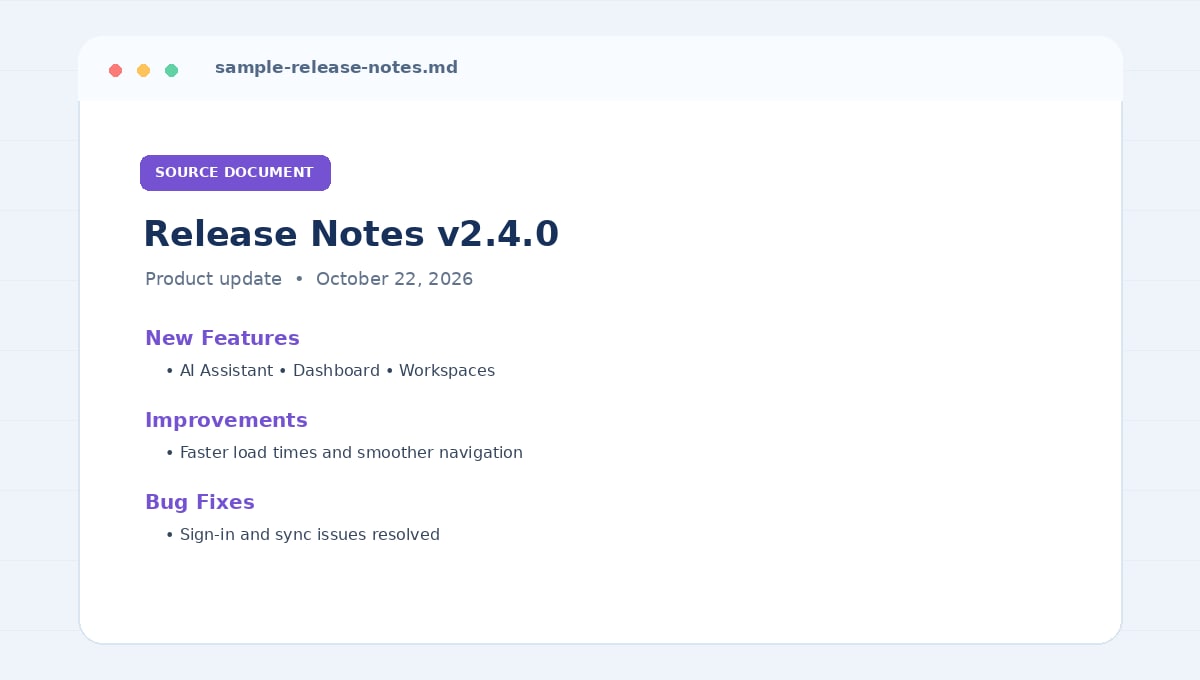
A release notes to video workflow turns written product changes into a visual update. It helps users and stakeholders understand what is new, what has improved, and which fixes or limitations they should know about in a release.
Jump to the workflow that best matches what you want to create.
Make product changes easier to understand with a focused visual summary of the updates that matter most.
Group new features, improvements, fixes, and known issues into a clear version update.
Describe what changed and why it matters to users, without overstating the release.
Turn approved changelog content into customer updates and internal launch briefings.
Give users a concise overview while preserving the written release notes for full details.
Turn version documentation into clear update videos for users, customers, internal teams, and product announcements.
Summarize the most important changes in a new version, including new features and notable improvements. A release notes to video workflow helps users understand what changed without scanning a long changelog.
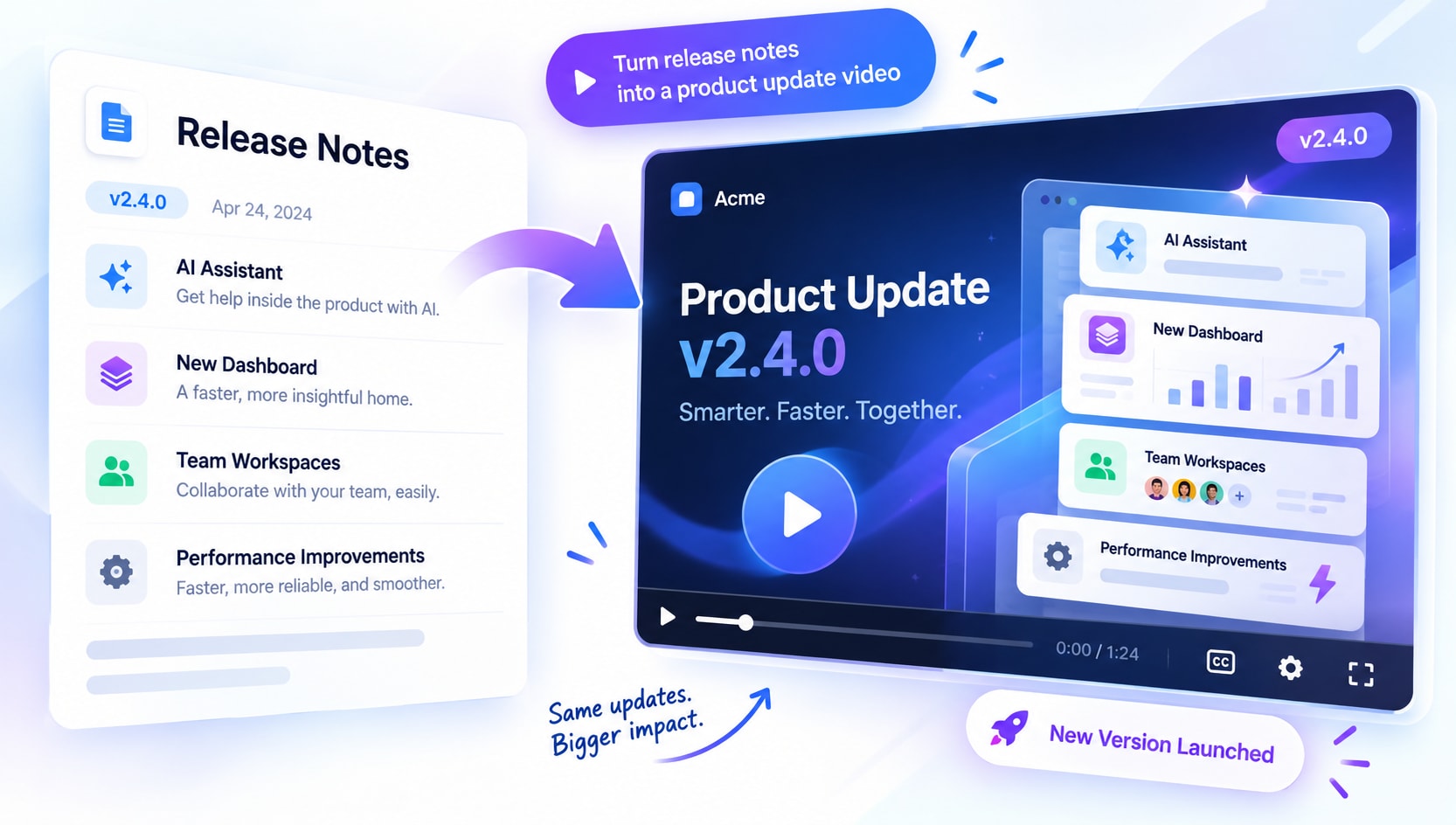
Introduce new capabilities with a short walkthrough of the problem they solve and where users can find them. Keep feature descriptions aligned with the shipped product.
Group fixes and improvements into a readable update that communicates user impact. Avoid implying unresolved issues have been fixed.
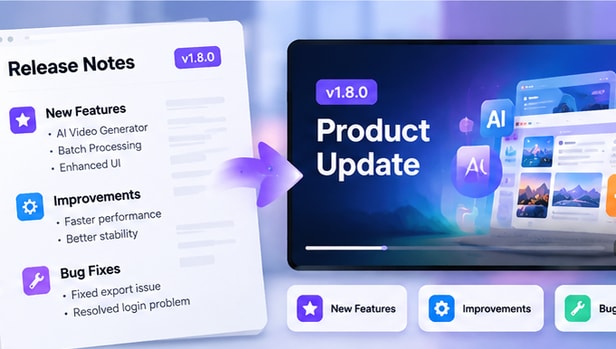
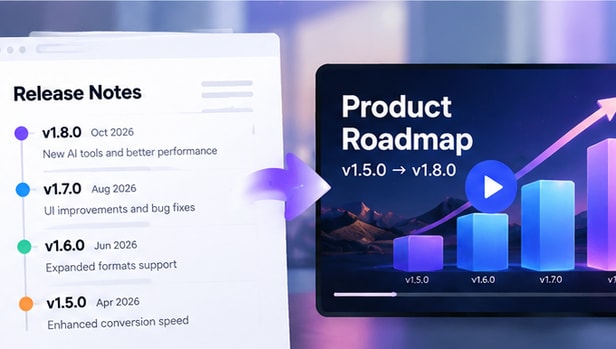
Repurpose approved release notes into customer announcements, in-app updates, or internal launch briefings. Tailor technical detail to the audience.
Start with approved release notes or a changelog for a specific version, with clear headings for features, improvements, fixes, and known issues.
Prioritize changes by user impact and audience. Separate new features from fixes and known limitations.
Verify version numbers, feature names, availability, and issue status against the approved release documentation.
Release notes with version context and clearly grouped changes are easiest to turn into useful product update videos.
Use the video as a concise companion to the original source, not a replacement for essential detail.
A concise video should make the source easier to understand without changing its meaning.
Check version numbers, feature names, and release dates.
Do not overstate improvements or mark unresolved issues as fixed.
Make clear which features are available and note relevant limitations.
These two workflows solve different problems. Choose the format based on what viewers need to understand.
Presents selected features, improvements, and fixes in a concise visual sequence.
Preserves detailed version history, issue references, and technical notes for reference.
It turns a written changelog or release notes into a visual summary of key product changes.
AI can help structure the update, but the final video should be checked against the approved release notes.
Highlight the version, new features, improvements, bug fixes, and known issues that matter to the audience.
Yes. Focus on the most relevant changes and explain where users can find new capabilities.
Verify feature names, availability, version numbers, and issue status against the shipped release.
Include relevant known issues or limitations when they affect how users understand or use the release.
Yes, when the content is approved for public communication and matches the released product.
Check the current product workflow for supported export formats before publishing.