
















AI 子彈時間產生器 – 像駭客任務一樣凍結時間
經典的子彈時間效果回來了——這次由 AI 驅動。使用 Media.io,您可以從任何照片創建駭客任務風格的慢動作影片。只需上傳、輸入子彈時間效果提示詞,然後點擊生成。幾秒鐘內,您就能獲得適合 TikTok、Instagram Reels 或 YouTube Shorts 的電影級動畫。

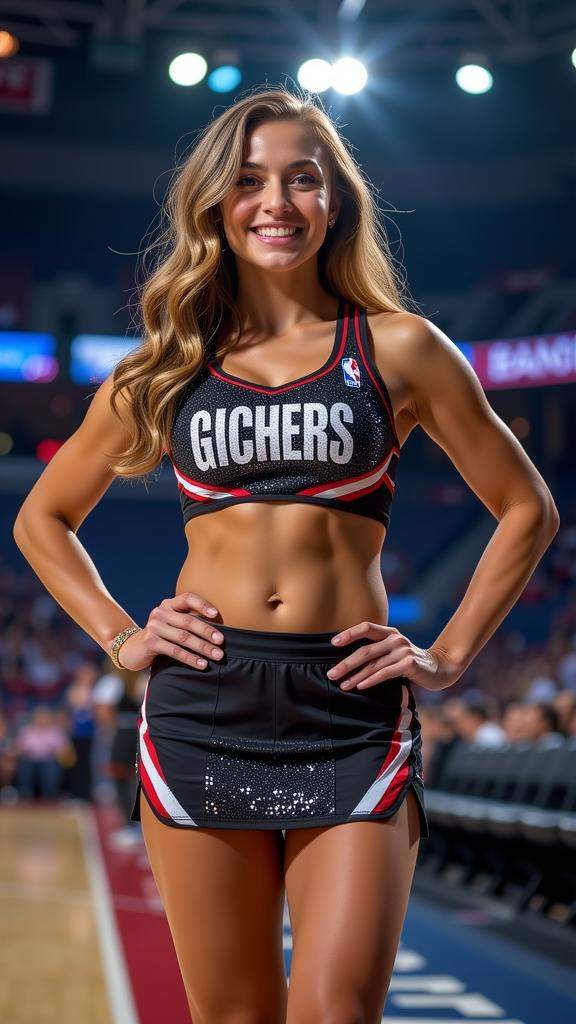
Best AI Generator to Recreate the Matrix Bullet Time Effect

Matrix-Style Cinematic Slow Motion
Recreate the iconic Matrix bullet dodge instantly — with smooth freeze-in-time, slow-motion spins, and 3D pan effects that look like they came straight from the movies.

1-Click Photo-to-Video Conversion
Turn a single photo into a dramatic bullet time animation. No rigs or cameras needed — just upload, type a prompt, or use preset bullet time prompts to go viral in seconds.

HD, Watermark-Free Downloads
Export crisp, professional-looking bullet time clips without watermarks — perfect for TikTok, Instagram Reels, or YouTube Shorts where clean visuals matter most.

Fast, Online, & No Learning Curve
Forget expensive setups or heavy software. Everything runs in your browser — AI handles the effect, you just hit Generate.

Smart Workflow Integration
Want the full cinematic package? After generating your bullet time video, add background music in one click with our Text-to-Music AI tool.

Perfect for Tutorials & Social Content
Making a “How to do Bullet Time” TikTok or tutorial? Use our online editor to add captions, AI voiceovers, or meme overlays — all in one place.
How to Create Bullet Time Videos with AI
Step 1: Upload Your Photo
Go to Media.io’s Image-to-Video AI and upload a clear photo of yourself. The higher the image quality, the better your bullet time effect will look.
Step 2: Write a Prompt
Type your idea — for example, “Matrix-style bullet dodge in slow motion” or “freeze-frame 360 spin.” Not sure what to write? Use our built-in prompt widget to get started instantly.
Step 3: Generate & Download
Click Generate, and in seconds your bullet time animation is ready. Preview, regenerate for a new version, or download your HD, watermark-free video to share directly on TikTok, Instagram Reels, or YouTube Shorts.
What Creators Say About Media.io’s AI Bullet Time Effect

TikTok Content Creator

“Looks like a real movie scene.” I recreated the Matrix bullet dodge with Media.io and my video blew up. No fancy gear — just one selfie and a click.

College Student & Meme Maker
“Viral-ready in seconds.” The doge bullet meme in bullet time was hilarious. Uploaded a photo, typed the prompt, and had a clip ready instantly.

Social Media Marketer
“Campaign standout.” We used the AI Bullet Time effect for a campaign reel and it stood out instantly. HD, watermark-free downloads made it look professional.

Gaming Shorts Creator
“Epic gameplay highlights.” I added the bullet time spin to my gameplay highlight — it looked epic. I even generated background music in Media.io for a complete video.
Explore the Hottest AI Video & Image Effects



關於 AI 子彈時間效果的常見問題
1. 什麼是子彈時間效果?
子彈時間是一種電影級慢動作技術,因 駭客任務 而聞名,時間看起來凍結,同時攝影機圍繞主體旋轉。使用 AI,您可以僅從一張照片或短影片重現這種標誌性效果——無需裝備或昂貴設備。
2. 如何在沒有 TikTok 的情況下創建子彈時間影片?
雖然一些 TikTok 濾鏡模擬了這種效果,但它們可能有地區限制或功能有限。使用 Media.io 的 AI 產生器,您可以上傳任何照片,輸入「駭客任務子彈閃避旋轉」之類的提示詞,並立即生成短子彈時間動畫——全部線上完成,無需 TikTok。
3. 有免費的線上 AI 子彈時間產生器嗎?
是的,有一些免費工具存在,但大多數會添加浮水印或限制品質。Media.io 為新用戶提供免費點數來試用效果,然後提供實惠的按次付費定價——每個點數僅 $0.09 起——獲得高清、無浮水印的結果。
4. 我可以僅用一張照片製作子彈時間嗎?
可以!AI 可以生成缺失的幀,將單張照片轉換為子彈時間動畫。使用 Media.io,上傳您的自拍或肖像,套用子彈時間預設(或撰寫您自己的提示詞),即可獲得圍繞您的流暢 3D 風格旋轉。
5. 如何為子彈時間效果撰寫最佳提示詞?
提示詞控制您的子彈時間外觀。添加細節以獲得最佳效果——例如:「駭客任務風格慢動作,主體閃避子彈,攝影機 360 度旋轉。」您還可以包括燈光(戲劇性聚光燈)、場景(城市屋頂)或風格(電影級、高清)。如果您卡住了,Media.io 有預設的子彈時間提示詞,您可以一鍵使用。
 4.7 (162,357 票)