Find a Prompt for Your Idea
Browse photo edits, surreal scenes, short video loops, and social-ready concepts in one place. If you need a new viral AI prompt, start with a format that matches the source photo you already have.






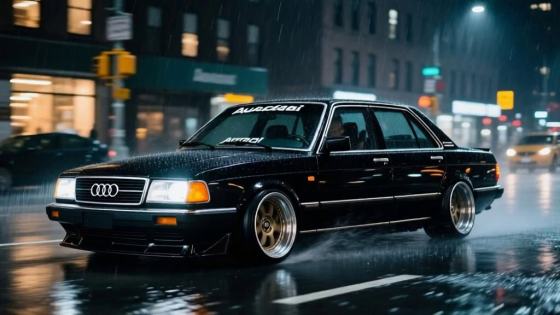





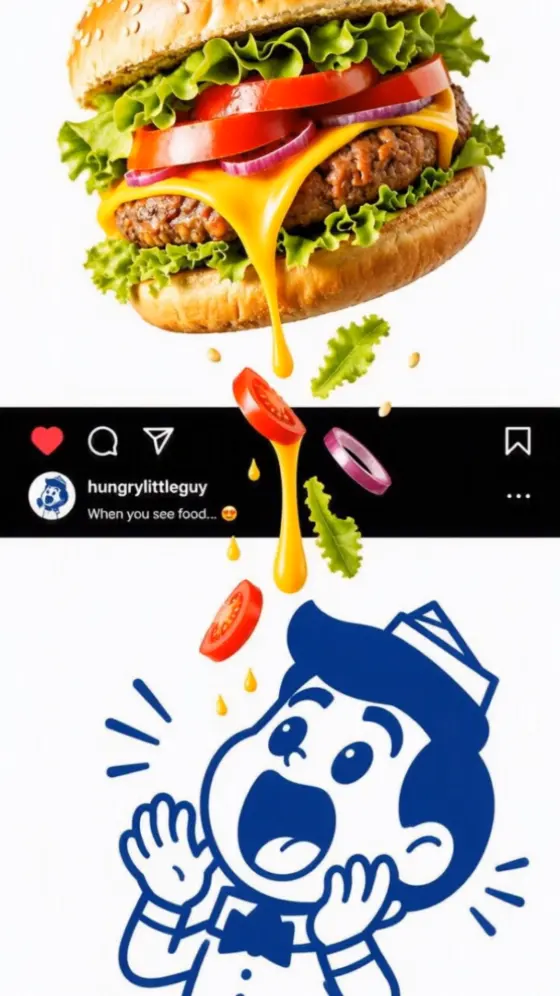

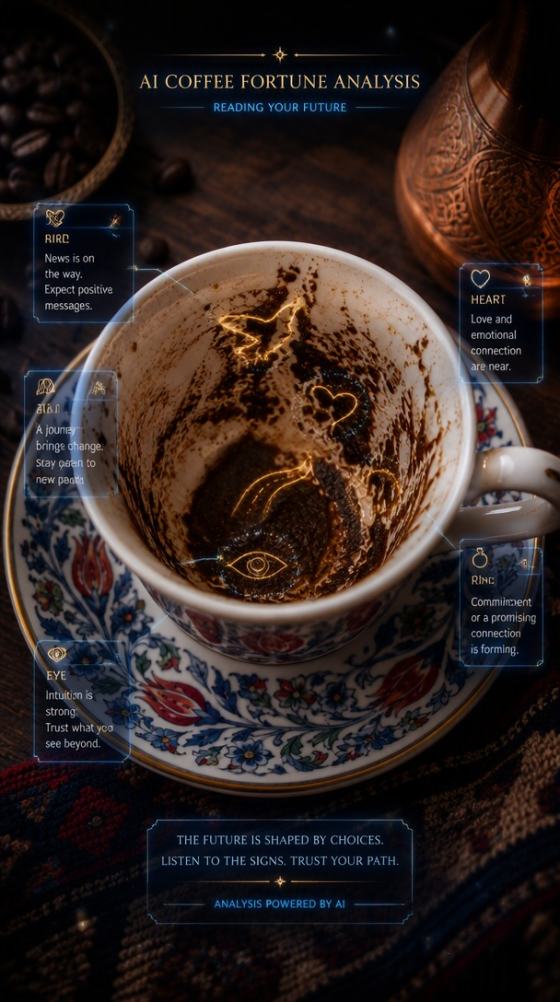













Find a viral AI prompt that fits your next photo or Reel. Copy an idea, swap in your own subject and style, then use Media.io to turn a portrait into a fresh image or bring a still to life. Start with a clear prompt and make the result yours.
Choose a prompt below, personalize it, and generate your version.
A strong prompt makes the creative direction easier to see before you generate. Pick a photo or video idea, add details that matter to you, and use Media.io to test the result.
Browse photo edits, surreal scenes, short video loops, and social-ready concepts in one place. If you need a new viral AI prompt, start with a format that matches the source photo you already have.
Each viral prompt copy example gives you a usable scene, subject, framing, and mood. Change the outfit, setting, color palette, or action so your result has a personal point of view instead of looking like a duplicate.
Turn a portrait into a new image with Image to Image. When you want movement, use Image to Video with one clear action and a simple camera cue. You can also build a new scene from text.
Give your subject room in a vertical frame and make the main idea clear at a glance. For a viral reel prompt, specify the first visual beat, movement, and ending so the clip has a simple story to follow.
Choose a photo idea or viral AI prompt video below. Match the prompt to your source: a clear portrait for image edits, or a still with a readable subject for motion.
Paste the prompt into Media.io Image to Image, Image to Video, or Text to Video. Replace generic details with your subject, outfit, setting, and one clear action.
Check faces, hands, movement, and framing. If the result misses your idea, change one detail at a time. Download the version you like for your post or Reel.
Illustrative review copy for editorial approval. Replace with verified, permissioned customer feedback before publishing.

Instagram creator · Sample
“Easy to make it mine.” I began with the mirror portrait prompt, changed the wardrobe and lighting, and checked that the reflection still felt like me.

Short video maker · Sample
“A clearer first frame.” The car reveal prompt gave me a simple opening shot. I kept the camera move short and reviewed the wheel details before posting.

Small business creator · Sample
“Useful starting ideas.” The copy-paste examples helped me test a visual direction quickly, then rewrite it around the product and audience I know.
A viral AI prompt is a text instruction for an image or video idea that people may want to recreate and share. It describes the subject, action, setting, camera, and style. A strong prompt helps you make a clearer visual, but reach also depends on timing, audience, originality, and the post itself; no prompt guarantees virality.
Choose an image prompt on this page, open Media.io Image to Image, upload a photo you have permission to use, and paste the text. Replace bracketed details such as the outfit or location. Tell the model which facial features and composition to keep, then review the result for identity, hands, and background details.
A useful viral reel prompt describes the first visual hook, one main movement, camera direction, and ending. For example, start close on a car headlight, reveal the vehicle with one smooth camera move, and hold on the final frame. Ask for vertical 9:16 framing, then check the generated clip before sharing.
Yes. Create or upload a still image, then open Media.io Image to Video and describe a small movement that suits the scene. A portrait might use a gentle camera push; a car photo might use a slow reveal. Keep key details such as the subject’s face, clothing, or vehicle color consistent in your prompt.
The original example prompts on this page are free to copy and adapt. Generation availability, credits, models, and download options depend on your current Media.io account and selected tool. Check the generation screen before you start, and use only photos or other reference material you have the right to upload.



