














AI Face Swap
Upload Source Image
Upload an image with clear faces
Click or drag to upload, or choose from My HistoryClick To UploadMy History
No ideas? Generate an image first >
Upload jpg, jpeg, png images up to 50 MB, with a minimum width/height of 300 px.
Upload Face
Upload the face you want to swap in
Switch Face on Smartphone

Seamlessly Switch Faces on Your Smartphone with AI

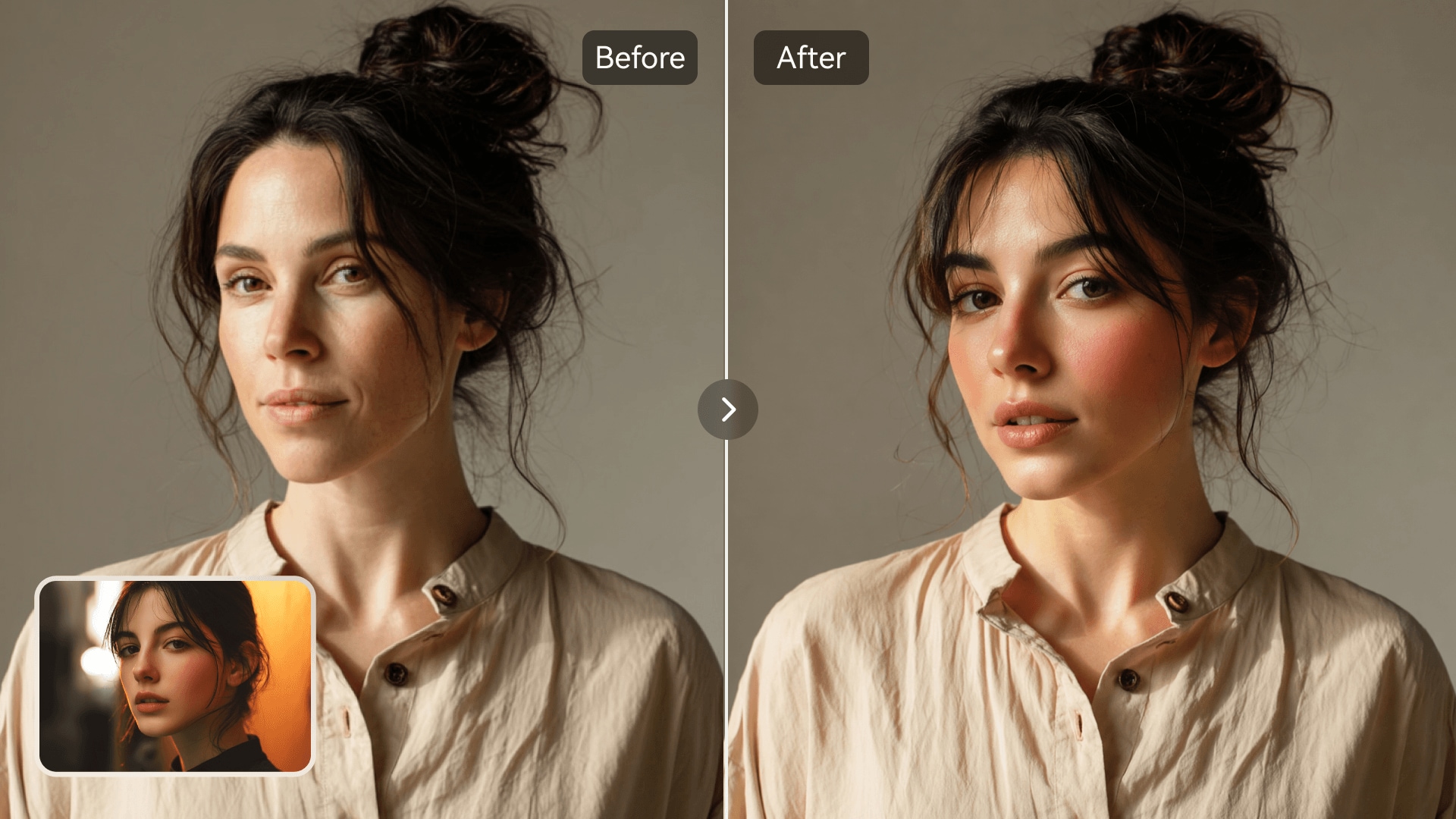
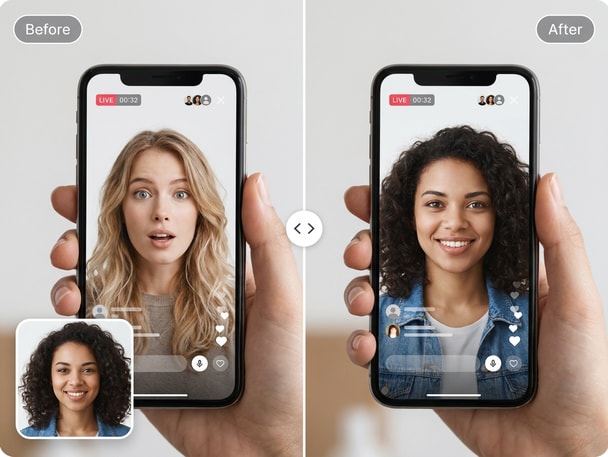
Media.io makes it effortless to switch faces on your smartphone using advanced AI image processing. Upload your photos or create a switch-face-on-a-live-video-call effect, and the smart algorithm blends faces naturally with balanced lighting and consistent skin tone. It works directly from your mobile browser without complicated tools or downloads. From portraits to creative compositions, every result looks realistic and ready for social sharing.

Try Face Swap Now
No App Download Instant AI Processing Mobile-Friendly Natural Blending
AI smartphone face swap before and after comparison
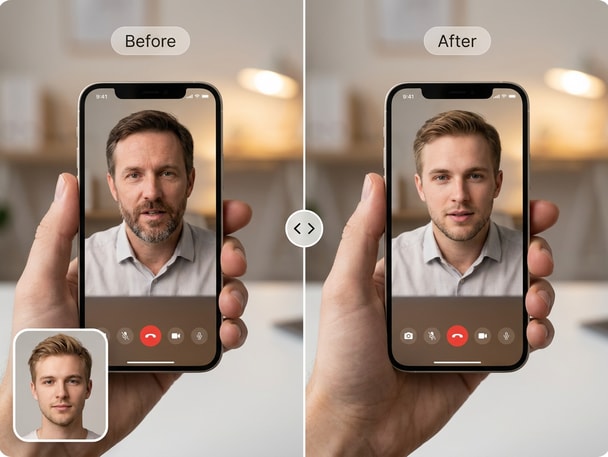
Creative selfie face swap on mobile phone

Create Natural Edits Instantly

Switch faces on your smartphone in seconds with Media.io's precision AI blending. Every result maintains natural contours, colors, and lighting without manual editing. You can use it for funny photo swaps, profile upgrades, or creative mockups that look realistic. The process is smooth, quick, and optimized for all mobile devices.
Perfect for Portraits and Selfies

Transform everyday selfies into stunning creations by switching faces directly on your phone. Media.io ensures lifelike consistency across angles and textures. Whether you are experimenting with style concepts or creating social media visuals, the quality remains clean and believable. This feature makes personal photo editing fun and accessible anywhere.

Share Instantly on Social Media

Export your switched-face photo and share it to your favorite platforms like Instagram or TikTok. Media.io's results load quickly and look great on mobile feeds. You can adjust details before saving, ensuring your image fits your intended style. Every creation is ready to impress friends, followers, or customers in a few taps.

Creative Tool for Content Makers

Whether you make memes, digital art, or promotional designs, Media.io's face swap tool supports your creative flow. Editing on a smartphone means you can produce content anywhere inspiration strikes. Every face switch blends naturally, even in group photos or stylized concepts. It's great for creators looking to add fun, realism, or surprise to their visuals.

Try Pocahontas Face Swap for Creative Character Photos

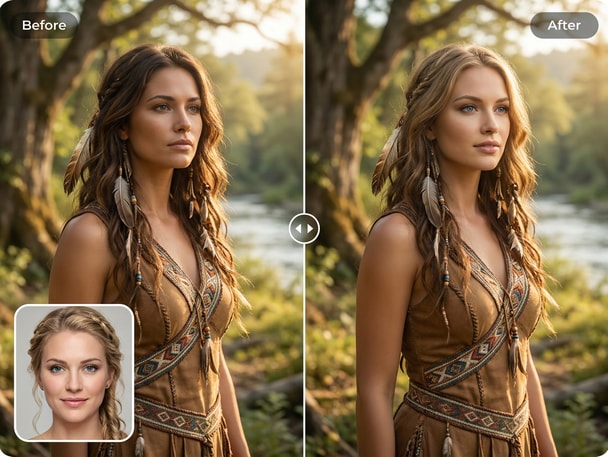
Transform into an animated-style look with Media.io's Pocahontas face swap theme. It's perfect for cosplay, character visuals, or playful photo edits directly online. Experience how AI turns your selfies into themed portraits within seconds.

How to Switch Faces on Your Smartphone with Media.io

01

Upload Your Photos

Open Media.io on your smartphone and upload two or more photos. The interface supports both portrait and landscape images with high clarity.

02

Let AI Swap Faces Automatically

Media.io's cutting-edge AI detects facial features and swaps them with natural precision. You will see a preview in moments, complete with balanced tones and realistic blending.

03

Download and Share Anywhere

Once the result is ready, simply download it or post directly from your phone. The swapped photo looks great for social media, creative projects, or just fun sharing.

What Users Say About Face Swapping on Smartphone

user
Kelly M.

Digital Designer

starstarstarstarstar

"Great for Quick Mobile Edits" Media.io helped me switch faces on my smartphone faster than any photo app I used before. The AI produced realistic skin tones and smooth edges right away. I often use it when making creative mockups for client concepts. It easily fits my workflow when I am not near my laptop.

user
Arjun P.

Content Creator

starstarstarstarstar

"Perfect for Social Media Posts" I love the photo face swap online feature for making fun posts directly from my phone. The results look natural, and my followers always ask what app I use. Media.io's mobile-friendly layout makes the process simple even on smaller screens. The swapped images blend perfectly without weird outlines.

user
Nina L.

Marketing Specialist

starstarstarstarstar

"Ideal for Brand Visual Mockups" I often need quick visual concepts for ads and Media.io's AI face swap app saves me hours. Even on mobile, it delivers sharp, professional results that look ready for campaigns. I appreciate that switching faces feels effortless and intuitive. The previews are accurate, helping me decide what works instantly.

user
David R.

Photography Hobbyist

starstarstarstarstar

"Realistic Results on the Go" Using Media.io made my edits easy while traveling. I can switch faces on my phone and test compositions for creative shoots. The realistic face swap output surprised me with how believable it looked. It's a fantastic mobile photo tool for experimenting with portrait ideas.

user
Sara K.

Student Creator

starstarstarstarstar

"Fun and Easy to Use Anywhere" I tried the swap face on phone feature on my Android, and it worked perfectly. The app's AI handled lighting and angles better than expected. My friends loved the switched selfies I posted on Instagram. Media.io makes creative experiments quick and shareable.

More users are creating AI-based photo swaps on mobile every week using Media.io.

Frequently Asked Questions About Switching Faces on Smartphone

1. How Can I Switch Faces on My Smartphone Using Media.io?
faqfaq

You can use Media.io directly in your smartphone browser. Upload your two photos, and the AI face swap tool automatically replaces the faces while keeping lighting consistent. There's no need for manual alignment or editing. It works for selfies, portraits, and creative visuals alike.

Yes, the tool runs smoothly on modern iOS and Android devices. As long as you have a browser and internet access, you can switch faces on your smartphone instantly. The interface adjusts to small screens, maintaining easy navigation. It requires no downloads or extra configuration.

Media.io uses advanced AI training to ensure each swapped photo looks natural and well-blended. The tool matches facial expressions, tones, and backgrounds automatically. Even complex photos with multiple elements turn out realistic. You can confidently share results on social media or in creative portfolios.

Yes, Media.io can detect multiple faces in one image for flexible swapping. You can choose which two faces to exchange or let AI decide automatically. This is great for group photos, events, or creative edits. Results stay balanced and natural regardless of the photo setting.

Media.io offers an accessible online version for quick smartphone face swaps. Basic swaps are available for free, while advanced options may come with premium access. It's perfect for trying out quick edits before committing to higher-quality exports. The online tool remains fully functional even without downloads.

After switching faces, you can preview the final image and adjust brightness or crop as needed. Media.io's preview tools work directly on your mobile screen. This ensures the faces look well-integrated before sharing. It helps you get photo-perfect results every time.

Media.io supports common image types like JPG, PNG, and HEIC. The AI processes high-resolution photos for clear detail even on smartphone devices. This flexibility means you can upload directly from your gallery or camera. The saved output keeps excellent visual quality for online posting.

Yes, photos are processed securely through Media.io's online platform. Uploaded files are handled only for your editing session and not shared publicly. You can safely explore face switching without installing any third-party apps. The service is built to prioritize a smooth and private user experience.

Media.io Online AI Tools Quality Rating:
vote 4.7 (162,357 Votes)







