Creations are stored for only 7 days. Assets created after upgrading to a Membership plan will be stored permanently.
Unlock your creative potential and experience the magic of Media AI right away!
Fotoğrafı Keskin Yapay Zeka Taslak Stiliyle Blueprint Sanatına Dönüştürün
Herhangi bir net görüntüyü yükleyin ve fotoğrafı blueprint'e dönüştürün saniyeler içinde. Media.io, temiz bir yapay zeka blueprint filtresi uygular; beyaz çizgi çalışması, mavi taslak arka planlar, ızgara dokuları ve posterler, konsept panoları, oda fikirleri ve ürün görselleri için yüksek çözünürlüklü dışa aktarma seçenekleri sunar.
Fikrinizi yazın -> Yapay zeka tasarlar. Ücretsiz deneyin.
Bu örnek yönergeleri inceleyin, ardından Bu Fotoğrafı Blueprint'e Dönüştür aracıyla daha güçlü sonuçlar elde etmek için istem ayrıntılarını özelleştirin.
Keskin Beyaz Kenarlı Blueprint
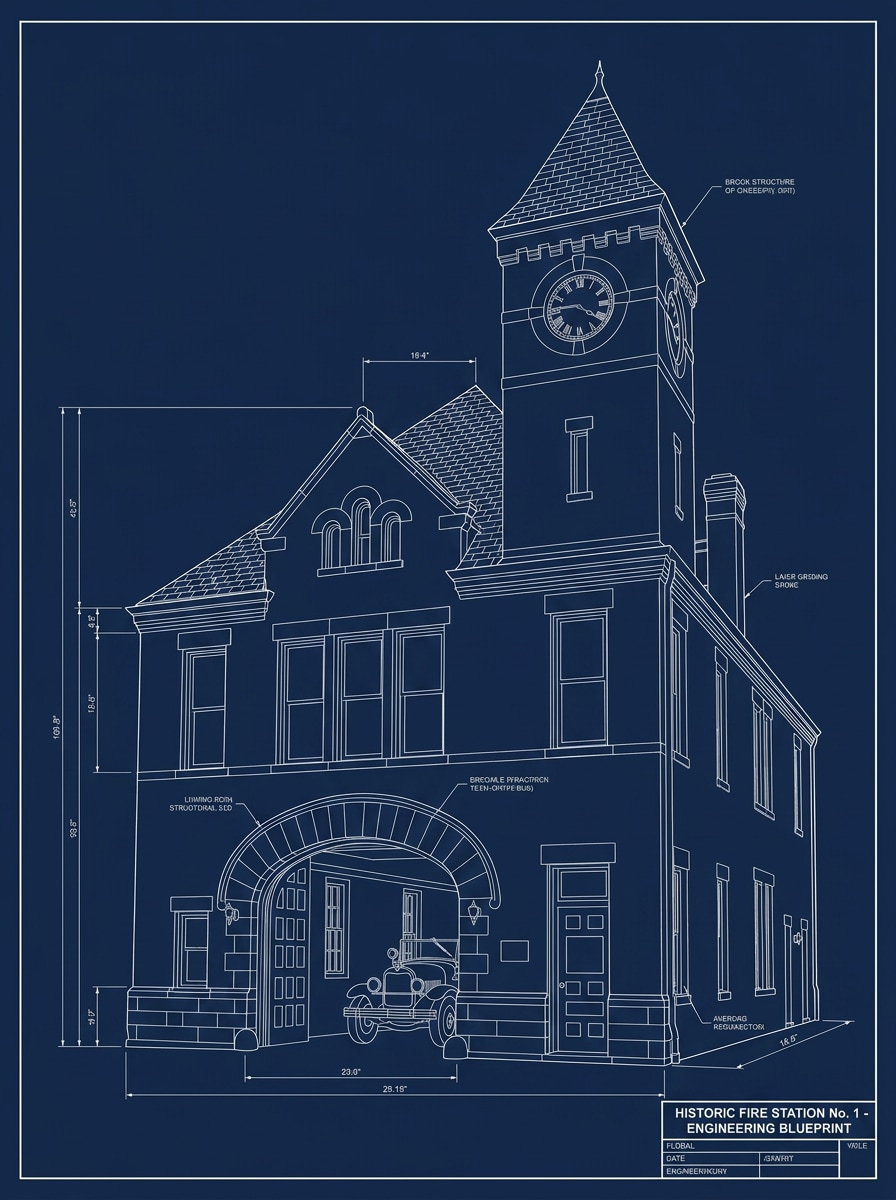
Yüklenen görüntüyü konu olarak kullanın ve onu keskin beyaz kontur çizgileri, derin lacivert taslak kağıdı arka planı, basitleştirilmiş yapısal kenarlar, minimal gölgeleme, dengeli kontrast ve keskin detaylara sahip temiz profesyonel mühendislik havasıyla klasik bir teknik blueprint posterine dönüştürün.
Blueprint Izgara Katmanı
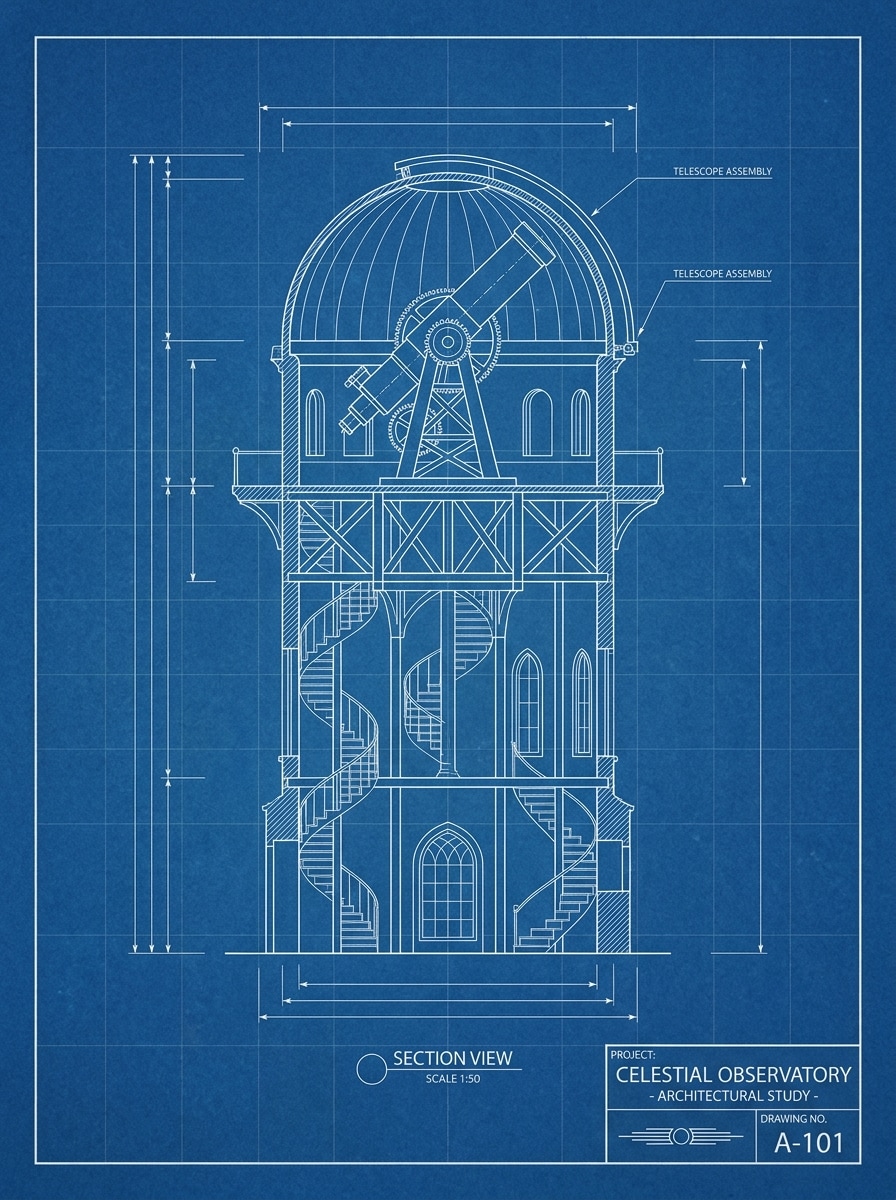
Yüklenen fotoğrafı temel olarak kullanın ve onu parlak beyaz ana hatlar, zengin mavi arka plan, soluk taslak ızgara çizgileri, hafif kağıt dokusu, net kenar tanımı ve düzenli negatif alanlı minimal teknik poster görünümüyle rafine bir blueprint tarzı çizime dönüştürün.
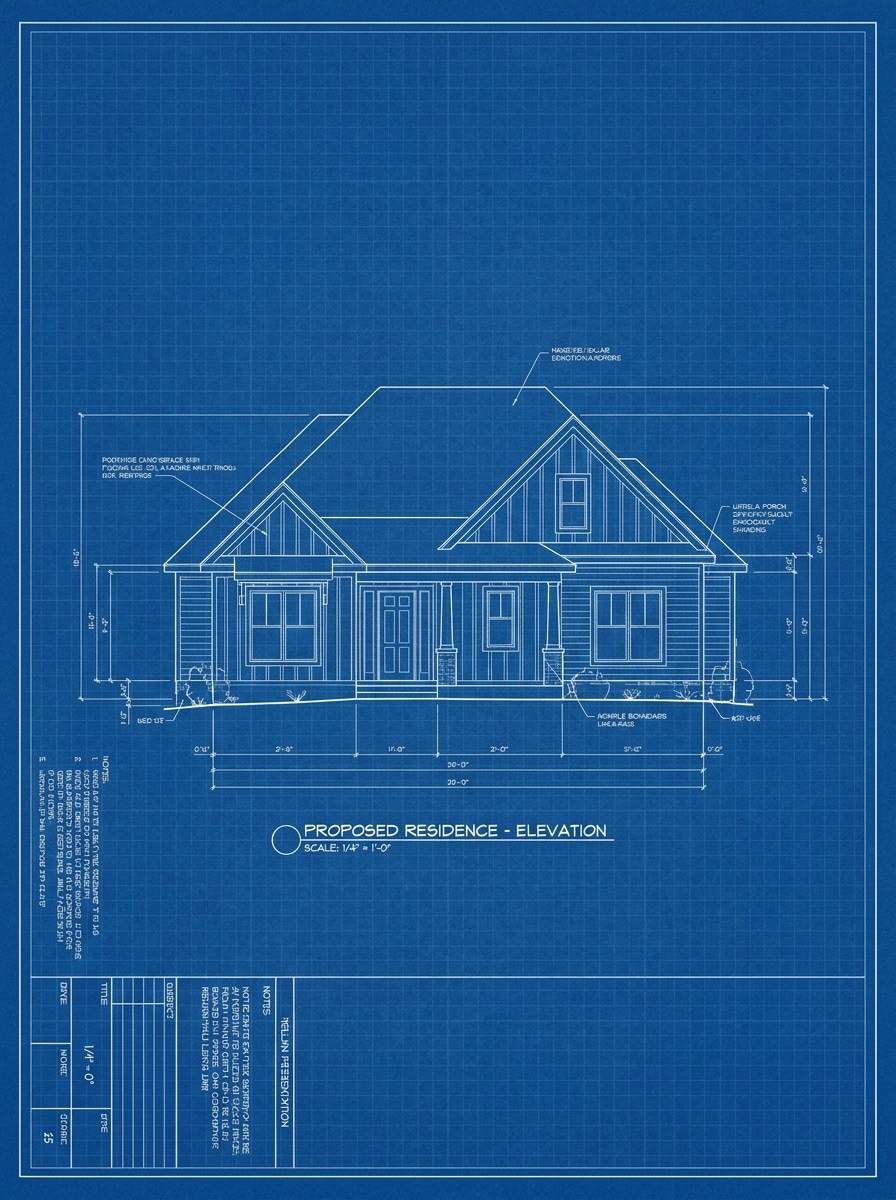
Ev Fotoğrafından Blueprint'e
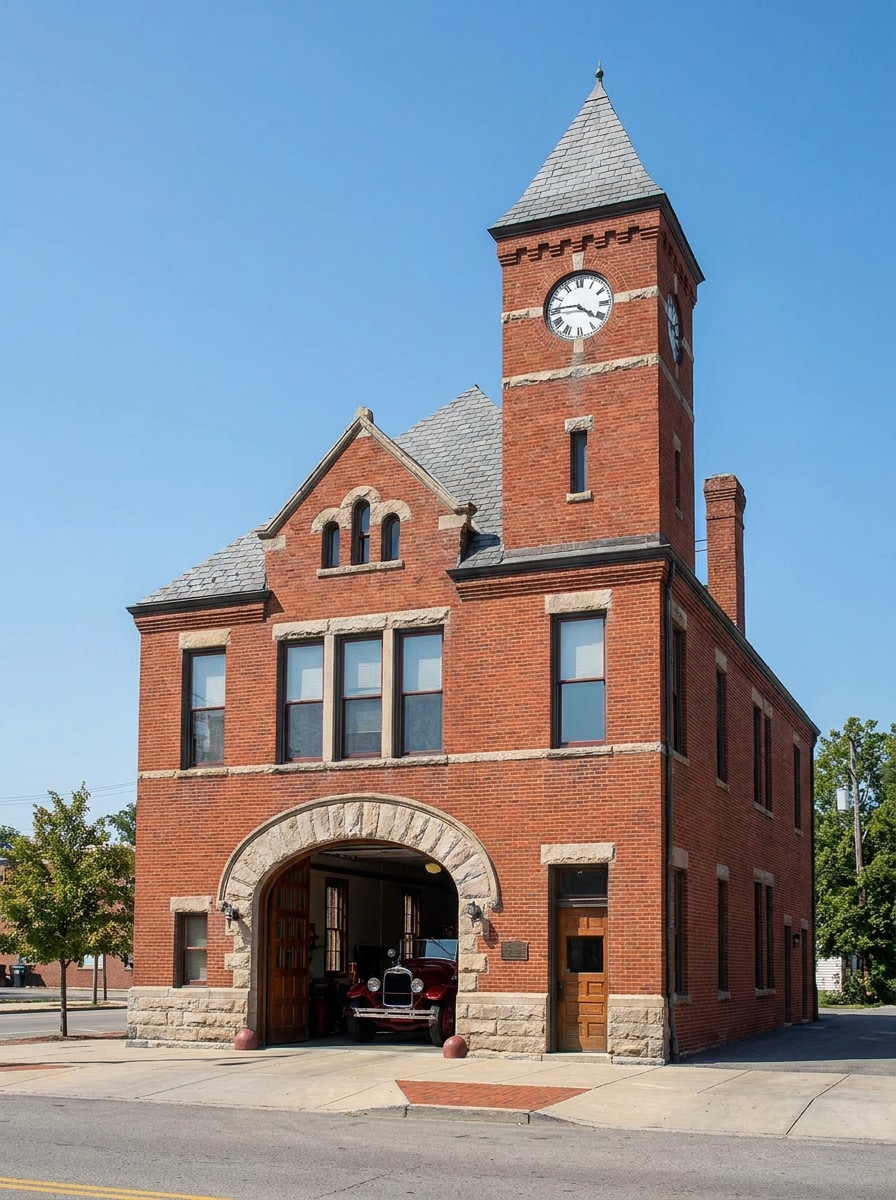
Yüklenen ev fotoğrafını konu olarak kullanın ve onu beyaz yapısal çizgi çalışması, blueprint mavisi arka plan, basitleştirilmiş cephe detayları, ölçülü taslak havası, temiz kompozisyon, hafif ızgara dokusu ve tasarım panoları için sunuma hazır netlikle mimari bir konsept blueprint'ine dönüştürün.
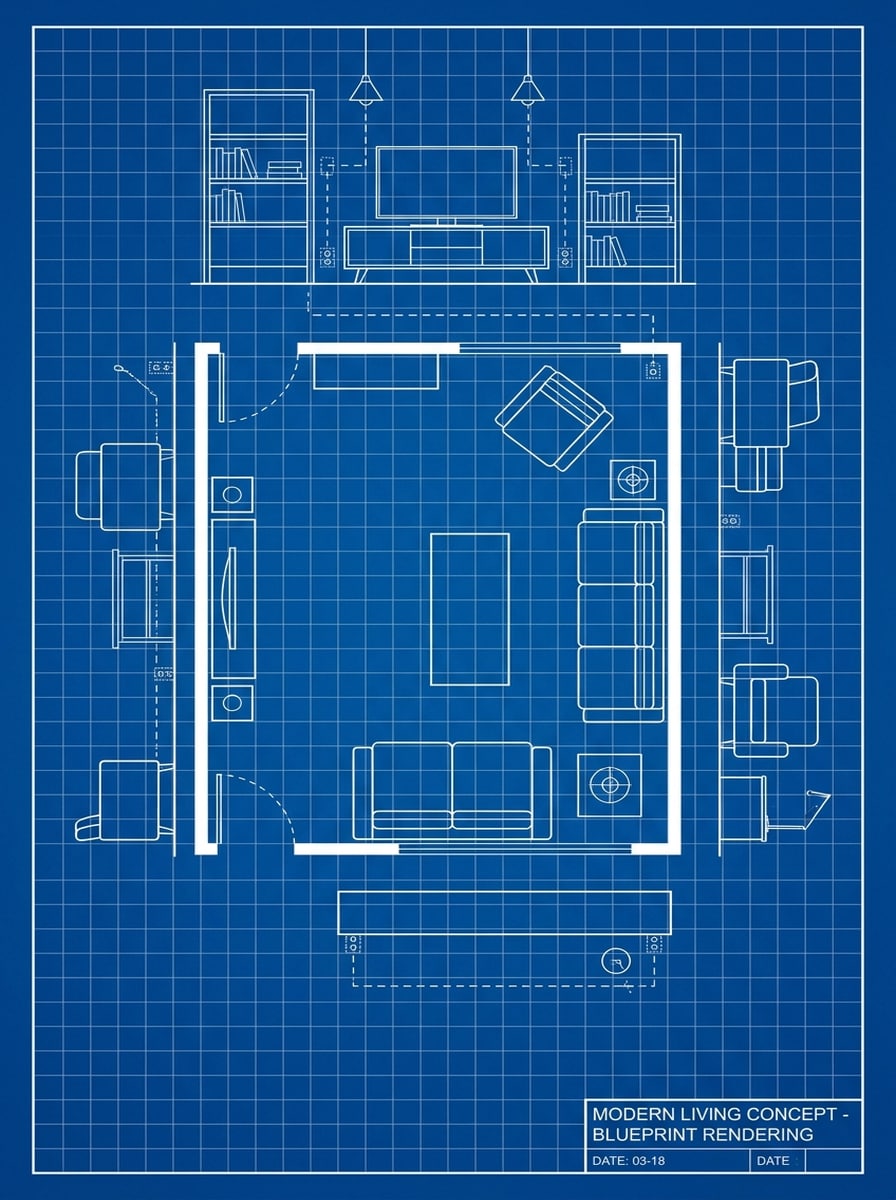
Oda Konsepti Blueprint'i
Yüklenen iç mekan görüntüsünü referans olarak kullanın ve onu beyaz mobilya ana hatları, blueprint mavisi taslak arka plan, vurgulanmış duvar ve dekor kenarları, yumuşak ızgara katmanı, minimal gölgeleme ve temiz mekansal planlama estetiğiyle modern bir oda blueprint konseptine dönüştürün.
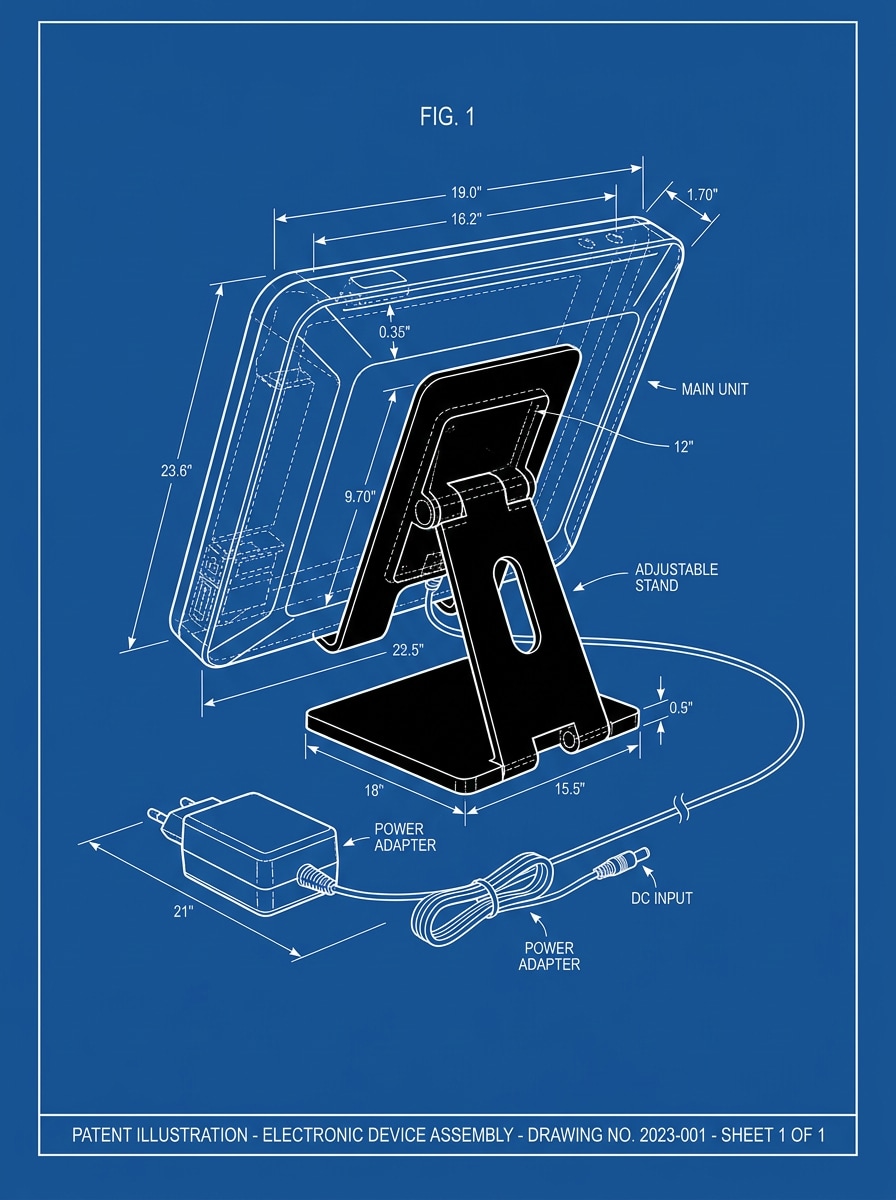
Cihaz Patent Blueprint'i
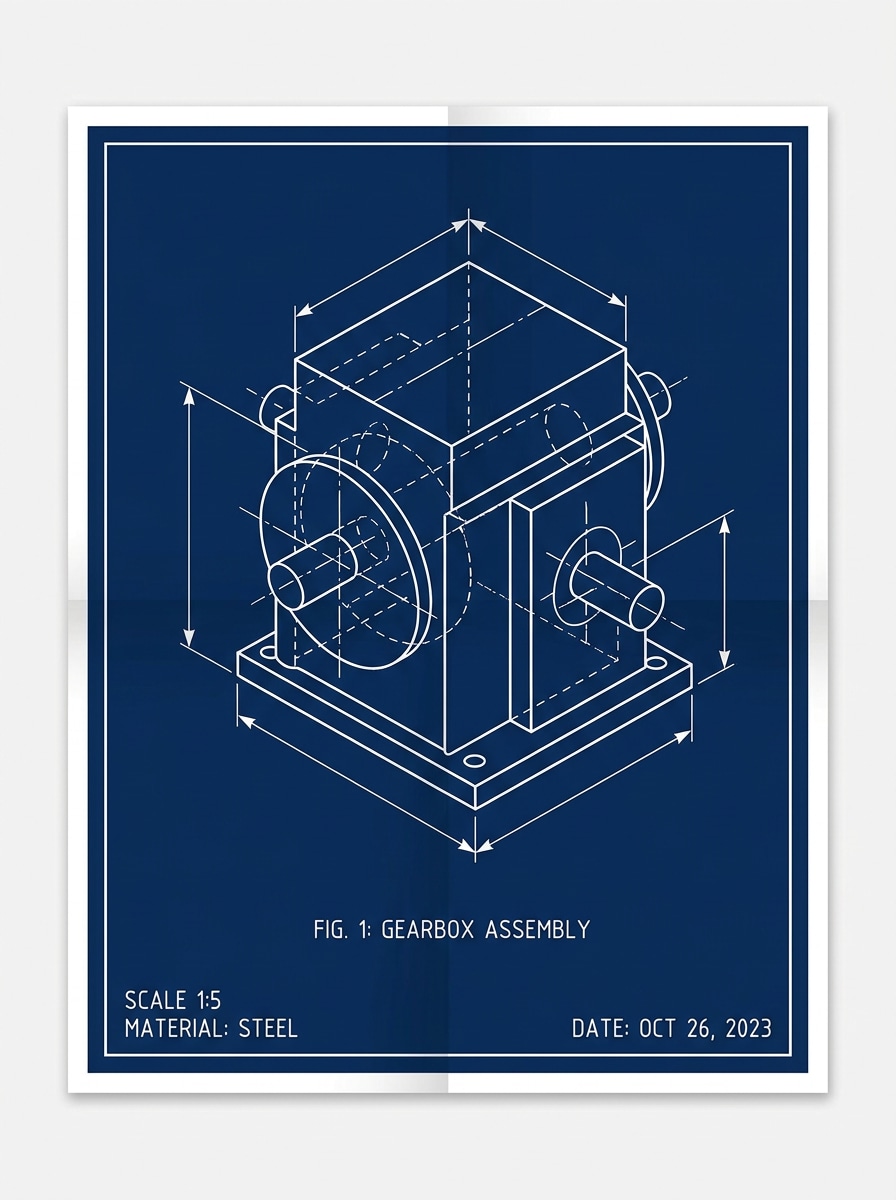
Yüklenen ürün görüntüsünü temel olarak kullanın ve onu keskin beyaz kontur çizgileri, derin mavi teknik arka plan, ortalanmış kompozisyon, yüksek detaylı kenarlar, hafif açıklama alanı hissi ve şık endüstriyel tasarım sunum havasıyla patent ilhamlı bir blueprint çizimine yeniden biçimlendirin.
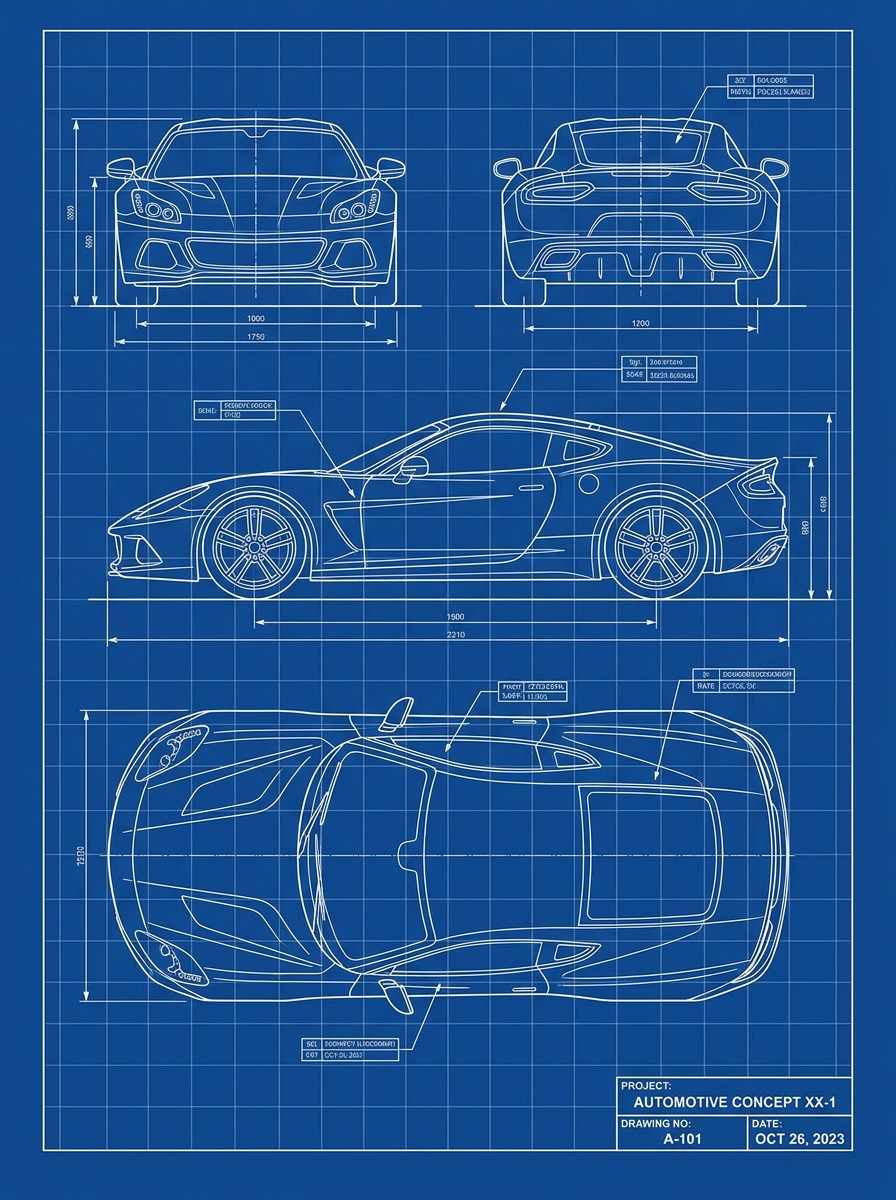
Araç Mühendislik Blueprint'i
Yüklenen araba fotoğrafını konu olarak kullanın ve onu hassas beyaz ana hatlar, blueprint mavisi arka plan, görünür gövde konturları, hafif taslak ızgarası, keskin kontrast ve teknik poster çekiciliğiyle temiz otomotiv konsept renderına sahip bir mühendislik blueprint'ine dönüştürün.
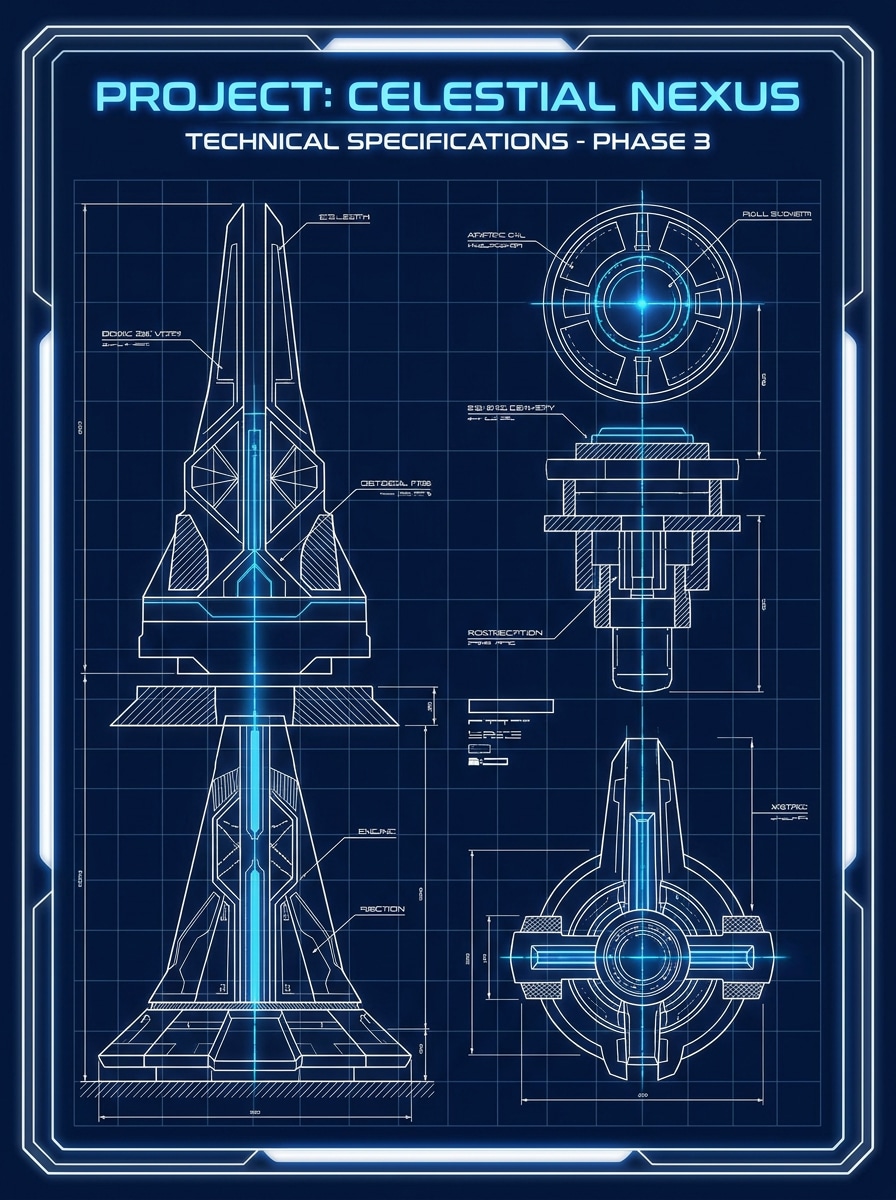
Parlayan Neon Blueprint
Yüklenen görüntüyü konu olarak kullanın ve onu parlak beyaz çizgi sanatı, elektrik mavisi parıltı, derin lacivert arka plan, şık bilim kurgu taslak atmosferi, dramatik kontrast, yumuşak vurgular ve sosyal paylaşım için yapılmış cesur yüksek enerjili görselle fütüristik bir blueprint posterine dönüştürün.
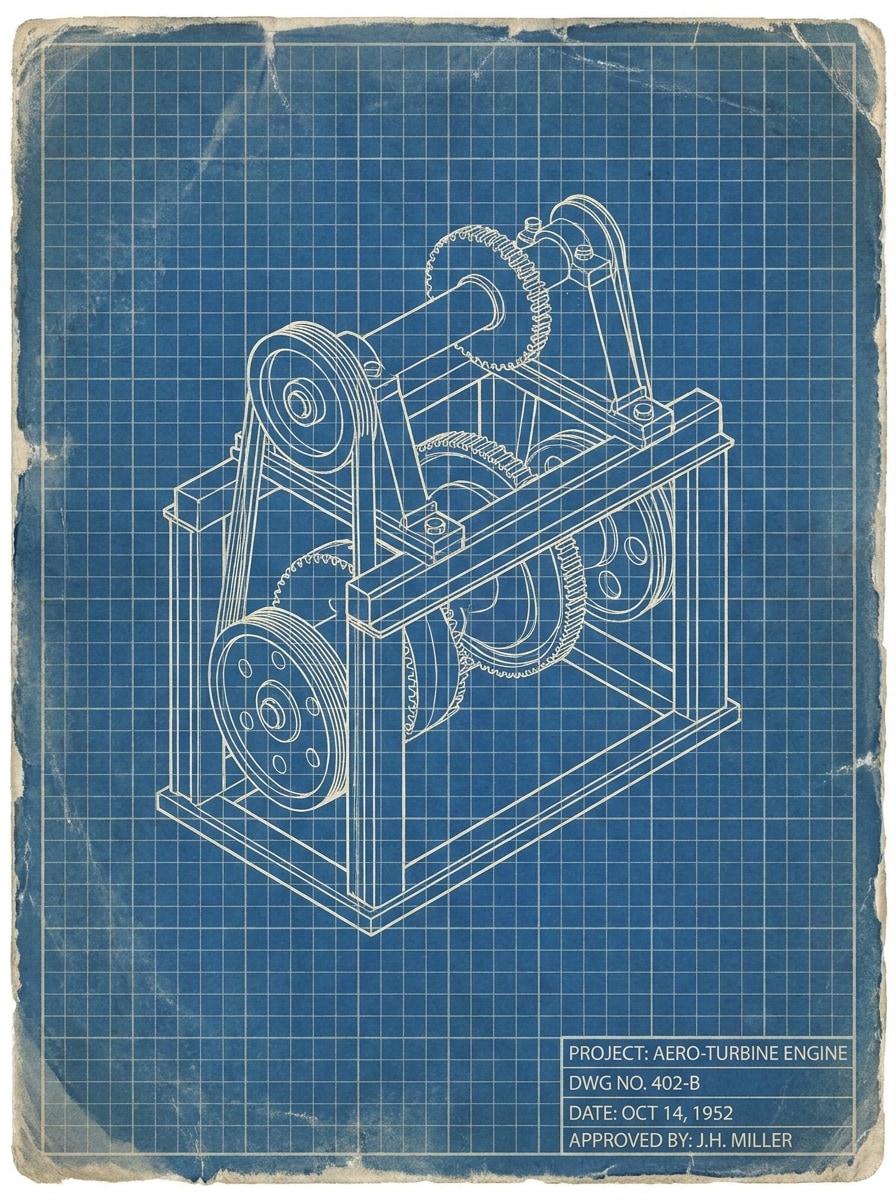
Vintage Taslak Sayfası
Yüklenen fotoğrafı referans olarak kullanın ve onu soluk mavi kağıt tonları, kırık beyaz teknik çizgiler, yumuşak yıpranmış doku, klasik ızgara katmanı, sönük kontrast ve otantik eskimiş karaktere sahip retro mühendislik posteri havasıyla eski usul bir taslak sayfası blueprint'ine dönüştürün.
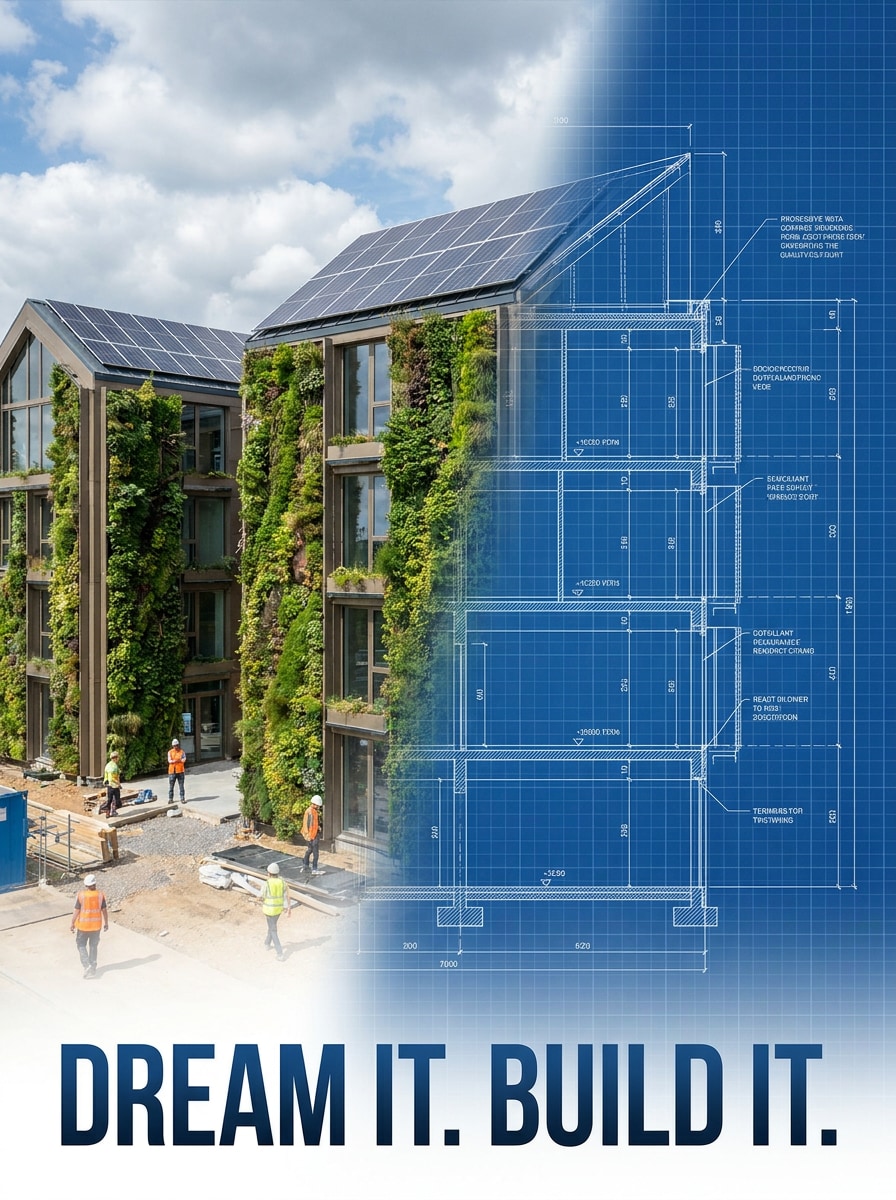
Yarı Fotoğraf Yarı Blueprint
Yüklenen görüntüyü konu olarak kullanın ve yarısı gerçekçi fotoğraf yarısı blueprint çizimi olan, pürüzsüz merkez geçişi, beyaz teknik çizgi çalışması, derin mavi taslak arka plan, yüksek kontrast ve göz alıcı öncesi-sonrası dönüşüm stiliyle bölünmüş bir kompozisyon oluşturun.
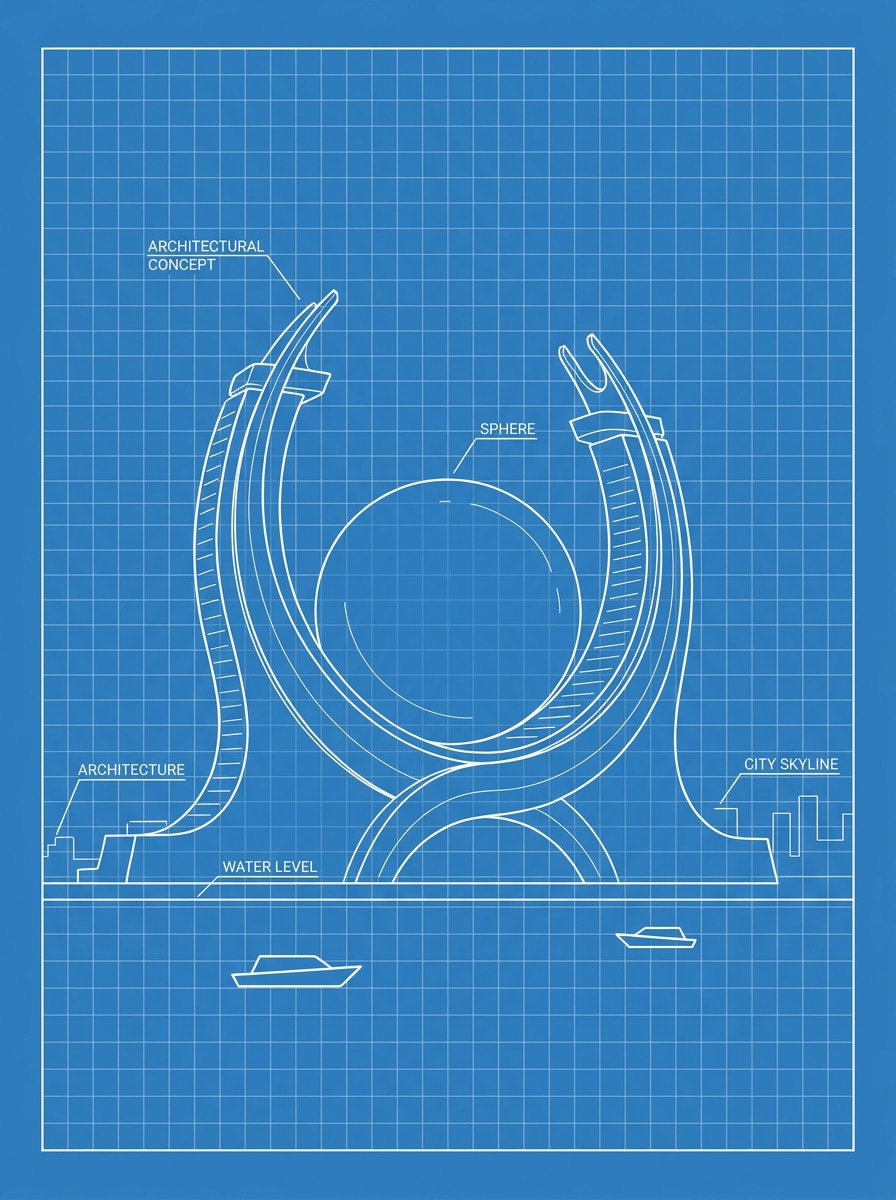
Blueprint Taslak Minimali
Yüklenen görüntüyü temel olarak kullanın ve onu basitleştirilmiş beyaz ana hatlar, azaltılmış teknik detay, temiz mavi arka plan, zarif taslak stili, geniş kompozisyon, yumuşak ızgara ipuçları ve ölçülü hassasiyete sahip modern poster hazır görünümüyle minimal bir taslak blueprint'ine dönüştürün.
Blueprint Fotoğraf Efekti Oluşturmak İçin Neden Media.io Kullanmalısınız
Mimari, Nesneler ve Yaratıcı Portreler İçin Çalışır
Bir cephe için mimari blueprint efekti, bir oda konsept panosu veya stilize bir blueprint portre filtresi isteyip istemediğinizden bağımsız olarak, Media.io ana konuyu tanınabilir tutarken onu taslak ilhamlı bir stile dönüştüren referans tabanlı düzenlemeyi destekler.
Her Sürüm İçin Doğru Stili Eşleştirin
Tek bir fikir çoğu zaman birden fazla görünüm gerektirir. Media.io, her sürümün proje özeti ile daha iyi eşleşebilmesi için aynı fotoğrafı blueprint'e dönüştürmeyi farklı stiller arasında yeniden yorumlamaya yardımcı olur.
Gerçek Kullanım İçin Yüksek Çözünürlüklü Görüntüler Oluşturun
Taslak kalitesinin ötesine geçen projeler için Media.io, son dosyayı sunarken, kırparken veya yeniden kullandığınızda detayların daha net kalması için 4K çıktıya kadar fotoğrafı blueprint'e dönüştürmenize yardımcı olur.
Cihazlar ve Projeler Arasında Kullanımı Kolay
Bir fotoğrafı blueprint'e dönüştürme fikri ana kurulumunuzdan uzakta başladığında, Media.io onu tarayıcıda oluşturmanıza ve geliştirmenize olanak tanır; böylece mobil ve masaüstü arasında geçiş kesintisiz hissedilir.
Fotoğraf Blueprint'e Nasıl Dönüştürülür
Kelimelerinizi üç basit adımda çarpıcı görsellere dönüştürün, ardından daha ileri götürmek istiyorsanız sonucu geliştirmeye devam edin.
Adım 1
Referans Görüntünüzü Yükleyin
Net bir ev, oda, ürün, araç veya kişi fotoğrafıyla başlayın. Görünür kenarlara, sade arka planlara ve iyi aydınlatmaya sahip görüntüler genellikle daha temiz bir teknik çizim dönüşümü üretir.
Adım 2
Değişikliği Tanımlayın ve Seçenekleri Ayarlayın
Beyaz çizgi çalışması, lacivert taslak kağıdı, ızgara dokusu, minimal gölgeleme veya patent poster stillemesi gibi istediğiniz blueprint görünümünü tanımlayan bir istem girin. Ardından modelinizi, en boy oranını, çözünürlüğü ve görüntü sayısını seçin.
Adım 3
Oluşturun, İndirin ve Geliştirmeye Devam Edin
Birkaç varyasyon oluşturun, çizgi gücünü ve düzeni karşılaştırın ve en iyi sonucu indirin. Gerekirse istemi geliştirin, farklı bir kompozisyon deneyin veya baskı, sunum ya da sosyal içerik için başka bir sürüm oluşturun.
Yaratıcıların bu Fotoğrafı Blueprint'e Dönüştür aracını içerik, pazarlama ve kişisel projeler için nasıl kullandığını görün, ardından her fikri özete uyacak şekilde uyarlayın.
Evler ve Tadilat İçin Tasarım Panoları Oluşturun
Dış cephe ve iç mekan fotoğraflarını tadilat teklifleri, mimari moodboard'lar veya müşteri sunumları için blueprint tarzı konsept görsellerine dönüştürün. Taslak görünümü, fikirlerin nihai tasarım kararları verilmeden önce daha kasıtlı, parlak ve tartışılması kolay hissettirmesine yardımcı olur.
Ürünler ve Nesnelerden Teknik Posterler Oluşturun
Gadget'ları, mobilyaları, araçları veya taşıtları e-ticaret görselleri, portföy sayfaları, sınıf materyalleri veya endüstriyel tasarım hikaye anlatımı için temiz taslak ilhamlı posterlere yeniden biçimlendirin. Keskin çizgi çalışmasıyla eşleştirilmiş tanınabilir bir konu güçlü bir editoryal sonuç yaratır.
Çarpıcı Sosyal Öncesi-Sonrası İçerik Oluşturun
Bir görüntünün normal fotoğrafçılıktan blueprint renderına nasıl dönüştüğünü göstermek için bölünmüş kompozisyonlar veya fütüristik çizgi sanatı stili kullanın. Bu yaklaşım, görsel dönüşümün ana çekim noktası olduğu reels, kısa videolar ve gönderiler için özellikle iyi çalışır.
Kullanıcılar Ne Diyor
Lena Morris
İç Tasarım Öğrencisi
"Konsept panoları için mükemmel" Bir sunum için oda fotoğraflarını blueprint tarzı görsellere dönüştürmek için kullandım. Sonuçlar temiz ve düzenli görünüyordu ve onları kullanılabilir hale getirmek için ekstra tasarım yazılımına ihtiyaç duymadım.
Eric Dalton
Ürün Pazarlamacısı
"Harika teknik poster efekti" Bir ürün fotoğrafı yükledim ve dakikalar içinde güçlü bir patent tarzı grafik elde ettim. Beyaz çizgiler ve mavi arka plan, bir kampanya mockup'ı için yeterince parlak görünüyordu.
Monica Reyes
İçerik Üreticisi
"Kolay öncesi-sonrası dönüşümler" Yarı fotoğraf yarı blueprint stili sosyal içerik için gerçekten iyi çalıştı. Hızlıca birden fazla versiyon yaptım ve reel kapağım için en iyi kontrastlı olanı seçtim.
Daniel Cho
Mimari Tutkunu
"Ev görselleri için kullanışlı" Rastgele bir yapay zeka illüstrasyonu değil, bir ev fotoğrafından blueprint benzeri bir render istedim. Bu bana tam olarak ihtiyacım olan görünüm olan temiz bir taslak hissiyle tanınabilir bir cephe verdi.
1. Çevrimiçi olarak bir fotoğrafı blueprint'e nasıl dönüştürebilirim?
Media.io'ya bir JPG, PNG veya JPEG yükleyin, ardından beyaz teknik çizgiler, mavi taslak arka plan, ızgara dokusu veya patent poster düzeni gibi istediğiniz blueprint stilini tanımlayın. Görüntüden görüntüye iş akışı, blueprint tarzı varyasyonları doğrudan tarayıcınızda oluşturur, böylece projenize uyan sürümü inceleyip indirebilirsiniz.
2. Yapay zeka bir resimden blueprint yapabilir mi?
Media.io, yüklenen görüntünüzü referans olarak kullanabilir ve ona stilize bir blueprint görünümü uygulayabilir. Kesin bir inşaat planı oluşturucu yerine görsel stil dönüşümü olarak anlaşılması en doğrusudur.
3. Fotoğrafları blueprint çizimlerine dönüştürmek için ücretsiz bir uygulama var mı?
Media.io ücretsiz krediler sunar, böylece yükseltmeden önce fotoğraftan blueprint'e iş akışını test edebilirsiniz. Ücretsiz indirmeler filigran içerebilirken, ücretli planlar filigransız yüksek çözünürlüklü dışa aktarmaların kilidini açar. Seçenekleri fiyatlandırma sayfasında karşılaştırabilirsiniz. Ücretsiz kullanıcılar ücretsiz kredilerini kullanabilir. Daha fazla kullanım için kullanıcılar fiyatlandırma sayfasında bir plana abone olabilir. Daha fazla kredi ve filigransız yüksek çözünürlüklü indirmeler için fiyatlandırma sayfasında ücretli bir plana yükseltin.
4. Blueprint efekti için hangi tür fotoğraflar en iyi sonucu verir?
Güçlü kenarlara, görünür yapıya ve sade kompozisyona sahip net görüntüler genellikle en iyi sonucu verir. İyi aydınlatmaya sahip evler, odalar, araçlar, mobilyalar, gadget'lar ve portreler daha temiz çizgi çalışması üretme eğilimindedir. Daha parlak bir blueprint fotoğraf filtresi sonucu istiyorsanız, ana konunun arka plandan açıkça öne çıktığı keskin bir görüntüyle başlayın.
5. Bir ev veya oda fotoğrafını blueprint tarzı görüntüye dönüştürebilir miyim?
Media.io, konsept odaklı bir taslak görünümü istediğinizde dış cephe ev fotoğrafları ve iç mekan oda çekimleri için çok uygundur. Beyaz ana hatlar, mavi kağıt tonları ve ince ızgaralar içeren mimari blueprint efekti için istem girebilirsiniz; bu sunum, tadilat fikirleri ve tasarım moodboard'ları için kullanışlıdır.
6. Blueprint görüntüm indirilecek veya yazdırılacak kadar yüksek çözünürlükte olacak mı?
Media.io 1K, 2K ve 4K çözünürlük seçeneklerini destekler, böylece dijital kullanım ve pek çok baskı odaklı proje için uygun dosyalar oluşturabilirsiniz. Bu, çizgi çalışmasında detay kaybetmeden sunum panoları, posterler, kapaklar veya mockup'lar için keskin blueprint tarzı görüntüler oluşturmayı kolaylaştırır. Ücretsiz kullanıcılarda filigran olabilir.