Creations are stored for only 7 days. Assets created after upgrading to a Membership plan will be stored permanently.
Unlock your creative potential and experience the magic of Media AI right away!
Manga Filter for Turning Photos into Crisp Comic-Style Portraits
Create striking manga-style portraits from your own photo in minutes. Media.io helps you apply a manga filter with clean ink lines, screentone shading, and expressive character detail, whether you want a selfie makeover, a dramatic profile image, or a polished black-and-white comic look. Creators often use it for AI anime filters. It also supports black and white manga filter.
Review these example directions, then tailor the prompt details to get stronger results with this Manga Filter. It is also a practical option for al manga filter. This workflow is especially useful for photo to manga filter.
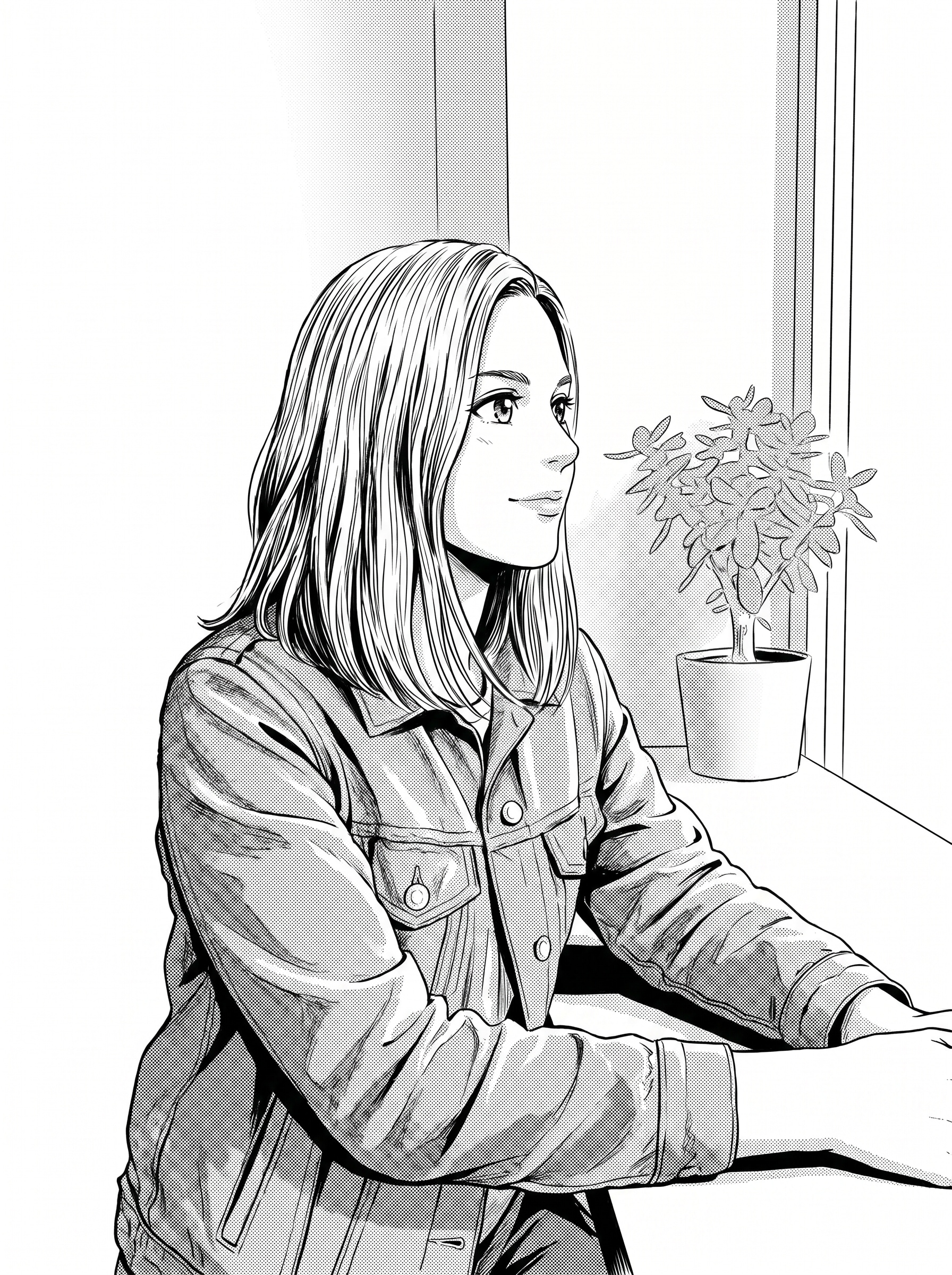
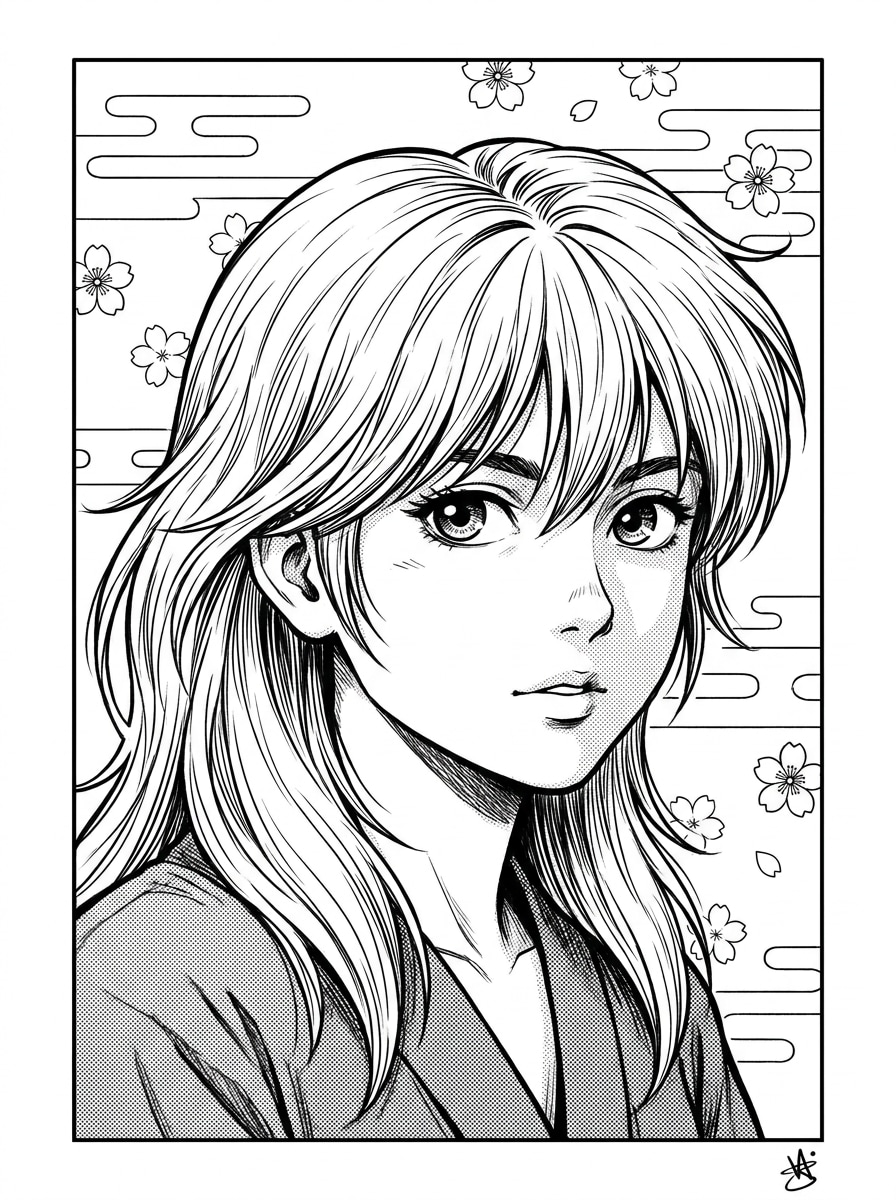
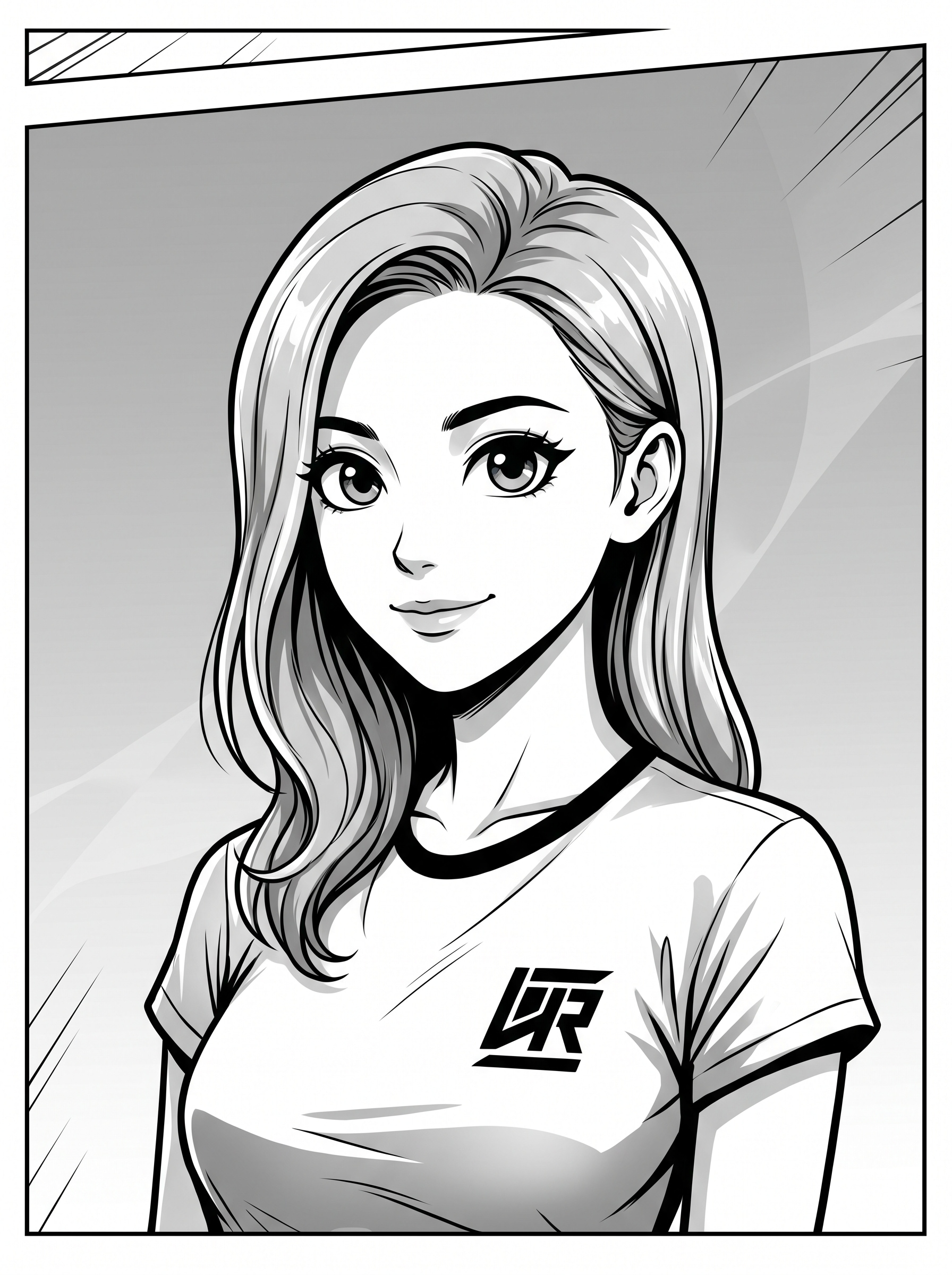
Ink Line Portrait
Use the uploaded image as the subject and transform it into a classic black-and-white manga portrait with clean inked contour lines, expressive eyes, detailed hair strands, high-contrast facial shading, subtle screentone texture, a minimal background, and a polished Japanese comic finish while preserving facial likeness.
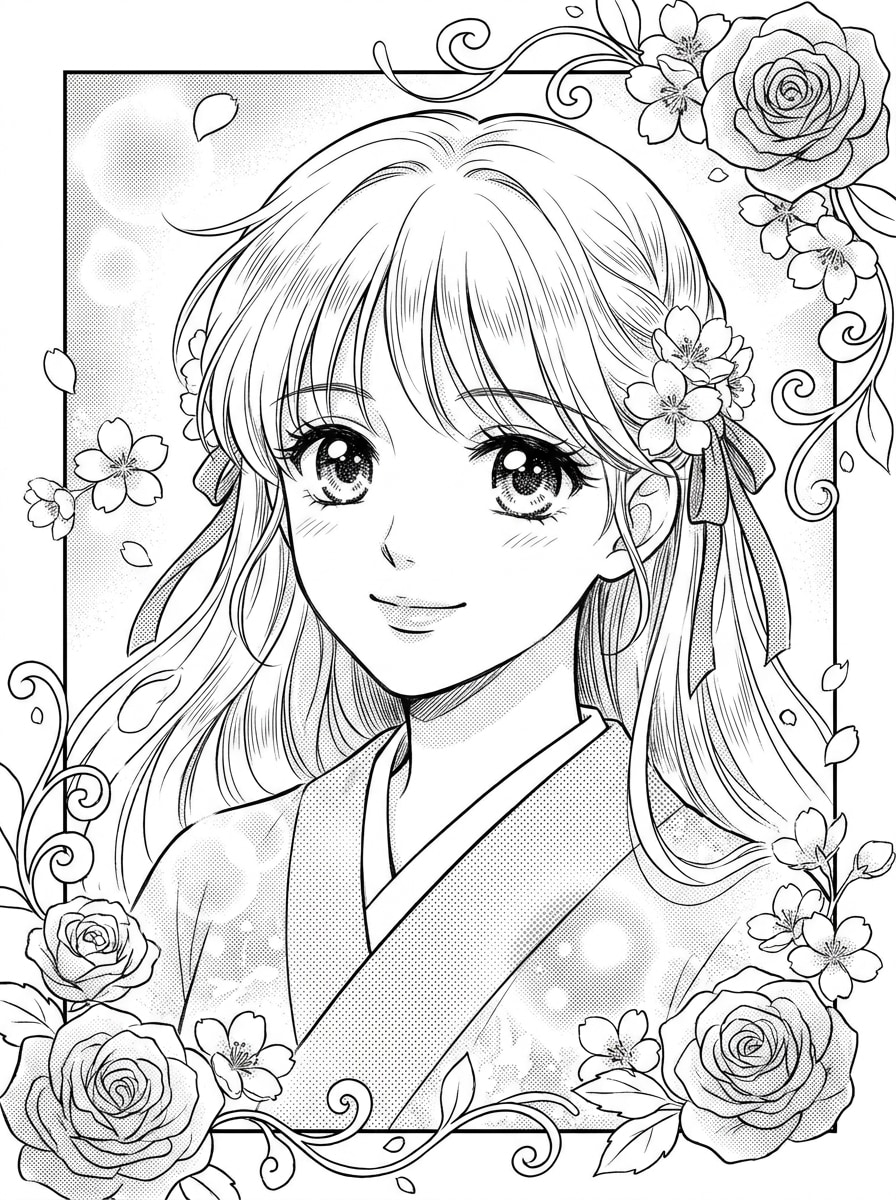
Shojo Romance Manga
Use the uploaded portrait as the subject and turn it into a romantic shojo manga panel with elegant linework, large sparkling eyes, soft facial expression, delicate flowing hair details, floral accents, dreamy highlights, black-and-white screentones, and a graceful monochrome composition that keeps the original likeness recognizable.
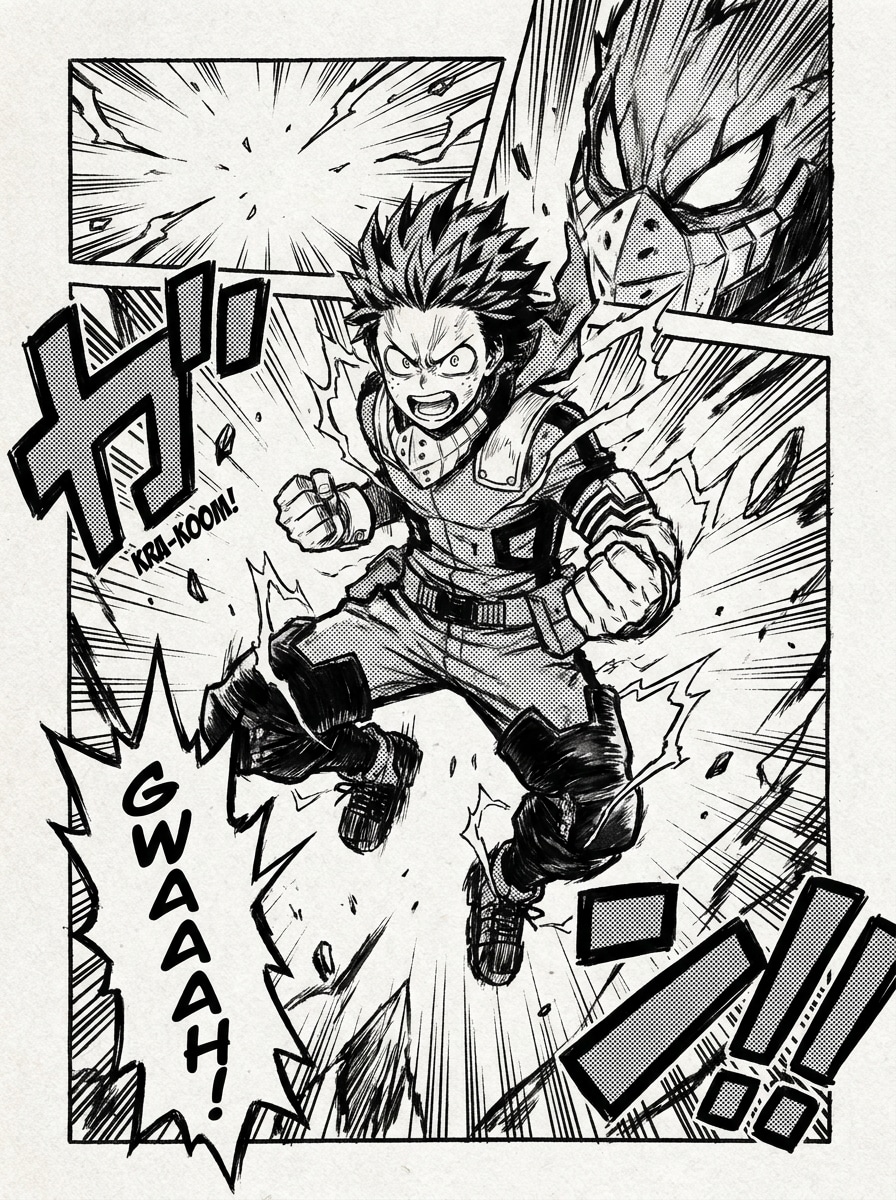
Shonen Action Panel
Use the uploaded image as the subject and transform it into a dynamic shonen action panel with bold ink lines, dramatic shadows, intense expression, speed lines, strong contrast, angular composition, black-and-white screentone shading, and explosive comic energy while keeping the face clearly recognizable.
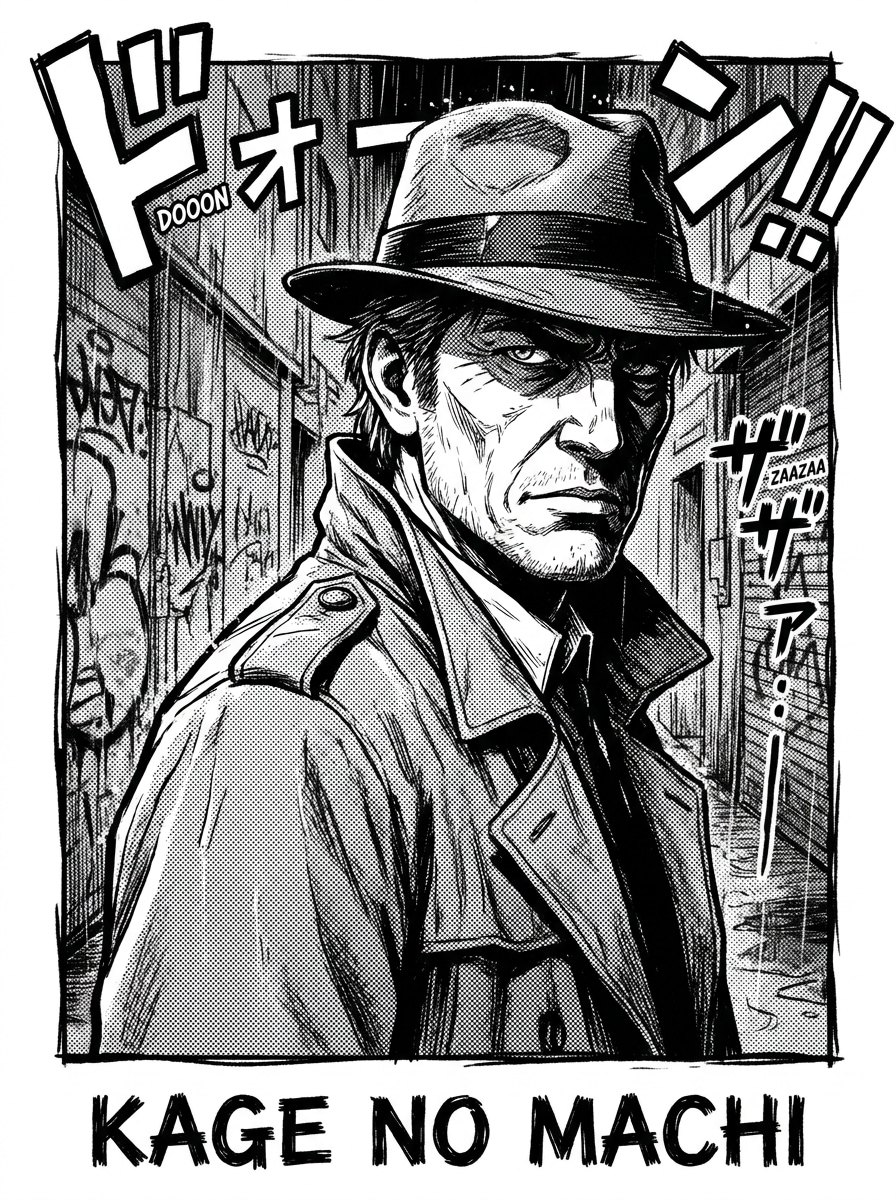
Dark Seinen Manga
Use the uploaded photo as the subject and convert it into a dark seinen manga illustration with realistic anatomy, deep shadows, textured ink rendering, moody monochrome tones, sharp facial detail, dramatic contrast, and a mature cinematic atmosphere that preserves the subject's identity.
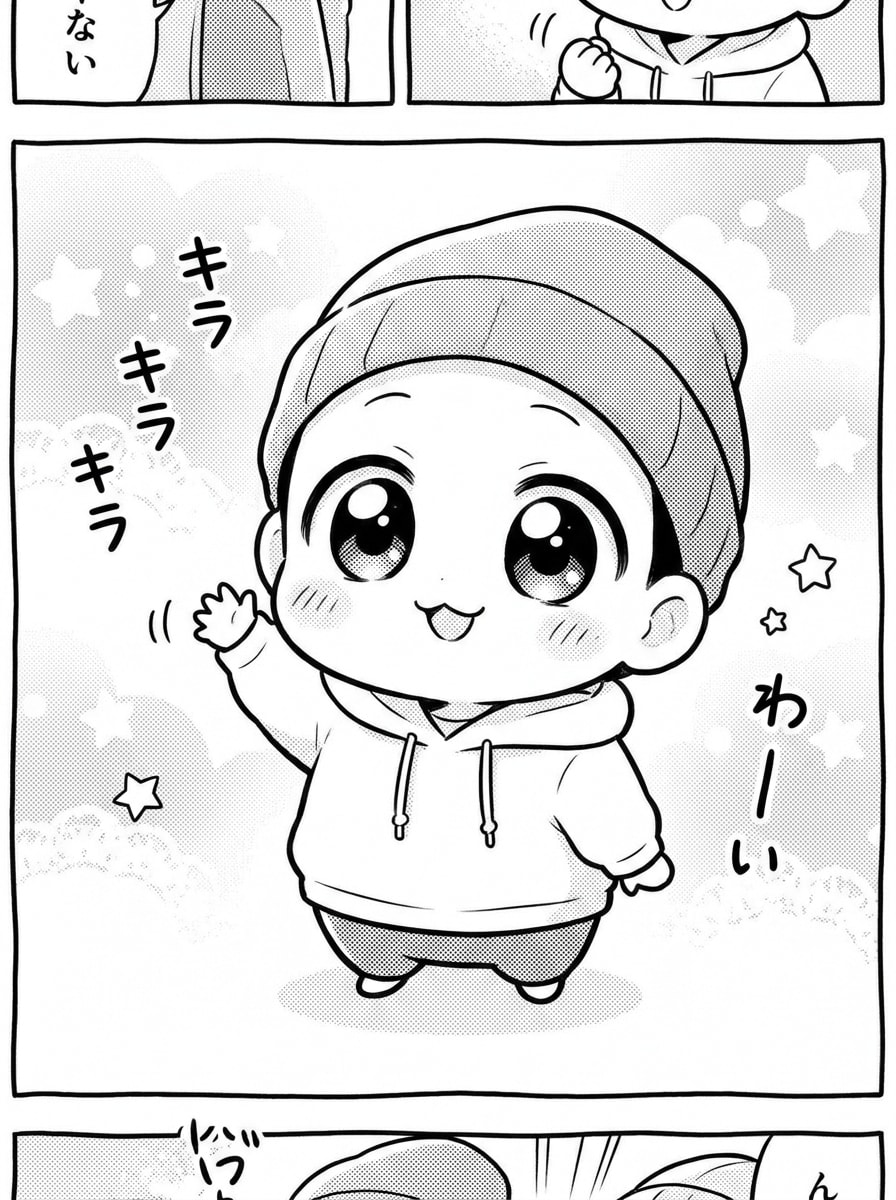
Chibi Manga
Use the uploaded image as the subject and reimagine it as a cute chibi manga character with an oversized head, tiny body proportions, playful expression, simplified clean line art, charming monochrome finish, light screentone shading, and a fun cartoon-like mood that still reflects the original person.
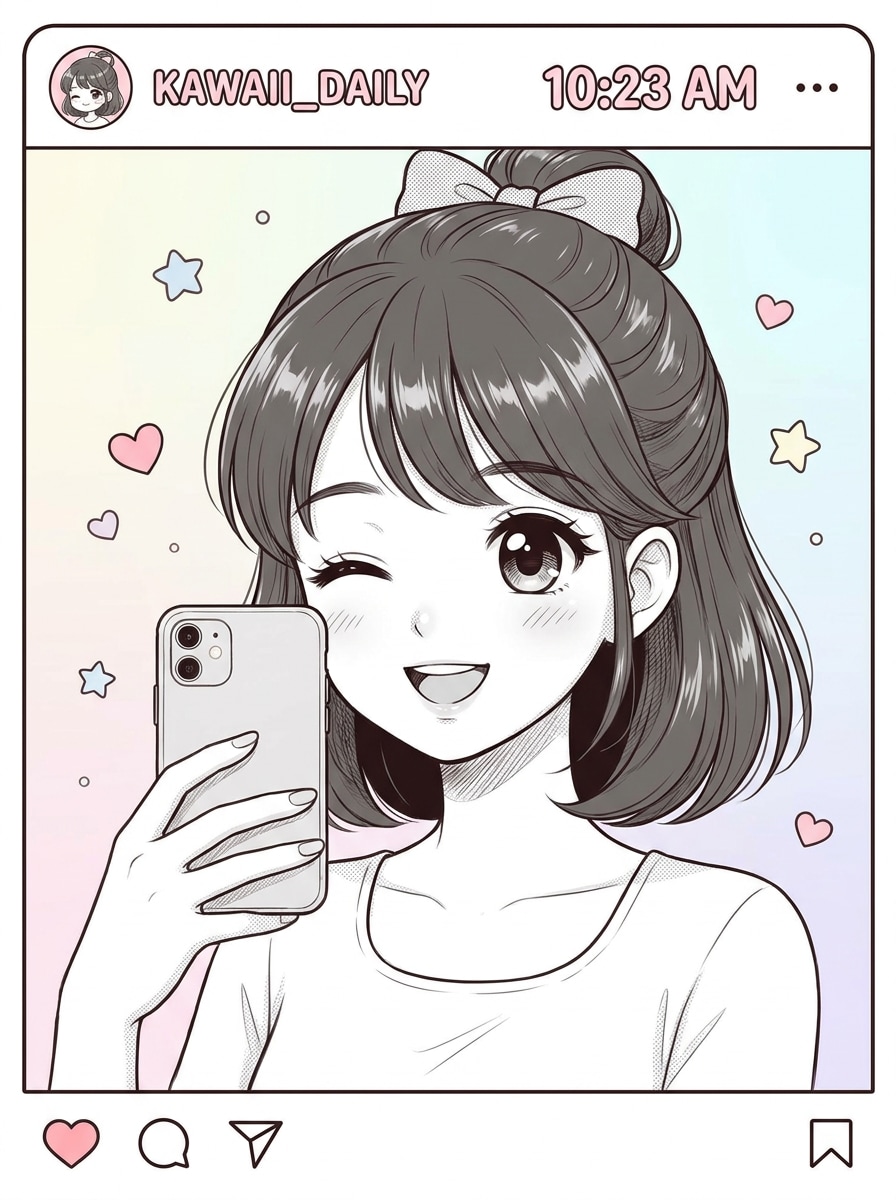
Kawaii Manga Selfie
Use the uploaded selfie as the subject and apply a kawaii manga treatment with soft linework, bright expression, rounded facial features, glossy manga eyes, neat hair detail, minimal monochrome shading, airy negative space, and a clean social-ready composition with a sweet playful mood.
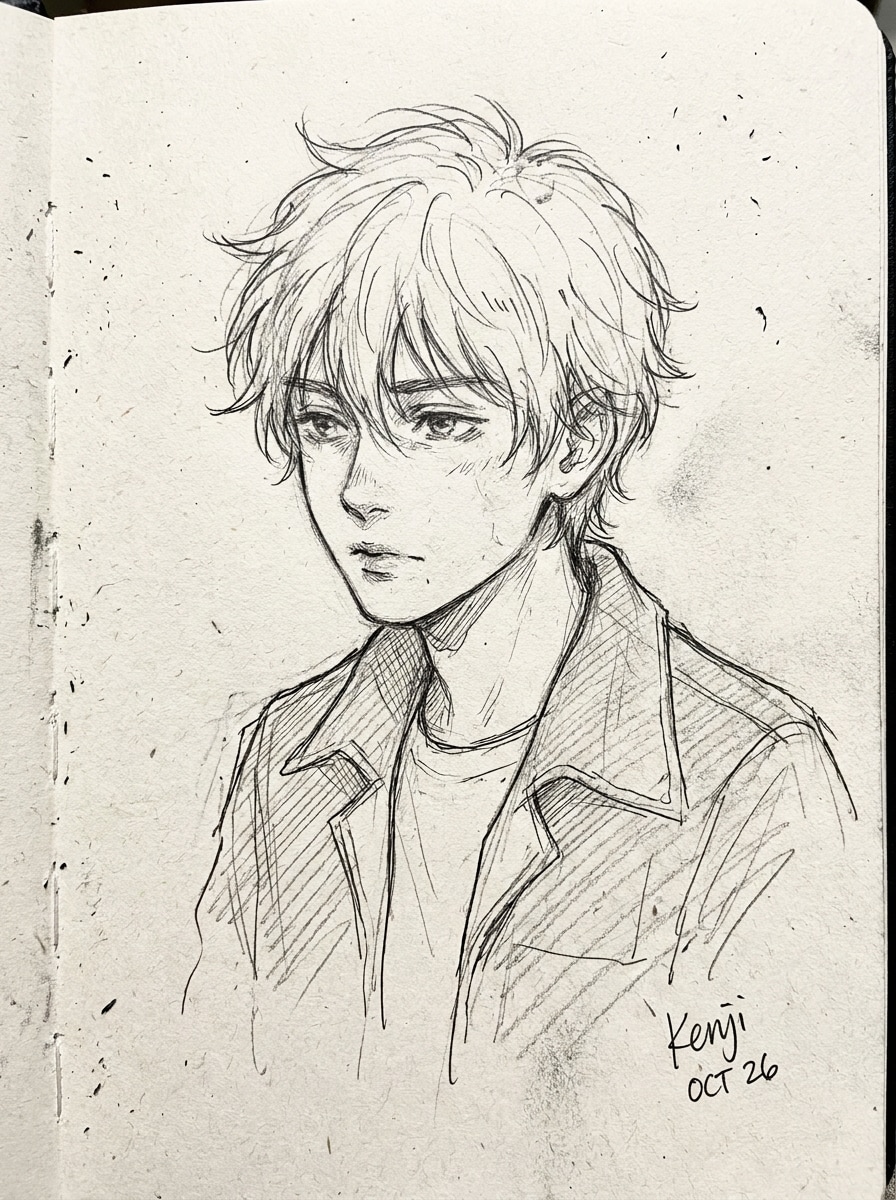
Pencil Manga Sketch
Use the uploaded portrait as the subject and transform it into a hand-drawn manga sketch with a pencil-and-ink look, light crosshatching, monochrome shading, expressive line quality, soft paper texture, and an artist sketchbook feel while keeping natural resemblance and balanced composition.
Webtoon-to-Manga Hybrid
Use the uploaded image as the subject and create a modern manga-webcomic hybrid portrait with crisp line art, expressive facial features, polished character styling, controlled monochrome tones, sleek digital texture, simple background, and a contemporary comic finish that keeps the subject recognizable.
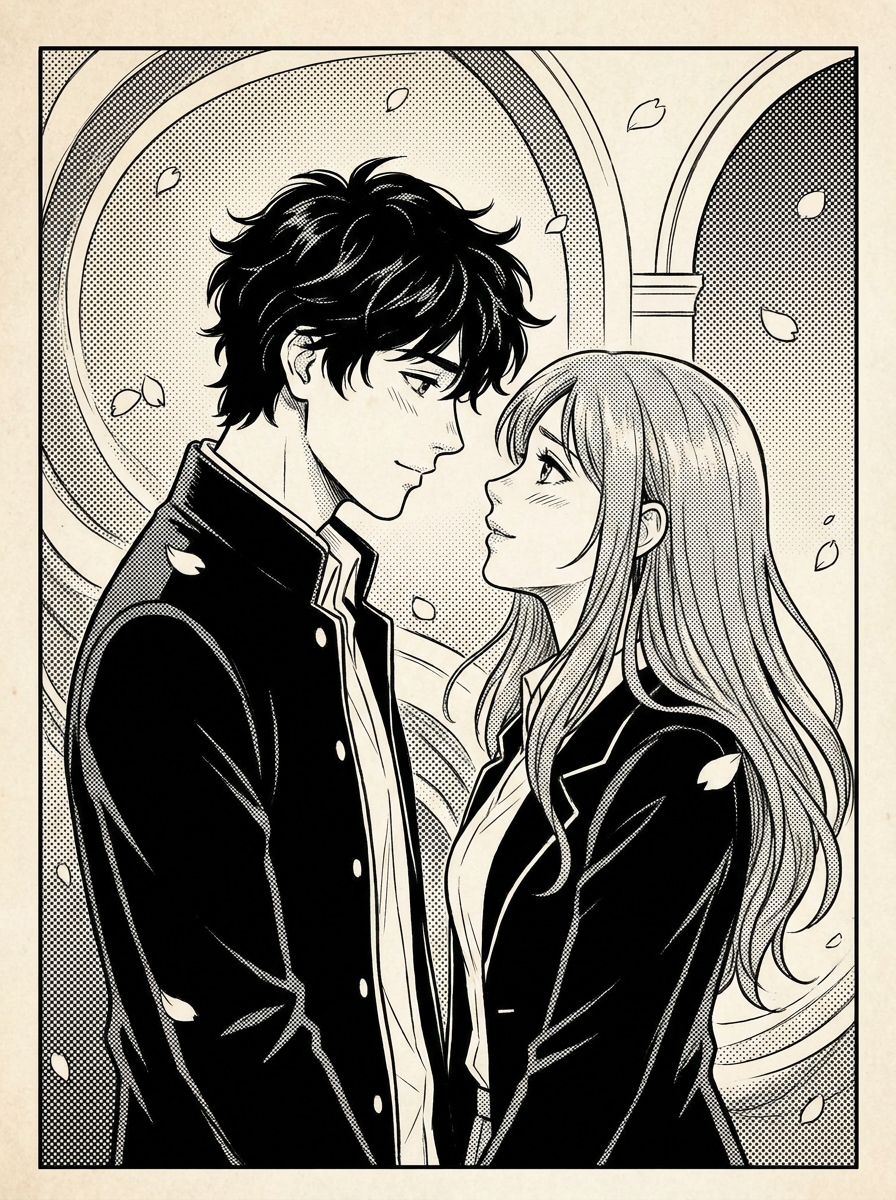
Manga Couple Portrait
Use the uploaded couple photo as the subject and convert it into romantic manga artwork with balanced composition, clean black-and-white line art, emotional expressions, detailed hair, soft screentone shading, subtle romantic background elements, and a polished comic illustration that preserves both faces clearly.
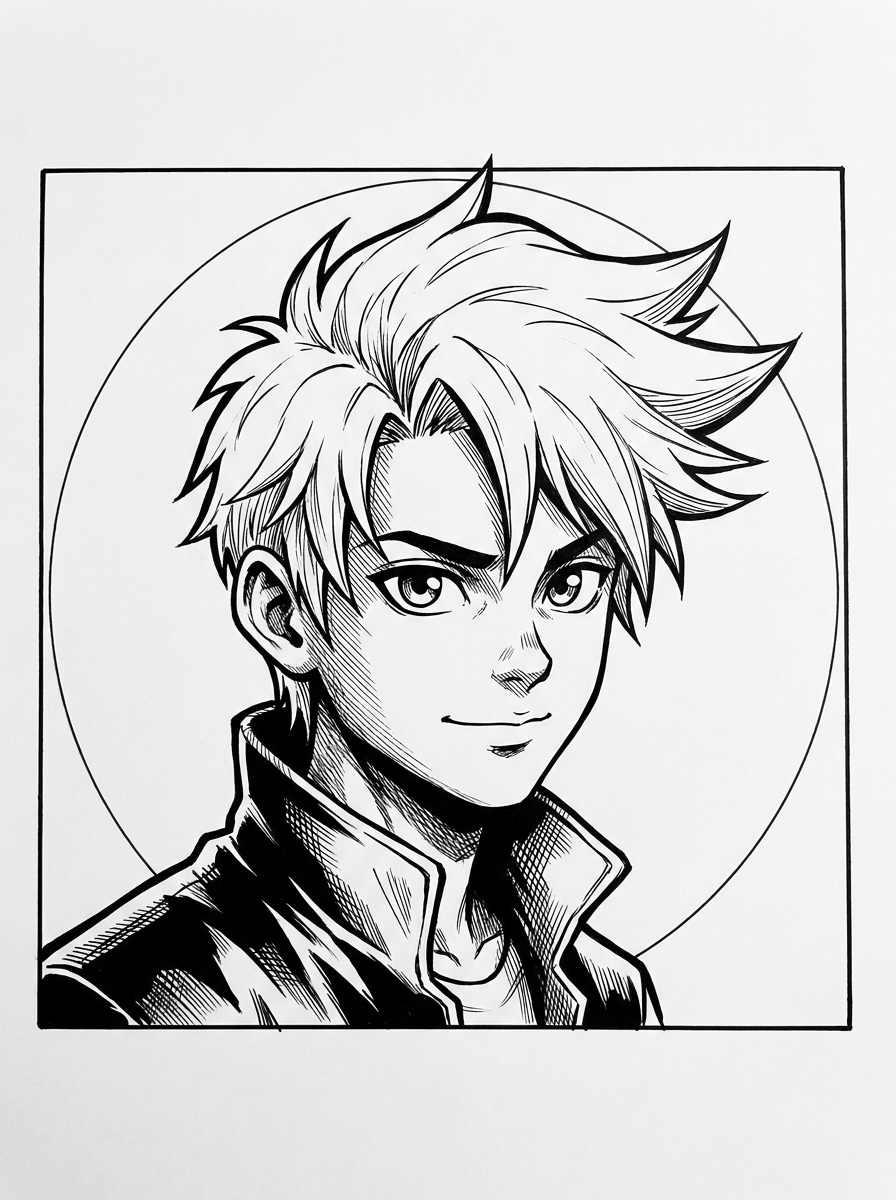
Manga Profile Avatar
Use the uploaded headshot as the subject and turn it into a manga profile avatar with strong facial clarity, crisp ink lines, monochrome comic shading, centered composition, bold silhouette, simplified background, and an iconic social-profile-ready finish that keeps the face easy to recognize.
Why Use Media.io for Manga-Style Photo Transformations
Keep Your Identity While Changing the Art Style
For selfies, couple shots, or a manga portrait filter result, Media.io uses your uploaded image as a visual reference so the finished artwork still looks like you. That makes character-style edits feel personal instead of generic. It
Create Manga Looks Easily on Any Device
When the art direction is still open, Media.io lets you test multiple looks around the same manga filter visual idea, making it easier to find the right style without rebuilding from zero. Creators often use it for manhwa filter.
Fine-Tune Resolution and Framing for Every Output
For projects that need more than draft quality, Media.io helps produce manga filter visuals with up to 4K output so details stay cleaner when you present, crop, or repurpose the final file.
Create in Browser Across Devices
When a manga filter visual idea starts away from your main setup, Media.io lets you create and refine it in the browser so moving between mobile and desktop feels seamless instead of disruptive.
How to Use the Manga Filter Online
Turn your words into stunning visuals in three simple steps, then continue refining the result if you want to take it further.
Step 1
Upload Your Reference Image
Start with a clear selfie, portrait, couple photo, or profile shot in JPG, PNG, or JPEG format. Photos with visible facial features, balanced lighting, and a simple background usually give the cleanest linework for a manga-style transformation.
Step 2
Describe the Change and Set Options
Tell the AI what look you want, such as a black and white manga filter, shojo romance panel, shonen action scene, or even a subtle manhwa filter feel. Then choose your model, aspect ratio, resolution, and number of image variations.
Step 3
Generate, Download, and Keep Improving
Generate your result, compare the variations, and download the version you like best. If needed, refine the prompt for stronger ink lines, softer screentones, or a cleaner background, then create another pass until the comic look feels right.
See how creators use this Manga Filter for content, marketing, and personal projects, then adapt each idea to fit the brief.
Upgrade Selfies into Scroll-Stopping Profile Art
Turn a casual headshot into a bold monochrome avatar with expressive eyes, crisp linework, and comic-panel contrast. This is ideal when you want a recognizable social image that feels more distinctive than a standard photo edit or basic manga face filter effect.
Create Romantic or Dramatic Portrait Gifts
Convert couple photos and personal portraits into stylish comic-inspired keepsakes for birthdays, anniversaries, or custom prints. A polished black-and-white transformation gives everyday images a more artistic finish while keeping the people in the frame easy to recognize.
Make Shareable Before-and-After Content Fast
Creators can use Media.io to produce eye-catching reveal content for Reels, TikTok, and Shorts, especially when testing an AI this workflows trend or comparing a soft shojo look with a bolder action-panel result. The fast workflow helps you post while the format is still timely.
What Users Say About This Manga Filter
Ava Martinez
Content Creator
"Great for social-ready manga selfies" I wanted a cleaner alternative to generic anime effects, and this delivered exactly that. The linework looked sharp, the face still looked like me, and the black-and-white finish worked perfectly for my profile picture.
Jordan Lee
Design Student
"Easy to test different comic moods" I used the tool to compare shojo, action, and sketch-inspired looks from the same portrait. It was surprisingly easy to guide the style, and the results felt much closer to manga art than a one-click filter.
Mina Patel
Lifestyle Blogger
"Fast couple-photo transformations" I uploaded a photo of me and my partner and got a romantic comic-style result in minutes. The expressions stayed recognizable, and the final image looked polished enough to share and print.
Chris Nguyen
Freelance Marketer
"Works smoothly across devices" I started editing on my phone and finished on my laptop without any issues. For anyone looking for an al manga filter or quick manga avatar maker online, this is a very convenient browser-based option.
A manga filter turns a regular photo into artwork inspired by Japanese comic styles, often using monochrome shading, ink-like contours, and stronger facial emphasis. With Media.io, you upload a reference image, enter the look you want, and the AI uses that photo to guide the transformation into a stylized comic result.
2. How can I turn a photo into manga style online?
Upload a JPG, PNG, or JPEG image to Media.io, then describe the style you want, such as a manga face filter, soft shojo portrait, or dramatic action panel. After that, choose options like aspect ratio and resolution, generate the image, and download the version that matches your preferred manga-style look.
3. Is this AI manga filter free to use?
Yes, Media.io offers free credits so you can try the tool before upgrading. If you need more generations or want watermark-free high-resolution downloads, you can check the pricing page for plan details. Free users can use free credits. For more usage, users can subscribe to a plan on the pricing page. Upgrade to a paid plan on the pricing page for more credits and watermark-free high-resolution downloads.
4. What kinds of photos work best for a manga photo filter?
Clear portraits, selfies, profile shots, and couple photos usually work best because the face, hair, and expression are easier for the AI to interpret. Images with balanced lighting, visible features, and a less distracting background tend to produce stronger results for an AI manga filter, manga portrait filter, or a stylized manhwa-inspired edit.
5. Can I create a high-resolution manga portrait from my image?
Media.io supports 1K, 2K, and 4K resolution options, so you can generate a sharper portrait for social sharing, wallpapers, or print-friendly personal art. That makes it useful when you want more than a casual filter and need a polished, high-quality final image. Free users may have watermarks.
6. Does the manga filter work on iPhone, Android, and desktop?
Media.io is web-based, so it works on iPhone, Android, Windows, and Mac through a browser. You can upload a photo, test different AI manga filters, and download the result without installing dedicated software. Media.io is a web-based tool that works on any device with a browser (Windows, Mac, iOS, Android).