Creations are stored for only 7 days. Assets created after upgrading to a Membership plan will be stored permanently.
Unlock your creative potential and experience the magic of Media AI right away!
Çevrimiçi Gerçekçi Siyah Saç Filtresini Saniyeler İçinde Deneyin
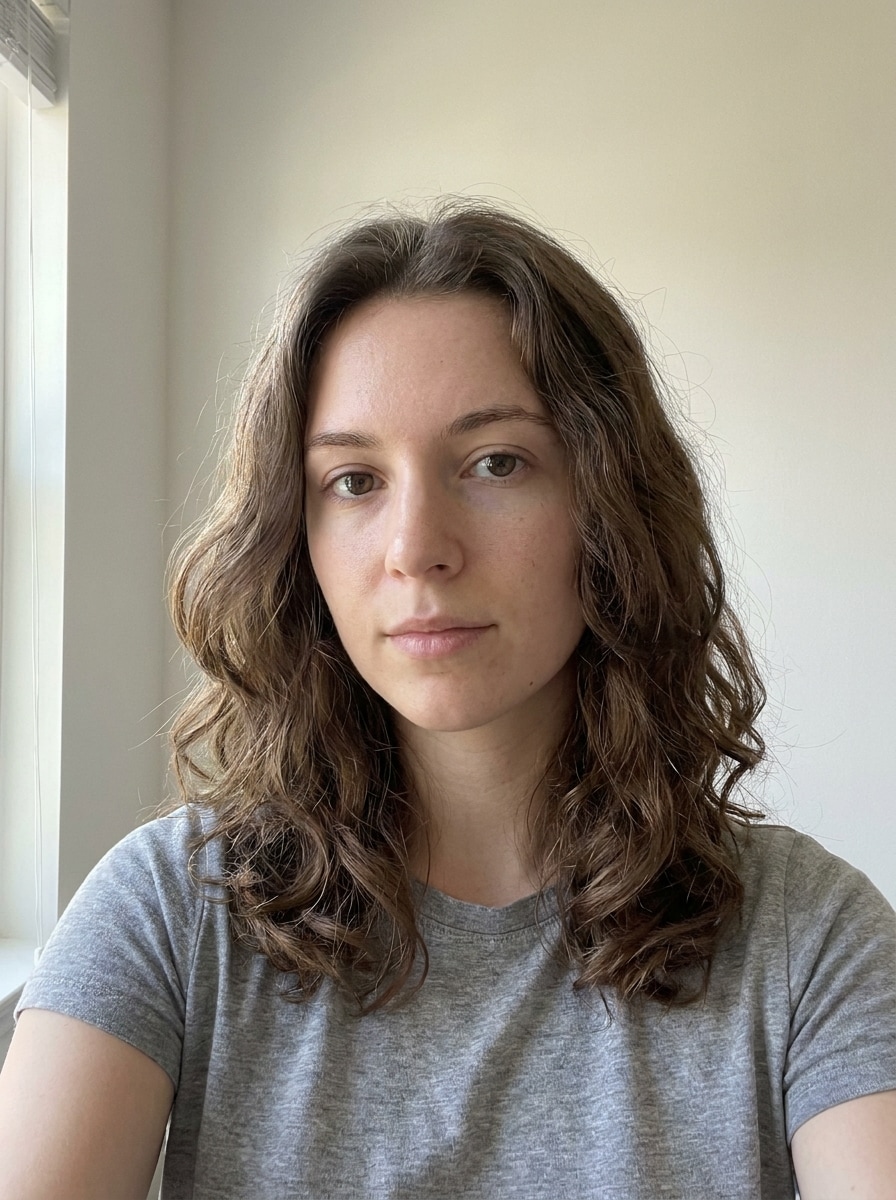
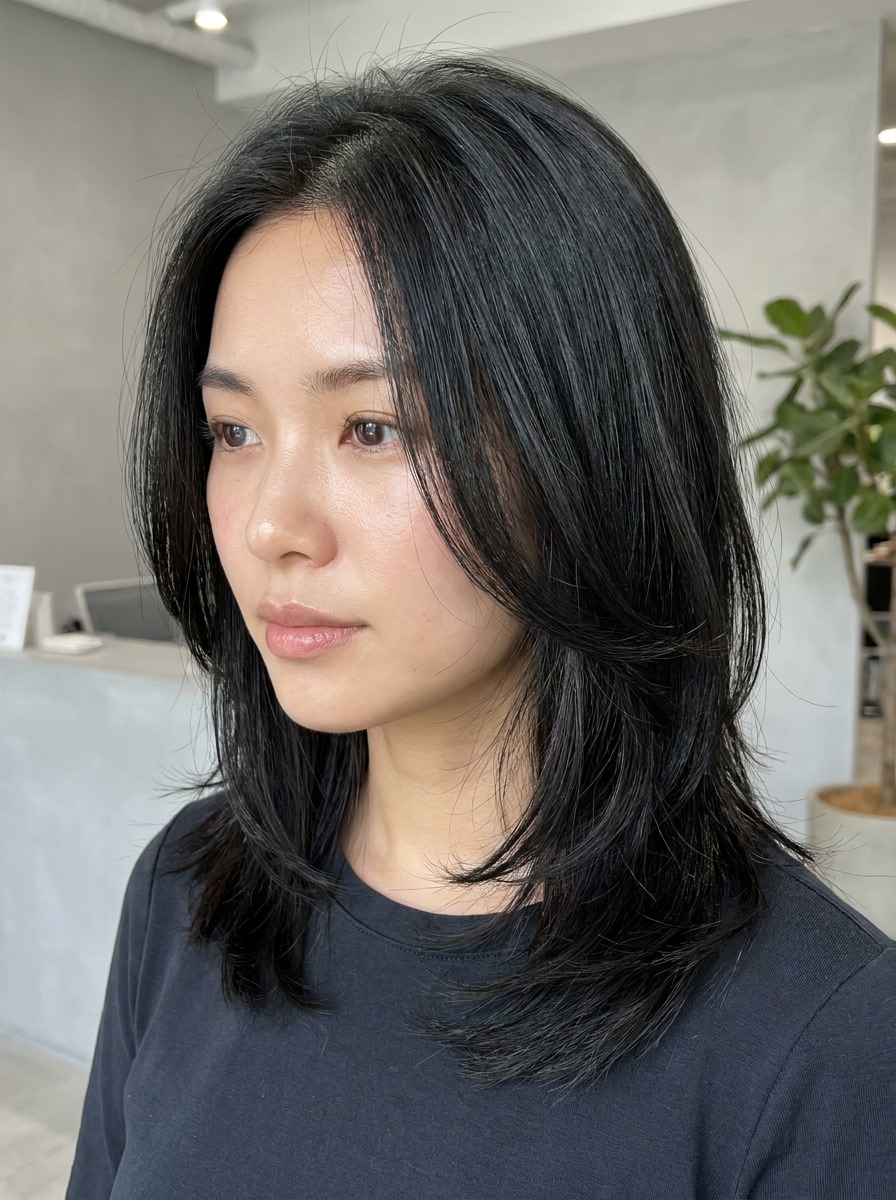
Boyamadan önce parlak, doğal görünümlü siyah saçı önizlemek için selfie'nizi yükleyin. Media.io, siyah saçı çevrimiçi denemenize gerçekçi doku, ton kontrolü ve hızlı düzenlemelerle yardımcı olur; herhangi bir cihazda yumuşak siyah, gece siyahı veya mavi-siyah görünümleri test etmeyi kolaylaştırır.
Fikrinizi yazın -> Yapay zeka tasarlar. Ücretsiz deneyin.
Bu örnek yönergeleri inceleyin, ardından bu Siyah Saç Filtresi.
ile daha güçlü sonuçlar elde etmek için istem ayrıntılarını özelleştirin
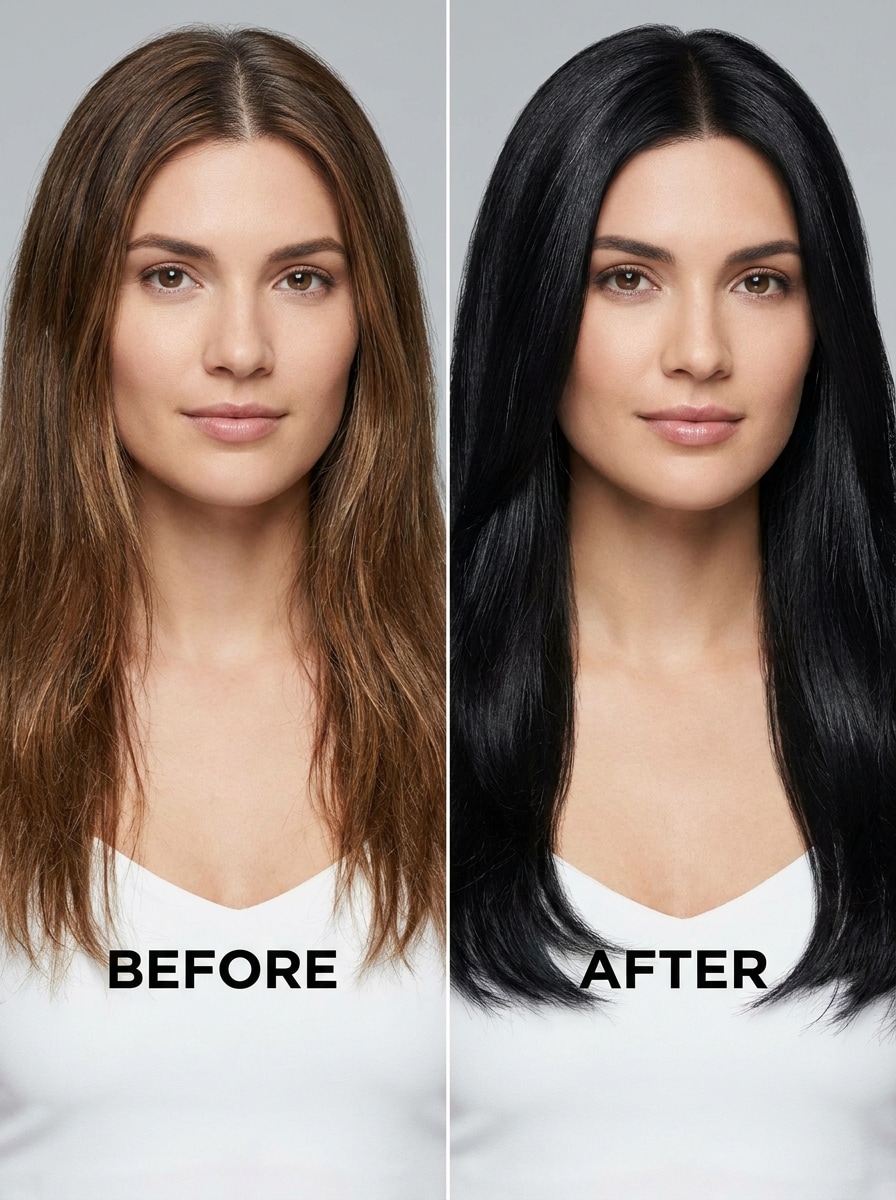
Yüklenen görseli özne olarak kullanın ve saçı yumuşak doğal siyah bir tona dönüştürün. Orijinal saç kesimini, kökleri, kaçak telleri, tel detaylarını ve yüz çerçevesini koruyun. Cilt tonu, aydınlatma ve arka planı değiştirmeden bırakın; ince bir parlaklık, pürüzsüz tonal derinlik ve gerçekçi salon bitişli bir portre oluşturun.
Klasik Gece Siyahı
Yüklenen fotoğrafı referans olarak kullanın ve saçı derin gece siyahı bir görünüme yeniden renklendirin. Tam saç stilini, saç çizgisini ve dokuyu koruyarak kontrastı ve parlaklığı artırın. Yüz detaylarını ve arka planı koruyarak zengin derinliğe sahip, keskin, cilalı ve gerçekçi bir saç rengi dönüşümü oluşturun.
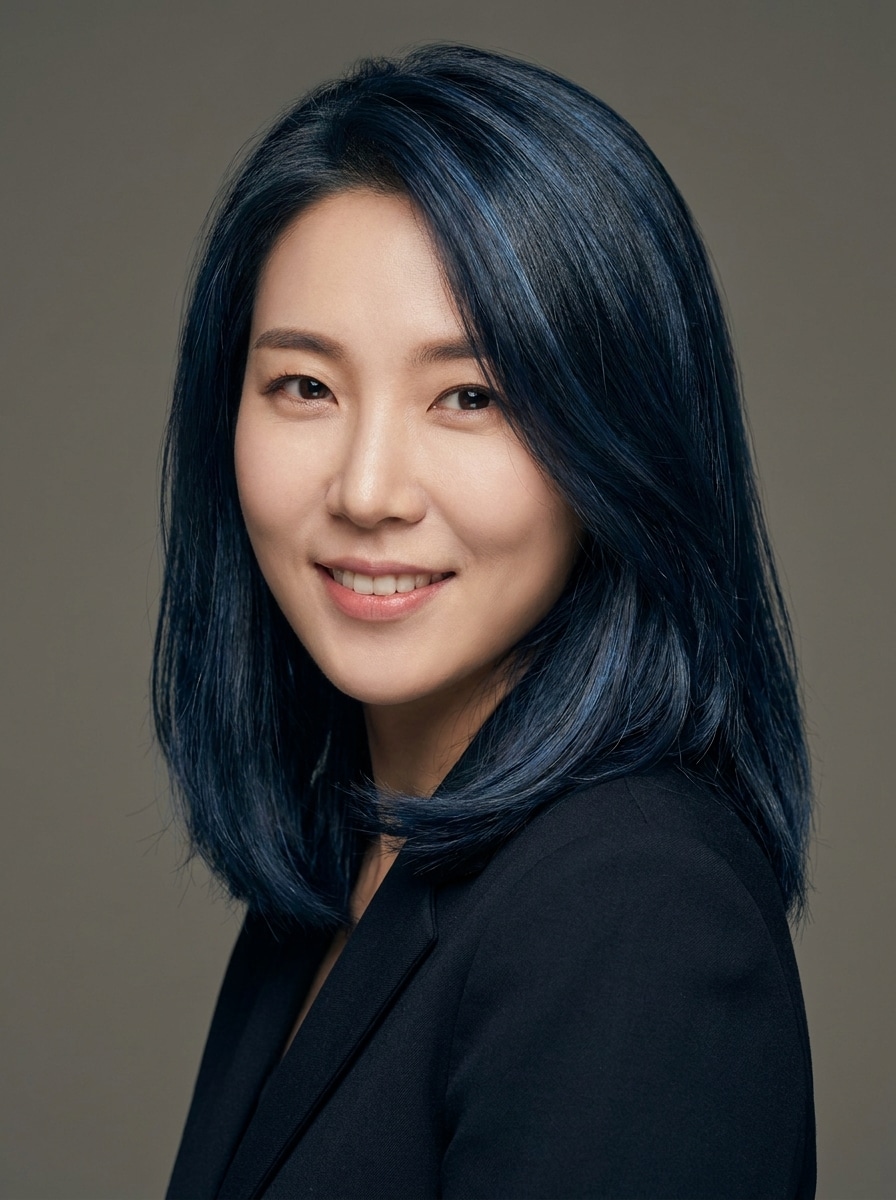
Mavi-Siyah Parlaklığı
Yüklenen görseli özne olarak kullanın ve zengin bir mavi-siyah saç dönüşümü uygulayın. Orijinal kesimi, dokuyu ve hacmi korurken ince serin alttonu ve yansıtıcı parlaklık ekleyin. Gerçekçi, boyutsal bir saç rengi önizlemesi için cilt, gözler ve arka planı değiştirmeyin.
Espresso'dan Siyaha Geçiş
Yüklenen görseli kullanın ve boyutsal bir espresso-siyah saç sonucu oluşturun. Orijinal saç stilini ve doğal hareketi korurken orta uzunluklar ve uçlarda koyu derinliği harmanlayın. İnce, salon ilhamlı koyu bir makyaj için gerçekçi vurgular, gölgeler ve saç çizgisi detaylarını koruyun.
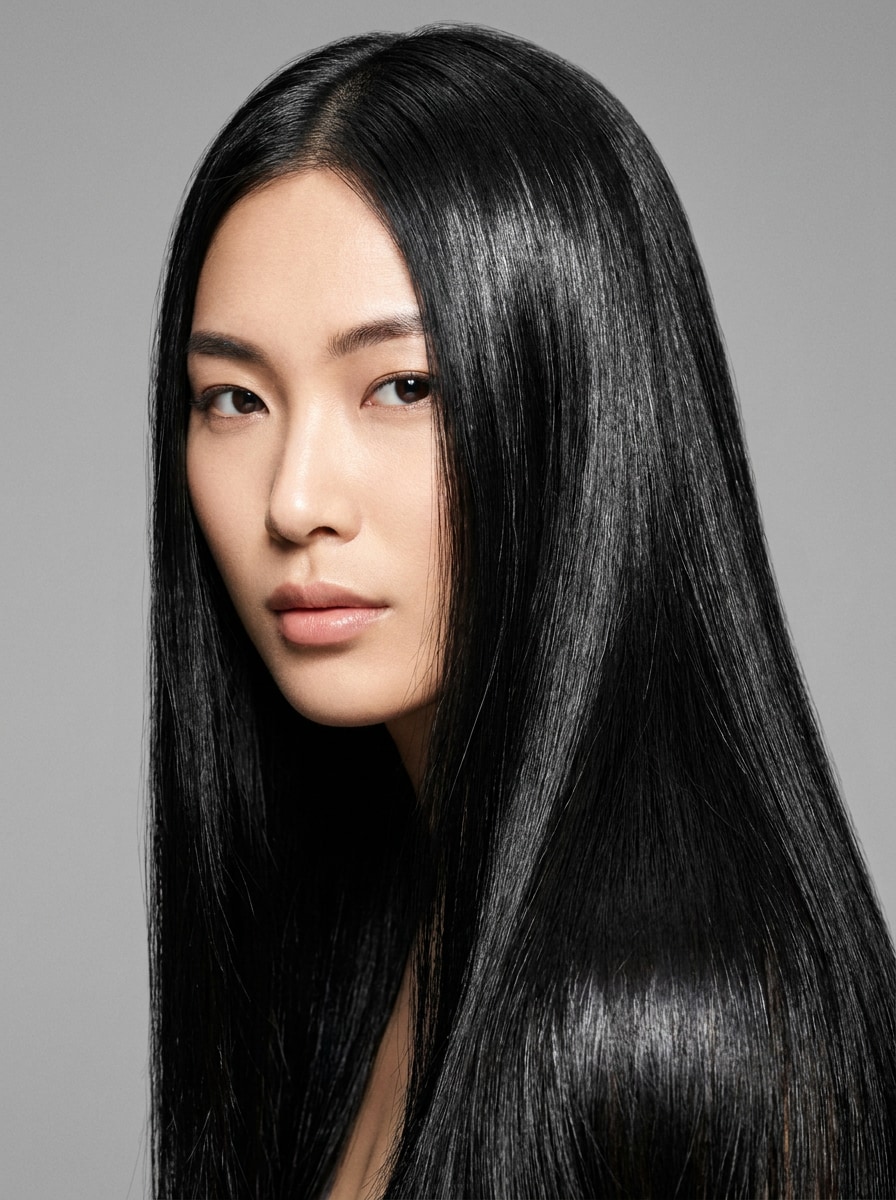
Düzgün Düz Siyah Saç
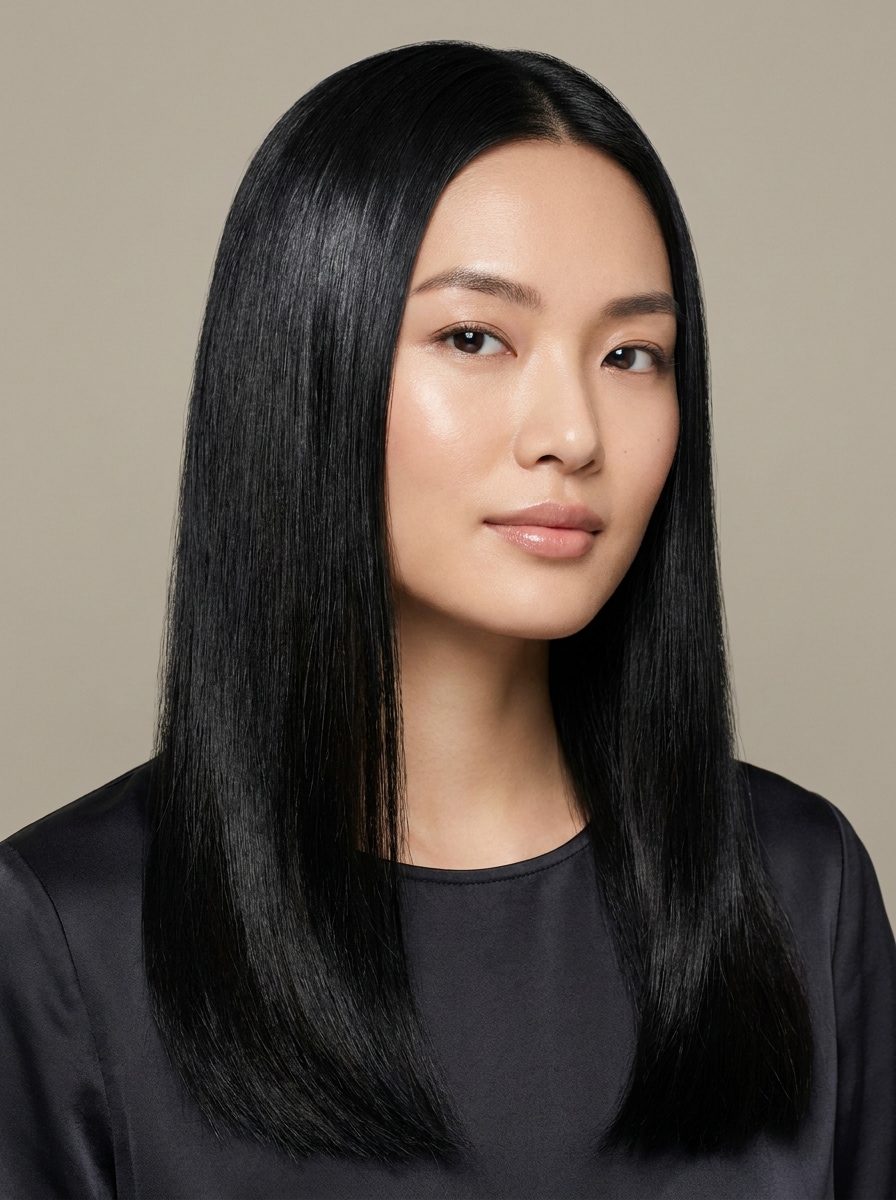
Yüklenen fotoğrafı özne olarak kullanın ve saç stilini düzgün düz siyah saça dönüştürün. Kişinin kimliğini korurken kaçak telleri hafifçe düzeltin, rengi derinleştirin ve parlak bir görünüm ekleyin. Yüzü veya arka planı değiştirmeden fotogerçekçi, keskin, temiz ve çekici bir sonuç elde edin.
Yumuşak Dalgalı Siyah Saç
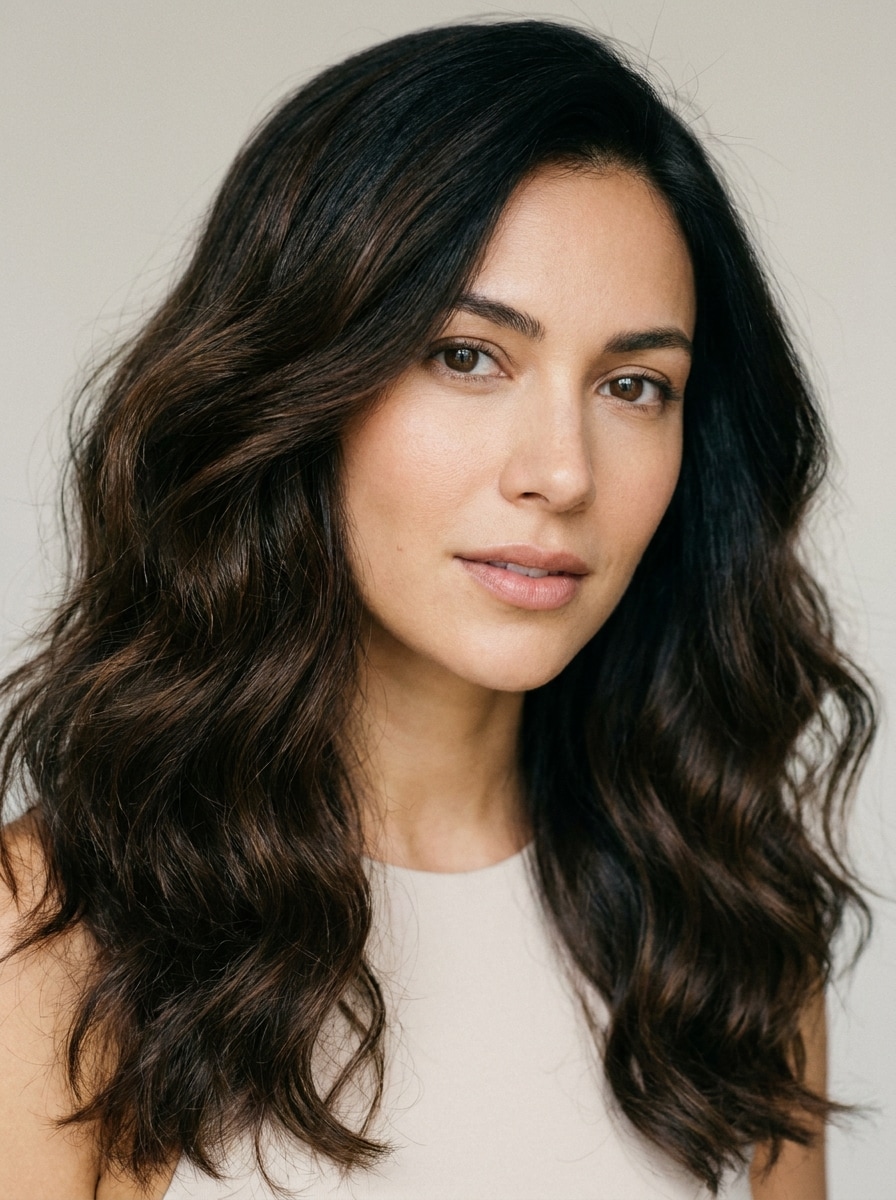
Yüklenen görseli kullanın ve saçı derin siyah bir tona yeniden renklendirirken yumuşak doğal dalgalarla zenginleştirin. Dengeli parlaklık ve pürüzsüz geçişlerle gerçekçi doku, kalınlık ve yüz çerçevesini koruyun. İnandırıcı bir dönüşüm önizlemesi için arka planı ve cilt tonunu değiştirmeden bırakın.
Bukle Doğal Siyah
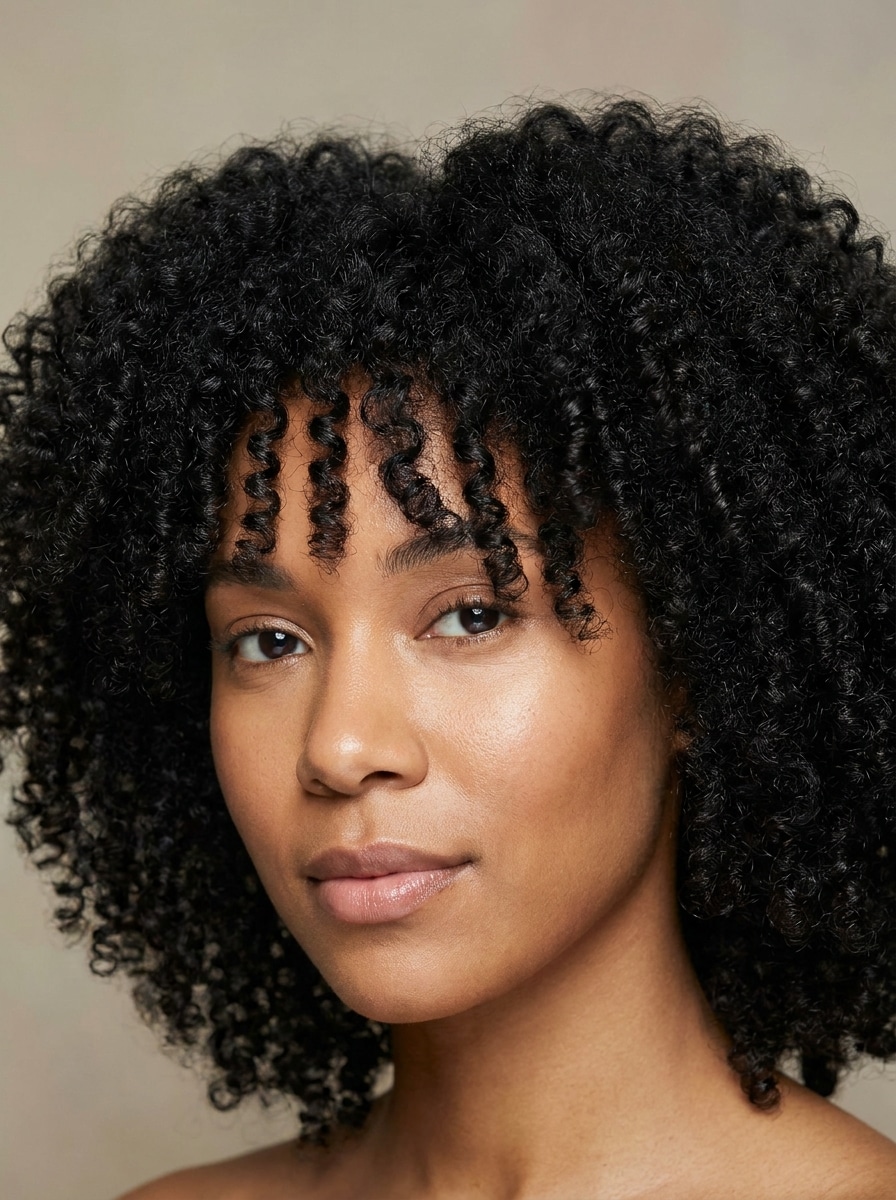
Yüklenen görseli referans olarak kullanın ve bukle saça gerçekçi doğal siyah saç rengi uygulayın. Bukle desenini, hacmi, kenarları ve doku tanımını düzleştirmeden veya aşırı yumuşatmadan koruyun. Gerçeğe yakın bir renk önizlemesi için aydınlatma, cilt tonu ve arka planı tutarlı tutun.
Kıvırcık Gece Siyahı
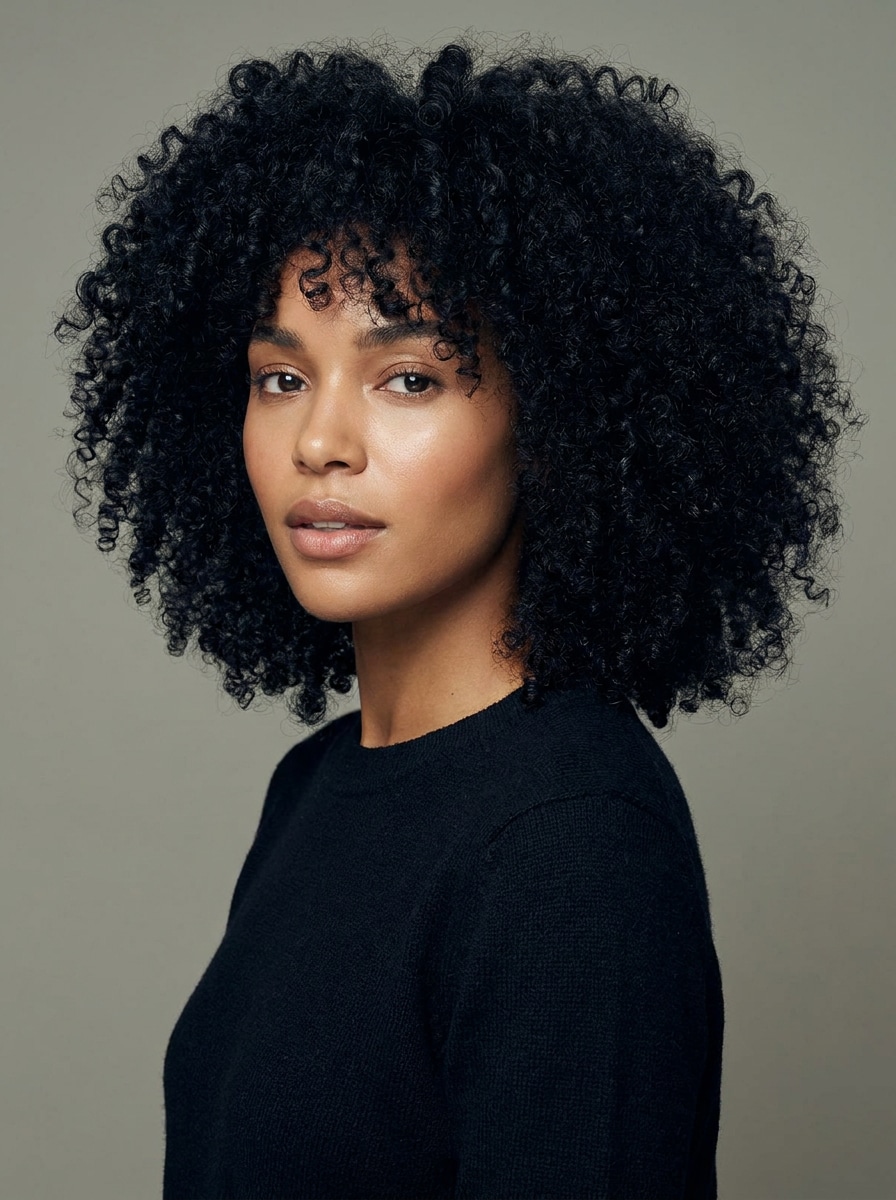
Yüklenen fotoğrafı kullanın ve kıvırcık saçı zengin gece siyahı bir tona dönüştürün. Kıvrım tanımını, yoğunluğu, kenarları ve doğal gölge derinliğini korurken sağlıklı bir parlaklık ekleyin. Sonucun gerçekçi, temiz ve kullanılabilir hissettirmesi için kişinin yüz özelliklerini ve arka planı değiştirmeyin.
Önce ve Sonra Portresi
Yüklenen selfie'yi kullanarak yan yana siyah saç önizlemesi oluşturun. Aynı çerçeveleme, ifade ve aydınlatmayı koruyun; bir panelde orijinal saç, diğerinde gerçekçi siyah saç dönüşümü gösterilsin. Güvenilir bir karşılaştırma için doku, kökler ve yüz detaylarını koruyun.
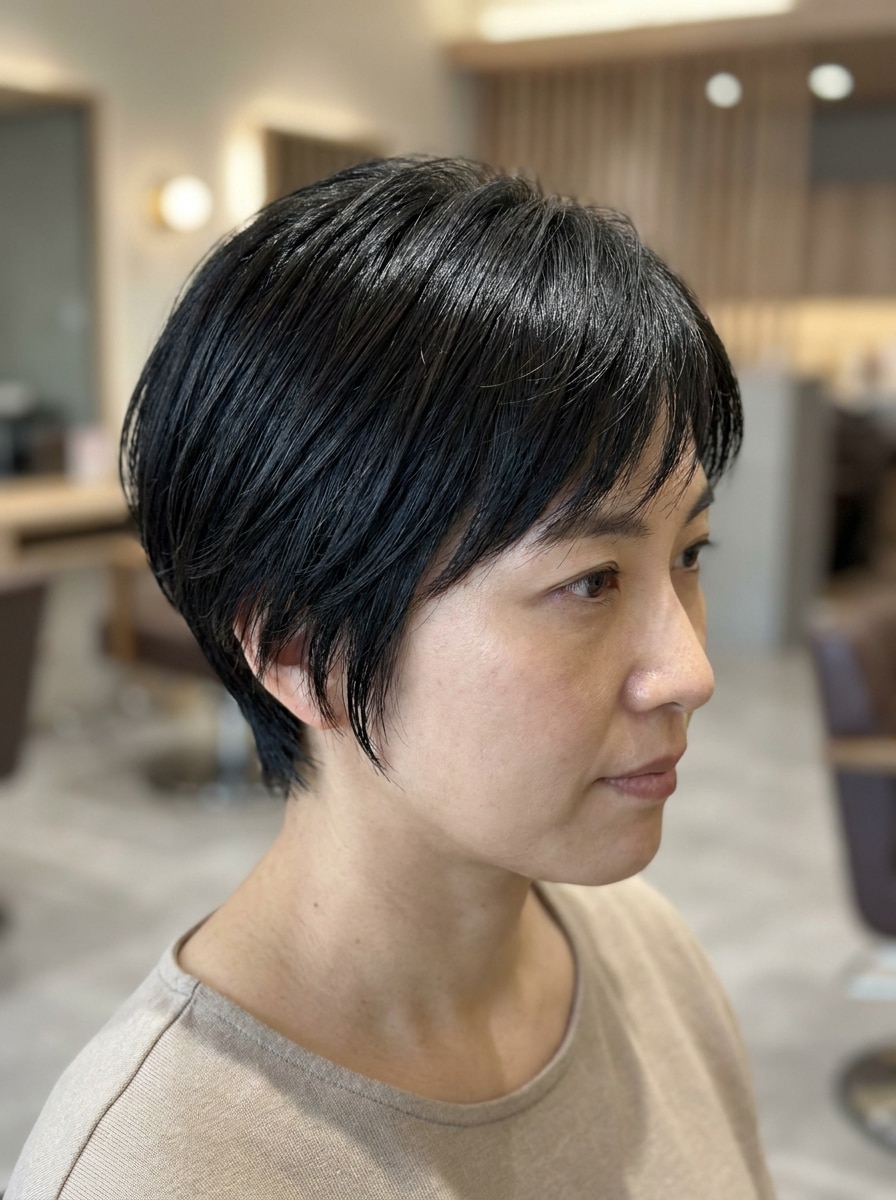
Kısa Saç Siyah Filtresi
Yüklenen görseli özne olarak kullanın ve kısa bir saç stiline gerçekçi siyah saç dönüşümü uygulayın. Kesim şeklini, katmanları, dokuyu ve doğal gölgeleri korurken pürüzsüz derinlik ve hafif parlaklık ekleyin. Genel görünümü temiz, modern ve son derece inandırıcı tutun.
Neden Media.io'yu Siyah Saç Filtresi
için Kullanmalısınız
Media.io, yapay zeka siyah saç rengi denemeyi kolaylaştırır: tek bir net portre yükleyin, istediğiniz tonu tanımlayın ve anlar içinde bir makyaj önizlemesi oluşturun.
Bir Özneyi Birden Fazla Stilde Yeniden Oluşturun
Bir sonucun orijinal özneye bağlı kalması gerektiğinde, Media.io tanınabilir özellikleri korurken sosyal medya, marka veya taslak kullanımı için genel siyah saç filtresi görsel stilini uyarlamanıza yardımcı olur.
Gerçek Kullanım İçin Yüksek Çözünürlüklü Görseller Oluşturun
Bir siyah saç filtresi görseli gerçek yayın kullanımına gidecekse, Media.io size 4K'ya kadar daha keskin çıktı sunar; bu da görüntünün sunumlar, arka planlar ve yeniden kullanılan içerikler arasında net kalmasını sağlar.
Tüm Cihazlarda Tarayıcıda Oluşturun
Bazı siyah saç filtresi görsel fikirleri hareket halinde taslak haline getirilir ve daha sonra masaüstünde tamamlanır. Media.io bu süreci çevrimiçi tutar, böylece ekstra kurulum veya yükleme olmadan aynı iş akışına dönebilirsiniz.
Nasıl Kullanılır: Siyah Saç Deneme Yapay Zekası
Kelimelerinizi üç basit adımda çarpıcı görsellere dönüştürün, ardından daha da ileri taşımak istiyorsanız sonucu geliştirmeye devam edin.
Adım 1
Referans Görselinizi Yükleyin
JPG, PNG veya JPEG formatında net bir selfie veya portreyle başlayın. Görünür saça, dengeli aydınlatmaya ve sade bir arka plana sahip fotoğraflar, yapay zekanın saç stilinizi algılamasına ve daha doğru bir koyu saç önizlemesi oluşturmasına yardımcı olur.
Adım 2
Değişikliği Tanımlayın ve Seçenekleri Ayarlayın
Yumuşak siyah, gece siyahı veya mavi-siyah gibi istediğiniz görünümü girin ve parlaklık, doku veya bukle tanımından bahsedin. Ardından modelinizi seçin ve tercih ettiğiniz sonuca göre en boy oranı, çözünürlük veya görüntü sayısını ayarlayın.
Adım 3
Oluşturun, İndirin ve Geliştirmeye Devam Edin
Birkaç varyasyon oluşturun, sonuçları karşılaştırın ve en çok beğendiğiniz sürümü indirin. Gerekirse daha koyu bir ton, daha parlak bir görünüm veya daha doğal kökler için istemi güncelleyin ve daha yakın bir eşleşme için tekrar oluşturun.
Çevrimiçi Siyah Saç Filtresinin Potansiyelini Ortaya Çıkarın
İçerik oluşturucuların bu Siyah Saç Filtresini içerik, pazarlama ve kişisel projeler için nasıl kullandığını görün, ardından her fikri duruma göre uyarlayın.
Randevu Almadan Önce Salon Değişikliğini Önizleyin
Randevu almadan önce kendi portrenizde daha koyu tonları test edin. Media.io, cilt tonunuzu, saç kesimini ve genel stilinizi en iyi tamamlayan tona karar vermeniz için yumuşak siyah, doğal siyah veya parlak gece tonlarını karşılaştırmanıza yardımcı olur.
Önce ve Sonra Güzellik İçeriği Oluşturun
TikTok, Instagram veya portföy paylaşımları için göz alıcı dönüşüm görselleri yapın. Hızlı bir Siyah Saç Deneme Yapay Zekası iş akışı, içerik oluşturucuların cilalı, güvenilir ve paylaşmaya hazır gerçekçi karşılaştırma görselleri oluşturmasına yardımcı olur.
Herhangi Bir Cihazda Farklı Görünümleri Deneyin
Stil danışması sırasında veya ilham ararken telefonunuzdan siyah saçı çevrimiçi denemek istiyorsanız, Media.io size hızlı önizlemeler ve kolay indirmeler için esnek bir tarayıcı tabanlı düzenleyici sunar.
Kullanıcılar Ne Diyor
Maya L.
Güzellik İçerik Üreticisi
"Gerçekçi parlaklık ve doku" Boyalı görünmeyen bir siyah saç önizlemesi istedim. Media.io dalgalarımı ve saç çizgimi şaşırtıcı derecede doğal tuttu ve koyu ton hâlâ boyutluydu.
Jasmine R.
Salon Müşterisi
"Renk randevusundan önce çok yardımcı oldu" Kuaförüme gitmeden önce yumuşak siyah ve gece siyahını karşılaştırmak için kullandım. Sonuçlar hızlıydı ve aslında ne istediğim konusunda çok daha net bir fikir edindim.
Erin K.
Sosyal Medya Yöneticisi
"Mobilde kullanımı kolay" Bir uygulama indirmeden telefonumdan hızlı bir saç makyajı denedim. Tarayıcı iş akışı basitti ve son görüntü bir kampanya taslağı için yeterince cilalı görünüyordu.
Nia T.
Yaşam Tarzı Blogcusu
"Kıvırcık saçta iyi çalıştı" Birçok filtre kıvırcık saçı düzleştirir, ancak bu dokuyu çok daha iyi korudu. Ağır düz bir dolgu yerine gerçekçi doğal siyah bir görünüm elde ettim.
1. Fotoğrafıma çevrimiçi siyah saç filtresini nasıl uygulayabilirim?
Media.io'ya net bir portre yükleyin, ardından yumuşak siyah, gece siyahı veya mavi-siyah saç gibi istediğiniz görünümü tanımlayan bir istem girin. Bir model seçebilir, en boy oranını veya kalite ayarlarını düzenleyebilir ve hızlı bir çevrimiçi siyah saç filtresi iş akışı için tarayıcınızdan gerçekçi bir önizleme oluşturabilirsiniz.
2. Bu siyah saç filtresi ücretsiz mi?
Evet, ücretsiz kullanıcılar ücretsiz kredilerle aracı deneyebilir. Daha fazla oluşturma ihtiyacınız varsa veya filigransız yüksek çözünürlüklü indirmeler istiyorsanız, plan seçenekleri için Media.io'nun fiyatlandırma sayfasını inceleyebilirsiniz. Ücretsiz kullanıcılar ücretsiz kredileri kullanabilir. Daha fazla kullanım için kullanıcılar fiyatlandırma sayfasında bir plana abone olabilir. Daha fazla kredi ve filigransız yüksek çözünürlüklü indirmeler için fiyatlandırma sayfasından ücretli bir plana geçin.
Media.io referans tabanlı düzenleme için tasarlanmıştır; bu nedenle basit bir renk kaplamasından daha doğal bir şekilde görünür doku, tel detayları, bukleler, kıvrımlar, kökler ve genel saç stilini koruyabilir. En iyi sonuçlar genellikle iyi aydınlatmaya ve kolayca görülebilen saçlara sahip net bir fotoğraftan gelir.
4. Yumuşak siyah veya gece siyahı gibi farklı siyah tonları seçebilir miyim?
İsteminizde yumuşak siyah, doğal siyah, gece siyahı veya mavi-siyah dahil tam istediğiniz tonu tanımlayabilirsiniz. Bu, Media.io'yu herkese uyan tek tonlu bir filtre yerine yapay zeka siyah saç rengi denemek isteyen kişiler için kullanışlı kılar.
5. Siyah saç filtresi iPhone ve Android'de çalışır mı?
Media.io web tabanlı bir düzenleyicidir, bu nedenle tarayıcı bağlantınız olduğu sürece iPhone, Android, tabletler, Mac veya Windows cihazlarda kullanabilirsiniz. Bu, ayrı bir uygulama yüklemeden mobil cihazdan düzenlemeyi kolaylaştırır. Media.io, tarayıcısı olan herhangi bir cihazda çalışan web tabanlı bir araçtır (Windows, Mac, iOS, Android).
6. Fotoğrafta saç rengini değiştirmek ne kadar sürer?
Çoğu durumda, görselinizi yüklemek, isteminizi girmek ve sonuçları oluşturmak yalnızca kısa bir süre alır. Toplam süre ayarlarınıza ve oluşturduğunuz varyasyon sayısına bağlıdır; ancak iş akışı hızlı önizleme ve hızlı karşılaştırmalar için tasarlanmıştır.
Yapay Zeka Destekli Çevrimiçi Siyah Saç Filtresinin Ötesinde