Creations are stored for only 7 days. Assets created after upgrading to a Membership plan will be stored permanently.
Unlock your creative potential and experience the magic of Media AI right away!
Fotoğrafa Çevrimiçi Maske Ekle: Hızlı ve Yaratıcı Yapay Zeka Düzenlemeleri
Dakikalar içinde şık yüz maskesi kaplamaları, şekil kırpmaları, metin görünümleri ve kolaj efektleri oluşturun. Media.io, herhangi bir tarayıcıdan fotoğrafa maske ekleme sonuçları elde etmenize yardımcı olur; ister çevrimiçi ücretsiz fotoğrafa yüz maskesi ekleyin, yapay zeka maske filtresi deneyin veya cilalı, sosyal medyaya hazır düzenlemeler yapın.
Fikrinizi yazın -> Yapay zeka tasarlasın. Ücretsiz deneyin.
Bu örnek yönergeleri inceleyin, ardından Media.io'nun Fotoğrafa Maske Ekle aracıyla daha iyi sonuçlar elde etmek için istem ayrıntılarını özelleştirin.
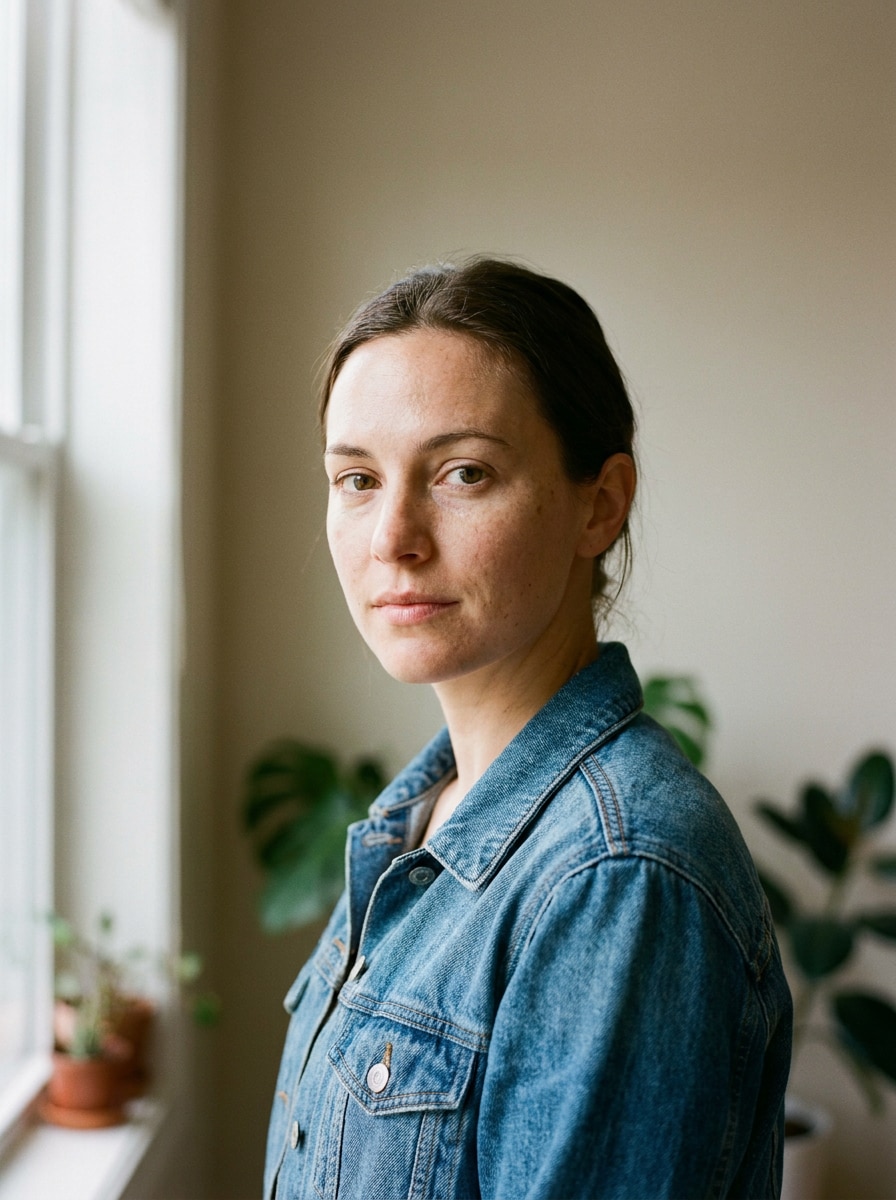
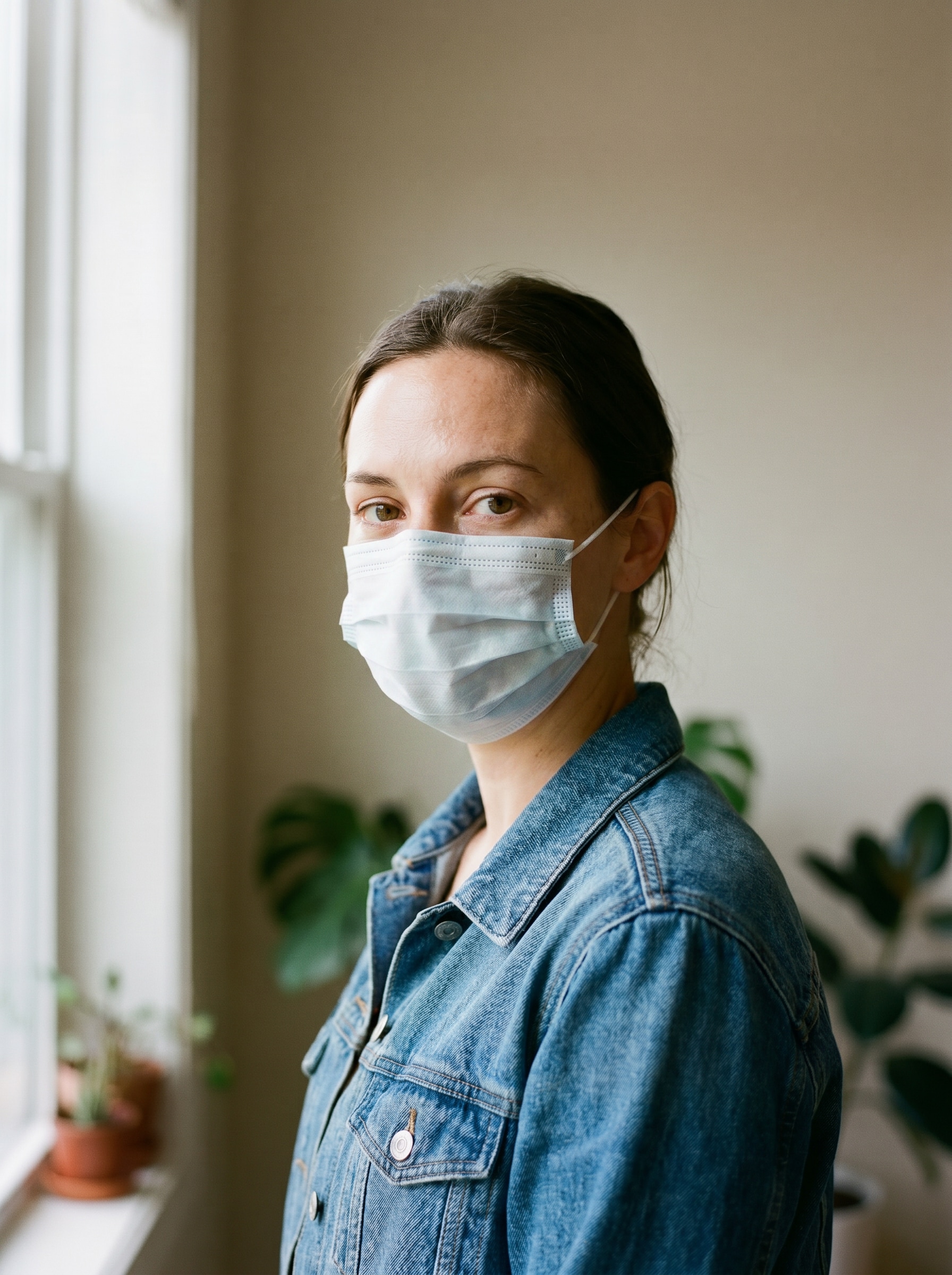
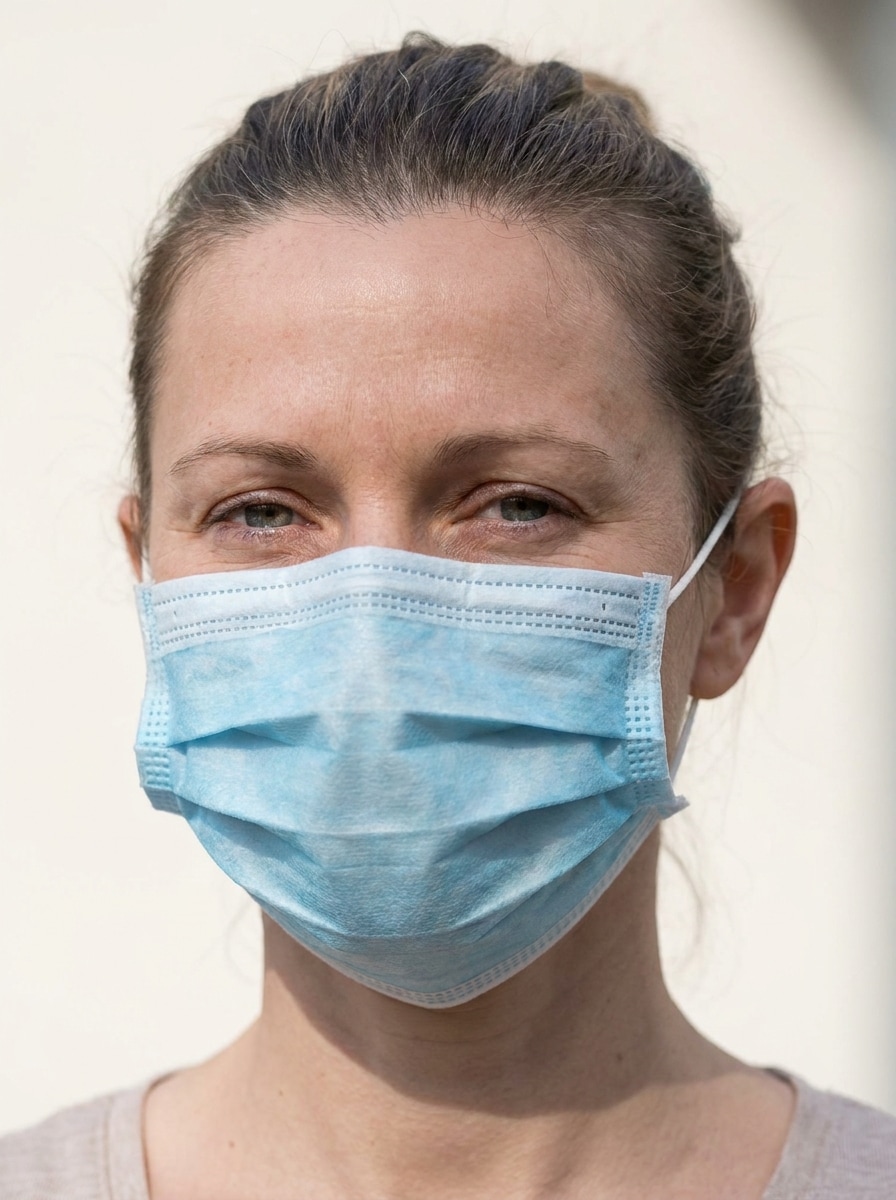
Tıbbi Yüz Maskesi Çıkartması
Yüklenen görüntüyü özne olarak kullanın ve burun ile ağzın üzerine, yüz açısına doğal biçimde hizalanmış, kulak askıları görünür, yumuşak gölgeli, temiz mavi-beyaz kumaş dokusunda, dengeli gün ışığında, net portre detayıyla ve inandırıcı bir mobil fotoğraf düzenleme görünümüyle gerçekçi bir tek kullanımlık tıbbi yüz maskesi ekleyin.
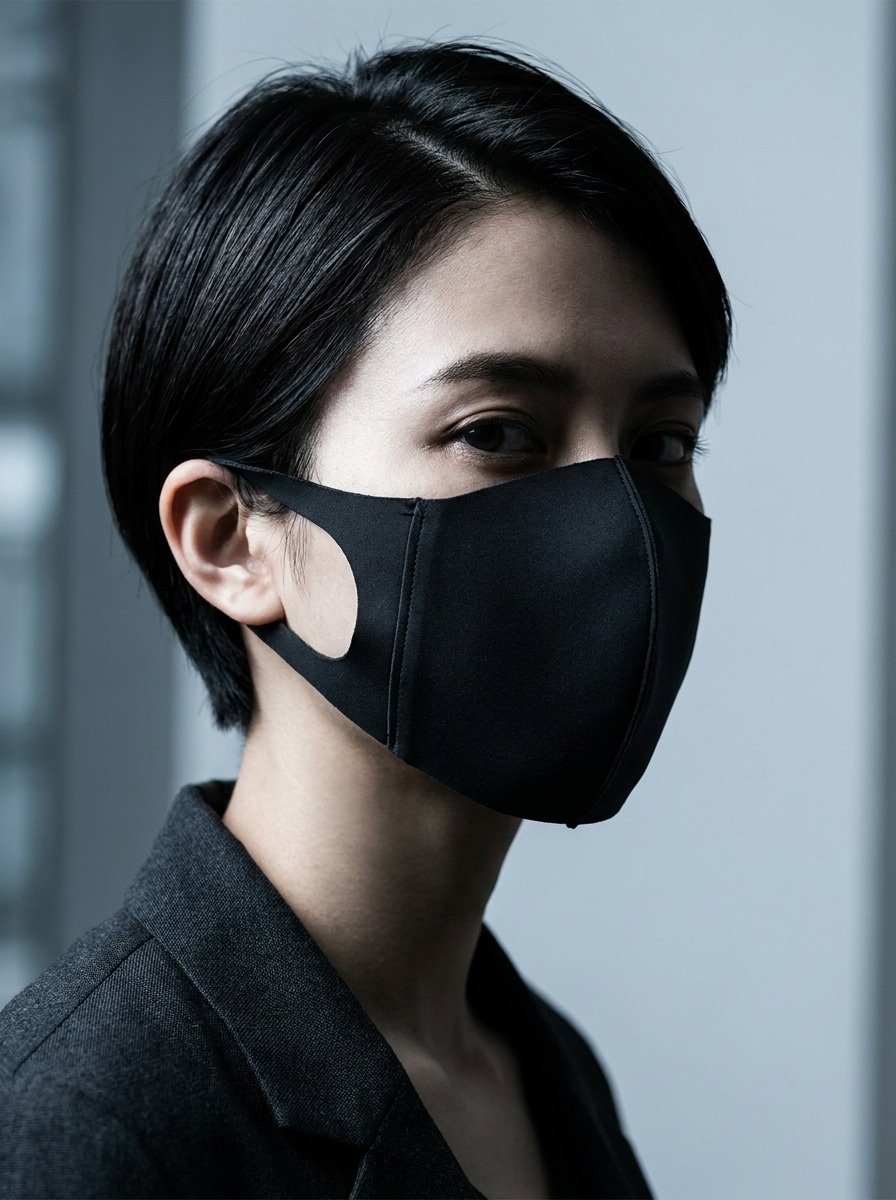
Siyah Moda Maskesi
Yüklenen görüntüyü özne olarak kullanın ve yüze, çene hattı ile burun şeklini doğal biçimde izleyen, birinci sınıf mat kumaş dokusuyla, ince gölgelendirmeyle, rafine editoryal kontrastla, kasvetli portre aydınlatmasıyla ve profil fotoğraflarına uygun modern şık bir görünümle şık siyah bir moda yüz maskesi yerleştirin.
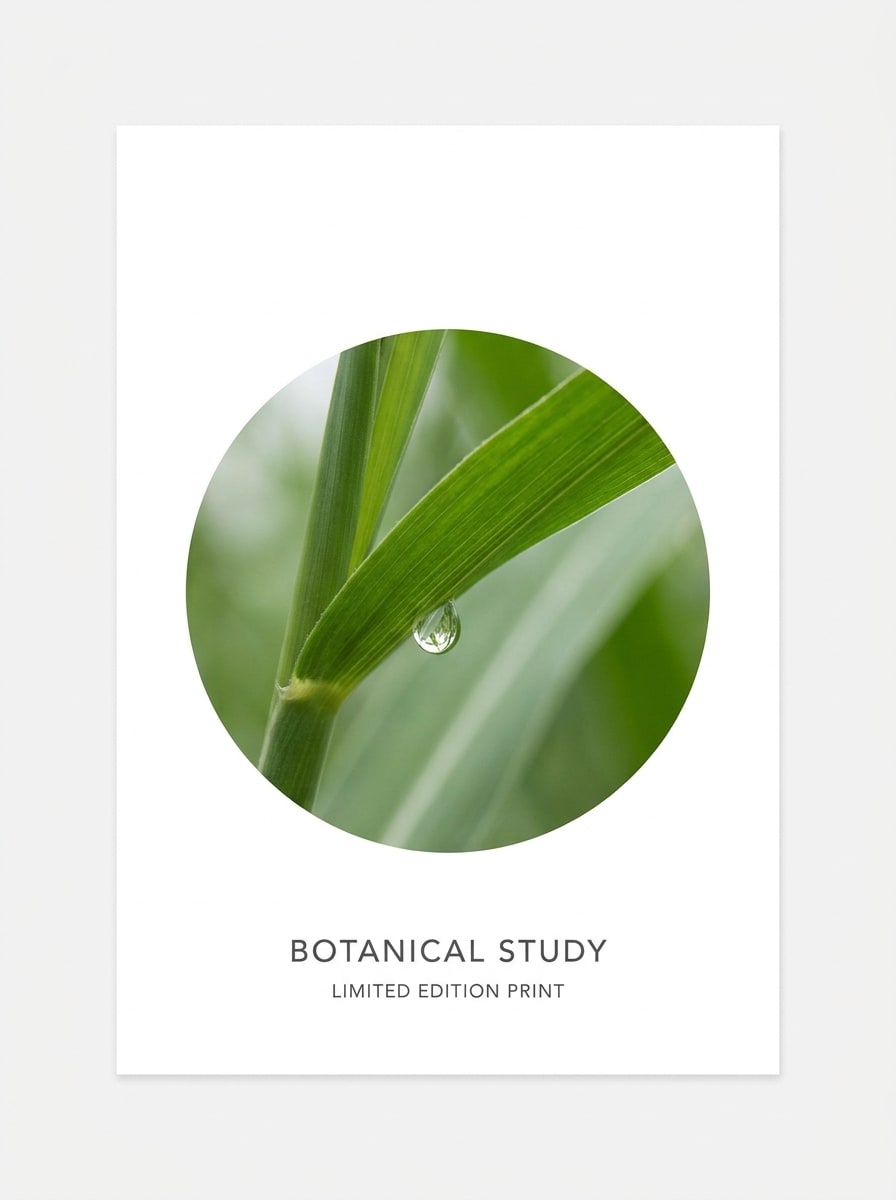
Dairesel Fotoğraf Maskesi
Yüklenen görüntüyü kaynak olarak kullanın ve ana özneyi ortada ve tam görünür tutarak, keskin kenarlar, parlak nötr arka plan alanı, dengeli çerçeveleme, yumuşak doğal renkler, minimalist modern düzen ve yüksek çözünürlüklü grafik netliğiyle temiz dairesel bir maske kompozisyonuna dönüştürün.
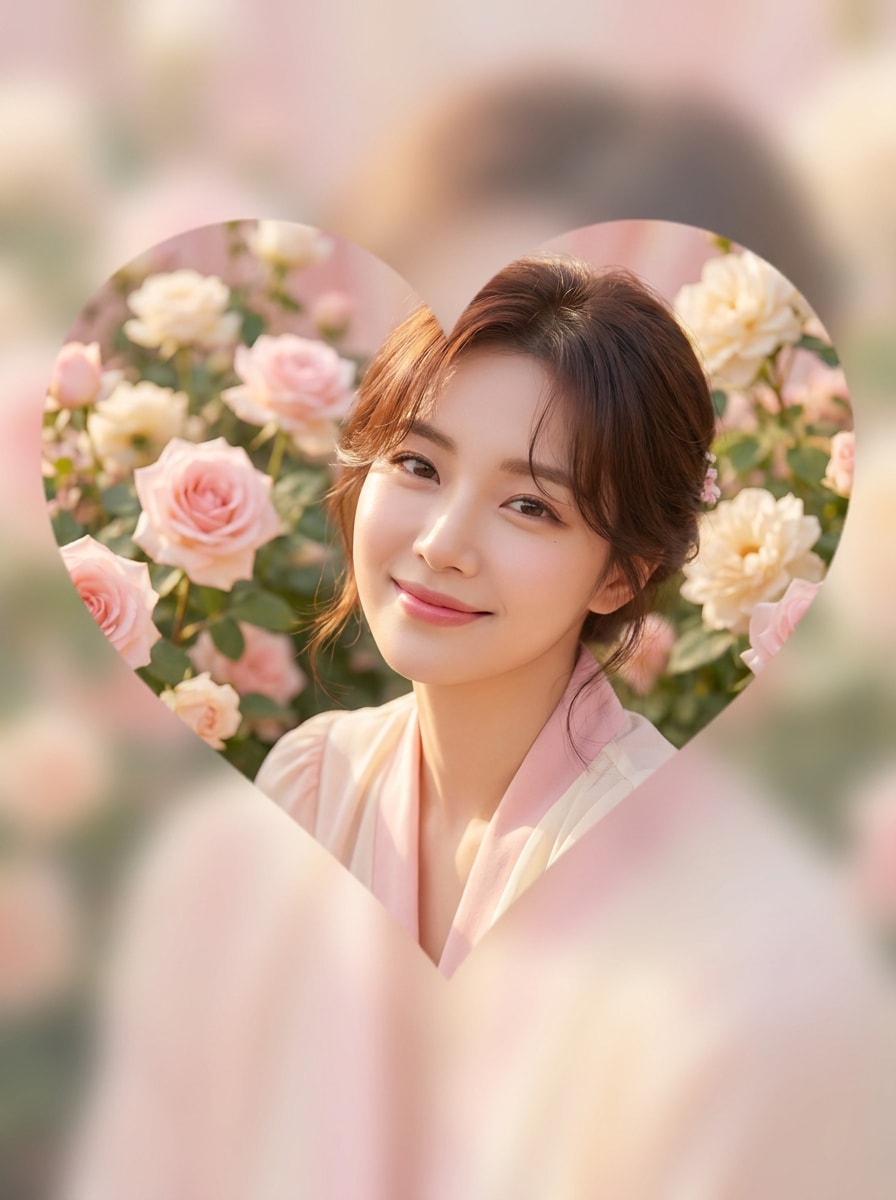
Kalp Şekli Maskesi
Yüklenen görüntüyü özne olarak kullanın ve yüzü ya da odak noktasını ortada tutarak, pürüzsüz zarif kenarlar, yumuşak pastel arka plan, romantik sıcak aydınlatma, nazik pembe ve krem paleti ile sosyal paylaşıma hazır tatlı cilalı kalitede kalp şeklinde bir maske aracılığıyla görünür kılın.
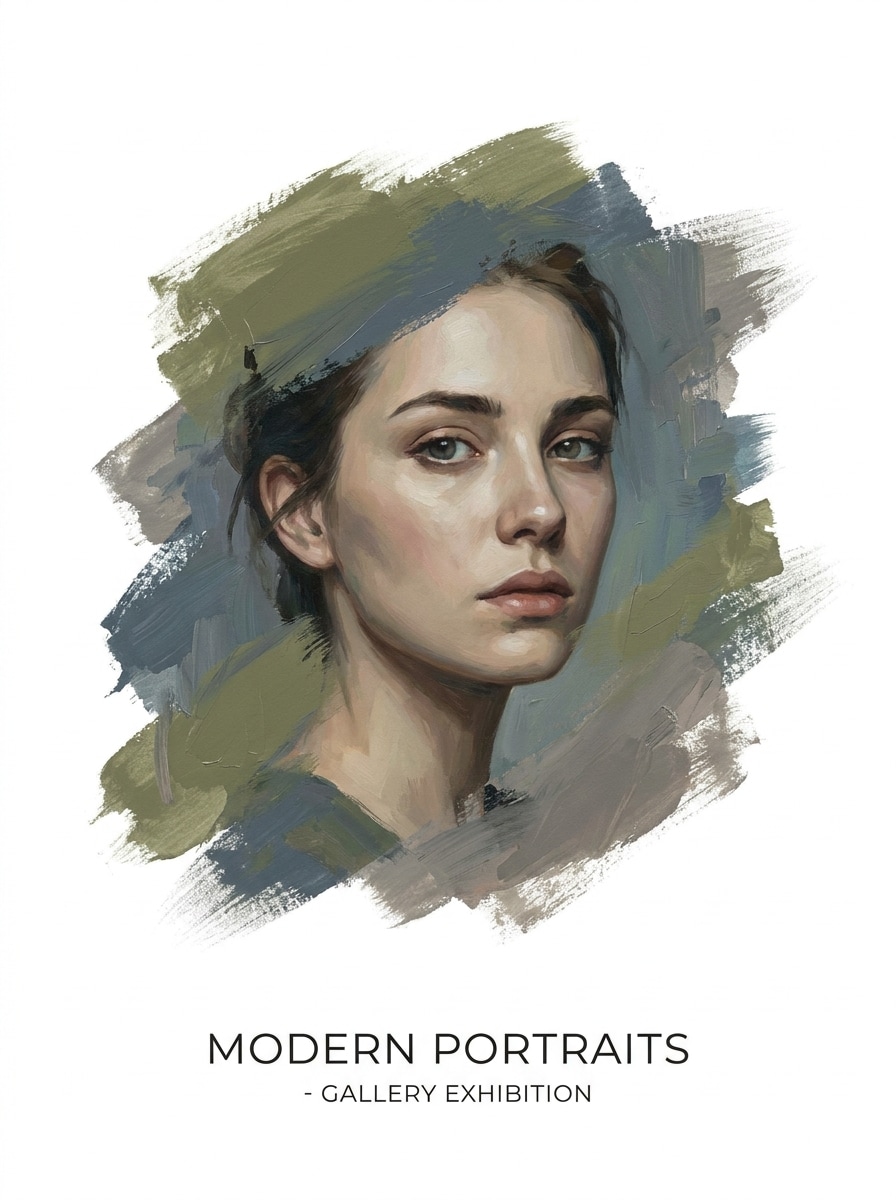
Fırça Darbesi Maskesi
Yüklenen görüntüyü kaynak olarak kullanın ve özneyi, görünür boyalı kenarlar, eserin etrafında beyaz negatif alan, dengeli kompozisyon, modern poster stili, ince akrilik doku, yumuşak yönlü ışık ve temiz yüksek çözünürlüklü bitiş ile dokulu bir fırça darbesi maskesi aracılığıyla ortaya çıkarın.
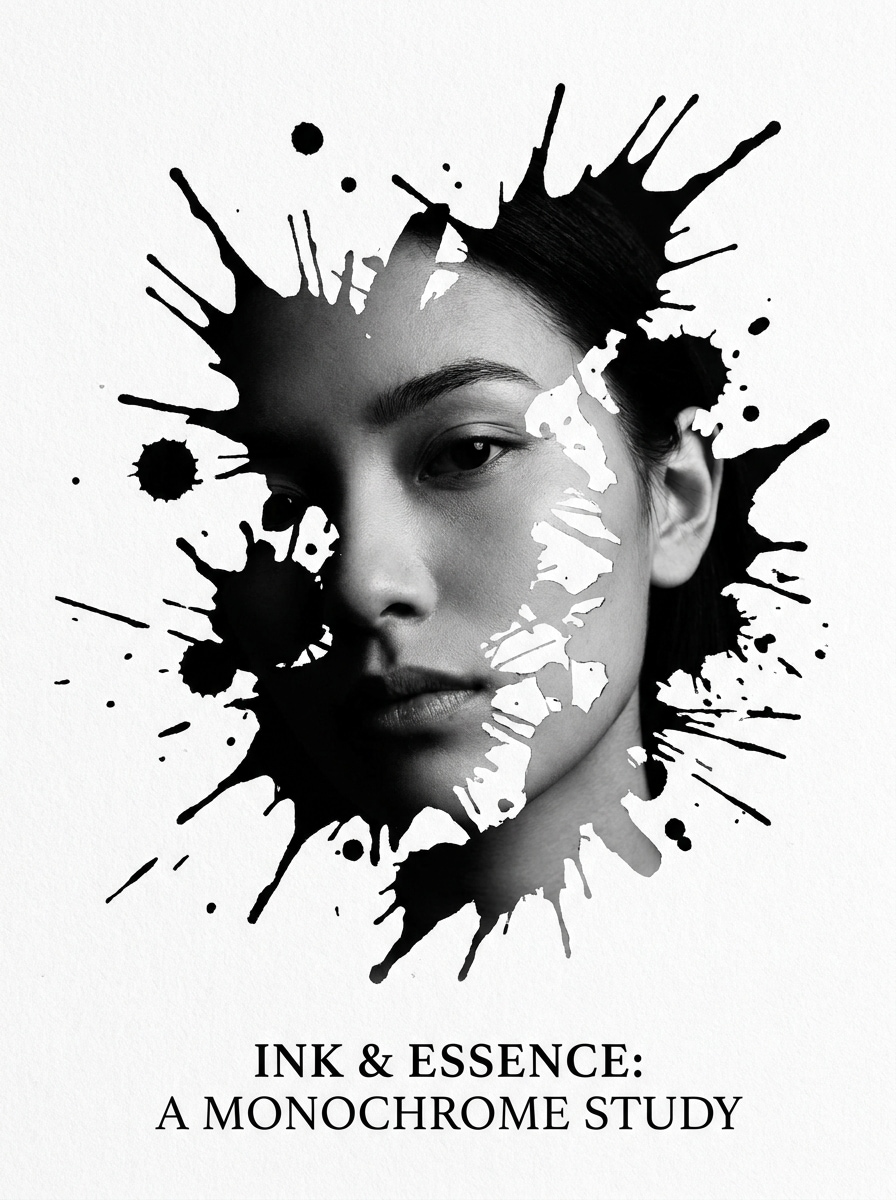
Mürekkep Sıçraması Maskesi
Yüklenen görüntüyü özne olarak kullanın ve dinamik sıçrama kenarları, dramatik monokrom stil, güçlü kontrast, editoryal sanat havası, kontrollü negatif alan ve maskeli görünümü cesur ve anında göz alıcı kılan keskin detaylarla düzensiz bir mürekkep sıçraması maskesiyle dönüştürün.
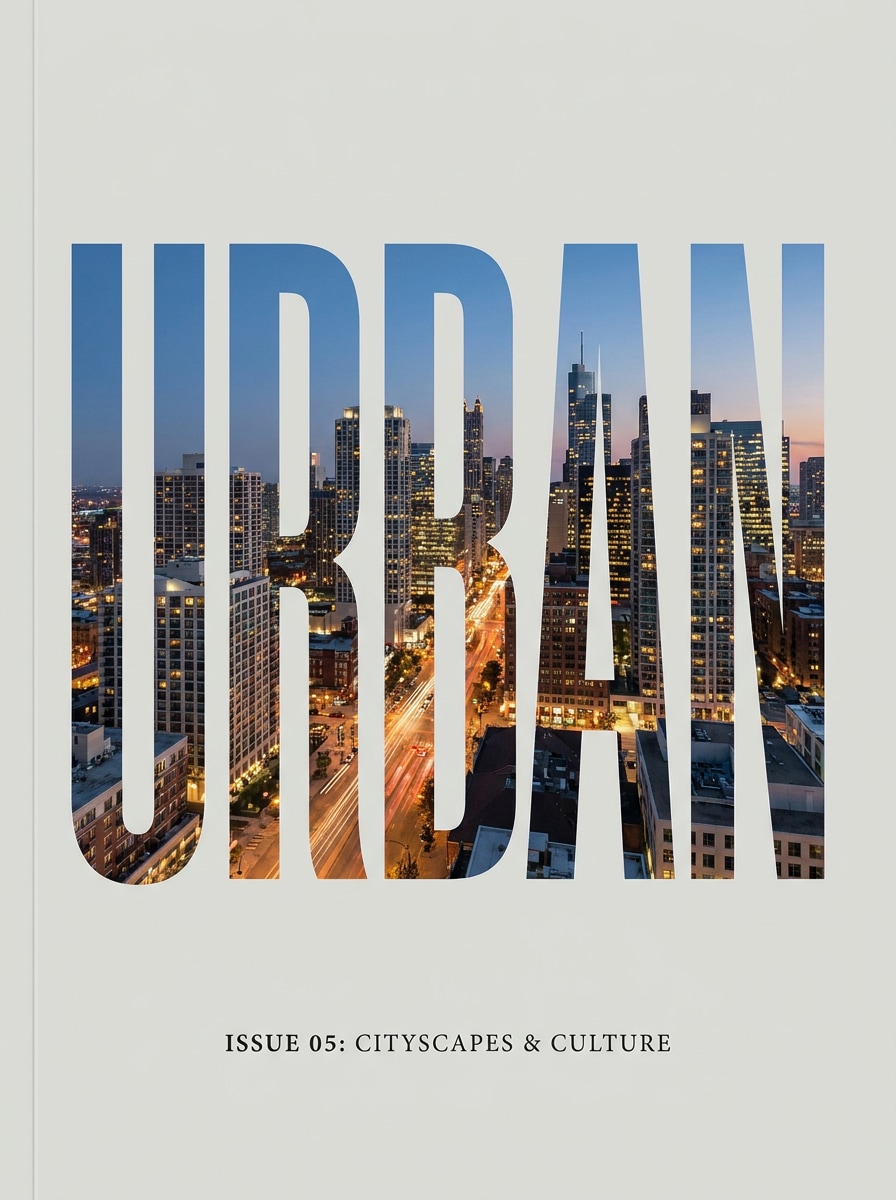
Metin İçinde Fotoğraf Maskesi
Yüklenen görüntüyü içerik kaynağı olarak kullanın ve büyük kalın tipografi içine yerleştirerek keskin harf kenarları, temiz dergi tarzı aralık, yüksek okunabilirlik, dengeli kırpma konumlandırması, nötr arka plan ve kapak ile sosyal grafikler için ideal cilalı editoryal düzenle bir metin maskesi oluşturun.
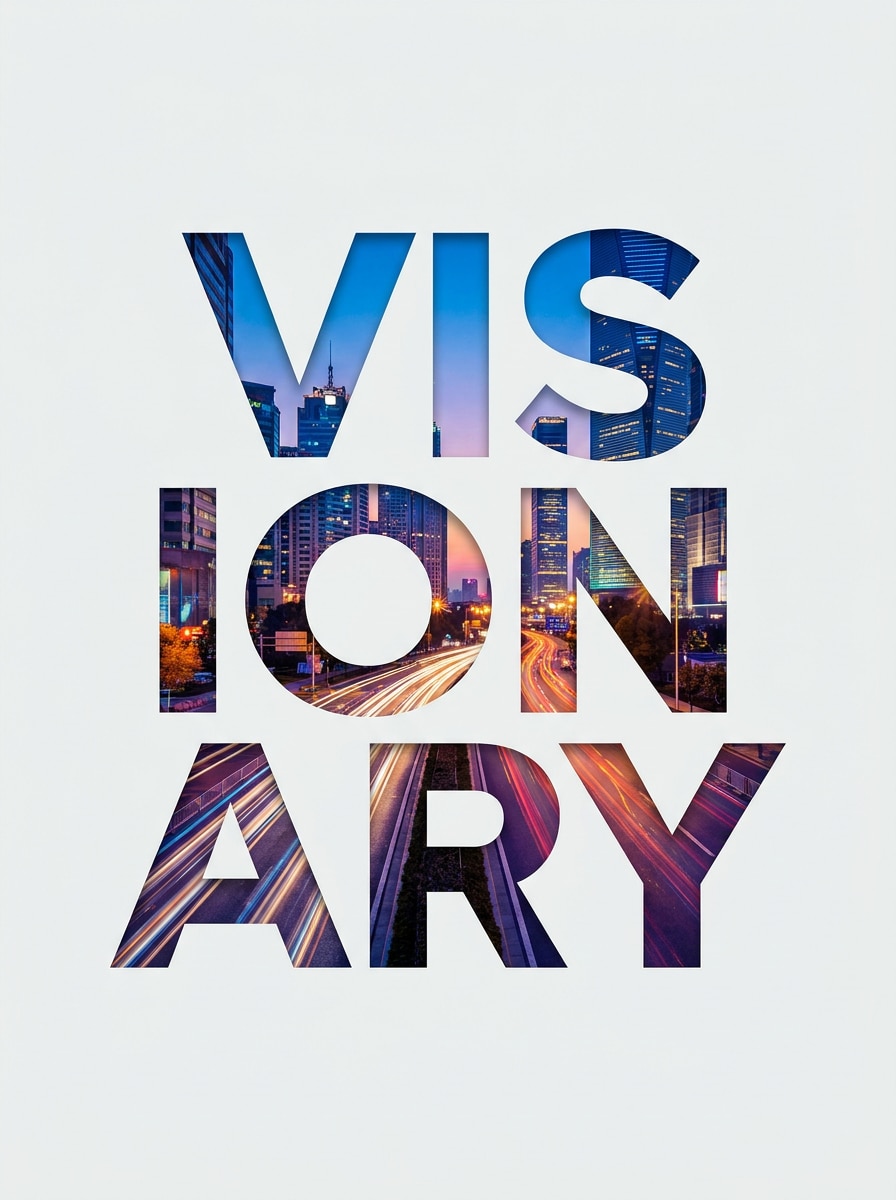
İsim Kesim Maskesi
Yüklenen görüntüyü özne olarak kullanın ve fotoğrafın en etkileyici bölümlerini kalın sans-serif harflerle doldurarak, temiz arka plan, dengeli aralık, modern marka hissi, yumuşak kontrast ve dışa aktarmaya hazır net detaylarla özel bir isim kesim maskesine dönüştürün.
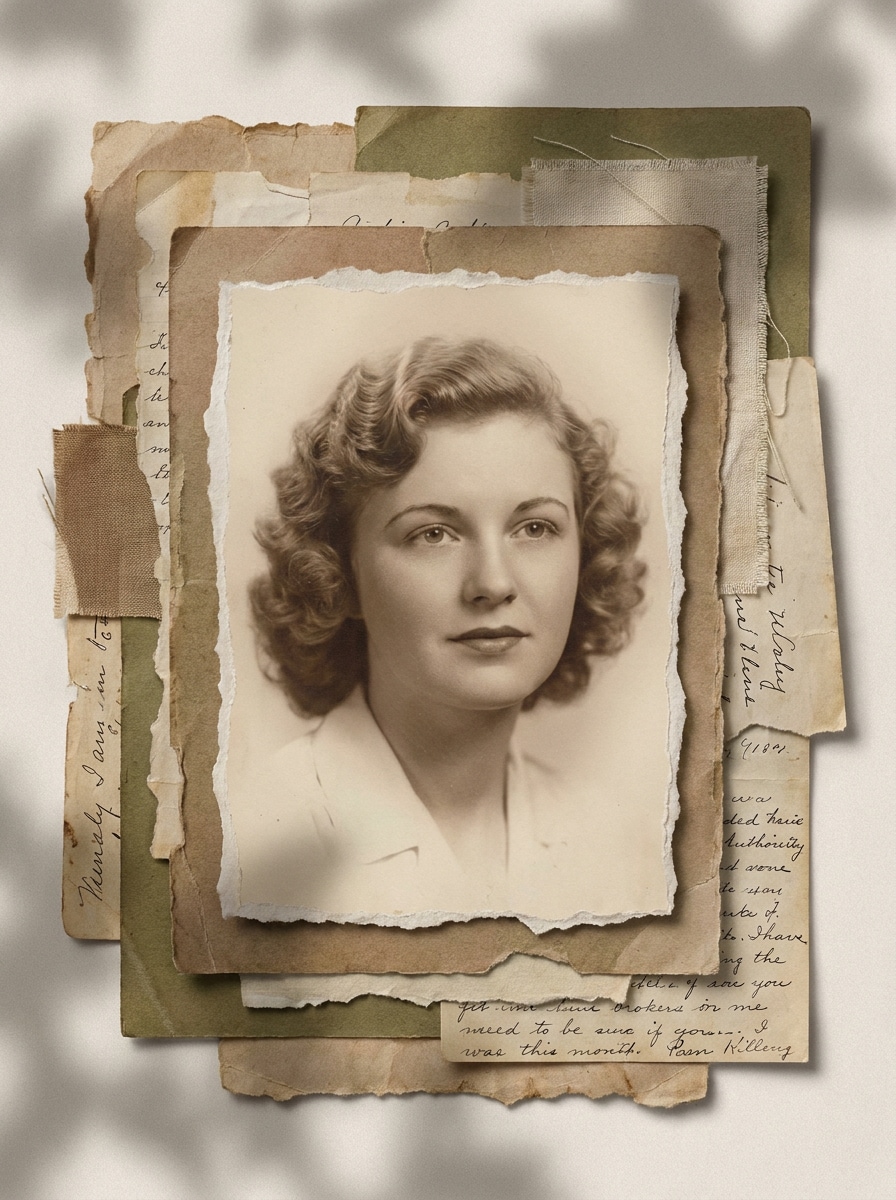
Yırtık Kağıt Maskesi
Yüklenen görüntüyü kaynak olarak kullanın ve öznenin etrafında, düzensiz yırtık kenarlar, katmanlı scrapbook stili, yumuşak kağıt gölgeleri, sıcak soluk renkler, el yapımı kolaj havası, dengeli kompozisyon ve modaya uygun ama dağınık görünmeyen net detaylarla bir yırtık kağıt maskesi oluşturun.
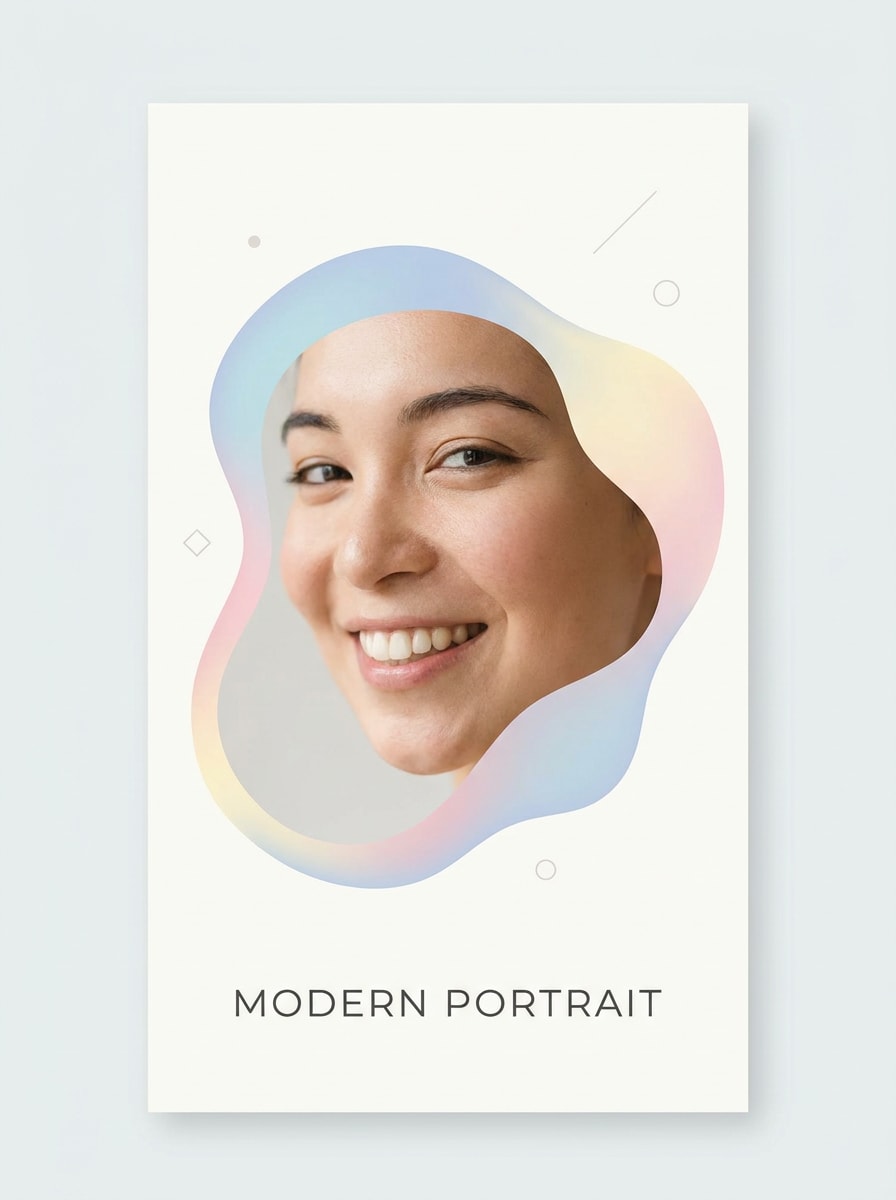
Organik Damla Maskesi
Yüklenen görüntüyü özne olarak kullanın ve soyut yuvarlak kenarlar, pastel renk vurguları, hafif modern marka stili, temiz düzen, nazik aydınlatma, dengeli odak yerleşimi ve hikayeler, kartlar veya profil grafikleri için pürüzsüz cilalı kaliteyle yumuşak organik bir damla maskesiyle çerçeveleyin.
Fotoğrafa Maske Eklemek İçin Neden Media.io Kullanılmalı
Portreler, ürün çekimleri ve markalı görsellerde Media.io, düzenlemeye rehberlik etmek için referans görüntünüzü kullanır; bu sayede kişiyi, açıyı ve genel görsel kimliği tutarlı tutarken görsele maske ekleme varyasyonları oluşturmayı kolaylaştırır.
Yönünüzü Kaybetmeden Farklı Görünümleri Keşfedin
Tek bir fikir çoğunlukla birden fazla görünüm gerektirir. Media.io, aynı fotoğrafa maske ekleme konseptini farklı stillerde yeniden yorumlamanıza yardımcı olarak her versiyonun proje özetine daha iyi uymasını sağlar.
4K'ya Kadar Daha Temiz Çıktı Oluşturun
Taslak kalitesinin ötesine geçmesi gereken projeler için Media.io, fotoğrafa maske ekleme işlemini 4K'ya kadar çıktıyla üretmenize yardımcı olur; böylece son dosyayı sunarken, kırparken veya yeniden kullanırken detaylar daha net kalır.
Tek bir iş akışında yüz kaplamaları, şekil maskeleri ve metin görünümleri oluşturun
Yaratıcı çalışma nadiren tek bir ekranda kalır. Media.io, fotoğrafa maske ekleme iş akışını tarayıcınızda tutar; böylece ekstra yazılım yüklemek için durmadan telefonda başlayıp masaüstünde bitirebilirsiniz.
Fotoğrafa Çevrimiçi Maske Nasıl Eklenir
Üç basit adımda kelimelerinizi etkileyici görsellere dönüştürün, ardından sonucu daha da geliştirmek istiyorsanız düzenlemeye devam edin.
Adım 1
Referans Görüntünüzü Yükleyin
Net bir JPG, PNG veya JPEG fotoğrafla başlayın. İyi aydınlatılmış bir selfie, portre, ürün çekimi veya basit bir grafik, araca yüz maskesi düzenleme, şekil maskeleme veya yaratıcı kaplama efektleri için güçlü bir temel sağlar.
Adım 2
Değişikliği Tanımlayın ve Seçenekleri Belirleyin
Gerçekçi bir yüz kaplama, dairesel kırpma, yırtık kağıt görünümü veya masquerade maske filtresi gibi istediğiniz maske stilini girin. Ardından modelinizi, en boy oranını, çözünürlüğü ve oluşturmak istediğiniz varyasyon sayısını seçin.
Adım 3
Oluşturun, İndirin ve İyileştirmeye Devam Edin
Birkaç versiyon oluşturun, kenar kalitesini ve yerleşimini karşılaştırın, ardından en beğendiğinizi indirin. Gerekirse istemi iyileştirin, kompozisyonu ayarlayın veya farklı paylaşımlar ve formatlar için görsel maske düzenlemeleri eklemek amacıyla yeniden geçiş yapın.
Çevrimiçi Ücretsiz Yüz Maskesi Eklemenin Potansiyelini Keşfedin
İçerik üreticilerinin Media.io'nun Fotoğrafa Maske Ekle özelliğini içerik, pazarlama ve kişisel projeler için nasıl kullandığını görün, ardından her fikri projeye uyacak şekilde uyarlayın.
Gerçekçi veya şık yüz kaplamasıyla selfie'leri yükseltin
Media.io'yu bir yüz maskesi fotoğraf editörü olarak kullanarak profil görselleri, sosyal medya paylaşımları veya konsept önizlemeler için portrelere tıbbi, moda veya kostüm temalı kaplamalar yerleştirin. Orijinal fotoğrafı yeniden çekmeden farklı görünümleri test etmenin hızlı bir yoludur.
Sosyal medya ve markalaşma için dikkat çekici grafikler oluşturun
Günlük fotoğrafları reels, promolar ve küçük resimler için dairesel kırpmalar, kalp görünümleri, fırça maskeleri veya metin dolu kapak tasarımlarına dönüştürün. Media.io, özneyi kolayca tanınabilir tutarken temiz bir tasarım katmanı eklemek istediğinizde yüz maskesi fotoğraf düzenleme konseptlerini daha esnek hissettirir.
Temalı davetiyeler, posterler ve kolaj görseller oluşturun
Scrapbook düzenleri, etkinlik kartları veya dramatik düzenlemeler için Media.io, yırtık kağıt dokuları, mürekkep sıçramaları veya masquerade maske filtresi hissiyle zarif kostüm stilinde fotoğrafa maske eklemenizi sağlar. Temel bir çıkartma efektinin ötesinde bir şey isteyen içerik üreticileri için pratik bir seçenektir.
Kullanıcılar Media.io Maske Düzenlemeleri Hakkında Ne Diyor
Sofia M.
Sosyal İçerik Üreticisi
"Dramatik portre düzenlemeleri oluşturmanın hızlı yolu" Instagram için siyah bir yüz maskesi ve metin maskeli bir kapak eklemek için kullandım. Sonuçlar temiz görünüyordu ve indirmeden önce birden fazla versiyon oluşturabilmekten hoşlandım.
Daniel R.
Serbest Tasarımcı
"Şekil maskeleri ve kolaj düzenleri için kullanışlı" Daire, fırça ve yırtık kağıt stilleri şaşırtıcı derecede cilalıydı. Daha ağır bir masaüstü editörü açmadan basit bir portre düzenlemesinden poster tarzı bir kompozisyona geçebildim.
Nina T.
Küçük İşletme Sahibi
"Mobilde kolay tarayıcı iş akışı" Bir promosyon hikayesi için hızlı bir maskeli görsel ihtiyacım vardı ve her şeyi telefon tarayıcımdan hallettim. Yükleme, istem, oluşturma ve dışa aktarma oldukça kolay hissettirdi.
Marcus L.
Öğrenci İçerik Üreticisi
"Farklı maske görünümlerini denemek için harika" Aynı portre üzerinde kalp maskesi, mürekkep sıçraması ve gerçekçi yüz kaplama denedim. Zaman kazandırdı ve daha yüksek çözünürlüklü dışa aktarma seçenekleri son görüntünün keskin görünmesini sağladı.
Yüz Maskesi Fotoğraf Editörü Hakkında Sık Sorulan Sorular
1. Bir fotoğrafa çevrimiçi nasıl maske eklerim?
Görüntünüzü Media.io'ya yükleyin, istediğiniz maske efektini tanımlayın ve düzenlenmiş sonucu tarayıcınızda oluşturun. Karmaşık manuel düzenleme gerektirmeden yüz kaplama eklemek, şekil kırpma uygulamak, metin görünümü oluşturmak veya kolaj tarzı tasarımlar için fotoğrafa maske eklemek amacıyla Media.io'yu kullanabilirsiniz.
2. Bir fotoğrafa ücretsiz maske ekleyebilir miyim?
Ücretsiz kullanıcılar Media.io'yu ücretsiz kredilerle deneyebilir; bu, abone olmadan önce fotoğrafa nasıl maske ekleneceğini test etmek istiyorsanız kullanışlıdır. Daha fazla kullanım, ekstra kredi ve filigransız yüksek çözünürlüklü indirmeler için fiyatlandırma sayfasını inceleyebilirsiniz. Ücretsiz dışa aktarmalarda filigran bulunabilir.
3. Fotoğraf düzenlemede görüntü maskeleme nedir?
Media.io'da fotoğrafa maske ekleme sonucunu, isteme doğrudan tema, renk paleti, düzen, illüstrasyon stili ve boş alan ayarlarını girerek özelleştirebilirsiniz.
4. iPhone'da bir fotoğrafı nasıl maskelerim?
iPhone'da bir fotoğrafı, mobil tarayıcınızda Media.io'yu açarak, fotoğrafınızı yükleyerek, istediğiniz efekti girerek ve sonucu çevrimiçi oluşturarak maskeleyebilirsiniz. Media.io web tabanlı olduğundan, telefonunuzdan hızlı bir yüz maskesi düzenleme fikir, şekil kırpma veya katmanlı sosyal grafik denemek için ayrı bir uygulama indirmenize gerek yoktur.
5. Aynı fotoğrafa hem yüz maskesi çıkartması hem de şekil maskesi ekleyebilir miyim?
Evet, Media.io aynı kaynak fotoğrafı farklı maskeli varyasyonlar için kullanmanıza olanak tanır. Örneğin, gerçekçi bir yüz kaplama ile bir versiyon ve daire, kalp veya metin tabanlı görünümle görüntü alanlarına maske eklediğiniz başka bir versiyon oluşturabilirsiniz; bu, hem basit bir çıkartma görünümü hem de daha tasarım odaklı bir kompozisyon istiyorsanız kullanışlıdır.
6. Maskeleme fotoğraf kalitemi veya çözünürlüğümü düşürür mü?
Media.io, yüz maskesi düzenleme ve diğer maskeli görsel efektleri sırasında sonuçların keskin kalmasına yardımcı olan kalite kontrolleri içerir. 4K'ya kadar çıktı seçebilirsiniz; bu nedenle sosyal içerik veya daha yüksek kaliteli grafikler ihtiyacınız olsun, Media.io size son netlik ve detay üzerinde daha fazla kontrol sağlar. Ücretsiz kullanıcılarda filigran bulunabilir.
AI Destekli Çevrimiçi Fotoğrafa Maske Eklemenin Ötesinde