Parmak Çerçeve AI Video Efekti | Fotoğraftan Videoya İpuçları - Media.io

Fotoğraflardan parmak çerçeve AI video efekti oluşturun. Media.io ile el çerçevesi, yüz çerçevesi, minyatür çerçeve ve sinematik AI görüntüden videoya efektler için komutları kopyalayın.
All Submissions

Finger Frame AI Video Effect: Create Hand Frame Videos from Photos

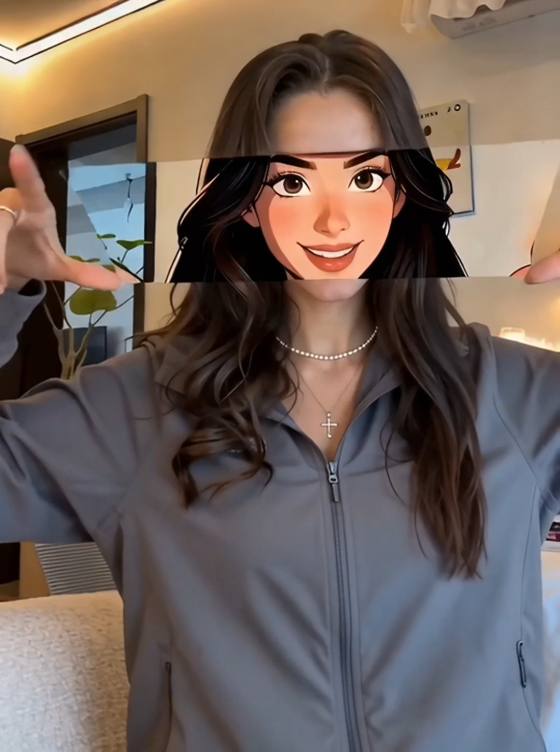
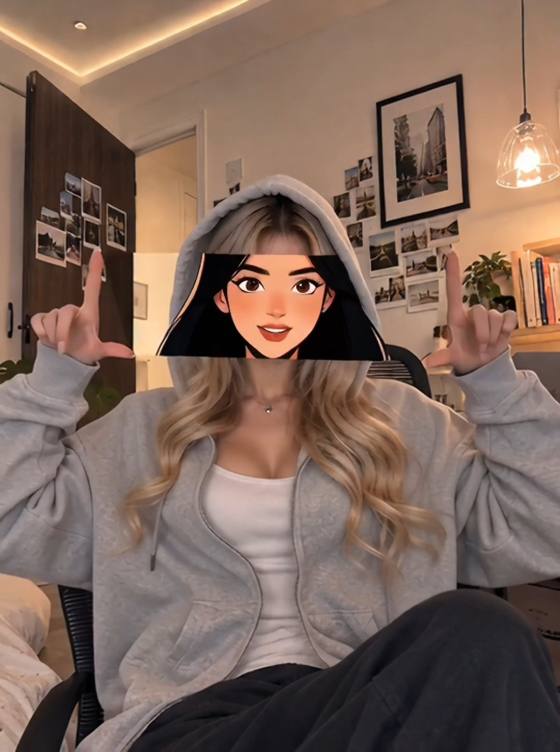
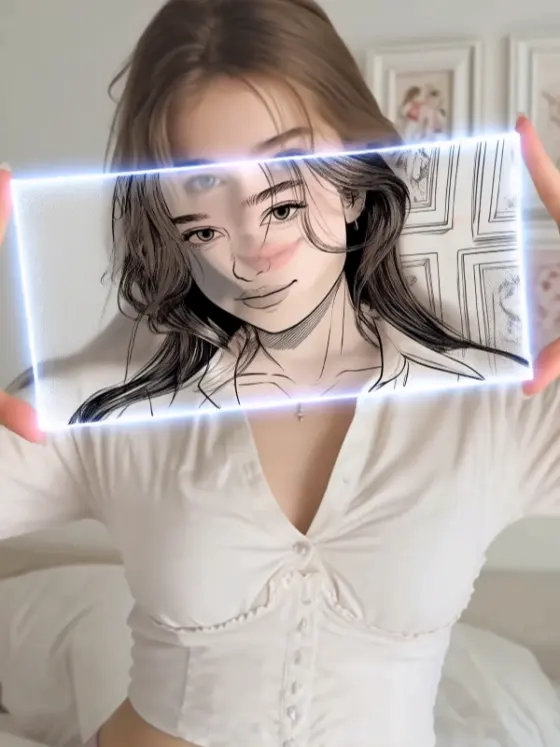
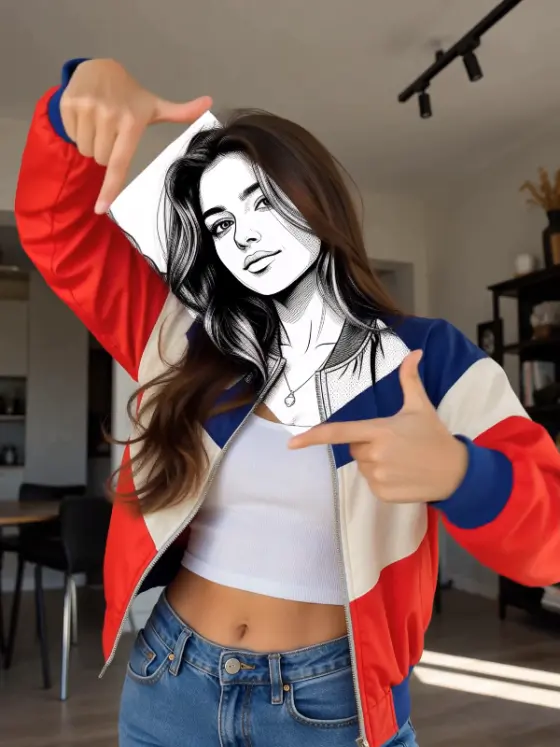
Create a cinematic finger frame AI video effect online with Media.io. Use copy-ready finger frame AI prompts for hand frame videos, miniature finger frame scenes, face frame portraits, camera viewfinder gestures, photo-to-video reveals, social video edits, and AI image-to-video effects with realistic hands and smooth camera motion.

Upload a photo, copy a finger frame AI prompt, turn it into a hand frame video effect, and download a polished short-form visual in seconds.

Why Use Media.io for Finger Frame AI Video Effects?

Searches around finger frame effect AI, finger frame AI prompt, AI hand frame effect, miniature finger frame video, and photo to video AI effect show demand for clear prompts and easy video creation. Media.io helps creators turn portraits, product photos, selfies, and AI images into cinematic finger frame videos with realistic hand gestures, depth of field, camera push-ins, and social-ready aspect ratios.

Prompt-Based Finger Frame AI Video Generator

Use a finger frame AI video prompt to describe the uploaded photo, hand position, rectangular finger frame, subject placement, shallow depth of field, camera movement, lighting, motion speed, and vertical 9:16 output.

Hand Frame and Face Frame Video Ideas

Create finger frame effect AI videos for face frame portraits, camera viewfinder hand gestures, miniature subject scenes, creator profile edits, product reveals, romantic photo edits, and cinematic social media clips.

Miniature Finger Frame and Reveal Prompts

Try AI prompts for miniature finger frame videos, tiny subject illusions, hand-held camera framing, slow zoom reveals, lens breathing, soft bokeh, realistic fingers, and clean subject consistency.

Download and Share Fast

Create AI-generated finger frame videos for short-form posts, profile edits, product teasers, aesthetic reels, video intros, before-and-after clips, image-to-video tests, and creative prompt showcases.

How to Create a Finger Frame AI Video in 3 Steps

01

Step 1: Choose a Finger Frame Style

Start with a clear video direction, such as miniature finger frame, face frame portrait, camera viewfinder hand gesture, product reveal, romantic photo edit, cinematic zoom-in, or vertical social video effect.

02

Step 2: Enter a Finger Frame AI Prompt

Describe two realistic hands forming a clean rectangular frame around the subject. Add details like shallow depth of field, soft natural light, slow camera push-in, lens breathing, identity consistency, and no extra fingers.

03

Step 3: Generate and Download

Generate your finger frame AI video, preview the motion, refine the prompt for cleaner hands or stronger camera movement, and download the result for social videos, creator edits, product teasers, or image-to-video projects.

Core Scenarios for Finger Frame AI Video Creation

Miniature Finger Frame and Tiny Subject Videos

Create miniature finger frame prompts where two hands frame a tiny person, pet, object, product, or fantasy scene with soft bokeh, macro photography, natural hand movement, and a slow cinematic push-in.

Face Frame Portraits and Camera Viewfinder Effects

Generate AI finger frame effect videos for selfies, profile photos, couple portraits, fashion shots, creator headshots, and camera viewfinder hand gestures that keep the face sharp and the hands realistic.

Photo-to-Video Reveals and Social Media Clips

Turn a still photo into a finger frame video reveal with hand entrance motion, focus shift, depth-of-field blur, natural lighting, vertical 9:16 framing, and smooth AI image-to-video animation.

Creators Use Media.io to Make Finger Frame AI Videos Faster

user
AI Video Creator

Finger Frame AI Video Effect

starstarstarstarstar

"Ready-to-copy finger frame prompts." A detailed finger frame AI prompt makes it easier to create realistic hand frame videos, face frame portraits, miniature scenes, and cinematic photo-to-video effects without starting from scratch.

user
Social Media Editor

Photo to Video Effects

starstarstarstarstar

"Great for short-form video ideas." Media.io helps turn still photos into AI finger frame effects with hand gestures, shallow depth of field, slow zooms, and clean vertical video composition.

user
Prompt Designer

Hand Frame Effect Prompts

starstarstarstarstar

"Useful AI image-to-video prompt resources." Miniature finger frame, face frame, camera viewfinder, product reveal, and focus-shift prompt ideas give creators more ways to build polished AI video effects quickly.

FAQs: Finger Frame AI Video Effect, Prompts, and Hand Frame Videos

1. What is a finger frame AI video effect?

A finger frame AI video effect is a photo-to-video effect where two hands or fingers form a rectangular frame around a subject. The video usually adds realistic hand motion, shallow depth of field, focus shift, and a slow camera push-in to make a still image feel cinematic.

Upload your photo to Media.io, choose an AI image-to-video workflow, and enter a finger frame prompt. Describe the hands, frame shape, subject position, camera movement, lighting, background blur, and final ratio. Use images you own or have permission to edit.

Try this prompt: "Use the uploaded photo as the source image. Create a vertical 9:16 cinematic video where two realistic hands enter the foreground and form a clean rectangular finger frame around the subject. Keep the face, outfit, and background consistent. Add shallow depth of field, soft natural light, subtle lens breathing, and a slow camera push-in. No extra fingers, no fused hands, no distorted joints, no text, no watermark."

Be specific about the hand gesture and add a negative prompt. Useful terms include realistic hands, five fingers on each hand, natural thumb and index finger placement, clean rectangular frame, no extra fingers, no fused fingers, no broken joints, no warped palms, and no distorted hands.

Yes. Use a miniature finger frame prompt that places a tiny person, product, object, or scene inside the finger frame. Add macro photography, shallow depth of field, oversized hands in the foreground, soft bokeh, realistic scale illusion, and a slow zoom through the frame.

Use a clear portrait, product photo, couple photo, pet image, travel shot, or AI-generated image with enough space around the subject. A simple background, centered subject, and good lighting make it easier for the AI video effect to add hands, focus blur, and camera movement cleanly.

Yes. You can create a clean AI image first, then use it as an image-to-video source asset for a finger frame AI video effect. This works well for stylized portraits, product shots, fantasy scenes, miniature worlds, profile visuals, and social media video concepts.

Use a negative prompt such as: extra fingers, missing fingers, fused hands, distorted joints, warped palms, broken anatomy, face change, identity change, flickering hands, blurry subject, low resolution, messy background, random text, watermark, logo, and unnatural camera motion.

Media.io Online AI Tools Quality Rating:
vote4.7 (162,357 Votes)



