Creations are stored for only 7 days. Assets created after upgrading to a Membership plan will be stored permanently.
Unlock your creative potential and experience the magic of Media AI right away!
Генератор иконок для веб-сайтов для быстрых и индивидуальных идей фавиконок
Генерируйте чистые, готовые к бренду иконки для сайтов и концепции фавиконов из текста за считанные минуты. Media.io работает как генератор иконок на базе искусственного интеллекта генератор иконок для сайта и создатель иконок для сайта, помогая вам проектировать индивидуальные иконки, которые остаются четкими даже при небольшом размере, быстро исследовать различные визуальные стили и экспортировать готовые результаты для вкладок браузера, закладок и современного веб-брендинга.
Опишите свою идею -> ИИ создаст иконку. Бесплатно.
Изучите нашу тщательно подобранную коллекцию стилей генератора иконок для сайта, чтобы быстро создавать фавиконы и маленькие фирменные значки для любого типа сайтов.
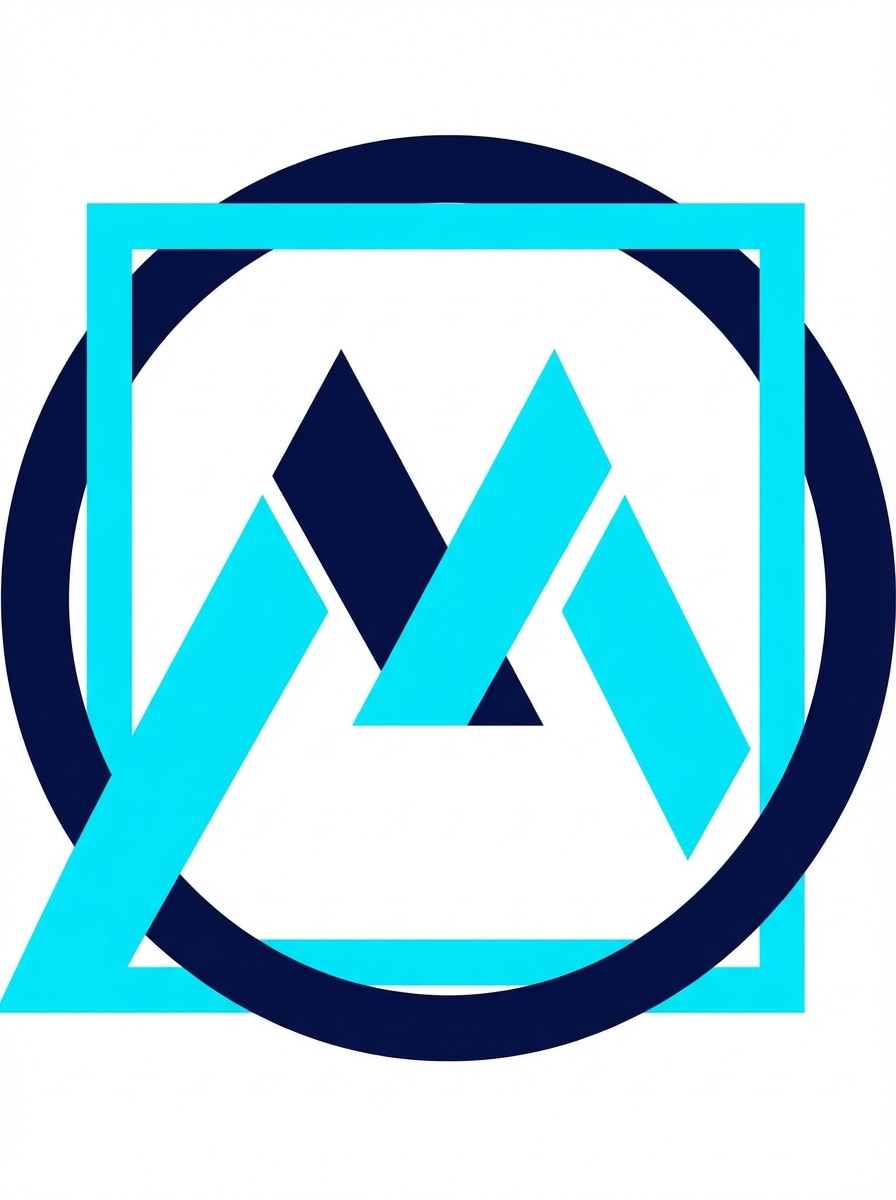
Плоский геометрический
Создайте минималистичную иконку веб-сайта для современного технологического бренда с использованием простых геометрических фигур, центрированной композиции, четких краев и ярко выраженного негативного пространства. Используйте насыщенную палитру темно-синего и бирюзового цветов на белом фоне, силуэт должен оставаться видимым даже при самых маленьких размерах; сделайте иконку чистой, векторной и удобной для фавиконов.
Монолинейный символ
Разработайте аккуратную монотонную иконку для программной платформы с одним непрерывным символом, сбалансированными интервалами и тонкими, но легко читаемыми линиями. Используйте черный на мягком белом фоне, сохраните элегантное негативное пространство и сделайте знак простым, масштабируемым и легко узнаваемым во вкладках браузера и закладках.
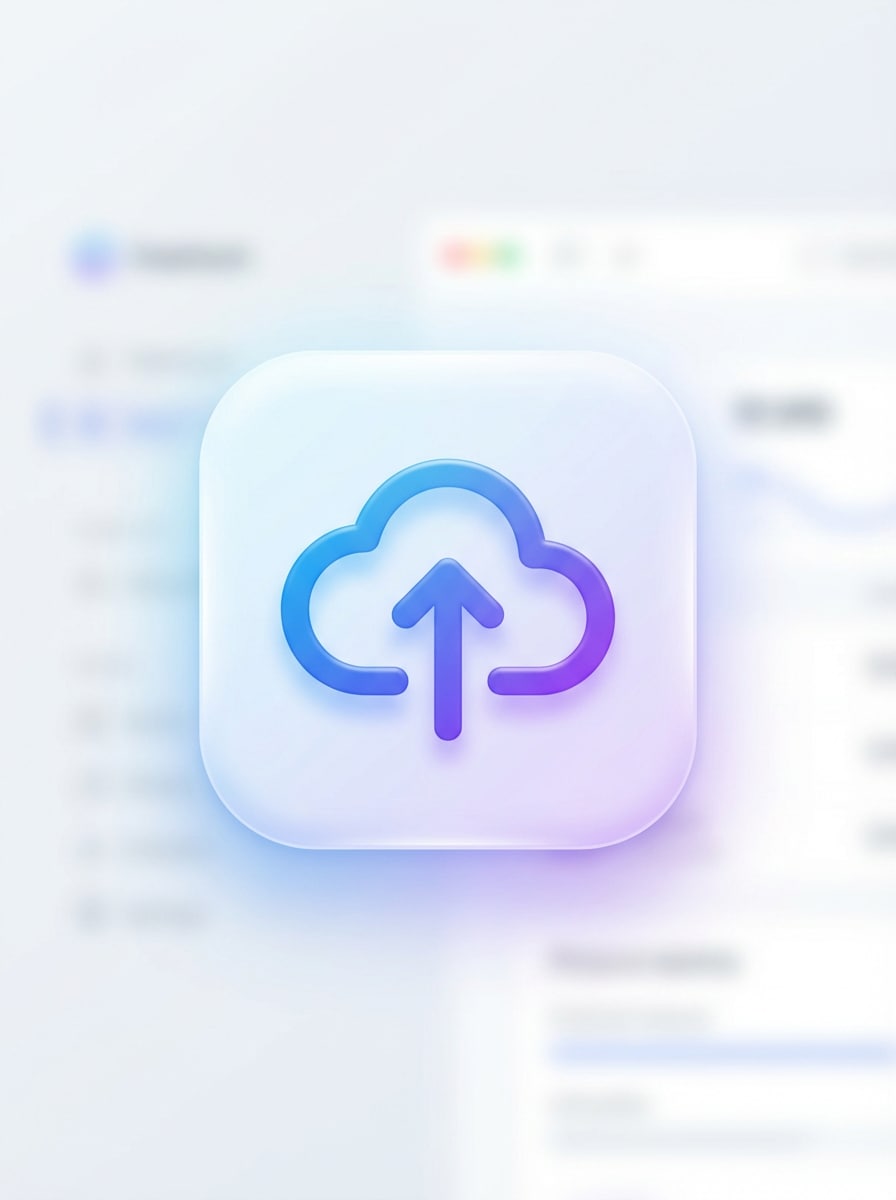
Градиентная иконка приложения
Генерируйте аккуратную SaaS-иконку веб-сайта с закругленным квадратом, плавными углами и простым центральным символом. Используйте премиальный градиент от синего к фиолетовому, мягкое свечение, приглушенное освещение и глянцевую глубину, сохраняя дизайн современным, лаконичным и удобочитаемым для фавикона или брендовой иконки приложения.
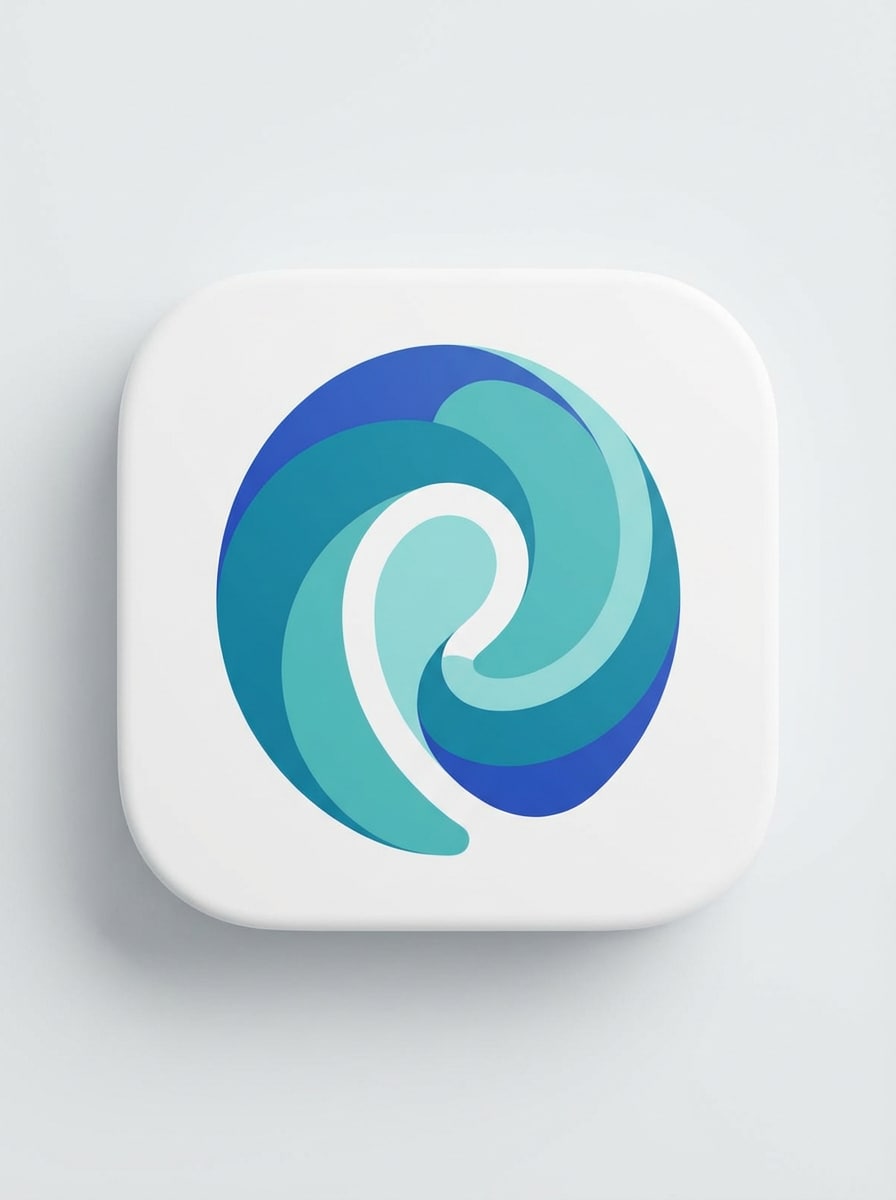
Округлый абстрактный знак
Создайте абстрактную, округлую иконку для стартапа с помощью слоистых изогнутых форм, плавных контуров и компактной центрированной композиции. Используйте ограниченную палитру из темно-бирюзового, кобальтового и белого; поддерживайте четкий контраст; сделайте знак дружелюбным, современным и легко читаемым даже в размерах 16x16 и 32x32 для фавикона.
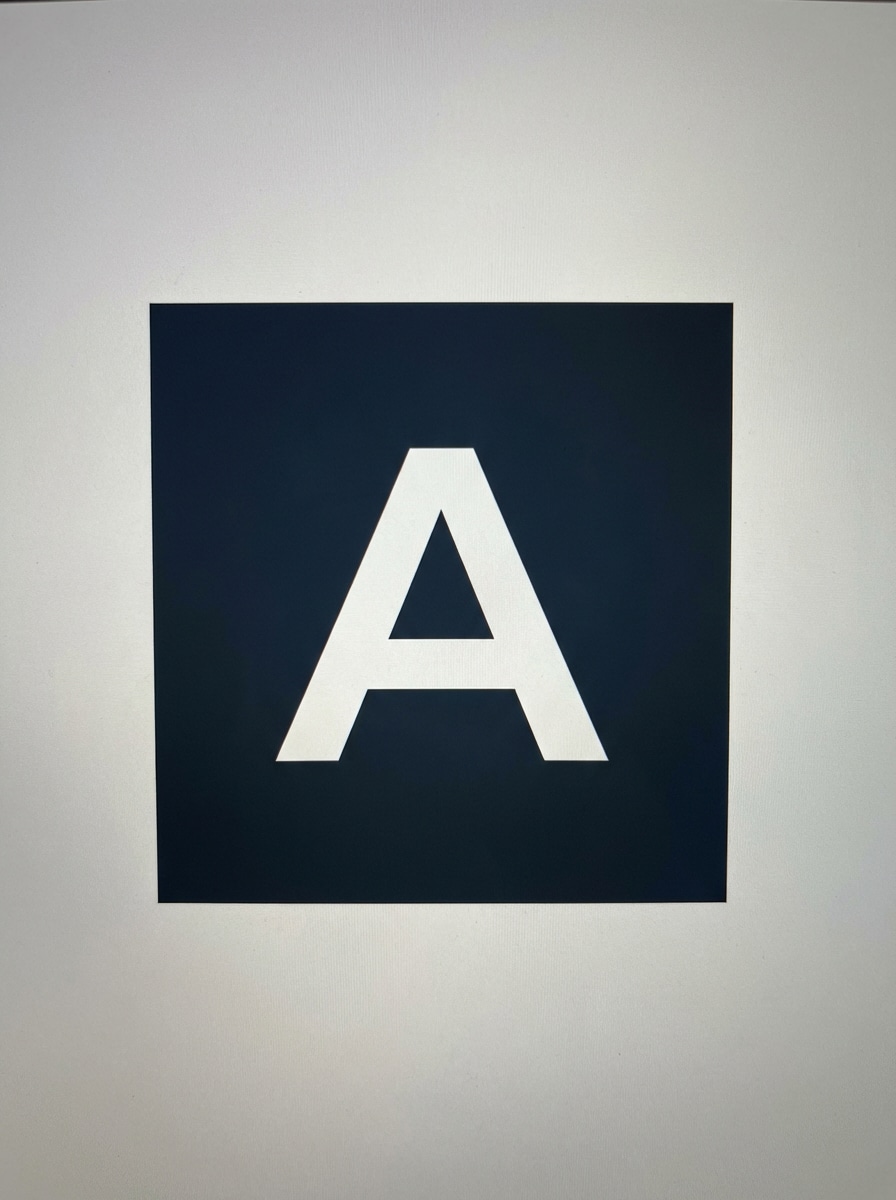
Жирный буквенный знак
Разработайте фавикон-иконку в виде буквы, используя одну жирную прописную букву в центре с толстыми линиями, высокой читаемостью и плоским фоном. Используйте сильный контраст, например, белую букву на темном графитовом или насыщенно-синем фоне, сохраните современную и минималистичную геометрию и оптимизируйте для видимости во вкладках браузера.
Символ в стиле эмодзи
Сгенерируйте игривую иконку по мотивам простоты эмодзи: компактный веселый символ с яркими цветовыми блоками, плавными краями и центрированной композицией. Используйте насыщенные оттенки желтого, кораллового и синего, форма должна оставаться чистой и легкой для восприятия; сбалансируйте яркий характер с аккуратным фавикон-финишем.
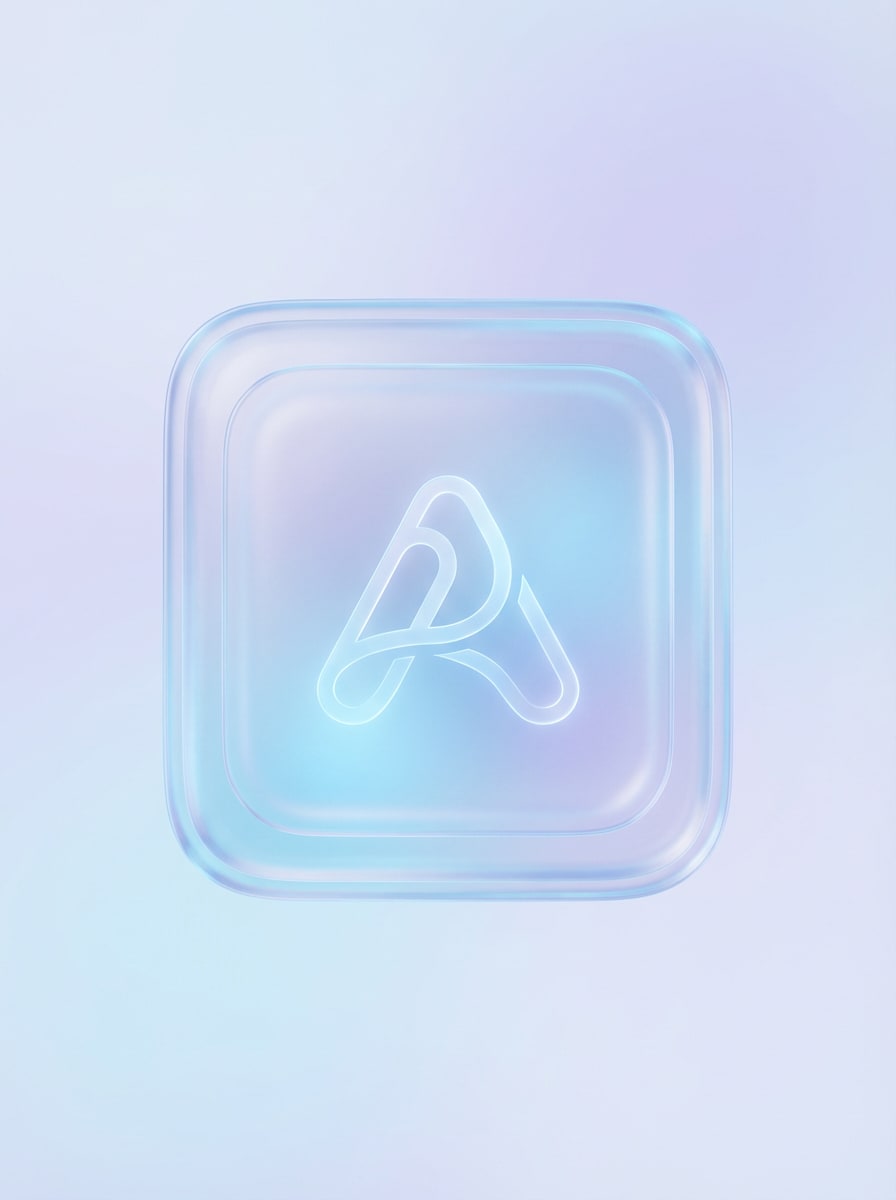
Стеклянная (glassmorphism) иконка
Создайте премиальную иконку для сайта в стиле glassmorphism с полупрозрачными слоями, мягкими отражениями, округлой геометрией и простым футуристическим символом в центре. Используйте ледяные оттенки синего и лёгкие лиловые акценты на светлом фоне, добавьте деликатную глубину без излишеств — силуэт должен оставаться узнаваемым даже в формате маленькой фавиконки.
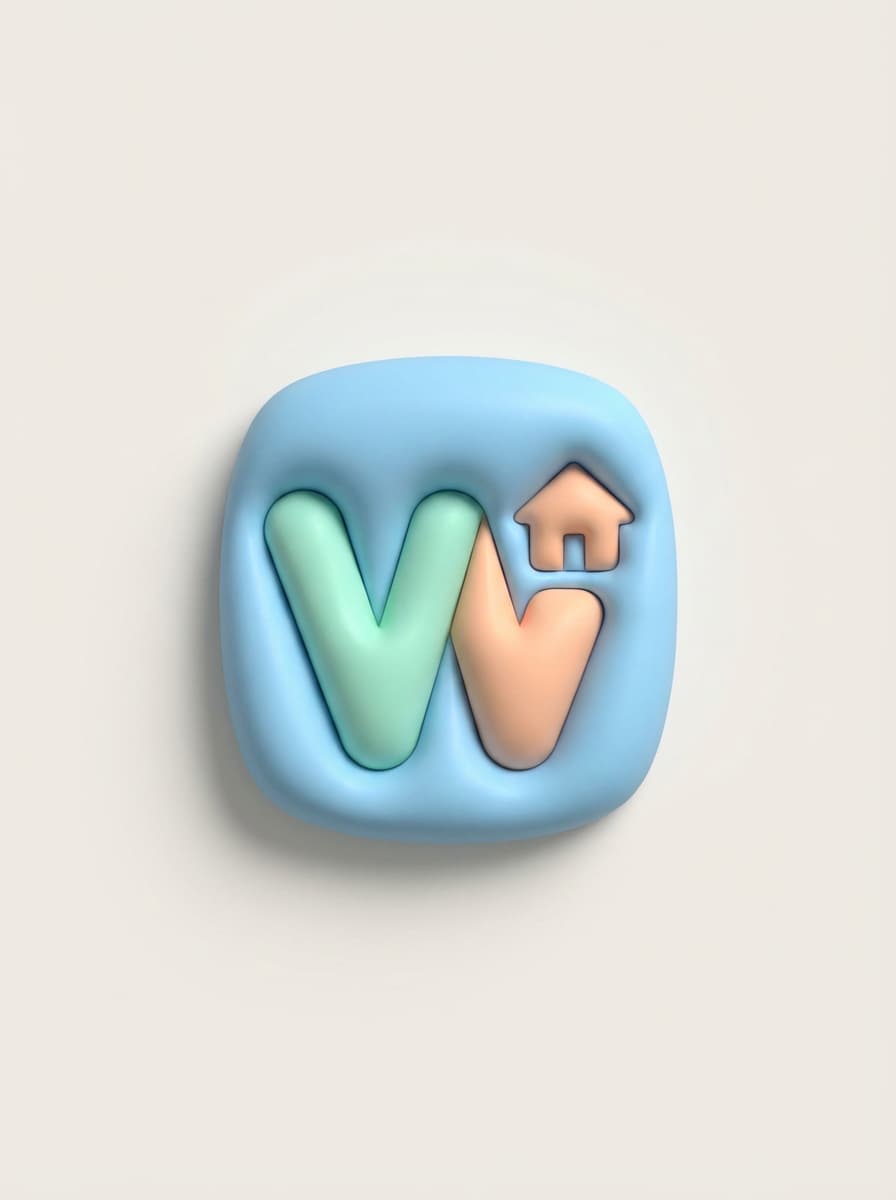
Мягкий 3D-пластилин
Сделайте мягкую 3D-иконку в стиле пластилина с округлыми формами, нежными тенями и аккуратным центральным символом — игривую, но профессиональную. Применяйте яркие пастельные тона: голубой, мятный, персиковый; фон остаётся простым, а текстуры — плавными и ясными, что удобно для презентации бренд-идей.
Щит кибербезопасности
Разработайте иконку для сайта кибербезопасности с современным щитом или символом замка, геометрическим минимализмом и центрированной композицией с контрастом. Палитра — темно-синий, электрический синий, белый; края четкие; иконка вызывает ощущение защищённости, техническости и хорошо читается на вкладках, в закладках и для идентификации сайта.
Фирменная сумка для ecommerce
Сгенерируйте простую ecommerce-иконку с минималистичным символом сумки или корзины, броским силуэтом и сбалансированной композицией по центру. Используйте ограниченную палитру (чёрный, белый, изумрудный или оранжевый акцент), детали должны быть лаконичными, а иконка оставаться четкой, узнаваемой и эффективной в виде фавиконки.
Почему использовать Media.io для генератор иконок для сайта Результаты
Быстрое создание идей иконок из текста
Превратите короткую задумку в несколько фавикон-идей за минуты. Media.io — это гибкий создатель иконок для сайта, позволяющий тестировать разные чистые символы, варианты для приложений и направления бренда без шаблонов.
Высокое разрешение для качественного экспорта
Создавайте визуалы в 1K, 2K или 4K разрешении — это удобно, если нужен единый сгенерированный исходник для фавиконки, фирменного стиля сайта, презентаций или соцсетей через создатель фавиконки для сайта.
Гибкие стили для разных брендов
От плоских геометрических знаков до градиентов, 3D и кибертематики — Media.io даёт творческий простор для современных иконок под разные сайты, будь то простая фавиконка или большая фирменная система.
Работает онлайн на всех устройствах
Media.io запускается в вашем браузере на Windows, Mac, iPhone, iPad и Android — генерируйте и дорабатывайте фавиконки везде с адаптивным онлайн-генератором для проектов.
Как использовать генератор иконок для сайта на ИИ
1
2
3
1
Шаг 1: Откройте Media.io AI Image Generator
Перейдите в AI Text to Image Generator и откройте AI Image Generator через AI -> Image Generator. Этот онлайн-инструмент работает прямо в браузере, поэтому вы сможете создать генератор иконок для сайта концепцию на компьютере или телефоне без установки графических программ.
2
Шаг 2: Введите запрос
Наберите подробный запрос, например: “Создай минималистичную иконку для SaaS-бренда, закруглённый квадрат, градиент синий-фиолетовый, простой центральный символ, высокий контраст, для фавиконки, без текста.” Скорректируйте стили и параметры изображения под желаемый визуал.
3
Шаг 3: Сгенерируйте, доработайте и скачайте
Нажмите «Сгенерировать». Изучите варианты иконок, доработайте запрос для лучшей читаемости в маленьком размере, затем скачайте результат в высоком разрешении. Сгенерированное изображение используйте как отправную точку для фавиконки и брендирования сайта.
Узнайте, как дизайнеры и профессионалы применяют Media.io AI Website Icon Generator для ускорения работы и воплощения уникальных идей фавиконок.
Прототипы фавиконок для новых брендов
Если вы выбираете имя для стартапа, запускаете проект или тестируете новый продукт, Media.io поможет быстро подобрать направление для иконки до создания основного логотипа. Это удобный способ создать фавиконку для сайта по простому текстовому запросу с бесплатной версией онлайн-создателя иконок для первого ознакомления.
Создание узнаваемых значков во вкладках
Владельцам сайтов нужен читаемый знак даже при маленьком размере. Используйте Media.io для создания простых, контрастных визуалов, которые могут стать хорошей фавиконкой, иконкой закладки или компактным фирменным символом по тексту с помощью ИИ-создателя иконок.
Ускорение презентаций для клиентов
Фрилансеры, агентства и веб-дизайнеры могут показывать сразу несколько вариант иконок, сгенерированных ИИ. Это удобно для мудбордов, первых обсуждений, сравнения стилей (плоский, градиент, 3D) перед финальным утверждением фавикона и особенно если нужен повторяемый генератор для редизайнов.
Отзывы пользователей
Лена Брукс
Фрилансер, веб-дизайнер
"Быстрый способ подобрать вариант фавиконки" Я использовала Media.io, когда клиенту нужен был быстрый вариант иконки во вкладке до финального брендирования. Промты дали мне несколько пригодных идей за минуты, особенно для SaaS-символов.
Маркус Чен
Основатель стартапа
"Выручает на раннем этапе брендинга" У нас не было готового лого, но нужен был концепт иконки для макетов. Этот инструмент помог мне быстро протестировать символы и буквы прямо из текста.
Прия Наир
UI/UX-консультант
"Хорошее разнообразие визуальных стилей" Мне понравилось, что можно легко переключаться с геометрии на градиенты и стекло — без создания заново. Было удобно сравнить стили для разных страниц продукта.
Даниэль Ортис
Владелец интернет-магазина
"Удобная отправная точка для айдентики магазина" Мне нужна была компактная, современная, легко узнаваемая иконка. Media.io предложил мне несколько простых вариантов с изображением сумки — я мог доработать их для фавиконки и бренда позже.
Генератор иконок для сайта помогает создавать маленькие фирменные иконки, которые можно использовать как фавиконки, значки во вкладках, иконки закладок или элементы бренда. Media.io применяет ИИ, преобразующий текст в изображение — так вы опишете желаемый стиль и быстро получите индивидуальные варианты онлайн. Media.io работает в браузере на любом устройстве (Windows, Mac, iOS, Android) и может служить удобным фавикон-генератором для новых и существующих сайтов.
2. Могу ли я создать фавиконку из текста, а не через загрузку логотипа?
Media.io поддерживает преобразование текста в изображение — вы описываете словами желаемую иконку и получаете свои варианты без загрузки логотипа. Это полезно для генерации фавикона по тексту, тестирования фирменных направлений или создания нового символа с нуля с помощью гибкого генератора фавиконок для сайта.
3. Генератор иконок для сайта бесплатный?
Media.io даёт бесплатные кредиты новым и неавторизованным пользователям — вы можете попробовать инструмент до апгрейда. Для большего числа генераций или увеличения лимита ознакомьтесь со страницей тарифов. Бесплатный экспорт может иметь водяные знаки, а платные тарифы — скачивание без них и в высоком качестве. Бесплатные пользователи используют кредиты для ознакомления с генератором. Для большего объёма можно подписаться на план через страницу тарифов. страница тарифов для дополнительных кредитов и скачивания без водяных знаков в высоком разрешении.
4. В каком размере и формате лучше скачивать фавиконку?
Media.io генерирует изображения в высоком качестве, которые можно использовать как исходник для создания фавиконки. Обычно используют размеры 16x16, 32x32, 48x48 и более крупные для приложений или touch-иконок — в зависимости от платформы. Для чистого экспорта часто берут PNG, иногда затем готовят ICO или SVG, если это нужно сайту и браузеру.
5. Будет ли иконка работать в Chrome, Safari, на мобильных и в поиске Google?
Media.io создаёт саму иконку, а совместимость зависит от того, как вы экспортируете и внедряете её на сайте. Обычно простой, контрастный дизайн лучше всего смотрится в Chrome, Safari, на мобильных устройствах и в других местах, где иконки отображаются маленькими. Для лучшего результата первым делом создайте чистый символ, затем подготовьте правильные фавикон-файлы.
6. Сколько времени занимает генерация иконки ИИ?
Обычно требуется немного времени для генерации вариантов с помощью Media.io после ввода запроса. Время зависит от модели и настроек, но интерфейс проектирован таким образом, чтобы вы быстро переходили от идеи к визуалу прямо в браузере через онлайн-генератор иконок.