Creations are stored for only 7 days. Assets created after upgrading to a Membership plan will be stored permanently.
Unlock your creative potential and experience the magic of Media AI right away!
Heart Filter Online for Romantic Selfies, Couple Photos, and Cards
Create a heart filter effect for selfies, portraits, and couple photos in minutes. Media.io helps you add pink overlays, floating face hearts, dreamy bokeh, and heart-shape edits in one browser-based workflow for Valentine’s posts, wedding memories, and cute social content. Creators often use it for heart snapchat filter. This setup works well for pink heart filter instagram.
Review these example directions, then tailor the prompt details to get stronger results with this heart filter online, whether you want a soft romantic edit, a transparent heart filter look, or a social-style finish. It also supports heart head filter.
Pink Heart Bokeh
Use the uploaded image as the main subject and transform it with a dreamy pink heart bokeh effect. Add soft foreground and background heart lights, gentle blush highlights, creamy depth of field, flattering skin tones, and a romantic Valentine mood with polished photorealistic quality.
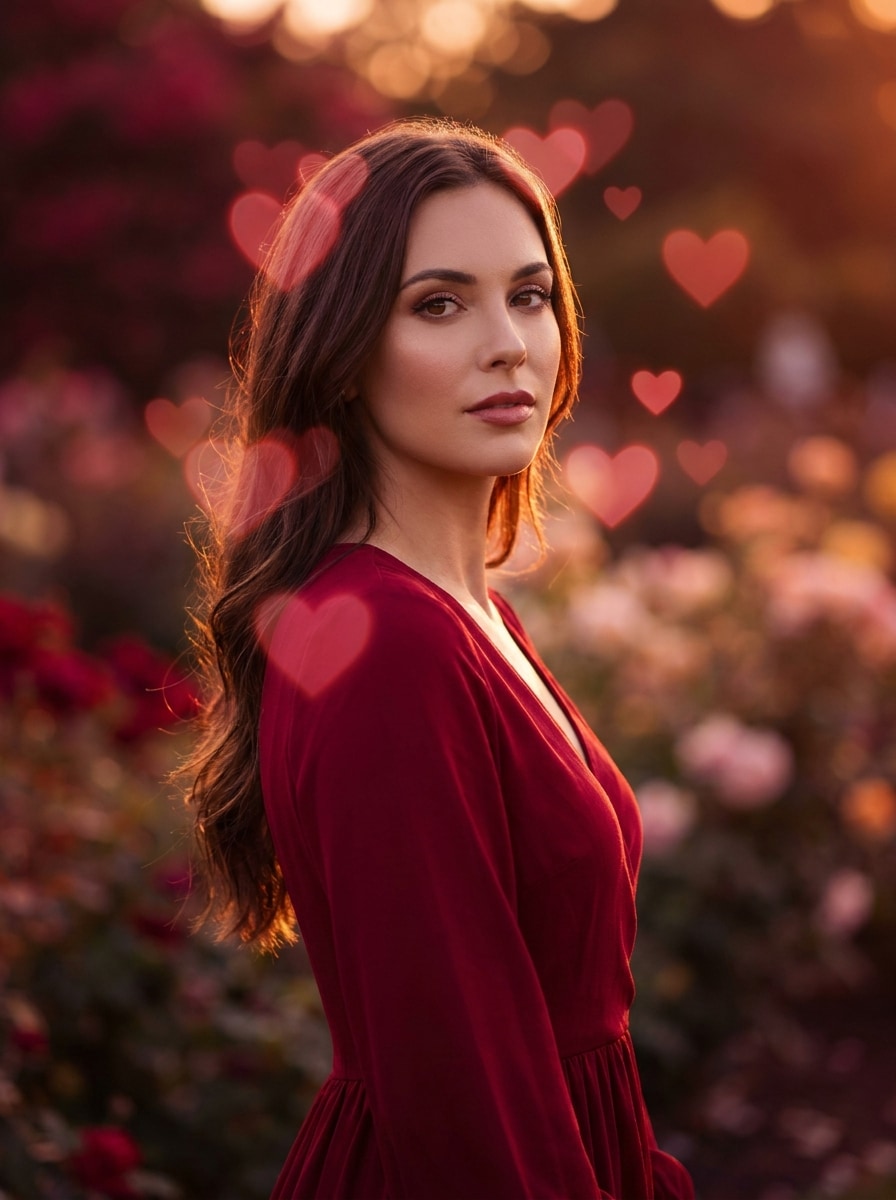
Red Love Glow
Use the uploaded photo as the subject and add a romantic red heart filter with glowing overlays and warm cinematic lighting. Keep the face recognizable while enhancing the scene with crimson highlights, soft haze, elegant contrast, and a rich, affectionate evening atmosphere.
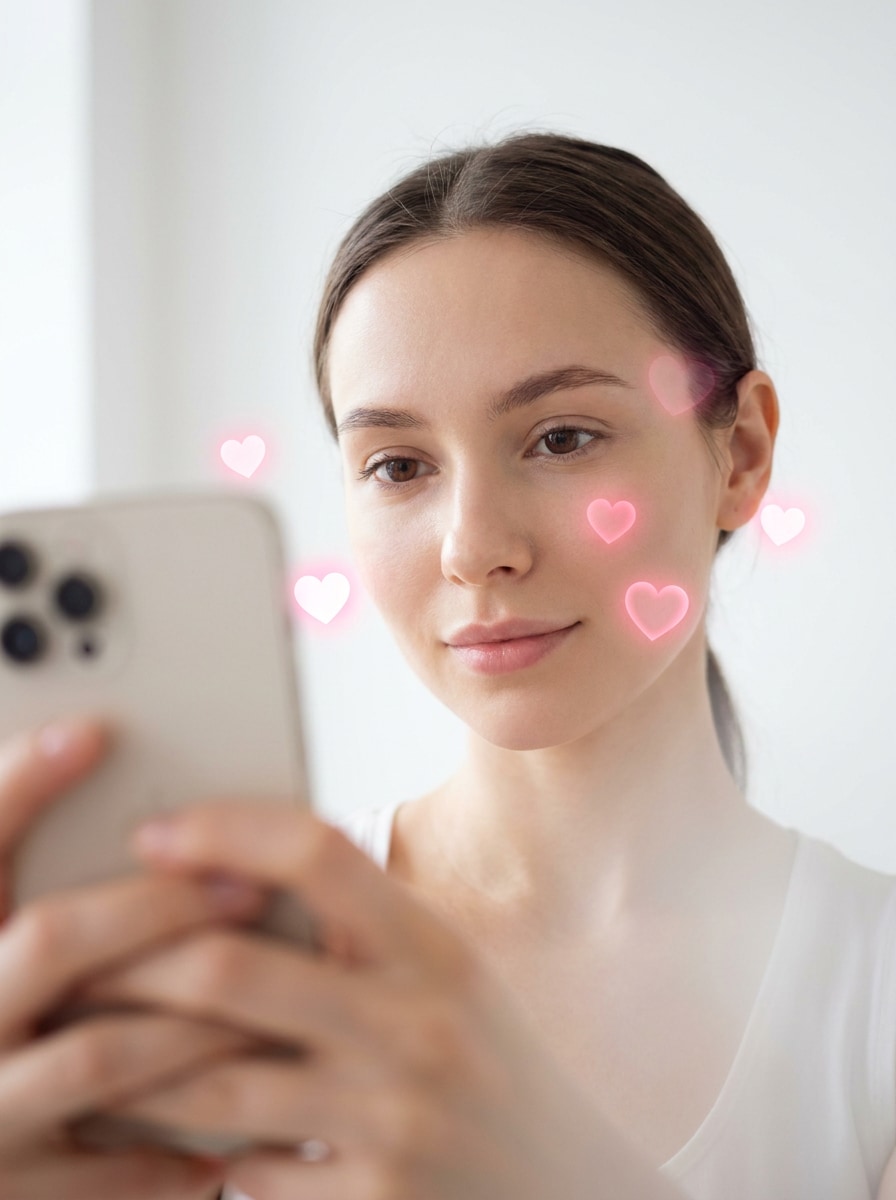
Floating Hearts Around Face
Use the uploaded selfie as the base and create a cute face-framing heart effect with floating pink hearts around the head. Preserve facial features, add soft beauty lighting, a clean background, subtle glow, and a playful AR-inspired mood that feels social-ready and flattering.
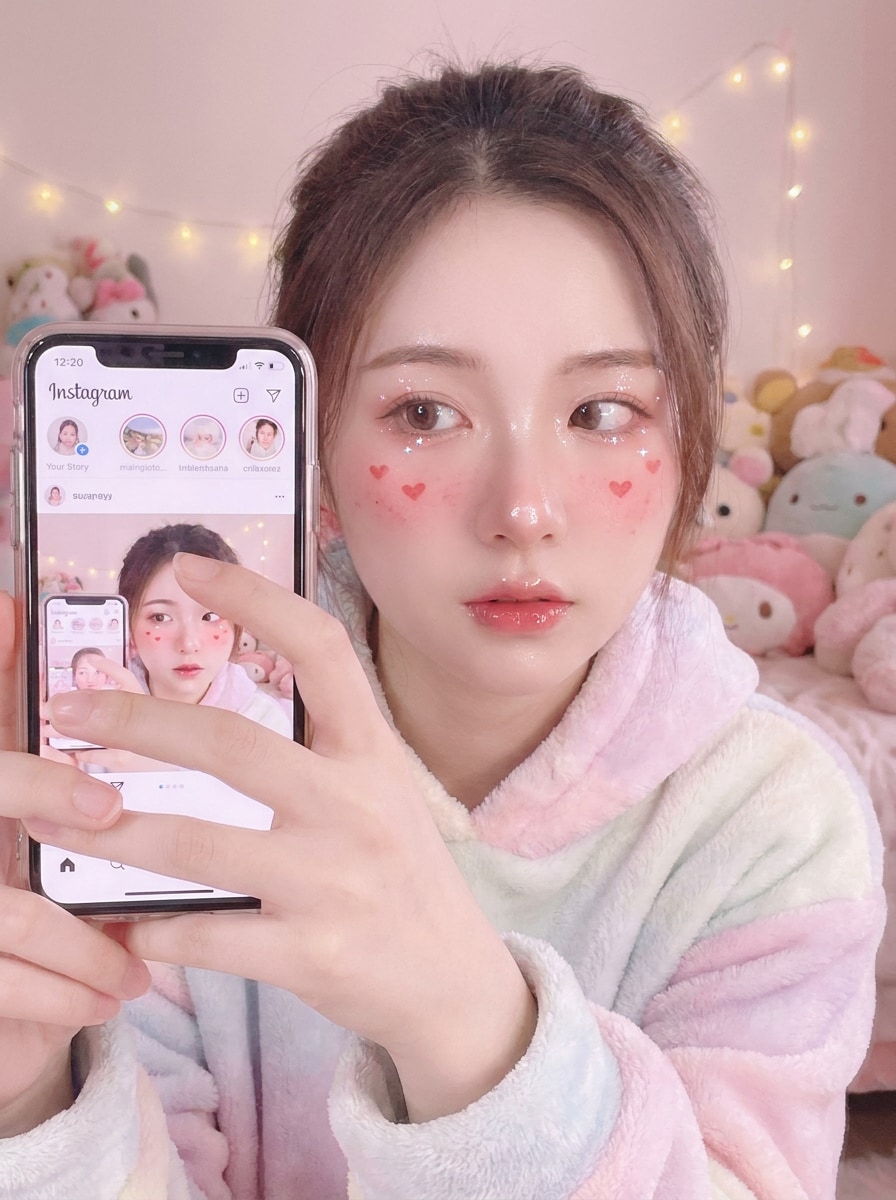
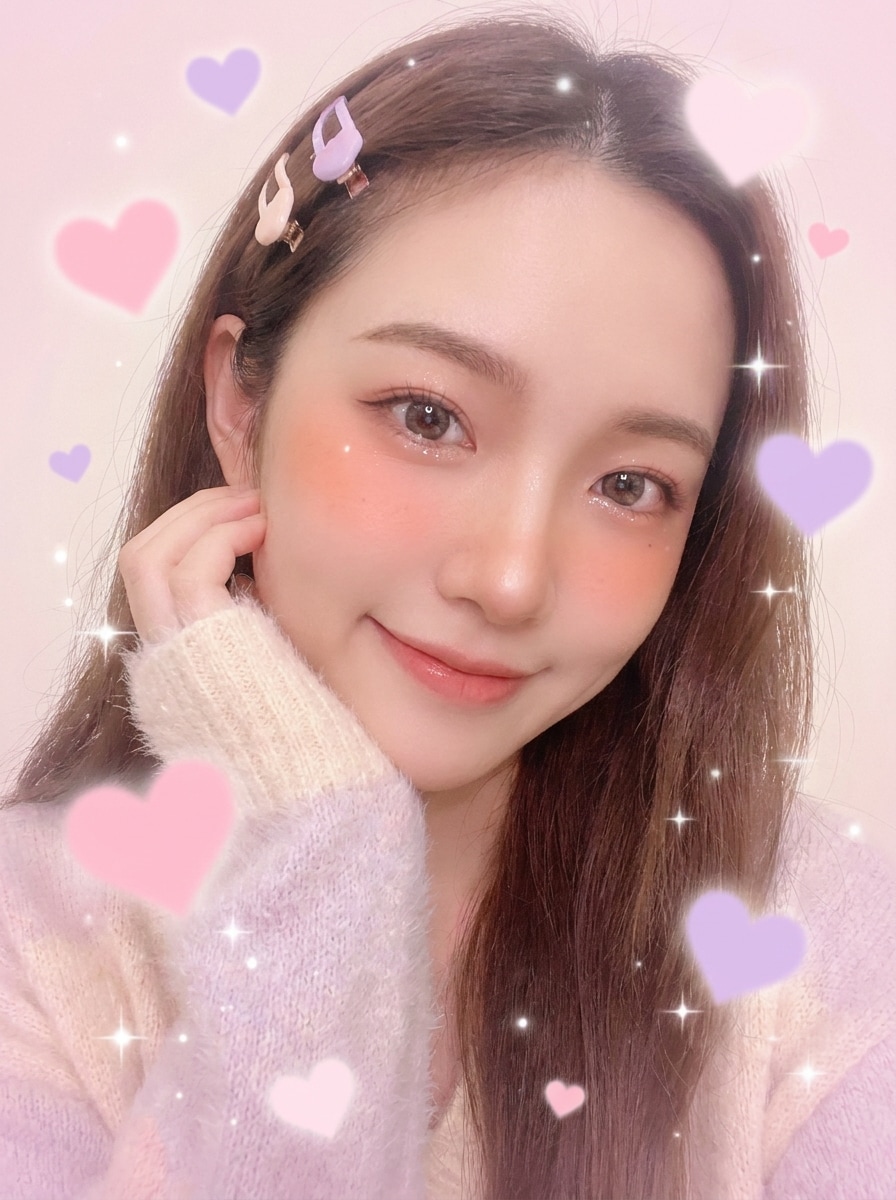
Heart Blush Selfie
Use the uploaded selfie and transform it into a cute blush-toned portrait with tiny heart accents on the cheeks. Add glossy highlights, pastel pink color grading, subtle sparkles, soft diffusion, and a sweet kawaii mood while keeping the face sharp and recognizable.
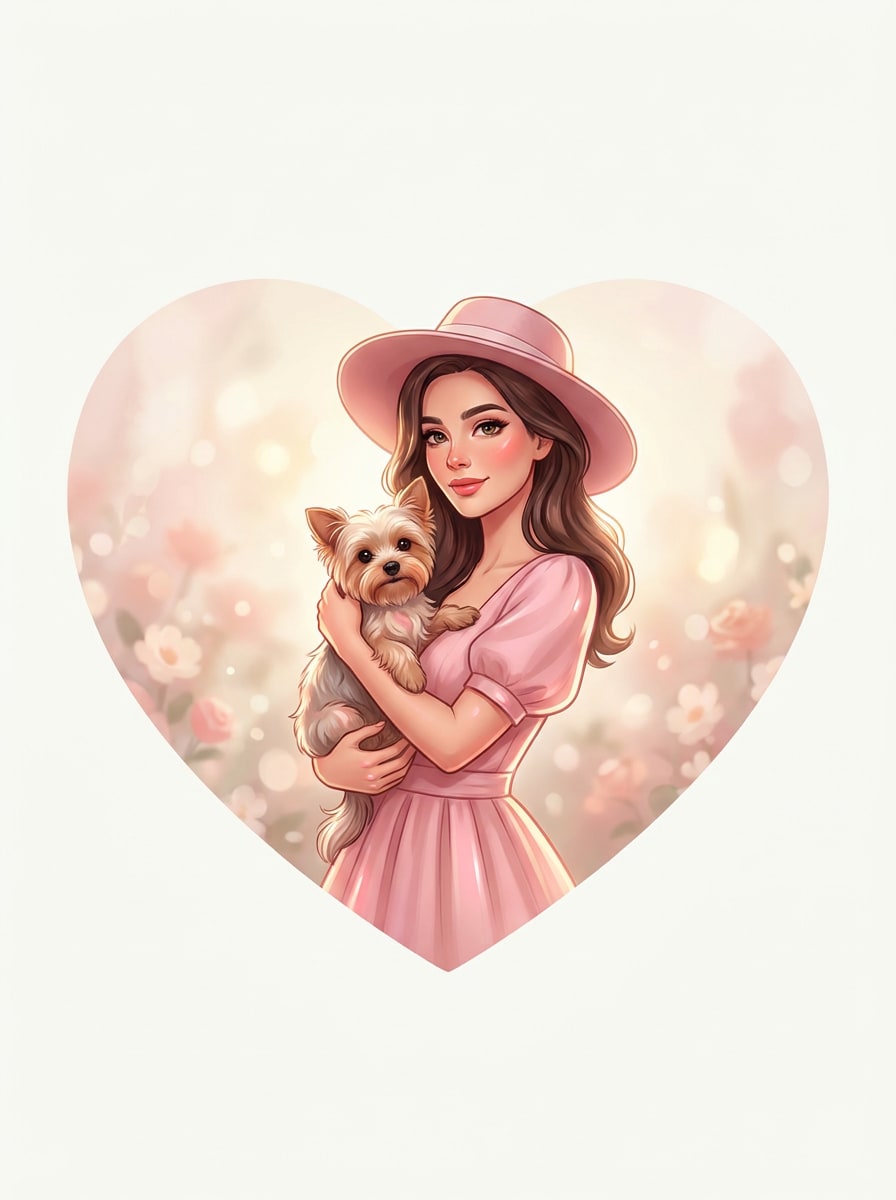
Heart Shape Crop
Use the uploaded image and convert it into a clean heart-shaped composition. Center the subject carefully, smooth the heart edges, add a soft romantic backdrop, maintain visual balance, and create an elegant result suitable for a card, profile image, or keepsake post.
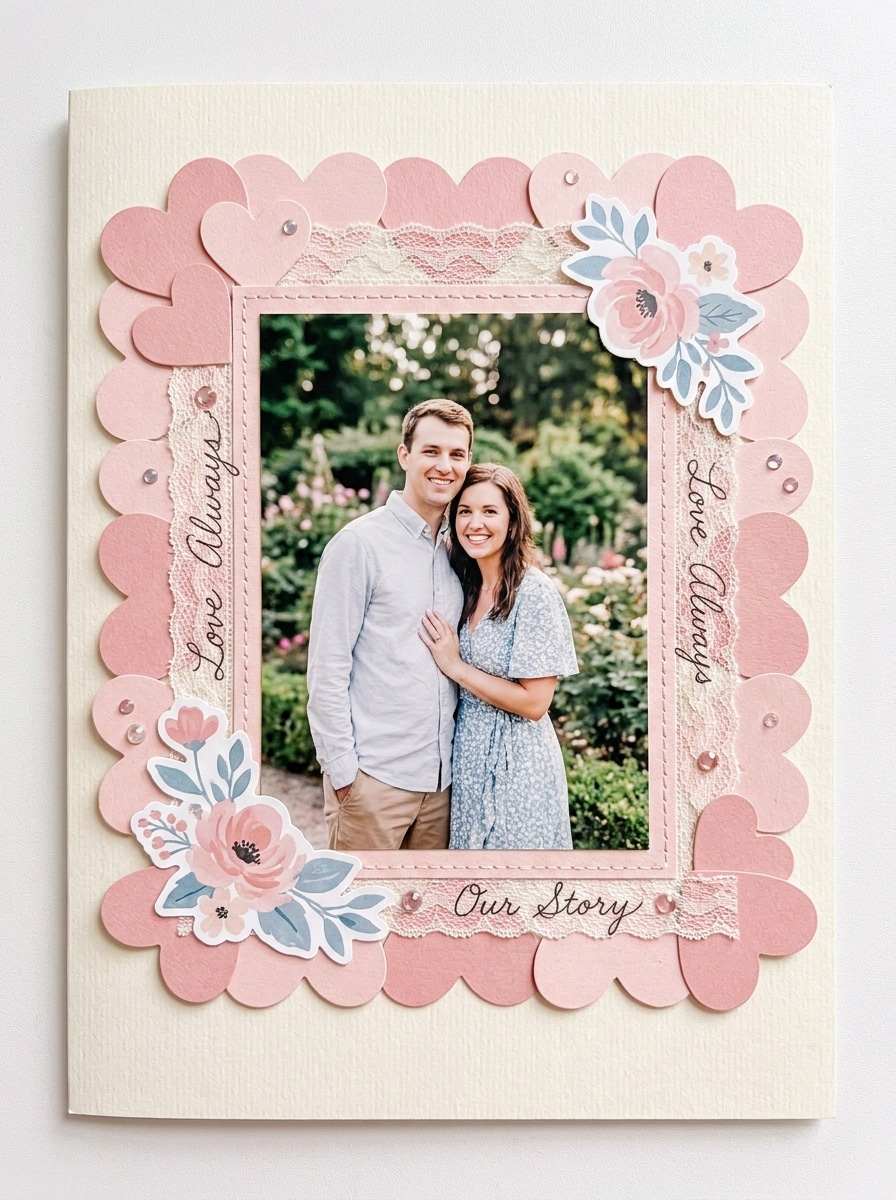
Heart Border Frame
Use the uploaded picture as the centerpiece and add a decorative pink heart border around it. Create a scrapbook-inspired romantic frame with pastel tones, tidy spacing, soft paper-like texture, and a polished layout that keeps the main subject clear and visually prominent.
Y2K Heart Sparkle
Use the uploaded photo and restyle it with a Y2K-inspired heart sparkle effect. Add glossy pink highlights, chrome-like accents, nostalgic digital-camera mood, playful shimmer, vibrant contrast, and cute romantic energy while preserving the subject's face and pose.
Kawaii Love Filter
Use the uploaded image and apply a cute kawaii love-themed edit with pastel hearts, dreamy blush tones, gentle glow, and playful sparkles. Keep the portrait soft and flattering, with clean detail, sweet color harmony, and a cheerful social-ready finish.
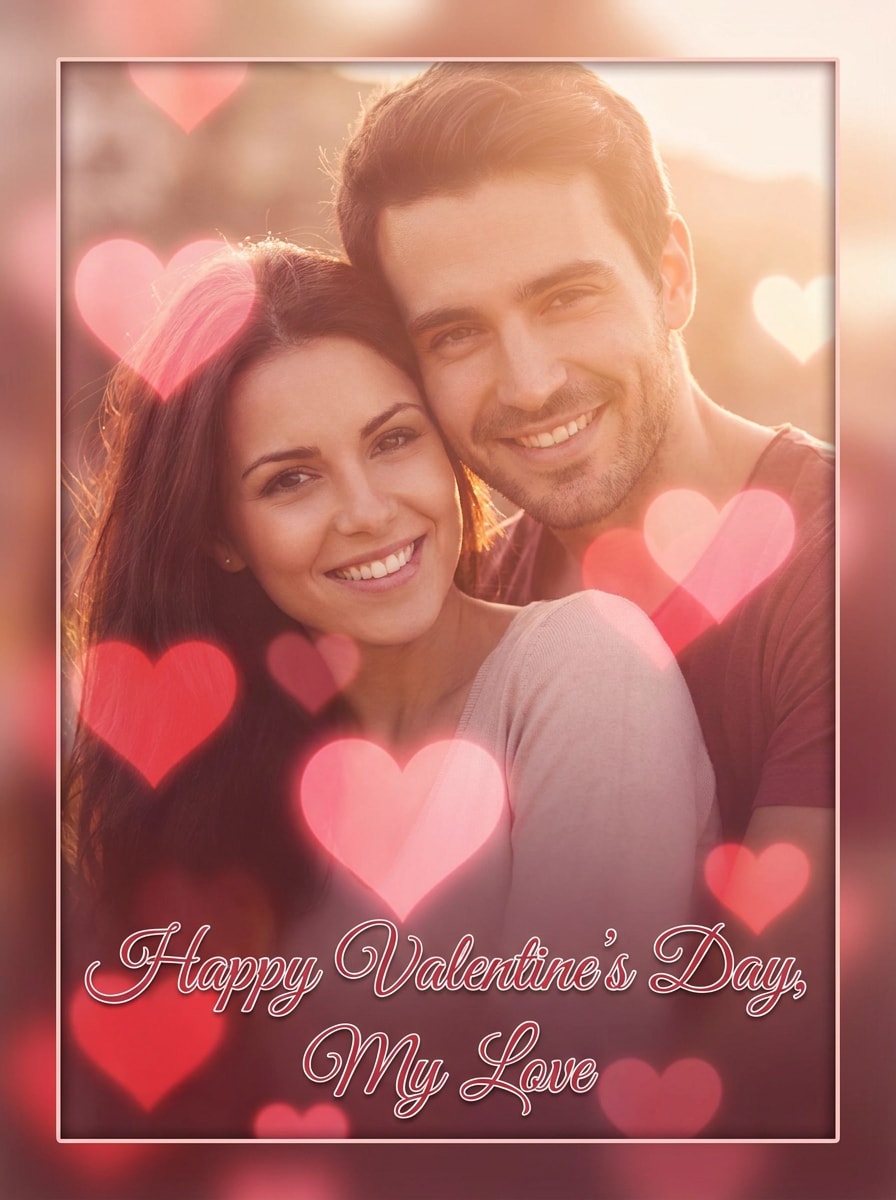
Valentine Card Photo
Use the uploaded picture and turn it into a Valentine's-style photo edit with layered hearts, elegant pink-red tones, soft glow, and a greeting-card feel. Keep the subject clear, refine the composition, and create a festive romantic image ready to share or print.
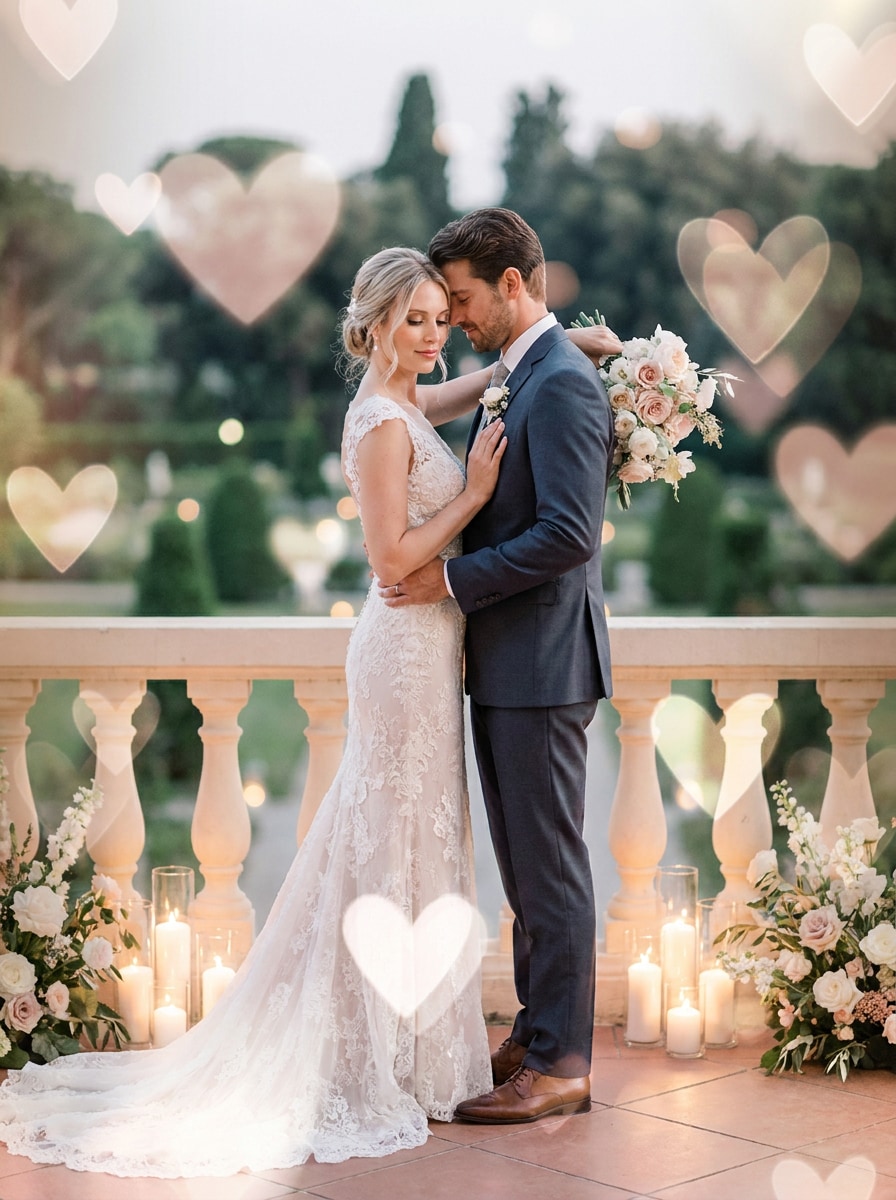
Wedding Love Overlay
Use the uploaded wedding or couple photo and enhance it with elegant translucent hearts. Add blush and soft white highlights, refined glow, gentle depth, and a premium romantic atmosphere while keeping clothing, faces, and important details natural and high quality.
Why Use Media.io for Heart Photo Effects
Refine Fast With Upload, Prompt, and Regenerate Workflow
Instead of rebuilding every idea from scratch, Media.io lets you upload a photo, describe the exact heart effect you want, and regenerate variations fast.
Keep Faces Recognizable While Changing the Style
When style is part of the decision-making, Media.io helps you compare multiple directions from the same heart filter visual base, which makes creative selection more efficient.
Keep Final Visuals Sharp for Real Projects
For projects that need more than draft quality, Media.io helps produce heart filter visuals with up to 4K output so details stay cleaner when you present, crop, or repurpose the final file.
Create in Browser Across Devices
Editing across different screens stays simple with Media.io because everything runs in the browser. That keeps the workflow moving even when you switch between phone and desktop.
How to Make a Heart Filter Photo Online
Turn your words into stunning visuals in three simple steps, then continue refining the result if you want to take it further.
Step 1
Upload Your Reference Image
Start with a clear selfie, portrait, couple photo, or wedding image in JPG, PNG, or JPEG. A clean source photo helps Media.io produce better floating-heart, border, bokeh, or transparent heart filter style results.
Step 2
Describe the Change and Set Options
Tell the AI whether you want a soft romantic overlay, a pink heart filter, a heart-shape crop, or a face-framing look similar to a heart filter on instagram or heart filter on snapchat. Then choose the model, aspect ratio, resolution, and number of outputs.
Step 3
Generate, Download, and Keep Improving
Generate several variations, compare the mood and intensity, and download your favorite result. If needed, refine the prompt, switch styles, or regenerate for a cleaner border, stronger glow, or a more subtle social-ready finish.
See how creators use this Heart Filter for content, marketing, and personal projects, then adapt each idea to fit the brief with Media.io.
Make Romantic Social Posts That Feel Platform-Ready
Turn a simple selfie into a cute edit with floating hearts, soft glow, and blush tones inspired by the look people often want from a heart filter on instagram. It’s ideal for stories, reels, profile updates, and a playful heart instagram filter vibe without needing a native app effect.
Design Valentine's and Anniversary Photos With More Personality
Create keepsake-style couple images with layered overlays, bokeh lights, or a heart-shaped crop for cards, digital messages, and celebration posts. This works well when you want a love heart filter instagram aesthetic, a polished anniversary visual, or a printable romantic memory with a pink heart filter finish.
Build Cute Selfie Edits Beyond AR Lenses
If you like the look of a heart filter snapchat style, a heart filter on snapchat effect, or a heart in head filter edit, Media.io gives you more control over color, glow, framing, and export quality. You can also create a heart on head filter look or a soft transparent heart filter style from your own upload.
What Users Say About This Heart Filter Tool
Mia Reynolds
Lifestyle Creator
"Great for cute couple edits" I wanted something softer than a basic app sticker pack, and this gave me a much cleaner romantic look. The floating hearts and pink glow made my anniversary photos feel polished enough for Instagram stories and prints.
Jordan Lee
Social Media Manager
"Easy way to make branded seasonal posts" We used it for Valentine's campaign visuals and quickly tested multiple heart styles from one portrait. Being able to change the aspect ratio for feed posts and story layouts saved a lot of production time.
Ava Patel
Student Designer
"Better control than phone filters" I liked that I could upload my own selfie and describe the exact look I wanted instead of settling for one preset. The heart border and heart-shape crop options were especially useful for card-style images.
Noah Bennett
Wedding Photographer
"Nice for soft romantic overlays" The elegant heart overlay style worked well on engagement and wedding previews. Faces stayed recognizable, and the final images looked refined rather than overly artificial, which is important for client galleries.
A heart filter for photos is an editing effect that adds romantic visual elements such as floating hearts, heart bokeh, pink glow, decorative borders, or a heart-shaped crop. With Media.io, you can apply these looks to your uploaded image in one workflow instead of relying only on a built-in social effect like an instagram filter heart style.
2. How do I add a heart filter to a picture online?
Upload your photo to Media.io, enter a prompt describing the look you want, and choose your image settings before generating. This makes it easy to create a heart filter online for selfies, couple shots, or holiday posts, whether you want a pink overlay, a face-framing effect, or a polished romantic card look.
3. Can I turn a photo into a heart shape?
Media.io can transform your uploaded image into a heart-shaped composition, which is useful for romantic posts, greeting cards, and keepsake designs. You can also combine that shape-based layout with overlays, borders, or softer bokeh styling for a more customized result.
4. Is this heart filter free to use?
Media.io offers free credits, so you can try the tool before upgrading. If you need more usage or want watermark-free high-resolution downloads, you can check the pricing page for plan details.
5. Can I use a heart filter on iPhone, Android, and desktop?
Media.io is web-based, so you can use it on iPhone, Android, Windows, or Mac as long as you have a browser. That means you can create and refine heart filter visuals on the go from a phone or continue editing later on desktop without changing tools.
6. Will the heart effect keep my photo quality high?
Media.io supports 1K, 2K, and 4K resolution options, so your edited image can stay sharp for sharing or printing. It also helps preserve the main subject from your uploaded photo while applying effects like a pink heart filter, soft overlay, or face-framing hearts; free users may see watermarks.