Creations are stored for only 7 days. Assets created after upgrading to a Membership plan will be stored permanently.
Unlock your creative potential and experience the magic of Media AI right away!
ИИ-фильтр шоколада для глянцевых портретных трансформаций с эффектом таяния
Создавайте насыщенные шоколадные портреты из своих фотографий за считанные минуты. Media.io поможет вам применить ИИ-фильтр шоколада, от отполированного эффекта шоколадной фотографии до драматического фильтра растопленного шоколада, сохраняя детали лица чёткими и готовыми для публикации в соцсетях.
Введите свою идею -> ИИ её воплотит. Попробуйте бесплатно.
Ознакомьтесь с примерами описаний, затем настройте детали запроса для получения лучших результатов с этим шоколадным фильтром, включая глянцевый десертный вид или более выраженный стиль фильтра шоколадного портрета.
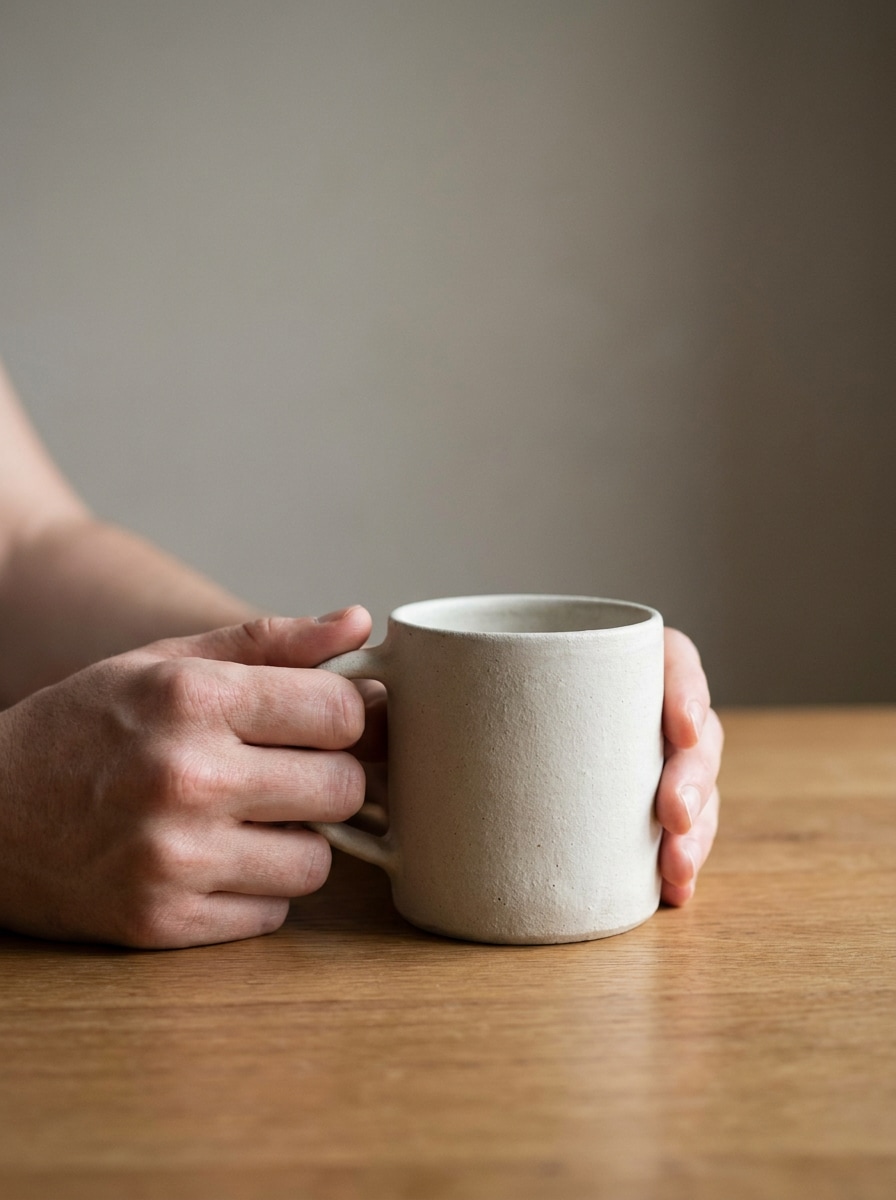
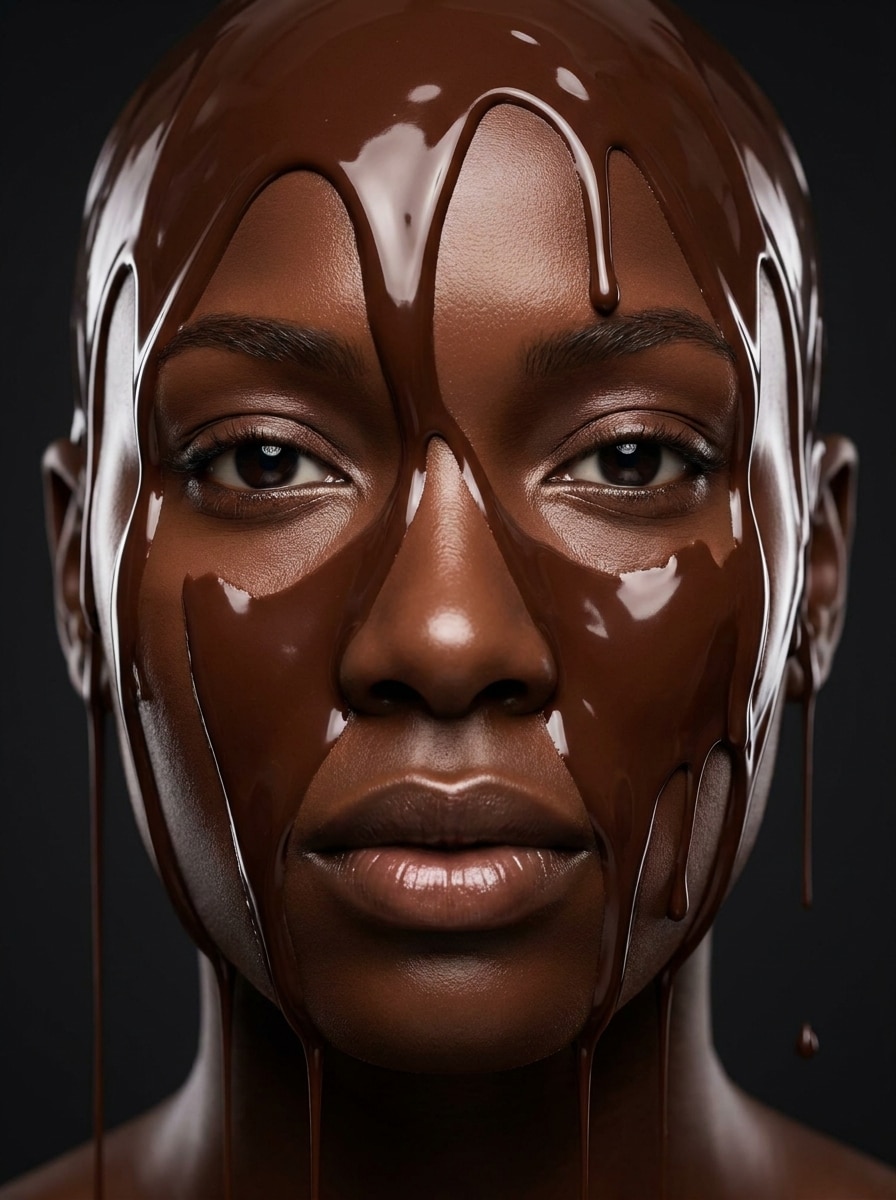
Лицо из растопленного шоколада
Используйте загруженный портрет в качестве объекта и преобразуйте лицо в реалистичную версию из тёмного растопленного шоколада с глянцевыми потёками по лбу и щекам, насыщенными какао-коричневыми тонами, гладкой отражающей текстурой, сохранённой структурой лица, мягким студийным освещением, чистым фоном и высокодетализированным десертным реализмом.
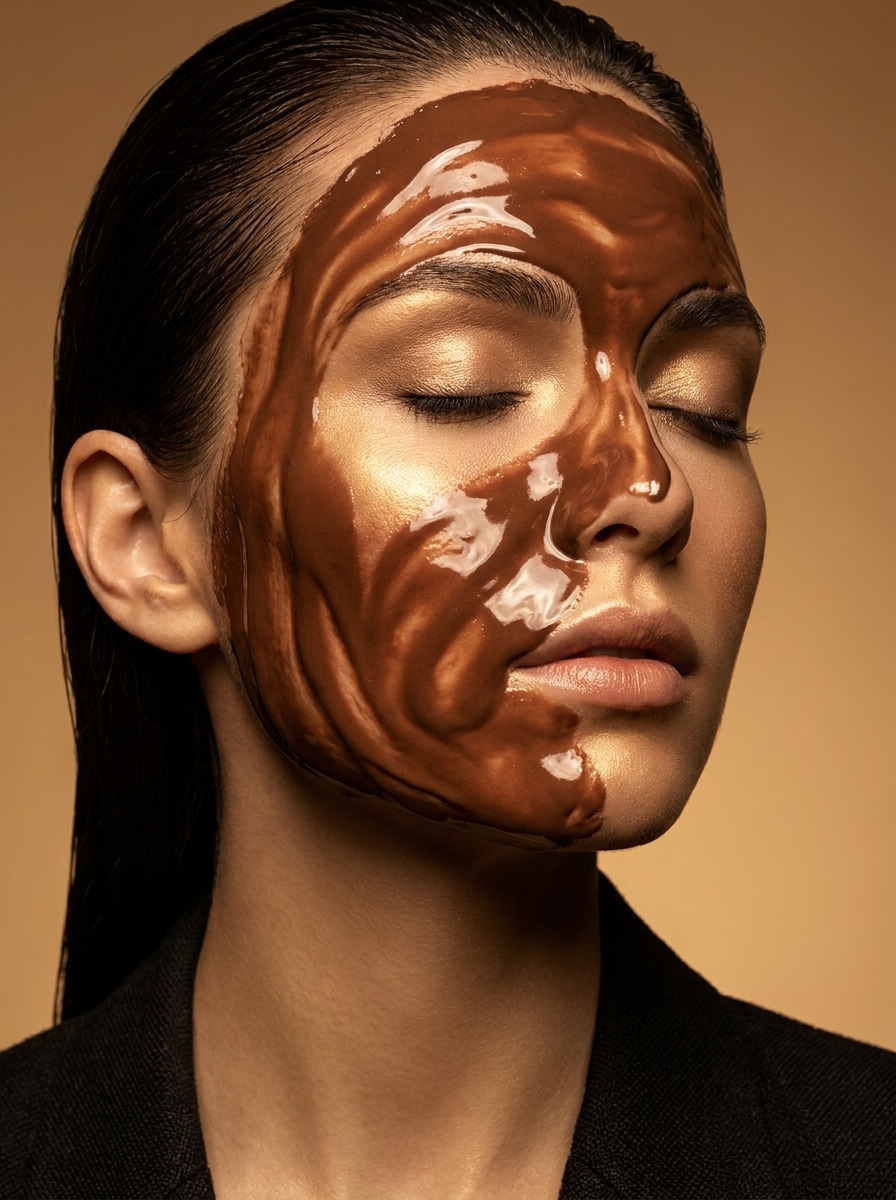
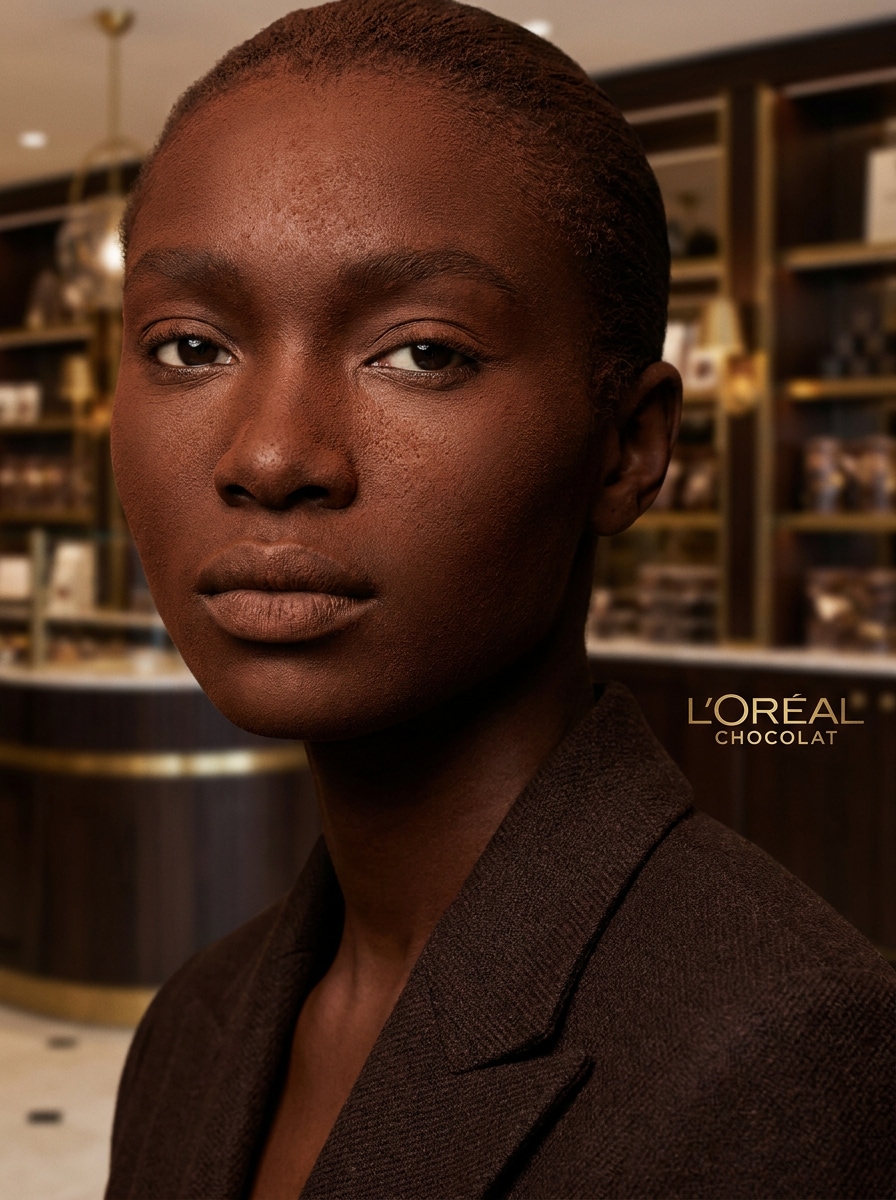
Красота в шоколадной глазури
Используйте загруженное селфи в качестве объекта и создайте высококлассный портрет в стиле красоты, покрытый глянцевой шоколадной глазурью, с элегантными бликами на коже, гладкими коричневыми отражениями, изысканными деталями макияжа, тёплым редакционным освещением, роскошным косметическим настроением, чистой композицией и полированным журнальным качеством.
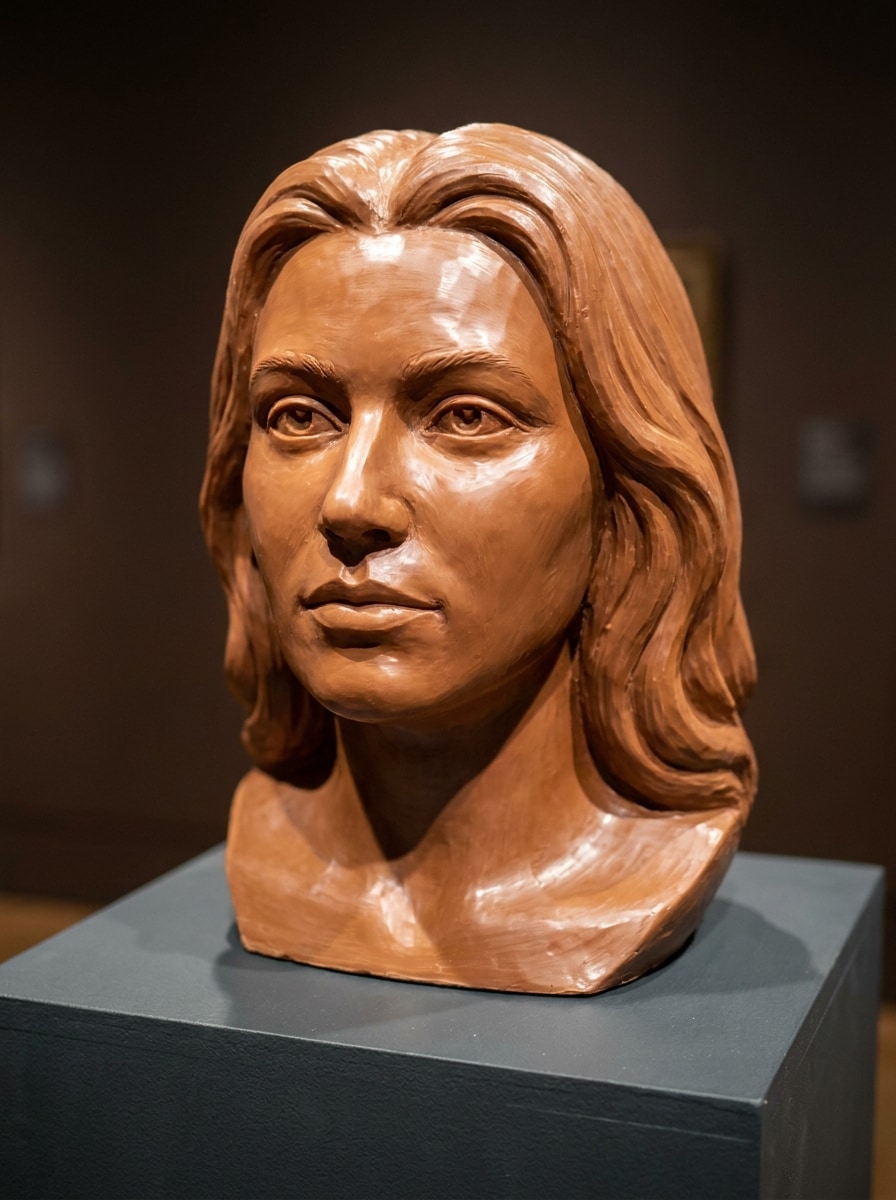
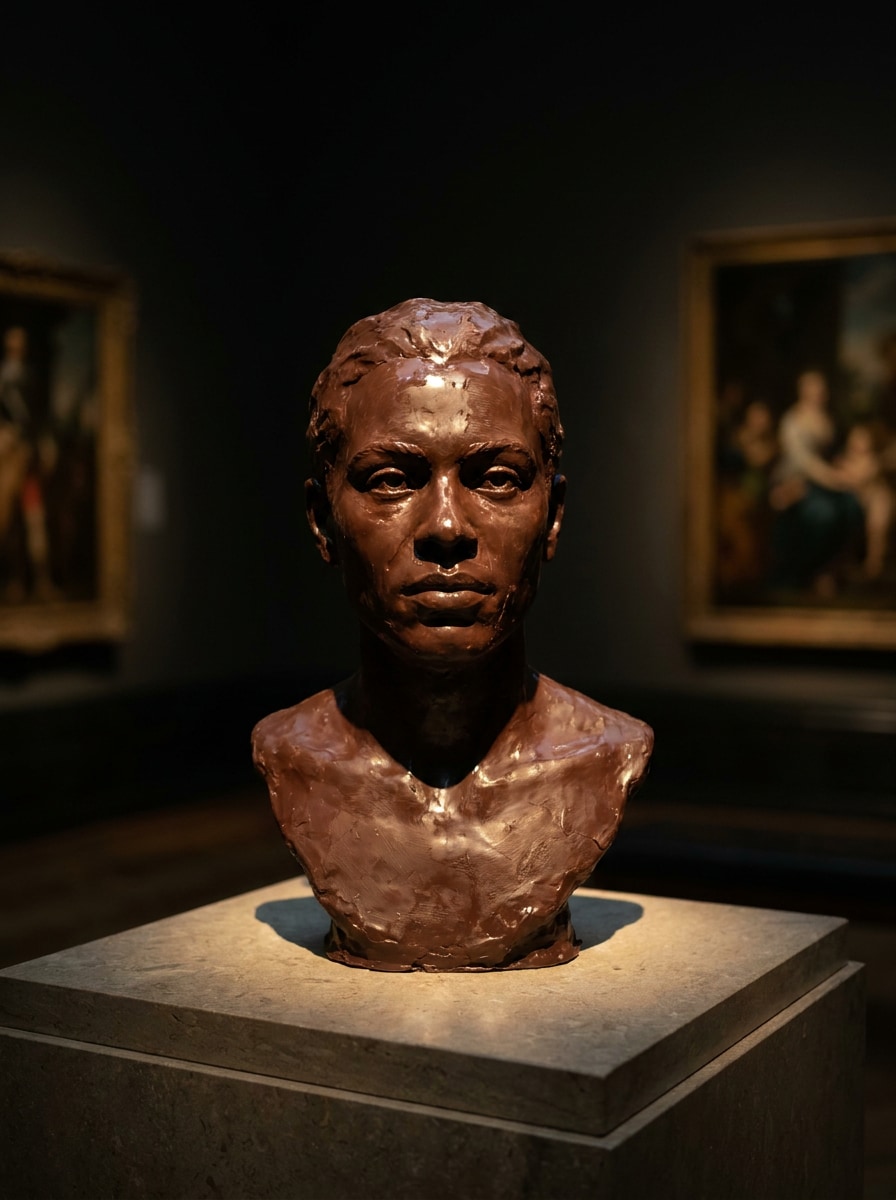
Шоколадный скульптурный портрет
Используйте загруженный снимок в качестве основы и превратите его в скульптурный шоколадный портрет, как если бы объект был вырезан из цельного молочного шоколада, с чёткими контурами лица, тонкой кондитерской текстурой, мягким блеском, музейным освещением, глубокими карамельными и какао-тонами и реалистичным материалом ремесленного десерта.
Портрет в стиле трюфеля
Используйте загруженный портрет в качестве объекта и переработайте его в роскошный образ, вдохновлённый трюфелем, с бархатистым покрытием из какао, насыщенными коричневыми тонами ганаша, тонкой пудровой текстурой, сохранённой формой лица, мягким премиальным освещением, элегантной композицией и изысканным кондитерским редакционным видом.
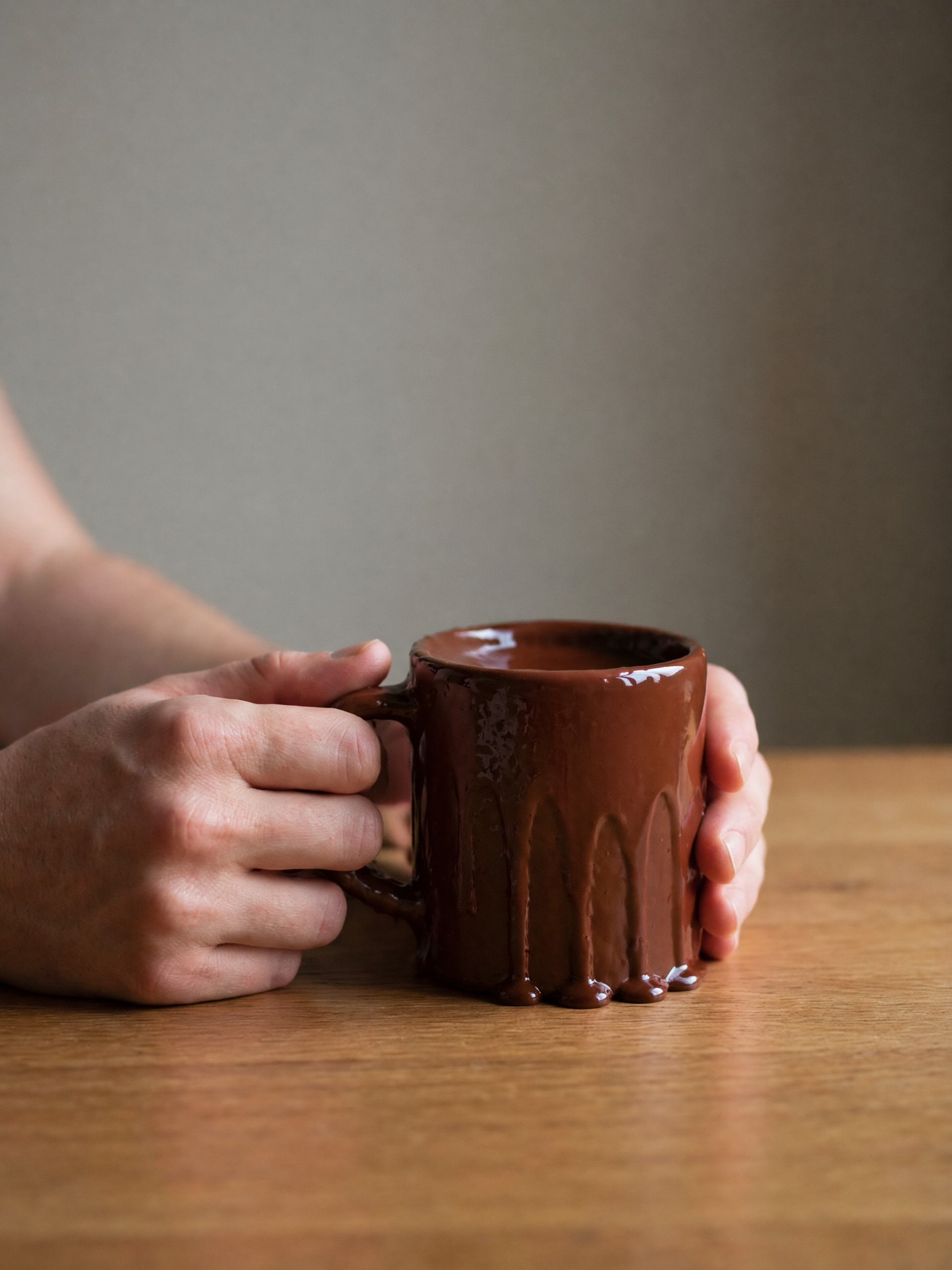
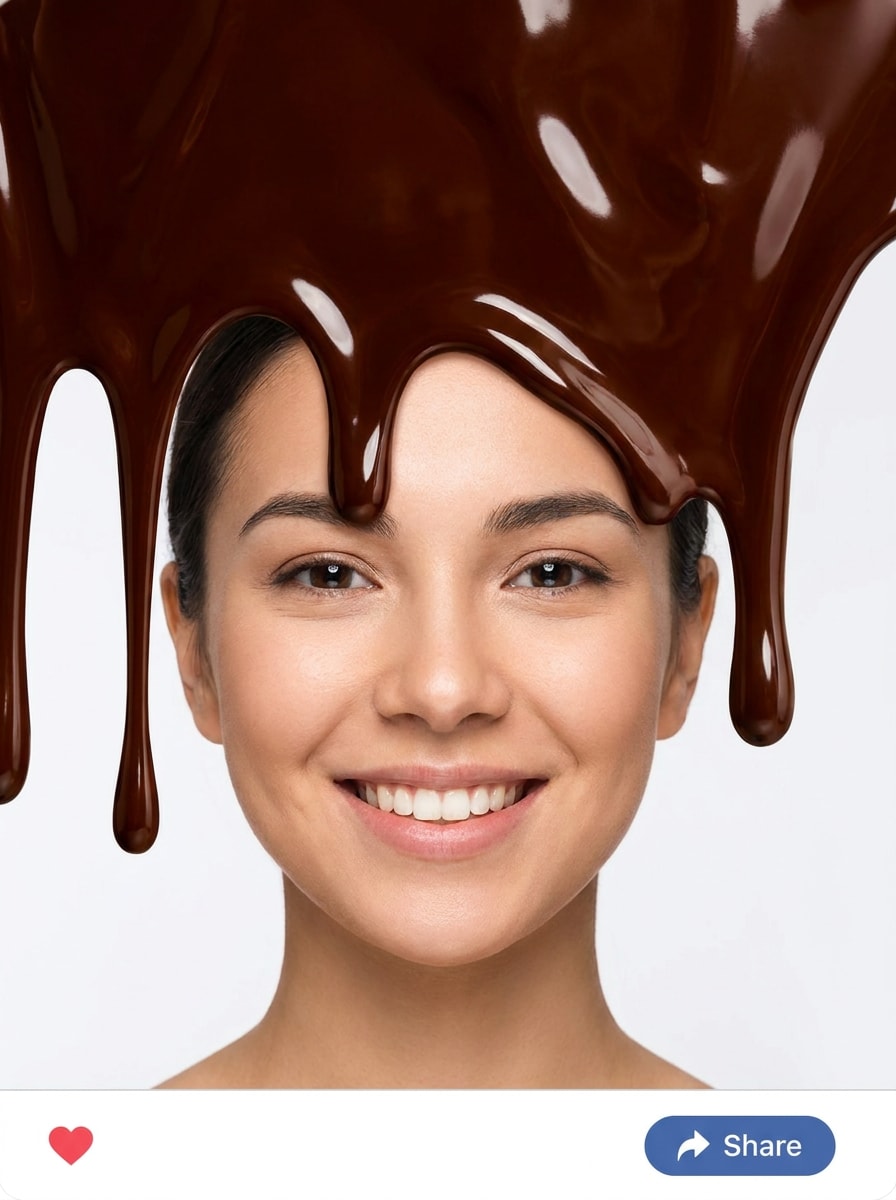
Фильтр шоколадного погружения
Используйте загруженное фото в качестве объекта и добавьте игривый эффект шоколадного погружения сверху с густыми глянцевыми потёками, чистыми переходами краёв, насыщенным тёмно-коричневым блеском, сохранённой видимостью лица, ярким контрастом, простым фоном и атмосферой веселого десертного фильтра для социальных сетей.
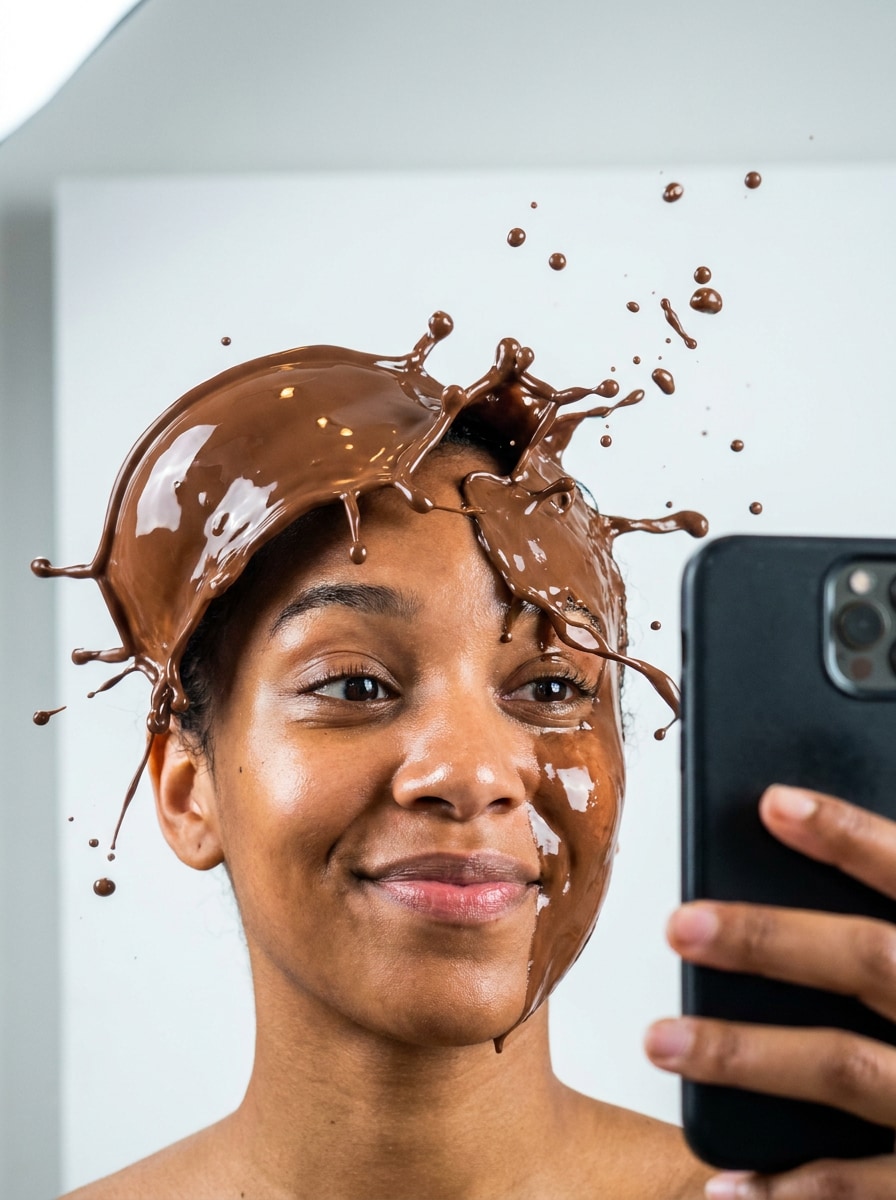
Шоколадный всплеск для селфи
Используйте загруженное селфи в качестве объекта и создайте динамичный шоколадный всплеск вокруг лица с взвешенными каплями, глянцевым движением жидкости, реалистичными коричневыми бликами, чётким сохранением черт лица, энергичной композицией, ярким чистым освещением и игривым настроением вирусного фильтра.
Кинематографический фильтр в тонах какао
Используйте загруженное изображение в качестве основы и примените кинематографическое преобразование в какао-коричневых тонах с тёплыми шоколадными тенями, кремовыми бликами, мягким контрастом, сохранёнными натуральными текстурами, элегантным настроением, тонкой кинематографической глубиной и финишем премиального лайфстайл-фото, а не тяжёлым костюмным эффектом.
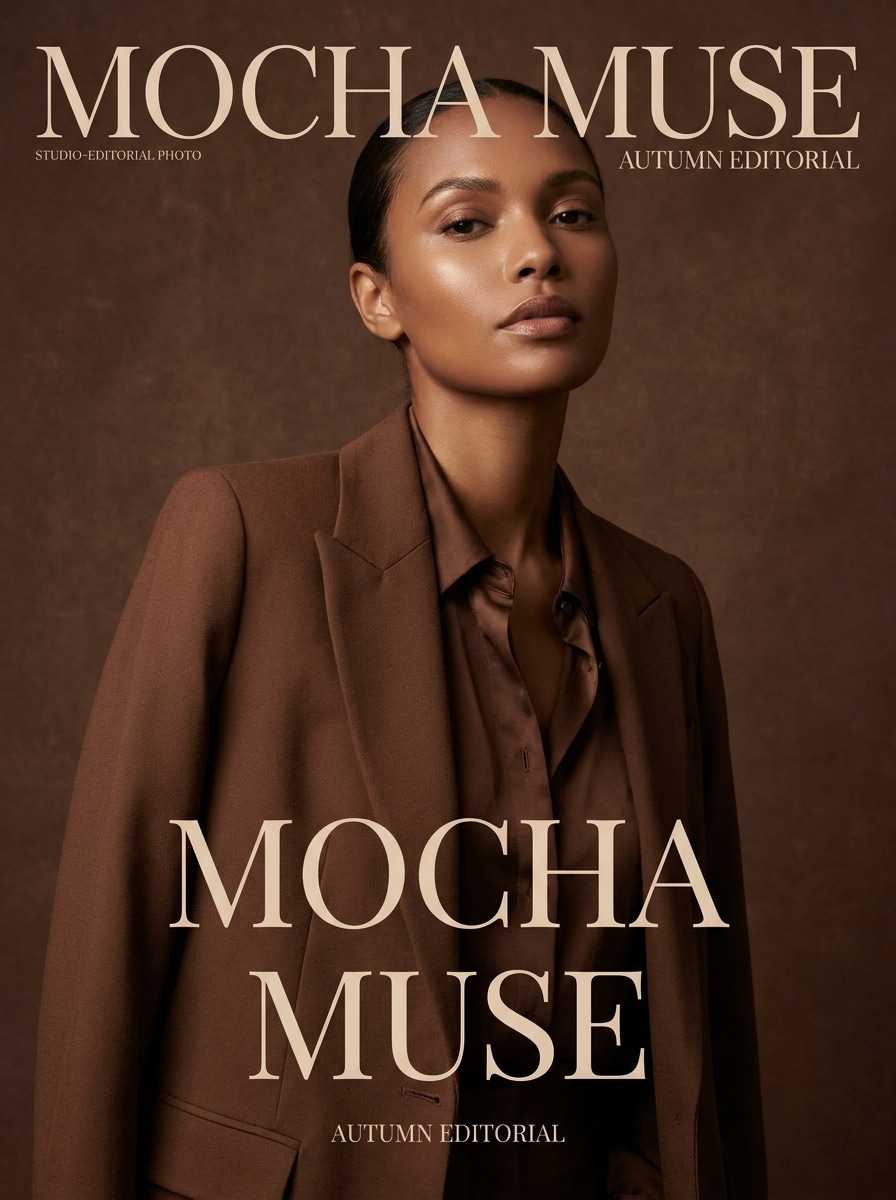
Редакционный фильтр мокко
Используйте загруженный портрет в качестве объекта и создайте редакционную версию в стиле мокко, сочетая оттенки эспрессо и шоколада, полированное журнальное освещение, гладкую детализацию кожи, роскошное модное настроение, чёткую композицию и изысканный завершённый вид красоты, подходящий для стильных фотографий профиля.
Эффект шоколадной статуи
Используйте загруженного человека в качестве референса и превратите его в сюрреалистичную шоколадную статую с цельным тёмно-шоколадным телом, скульптурными контурами, тонким блеском, драматическим галерейным освещением, сохранённой позой, глубокими тенями и реалистичным материалом десертного искусства, который по-прежнему напоминает исходный объект.
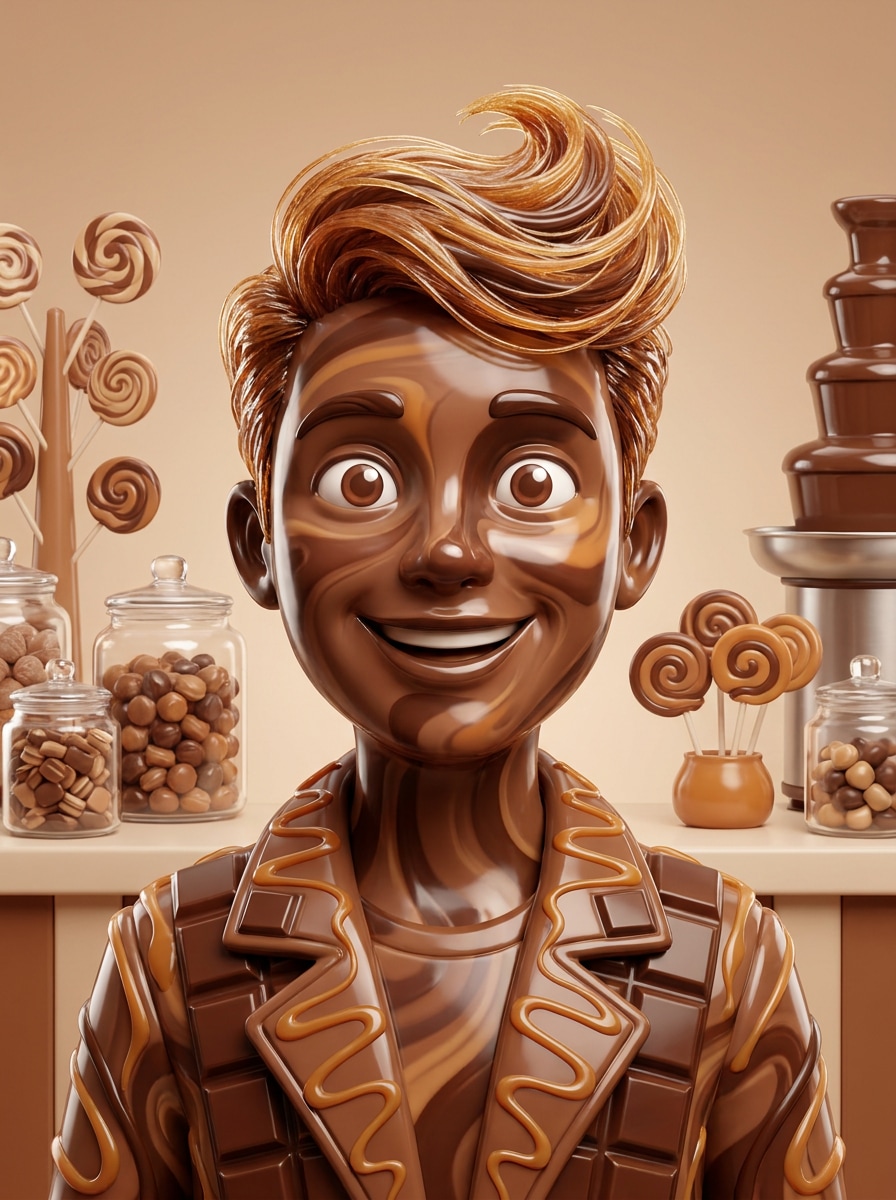
Шоколадный аватар кондитерской
Используйте загруженный портрет в качестве объекта и превратите его в игривый шоколадный аватар в стиле кондитерской с глянцевыми кондитерскими текстурами, фэнтезийным сладким оформлением, яркими десертными коричневыми и кремовыми тонами, жизнерадостным настроением, чёткой портретной компоновкой и узнаваемыми чертами лица для публикации в профиле.
Почему стоит использовать Media.io для эффектов шоколадного портрета
Правки на основе референса, сохраняющие ваше сходство
Для трансформаций с акцентом на лицо Media.io использует загруженное вами фото в качестве ориентира, чтобы вы могли превратить фото в шоколад, сохраняя узнаваемые черты, выражения и пропорции, благодаря чему итоговый портрет выглядит стилизованным, но по-прежнему личным.
Переработайте один объект в несколько стилей
Для правок на основе загрузки Media.io сохраняет визуальную согласованность референсного объекта, меняя при этом итоговое визуальное направление шоколадного фильтра, что упрощает уверенное использование персонализированных результатов.
Создавайте изображения высокого разрешения для реального применения
Для проектов, которым требуется больше, чем черновое качество, Media.io помогает создавать визуалы с шоколадным фильтром с разрешением до 4K, чтобы детали оставались чёткими при презентации, обрезке или повторном использовании финального файла.
Быстрый рабочий процесс в браузере без сложной ретуши
Media.io упрощает создание полированного вида фильтра растопленного шоколада из JPG или PNG в браузере, позволяя пропустить ручную работу со слоями и получить готовые для публикации результаты до и после на компьютере или мобильном устройстве.
Как использовать ИИ-фильтр шоколада
Превратите слова в потрясающие визуалы в три простых шага, а затем продолжайте улучшать результат, если хотите пойти дальше.
Шаг 1
Загрузите референсное изображение
Начните с чёткого портрета, селфи или снимка в формате JPG, PNG или JPEG. Хорошо освещённое изображение с видимыми деталями лица даёт Media.io более прочную основу для трансформаций в стиле глянцевой глазури, тонов какао или десертного стиля.
Шаг 2
Опишите изменение и задайте параметры
Введите желаемый шоколадный вид, например глазурь с потёками, отделка трюфелем, эффект скульптуры или кинематографический коричневый тон. Затем выберите модель и настройте соотношение сторон, разрешение и количество вариантов изображений.
Шаг 3
Создайте, скачайте и продолжайте улучшать
Создайте правку, сравните результаты и скачайте понравившийся вариант. Если вы хотите усилить или смягчить эффект, уточните запрос, сгенерируйте новые варианты или продолжите редактировать результат для более полированного контента.
Посмотрите, как авторы используют этот шоколадный фильтр для контента, маркетинга и личных проектов, а затем адаптируйте каждую идею под свои задачи.
Создавайте вирусные публикации с портретами до и после
Превратите обычное селфи в глянцевую десертную трансформацию, которая мгновенно выделяется в коротких лентах. Это идеально для авторов, которые хотят драматичного раскрытия, полированного визуала для соцсетей или игривой правки лица с сильным текстурным реализмом.
Создавайте стилизованные концепции красоты и моды
Используйте тёплые тона какао, отражающую глазурь и текстуры лепного кондитерского изделия для создания редакционных изображений для мудбордов, концепций образов или творческих кампаний. Эффект особенно хорошо работает, когда вам нужны сюрреалистичные визуалы красоты без сложной ручной ретуши.
Создавайте уникальные аватары, обложки и постеры
Шоколадная трансформация может стать фотографией профиля, обложкой или тематическим рекламным дизайном для мероприятий и серий контента. Благодаря гибким размерам вывода легко адаптировать одну сильную концепцию в ресурсы для социальных сетей, макетов для печати или визуалов для презентаций.
Что говорят пользователи
Тиана Брукс
Автор контента о красоте
«Глянцевые результаты без лишних усилий при редактировании» Я хотела насыщенный портрет в десертном стиле для обложки Reel, и результат получился на удивление полированным. Лицо осталось узнаваемым, а эффект шоколадной глазури выглядел гладким и отражающим.
Маркус Ли
Дизайнер социальных сетей
«Отлично подходит для быстрого тестирования концепций» Я использовал один снимок и создал несколько шоколадных вариаций за несколько минут. Это было намного быстрее, чем пытаться имитировать текстуру вручную в традиционном редакторе.
Елена Руис
Лайфстайл-блогер
«Удобно использовать на мобильном» Я попробовала с телефона, чтобы сделать игривый портрет в тонах какао для Instagram. Рабочий процесс в браузере был простым, и мне понравилась возможность повторить попытку с более выраженным эффектом таяния.
Джордан Патель
Цифровой художник
«Полезно для сюрреалистичных портретных идей» Стили шоколадной скульптуры и всплеска дали мне сильные визуальные референсы для личного художественного проекта. В них сохраняется достаточно структуры лица, чтобы всё выглядело намеренно, а не случайно.
ИИ-фильтр шоколада — это эффект изображение-в-изображение, который использует загруженное вами фото в качестве референса и трансформирует его в портрет на шоколадную тематику. С Media.io это может означать глянцевую глазурь, лепной кондитерский вид, тонирование в какао или более драматичный стиль растопленного десерта при сохранении видимости исходного объекта.
2. Как превратить фото в шоколадный эффект онлайн?
Загрузите JPG, PNG или JPEG в Media.io, опишите желаемый стиль и создайте правку в браузере. Вы можете создать мягкую цветовую обработку в тонах какао, полное шоколадное покрытие или стилизованный десертный портрет без Photoshop, что делает его простым способом получить результат превращения фото в шоколад онлайн.
3. Можно ли использовать ИИ-фильтр шоколада бесплатно?
Бесплатные пользователи могут попробовать Media.io с бесплатными кредитами. Если вам нужно больше генераций или вы хотите загрузки без водяных знаков в высоком разрешении, вы можете сравнить тарифы на странице цен и перейти на более высокий план для получения дополнительных кредитов и загрузок.
4. Сохранит ли шоколадный фильтр узнаваемые детали моего лица?
Media.io создан для трансформации изображений на основе референса, поэтому он может сохранять ключевые детали лица из вашей загрузки, применяя при этом шоколадный стиль. Результаты зависят от чёткости исходного изображения и того, насколько сильным или сюрреалистичным является ваш запрос, но чёткие портреты обычно хорошо сохраняют выражения и общее сходство.
5. Можно ли использовать этот шоколадный фотофильтр на iPhone или Android?
Media.io — это веб-инструмент, поэтому вы можете использовать этот эффект шоколадной фотографии на iPhone, Android, Mac или Windows при наличии браузера. Это делает его удобным для быстрых правок с мобильного или для более детальной работы на компьютере.
6. Сколько времени занимает шоколадная правка изображение-в-изображение?
Большинство правок разработаны для быстрого выполнения, поскольку Media.io генерирует трансформацию непосредственно в рабочем процессе браузера после того, как вы загружаете изображение и выбираете настройки. Точное время может варьироваться в зависимости от выбора модели, разрешения и количества генерируемых вариантов.