Creations are stored for only 7 days. Assets created after upgrading to a Membership plan will be stored permanently.
Unlock your creative potential and experience the magic of Media AI right away!
Добавьте волшебные крылья феи на фото для магических, естественно выглядящих портретных правок
Используйте Media.io, чтобы добавить крылья феи на фото портретов онлайн за несколько минут. Загрузите изображение, выберите светящийся стиль бабочки, перьев или сказочной фантазии и создайте естественно выглядящий эффект феи на фото с помощью этого быстрого редактора фото с крыльями феи.
Введите свою идею -> ИИ создаст её. Попробуйте бесплатно.
Ознакомьтесь с этими примерами направлений, затем настройте детали для получения более сильных результатов с помощью эффекта крыльев феи ИИ от Media.io.
Светящиеся полупрозрачные крылья
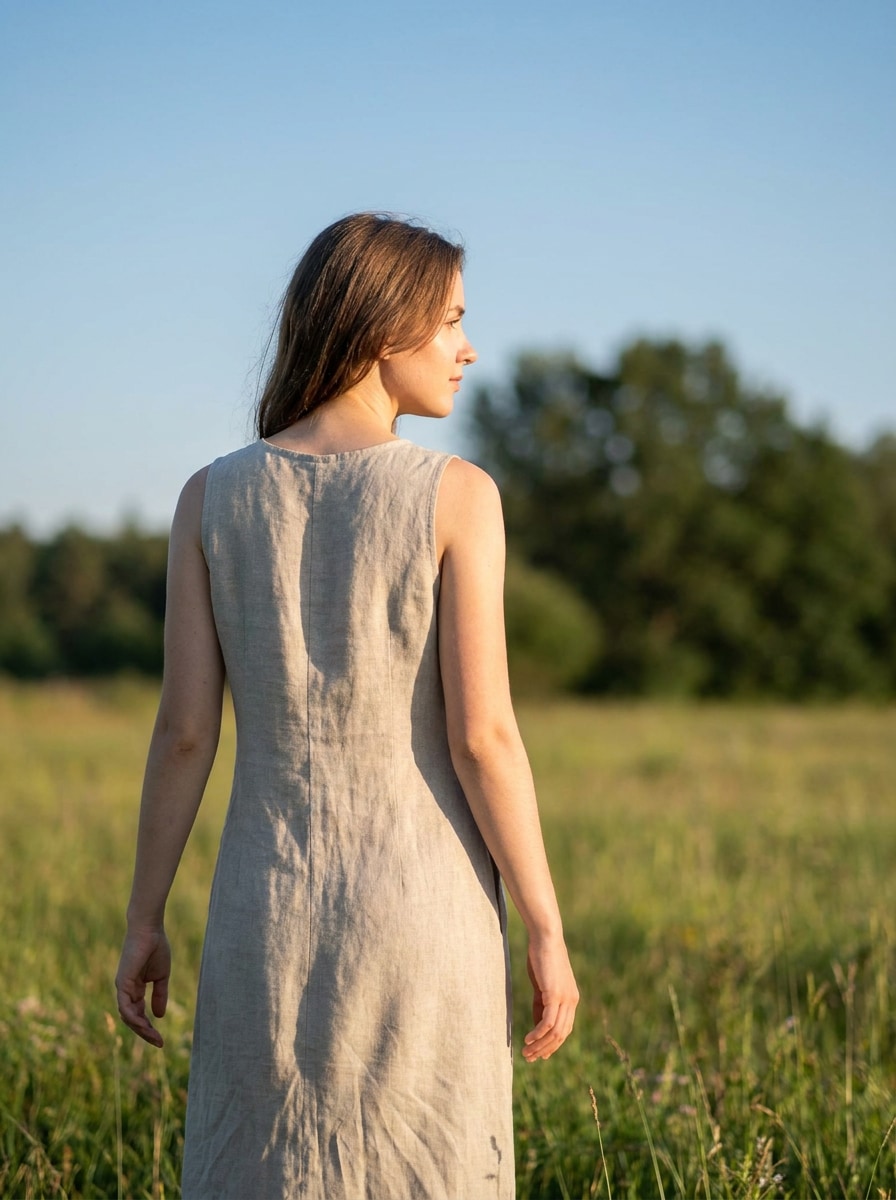
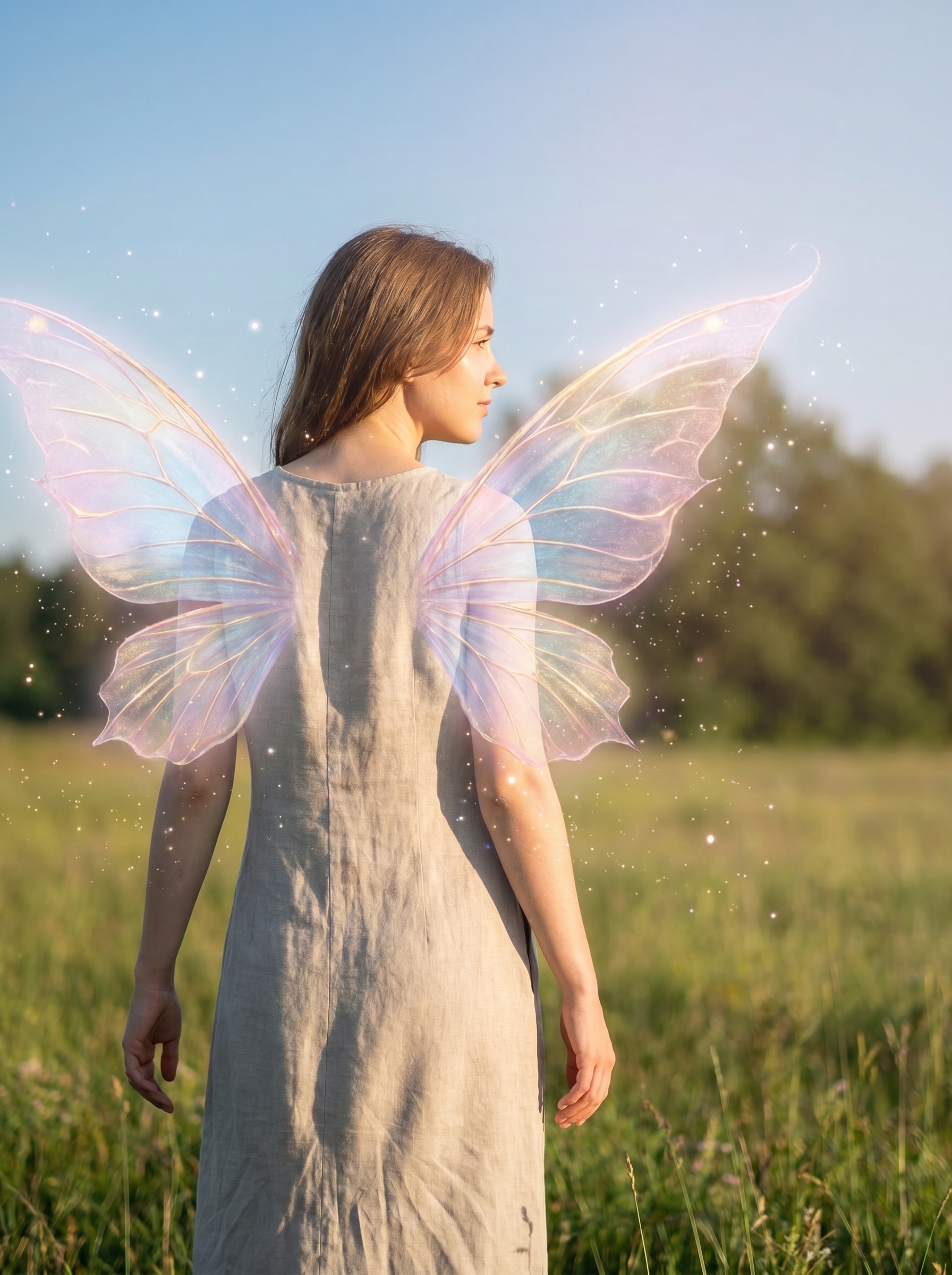
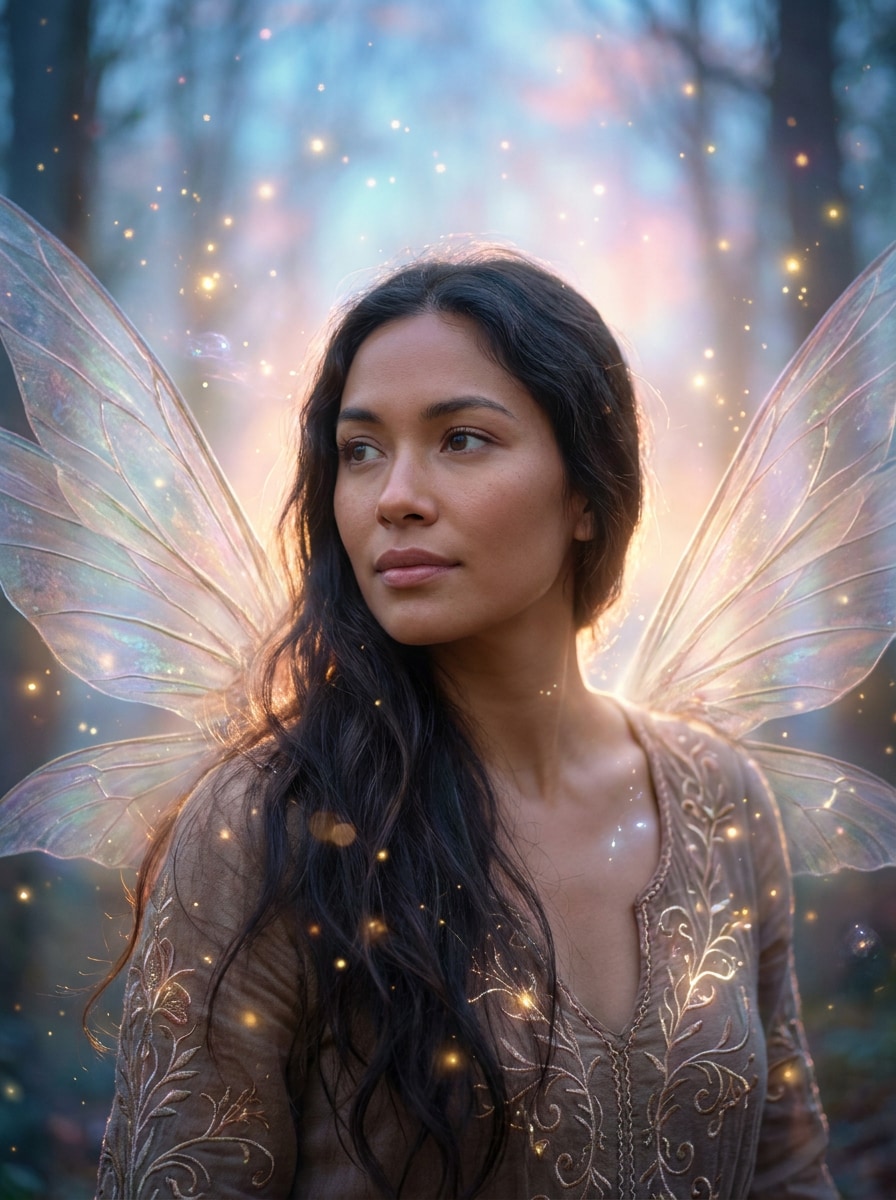
Используйте загруженное изображение в качестве объекта и добавьте полупрозрачные крылья феи за плечами с мягким пастельным свечением, парящими искрами, тонкими магическими частицами, мягкой подсветкой, естественными оттенками кожи, реалистичным расположением теней, мечтательным сказочным настроением и чёткой детализацией портрета, сохраняющей узнаваемость лица.
Фея зачарованного леса
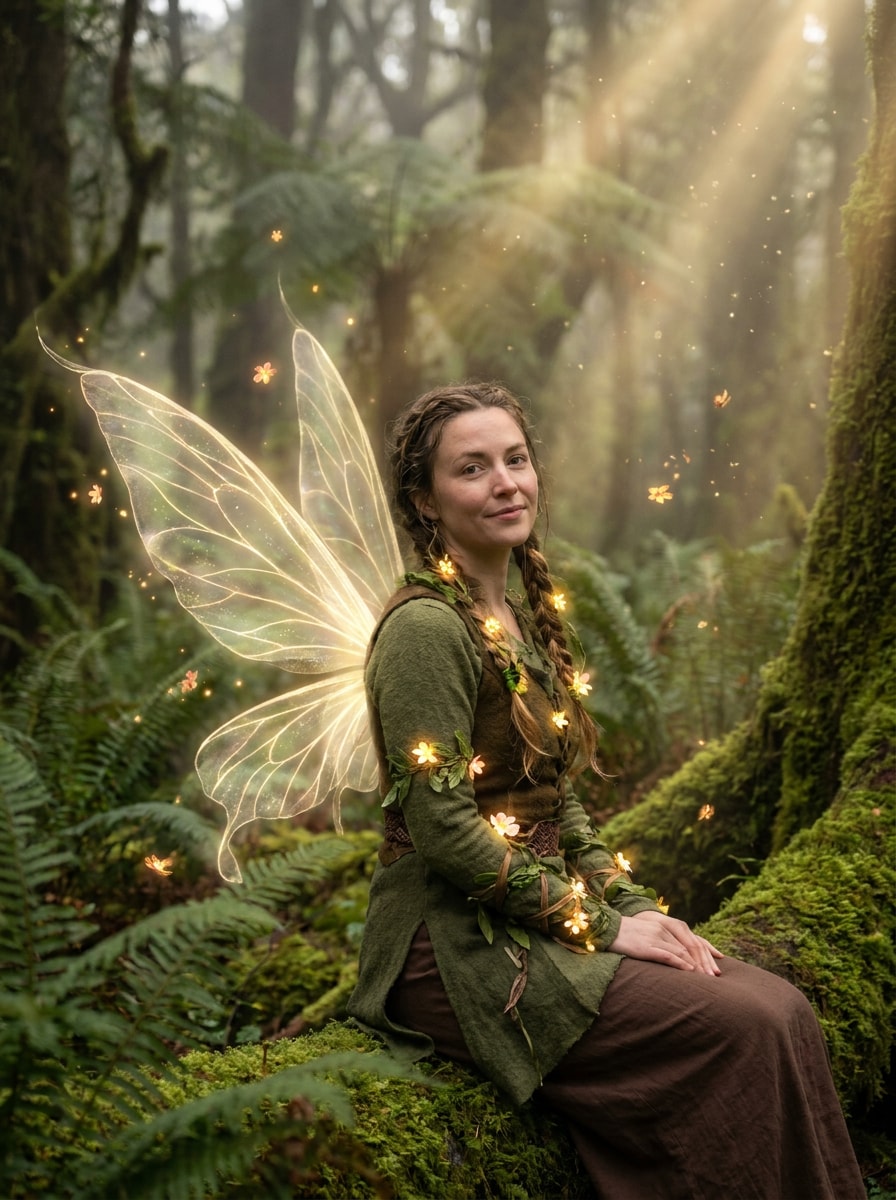
Используйте загруженное изображение в качестве объекта и преобразуйте его в портрет феи зачарованного леса с нежными светящимися крыльями, мшистыми лесными цветами, мягким туманом, тёплыми золотыми лучами света, маленькими цветочными акцентами, кинематографической глубиной, реалистичными текстурами и магическим, но правдоподобным финальным портретом.
Пастельные крылья бабочки
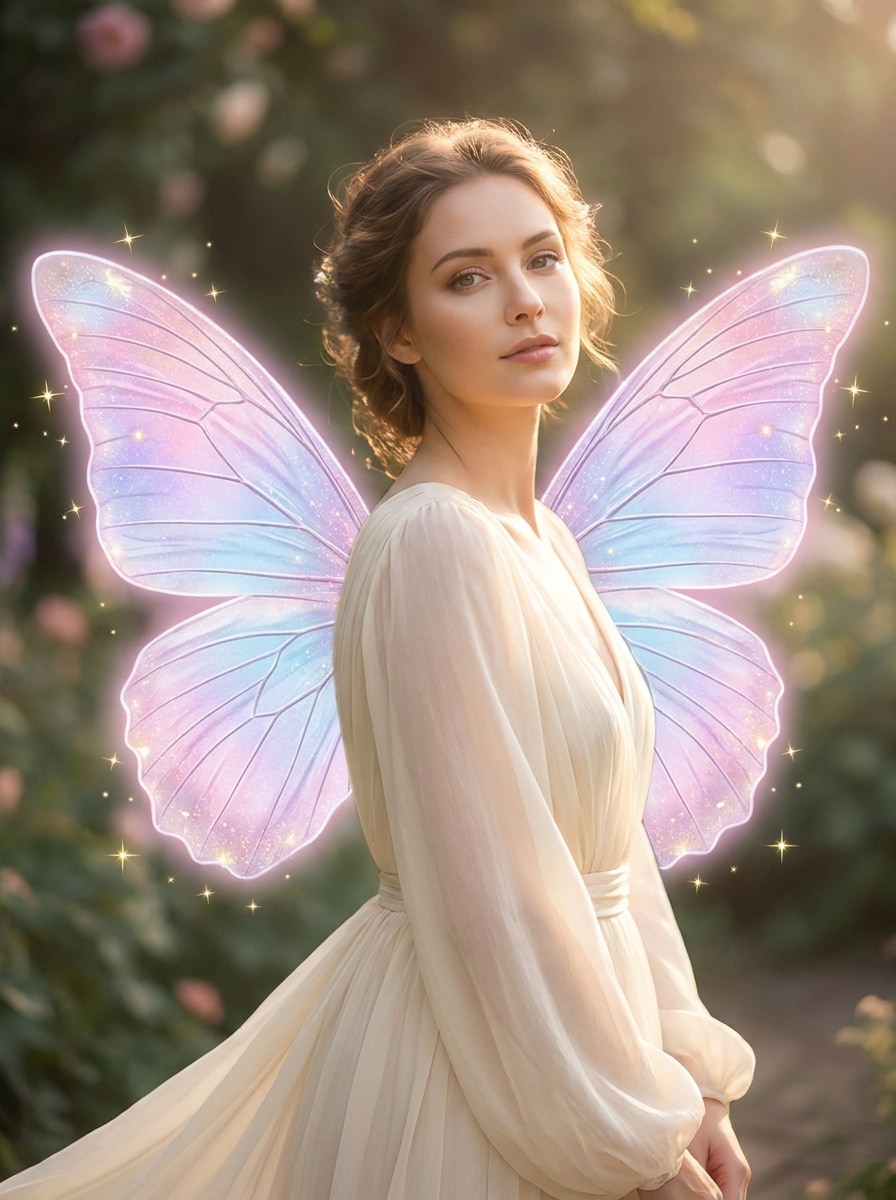
Используйте загруженное изображение в качестве объекта и добавьте большие крылья феи в стиле бабочки в розовых, лавандовых и бледно-голубых градиентах с мягким мерцанием, элегантными искрами, гладкой детализацией кожи, реалистичным выравниванием тела, воздушным освещением и нежной пастельной фантазийной эстетикой, при которой человек остаётся похожим на себя.
Переливающаяся монарх-фантазия
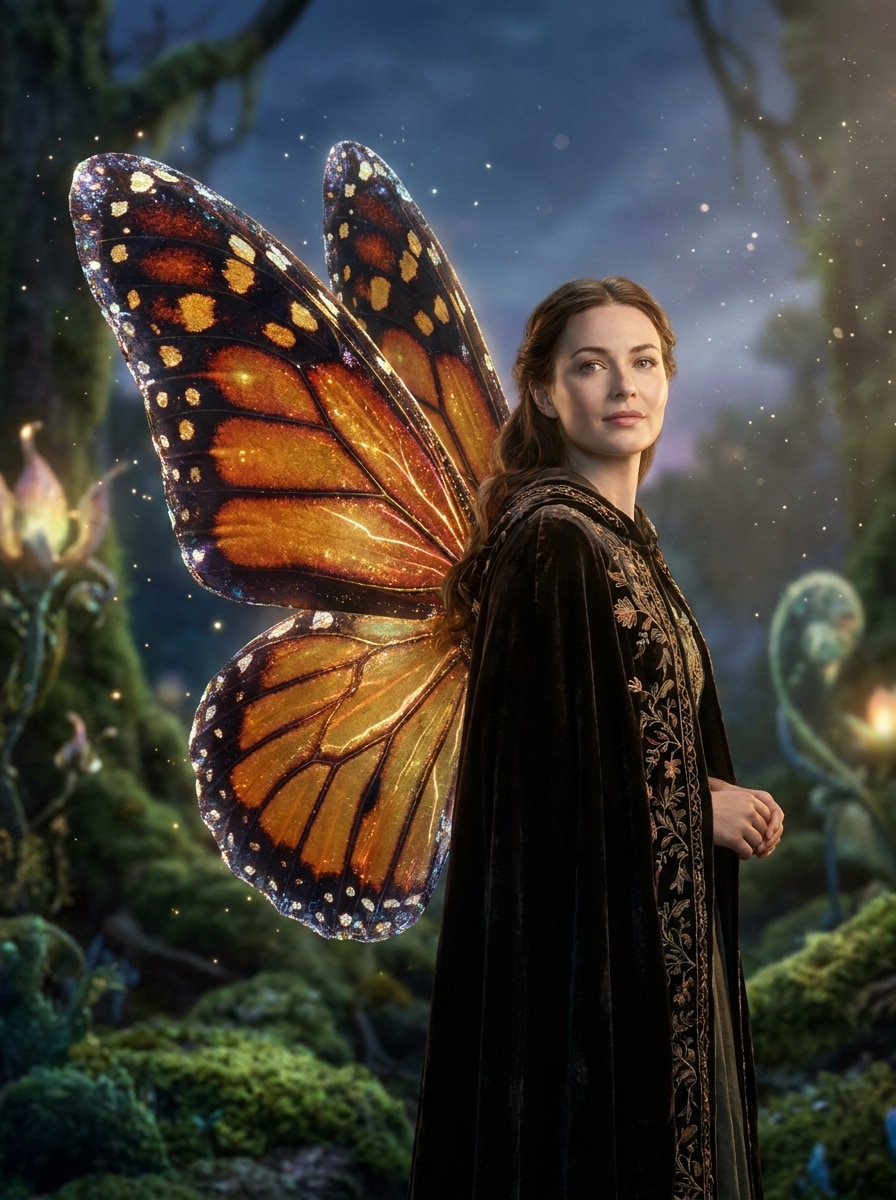
Используйте загруженное изображение в качестве объекта и создайте переливающиеся крылья бабочки, вдохновлённые узорами монарха, с мерцающими краями, светящимися частицами, отполированным освещением для красоты, глянцевой, но реалистичной текстурой, тёплым фантазийным гламуром и естественным смешиванием, чтобы портрет оставался узнаваемым и элегантным.
Мягкие перьевые крылья феи
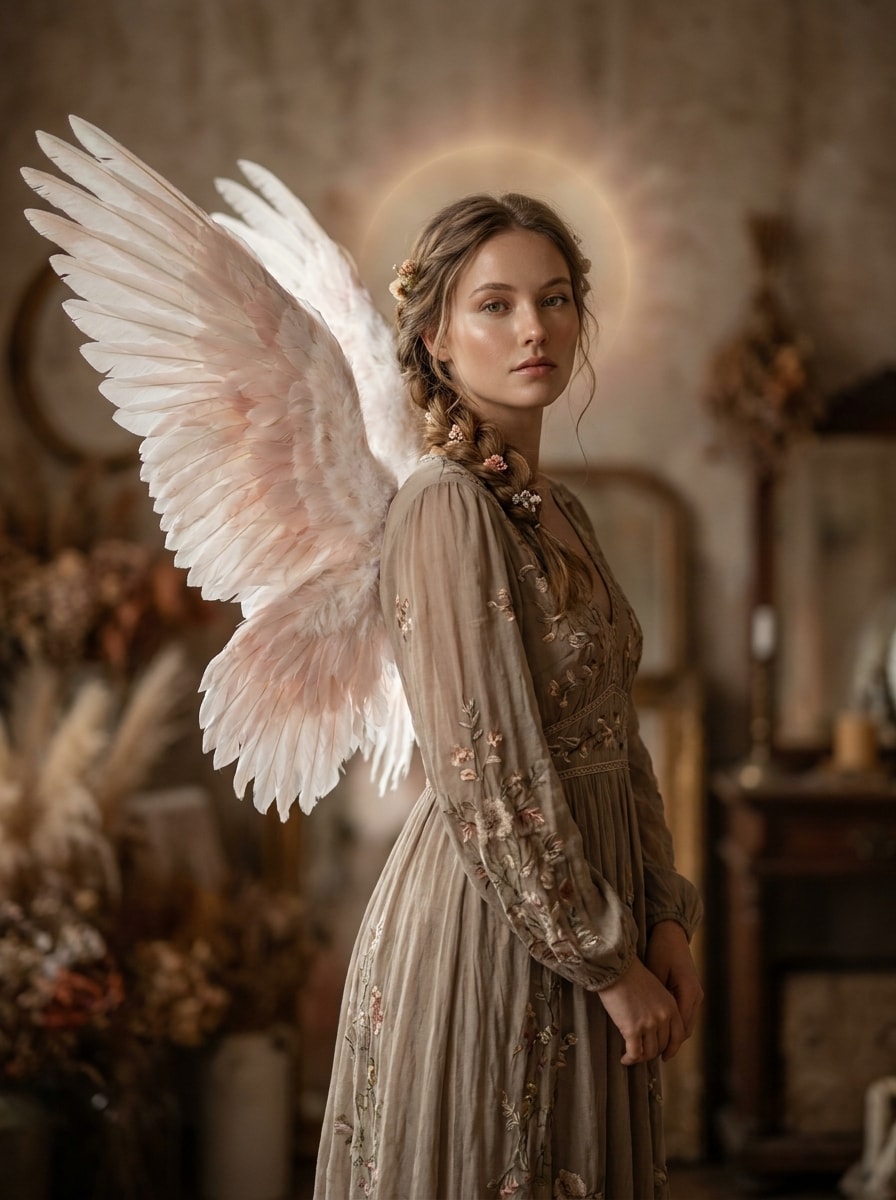
Используйте загруженное изображение в качестве объекта и добавьте элегантные перьевые крылья феи в белых и румяных тонах с тонким ореольным свечением, чистой ретушью портрета, реалистичной текстурой перьев, мягкими тенями, спокойным романтическим настроением и премиальным редакционным стилем, сохраняющим естественность позы.
Крылья золотого света
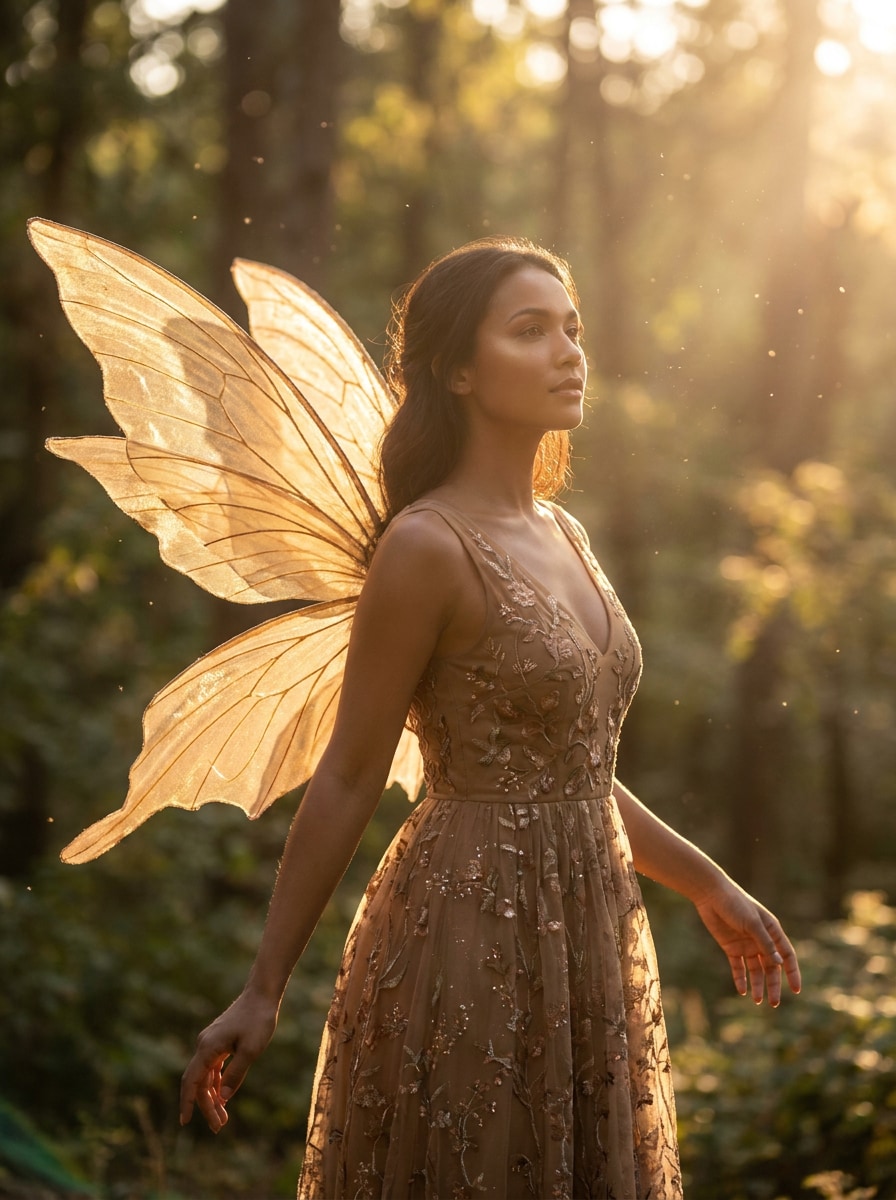
Используйте загруженное изображение в качестве объекта и добавьте сияющие золотые крылья феи с солнечным мерцанием, парящими пылинками, тёплыми лестными оттенками кожи, мягким свечением вокруг тела, естественным выравниванием плеч и светящимся фантазийным портретным образом, который выглядит гламурно, но реалистично.
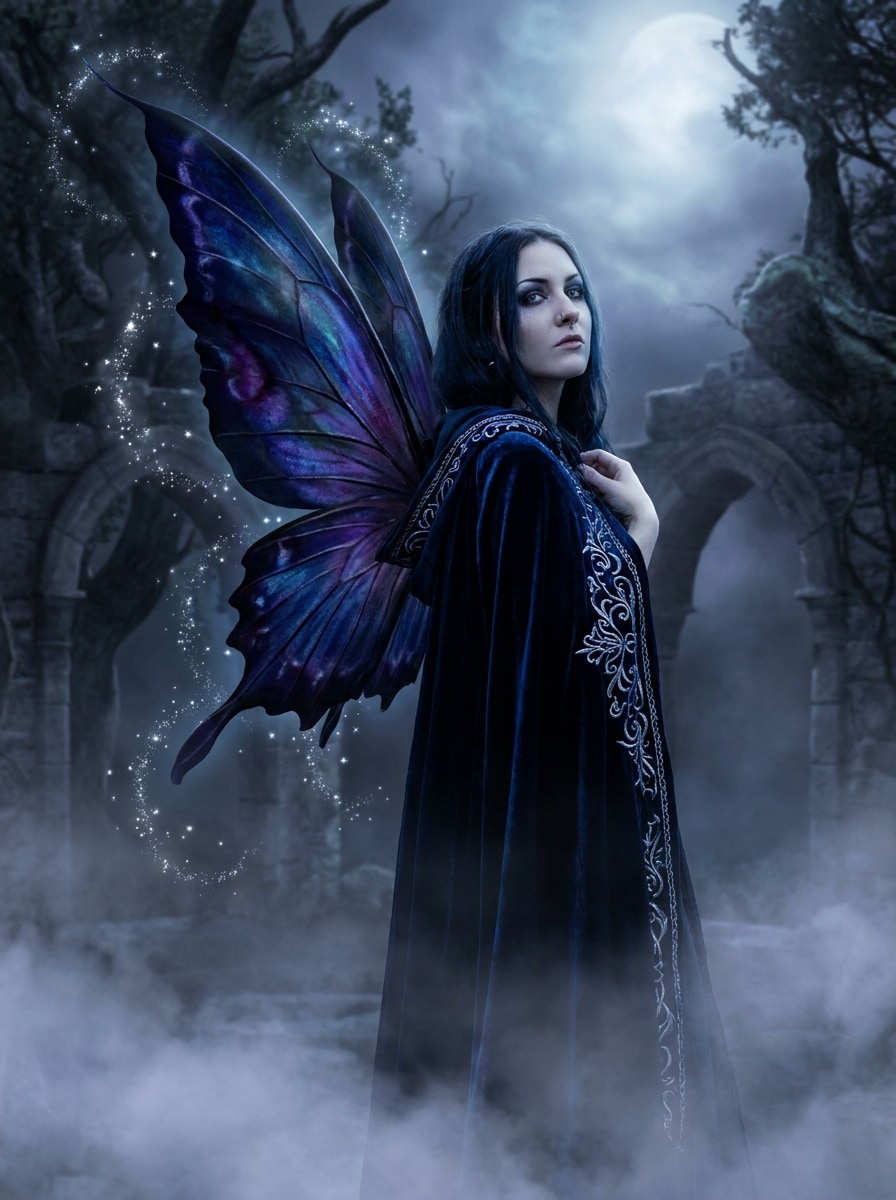
Лунные готические крылья
Используйте загруженное изображение в качестве объекта и добавьте тёмные крылья феи с лунным мистическим настроением, глубокими синими и фиолетовыми тонами, серебряными искрами, мягким туманом, драматичным, но реалистичным освещением, изысканной детализацией крыльев и элегантным готическим фантазийным настроением без потери чёткости лица.
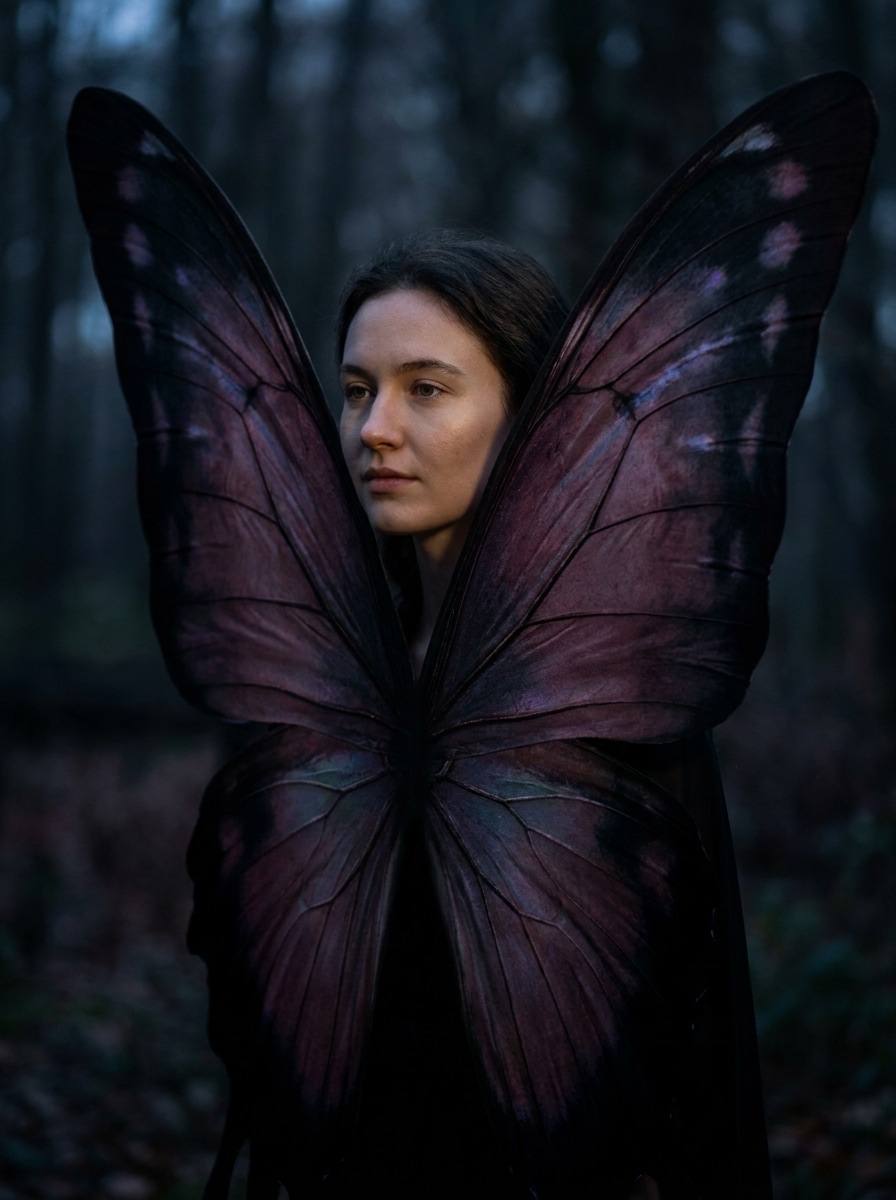
Фея-бабочка теней
Используйте загруженное изображение в качестве объекта и создайте драматичные крылья феи-бабочки теней в насыщенных сливово-чёрных тонах с тонким переливом, мрачным фантазийным освещением, детализированными прожилками крыльев, кинематографическим контрастом и реалистичной интеграцией портрета для тёмного, стильного преображения.
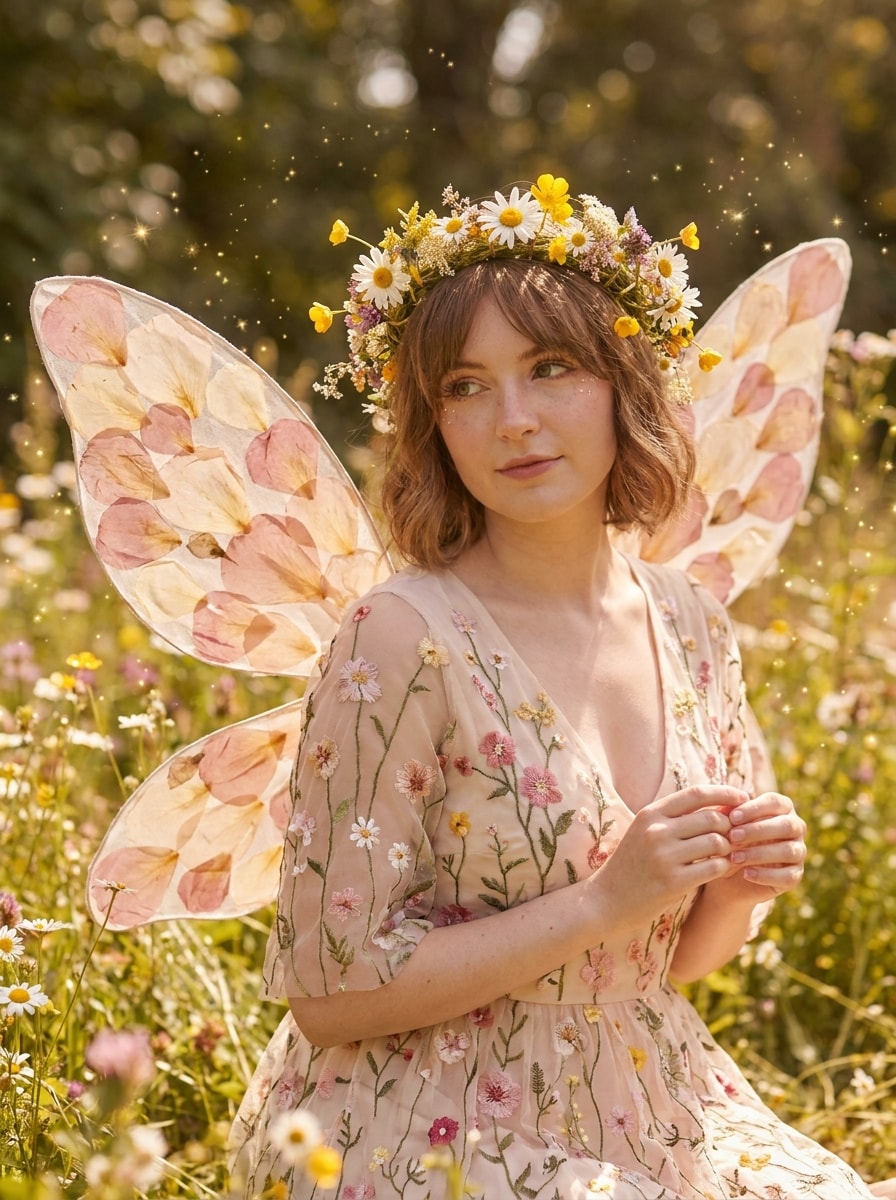
Фея цветов в стиле коттеджкор
Используйте загруженное изображение в качестве объекта и превратите его в портрет феи цветов в стиле коттеджкор с лепестковыми крыльями, ромашками и полевыми цветами, тёплым дневным светом, мягкими румяными тонами, волшебными искрами, натуральными текстурами и очаровательным сказочным настроением, сохраняющим оригинальное лицо и позу.
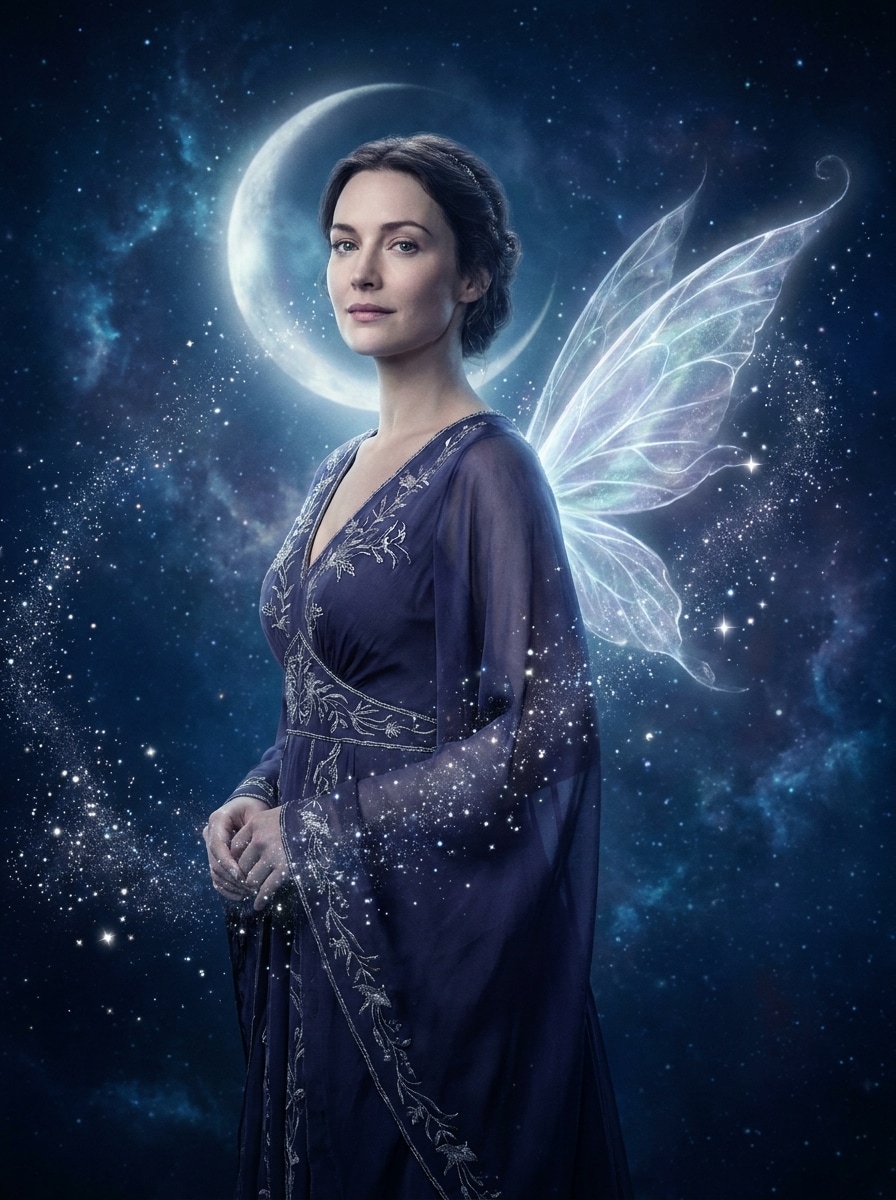
Небесная аура феи
Используйте загруженное изображение в качестве объекта и добавьте светящиеся крылья феи с мечтательной звёздной аурой, лунными индиго и серебряными тонами, мягко светящимися частицами, эфирной атмосферой, плавным портретным освещением и реализмом, сохраняющим идентичность, для отполированного небесного фантазийного редактирования.
Почему стоит использовать Media.io для эффекта крыльев феи ИИ
Персонализация результатов на основе референсного объекта
Для портретов, селфи и публикаций в социальных сетях Media.io использует загруженное изображение в качестве чёткого референса, помогая крыльям естественно вписаться вокруг вашего реального лица и позы.
Переключение между стилями феи без ручного композитинга
Когда стиль является частью процесса принятия решений, Media.io помогает сравнивать несколько направлений на основе одного изображения с добавлением крыльев феи, что делает творческий выбор более эффективным.
Создание высококачественных изображений для реального использования
Если финальное фото с крыльями феи будет использоваться за пределами небольшого превью, Media.io помогает получить более чёткие результаты вплоть до 4K, чтобы изображение оставалось более надёжным в практической дизайнерской и презентационной работе.
Создавайте на любом устройстве с быстрым браузерным рабочим процессом
Независимо от того, исследуете ли вы добавление крыльев феи на фото на ноутбуке или проверяете черновики с телефона, Media.io сохраняет всё в браузере, чтобы вы могли легко продолжить тот же рабочий процесс на разных устройствах.
Как добавить крылья феи на фото онлайн
Превратите свои слова в потрясающие визуальные образы за три простых шага, затем продолжайте улучшать результат, если хотите пойти дальше.
Шаг 1
Загрузите своё референсное изображение
Начните с чёткого портрета, селфи или полноростового изображения в формате JPG, PNG или JPEG. Фотографии с видимыми плечами, руками или пространством сзади обычно дают ИИ лучшее размещение для крыльев и более естественное сказочное преображение.
Шаг 2
Опишите изменение и задайте параметры
Введите желаемый образ, например светящиеся крылья бабочки, мягкие перьевые крылья или тёмный лунный стиль феи. Затем выберите модель и настройте соотношение сторон, качество, разрешение или количество вариаций, которые хотите сгенерировать.
Шаг 3
Сгенерируйте, загрузите и продолжайте улучшать
Создайте свой портрет с крыльями, сравните результаты и загрузите понравившуюся версию. При необходимости уточните подсказку, создайте новые вариации или продолжите редактирование для более сильного сказочного настроения и более чистого размещения крыльев.
Посмотрите, как создатели используют Media.io для добавления крыльев феи на фотографии в контенте, маркетинге и личных проектах, затем адаптируйте каждую идею под свои задачи.
Создавайте захватывающие фантазийные фото профиля
Превратите обычное селфи в чарующий портрет для TikTok, Instagram или Discord. С Media.io мягкое наложение крыльев, искры и мечтательное освещение могут создать кинематографический образ феи, сохраняя узнаваемость вашего лица.
Создавайте визуальные материалы для дней рождения или мероприятий в стиле сказочной книги
Создавайте причудливые портреты для приглашений, цифровых открыток, плакатов для вечеринок или праздников в стиле феи. Media.io позволяет легко превратить одну загруженную фотографию в отполированный магический дизайн, подходящий для различных макетов, настроений и потребностей в фантазийном стиле.
Создавайте вирусные ролики «до и после»
Фантазийные преображения часто хорошо работают в коротком контенте, особенно когда оригинальное лицо по-прежнему выглядит узнаваемым. Используйте Media.io для создания эффектных редактирований с крыльями бабочки, небесными или коттеджкор-крыльями для более привлекательных публикаций в социальных сетях.
Что говорят пользователи
Софи Лэйн
Лайфстайл-креатор
«Красивые фантазийные правки быстро» Я хотела мечтательный портрет феи для Instagram, не изучая Photoshop. Media.io позволил легко загрузить одно селфи, выбрать стиль крыльев и получить отполированный результат, при котором я по-прежнему выгляжу собой.
Маркус Чен
Менеджер социальных сетей
«Отлично подходит для быстрых рекламных визуальных материалов» Мы использовали его для промо в фантазийном стиле, и портретные правки получились удивительно естественными. Возможность попробовать разные соотношения сторон и создать несколько версий сэкономила много времени.
Елена Брукс
Организатор мероприятий
«Идеально для тематических приглашений» Мне нужны были магические портреты для набора приглашений на день рождения феи, и этот инструмент справился. Варианты с перьевыми и крыльями бабочки выглядели элегантно, а рабочий процесс был достаточно простым, чтобы закончить всё за один сеанс.
Джейд Моррисон
Энтузиаст косплея
«Сохраняет узнаваемость объекта» Многие инструменты ИИ для портретов слишком сильно меняют лицо, но этот сохранил моё выражение и позу нетронутыми. Я получила сильный фантазийный образ, не потеряв идентичности оригинальной фотографии.
Часто задаваемые вопросы о редакторе фото с крыльями феи
1. Как добавить крылья феи на фото онлайн?
Загрузите свой портрет в Media.io, введите подсказку с описанием желаемого стиля крыльев и создайте отредактированное изображение в браузере. Этот рабочий процесс «изображение в изображение» создан для фантазийных изменений портретов, поэтому вы можете добавить светящиеся, крылья бабочки, перьевые или небесные крылья, сохраняя оригинальный объект в качестве референса.
2. Можно ли добавить крылья феи на фото бесплатно?
Бесплатные пользователи могут попробовать Media.io с бесплатными кредитами, что полезно, если вы хотите протестировать образ с крыльями феи перед подпиской. В зависимости от вашего плана бесплатные загрузки могут включать водяной знак, тогда как платные планы предлагают больше использования и экспорт в высоком разрешении без водяного знака. Вы можете сравнить варианты на странице цен.
3. Сохранит ли ИИ естественный вид моего лица и позы?
Media.io создан для редактирования изображений на основе референса, поэтому загруженная вами фотография направляет конечный результат. Это помогает Media.io сохранять идентичность лица и общую позу, добавляя фантазийные элементы вокруг тела, особенно когда вы используете чёткий портрет с видимыми плечами и подробную подсказку.
4. Какие стили крыльев феи я могу выбрать?
Вы можете создавать множество образов с Media.io, включая полупрозрачные светящиеся крылья, пастельные крылья бабочки, перьевые ангельские крылья, лунные тёмные фантазийные крылья, крылья феи цветов в стиле коттеджкор и небесные стили. Такая гибкость делает инструмент полезным как для мягких портретных преображений, так и для более драматичных магических трансформаций.
5. Сколько времени занимает создание фото с крыльями феи?
Большинство правок занимают совсем немного времени после загрузки изображения и отправки подсказки, что делает Media.io намного быстрее ручного композитинга для такого рода эффектов. Точная скорость может варьироваться в зависимости от выбранной модели, ваших настроек и количества вариаций изображения, которые вы генерируете одновременно.
6. Могу ли я использовать этот редактор фото с крыльями феи на телефоне?
Вы можете настроить результат добавления крыльев феи на фото в Media.io, изменяя тему, цветовую палитру, макет, стиль иллюстрации и пустое пространство непосредственно в подсказке.
Помимо онлайн-добавления крыльев феи на фото с помощью ИИ