
클래식 무지개 크롬
무지개 크롬 그라데이션, 광택 있는 베벨 모서리, 곡선 원근법, 밝은 하이라이트, 깔끔한 흰색 배경으로 대담한 복고풍 1990년대 WordArt 스타일 텍스트를 생성하세요. 선명한 가장자리와 스티커 같은 컷아웃 품질로 레터링을 유쾌하고, 향수를 불러일으키고, 대비가 높으며, 고전적인 사무실 프레젠테이션 그래픽처럼 세련되게 만드세요.
 Nano Banana Pro
 창의적 잠재력을 풀고 미디어 AI의 마법을 즉시 경험하십시오!














눈길을 사로잡는 만들기워드 아트Media.io로 몇 초 만에. 이것을 사용하세요word art generator 무료텍스트를 복고풍 90년대 WordArt, 모양 기반 단어 구름, 세련된 AI 타이포그래피로 전환합니다. 단어를 입력하고, 모습을 선택하고, 소셜 게시물, 학교 프로젝트, 브랜딩, 라벨 또는 인쇄물을 위한 다운로드 가능한 디자인을 생성하기만 하면 됩니다.
아이디어를 입력하세요 -> AI가 디자인합니다. 무료로 시도해 보세요.
워드 아트 생성기 무료 스타일 컬렉션을 살펴보세요.ai 워드 아트 생성기이렇게 하면 텍스트를 쉽게 사용자 지정할 수 있습니다.
무지개 크롬 그라데이션, 광택 있는 베벨 모서리, 곡선 원근법, 밝은 하이라이트, 깔끔한 흰색 배경으로 대담한 복고풍 1990년대 WordArt 스타일 텍스트를 생성하세요. 선명한 가장자리와 스티커 같은 컷아웃 품질로 레터링을 유쾌하고, 향수를 불러일으키고, 대비가 높으며, 고전적인 사무실 프레젠테이션 그래픽처럼 세련되게 만드세요.
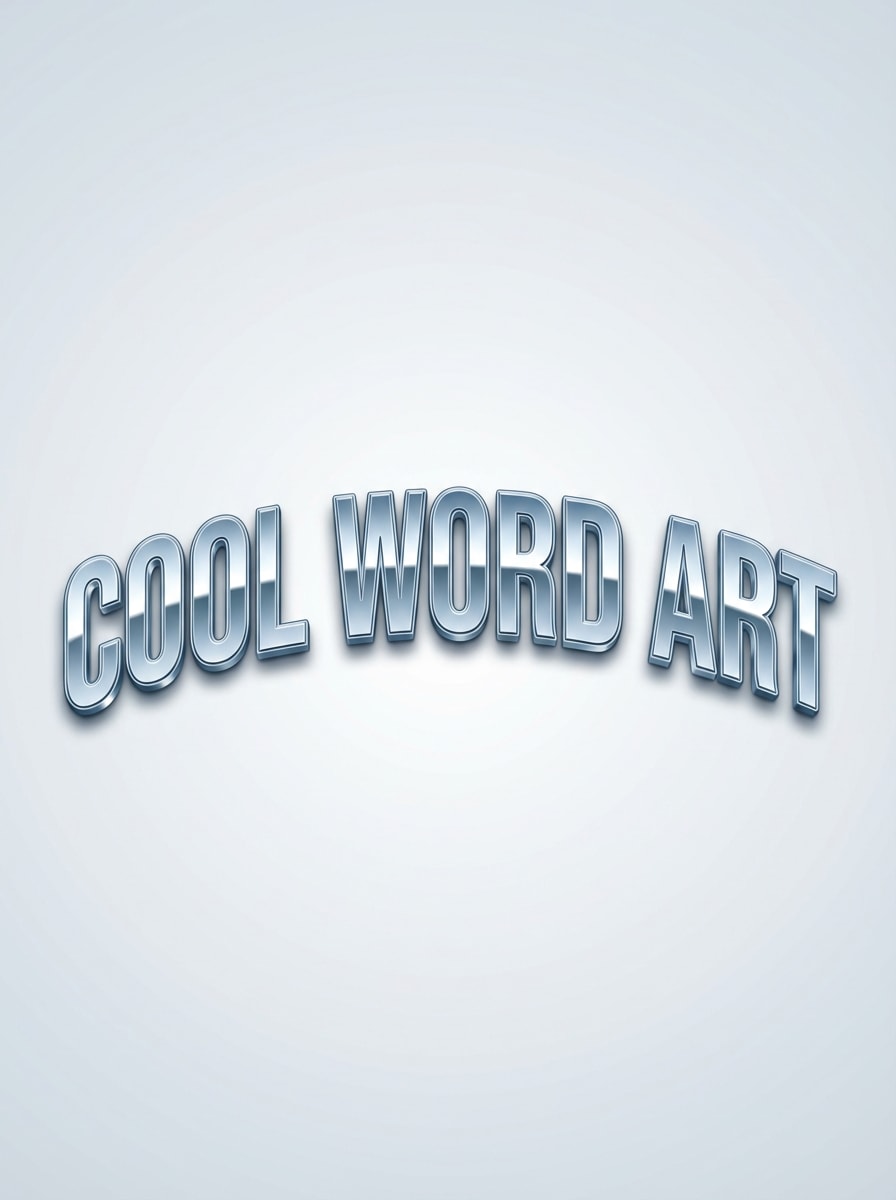
반짝이는 베벨 글자, 반사 하이라이트, 부드러운 호 구성, 최소한의 깨끗한 배경으로 곡선 블루 메탈릭 워드 아트 타이포그래피를 만드세요. 시원한 은색 팔레트, 미묘한 그림자, 복고풍 프레젠테이션 그래픽 무드, 고해상도 디테일을 사용하여 텍스트를 다운로드 가능하고 선명하며 고전적인 단어 예술로 즉시 인식할 수 있도록 하세요.
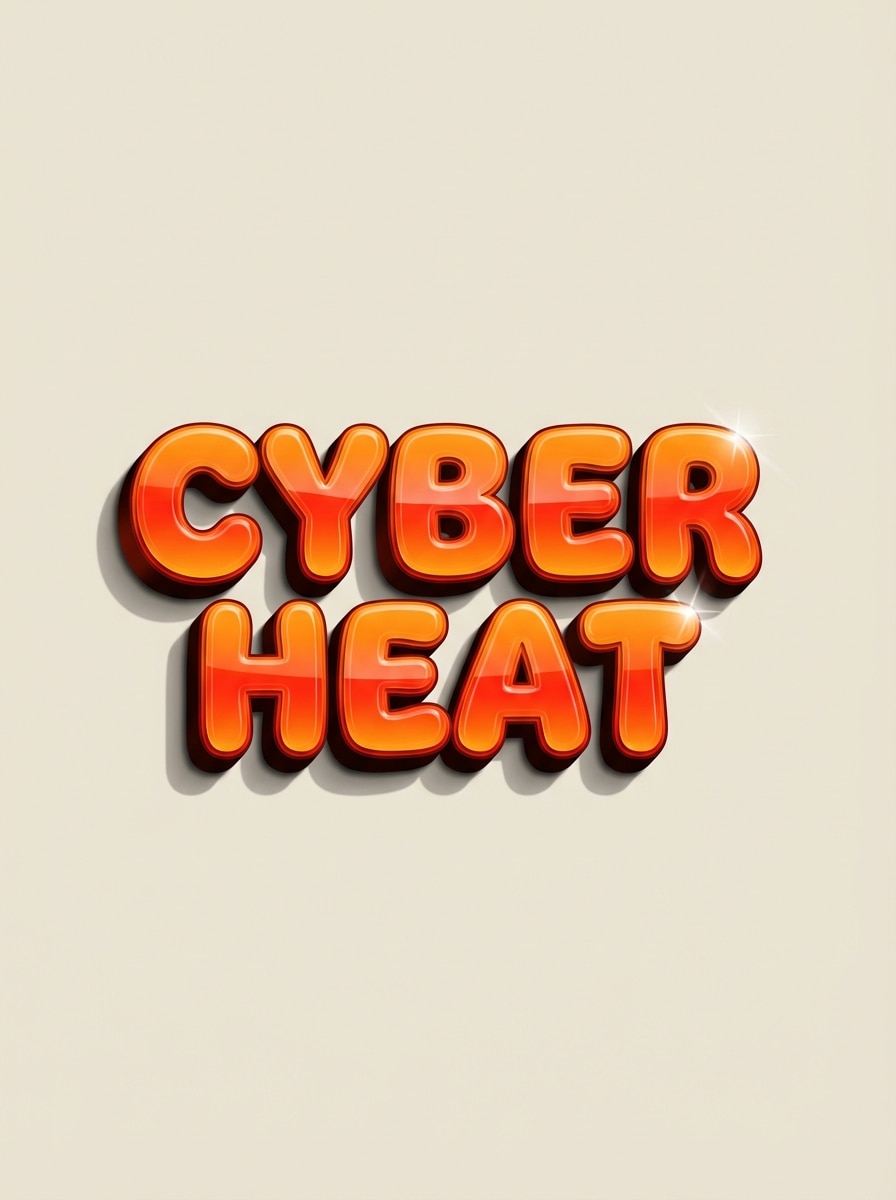
주황색에서 빨간색까지 화염 그라데이션, 광택 있는 3D 베벨, 극적인 드롭 섀도우, 장난스러운 인터넷 시대의 에너지로 대담한 Y2K에서 영감을 받은 워드 아트 텍스트를 디자인하세요. 구성을 평범한 배경에 중심으로 하고, 글자를 두껍고 생생하게 유지하며, 반짝이는 표면, 생생한 따뜻함, 깔끔한 컷아웃 품질을 강조하여 향수를 불러일으키는 2000년대 초반 텍스트 효과를 제공합니다.

제공된 단어를 사용하여 균형 잡힌 타이포그래피 크기, 부드러운 간격, 생생한 분홍색과 빨간색 색상 팔레트로 하트 모양의 단어 구름을 만듭니다. 선명한 벡터 모양의 가장자리, 밝은 흰색 배경, 선물, 교실 미술 또는 특별한 행사에 적합한 고양되고 사려 깊은 분위기로 구성을 대칭적이고 깨끗하며 인쇄 가능하게 유지하세요.

배열된 단어가 인간의 얼굴 실루엣을 채우는 초상화 스타일의 단어 아트 디자인을 생성합니다. 우아한 타이포그래피 계층 구조, 부드러운 단색 또는 음소거 색조, 깔끔한 포스터 구성 및 세련된 간격을 사용하세요. 결과는 예술적이고, 읽기 쉽고, 현대적이며, 갤러리에 볼 만한 느낌이 들어야 하며, 단순한 배경에 차분한 분위기와 고해상도 디테일이 있습니다.
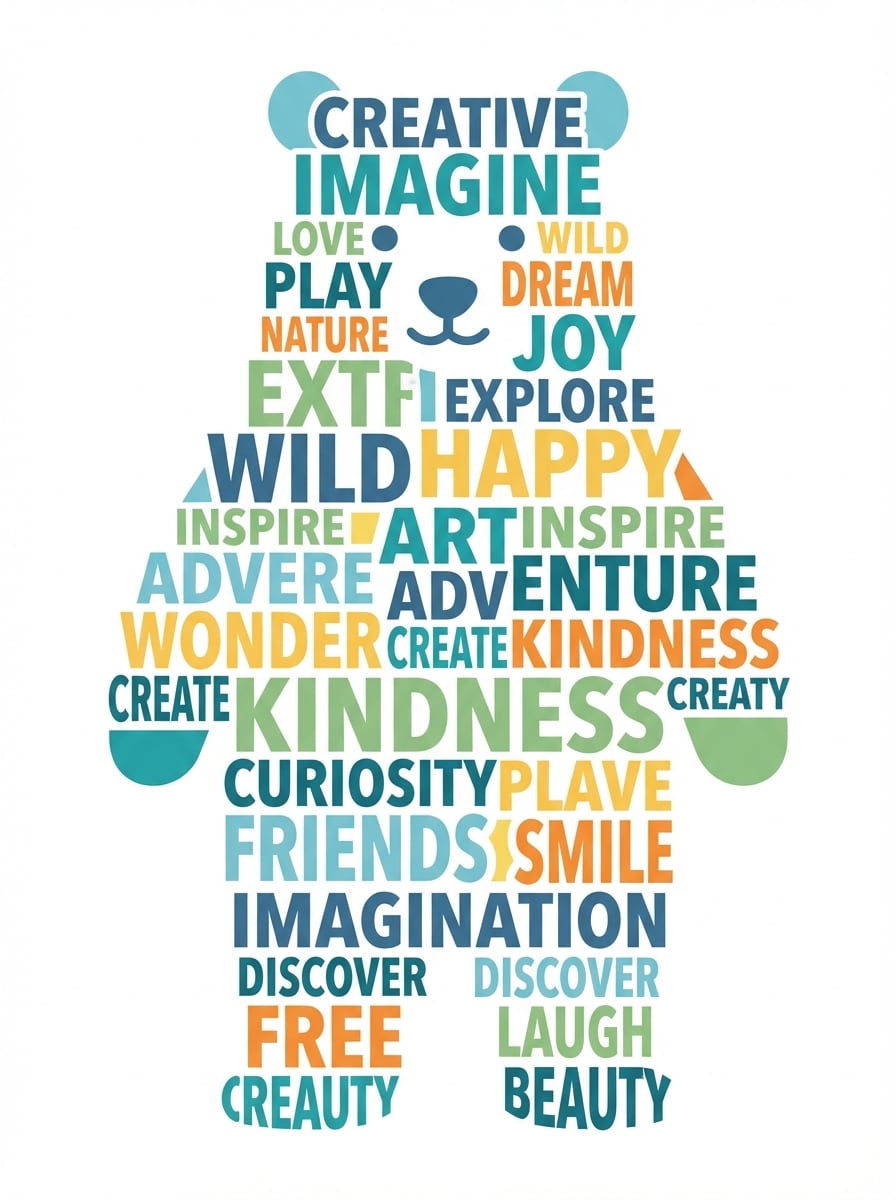
다양한 글꼴 크기, 장난스러운 현대적인 타이포그래피, 조화로운 색상 팔레트를 사용하여 동물 실루엣 내부에 단어 구름을 만드세요. 실루엣 모양을 선명하고 알아볼 수 있게 유지하고, 레이아웃을 균형 있게 유지하고, 배경을 깨끗하게 유지하여 인쇄 가능한 디자인을 만듭니다. 선명한 가장자리와 세련된 단어 배치로 친절하고 창의적인 분위기를 목표로 하세요.

짧은 인용문, 대담한 세리프 없는 문자, 편집 정렬, 넉넉한 공백 공간, 부드러운 크림 배경을 사용하여 현대적인 미니멀리스트 타이포그래픽 포스터를 디자인하세요. 미묘한 대비, 깔끔한 선, 균형 잡힌 계층 구조, 예술적이고 읽기 쉬운 프리미엄 미학으로 구성을 세련되고 소셜 미디어에 적합하게 유지하세요.

둥근 형태, 미묘한 하이라이트, 재미있는 스티커 같은 미학을 갖춘 부드러운 파스텔 색상의 장난스러운 버블 레터 워드 아트를 만드세요. 부드러운 그림자, 경쾌한 구성, 가볍고 깨끗한 배경을 사용하세요. 소셜 그래픽이나 네임 아트를 위한 부드러운 가장자리와 고해상도 디테일로 귀엽고 젊고 세련된 타이포그래피를 만들어보세요.
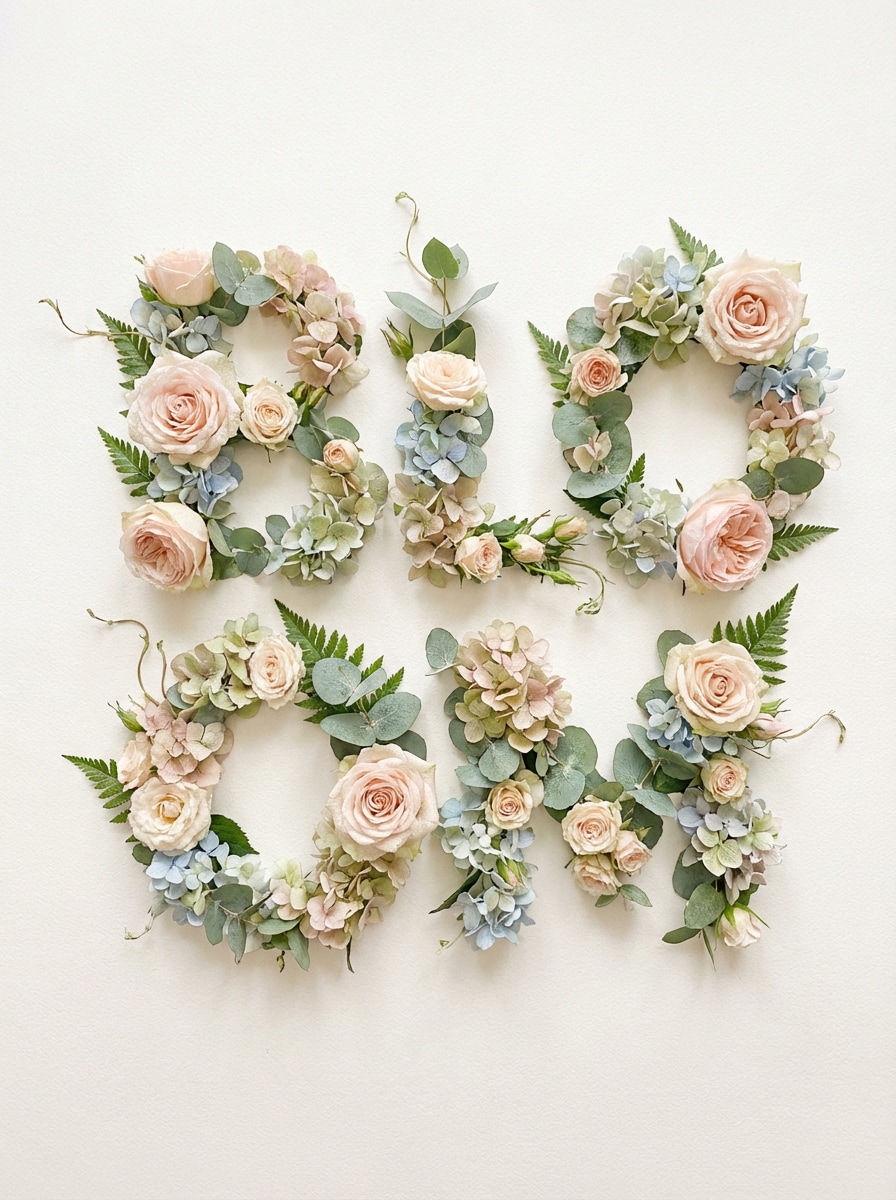
우아한 식물적 질감, 부드러운 자연 색상, 통풍이 잘되는 프리미엄 구성으로 꽃과 잎으로 글자가 형성된 장식용 단어 예술을 생성하세요. 섬세한 꽃잎 디테일, 균형 잡힌 조명, 깔끔한 배경에 우아한 레이아웃을 사용하여 계절적이고 세련되며 공유성이 높은 예술적인 타이포그래피를 만듭니다.
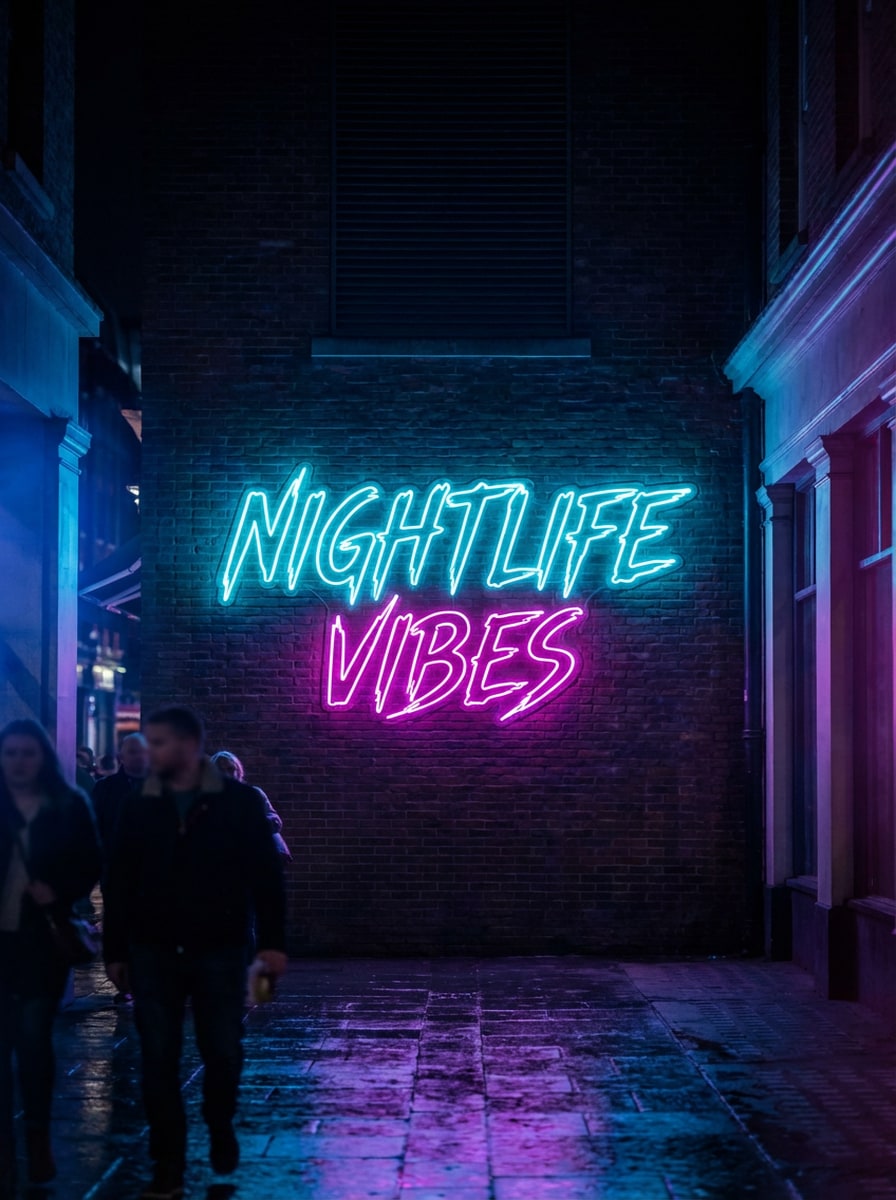
빛나는 튜브, 생생한 청록색과 자홍색 조명, 어두운 무디 배경으로 사실적인 네온 사인 타이포그래피를 제작하세요. 세련된 간판처럼 텍스트를 중앙에 두고 부드러운 빛의 유출과 미묘한 반사를 더해 현대적인 나이트라이프 분위기를 연출합니다. 눈에 띄는 시각적 영향을 위해 문자를 선명하고 밝고 극적이며 고해상도로 유지하세요.
Nano Banana Pro, Nano Banana 2, Seedream 5.0 Lite, Imagen 4와 같은 고급 모델로 복고풍 텍스트 효과부터 예술적 타이포그래피까지 모든 것을 생성하세요. 이것은 기본적인 것보다 더 많은 창의적인 범위를 제공합니다.온라인 워드 아트 생성기또는 간단한예술 단어 생성기.
1K, 2K 또는 4K 해상도로 워드 아트를 만들어 소셜 게시물, 프레젠테이션, 교실 자료 및 인쇄 가능한 디자인에 이상적입니다. 인용문 포스터, 대담한 90년대 워드 아트 생성기 룩 또는 워드 텍스트 아트 생성기의 강력한 영상을 원하든 출력은 선명하고 깨끗합니다.
Instagram 게시물, 스토리, YouTube 축소판, 포스터 등에 맞도록 자동, 1:1, 9:16, 16:9, 4:3, 3:4, 3:2 및 2:3 중에서 선택하세요. 단어 예술을 만드는 쉬운 방법입니다.word art generator 무료 온라인추가 편집 없이 다양한 레이아웃에 적합합니다.
Media.io는 웹 기반이므로 소프트웨어를 설치하지 않고도 Windows, Mac, iPhone, iPad 또는 Android에서 word art를 만들 수 있습니다. 이 온라인 워드 아트 생성기를 브라우저에서 무료로 열고 텍스트 프롬프트를 입력하고 거의 어디서나 만듭니다.
Media.io로 이동하여 AI -> Text to Image에서 AI 이미지 생성기를 엽니다. 이 온라인 도구는 브라우저에서 실행되므로 추가 소프트웨어를 설치하지 않고도 데스크톱이나 모바일에서 word art를 만들 수 있습니다.
"무지개 그라데이션, 광택 있는 베벨, 곡선 원근법 및 흰색 배경으로 복고풍 90년대 크롬 워드아트 텍스트 만들기"와 같은 자세한 프롬프트를 입력합니다. 그런 다음 원하는 룩에 맞게 원하는 종횡비와 모델을 선택하세요.
생성을 클릭하여 워드 아트를 만듭니다. 필요한 경우 shape 단어 구름, 인용문 포스터 또는 네온 타이포그래피 스타일에 대한 프롬프트를 다듬어 보세요. 결과에 만족하면 고해상도 이미지를 다운로드하여 공유, 인쇄 또는 디자인 용도로 사용하세요.




선생님

"교실 포스터에 좋습니다"저는 Media.io를 사용하여 교실 보드에 하트 모양의 단어 아트와 인용문 그래픽을 만들었습니다. 프롬프트는 사용자 정의하기 쉬웠고 이미지는 인쇄할 수 있을 만큼 깨끗하게 나왔습니다.

콘텐츠 제작자
"복고풍 텍스트 트렌드에 완벽"저는 소셜 게시물에 90년대 워드 아트 생성기 느낌을 원했는데, 자세한 프롬프트만으로도 놀라울 정도로 근접했습니다. 크롬과 베벨 효과는 대담하고 매우 공유할 수 있어 보였습니다.

소규모 사업자
"타이포그래피 아이디어를 테스트하는 빠른 방법"복잡한 디자인 소프트웨어를 열지 않고도 다양한 텍스트 아트 룩을 시도할 수 있다는 점이 마음에 듭니다. 빠른 브랜드 무드 보드, 프로모션 그래픽 및 미적 단어 기반 비주얼에 유용합니다.

학생
"휴대전화와 노트북에서 쉽게"먼저 휴대전화로 word art를 만들고 나중에 노트북으로 최종 버전을 다운로드했습니다. 브라우저 워크플로는 간단하고, 다양한 종횡비는 슬라이드와 인스타그램 모두에 도움이 되었습니다.
Media.io를 사용하면 브라우저에서 AI 이미지 생성기를 열고 원하는 스타일을 설명하는 프롬프트를 입력하고 몇 초 만에 텍스트 기반 비주얼을 생성할 수 있습니다. 유연한 워드 아트 생성기 AI처럼 작동하여 다양한 레이아웃과 룩을 실험할 수 있습니다. 무료 사용자는 하루에 3개의 크레딧을 받습니다. 더 많은 세대 또는 워터마크가 없는 고해상도 다운로드가 필요한 경우 여기에서 업그레이드할 수 있습니다. https://www.media.io/ko/pricing.html
네, Media.io는 AI 이미지 생성을 위해 매일 무료로 사용할 수 있습니다. 무료 사용자는 이 AI 워드 아트 생성기를 사용하여 복고풍 텍스트 효과, 인용문 타이포그래피 또는 AI 예술적 텍스트 비주얼과 같은 스타일을 시도할 수 있도록 하루 3개의 크레딧을 받습니다. 일부 무료 수출에는 워터마크가 포함될 수 있습니다. 더 많은 크레딧과 워터마크가 없는 고해상도 다운로드는 https://www.media.io/ko/pricing.html을 참조하세요.
네. Media.io는 텍스트-이미지 변환 도구이므로 프롬프트에 크롬 그라데이션, 광택 있는 베벨, 곡선 텍스트 또는 Y2K에서 영감을 받은 문자와 같은 복고풍 룩을 설명할 수 있습니다. 최상의 결과를 얻으려면 영어로 프롬프트를 작성하고 색상, 조명, 질감 및 레이아웃에 대해 구체적으로 설명하여 word art generator AI가 아이디어를 정확하게 해석할 수 있습니다.
Media.io에 하트 모양 레이아웃, 초상화 실루엣 또는 동물 테마 텍스트 구성과 같은 모양에서 영감을 받은 워드 아트 비주얼을 생성하도록 프롬프트할 수 있습니다. 이것은 수동 레이블 생성기나 드래그 앤 드롭 word cloud 편집기가 아닌 AI 텍스트-이미지 워크플로이기 때문에 결과는 즉각적인 명확성과 시각적 해석에 따라 달라집니다.
Media.io는 1K, 2K 및 4K 이미지 생성을 지원하여 소셜 그래픽, 프레젠테이션 및 인쇄 친화적인 디자인에 유용합니다. 또한 온라인에서 워드 아트 생성기로 무료로 사용할 때 자동, 1:1, 9:16, 16:9, 4:3, 3:4, 3:2, 2:3을 포함한 여러 종횡비 중에서 선택할 수 있습니다.
Media.io는 브라우저를 통해 Windows, Mac, iOS 및 Android에서 작동하는 웹 기반 플랫폼입니다. 개인정보 보호를 위해 업로드된 이미지는 7일 후에 서버에서 자동으로 삭제됩니다. 이 온라인 워드 아트 생성기로 워드 아트 생성을 위한 텍스트 프롬프트만 사용하는 경우 소프트웨어를 설치하지 않고도 온라인에서 직접 작업할 수 있습니다.
 4.7 (162,357 투표)


