Chibi Avatar Maker for Cute, Custom Anime Profile Art
Create adorable anime-style characters in seconds with Media.io’s chibi avatar maker. Turn simple text into profile-ready art, stickers, and original characters with a fast browser-based chibi avatar generator that supports kawaii, gamer, fantasy, and pastel styles.
Review these example directions, then tailor the prompt details to get stronger results with this Chibi Avatar Maker.
Pastel Anime Chibi
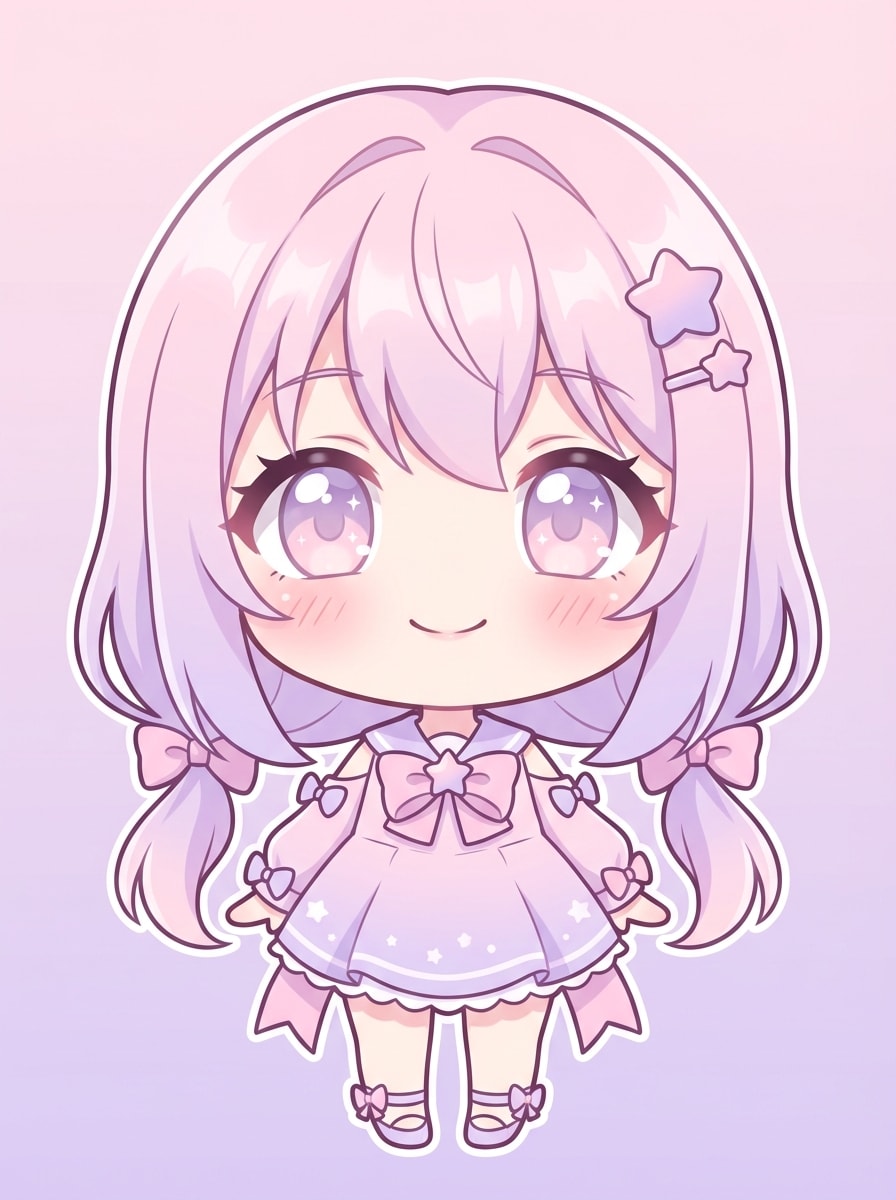
A front-facing pastel anime chibi avatar with an oversized head, tiny body, sparkling eyes, rosy blush cheeks, and soft cel shading. Use a light pink and lavender color palette, clean line art, smooth highlights, a gentle cheerful mood, and a simple gradient background for a polished profile picture.
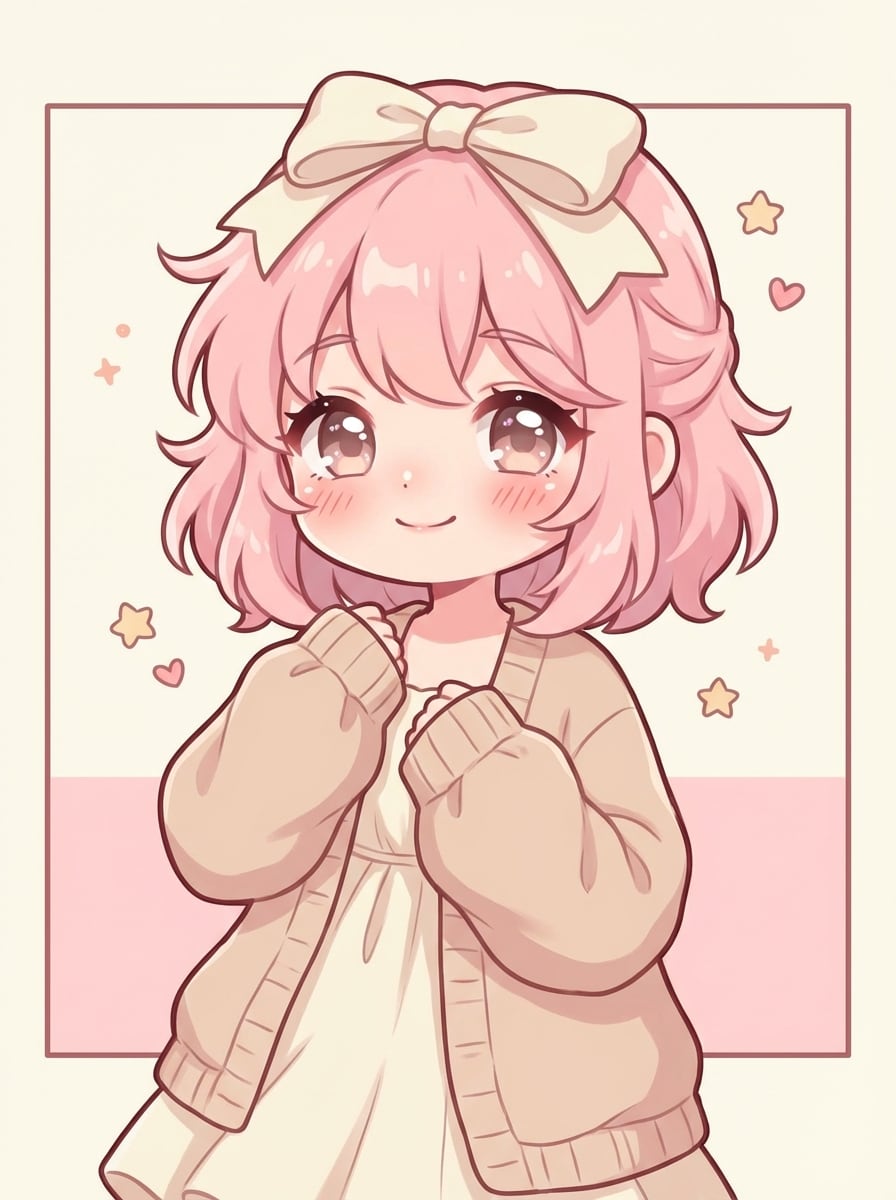
Soft Girl Chibi
A cute soft-girl chibi avatar with fluffy hair, a ribbon bow, cozy cardigan, glossy eyes, and a sweet relaxed expression. Use pastel beige, pink, and cream tones, delicate anime shading, soft fabric texture, centered portrait framing, and a minimal background for a warm, trendy social avatar.
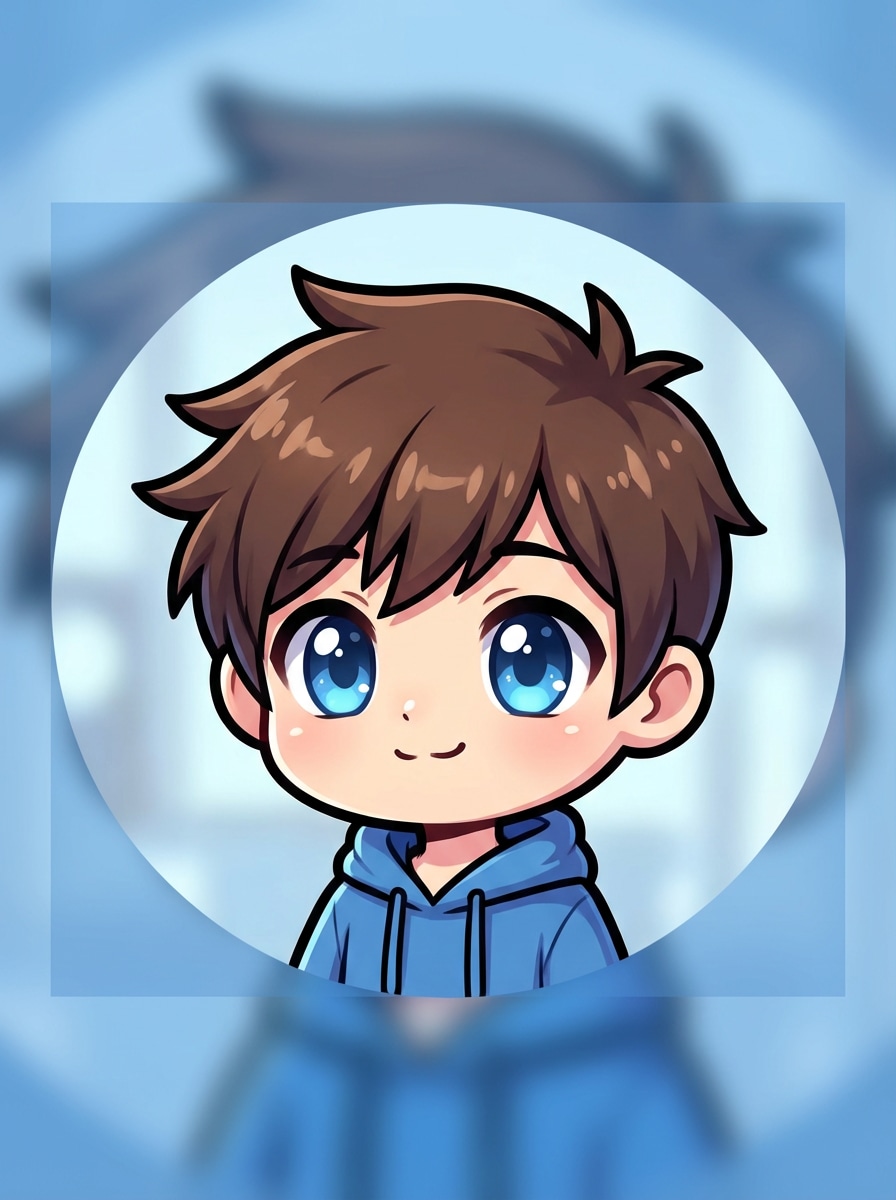
Clean PFP Chibi
A simple chibi profile picture avatar for social media, front-facing with crisp outlines, bright expressive eyes, small mouth, and smooth anime shading. Use a circular portrait composition, soft blue background, clear silhouette, balanced lighting, and high readability for Discord, TikTok, or messaging app icons.
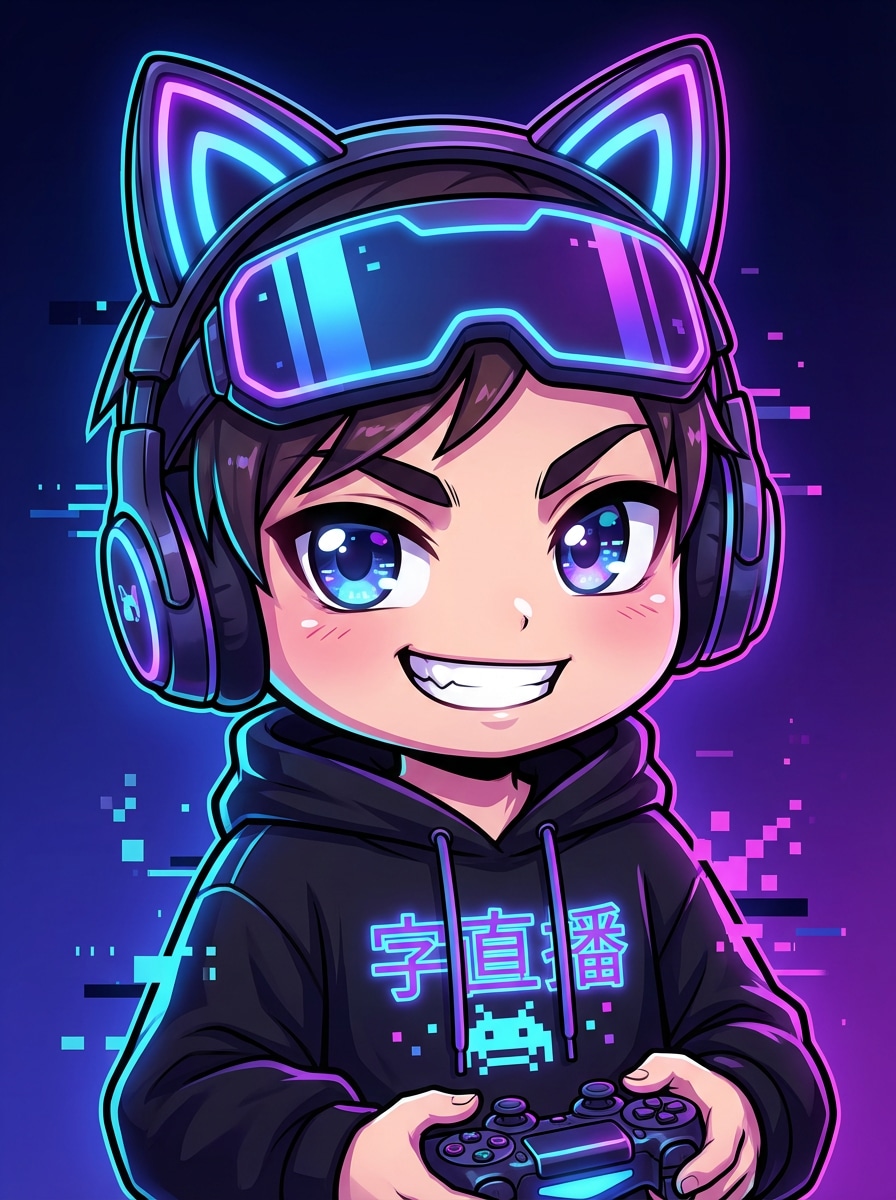
Gaming Chibi Avatar
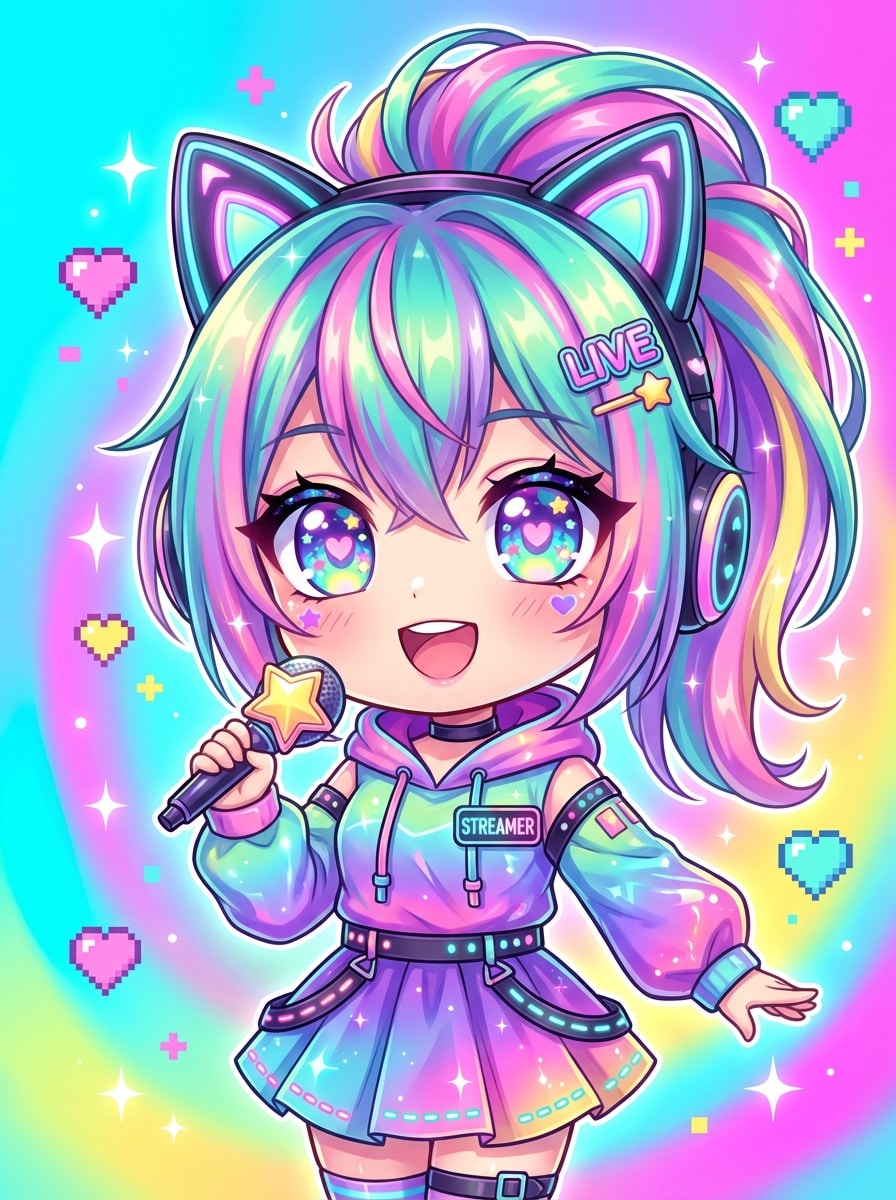
A cool gamer chibi avatar with an oversized head, stylish headset, oversized hoodie, confident smile, and neon accents. Use blue and purple highlights, glossy anime eyes, subtle rim lighting, a dark gradient background, and sharp digital shading to create a bold streamer-ready gaming profile image.
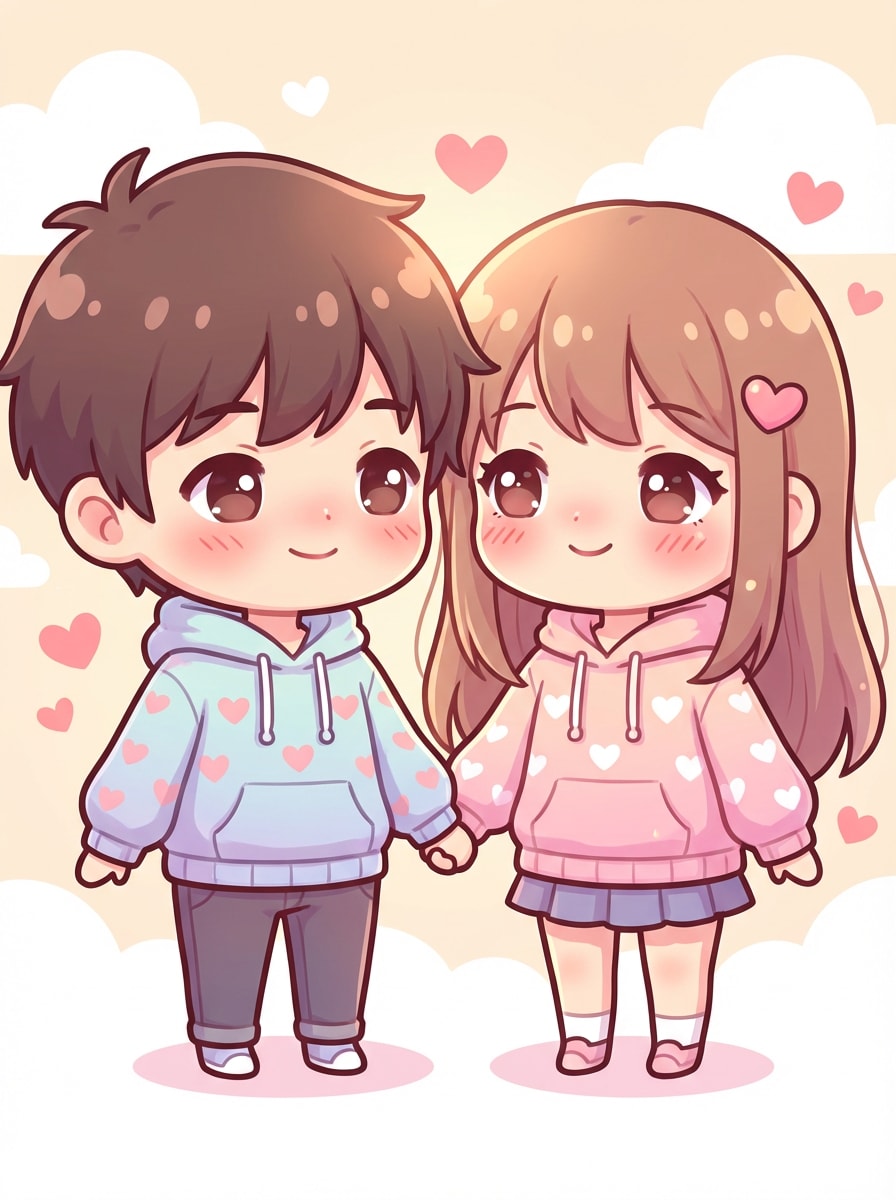
Couple Chibi Portrait
A romantic couple chibi portrait with two kawaii anime characters holding hands in matching outfits. Give them oversized heads, tiny bodies, warm pastel colors, heart accents, soft glow lighting, clean polished line art, and a sweet affectionate mood with a simple background suited for sharing online.
Original Character Chibi
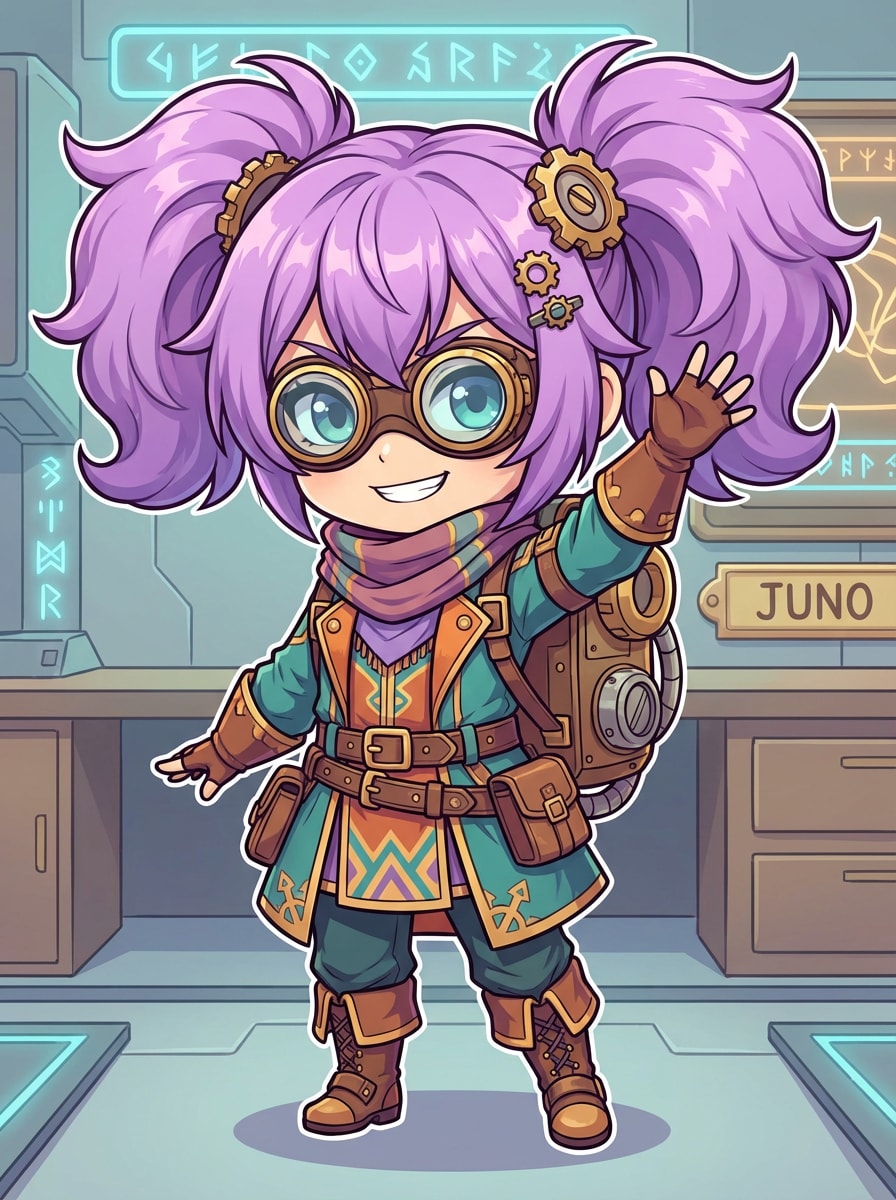
A custom original-character chibi avatar in polished anime style, featuring an oversized head, signature hairstyle, layered accessories, and a unique outfit design. Use vibrant but balanced colors, clean line work, expressive pose, refined cel shading, and a neat background to showcase personality and character identity.
Sticker Pack Chibi
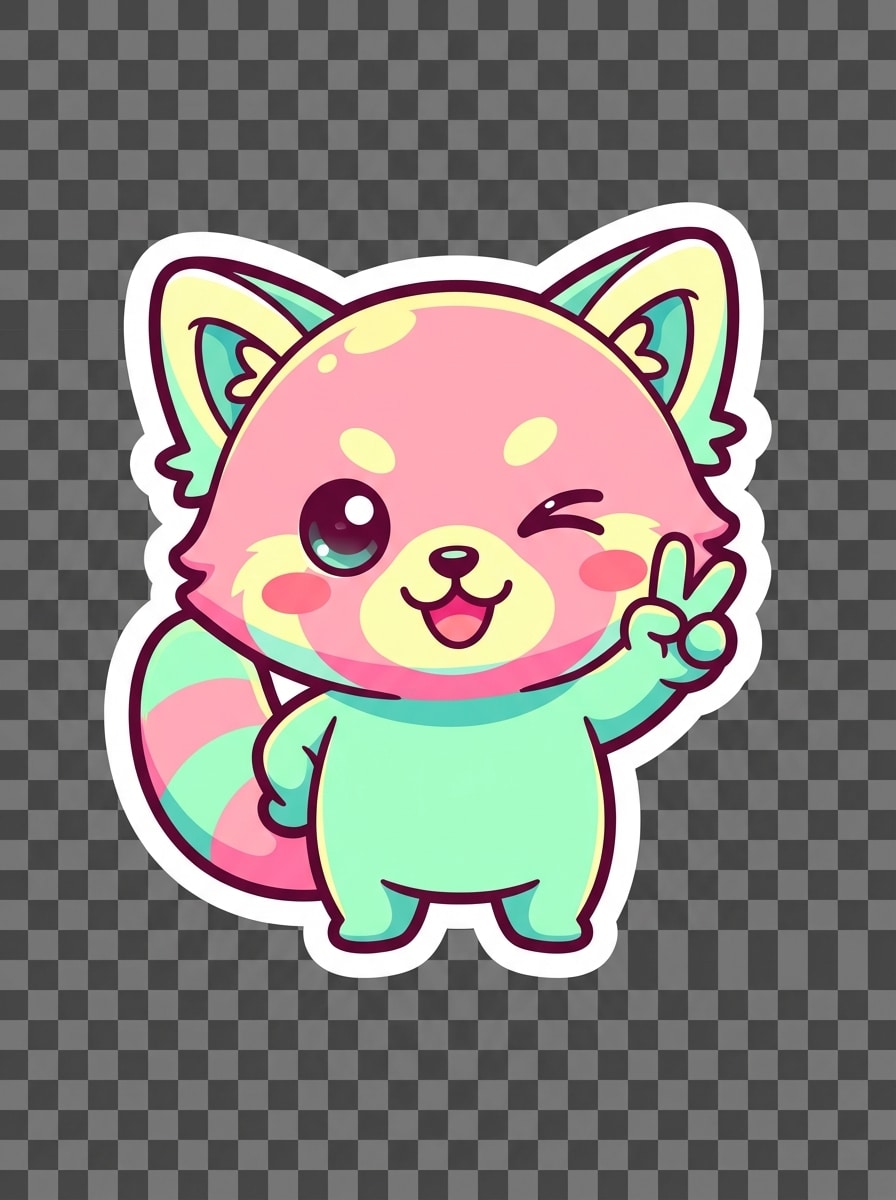
A kawaii chibi sticker-style avatar with a bold outline, playful pose, bright pastel palette, and simplified body proportions. Add a cute happy expression, glossy eyes, blush cheeks, clean digital finish, and transparent-background-friendly composition so the artwork feels perfect for messaging stickers and shareable sticker packs.
Fantasy Chibi Hero
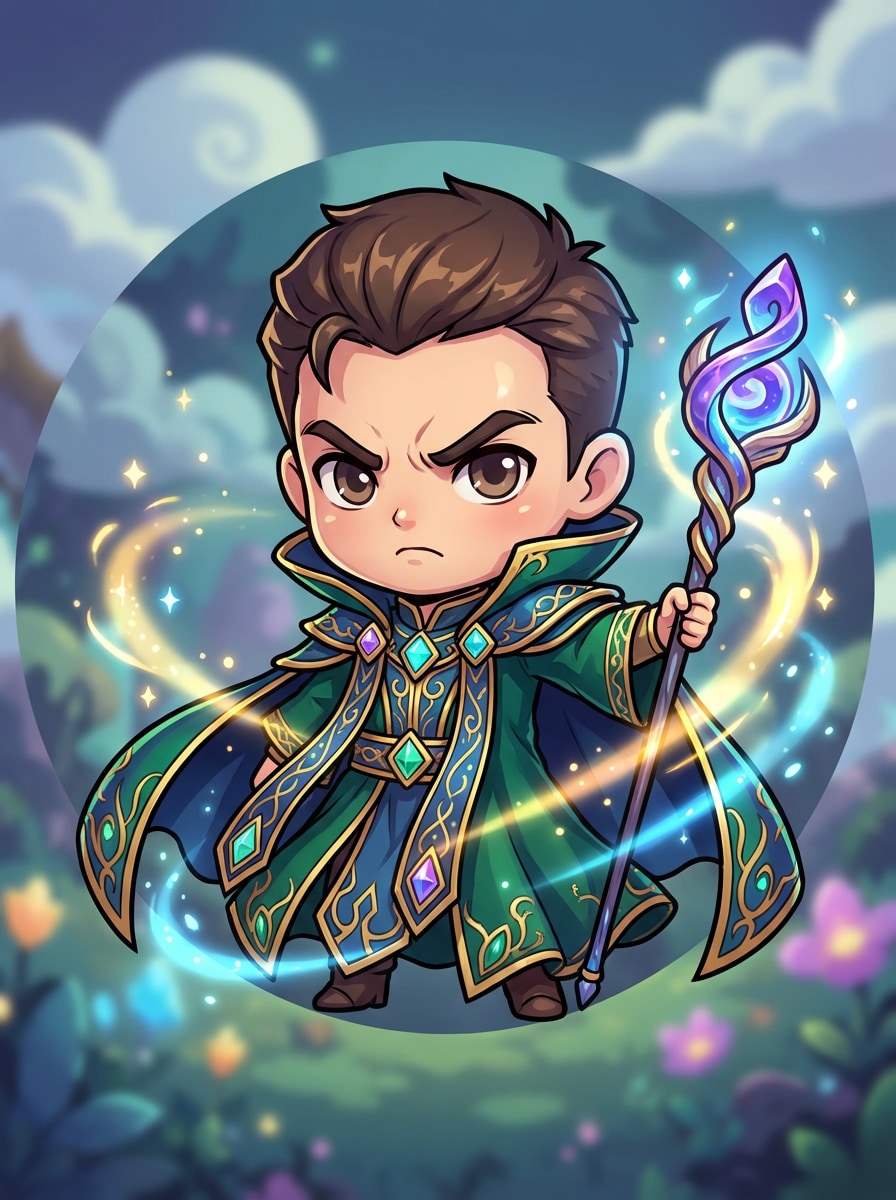
A fantasy chibi hero avatar with an ornate cape, glowing magic staff, oversized head, and determined expression. Use jewel-tone colors, whimsical sparkles, polished cel shading, magical light effects, and a centered portrait composition to create a charming adventure-themed character with strong visual personality.
Cat Ear Kawaii Chibi
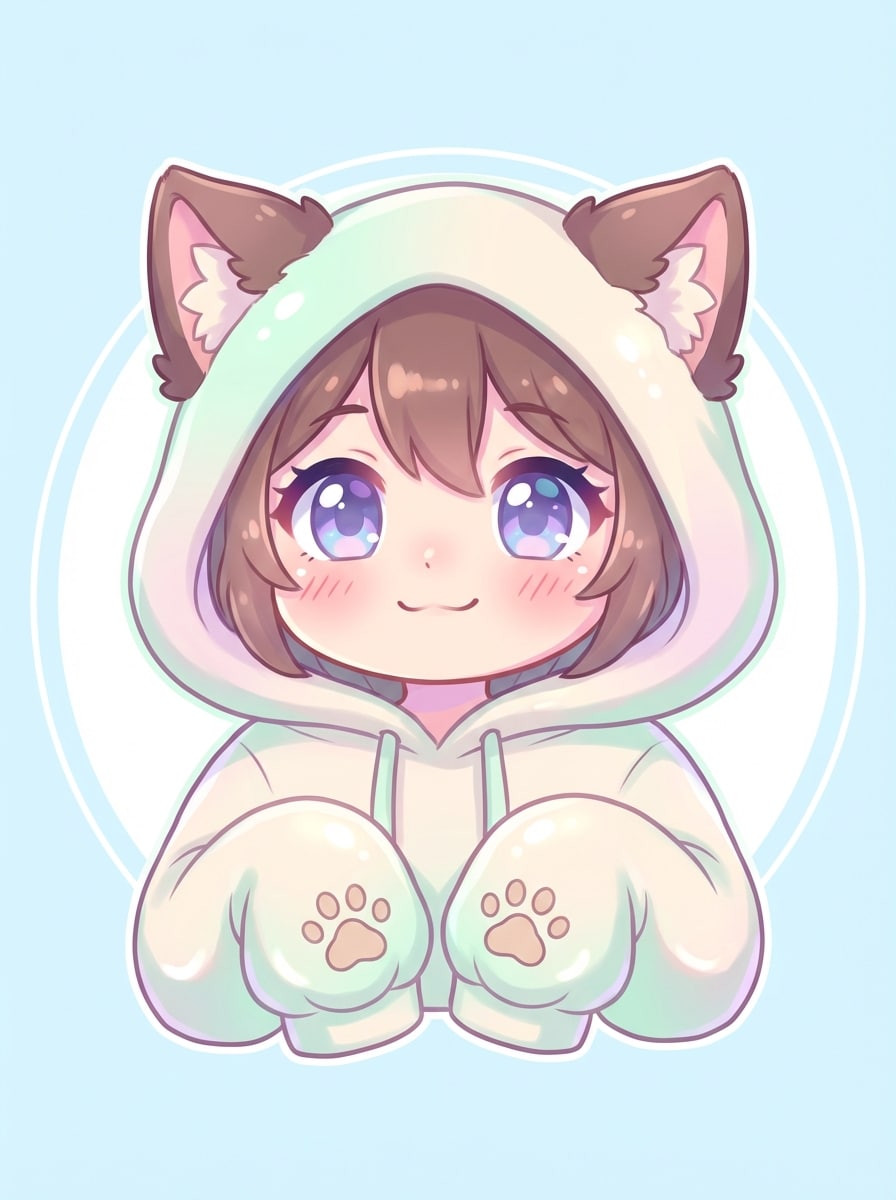
A kawaii cat-ear chibi avatar with cat ears, an oversized hoodie, blush cheeks, and sparkling eyes. Use a soft pastel palette, playful anime rendering, smooth highlights, cozy textures, and a clean background for an instantly lovable profile avatar.
VTuber-Inspired Chibi
A VTuber-inspired chibi avatar with vivid multi-tone hair, oversized expressive eyes, cute accessories, and polished anime rendering. Use a bright gradient background, luminous highlights, energetic mood, smooth shading, and a streamer-friendly centered composition to create a modern digital persona for social profiles or channel branding.
Why Use Media.io for Chibi Avatar Creation
Fast AI Chibi Generation from Text
Skip manual dress-up builders and create original chibi characters from a text prompt in seconds. Media.io is ideal when you want a faster avatar chibi creator workflow for profile pictures, stickers, or anime-inspired concepts.
Multiple Art Styles for Any Chibi Look
Generate pastel kawaii avatars, gamer icons, fantasy heroes, and anime-style portraits with flexible models and style options. This makes Media.io useful as a chibi doll avatar creator for different aesthetics without starting from the same preset every time.
High Resolution with Flexible Ratios
Create chibi artwork in 1K, 2K, or 4K resolution and choose aspect ratios like 1:1, 3:4, 9:16, or 16:9. It’s easy to make crisp avatars for profile photos, social posts, character sheets, and sticker-friendly layouts.
Browser-Based on Phone, Mac, PC, or Tablet
Media.io runs directly in your browser on Windows, Mac, iOS, and Android, so you can make avatars anywhere without installing software. It’s a convenient choice when you want a quick avatar chibi creator experience across devices.
How to Make a Chibi Avatar Online
1
2
3
1
Open Media.io Chibi Avatar Maker
Go to AI Text to Image Generator and open the Chibi Avatar Maker under AI -> Text to Image. This online tool runs in your browser, so you can start creating cute anime avatars on desktop or mobile without installing anything.
2
Enter a Prompt
Type a detailed prompt such as “cute pastel chibi avatar with big sparkling eyes, pink hoodie, bow, soft blush, clean background.” Adjust style and image ratio as needed for a profile picture, sticker, or character portrait.
3
Generate, Refine & Download
Click Generate. Review the result, refine your wording if needed, and create new variations until the avatar matches your idea. Then download your chibi image in high resolution for sharing, branding, or personal use.
See how creators use this Chibi Avatar Maker for content, marketing, and personal projects, then adapt each idea to fit the brief.
Design Social Profile Pictures That Stand Out
Create a clean anime-style icon for TikTok, Discord, YouTube, or messaging apps in seconds. A custom chibi portrait gives you a more original look than preset builders, especially when you want a playful avatar that matches your colors, accessories, and online vibe.
Turn Character Ideas into Cute Original Art
Use text prompts to describe hairstyle, outfit, mood, and props, then generate a unique OC without drawing from scratch. This is perfect for users who want a chibi doll avatar creator feel but need more freedom for fantasy, school, gamer, or VTuber-inspired concepts.
Create Shareable Stickers and Kawaii Branding
Make charming sticker-style portraits, emote-like expressions, and mascot art for content, small businesses, or fan communities. If you want a fun kawaii chibi avatar maker for merch mockups, stream graphics, or cute personal branding, AI helps you ideate much faster.
What Users Say About This Chibi Avatar Tool
Mia R.
Discord Community Moderator
"Super easy for profile pics" I wanted a cute anime profile image without spending hours in a manual editor. Media.io gave me several adorable chibi options from one prompt, and the results looked clean enough to use right away on Discord.
Janelle T.
Content Creator
"Great style variety" I tested pastel, gamer, and fantasy prompts, and each one felt visually different. It works well as a quick avatar chibi creator when I need channel art concepts or sticker-style graphics for social posts.
Kevin L.
Indie Streamer
"Helpful for branding ideas" I used it to generate a VTuber-style mini version of my online persona. The browser workflow was smooth, and being able to try different prompt details made it much easier than browsing fixed template parts.
Sora N.
Anime OC Fan
"Good for custom character concepts" I like that I can describe my own character idea instead of being limited to preset hairstyles and clothes. For anyone comparing a Picrew-style editor with an AI-based chibi avatar generator, this feels much more flexible.
A chibi avatar maker is a tool that helps you create cute, small-bodied characters with oversized heads and expressive anime-style features. Media.io works as an AI text-to-image chibi creator, so instead of only choosing preset parts, you can describe the hairstyle, outfit, mood, and accessories you want.
2. Can I make a chibi avatar from text for free?
Free users can try Media.io with free credits. If you need more generations or want extra benefits, you can check the pricing page. Free exports may include a watermark, while paid subscribers can download watermark-free high-resolution images. Free users can use free credits. For more usage, users can subscribe to a plan on the pricing page. Upgrade to a paid plan on the pricing page for more credits and watermark-free high-resolution downloads.
3. How do I create a custom anime chibi avatar with AI?
Open Media.io’s text-to-image tool, enter a clear prompt, choose a style or ratio, and click Generate. For better results, describe the character’s hair, outfit, expression, colors, and background. Media.io supports multiple image models and anime-friendly styles, making it easy to build a custom chibi look from your idea.
4. What kind of prompts work best for a chibi avatar generator?
The best prompts are specific and visual. Include the character type, hairstyle, outfit, expression, accessories, pose, color palette, and background. For example: “cute pastel anime chibi girl, sparkly eyes, pink cardigan, bow, soft blush, clean white background, profile picture composition.” English prompts are generally optimized for stronger results.
5. Can I use a chibi avatar maker on my phone or browser?
Media.io is web-based and works in your browser on Windows, Mac, iPhone, iPad, and Android devices. That makes it convenient if you want a quick chibi avatar maker experience without downloading separate software. Media.io is a web-based tool that works on any device with a browser (Windows, Mac, iOS, Android).
6. What image size and quality can I download?
Media.io supports 1K, 2K, and 4K output, depending on your workflow and settings. You can also choose from multiple aspect ratios such as 1:1, 3:4, 4:3, 9:16, and 16:9, which is useful for profile pictures, social posts, or character art layouts. Free users may have watermarks.