

MV 에이전트
오디오 업로드
업로드
1초에서 3분 길이의 오디오 파일을 업로드하세요.
이미지 업로드
업로드
지원되는 업로드 형식: jpg, png, jpeg.
프롬프트
0/2000
팁: 더 나은 결과를 얻기 위해 영어 프롬프트를 사용하십시오.
720P
16:9
샘플 이미지

AI Rap Music Video Generator

Turn your raw rap track into a high-impact music video in minutes. Upload your song, artwork, or an MV cover to let Media.io's AI analyze rhythm, lyrics flow, and mood for a visually synced edit. Add your custom prompt to emphasize your street style, color grading, or motion effects. Whether it's a freestyle, a demo, or a full EP track, this tool helps you drop visuals that match your beat's intensity.

Generate My Rap MV Now

No editing skills required - just upload your track and vibe!

Upload Your Rap Audio and Cover Image
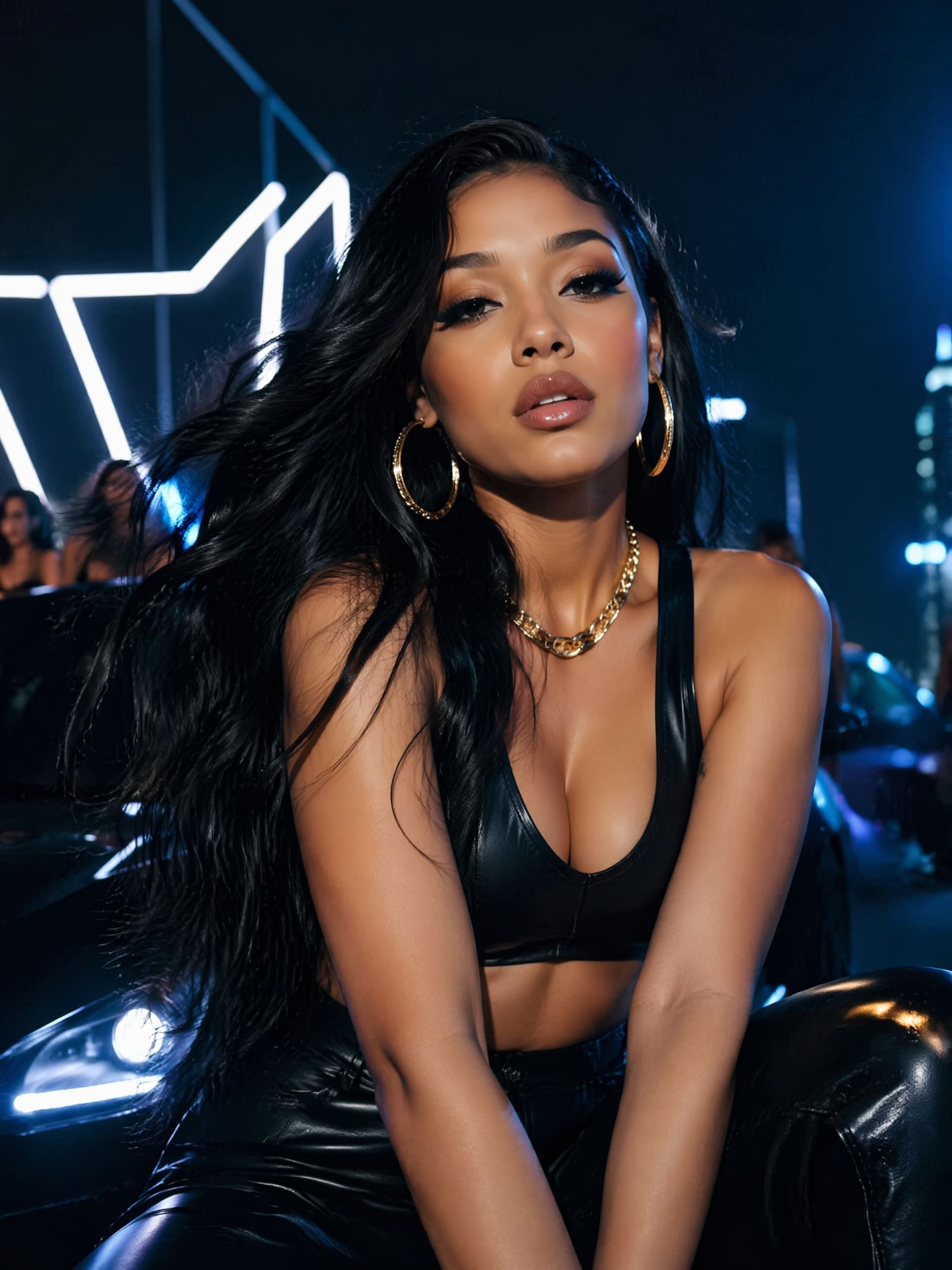
AI-generated rap music video cover visual
Sample Rap Track for Demo
wave
wave
0:09
Watch Generated Video Example ↗
See the Rap Music Video Generator in Action
✓ Fast Beat Sync ✓ Scene Style Transfer ✓ Auto Lyric Flow ✓ Social-Ready Format

Why Make Your Rap Music Video with Media.io

AI Syncs Visuals with Your Flow

Media.io understands the rhythm and energy of rap. The AI detects beat drops, lyrical pauses, and flow intensity to match visual transitions perfectly. Each scene cut aligns with your bars, giving your video organic movement. You'll get a style that resonates with your energy without hours of manual editing or motion keyframes.

Customize Your Artistic Identity

Use a single image, portrait, or album art to build your look. Then, refine it with a prompt describing your vibe - urban, cinematic, or surreal. Media.io merges these clues with your track's tempo, creating transitions, lighting, and motion that highlight your personality. This allows every rapper, whether independent or established, to stand out with a unique aesthetic.

Optimized for All Major Platforms

Media.io ensures your rap music video exports cleanly for Reels, YouTube, or TikTok. The aspect ratios, audio levels, and titles are tuned to match social media expectations. You can instantly preview and download versions optimized for vertical or widescreen audiences. Your fans will see a crisp, polished video ready to drop immediately.

Faster Production, Lower Costs

Traditional video production can take weeks of shooting and editing. With Media.io, AI handles visual generation and sync automatically, reducing costs dramatically. You can release more tracks with accompanying visuals and test audience reactions faster. It's a creative upgrade that scales with your release schedule and budget.

How to Make a Rap Music Video with AI

01

1. Upload Your Audio Track

Select your original rap song or recorded freestyle. The AI detects beats and sections to plan camera motions and visual rhythm automatically.

02

2. Choose an Image or MV Cover

Pick a cover photo, portrait, or artwork that fits your rap identity. You can also describe themes like 'neon city' or 'street graffiti' to guide the visual concept.

03

3. Generate and Download Your Video

Hit Generate to see your full AI music video preview. Once satisfied, download it for promotion or share it directly on YouTube, TikTok, or Instagram.

What Rappers Are Saying

user
Marcus T.

Independent Rapper

star star star star star

"Brought My Freestyle to Life Instantly" I used the AI rap video maker to visualize my freestyle session. The beats synced perfectly with transitions, making it look professionally directed. I didn't have to hire a videographer or editor, saving me both time and budget. Media.io helped me focus on writing instead of worrying about post-production.

user
Kendra Flow

Hip-Hop Artist

star star star star star

"Perfect Visual Match for My Beat Drops" The hip-hop video generator captured the rhythm and movement I wanted. Each lighting shift matched my lyrics, adding energy and emotion. I shared the final clip on Instagram Reels and saw a huge engagement boost. I love how intuitive and quick it is to make new content each week.

user
DJ Rax

Producer and Beat Maker

star star star star star

"Great Tool for Promoting My Instrumentals" Using this rap song visualizer, I made visuals for my instrumentals within minutes. The AI matched the intensity of each loop section, giving it a cinematic flow. It's perfect for uploading on YouTube to build artist exposure. This tool changed how I showcase my beats online.

user
Luna Verse

Underground Rapper

star star star star star

"A Unique AI Upgrade for Music Promotion" The trap music video creator stood out because it truly follows the sound patterns. I made a dark, moody video that fit my wordplay vibe. It allowed me to post new visuals twice as fast as before. I highly recommend it for artists looking to expand their online visuals consistently.

Rap Music Video Generator FAQ

1. Can I Use Any Rap Track to Make a Video?

Yes, you can upload any original or royalty-compliant rap track to generate visuals. Media.io processes formats like MP3, WAV, or M4A. The AI identifies tempo and structure to create synchronized motion scenes. It ensures your final output aligns with rhythm and atmosphere naturally.

Not at all. The system automates cutting, transition timing, and motion effects. You only need to upload your audio and image, then watch the AI generate the clip. This makes it easy for beginners or artists without technical experience to produce professional music videos. Everything runs directly in your browser with no software installation.

Absolutely. You can input short descriptive prompts to define the visual feel - like 'gritty streetlight' or 'animated comic style. ' Media.io's AI interprets it while sticking to your track flow. This gives you creative control while ensuring visuals stay cohesive.

Yes, Media.io optimizes exports for top platforms including TikTok, YouTube Shorts, and Reels. The file size and video ratio are adjusted for each platform's feed. You can post immediately without any extra editing. It's designed to help you engage followers with ready-to-share visual content.

If you own or have rights to the uploaded audio and images, you can use the final video commercially. The AI only enhances your assets and doesn't introduce copyrighted content. You can release it on streaming pages, use it for advertising, or share it as part of your promotion strategy. Always ensure your music and visuals are licensed under your name or label.

Media.io Online AI Tools Quality Rating:
vote 4.7 (162,357 Votes)







