

MV 에이전트
오디오 업로드
업로드
1초에서 3분 길이의 오디오 파일을 업로드하세요.
이미지 업로드
업로드
지원되는 업로드 형식: jpg, png, jpeg.
프롬프트
0/2000
팁: 더 나은 결과를 얻기 위해 영어 프롬프트를 사용하십시오.
720P
16:9
샘플 이미지

Turn Your Beats Into a Hip Hop Music Video

Transform any track into a visual story that moves with your rhythm. With Media.io's AI Music Video Generator, you can upload your own song, image, or MV cover and create an authentic hip hop vibe in seconds. Bring your bar-heavy verses or chill lo-fi beats to life without manual video editing. Generate visuals that sync perfectly with your track and share them effortlessly on YouTube, TikTok, and Instagram.

Generate Hip Hop Video Now

Upload your audio and image to start your hip hop video journey.

AI Hip Hop Music Video Example
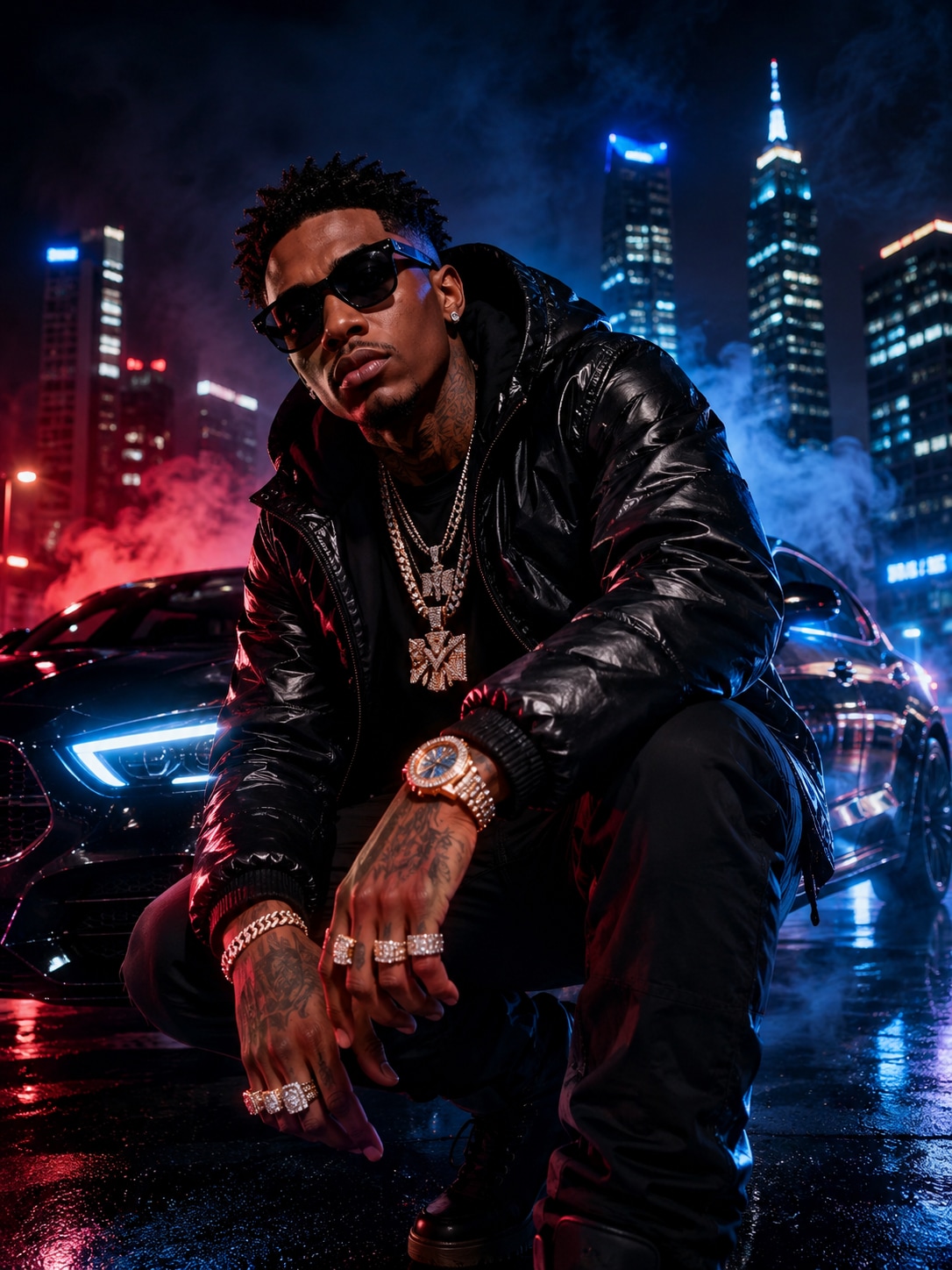
hip hop themed image for Media.io demo
Sample Beat - Hip Hop Track
wave
wave
0:09
Play the AI Demo ↗
Watch an AI-Generated Hip Hop Music Video
✓ Real Beat Sync ✓ Urban Motion Style ✓ AI Scene Design ✓ Instant Social Share

Why Make Your Hip Hop Music Video with Media.io

Sync Every Beat with Visual Flow

Music videos hit harder when the visuals match the beats. Media.io's engine analyzes tempo and rhythm to align lighting, cuts, and camera movement with your track automatically. This helps you deliver professional-quality performance visuals without timing edits manually. Every bass drop and verse transition feels seamless, making your audio come alive visually.

Express Your Urban Style Effortlessly

Hip hop is more than sound-it's identity and motion. With the AI Music Video Generator, you can upload an image, portrait, or MV cover that defines your style, and let AI craft movements that fit the vibe. Whether you lean toward graffiti colors, streetwear moods, or dark club aesthetics, Media.io helps your style stay authentic to your brand. You get creative control without technical barriers.

Create Fast, Share Instantly

Media.io shortens the gap between inspiration and sharing. Once you upload your music and set your visuals, AI generates your hip hop video in minutes. Download or publish it directly to Instagram Reels, TikTok, or YouTube Shorts without waiting for complicated render times. It's the fastest way to keep your audience engaged with consistent new visual drops.

Affordable AI Power for Independent Artists

Professional music videos typically cost thousands, but AI makes high-quality visuals accessible. Media.io provides studio-like motion effects and transitions without requiring editing software. Independent rappers and producers can upgrade their music presentation on any budget. You control cost, speed, and style while letting technology handle the complex visuals.

How to Make a Hip Hop Music Video Online

01

1. Upload Your Track and Image

Start by adding your hip hop track or rap freestyle audio to Media.io. Then upload an image, portrait, or MV cover that sets your video's tone. This tells AI which scene style to build for your music video.

02

2. Add a Custom Prompt (Optional)

If you have a concept in mind-like graffiti streets, smoky stages, or neon clubs-type it into the prompt box. The AI interprets your keywords to design thematic visuals that fit perfectly with the song's mood.

03

3. Generate and Download the Final Video

Let Media.io process your inputs, match the audio rhythm, and generate motion scenes automatically. Within a minute, preview your AI hip hop video, make any adjustments, and export it for posting on social platforms.

What Creators Say About the AI Hip Hop Music Video Tool

user
Marcus V.

Independent Rapper

star star star star star

"Finally an AI Rap Video Maker That Works" I upload my verses and a quick photo, and Media.io gives me a fresh AI rap video in minutes. The motion sync makes it look like a real street shoot, even without a camera crew. I've posted a few on Reels and they've performed way better than static visuals. It's simple, affordable, and perfect for keeping fans engaged between releases.

user
Tina K.

YouTube Content Creator

star star star star star

"The Best Tool for Trap Music Visuals" This tool transformed my trap music series into visually complete clips. I used to spend hours finding stock footage that matched my beats, but now I let AI design the mood for each track. The transitions fit the basslines perfectly and the output resolution is high enough for YouTube uploads. I love how it keeps my uploads consistent and professional-looking.

user
DJ Rizzo

Producer and Beatmaker

star star star star star

"AI Music Video Creator That Saves Time" I run beat promotions every week, and this platform saved me hours of editing. The AI reads the rhythm, adjusts the pacing, and renders visuals that naturally follow the kicks and snares. I can sync my logo and cover art, too, which makes my videos branded and on point. It's essential for producers who need visual marketing without extra cost.

user
Lana H.

Visual Artist

star star star star star

"A Fresh Way to Visualize Urban Style Music" As a visual artist, I experiment with different genres, and hip hop benefits most from motion-driven energy. Media.io's urban style video maker interprets the moods I describe and turns them into responsive video flow. It captures the essence of movement that fits lyrical rhythm and city life aesthetics. The results are fresh and extremely shareable across Instagram reels.

Frequently Asked Questions About AI Hip Hop Music Videos

1. Can I Create a Hip Hop Video Without Professional Footage?

Yes, you can generate a complete hip hop music video using only your audio and a single image or cover art. Media.io's AI algorithm animates the visual scene to match rhythm and genre. It creates motion, lighting, and perspective changes automatically. You don't need cameras, sets, or editing software to get a professional result.

Media.io's system listens to your track, studying tempo, intensity, and transitions. It builds visual sequences that change as your music evolves without manual timing adjustments. This ensures beat-to-motion sync that feels accurate and dynamic. The final video carries your rhythm visually in a natural and energetic flow.

You can download finished videos in common formats suitable for TikTok, YouTube, Instagram, and desktop playback. Media.io optimizes file resolution and aspect ratio for each platform automatically. Whether you post vertical or horizontal content, the video stays sharp and balanced. That flexibility keeps your visuals consistent across channels.

Yes, adding a short text prompt gives AI direction for your desired theme-like street graffiti, night skyline, or neon dance floor. The generator adapts backgrounds and motion tones to fit that vision. You can test different looks without re-shooting or complicated manual edits. It's an easy way to refine your artistic feel every time you generate new visuals.

Both can benefit equally because the workflow is intuitive and flexible. Beginners can make full videos by simply uploading their song and image, while professionals can guide AI with deeper direction prompts. The control balance keeps creative intent intact regardless of skill level. That makes Media.io ideal for independent artists, producers, and digital marketers alike.

Media.io Online AI Tools Quality Rating:
vote 4.7 (162,357 Votes)







