작업물은 7일 동안만 저장됩니다. 멤버십 플랜으로 업그레이드한 후 생성된 에셋은 영구적으로 저장됩니다.
창의적 잠재력을 풀고 미디어 AI의 마법을 즉시 경험하십시오!
Create a Zombie Makeup Filter Look from Your Selfie Fast
Turn one photo into a chilling Halloween transformation with Media.io. This zombie makeup filter helps you create realistic undead makeup, glam horror edits, dramatic before-and-after portraits, or even a cute zombie filter look in seconds with flexible styles, downloadable results, and easy browser-based editing.
Review these example directions, then tailor the prompt details to get stronger results with this zombie makeup filter or an AI zombie filter style in Media.io.
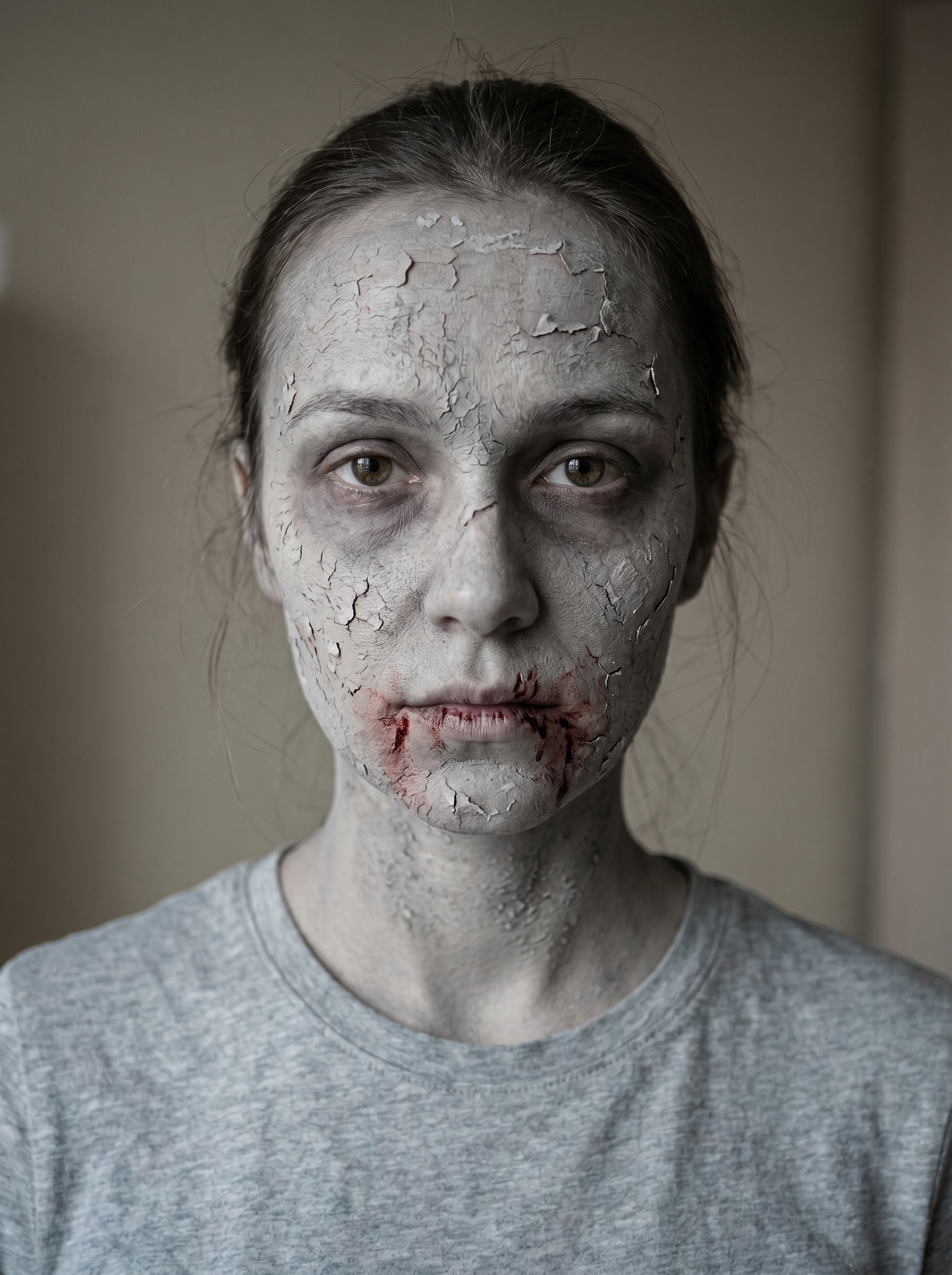
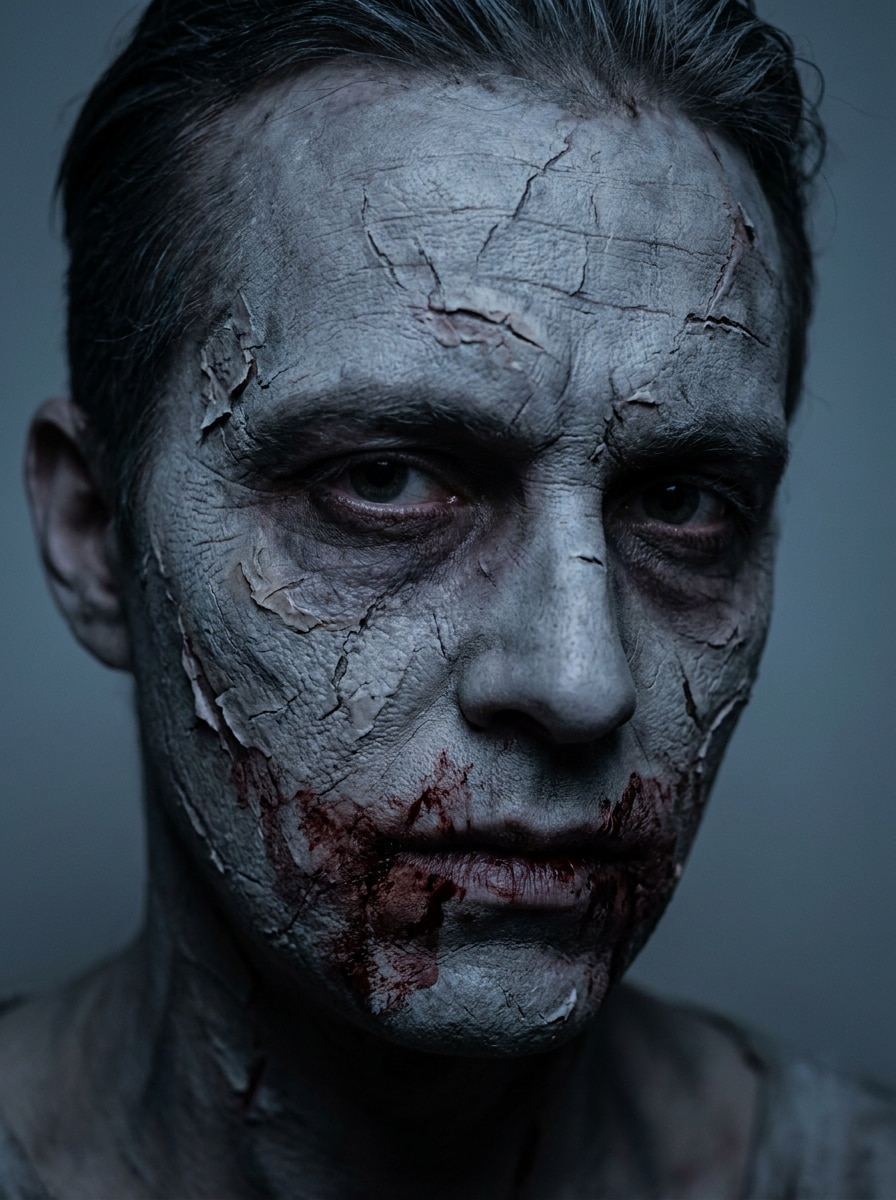
Rotting Skin Zombie
Use the uploaded image as the subject and transform it into a realistic zombie makeup portrait with pale gray skin, cracked and peeling facial texture, dark hollow under-eyes, faint blood smears around the mouth, cold desaturated tones, cinematic horror lighting, close-up composition, and sharp skin detail for a convincing Halloween effect.
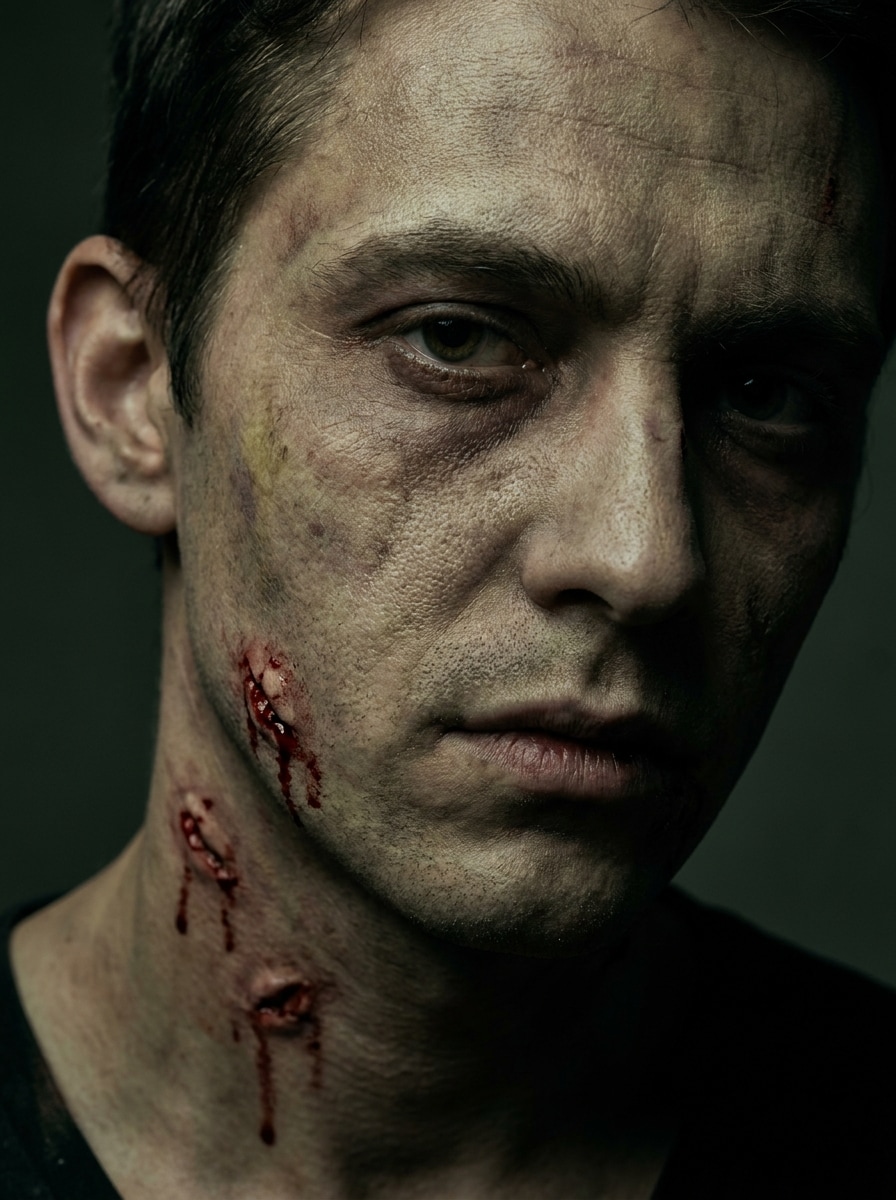
Bitten Infection Zombie
Use the uploaded image as the subject and add an infected zombie makeover with fresh bite marks on the neck and cheek, bruised irritated skin, sickly pale complexion, dark circles under the eyes, gritty texture, moody shadows, and realistic horror makeup detail in a dramatic close portrait.
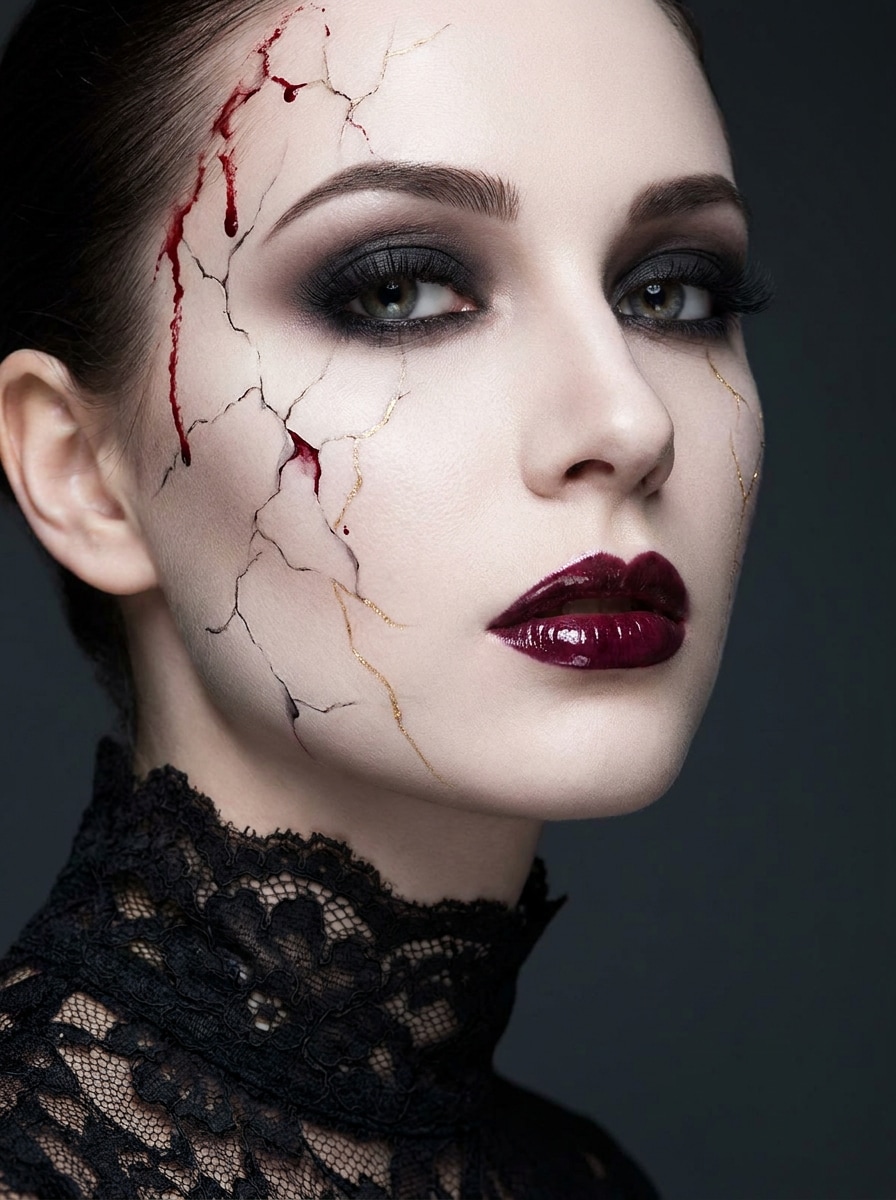
Beauty Horror Zombie
Use the uploaded image as the subject and create a polished glam-undead makeover with smoky eyeshadow, defined lashes, glossy lips, pale porcelain skin, elegant cracked cheek effects, subtle blood accents, studio beauty lighting, and a refined but creepy fashion portrait mood.
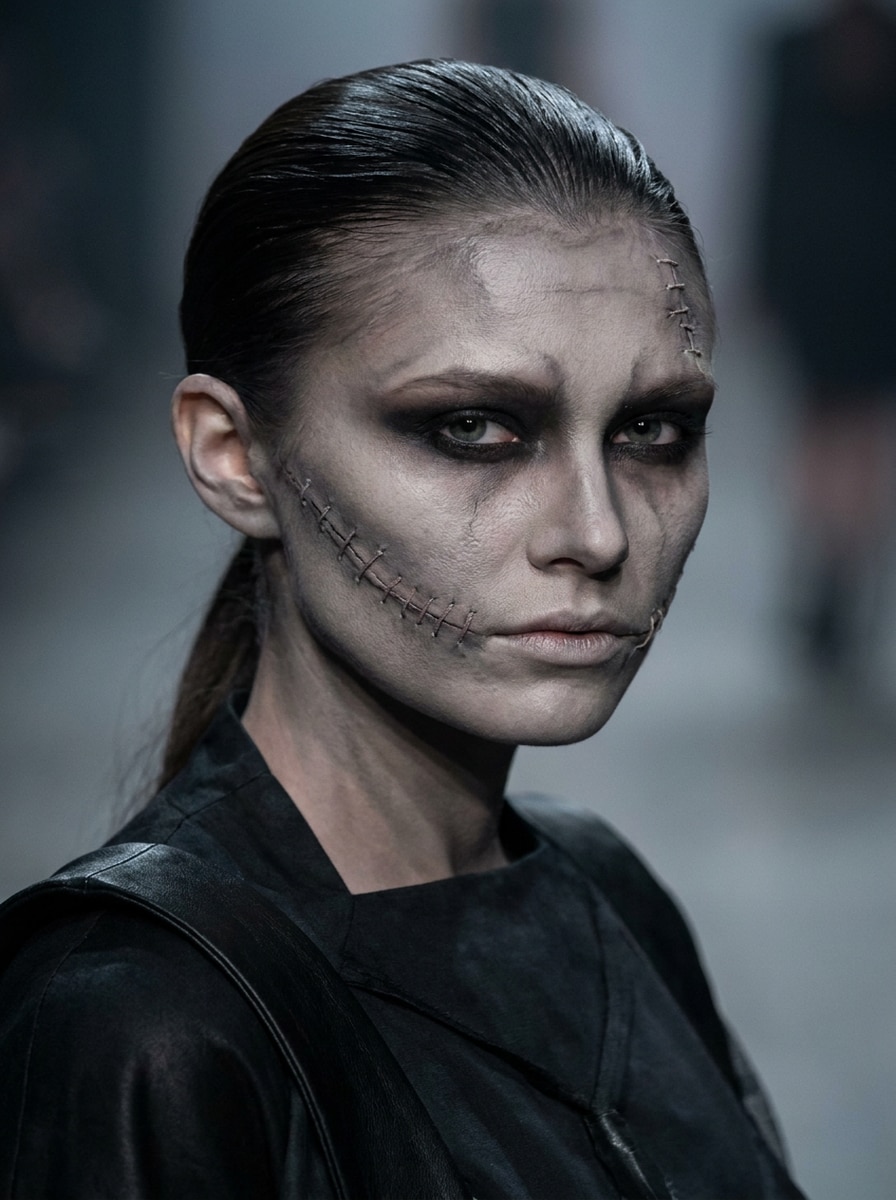
Runway Undead
Use the uploaded image as the subject and transform it into a high-fashion undead portrait with sculpted contour, desaturated skin, stitched facial details, dramatic dark eye makeup, luxury editorial lighting, crisp texture, and a moody runway atmosphere that blends elegance with horror.
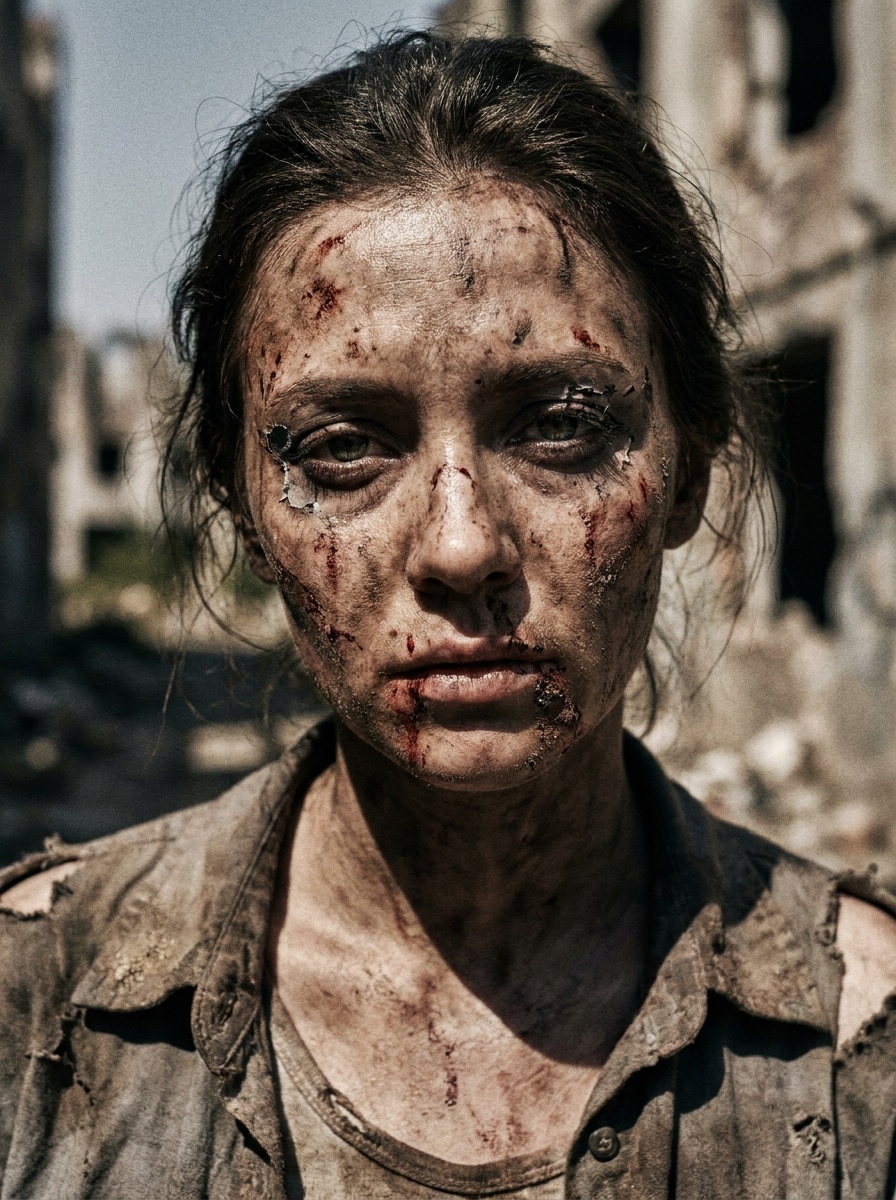
Post-Apocalyptic Walker
Use the uploaded image as the subject and turn it into a rugged apocalypse survivor zombie portrait with dirty skin, smeared blood, torn makeup edges, exhausted expression, dusty brown-gray palette, harsh outdoor cinematic lighting, and realistic decay details for a survival-horror look.
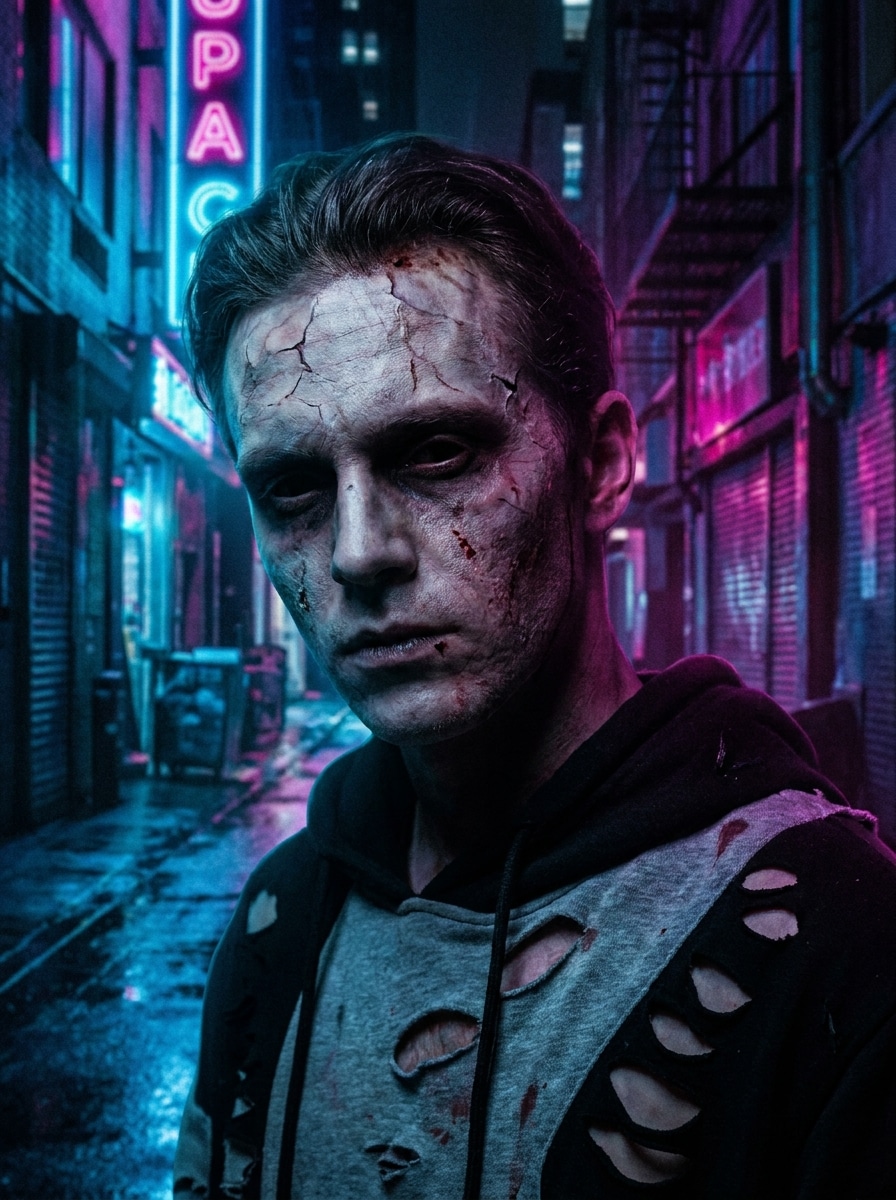
Urban Undead
Use the uploaded image as the subject and apply a modern city zombie effect with pale skin, cracked forehead, dark eye sockets, subtle blood texture, neon-lit shadows, cool blue and magenta highlights, and a cinematic night portrait feel with strong contrast.
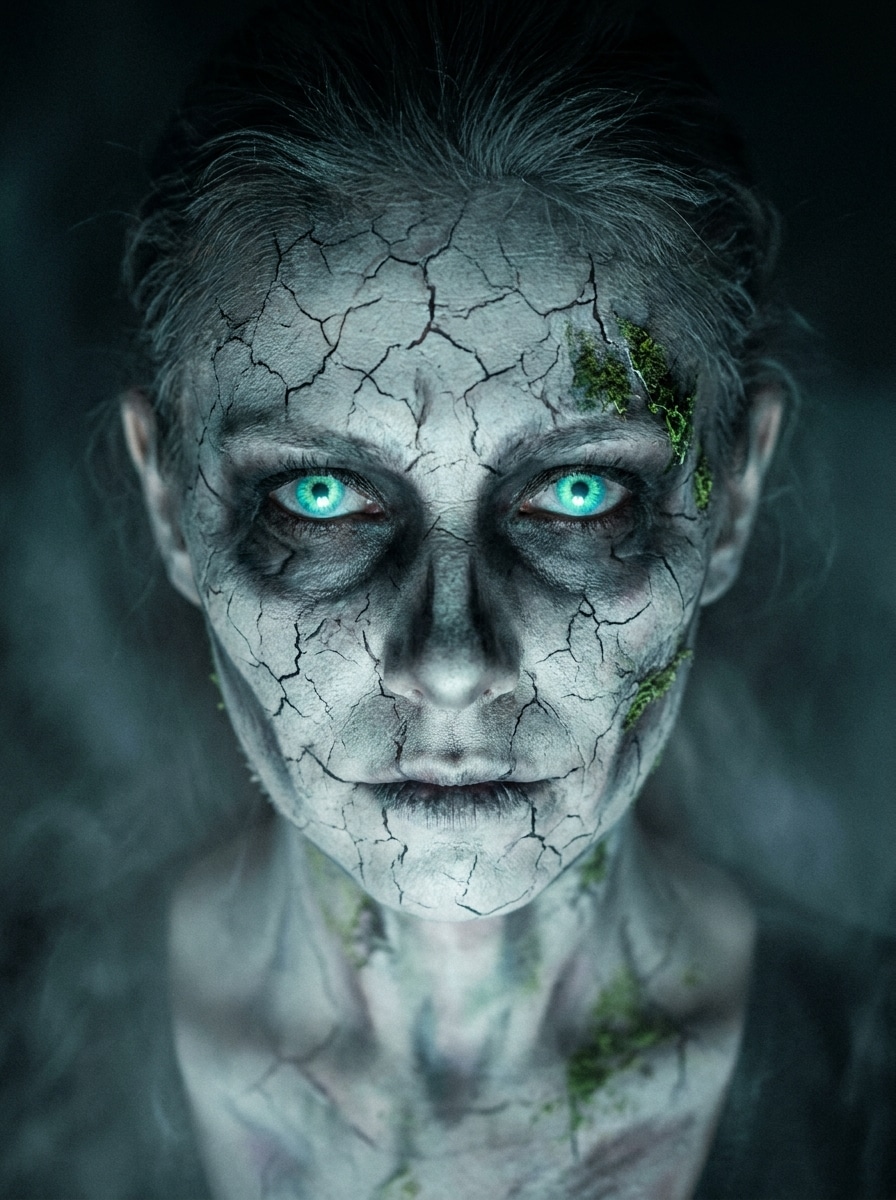
Glowing Eyes Zombie
Use the uploaded image as the subject and create a supernatural zombie portrait with glowing undead eyes, pale cracked skin, eerie facial shadows, cool misty tones, dramatic eye focus, and cinematic Halloween lighting that makes the face look both haunting and high-detail.
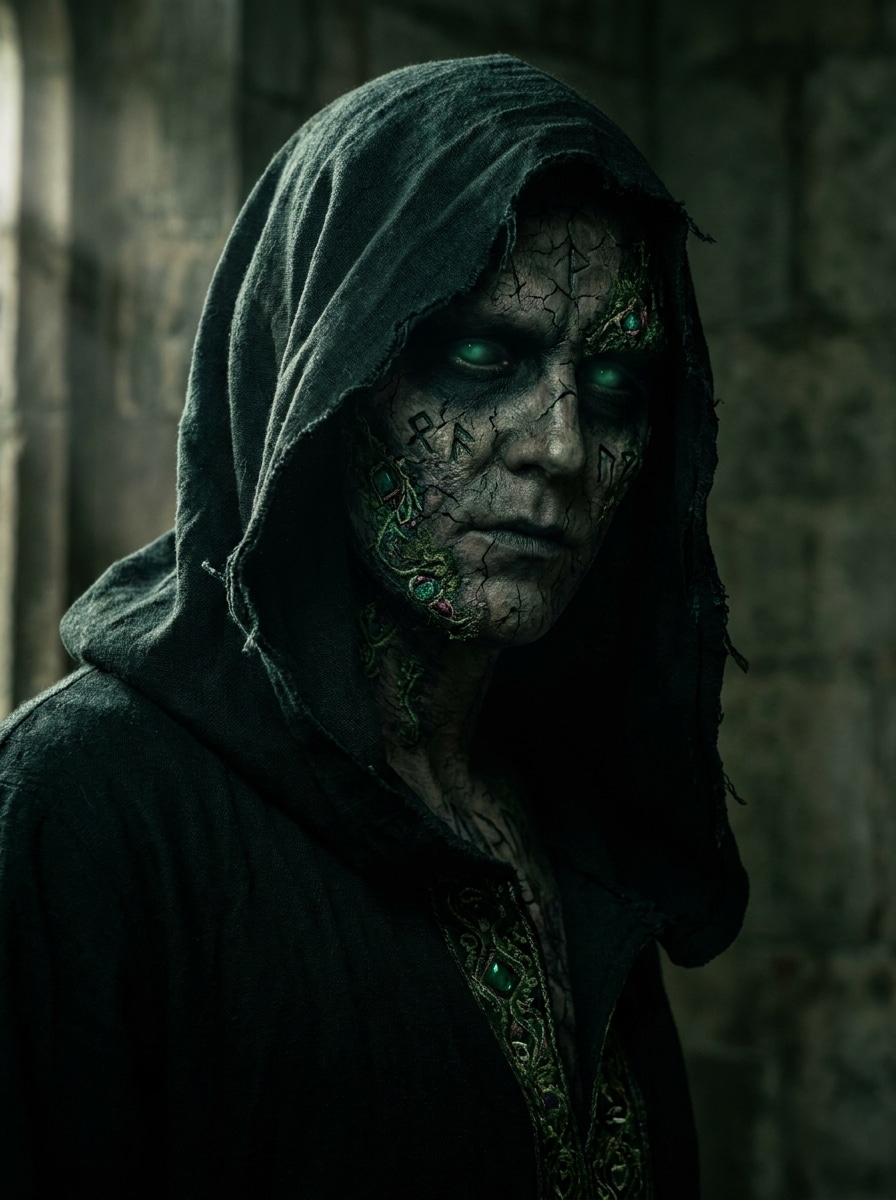
Necromancer Zombie
Use the uploaded image as the subject and transform it into a dark fantasy undead character with shadowy eye sockets, mystical green glow, cracked skin, gothic mood, rich black and emerald palette, dramatic side lighting, and ornate magical decay details across the face.
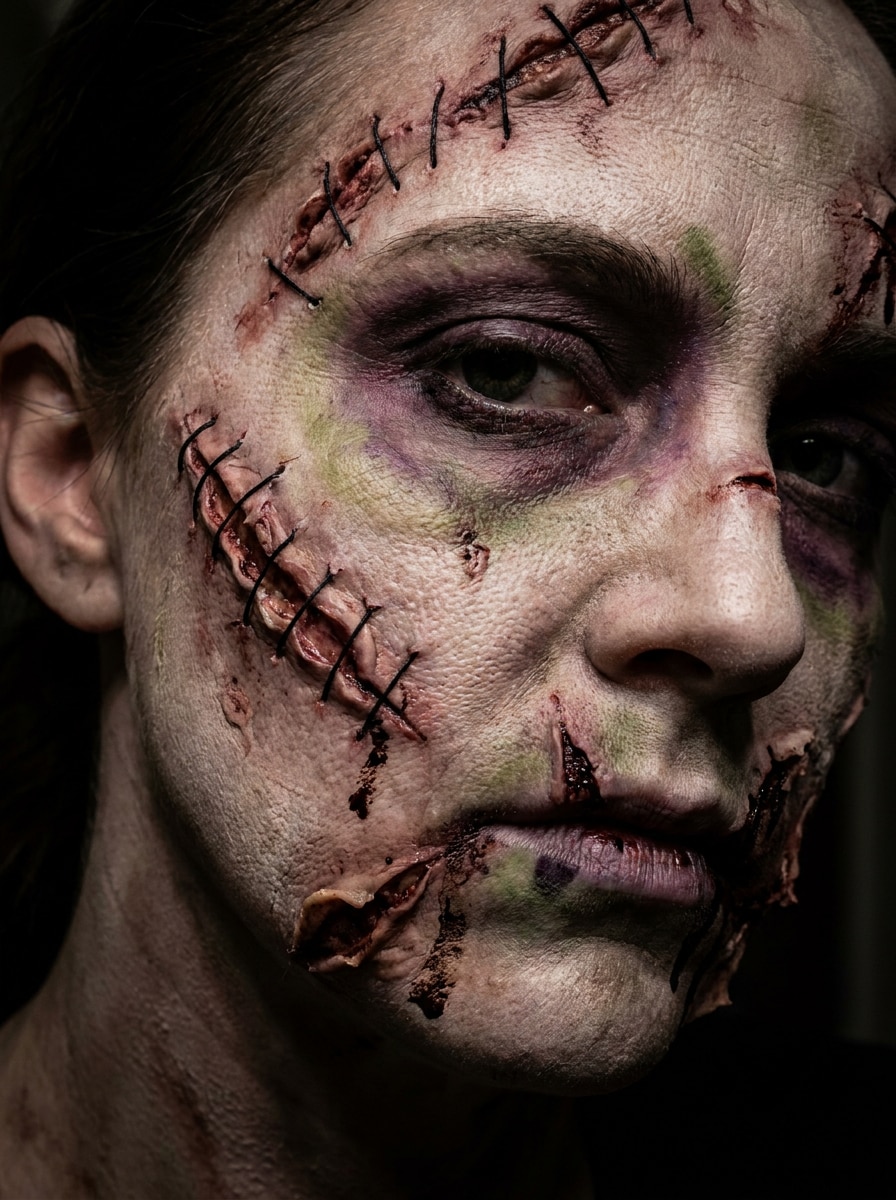
Stitched Face Zombie
Use the uploaded image as the subject and add a practical-effects-inspired zombie makeup design with stitched wounds, torn skin illusion, dark bruising, pale complexion, textured latex-style detail, controlled horror lighting, and a sharp close-up portrait that feels handmade and realistic.
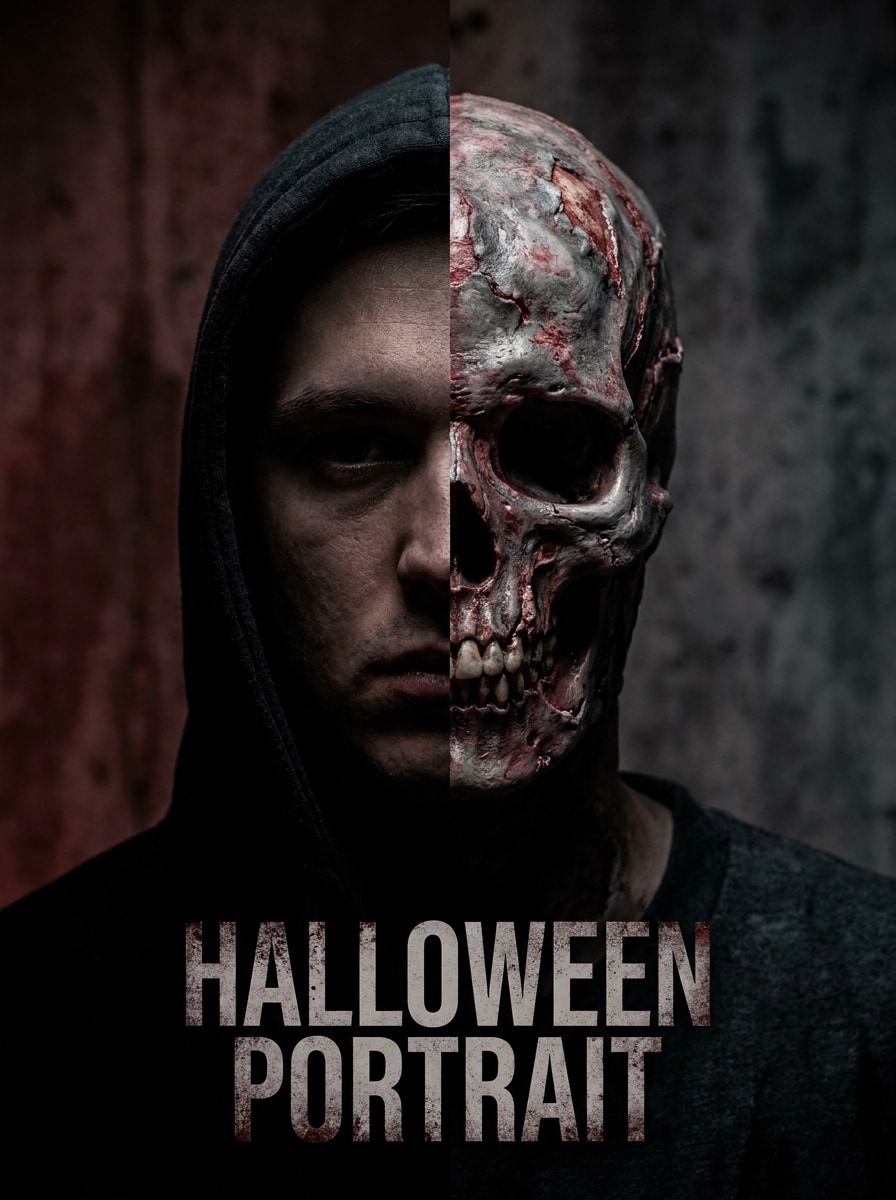
Half-Skull Zombie
Use the uploaded image as the subject and transform half of the face into a skull zombie illusion with exposed bone makeup, decayed flesh texture, dramatic split-face composition, high contrast shadows, gray-red horror tones, and crisp cinematic detail for a striking Halloween portrait.
Why Use Media.io for Zombie Portrait Transformations
Preserve Identity While Changing the Look
For costume previews, profile edits, or a zombie portrait filter concept, Media.io uses your uploaded selfie as the reference so the final look still feels like you.
Switch Between Cute, Glam, and Scary Styles Easily
A single idea often needs more than one look. Media.io helps reinterpret the same zombie makeup filter visual across different styles so each version can better match the project brief.
Create High-Resolution Images for Real Use
Publishing-ready visuals need to stay sharp. Media.io gives your zombie makeup filter image clearer output up to 4K, helping details hold up across presentations, wallpapers, thumbnails, and other reused creative assets.
Edit from Any Device Without Installing an App
Some zombie makeup filter visual concepts get drafted on the go and finished later at a desk. Media.io keeps that process online, so you can return to the same workflow without extra installs or setup.
How to Make a Zombie Makeup Filter Effect Online
Turn your words into stunning visuals in three simple steps, then continue refining the result if you want to take it further.
Step 1
Upload Your Reference Image
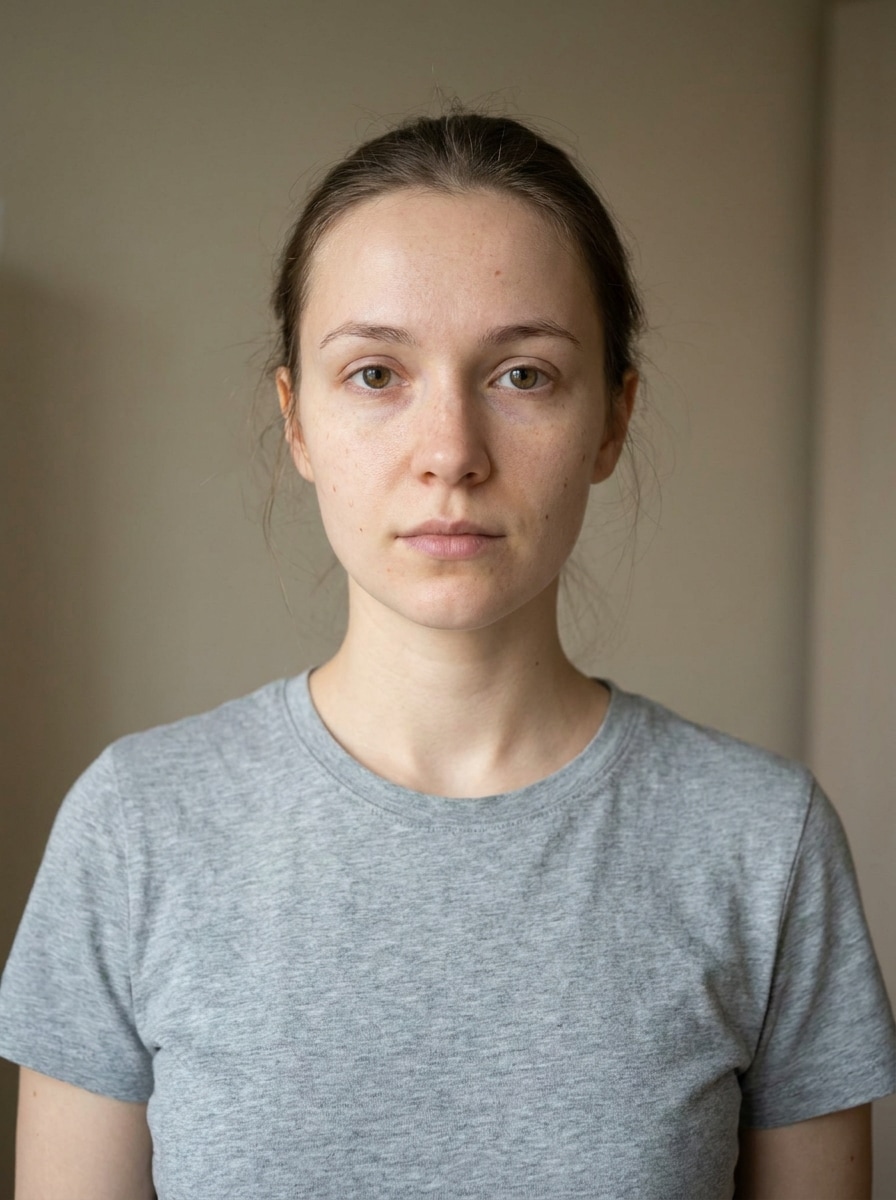
Start with a clear selfie, portrait, or costume photo in JPG, PNG, or JPEG format. Front-facing images with visible eyes and even lighting work best when you want a realistic undead makeover or a more stylized Halloween face transformation.
Step 2
Describe the Change and Set Options
Tell Media.io the exact look you want, such as cracked skin, stitched wounds, glam horror makeup, or glowing eyes. Then choose your preferred model, aspect ratio, resolution, and the number of image variations you want to generate.
Step 3
Generate, Download, and Keep Improving
Create multiple results, compare the strongest versions, and download your favorite edit. If you want more drama or a softer finish, adjust the prompt, regenerate new options, or continue refining the image for posters, social posts, and Halloween content.
See how creators use this zombie makeup filter for content, marketing, and personal projects, then adapt each idea in Media.io to fit the brief.
Preview Halloween Makeup Before the Big Night
Test different undead looks before buying supplies or sitting down for full face paint. Media.io makes it easy to compare realistic decay, glam-horror styling, or a camera-ready scary edit for costumes, parties, and themed events.
Create Scroll-Stopping Social Before-and-Afters
Create dramatic transformation images for Reels, TikTok covers, thumbnails, or seasonal profile updates. With Media.io, a stronger horror makeover and clearer facial detail can make your reveal content feel more polished than a basic live lens effect.
Build Character Concepts for Horror Shoots
Photographers, makeup artists, and content creators can use Media.io to mock up undead characters quickly. From a zombie bride filter concept to a gritty infected survivor or editorial horror portrait, Media.io helps you pitch visual direction before full production starts.
What Users Say About Media.io
Alyssa M.
Halloween Content Creator
"Perfect for dramatic selfie transformations" I uploaded a basic selfie and got a detailed zombie makeover in minutes. The skin cracks, eye shadows, and horror lighting looked much more polished than the quick filters I usually try on social apps.
Jordan P.
Makeup Artist
"Great for concept planning" I use it to preview character directions for Halloween clients. It helps me show glam undead, infected looks, and stitched effects before the real makeup session, which makes approvals much easier.
Nina R.
Social Media Manager
"Useful on both phone and desktop" We needed fast horror-themed portraits for a seasonal campaign, and Media.io made it simple to upload, test prompts, and export sharp images in the right format. The browser workflow saved us a lot of time.
Chris D.
Casual User
"Easy to use and surprisingly detailed" I wanted a scary portrait for a party invite and ended up generating several versions from one photo. The results looked realistic enough to share, and I liked being able to keep refining the prompt.
1. What is a zombie makeup filter and how does it work?
A zombie makeup filter is an image-to-image effect that transforms your uploaded photo into an undead-style portrait. In Media.io, you upload a selfie, describe the look you want, and the tool applies details like pale skin, cracked texture, dark eye sockets, glam horror makeup, or stitched effects while keeping your facial identity recognizable.
2. Can I turn a selfie into a realistic zombie makeup look online?
Media.io lets you upload a selfie in JPG, PNG, or JPEG format and turn it into a realistic zombie makeup look directly in your browser. You can guide the result with prompts for decayed skin, infection effects, editorial undead styling, a zombie bride filter concept, or a cinematic Halloween portrait.
3. Is this zombie face filter free to use?
Yes, free users can try Media.io with available credits. If you need more generations or want watermark-free high-resolution downloads, you can check Media.io's pricing page for plan options.
4. How long does it take to generate a zombie photo effect?
Generation is designed to be fast, so you can usually create a zombie photo effect in a short online session. Total time depends on your settings, such as resolution and the number of variations, but Media.io is built for quick before-and-after experimentation.
5. Will the AI keep my uploaded photo private?
Media.io is designed with privacy in mind. Uploaded images are automatically deleted from Media.io servers after 7 days, which helps protect your photo while still giving you time to generate, review, and download your zombie edits.
6. Can I use the zombie makeup filter on iPhone, Android, or desktop?
Media.io is a web-based tool, so you can use the zombie makeup filter on iPhone, Android, Windows, or Mac as long as you have a browser. That makes it easy to start a Halloween edit on mobile and refine it later on desktop.