작업물은 7일 동안만 저장됩니다. 멤버십 플랜으로 업그레이드한 후 생성된 에셋은 영구적으로 저장됩니다.
창의적 잠재력을 풀고 미디어 AI의 마법을 즉시 경험하십시오!
AI Elf Filter for Selfies, Fantasy Portraits, and Holiday Looks
Turn your photo into a magical elf portrait in seconds. Media.io helps you create a elf filter look with festive, woodland, cartoon, or glam styles while keeping your face recognizable. Try an AI elf ears filter, a Christmas makeover, or a dreamy fantasy transformation online.
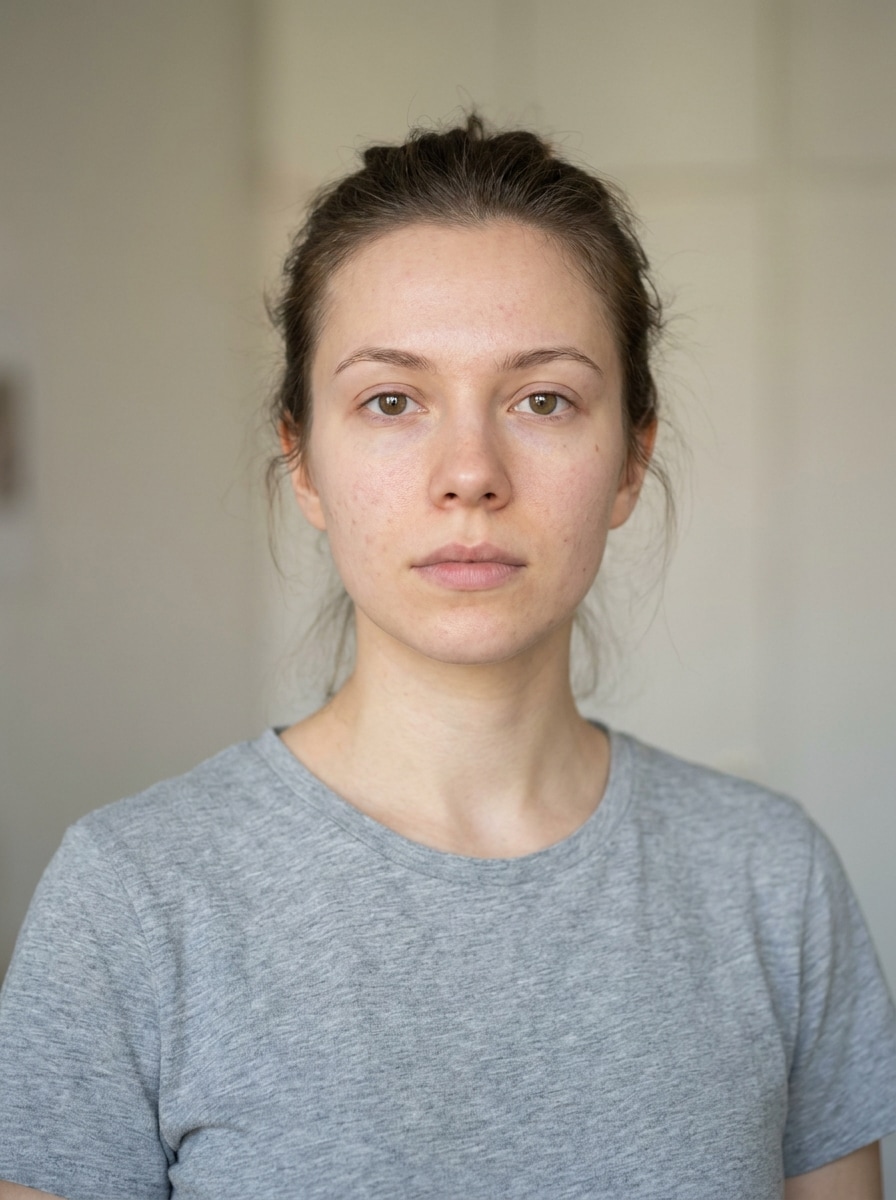
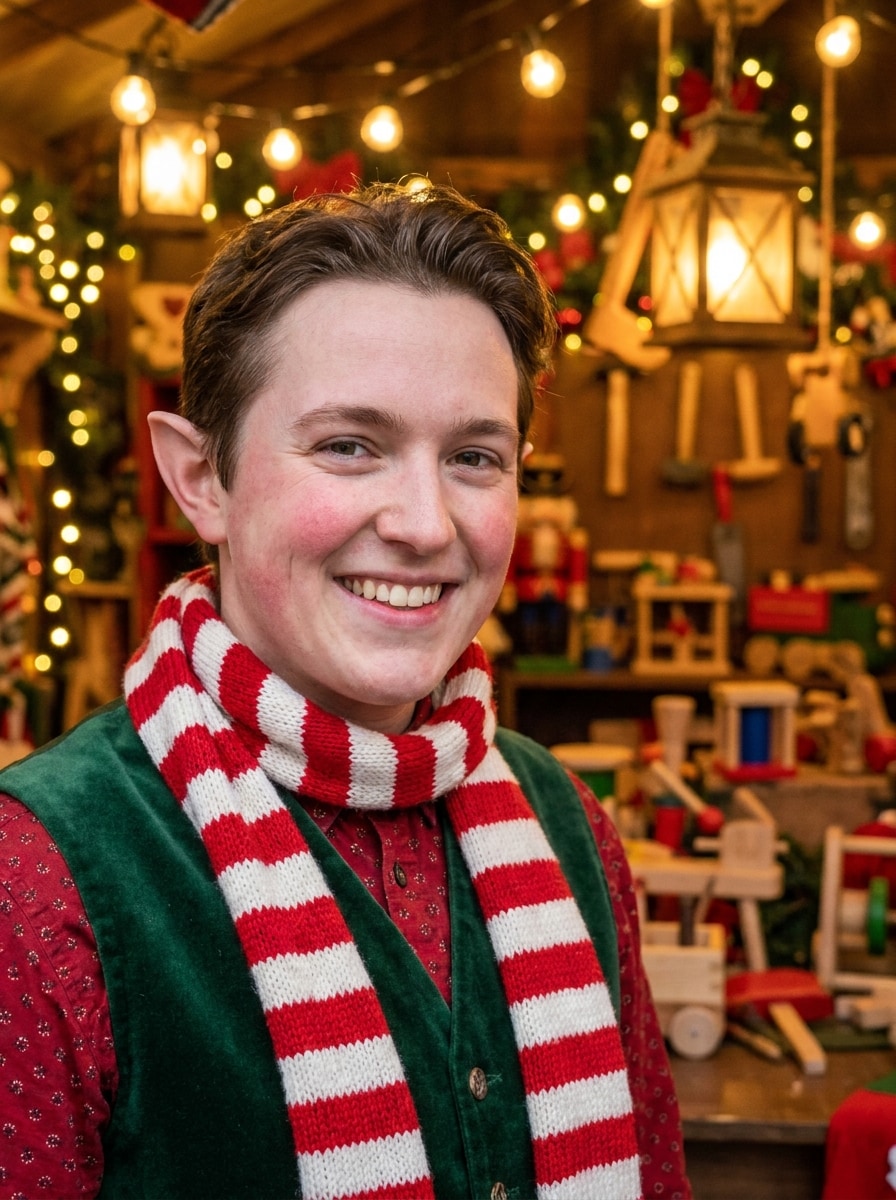
Review these example directions, then tailor the prompt details to get stronger results with this Elf Filter.
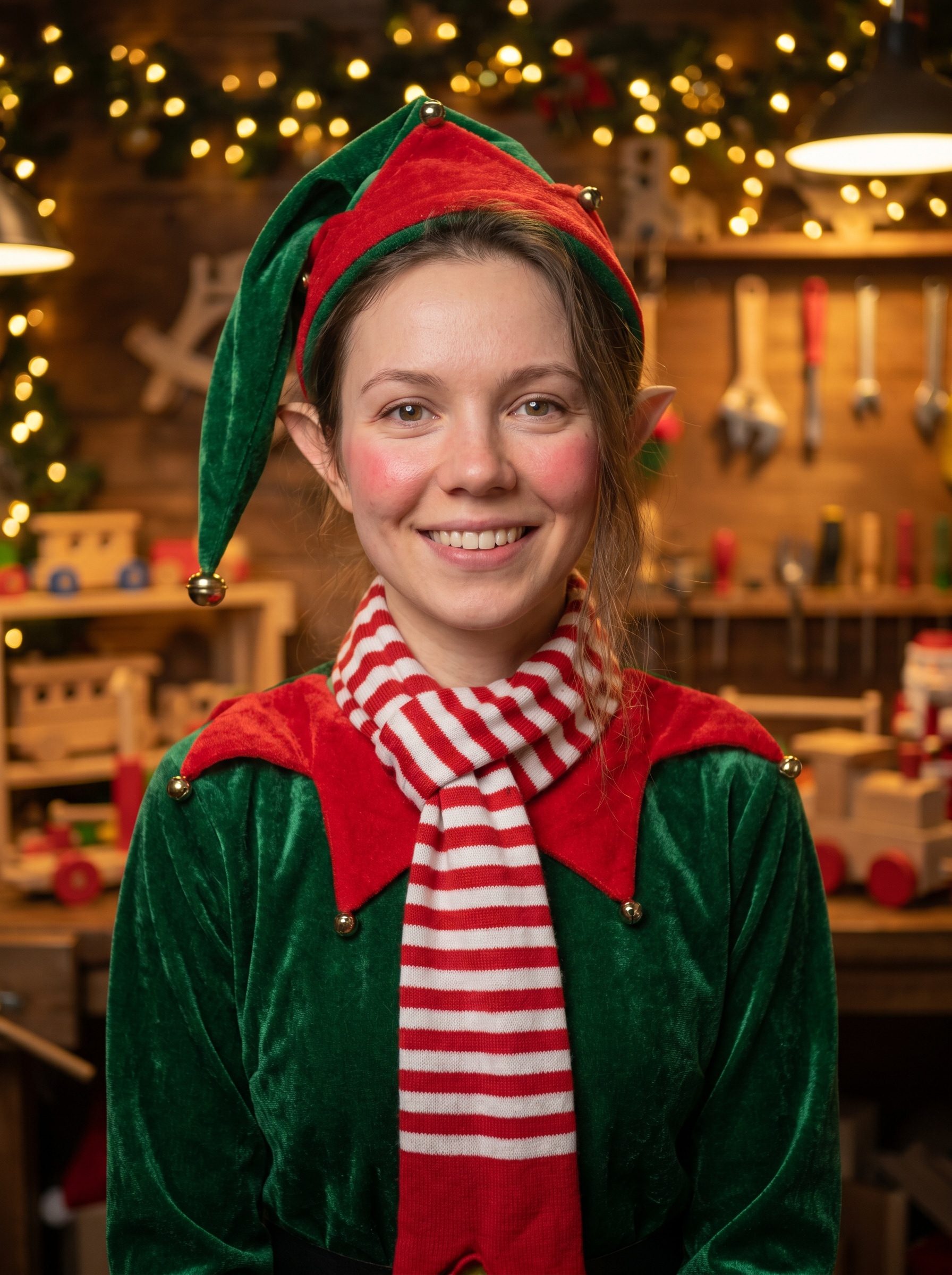
Classic Santa Helper Elf
Use the uploaded image as the subject and transform it into a cheerful Christmas elf portrait with pointed ears, a green-and-red festive costume, rosy cheeks, a striped scarf, soft golden holiday lighting, cozy toy workshop details, warm textures, and a realistic face-preserving finish.
Cute Cartoon Elf
Use the uploaded image as the subject and restyle it into a cute cartoon elf with oversized expressive eyes, soft rounded facial features, playful pointed ears, bright holiday colors, clean illustrated shading, a whimsical festive backdrop, and a polished animated look that still reflects the original face.
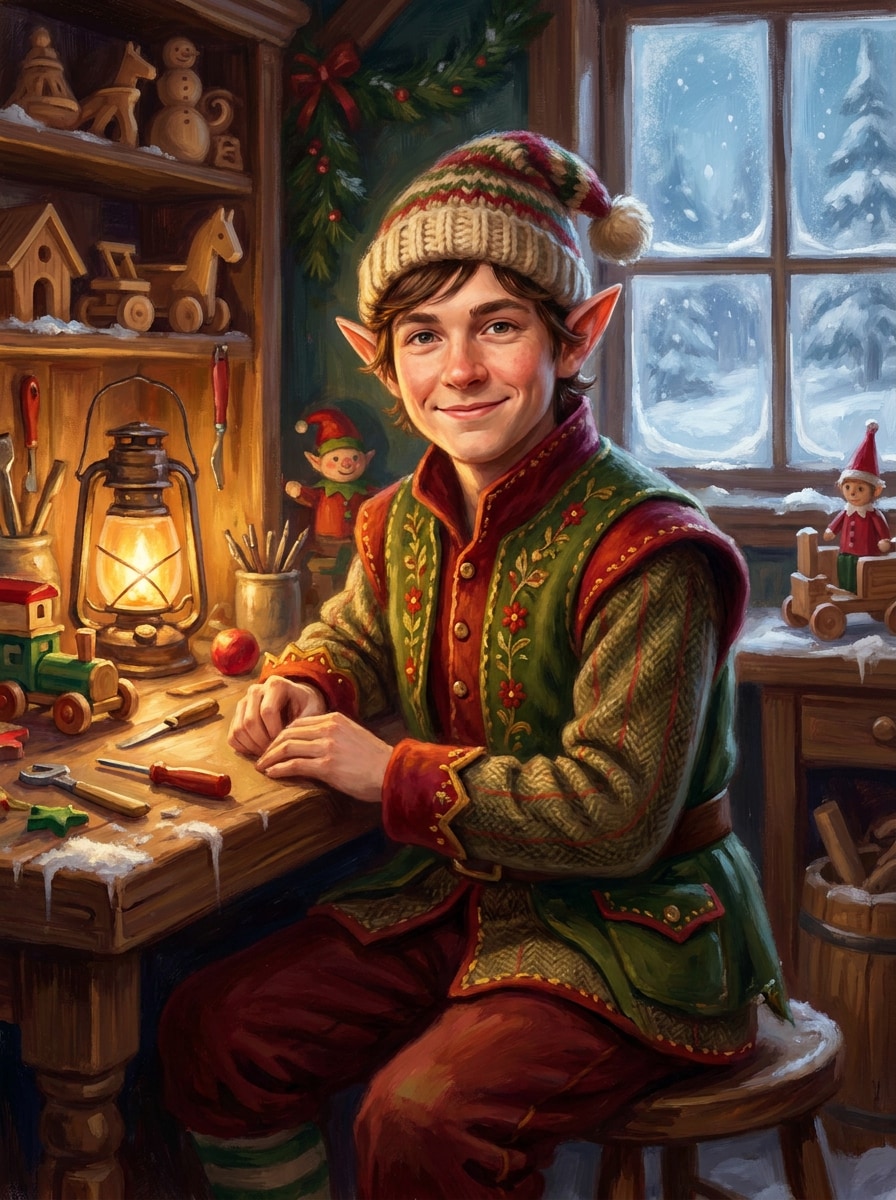
North Pole Storybook Elf
Use the uploaded photo as the subject and create a whimsical North Pole storybook elf portrait with pointed ears, a wool hat, a cozy handcrafted costume, snowy workshop scenery, painterly textures, warm glowing lantern light, and a magical illustrated atmosphere with clear facial resemblance.
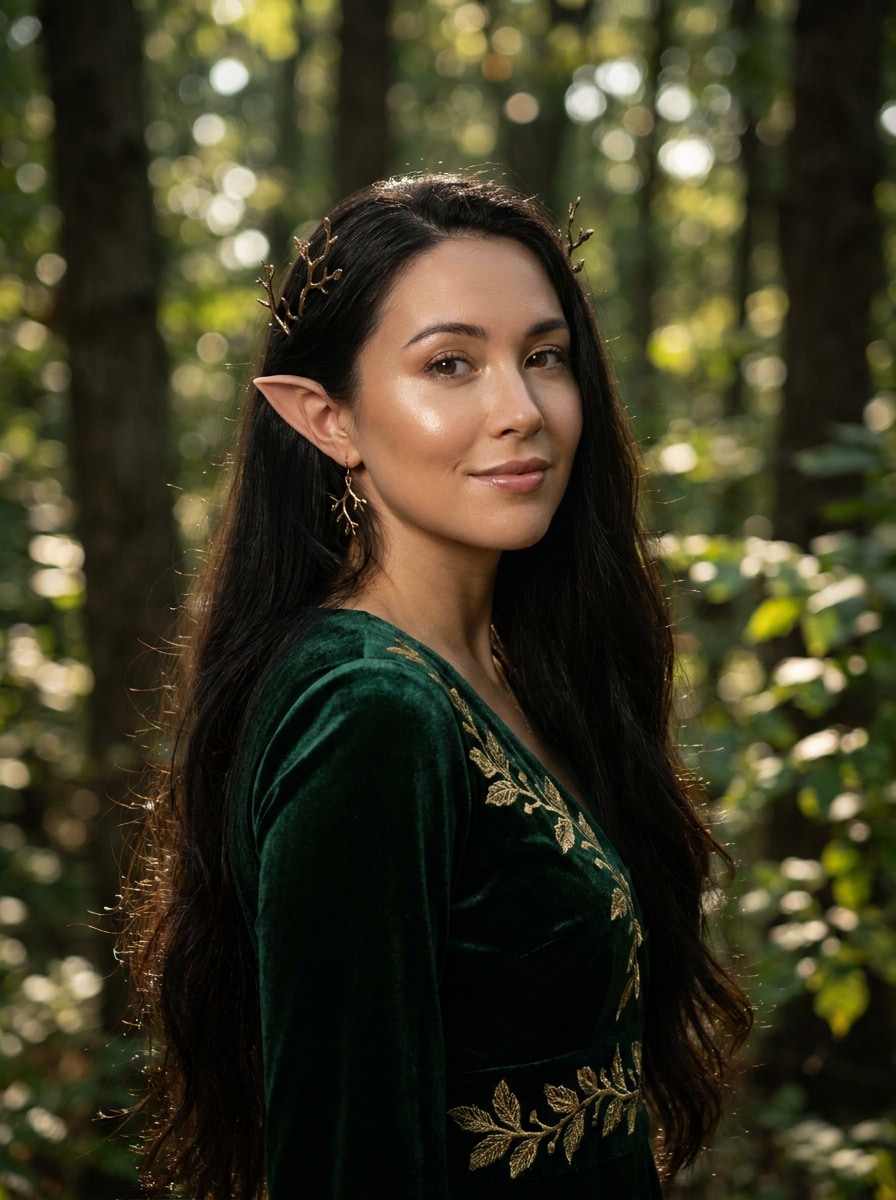
Elegant Woodland Elf
Use the uploaded image as the subject and transform it into an elegant woodland elf portrait with refined pointed ears, luminous skin, flowing hair, leaf-inspired accessories, cinematic forest bokeh, earthy green and gold tones, soft directional light, and a graceful high-fantasy mood.
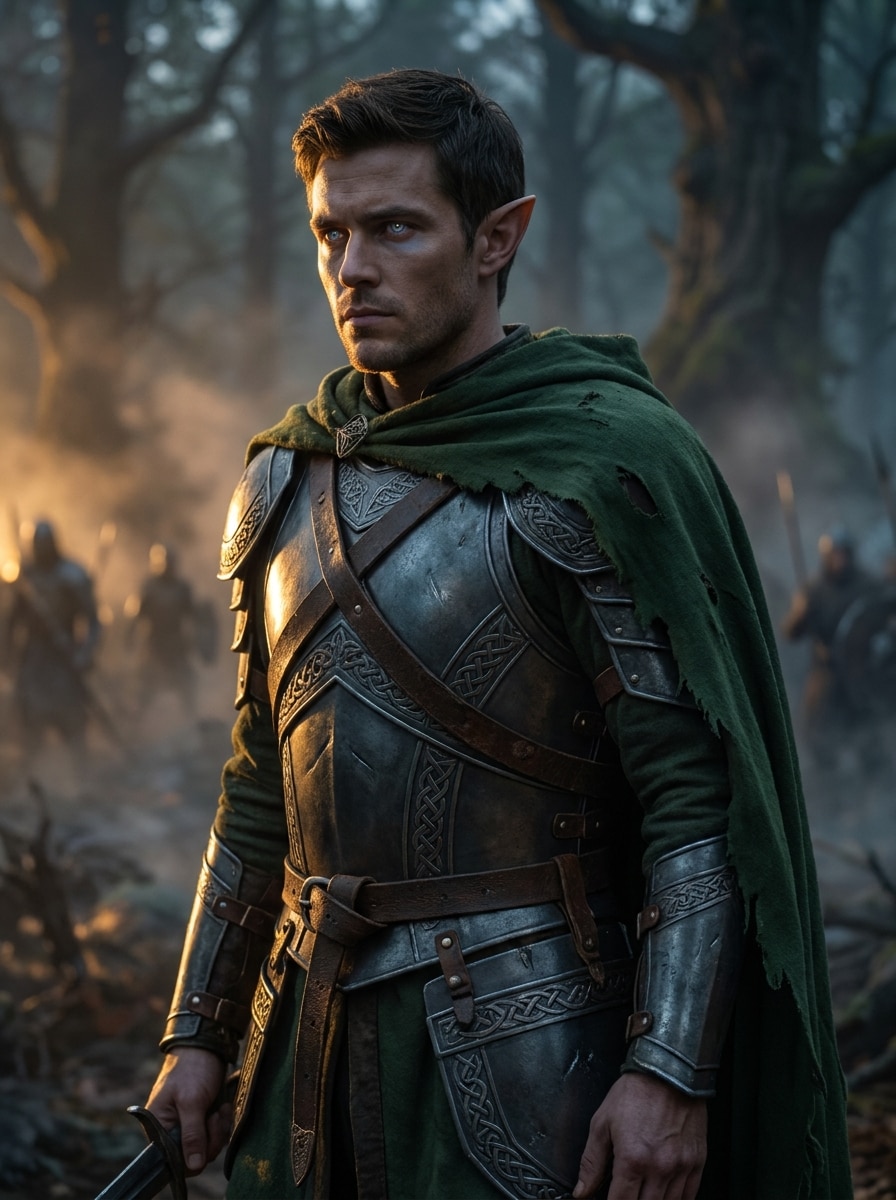
High Fantasy Elven Warrior
Use the uploaded image as the subject and turn it into a high-fantasy elven warrior with sharp pointed ears, ornate armor, glowing eyes, dramatic rim lighting, textured metal details, an epic forest battlefield backdrop, deep emerald and silver tones, and a bold cinematic portrait mood.
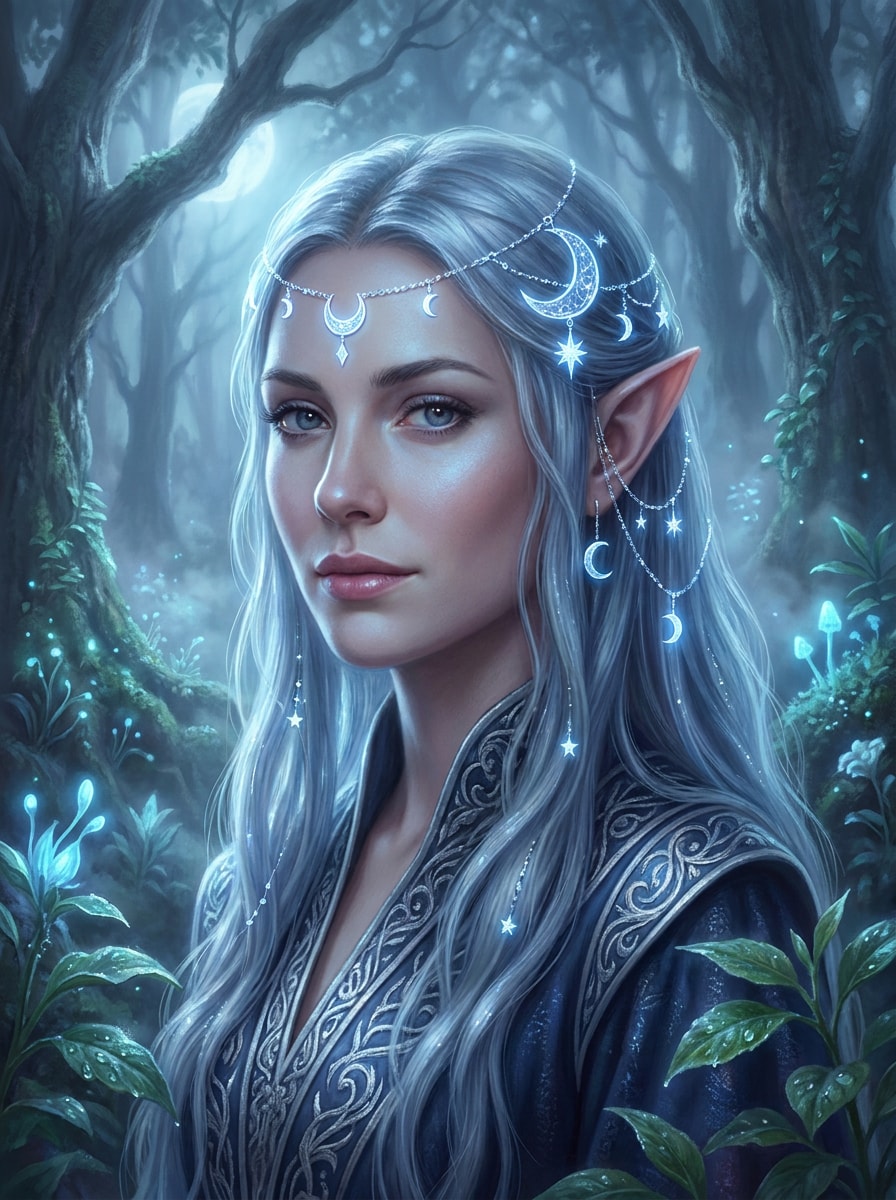
Ethereal Moon Elf
Use the uploaded image as the subject and restyle it into an ethereal moon elf with elegant pointed ears, silver-blue color grading, celestial jewelry, soft glowing skin, misty moonlit forest scenery, delicate highlights, dreamy atmospheric haze, and a serene magical portrait finish.
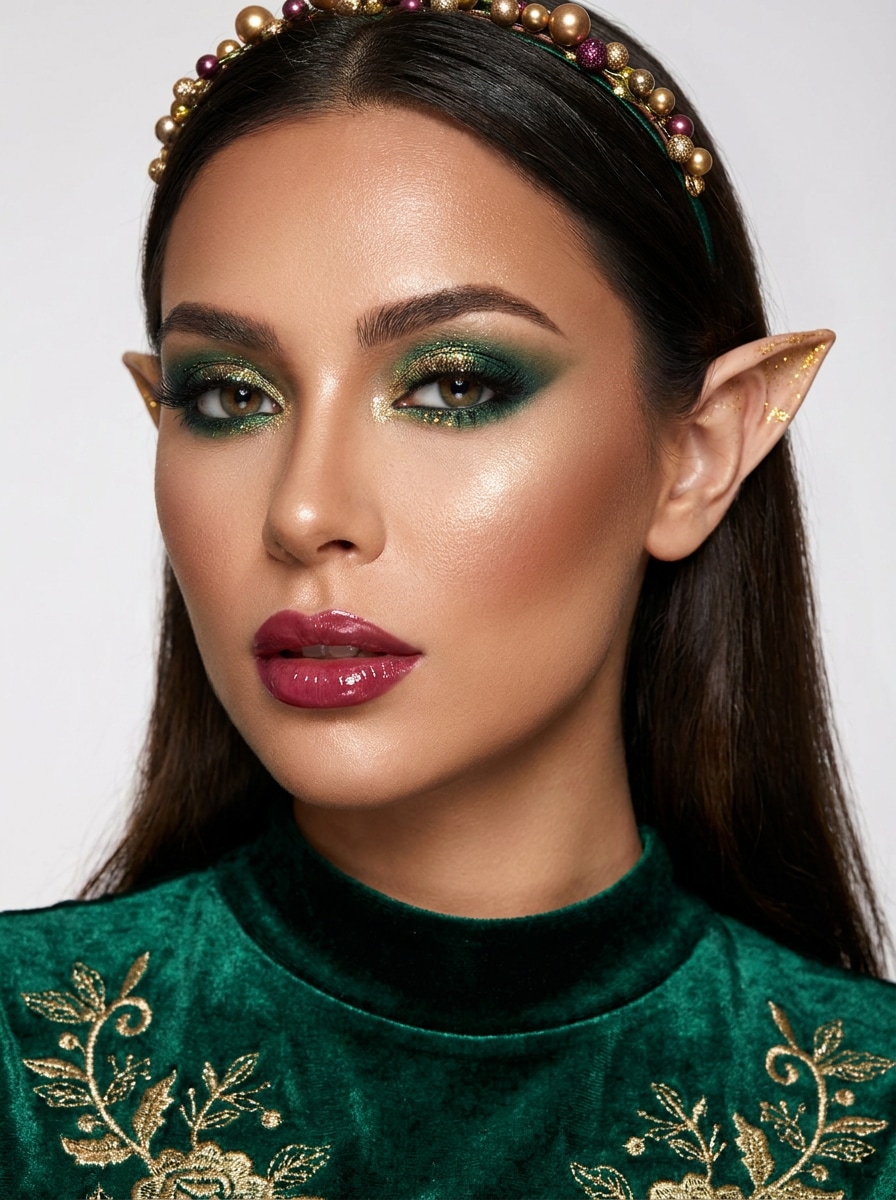
Glam Holiday Elf
Use the uploaded selfie as the subject and create a glam holiday elf makeover with sculpted makeup, subtle pointed ears, glitter accents, glossy lips, emerald and gold styling, studio beauty lighting, smooth polished skin detail, and a festive editorial portrait vibe for social sharing.
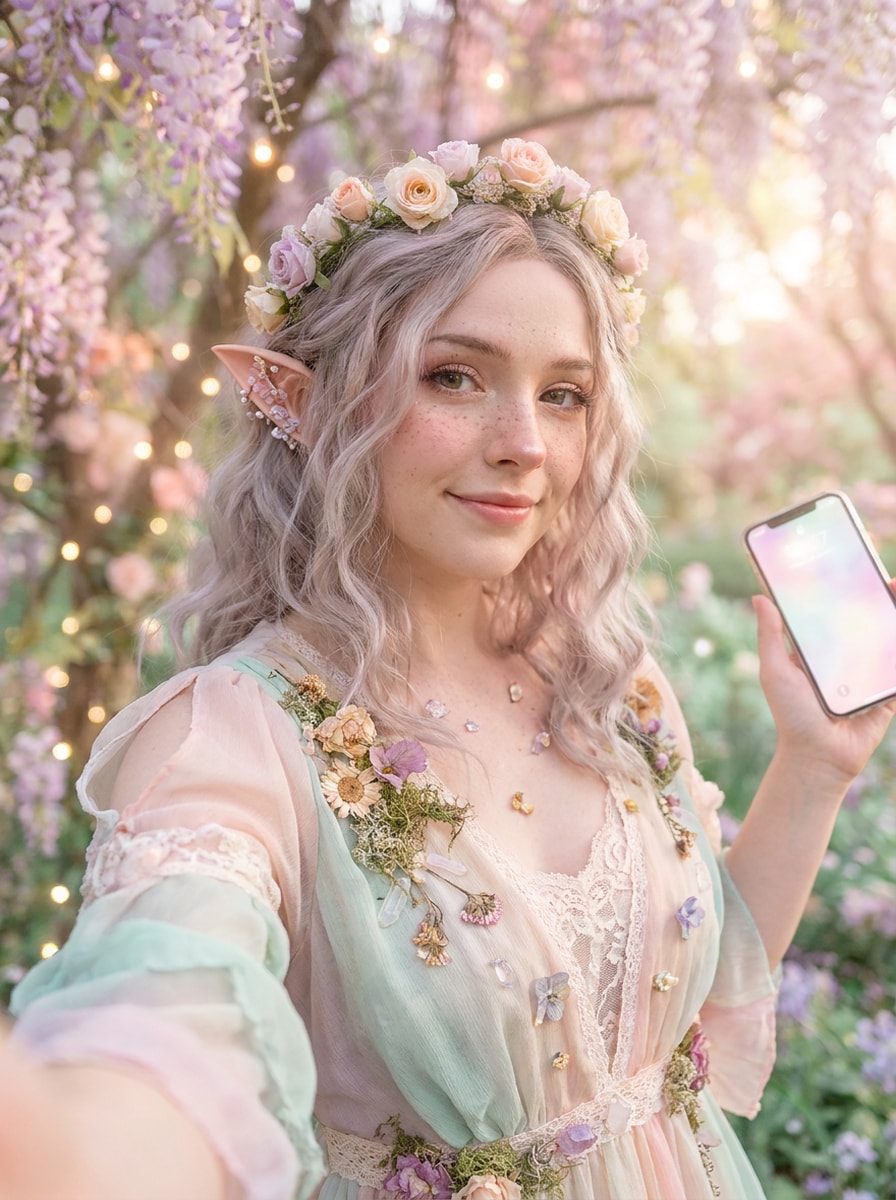
Fairycore Elf Aesthetic
Use the uploaded selfie as the subject and transform it into a fairycore elf portrait with delicate pointed ears, pastel lighting, floral accessories, soft freckles, airy textures, enchanted garden scenery, dreamy soft-focus styling, and a whimsical romantic mood with gentle face preservation.
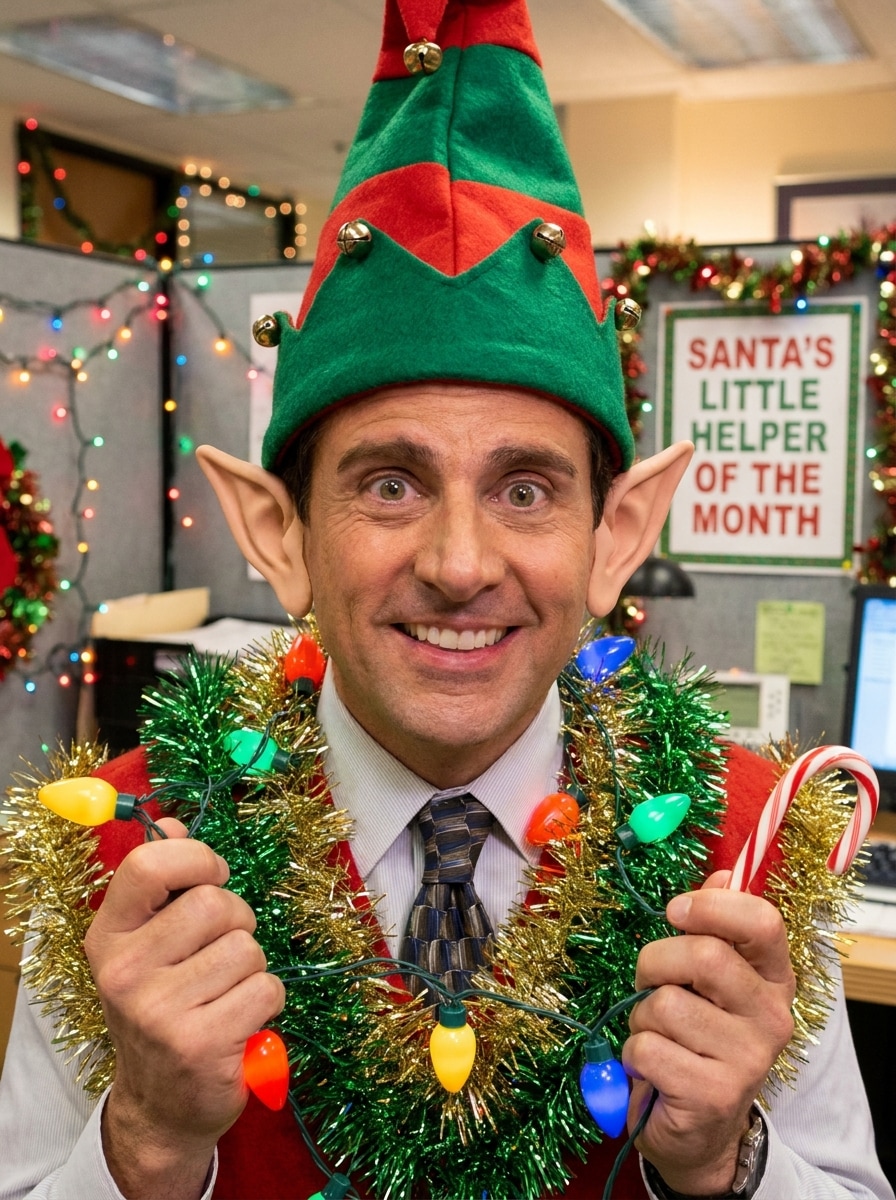
Office Elf Meme Edit
Use the uploaded work photo as the subject and turn it into a funny office elf edit with playful pointed ears, a festive costume overlay, bright seasonal colors, comic cheerful expression, clean office-to-holiday contrast, lighthearted background details, and a viral social-media-ready transformation.
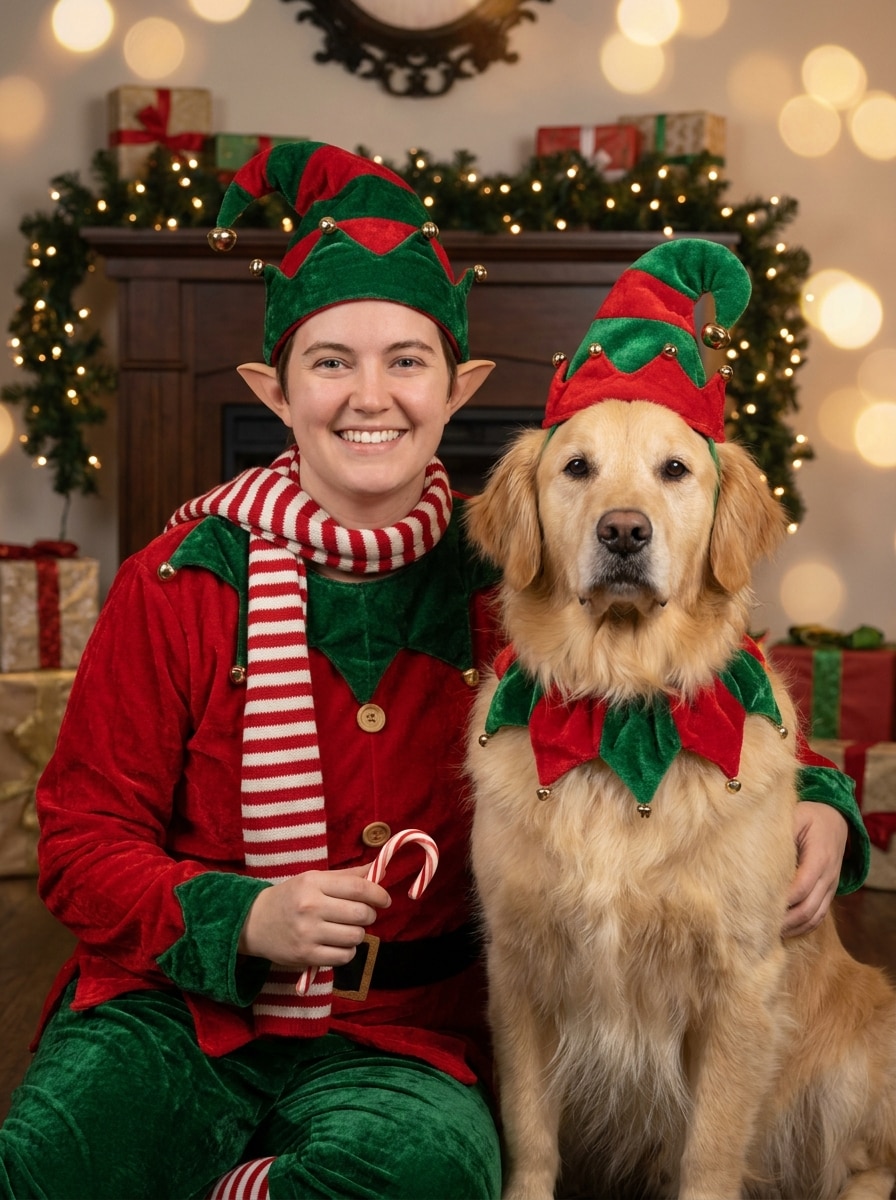
Pet and Owner Elf Portrait
Use the uploaded image as the subject and transform both the person and pet into a coordinated holiday elf portrait with festive accessories, pointed ears for the person, warm studio lighting, cozy holiday styling, balanced composition, rich reds and greens, and a charming seasonal family-photo mood.
Why Use Media.io for an Elf Portrait Transformation
Preserve Identity While Changing the Look
For selfie-based character edits, Media.io lets you upload a real photo and guide the transformation with prompts, so your elf portrait filter result still looks like you while adding pointed ears, costume details, and a believable fantasy finish.
Switch Between Christmas, Glam, and Fantasy Styles Easily
When the art direction is still open, Media.io lets you test multiple looks around the same elf filter visual idea, making it easier to find the right style without rebuilding from zero.
Keep Final Visuals Sharp for Real Projects
If the final elf filter visual will be reused beyond a small preview, Media.io helps deliver sharper results up to 4K so the image stays more reliable in practical design and presentation work.
Edit from Any Device Without Extra App Installs
Some elf filter visual concepts get drafted on the go and finished later at a desk. Media.io keeps that process online, so you can return to the same workflow without extra installs or setup.
How to Use the Elf Filter Online
Turn your words into stunning visuals in three simple steps, then continue refining the result if you want to take it further.
Step 1
Upload Your Reference Image
Start with a clear selfie, portrait, or duo photo in JPG, PNG, or JPEG format. A front-facing image with visible facial details gives Media.io a better base for transforming you into a festive or fantasy elf while keeping your likeness intact.
Step 2
Describe the Change and Set Options
Enter the style you want, such as Christmas elf, woodland elf, cartoon elf, or glam makeover. Then choose your preferred model and adjust aspect ratio, output quality, and image count to match social posts, avatars, cards, or portrait layouts.
Step 3
Generate, Download, and Keep Improving
Create multiple versions, compare the best elf looks, and download your favorite result. If you want sharper ears, a different costume, or a more magical background, refine the prompt and regenerate until the transformation feels right.
See how creators use this Elf Filter for content, marketing, and personal projects, then adapt each idea to fit the brief.
Holiday Selfies That Feel Instantly Shareable
Turn a casual portrait into a cheerful Christmas character for stories, profile pictures, greeting posts, or party invites. This is ideal for creators and families who want a playful seasonal makeover without learning complex photo editing.
Fantasy Character Portraits for Avatars and Roleplay
Build a polished elven look for gaming profiles, cosplay planning, fantasy book communities, or personal branding. A well-crafted transformation can add cinematic ears, wardrobe, and forest atmosphere while still reflecting your real face.
Viral Before-and-After Content for Social Media
Use an upload-based makeover to create dramatic transformation posts that perform well on TikTok, Instagram, and Reels. A strong elf portrait filter concept makes it easy to showcase identity-preserving edits with obvious visual impact.
What Users Say About Media.io's Elf Filter
Maya R.
Lifestyle Creator
"My selfie still looked like me" I wanted a holiday elf edit without losing my real facial features. Media.io gave me pointed ears, festive styling, and a magical background while keeping my face recognizable. It felt much better than generic face-swap apps.
Jordan T.
Cosplay Hobbyist
"Great for fantasy portraits" I used it to test different elf concepts before a costume shoot. The woodland and warrior styles were especially good, and the prompt control made it easy to push the look from subtle elegance to full high-fantasy drama.
Emily C.
Social Media Manager
"Fast seasonal content on mobile" I made festive profile images and quick team joke edits directly in my browser. The process was simple on my phone, and the results were polished enough to use in holiday campaigns and internal social posts.
Noah L.
Pet Content Creator
"The pet-and-owner version was a hit" I uploaded a photo of me with my dog and turned it into a fun holiday portrait. The composition stayed balanced, the styling looked intentional, and it was easy to regenerate until I found the cutest version.
An AI elf filter is an image-to-image effect that transforms a real photo into an elf-style portrait. With Media.io, you upload a selfie or portrait, describe the look you want, and the tool adds features like pointed ears, fantasy styling, holiday costumes, and themed backgrounds while guiding the edit from your original image.
2. How can I turn a photo into an elf online?
Upload a clear JPG, PNG, or JPEG image to Media.io, then enter a prompt describing the elf style you want, such as Christmas, woodland, glam, or cartoon. After that, choose your model and image settings, generate the result, and download the version that best matches your intended look.
3. Is this elf face filter free to use?
Yes, free users can try the tool with free credits. If you need more generations or want additional benefits, you can check Media.io's pricing page. Free outputs may include a watermark, while paid subscribers can download watermark-free high-resolution images. Free users can use free credits. For more usage, users can subscribe to a plan on the pricing page. Upgrade to a paid plan on the pricing page for more credits and watermark-free high-resolution downloads.
4. Can I make myself look like a fantasy elf or a Christmas elf?
Media.io supports a wide range of styles, so you can create a festive holiday helper look, a soft fairytale portrait, or a more dramatic elven warrior concept from the same reference photo. This flexibility works well for both a seasonal makeover and a more cinematic fantasy elf filter result.
5. Will the elf photo filter keep my face recognizable?
Media.io is built for reference-based editing, so your uploaded photo helps guide the final transformation. That means the tool can preserve your core facial identity while changing ears, costume, lighting, and background details, which is especially helpful when you want a personalized elf filter effect instead of a random character.
6. What image quality or resolution can I export?
Media.io offers 1K, 2K, and 4K resolution options for image-to-image generation. You can also choose from multiple aspect ratios, including portrait-friendly formats, which helps when preparing an elf image for social posts, profile pictures, greeting cards, covers, or other polished visual uses. Free users may have watermarks.