//
이미지에서 이미지까지
Nano Banana Pro
0/2000
1K
자동
1
바나나 프로 무제한 모드
샘플 비디오

Underwater Photo Filter for Fast, Natural Color Recovery Online

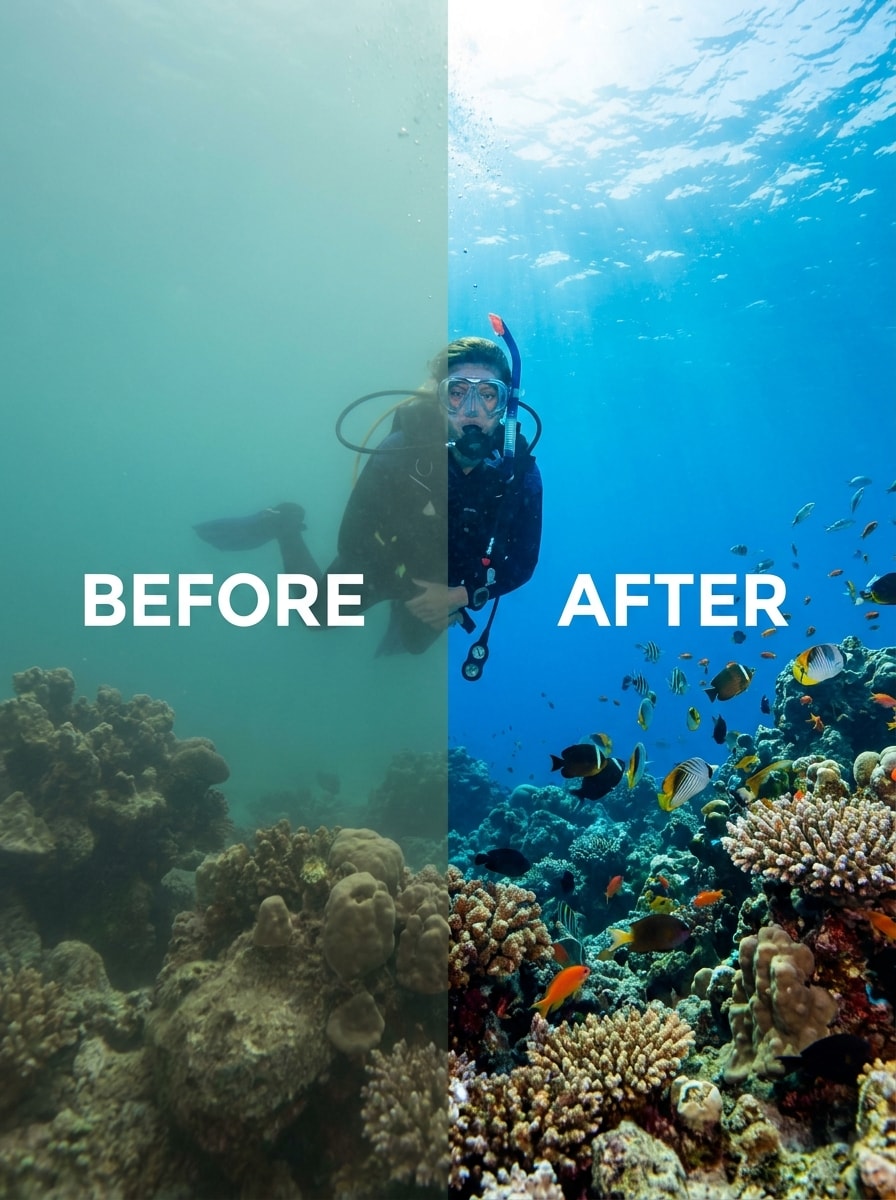
Underwater Photo Filter Before
Underwater Photo Filter After

Turn dull scuba, snorkeling, and swim shots into clearer, more vibrant images with an underwater photo filter. Media.io helps remove blue-green cast, restore warm tones, and apply an AI underwater filter online without downloading an app. This setup works well for underwater portrait effect.

Enhance My Underwater Photo

Type your idea -> AI designs it. Free to try.

Review these example directions, then tailor the prompt details to get stronger results with this Media.io underwater photo filter and a more accurate underwater scene filter look.

True-to-Life Reef Recovery

True-to-Life Reef Recovery

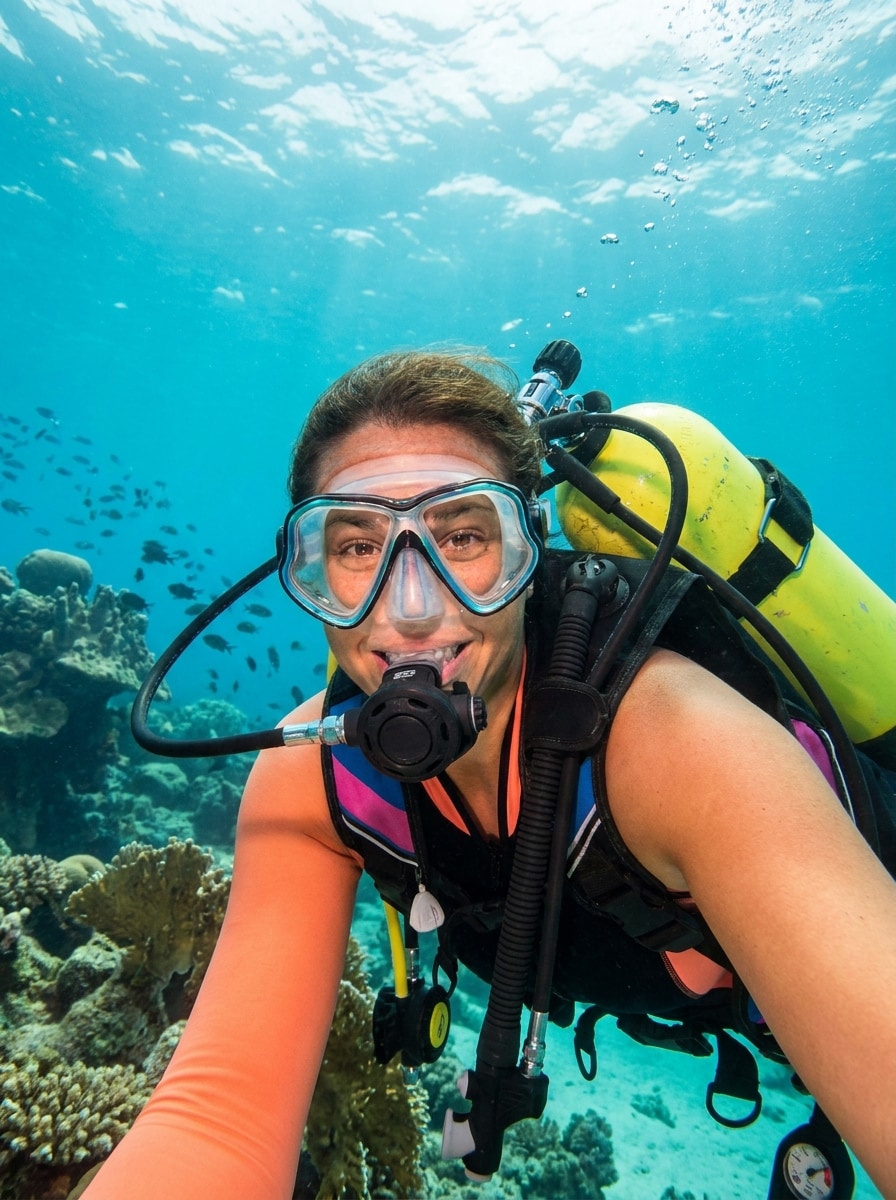
Use the uploaded image as the subject and restore it with realistic underwater color correction. Remove the blue-green cast, recover natural reds and oranges in coral and gear, improve water clarity, balance contrast, preserve authentic skin tones, and keep textures crisp with clean, believable lighting.

One-Tap Scuba Fix

One-Tap Scuba Fix

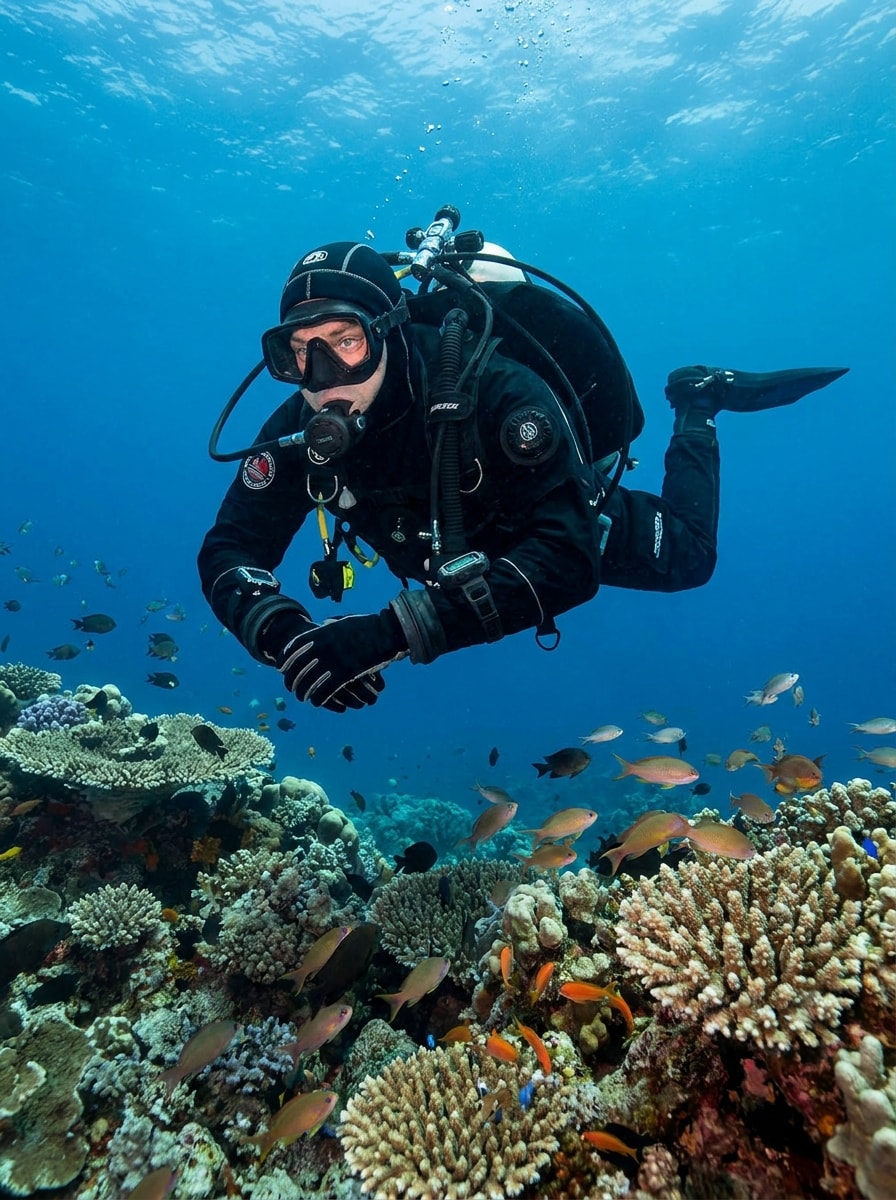
Use the uploaded dive photo as the subject and give it a quick, realistic correction. Neutralize blue haze, brighten the diver, restore warm tones in skin and equipment, sharpen important details, and keep the finished underwater filter photo clean, natural, and ready to share.

Tropical Snorkel Pop

Tropical Snorkel Pop

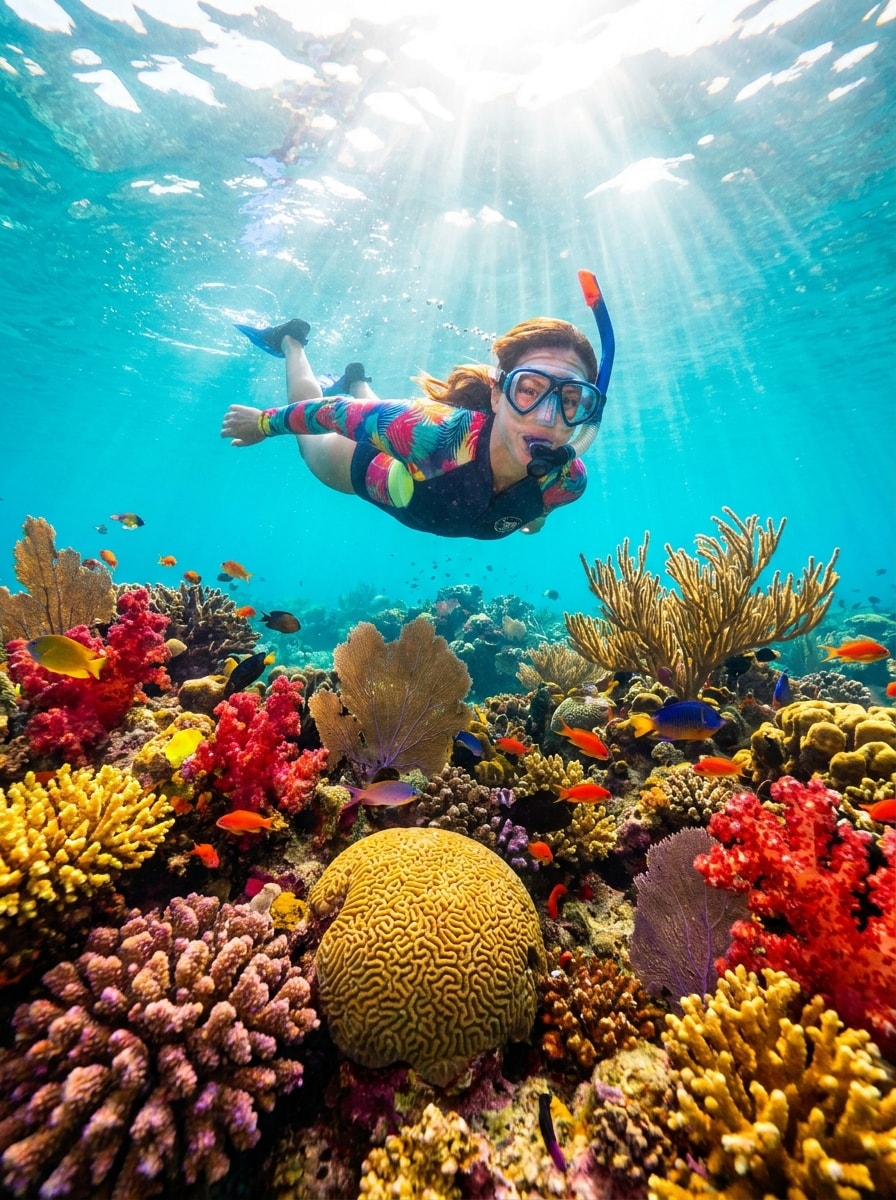
Use the uploaded snorkeling image as the subject and transform it into a bright tropical look. Add turquoise water, revive coral reds and yellows, lift sunlit highlights, improve visibility, and create a lively but believable ocean underwater filter with crisp detail and cheerful vacation energy.

Coral Color Boost

Coral Color Boost

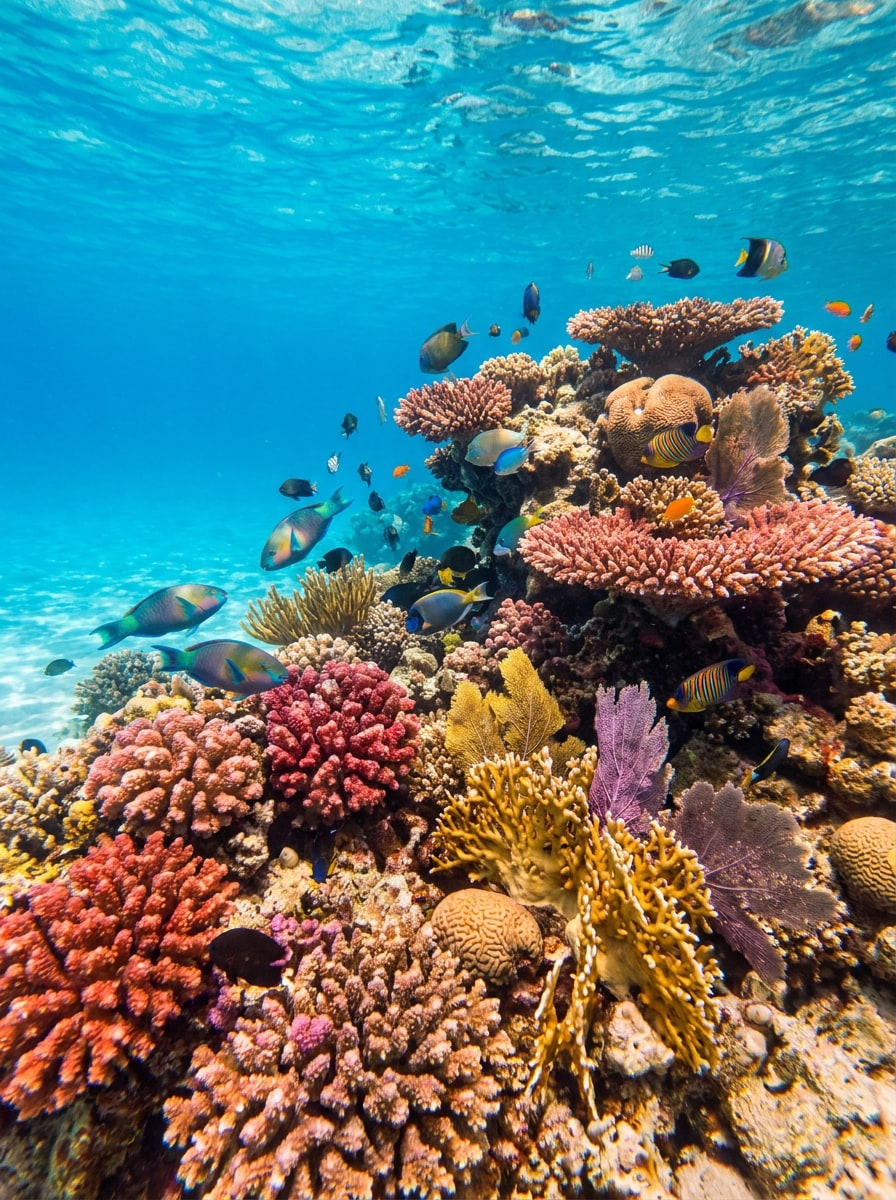
Use the uploaded reef image as the base and bring out coral life without making it look artificial. Restore red, pink, and orange tones, remove murky color cast, increase local contrast, refine fine textures, and keep fish, rocks, and water looking naturally balanced.

Cinematic Deep Blue

Cinematic Deep Blue

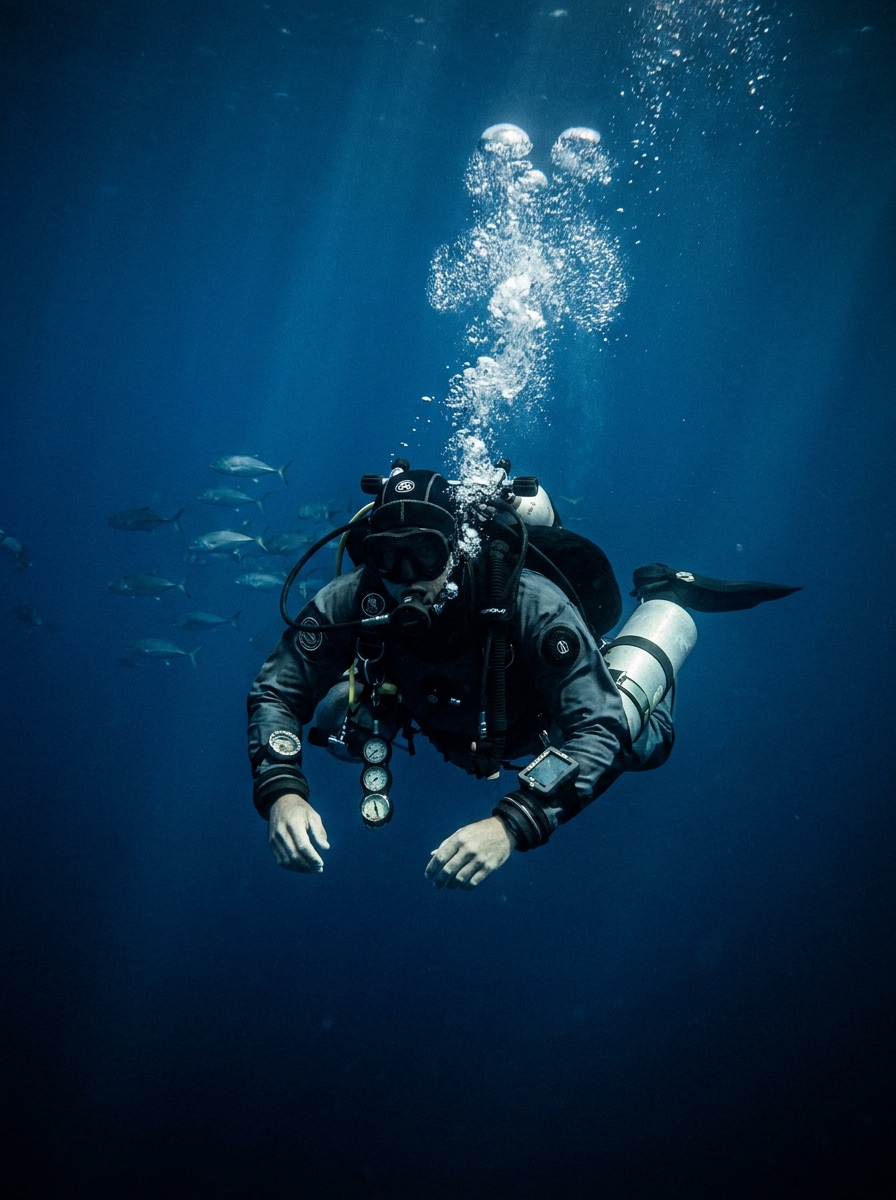
Use the uploaded image as the subject and apply a cinematic underwater scene filter. Shape the photo with rich deep blues, controlled highlights, moody contrast, stronger subject separation, and premium editorial polish while keeping the ocean atmosphere immersive and elegant.

Teal Adventure Grade

Teal Adventure Grade

Use the uploaded underwater shot as the subject and create an adventurous teal grade. Add depth, clean contrast, visible diver detail, subtle dramatic mood, and polished travel-photo styling for a striking underwater filter photo that still feels grounded and realistic.

Underwater Portrait Rescue

Underwater Portrait Rescue

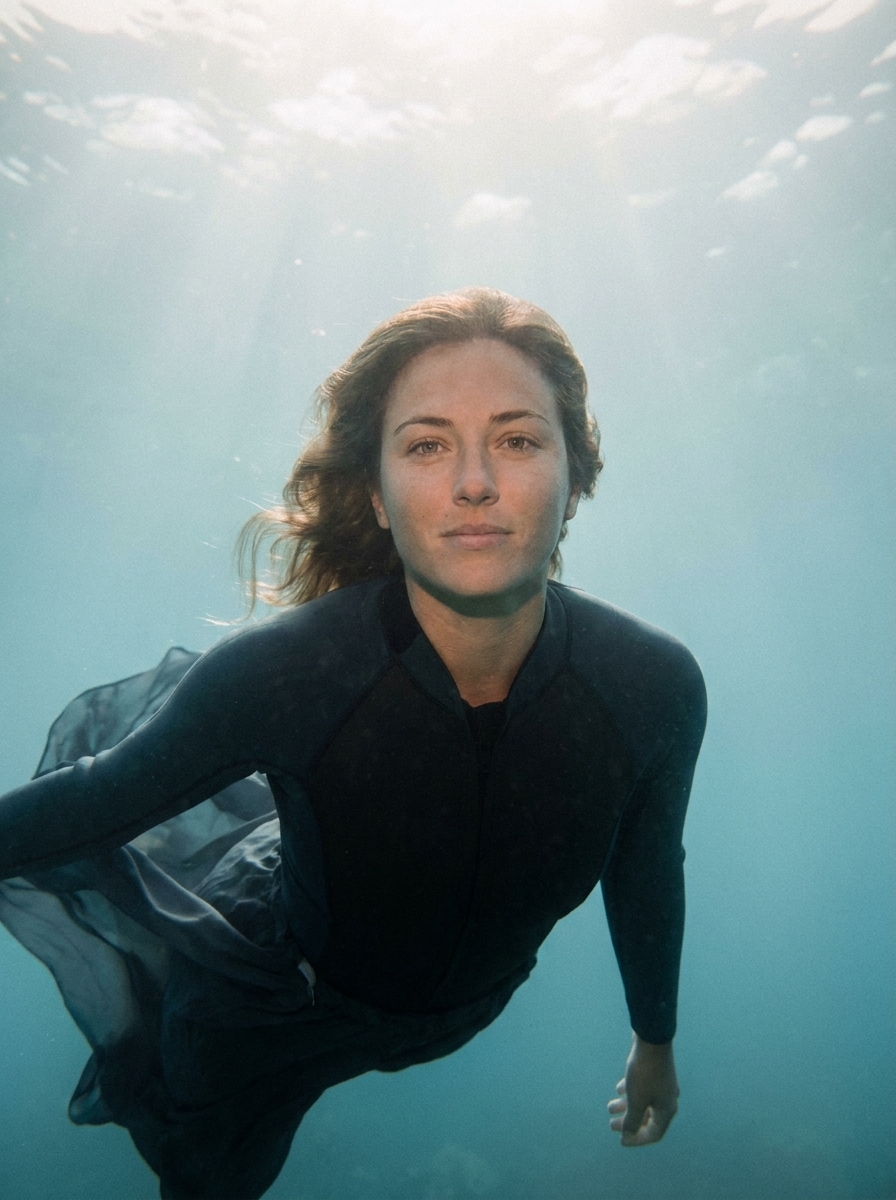
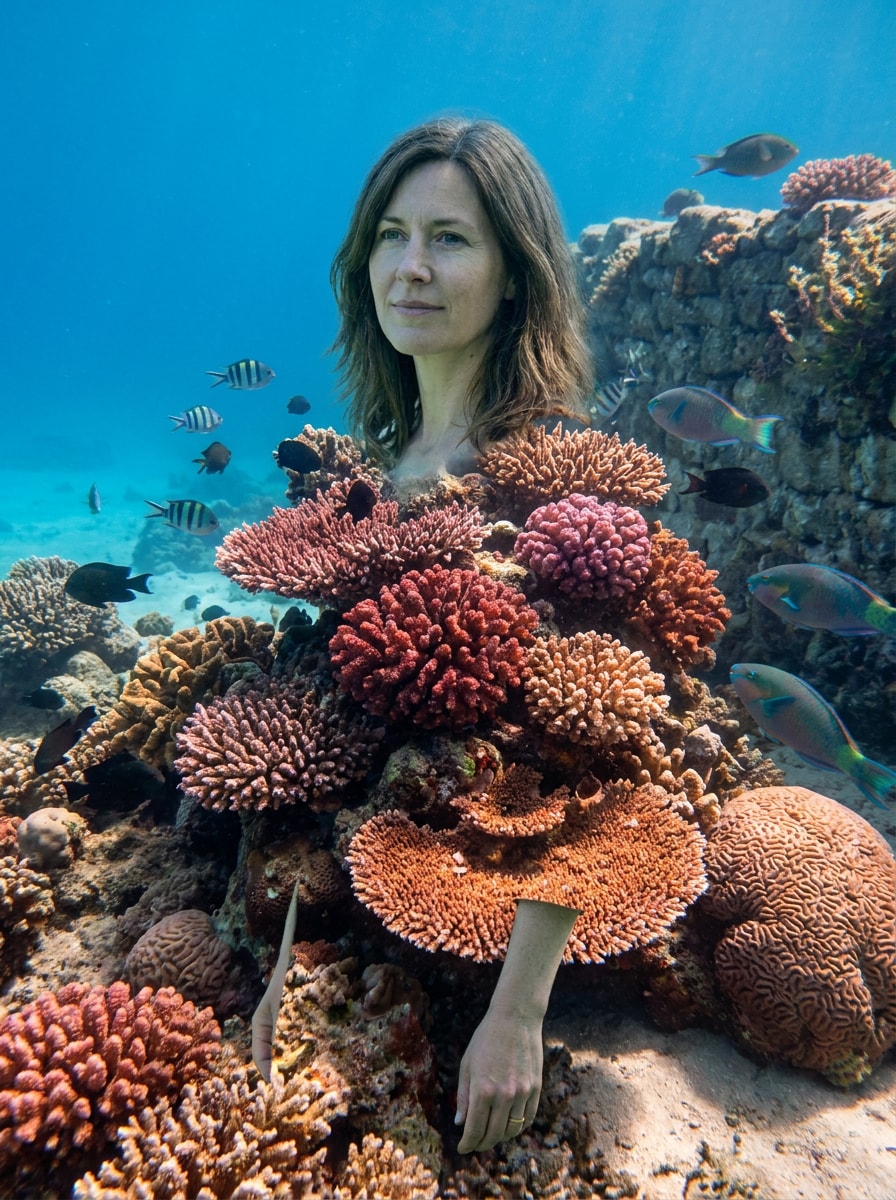
Use the uploaded portrait as the subject and apply a natural underwater portrait effect. Recover skin tone, reduce cyan cast, improve facial clarity, soften noise, preserve the water ambiance, and keep the result flattering, realistic, and clean rather than overprocessed.

Diver Subject Highlight

Diver Subject Highlight

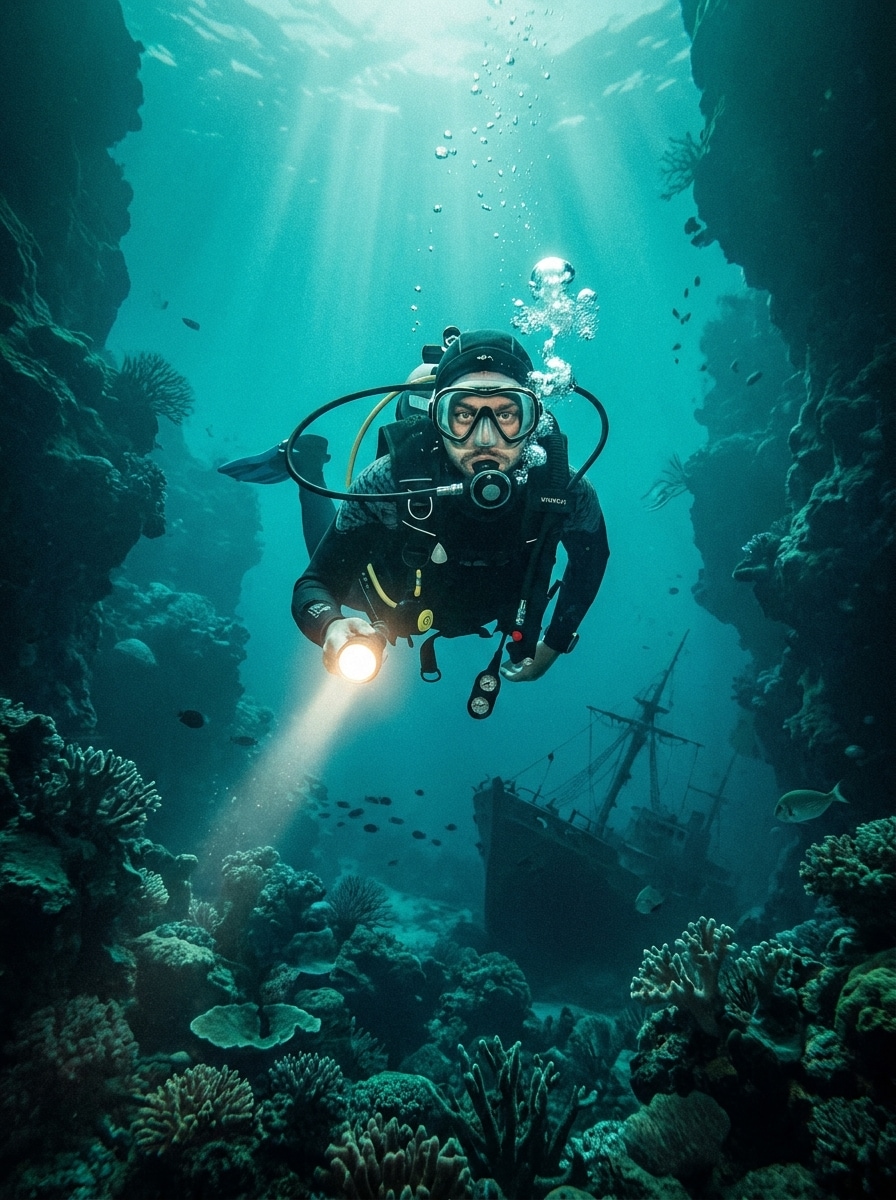
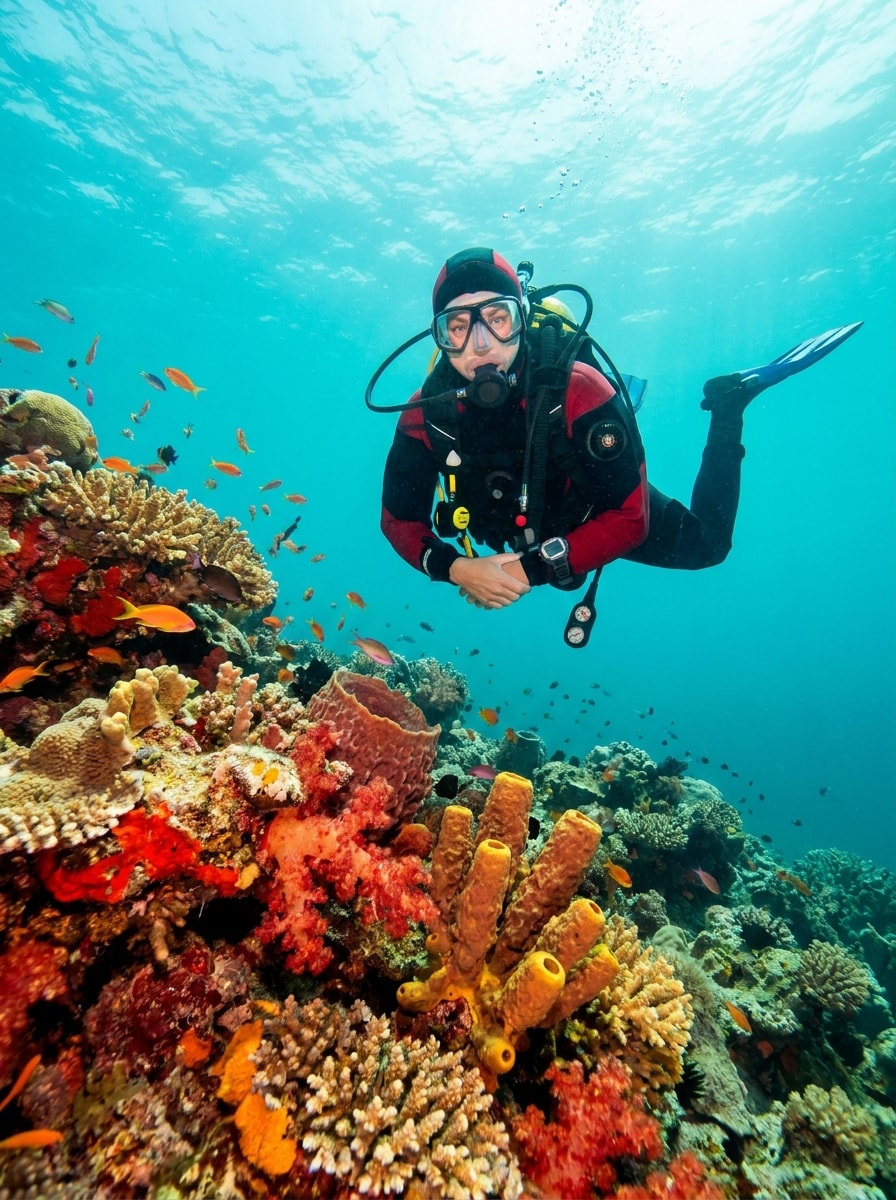
Use the uploaded image as the subject and make the diver stand out more clearly. Reduce haze, improve separation from the background, recover suit and gear detail, boost natural contrast, and keep the ocean tones realistic for a strong, readable action shot.

Mermaid Aqua Glow

Mermaid Aqua Glow

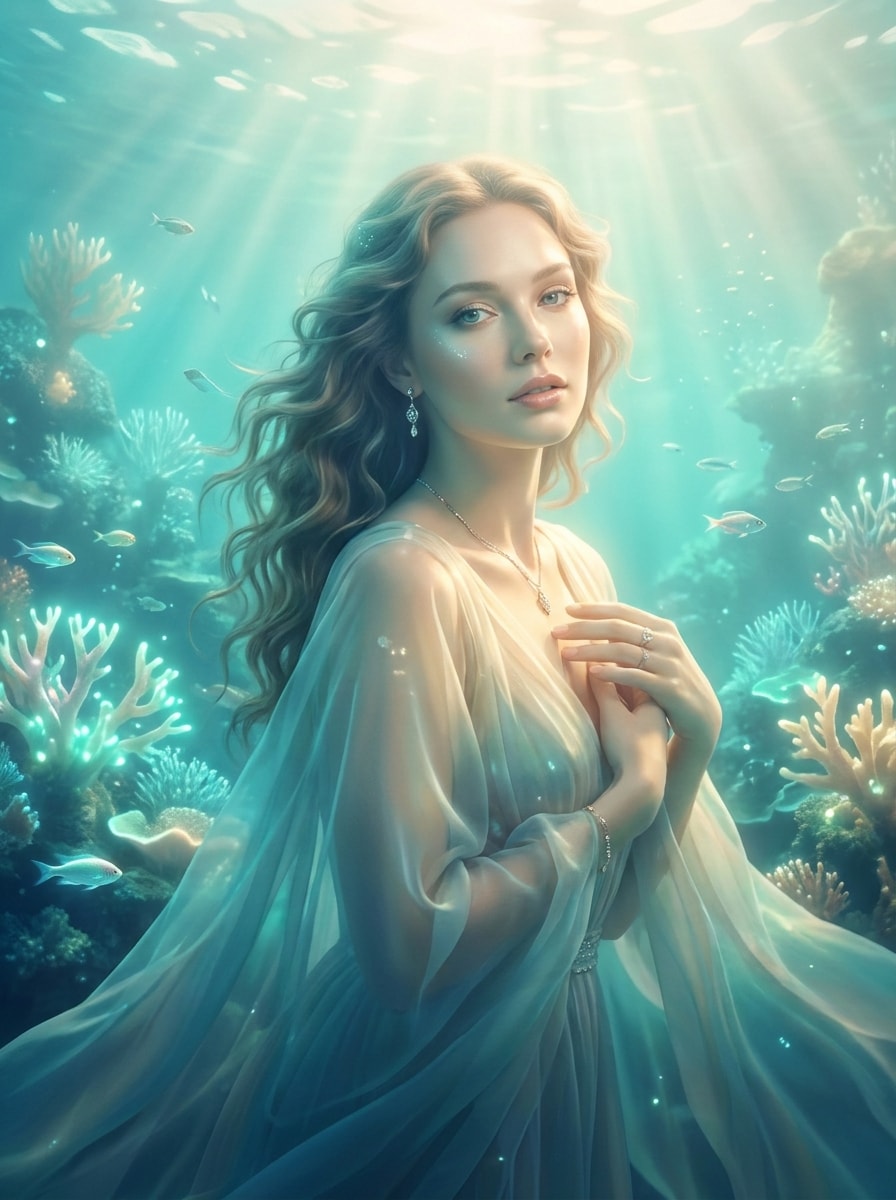
Use the uploaded image as the subject and create a dreamy underwater selfie filter with luminous aqua tones. Add soft light rays, gentle glow, elegant contrast, smooth color transitions, and a fantasy-inspired marine mood while preserving facial features and a tasteful polished finish.

Viral Before-After Filter

Viral Before-After Filter

Use the uploaded image as the subject and turn a flat dive shot into a dramatic social-ready enhancement. Recover strong color, clean the water, sharpen the main subject, and create an eye-catching underwater scene filter result that looks impressive but still credible.

Why Use Media.io for Underwater Photo Enhancements

Reference-Based Fixes That Keep Your Original Subject Recognizable

Reference-based work needs more than a loose style shift. Media.io helps keep key identity details recognizable while reworking the underwater photo filter look, so the result feels personal instead of generic.

Rework One Subject Into Multiple Styles

If the subject still needs to look like itself after the transformation, Media.io helps hold onto core identity cues while updating the final underwater photo filter style for a cleaner finished result.

Generate Cleaner Output Up to 4K

When a underwater photo filter is headed for real publishing use, Media.io gives you sharper output up to 4K, which helps the image stay clear across presentations, backgrounds, and reused assets.

Web-Based Editing That Works Across Your Devices

Ideas do not always start at your main setup. Media.io lets you create and refine an underwater selfie filter or broader ocean concept in the browser, so moving between phone and desktop feels smooth instead of disruptive.

How to Apply an Underwater Filter Photo Effect Online

Turn your words into stunning visuals in three simple steps, then continue refining the result if you want to take it further.

how to use image to image AI for underwater photo filter step 1
Step 1

Upload Your Reference Image

Start with a clear JPG, PNG, or JPEG scuba, snorkeling, reef, or swim image. A sharper source photo gives Media.io better detail to preserve while improving color, visibility, and overall underwater atmosphere.

how to use image to image AI for underwater photo filter step 2
Step 2

Describe the Change and Set Options

Tell the AI what you want, such as removing blue-green cast, restoring coral reds, or creating an underwater selfie filter look. Then choose your model and adjust aspect ratio, resolution, or image count to match your goal.

how to use image to image AI for underwater photo filter step 3
Step 3

Generate, Download, and Keep Improving

Create multiple variations, compare natural and vivid results, and download the version you like best. If needed, refine the prompt, try another model, or regenerate for cleaner color recovery and stronger underwater detail.

Unlock the Potential of Underwater Filter Photo

See how creators use this Media.io underwater photo filter for content, marketing, and personal projects, then adapt each idea to fit the brief.

Restore Dive Memories Without Heavy Manual Editing

Bring back the warmth and clarity lost underwater after scuba or snorkeling trips. With Media.io, you can skip complicated color correction and quickly improve cast, contrast, and subject visibility for photos that feel closer to the real scene.

Make Reef and Marine Life Photos Share-Worthy

Enhance coral textures, fish detail, and water color for social posts, travel recaps, and print-ready memories. Media.io works especially well when you want a bright tropical finish or a cleaner underwater filter photo result, whether you prefer a natural recovery or an ocean underwater filter mood that still looks believable.

Polish Underwater Portraits for Social and Creative Projects

Upgrade swim portraits, pool shots, and dreamy ocean-themed images with better skin tone recovery, softer haze, and a more flattering glow. Media.io gives creators a flexible way to build anything from a natural rescue to a stylized aquatic look from one uploaded image.

What Users Say About This Underwater Photo Tool

user
Lena M.

Travel Photographer

star star star star star

"Great color recovery for reef shots" My snorkeling photos had that flat blue cast, and this fixed them surprisingly well. I could recover coral color and keep the water looking natural instead of overly edited.

user
Carlos T.

Scuba Hobbyist

star star star star star

"Easy to use after a dive trip" I liked that I could upload my original image and guide the look with a prompt. It was much faster than using a full editor, especially for quick before-and-after improvements.

user
Mia R.

Content Creator

star star star star star

"Nice balance of natural and vivid styles" I tested it for underwater portraits and tropical swim content. The results looked clean, and I could push the mood more cinematic without losing the person in the photo.

user
Devon P.

Outdoor Blogger

star star star star star

"Helpful on phone and desktop" Being browser-based made a big difference for me. I started edits on my phone while traveling and finished downloads on my laptop later, with solid quality throughout.

Underwater Photo Filter FAQs

1. What does an underwater photo filter do?

An underwater photo filter helps improve images taken below the surface by correcting common color and clarity issues. With Media.io, you can upload a real photo and use AI-guided image-to-image editing to reduce blue or green cast, recover warmer tones, and make reef, diver, or portrait details look clearer.

Upload your photo to Media.io, then describe the correction you want, such as removing blue-green cast, restoring reds, or making skin tones look more natural. You can generate variations and compare results until the image reaches the right balance between realistic recovery and a stronger underwater scene filter style.

Media.io offers free credits for new users, so you can try the underwater editing workflow online before upgrading. Free exports may include a watermark, while paid plans provide watermark-free high-resolution downloads and more credits. You can compare options on the pricing page.

Media.io can improve the overall look of some low-light or slightly soft scuba images by enhancing color, contrast, and visible detail, but it will not perfectly recover every severely blurred file. The best results usually come from clear source images with enough subject definition for the AI to preserve and enhance.

Yes, depending on the prompt and settings you choose. Media.io supports guided image-to-image editing, so you can ask for realistic color restoration, cleaner water, and gentle contrast instead of an exaggerated look. That makes Media.io useful for both natural corrections and stylized edits, including an ocean underwater filter treatment.

Media.io is web-based, so you can use it in a browser on iPhone, Android, Windows, or Mac without installing a separate app. That makes it convenient if you want to start editing on mobile and continue later on desktop.

Media.io Online AI Tools Quality Rating:
vote 4.7 (162,357 Votes)