이미지에서 이미지까지
Nano Banana Pro
0/2000
1K
자동
1
바나나 프로 무제한 모드
제작물
아이디어 허브
전체
목록 생성
작업물은 7일 동안 저장됩니다. 업그레이드 후 생성된 에셋은 영구 저장됩니다.
ai_video_generator창의적 잠재력을 풀고 미디어 AI의 마법을 즉시 경험하십시오!

Create a Holographic Photo Effect From Any Uploaded Image

Holographic Photo Effect Before
Holographic Photo Effect After

Turn portraits or product shots into a holographic photo effect with glowing sci-fi layers, iridescent color, and clean futuristic detail. Upload one image, choose an AI holographic filter style, and generate a bold holographic aesthetic filter look in minutes.

Create My Holographic Image

Type your idea -> AI designs it. Free to try.

Review these example directions, then tailor the prompt details to get stronger results with this Holographic Photo Effect.

Neon Hologram Portrait

Neon Hologram Portrait

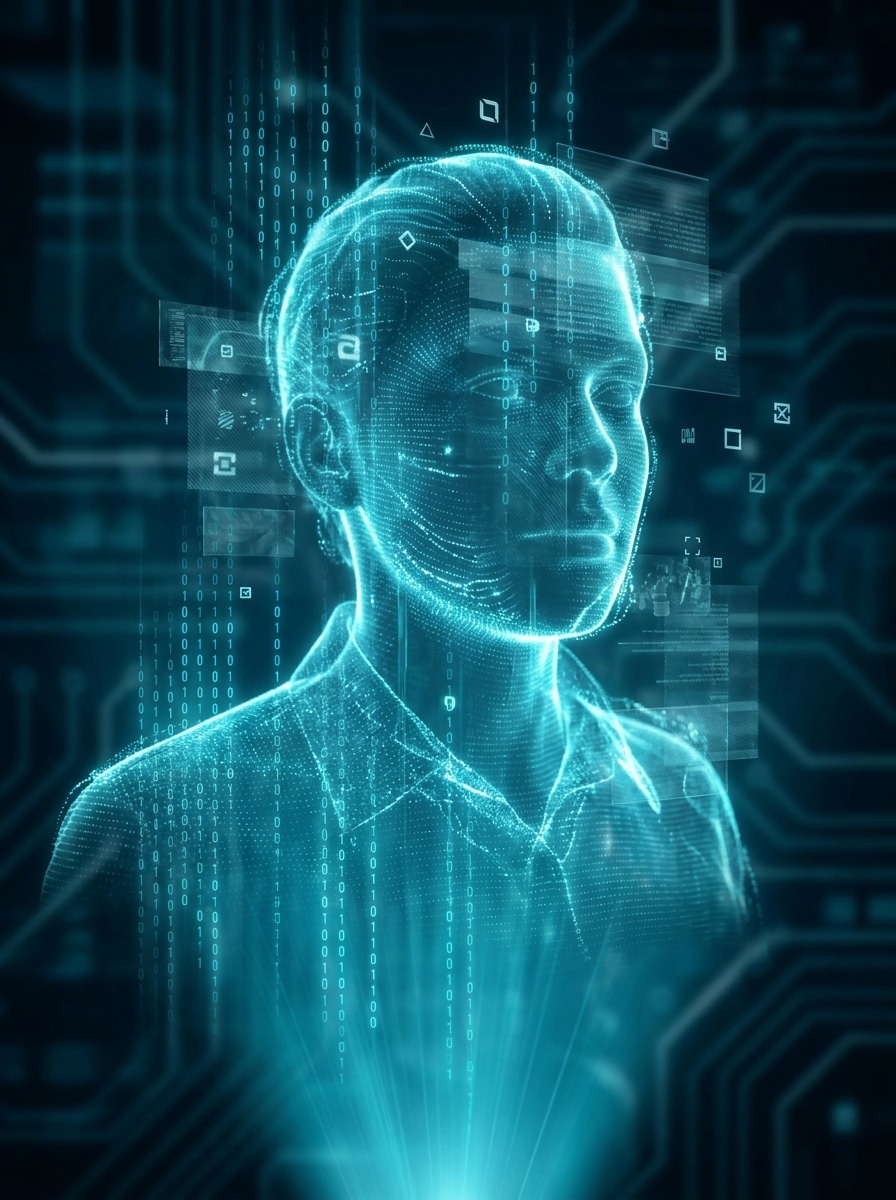
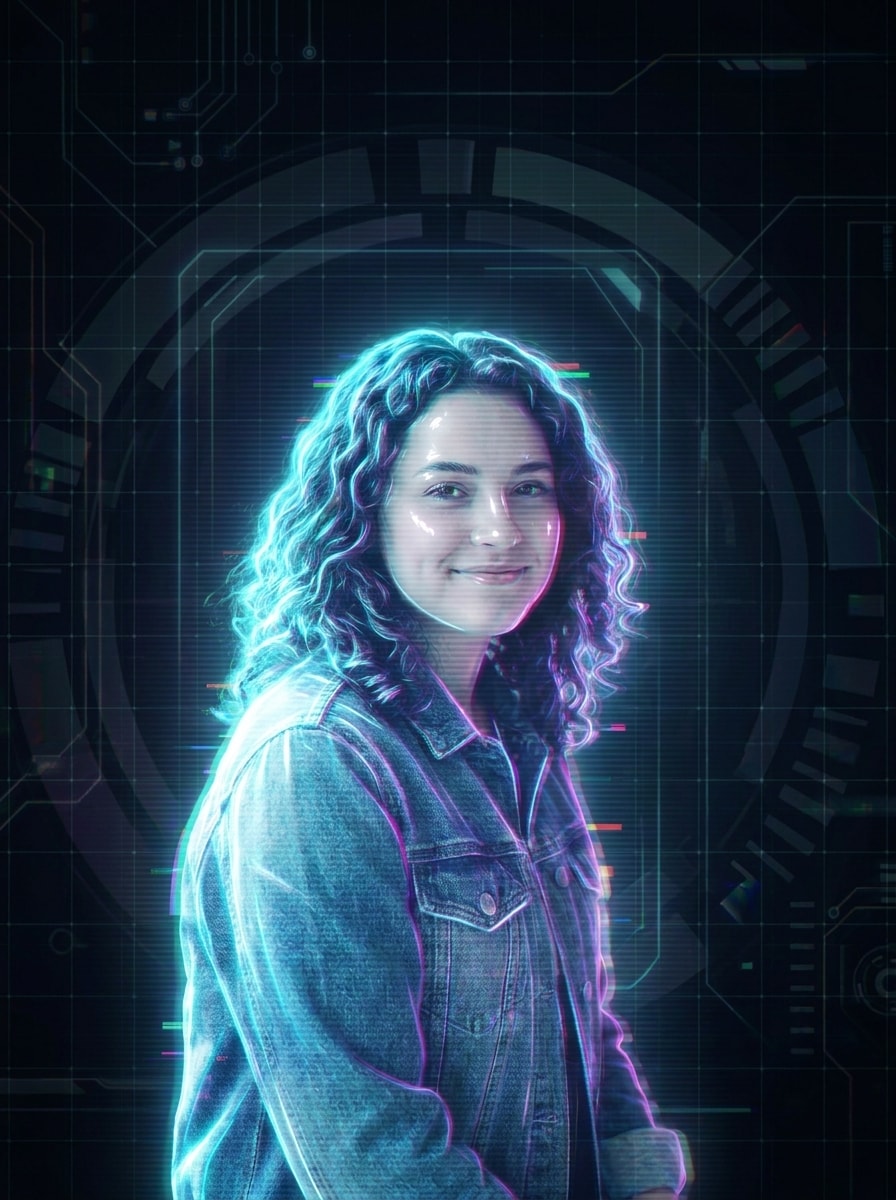
Use the uploaded image as the subject and transform it into a futuristic holographic portrait with cyan and magenta neon edge lighting, translucent projection layers, soft scan lines, subtle RGB glitches, glossy skin highlights, a dark sci-fi backdrop, cinematic contrast, and crisp high-detail rendering.

HUD Interface Hologram

HUD Interface Hologram

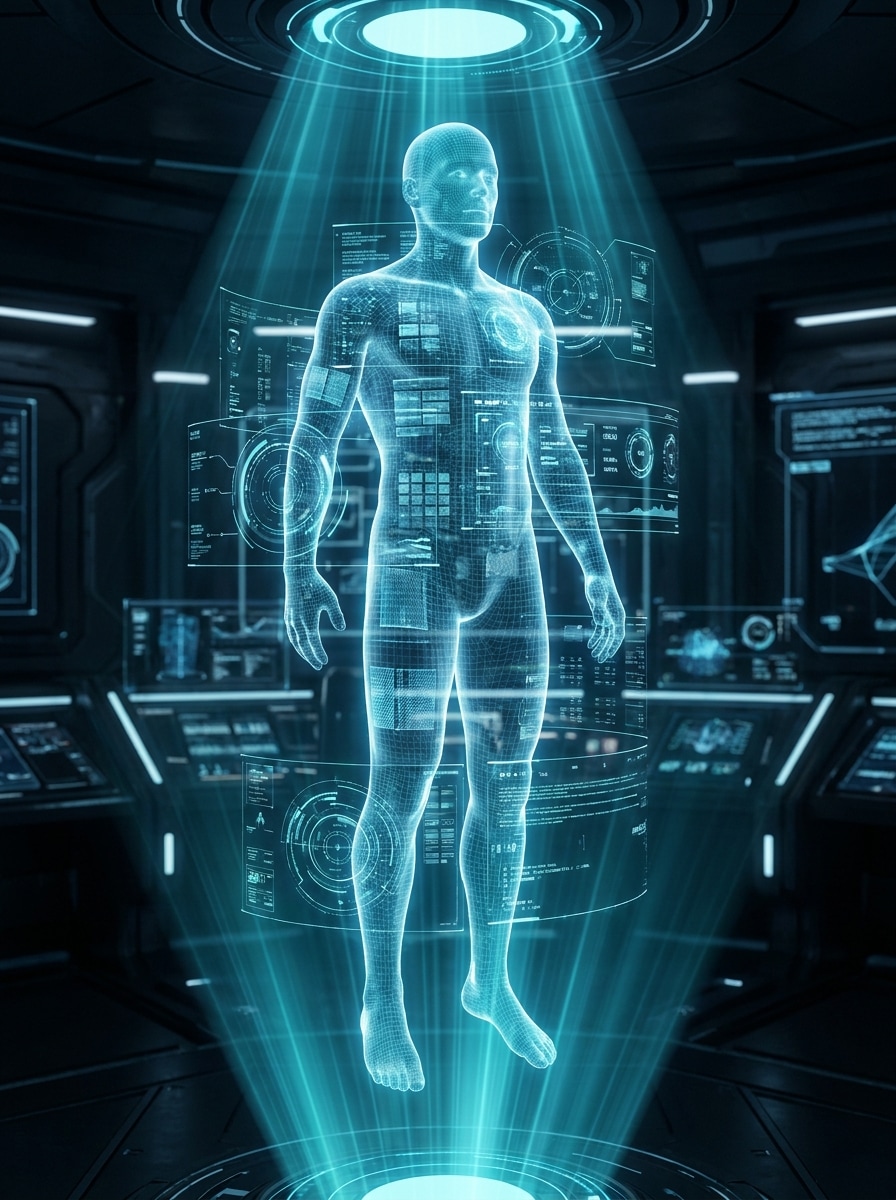
Use the uploaded photo as the main subject and restyle it into a transparent sci-fi hologram with floating HUD circles, data panels, cyan light beams, digital grid overlays, thin interface lines, clean blue projection glow, sharp contours, and a polished futuristic command-center mood.

Y2K Iridescent Glow

Y2K Iridescent Glow

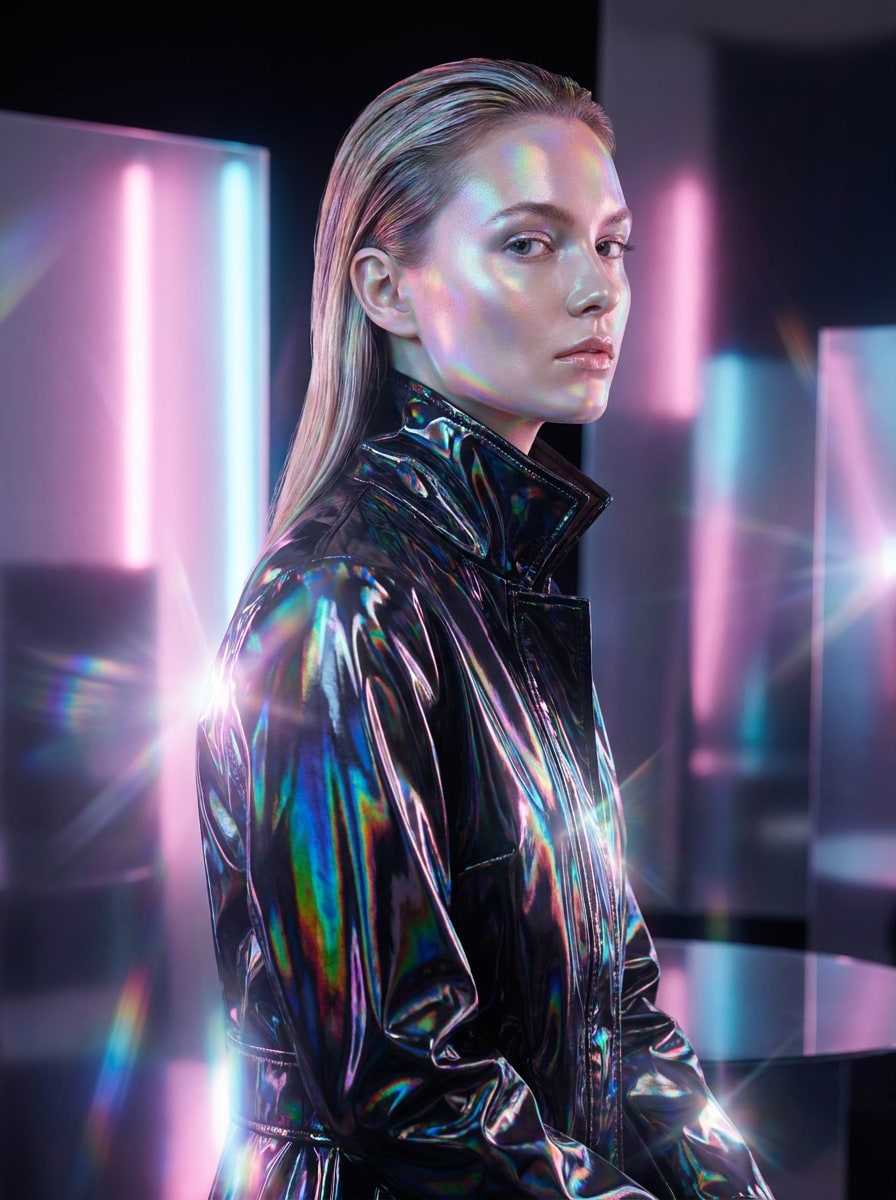
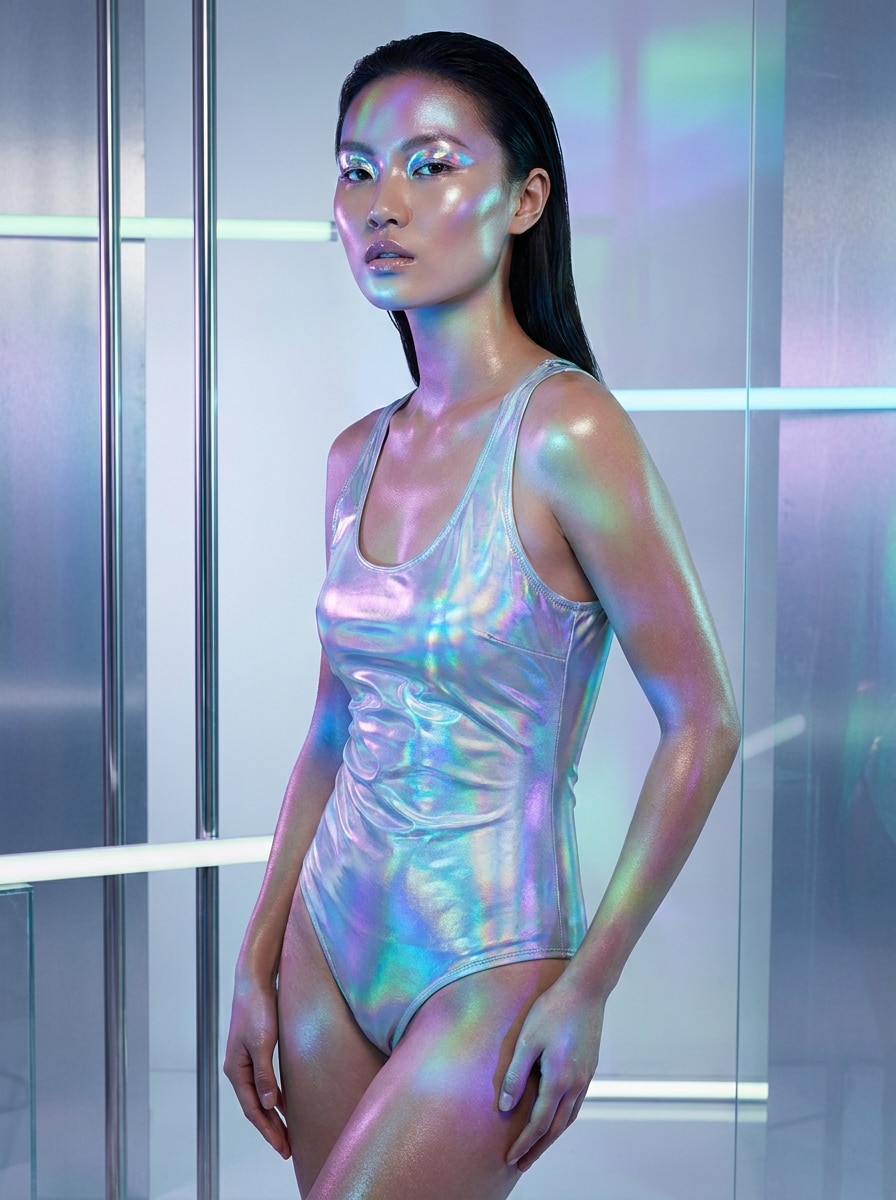
Use the uploaded image as the base and apply a shiny Y2K holographic makeover with rainbow iridescent reflections, chrome-like highlights, pastel neon bloom, soft lens flare, smooth editorial skin tones, dreamy glossy texture, and a clean fashion-forward composition with luminous depth.

Prism Light Holographic Look

Prism Light Holographic Look

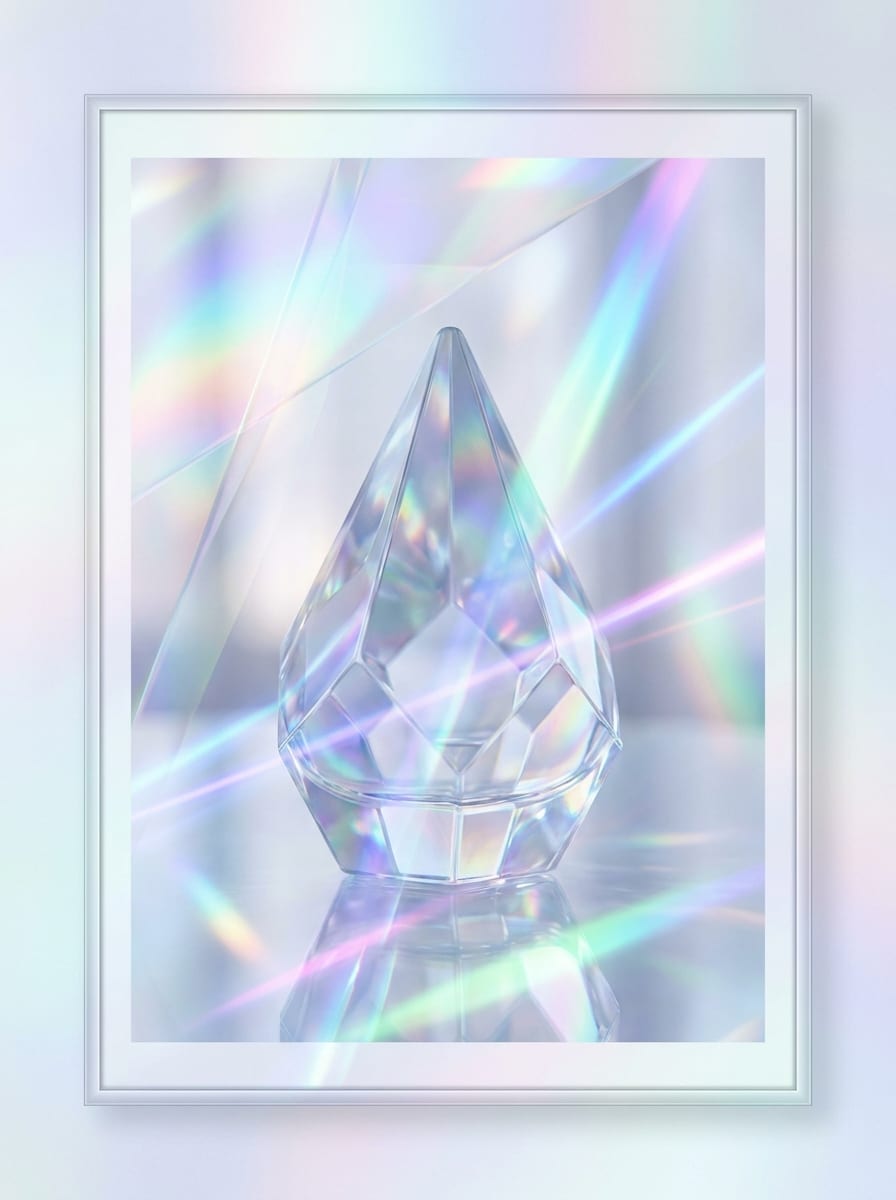
Use the uploaded photo as the subject and give it a dreamy holographic prism treatment with rainbow refractions, luminous glass textures, translucent overlays, soft blur highlights, elegant light streaks, cool pastel tones, airy atmosphere, and refined high-detail edges for a surreal finish.

Glitch Projection Effect

Glitch Projection Effect

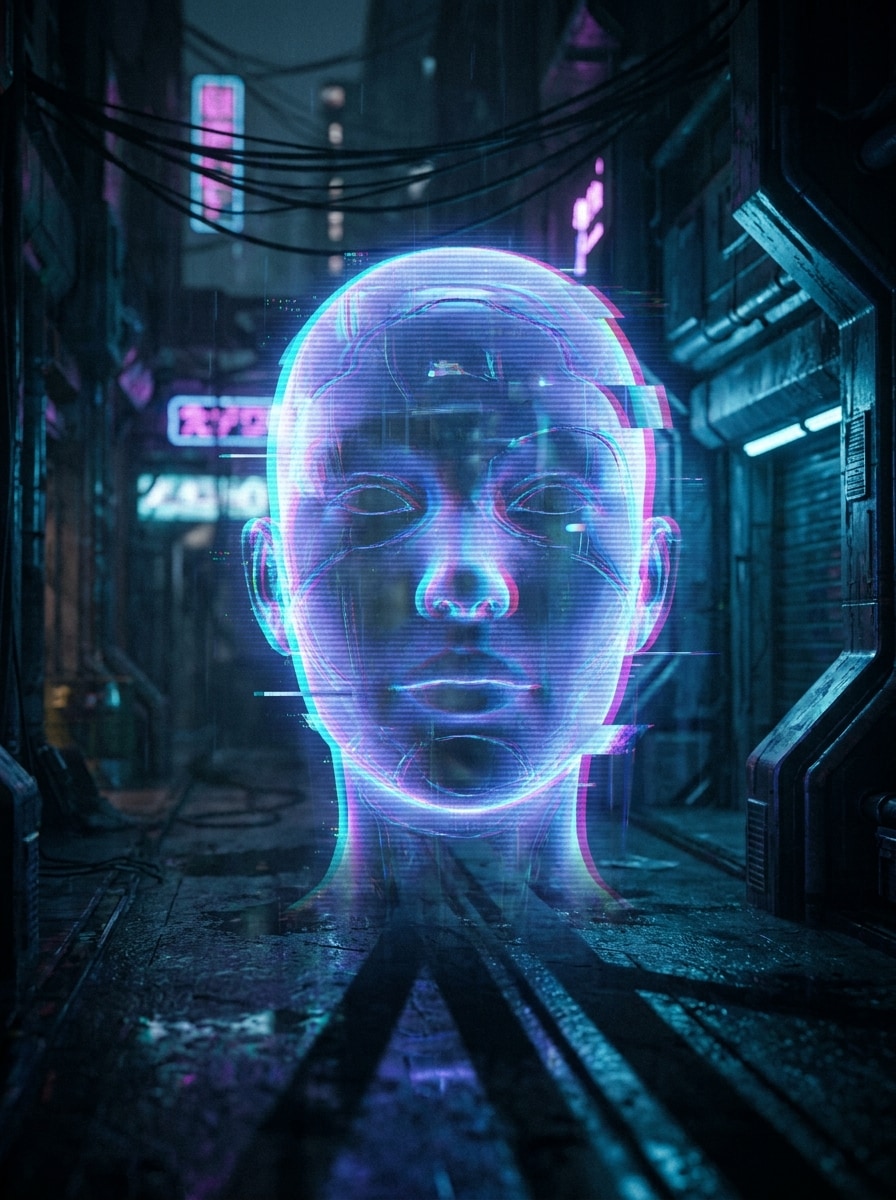
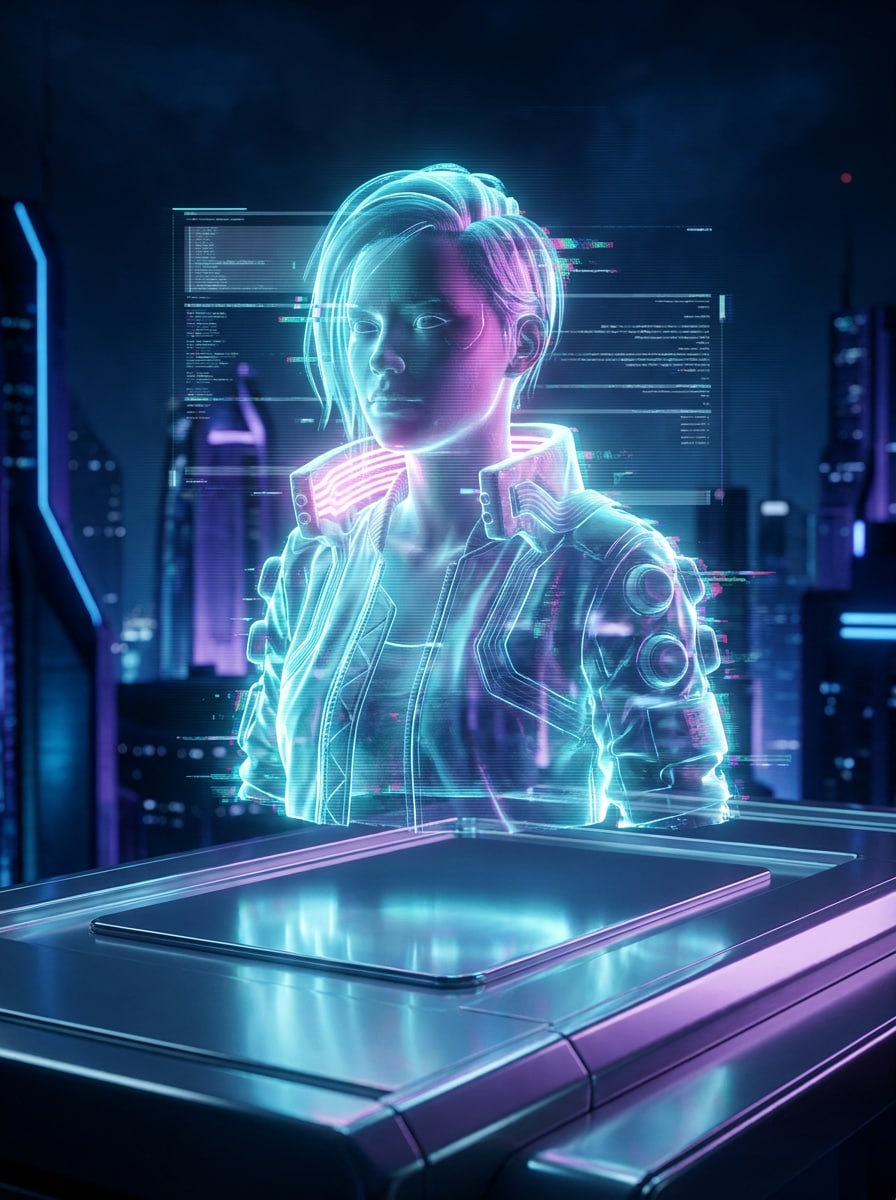
Use the uploaded image and convert it into a projected hologram with digital distortion, RGB channel split, flicker artifacts, horizontal scan lines, bright blue-violet projection light, translucent body contours, cyberpunk contrast, and a moody dark background with energetic motion feel.

Data Stream Hologram

Data Stream Hologram

Use the uploaded photo as the focus and add a futuristic hologram style with cascading data streams, luminous particle trails, transparent digital textures, cool cyan lighting, floating symbols, layered projection depth, and a cinematic tech atmosphere that still keeps the subject recognizable.

Holographic Poster Background

Holographic Poster Background

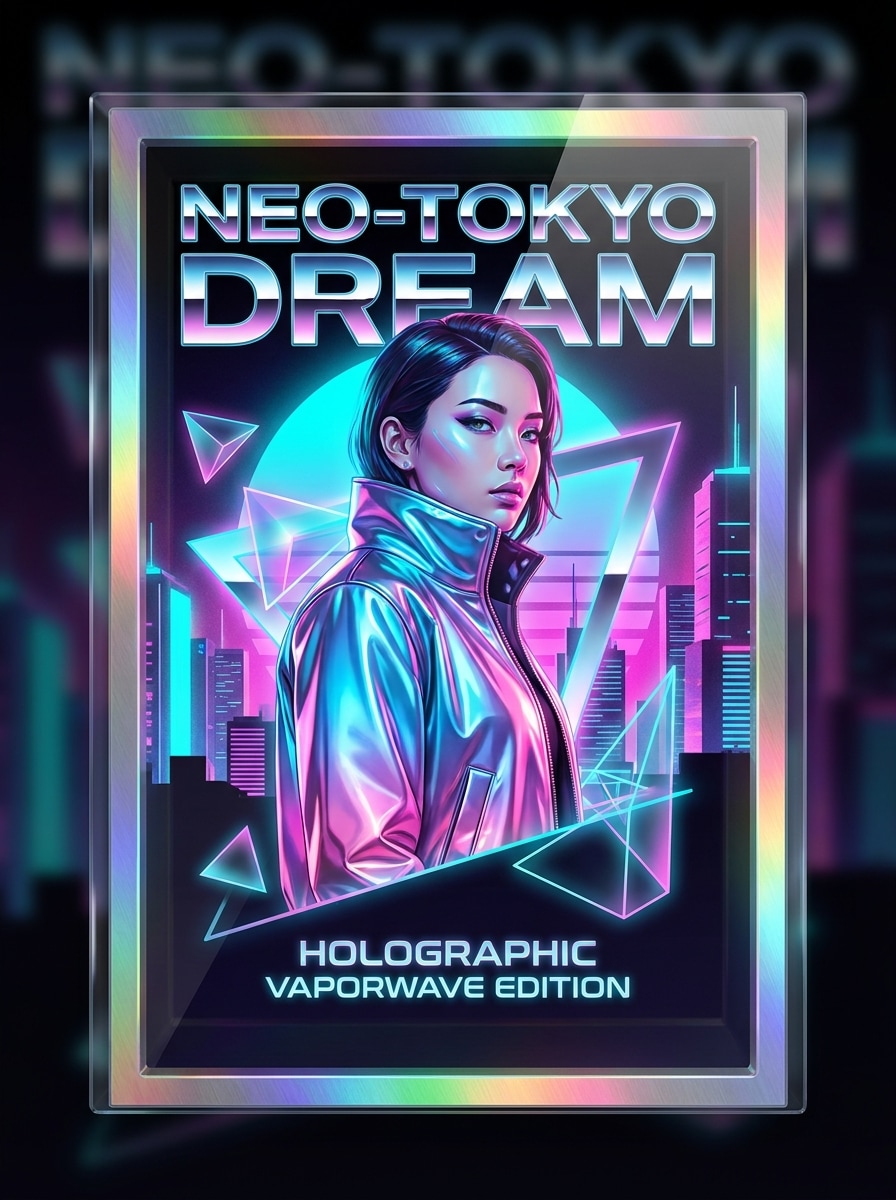
Use the uploaded image as the central subject and place it into a holographic poster scene with iridescent gradients, metallic reflections, vaporwave pink-blue lighting, clean typography space, glossy textures, bold contrast, and a polished composition designed for eye-catching social or cover art.

Floating Object Hologram

Floating Object Hologram

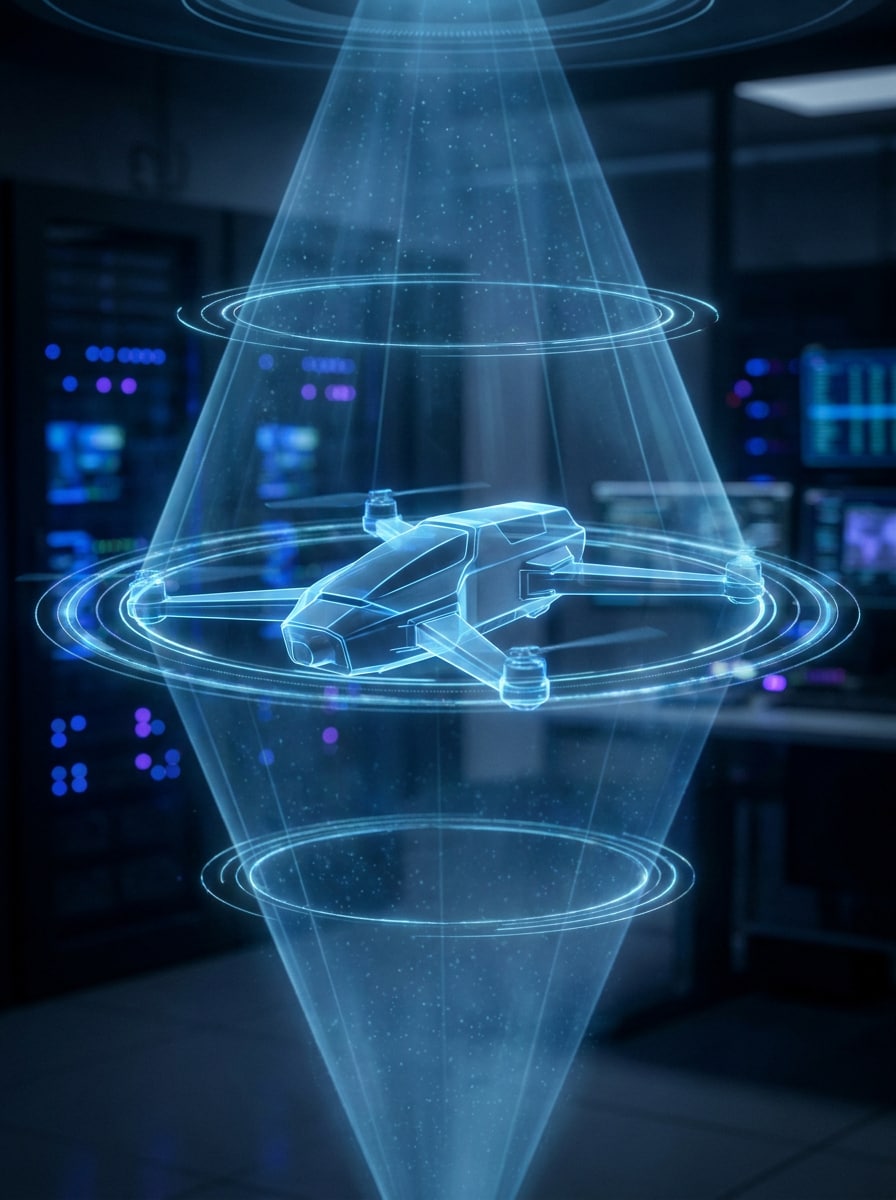
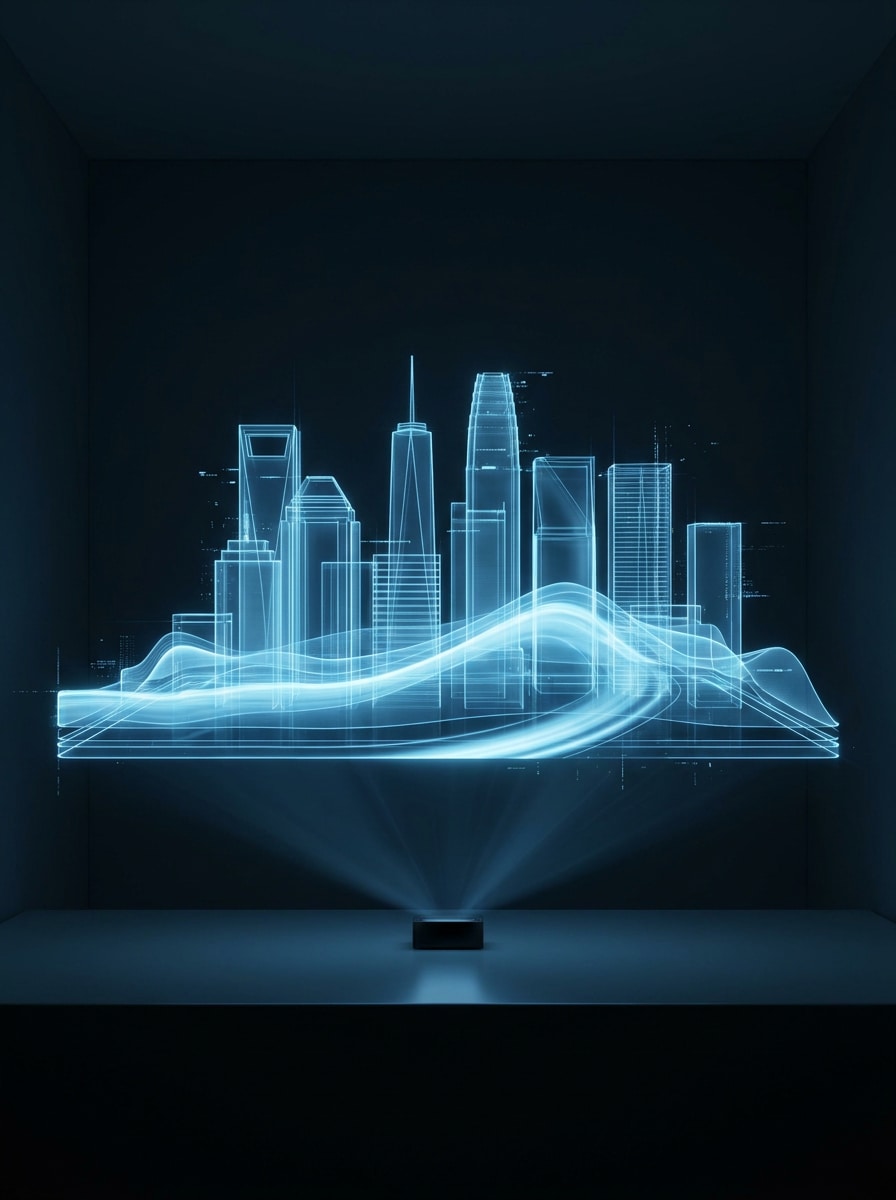
Use the uploaded product or object photo and transform it into a suspended holographic projection with glowing edges, transparent volume light, luminous digital rings, subtle particle haze, cool blue illumination, dark tech background, and ultra-clean detail that emphasizes shape and depth.

Fashion Holographic Editorial

Fashion Holographic Editorial

Use the uploaded portrait as the subject and restyle it with a premium fashion hologram finish featuring reflective skin lighting, polished iridescent tones, minimal futuristic background, glossy magazine contrast, elegant glow accents, smooth texture transitions, and sophisticated high-end visual styling.

Clean Blue Projection

Clean Blue Projection

Use the uploaded photo and create a simple hologram look with cool blue projection light, transparent layered contours, subtle glow, crisp futuristic detail, smooth gradients, minimal glitching, and a clean modern sci-fi mood that feels sleek rather than overly dramatic.

Why Use Media.io for Holographic Photo Edits

Reference-Based Hologram Styling That Keeps the Subject Clear

Reference-based work needs more than a loose style shift. Media.io helps keep key identity details recognizable while reworking the holographic photo effect look, so the result feels personal instead of generic.

Flexible Looks for Cyberpunk, Y2K, and Clean Projection Styles

A single idea often needs more than one look. Media.io helps reinterpret the same holographic photo effect across different styles so each version can better match the project brief.

Keep Final Visuals Sharp for Real Projects

If the final holographic photo effect will be reused beyond a small preview, Media.io helps deliver sharper results up to 4K so the image stays more reliable in practical design and presentation work.

Easy Browser Workflow Across Phones and Computers

For creators who bounce between mobile and desktop, Media.io keeps holographic photo effect creation in the browser so the workflow stays practical wherever you happen to be working.

How to Apply a Holographic Effect to Your Photo

Turn your words into stunning visuals in three simple steps, then continue refining the result if you want to take it further.

how to use image to image AI for holographic photo effect step 1
Step 1

Upload Your Reference Image

Start with a clear portrait, selfie, or product image in JPG, PNG, or JPEG. Photos with visible subject edges, decent lighting, and a simple background usually produce a stronger hologram-style transformation.

how to use image to image AI for holographic photo effect step 2
Step 2

Describe the Change and Set Options

Enter the look you want, such as neon blue projection, iridescent Y2K glow, or sci-fi HUD overlays. Then choose your model and adjust aspect ratio, image quality, resolution, or the number of variations if needed.

how to use image to image AI for holographic photo effect step 3
Step 3

Generate, Download, and Keep Improving

Generate your result, compare different versions, and download the one that fits your project best. You can keep refining the prompt, create more variations, or continue editing the image for other creative uses.

Unlock the Potential of AI Holographic Filter

See how creators use this Holographic Photo Effect for content, marketing, and personal projects, then adapt each idea to fit the brief.

Make Scroll-Stopping Social Portraits

Turn ordinary selfies into futuristic edits for TikTok, Instagram, and profile images. Neon edges, translucent overlays, and prism glow help your content stand out without requiring complex manual retouching.

Build Stylish Posters, Covers, and Mood Boards

Use hologram-inspired visuals for album art concepts, digital posters, presentation slides, or inspiration boards. The polished sci-fi finish works especially well when you want a bold, editorial, tech-forward atmosphere.

Upgrade Product Shots With a Futuristic Finish

Apply the effect to gadgets, accessories, or packaging photos to create sleek campaign mockups. A clean projection look can make product visuals feel more premium, experimental, and attention-grabbing for launches or promos.

What Users Say

user
Maya Chen

Content Creator

star star star star star

"Perfect for futuristic portrait edits" I uploaded a basic selfie and got a polished hologram-style result with glowing blue layers and subtle HUD details. It feels much faster than trying to build the look manually in a photo editor.

user
Jordan Alvarez

Indie Designer

star star star star star

"Great variety of holographic looks" What I liked most was the range. I could go from a clean projection aesthetic to a more glitchy cyberpunk treatment just by changing the prompt and options. Useful for covers and poster mockups.

user
Priya Nair

Social Media Manager

star star star star star

"Easy to use on mobile" I tested it on my phone for a quick campaign visual and the workflow was straightforward. Upload, prompt, generate, and download. The output looked good enough to share right away.

user
Ethan Brooks

E-commerce Creative

star star star star star

"Useful for product images too" I expected this to be portrait-only, but it worked well for a headphone product shot. The floating hologram look added a high-tech feel that made the visual more dramatic for a promo concept.

Holographic Photo Effect FAQs

1. What is a holographic photo effect?

A holographic photo effect is a stylized image edit that makes a photo look like a futuristic light projection rather than a regular flat picture. It often includes transparent layers, neon glow, iridescent color, scan lines, or sci-fi interface details. With Media.io, you can upload a photo and restyle it into this hologram-inspired look using image-to-image AI.

Upload a clear JPG, PNG, or JPEG image to Media.io, then describe the look you want, such as blue projection light, rainbow prism reflections, or glitchy HUD overlays. After that, choose your preferred model and settings, generate the result, and download the version you like best. This is a simple way to turn photo into holographic image online without manual layer-by-layer editing.

Media.io offers free credits so you can try the effect generator before upgrading. Free users may see watermarks on downloads, while paid plans can unlock watermark-free high-resolution exports. You can compare options on the pricing page. Free users can use free credits. For more usage, users can subscribe to a plan on the pricing page. Upgrade to a paid plan on the pricing page for more credits and watermark-free high-resolution downloads.

Images with a clear main subject, good lighting, and clean separation from the background usually work best. Portraits, selfies, and product photos are strong choices because the AI can preserve the subject while applying glow, transparency, and digital overlay details more cleanly.

Media.io is web-based, so you can use it from a phone or tablet browser as well as on a desktop. That makes it practical if you want a fast holographic filter for photos workflow for social content, covers, or quick creative tests without installing extra software.

It typically takes only a short time to generate, depending on your settings and current processing demand. In most cases, Media.io lets you move from upload to result in minutes, which is helpful when you want to test several hologram looks quickly.

Media.io Online AI Tools Quality Rating:
vote 4.7 (162,357 Votes)