이미지에서 이미지까지
Nano Banana Pro
이미지 업로드
0 / 9
내 기록에서 선택하거나 업로드하려면 클릭하거나 드래그하세요
아이디어가 없나요? 먼저 이미지를 생성하세요. >
지원되는 업로드 형식: jpg, png, jpeg.
프롬프트
0/2000
1K
자동
1
바나나 프로 무제한 모드
전체
이미지
비디오
오디오
목록 생성
작업물은 7일 동안 저장됩니다. 업그레이드 후 생성된 에셋은 영구 저장됩니다.
ai_video_generator창의적 잠재력을 풀고 미디어 AI의 마법을 즉시 경험하십시오!

Pressed Against Glass AI Wallpaper Prompt

Turn any portrait photo into a cute pressed against glass AI wallpaper for a 9:16 iPhone lock screen. Media.io helps you create playful AI pressed against glass wallpaper prompts with squishy cheeks, palms on glass, realistic face preservation, soft semi-realistic illustration, and a warm mobile wallpaper aesthetic using ready-to-copy prompts and Image to Image generation.

Create Pressed Against Glass Wallpapers Now

Upload a portrait photo and turn it into a cute glass-press iPhone wallpaper with one prompt.

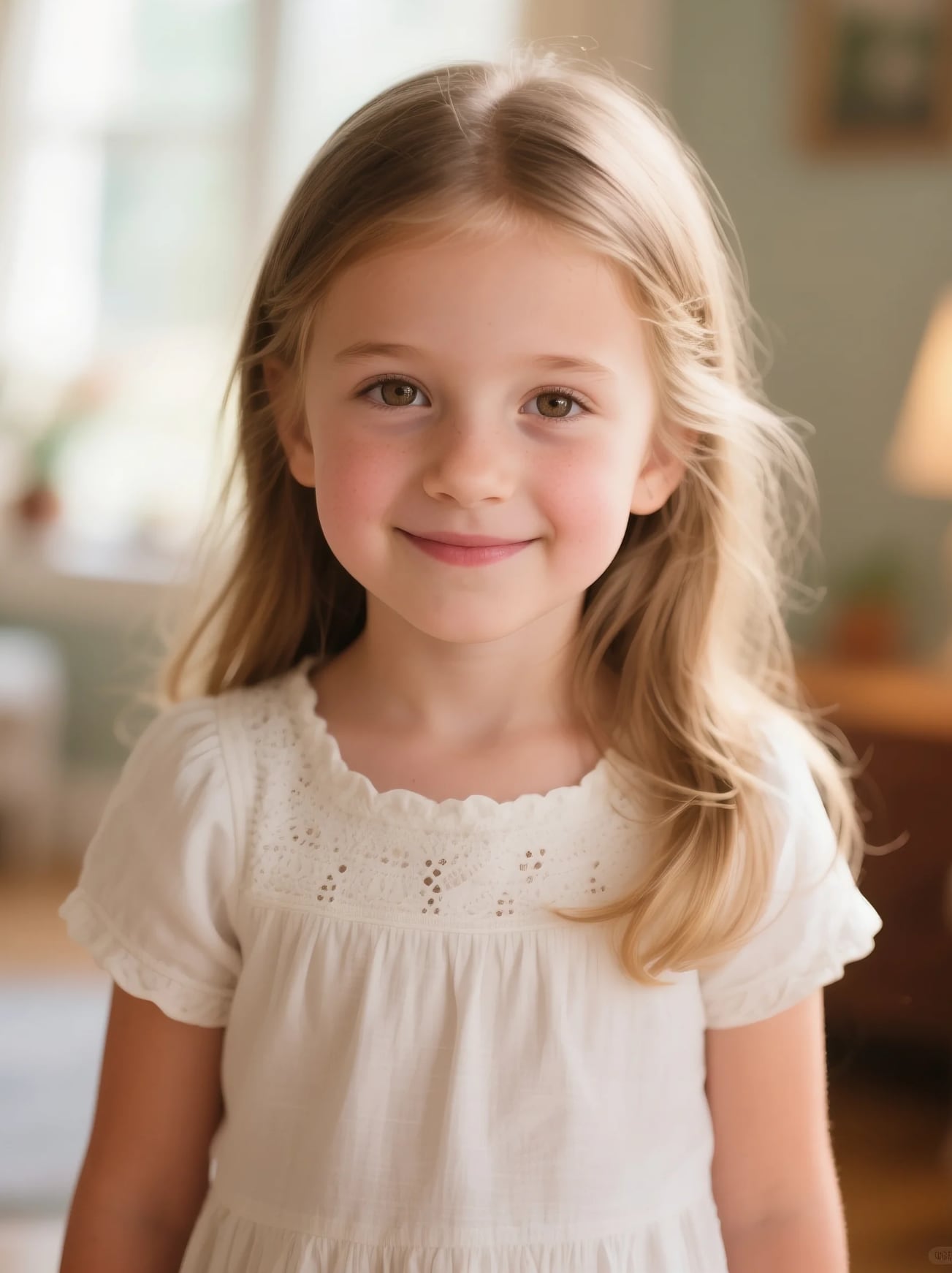
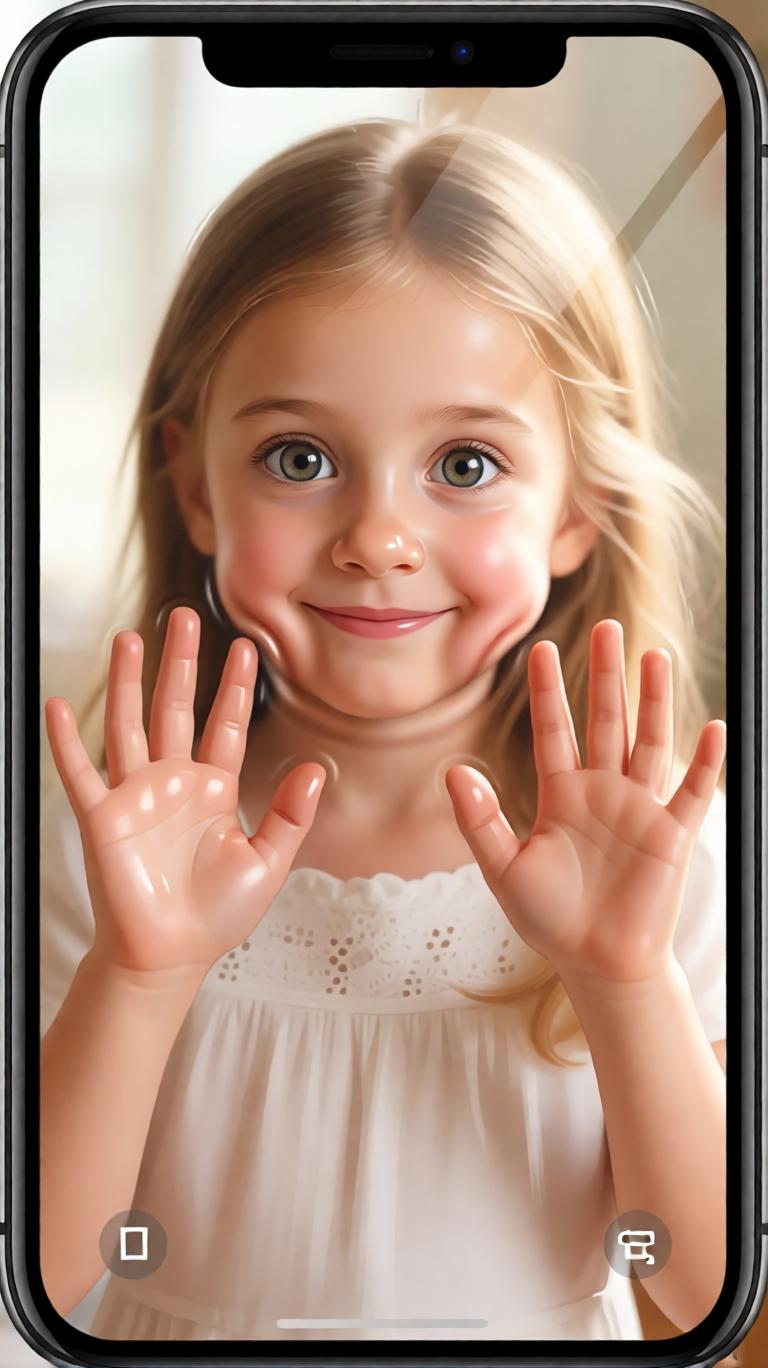
Before using pressed against glass AI wallpaper prompt Before
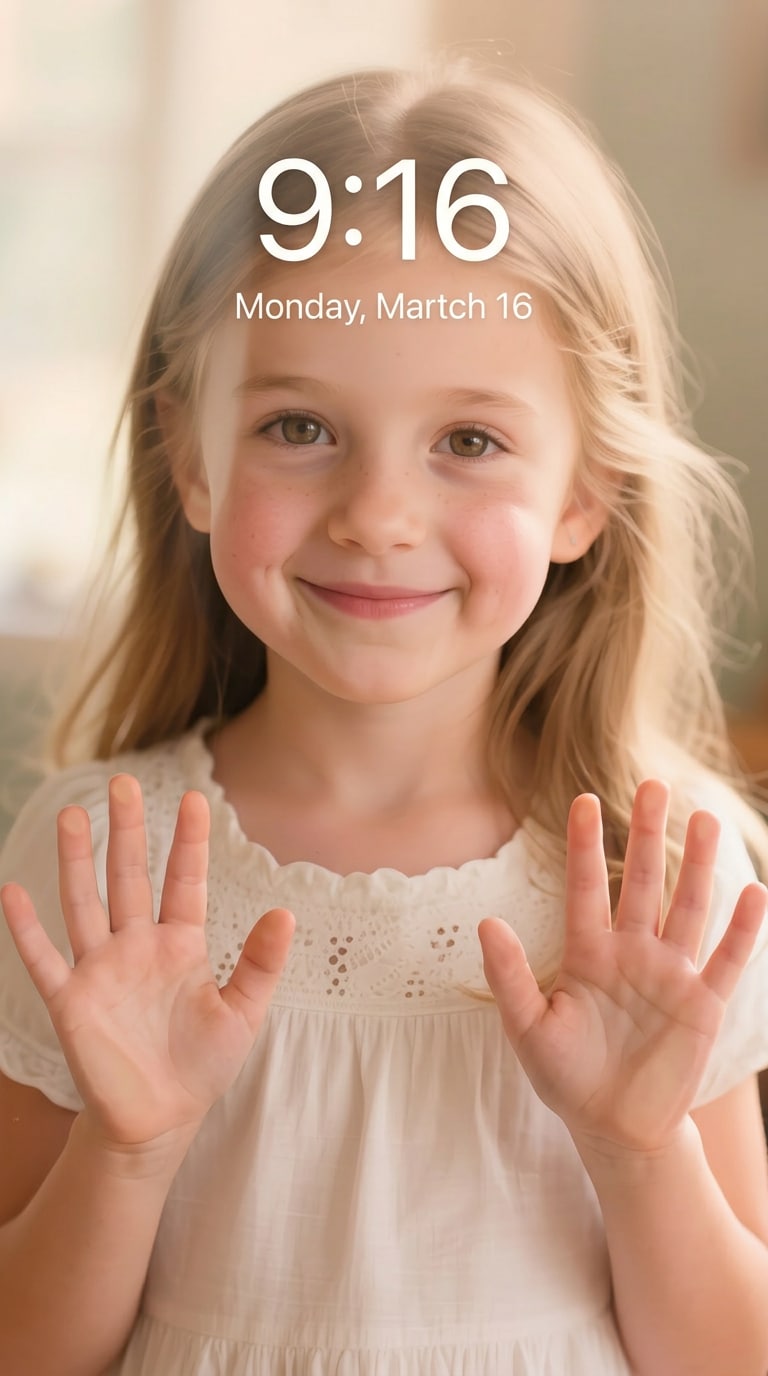
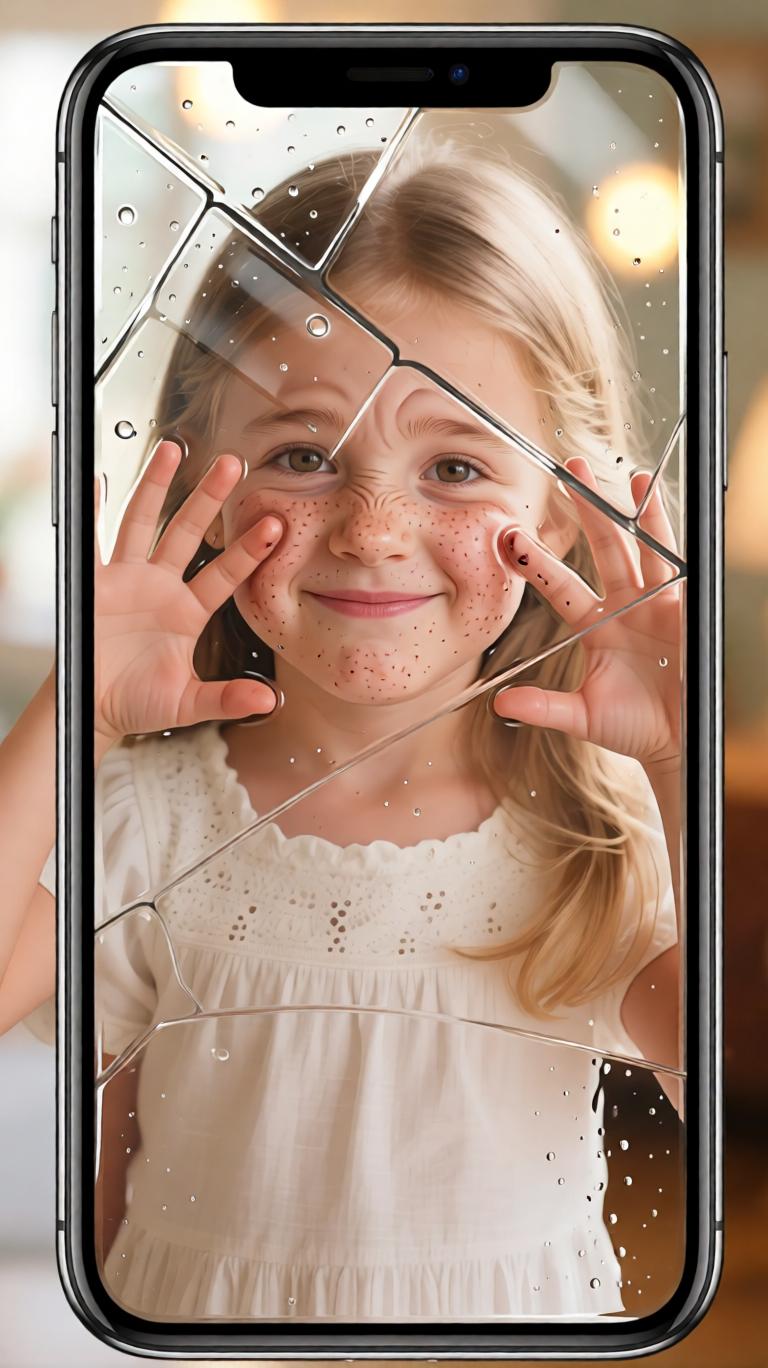
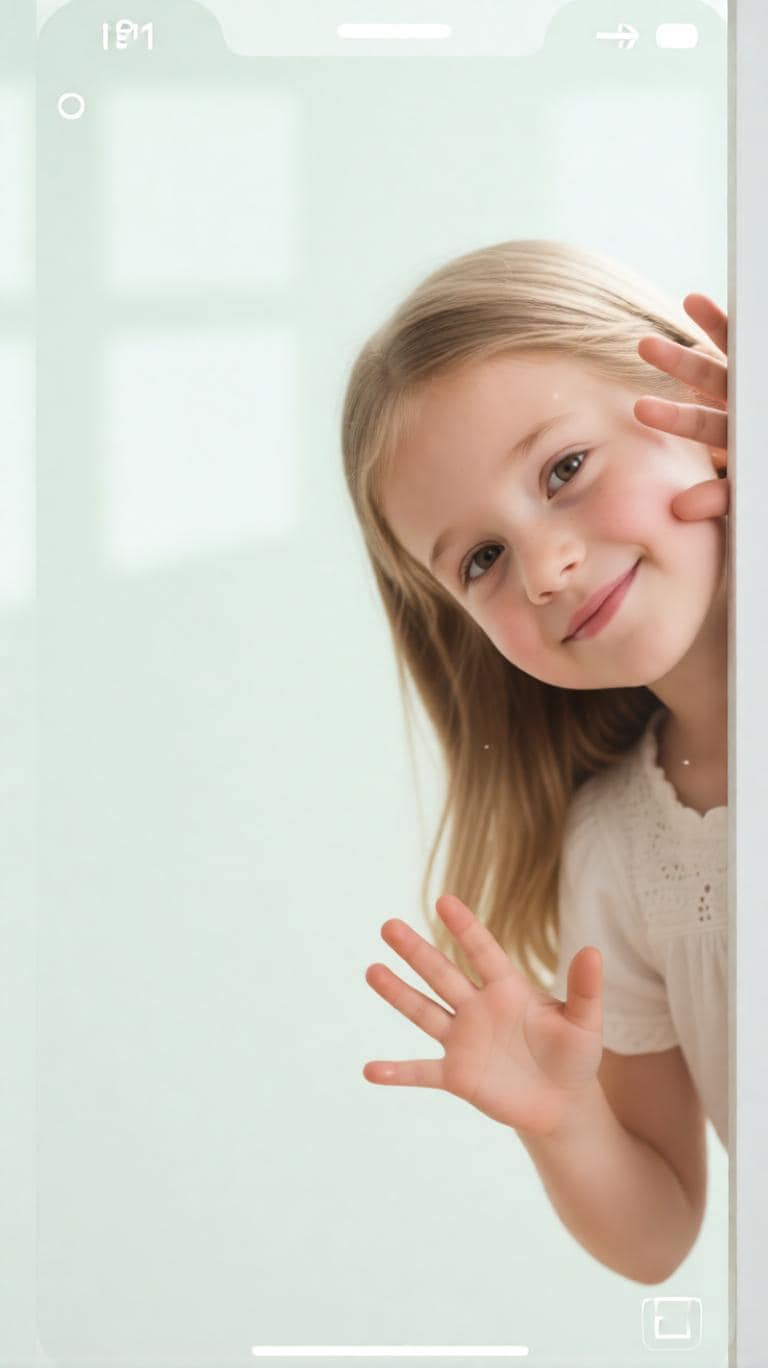
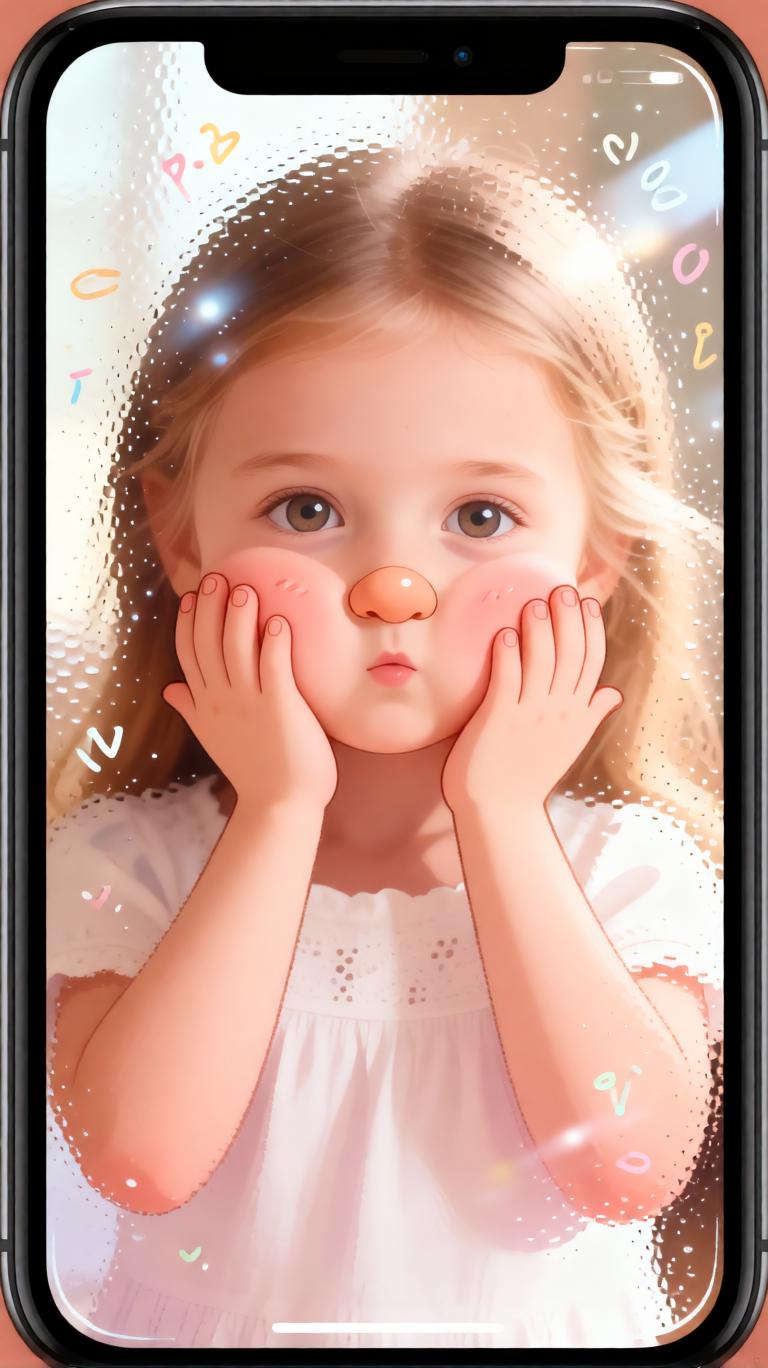
Pressed against glass AI wallpaper created from a portrait photo Glass Press Wallpaper
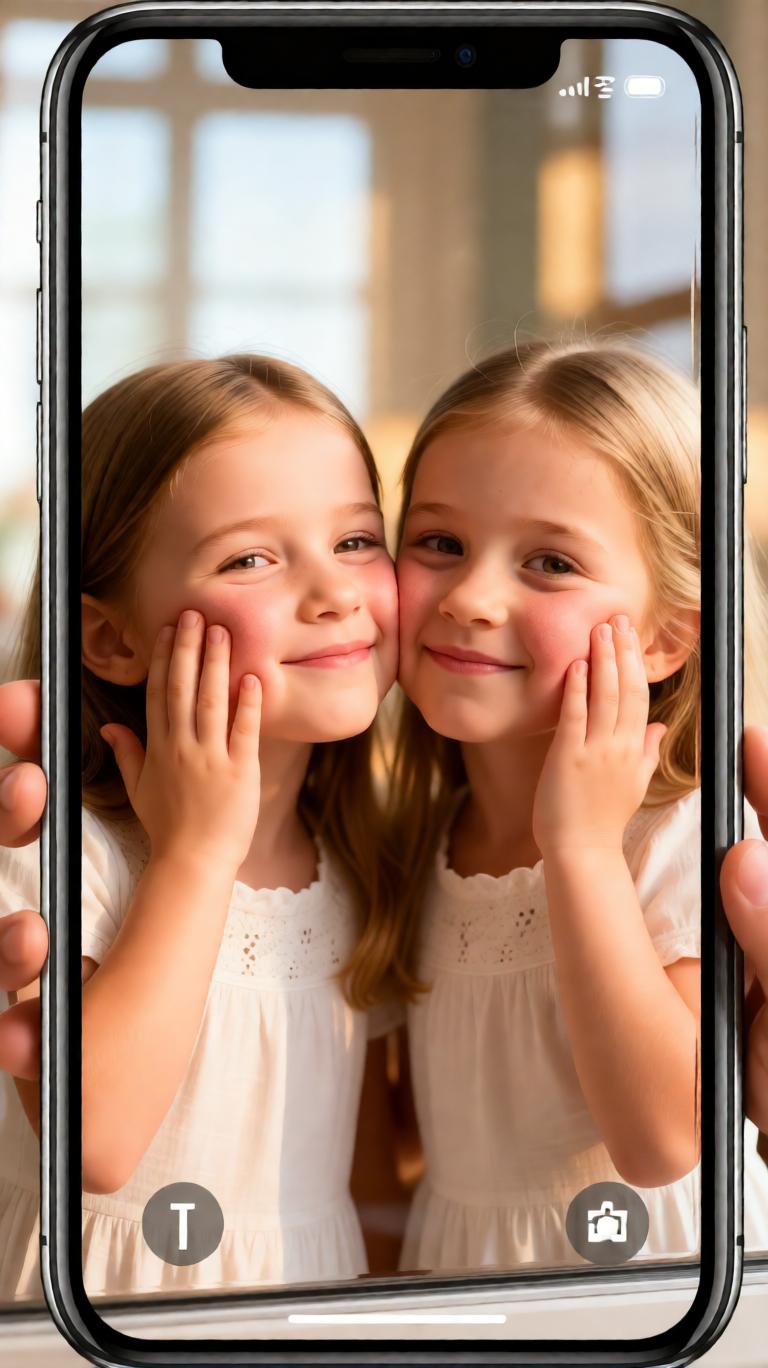
Portrait photo before pressed against glass wallpaper transformation Before
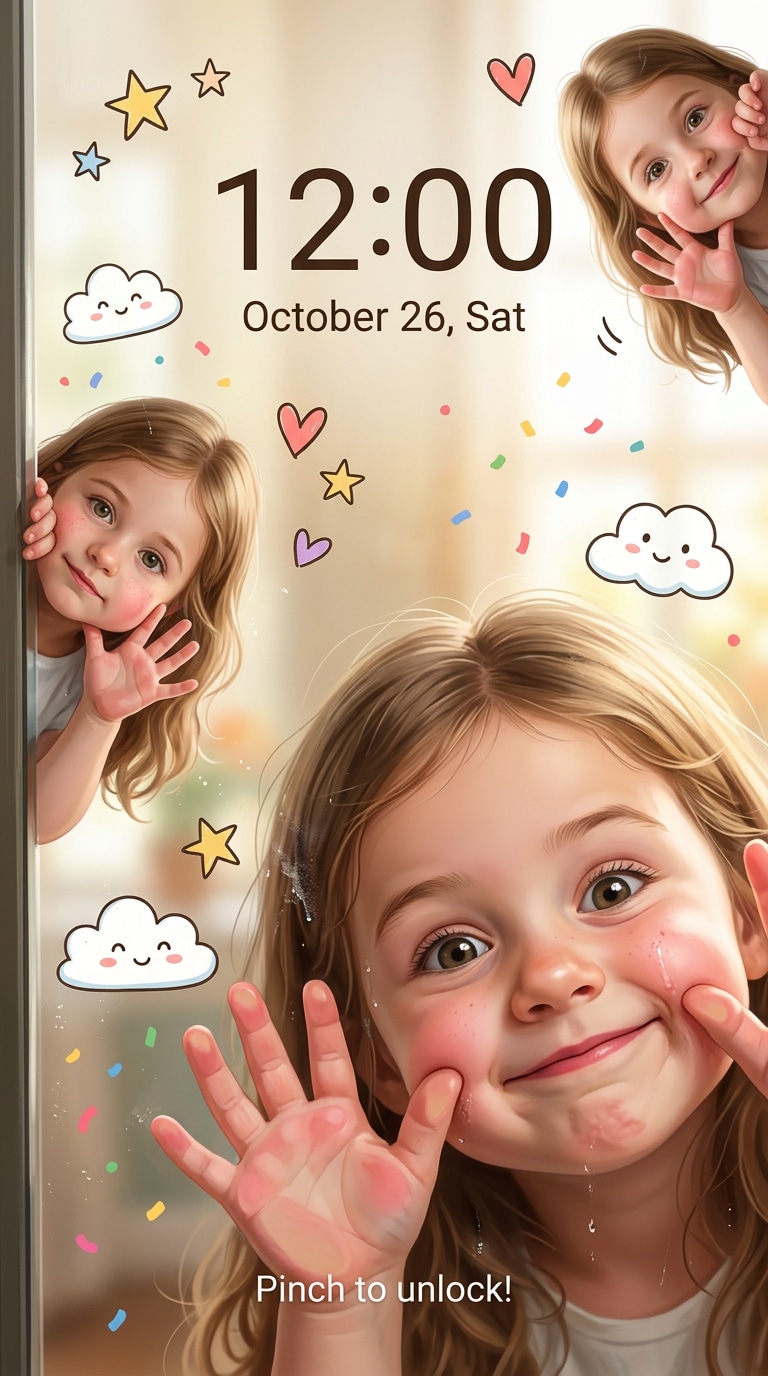
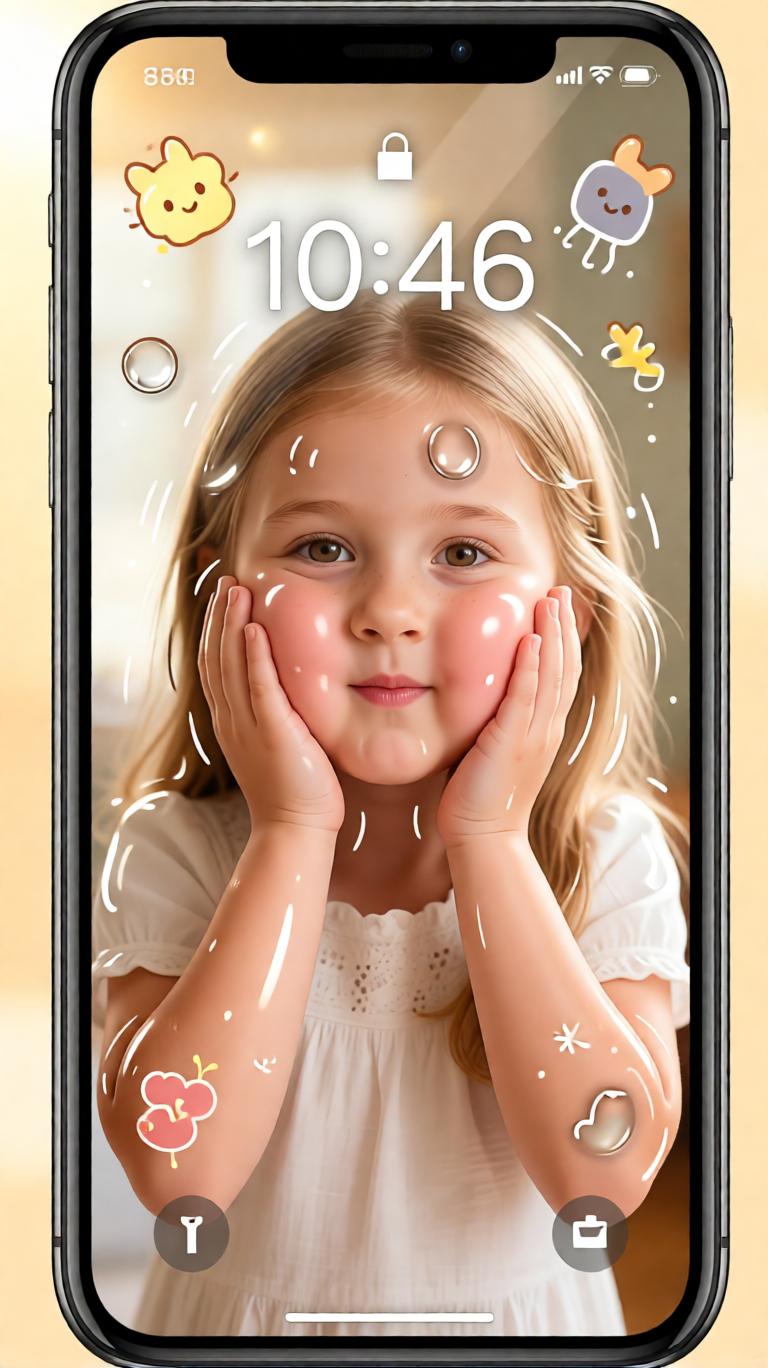
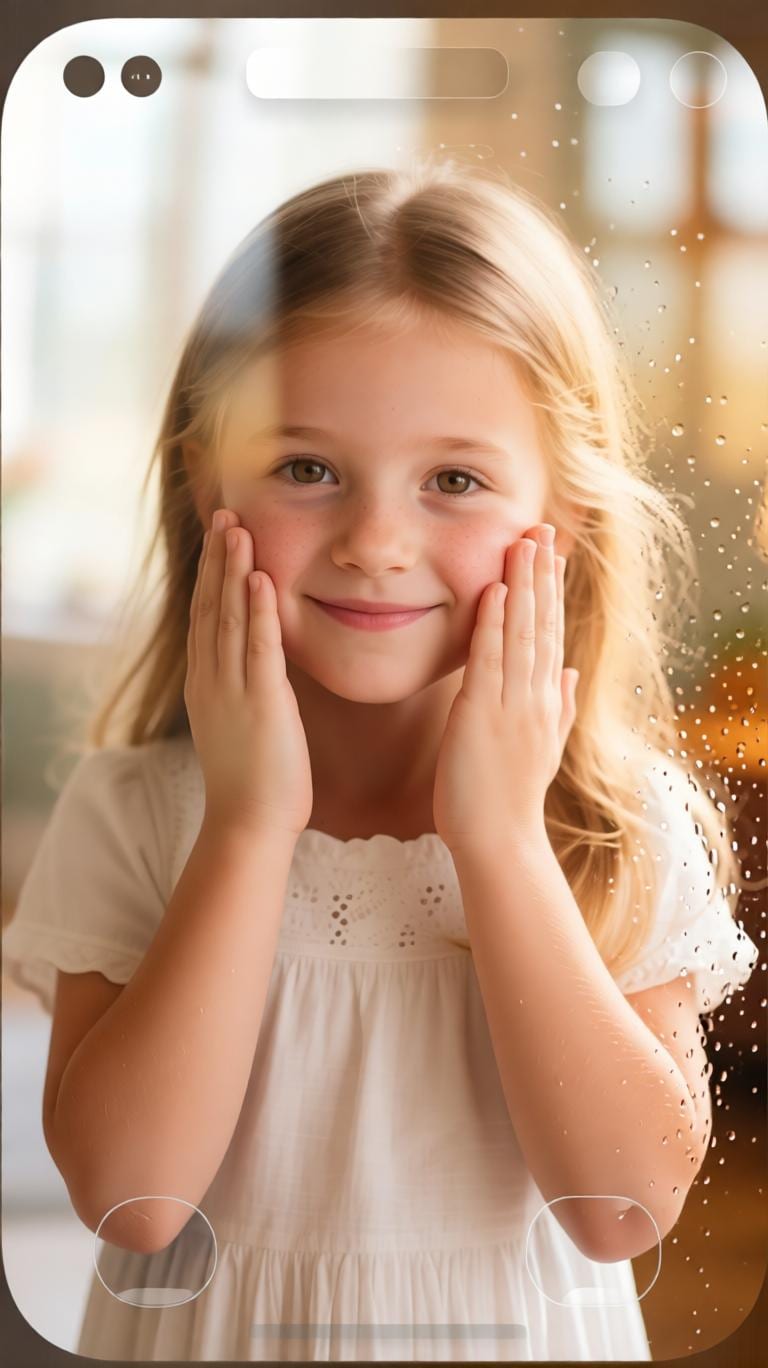
Cute AI lock screen wallpaper with squishy cheeks pressed against glass Cute Lock Screen Prompt

10 Best Pressed Against Glass AI Wallpaper Prompt Ideas

Pressed Against Glass AI Wallpaper prompt

Classic Pressed Against Glass Wallpaper

Create a cute 9:16 vertical iPhone lock-screen wallpaper using the uploaded portrait photo as reference. Keep the person's facial features recognizable and natural. Make the person look as if they are inside the phone screen, playfully peeking out from the edges and pressing their cheeks and palms against the glass. Add soft realistic glass-pressure details: gently flattened cheeks, palms pressed on the screen, subtle skin compression, natural hand pressure, and bright expressive eyes. Use a warm semi-realistic illustration style, soft smooth skin, cozy lighting, clean mobile wallpaper composition, and a playful pressed against glass AI wallpaper aesthetic.

Cute squishy cheeks glass press wallpaper prompt

Squishy Cheeks Lock Screen

Turn the uploaded portrait into a cute AI lock screen wallpaper in 9:16 vertical format. Preserve the person's original face, hairstyle, skin tone, and recognizable expression while adding an adorable pressed against glass effect. The cheeks should look soft, bouncy, and gently squished against the phone glass, with visible but natural flattening and subtle skin elasticity. Add small palms pressing on the screen, soft highlights on the glass, warm pastel lighting, clean negative space for lock-screen time, and a playful semi-realistic wallpaper style that feels cute, bright, and natural.

Peeking from phone edge AI wallpaper prompt

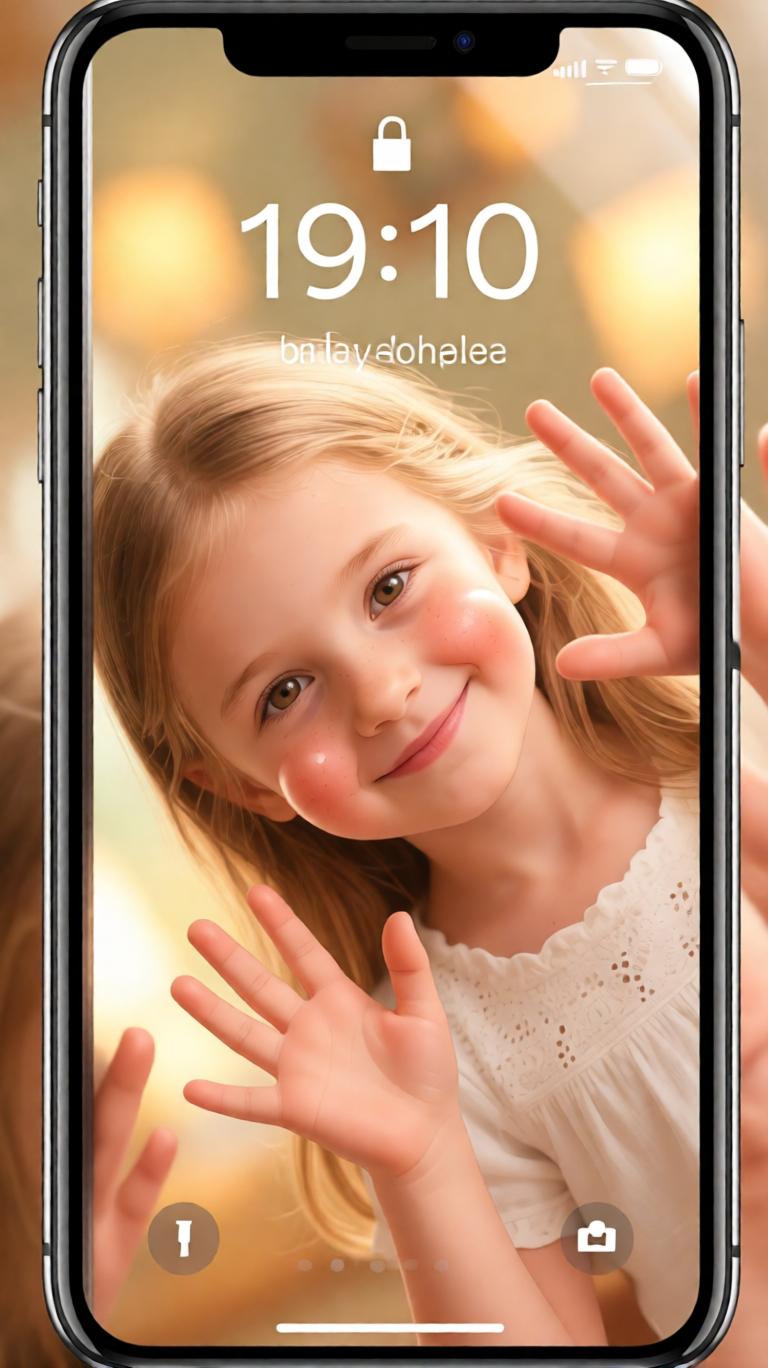
Peeking from Phone Edges

Transform the uploaded portrait photo into a playful pressed against glass AI wallpaper for an iPhone lock screen. The person should appear inside the phone, peeking from the top, side, or corner of the screen while pushing their face and hands against the glass. Preserve the original appearance and facial identity as much as possible. Add realistic palm pressure, softly compressed cheeks, tiny hand details, glass reflections, and a mischievous cute expression. Keep the background bright, clean, warm, and suitable for a high-resolution 9:16 mobile wallpaper.

Semi-realistic glass press portrait wallpaper prompt

Semi-Realistic Glass Press Portrait

Create a semi-realistic pressed against glass wallpaper from the uploaded portrait. Keep the person's face recognizable, natural, and close to the original photo while giving the image a soft illustrated finish. Show the face and palms pressed against invisible phone glass, with gentle cheek flattening, subtle skin compression, realistic pressure around the nose and fingers, and soft reflection highlights. Use large expressive eyes, smooth skin, warm light, clean 9:16 iPhone wallpaper framing, and an adorable glass press AI prompt style without making the face distorted or overly cartoonish.

Cute phone screen character wallpaper prompt

Inside the Phone Screen

Use the uploaded portrait photo to create a cute 9:16 mobile wallpaper where the person looks trapped inside the phone screen in a playful way. Preserve their original facial features, hairstyle, and identity. Make them press both cheeks and palms against the glass as if trying to look out at the viewer. Add natural skin compression, rounded squishy cheeks, soft hands, glossy glass highlights, warm doodle-inspired charm, and a bright lock-screen composition. The final image should feel like a cute pressed against glass AI wallpaper, cozy and funny but still realistic.

Warm playful AI lock screen wallpaper prompt

Warm Playful Lock Screen

Turn the uploaded photo into a warm and playful AI iPhone wallpaper prompt result. Create a vertical 9:16 lock screen with the person peeking out from the edge of the frame and pressing their face and hands against the glass. Preserve facial identity and natural expression while adding cute squishy cheeks, soft hand pressure, gentle skin deformation, glossy screen reflections, and a cozy bright color palette. Leave clean space near the upper center for lock-screen time and make the wallpaper feel polished, adorable, and high-resolution.

Couple pressed against glass AI wallpaper prompt

Couple Glass Press Wallpaper

Create a cute pressed against glass AI wallpaper using the uploaded couple photo as reference. Keep both people's facial features, hairstyles, clothing mood, and relationship pose recognizable. Make them appear inside the phone screen, playfully pressing their cheeks and hands against the glass from different edges of the frame. Add soft squishy cheek compression, realistic palm pressure, subtle glass reflections, warm lighting, playful expressions, and a clean 9:16 iPhone lock-screen layout. The result should feel romantic, funny, adorable, and suitable as a couple wallpaper.

Minimal cute glass press wallpaper prompt

Minimal Cute Glass Wallpaper

Transform the uploaded portrait into a minimal cute pressed against glass wallpaper. Use a clean 9:16 vertical format with soft background colors, simple lock-screen spacing, and the person peeking from one side of the screen. Preserve the original face and natural identity while adding subtle glass-press details: lightly flattened cheeks, fingertips and palms on the screen, small highlights, soft shadows, and gentle skin elasticity. Make the style semi-realistic, bright, smooth, and charming, with no heavy cartoon distortion and no cluttered background.

Doodle-inspired pressed against glass wallpaper prompt

Doodle-Inspired Cute Wallpaper

Create a doodle-inspired pressed against glass AI wallpaper from the uploaded portrait photo. Keep the person's key facial features realistic and recognizable, but add a soft illustrated mobile wallpaper finish. The character should press their cheeks, nose, and palms against the glass with cute squishy pressure, rounded cheeks, tiny hand details, and bright curious eyes. Add small doodle accents, gentle glass shine, warm pastel tones, and a clean high-resolution 9:16 iPhone lock-screen composition. The mood should be healing, playful, slightly goofy, and very cute.

High-resolution iPhone pressed glass wallpaper prompt

High-Resolution iPhone Wallpaper

Turn the uploaded portrait photo into a high-resolution 9:16 iPhone lock-screen wallpaper using a pressed against glass AI wallpaper prompt. Preserve the person's facial identity, skin tone, hairstyle, and natural expression. Place the person behind the screen glass, peeking toward the viewer with cheeks and palms pressed gently against the surface. Add realistic glass contact, soft cheek compression, visible palm pressure, glossy reflections, smooth semi-realistic rendering, bright warm lighting, and clean wallpaper spacing. Avoid distorted facial features, extra fingers, harsh deformation, blurry details, and an overly AI-generated look.

Why Use Media.io for Pressed Against Glass AI Wallpapers?

Turn Portrait Photos into Cute Lock Screens

Transform selfies, portraits, couple photos, and profile pictures into a playful pressed against glass AI wallpaper with squishy cheeks, palms on glass, soft reflections, and a polished 9:16 mobile lock-screen layout.

Perfect for Cute AI Wallpaper Trends

Use pressed against glass AI wallpaper prompts for iPhone lock screens, TikTok trends, Instagram stories, cute profile edits, couple wallpapers, birthday edits, fan-style portraits, and playful social media visuals.

Create Realistic Glass-Press Effects

Media.io helps you generate AI glass press wallpaper details such as gently flattened cheeks, visible palm pressure, soft skin compression, glossy screen highlights, expressive eyes, and natural semi-realistic texture.

Simple Photo-to-Wallpaper Workflow

No design experience is needed. Upload a portrait photo, paste an AI wallpaper prompt, choose a cute glass-press style, then generate a high-resolution lock-screen wallpaper directly in your browser.

How to Create Pressed Against Glass AI Wallpapers

01

Step 1 - Upload Your Portrait Photo

Choose a clear selfie, portrait, couple photo, or profile picture with visible facial features. Front-facing photos with good lighting usually work best for creating a recognizable pressed against glass AI wallpaper.

02

Step 2 - Copy a Glass Press Prompt

Pick a prompt style below, such as squishy cheeks lock screen, peeking from phone edges, semi-realistic glass press portrait, couple wallpaper, or doodle-inspired cute wallpaper.

03

Step 3 - Generate and Save

Generate your pressed against glass AI wallpaper, then download it as a cute 9:16 iPhone lock screen, social media story, profile edit, couple wallpaper, or playful portrait image.

Core Use Cases for Pressed Against Glass AI Wallpaper Prompts

Cute iPhone Lock Screen Wallpapers

Turn selfies and portraits into adorable AI lock screen wallpaper designs with squishy cheeks, palms on glass, soft expressions, and clean 9:16 framing for iPhone and Android screens.

Social Media Trends and Profile Edits

Create playful pressed against glass prompt effects for TikTok, Instagram stories, Pinterest pins, avatar updates, fan edits, birthday posts, and cute before-and-after image content.

Couple, Friend, and Personal Wallpapers

Generate cozy wallpapers for couples, friends, family portraits, personal photo edits, and funny lock screens while keeping the original person recognizable and adding a soft glass-press aesthetic.

What Users Say About Pressed Against Glass AI Wallpaper Prompts

user
Olivia M.

Wallpaper Creator

starstarstarstarstar

"It made my selfie look like a cute lock screen character." I uploaded one portrait and got a playful pressed against glass wallpaper with squishy cheeks, soft hands, and a warm iPhone wallpaper look.

user
Noah T.

Social Media Editor

starstarstarstarstar

"Great for cute AI wallpaper trends." The prompt kept the face recognizable while adding the glass-press effect, palms on screen, and soft semi-realistic style I wanted for a social post.

user
Chloe R.

AI Prompt User

starstarstarstarstar

"Easy prompts, adorable results, and very shareable." I copied a pressed against glass AI wallpaper prompt, uploaded a portrait, and created a cute lock-screen wallpaper in minutes.

Frequently Asked Questions about Pressed Against Glass AI Wallpaper Prompts

1. What is a pressed against glass AI wallpaper prompt?

A pressed against glass AI wallpaper prompt is an AI image-generation instruction that turns a portrait photo into a cute phone wallpaper where the person appears inside the screen, pressing their cheeks and hands against the glass with soft squishy compression, realistic palm pressure, and a playful lock-screen style.

2. Can I turn my own portrait into a pressed against glass wallpaper online?

Yes. Media.io lets you upload your own portrait photo, paste a pressed against glass AI wallpaper prompt, and generate a cute 9:16 lock-screen image directly in your browser. It works for selfies, portraits, couple photos, profile pictures, and playful personal wallpaper edits.

3. What kind of photo works best for a glass press wallpaper effect?

Clear front-facing portraits with good lighting and visible facial features usually work best. Photos with simple backgrounds, expressive eyes, and visible hands can help the AI create better squishy cheek compression, palm pressure, glass reflections, and recognizable face preservation.

4. What can I use pressed against glass AI wallpapers for?

These AI wallpapers are great for iPhone lock screens, Android wallpapers, TikTok trends, Instagram stories, Pinterest posts, profile edits, couple wallpapers, birthday visuals, cute reaction images, and playful social media content.

5. Can I customize the face style, glass pressure, and wallpaper layout?

Yes. You can customize the glass-press intensity, cheek compression, hand placement, peeking angle, background color, realism level, doodle accents, lock-screen spacing, and overall cute wallpaper mood while asking the AI to preserve the original person's facial features.