작업물은 7일 동안만 저장됩니다. 멤버십 플랜으로 업그레이드한 후 생성된 에셋은 영구적으로 저장됩니다.
창의적 잠재력을 풀고 미디어 AI의 마법을 즉시 경험하십시오!
Create a Natural Korean Makeup Filter Look From One Selfie
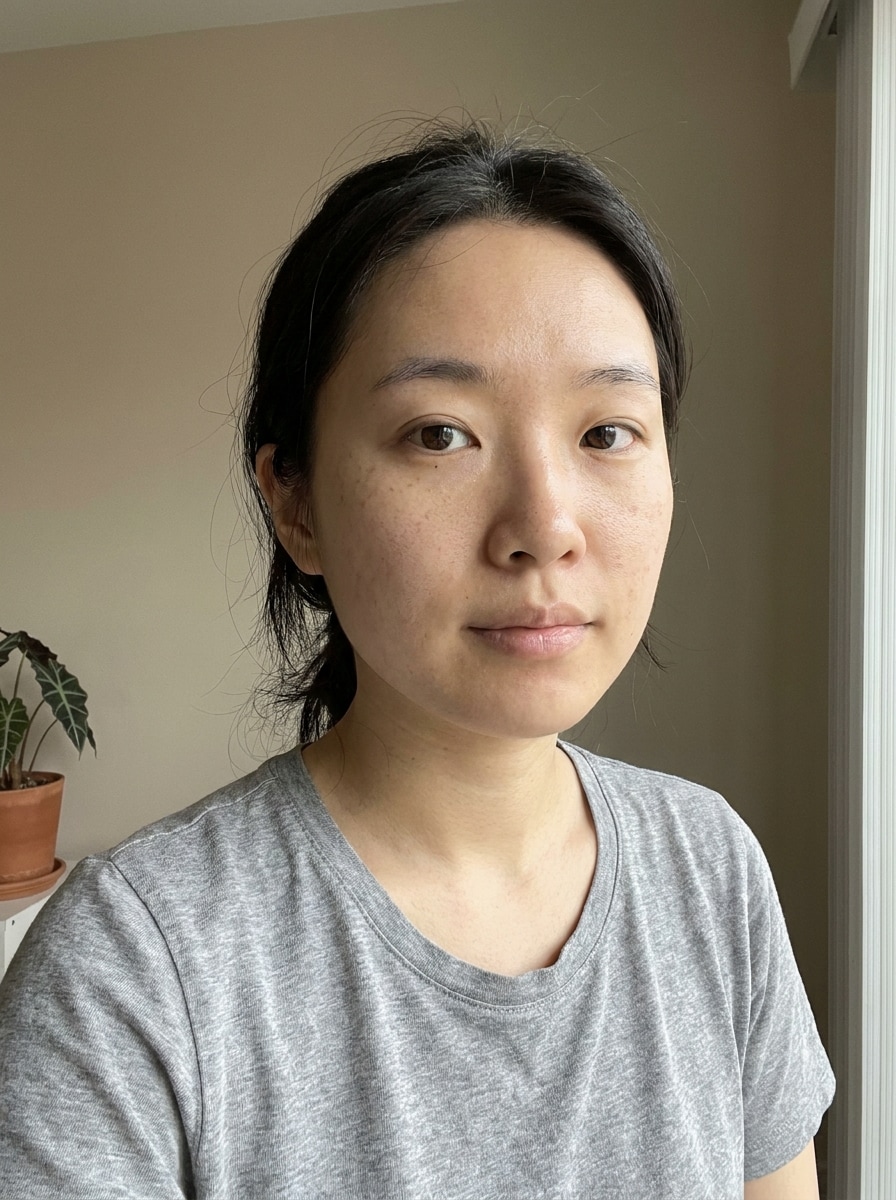
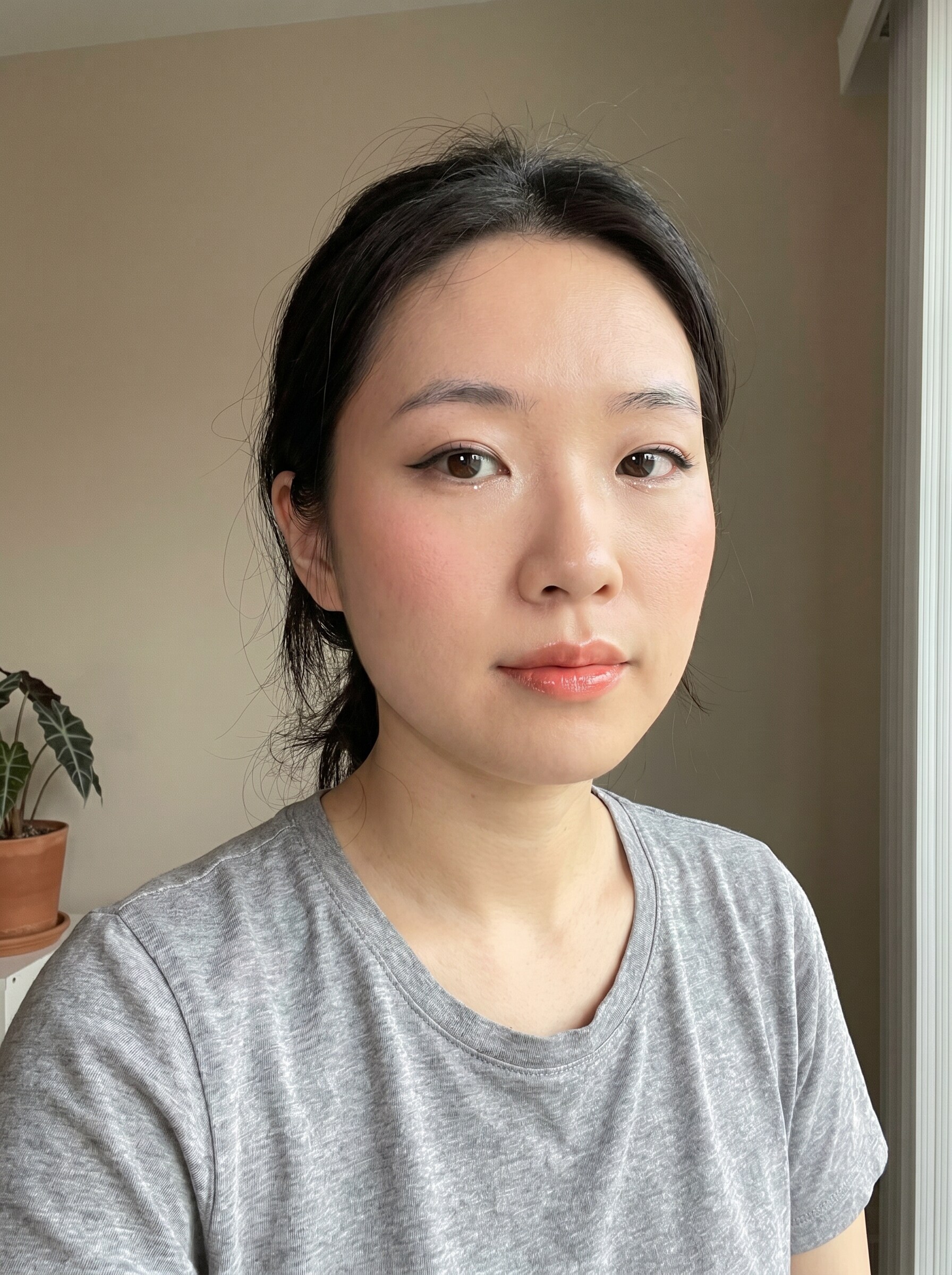
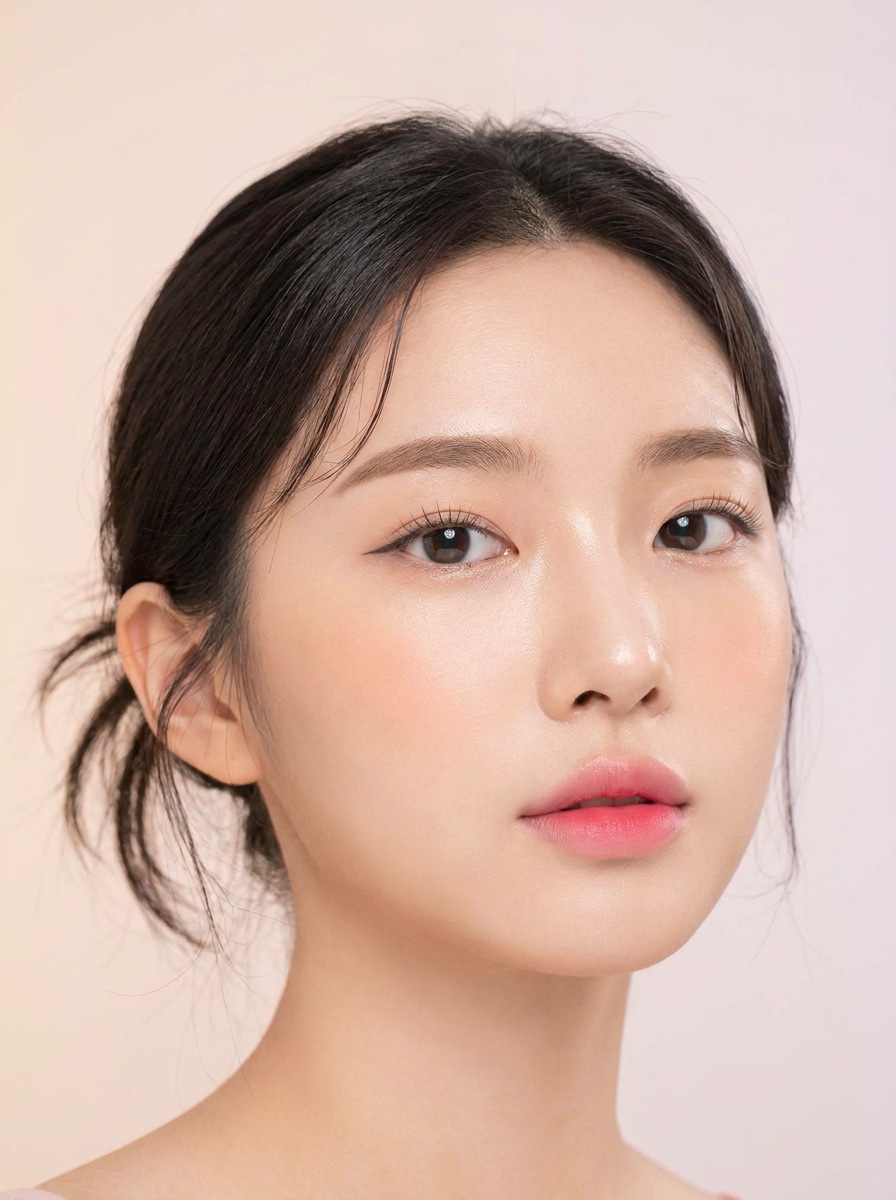
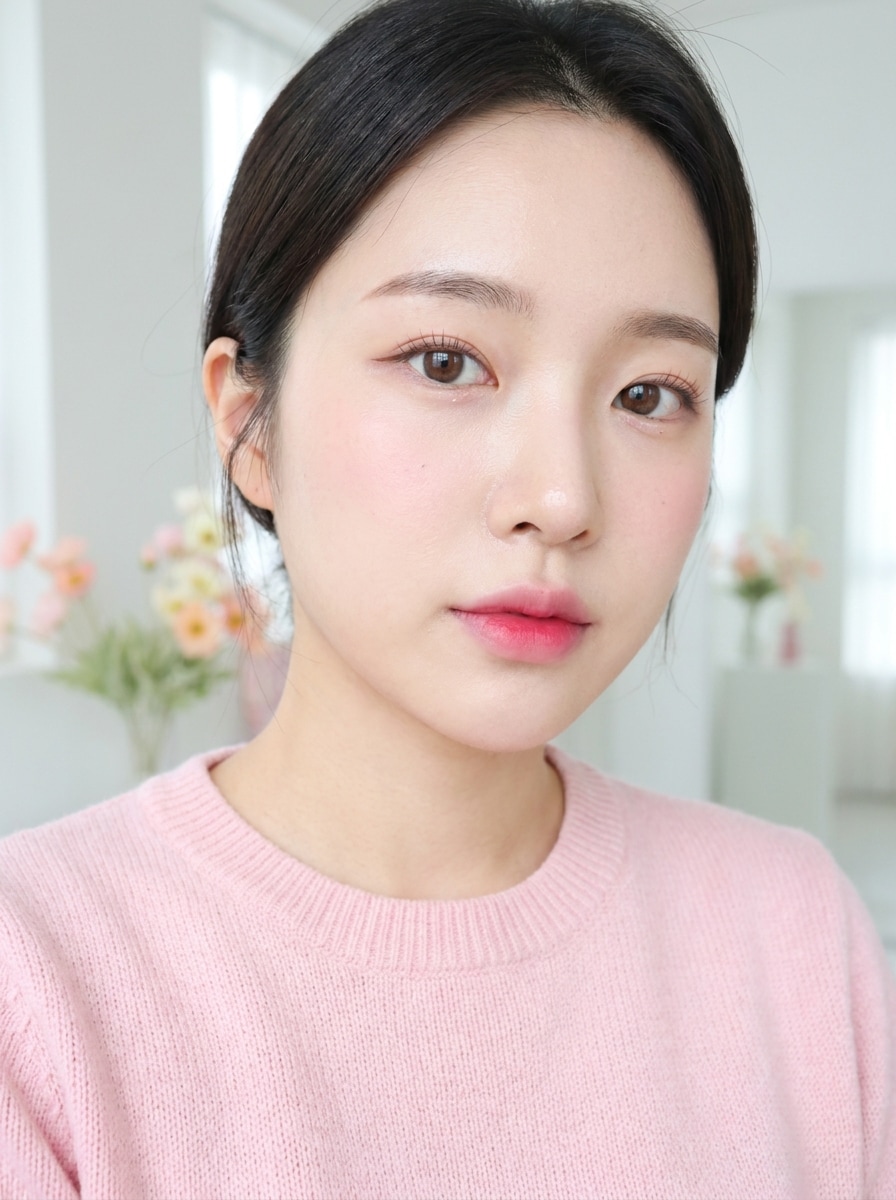
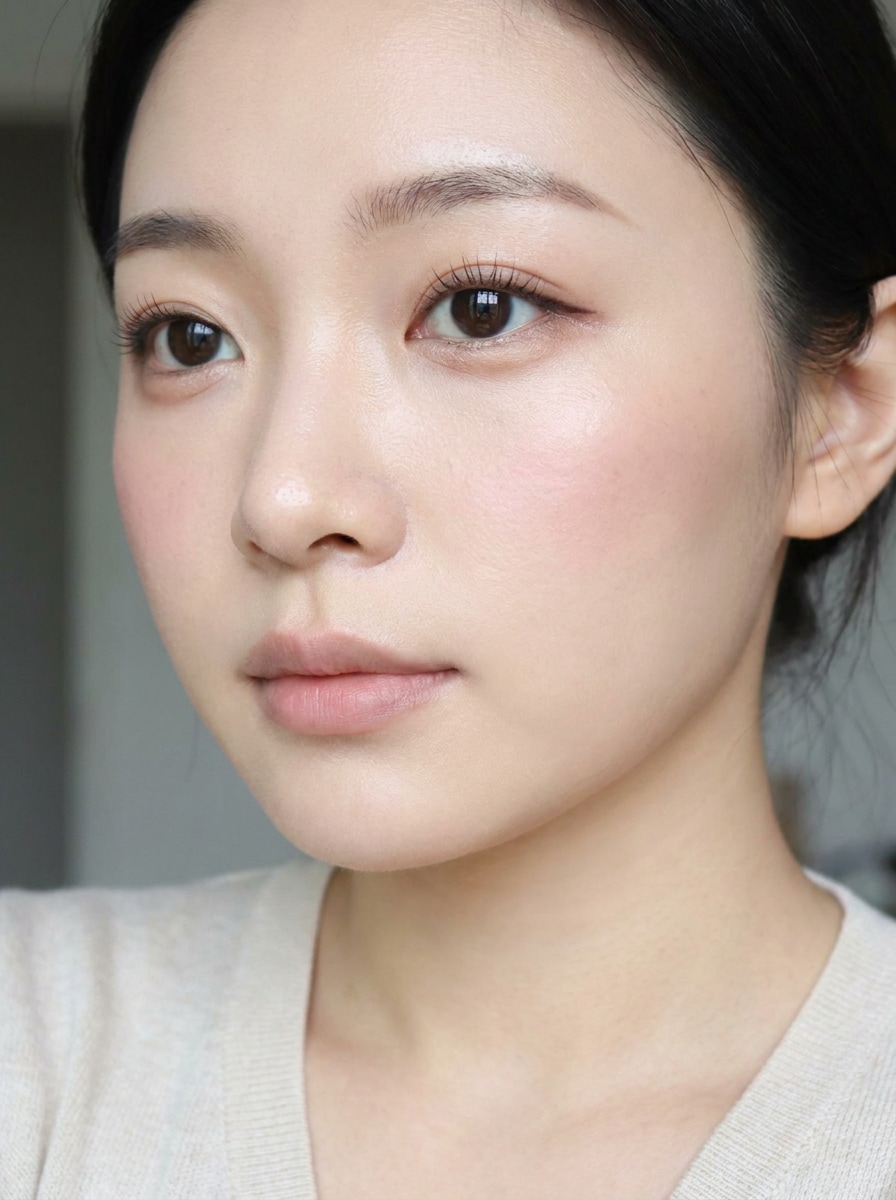
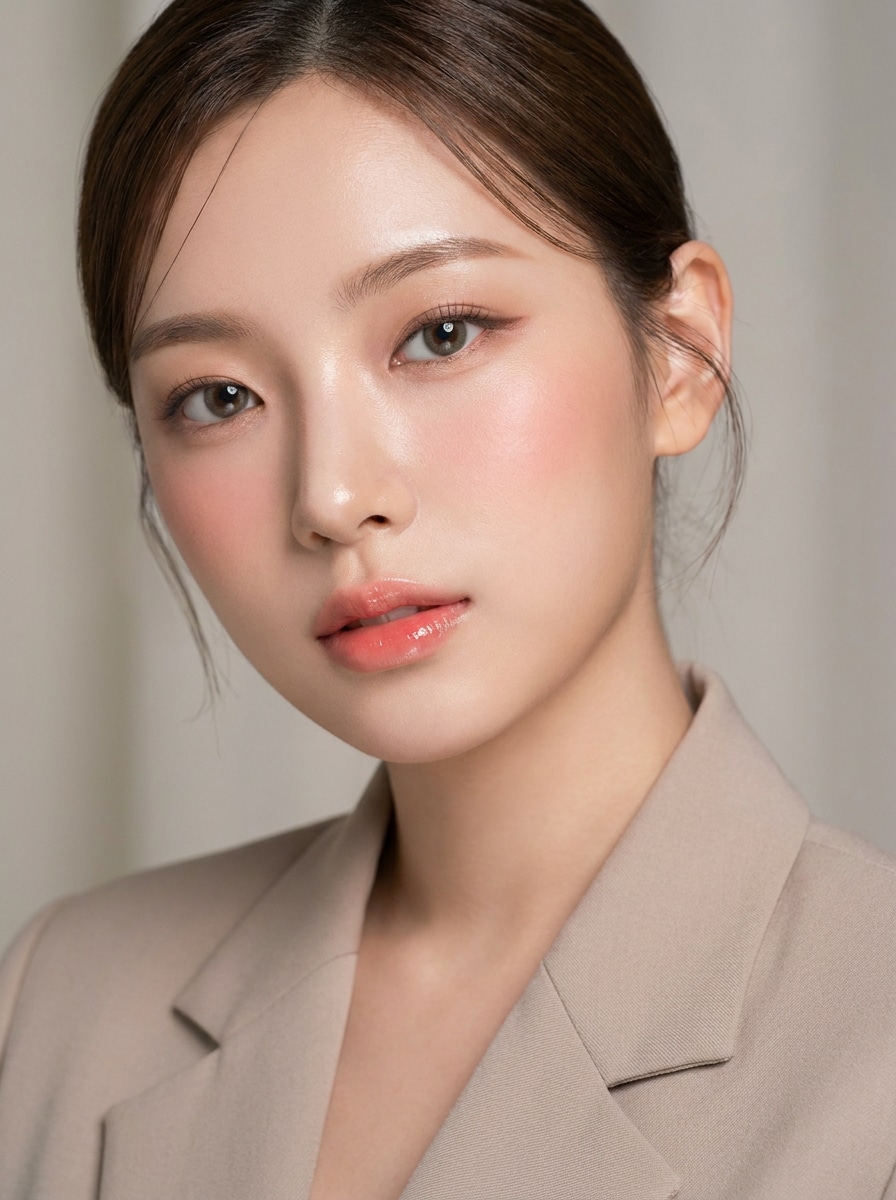
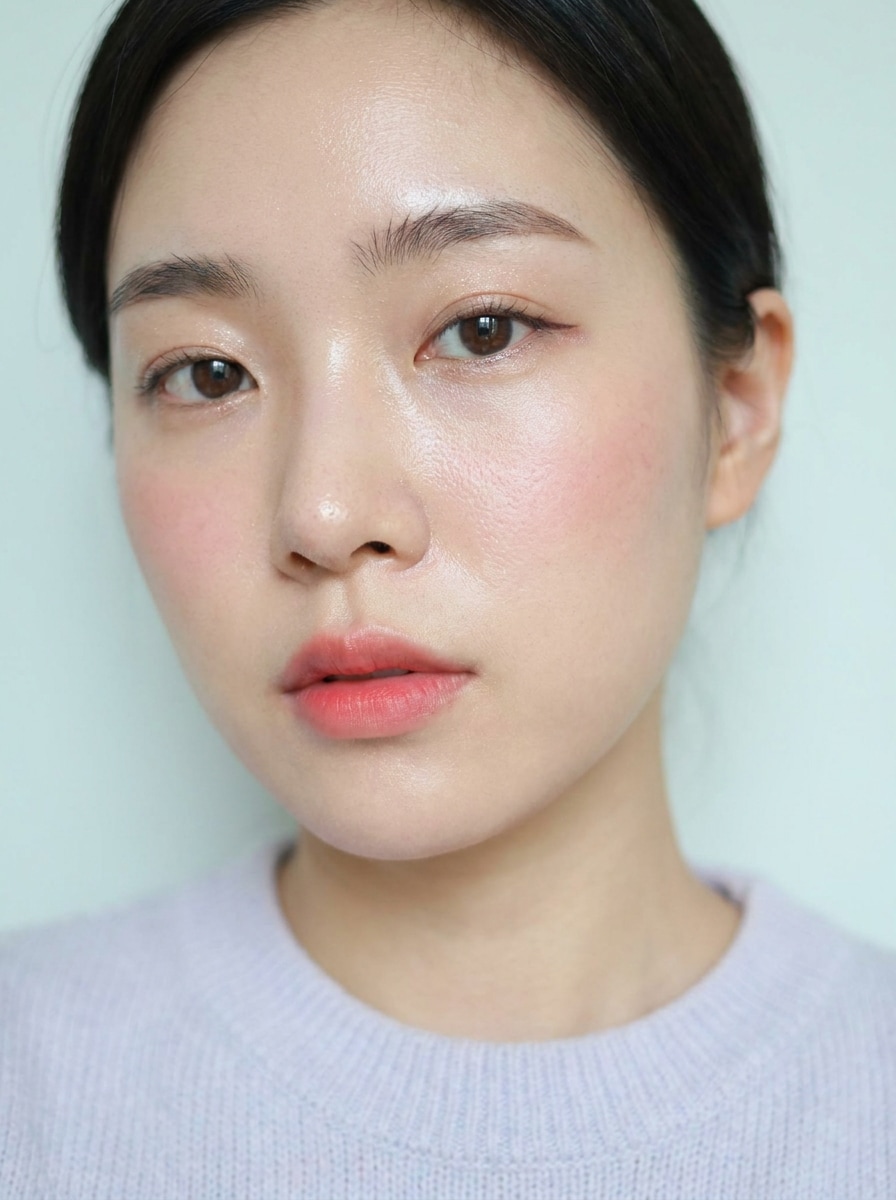
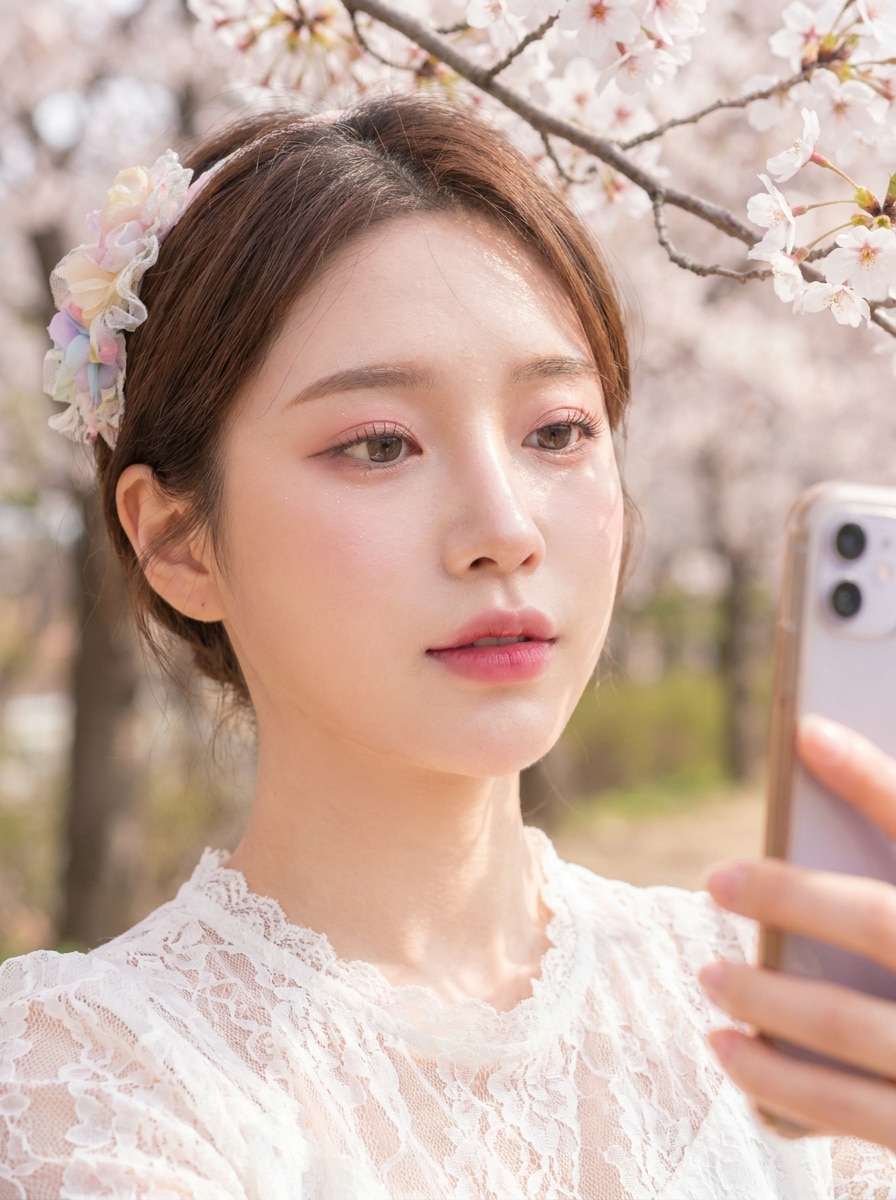
Turn one selfie into a polished korean makeup filter look with glass skin, gradient lips, soft blush, and idol-inspired details. Media.io helps you try a realistic korean beauty filter style online, compare variations quickly, and download share-ready results for social posts or profile photos. This workflow is especially useful for korean makeup filter instagram.
Review these example directions, then tailor the prompt details to get stronger results with this Korean Makeup Filter or a softer K-beauty variation.
Glass Skin Glow
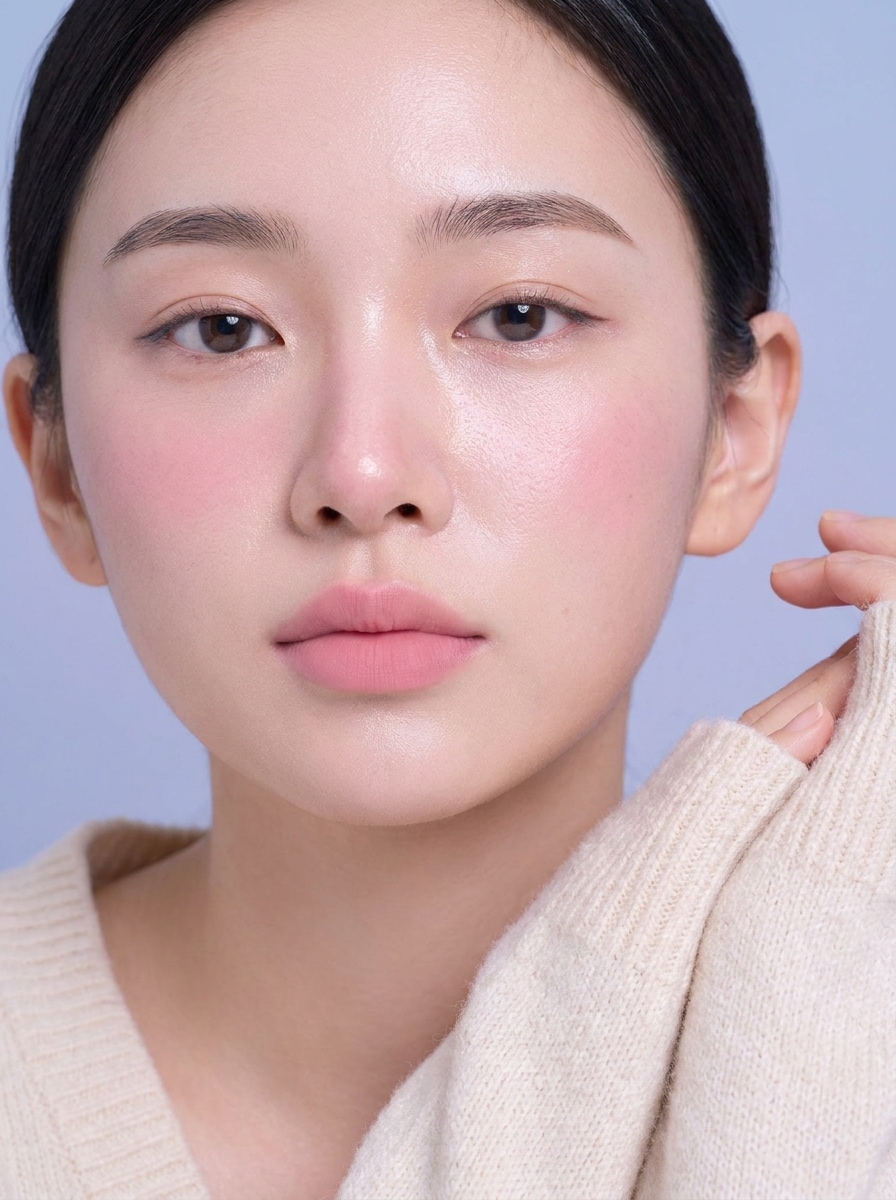
Use the uploaded image as the subject and transform it into a natural Korean makeup look with luminous glass skin, softly blurred pores, peach-pink blush, straight airy brows, delicate eyeliner, subtle aegyo-sal, and fresh gradient pink lips. Keep facial identity realistic, lighting clean, and the portrait high-detail and flattering.
Gradient Lip Look
Use the uploaded selfie as the base and apply a soft everyday Korean makeup transformation with dewy skin, light pink blush, natural eye definition, softly brightened under-eyes, and blurred cherry-pink gradient lips. Keep the finish realistic, elegant, and close-up portrait focused with gentle daylight tones.
Aegyo-Sal Soft Eye
Use the uploaded portrait and enhance it with a Korean eye makeup filter featuring subtle aegyo-sal, bright under-eyes, thin eyeliner, separated natural lashes, smooth radiant skin, soft blush, and neutral pink lips. Preserve the person’s identity, keep proportions natural, and use crisp but gentle beauty retouching.
K-Pop Stage Glow
Use the uploaded image as the subject and create a polished K-pop idol-inspired makeup transformation with luminous pore-softened skin, softly sculpted contour, glossy gradient lips, extended eyeliner, bright eyes, and pink-peach blush. Keep the face recognizable, refined, and editorial without looking artificial.
Soft Idol Natural
Use the uploaded selfie and apply a soft Korean idol makeup style that still feels natural, with fresh dewy skin, feathered straight brows, subtle shimmer lids, a tiny eyeliner wing, rosy blush, and blurred lips. Keep skin texture believable and the result suitable for profile photos or social sharing.
Cherry Blossom Makeup
Use the uploaded photo as the subject and transform it into a romantic Korean spring makeup look with translucent glowing skin, petal-pink blush across the cheeks, soft pink eyeshadow, natural lashes, and gradient rose lips. Keep the atmosphere airy, youthful, and realistic with gentle pastel color harmony.
Winter Clean Girl K-Beauty
Use the uploaded image and create a cool-toned Korean winter makeup look with hydrated skin, cool pink blush, clean straight brows, minimal eyeliner, and soft matte-pink lips. Keep the style fresh, understated, and modern, with realistic skin texture and crisp portrait lighting.
K-Beauty Magazine Cover
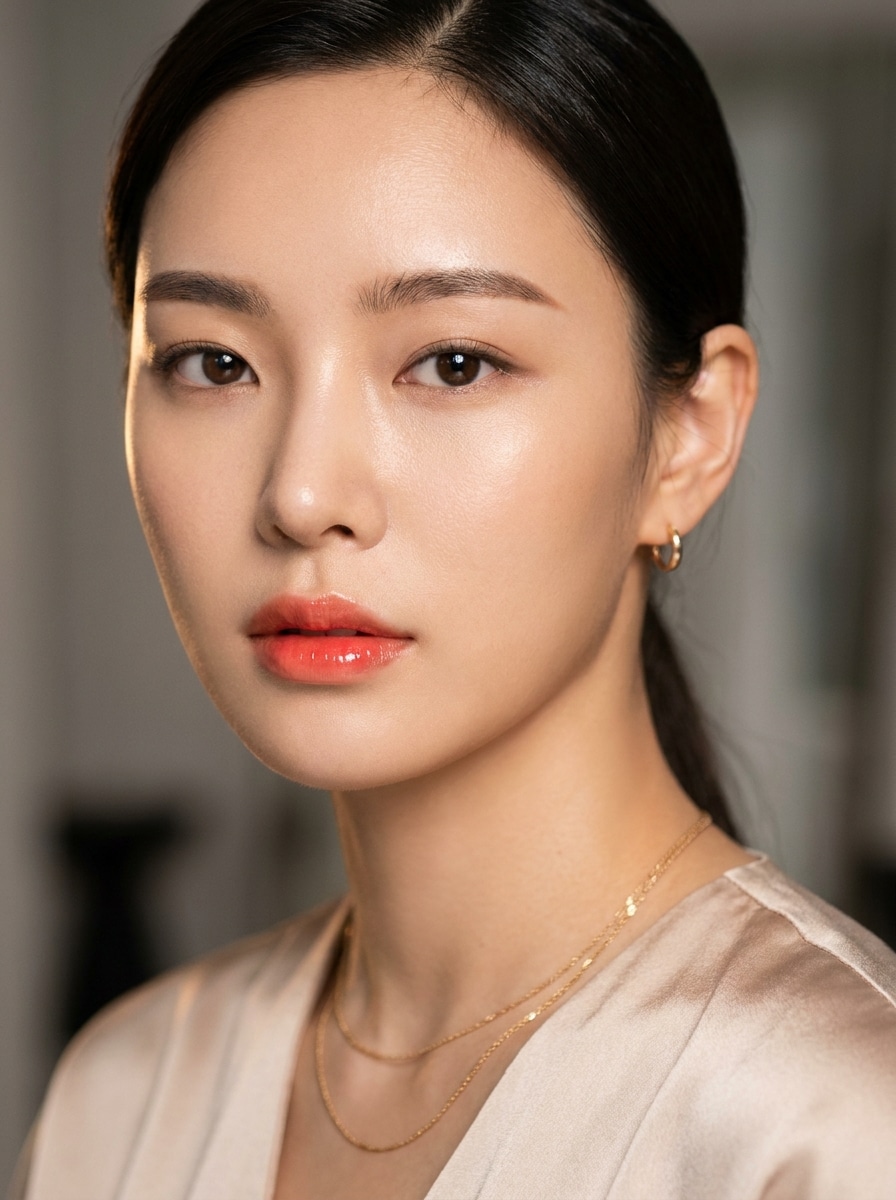
Use the uploaded portrait and turn it into a Korean beauty editorial cover style with flawless glowing skin, polished straight brows, subtle contour, glossy coral gradient lips, and soft eye definition. Keep the subject recognizable while adding premium studio polish and luxury beauty-campaign lighting.
Minimal Beige fully clothed
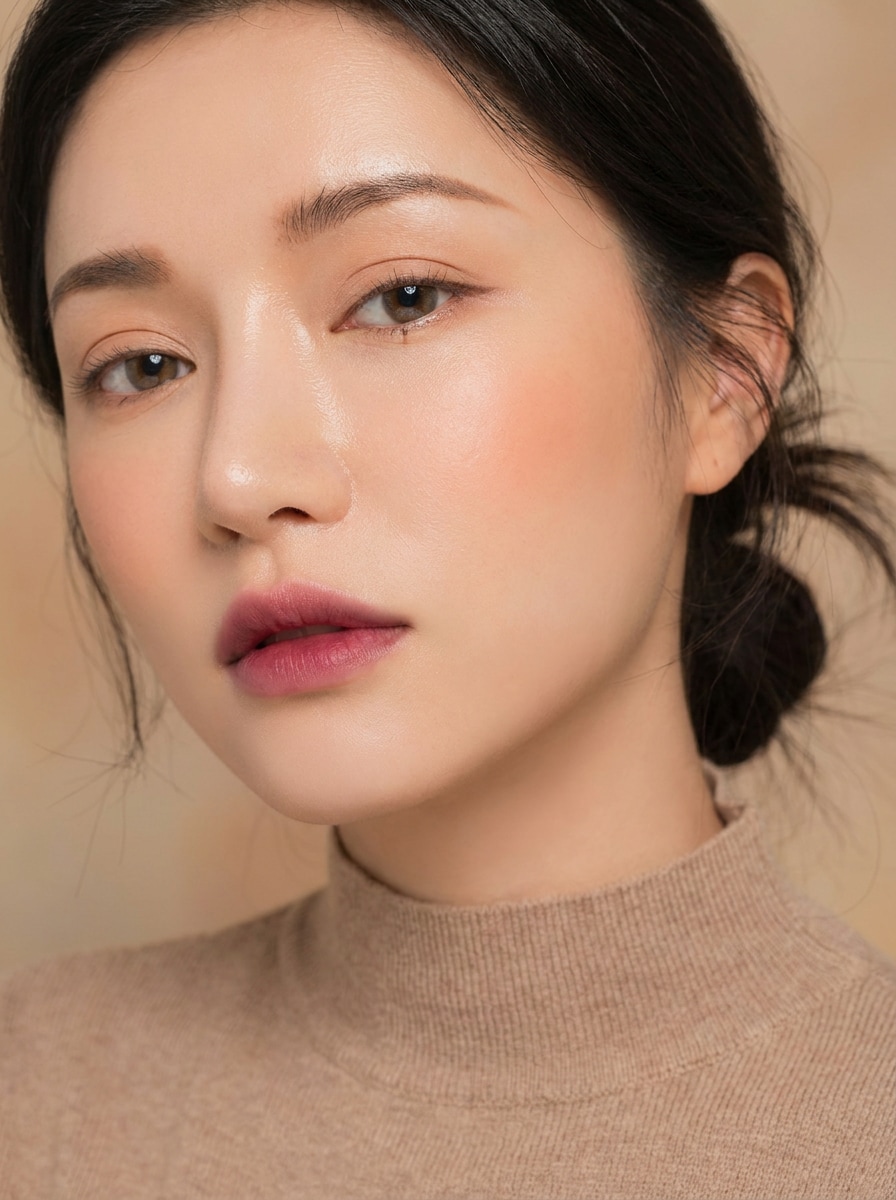
Use the uploaded selfie as the base and apply a minimalist Korean fully clothed makeup filter with dewy complexion, beige-peach eyelids, understated liner, soft blush, and muted gradient fully clothed lips. Keep the result natural, refined, and close-up focused with smooth but realistic texture.
Before-and-After Split
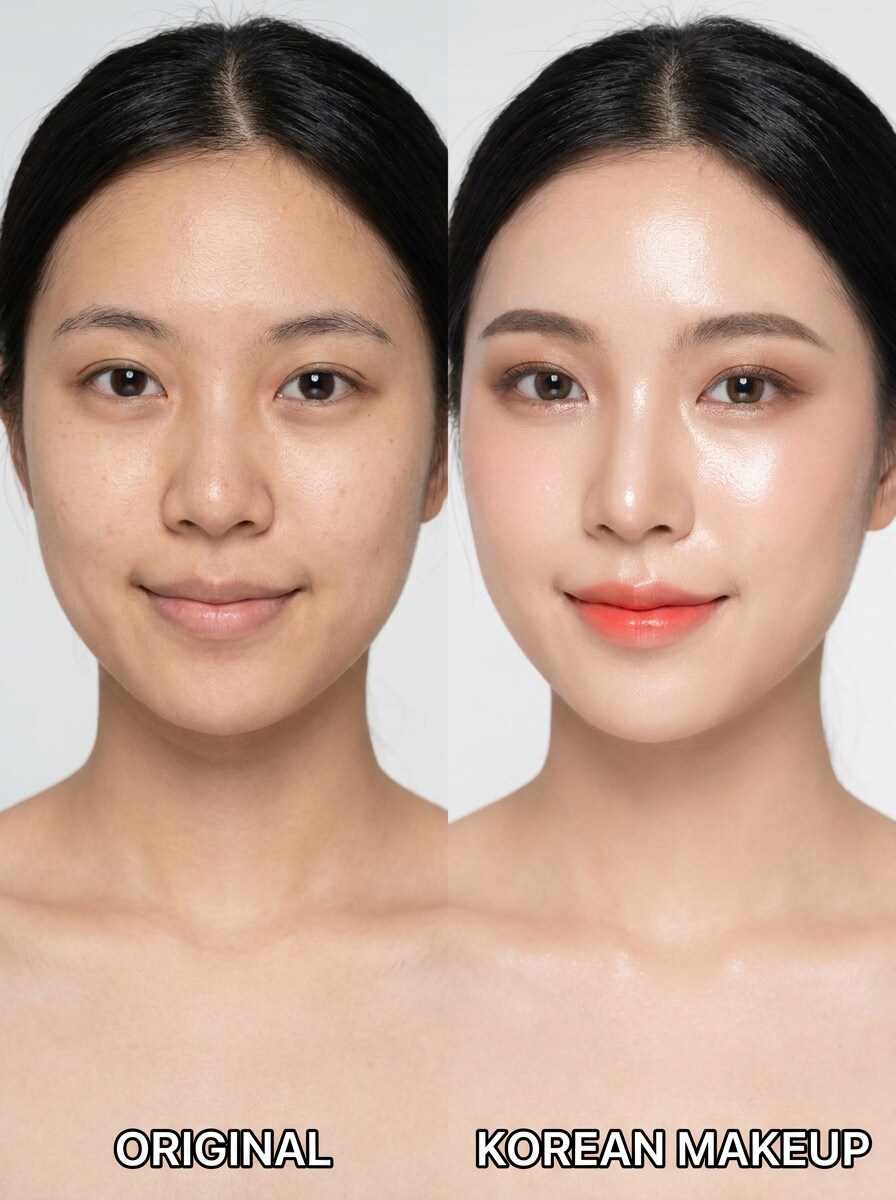
Use the uploaded selfie to create a side-by-side transformation image showing the original on one side and a Korean makeup enhanced version on the other. Add glass skin, gradient lips, soft eye makeup, and natural blush while keeping the subject realistic and the layout clean for social sharing.
Why Use Media.io for Korean Makeup Photo Transformations
Keep the Subject Recognizable in New Styles
Media.io lets you upload one clear portrait and apply a korean idol makeup filter or a softer daily style while keeping your facial identity recognizable, so the finished image looks flattering, believable, and useful for real profile photos or beauty.
Explore Different Looks Without Losing Direction
When the art direction is still open, Media.io lets you test multiple looks around the same korean makeup filter visual idea, making it easier to find the right style without rebuilding from zero.
Generate Cleaner Output Up to 4K
When a korean makeup filter visual is headed for real publishing use, Media.io gives you sharper output up to 4K, which helps the image stay clear across presentations, backgrounds, and reused assets.
Work Across Devices Without Extra Installs
Switching between devices is easier with Media.io because the workflow stays in your browser, so you can review a k beauty filter draft on your phone, continue on a laptop, and keep the same editing flow with less friction.
How to Apply a Korean Makeup Filter Online
Turn your words into stunning visuals in three simple steps, then continue refining the result if you want to take it further.
Step 1
Upload Your Reference Image
Start with a clear selfie or portrait in JPG, PNG, or JPEG format. A front-facing image with visible eyes, lips, and skin detail gives Media.io a stronger base for realistic K-beauty transformations.
Step 2
Describe the Change and Set Options
Enter the look you want, such as glass skin, straight brows, soft blush, gradient lips, or an idol-inspired finish. Then choose your model and adjust aspect ratio, resolution, or the number of image variations.
Step 3
Generate, Download, and Keep Improving
Generate your filtered versions, compare the results, and download the one you like best. You can keep refining the prompt to make the style softer, glowier, cleaner, or more editorial until it matches your vision.
See how creators use this Korean Makeup Filter for content, marketing, and personal projects, then adapt each idea to fit the brief.
Upgrade Selfies for Reels, Stories, and Profile Photos
Turn an everyday portrait into a polished beauty image with soft blush, dewy skin, and gradient lips that fit short-form social content. Media.io makes this style easy to test when you want a clean, flattering finish without heavy manual retouching.
Preview Idol-Inspired Makeup Before You Try It
Test different face-framing looks digitally before recreating them with real products. With Media.io, you can compare subtle under-eye brightening, glossy lips, and straight brows across softer daily styles or a more camera-ready korean idol makeup filter aesthetic.
Build Beauty Mood Boards and Before/After Content
Create side-by-side transformations or multiple style variations from one upload for Pinterest boards, beauty concept planning, or creator content. Media.io gives you a practical way to visualize how different Korean-inspired finishes change the overall portrait mood.
What Users Say About This Korean Makeup Filter
Mina L.
Beauty Content Creator
"Natural glow without losing facial detail" I wanted a softer K-beauty finish instead of a heavy beauty app look, and this gave me exactly that. The glass-skin effect and gradient lips looked polished, but my face still looked like me.
Ariana P.
Social Media Manager
"Helpful for quick social-ready variations" I used one selfie to test several looks for profile images and story content. Being able to compare different Korean-style makeup edits in one workflow saved me a lot of time.
Jisoo K.
Student & K-Beauty Fan
"Great for trying idol-inspired looks" The results felt closer to real Korean makeup trends than generic filters. I liked the soft brows, under-eye brightening, and glossy lip details, especially for more idol-inspired edits.
Chloe R.
Lifestyle Blogger
"Easy on phone and desktop" I tried it first on my phone and later refined the same idea on my laptop. The browser workflow was simple, and the final portrait looked clean enough to use in posts and mood boards.
A Korean makeup filter is an AI photo effect that transforms a selfie with features often associated with K-beauty, such as dewy skin, soft blush, straight brows, subtle eye definition, and gradient lips. In Media.io, you upload one portrait and guide the look with a prompt to create a realistic Korean-style makeup result.
2. How can I add a Korean makeup look to a photo online?
Upload a clear selfie to Media.io in JPG, PNG, or JPEG format, then describe the makeup style you want, such as glass skin, soft pink blush, or an idol-inspired finish. After that, choose your model and image settings, generate the result, and download the version that matches your preferred look.
3. Is this Korean makeup AI filter free to use?
Media.io offers free credits, so you can try this Korean makeup AI filter before upgrading. Free users may see watermarks, while paid subscribers can download watermark-free high-resolution images. For more usage details, you can check the pricing page.
4. Can I create natural K-beauty looks from just one selfie?
Media.io is designed for image-to-image editing, so one clear selfie is enough to guide the transformation. You can create natural looks like glass skin, soft blush, bright under-eyes, and gradient lips while keeping the result close to your original features.
5. Will the filter keep my face realistic instead of over-editing it?
It can, especially when you start with a clear portrait and use a prompt that asks for a natural finish. Media.io supports reference-based editing, which helps preserve recognizable facial identity while applying makeup-style changes instead of forcing an overly artificial beauty effect.
6. Can I use the Korean beauty filter on iPhone, Android, or desktop?
Media.io is web-based, so you can use this filter on any device with a browser, including iPhone, Android phones, Windows PCs, and Mac computers. That makes it easy to edit a selfie wherever you are without installing a separate app.